PROGRAMMING IN MATLAB
Introduction
o A computer program is a sequence of computer commands. In
a simple program the commands are executed one after the other
in the order they are typed
o MATLAB is also a programming language. Like other computer
programming languages, MATLAB has some decision making
structures for control of command execution
o These decision making or control flow structures include for
loops, while loops, and if-else-end constructions
Introduction
o Control flow structures are often used in script M-files and
function M-files
o By creating a file with the extension .m, we can easily write and
run programs
o We do not need to compile the program since MATLAB is an
interpretative (not compiled) language
Relational and logical operators
o A relational operator compares two numbers by determining
whether a comparison is true or false
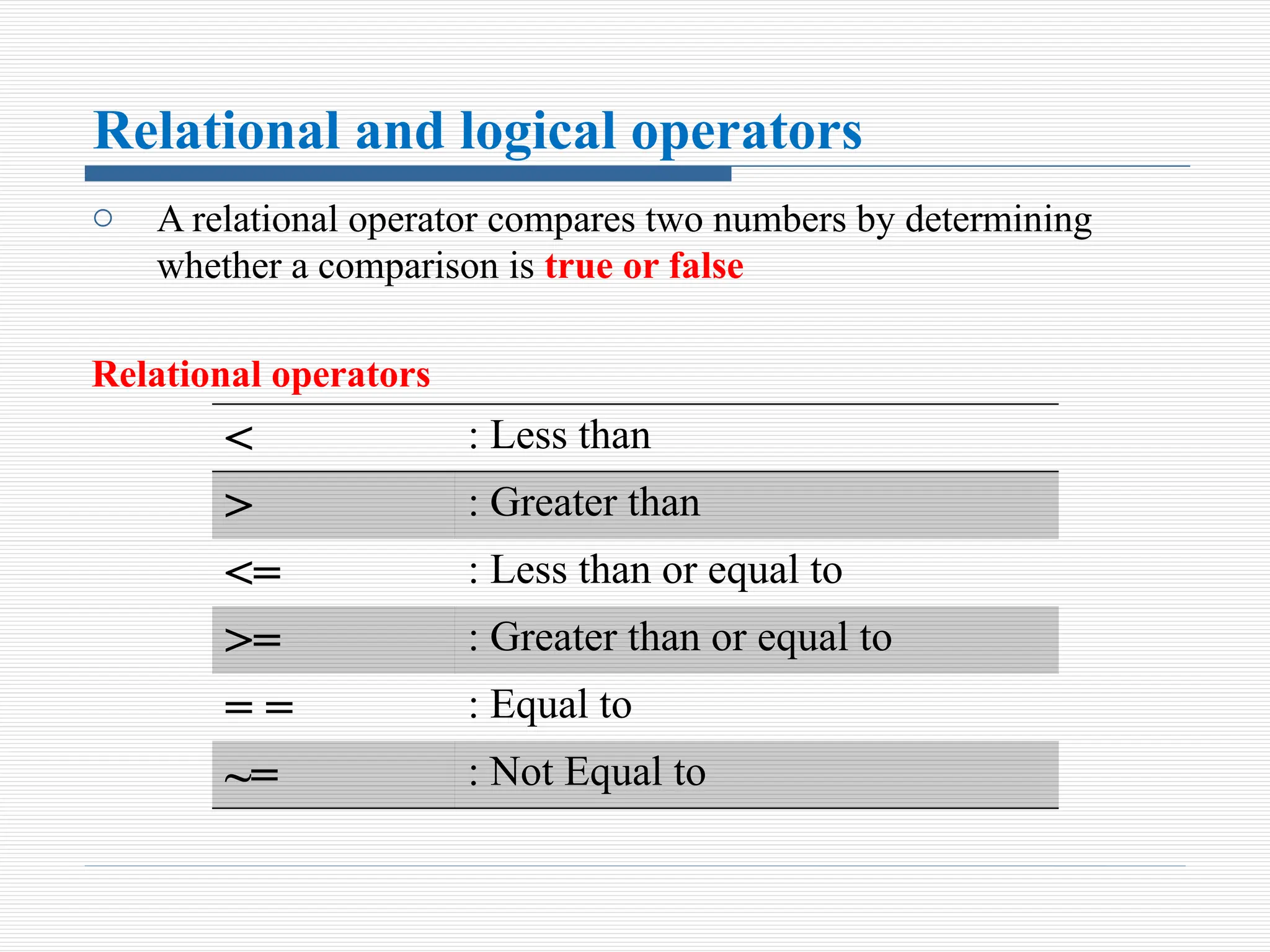
Relational operators
< : Less than
> : Greater than
<= : Less than or equal to
>= : Greater than or equal to
= = : Equal to
~= : Not Equal to
Cont.. .
 Relational operators are used as arithmetic operators within a
mathematical expression. The result can be used in other
mathematical operations, in addressing arrays, and together
with other MATLAB commands (e.g., if) to control the flow of a
program
 When two numbers are compared, the result is 1 (logical true) if
the comparison, according to the relational operator, is true, and
0 (logical false) if the comparison is false
Cont.. .
 If two scalars are compared, the result is a scalar 1 or 0
 If two arrays are compared (only arrays of the same size can be
compared), the comparison is done element-by-element, and
the result is a logical array of the same size with 1s and 0s
according to the outcome of the comparison at each address
 If a scalar is compared with an array, the scalar is compared
with every element of the array, and the result is a logical
array with 1s and 0s according to the outcome of the
comparison of each element
Logical operators
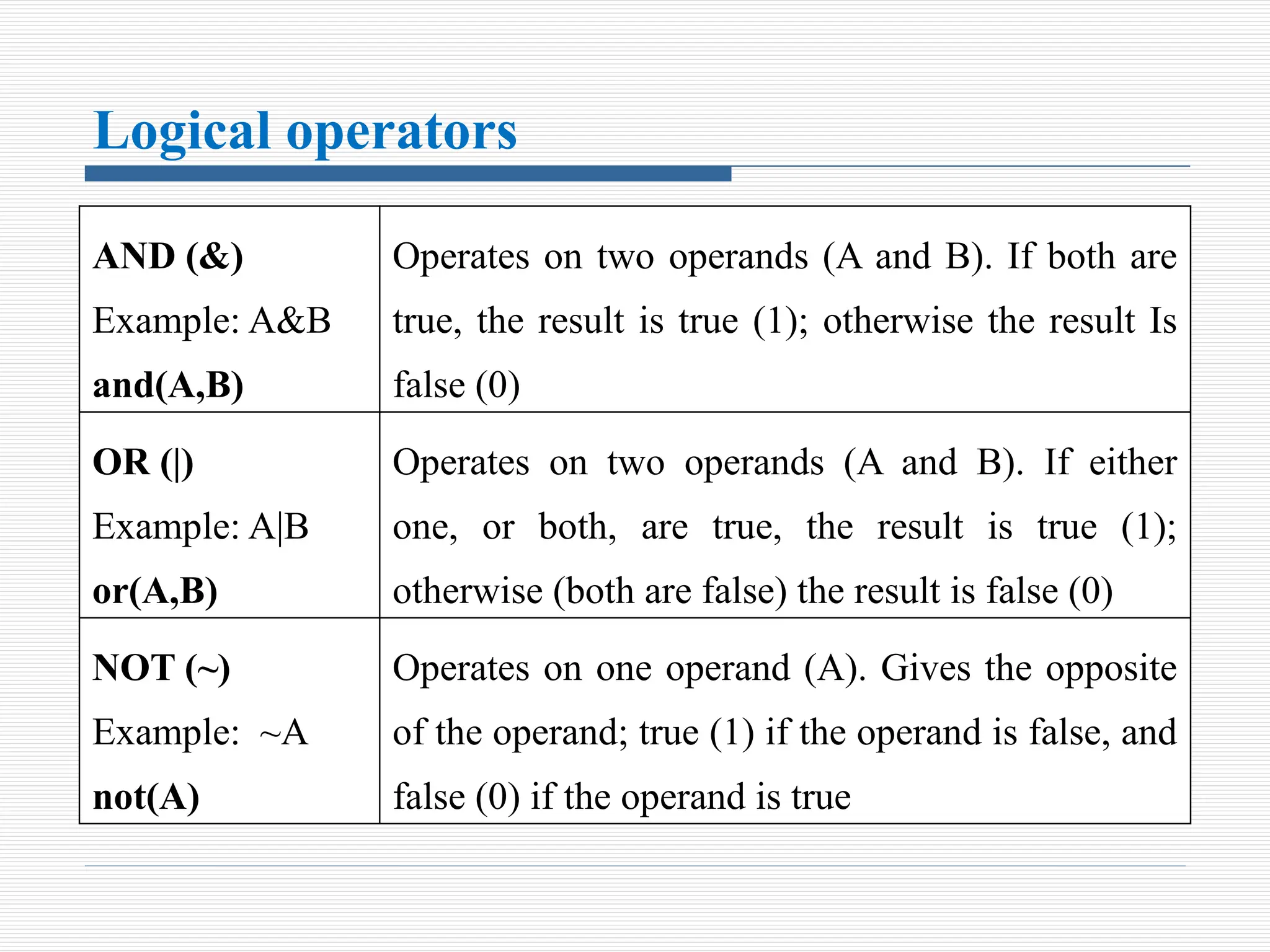
AND (&)
Example: A&B
and(A,B)
Operates on two operands (A and B). If both are
true, the result is true (1); otherwise the result Is
false (0)
OR (|)
Example: A|B
or(A,B)
Operates on two operands (A and B). If either
one, or both, are true, the result is true (1);
otherwise (both are false) the result is false (0)
NOT (~)
Example: ~A
not(A)
Operates on one operand (A). Gives the opposite
of the operand; true (1) if the operand is false, and
false (0) if the operand is true
Cont.. .
 Logical operators have numbers as operands. A nonzero number
is true, and a zero number is false
 Logical operators (like relational operators) can be used with
scalars and arrays
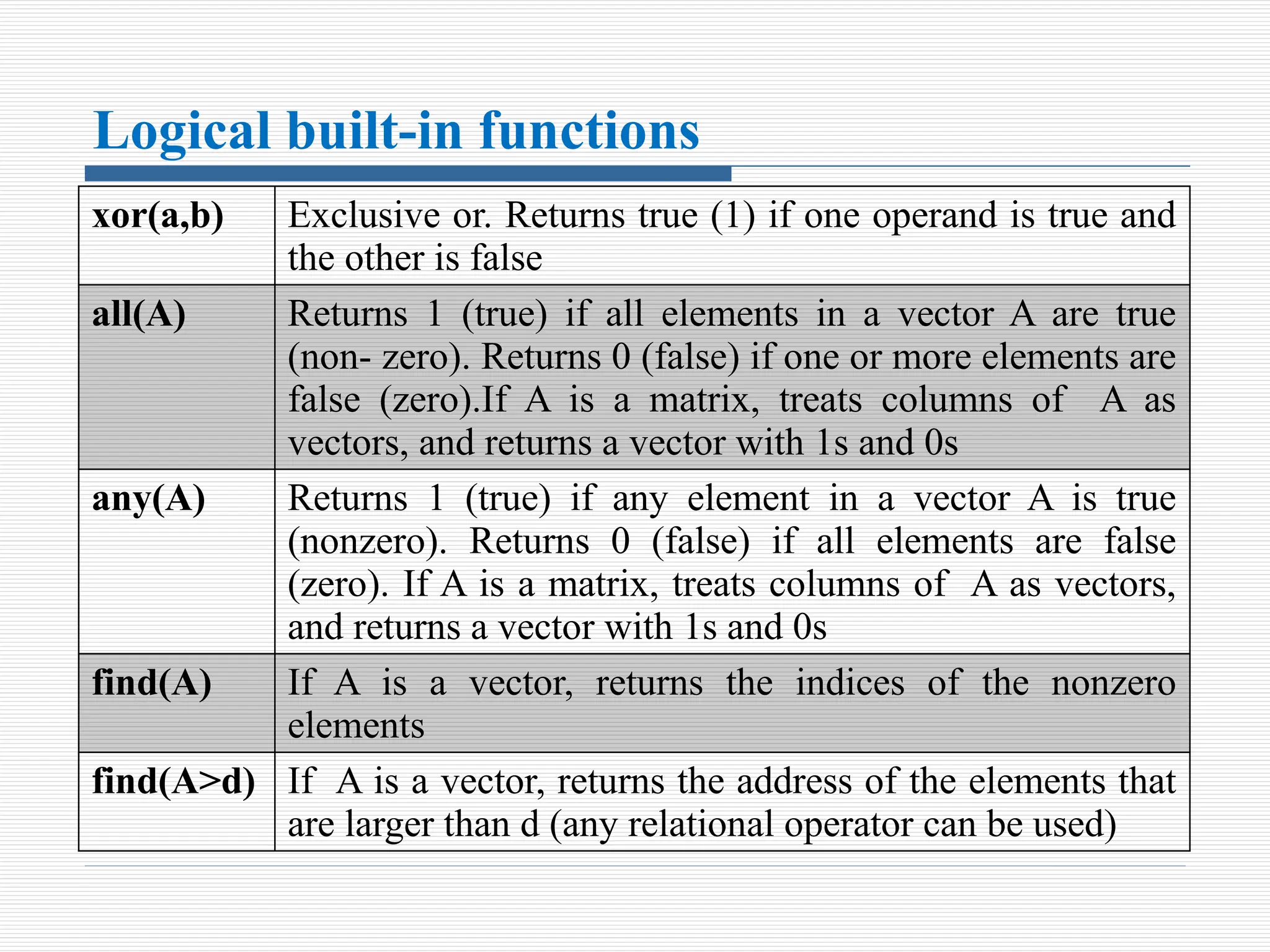
Logical built-in functions
xor(a,b) Exclusive or. Returns true (1) if one operand is true and
the other is false
all(A) Returns 1 (true) if all elements in a vector A are true
(non- zero). Returns 0 (false) if one or more elements are
false (zero).If A is a matrix, treats columns of A as
vectors, and returns a vector with 1s and 0s
any(A) Returns 1 (true) if any element in a vector A is true
(nonzero). Returns 0 (false) if all elements are false
(zero). If A is a matrix, treats columns of A as vectors,
and returns a vector with 1s and 0s
find(A) If A is a vector, returns the indices of the nonzero
elements
find(A>d) If A is a vector, returns the address of the elements that
are larger than d (any relational operator can be used)
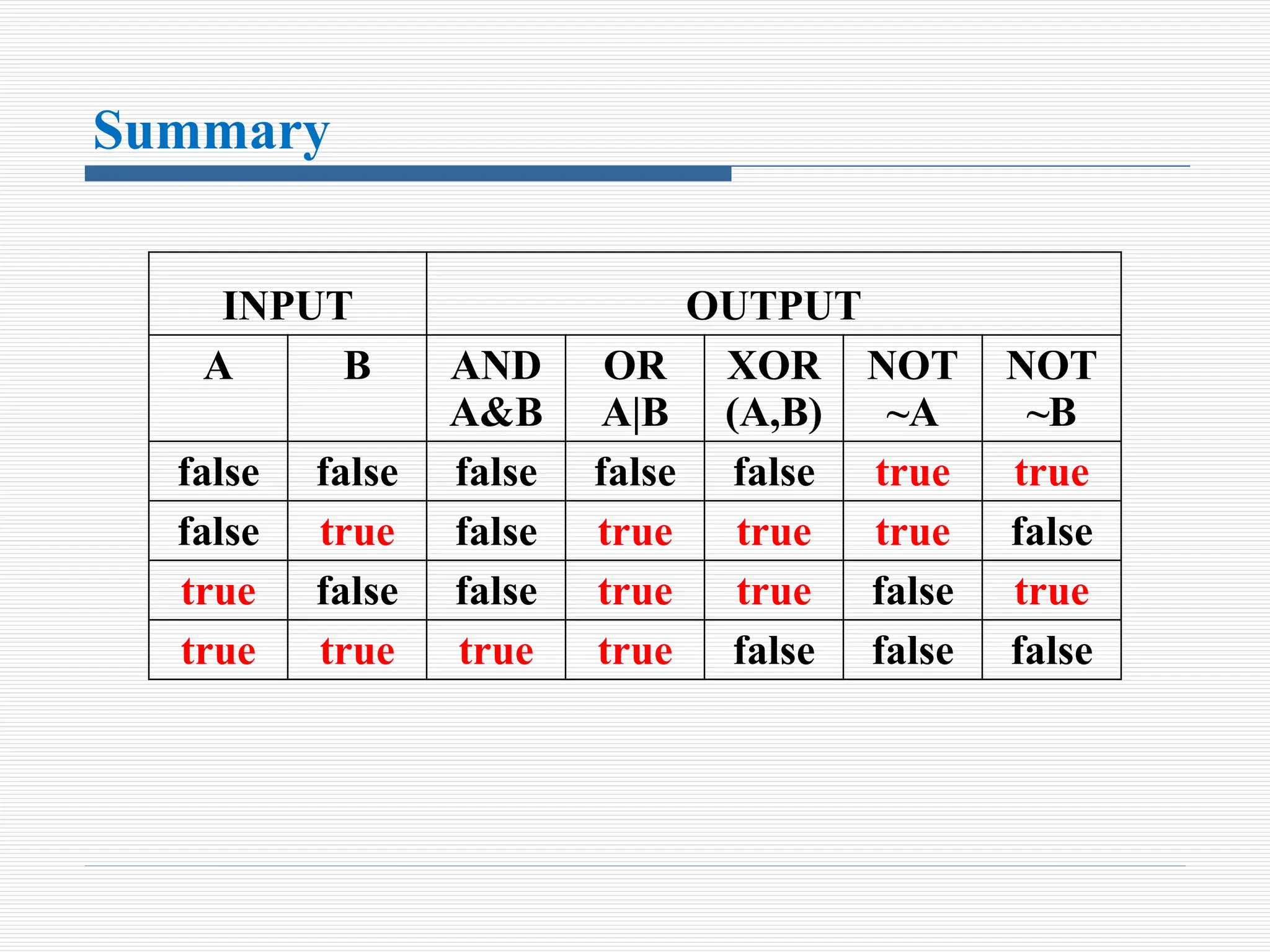
Summary
INPUT OUTPUT
A B AND
A&B
OR
A|B
XOR
(A,B)
NOT
~A
NOT
~B
false false false false false true true
false true false true true true false
true false false true true false true
true true true true false false false
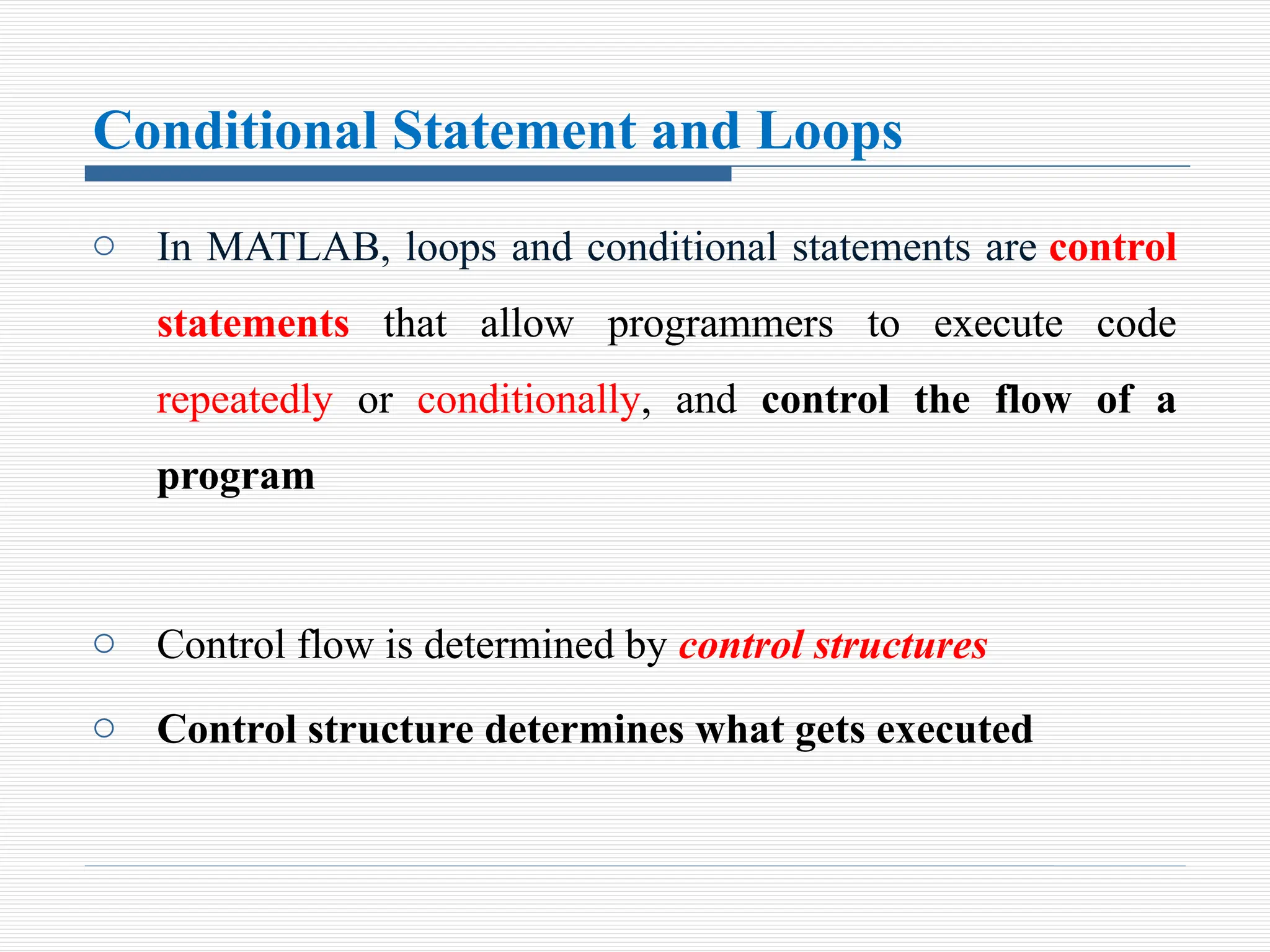
Conditional Statement and Loops
o In MATLAB, loops and conditional statements are control
statements that allow programmers to execute code
repeatedly or conditionally, and control the flow of a
program
o Control flow is determined by control structures
o Control structure determines what gets executed
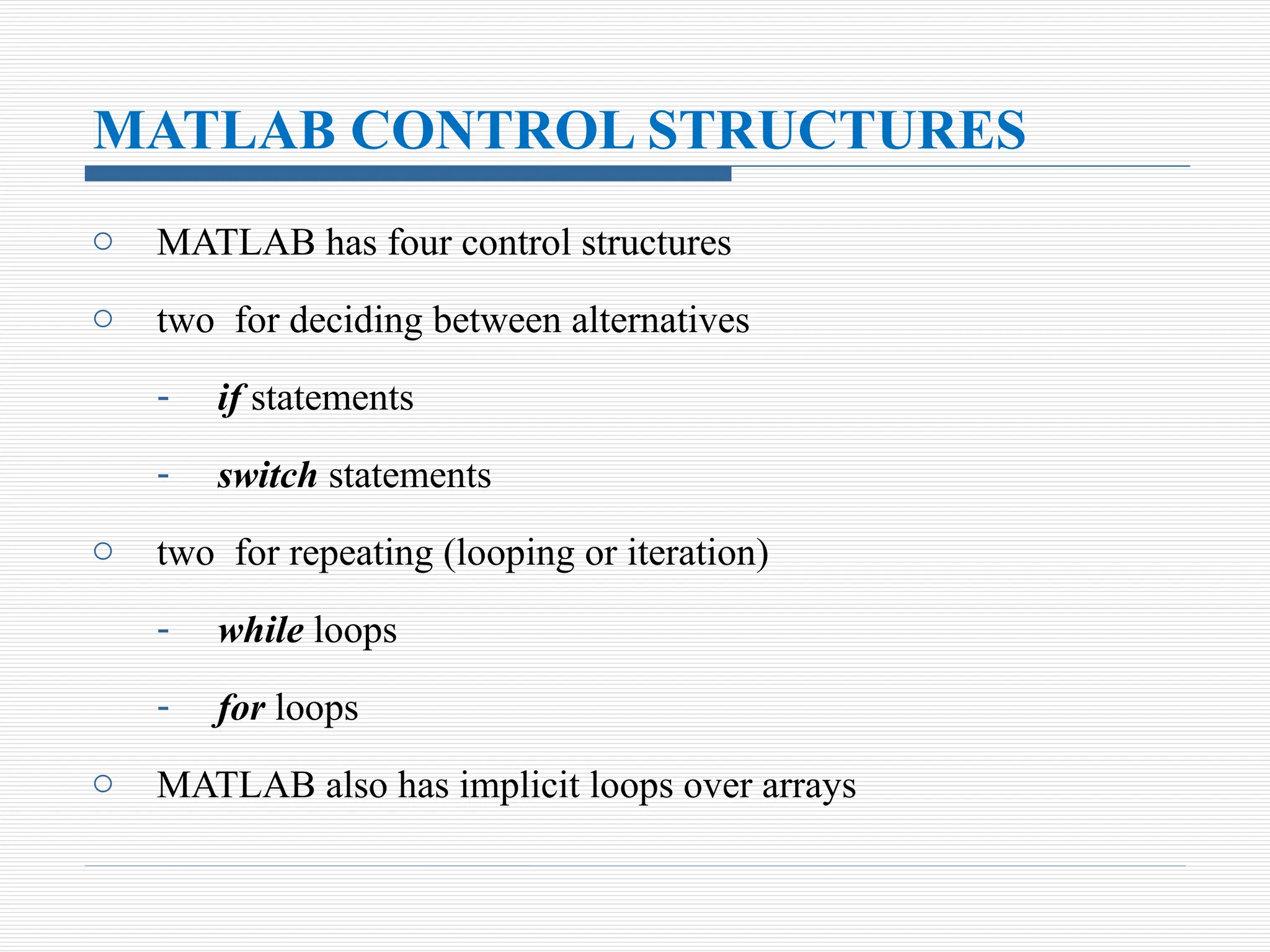
MATLAB CONTROL STRUCTURES
o MATLAB has four control structures
o two for deciding between alternatives
- if statements
- switch statements
o two for repeating (looping or iteration)
- while loops
- for loops
o MATLAB also has implicit loops over arrays
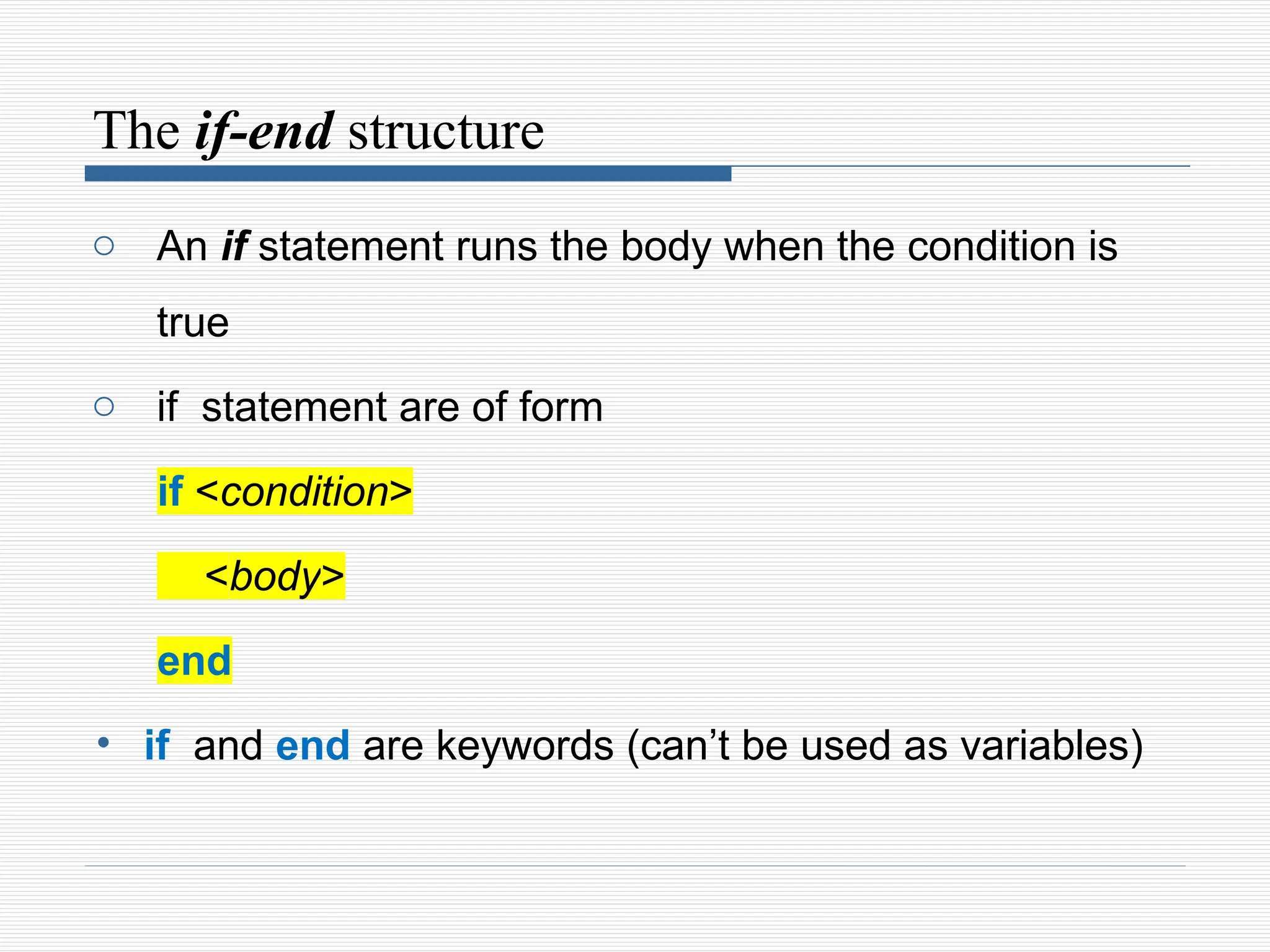
The if-end structure
o An if statement runs the body when the condition is
true
o if statement are of form
if <condition>
<body>
end
• if and end are keywords (can’t be used as variables)
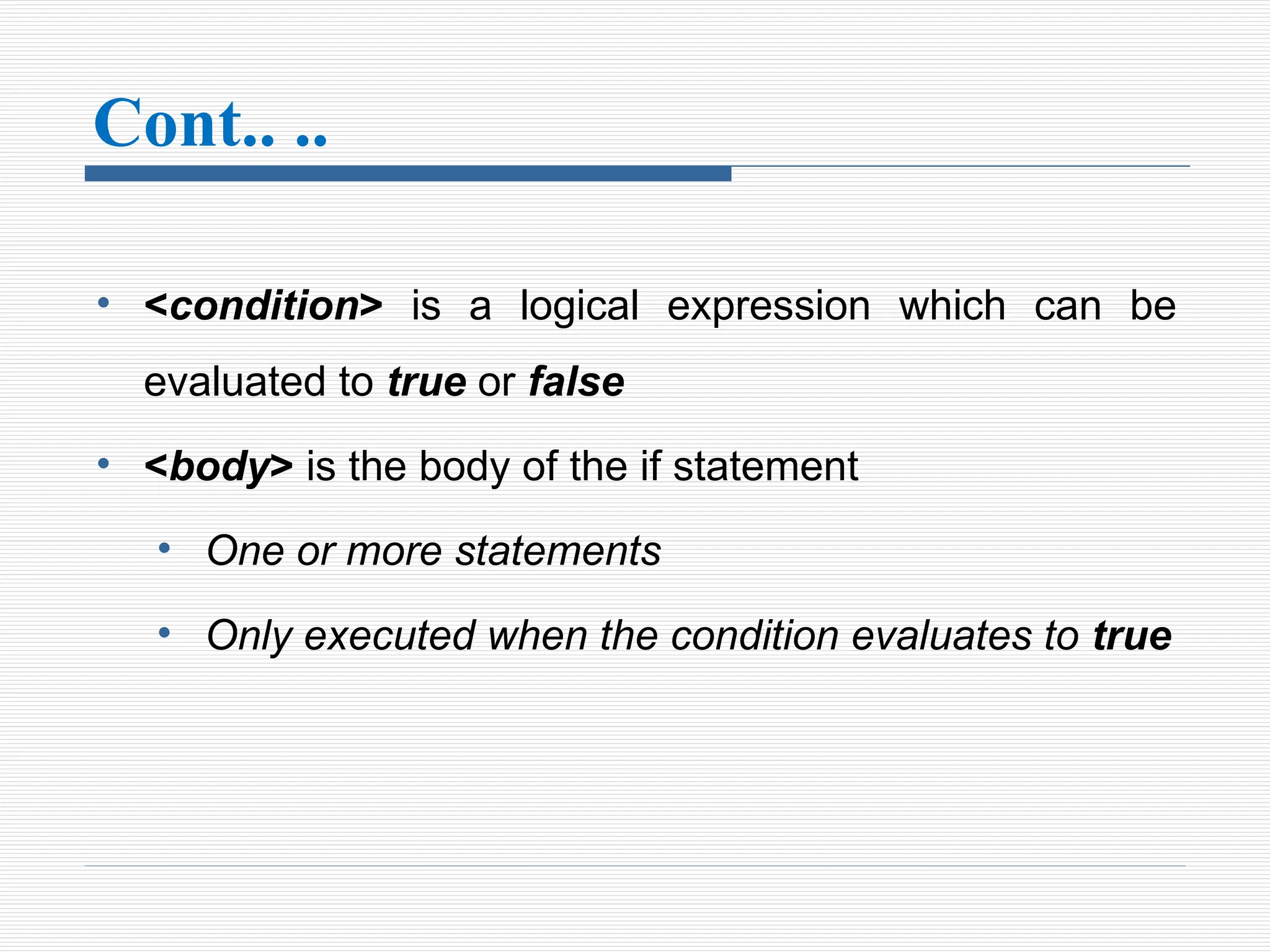
Cont.. ..
• <condition> is a logical expression which can be
evaluated to true or false
• <body> is the body of the if statement
• One or more statements
• Only executed when the condition evaluates to true
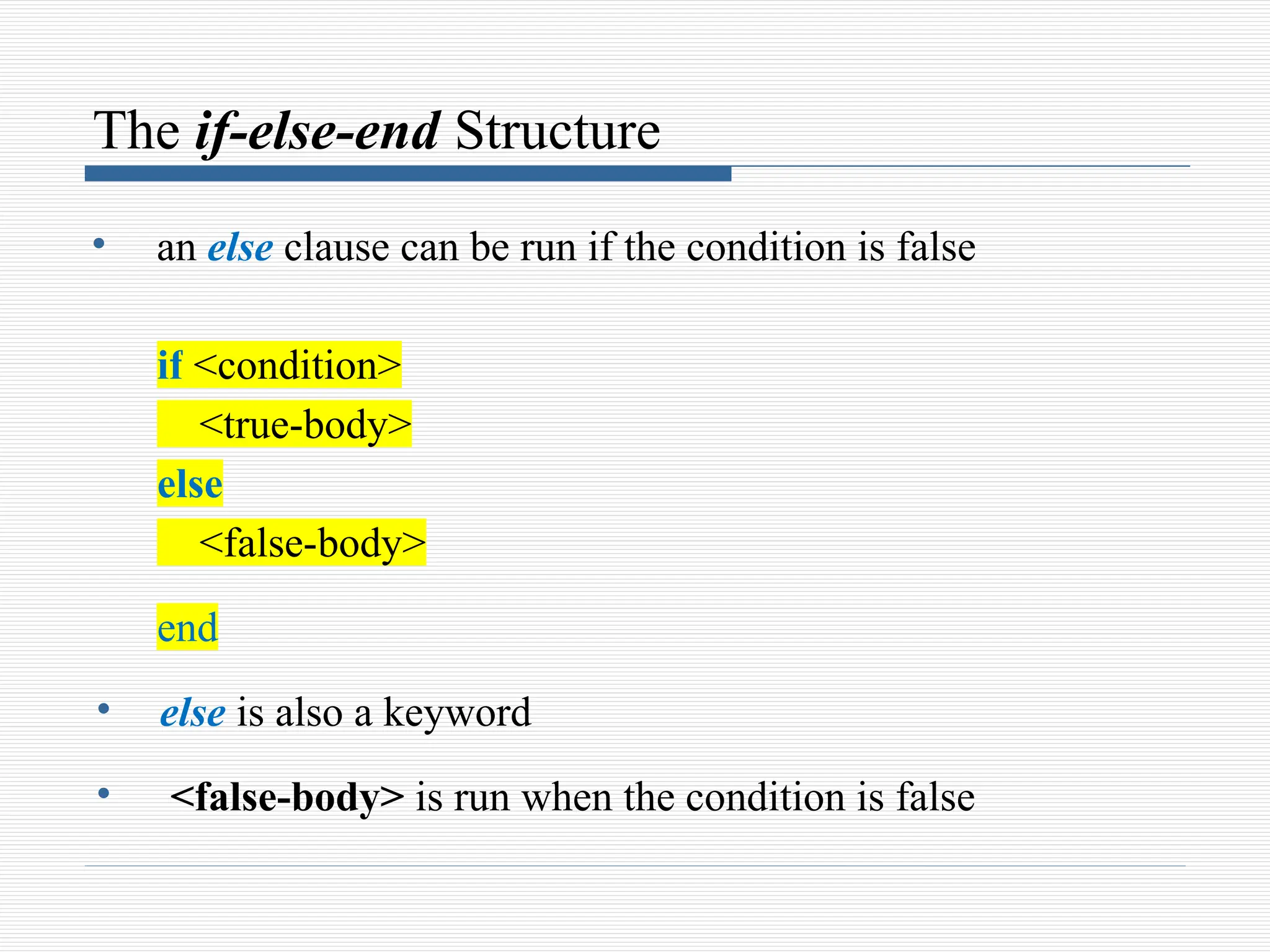
The if-else-end Structure
• an else clause can be run if the condition is false
if <condition>
<true-body>
else
<false-body>
end
• else is also a keyword
• <false-body> is run when the condition is false
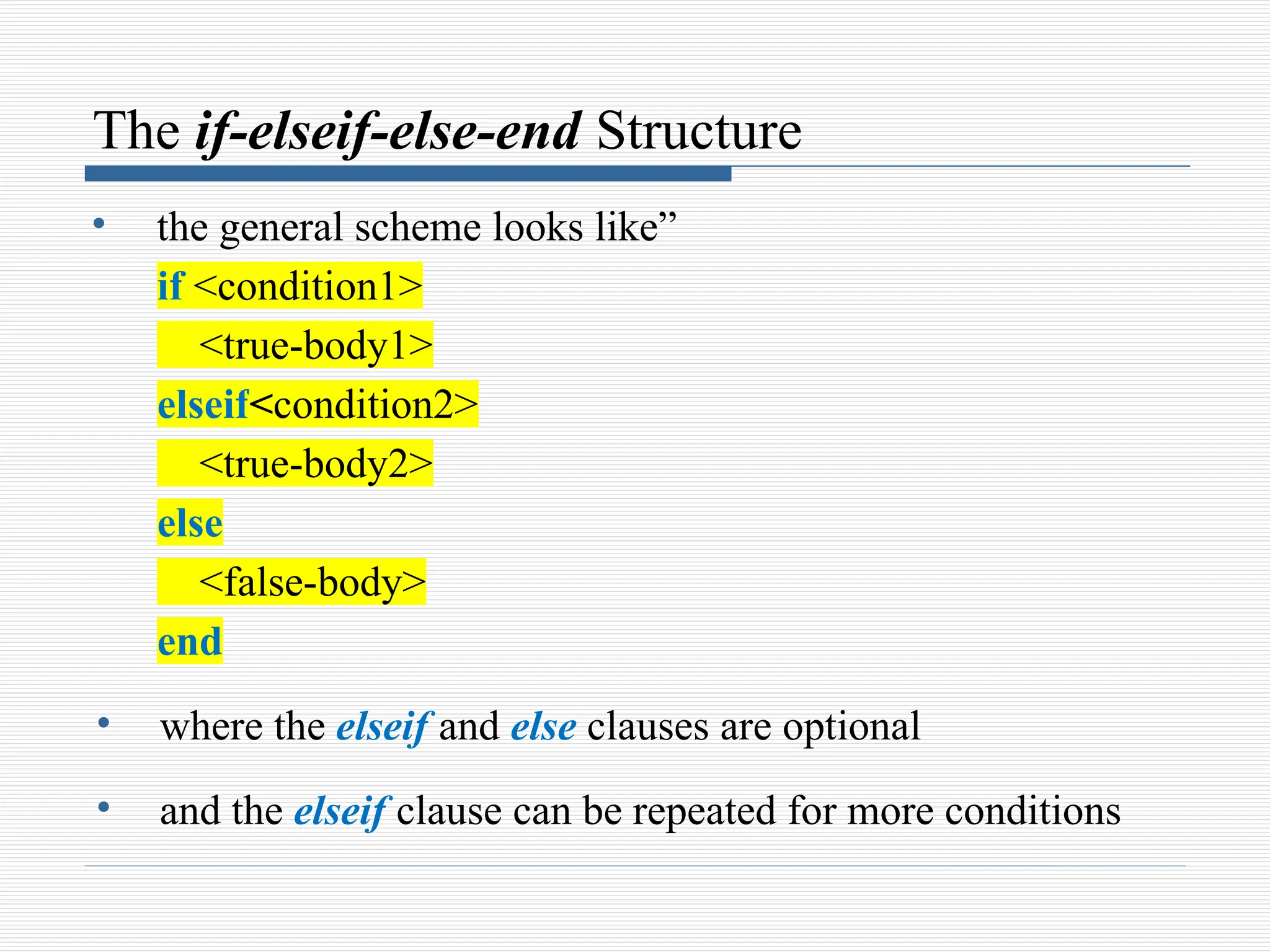
The if-elseif-else-end Structure
• the general scheme looks like”
if <condition1>
<true-body1>
elseif<condition2>
<true-body2>
else
<false-body>
end
• where the elseif and else clauses are optional
• and the elseif clause can be repeated for more conditions
Example
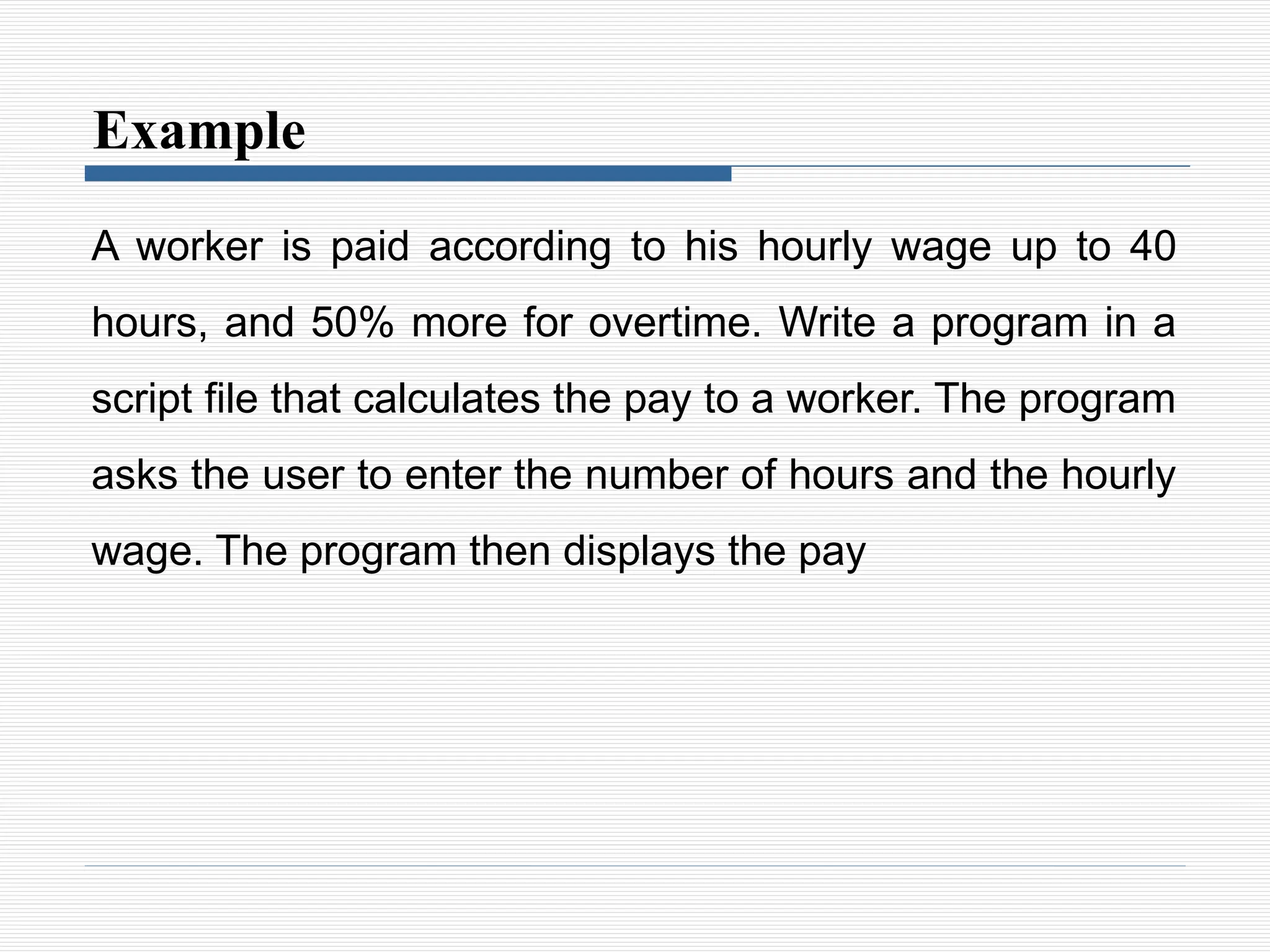
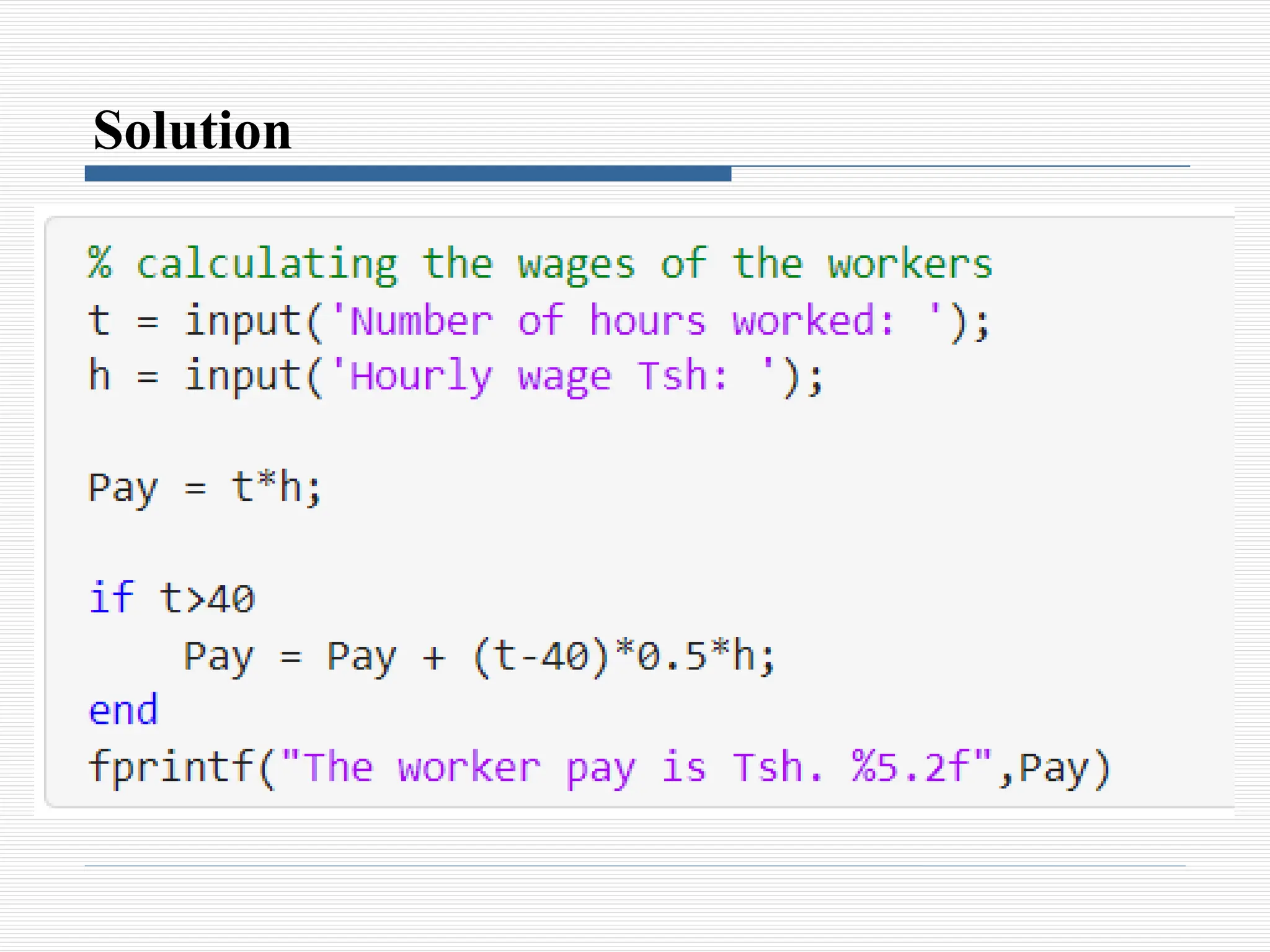
A worker is paid according to his hourly wage up to 40
hours, and 50% more for overtime. Write a program in a
script file that calculates the pay to a worker. The program
asks the user to enter the number of hours and the hourly
wage. The program then displays the pay
Solution
for-end Loops
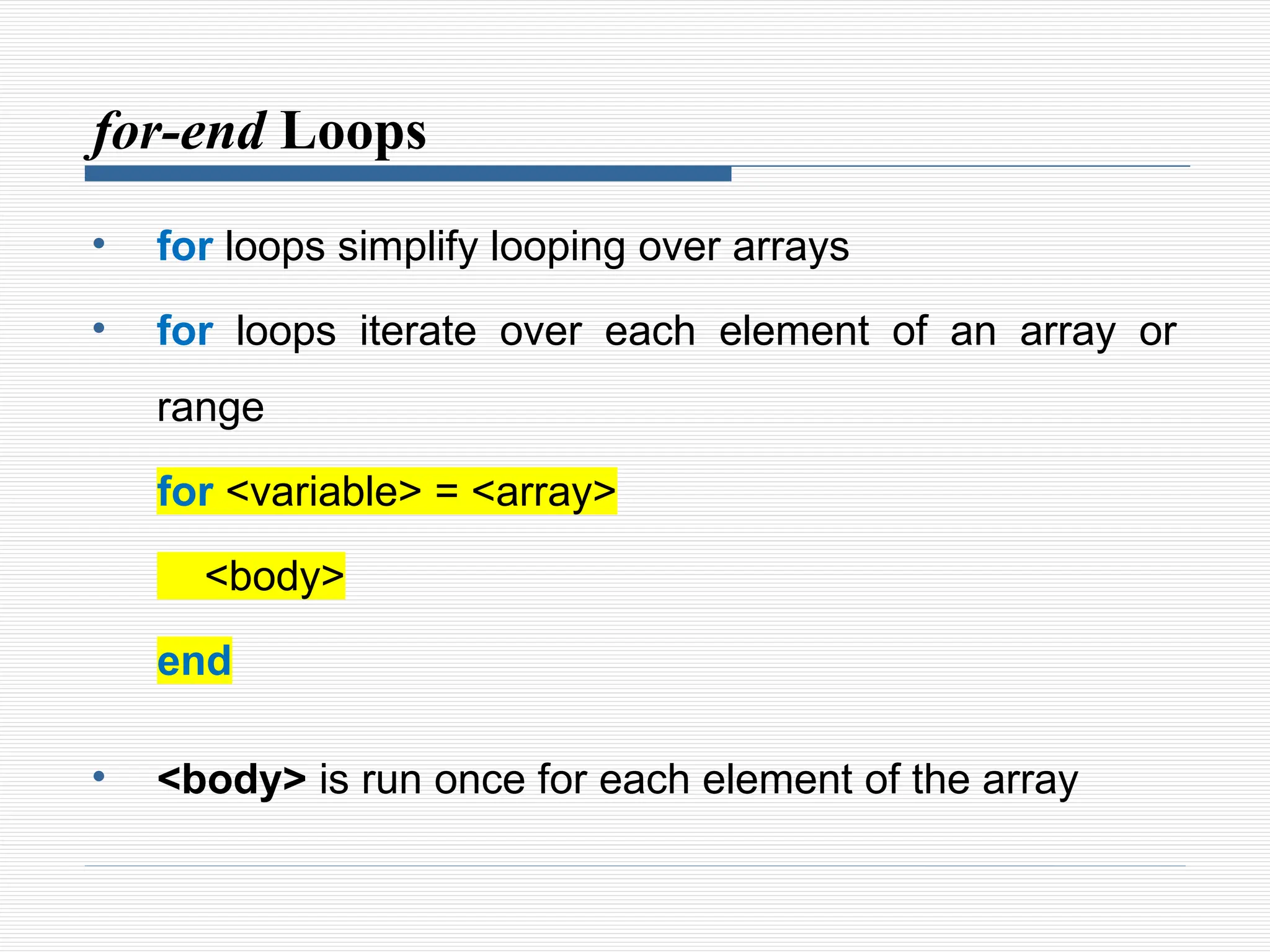
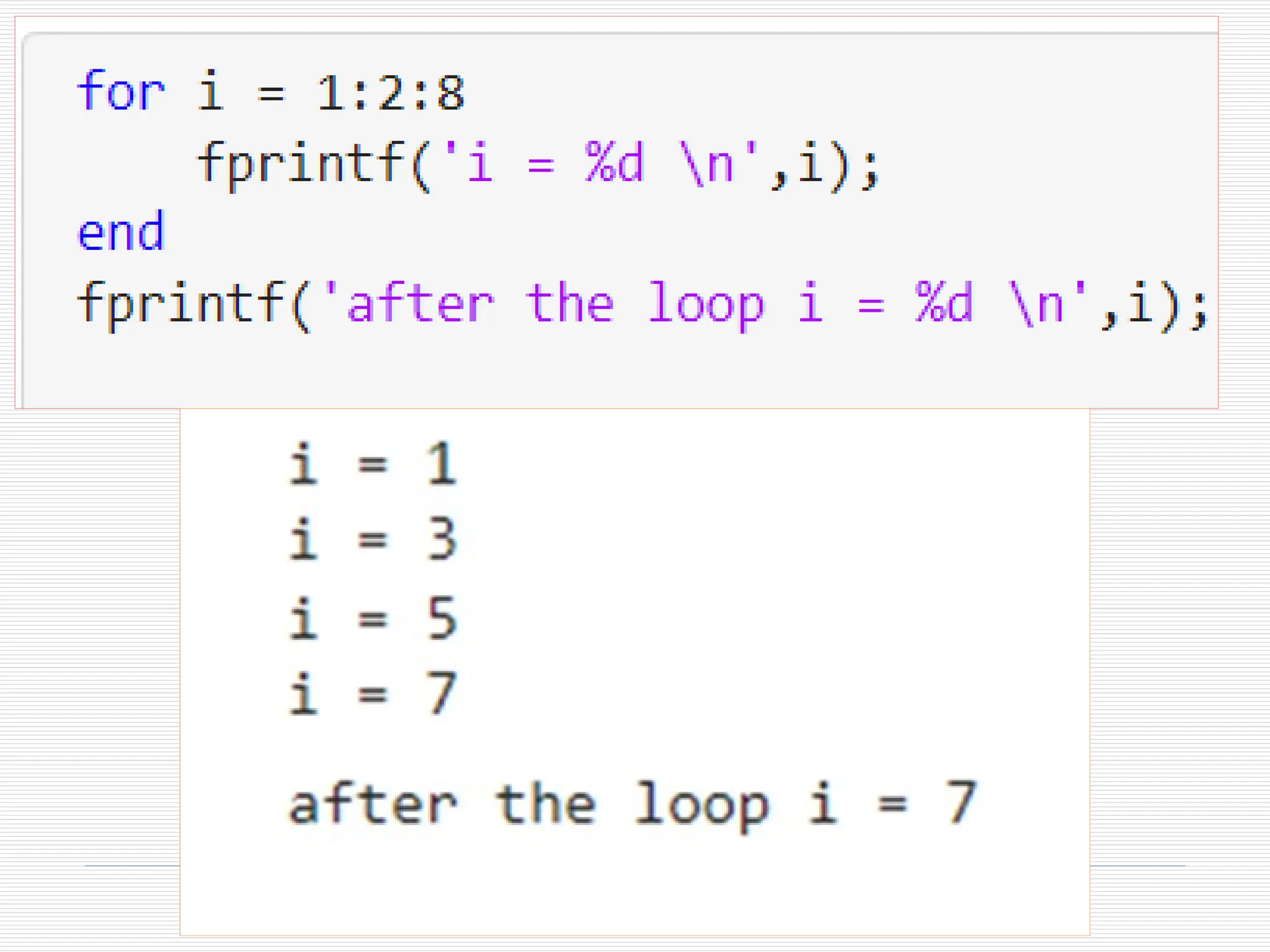
• for loops simplify looping over arrays
• for loops iterate over each element of an array or
range
for <variable> = <array>
<body>
end
• <body> is run once for each element of the array
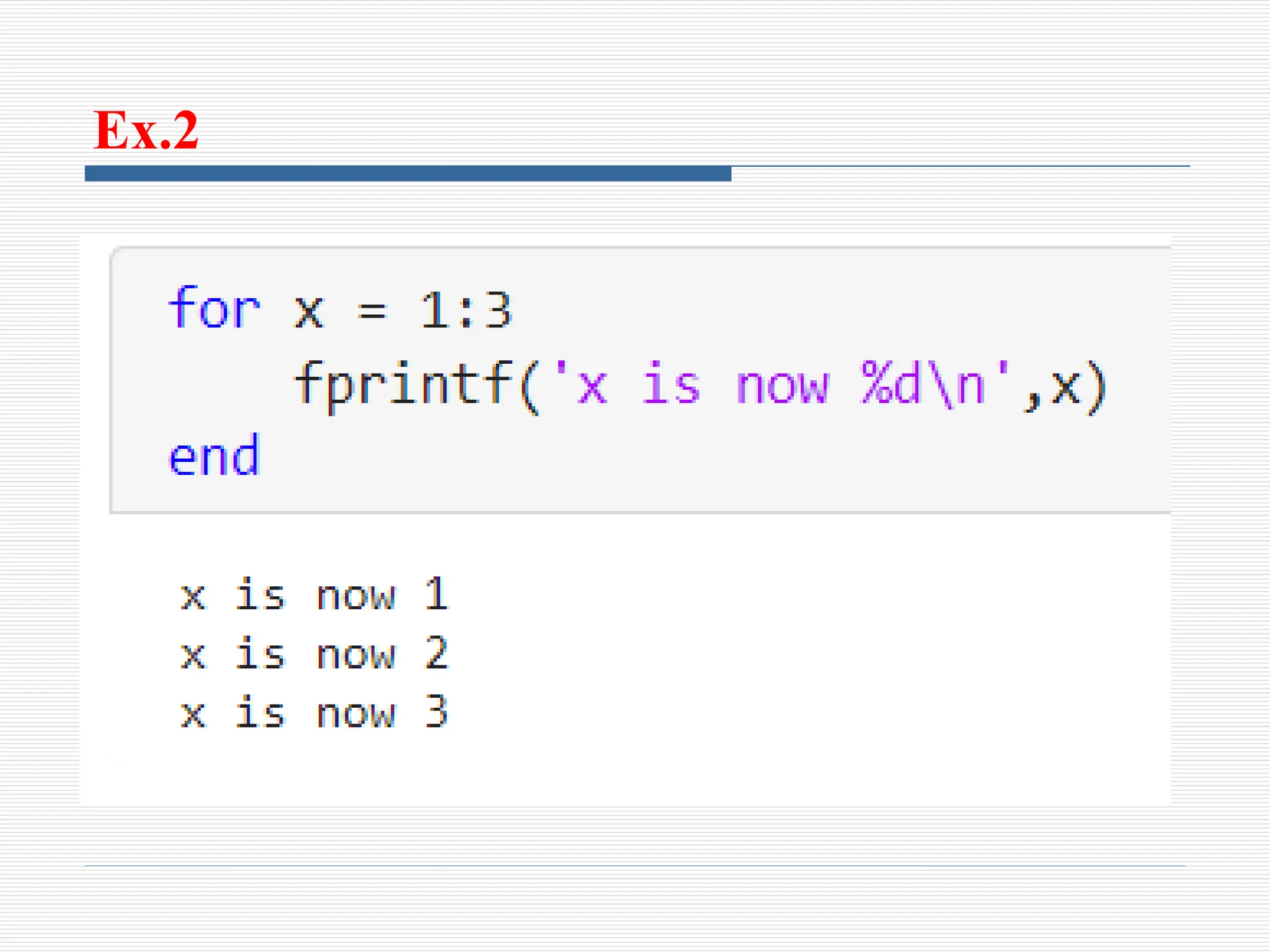
Ex.2
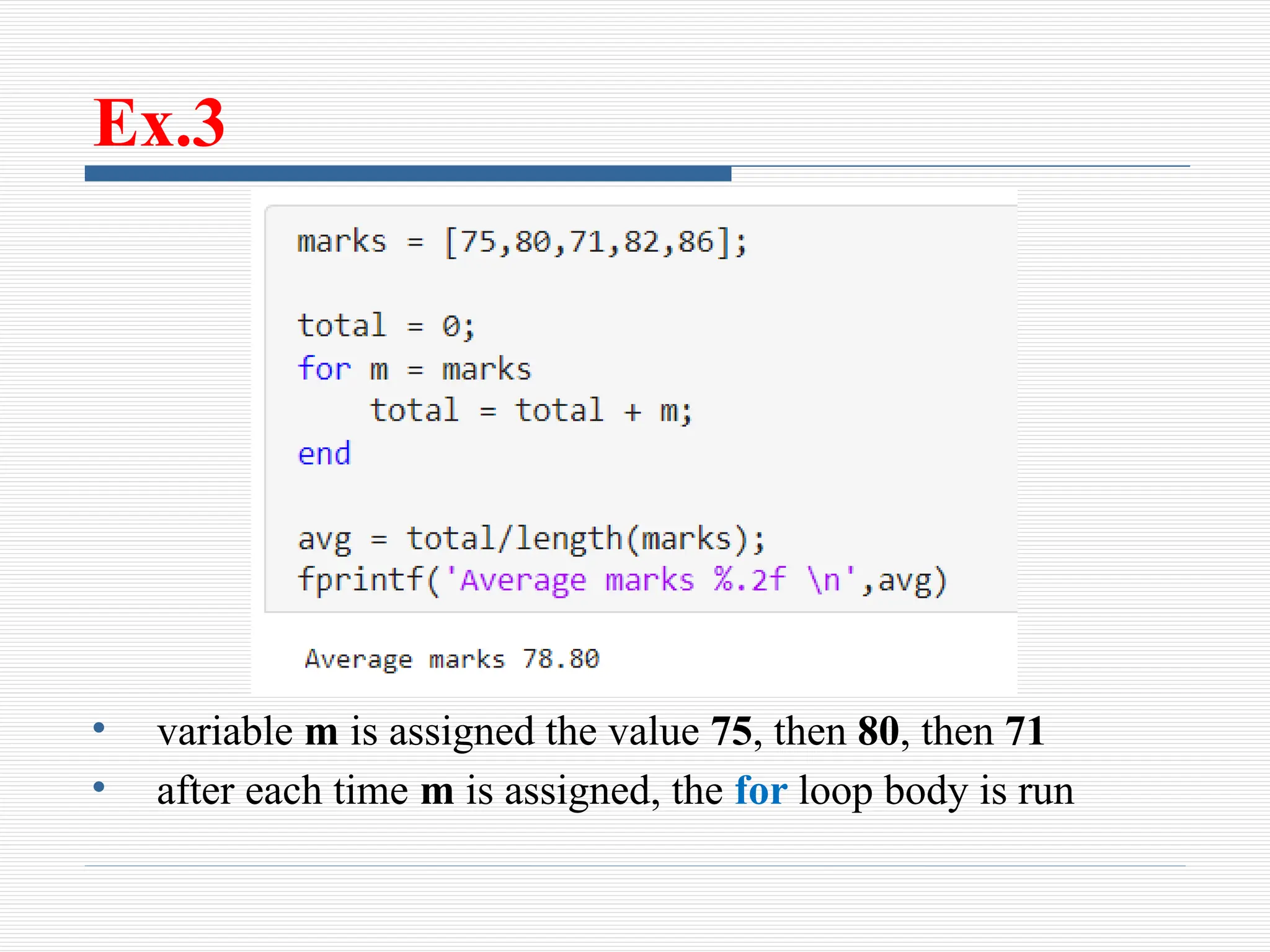
Ex.3
• variable m is assigned the value 75, then 80, then 71
• after each time m is assigned, the for loop body is run
Nested for loop
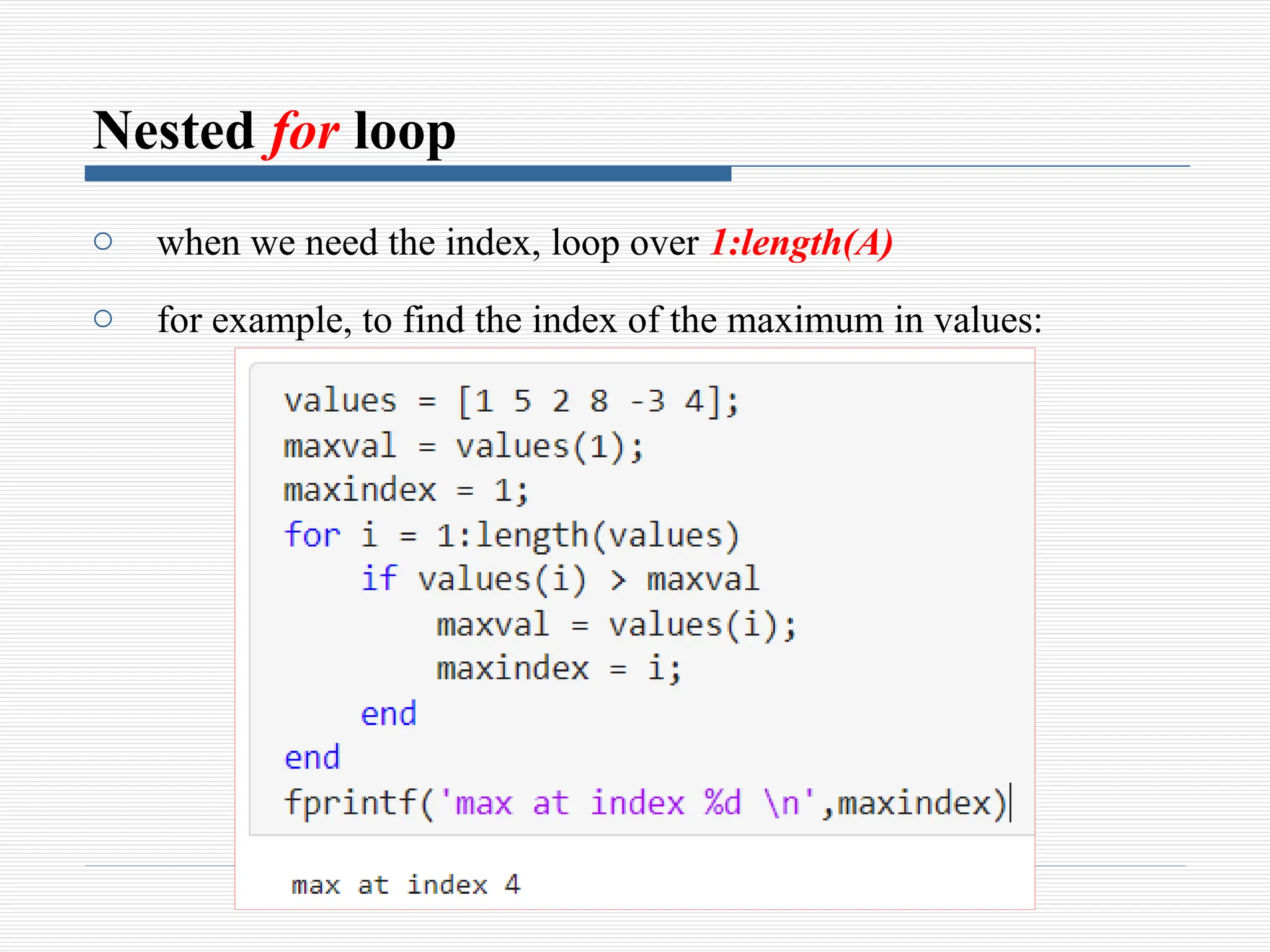
o when we need the index, loop over 1:length(A)
o for example, to find the index of the maximum in values:
while loop
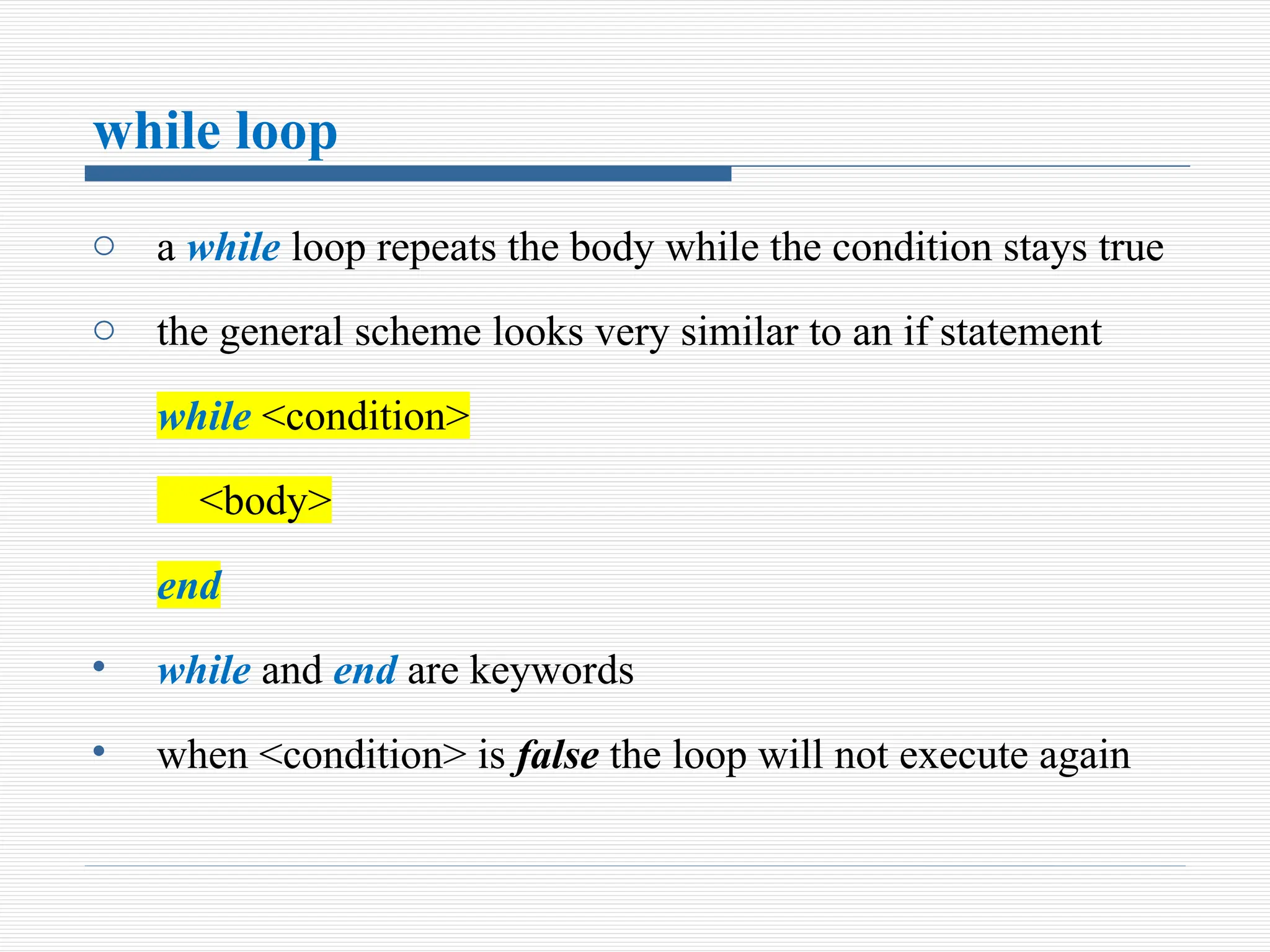
o a while loop repeats the body while the condition stays true
o the general scheme looks very similar to an if statement
while <condition>
<body>
end
• while and end are keywords
• when <condition> is false the loop will not execute again
Cont.. .
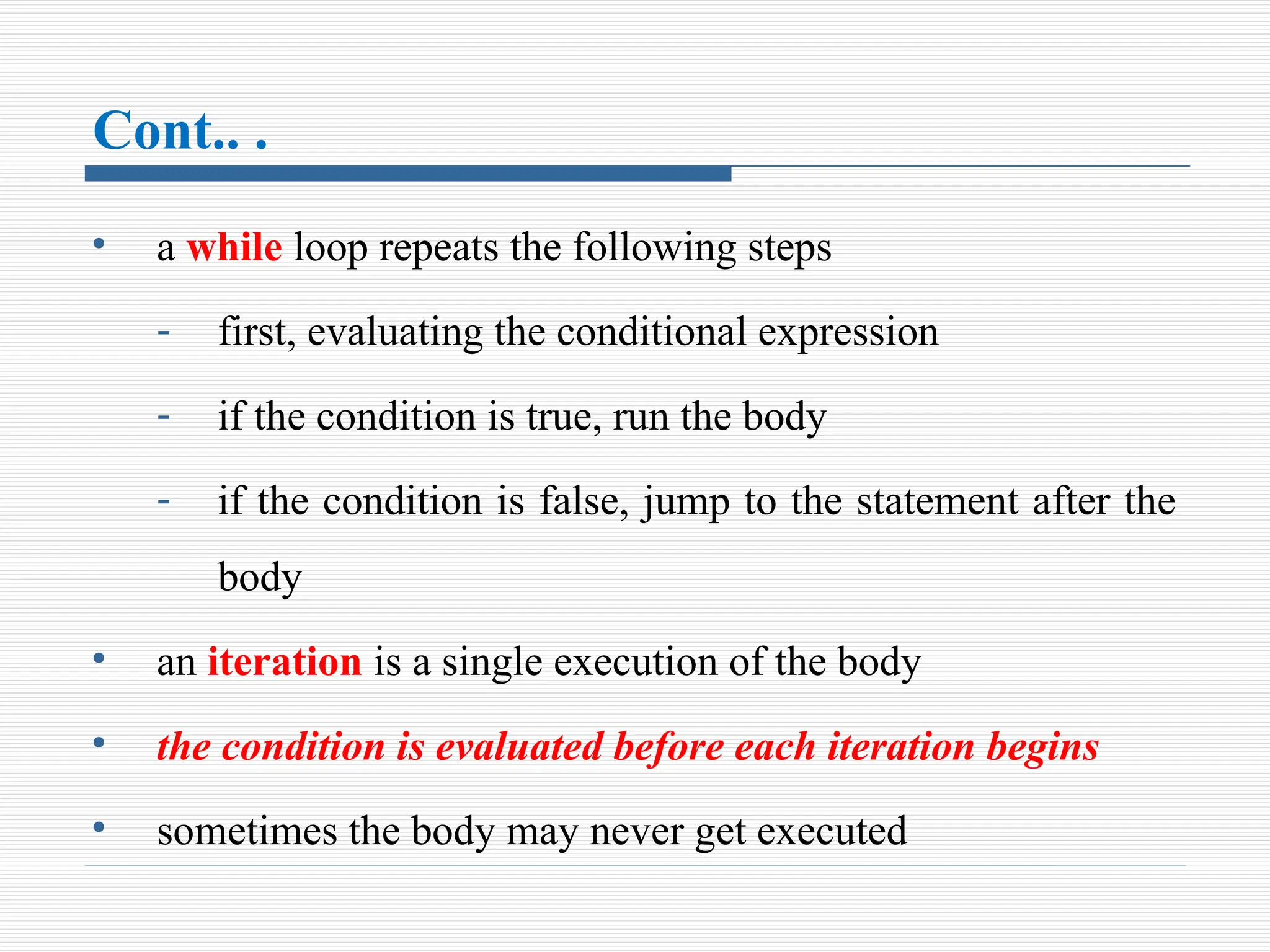
• a while loop repeats the following steps
- first, evaluating the conditional expression
- if the condition is true, run the body
- if the condition is false, jump to the statement after the
body
• an iteration is a single execution of the body
• the condition is evaluated before each iteration begins
• sometimes the body may never get executed
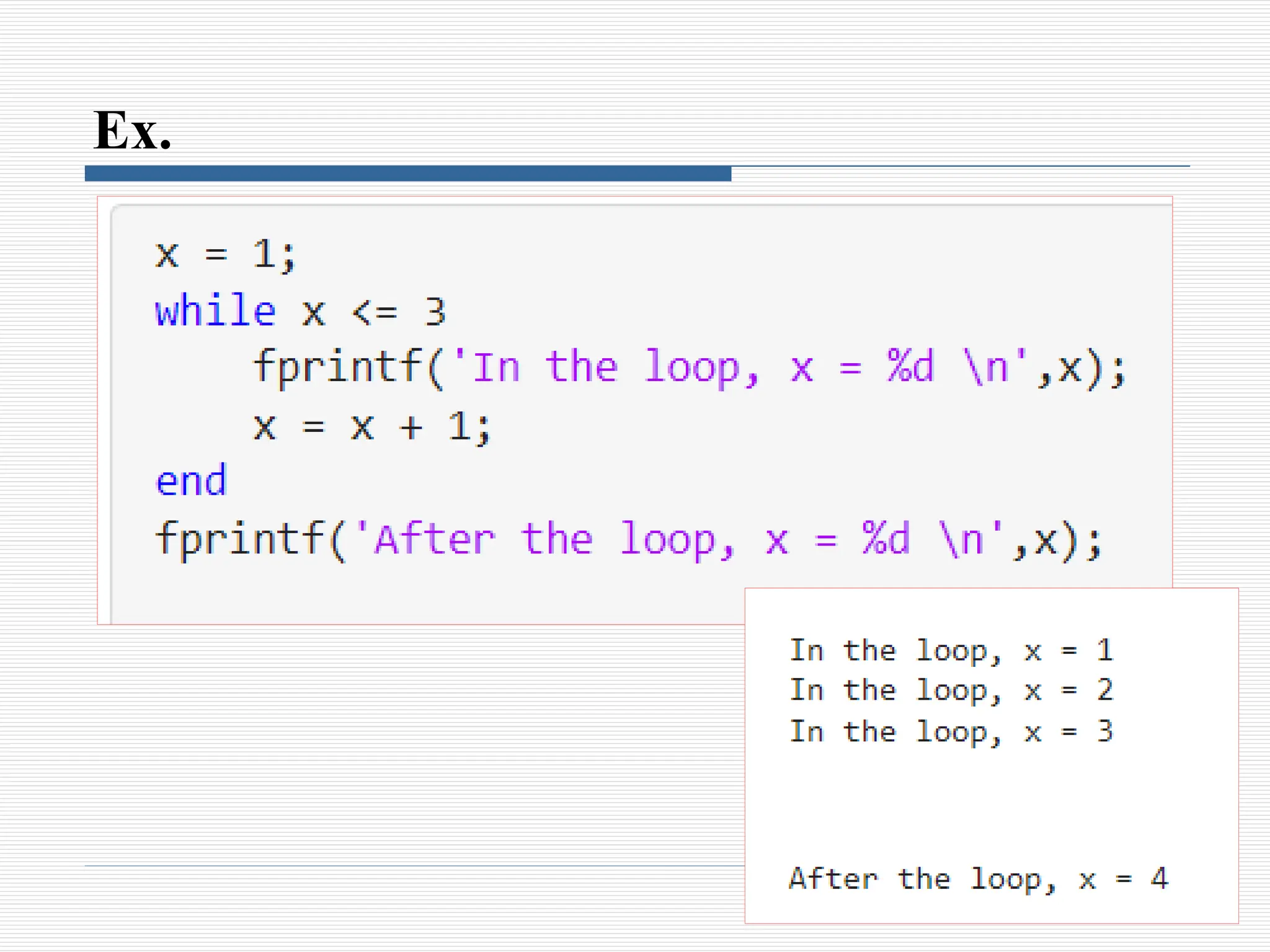
Ex.
Note !!!
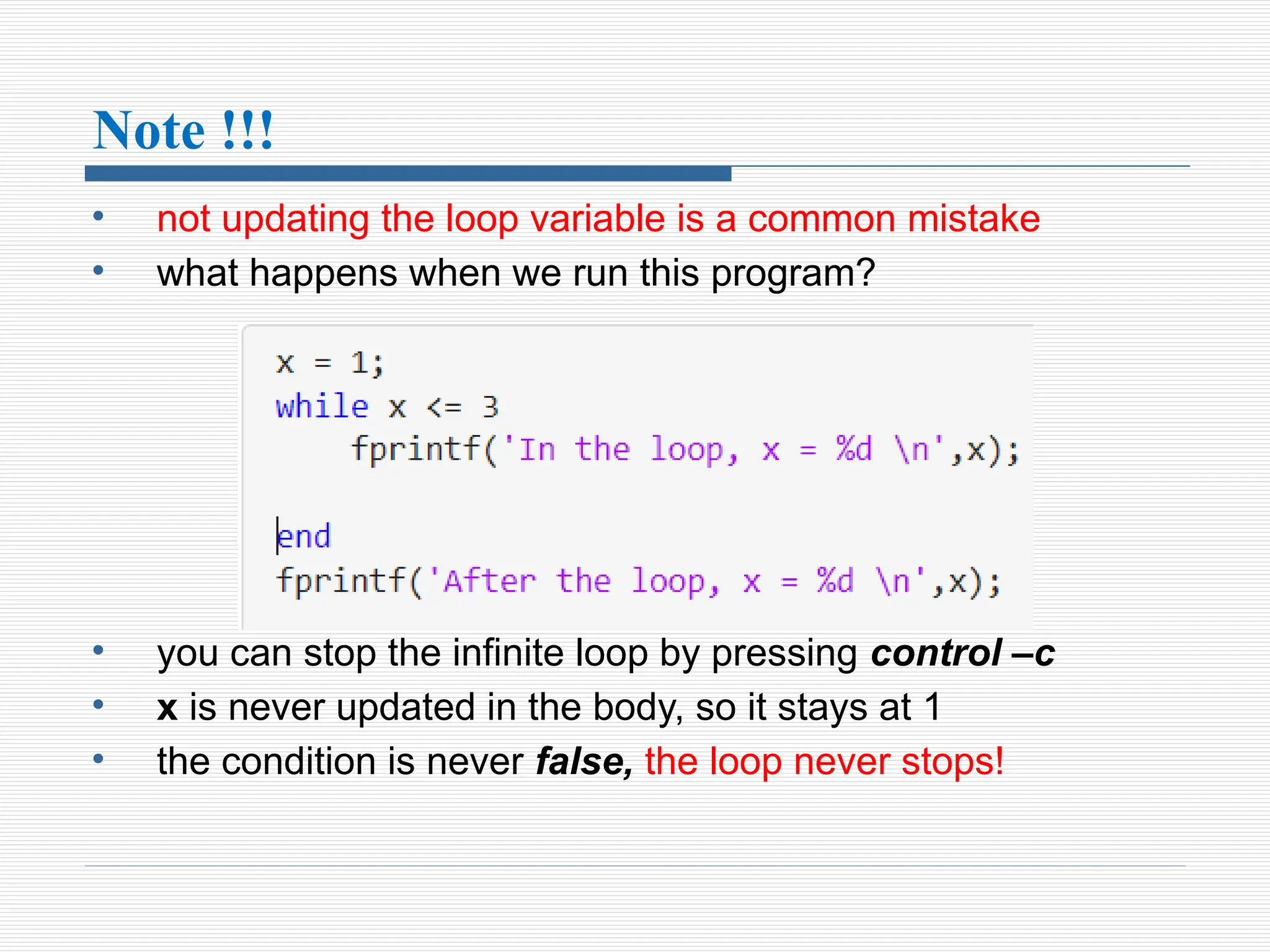
• not updating the loop variable is a common mistake
• what happens when we run this program?
• you can stop the infinite loop by pressing control –c
• x is never updated in the body, so it stays at 1
• the condition is never false, the loop never stops!
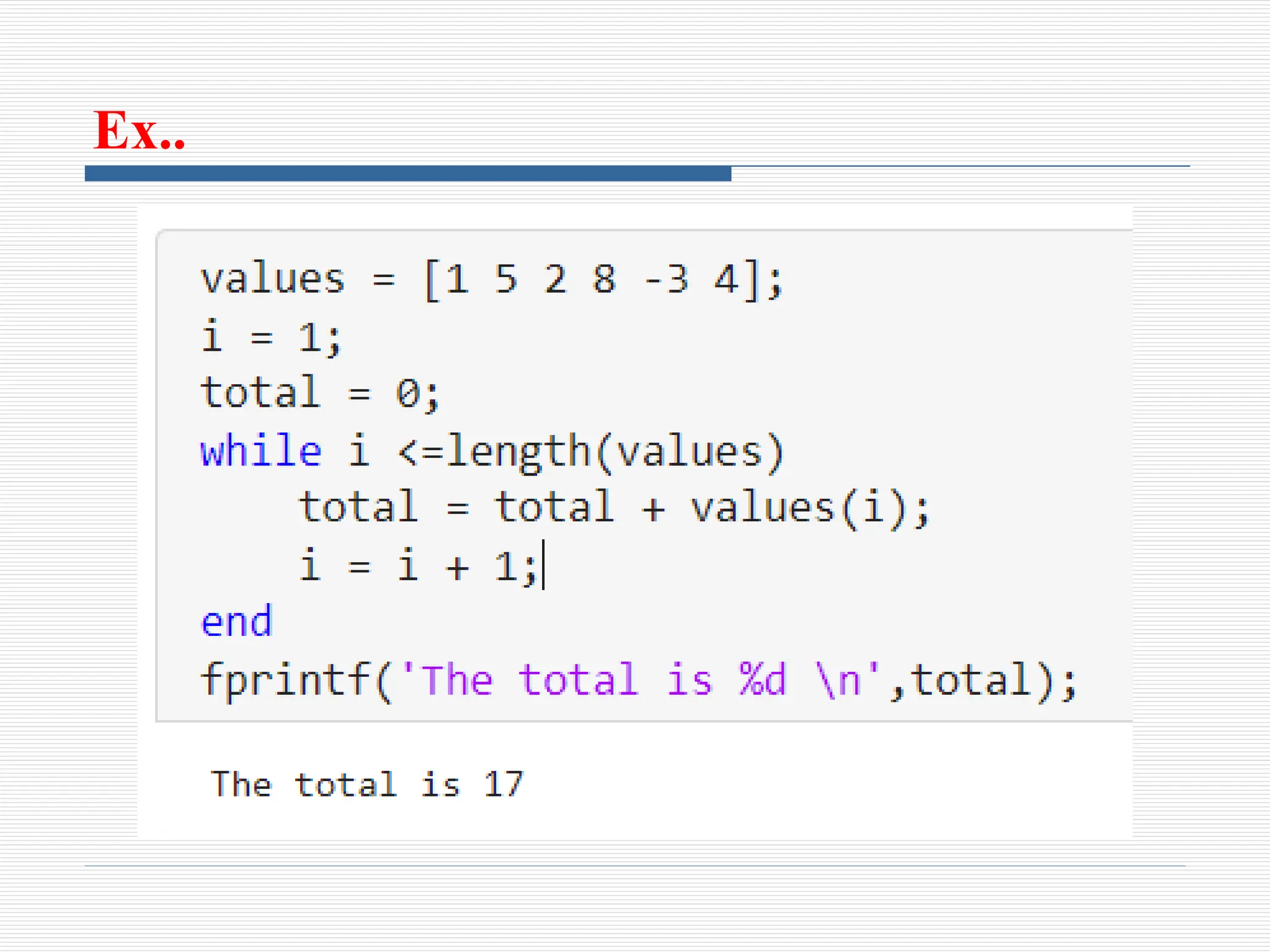
Ex..
Cont.. .
• the length function returns the length of a vector
• the loop variable i ranges from 1 up to 6
• single letter loop variable, especially i, j, and k are common

7_Programming in MATLAB For Enginee.pptx

  • 1.
  • 2.
    Introduction o A computerprogram is a sequence of computer commands. In a simple program the commands are executed one after the other in the order they are typed o MATLAB is also a programming language. Like other computer programming languages, MATLAB has some decision making structures for control of command execution o These decision making or control flow structures include for loops, while loops, and if-else-end constructions
  • 3.
    Introduction o Control flowstructures are often used in script M-files and function M-files o By creating a file with the extension .m, we can easily write and run programs o We do not need to compile the program since MATLAB is an interpretative (not compiled) language
  • 4.
    Relational and logicaloperators o A relational operator compares two numbers by determining whether a comparison is true or false Relational operators < : Less than > : Greater than <= : Less than or equal to >= : Greater than or equal to = = : Equal to ~= : Not Equal to
  • 5.
    Cont.. .  Relationaloperators are used as arithmetic operators within a mathematical expression. The result can be used in other mathematical operations, in addressing arrays, and together with other MATLAB commands (e.g., if) to control the flow of a program  When two numbers are compared, the result is 1 (logical true) if the comparison, according to the relational operator, is true, and 0 (logical false) if the comparison is false
  • 6.
    Cont.. .  Iftwo scalars are compared, the result is a scalar 1 or 0  If two arrays are compared (only arrays of the same size can be compared), the comparison is done element-by-element, and the result is a logical array of the same size with 1s and 0s according to the outcome of the comparison at each address  If a scalar is compared with an array, the scalar is compared with every element of the array, and the result is a logical array with 1s and 0s according to the outcome of the comparison of each element
  • 7.
    Logical operators AND (&) Example:A&B and(A,B) Operates on two operands (A and B). If both are true, the result is true (1); otherwise the result Is false (0) OR (|) Example: A|B or(A,B) Operates on two operands (A and B). If either one, or both, are true, the result is true (1); otherwise (both are false) the result is false (0) NOT (~) Example: ~A not(A) Operates on one operand (A). Gives the opposite of the operand; true (1) if the operand is false, and false (0) if the operand is true
  • 8.
    Cont.. .  Logicaloperators have numbers as operands. A nonzero number is true, and a zero number is false  Logical operators (like relational operators) can be used with scalars and arrays
  • 9.
    Logical built-in functions xor(a,b)Exclusive or. Returns true (1) if one operand is true and the other is false all(A) Returns 1 (true) if all elements in a vector A are true (non- zero). Returns 0 (false) if one or more elements are false (zero).If A is a matrix, treats columns of A as vectors, and returns a vector with 1s and 0s any(A) Returns 1 (true) if any element in a vector A is true (nonzero). Returns 0 (false) if all elements are false (zero). If A is a matrix, treats columns of A as vectors, and returns a vector with 1s and 0s find(A) If A is a vector, returns the indices of the nonzero elements find(A>d) If A is a vector, returns the address of the elements that are larger than d (any relational operator can be used)
  • 10.
    Summary INPUT OUTPUT A BAND A&B OR A|B XOR (A,B) NOT ~A NOT ~B false false false false false true true false true false true true true false true false false true true false true true true true true false false false
  • 11.
    Conditional Statement andLoops o In MATLAB, loops and conditional statements are control statements that allow programmers to execute code repeatedly or conditionally, and control the flow of a program o Control flow is determined by control structures o Control structure determines what gets executed
  • 12.
    MATLAB CONTROL STRUCTURES oMATLAB has four control structures o two for deciding between alternatives - if statements - switch statements o two for repeating (looping or iteration) - while loops - for loops o MATLAB also has implicit loops over arrays
  • 13.
    The if-end structure oAn if statement runs the body when the condition is true o if statement are of form if <condition> <body> end • if and end are keywords (can’t be used as variables)
  • 14.
    Cont.. .. • <condition>is a logical expression which can be evaluated to true or false • <body> is the body of the if statement • One or more statements • Only executed when the condition evaluates to true
  • 15.
    The if-else-end Structure •an else clause can be run if the condition is false if <condition> <true-body> else <false-body> end • else is also a keyword • <false-body> is run when the condition is false
  • 16.
    The if-elseif-else-end Structure •the general scheme looks like” if <condition1> <true-body1> elseif<condition2> <true-body2> else <false-body> end • where the elseif and else clauses are optional • and the elseif clause can be repeated for more conditions
  • 17.
    Example A worker ispaid according to his hourly wage up to 40 hours, and 50% more for overtime. Write a program in a script file that calculates the pay to a worker. The program asks the user to enter the number of hours and the hourly wage. The program then displays the pay
  • 18.
  • 19.
    for-end Loops • forloops simplify looping over arrays • for loops iterate over each element of an array or range for <variable> = <array> <body> end • <body> is run once for each element of the array
  • 20.
  • 21.
    Ex.3 • variable mis assigned the value 75, then 80, then 71 • after each time m is assigned, the for loop body is run
  • 23.
    Nested for loop owhen we need the index, loop over 1:length(A) o for example, to find the index of the maximum in values:
  • 24.
    while loop o awhile loop repeats the body while the condition stays true o the general scheme looks very similar to an if statement while <condition> <body> end • while and end are keywords • when <condition> is false the loop will not execute again
  • 25.
    Cont.. . • awhile loop repeats the following steps - first, evaluating the conditional expression - if the condition is true, run the body - if the condition is false, jump to the statement after the body • an iteration is a single execution of the body • the condition is evaluated before each iteration begins • sometimes the body may never get executed
  • 26.
  • 27.
    Note !!! • notupdating the loop variable is a common mistake • what happens when we run this program? • you can stop the infinite loop by pressing control –c • x is never updated in the body, so it stays at 1 • the condition is never false, the loop never stops!
  • 28.
  • 29.
    Cont.. . • thelength function returns the length of a vector • the loop variable i ranges from 1 up to 6 • single letter loop variable, especially i, j, and k are common