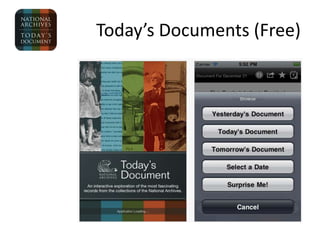
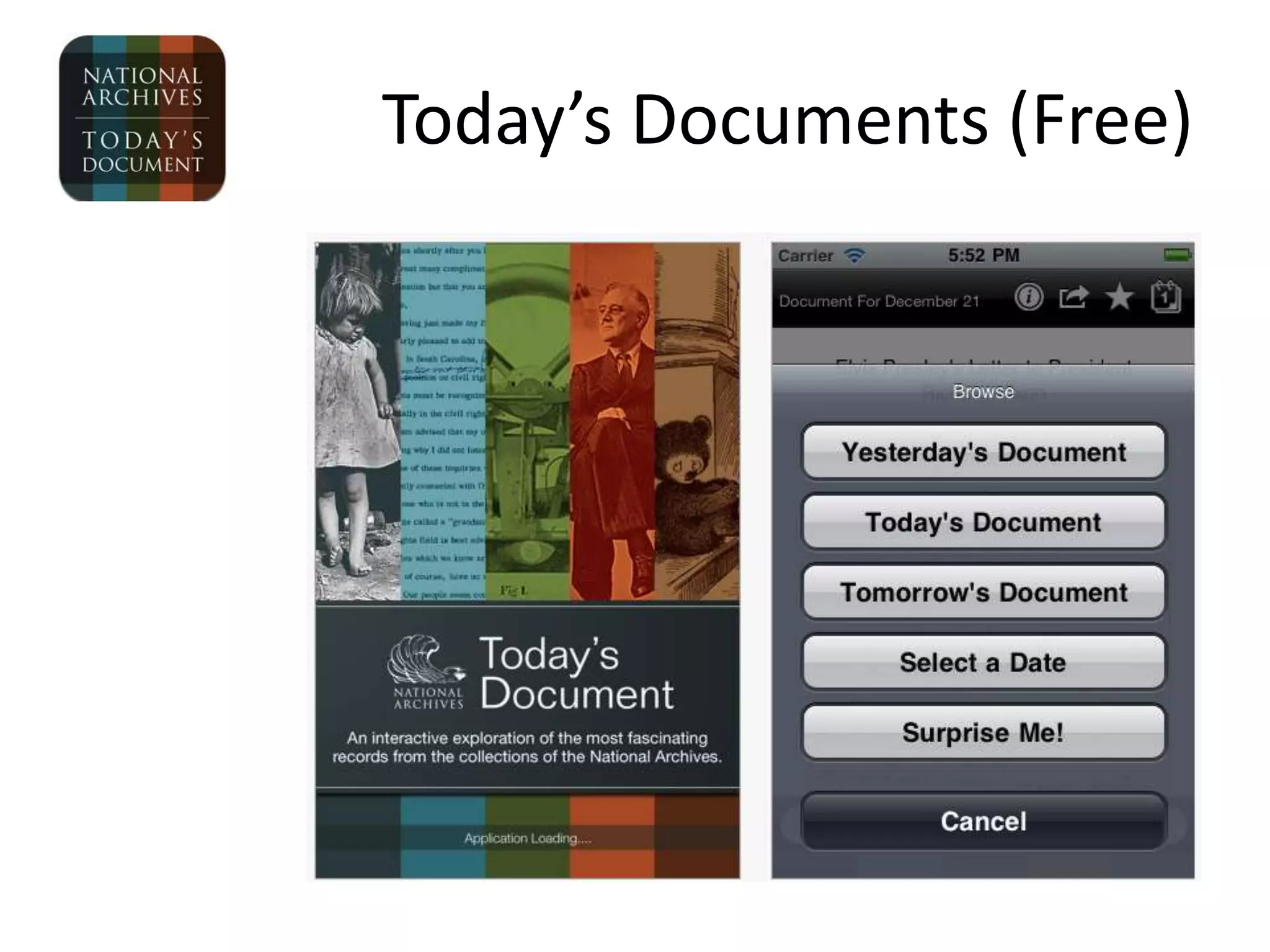
Today’s Documents (Free)
Pass the Past (Free)
Early Jamestown (Free)
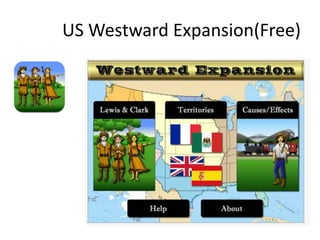
US Westward Expansion(Free)
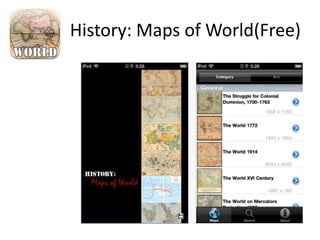
History: Maps of World(Free)
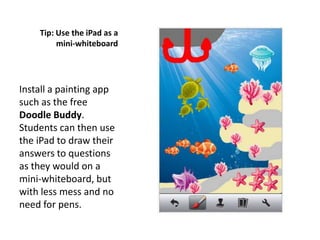
Tip: Use the iPad as a
         mini-whiteboard


Install a painting app
such as the free
Doodle Buddy.
Students can then use
the iPad to draw their
answers to questions
as they would on a
mini-whiteboard, but
with less mess and no
need for pens.
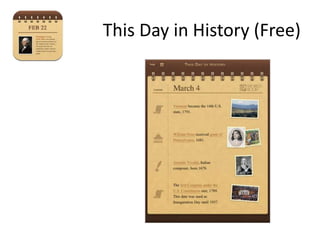
This Day in History (Free)
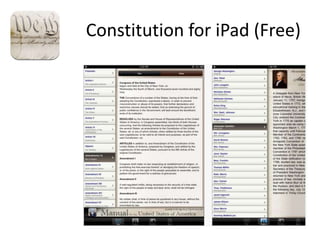
Constitution for iPad (Free)
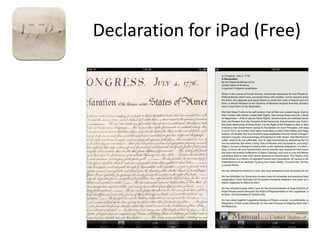
Declaration for iPad (Free)
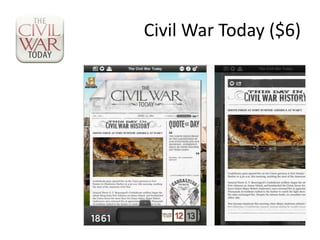
Civil War Today ($6)
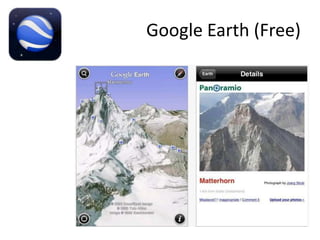
Google Earth (Free)
Tip: Create mind maps to
      brainstorm and think
                 creatively


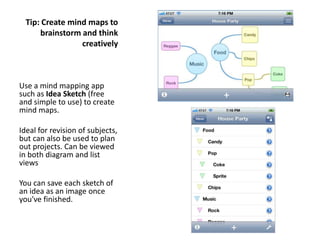
Use a mind mapping app
such as Idea Sketch (free
and simple to use) to create
mind maps.
Ideal for revision of subjects,
but can also be used to plan
out projects. Can be viewed
in both diagram and list
views

You can save each sketch of
an idea as an image once
you've finished.
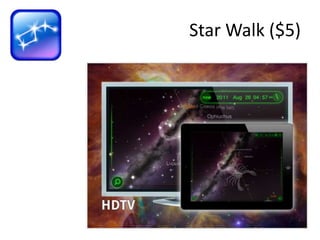
Star Walk ($5)
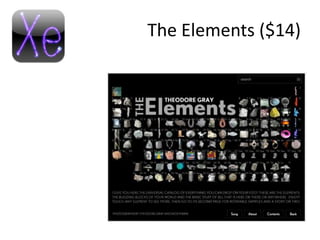
The Elements ($14)
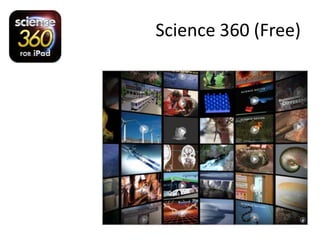
Science 360 (Free)
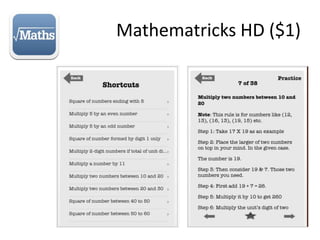
Mathematricks HD ($1)
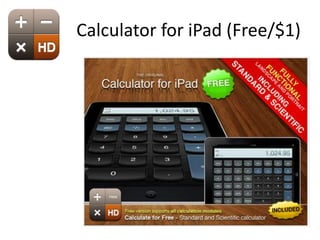
Calculator for iPad (Free/$1)
Tip: Use the iPad for
    group research projects

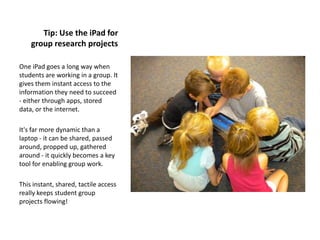
One iPad goes a long way when
students are working in a group. It
gives them instant access to the
information they need to succeed
- either through apps, stored
data, or the internet.

It's far more dynamic than a
laptop - it can be shared, passed
around, propped up, gathered
around - it quickly becomes a key
tool for enabling group work.

This instant, shared, tactile access
really keeps student group
projects flowing!
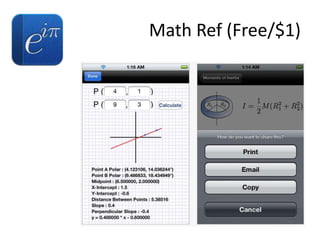
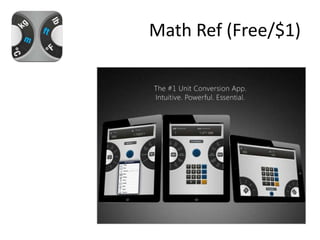
Math Ref (Free/$1)
Math Ref (Free/$1)
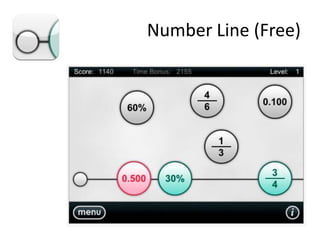
Number Line (Free)
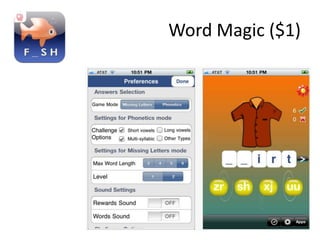
Word Magic ($1)
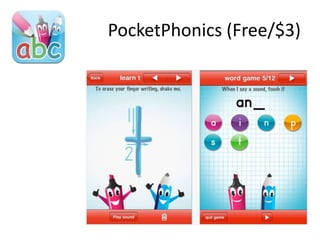
PocketPhonics (Free/$3)
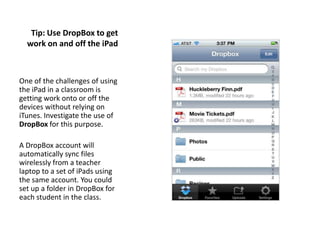
Tip: Use DropBox to get
  work on and off the iPad


One of the challenges of using
the iPad in a classroom is
getting work onto or off the
devices without relying on
iTunes. Investigate the use of
DropBox for this purpose.

A DropBox account will
automatically sync files
wirelessly from a teacher
laptop to a set of iPads using
the same account. You could
set up a folder in DropBox for
each student in the class.
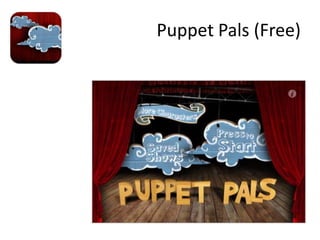
Puppet Pals (Free)
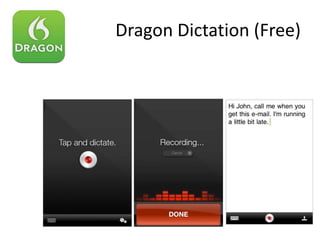
Dragon Dictation (Free)
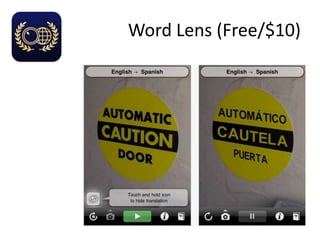
Word Lens (Free/$10)
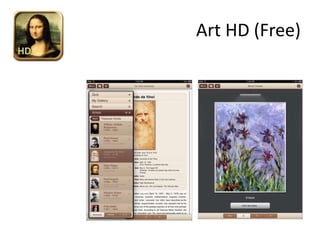
Art HD (Free)
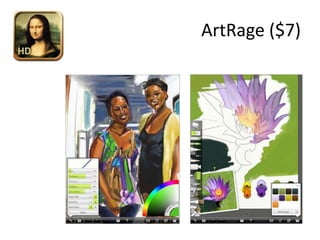
ArtRage ($7)
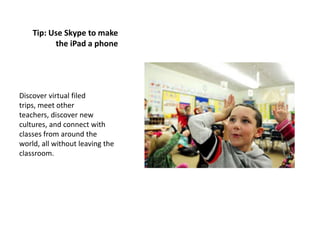
Tip: Use Skype to make
          the iPad a phone


Discover virtual filed
trips, meet other
teachers, discover new
cultures, and connect with
classes from around the
world, all without leaving the
classroom.
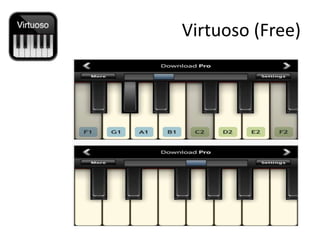
Virtuoso (Free)
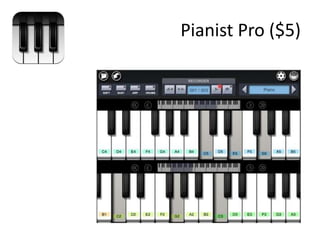
Pianist Pro ($5)
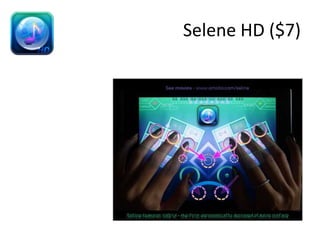
Selene HD ($7)
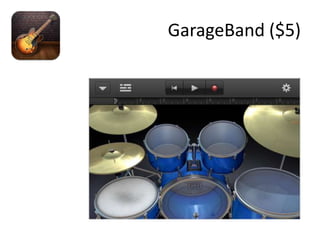
GarageBand ($5)
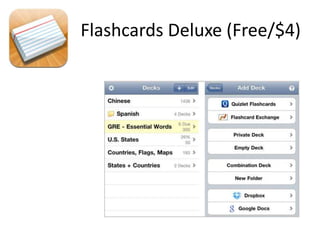
Flashcards Deluxe (Free/$4)
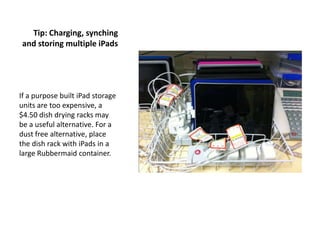
Tip: Charging, synching
and storing multiple iPads


If a purpose built iPad storage
units are too expensive, a
$4.50 dish drying racks may
be a useful alternative. For a
dust free alternative, place
the dish rack with iPads in a
large Rubbermaid container.
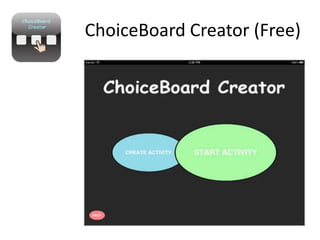
ChoiceBoard Creator (Free)
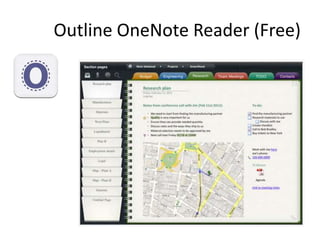
Outline OneNote Reader (Free)
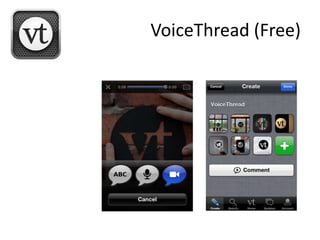
VoiceThread (Free)
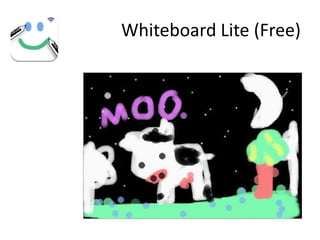
Whiteboard Lite (Free)
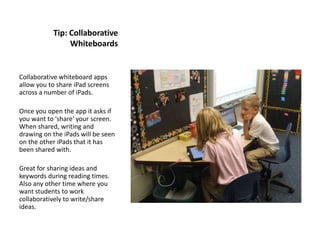
Tip: Collaborative
                Whiteboards


Collaborative whiteboard apps
allow you to share iPad screens
across a number of iPads.

Once you open the app it asks if
you want to 'share' your screen.
When shared, writing and
drawing on the iPads will be seen
on the other iPads that it has
been shared with.

Great for sharing ideas and
keywords during reading times.
Also any other time where you
want students to work
collaboratively to write/share
ideas.

App a-day vste-island