5 steps to using LinkedIn for
        Expert Status
        Anne McAllister
Why?
• Credibility
• Attraction marketing
• Volume of keywords, connections and
  recommendations
• LinkedIn is indexed on Google
• LinkedIn is a search engine
Step 1. Optimise Your profile
1. 100% complete
2. Professional photo
3. Use strapline as professional header
4. Keywords in content
5. Add website links (3, blog, business, landing
   page, link to Amazon free report etc)
6. Summary/ Experience/ Education (keyword
   relevence)
7. Add skills, think keywords
Add honours, awards, courses
8. Personalise your LinkedIn URL
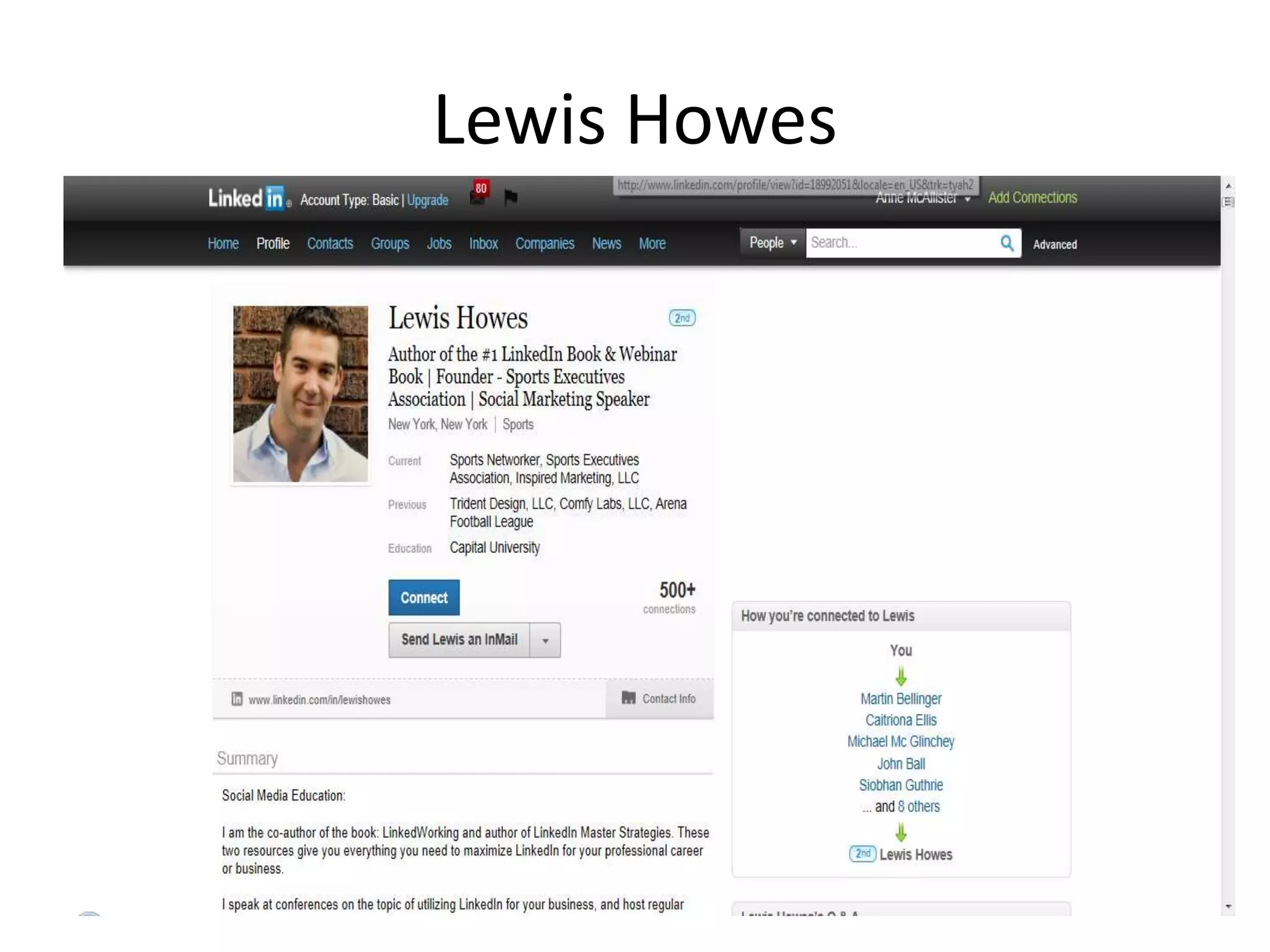
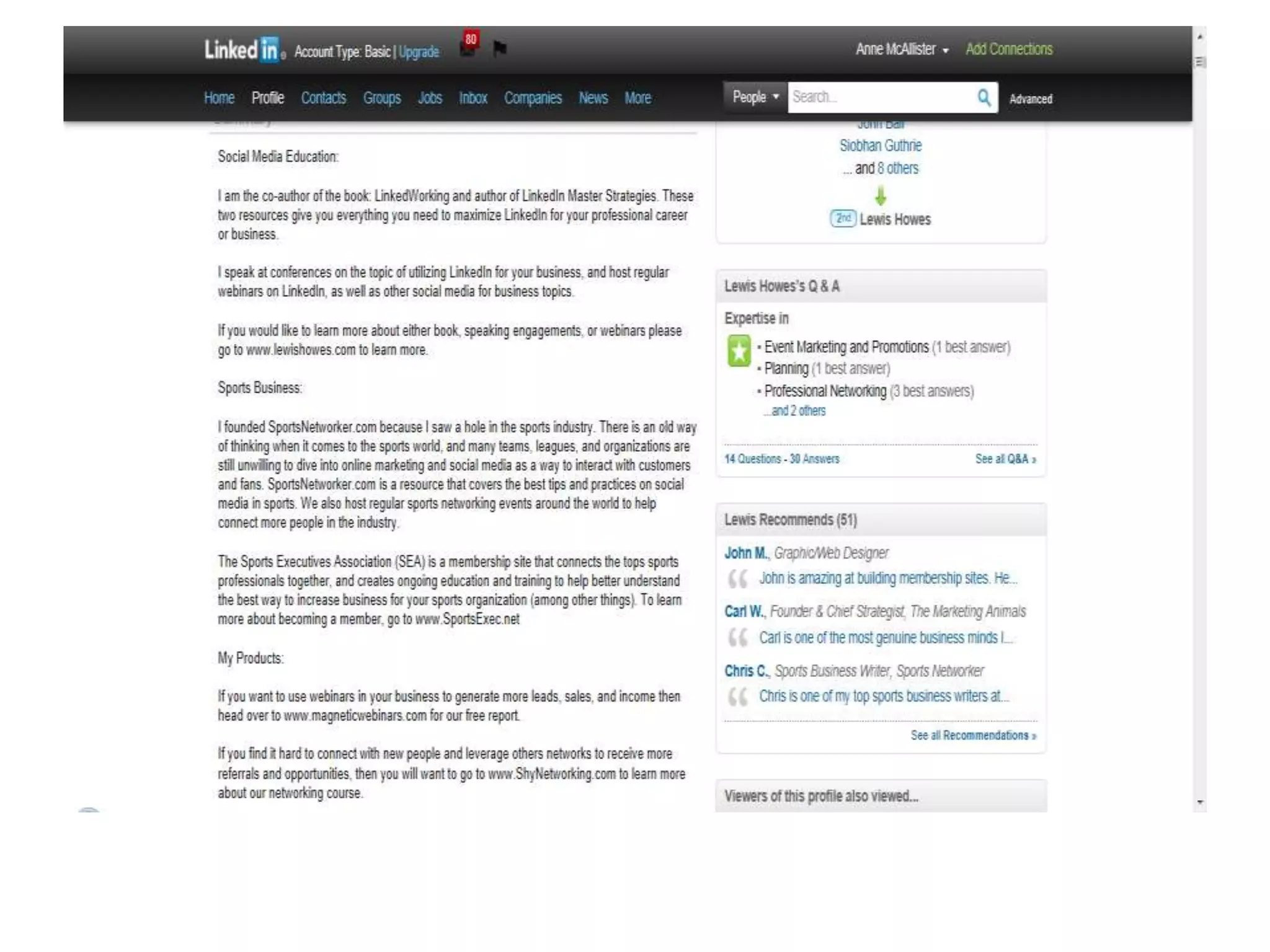
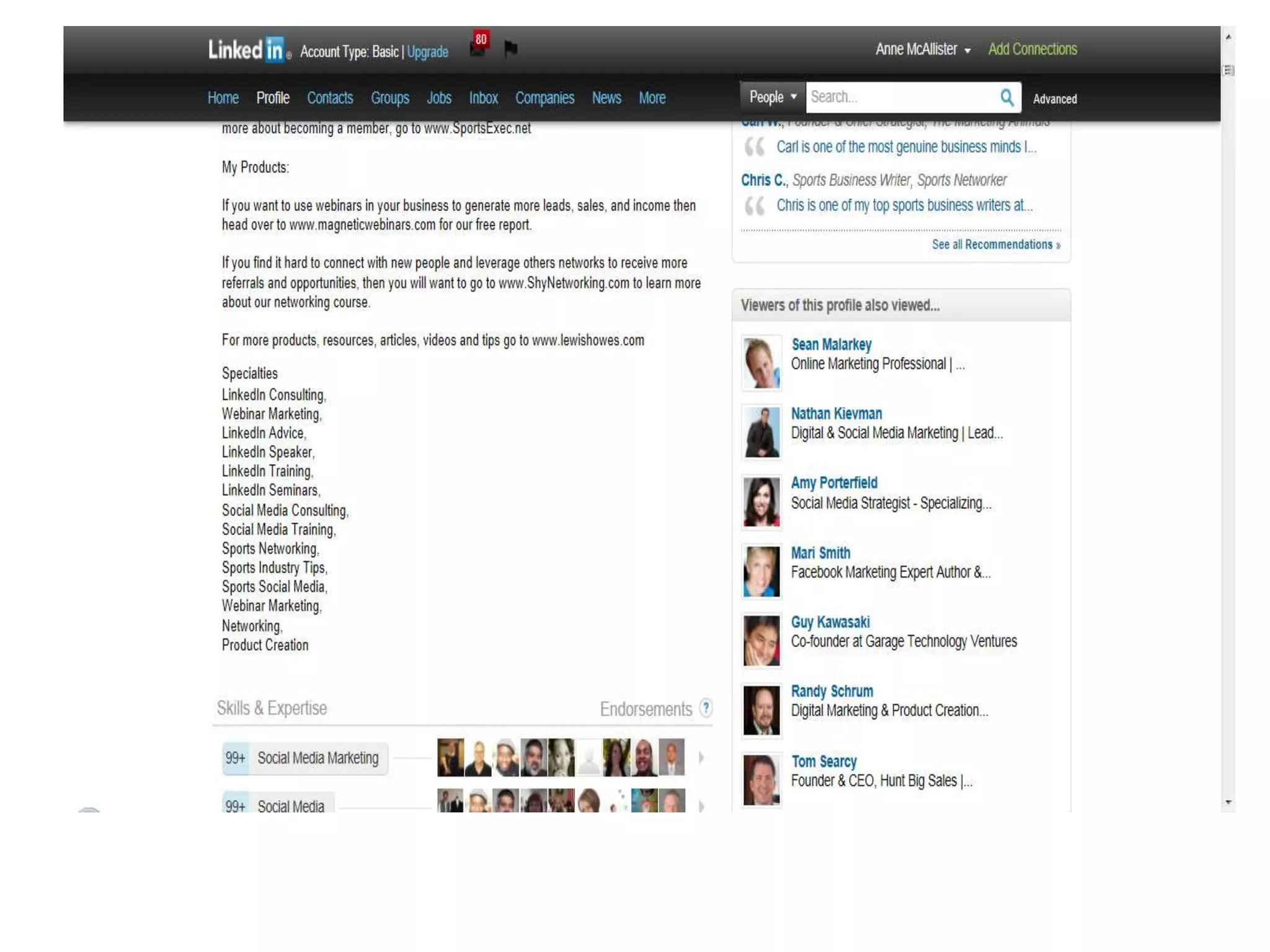
Lewis Howes
Step 2. Add Connections
• 100+
• 500+
• Existing contacts/ e mail directory/ (5 max I
  don’t know them, then limited)
• Send personal message
Add Connections
• Join groups, create groups
• Create max 10, join 50 (no limit on sub
  groups)
• Groups of other business owners
• Answer other people’s questions
• If I can help you in any other way, let me
  know.
3. Get Endorsements
•   Only endorse people you know
•   Social proof
•   Focus on top 10 skills
•   Give them to get them (40% return rate)
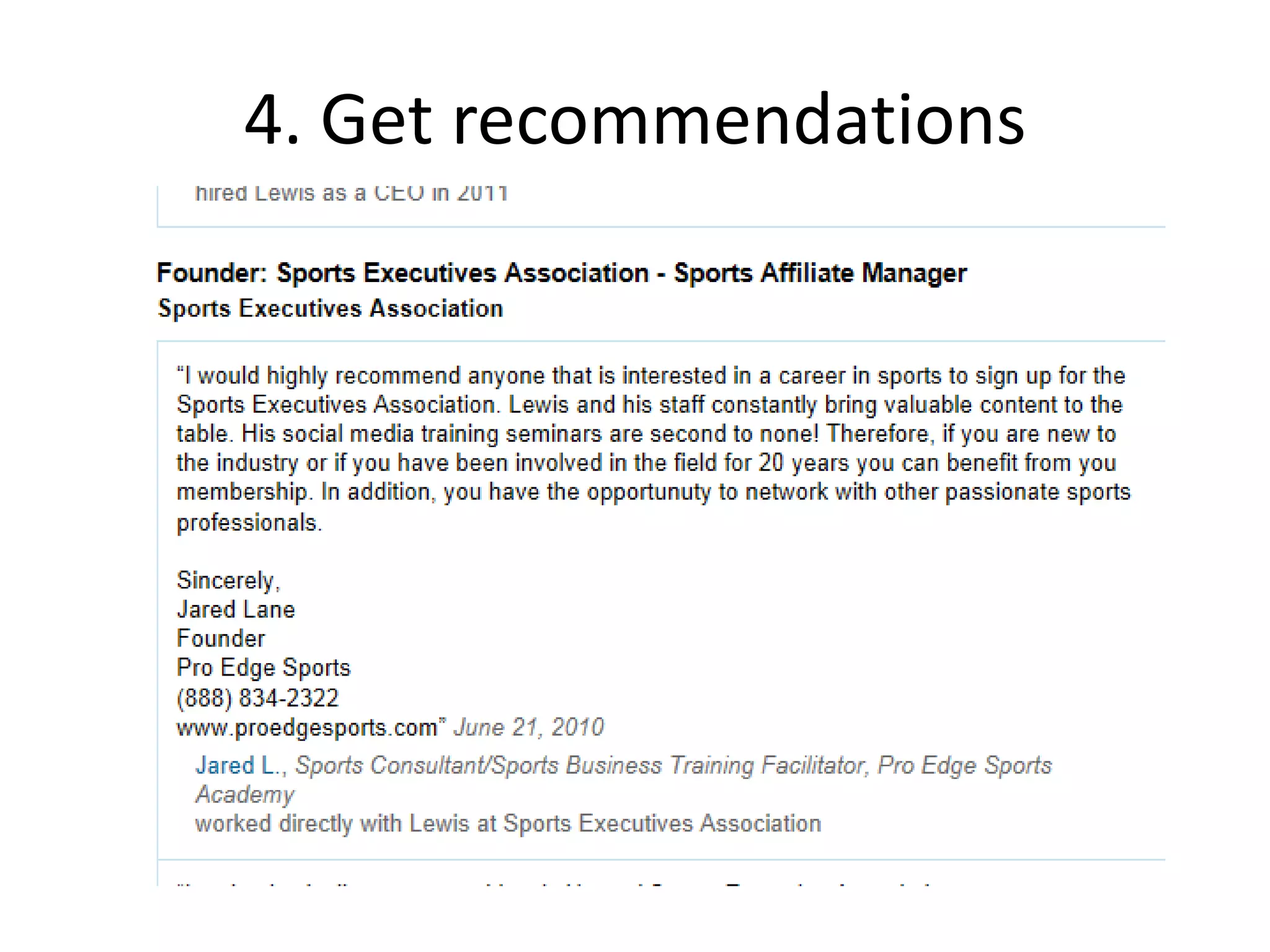
4. Get recommendations
Get recommendations
• Give before asking
• Offer to do some work, free/ low cost to get
  LinkedIn recommendation
• Answer questions then follow up and ask for
  recommendation “If you got value from….”
Step 5. Add applications
1.   Wordpress
2.   Slideshare
3.   Events
4.   Reading lists (include your own books)
Making this work
• Review your LinkedIn profile
• Produce a simple 7 step guide and publish on
  Amazon
• Support each other
• Give endorsements and recommendations
• Use same strategy for other networks, ie BNI

• One recommendation for each member. Use
  Business Master Mind Group if necessary
Questions?

5 steps to using linked in for expert status

  • 1.
    5 steps tousing LinkedIn for Expert Status Anne McAllister
  • 2.
    Why? • Credibility • Attractionmarketing • Volume of keywords, connections and recommendations • LinkedIn is indexed on Google • LinkedIn is a search engine
  • 3.
    Step 1. OptimiseYour profile 1. 100% complete 2. Professional photo 3. Use strapline as professional header 4. Keywords in content 5. Add website links (3, blog, business, landing page, link to Amazon free report etc) 6. Summary/ Experience/ Education (keyword relevence)
  • 4.
    7. Add skills,think keywords Add honours, awards, courses 8. Personalise your LinkedIn URL
  • 5.
  • 8.
    Step 2. AddConnections • 100+ • 500+ • Existing contacts/ e mail directory/ (5 max I don’t know them, then limited) • Send personal message
  • 9.
    Add Connections • Joingroups, create groups • Create max 10, join 50 (no limit on sub groups) • Groups of other business owners • Answer other people’s questions • If I can help you in any other way, let me know.
  • 10.
    3. Get Endorsements • Only endorse people you know • Social proof • Focus on top 10 skills • Give them to get them (40% return rate)
  • 11.
  • 12.
    Get recommendations • Givebefore asking • Offer to do some work, free/ low cost to get LinkedIn recommendation • Answer questions then follow up and ask for recommendation “If you got value from….”
  • 13.
    Step 5. Addapplications 1. Wordpress 2. Slideshare 3. Events 4. Reading lists (include your own books)
  • 14.
    Making this work •Review your LinkedIn profile • Produce a simple 7 step guide and publish on Amazon • Support each other • Give endorsements and recommendations • Use same strategy for other networks, ie BNI • One recommendation for each member. Use Business Master Mind Group if necessary
  • 15.