5 Commandments of Effective
Presentation
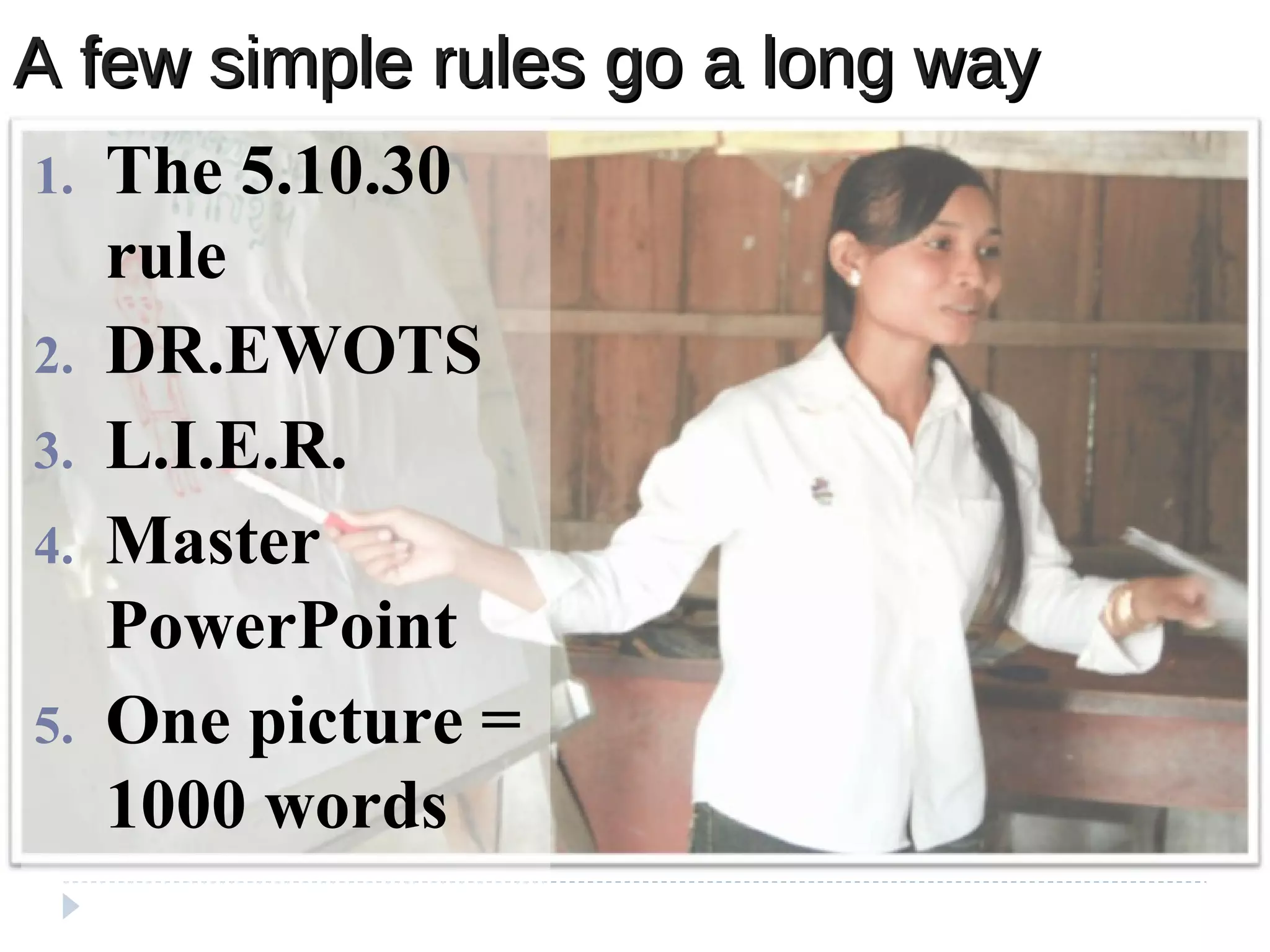
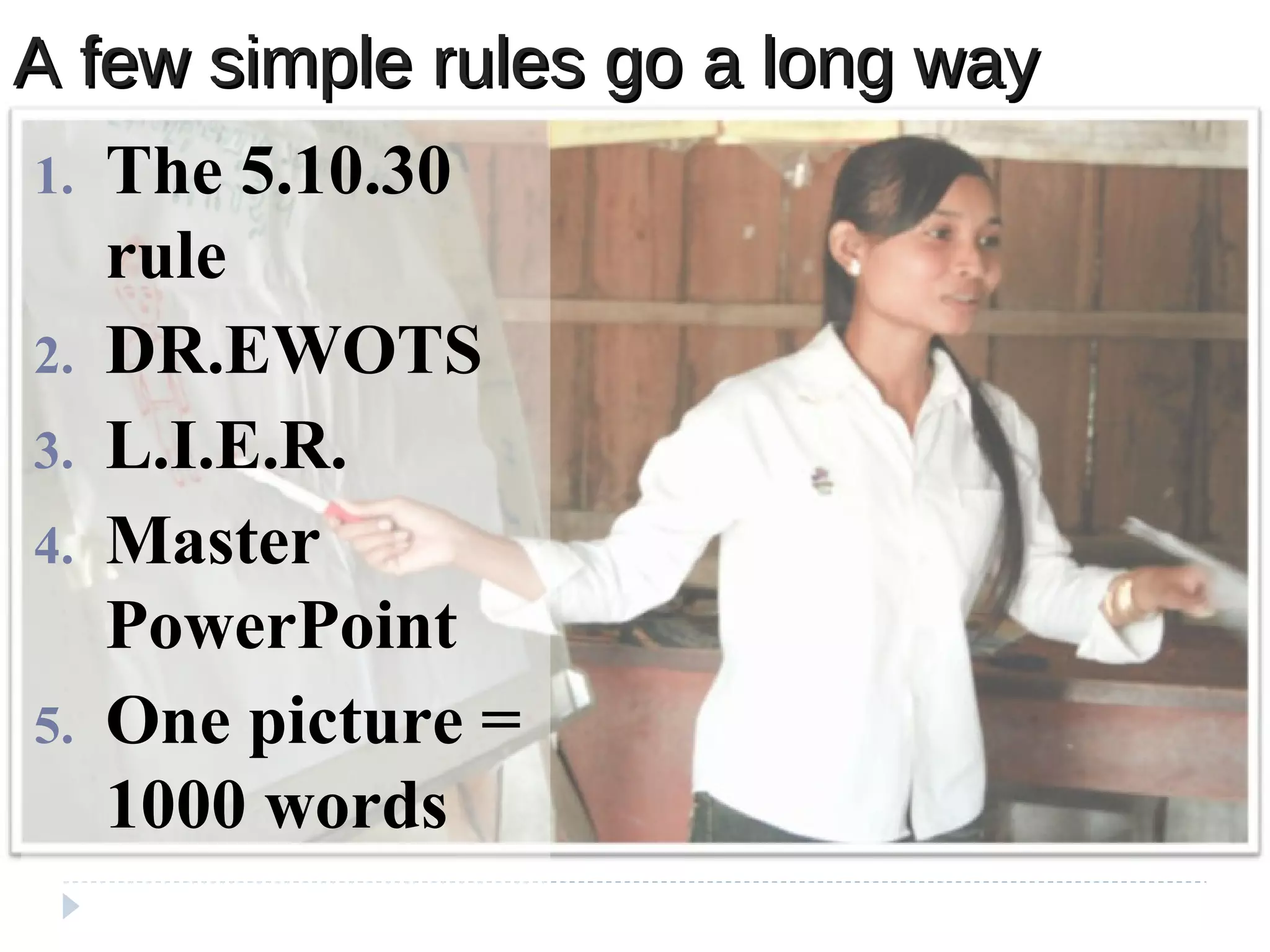
A few simple rules go a long wayA few simple rules go a long way
1. The 5.10.30
rule
2. DR.EWOTS
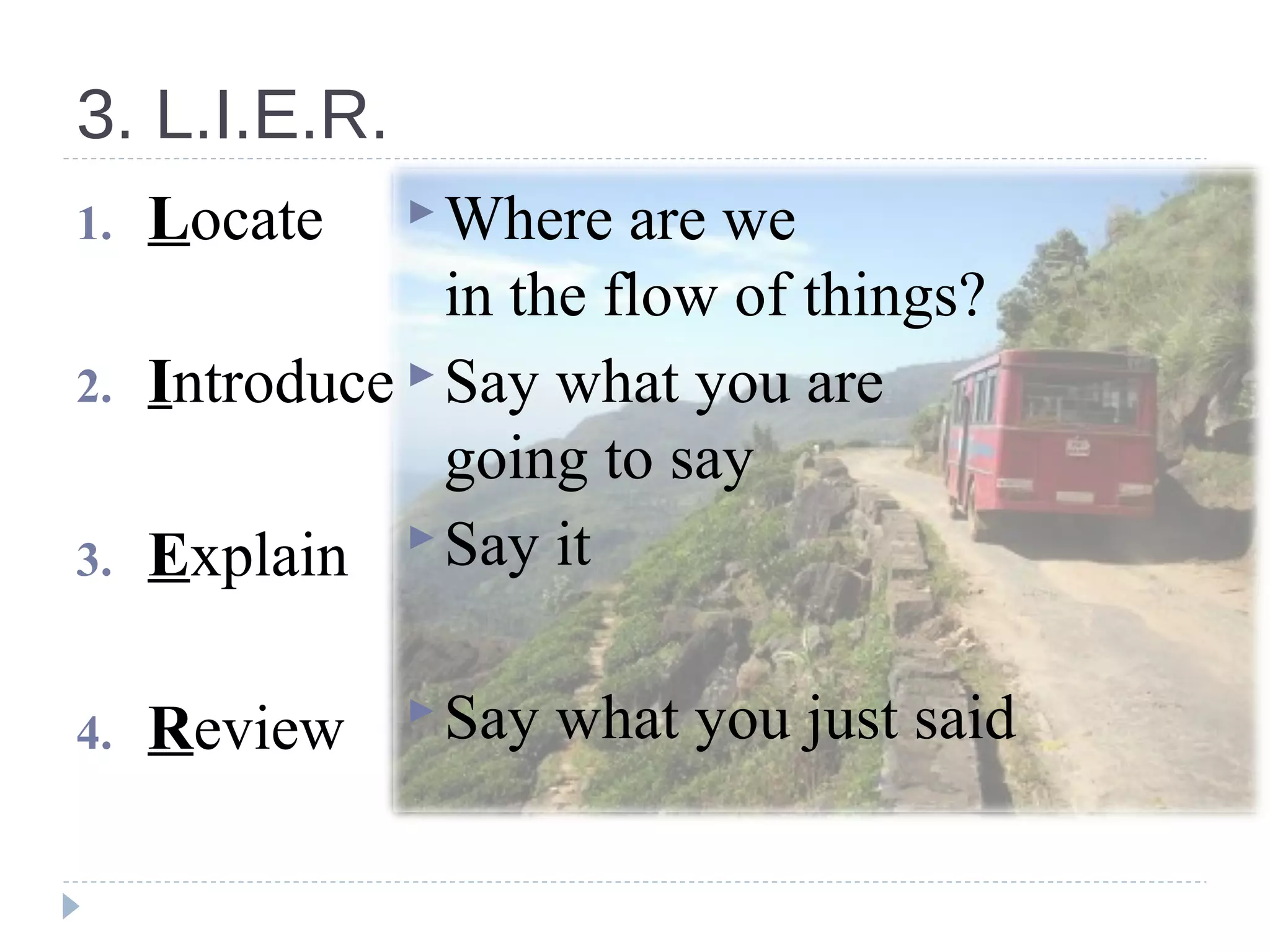
3. L.I.E.R.
4. Master
PowerPoint
5. One picture =
1000 words
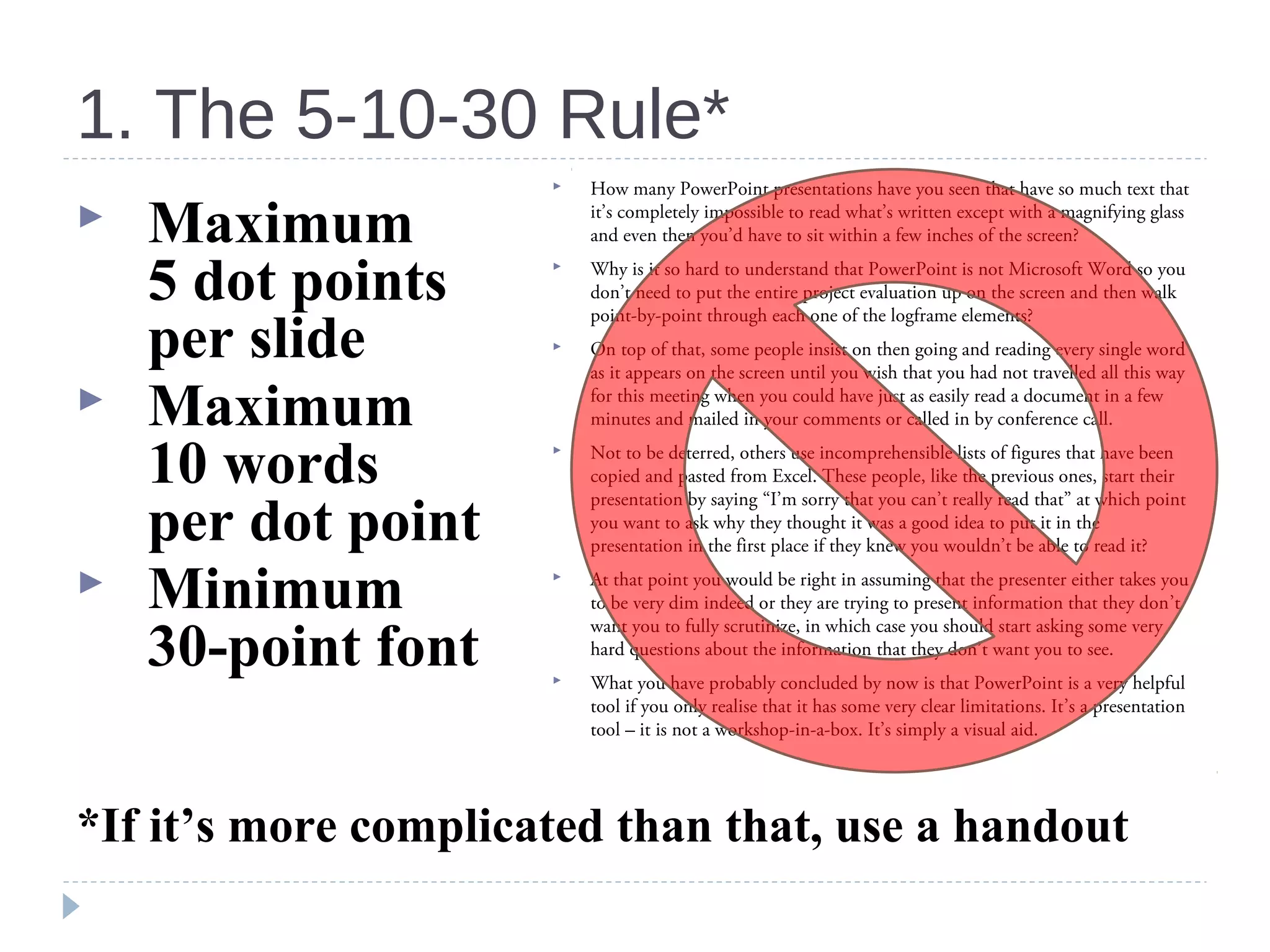
1. The 5-10-30 Rule*
 Maximum
5 dot points
per slide
 Maximum
10 words
per dot point
 Minimum
30-point font
*If it’s more complicated than that, use a handout
 How many PowerPoint presentations have you seen that have so much text that
it’s completely impossible to read what’s written except with a magnifying glass
and even then you’d have to sit within a few inches of the screen?
 Why is it so hard to understand that PowerPoint is not Microsoft Word so you
don’t need to put the entire project evaluation up on the screen and then walk
point-by-point through each one of the logframe elements?
 On top of that, some people insist on then going and reading every single word
as it appears on the screen until you wish that you had not travelled all this way
for this meeting when you could have just as easily read a document in a few
minutes and mailed in your comments or called in by conference call.
 Not to be deterred, others use incomprehensible lists of figures that have been
copied and pasted from Excel. These people, like the previous ones, start their
presentation by saying “I’m sorry that you can’t really read that” at which point
you want to ask why they thought it was a good idea to put it in the
presentation in the first place if they knew you wouldn’t be able to read it?
 At that point you would be right in assuming that the presenter either takes you
to be very dim indeed or they are trying to present information that they don’t
want you to fully scrutinize, in which case you should start asking some very
hard questions about the information that they don’t want you to see.
 What you have probably concluded by now is that PowerPoint is a very helpful
tool if you only realise that it has some very clear limitations. It’s a presentation
tool – it is not a workshop-in-a-box. It’s simply a visual aid.
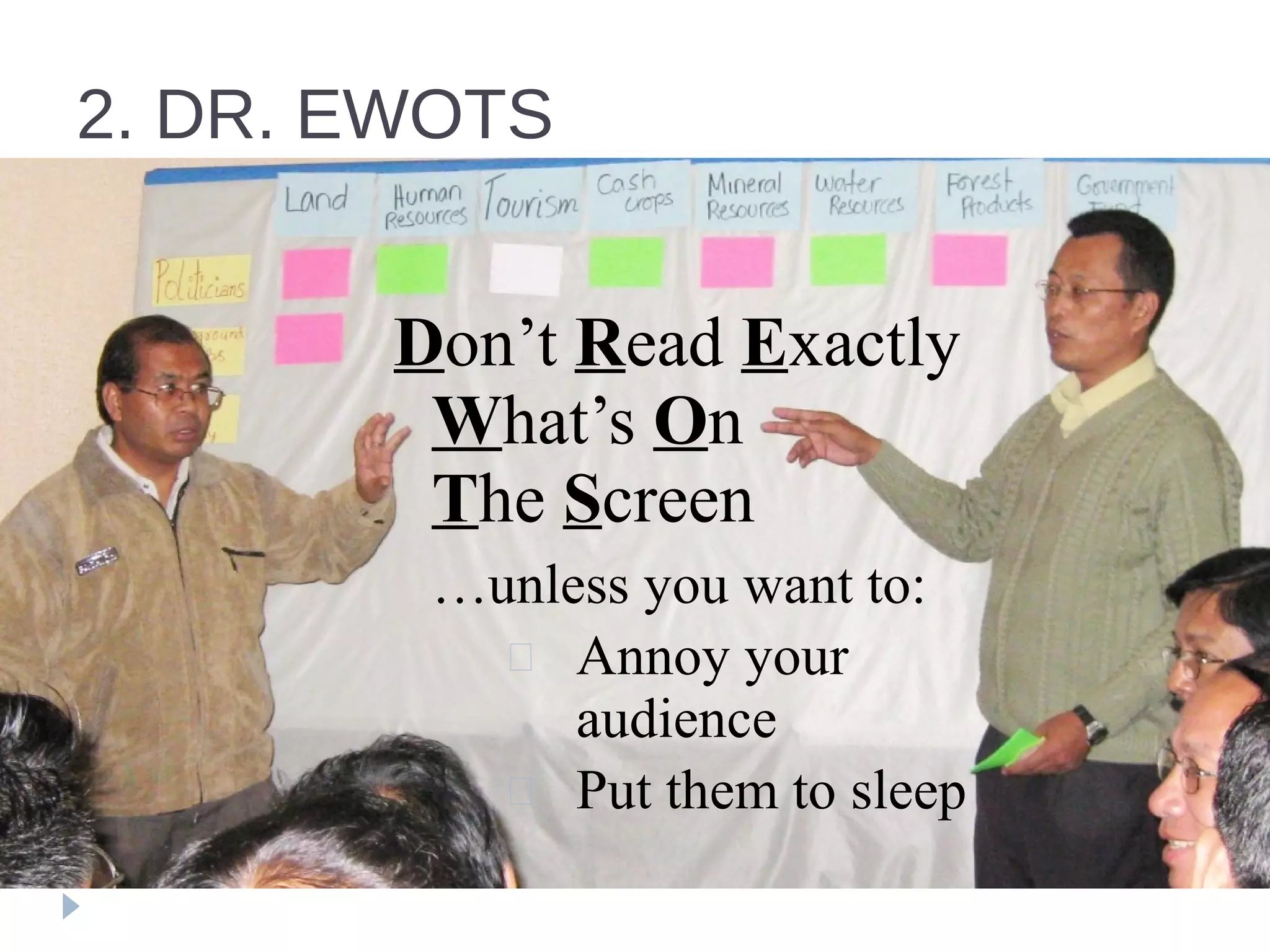
2. DR. EWOTS
Don’t Read Exactly
What’s On
The Screen
…unless you want to:
 Annoy your
audience
 Put them to sleep
3. L.I.E.R.
1. Locate
2. Introduce
3. Explain
4. Review
Where are we
in the flow of things?
Say what you are
going to say
Say it
Say what you just said
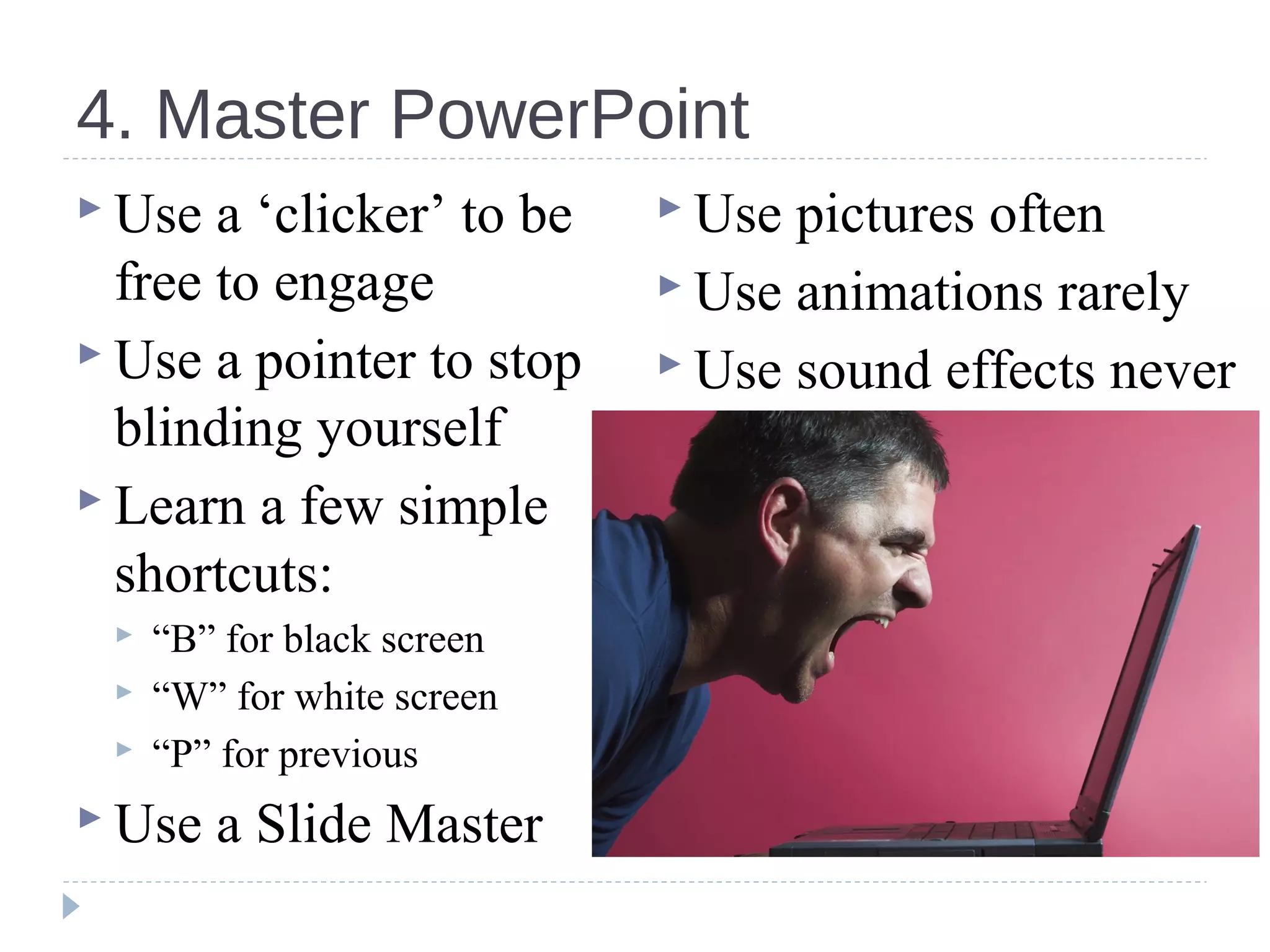
4. Master PowerPoint
 Use a ‘clicker’ to be
free to engage
 Use a pointer to stop
blinding yourself
 Learn a few simple
shortcuts:
 “B” for black screen
 “W” for white screen
 “P” for previous
 Use a Slide Master
 Use pictures often
 Use animations rarely
 Use sound effects never
5. A picture really is worth…5. A picture really is worth…
A few simple rules go a long wayA few simple rules go a long way
1. The 5.10.30
rule
2. DR.EWOTS
3. L.I.E.R.
4. Master
PowerPoint
5. One picture =
1000 words

5 principles for excellent presentations

  • 1.
    5 Commandments ofEffective Presentation
  • 2.
    A few simplerules go a long wayA few simple rules go a long way 1. The 5.10.30 rule 2. DR.EWOTS 3. L.I.E.R. 4. Master PowerPoint 5. One picture = 1000 words
  • 3.
    1. The 5-10-30Rule*  Maximum 5 dot points per slide  Maximum 10 words per dot point  Minimum 30-point font *If it’s more complicated than that, use a handout  How many PowerPoint presentations have you seen that have so much text that it’s completely impossible to read what’s written except with a magnifying glass and even then you’d have to sit within a few inches of the screen?  Why is it so hard to understand that PowerPoint is not Microsoft Word so you don’t need to put the entire project evaluation up on the screen and then walk point-by-point through each one of the logframe elements?  On top of that, some people insist on then going and reading every single word as it appears on the screen until you wish that you had not travelled all this way for this meeting when you could have just as easily read a document in a few minutes and mailed in your comments or called in by conference call.  Not to be deterred, others use incomprehensible lists of figures that have been copied and pasted from Excel. These people, like the previous ones, start their presentation by saying “I’m sorry that you can’t really read that” at which point you want to ask why they thought it was a good idea to put it in the presentation in the first place if they knew you wouldn’t be able to read it?  At that point you would be right in assuming that the presenter either takes you to be very dim indeed or they are trying to present information that they don’t want you to fully scrutinize, in which case you should start asking some very hard questions about the information that they don’t want you to see.  What you have probably concluded by now is that PowerPoint is a very helpful tool if you only realise that it has some very clear limitations. It’s a presentation tool – it is not a workshop-in-a-box. It’s simply a visual aid.
  • 4.
    2. DR. EWOTS Don’tRead Exactly What’s On The Screen …unless you want to:  Annoy your audience  Put them to sleep
  • 5.
    3. L.I.E.R. 1. Locate 2.Introduce 3. Explain 4. Review Where are we in the flow of things? Say what you are going to say Say it Say what you just said
  • 6.
    4. Master PowerPoint Use a ‘clicker’ to be free to engage  Use a pointer to stop blinding yourself  Learn a few simple shortcuts:  “B” for black screen  “W” for white screen  “P” for previous  Use a Slide Master  Use pictures often  Use animations rarely  Use sound effects never
  • 7.
    5. A picturereally is worth…5. A picture really is worth…
  • 8.
    A few simplerules go a long wayA few simple rules go a long way 1. The 5.10.30 rule 2. DR.EWOTS 3. L.I.E.R. 4. Master PowerPoint 5. One picture = 1000 words

Editor's Notes

  • #6 Are we there yet?