Powerful, Easy to Use Softphones for Windows and
Mac Included
With integrated powerful clients for Mac and Windows, 3CX allows you to easily manage your phone
calls, whether in the office using CTI and your deskphone, or on the road using your laptop. Unlike
other PBXs, no additional license fees are charged – and because the clients are fully integrated they
are easy to deploy and manage for the administrator, as well as easy to use for the employees.
one to Make and Receive Calls
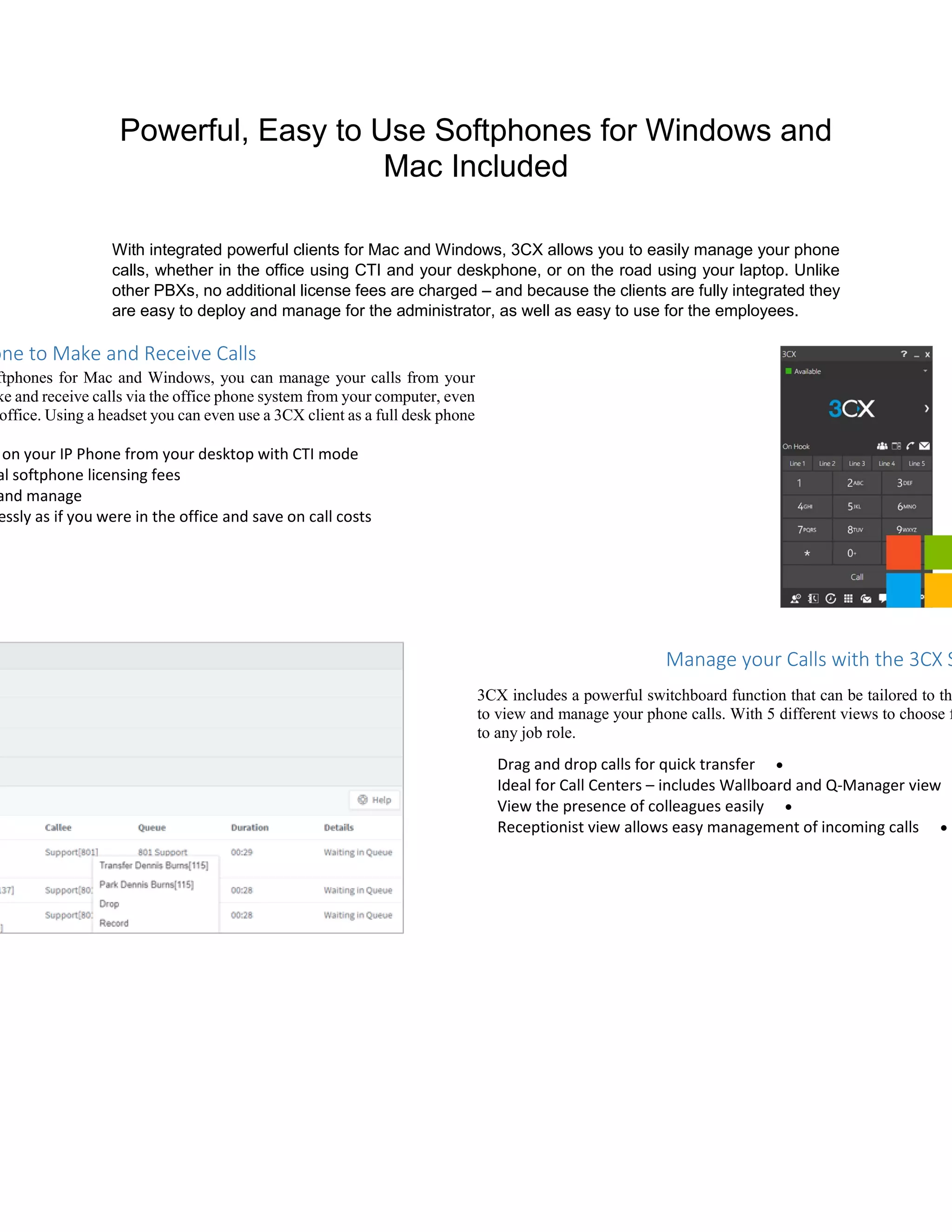
ftphones for Mac and Windows, you can manage your calls from your
ke and receive calls via the office phone system from your computer, even
office. Using a headset you can even use a 3CX client as a full desk phone
on your IP Phone from your desktop with CTI mode
al softphone licensing fees
and manage
essly as if you were in the office and save on call costs
Manage your Calls with the 3CX S
3CX includes a powerful switchboard function that can be tailored to th
to view and manage your phone calls. With 5 different views to choose f
to any job role.
Drag and drop calls for quick transfer
Ideal for Call Centers – includes Wallboard and Q-Manager view
View the presence of colleagues easily
Receptionist view allows easy management of incoming calls
with Office 365, Google, Outlook & Others!
rectly from your CRM package. Inbound calls are matched to customers
aller ID and logged in your CRM system. Accurate call journalling of
tbound calls with call duration allows you to generate insightful reports
d agent activities.
65, Google contacts or Internal Phonebook
from your CRM
yptical Caller ID to a customer name
ports on customer and agent activities, no manual call logging

3CX Powerful APP

  • 1.
    Powerful, Easy toUse Softphones for Windows and Mac Included With integrated powerful clients for Mac and Windows, 3CX allows you to easily manage your phone calls, whether in the office using CTI and your deskphone, or on the road using your laptop. Unlike other PBXs, no additional license fees are charged – and because the clients are fully integrated they are easy to deploy and manage for the administrator, as well as easy to use for the employees. one to Make and Receive Calls ftphones for Mac and Windows, you can manage your calls from your ke and receive calls via the office phone system from your computer, even office. Using a headset you can even use a 3CX client as a full desk phone on your IP Phone from your desktop with CTI mode al softphone licensing fees and manage essly as if you were in the office and save on call costs Manage your Calls with the 3CX S 3CX includes a powerful switchboard function that can be tailored to th to view and manage your phone calls. With 5 different views to choose f to any job role. Drag and drop calls for quick transfer Ideal for Call Centers – includes Wallboard and Q-Manager view View the presence of colleagues easily Receptionist view allows easy management of incoming calls
  • 2.
    with Office 365,Google, Outlook & Others! rectly from your CRM package. Inbound calls are matched to customers aller ID and logged in your CRM system. Accurate call journalling of tbound calls with call duration allows you to generate insightful reports d agent activities. 65, Google contacts or Internal Phonebook from your CRM yptical Caller ID to a customer name ports on customer and agent activities, no manual call logging