30	
  Tools	
  in	
  50	
  Minutes
       Essential	
  web	
  tools	
  for	
  the	
  school	
  PR	
  pro


                                          Delaina	
  Biernstein
                                                Graphic	
  Design	
  Specialist
June	
  21,	
  2011                 Tempe	
  Elementary	
  School	
  District
This	
  presentation	
  (with	
  links!)	
  can	
  be	
  found	
  
online	
  at:

www.delainadesign.com/30tools
Delaina’s	
  Rules
It’s	
  up	
  to	
  YOU	
  to	
  learn	
  the	
  tools	
  by	
  doing,	
  
not	
  by	
  watching.

Be	
  curious,	
  be	
  persistent,	
  be	
  unafraid.

Experiment	
  and	
  explore.

Good	
  tools	
  don’t	
  make	
  up	
  for	
  poor	
  content.
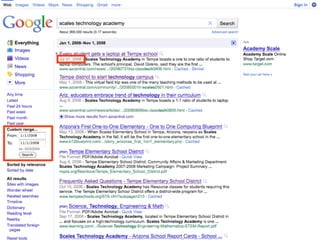
*Google	
  Search	
  Tools
     www.google.com


              INFORMATION	
  
                 GATHERING
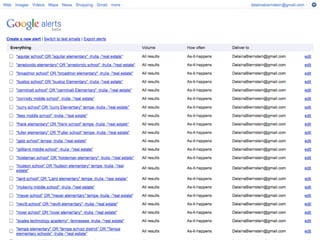
*Google	
  Alerts
www.google.com/alerts


            INFORMATION	
  
               GATHERING
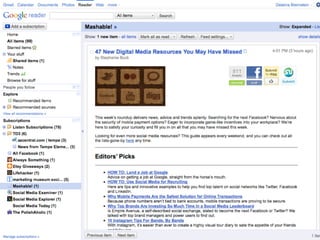
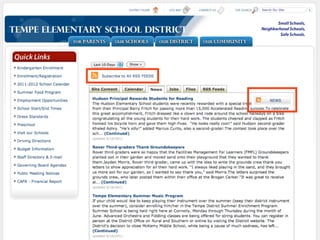
*Google	
  Reader
www.google.com/reader
           (or	
  any	
  RSS	
  reader)


             INFORMATION	
  
                GATHERING
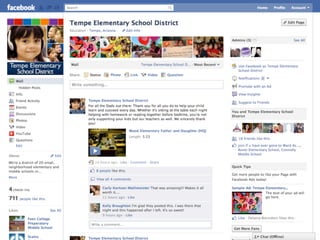
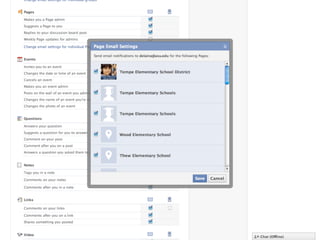
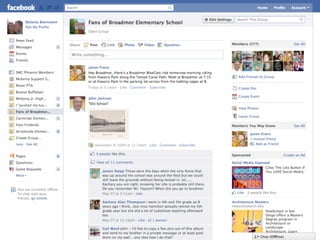
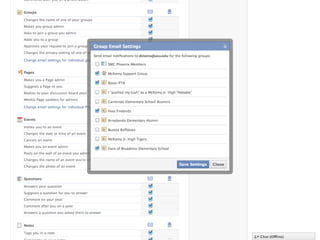
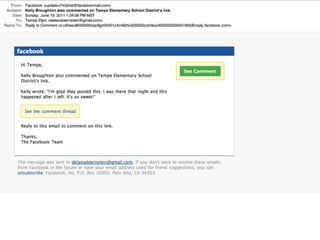
Facebook	
  Notifications
http://www.facebook.com/editaccount.php?notifications


                             INFORMATION	
  
                                GATHERING
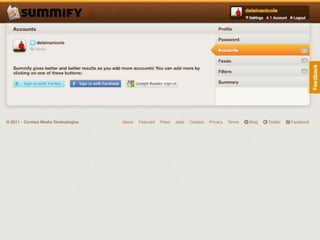
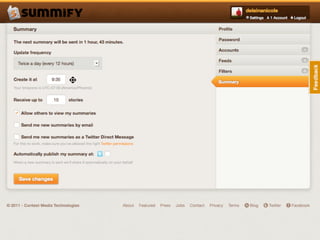
Summify
www.summify.com


         INFORMATION	
  
            GATHERING
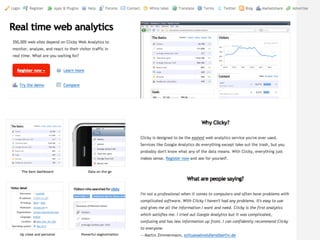
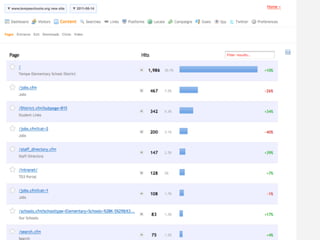
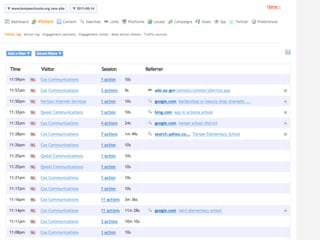
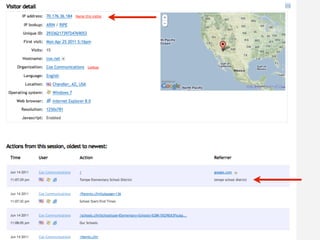
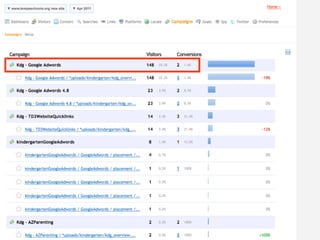
*Clicky	
  Analytics
  www.getclicky.com


                 ANALYTICS
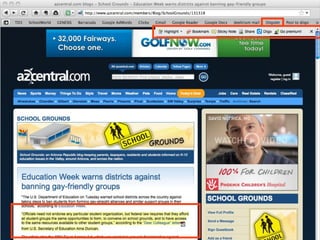
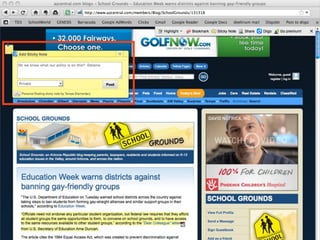
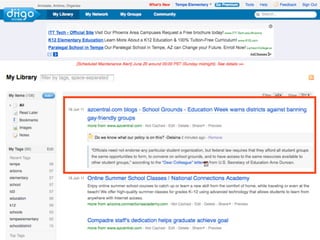
Diigo
www.diigo.com


        INFORMATION	
  
            SHARING
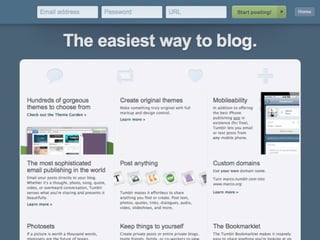
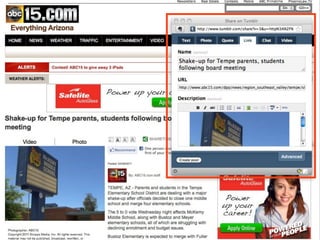
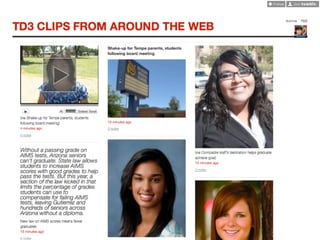
Tumblr
www.tumblr.com


        INFORMATION	
  
            SHARING
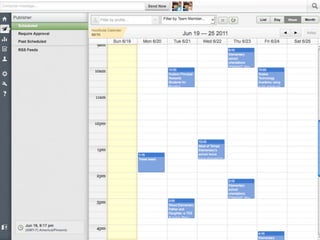
HootSuite
www.hootsuite.com


          SOCIAL	
  MEDIA
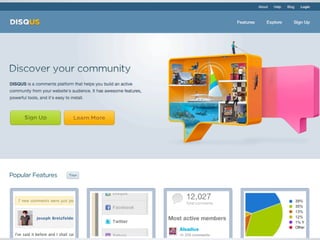
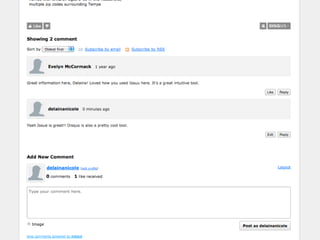
Disqus
www.disqus.com


         SOCIAL	
  MEDIA
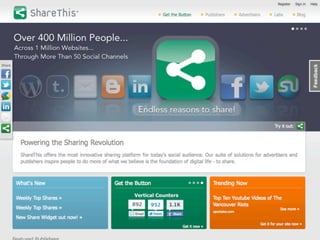
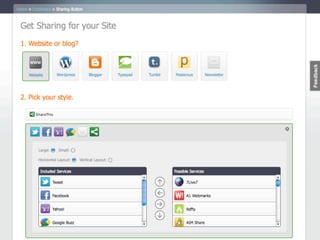
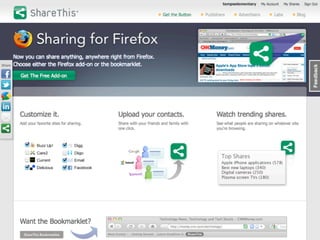
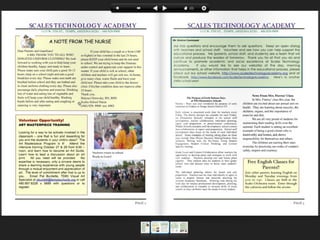
ShareThis
www.sharethis.com


          SOCIAL	
  MEDIA
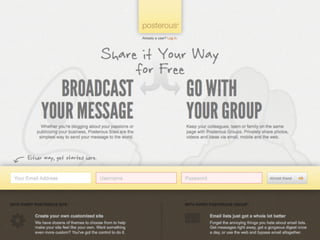
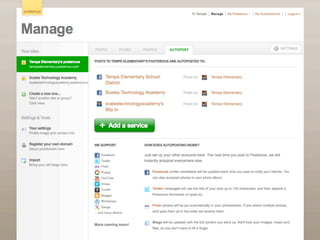
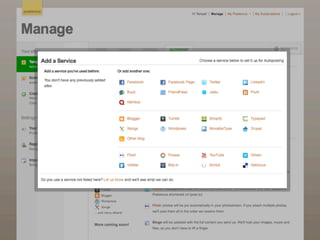
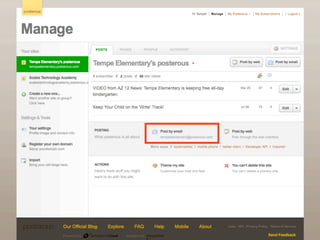
Posterous
www.posterous.com


              CONTENT	
  
          DISTRIBUTION
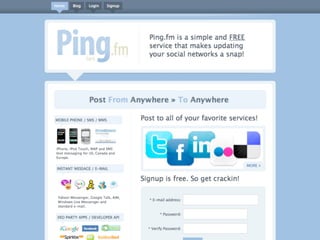
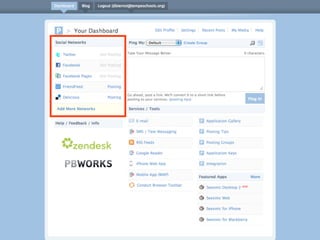
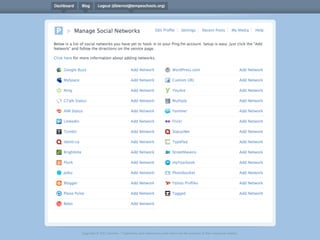
Ping.fm
www.ping.fm


           CONTENT	
  
       DISTRIBUTION
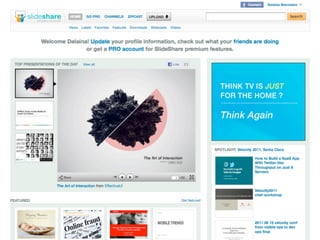
SlideShare
www.slideshare.net


        PRESENTATIONS
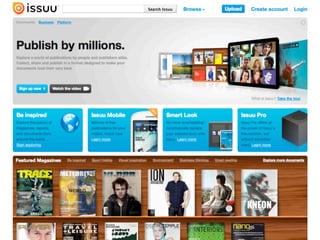
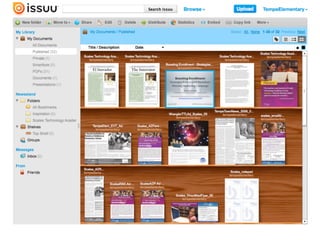
Issuu
www.issuu.com


      PRESENTATIONS
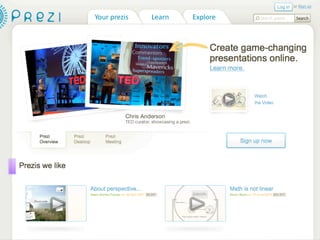
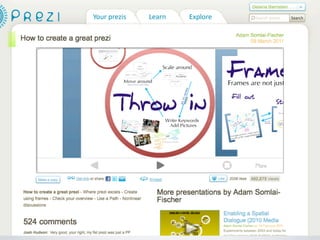
Prezi
www.prezi.com


      PRESENTATIONS
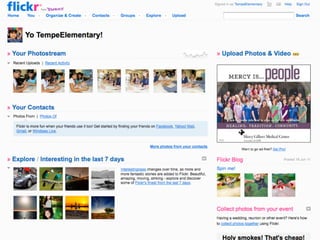
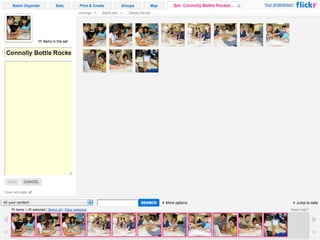
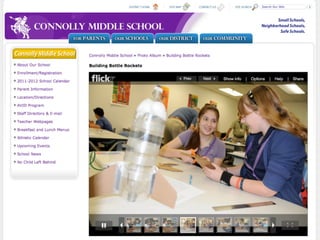
Flickr
www.flickr.com


                PHOTOS
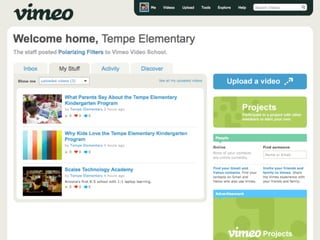
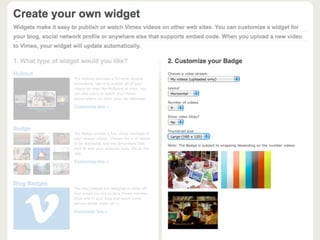
Vimeo
www.vimeo.com


                VIDEOS
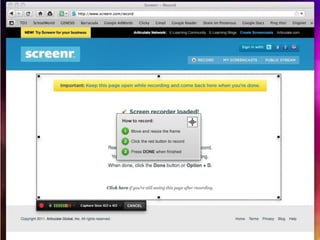
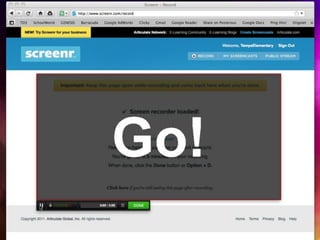
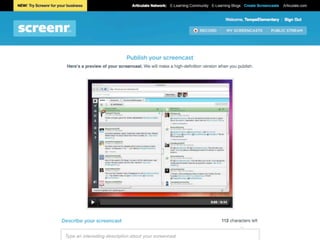
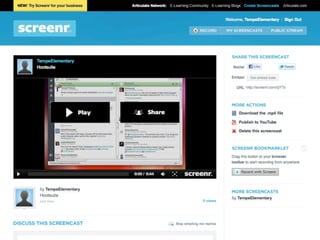
Screenr
www.screenr.com


                  VIDEOS
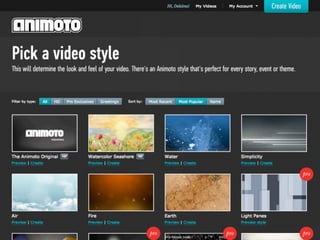
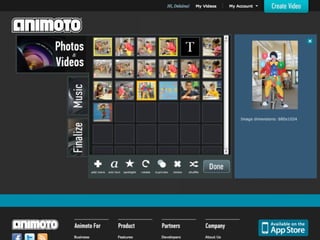
Animoto	
  for	
  Education
 www.animoto.com/education


                        VIDEOS
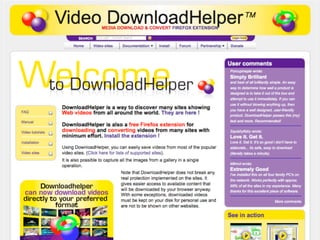
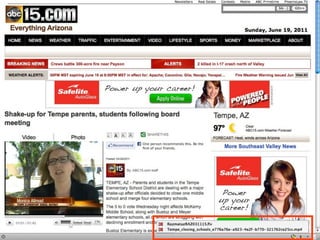
Download	
  Helper
www.downloadhelper.net


                         VIDEOS
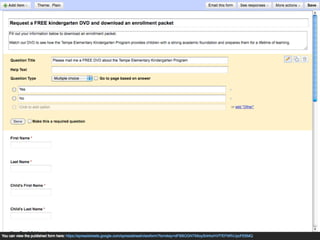
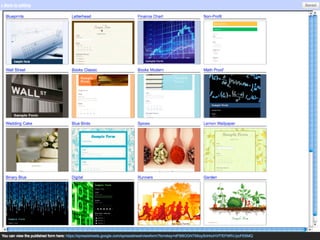
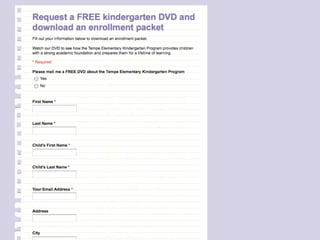
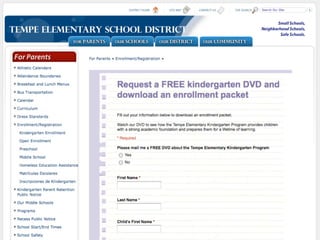
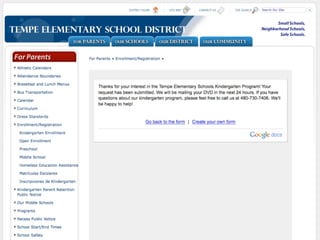
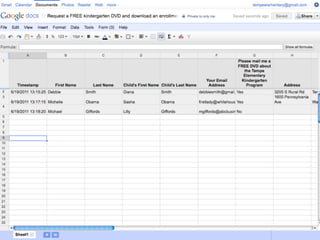
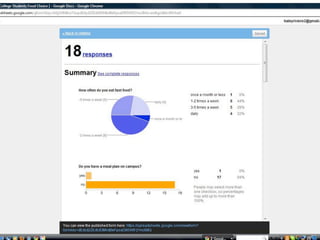
Google	
  Docs:	
  Forms
http://www.google.com/google-­‐d-­‐s/forms/


                             FORMS	
  &	
  
                           DOCUMENTS
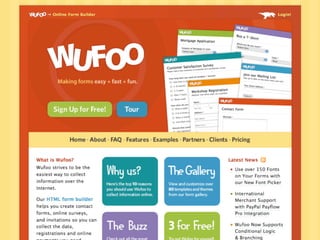
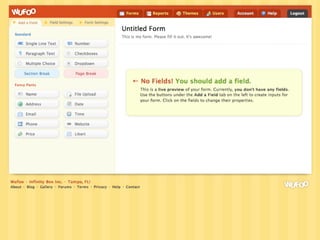
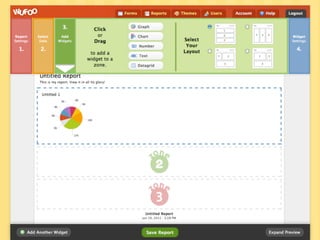
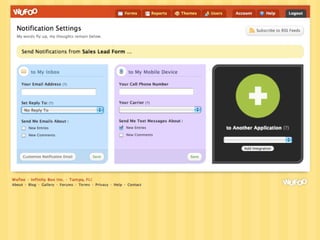
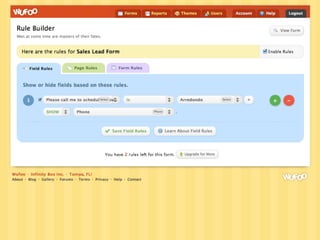
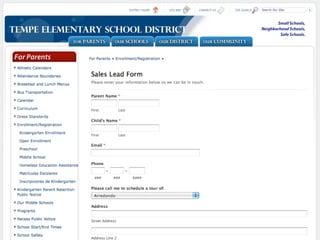
Wufoo
www.wufoo.com


            FORMS	
  &	
  
          DOCUMENTS
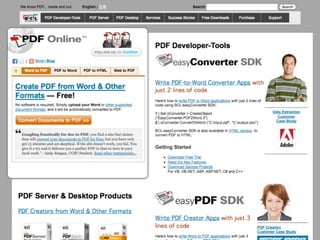
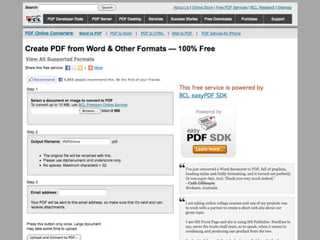
PDF	
  Online
www.pdfonline.com


              FORMS	
  &	
  
            DOCUMENTS
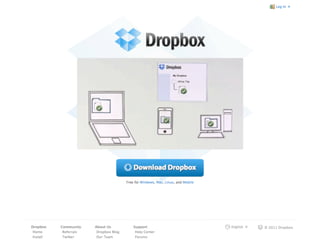
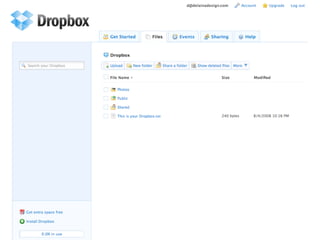
Dropbox
www.dropbox.com


             FORMS	
  &	
  
           DOCUMENTS
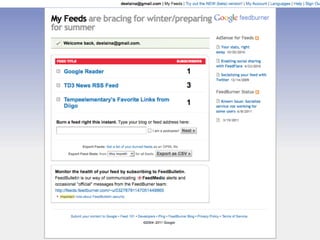
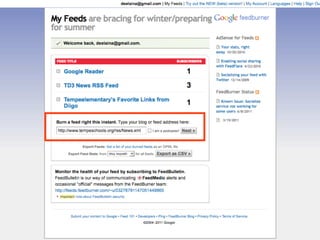
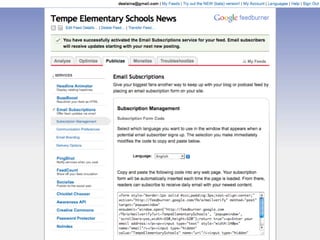
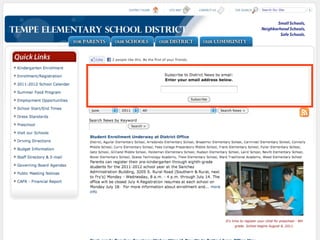
FeedBurner
feedburner.google.com


     EMAIL	
  NEWSETTERS
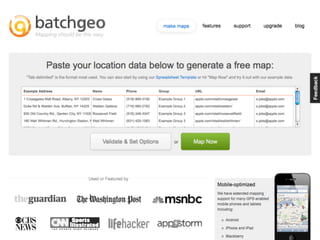
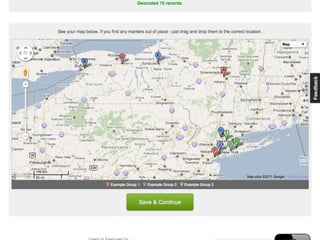
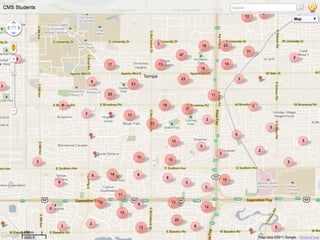
BatchGeo
www.batchgeo.com


                   MAPS
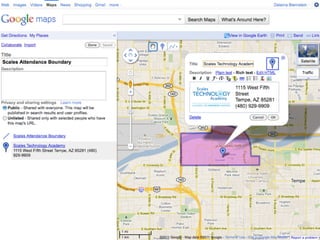
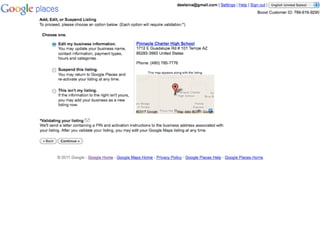
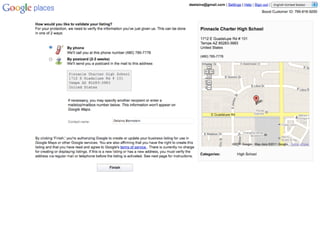
Google	
  My	
  Maps/My	
  Places
        maps.google.com


                              MAPS
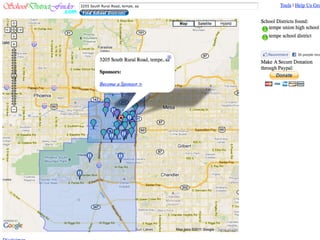
School	
  District	
  Finder
www.schooldistrictfinder.com


                              MAPS
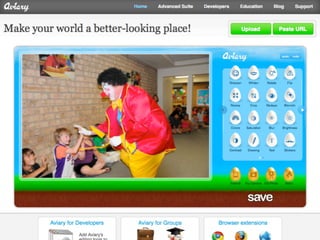
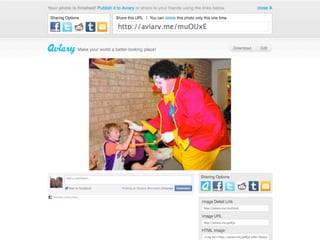
Aviary
www.aviary.com


   GRAPHICS	
  EDITING
Key	
  Takeaways
Lots	
  of	
  opportunities	
  to	
  embed	
  tools	
  on	
  
your	
  own	
  website
Most	
  tools	
  integrate	
  with	
  many	
  other	
  
tools.	
  Design	
  a	
  flowchart	
  of	
  how	
  you	
  plan	
  
to	
  use	
  these	
  tools.

Get	
  a	
  dummy	
  email	
  address	
  and	
  sign	
  up	
  
for	
  everything!
Resources:	
  Stay	
  up	
  to	
  date!
•www.Mashable.com

•www.Lifehacker.com

•www.MakeUseOf.com

•www.EdSocialMedia.com

•www.SocialMediaExaminer.com/category/tools/

•www.SocialMediaExplorer.com

•www.SchneiderB.com

•www.socialmediatoday.com/all/16584
Questions?

30 Tools in 50 Minutes: Essential web tools for the school PR pro