Operating System
Operating System 
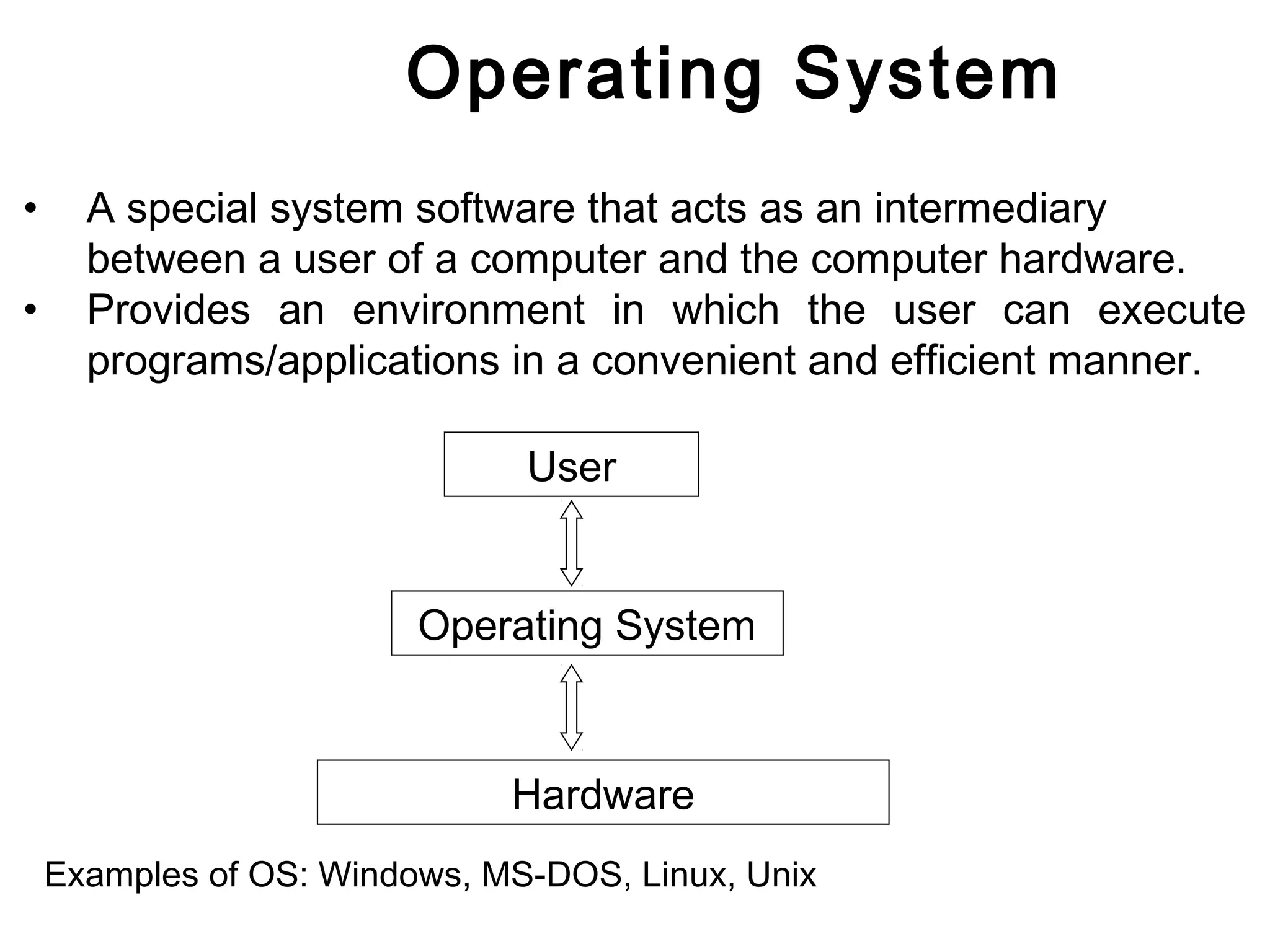
• A special system software that acts as an intermediary 
between a user of a computer and the computer hardware. 
• Provides an environment in which the user can execute 
programs/applications in a convenient and efficient manner. 
User 
Operating System 
Hardware 
Examples of OS: Windows, MS-DOS, Linux, Unix
Operating System. 
Thus the main goals for an Operating system are: 
• Make computer convenient to use (hides Hardware details) 
• Utilize resources in efficient manner
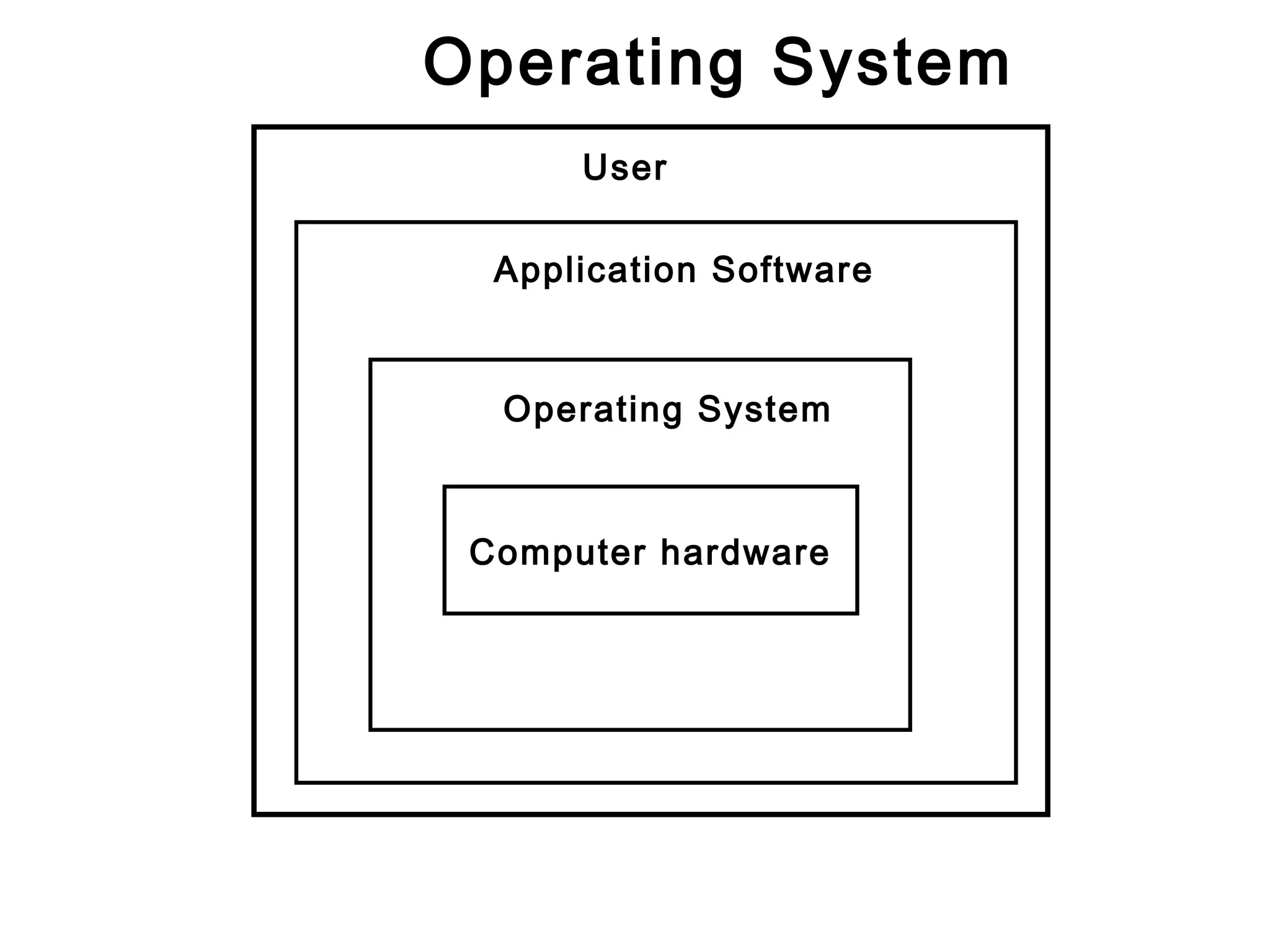
Operating System 
User 
Application Software 
Operating System 
Computer hardware
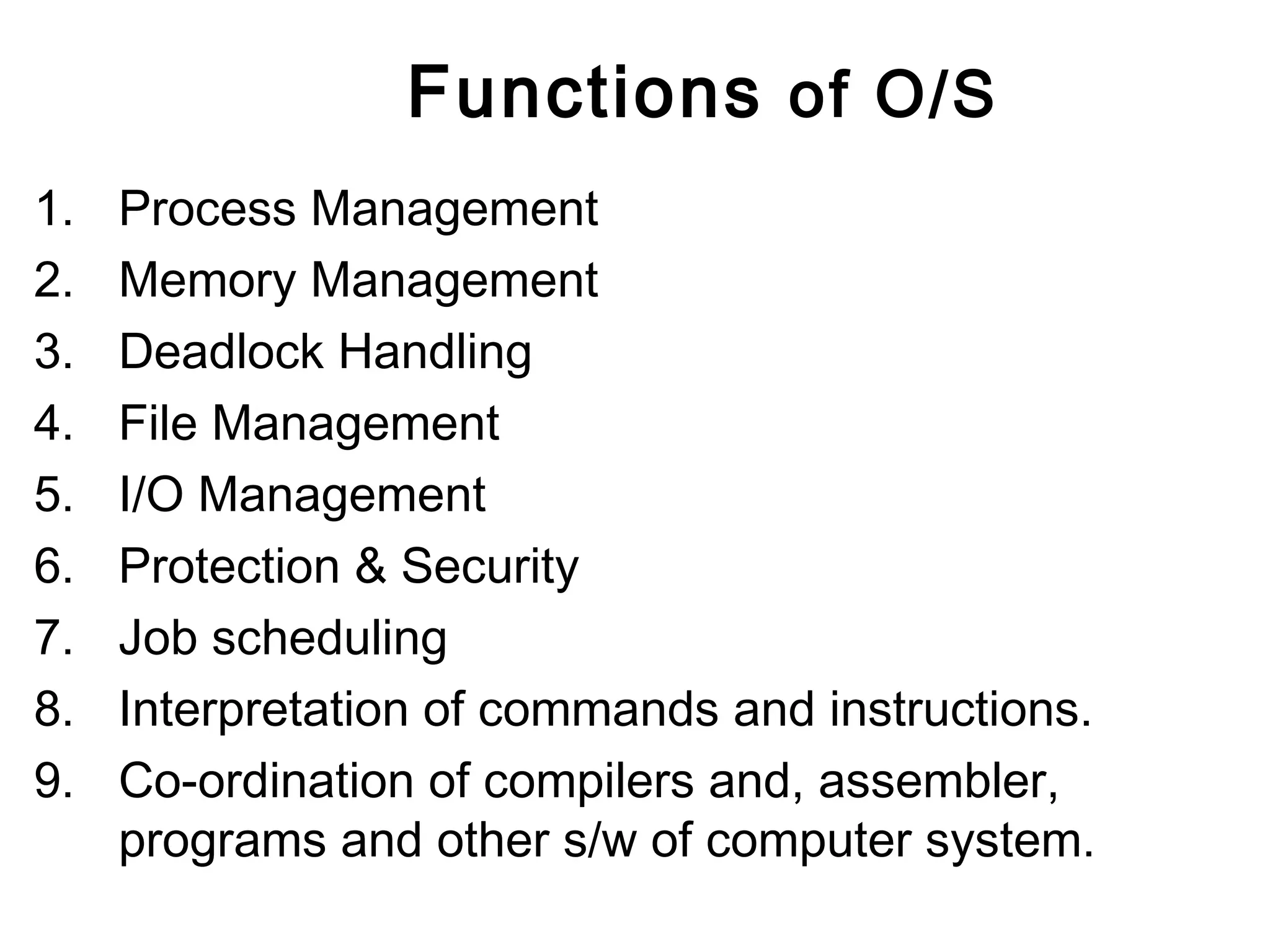
Functions of O/S 
1. Process Management 
2. Memory Management 
3. Deadlock Handling 
4. File Management 
5. I/O Management 
6. Protection & Security 
7. Job scheduling 
8. Interpretation of commands and instructions. 
9. Co-ordination of compilers and, assembler, 
programs and other s/w of computer system.
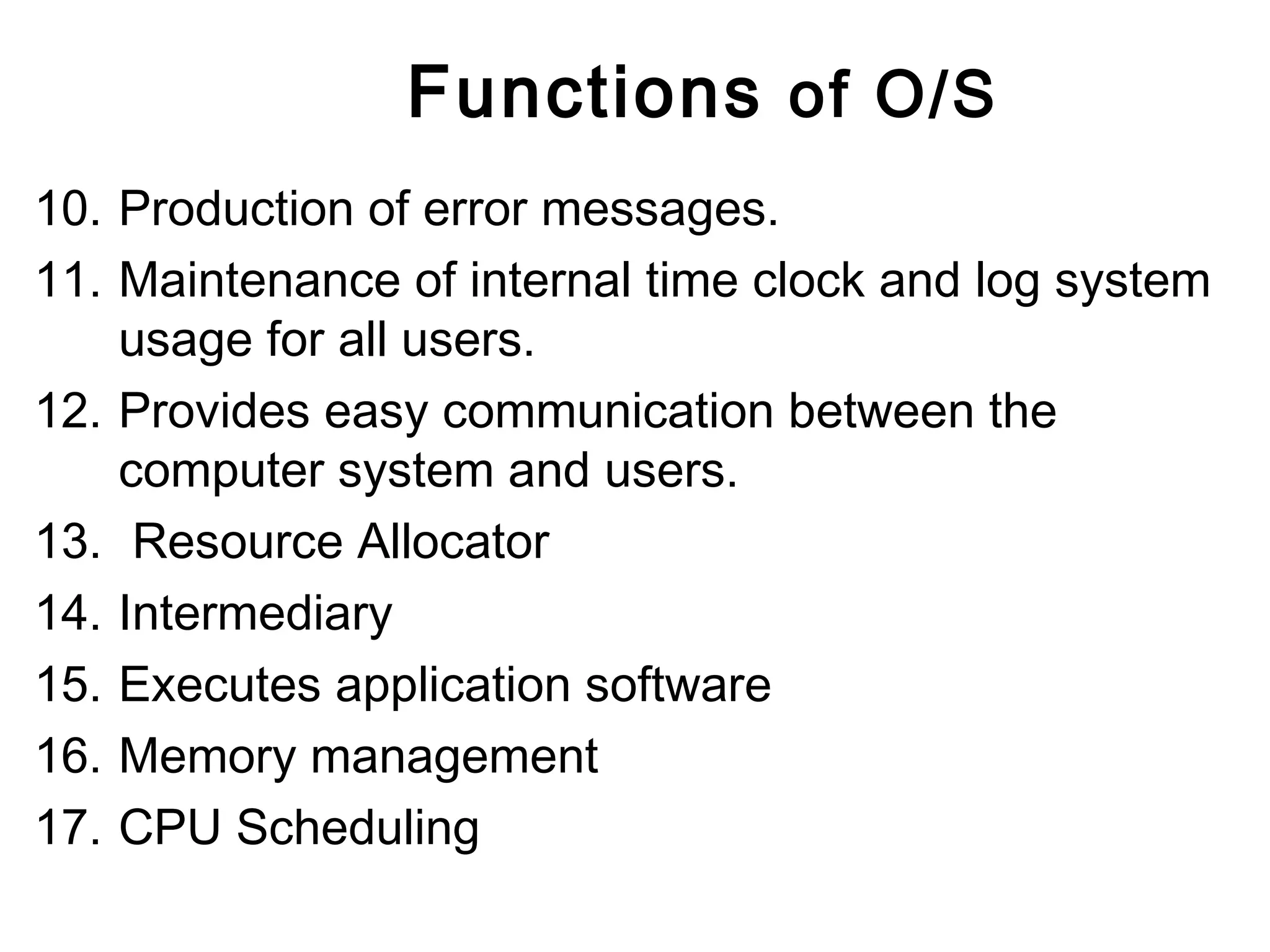
Functions of O/S 
10. Production of error messages. 
11. Maintenance of internal time clock and log system 
usage for all users. 
12. Provides easy communication between the 
computer system and users. 
13. Resource Allocator 
14. Intermediary 
15. Executes application software 
16. Memory management 
17. CPU Scheduling
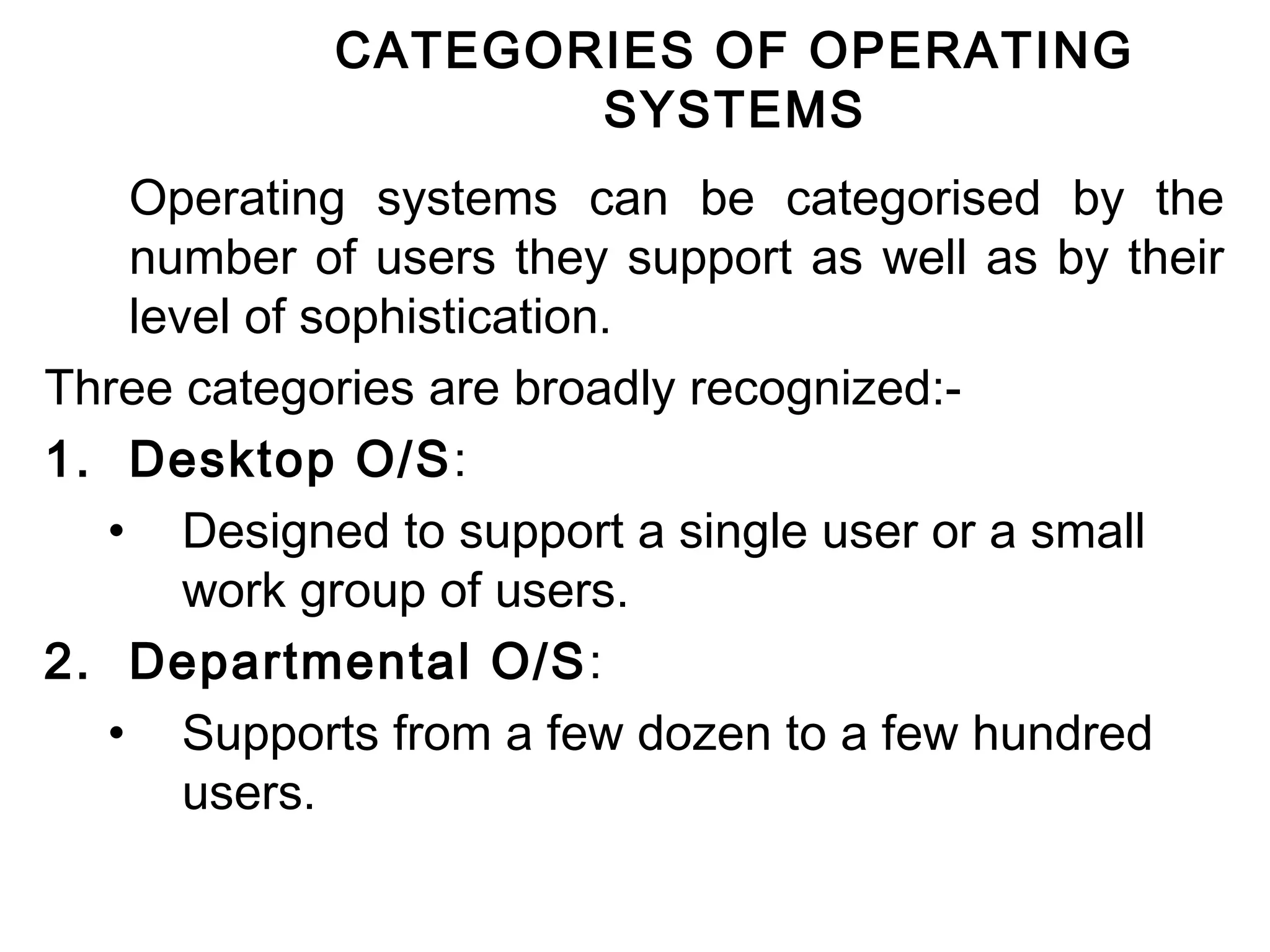
CATEGORIES OF OPERATING 
SYSTEMS 
Operating systems can be categorised by the 
number of users they support as well as by their 
level of sophistication. 
Three categories are broadly recognized:- 
1. Desktop O/S: 
• Designed to support a single user or a small 
work group of users. 
2. Departmental O/S: 
• Supports from a few dozen to a few hundred 
users.
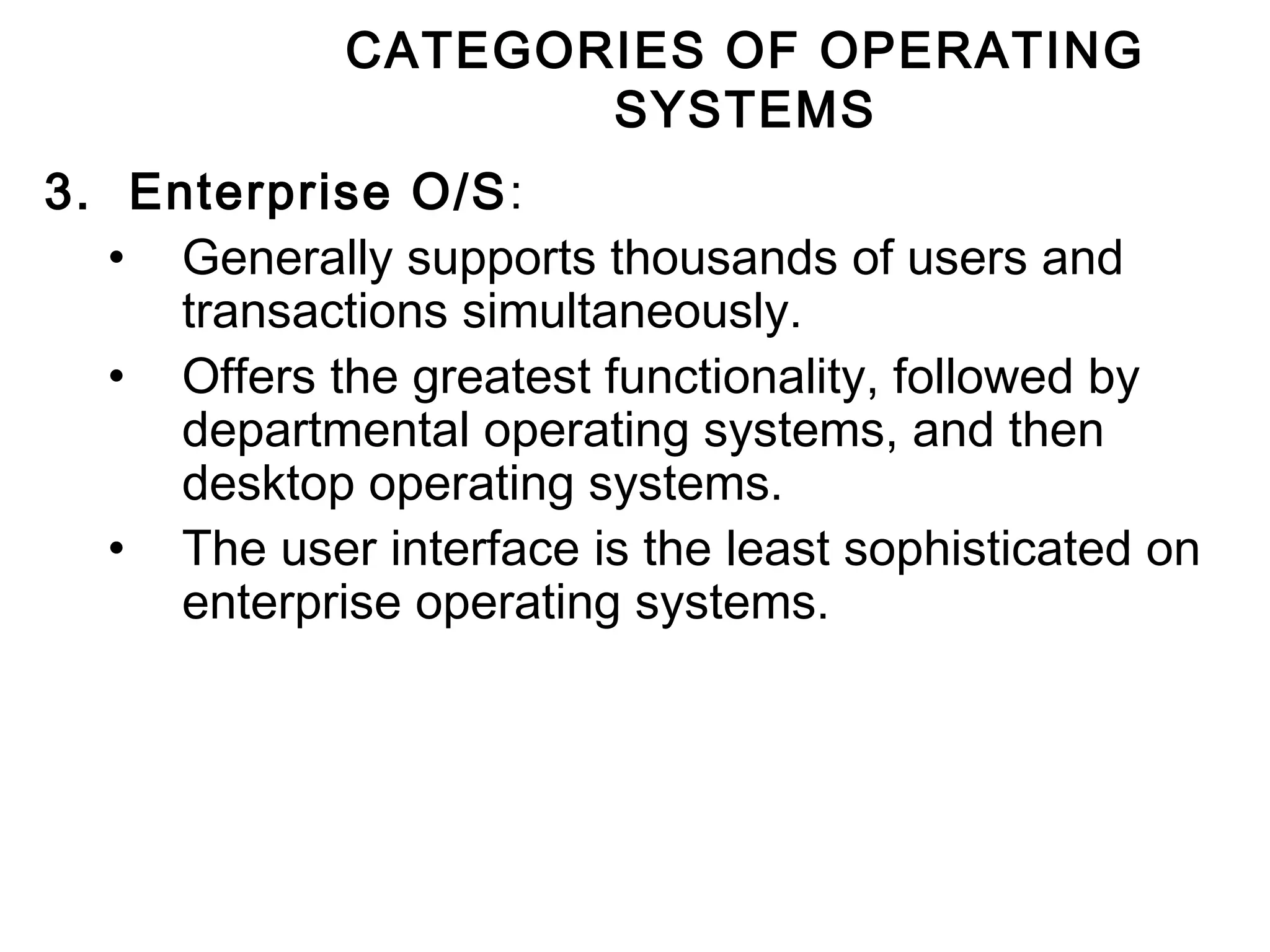
CATEGORIES OF OPERATING 
SYSTEMS 
3. Enterprise O/S: 
• Generally supports thousands of users and 
transactions simultaneously. 
• Offers the greatest functionality, followed by 
departmental operating systems, and then 
desktop operating systems. 
• The user interface is the least sophisticated on 
enterprise operating systems.
Desktop Operating System
Desktop Operating System 
• Supports a single user or a small group of users. 
• Some examples of the operating systems in this 
category are:- 
1. MS-DOS: 
• One of the original operating systems for the IBM 
PC and its clones. 
• A non-graphical, line oriented, command-driven 
operating system, with a relatively simple interface 
but not a friendly user interface. 
• It was not capable of multitasking. 
• It has now been almost totally replaced by GUI 
products such as Windows 95, Windows 98, 
Windows 2000 and Windows XP.
Desktop Operating System 
2. Windows 3.1 
• It is a transition windowing system between 
MS-DOS and Windows95, Windows 98 and 
Windows 2000. 
• It is not actually an operating system, but a 
GUI that operates with, and extends the 
capabilities of MS-DOS
Desktop Operating System 
3. Windows 95 
• The first of a series of products in the Windows 
operating systems that provides a GUI by using 
icons to provide instant access to common tasks. 
• It is a 32-bit operating system that features 
multitasking, networking, and Internet integration 
capabilities. 
• It also offers plug-and-play capabilities by enabling 
the operating system to recognize new hardware 
and install the necessary software (device drivers) 
automatically.
Desktop Operating System 
4. Windows 98 
• Offered minor refinements, bug fixes, and 
enhancements to windows 95. 
5. Windows NT 
• An operating system for high-end desktops and 
workstations. 
• It provides the same GUI as Windows 95, 98, and 
2000. 
• Has more powerful multitasking, and memory 
management capabilities. 
• It is popular in networked systems in business 
organizations.
Desktop Operating System 
6. Windows 2000 
• Microsoft changed the name of the upgrade of 
Windows NT 5.0 to Windows 2000. 
• This operating system has added security features. 
• Runs on multiprocessor computers. 
• Offers added Internet and Intranet functionality. 
7. Windows CE (Compact Edition) 
• Is a 32-bit operating system designed for hand-held 
PCs, and wireless communication devices.
Desktop Operating System 
8. IBM’s OS/2 Operating System 
• A 32-bit operating system that supports multitasking, 
and supports networked applications. 
9. Macintosh Operating System 
• For Apple Macintosh microcomputers. 
• Is a 32-bit operating system that features 
multitasking and powerful graphics capabilities.
Desktop Operating System 
10.Unix 
• Provides many sophisticated desktop 
features, including multiprocessing and 
multitasking techniques. 
• Is valuable to business organizations because 
it can be used on many different sizes of 
computers ( different hardware: non Intel and 
Intel processors). 
• Was popularized by Sun Microsystems.
Desktop Operating System 
11. Linux 
• A powerful version of Unix . 
• Completely free of charge. 
• It offers multitasking, virtual memory management, and 
TCP/IP networking. 
• Originally written by Linus Tovalds at the University of 
Helsinki in 1991. 
• He then released the source code to the world. 
• Like Unix, it runs on multiple hardware platforms. 
• Is becoming widely used by Internet service providers. 
• The clearinghouse for Linux information on the Internet may 
be found at www.linuxhq.com
Desktop Operating System 
12.Java Operating System 
• Is designed for hand-held products and 
network computers. 
• Sun’s java operating system executes 
programs written in Java language without the 
need for a traditional operating system. 
• It is designed for Internet and Intranet 
applications and embedded devices.
Departmental Server 
Operating 
Systems
Departmental Server Operating 
Systems 
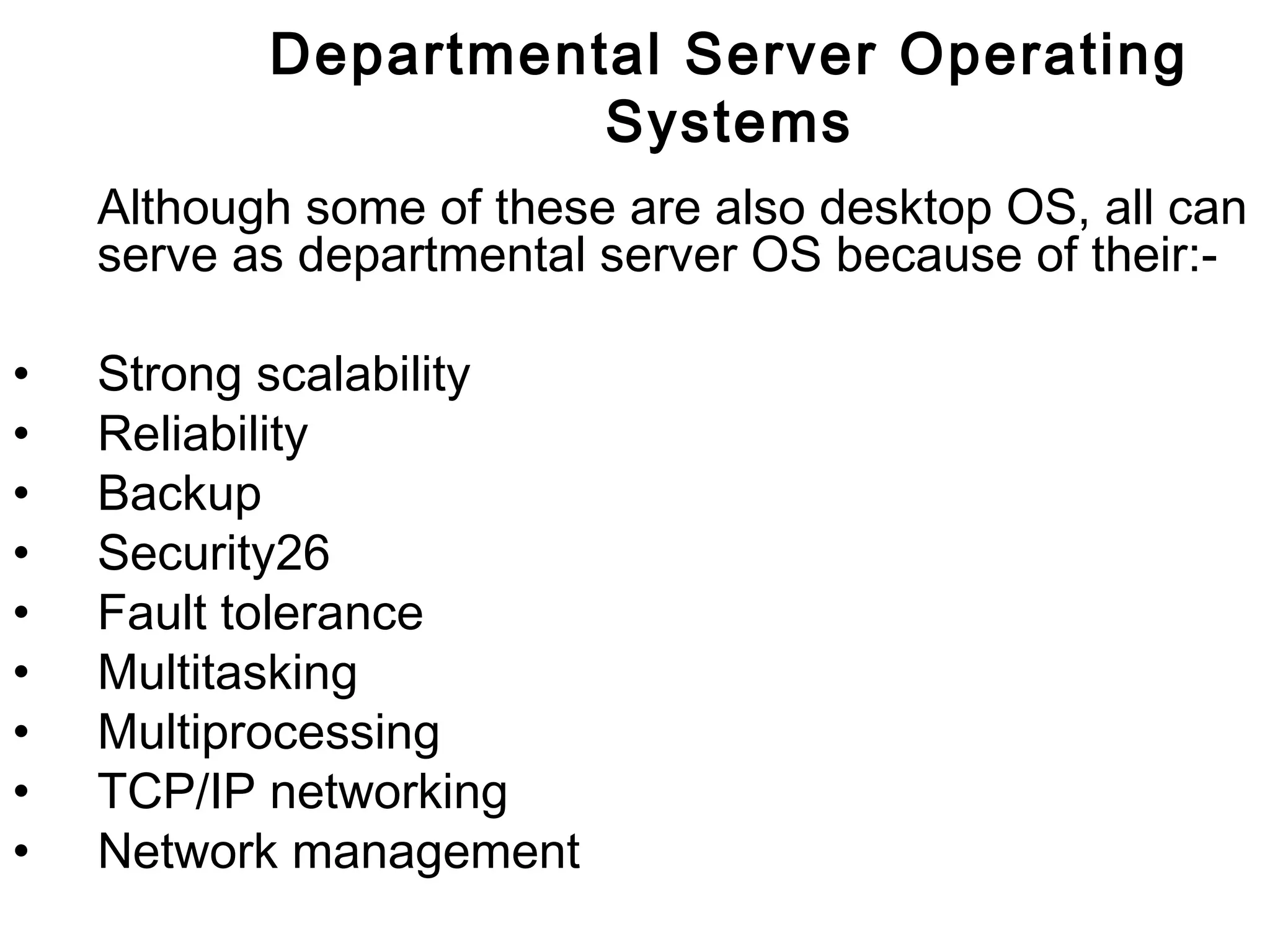
The major departmental server operating systems 
include:- 
• Unix 
• Windows NT server 
• IBM’s OS/2 Warp Server 
• Novell NetWare 
• IBM’s OS/400
Departmental Server Operating 
Systems 
Although some of these are also desktop OS, all can 
serve as departmental server OS because of their:- 
• Strong scalability 
• Reliability 
• Backup 
• Security26 
• Fault tolerance 
• Multitasking 
• Multiprocessing 
• TCP/IP networking 
• Network management
Enterprise Operating Systems
Enterprise Operating 
Systems 
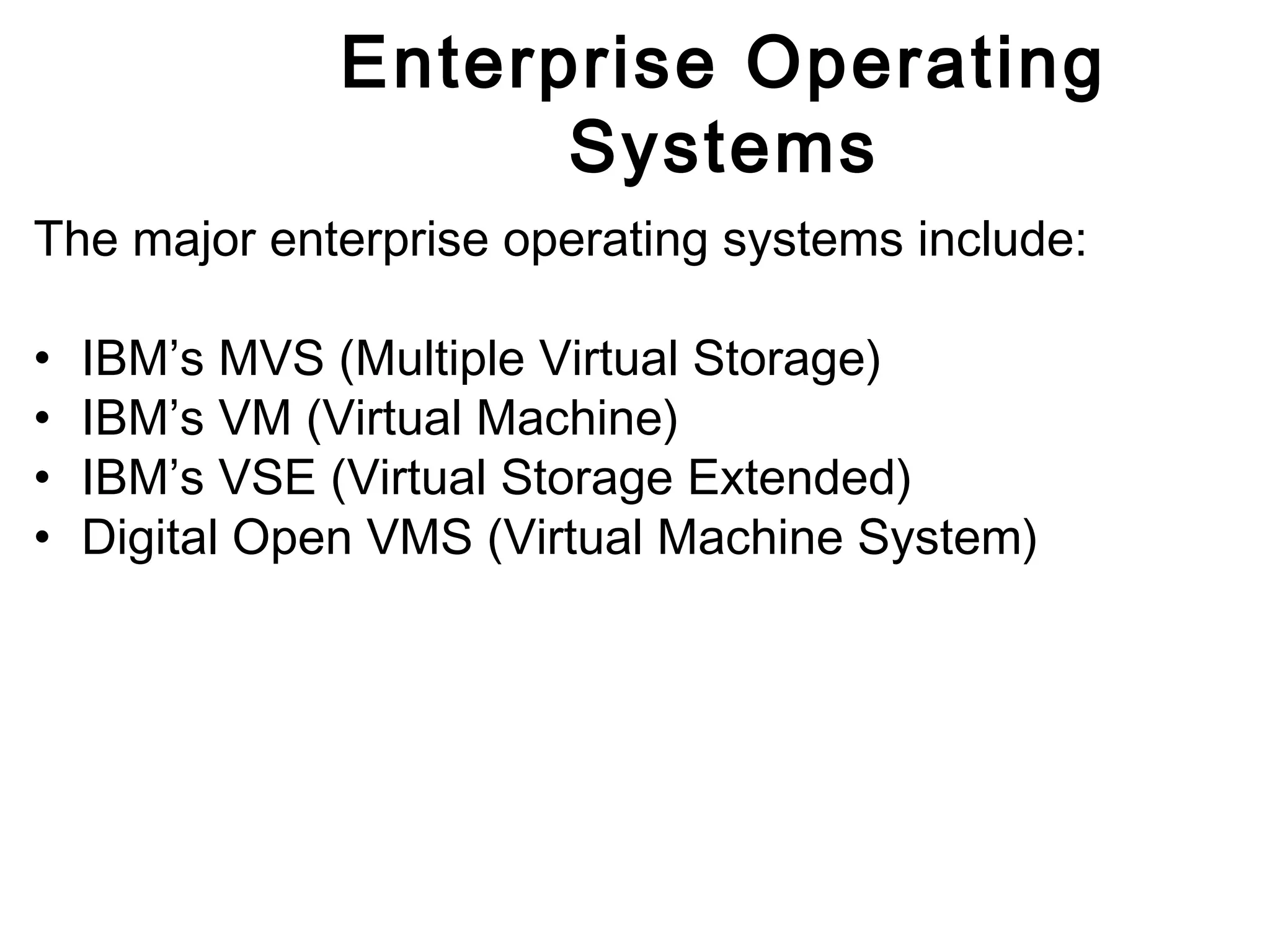
The major enterprise operating systems include: 
• IBM’s MVS (Multiple Virtual Storage) 
• IBM’s VM (Virtual Machine) 
• IBM’s VSE (Virtual Storage Extended) 
• Digital Open VMS (Virtual Machine System)
Enterprise Operating 
Systems 
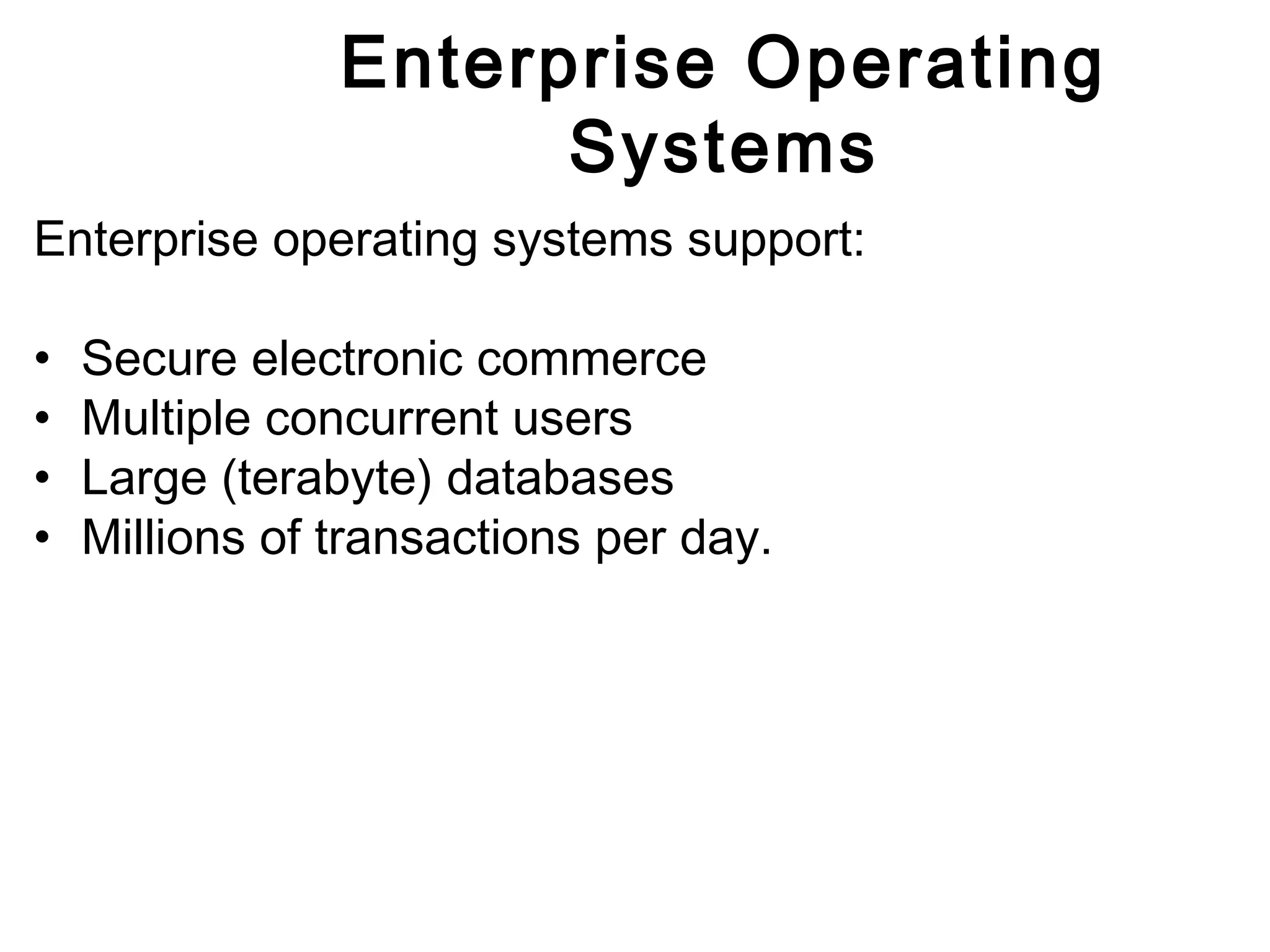
Enterprise operating systems support: 
• Secure electronic commerce 
• Multiple concurrent users 
• Large (terabyte) databases 
• Millions of transactions per day.
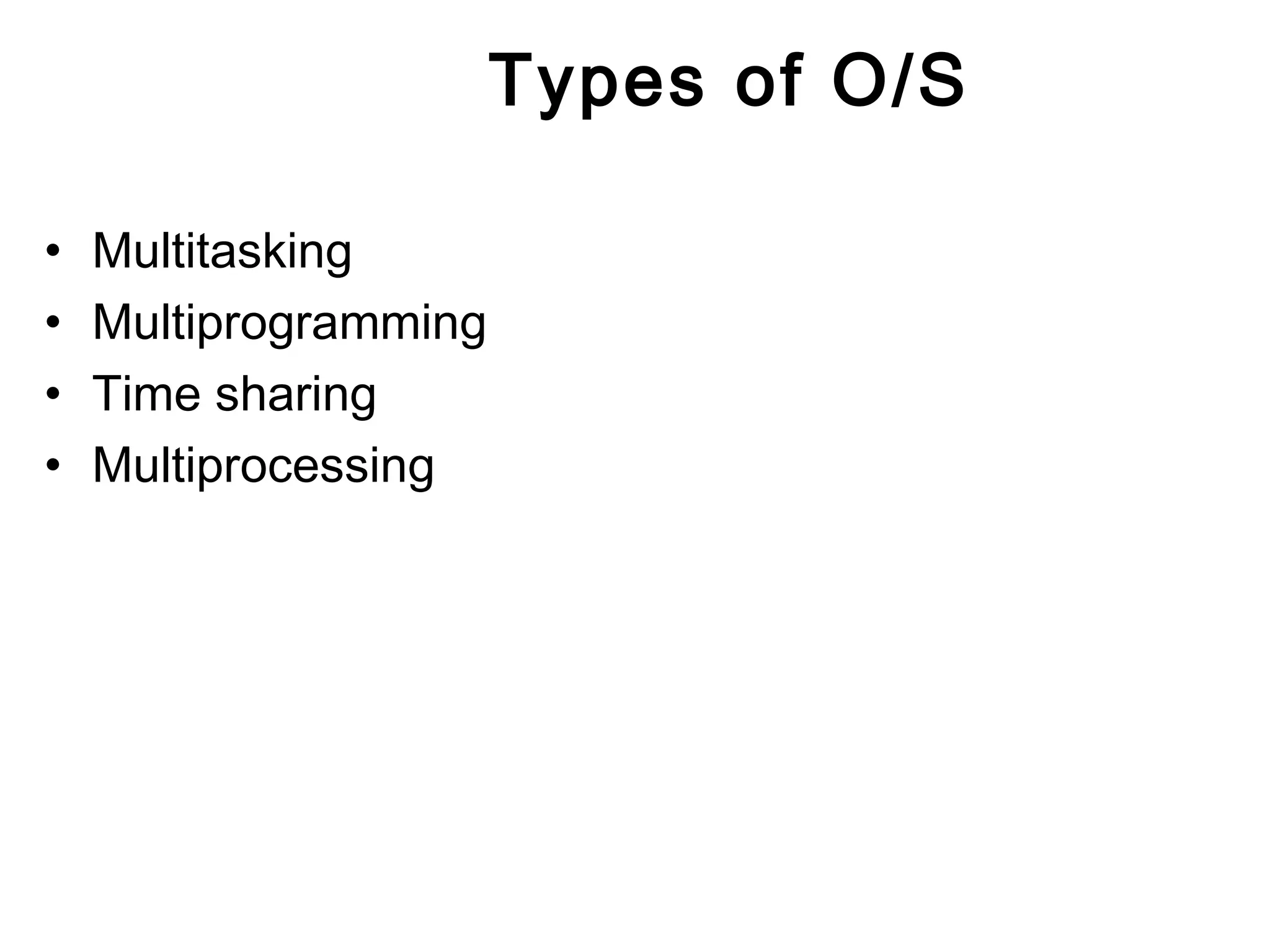
Types of O/S 
• Multitasking 
• Multiprogramming 
• Time sharing 
• Multiprocessing
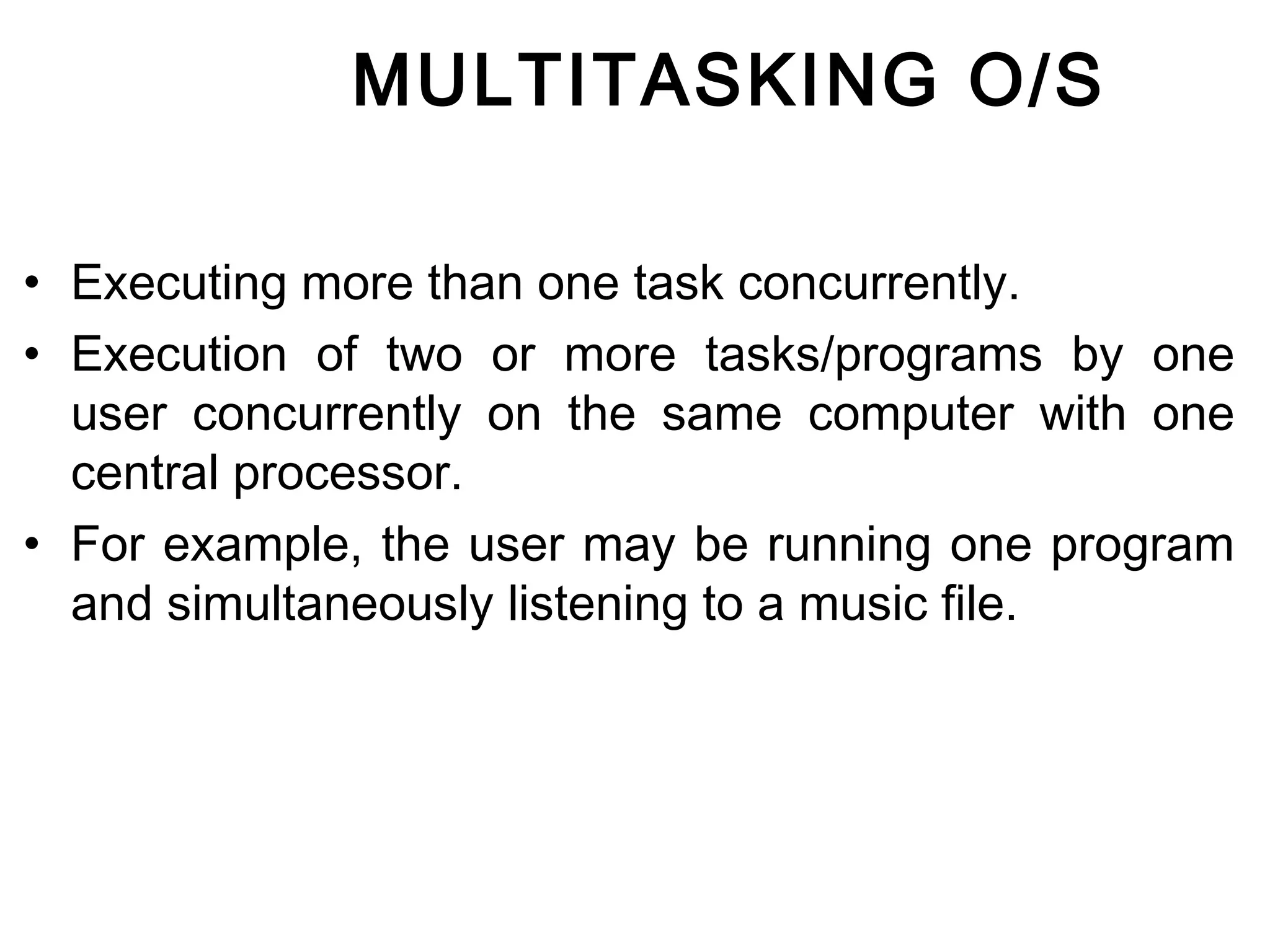
MULTITASKING O/S 
• Executing more than one task concurrently. 
• Execution of two or more tasks/programs by one 
user concurrently on the same computer with one 
central processor. 
• For example, the user may be running one program 
and simultaneously listening to a music file.
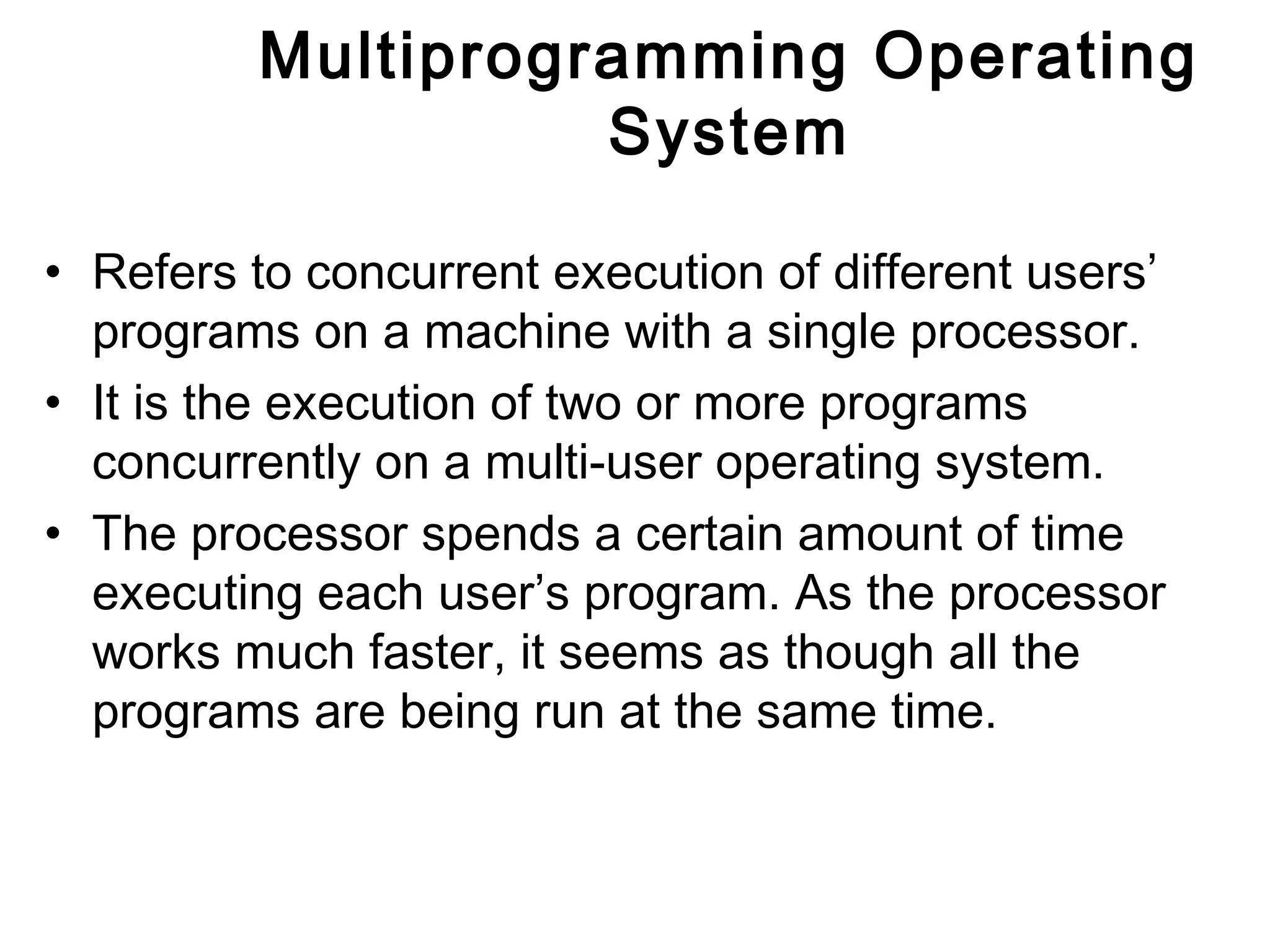
Multiprogramming Operating 
System 
• Refers to concurrent execution of different users’ 
programs on a machine with a single processor. 
• It is the execution of two or more programs 
concurrently on a multi-user operating system. 
• The processor spends a certain amount of time 
executing each user’s program. As the processor 
works much faster, it seems as though all the 
programs are being run at the same time.
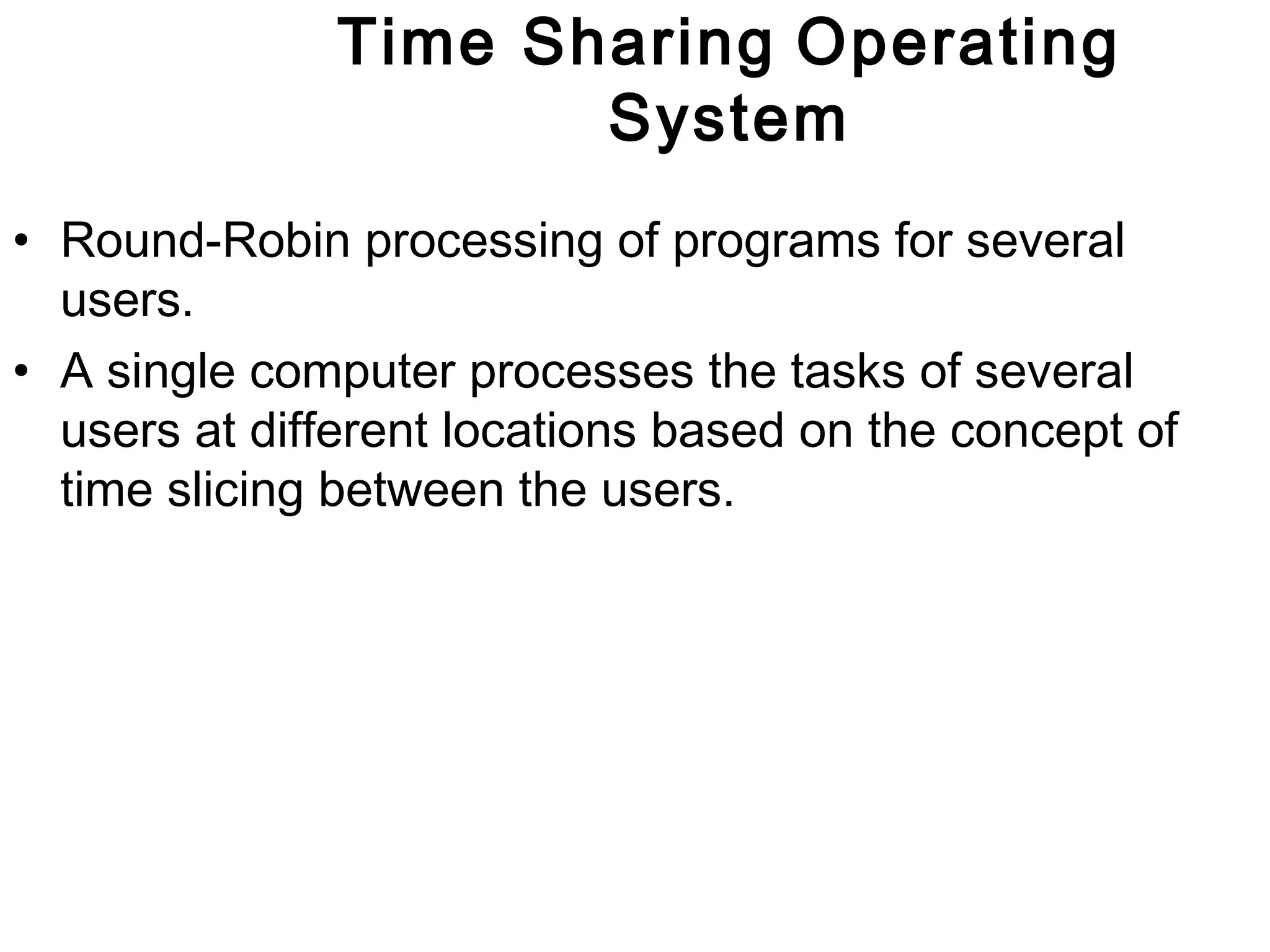
Time Sharing Operating 
System 
• Round-Robin processing of programs for several 
users. 
• A single computer processes the tasks of several 
users at different locations based on the concept of 
time slicing between the users.
Multiprocessing Operating 
System 
• Simultaneous processing of two or more programs by 
multiple computers or processors linked together to 
perform work simultaneously. 
• This can involve processing of instructions from 
different programs or different instructions within the 
same program simultaneously. 
• Implemented using concepts of parallel processing.
Real Time Operating System 
• an operating system that guarantees a certain capability 
within a specified time constraint 
• Such applications include embedded systems and scientific 
research equipment. 
• Provides facilities which, if used properly, guarantee 
deadlines can be met. 
• Uses specialized scheduling algorithms in order to provide the 
real-time developer with the tools necessary to produce 
deterministic behavior in the final system. 
• An RTOS is valued more for how quickly and/or predictably it 
can respond to a particular event 
• An early example of a large-scale real-time operating system 
was the so-called "control program" developed by American 
Airlines and IBM for the Sabre Airline Reservations System.

Operating System

  • 1.
  • 2.
    Operating System •A special system software that acts as an intermediary between a user of a computer and the computer hardware. • Provides an environment in which the user can execute programs/applications in a convenient and efficient manner. User Operating System Hardware Examples of OS: Windows, MS-DOS, Linux, Unix
  • 3.
    Operating System. Thusthe main goals for an Operating system are: • Make computer convenient to use (hides Hardware details) • Utilize resources in efficient manner
  • 4.
    Operating System User Application Software Operating System Computer hardware
  • 5.
    Functions of O/S 1. Process Management 2. Memory Management 3. Deadlock Handling 4. File Management 5. I/O Management 6. Protection & Security 7. Job scheduling 8. Interpretation of commands and instructions. 9. Co-ordination of compilers and, assembler, programs and other s/w of computer system.
  • 6.
    Functions of O/S 10. Production of error messages. 11. Maintenance of internal time clock and log system usage for all users. 12. Provides easy communication between the computer system and users. 13. Resource Allocator 14. Intermediary 15. Executes application software 16. Memory management 17. CPU Scheduling
  • 7.
    CATEGORIES OF OPERATING SYSTEMS Operating systems can be categorised by the number of users they support as well as by their level of sophistication. Three categories are broadly recognized:- 1. Desktop O/S: • Designed to support a single user or a small work group of users. 2. Departmental O/S: • Supports from a few dozen to a few hundred users.
  • 8.
    CATEGORIES OF OPERATING SYSTEMS 3. Enterprise O/S: • Generally supports thousands of users and transactions simultaneously. • Offers the greatest functionality, followed by departmental operating systems, and then desktop operating systems. • The user interface is the least sophisticated on enterprise operating systems.
  • 9.
  • 10.
    Desktop Operating System • Supports a single user or a small group of users. • Some examples of the operating systems in this category are:- 1. MS-DOS: • One of the original operating systems for the IBM PC and its clones. • A non-graphical, line oriented, command-driven operating system, with a relatively simple interface but not a friendly user interface. • It was not capable of multitasking. • It has now been almost totally replaced by GUI products such as Windows 95, Windows 98, Windows 2000 and Windows XP.
  • 11.
    Desktop Operating System 2. Windows 3.1 • It is a transition windowing system between MS-DOS and Windows95, Windows 98 and Windows 2000. • It is not actually an operating system, but a GUI that operates with, and extends the capabilities of MS-DOS
  • 12.
    Desktop Operating System 3. Windows 95 • The first of a series of products in the Windows operating systems that provides a GUI by using icons to provide instant access to common tasks. • It is a 32-bit operating system that features multitasking, networking, and Internet integration capabilities. • It also offers plug-and-play capabilities by enabling the operating system to recognize new hardware and install the necessary software (device drivers) automatically.
  • 13.
    Desktop Operating System 4. Windows 98 • Offered minor refinements, bug fixes, and enhancements to windows 95. 5. Windows NT • An operating system for high-end desktops and workstations. • It provides the same GUI as Windows 95, 98, and 2000. • Has more powerful multitasking, and memory management capabilities. • It is popular in networked systems in business organizations.
  • 14.
    Desktop Operating System 6. Windows 2000 • Microsoft changed the name of the upgrade of Windows NT 5.0 to Windows 2000. • This operating system has added security features. • Runs on multiprocessor computers. • Offers added Internet and Intranet functionality. 7. Windows CE (Compact Edition) • Is a 32-bit operating system designed for hand-held PCs, and wireless communication devices.
  • 15.
    Desktop Operating System 8. IBM’s OS/2 Operating System • A 32-bit operating system that supports multitasking, and supports networked applications. 9. Macintosh Operating System • For Apple Macintosh microcomputers. • Is a 32-bit operating system that features multitasking and powerful graphics capabilities.
  • 16.
    Desktop Operating System 10.Unix • Provides many sophisticated desktop features, including multiprocessing and multitasking techniques. • Is valuable to business organizations because it can be used on many different sizes of computers ( different hardware: non Intel and Intel processors). • Was popularized by Sun Microsystems.
  • 17.
    Desktop Operating System 11. Linux • A powerful version of Unix . • Completely free of charge. • It offers multitasking, virtual memory management, and TCP/IP networking. • Originally written by Linus Tovalds at the University of Helsinki in 1991. • He then released the source code to the world. • Like Unix, it runs on multiple hardware platforms. • Is becoming widely used by Internet service providers. • The clearinghouse for Linux information on the Internet may be found at www.linuxhq.com
  • 18.
    Desktop Operating System 12.Java Operating System • Is designed for hand-held products and network computers. • Sun’s java operating system executes programs written in Java language without the need for a traditional operating system. • It is designed for Internet and Intranet applications and embedded devices.
  • 19.
  • 20.
    Departmental Server Operating Systems The major departmental server operating systems include:- • Unix • Windows NT server • IBM’s OS/2 Warp Server • Novell NetWare • IBM’s OS/400
  • 21.
    Departmental Server Operating Systems Although some of these are also desktop OS, all can serve as departmental server OS because of their:- • Strong scalability • Reliability • Backup • Security26 • Fault tolerance • Multitasking • Multiprocessing • TCP/IP networking • Network management
  • 22.
  • 23.
    Enterprise Operating Systems The major enterprise operating systems include: • IBM’s MVS (Multiple Virtual Storage) • IBM’s VM (Virtual Machine) • IBM’s VSE (Virtual Storage Extended) • Digital Open VMS (Virtual Machine System)
  • 24.
    Enterprise Operating Systems Enterprise operating systems support: • Secure electronic commerce • Multiple concurrent users • Large (terabyte) databases • Millions of transactions per day.
  • 25.
    Types of O/S • Multitasking • Multiprogramming • Time sharing • Multiprocessing
  • 26.
    MULTITASKING O/S •Executing more than one task concurrently. • Execution of two or more tasks/programs by one user concurrently on the same computer with one central processor. • For example, the user may be running one program and simultaneously listening to a music file.
  • 27.
    Multiprogramming Operating System • Refers to concurrent execution of different users’ programs on a machine with a single processor. • It is the execution of two or more programs concurrently on a multi-user operating system. • The processor spends a certain amount of time executing each user’s program. As the processor works much faster, it seems as though all the programs are being run at the same time.
  • 28.
    Time Sharing Operating System • Round-Robin processing of programs for several users. • A single computer processes the tasks of several users at different locations based on the concept of time slicing between the users.
  • 29.
    Multiprocessing Operating System • Simultaneous processing of two or more programs by multiple computers or processors linked together to perform work simultaneously. • This can involve processing of instructions from different programs or different instructions within the same program simultaneously. • Implemented using concepts of parallel processing.
  • 30.
    Real Time OperatingSystem • an operating system that guarantees a certain capability within a specified time constraint • Such applications include embedded systems and scientific research equipment. • Provides facilities which, if used properly, guarantee deadlines can be met. • Uses specialized scheduling algorithms in order to provide the real-time developer with the tools necessary to produce deterministic behavior in the final system. • An RTOS is valued more for how quickly and/or predictably it can respond to a particular event • An early example of a large-scale real-time operating system was the so-called "control program" developed by American Airlines and IBM for the Sabre Airline Reservations System.