Downloaded 21 times

![Chapter 23 6
Computer games
Computer games are simulations of various
types of experience.
They have five elements:
Graphics (often 3D and sometimes incorporating Full
Motion Video [FMV]).
Sound (including music and sound effects).
An interface (usually the keyboard or a joystick but
also including the graphics, the menu, and the Artificial
Intelligence [AI] incorporated into the game’s
programming).
Game play (including fun and length of playability).
Scenario (the background to the game and any
information or understanding that the player gathers
during play).](https://image.slidesharecdn.com/23-simulations-140408002135-phpapp01/85/23-simulations-6-320.jpg)
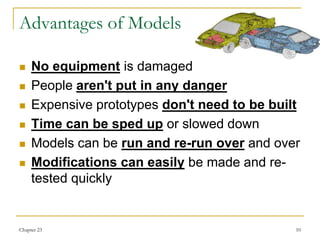

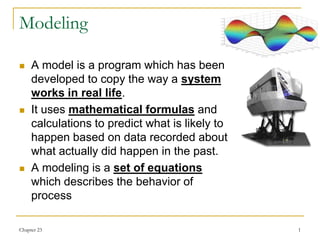
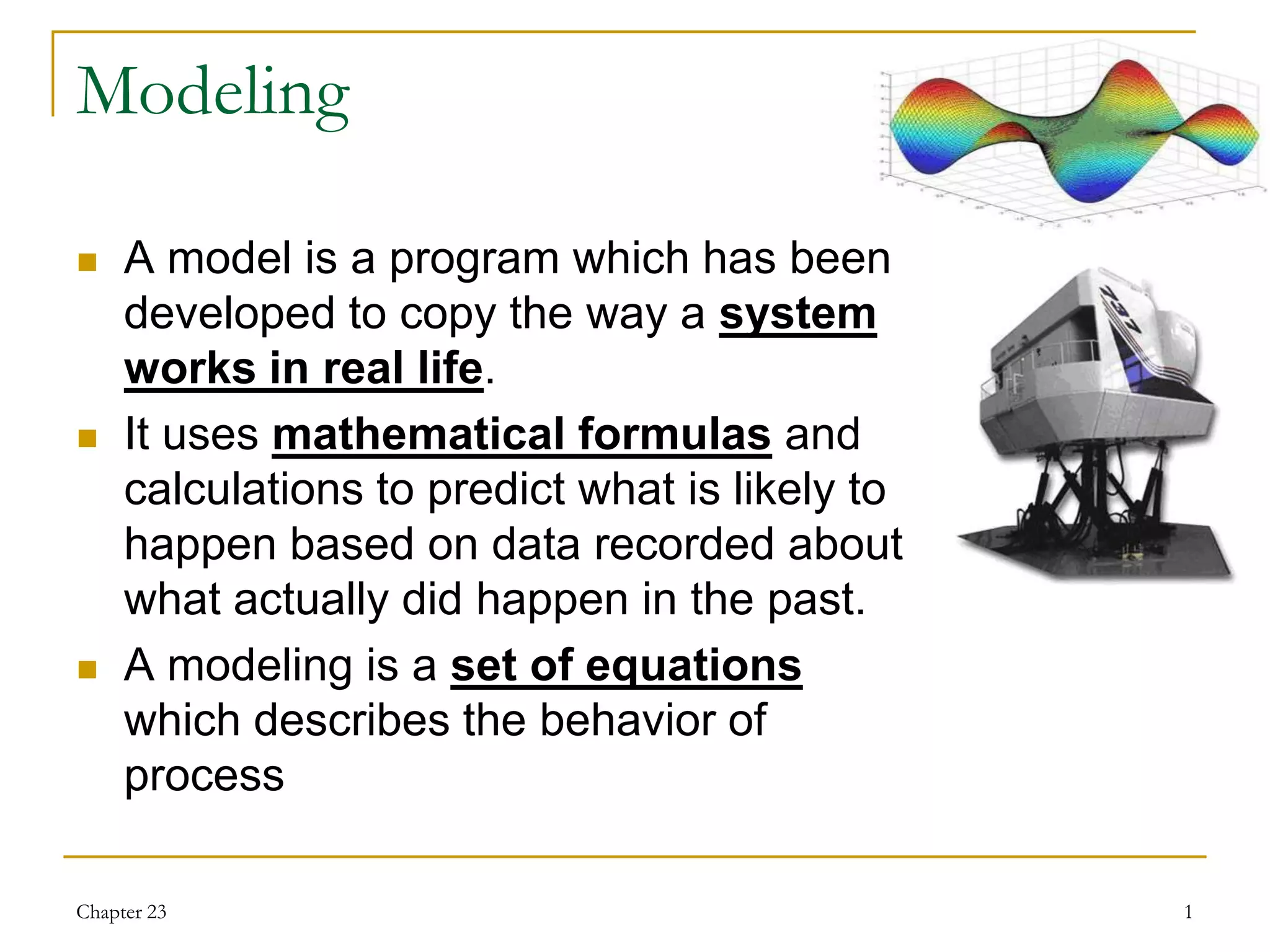
This document discusses various types of models, simulations, and their uses. It describes models as mathematical representations that predict real-world systems based on past data. Simulations interactively recreate experiences for learning, using models and user input. Examples discussed include population growth, chemical reactions, flight simulators, and economic models. Advantages are listed as avoiding risks to equipment and people while allowing repeated testing; disadvantages include incomplete representations of reality and high costs.


