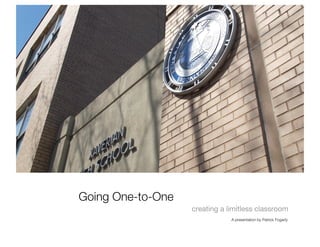
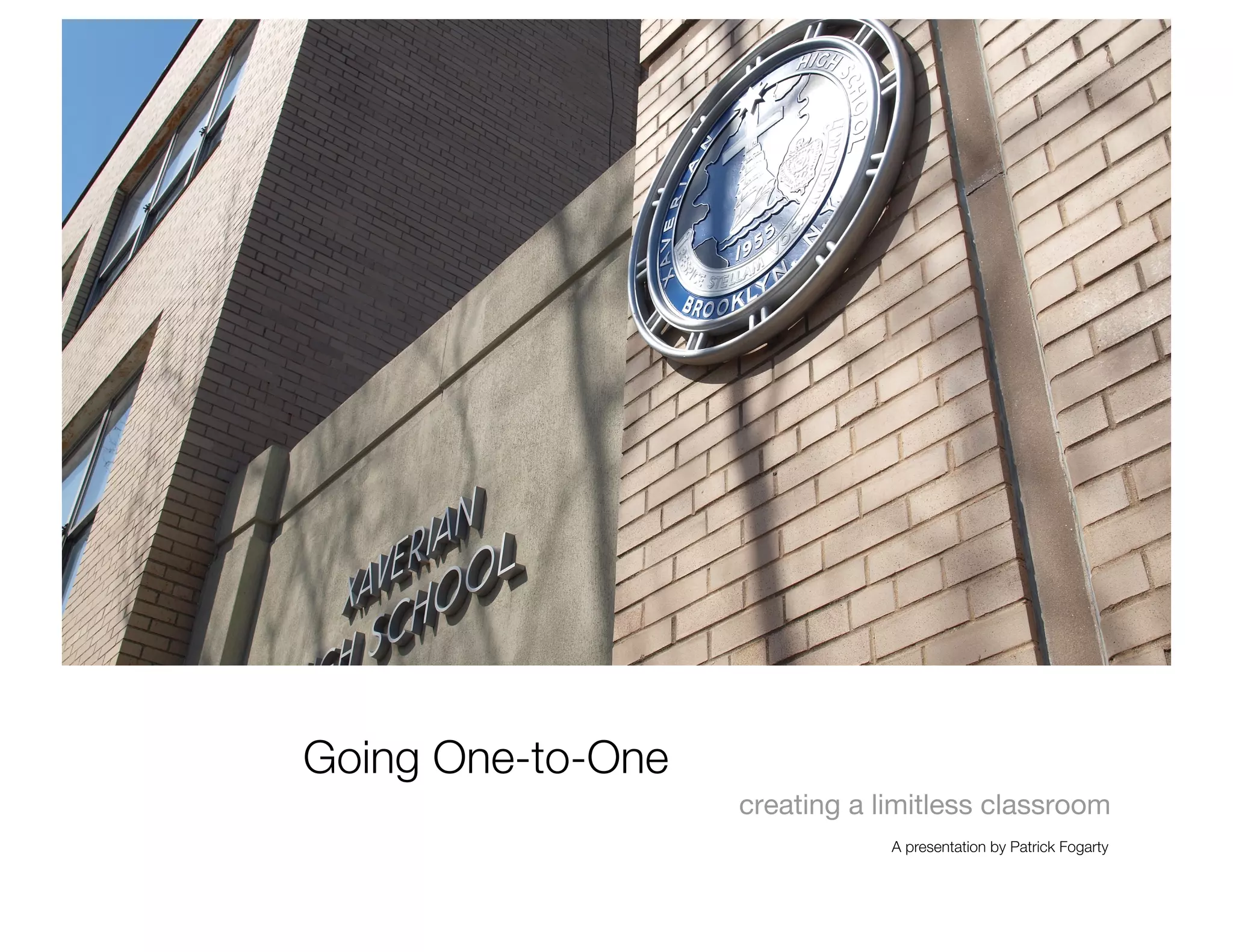

Going One-to-One
                    creating a limitless classroom
                                A presentation by Patrick Fogarty
Thanks for being here!
                          A presentation by Patrick Fogarty
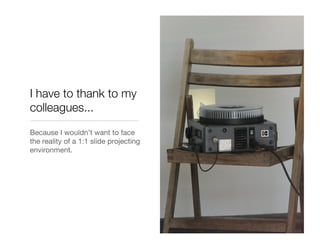
I have to thank to my
colleagues...
Because I wouldn’t want to face
the reality of a 1:1 slide projecting
environment.
And finally I’d like to thank
the Edmodo community for
 the hundreds of teaching
  ideas, suggestions, and
     recommendations.
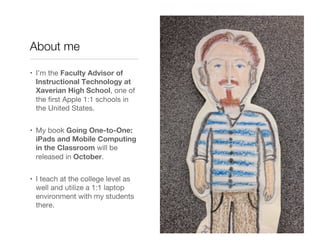
About me

•  I’m the Faculty Advisor of
   Instructional Technology at
   Xaverian High School, one of
   the first Apple 1:1 schools in
   the United States.


•  My book Going One-to-One:
   iPads and Mobile Computing
   in the Classroom will be
   released in October.


•  I teach at the college level as
   well and utilize a 1:1 laptop
   environment with my students
   there.
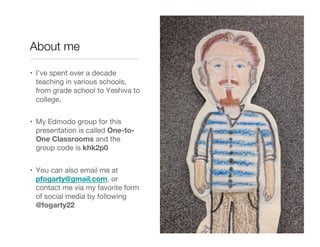
About me

•  I’ve spent over a decade
   teaching in various schools,
   from grade school to Yeshiva to
   college.


•  My Edmodo group for this
   presentation is called One-to-
   One Classrooms and the
   group code is khk2p0


•  You can also email me at
   pfogarty@gmail.com, or
   contact me via my favorite form
   of social media by following
   @fogarty22
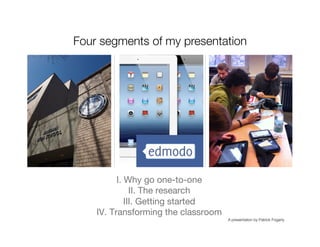
Four segments of my presentation


          I. Why go one-to-one
               II. The research
             III. Getting started
    IV. Transforming the classroom
                                      A presentation by Patrick Fogarty
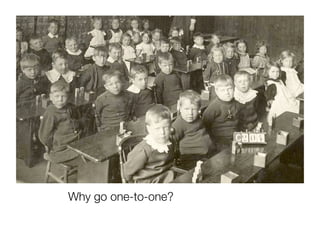
Why go one-to-one?
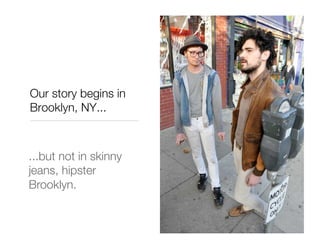
Our story begins in
Brooklyn, NY...


...but not in skinny
jeans, hipster
Brooklyn.
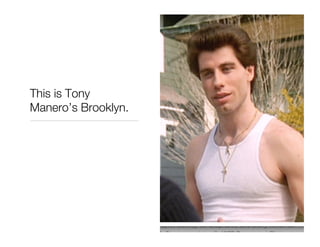
This is Tony
Manero’s Brooklyn.
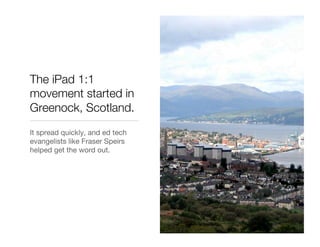
The iPad 1:1
movement started in
Greenock, Scotland.
It spread quickly, and ed tech
evangelists like Fraser Speirs
helped get the word out.
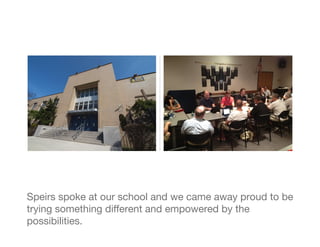
Speirs spoke at our school and we came away proud to be
trying something different and empowered by the
possibilities.
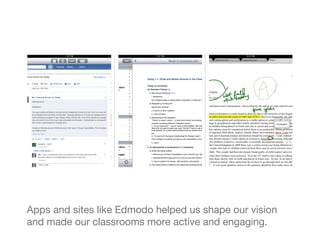
Apps and sites like Edmodo helped us shape our vision
and made our classrooms more active and engaging.
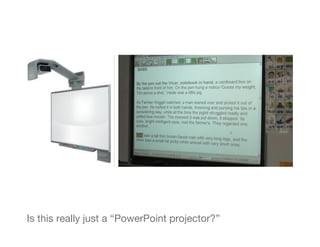
Is this really just a “PowerPoint projector?”
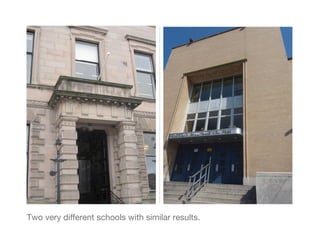
Two very different schools with similar results.
“...the new technologies make the materials vivid, easy to
access, and fun to play with -- and they readily address the
multiple ways of knowing that humans possess.” Howard
Gardner
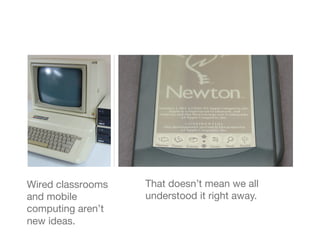
Wired classrooms   That doesn’t mean we all
and mobile         understood it right away.
computing aren’t
new ideas.
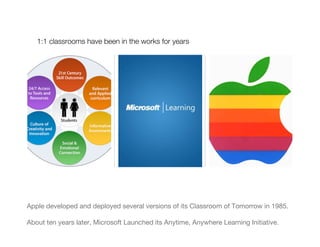
1:1 classrooms have been in the works for years


Apple developed and deployed several versions of its Classroom of Tomorrow in 1985.

About ten years later, Microsoft Launched its Anytime, Anywhere Learning Initiative.
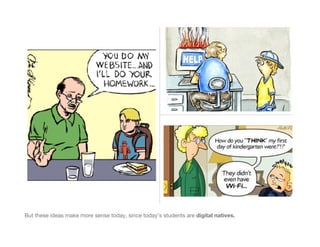
But these ideas make more sense today, since today’s students are digital natives.
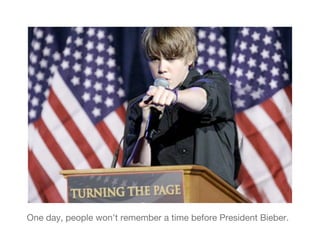
One day, people won’t remember a time before President Bieber.
Ideas get old fast.
The research
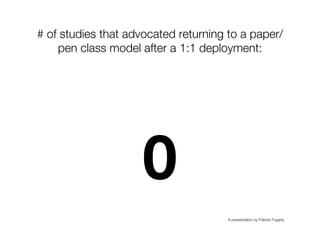
# of studies that advocated returning to a paper/
    pen class model after a 1:1 deployment:"


                     0
                                      A presentation by Patrick Fogarty
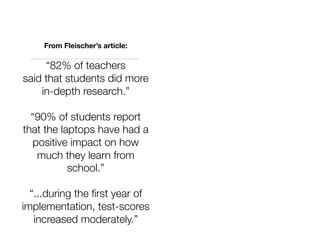
From Fleischer’s article:

     “82% of teachers
said that students did more
    in-depth research.”

  “90% of students report
that the laptops have had a
  positive impact on how
   much they learn from
           school.”

  “...during the first year of
implementation, test-scores
   increased moderately.”
Warschauer and Grimes:
Survey says...

•  Writing: In their study of a
   California middle school one-to-
   one deployment that was the
   largest of its kind at the time,
   Douglas Grimes and Mark War-
   shower concluded that “a laptop
   program can have an important
   affect on facilitating the teaching
   and learning of writing, especially
   after the first-year adjustments.”


•  Reading: “The results of the initial
   and final assessments suggest
   that in a matter of six weeks, [the
   student] had improved one full
   grade level in reading ability.”
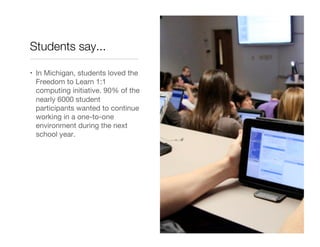
Students say...

•  In Michigan, students loved the
   Freedom to Learn 1:1
   computing initiative. 90% of the
   nearly 6000 student
   participants wanted to continue
   working in a one-to-one
   environment during the next
   school year.
“Overall, the use of the 1:1 laptops appeared to
contribute generally to the effectiveness of the
learning environments per the design criteria of
being more learner-, assessment-, community-
and knowledge-centred.” Dunleavy, 2007
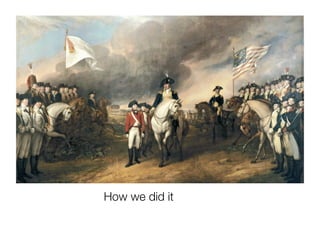
How we did it
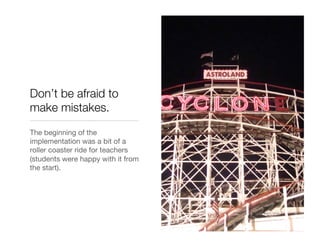
Don’t be afraid to
make mistakes.
The beginning of the
implementation was a bit of a
roller coaster ride for teachers
(students were happy with it from
the start).
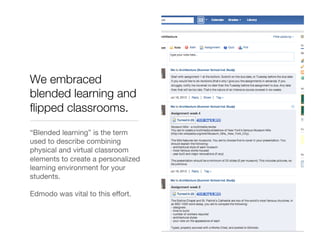
We embraced
blended learning and
flipped classrooms.
“Blended learning” is the term
used to describe combining
physical and virtual classroom
elements to create a personalized
learning environment for your
students.

Edmodo was vital to this effort.
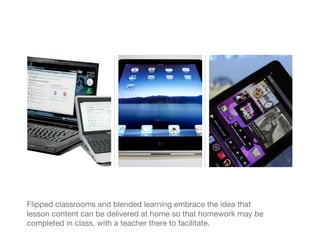
Flipped classrooms and blended learning embrace the idea that
lesson content can be delivered at home so that homework may be
completed in class, with a teacher there to facilitate.
We untethered the classroom from its physical
space, using Edmodo as our centerpiece."
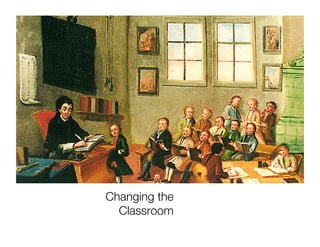
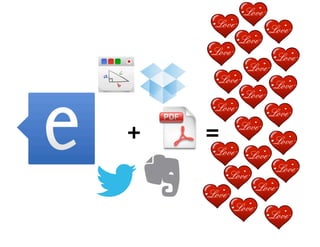
Changing the
  Classroom
+
   =
Why Edmodo?

               •  “The Facebook of
                  education”


               •  It’s free?!? How is it
                  free?


               •  Course and learning
                  management tool


               •  Maintains gradebooks


               •  Grades quizzes for you
Why Edmodo?

               •  Provides a safe social
                  space for students


               •  Student blogs


               •  Work submission via
                  Google Docs integration


               •  Offers each student a
                  personalized learning
                  environment


               •  Makes differentiating
                  lessons easy
Edmodo was the teaching assistant I never had. It
helped me shift from instructor to facilitator.
Khan is great, but you might be
better.
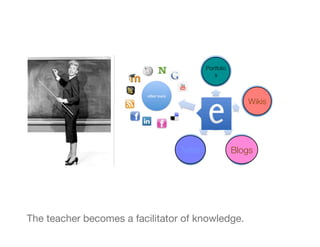
Portfolio
                                               s


                                                            Wikis


                                 Twitter
               Blogs


The teacher becomes a facilitator of knowledge.
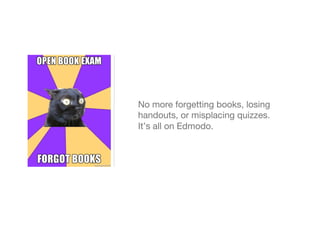
No more forgetting books, losing
handouts, or misplacing quizzes.
It’s all on Edmodo.
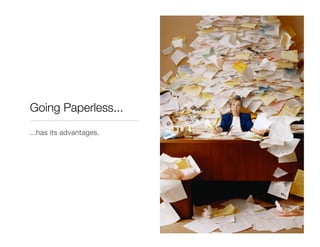
Going Paperless...
...has its advantages.
Going 1:1 involves creating a student environment
that mirrors and in some ways improves upon the
classroom, and Edmodo makes that easy and
intuitive with a deceptively powerful website and
app.
Thanks for listening. Enjoy the rest of EdmodoCon
2012!

1:1 Computing and the Limitless Classroom Presented by Patrick Fogarty

  • 1.
    Going One-to-One creating a limitless classroom A presentation by Patrick Fogarty
  • 2.
    Thanks for beinghere! A presentation by Patrick Fogarty
  • 3.
    I have tothank to my colleagues... Because I wouldn’t want to face the reality of a 1:1 slide projecting environment.
  • 4.
    And finally I’dlike to thank the Edmodo community for the hundreds of teaching ideas, suggestions, and recommendations.
  • 5.
    About me •  I’mthe Faculty Advisor of Instructional Technology at Xaverian High School, one of the first Apple 1:1 schools in the United States. •  My book Going One-to-One: iPads and Mobile Computing in the Classroom will be released in October. •  I teach at the college level as well and utilize a 1:1 laptop environment with my students there.
  • 6.
    About me •  I’vespent over a decade teaching in various schools, from grade school to Yeshiva to college. •  My Edmodo group for this presentation is called One-to- One Classrooms and the group code is khk2p0 •  You can also email me at pfogarty@gmail.com, or contact me via my favorite form of social media by following @fogarty22
  • 7.
    Four segments ofmy presentation I. Why go one-to-one II. The research III. Getting started IV. Transforming the classroom A presentation by Patrick Fogarty
  • 8.
  • 9.
    Our story beginsin Brooklyn, NY... ...but not in skinny jeans, hipster Brooklyn.
  • 10.
  • 11.
    The iPad 1:1 movementstarted in Greenock, Scotland. It spread quickly, and ed tech evangelists like Fraser Speirs helped get the word out.
  • 12.
    Speirs spoke atour school and we came away proud to be trying something different and empowered by the possibilities.
  • 13.
    Apps and siteslike Edmodo helped us shape our vision and made our classrooms more active and engaging.
  • 14.
    Is this reallyjust a “PowerPoint projector?”
  • 15.
    Two very differentschools with similar results.
  • 16.
    “...the new technologiesmake the materials vivid, easy to access, and fun to play with -- and they readily address the multiple ways of knowing that humans possess.” Howard Gardner
  • 17.
    Wired classrooms That doesn’t mean we all and mobile understood it right away. computing aren’t new ideas.
  • 18.
    1:1 classrooms havebeen in the works for years Apple developed and deployed several versions of its Classroom of Tomorrow in 1985. About ten years later, Microsoft Launched its Anytime, Anywhere Learning Initiative.
  • 19.
    But these ideasmake more sense today, since today’s students are digital natives.
  • 20.
    One day, peoplewon’t remember a time before President Bieber.
  • 21.
  • 22.
  • 23.
    # of studiesthat advocated returning to a paper/ pen class model after a 1:1 deployment:" 0 A presentation by Patrick Fogarty
  • 24.
    From Fleischer’s article: “82% of teachers said that students did more in-depth research.” “90% of students report that the laptops have had a positive impact on how much they learn from school.” “...during the first year of implementation, test-scores increased moderately.”
  • 25.
    Warschauer and Grimes: Surveysays... •  Writing: In their study of a California middle school one-to- one deployment that was the largest of its kind at the time, Douglas Grimes and Mark War- shower concluded that “a laptop program can have an important affect on facilitating the teaching and learning of writing, especially after the first-year adjustments.” •  Reading: “The results of the initial and final assessments suggest that in a matter of six weeks, [the student] had improved one full grade level in reading ability.”
  • 26.
    Students say... •  InMichigan, students loved the Freedom to Learn 1:1 computing initiative. 90% of the nearly 6000 student participants wanted to continue working in a one-to-one environment during the next school year.
  • 27.
    “Overall, the useof the 1:1 laptops appeared to contribute generally to the effectiveness of the learning environments per the design criteria of being more learner-, assessment-, community- and knowledge-centred.” Dunleavy, 2007
  • 28.
  • 29.
    Don’t be afraidto make mistakes. The beginning of the implementation was a bit of a roller coaster ride for teachers (students were happy with it from the start).
  • 30.
    We embraced blended learningand flipped classrooms. “Blended learning” is the term used to describe combining physical and virtual classroom elements to create a personalized learning environment for your students. Edmodo was vital to this effort.
  • 31.
    Flipped classrooms andblended learning embrace the idea that lesson content can be delivered at home so that homework may be completed in class, with a teacher there to facilitate.
  • 32.
    We untethered theclassroom from its physical space, using Edmodo as our centerpiece."
  • 33.
    Changing the Classroom
  • 34.
    + =
  • 35.
    Why Edmodo? •  “The Facebook of education” •  It’s free?!? How is it free? •  Course and learning management tool •  Maintains gradebooks •  Grades quizzes for you
  • 36.
    Why Edmodo? •  Provides a safe social space for students •  Student blogs •  Work submission via Google Docs integration •  Offers each student a personalized learning environment •  Makes differentiating lessons easy
  • 37.
    Edmodo was theteaching assistant I never had. It helped me shift from instructor to facilitator.
  • 38.
    Khan is great,but you might be better.
  • 39.
    Portfolio s Wikis Twitter Blogs The teacher becomes a facilitator of knowledge.
  • 40.
    No more forgettingbooks, losing handouts, or misplacing quizzes. It’s all on Edmodo.
  • 41.
  • 42.
    Going 1:1 involvescreating a student environment that mirrors and in some ways improves upon the classroom, and Edmodo makes that easy and intuitive with a deceptively powerful website and app.
  • 43.
    Thanks for listening.Enjoy the rest of EdmodoCon 2012!