Download as PPS, PPTX
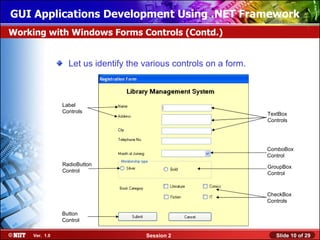
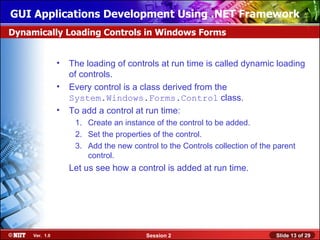
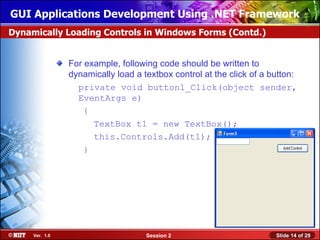
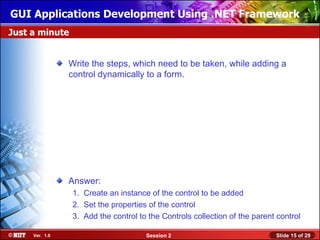
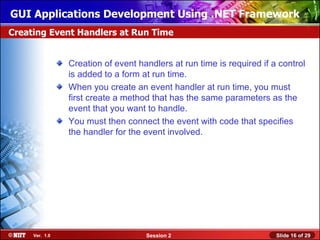


Here are the steps to dynamically add a control at runtime: 1. Create an instance of the control class you want to add. For example, TextBox t1 = new TextBox(); 2. Set the properties of the newly created control instance like location, size etc. 3. Add the control instance to the Controls collection of the parent control using parentControl.Controls.Add(controlInstance); 4. The control will now be added to the form and visible at runtime. So in summary, the key steps are: 1. Create control instance 2. Set properties 3. Add to parent control's Controls collection The control is now dynamically added to the form.


