Sprint Review Tips & Tricks Steve  Greene , salesforce.com
Why do sprint reviews?
Inspect & Adapt
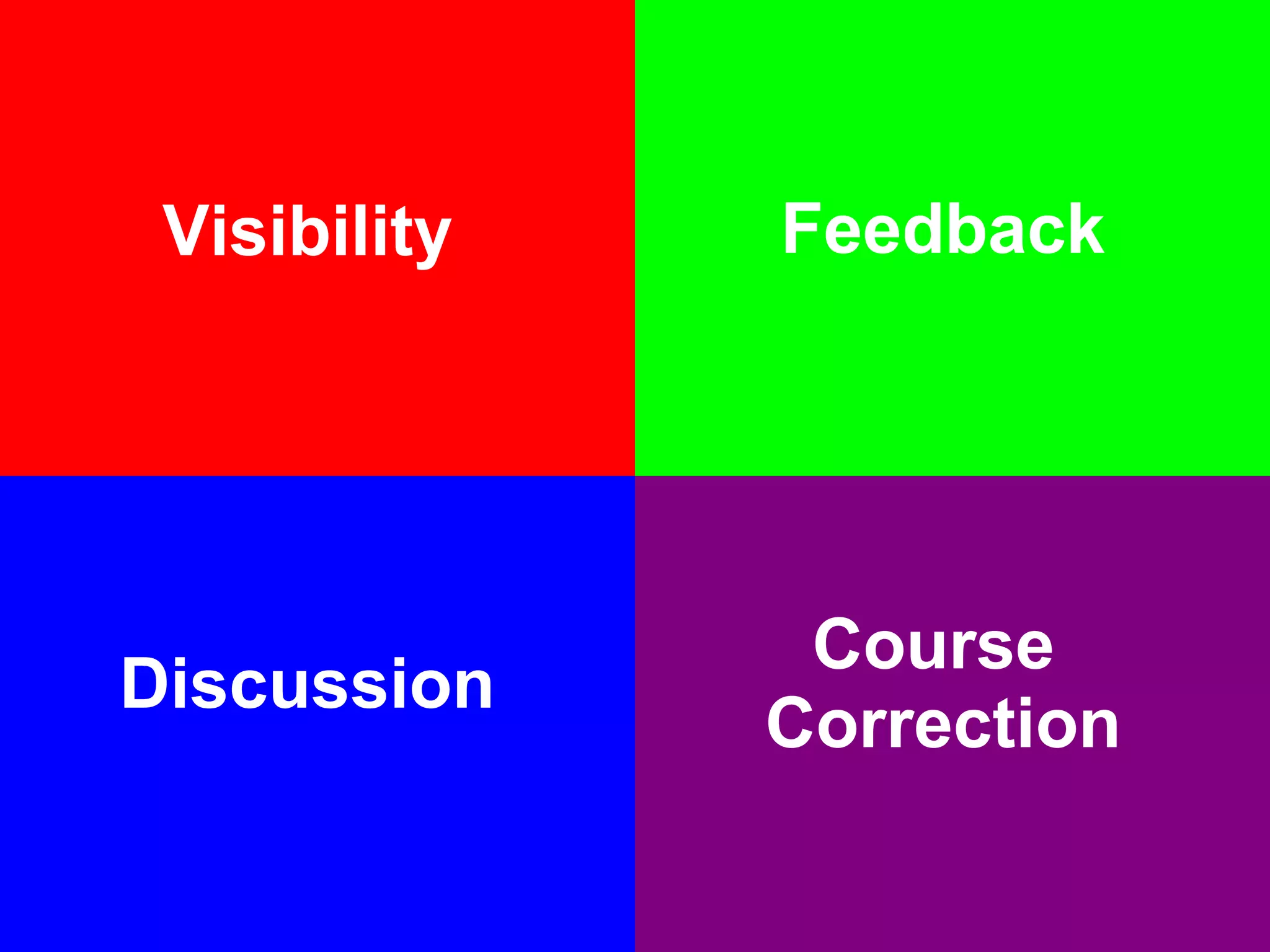
Visibility Feedback Discussion Course  Correction
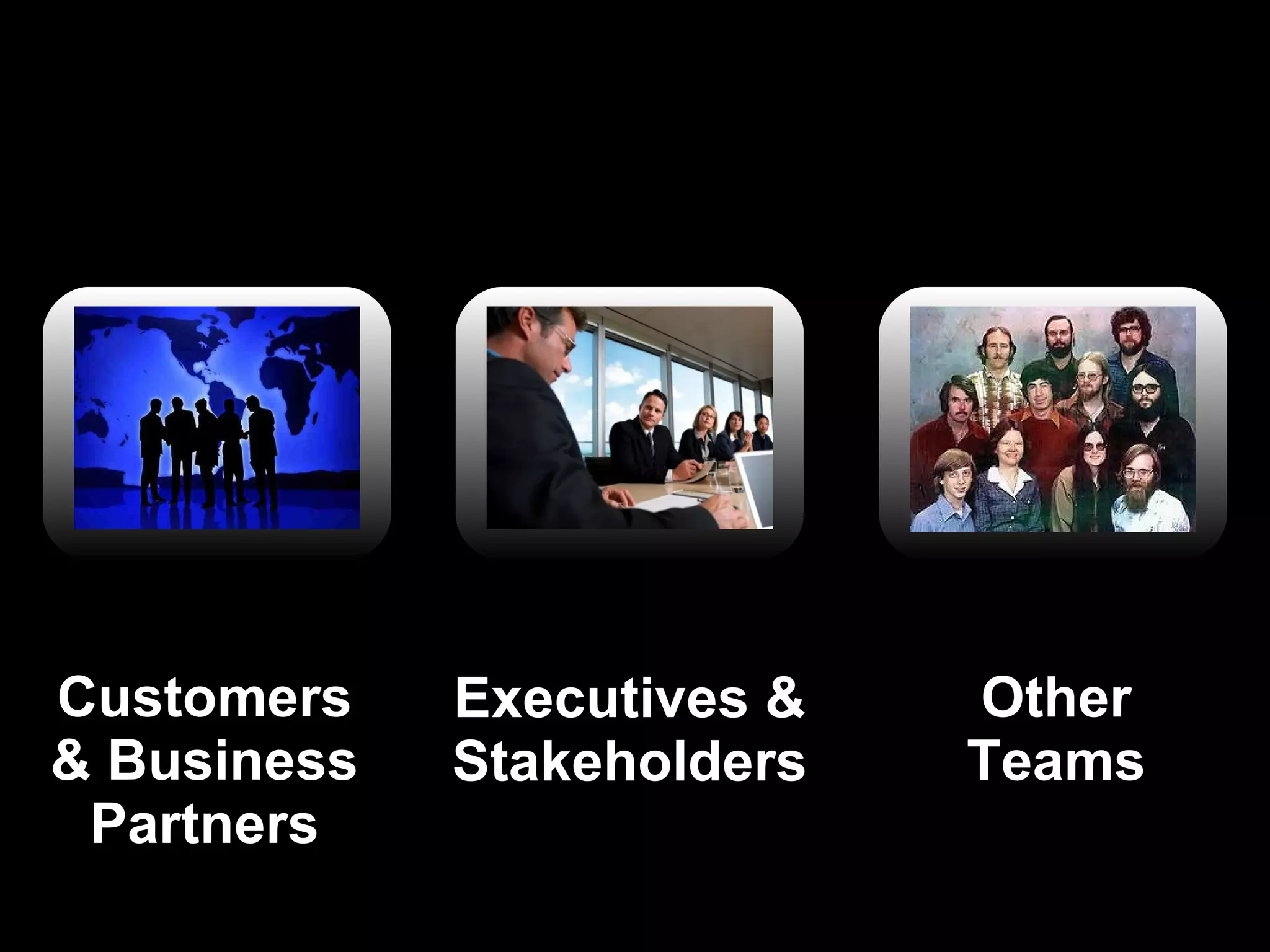
Who’s coming?
Executives & Stakeholders Other Teams Customers & Business Partners
What are they interested in seeing?
Demos !
of stuff that’s done and potentially release-able.
But first, set the context for your sprint
The Sprint Review Deck
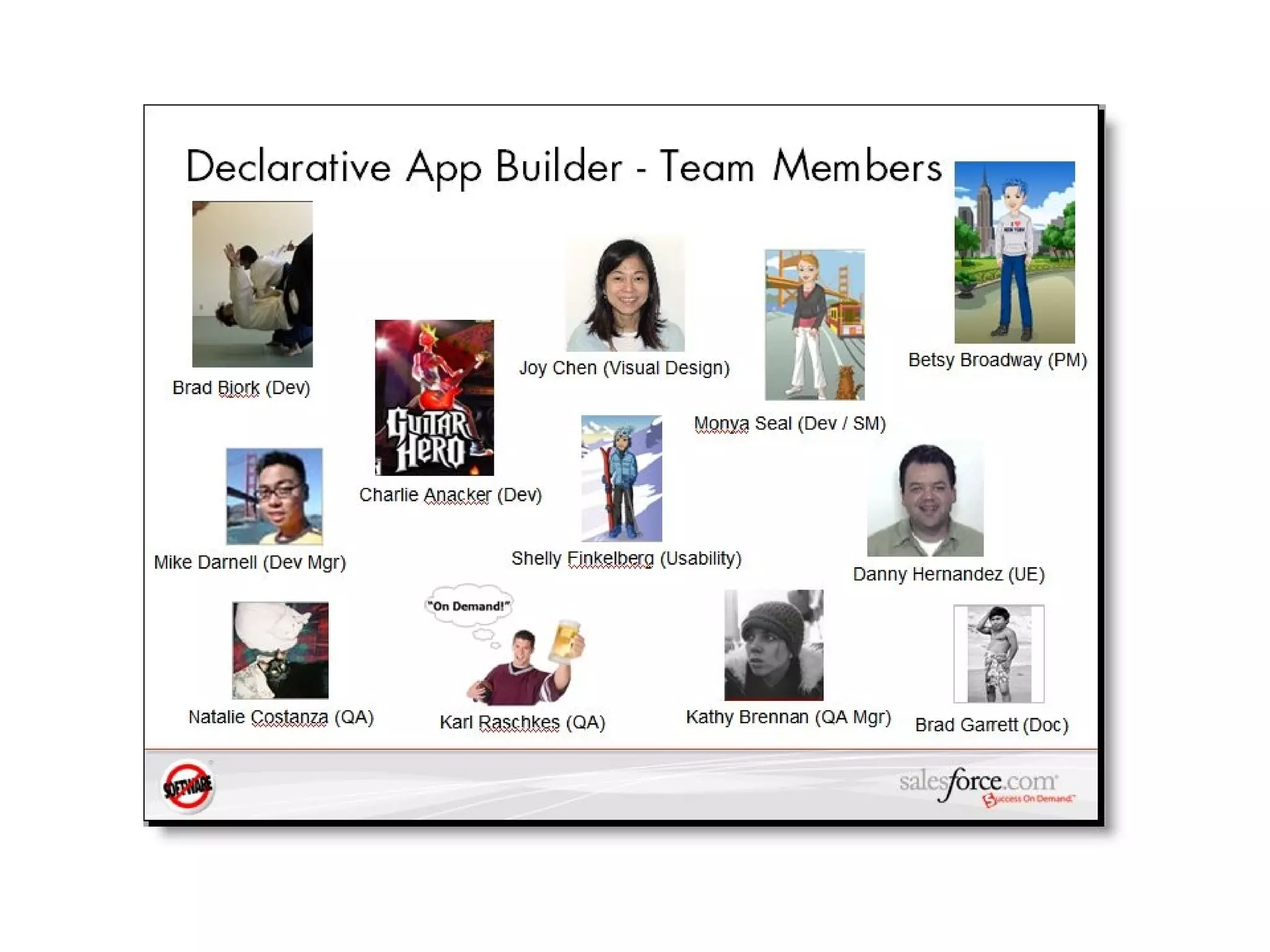
First things first.  The Team.
 
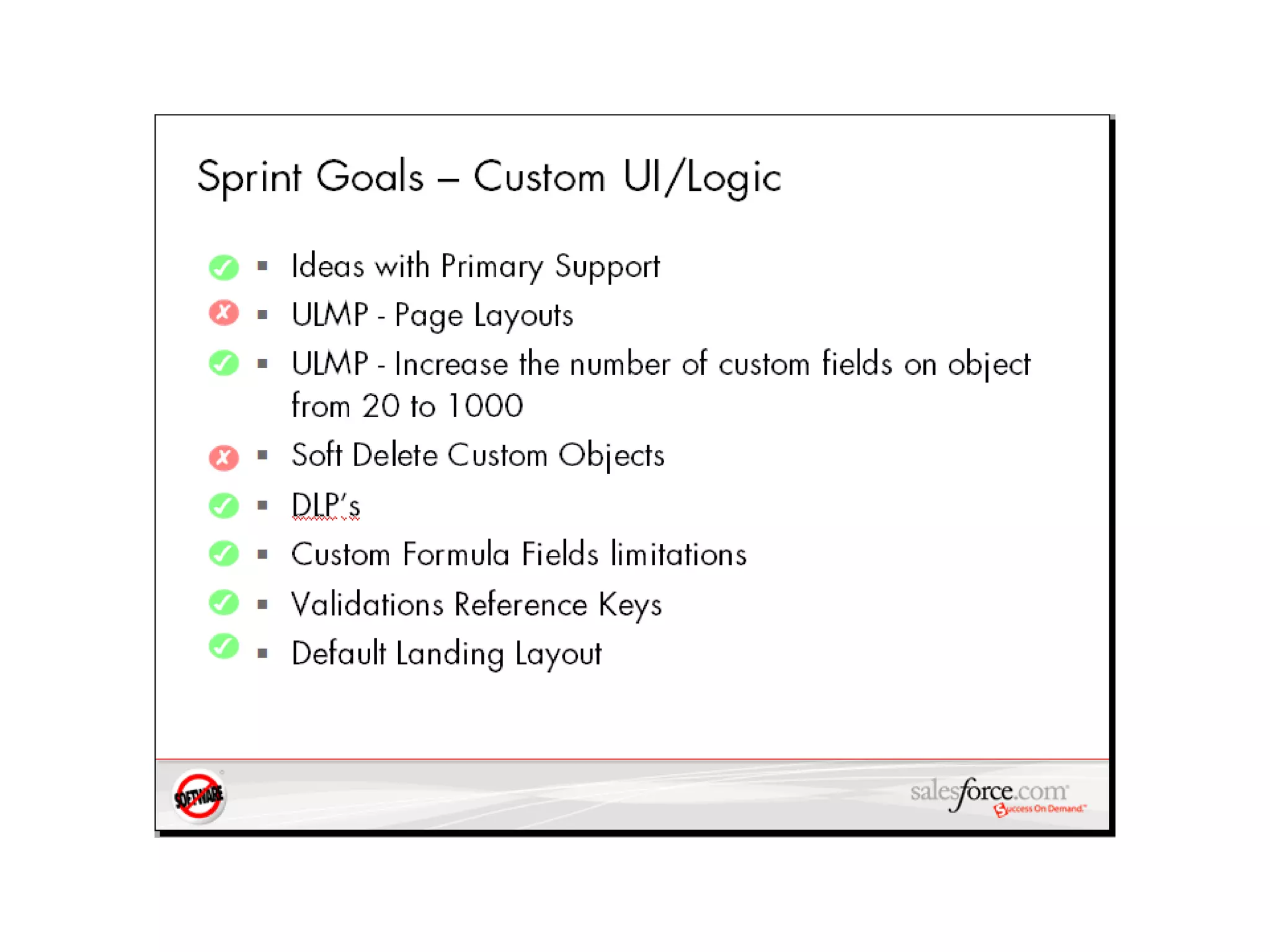
ok, now we know who.  what about the what?
 
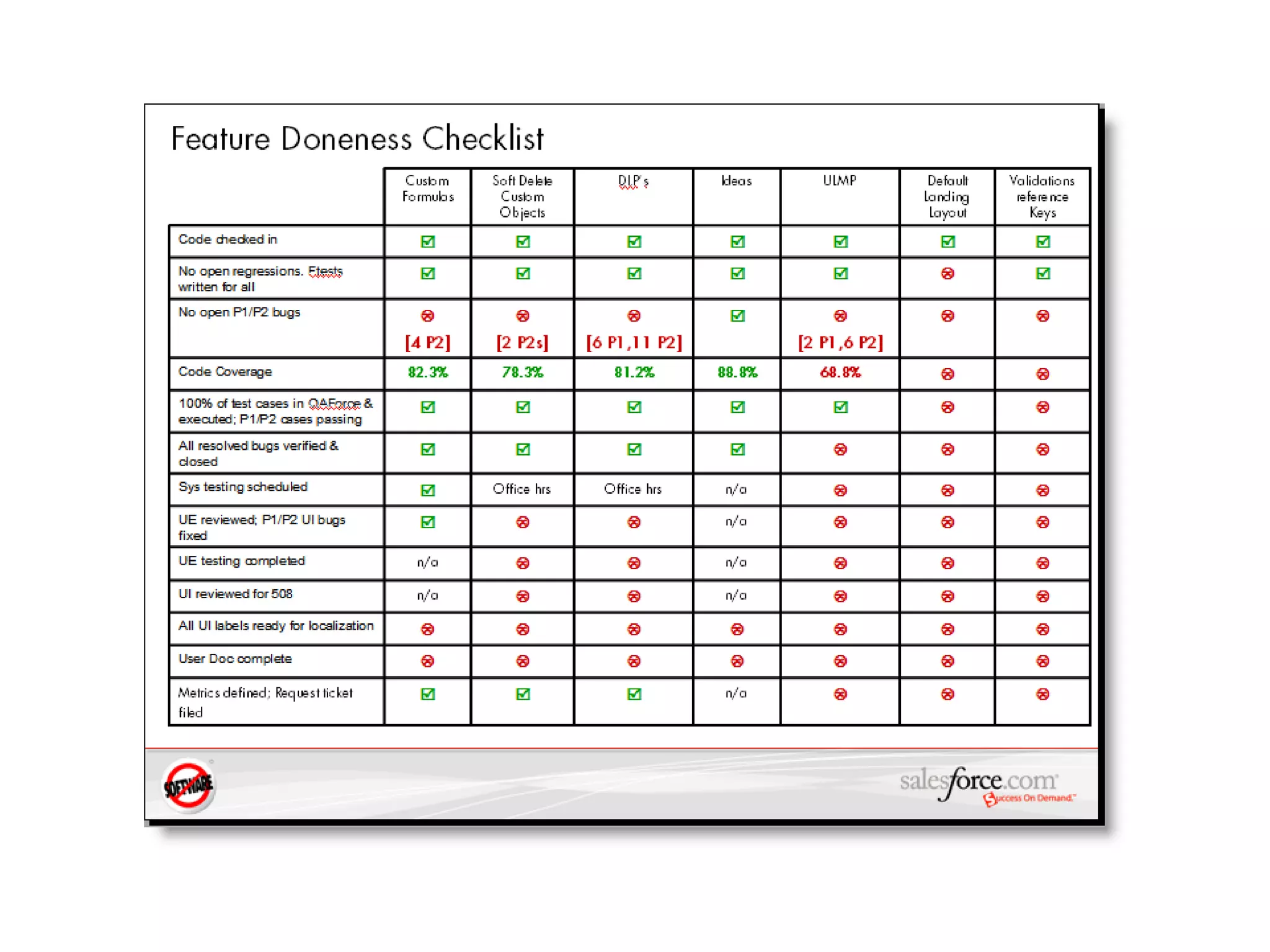
cool.  are you done?
 
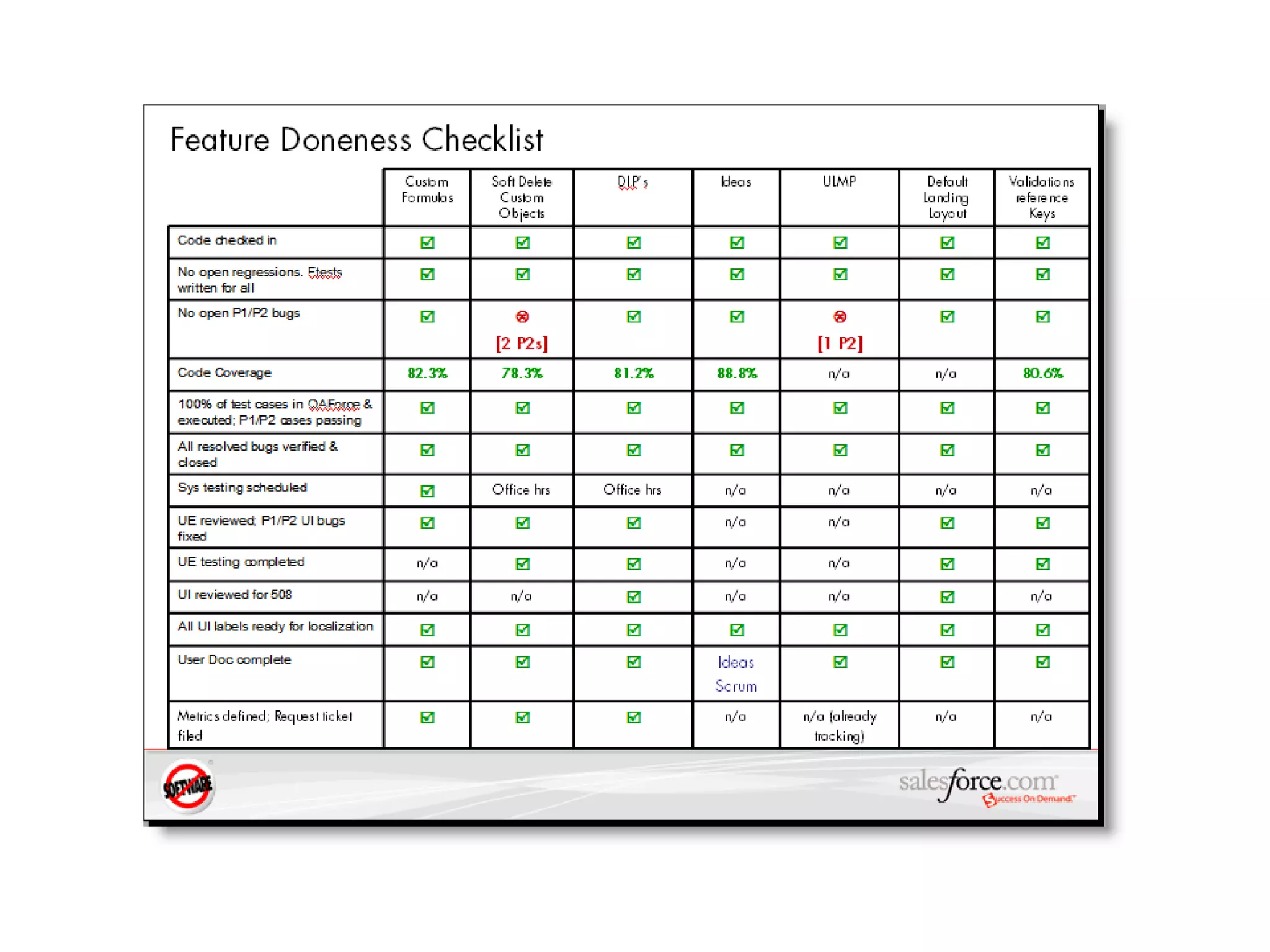
looks good.
What’s wrong with  this  team?
 
started it all.  finished nothing.
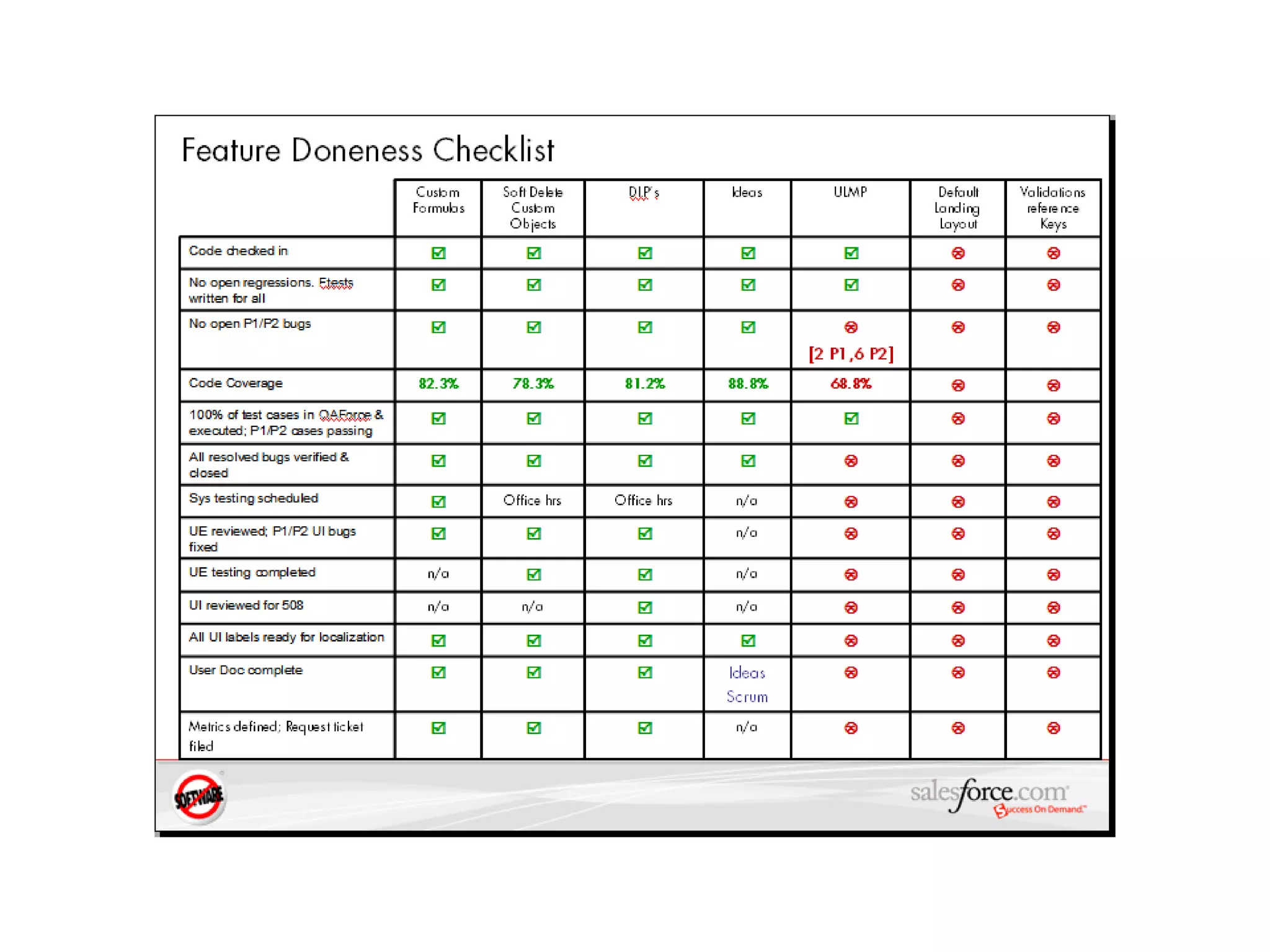
What’s “right” with  this  team?
 
That’s better.
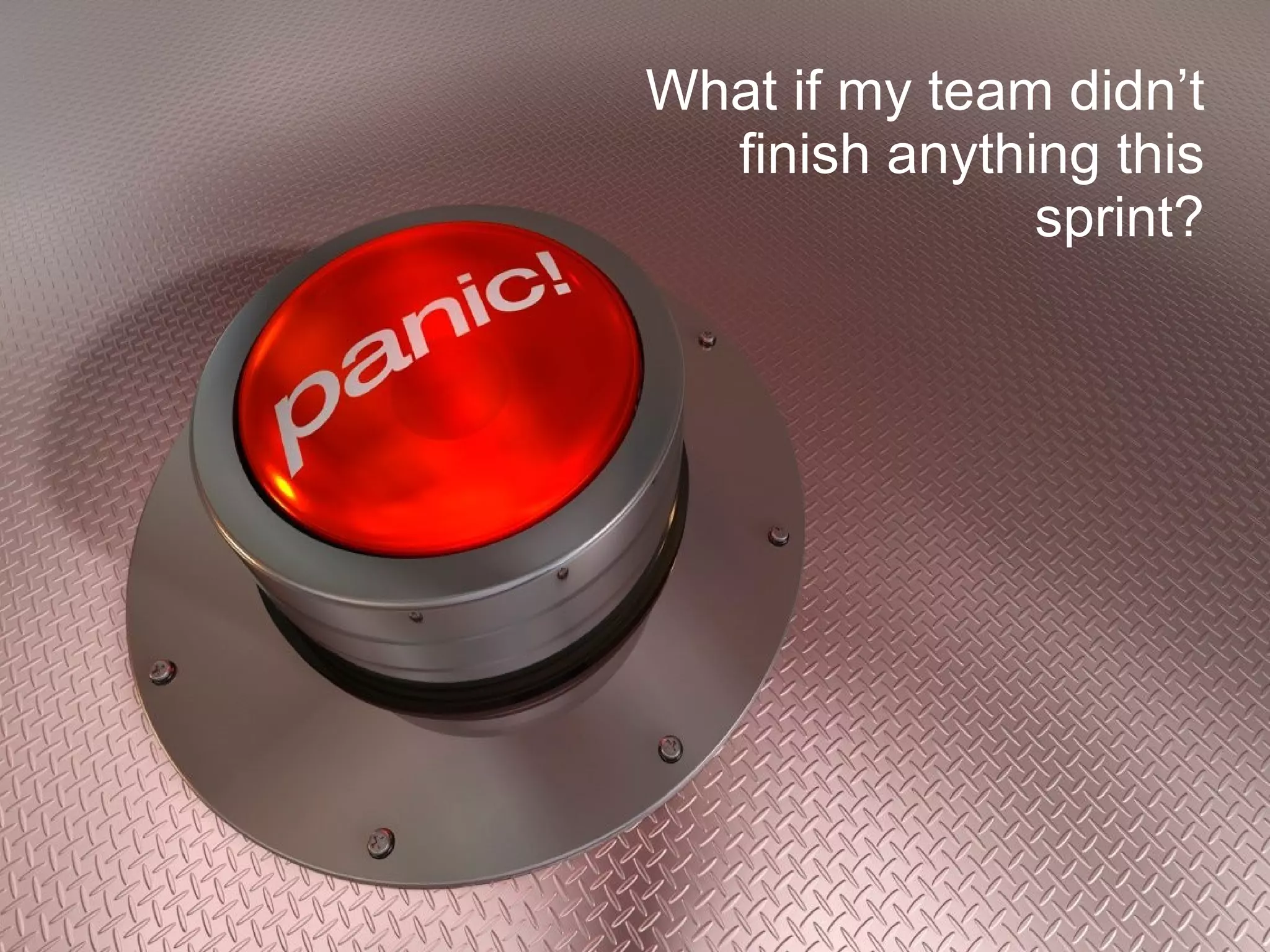
What if my team didn’t finish anything this sprint?
That’s ok.  You still have a slot at the sprint review to give visibility to what the team has worked on this sprint. But, sorry, no demo.
Keep the powerpoint stuff to a bare minimum please 5-10 minutes, tops.
Demo Time
who’s doing the demo?
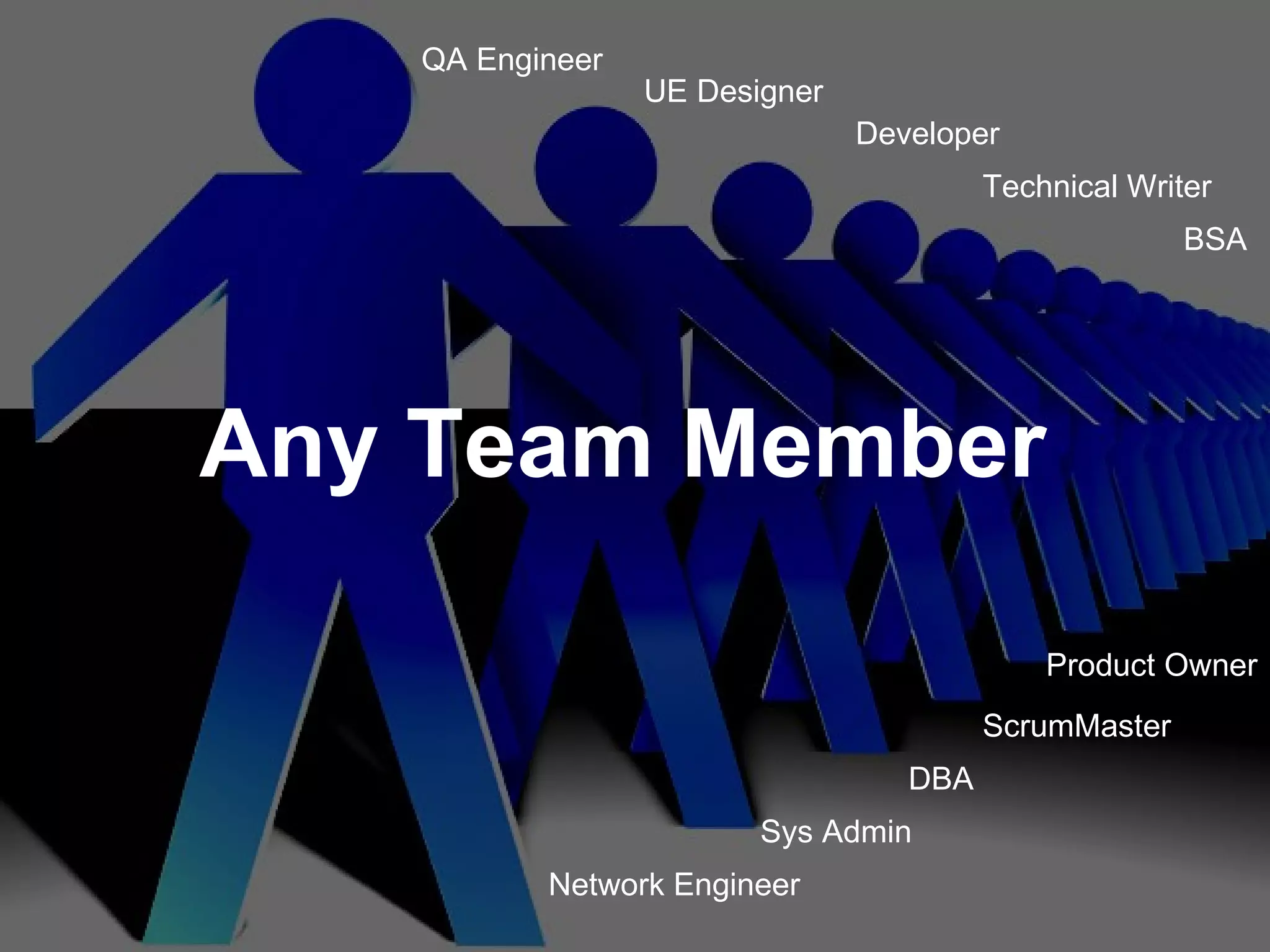
Product Owner QA Engineer ScrumMaster Sys Admin Network Engineer DBA UE Designer Technical Writer Any Team Member Developer BSA
how can I make my demo most effective?
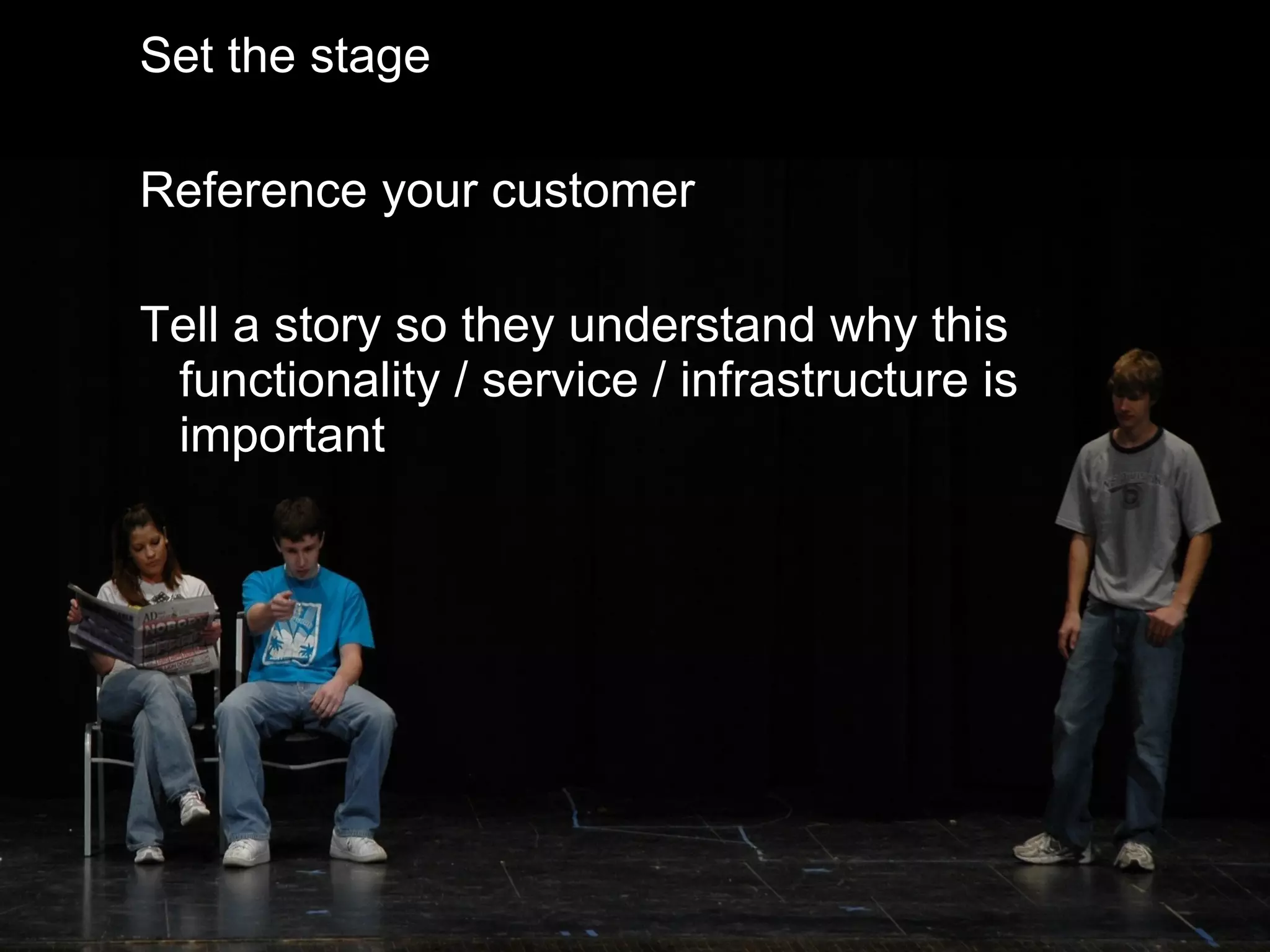
Set the stage Reference your customer Tell a story so they understand why this functionality / service / infrastructure is important
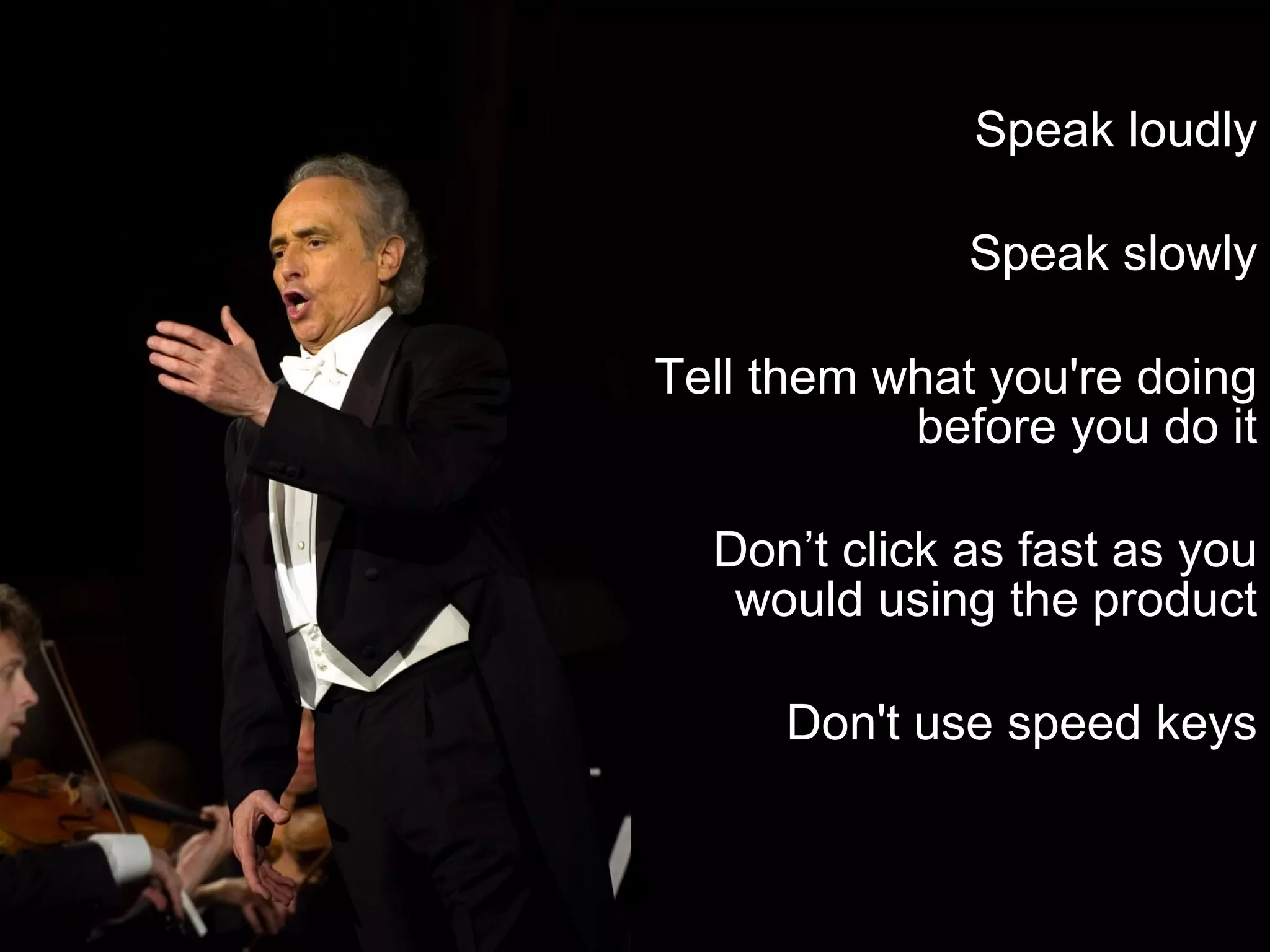
Speak loudly Speak slowly Tell them what you're doing before you do it Don’t click as fast as you would using the product Don't use speed keys
listen. listen. listen.
engage.
Practice your demo (at least once) Know your stuff – whatever it is Setup in advance and have all of your data available Remote desktop to another box for demo Stay on-time – respect your audience
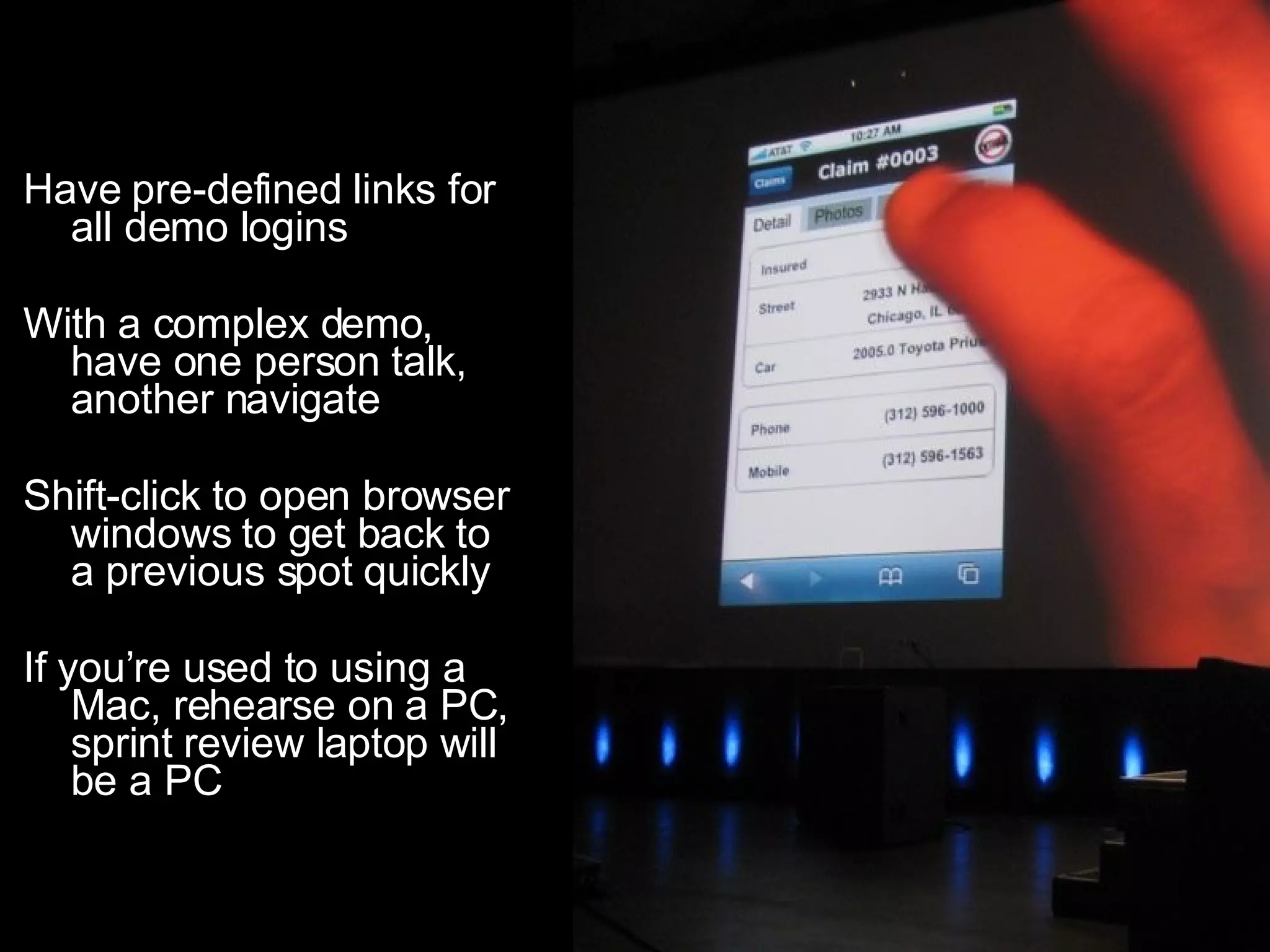
Have pre-defined links for all demo logins With a complex demo, have one person talk, another navigate Shift-click to open browser windows to get back to a previous spot quickly If you’re used to using a Mac, rehearse on a PC, sprint review laptop will be a PC
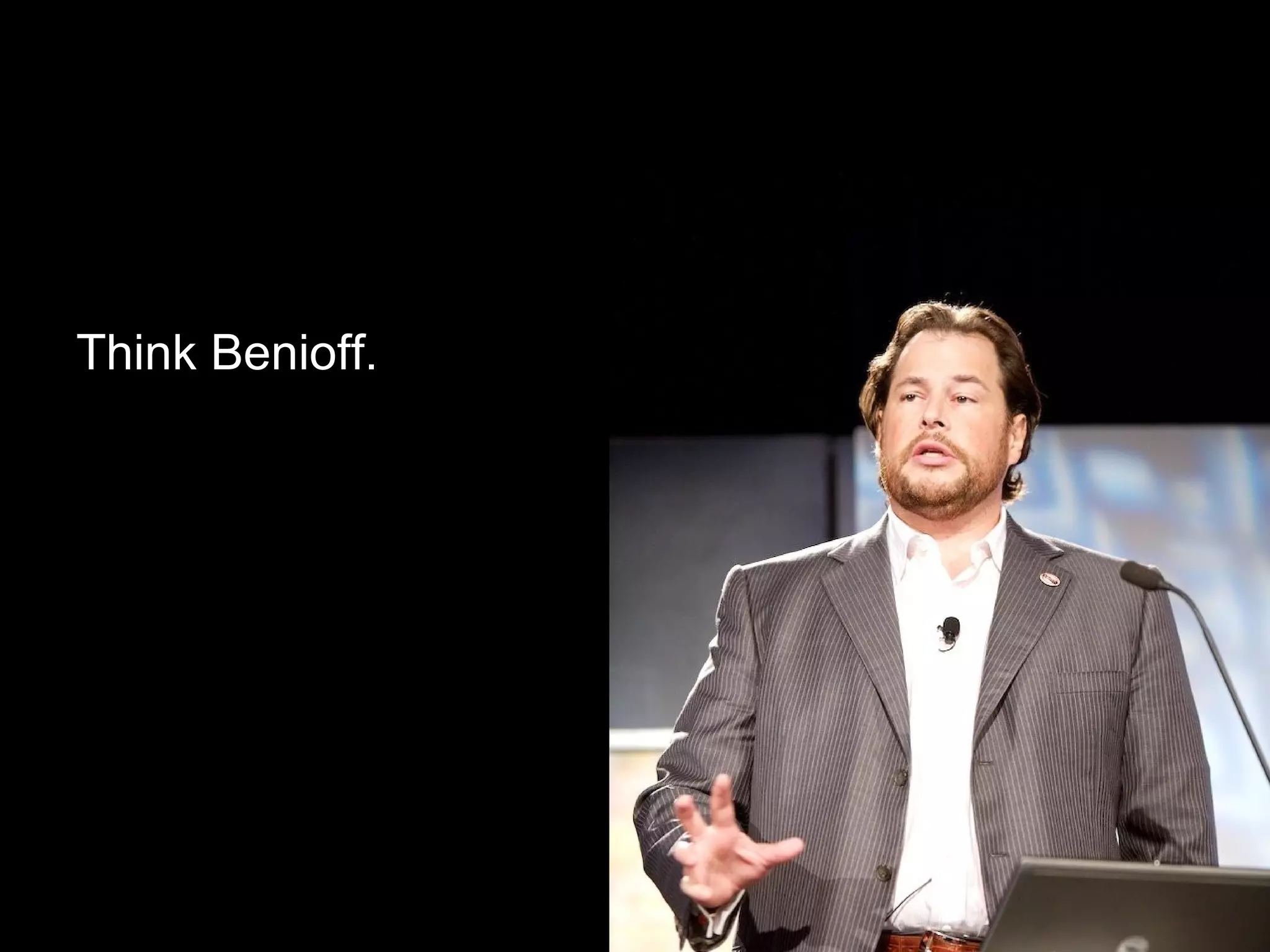
storytelling is crucial.
Think Benioff.
Now that the demos are over… show us your prioritized list of stories for the next sprint.
Don’t be afraid
7 Stupid Things People do to ruin their Sprint Review
#7
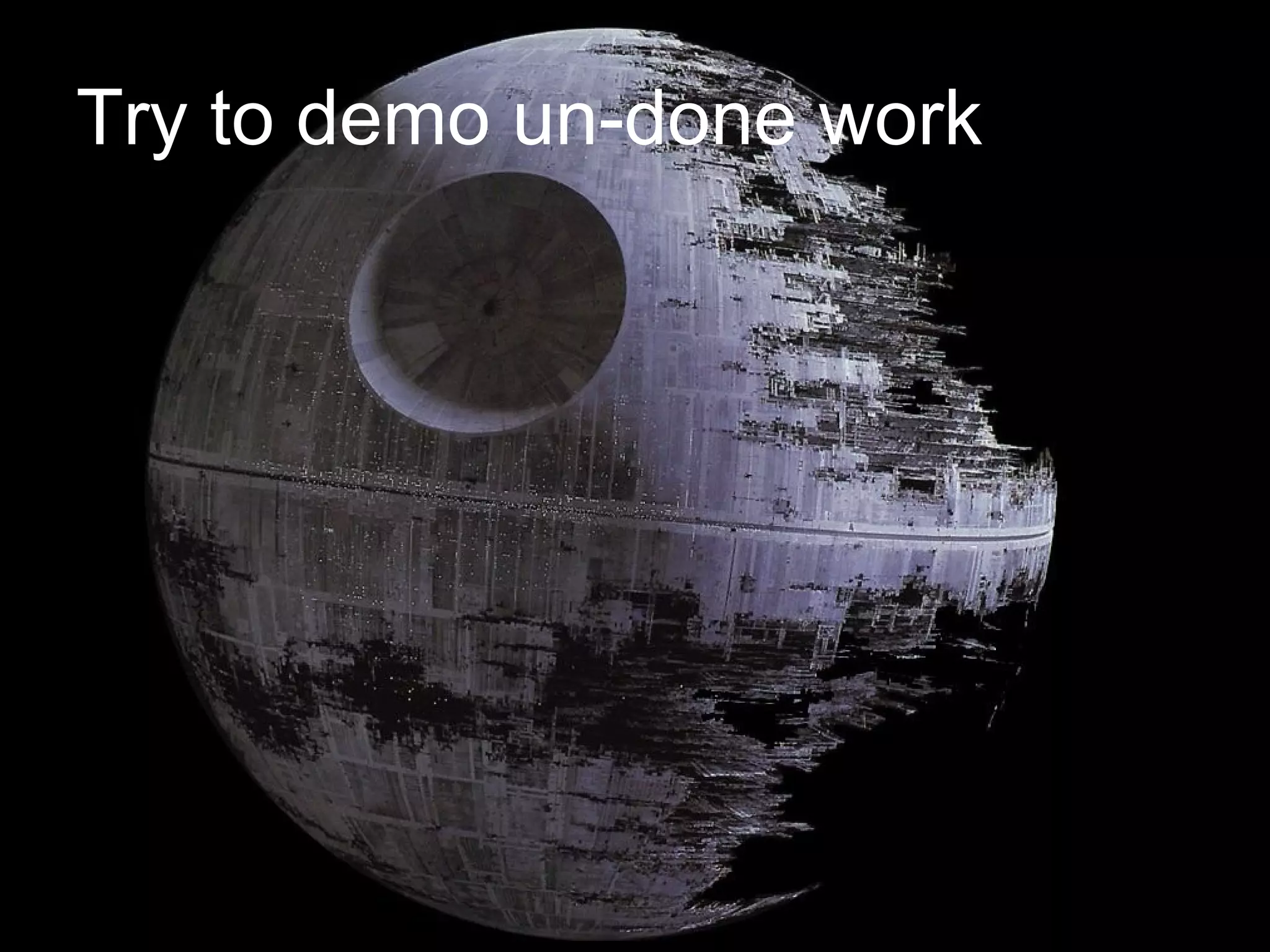
Try to demo un-done work
#6
Click, click, click, click, click
#5
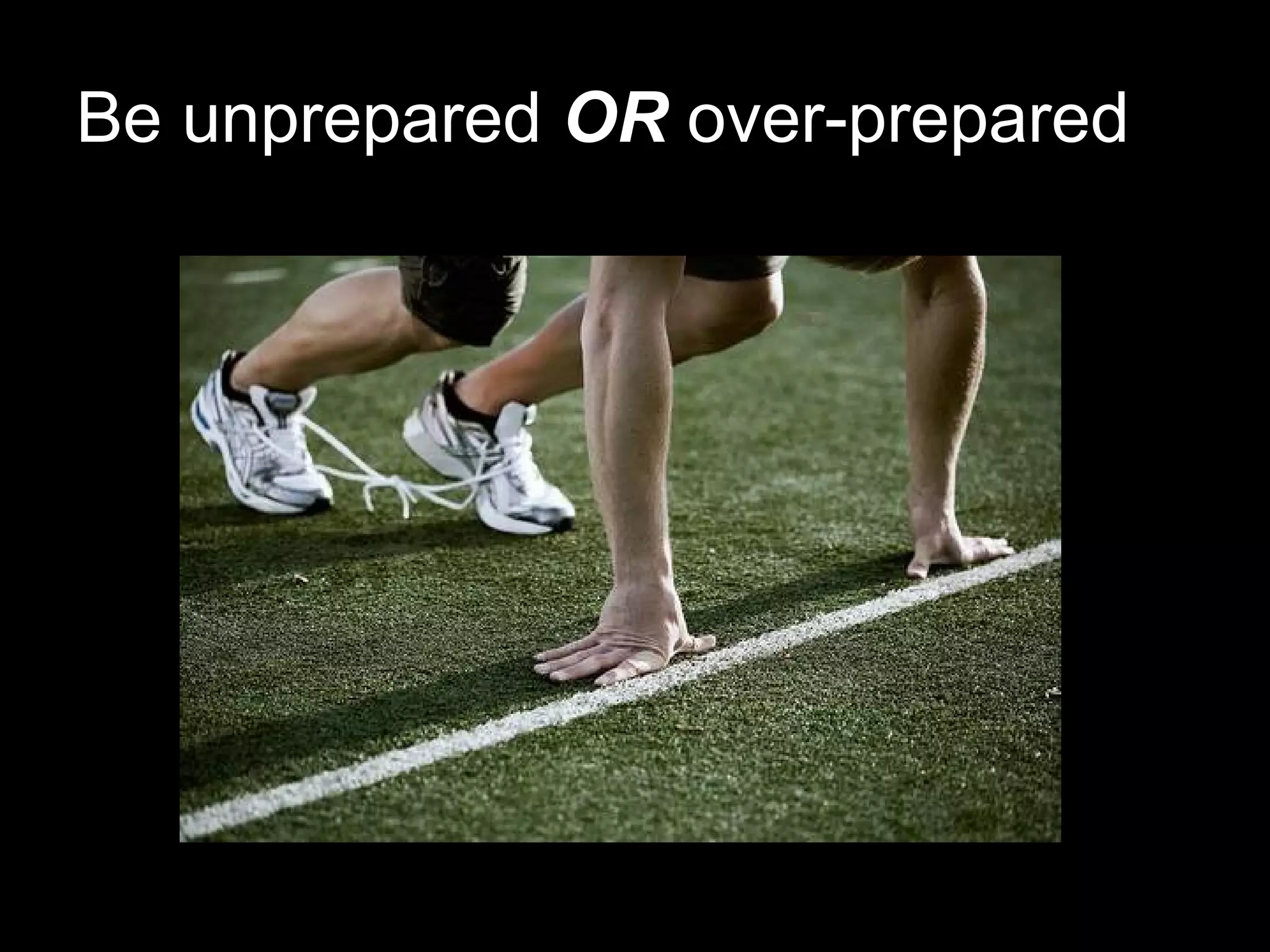
Be unprepared  OR  over-prepared
#4
Ignore the  ADM  process
#3
Get defensive to feedback
#2
Fail to tell a story
#1
Try to impress!
Don’t forget…
Inspect & Adapt
Think about it.
 

Tips n' Tricks - Sprint Review