Six Major Information systems
Presented by
V.MOHANRAJ,
I Ph.D Agrl. Extension & Communication
TNAU
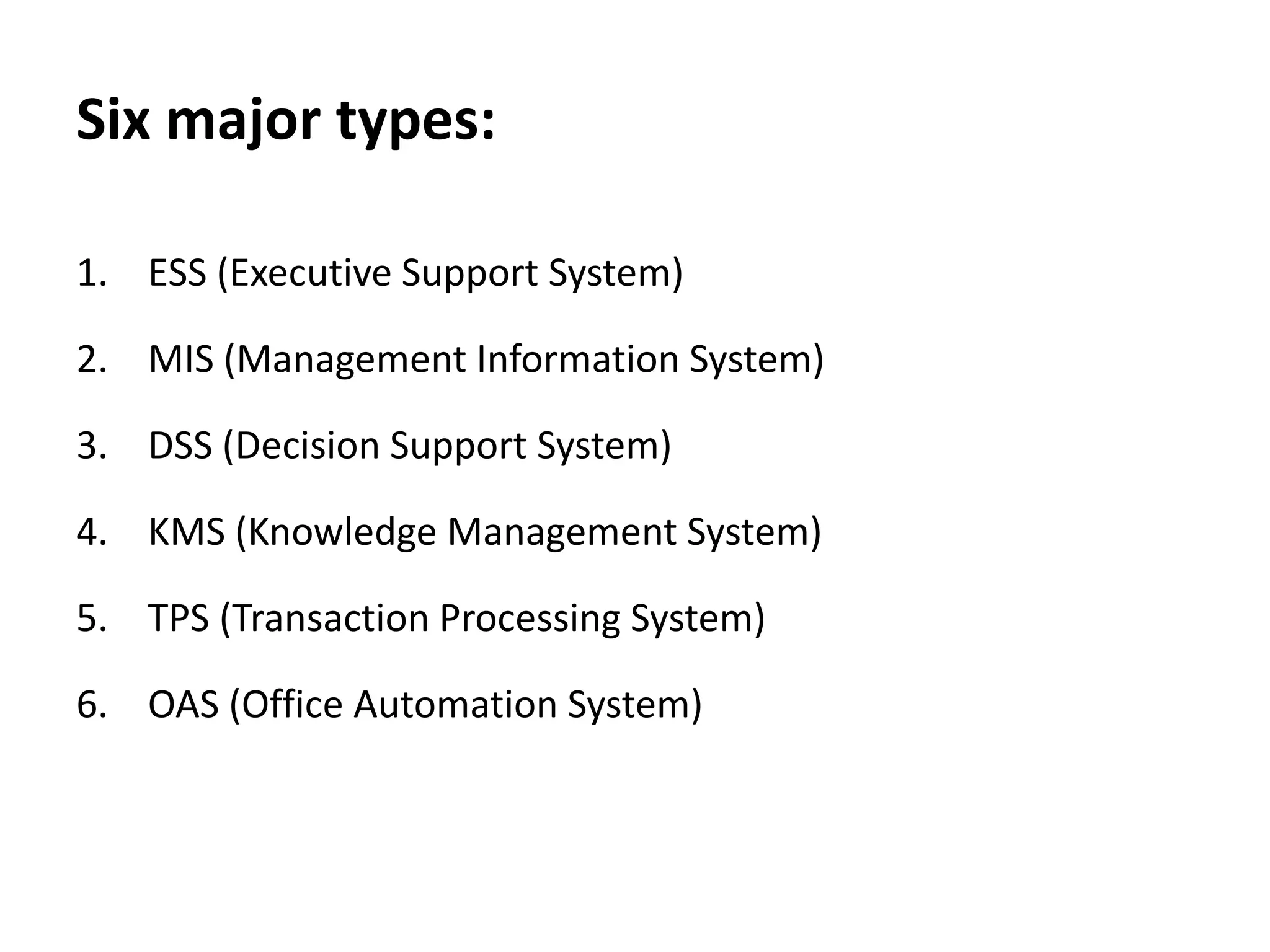
Six major types:
1. ESS (Executive Support System)
2. MIS (Management Information System)
3. DSS (Decision Support System)
4. KMS (Knowledge Management System)
5. TPS (Transaction Processing System)
6. OAS (Office Automation System)
Executive Support System
• ESS– an extension of MIS – is a computer based information
system.
• Helps in decision making at the top-level organization.
• Decisions taken- are non-routine decisions, effect the entire
organization and, thus, require judgement & sight.
• As compared to DSSs, ESSs offer more general computing capabilities,
better telecommunications & efficient display options.
• Used advanced graphics software –display critical information (charts
or graphs) that help senior executives to solve a wide range of
problems.
• Effective decisions -they use summarized internal data from MIS, DSS
as well as data from external sources about events like new tax laws,
new competitors, etc.
• Filter, compress, track data of high imp, make it available to strategic-
level managers.
• Help to monitor performance, track activities of competitors,
identify opportunities, forecast trends.
They also assist senior managers in answering the following
question:
I. What business should we do?
II. How are our competitors doing the business?
III. Which units can be sold and which new units are to be
bought?
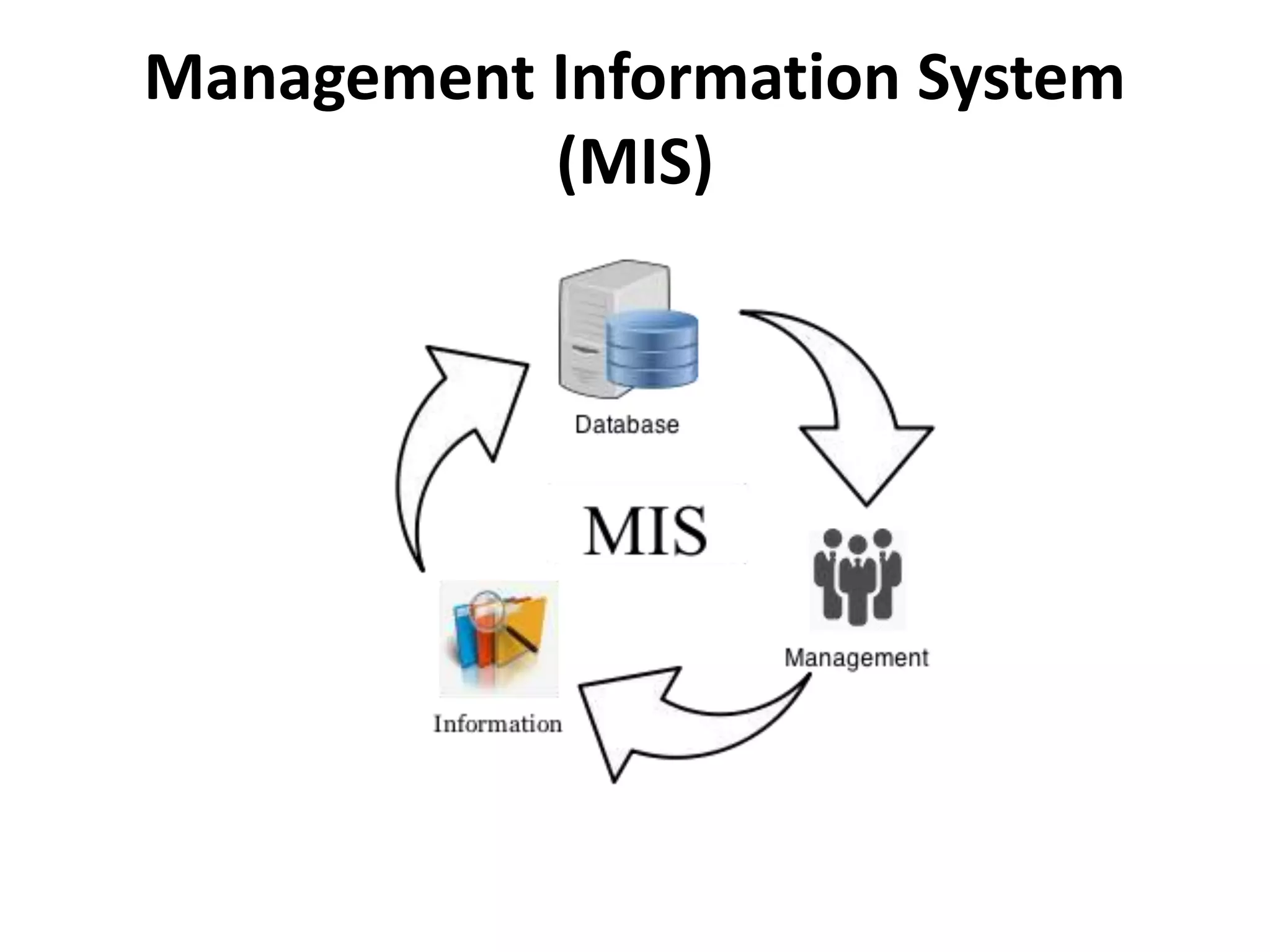
Management Information System
(MIS)
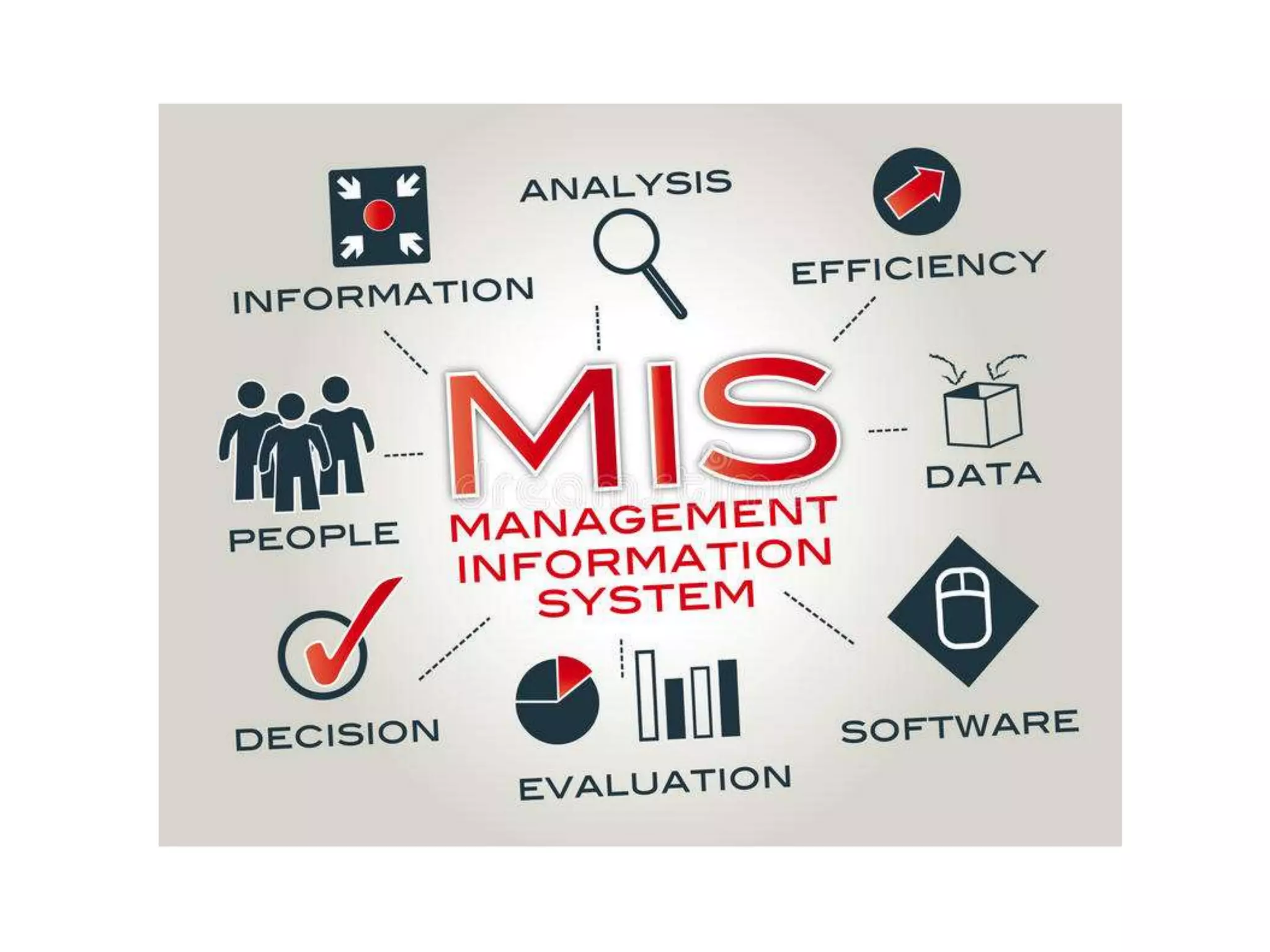
Management Information System (MIS)
• MIS- designed to take relatively raw data available through a TPS
~convert them into summarized, aggregated form for the manager
(report format).
• Reports tending -middle management & operational supervisors.
• Summary report, on-demand report, ad-hoc reports, an exception
report.
• Example: Sales management systems, Human resource
management system.
• MIS developed to support planning, controlling, decision-
making functions of middle managers.
• Format of reports produced by MIS is pre-specified
• Used -produce reports on monthly, quarterly, or yearly basis.
• In addition -provide managers online access to current
performance as well as past records of organization.
• MIS use simple routines (summaries & comparisons)-enable
managers- take decisions, procedure -reaching a solution has
been specified in advance.
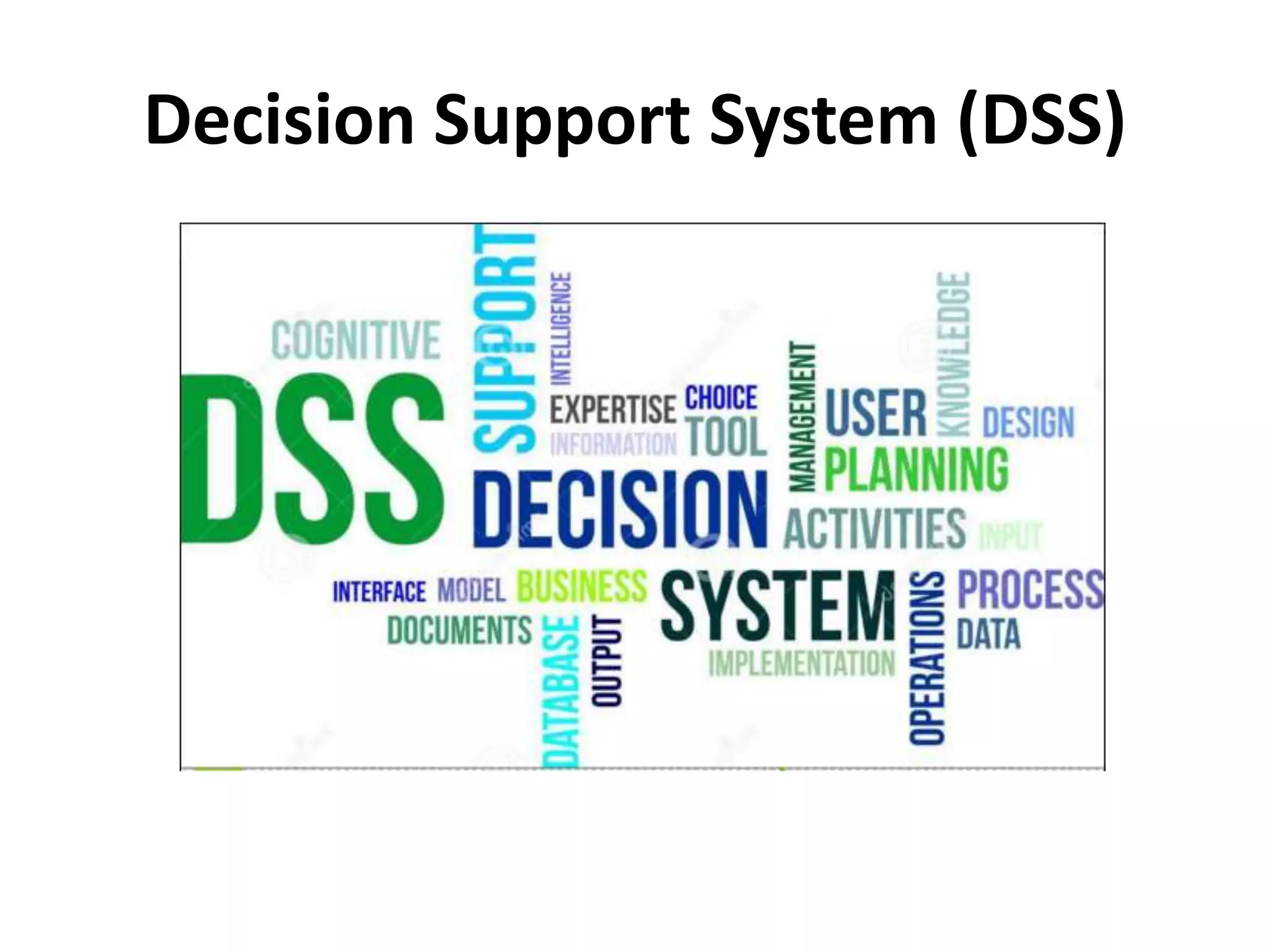
Decision Support System (DSS)
• DSS- interactive info system provides info, models, data
manipulation tools help in making decision (semi-structured &
unstructured situation).
• DSS comprises tools, techniques help in gathering relevant
info & analyze options, alternatives, end user is more involved
in creating DSS than MIS.
• Example: Financial planning systems, Bank loan management
systems.
• DSS -interactive computer-based information system like MIS,
also serves at management level -organization.
• Processes info -support decision making process of managers.
• Provides middle managers with info that enables to make
intelligent decisions.
• Example, Bank -enable a manager to analyze the changing
trends in deposits & loans in order to ascertain the yearly
targets.
• DSS -designed every manager to execute specific managerial
task or problem. (semi-structured decisions) -solution arrived
at logically.
• Sometimes -help taking complex decisions- they use
information generated by OASs & TPSs.
• DSS- more analytical power as compared to other information
systems.
• Employ wide variety of decision models to analyze data or
summarize vast amount of data into a form (usually form of
tables or charts) -easier for managers -interactive
environment.
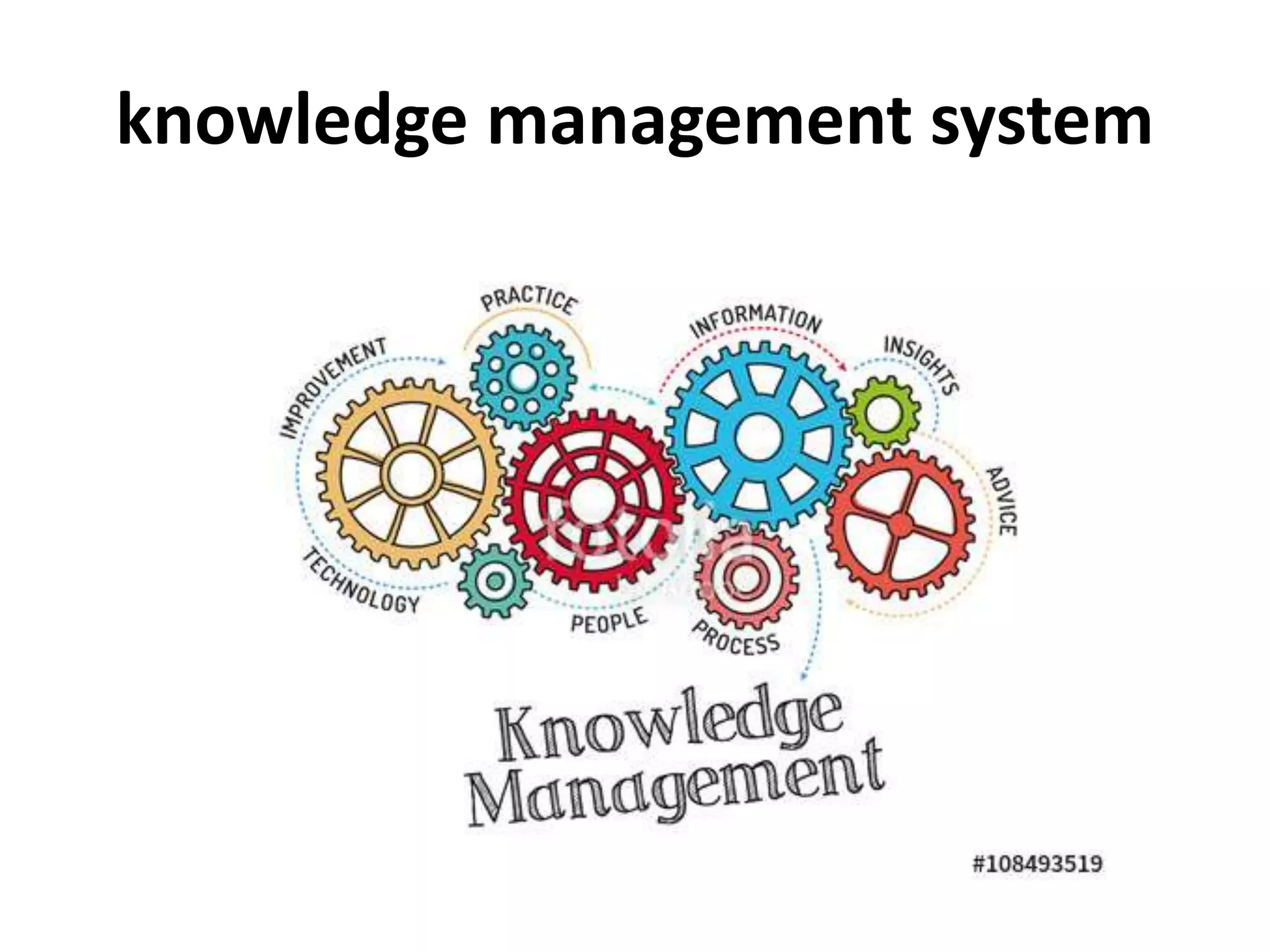
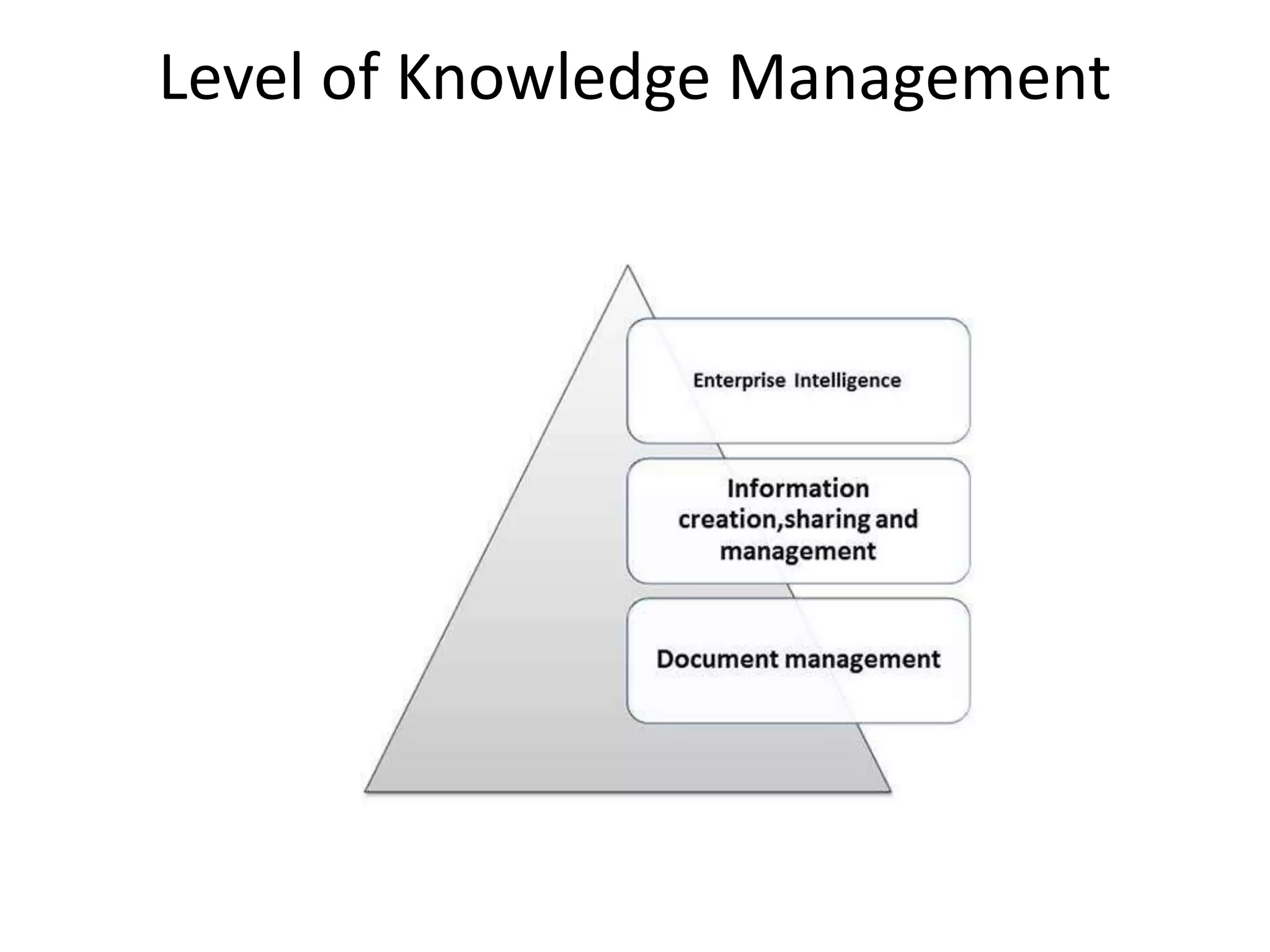
knowledge management system
• KMS -comprises a range of practices used in organization to
identify, create, represent, distribute, enable adoption to
insight, experience.
• Such insights and experience comprise knowledge, either
embodied in individual or embedded in organizational
processes & practices.
Level of Knowledge Management
Transaction Processing System (TPS)
• TPS used primarily for record keeping - required in any
organization to conduct business.
• It processes data resulting from the occurrences of
business transactions
• Obj -to provide transaction in order to update records &
generate reports (store keeping function)
• Transaction -two ways:
I. Batching processing
II. Online transaction processing.
Example:
I. Bill system,
II. payroll system,
III. Stock control system.
TPS is used for periodic report generation in a scheduled
manner. TPS is also used for producing reports on demand as
well as exception reports.
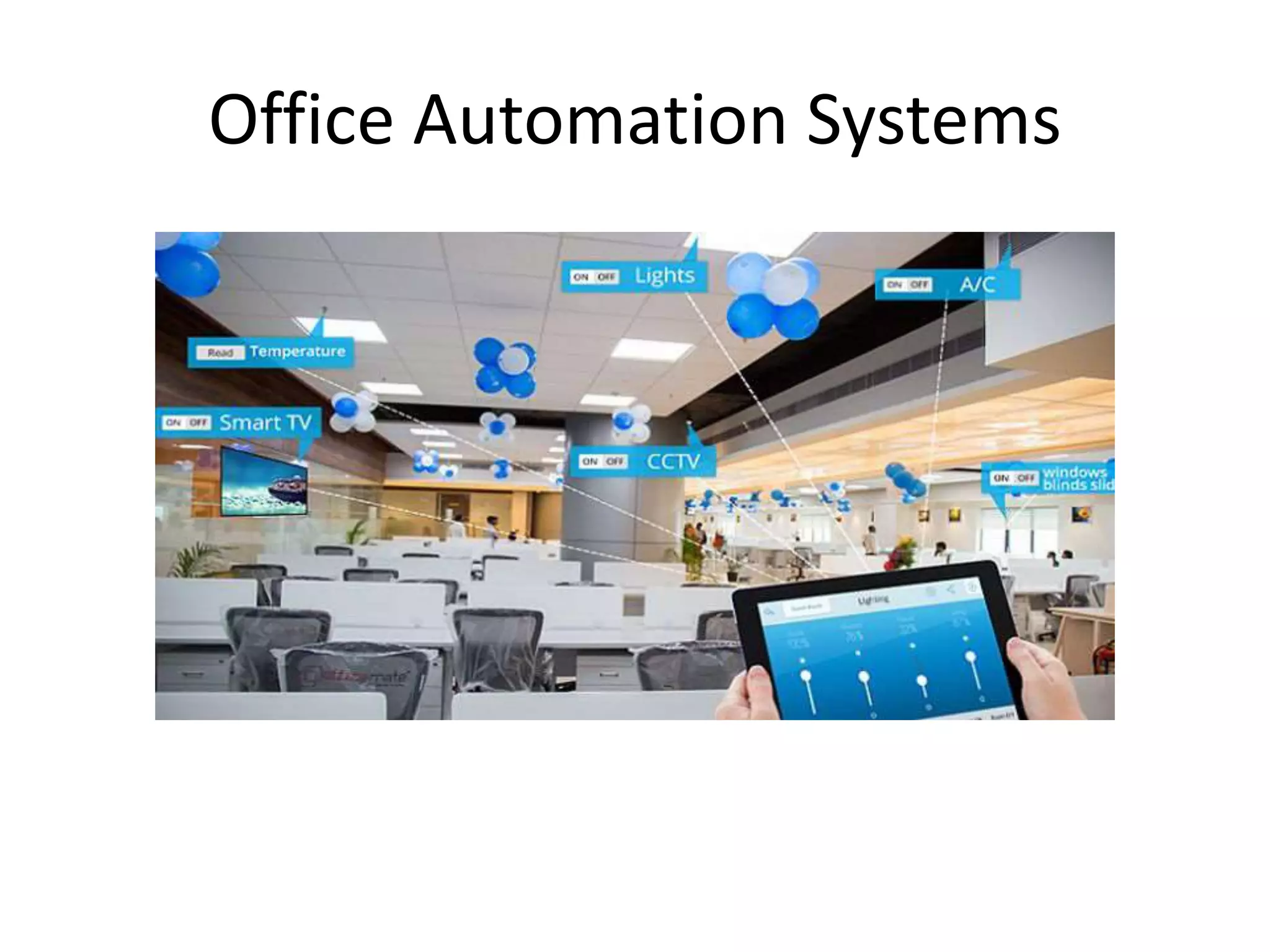
Office Automation Systems
• OAS -collection of communication technology,
computers, persons to perform official tasks.
• Executes office transactions, supports official
activities at every organizational level. These
activities can be divided into clerical and managerial
activities.
• Clerical activities -preparing written communication,
typesetting, printing, mailing, scheduling meetings, calendar
keeping.etc.
• Under managerial activities -conferencing, creating reports,
messages, and controlling performance of organization.
• Many applications like word processing, electronic filing and
e-mail are integrated in office automation system.

Six major types of information systems

  • 1.
    Six Major Informationsystems Presented by V.MOHANRAJ, I Ph.D Agrl. Extension & Communication TNAU
  • 3.
    Six major types: 1.ESS (Executive Support System) 2. MIS (Management Information System) 3. DSS (Decision Support System) 4. KMS (Knowledge Management System) 5. TPS (Transaction Processing System) 6. OAS (Office Automation System)
  • 4.
  • 5.
    Executive Support System •ESS– an extension of MIS – is a computer based information system. • Helps in decision making at the top-level organization. • Decisions taken- are non-routine decisions, effect the entire organization and, thus, require judgement & sight.
  • 6.
    • As comparedto DSSs, ESSs offer more general computing capabilities, better telecommunications & efficient display options. • Used advanced graphics software –display critical information (charts or graphs) that help senior executives to solve a wide range of problems. • Effective decisions -they use summarized internal data from MIS, DSS as well as data from external sources about events like new tax laws, new competitors, etc. • Filter, compress, track data of high imp, make it available to strategic- level managers.
  • 7.
    • Help tomonitor performance, track activities of competitors, identify opportunities, forecast trends. They also assist senior managers in answering the following question: I. What business should we do? II. How are our competitors doing the business? III. Which units can be sold and which new units are to be bought?
  • 8.
  • 9.
    Management Information System(MIS) • MIS- designed to take relatively raw data available through a TPS ~convert them into summarized, aggregated form for the manager (report format). • Reports tending -middle management & operational supervisors. • Summary report, on-demand report, ad-hoc reports, an exception report. • Example: Sales management systems, Human resource management system.
  • 10.
    • MIS developedto support planning, controlling, decision- making functions of middle managers. • Format of reports produced by MIS is pre-specified • Used -produce reports on monthly, quarterly, or yearly basis. • In addition -provide managers online access to current performance as well as past records of organization. • MIS use simple routines (summaries & comparisons)-enable managers- take decisions, procedure -reaching a solution has been specified in advance.
  • 12.
  • 13.
    Decision Support System(DSS) • DSS- interactive info system provides info, models, data manipulation tools help in making decision (semi-structured & unstructured situation). • DSS comprises tools, techniques help in gathering relevant info & analyze options, alternatives, end user is more involved in creating DSS than MIS. • Example: Financial planning systems, Bank loan management systems.
  • 14.
    • DSS -interactivecomputer-based information system like MIS, also serves at management level -organization. • Processes info -support decision making process of managers. • Provides middle managers with info that enables to make intelligent decisions. • Example, Bank -enable a manager to analyze the changing trends in deposits & loans in order to ascertain the yearly targets.
  • 15.
    • DSS -designedevery manager to execute specific managerial task or problem. (semi-structured decisions) -solution arrived at logically. • Sometimes -help taking complex decisions- they use information generated by OASs & TPSs. • DSS- more analytical power as compared to other information systems. • Employ wide variety of decision models to analyze data or summarize vast amount of data into a form (usually form of tables or charts) -easier for managers -interactive environment.
  • 16.
  • 17.
    knowledge management system •KMS -comprises a range of practices used in organization to identify, create, represent, distribute, enable adoption to insight, experience. • Such insights and experience comprise knowledge, either embodied in individual or embedded in organizational processes & practices.
  • 18.
  • 19.
  • 20.
    Transaction Processing System(TPS) • TPS used primarily for record keeping - required in any organization to conduct business. • It processes data resulting from the occurrences of business transactions • Obj -to provide transaction in order to update records & generate reports (store keeping function) • Transaction -two ways: I. Batching processing II. Online transaction processing.
  • 21.
    Example: I. Bill system, II.payroll system, III. Stock control system. TPS is used for periodic report generation in a scheduled manner. TPS is also used for producing reports on demand as well as exception reports.
  • 22.
  • 23.
    Office Automation Systems •OAS -collection of communication technology, computers, persons to perform official tasks. • Executes office transactions, supports official activities at every organizational level. These activities can be divided into clerical and managerial activities.
  • 24.
    • Clerical activities-preparing written communication, typesetting, printing, mailing, scheduling meetings, calendar keeping.etc. • Under managerial activities -conferencing, creating reports, messages, and controlling performance of organization. • Many applications like word processing, electronic filing and e-mail are integrated in office automation system.

Editor's Notes

  • #10 Many different types of report are produced in MIS. Some of the reports are a
  • #11 Examples of management information systems include; Sales management systems – they get input from the point of sale system Budgeting systems – gives an overview of how much money is spent within the organization for the short and long terms. Human resource management system – overall welfare of the employees, staff turnover, etc.