Resolution
Created by: Fasiha Zaheer
What is a resolution?
Resolution means the fineness of detail
that can be distinguished in an image or in
a video display terminal.
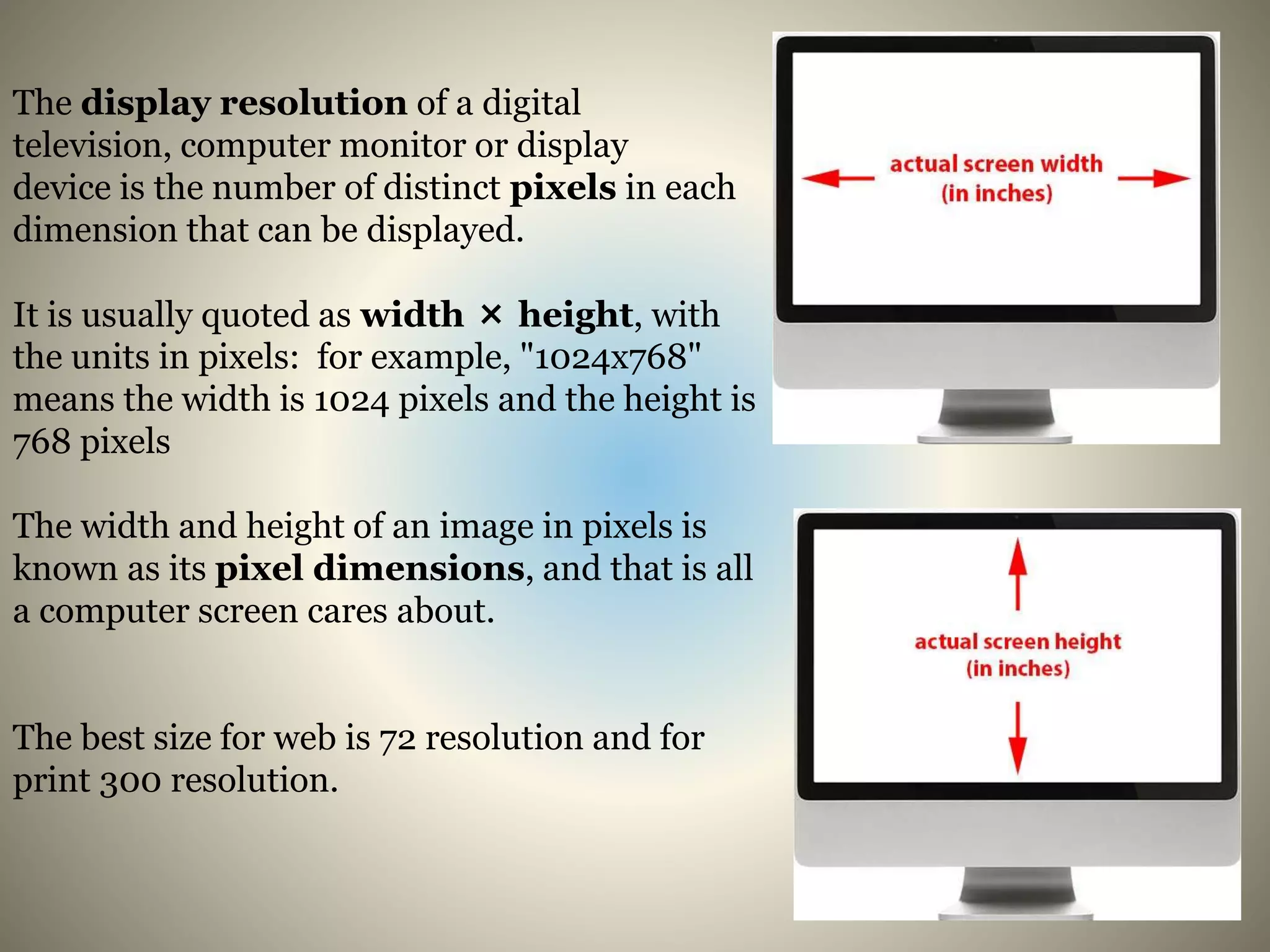
The display resolution of a digital
television, computer monitor or display
device is the number of distinct pixels in each
dimension that can be displayed.
It is usually quoted as width × height, with
the units in pixels: for example, "1024x768"
means the width is 1024 pixels and the height is
768 pixels
The width and height of an image in pixels is
known as its pixel dimensions, and that is all
a computer screen cares about.
The best size for web is 72 resolution and for
print 300 resolution.
Image resolution affects print size and not screen size
The size at which an image appears on your screen depends only on two things the pixel
dimensions of the image and the display resolution of your screen. Each pixel in the
image will take up exactly one pixel on your screen. Example An 800 pixel wide banner
on a website would appear 800 pixels wide on the screen. No more, no less. And no
matter what you set the image’s resolution to in Photoshop, whether it’s 72 ppi or 300
ppi it will have no effect at all on how large or small the image appears on the screen.
That’s because image resolution affects only one thing the size of the image when
it’s printed. By setting the resolution in Photoshop, we tell the printer, not the screen,
how many of the pixels in the image to squeeze into an inch of paper. The more pixels
you’re squeezing into every inch of paper, the smaller the image will appear when
printed. The more pixels you’re printing per inch, the higher the print quality.

Resolution

  • 1.
  • 2.
    What is aresolution? Resolution means the fineness of detail that can be distinguished in an image or in a video display terminal.
  • 3.
    The display resolutionof a digital television, computer monitor or display device is the number of distinct pixels in each dimension that can be displayed. It is usually quoted as width × height, with the units in pixels: for example, "1024x768" means the width is 1024 pixels and the height is 768 pixels The width and height of an image in pixels is known as its pixel dimensions, and that is all a computer screen cares about. The best size for web is 72 resolution and for print 300 resolution.
  • 4.
    Image resolution affectsprint size and not screen size The size at which an image appears on your screen depends only on two things the pixel dimensions of the image and the display resolution of your screen. Each pixel in the image will take up exactly one pixel on your screen. Example An 800 pixel wide banner on a website would appear 800 pixels wide on the screen. No more, no less. And no matter what you set the image’s resolution to in Photoshop, whether it’s 72 ppi or 300 ppi it will have no effect at all on how large or small the image appears on the screen. That’s because image resolution affects only one thing the size of the image when it’s printed. By setting the resolution in Photoshop, we tell the printer, not the screen, how many of the pixels in the image to squeeze into an inch of paper. The more pixels you’re squeezing into every inch of paper, the smaller the image will appear when printed. The more pixels you’re printing per inch, the higher the print quality.