Resolution
 Is most used when talking about monitors and
printers
 It refers to the clarity and sharpness of a image
Resolution
 To every bitmap image there its resolution and its size
 The total number of pictures in a image are determined by
these two factors
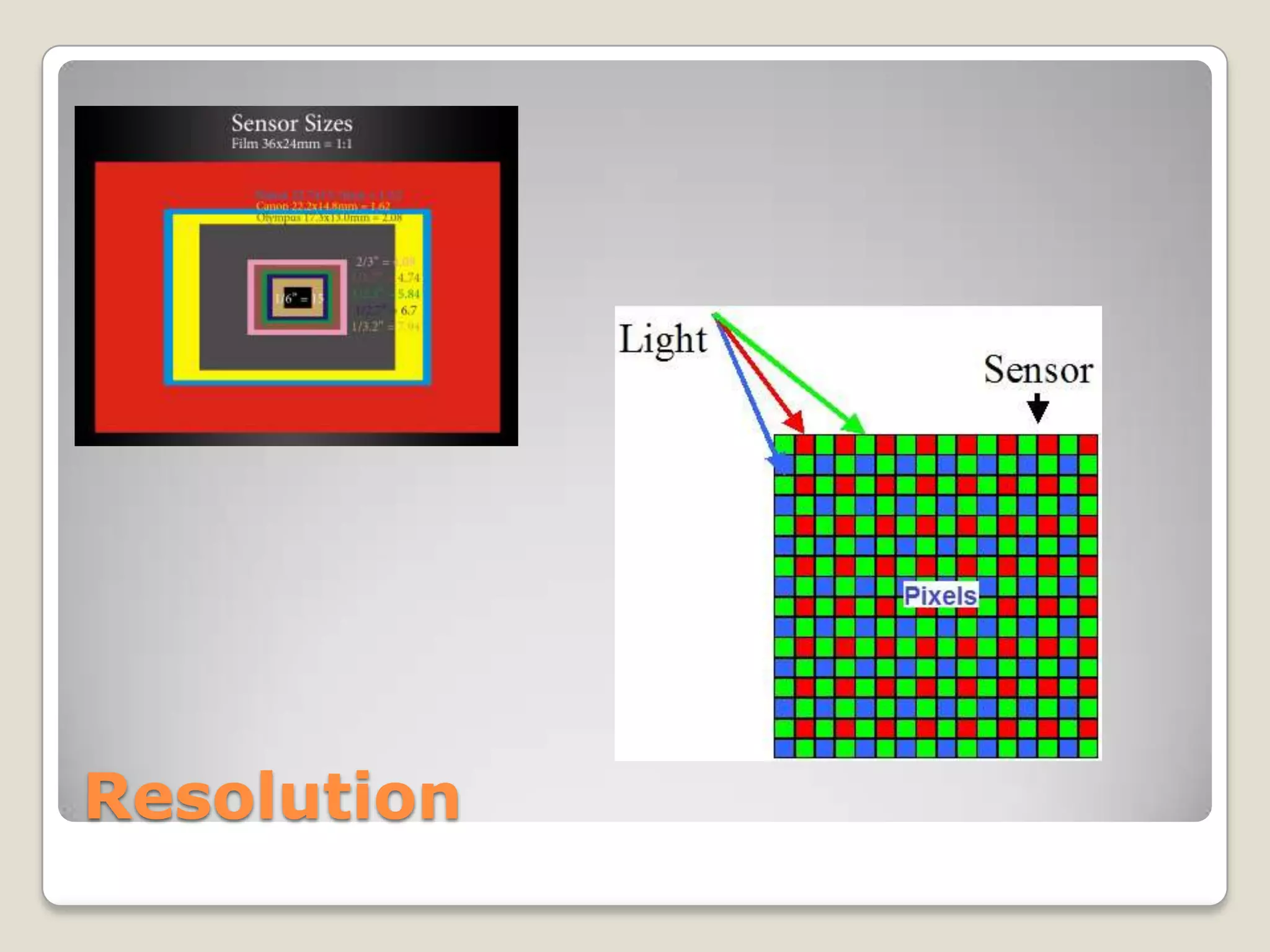
 Bitmap images are composed of pixels
 The number of pixels per inch is image resolution
Resolution
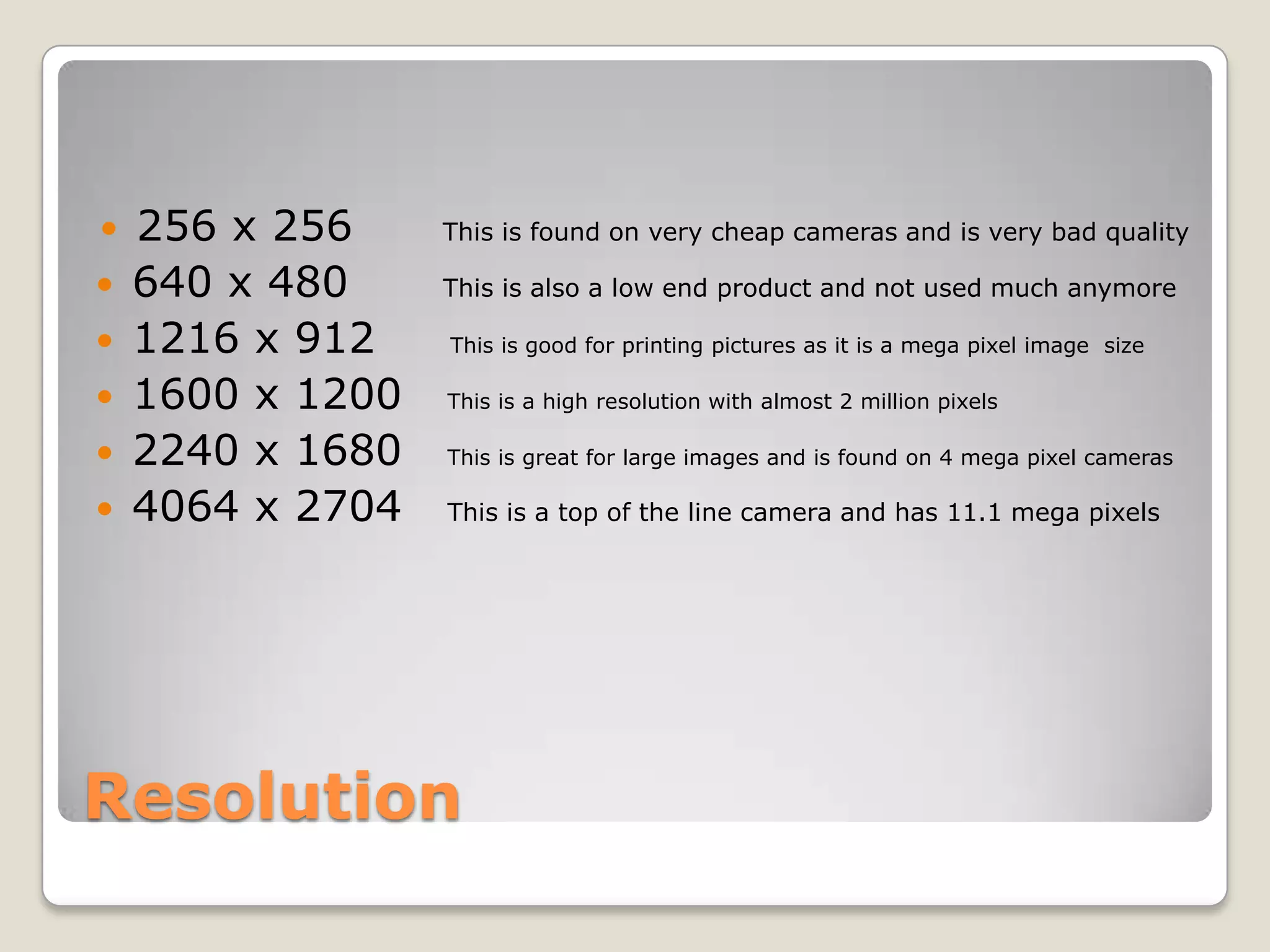
 256 x 256 This is found on very cheap cameras and is very bad quality
 640 x 480 This is also a low end product and not used much anymore
 1216 x 912 This is good for printing pictures as it is a mega pixel image size
 1600 x 1200 This is a high resolution with almost 2 million pixels
 2240 x 1680 This is great for large images and is found on 4 mega pixel cameras
 4064 x 2704 This is a top of the line camera and has 11.1 mega pixels
Resolution
 If there are less pixels on a image , it will be displayed in a lot lower
quality
 The more pixels there are in a image will make it better quality
 On screen and in print are the two ways you can display a image.
 It is very easy to figure out for each image the optimum resolution when
your preparing them you need to know what size to scan them to
Resolution
 The standard for screen display is 72ppi
 The standard for print is 300 ppi
Resolution

Resolution powerpoint

  • 2.
    Resolution  Is mostused when talking about monitors and printers  It refers to the clarity and sharpness of a image
  • 3.
    Resolution  To everybitmap image there its resolution and its size  The total number of pictures in a image are determined by these two factors  Bitmap images are composed of pixels  The number of pixels per inch is image resolution
  • 4.
    Resolution  256 x256 This is found on very cheap cameras and is very bad quality  640 x 480 This is also a low end product and not used much anymore  1216 x 912 This is good for printing pictures as it is a mega pixel image size  1600 x 1200 This is a high resolution with almost 2 million pixels  2240 x 1680 This is great for large images and is found on 4 mega pixel cameras  4064 x 2704 This is a top of the line camera and has 11.1 mega pixels
  • 5.
    Resolution  If thereare less pixels on a image , it will be displayed in a lot lower quality  The more pixels there are in a image will make it better quality  On screen and in print are the two ways you can display a image.  It is very easy to figure out for each image the optimum resolution when your preparing them you need to know what size to scan them to
  • 6.
    Resolution  The standardfor screen display is 72ppi  The standard for print is 300 ppi
  • 7.