INTRODUCTION
TO
ANIMATION
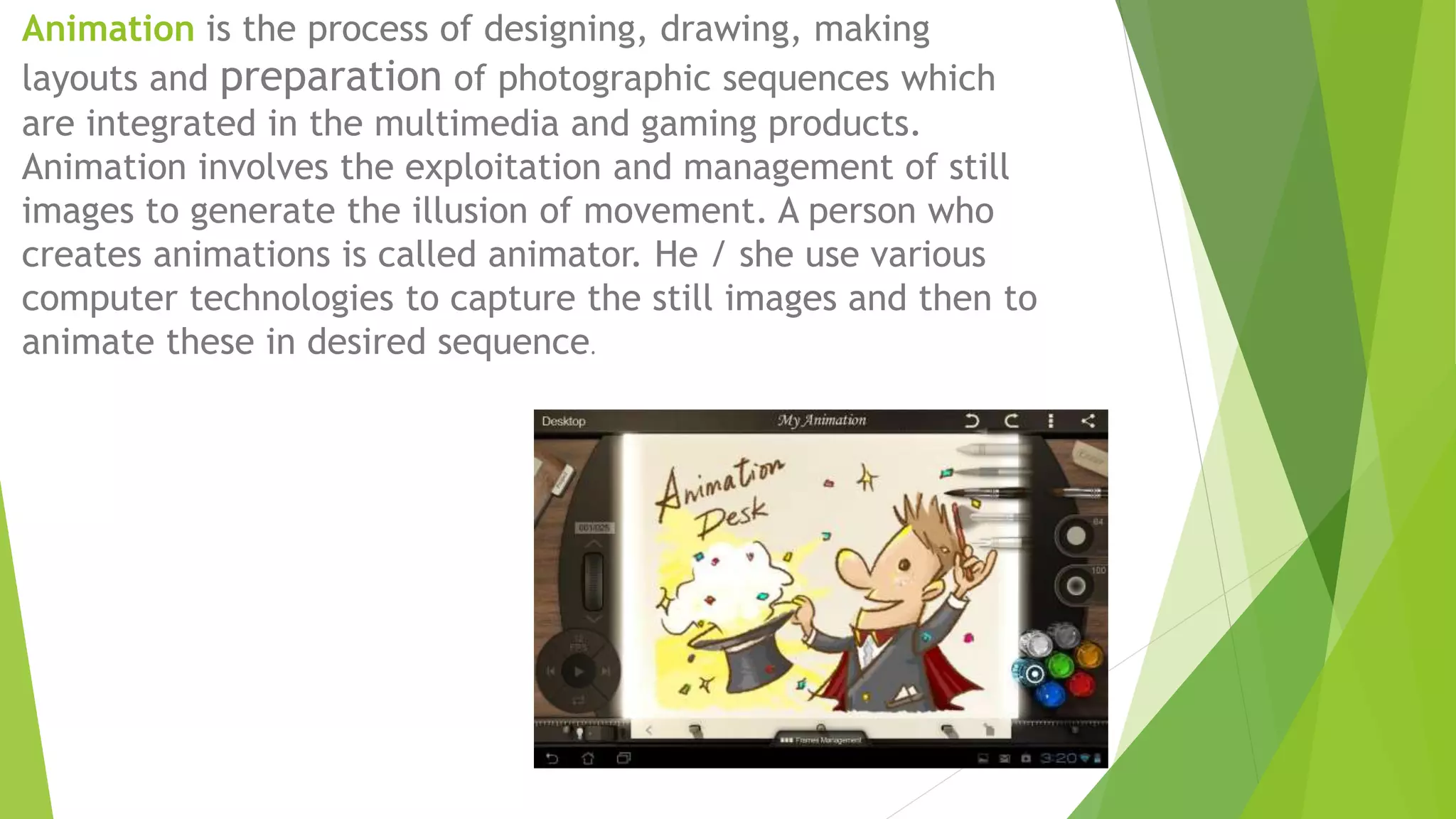
Animation is the process of designing, drawing, making
layouts and preparation of photographic sequences which
are integrated in the multimedia and gaming products.
Animation involves the exploitation and management of still
images to generate the illusion of movement. A person who
creates animations is called animator. He / she use various
computer technologies to capture the still images and then to
animate these in desired sequence.
Different Types of Animation:
•Traditional Animation
•2D Animation (Vector-based)
•3D Animation
•Motion Graphics
•Stop Motion
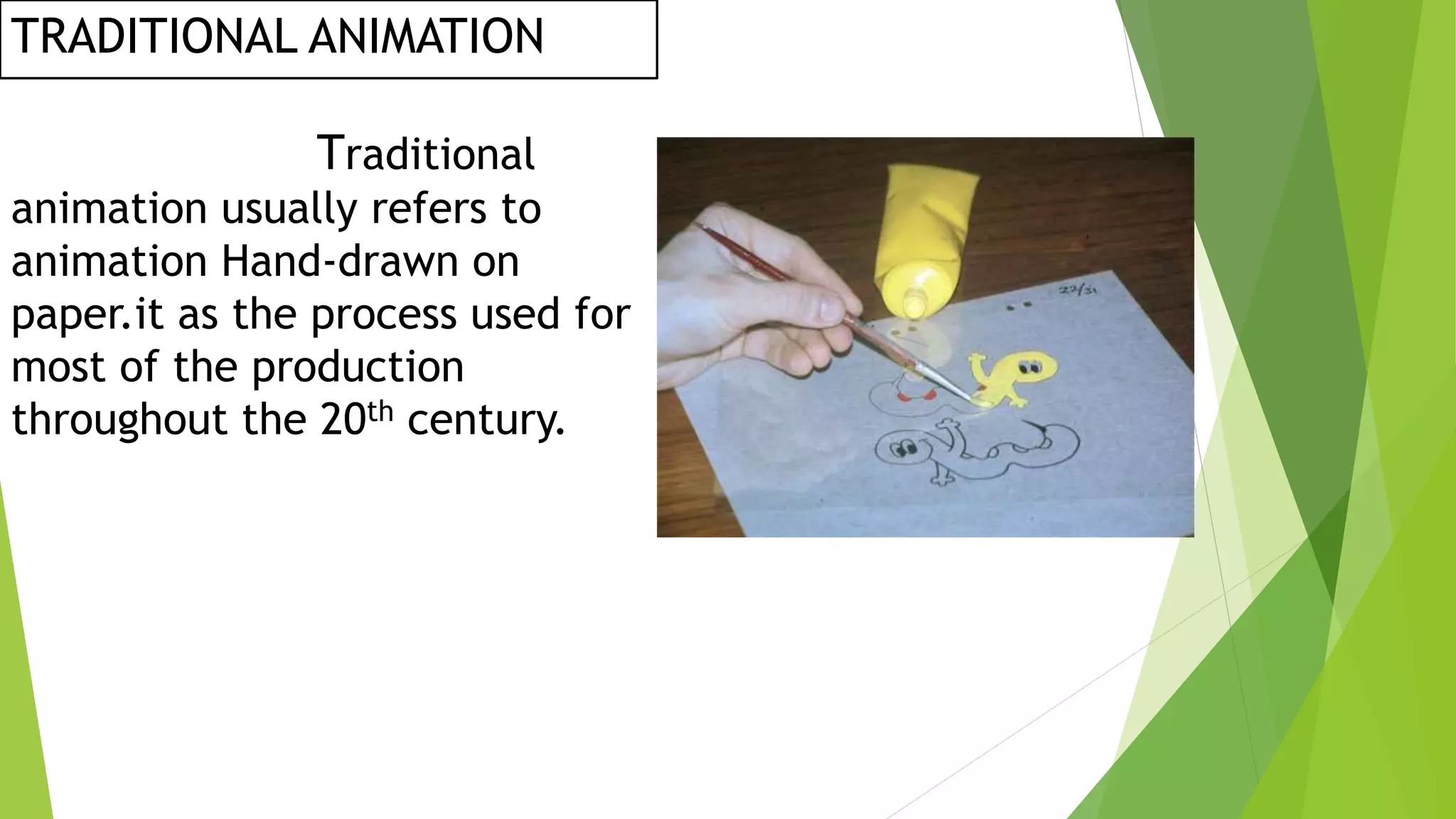
TRADITIONAL ANIMATION
Traditional
animation usually refers to
animation Hand-drawn on
paper.it as the process used for
most of the production
throughout the 20th century.
 2D animation is one of the major types
Of the major types of animation.it is widely
used for creating animated for the
movies,cartoons,marketing,videos,adver-
tisement,corporate presentations ans so much
more.
2D ANIMATION:
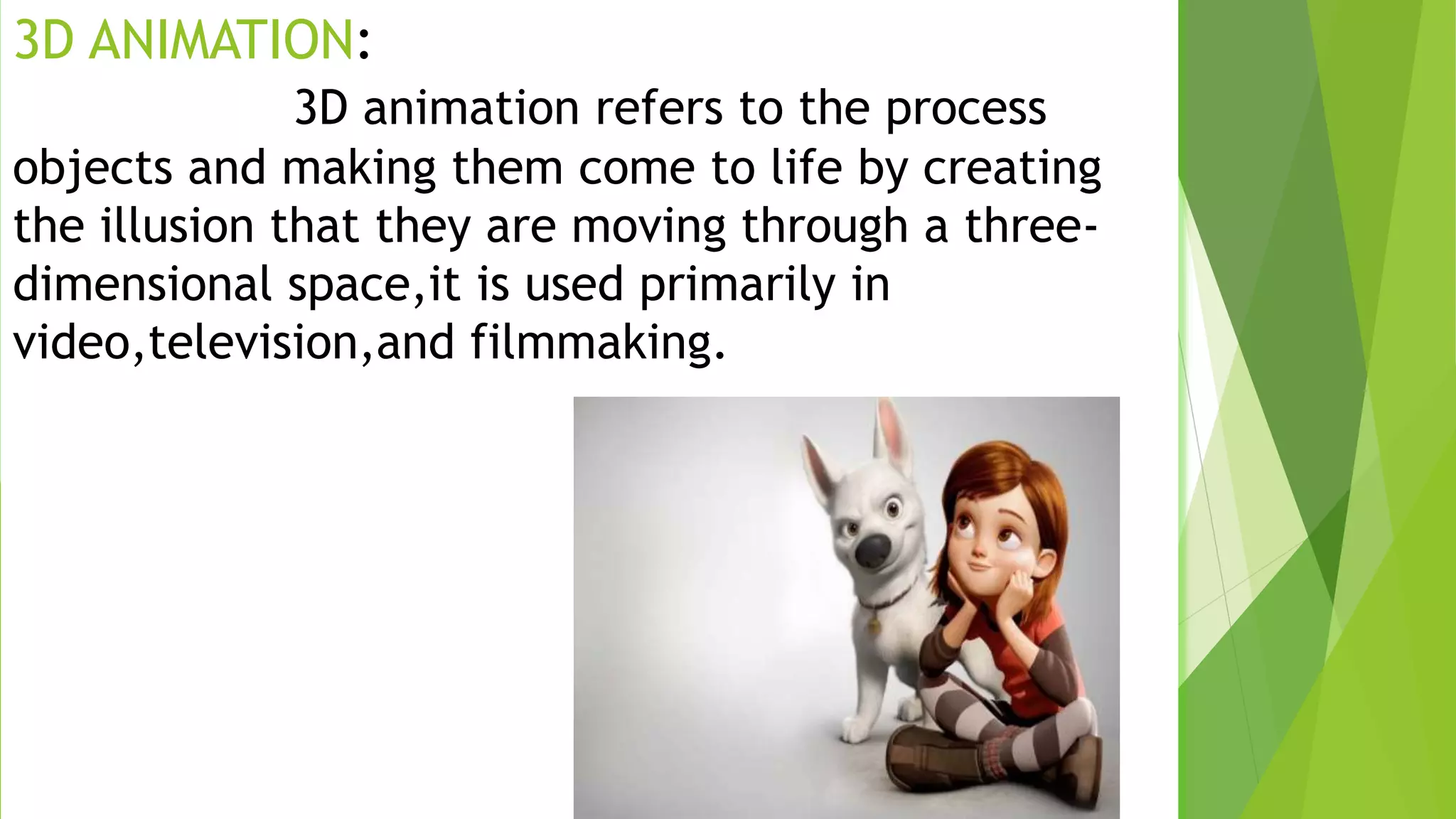
3D ANIMATION:
3D animation refers to the process
objects and making them come to life by creating
the illusion that they are moving through a three-
dimensional space,it is used primarily in
video,television,and filmmaking.
MOTION GRAPHICS:
Motion graphic are the way to
communicate with the viewer,and add depth TO
story.together with and effective copy,they can give
us a message. We use them to create ads,title
sequence for movies ,videos and to share
information
STOP MOTION
STOP MOTION IS AN ANIMATED FILMMAKING
TECHNIQUEin which objects are physically manipulated in small
increments between individually photographed frames so that
they will appear to exhibit independent motion when the series
of frames is played back
BLENDER
1988, the Dutch animation company NeoGeo was
co-founded by Ton Roosendaal. NeoGeo rapidly
became the Netherlands' largest 3D animation
company and one of Europe's leading animation
houses. For very huge clients such as corporate
clients named as the global electronics
corporation Philips, NeoGeo produced award-
winning productions which has also screened by
European Corporate Video Awards 1993 and 1995.
Within NeoGeo, both art design and internal
software creation were responsible for Ton. Ton
began rewriting the application in 1995 and
developed a 3D software known as Blender
BLENDER
KEY FEATURES
•Blender has some of the amazing features such as for development of
3D content the blender provides a wide range of essential tools that
includes modelling, rendering, animation & rigging, video editing, VFX,
compositing, texturing, and many simulation forms.
•Blender tool is a cross-platform tool which is developed in
collaboration with a uniform OpenGL GUI on all major platforms. It is
also customizable with Python scripts.
•It has high quality 3D architecture that enables fast and efficient
creation of workflow.
•For a comprehensive list of pages, it has active community support,
see blender.org/community.
•Blender allows a wide variety of tasks to be done, and when first
attempting to understand the fundamentals, it can seem overwhelming.
However, after a few hours of practise, it is possible to familiarise
yourself with Blender with a bit of inspiration and the right learning
content.
THANK YOU

INTRODUCTION TO ANIMATION.pptx

  • 1.
  • 2.
    Animation is theprocess of designing, drawing, making layouts and preparation of photographic sequences which are integrated in the multimedia and gaming products. Animation involves the exploitation and management of still images to generate the illusion of movement. A person who creates animations is called animator. He / she use various computer technologies to capture the still images and then to animate these in desired sequence.
  • 3.
    Different Types ofAnimation: •Traditional Animation •2D Animation (Vector-based) •3D Animation •Motion Graphics •Stop Motion
  • 4.
    TRADITIONAL ANIMATION Traditional animation usuallyrefers to animation Hand-drawn on paper.it as the process used for most of the production throughout the 20th century.
  • 5.
     2D animationis one of the major types Of the major types of animation.it is widely used for creating animated for the movies,cartoons,marketing,videos,adver- tisement,corporate presentations ans so much more. 2D ANIMATION:
  • 6.
    3D ANIMATION: 3D animationrefers to the process objects and making them come to life by creating the illusion that they are moving through a three- dimensional space,it is used primarily in video,television,and filmmaking.
  • 7.
    MOTION GRAPHICS: Motion graphicare the way to communicate with the viewer,and add depth TO story.together with and effective copy,they can give us a message. We use them to create ads,title sequence for movies ,videos and to share information
  • 8.
    STOP MOTION STOP MOTIONIS AN ANIMATED FILMMAKING TECHNIQUEin which objects are physically manipulated in small increments between individually photographed frames so that they will appear to exhibit independent motion when the series of frames is played back
  • 9.
  • 10.
    1988, the Dutchanimation company NeoGeo was co-founded by Ton Roosendaal. NeoGeo rapidly became the Netherlands' largest 3D animation company and one of Europe's leading animation houses. For very huge clients such as corporate clients named as the global electronics corporation Philips, NeoGeo produced award- winning productions which has also screened by European Corporate Video Awards 1993 and 1995. Within NeoGeo, both art design and internal software creation were responsible for Ton. Ton began rewriting the application in 1995 and developed a 3D software known as Blender
  • 11.
  • 12.
    •Blender has someof the amazing features such as for development of 3D content the blender provides a wide range of essential tools that includes modelling, rendering, animation & rigging, video editing, VFX, compositing, texturing, and many simulation forms. •Blender tool is a cross-platform tool which is developed in collaboration with a uniform OpenGL GUI on all major platforms. It is also customizable with Python scripts. •It has high quality 3D architecture that enables fast and efficient creation of workflow. •For a comprehensive list of pages, it has active community support, see blender.org/community. •Blender allows a wide variety of tasks to be done, and when first attempting to understand the fundamentals, it can seem overwhelming. However, after a few hours of practise, it is possible to familiarise yourself with Blender with a bit of inspiration and the right learning content.
  • 13.