

By
Madhubala . R
Agenda
 Virtualization
 What is VMware
 Key features
 Virtual and Physical Infrastructure
 Resource Sharing
 Comparison
 Consolidation
 Advantages
 Installing VMware
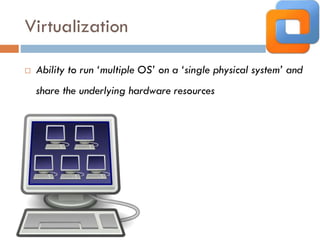
Virtualization
 Ability to run ‘multiple OS’ on a ‘single physical system’ and
share the underlying hardware resources
What is VMware
 VMware is virtual machine software
 Each virtual machine has its own set of virtual
hardware
 Allows multiple virtual machines, operating systems
to run in isolation and side-by-side on the same
physical machine.
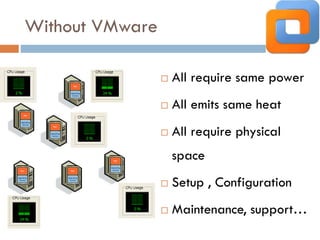
Without VMware
 All require same power
 All emits same heat
 All require physical
space
 Setup , Configuration
 Maintenance, support…
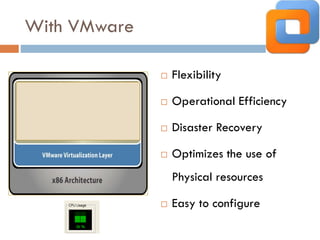
With VMware
 Flexibility
 Operational Efficiency
 Disaster Recovery
 Optimizes the use of
Physical resources
 Easy to configure
Key Features
 Partitioning
 Isolation
 Encapsulation
 Hardware Independence
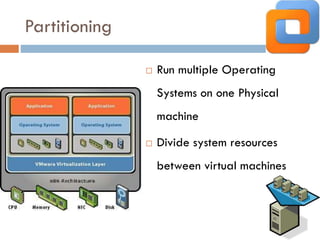
Partitioning
 Run multiple Operating
Systems on one Physical
machine
 Divide system resources
between virtual machines
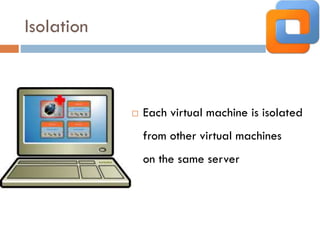
Isolation
 Each virtual machine is isolated
from other virtual machines
on the same server
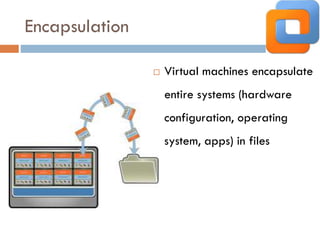
Encapsulation
 Virtual machines encapsulate
entire systems (hardware
configuration, operating
system, apps) in files
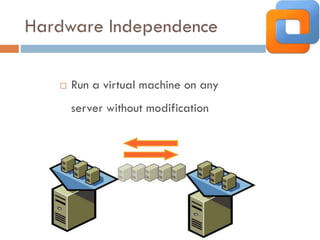
Hardware Independence
 Run a virtual machine on any
server without modification
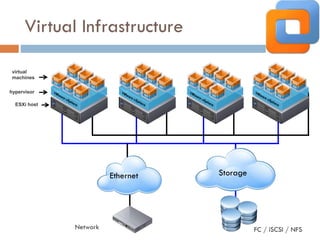
Virtual Infrastructure
hypervisor
ESXi host
Storage
FC / iSCSI / NFS
Ethernet
Network
virtual
machines
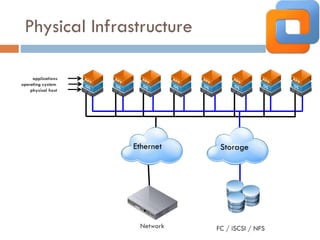
Physical Infrastructure
StorageEthernet
Network FC / iSCSI / NFS
applications
operating system
physical host
Resource Sharing
VMware vSphere
x86 architecture
How does it works
 Allows multiple operating system instances to run
concurrently within virtual machines on a single
computer
 A virtualization layer is installed, which uses either a
hosted or hypervisor architecture
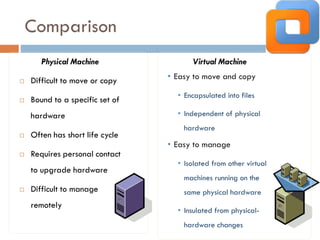
Comparison
 Difficult to move or copy
 Bound to a specific set of
hardware
 Often has short life cycle
 Requires personal contact
to upgrade hardware
 Difficult to manage
remotely
Virtual Machine
• Easy to manage
• Isolated from other virtual
machines running on the
same physical hardware
• Insulated from physical-
hardware changes
Physical Machine
• Easy to move and copy
• Encapsulated into files
• Independent of physical
hardware
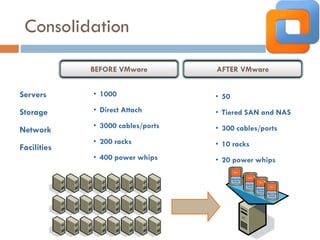
Consolidation
BEFORE VMware AFTER VMware
Servers
Storage
Network
Facilities
• 1000
• Direct Attach
• 3000 cables/ports
• 200 racks
• 400 power whips
• 50
• Tiered SAN and NAS
• 300 cables/ports
• 10 racks
• 20 power whips
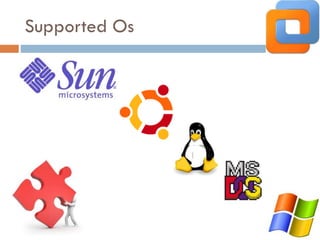
Supported Os
Advantages
 Reduce physical number of servers
 Reduce Total Cost of Ownership (TCO)
 Increases efficiency
 Beneficial to business needs
 Security to each VM
Installation
 Download VMware
 Follow the instructions
 Partition the drive
 Finish
VMware Overview
VMware Overview

VMware Overview