
VI Package Manager (VIPM)
Presented to: Chicago LabVIEW User Group
Presented on: June 20th, 2019
Presented by: Kyle A. Mitchell
• VI Package Manager (VIPM) is a package management tool created by JKI that organizes
and maintains packages within your LabVIEW environment
• Various libraries and tools are supported for download via the LabVIEW Tools Network or
the VI Package Network
• Or, manage your own repository
• Free version includes most useful features
• Pro version for larger scale management
VI Package Manager
http://www.ni.com/tutorial/12397/en/
VI Package (*.vip)
• A package is a file which contains the necessary components
wrapped together along with the actual tool which is to be
installed
• The package provides information related to its destination,
compatible LabVIEW versions etc.
• Package files are saved in the *.VIP format.
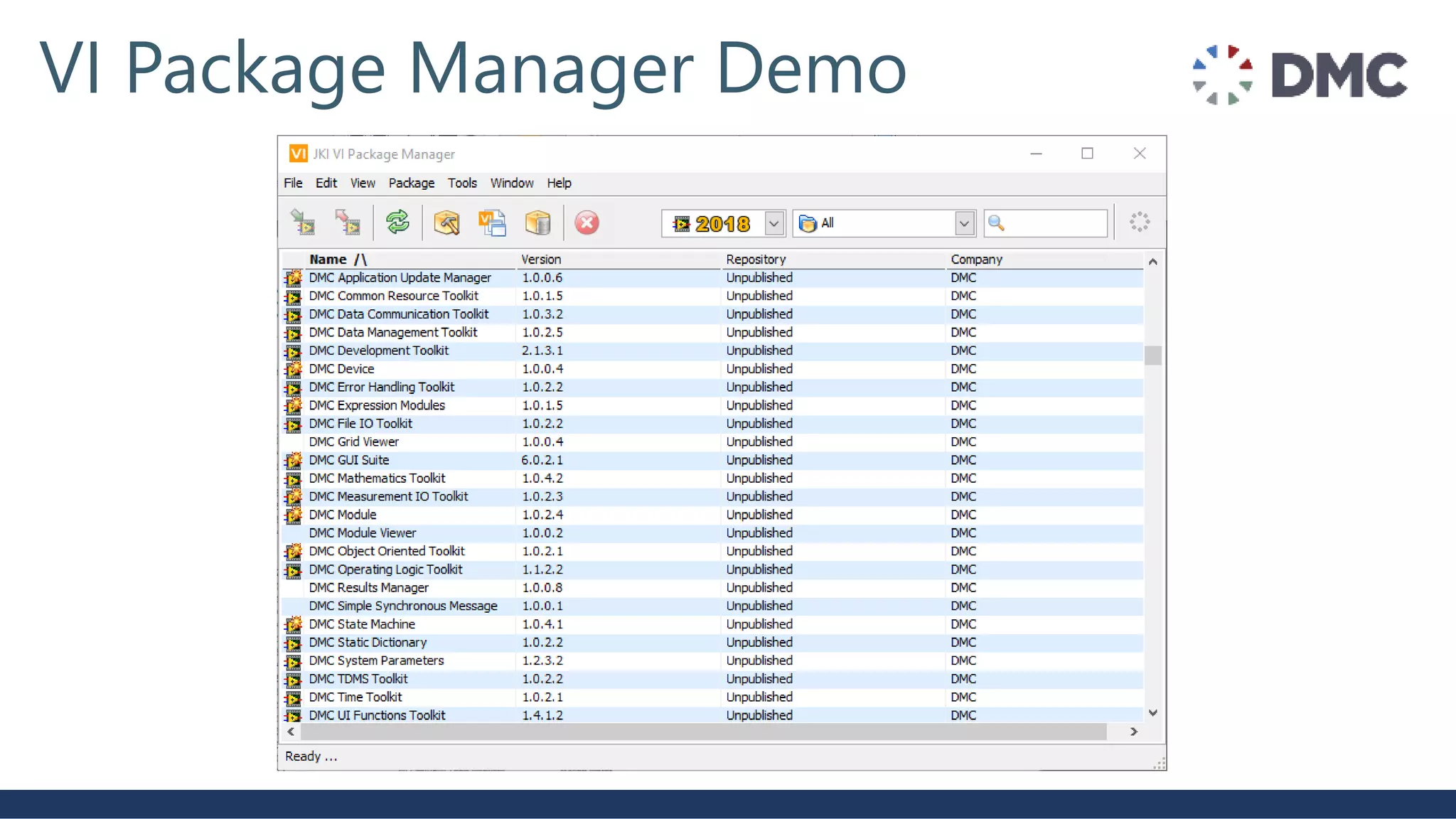
VI Package Manager Demo
VI Package Builder Specification (*.vipb)
• Make your own packages (available in VIPM free version)
• Close parallel to LabVIEW application build spec
• Various aspects of the build are defined:
• Package properties/metadata (Name, company, author…)
• Source directory/files included
• Output directory
• Destinations for package deployment (vi.lib, user.lib, etc.)
• Source file settings
• Advanced:
• Install/versioning requirements
• Dependency management tools
• Licensing/activation tools
VI Package Builder Demo
VI Package Configuration (*.vipc)
• A VI package configuration contains a set of vi
packages (of specific versions)
• This complete set of packages can be
deployed with one click (by VIPM free
version)
• Creating vipc file requires VIPM Pro
VIPM Pricing
• https://vipm.jki.net/get
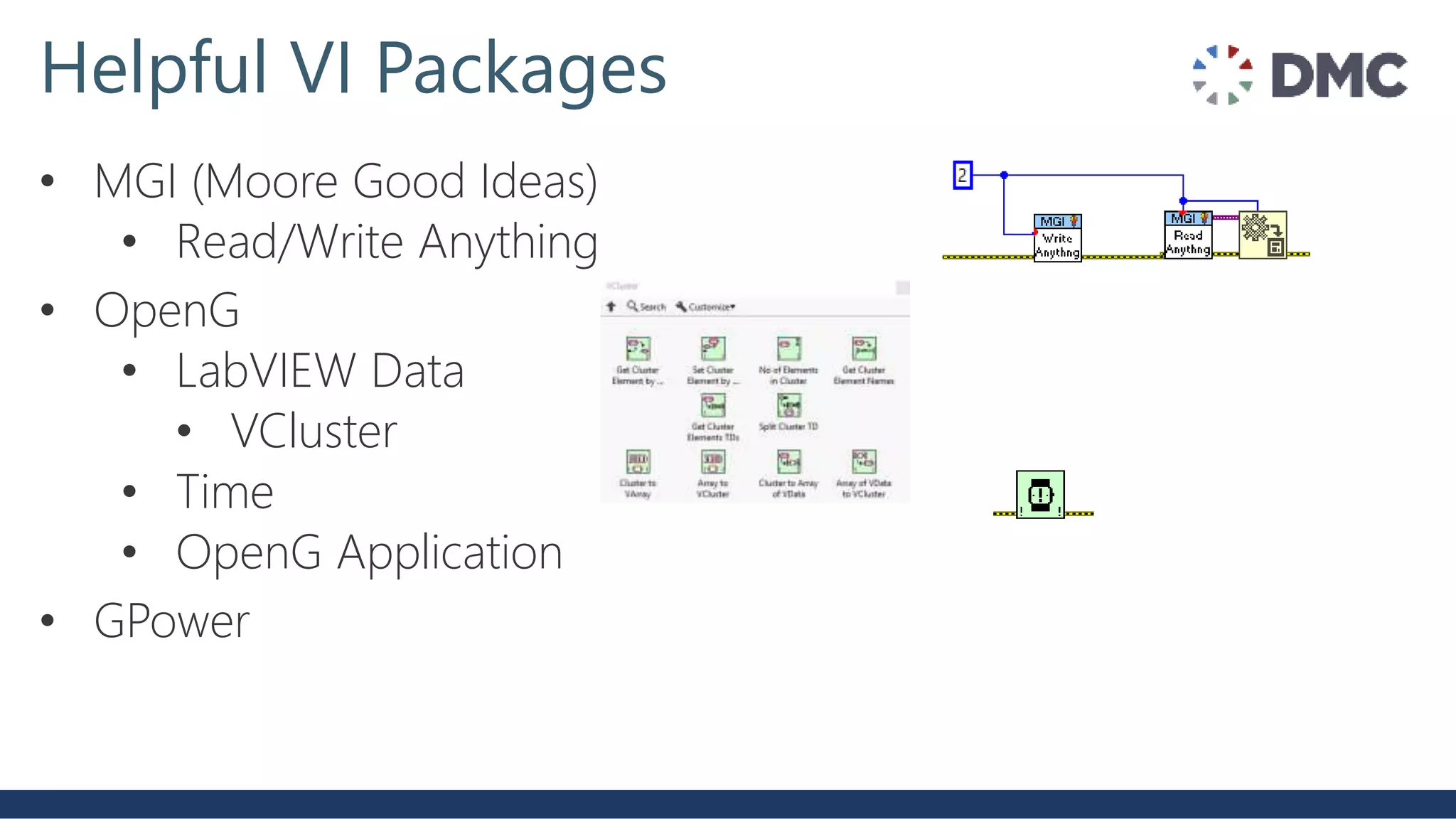
Helpful VI Packages
• MGI (Moore Good Ideas)
• Read/Write Anything
• OpenG
• LabVIEW Data
• VCluster
• Time
• OpenG Application
• GPower
VIPM Summary: Features/Benefits
• Direct palette integration and quick drop integration
• Automatic tool/project dependency scanning
• Auto deploy dependencies for the package you want.
• Automatic flagging of new available versions of tools
• Quick VIPC deployment to recreate project environment
• Easy migration to newer/older versions of packages
• VI Package Repository (Pro Version)
• Everyone connects their VIPM into company VIPM repository,
so all published packages are listed and available
• VIPCs allow all code to reside in the repo (good versioning)
• Can automatically recreate project tool environment with one
click
• Streamline/encourage use of NI tools network/3rd party tools
• Examples/Testers published alongside packages
VI package manager

VI package manager

  • 1.
    VI Package Manager(VIPM) Presented to: Chicago LabVIEW User Group Presented on: June 20th, 2019 Presented by: Kyle A. Mitchell
  • 2.
    • VI PackageManager (VIPM) is a package management tool created by JKI that organizes and maintains packages within your LabVIEW environment • Various libraries and tools are supported for download via the LabVIEW Tools Network or the VI Package Network • Or, manage your own repository • Free version includes most useful features • Pro version for larger scale management VI Package Manager http://www.ni.com/tutorial/12397/en/
  • 3.
    VI Package (*.vip) •A package is a file which contains the necessary components wrapped together along with the actual tool which is to be installed • The package provides information related to its destination, compatible LabVIEW versions etc. • Package files are saved in the *.VIP format.
  • 4.
  • 5.
    VI Package BuilderSpecification (*.vipb) • Make your own packages (available in VIPM free version) • Close parallel to LabVIEW application build spec • Various aspects of the build are defined: • Package properties/metadata (Name, company, author…) • Source directory/files included • Output directory • Destinations for package deployment (vi.lib, user.lib, etc.) • Source file settings • Advanced: • Install/versioning requirements • Dependency management tools • Licensing/activation tools
  • 6.
  • 7.
    VI Package Configuration(*.vipc) • A VI package configuration contains a set of vi packages (of specific versions) • This complete set of packages can be deployed with one click (by VIPM free version) • Creating vipc file requires VIPM Pro
  • 8.
  • 9.
    Helpful VI Packages •MGI (Moore Good Ideas) • Read/Write Anything • OpenG • LabVIEW Data • VCluster • Time • OpenG Application • GPower
  • 10.
    VIPM Summary: Features/Benefits •Direct palette integration and quick drop integration • Automatic tool/project dependency scanning • Auto deploy dependencies for the package you want. • Automatic flagging of new available versions of tools • Quick VIPC deployment to recreate project environment • Easy migration to newer/older versions of packages • VI Package Repository (Pro Version) • Everyone connects their VIPM into company VIPM repository, so all published packages are listed and available • VIPCs allow all code to reside in the repo (good versioning) • Can automatically recreate project tool environment with one click • Streamline/encourage use of NI tools network/3rd party tools • Examples/Testers published alongside packages

Editor's Notes

  • #3 What is it? VI Package Manager (VIPM) is a package management tool that organizes and maintains packages within your LabVIEW environment It’s a tool for obtaining and configuring libraries and development tools You can also subscribe to shared repositories created with VIPM. Various third-party development libraries and tools are supported for download via the LabVIEW Tools Network or the VI Package Network These repositories are configured as built-in subscription channels within VIPM VIPM allows you to quickly access third-party networked code repositories and get them into your LabVIEW development environment quickly VIPM also helps you build your own reuse tools into packages which can be installed in LabVIEW. VIPM has configuration management features that help you configure your LabVIEW development environment for your current project. Created and managed by JKI Free version has majority of the useful features Pro version includes some nice additional features for larger scale package management
  • #4 What are they? A package is a file which contains all of the necessary components wrapped together along with the actual tool which is to be installed. The package provides information related to its destination, compatible LabVIEW versions etc. Package files are saved in the *.VIP format.
  • #6 VI Package Build (.vipb) What are they? Close parallel to LabVIEW application build spec Various aspects of the build are defined: Package properties/metadata (Name, company, author…) Source directory/files included Output directory Destinations for package deployment (vi.lib, user.lib, etc.) Source file settings Advanced: Install/versioning requirements Dependency management tools Licensing/activation tools
  • #8 VI Package Build (.vipb) What are they? Close parallel to LabVIEW application build spec Various aspects of the build are defined: Package properties/metadata (Name, company, author…) Source directory/files included Output directory Destinations for package deployment (vi.lib, user.lib, etc.) Source file settings Advanced: Install/versioning requirements Dependency management tools Licensing/activation tools
  • #10 Even if you don’t want to make your own packages there is a lot to be gained by using pre-made, free packages!