
















Lightning Fast SCADA
Development with Open Library
for WinCC OA
Automation Summit
Boca Raton, FL, June 26-28, 2017
Agenda
• DMC Overview
• What is the Siemens Open Library
• WinCC OA
• How does it Work?
• Making Changes/Contributing
• Questions
DMC Overview
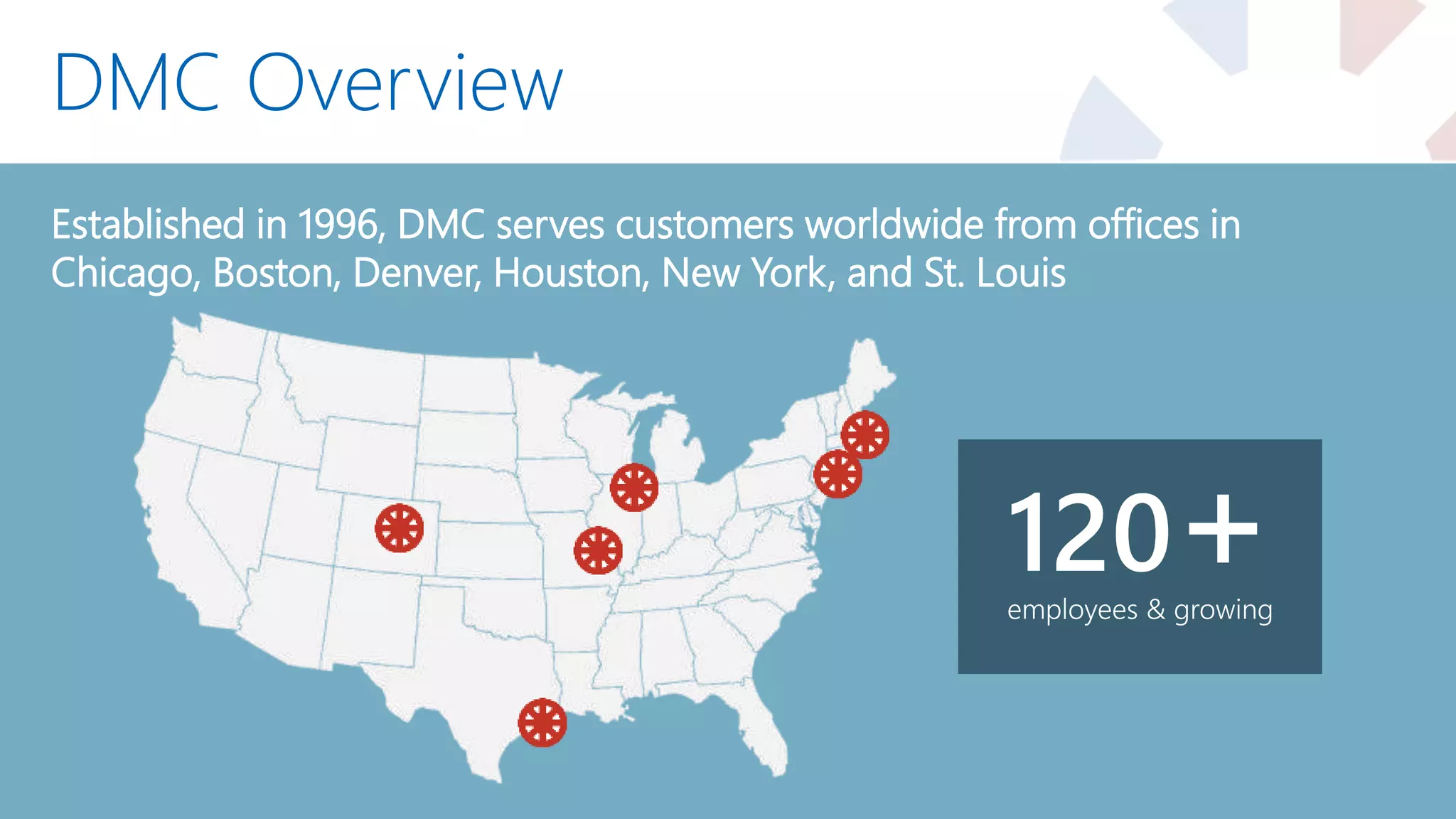
Established in 1996, DMC serves customers worldwide from offices in
Chicago, Boston, Denver, Houston, New York, and St. Louis
employees & growing
120+
Siemens Expertise
31 Siemens Certified Engineers
DMC Customers
Automotive Chemical & Food Processing
Consumer Goods Defense Contracting Energy & Utilities Food & Beverage
Packaging Pharmaceutical Printing & Textiles Semiconductor
Special Machinery Telecommunications Test & Measurement
Industries Served
Presenter Info
• B.S. in Chemical Engineering– University of Oklahoma
• With DMC since 2007
• Siemens Certified Professional
• WinCC OA Certified Engineer
• PE – Control Systems
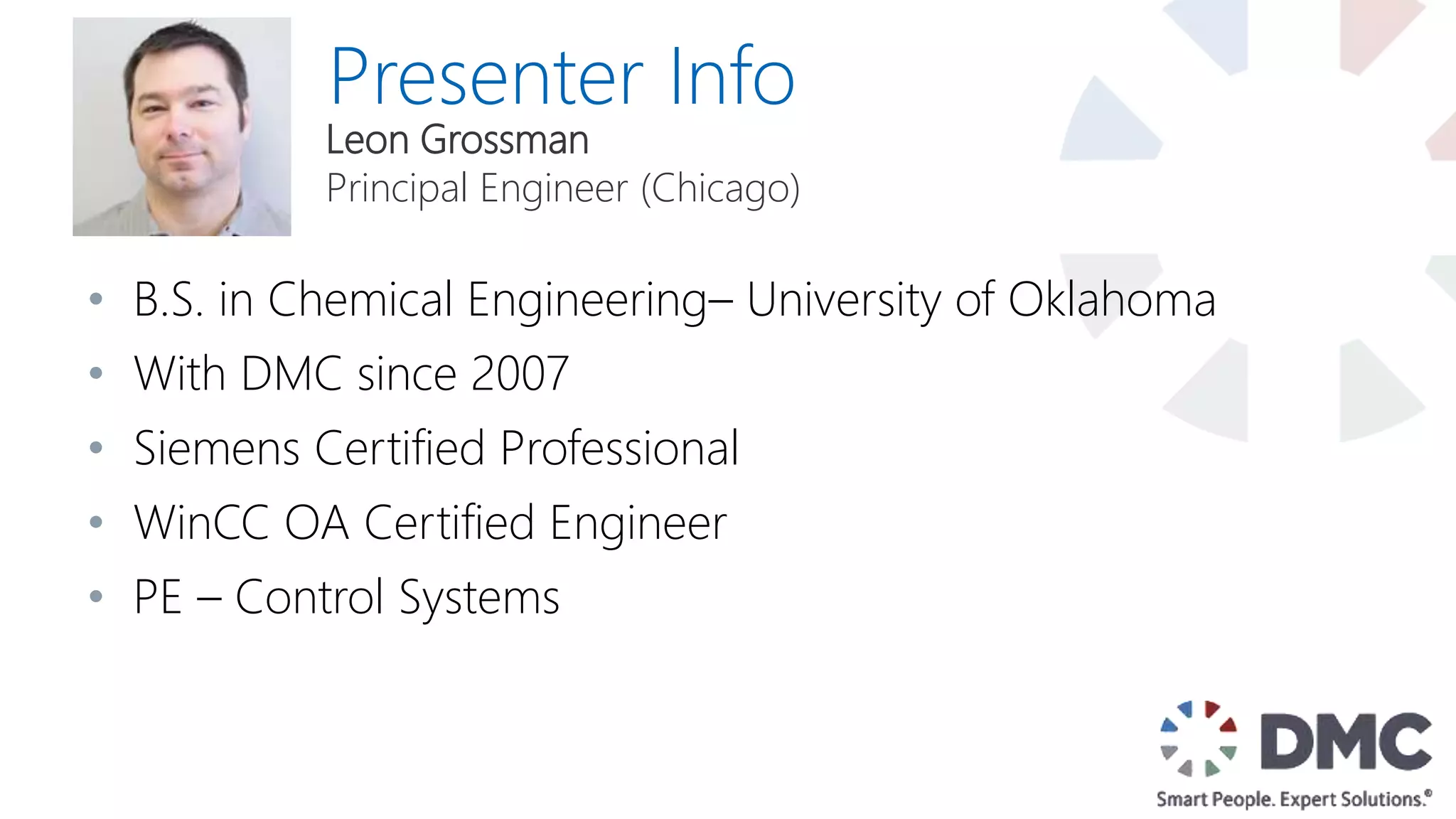
Leon Grossman
Principal Engineer (Chicago)
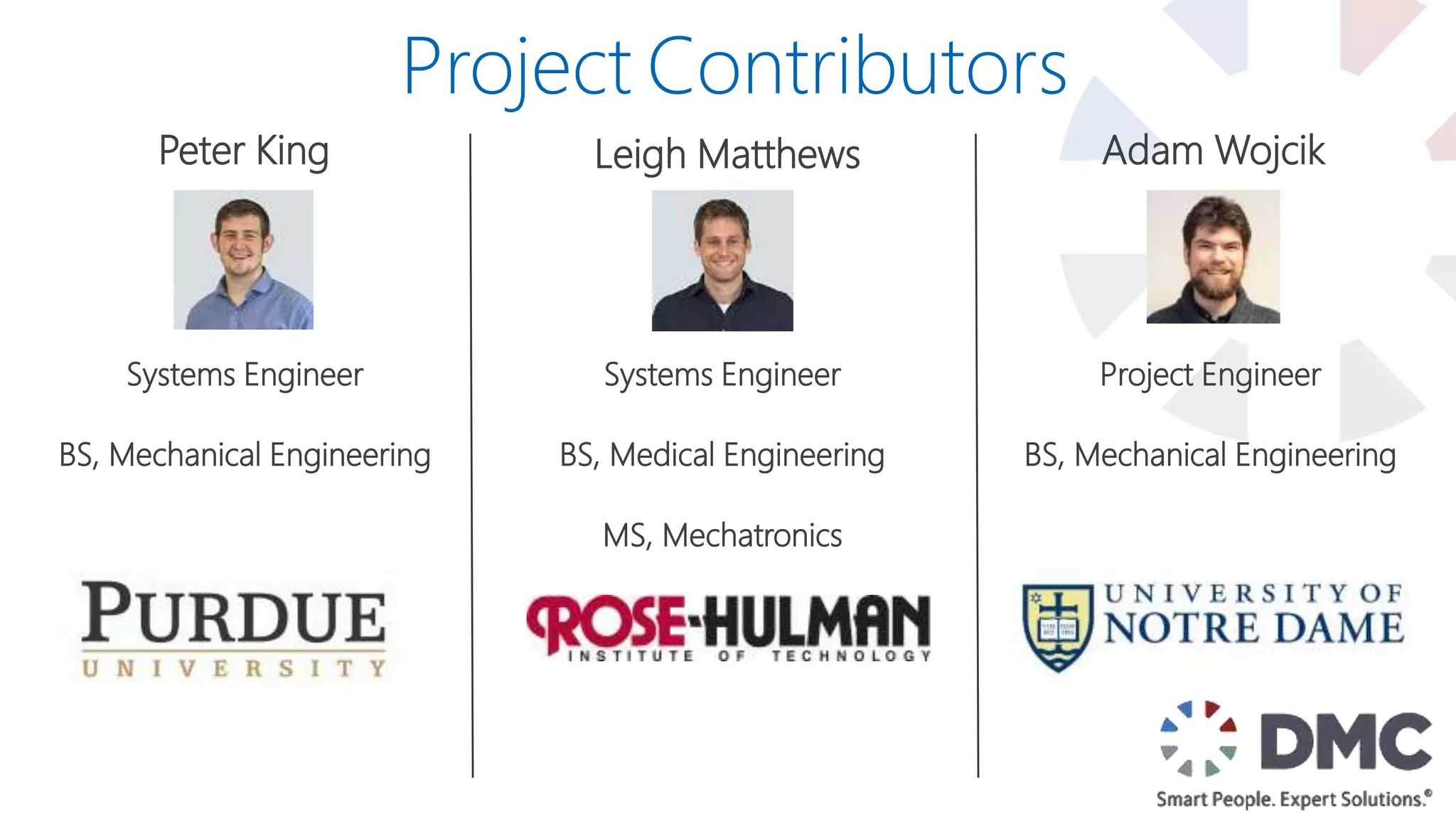
Peter King
Systems Engineer
BS, Mechanical Engineering
Leigh Matthews Adam Wojcik
Project Engineer
BS, Mechanical Engineering
Project Contributors
Systems Engineer
BS, Medical Engineering
MS, Mechatronics
Siemens
Open
Library
What Is It?
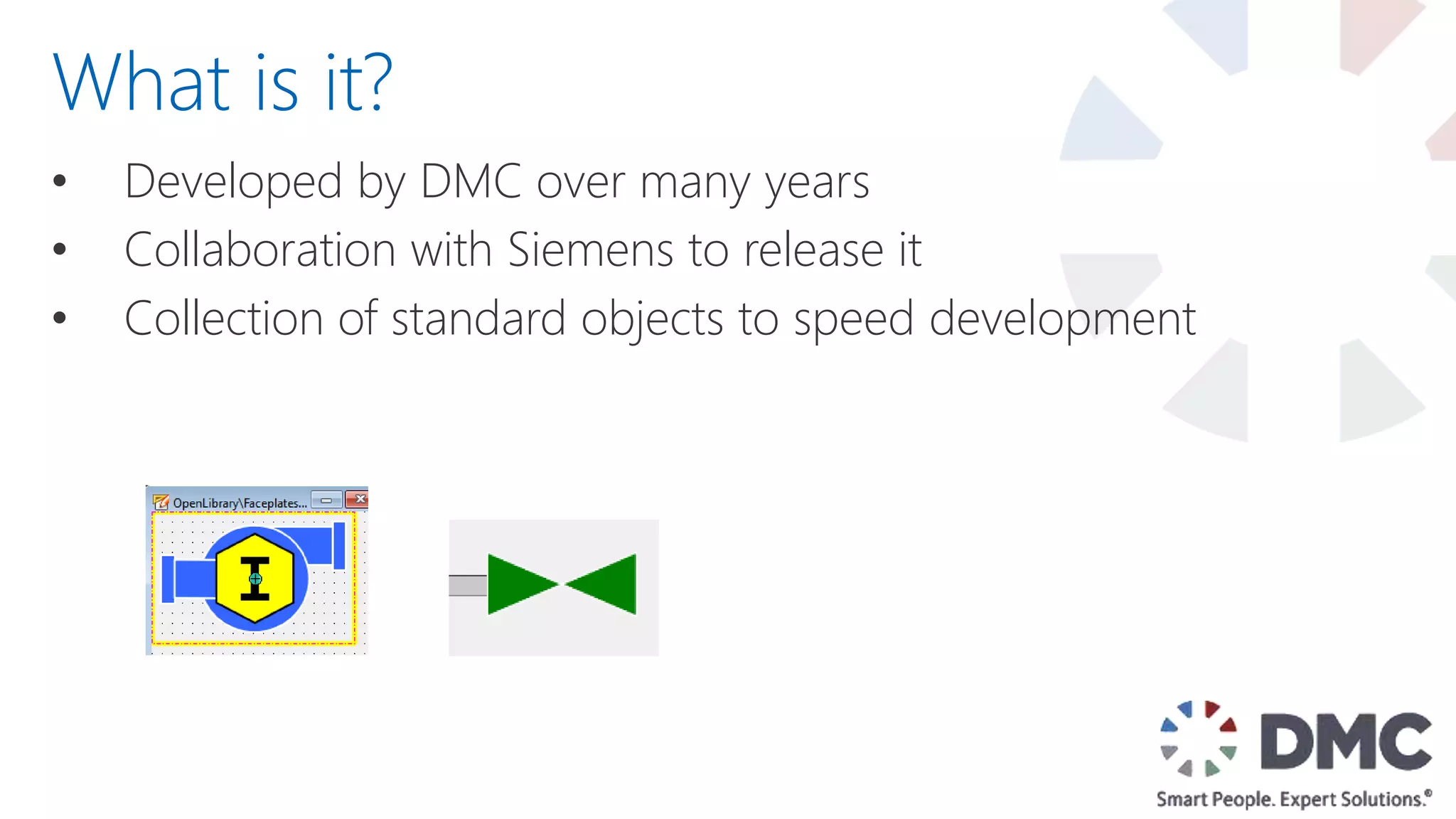
• Developed by DMC over many years
What is it?
• Developed by DMC over many years
• Collaboration with Siemens to release it
What is it?
&
• Developed by DMC over many years
• Collaboration with Siemens to release it
• Collection of standard objects to speed development
What is it?
• Developed by DMC over many years
• Collaboration with Siemens to release it
• Collection of standard objects to speed development
• Available to anyone under and Open Source License
(Modify, Redistribute, Sell)
What is it?
What is
Included?
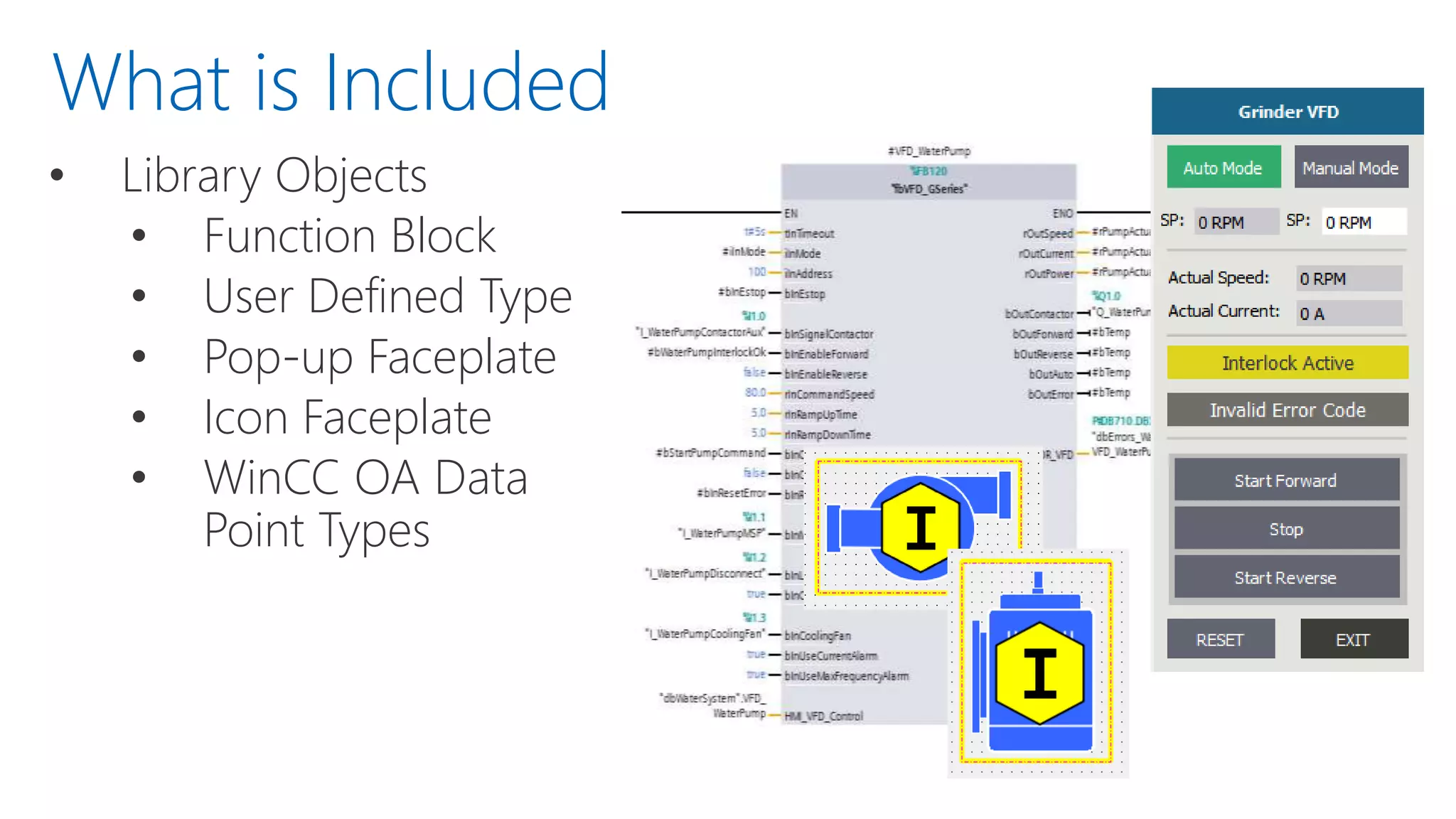
• Library Objects
• Function Block
• User Defined Type
• Pop-up Faceplate
• Icon Faceplate
• WinCC OA Data
Point Types
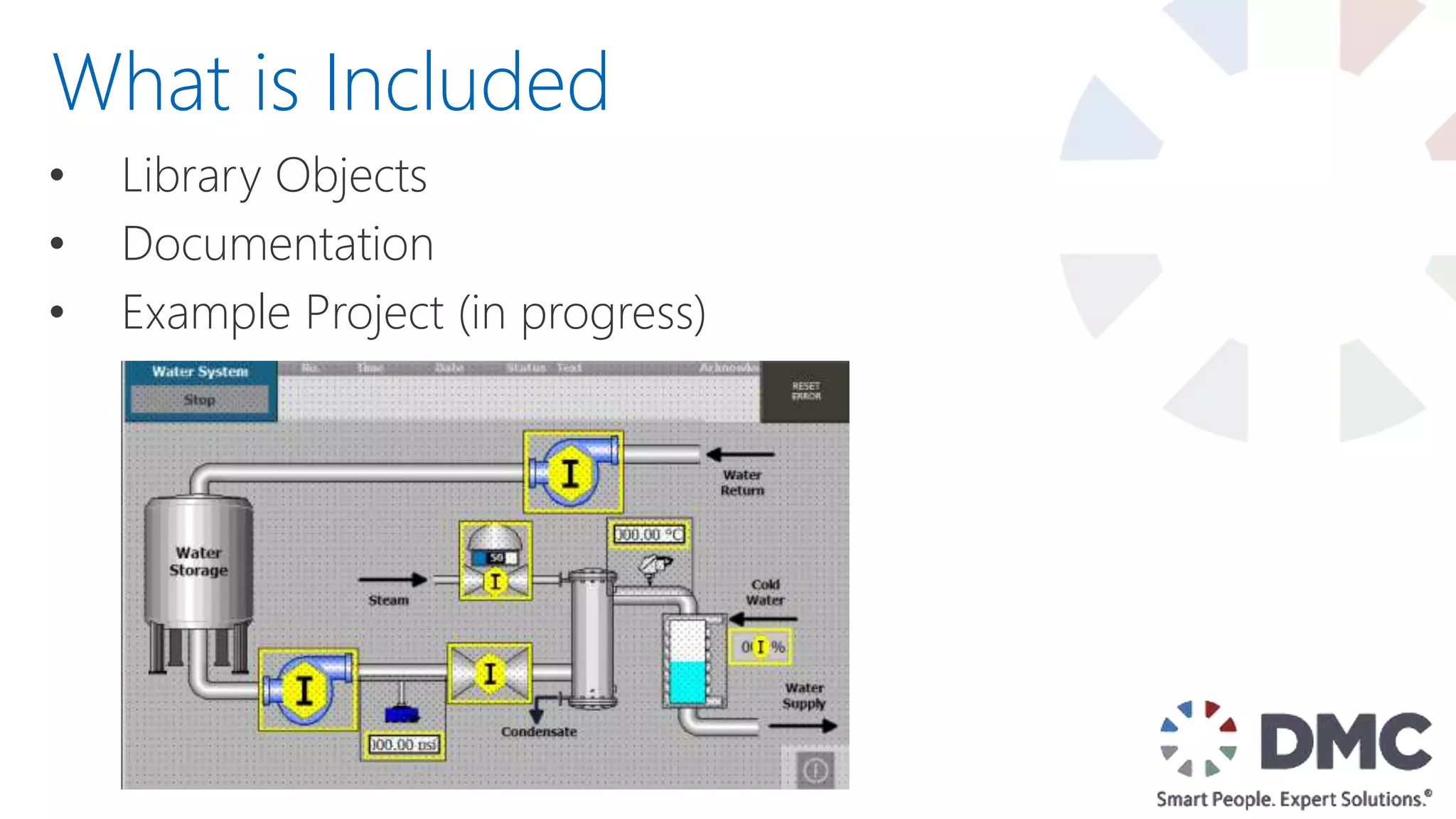
What is Included
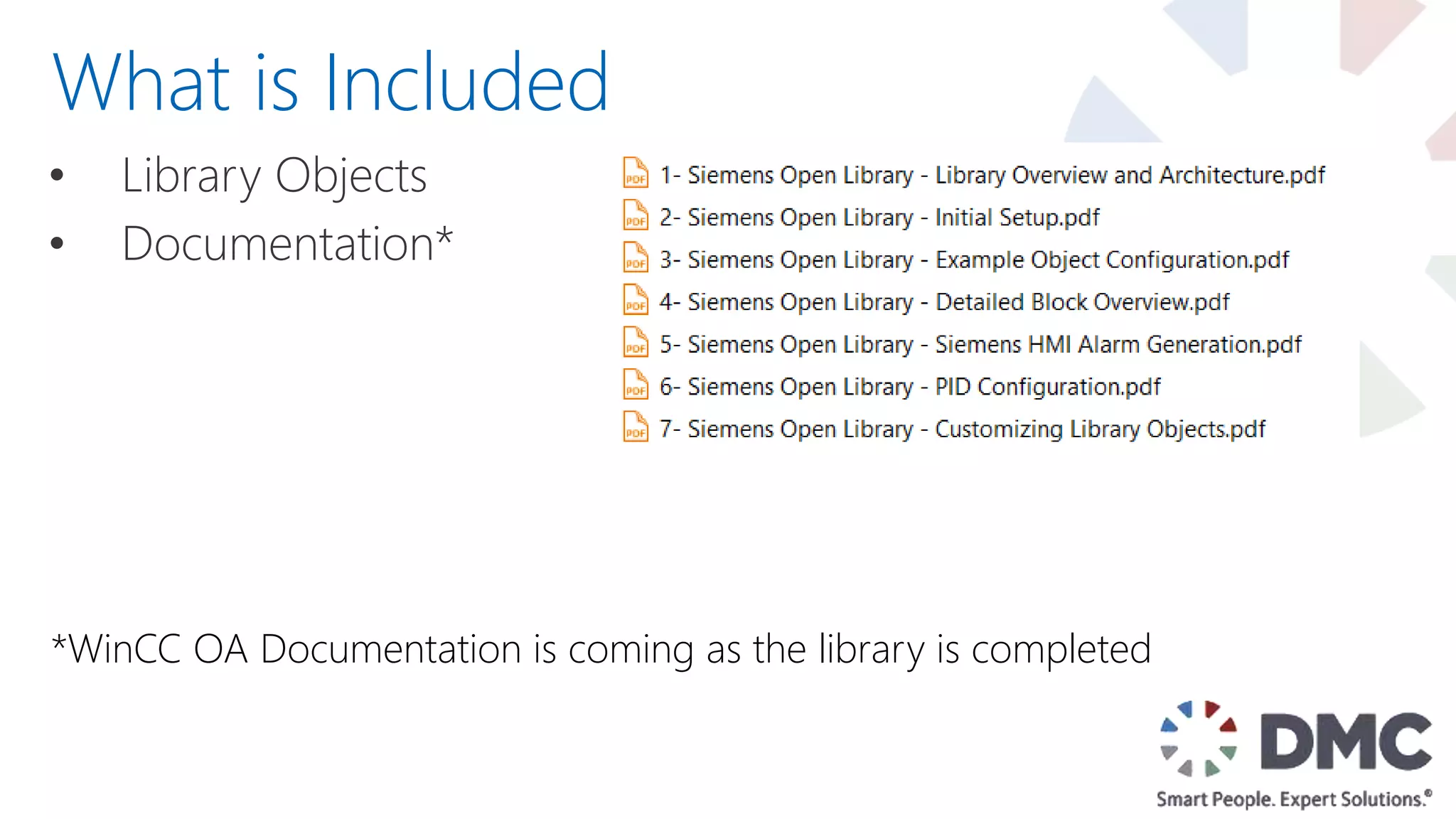
• Library Objects
• Documentation*
What is Included
*WinCC OA Documentation is coming as the library is completed
• Library Objects
• Documentation
• Example Project (in progress)
What is Included
• Library Objects
• Documentation
• Example Project (in progress)
• User Submitted Content
What is Included
Target
Platforms
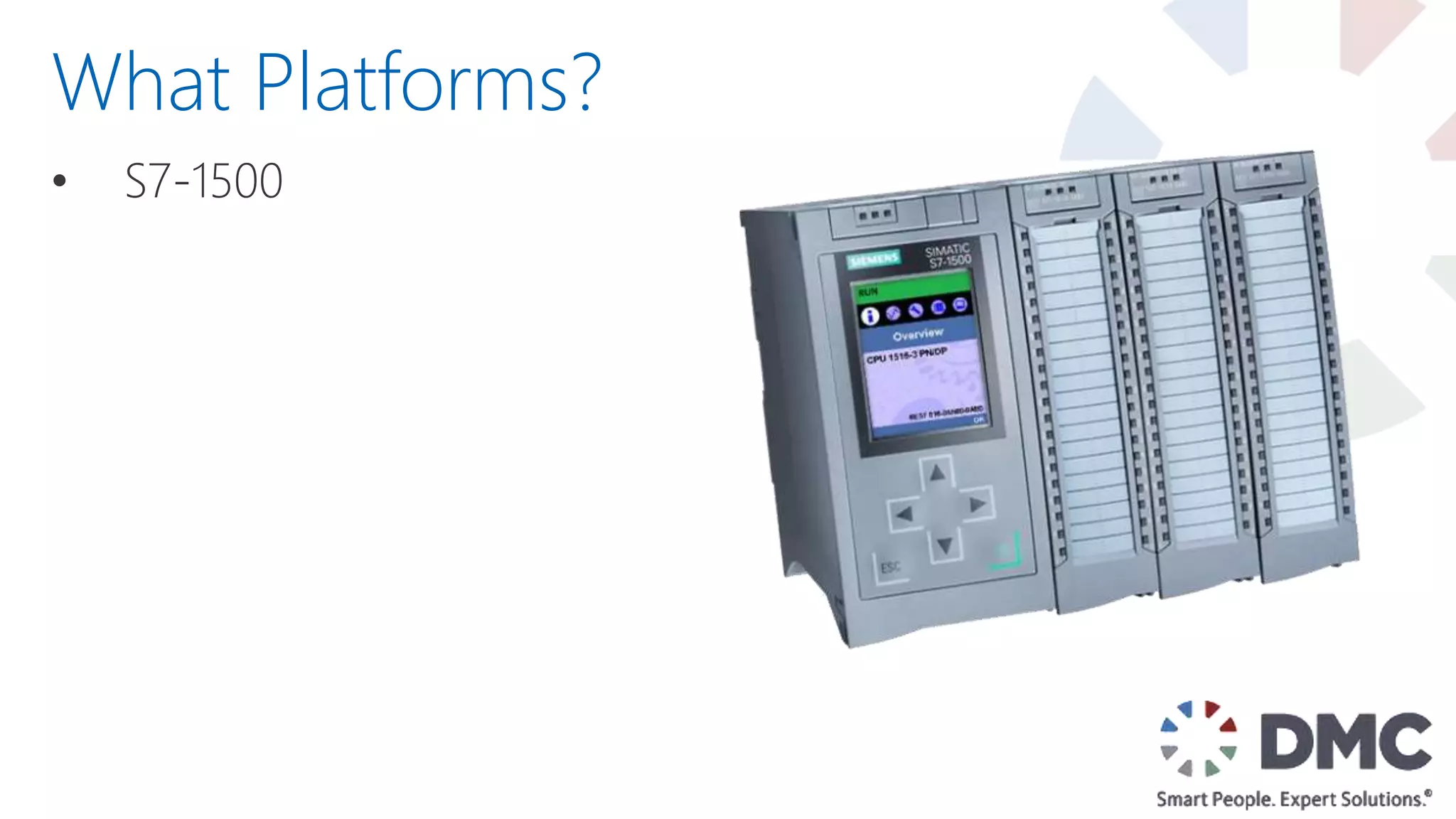
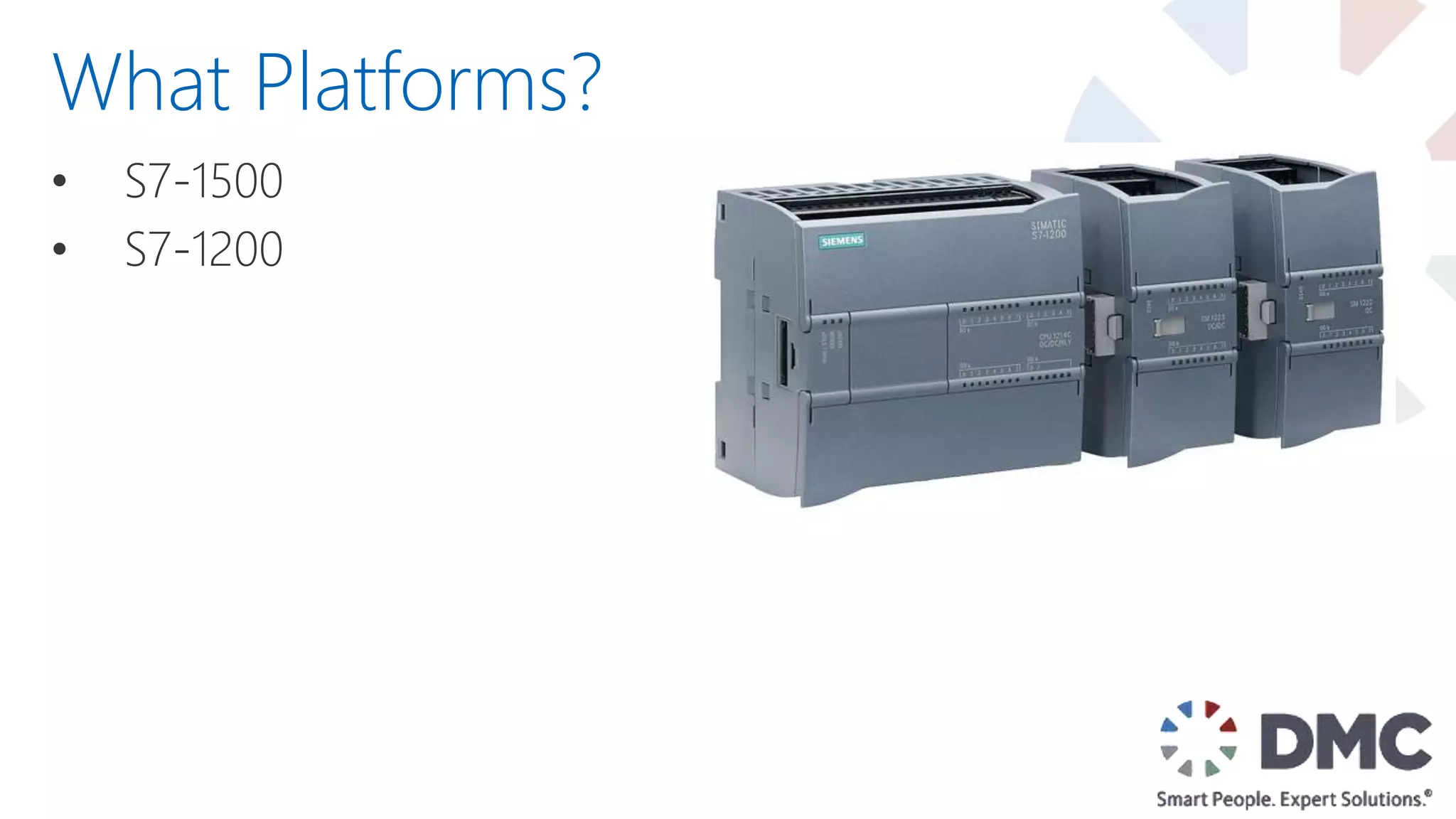
• S7-1500
What Platforms?
• S7-1500
• S7-1200
What Platforms?
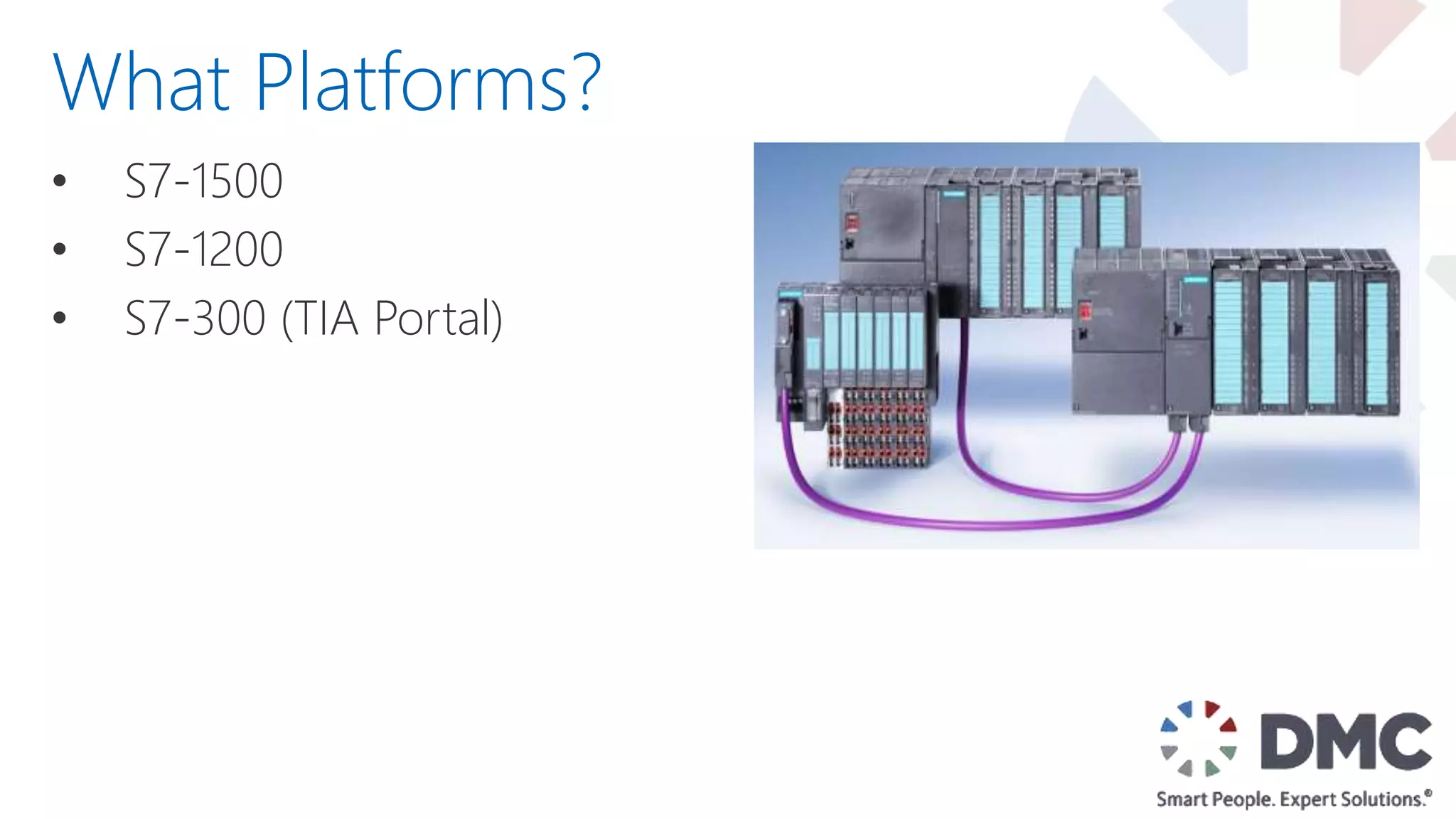
• S7-1500
• S7-1200
• S7-300 (TIA Portal)
What Platforms?
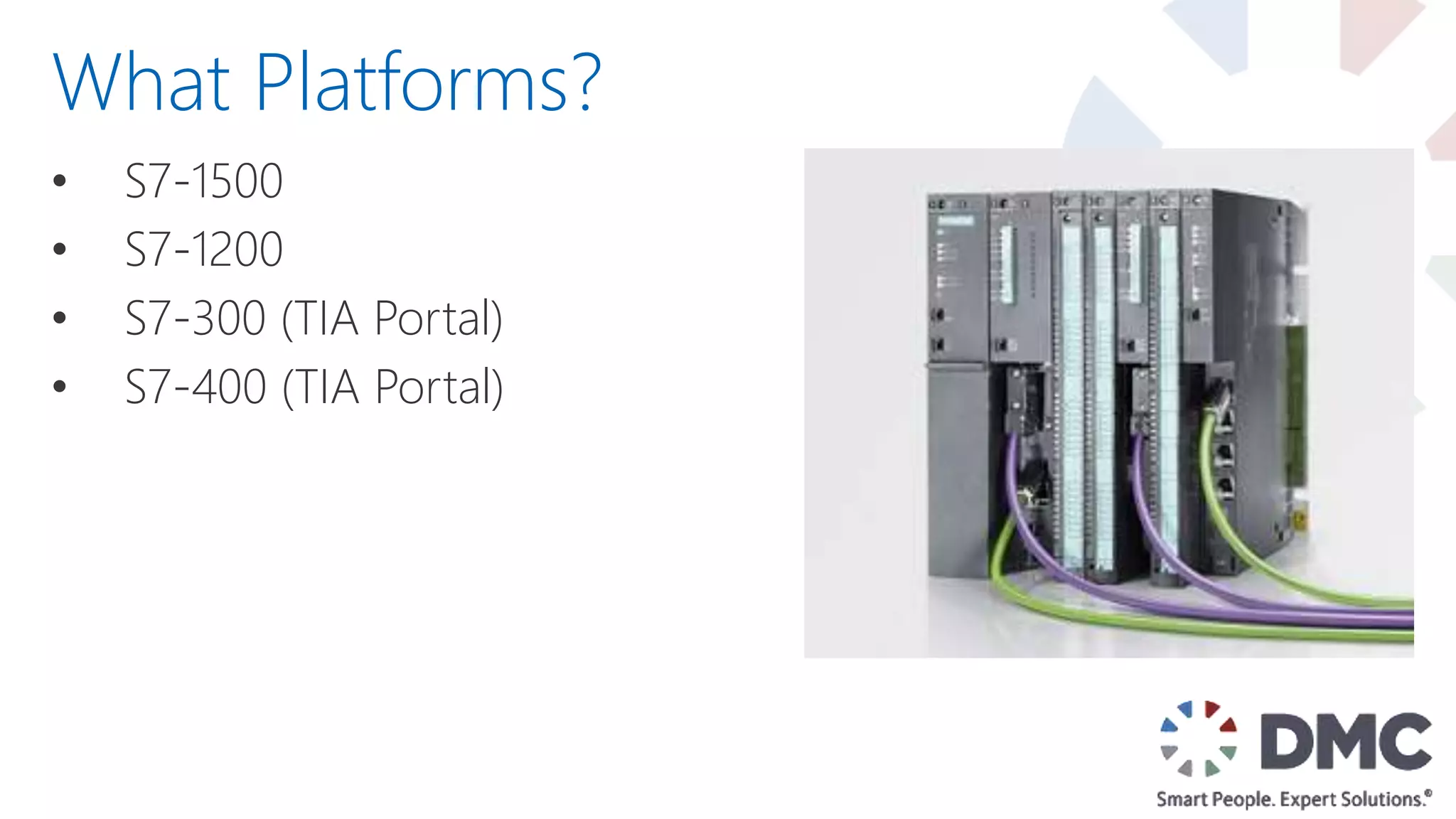
• S7-1500
• S7-1200
• S7-300 (TIA Portal)
• S7-400 (TIA Portal)
What Platforms?
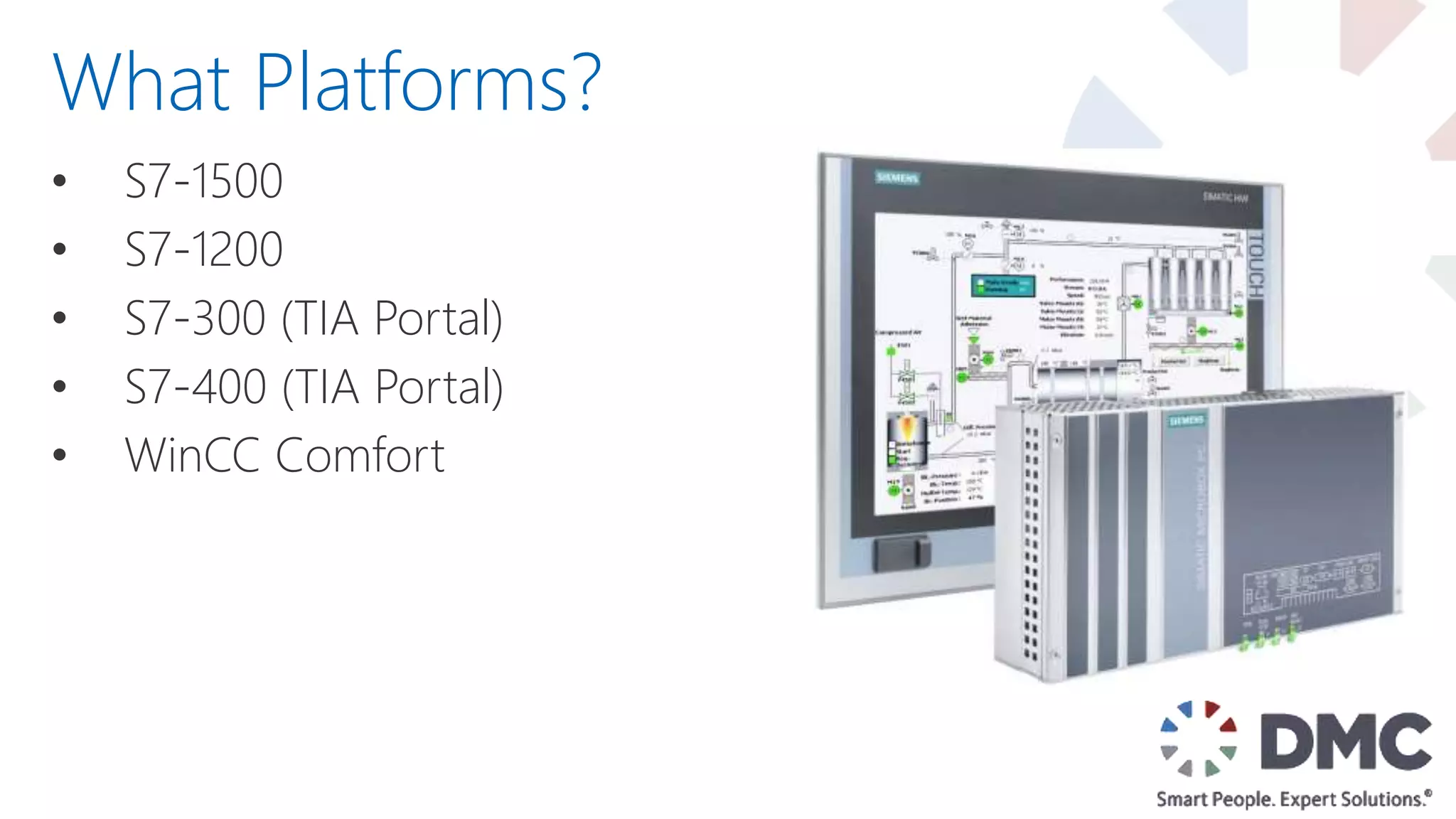
• S7-1500
• S7-1200
• S7-300 (TIA Portal)
• S7-400 (TIA Portal)
• WinCC Comfort
What Platforms?
• S7-1500
• S7-1200
• S7-300 (TIA Portal)
• S7-400 (TIA Portal)
• WinCC Comfort
• WinCC OA
What Platforms?
• S7-1500
• S7-1200
• S7-300 (TIA Portal)
• S7-400 (TIA Portal)
• WinCC Comfort
• WinCC OA
• Open to Other Platforms!
What Platforms?
Specific
Blocks
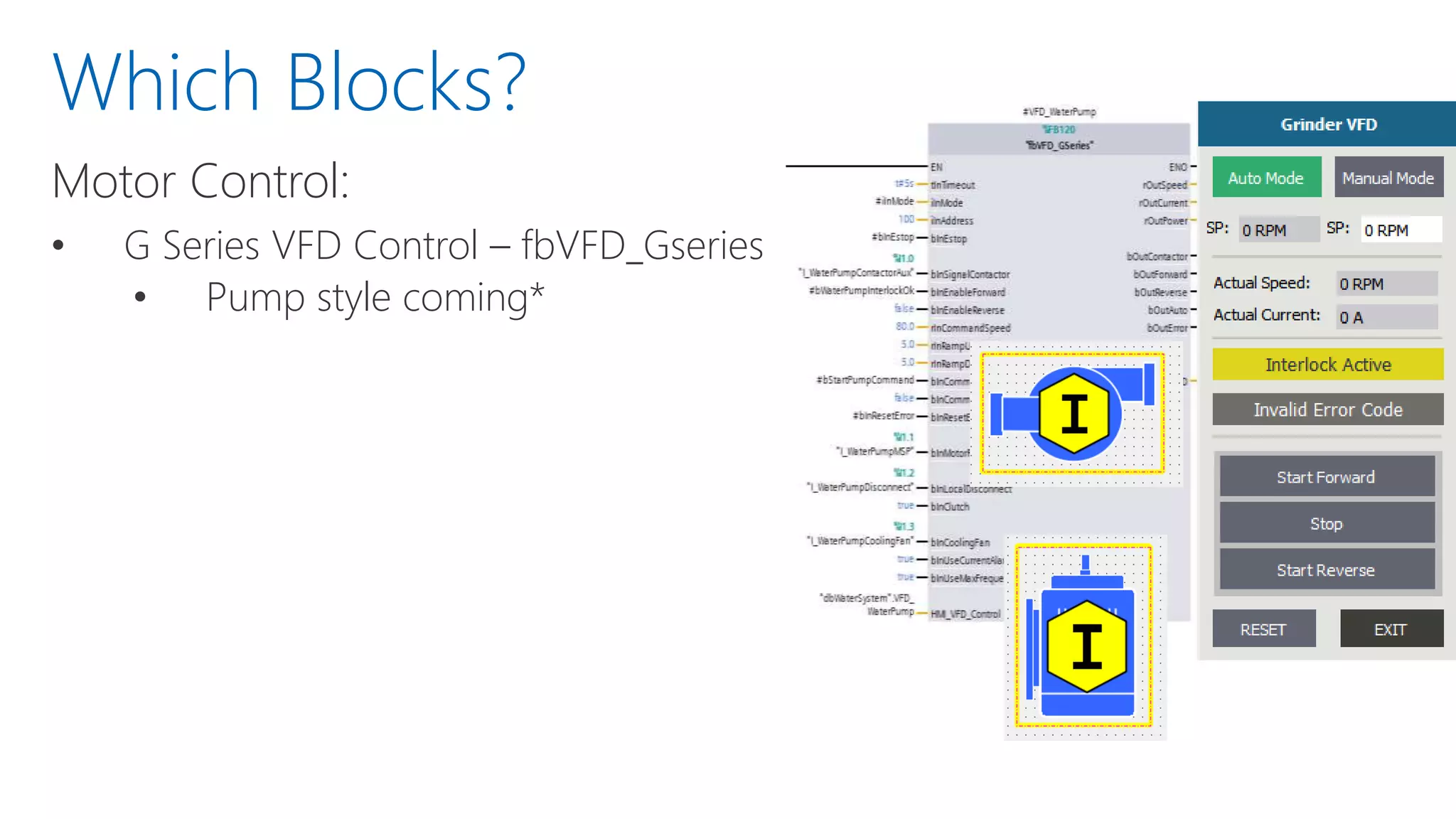
Motor Control:
• G Series VFD Control – fbVFD_Gseries
• Pump style coming*
Which Blocks?
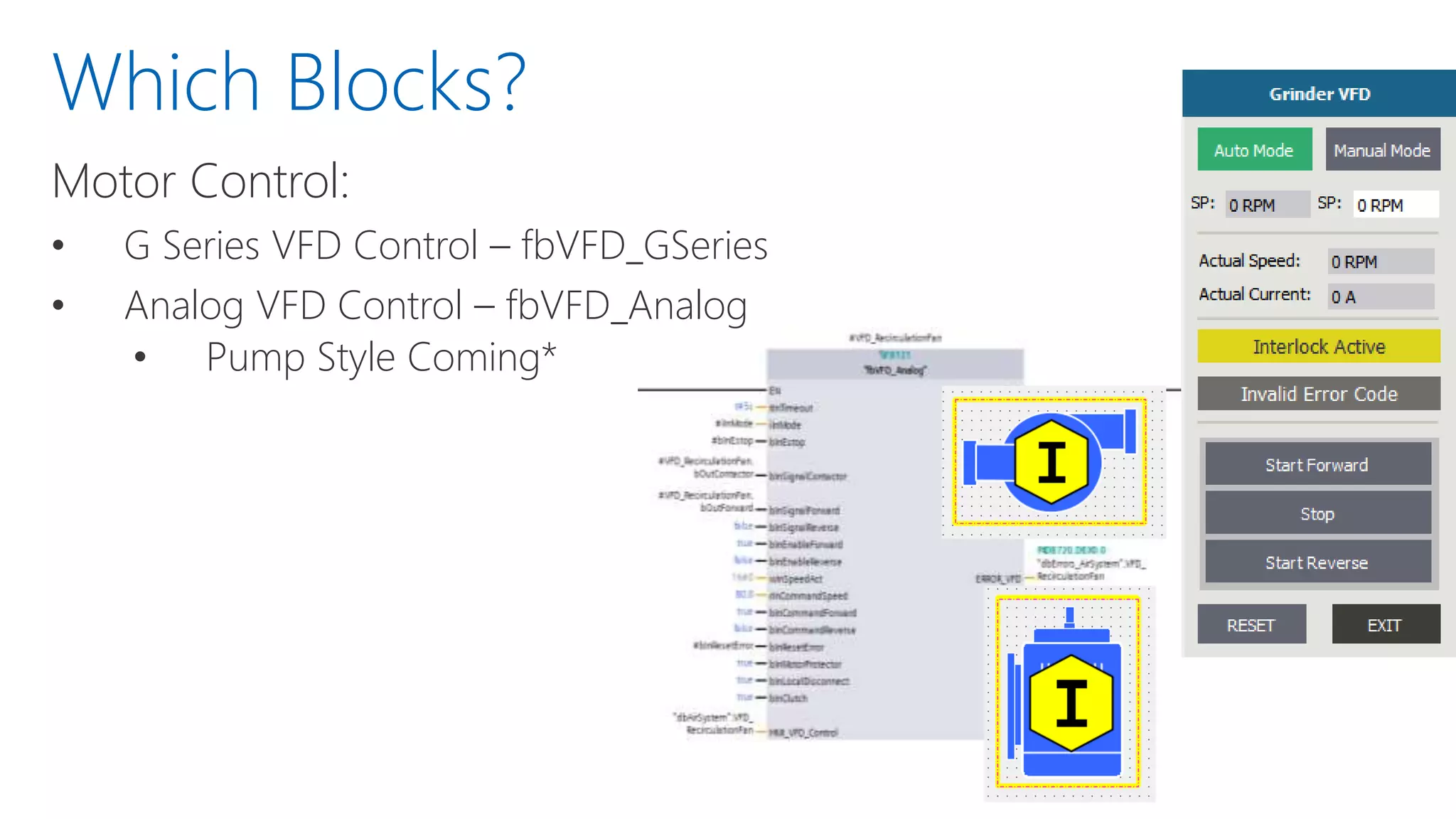
Motor Control:
• G Series VFD Control – fbVFD_GSeries
• Analog VFD Control – fbVFD_Analog
• Pump Style Coming*
Which Blocks?
Motor Control:
• G Series VFD Control – fbVFD_GSeries
• Analog VFD Control – fbVFD_Analog
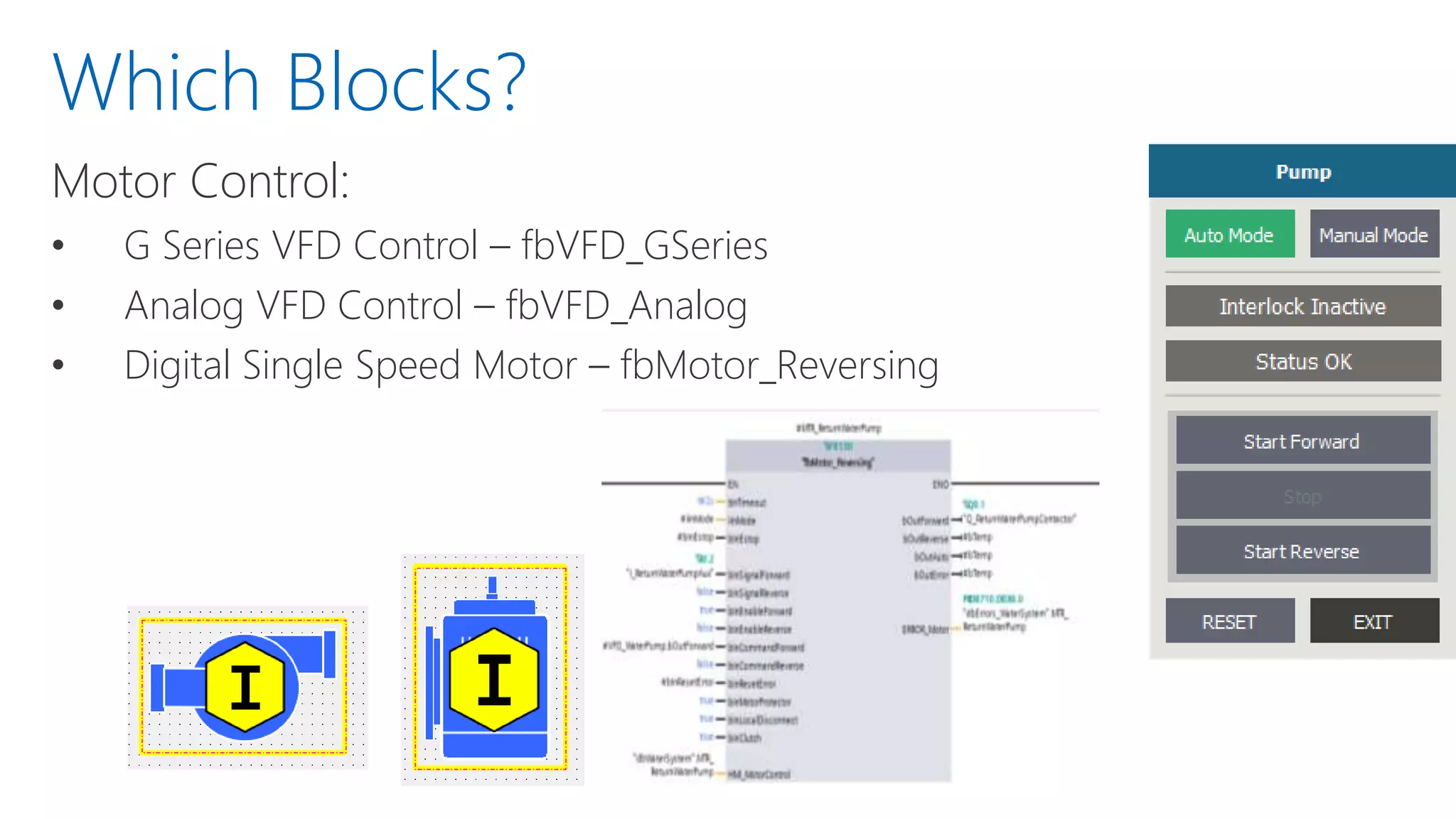
• Digital Single Speed Motor – fbMotor_Reversing
Which Blocks?
Motor Control:
• G Series VFD Control – fbVFD_GSeries
• Analog VFD Control – fbVFD_Analog
• Digital Single Speed Motor – fbMotor_Reversing
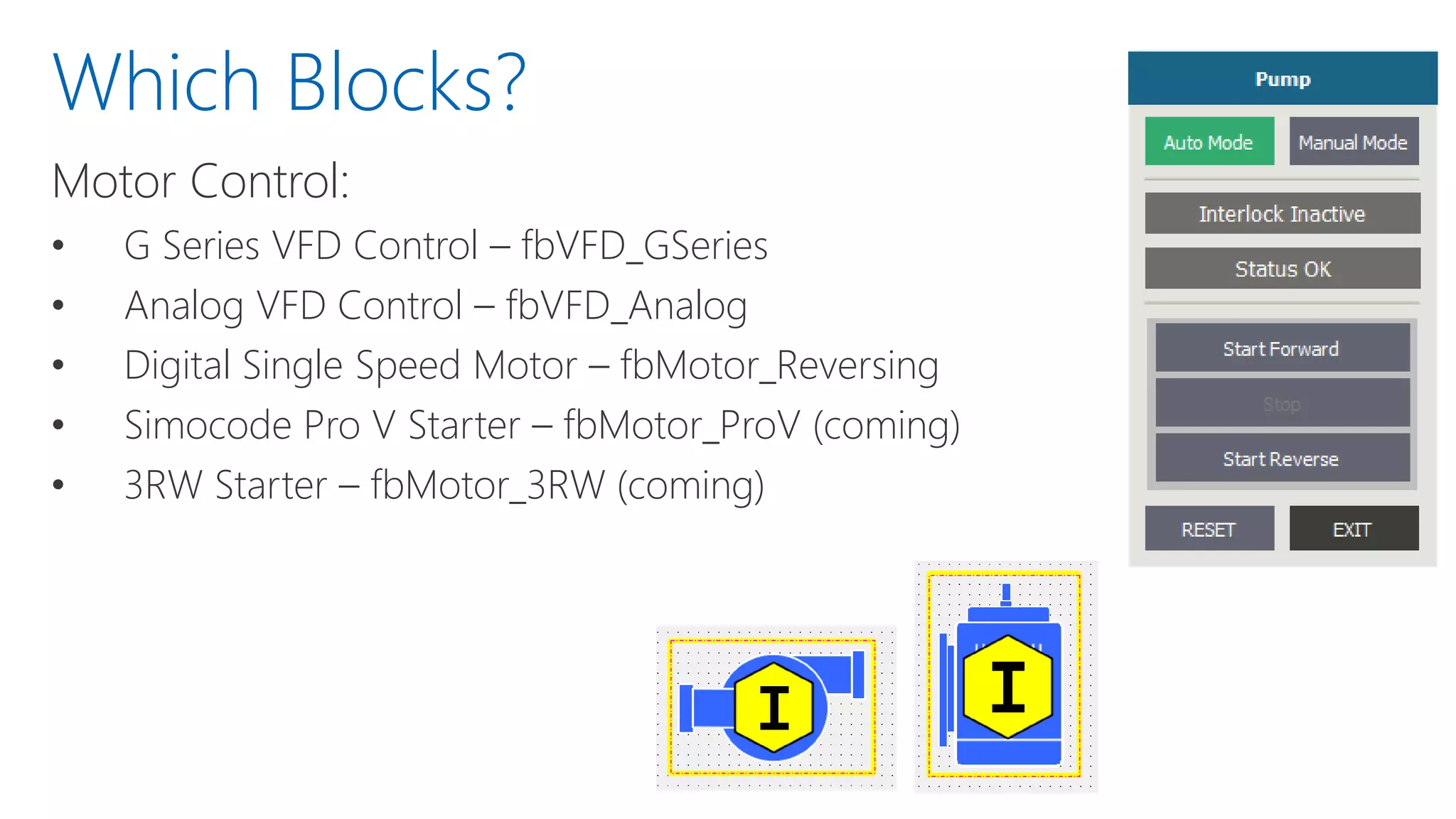
• Simocode Pro V Starter – fbMotor_ProV (coming)
• 3RW Starter – fbMotor_3RW (coming)
Which Blocks?
Motor Control:
• G Series VFD Control – fbVFD_GSeries
• Analog VFD Control – fbVFD_Analog
• Digital Single Speed Motor – fbMotor_Reversing
• Simocode Pro V Starter – fbMotor_ProV (coming)
• 3RW Starter – fbMotor_3RW (coming)
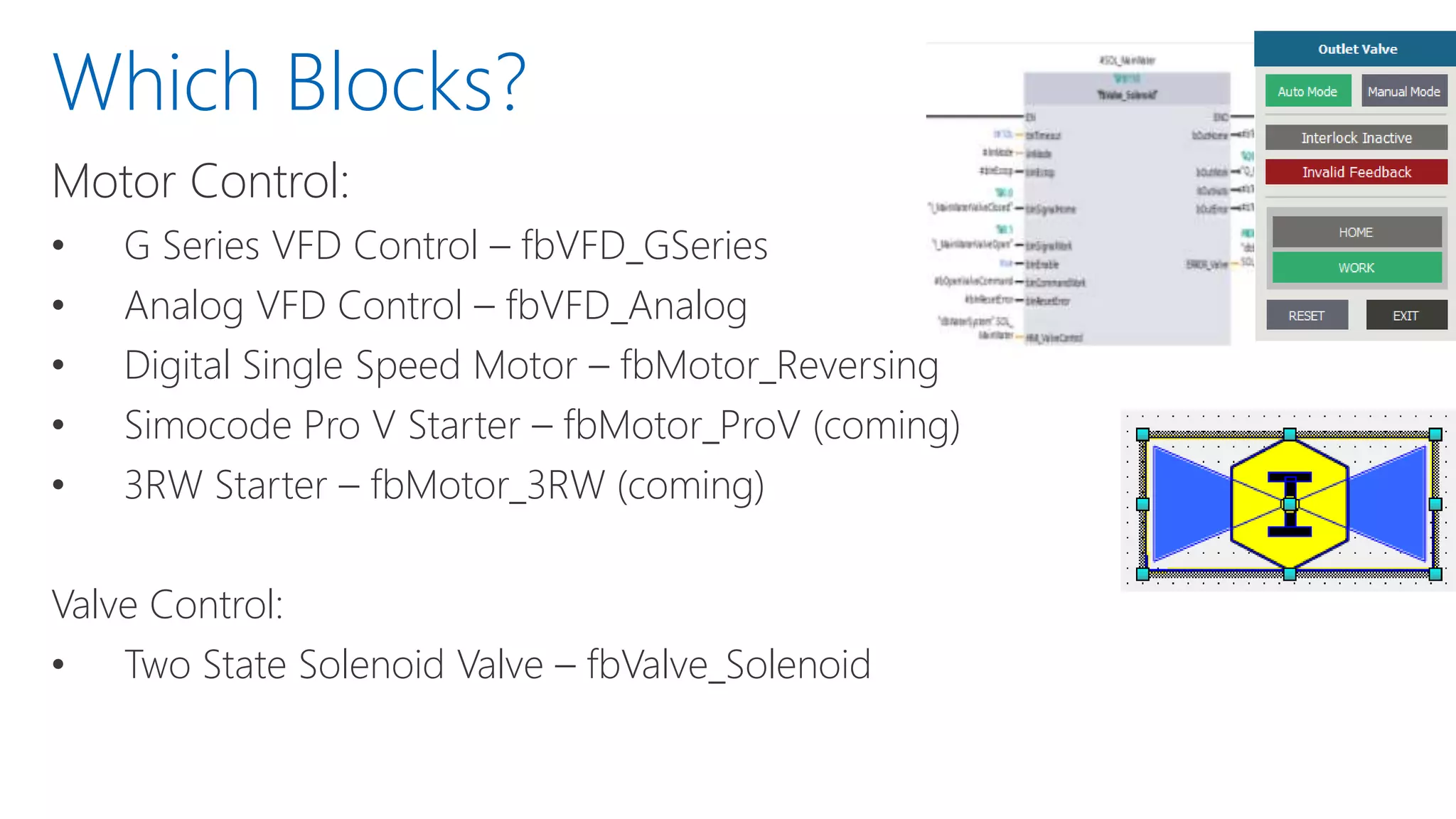
Valve Control:
• Two State Solenoid Valve – fbValve_Solenoid
Which Blocks?
Motor Control:
• G Series VFD Control – fbVFD_GSeries
• Analog VFD Control – fbVFD_Analog
• Digital Single Speed Motor – fbMotor_Reversing
• Simocode Pro V Starter – fbMotor_ProV (coming soon)
• 3RW Starter – fbMotor_3RW (coming soon)
Valve Control:
• Two State Solenoid Valve – fbValve_Solenoid
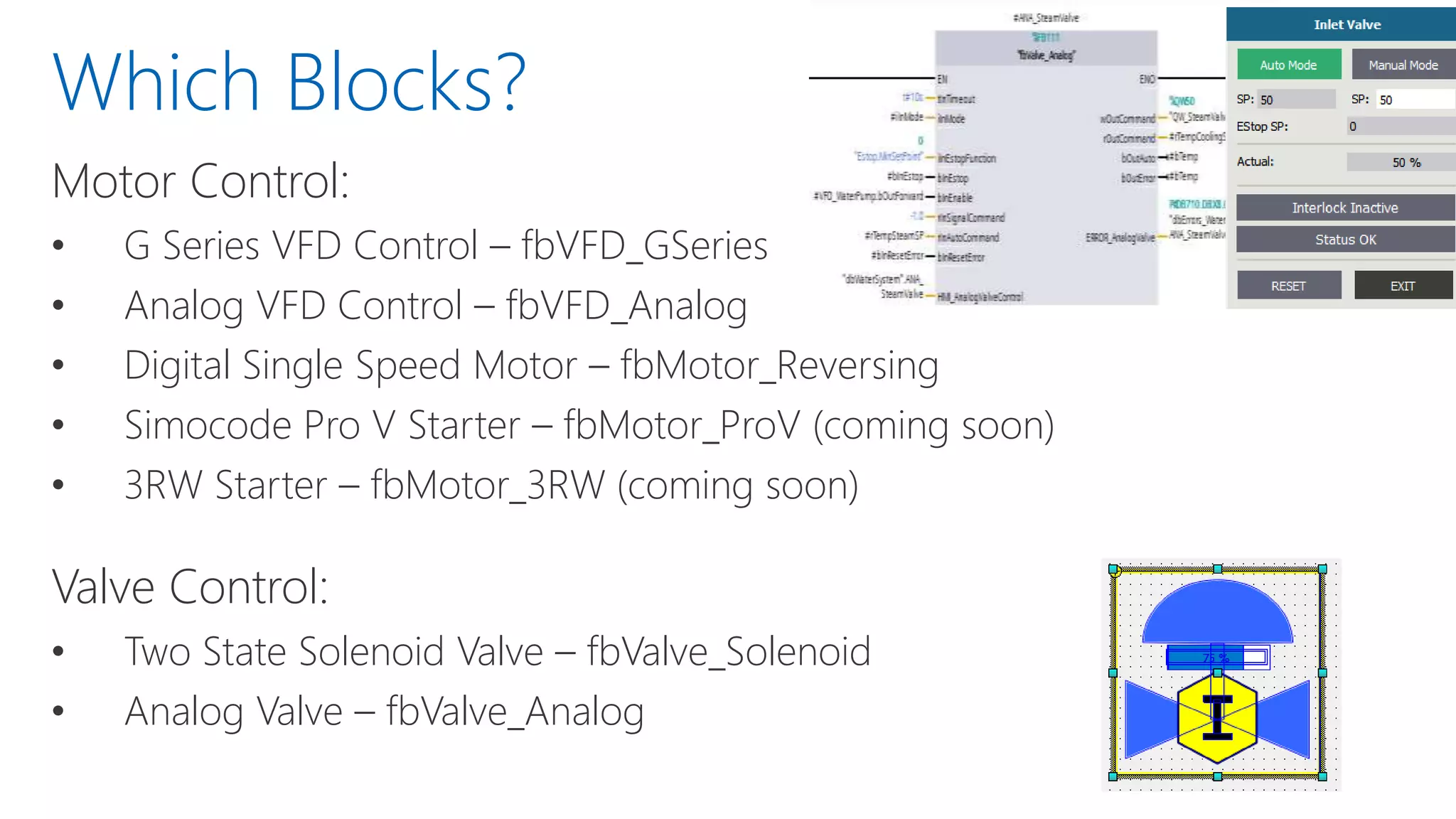
• Analog Valve – fbValve_Analog
Which Blocks?
Which Blocks?
Inputs/Ouputs
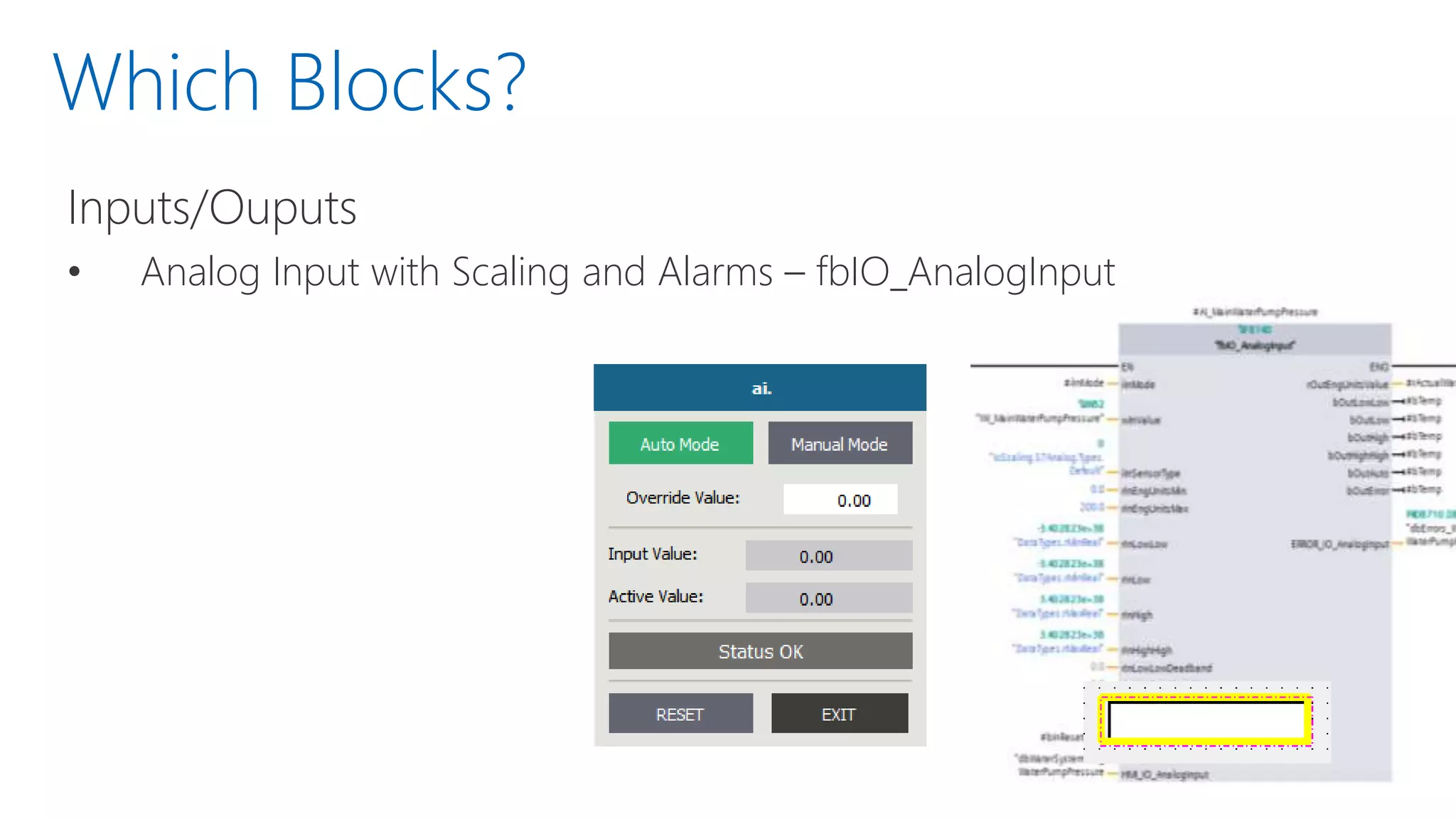
• Analog Input with Scaling and Alarms – fbIO_AnalogInput
Which Blocks?
Inputs/Ouputs
• Analog Input with Scaling and Alarms – fbIO_AnalogInput
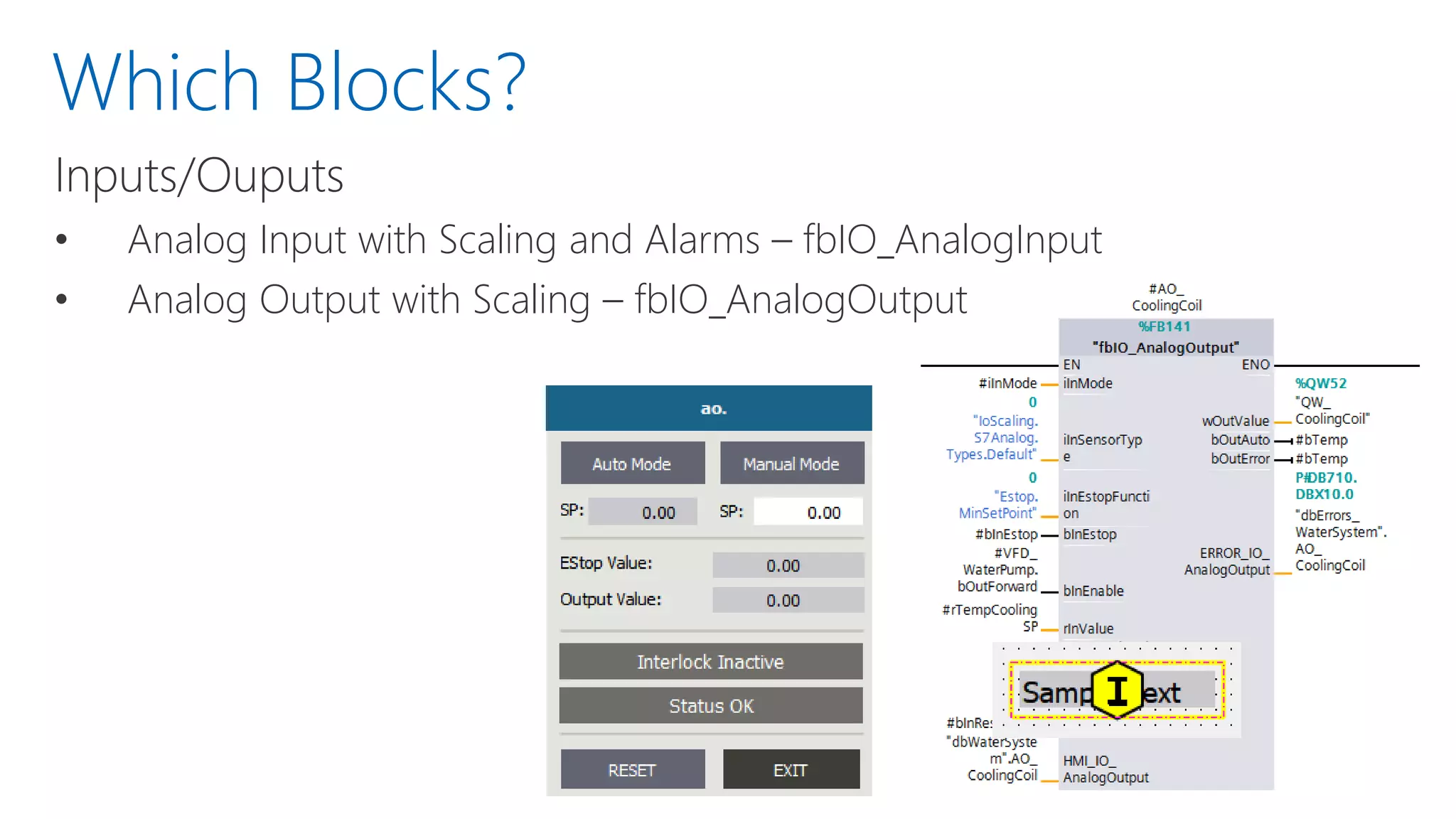
• Analog Output with Scaling – fbIO_AnalogOutput
Which Blocks?
Inputs/Ouputs
• Analog Input with Scaling and Alarms – fbIO_AnalogInput
• Analog Output with Scaling – fbIO_AnalogOutput
System Control
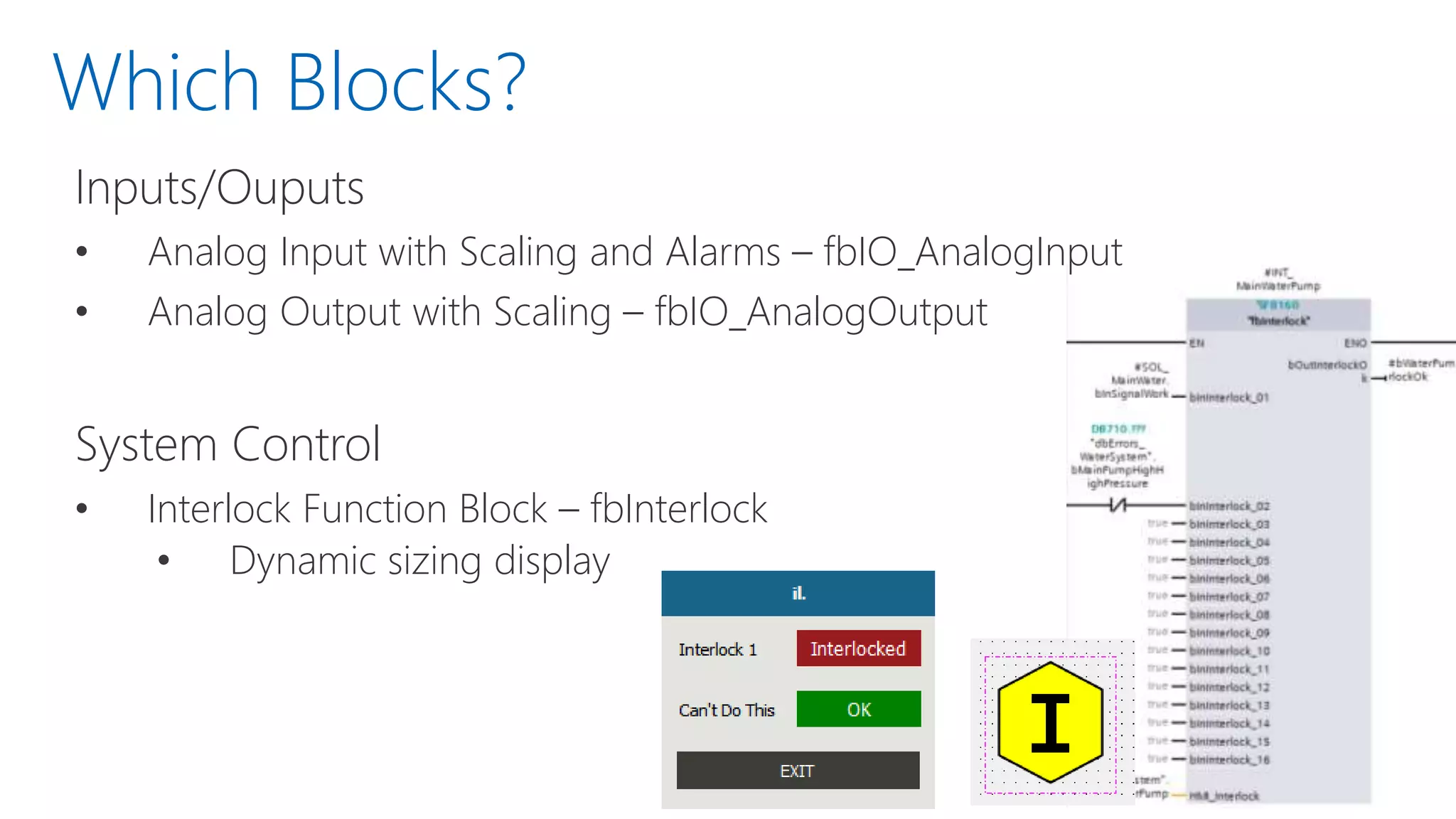
• Interlock Function Block – fbInterlock
• Dynamic sizing display
Which Blocks?
Inputs/Ouputs
• Analog Input with Scaling and Alarms – fbIO_AnalogInput
• Analog Output with Scaling – fbIO_AnalogOutput
System Control
• Interlock Function Block - fbInterlock
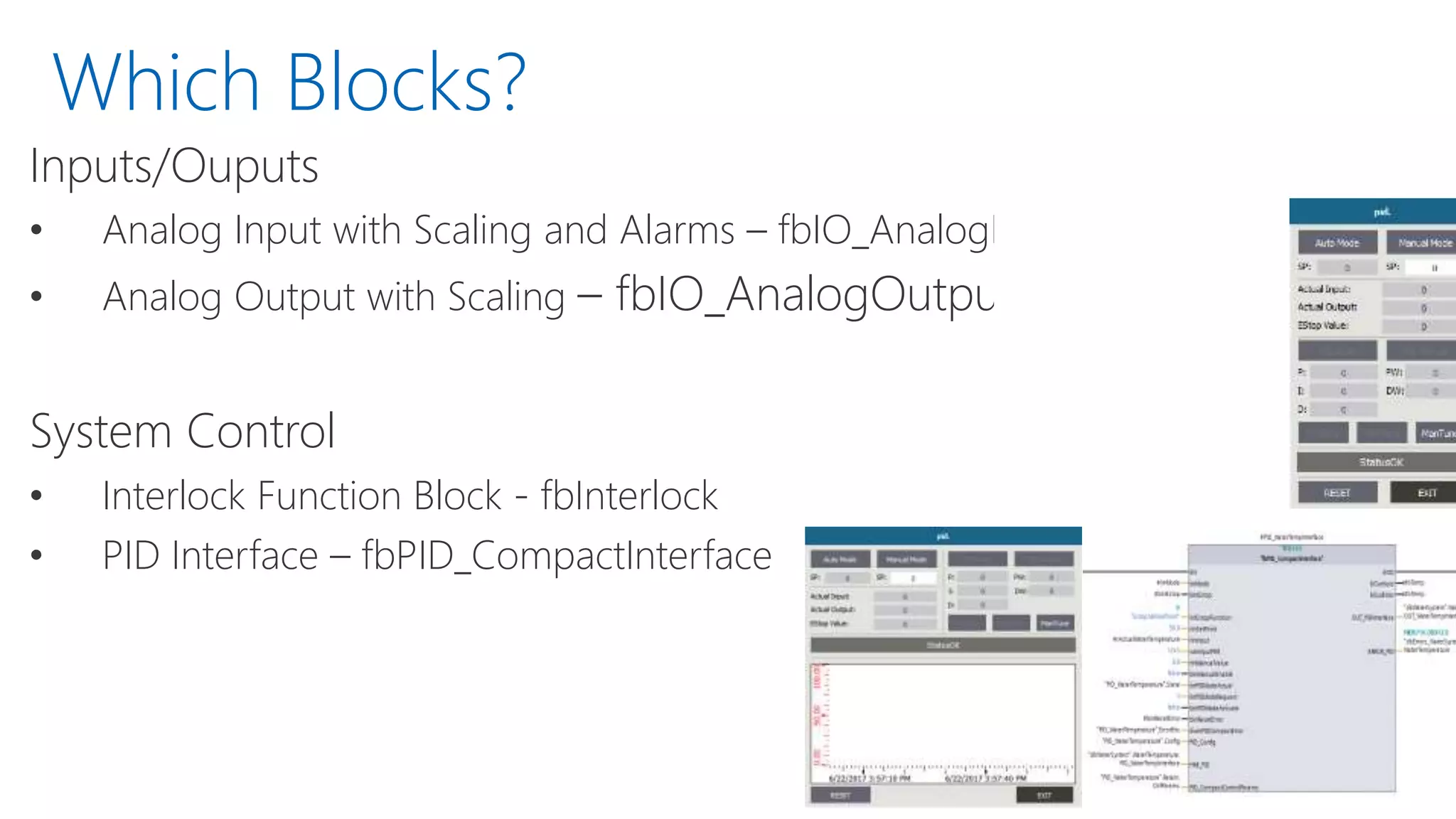
• PID Interface – fbPID_CompactInterface
Which Blocks?
Inputs/Ouputs
• Analog Input with Scaling and Alarms – fbIO_AnalogInput
• Analog Output with Scaling – fbIO_AnalogOutput
System Control
• Interlock Function Block - fbInterlock
• PID Interface – fbPID_CompactInterface
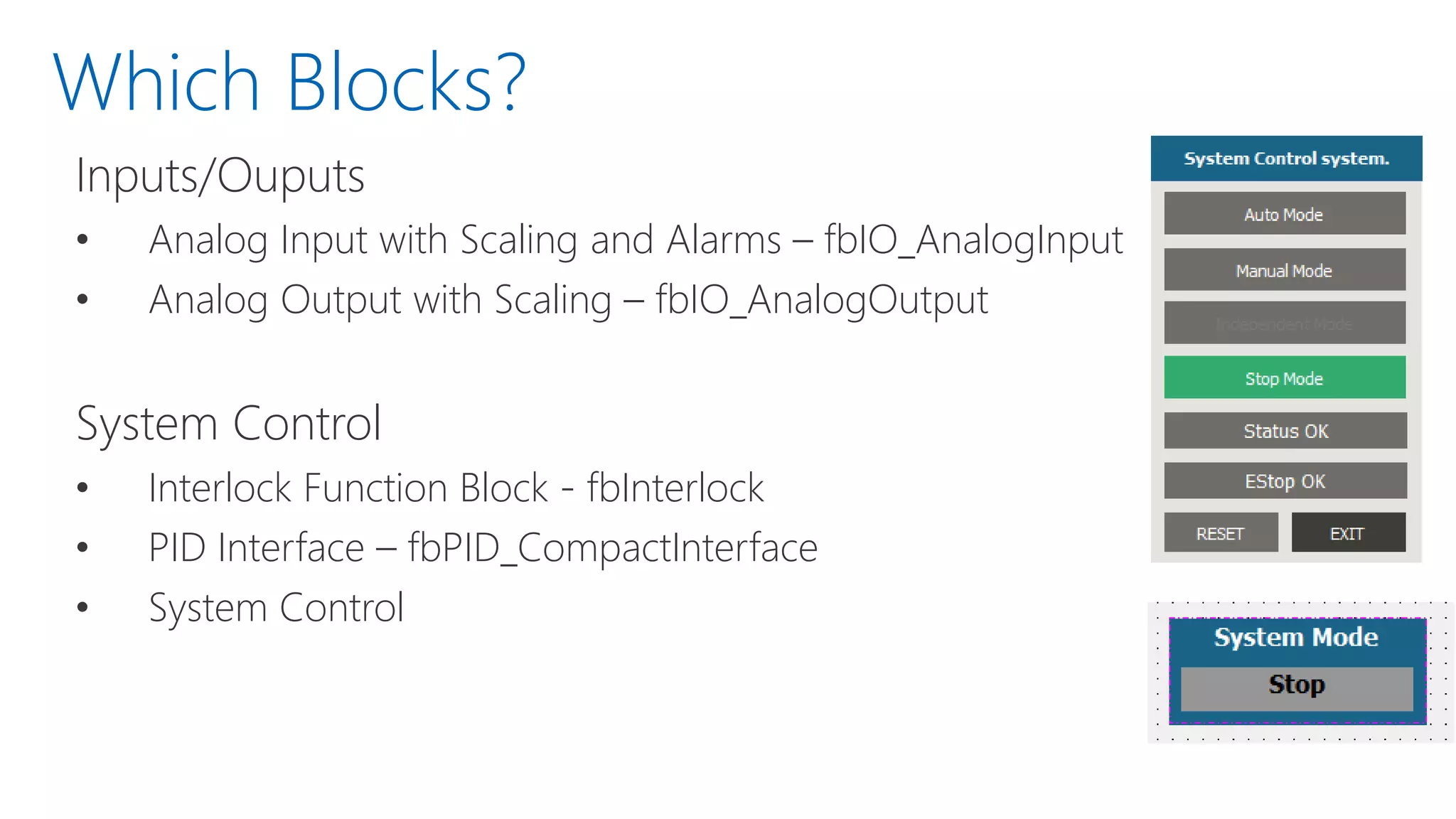
• System Control
Which Blocks?
Inputs/Ouputs
• Analog Input with Scaling and Alarms – fbIO_AnalogInput
• Analog Output with Scaling – fbIO_AnalogOutput
System Control
• Interlock Function Block - fbInterlock
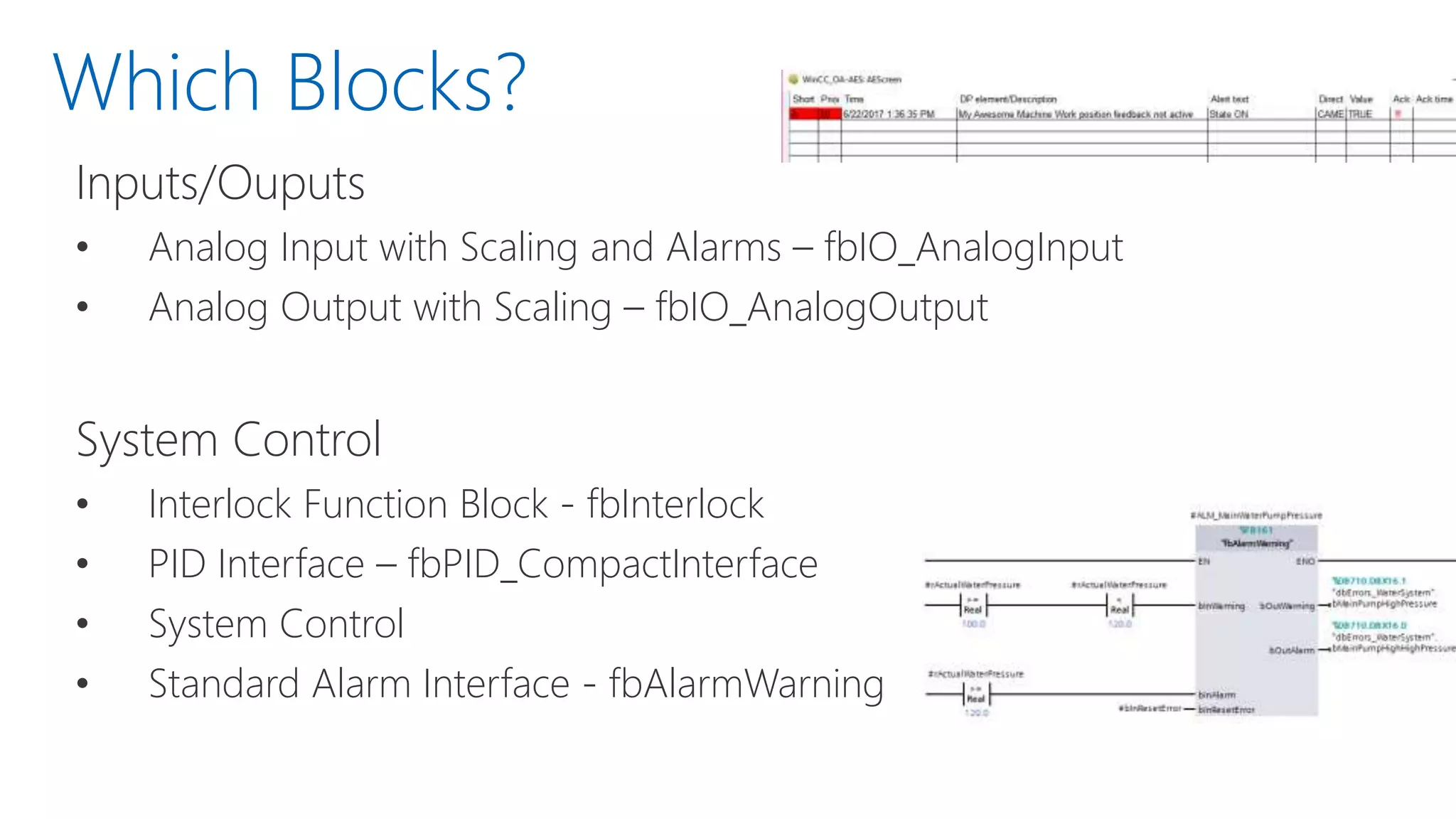
• PID Interface – fbPID_CompactInterface
• System Control
• Standard Alarm Interface - fbAlarmWarning
Motor Control:
• G Series VFD Control – fbVFD_GSeries
• Analog VFD Control – fbVFD_Analog
• Digital Single Speed Motor –
fbMotor_Reversing
• Simocode Pro V Starter – fbMotor_ProV
(coming)
• 3RW Starter – fbMotor_3RW (coming)
Valve Control:
• Two State Solenoid Valve –
fbValve_Solenoid
• Analog Valve – fbValve_Analog
Which Blocks?
Inputs/Ouputs
• Analog Input with Scaling and Alarms –
fbIO_AnalogInput
• Analog Output with Scaling –
fbIO_AnalogOutput
System Control
• Interlock Function Block - fbInterlock
• PID Interface – fbPID_CompactInterface
• System Control
• Standard Alarm Interface –
fbAlarmWarning
• Large number of other blocks not part of the official library
• All currently provided from DMC, but will grow to include
other submitted blocks.
Supplementary Blocks
WinCC OA
• Top Tier SCADA
WinCC OA
• Top Tier SCADA
• Object Oriented Architecture
• For exceptional reusability of code
WinCC OA
• Top Tier SCADA
• Object Oriented Architecture
• Flexible Design
WinCC OA
• Top Tier SCADA
• Object Oriented Architecture
• Flexible Design
• Cross-platform compatible
WinCC OA
• Top Tier SCADA
• Object Oriented Architecture
• Flexible Design
• Cross-platform compatible
• But… It’s Script Heavy. Open Library to the Rescue!
WinCC OA
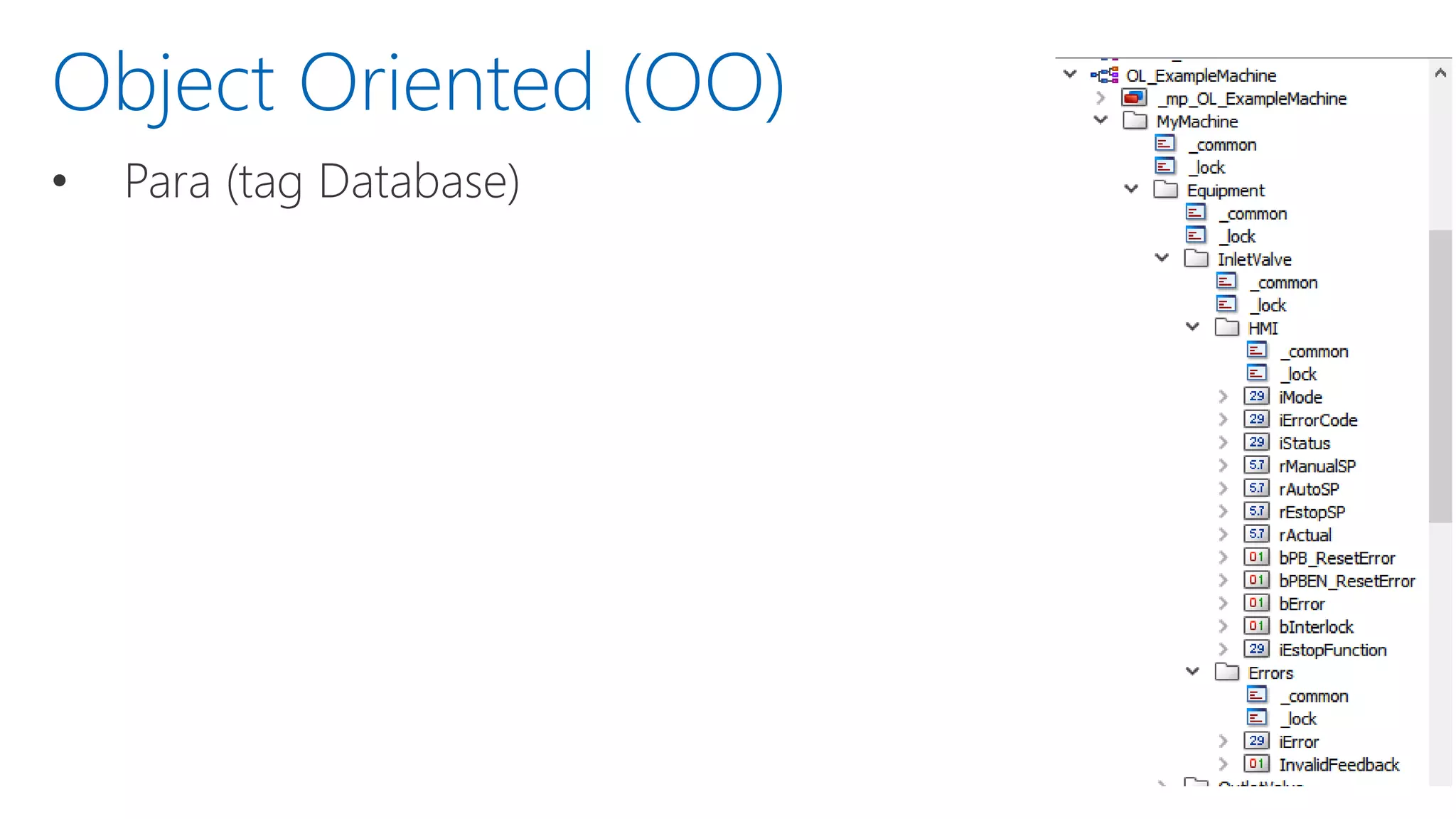
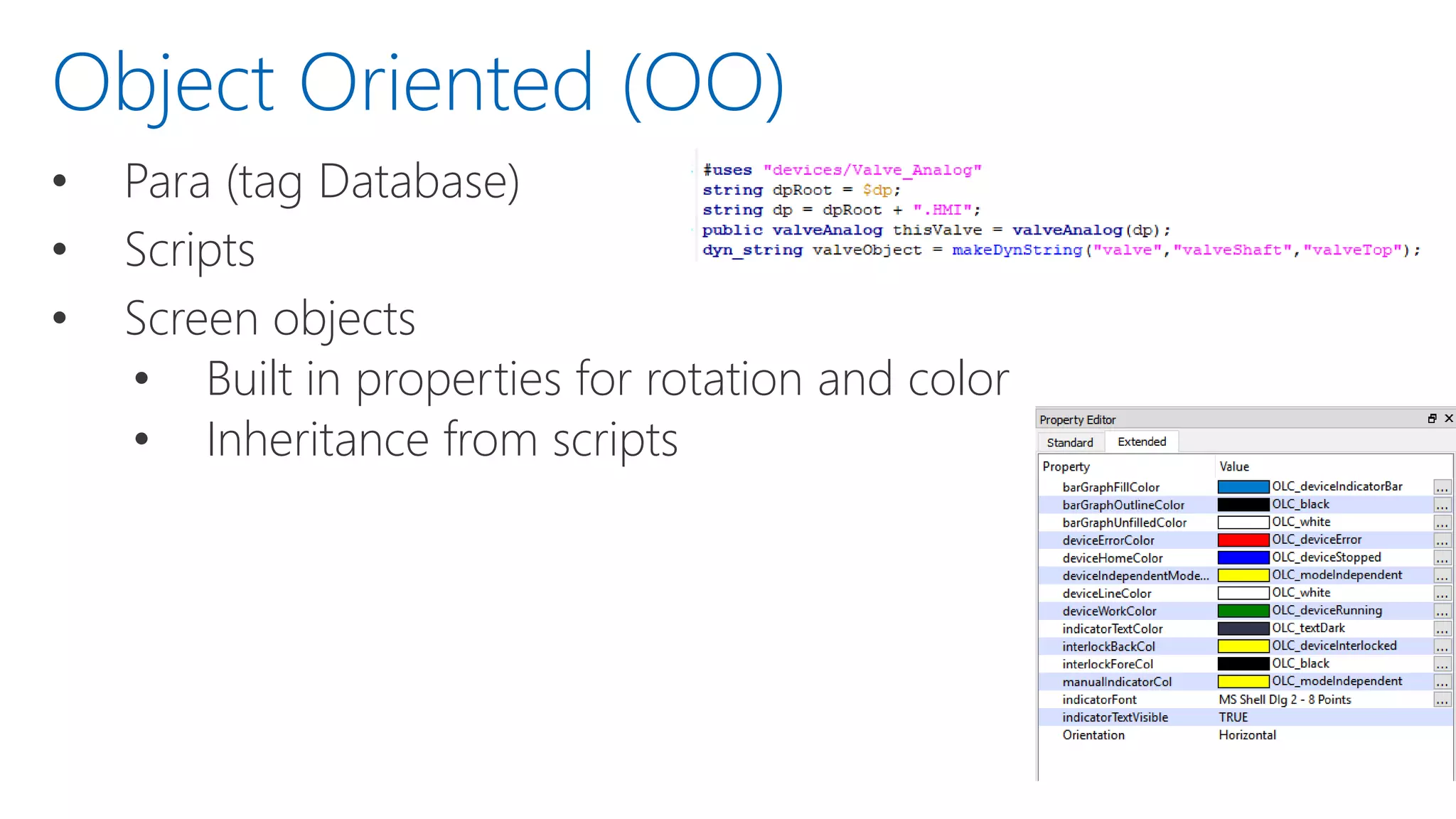
• Para (tag Database)
Object Oriented (OO)
• Para (tag Database)
• Scripts
Object Oriented (OO)
• Para (tag Database)
• Scripts
• Screen objects
• Built in properties for rotation and color
• Inheritance from scripts
Object Oriented (OO)
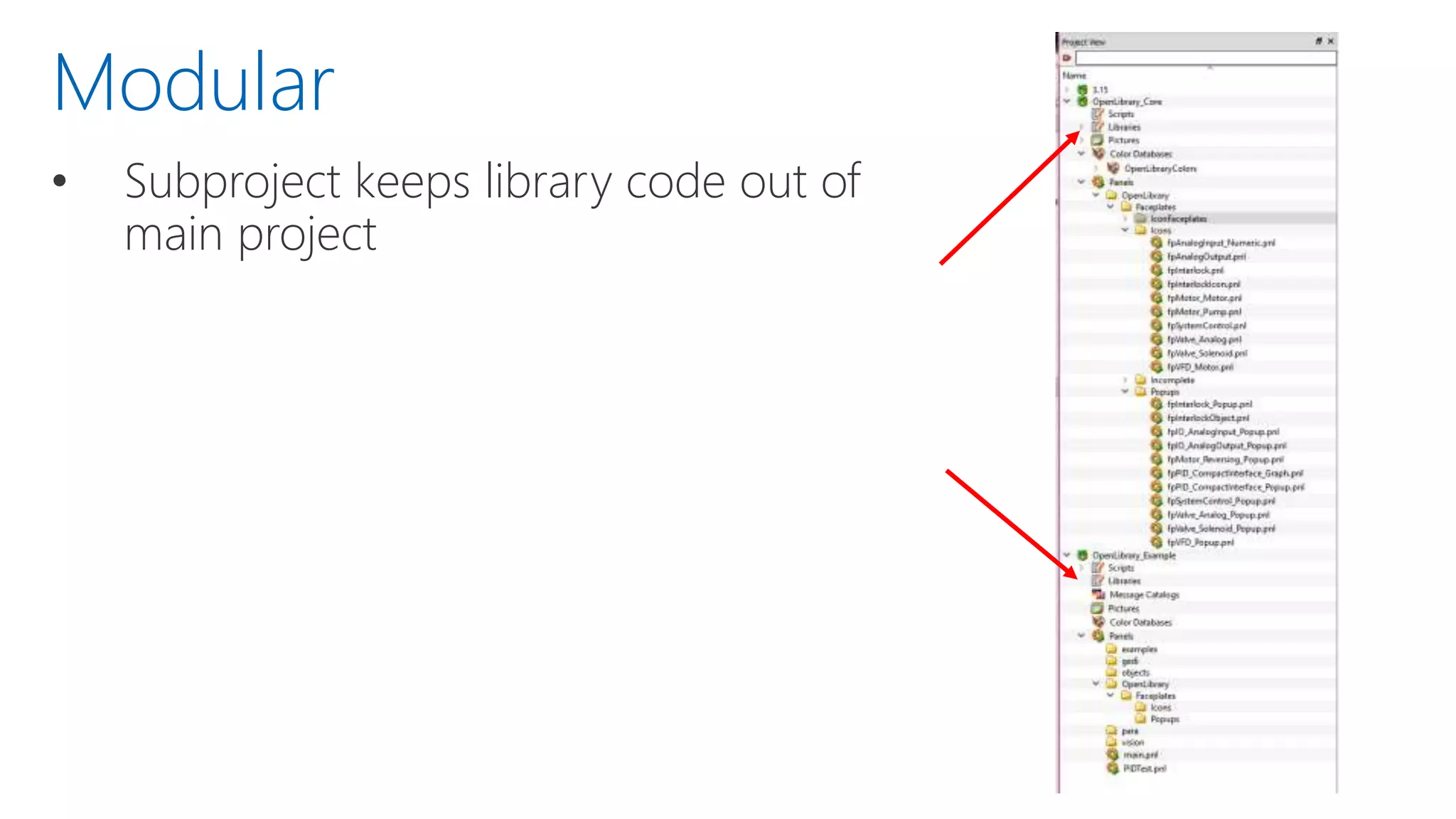
• Subproject keeps library code out of
main project
Modular
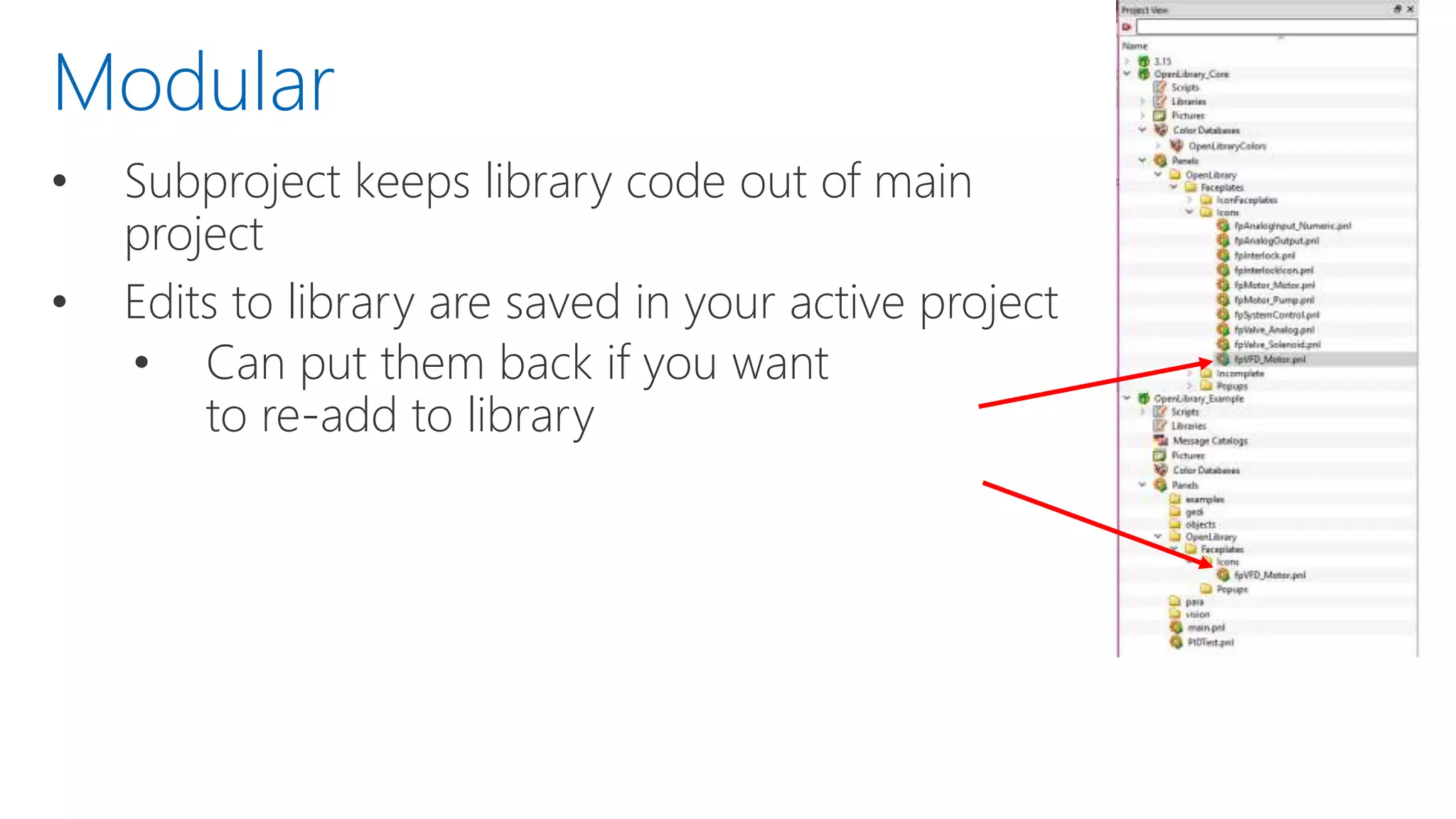
• Subproject keeps library code out of main
project
• Edits to library are saved in your active project
• Can put them back if you want
to re-add to library
Modular
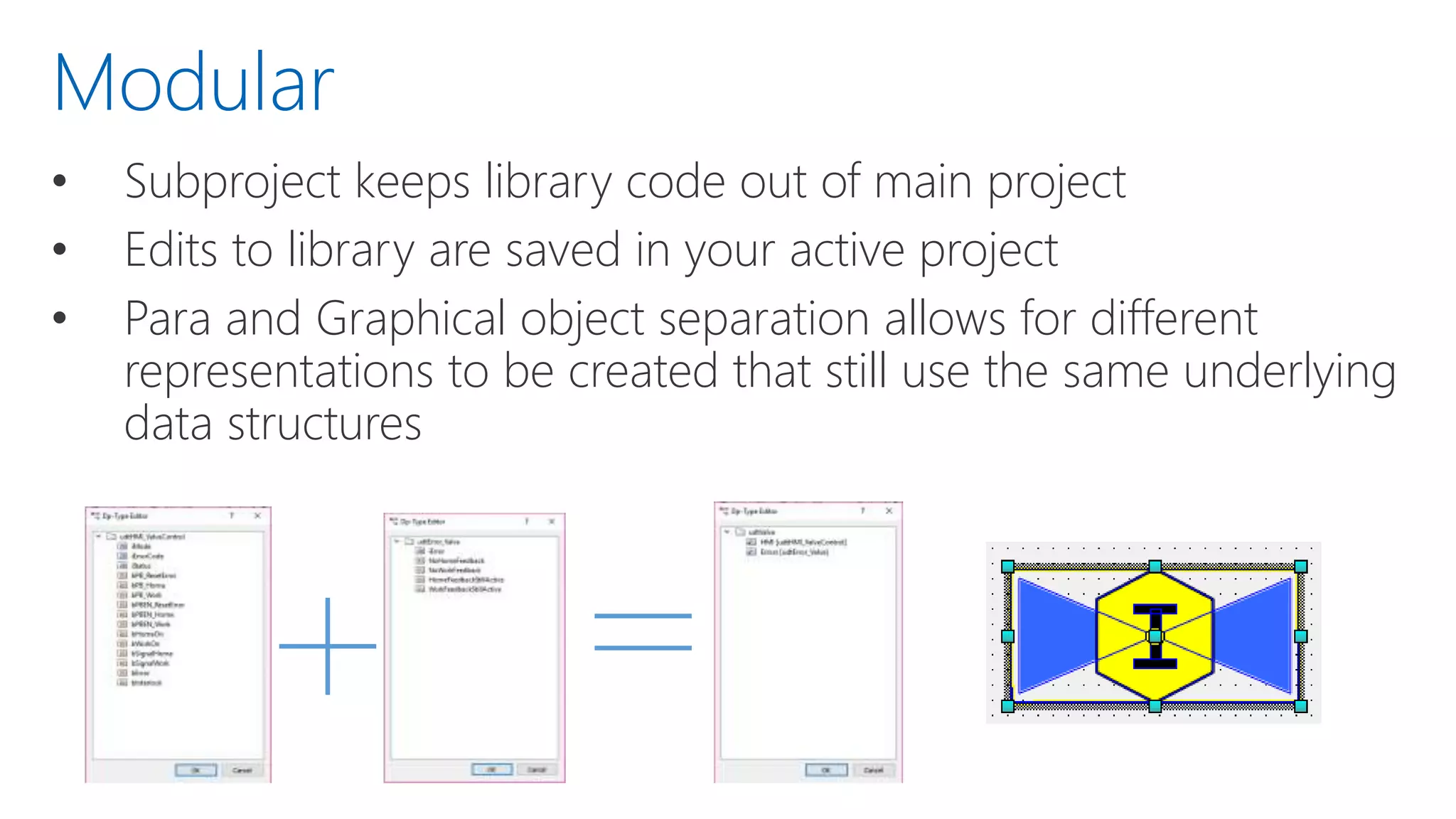
• Subproject keeps library code out of main project
• Edits to library are saved in your active project
• Para and Graphical object separation allows for different
representations to be created that still use the same underlying
data structures
Modular
Usage
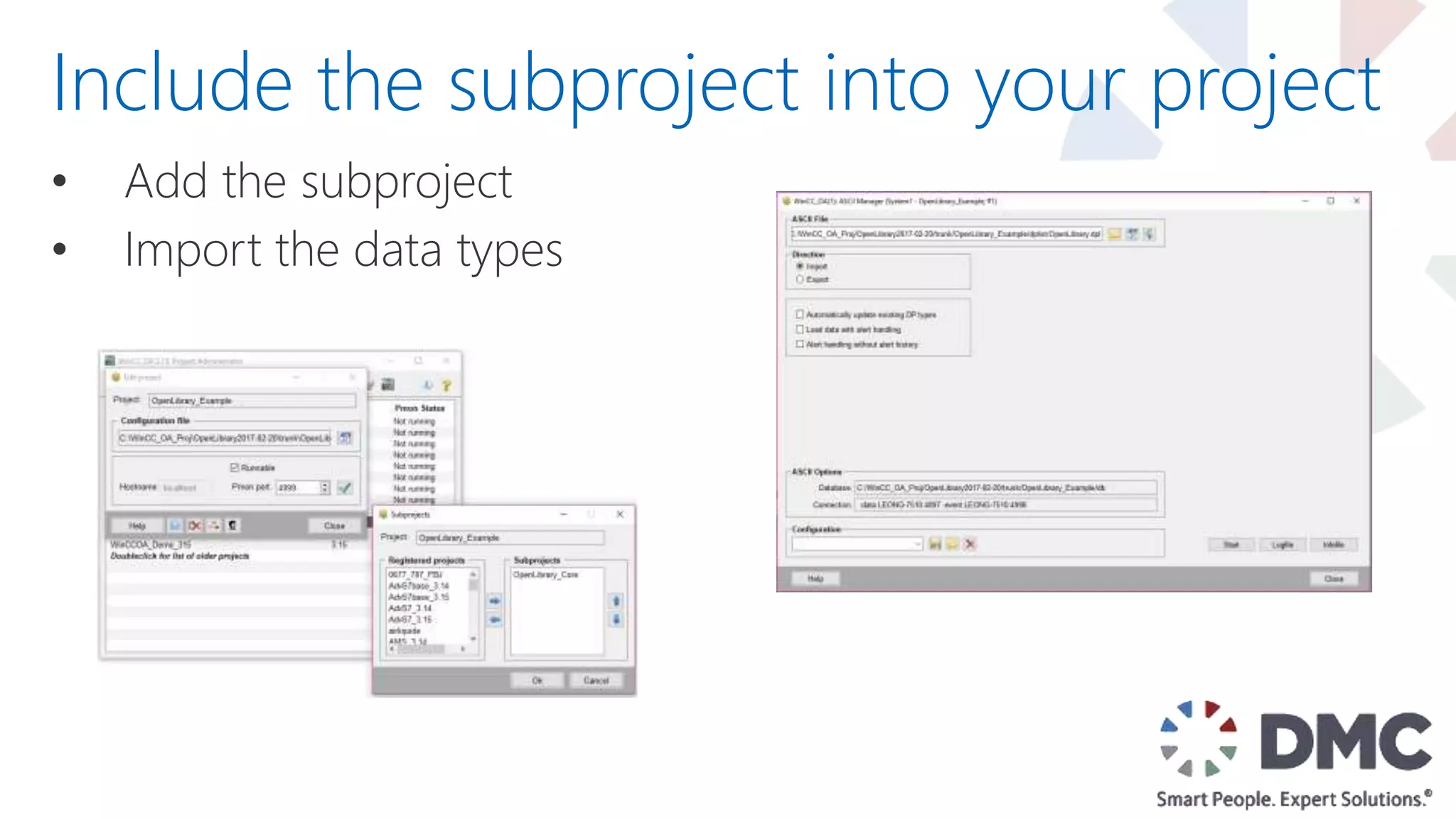
• Add the subproject
• Import the data types
Include the subproject into your project
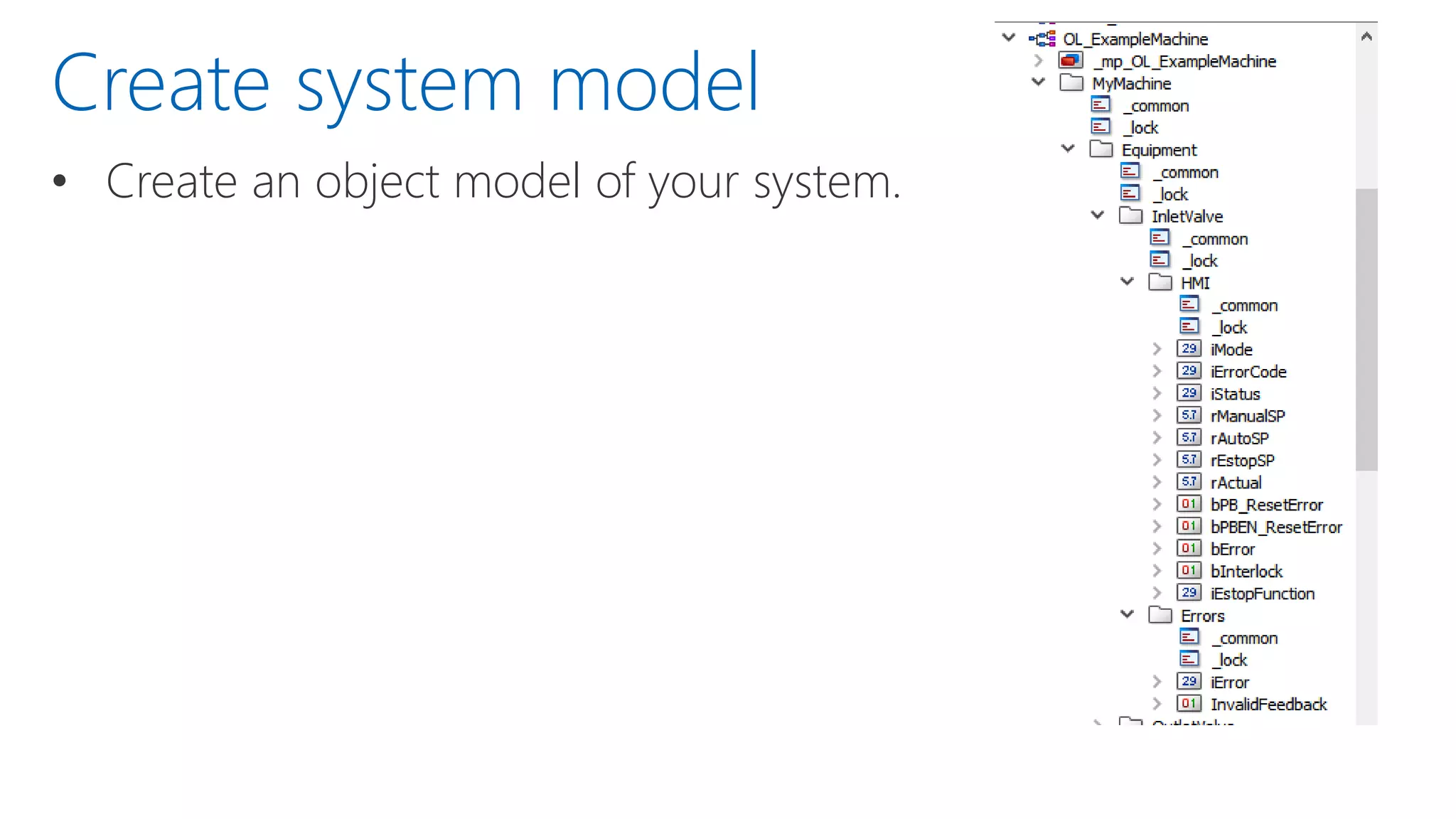
• Create an object model of your system.
Create system model
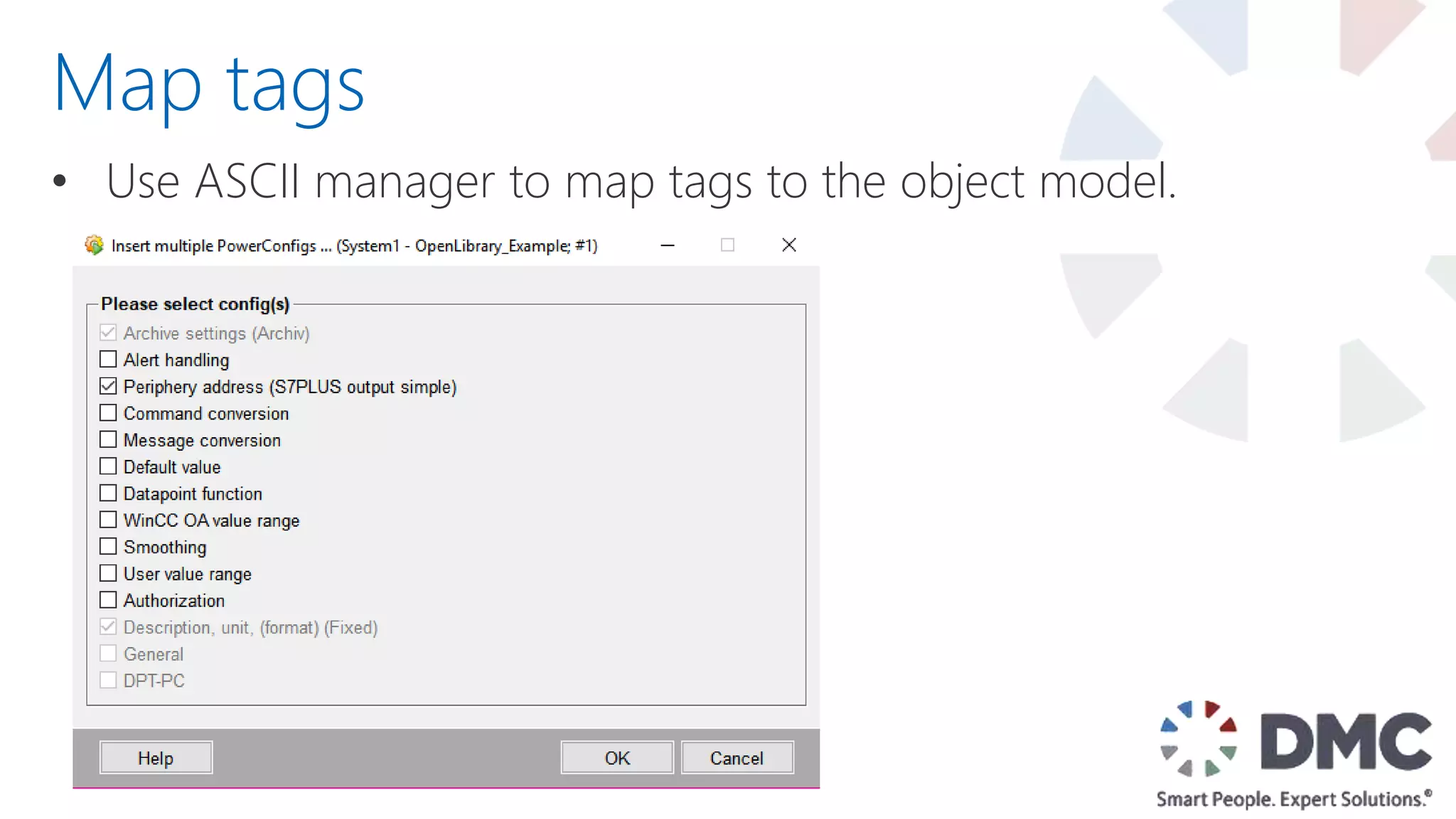
• Use ASCII manager to map tags to the object model.
Map tags
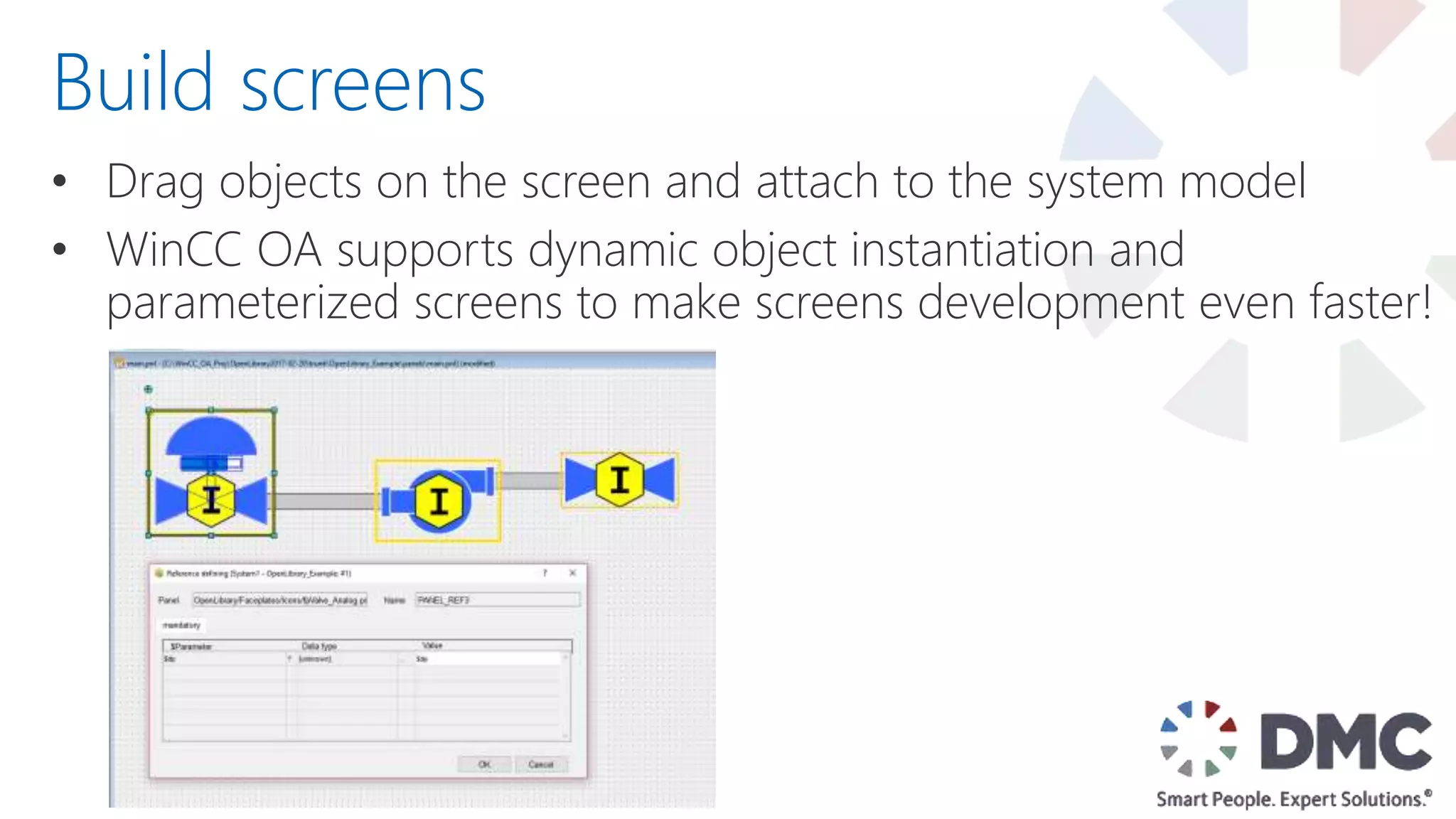
• Drag objects on the screen and attach to the system model
• WinCC OA supports dynamic object instantiation and
parameterized screens to make screens development even faster!
Build screens
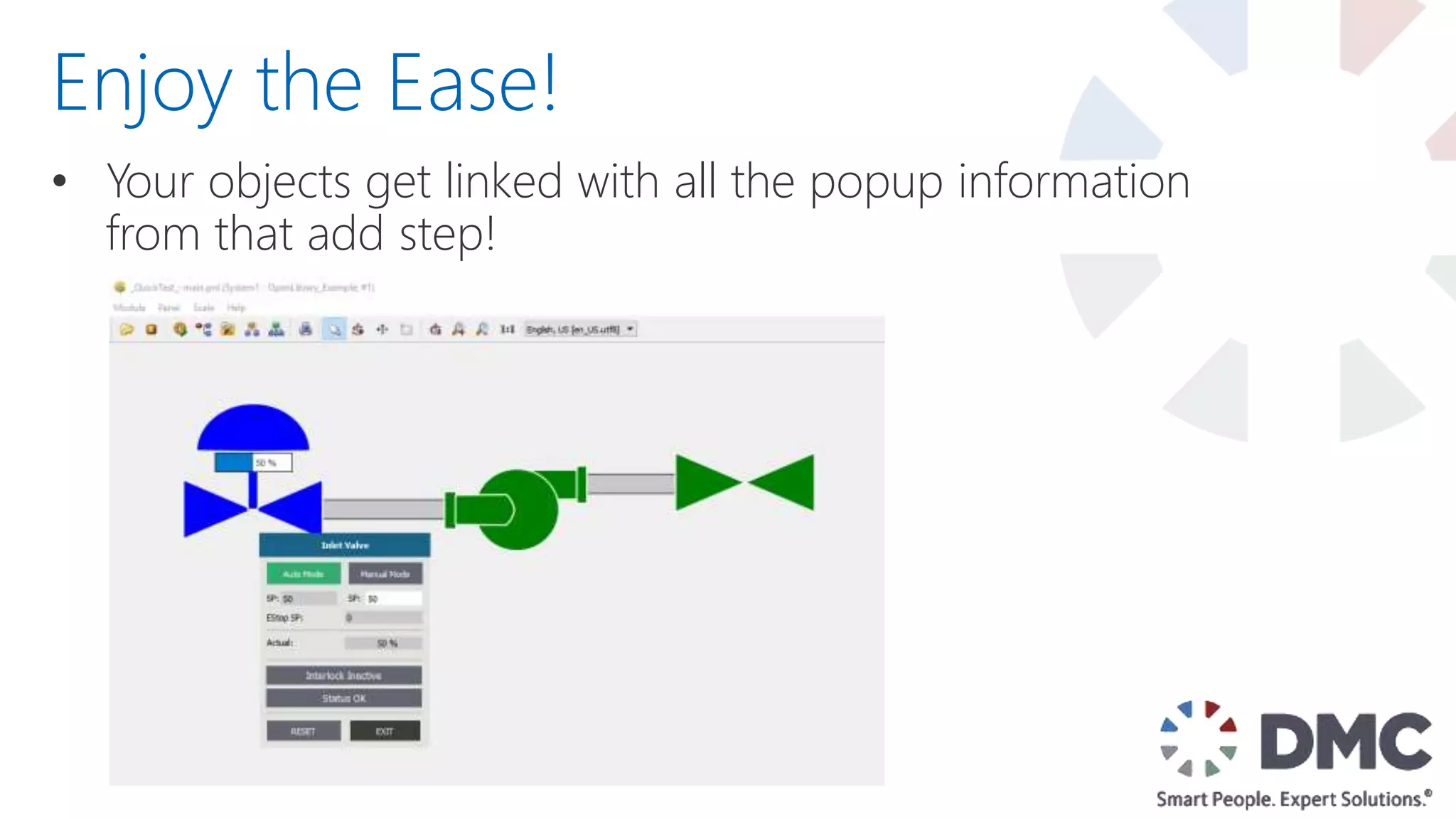
• Your objects get linked with all the popup information
from that add step!
Enjoy the Ease!
Where to
Get it?
• Download at OpenPLCLibrary.com
• Contribute by emailing it to
Contribute@OpenPLCLibrary.com or
Leon.Grossman@dmcinfo.com
• Report issues to same email address
Where is it?
Making
Changes &
Contributing
• Just do it!
• If you find a bug or develop something you can share with
others, email Contribute@OpenPLCLibrary.com
• Make changes as needed for any project and contribute
• The goal is to improve the entire community together
How/when to edit the Open Library
Road Map
Road Map
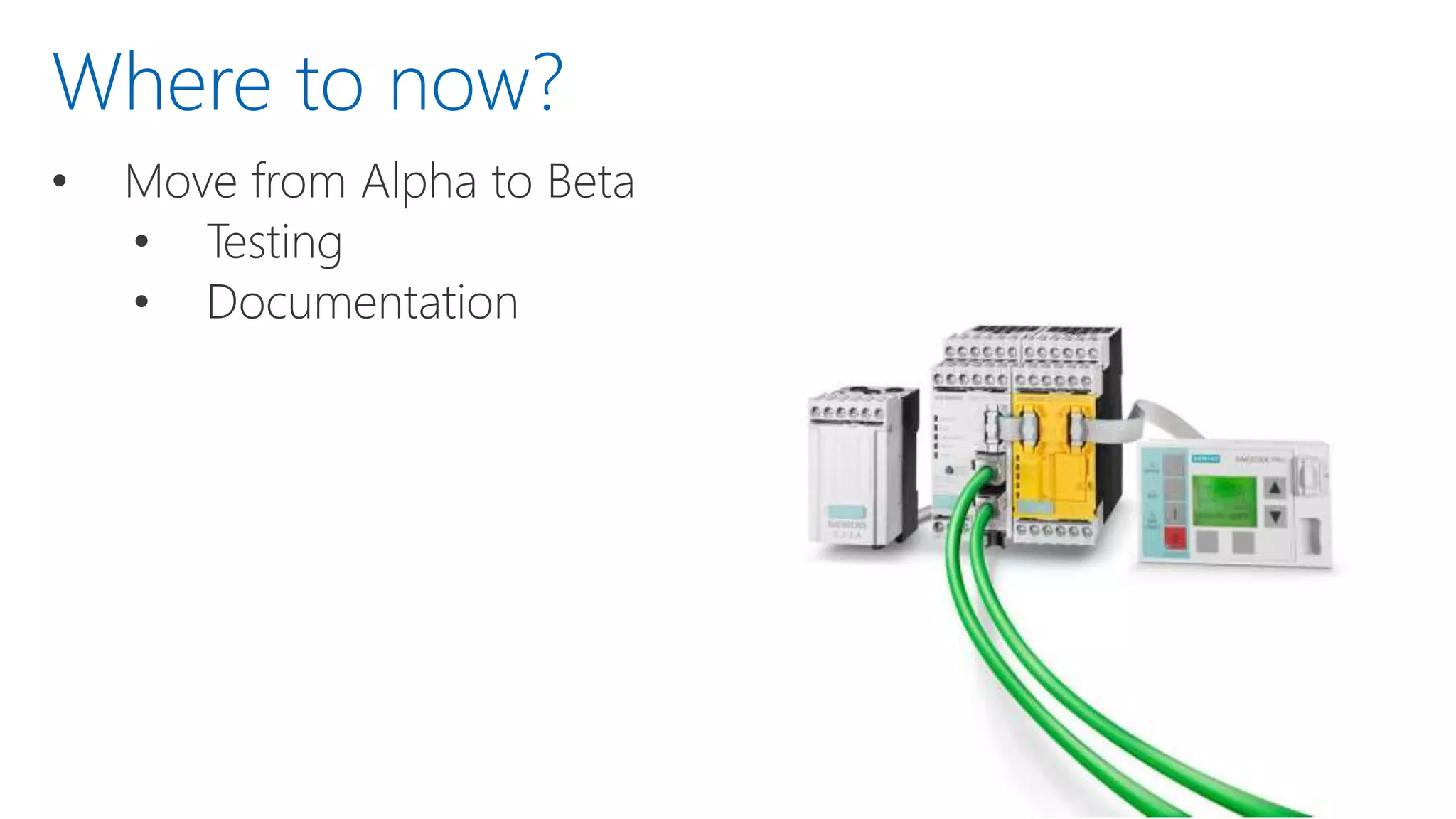
• Move from Alpha to Beta
• Testing
• Documentation
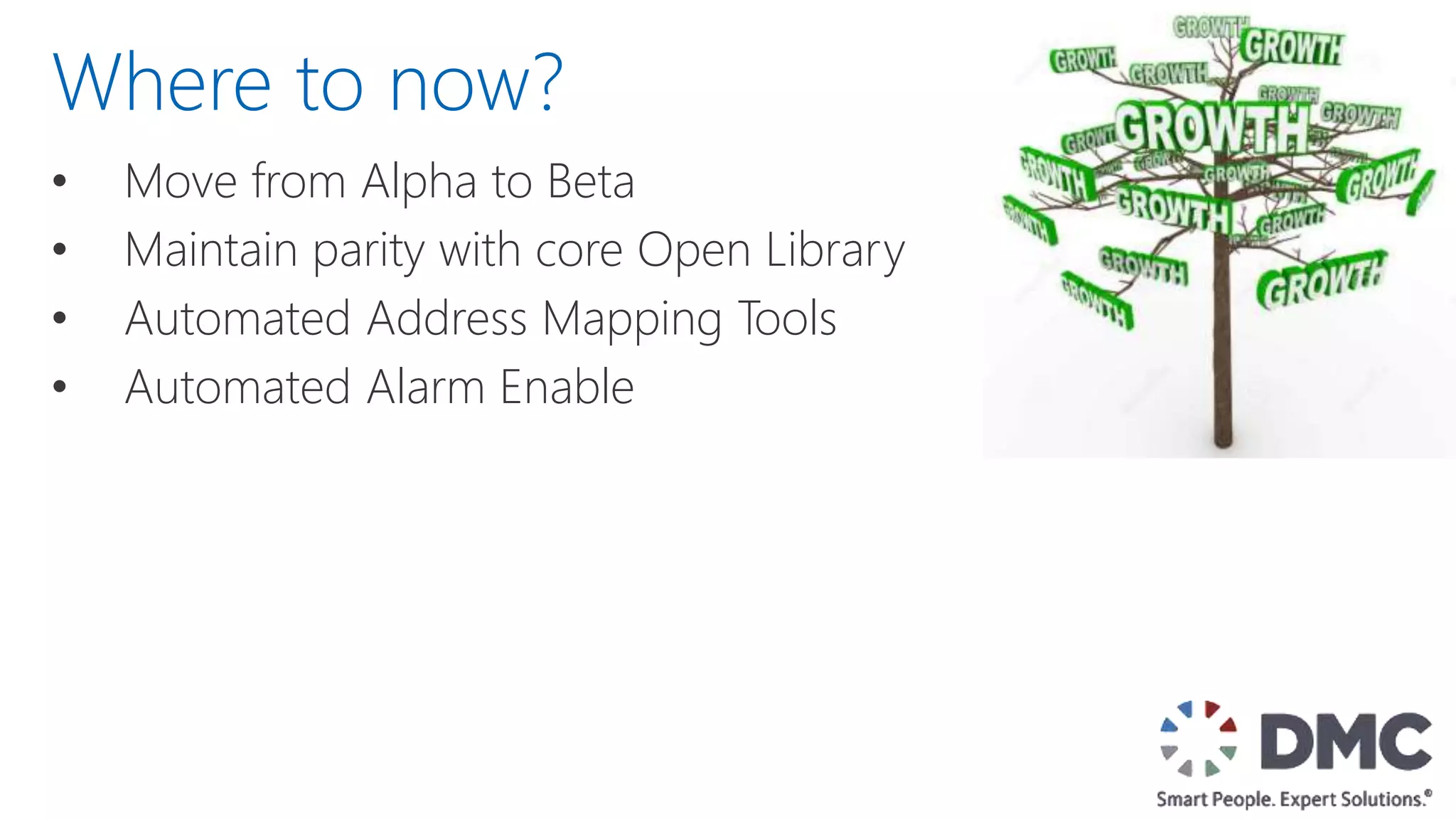
Where to now?
Where to now?
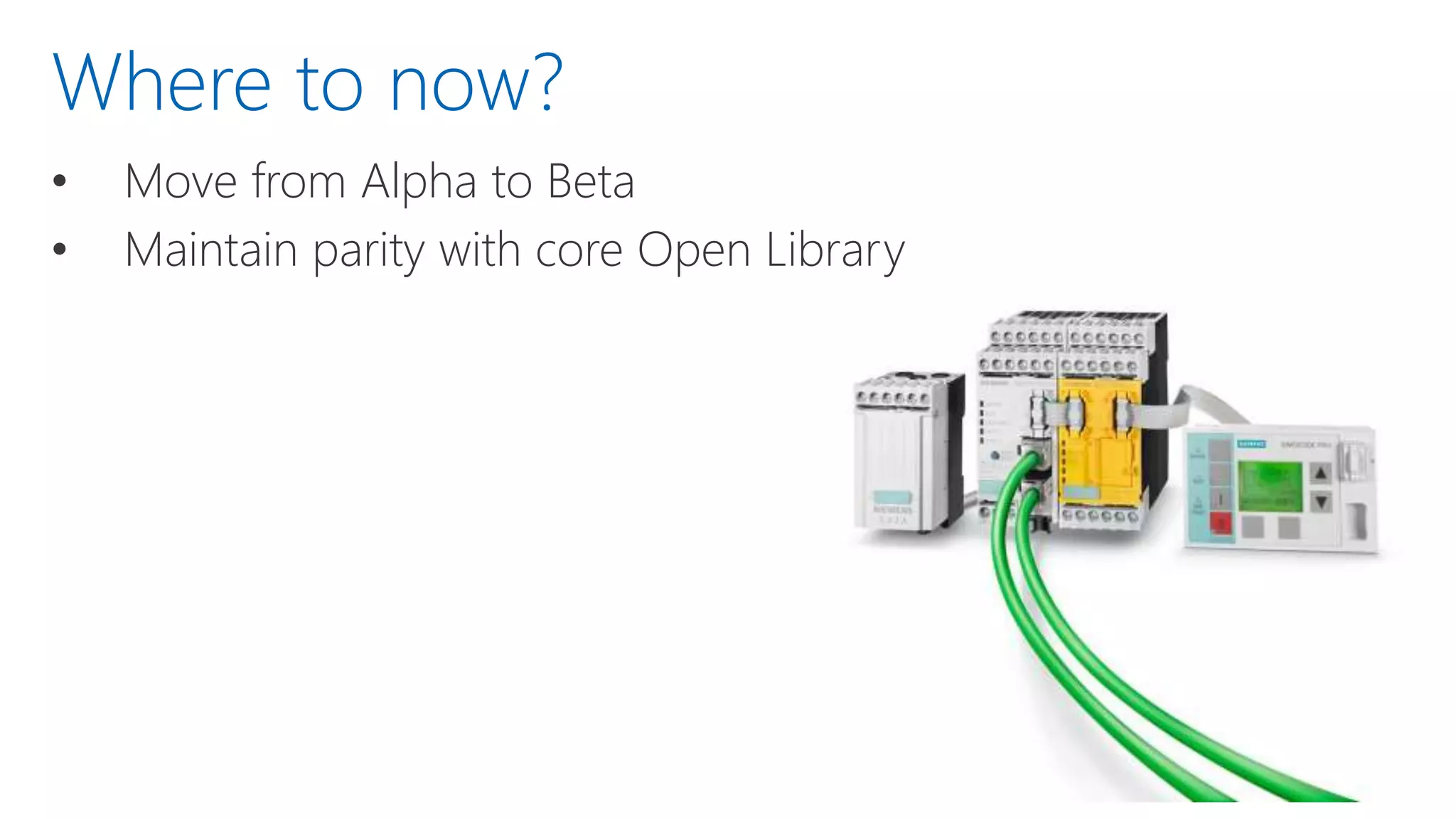
• Move from Alpha to Beta
• Maintain parity with core Open Library
• Move from Alpha to Beta
• Maintain parity with core Open Library
• Automated Address Mapping Tools
Where to now?
• Move from Alpha to Beta
• Maintain parity with core Open Library
• Automated Address Mapping Tools
• Automated Alarm Enable
Where to now?
How Can
You Help?
• Submit Blocks & Objects
• Inform Siemens Sales if you are using it
• Write in to suggest edits or improvements
• Provide feedback & report bugs
How can you help?
When do I
use it?
• When you have lots of duplication of system components
• When you want a full featured SCADA system
• When you outgrow comfort panels
When to use the OA Open Library?
Summary
• Portal Libraries are great
• WinCC OA OO is really cool
• Siemens Open Library is
• Free
• Helpful
• Editable
• Improved by you
• Get it here: OpenPLCLibrary.com
End Presentation
Lightning Fast SCADA Development with Open Library for WinCC OA

Lightning Fast SCADA Development with Open Library for WinCC OA

  • 1.
    Lightning Fast SCADA Developmentwith Open Library for WinCC OA Automation Summit Boca Raton, FL, June 26-28, 2017
  • 2.
    Agenda • DMC Overview •What is the Siemens Open Library • WinCC OA • How does it Work? • Making Changes/Contributing • Questions
  • 3.
    DMC Overview Established in1996, DMC serves customers worldwide from offices in Chicago, Boston, Denver, Houston, New York, and St. Louis employees & growing 120+
  • 4.
    Siemens Expertise 31 SiemensCertified Engineers
  • 5.
  • 6.
    Automotive Chemical &Food Processing Consumer Goods Defense Contracting Energy & Utilities Food & Beverage Packaging Pharmaceutical Printing & Textiles Semiconductor Special Machinery Telecommunications Test & Measurement Industries Served
  • 7.
    Presenter Info • B.S.in Chemical Engineering– University of Oklahoma • With DMC since 2007 • Siemens Certified Professional • WinCC OA Certified Engineer • PE – Control Systems Leon Grossman Principal Engineer (Chicago)
  • 8.
    Peter King Systems Engineer BS,Mechanical Engineering Leigh Matthews Adam Wojcik Project Engineer BS, Mechanical Engineering Project Contributors Systems Engineer BS, Medical Engineering MS, Mechatronics
  • 9.
  • 10.
  • 11.
    • Developed byDMC over many years What is it?
  • 12.
    • Developed byDMC over many years • Collaboration with Siemens to release it What is it? &
  • 13.
    • Developed byDMC over many years • Collaboration with Siemens to release it • Collection of standard objects to speed development What is it?
  • 14.
    • Developed byDMC over many years • Collaboration with Siemens to release it • Collection of standard objects to speed development • Available to anyone under and Open Source License (Modify, Redistribute, Sell) What is it?
  • 15.
  • 16.
    • Library Objects •Function Block • User Defined Type • Pop-up Faceplate • Icon Faceplate • WinCC OA Data Point Types What is Included
  • 17.
    • Library Objects •Documentation* What is Included *WinCC OA Documentation is coming as the library is completed
  • 18.
    • Library Objects •Documentation • Example Project (in progress) What is Included
  • 19.
    • Library Objects •Documentation • Example Project (in progress) • User Submitted Content What is Included
  • 20.
  • 21.
  • 22.
  • 23.
    • S7-1500 • S7-1200 •S7-300 (TIA Portal) What Platforms?
  • 24.
    • S7-1500 • S7-1200 •S7-300 (TIA Portal) • S7-400 (TIA Portal) What Platforms?
  • 25.
    • S7-1500 • S7-1200 •S7-300 (TIA Portal) • S7-400 (TIA Portal) • WinCC Comfort What Platforms?
  • 26.
    • S7-1500 • S7-1200 •S7-300 (TIA Portal) • S7-400 (TIA Portal) • WinCC Comfort • WinCC OA What Platforms?
  • 27.
    • S7-1500 • S7-1200 •S7-300 (TIA Portal) • S7-400 (TIA Portal) • WinCC Comfort • WinCC OA • Open to Other Platforms! What Platforms?
  • 28.
  • 29.
    Motor Control: • GSeries VFD Control – fbVFD_Gseries • Pump style coming* Which Blocks?
  • 30.
    Motor Control: • GSeries VFD Control – fbVFD_GSeries • Analog VFD Control – fbVFD_Analog • Pump Style Coming* Which Blocks?
  • 31.
    Motor Control: • GSeries VFD Control – fbVFD_GSeries • Analog VFD Control – fbVFD_Analog • Digital Single Speed Motor – fbMotor_Reversing Which Blocks?
  • 32.
    Motor Control: • GSeries VFD Control – fbVFD_GSeries • Analog VFD Control – fbVFD_Analog • Digital Single Speed Motor – fbMotor_Reversing • Simocode Pro V Starter – fbMotor_ProV (coming) • 3RW Starter – fbMotor_3RW (coming) Which Blocks?
  • 33.
    Motor Control: • GSeries VFD Control – fbVFD_GSeries • Analog VFD Control – fbVFD_Analog • Digital Single Speed Motor – fbMotor_Reversing • Simocode Pro V Starter – fbMotor_ProV (coming) • 3RW Starter – fbMotor_3RW (coming) Valve Control: • Two State Solenoid Valve – fbValve_Solenoid Which Blocks?
  • 34.
    Motor Control: • GSeries VFD Control – fbVFD_GSeries • Analog VFD Control – fbVFD_Analog • Digital Single Speed Motor – fbMotor_Reversing • Simocode Pro V Starter – fbMotor_ProV (coming soon) • 3RW Starter – fbMotor_3RW (coming soon) Valve Control: • Two State Solenoid Valve – fbValve_Solenoid • Analog Valve – fbValve_Analog Which Blocks?
  • 35.
    Which Blocks? Inputs/Ouputs • AnalogInput with Scaling and Alarms – fbIO_AnalogInput
  • 36.
    Which Blocks? Inputs/Ouputs • AnalogInput with Scaling and Alarms – fbIO_AnalogInput • Analog Output with Scaling – fbIO_AnalogOutput
  • 37.
    Which Blocks? Inputs/Ouputs • AnalogInput with Scaling and Alarms – fbIO_AnalogInput • Analog Output with Scaling – fbIO_AnalogOutput System Control • Interlock Function Block – fbInterlock • Dynamic sizing display
  • 38.
    Which Blocks? Inputs/Ouputs • AnalogInput with Scaling and Alarms – fbIO_AnalogInput • Analog Output with Scaling – fbIO_AnalogOutput System Control • Interlock Function Block - fbInterlock • PID Interface – fbPID_CompactInterface
  • 39.
    Which Blocks? Inputs/Ouputs • AnalogInput with Scaling and Alarms – fbIO_AnalogInput • Analog Output with Scaling – fbIO_AnalogOutput System Control • Interlock Function Block - fbInterlock • PID Interface – fbPID_CompactInterface • System Control
  • 40.
    Which Blocks? Inputs/Ouputs • AnalogInput with Scaling and Alarms – fbIO_AnalogInput • Analog Output with Scaling – fbIO_AnalogOutput System Control • Interlock Function Block - fbInterlock • PID Interface – fbPID_CompactInterface • System Control • Standard Alarm Interface - fbAlarmWarning
  • 41.
    Motor Control: • GSeries VFD Control – fbVFD_GSeries • Analog VFD Control – fbVFD_Analog • Digital Single Speed Motor – fbMotor_Reversing • Simocode Pro V Starter – fbMotor_ProV (coming) • 3RW Starter – fbMotor_3RW (coming) Valve Control: • Two State Solenoid Valve – fbValve_Solenoid • Analog Valve – fbValve_Analog Which Blocks? Inputs/Ouputs • Analog Input with Scaling and Alarms – fbIO_AnalogInput • Analog Output with Scaling – fbIO_AnalogOutput System Control • Interlock Function Block - fbInterlock • PID Interface – fbPID_CompactInterface • System Control • Standard Alarm Interface – fbAlarmWarning
  • 42.
    • Large numberof other blocks not part of the official library • All currently provided from DMC, but will grow to include other submitted blocks. Supplementary Blocks
  • 43.
  • 44.
    • Top TierSCADA WinCC OA
  • 45.
    • Top TierSCADA • Object Oriented Architecture • For exceptional reusability of code WinCC OA
  • 46.
    • Top TierSCADA • Object Oriented Architecture • Flexible Design WinCC OA
  • 47.
    • Top TierSCADA • Object Oriented Architecture • Flexible Design • Cross-platform compatible WinCC OA
  • 48.
    • Top TierSCADA • Object Oriented Architecture • Flexible Design • Cross-platform compatible • But… It’s Script Heavy. Open Library to the Rescue! WinCC OA
  • 49.
    • Para (tagDatabase) Object Oriented (OO)
  • 50.
    • Para (tagDatabase) • Scripts Object Oriented (OO)
  • 51.
    • Para (tagDatabase) • Scripts • Screen objects • Built in properties for rotation and color • Inheritance from scripts Object Oriented (OO)
  • 52.
    • Subproject keepslibrary code out of main project Modular
  • 53.
    • Subproject keepslibrary code out of main project • Edits to library are saved in your active project • Can put them back if you want to re-add to library Modular
  • 54.
    • Subproject keepslibrary code out of main project • Edits to library are saved in your active project • Para and Graphical object separation allows for different representations to be created that still use the same underlying data structures Modular
  • 55.
  • 56.
    • Add thesubproject • Import the data types Include the subproject into your project
  • 57.
    • Create anobject model of your system. Create system model
  • 58.
    • Use ASCIImanager to map tags to the object model. Map tags
  • 59.
    • Drag objectson the screen and attach to the system model • WinCC OA supports dynamic object instantiation and parameterized screens to make screens development even faster! Build screens
  • 60.
    • Your objectsget linked with all the popup information from that add step! Enjoy the Ease!
  • 61.
  • 62.
    • Download atOpenPLCLibrary.com • Contribute by emailing it to Contribute@OpenPLCLibrary.com or Leon.Grossman@dmcinfo.com • Report issues to same email address Where is it?
  • 63.
  • 64.
    • Just doit! • If you find a bug or develop something you can share with others, email Contribute@OpenPLCLibrary.com • Make changes as needed for any project and contribute • The goal is to improve the entire community together How/when to edit the Open Library
  • 65.
  • 66.
  • 67.
    • Move fromAlpha to Beta • Testing • Documentation Where to now?
  • 68.
    Where to now? •Move from Alpha to Beta • Maintain parity with core Open Library
  • 69.
    • Move fromAlpha to Beta • Maintain parity with core Open Library • Automated Address Mapping Tools Where to now?
  • 70.
    • Move fromAlpha to Beta • Maintain parity with core Open Library • Automated Address Mapping Tools • Automated Alarm Enable Where to now?
  • 71.
  • 72.
    • Submit Blocks& Objects • Inform Siemens Sales if you are using it • Write in to suggest edits or improvements • Provide feedback & report bugs How can you help?
  • 73.
  • 74.
    • When youhave lots of duplication of system components • When you want a full featured SCADA system • When you outgrow comfort panels When to use the OA Open Library?
  • 75.
    Summary • Portal Librariesare great • WinCC OA OO is really cool • Siemens Open Library is • Free • Helpful • Editable • Improved by you • Get it here: OpenPLCLibrary.com
  • 76.

Editor's Notes

  • #5 We are Siemens Solutions partners with the Factory Automation Group and with WinCC OA and as WinCC Specialists. We are certified with the Control Systems Integrators Association.
  • #7 Here are some of DMC’s customers
  • #8 Our diverse experience in technology, industry and processes allows us to bring best practices from many areas.  We deliver solutions not available from singularly focused organizations. Our experience is broad and deep.  We have a proven track record in a wide range of industries.