Linux Wireless Kickstart
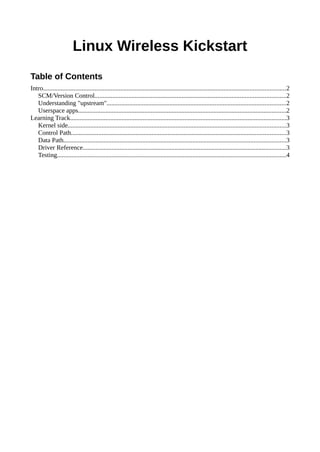
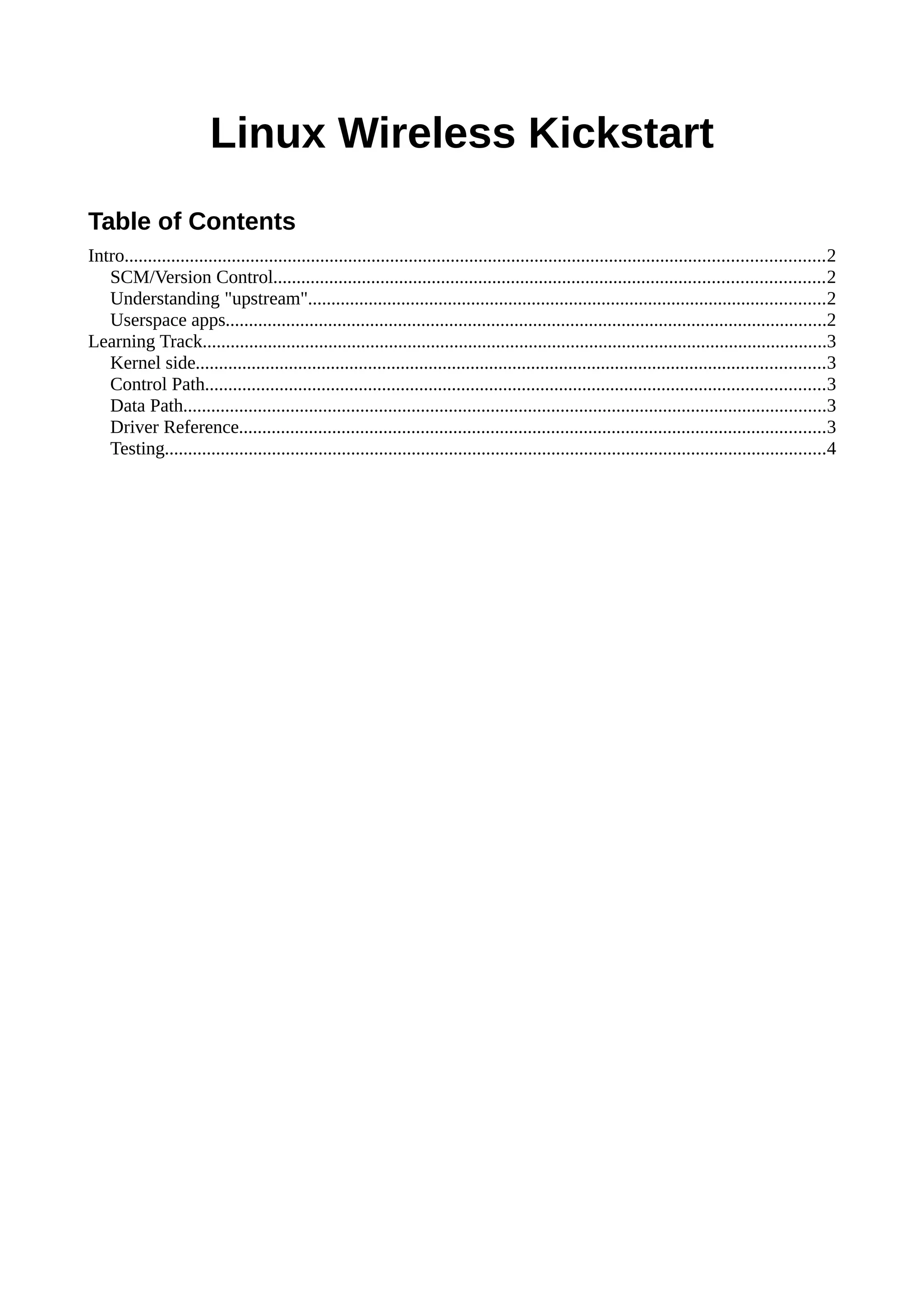
Table of Contents
Intro......................................................................................................................................................2
SCM/Version Control......................................................................................................................2
Understanding "upstream"...............................................................................................................2
Userspace apps.................................................................................................................................2
Learning Track......................................................................................................................................3
Kernel side.......................................................................................................................................3
Control Path.....................................................................................................................................3
Data Path..........................................................................................................................................3
Driver Reference..............................................................................................................................3
Testing..............................................................................................................................................4
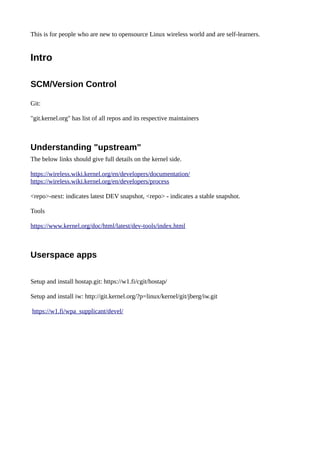
This is for people who are new to opensource Linux wireless world and are self-learners.
Intro
SCM/Version Control
Git:
"git.kernel.org" has list of all repos and its respective maintainers
Understanding "upstream"
The below links should give full details on the kernel side.
https://wireless.wiki.kernel.org/en/developers/documentation/
https://wireless.wiki.kernel.org/en/developers/process
<repo>-next: indicates latest DEV snapshot, <repo> - indicates a stable snapshot.
Tools
https://www.kernel.org/doc/html/latest/dev-tools/index.html
Userspace apps
Setup and install hostap.git: https://w1.fi/cgit/hostap/
Setup and install iw: http://git.kernel.org/?p=linux/kernel/git/jberg/iw.git
https://w1.fi/wpa_supplicant/devel/
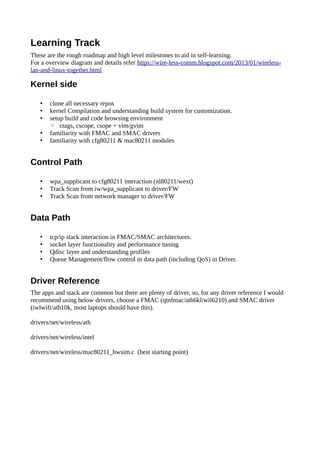
Learning Track
These are the rough roadmap and high level milestones to aid in self-learning.
For a overview diagram and details refer https://wire-less-comm.blogspot.com/2013/01/wireless-
lan-and-linux-together.html
Kernel side
• clone all necessary repos
• kernel Compilation and understanding build system for customization.
• setup build and code browsing environment
◦ ctags, cscope, csope + vim/gvim
• familiarity with FMAC and SMAC drivers
• familiarity with cfg80211 & mac80211 modules
Control Path
• wpa_supplicant to cfg80211 interaction (nl80211/wext)
• Track Scan from iw/wpa_supplicant to driver/FW
• Track Scan from network manager to driver/FW
Data Path
• tcp/ip stack interaction in FMAC/SMAC architectures.
• socket layer functionality and performance tuning
• Qdisc layer and understanding profiles
• Queue Management/flow control in data path (including QoS) in Driver.
Driver Reference
The apps and stack are common but there are plenty of driver, so, for any driver reference I would
recommend using below drivers, choose a FMAC (qtnfmac/ath6kl/wil6210) and SMAC driver
(iwlwifi/ath10k, most laptops should have this).
drivers/net/wireless/ath
drivers/net/wireless/intel
drivers/net/wireless/mac80211_hwsim.c (best starting point)
Testing
drivers/net/wireless/mac80211_hwsim.c (SMAC driver with no Real HW)
- creates wlan0 and wlan1,
- you can run wpa_supplicant on wlan0 and hostapd on wlan1 and make a connection,
- modify/add debugs in wpa_supplicant/hostapd/cfg80211/mac80211 to get deeper understanding.
Protocol
https://www.amazon.in/802-11-Wireless-Networks-Definitive-Guide/dp/1491963549
https://www.amazon.in/802-11ac-Survival-Guide-Gigabit-Beyond-ebook/dp/B00FM0OC66/
ref=dp_kinw_strp_1 (Free PDF available)

Linux wireless kickstarter Guide

  • 1.
    Linux Wireless Kickstart Tableof Contents Intro......................................................................................................................................................2 SCM/Version Control......................................................................................................................2 Understanding "upstream"...............................................................................................................2 Userspace apps.................................................................................................................................2 Learning Track......................................................................................................................................3 Kernel side.......................................................................................................................................3 Control Path.....................................................................................................................................3 Data Path..........................................................................................................................................3 Driver Reference..............................................................................................................................3 Testing..............................................................................................................................................4
  • 2.
    This is forpeople who are new to opensource Linux wireless world and are self-learners. Intro SCM/Version Control Git: "git.kernel.org" has list of all repos and its respective maintainers Understanding "upstream" The below links should give full details on the kernel side. https://wireless.wiki.kernel.org/en/developers/documentation/ https://wireless.wiki.kernel.org/en/developers/process <repo>-next: indicates latest DEV snapshot, <repo> - indicates a stable snapshot. Tools https://www.kernel.org/doc/html/latest/dev-tools/index.html Userspace apps Setup and install hostap.git: https://w1.fi/cgit/hostap/ Setup and install iw: http://git.kernel.org/?p=linux/kernel/git/jberg/iw.git https://w1.fi/wpa_supplicant/devel/
  • 3.
    Learning Track These arethe rough roadmap and high level milestones to aid in self-learning. For a overview diagram and details refer https://wire-less-comm.blogspot.com/2013/01/wireless- lan-and-linux-together.html Kernel side • clone all necessary repos • kernel Compilation and understanding build system for customization. • setup build and code browsing environment ◦ ctags, cscope, csope + vim/gvim • familiarity with FMAC and SMAC drivers • familiarity with cfg80211 & mac80211 modules Control Path • wpa_supplicant to cfg80211 interaction (nl80211/wext) • Track Scan from iw/wpa_supplicant to driver/FW • Track Scan from network manager to driver/FW Data Path • tcp/ip stack interaction in FMAC/SMAC architectures. • socket layer functionality and performance tuning • Qdisc layer and understanding profiles • Queue Management/flow control in data path (including QoS) in Driver. Driver Reference The apps and stack are common but there are plenty of driver, so, for any driver reference I would recommend using below drivers, choose a FMAC (qtnfmac/ath6kl/wil6210) and SMAC driver (iwlwifi/ath10k, most laptops should have this). drivers/net/wireless/ath drivers/net/wireless/intel drivers/net/wireless/mac80211_hwsim.c (best starting point)
  • 4.
    Testing drivers/net/wireless/mac80211_hwsim.c (SMAC driverwith no Real HW) - creates wlan0 and wlan1, - you can run wpa_supplicant on wlan0 and hostapd on wlan1 and make a connection, - modify/add debugs in wpa_supplicant/hostapd/cfg80211/mac80211 to get deeper understanding. Protocol https://www.amazon.in/802-11-Wireless-Networks-Definitive-Guide/dp/1491963549 https://www.amazon.in/802-11ac-Survival-Guide-Gigabit-Beyond-ebook/dp/B00FM0OC66/ ref=dp_kinw_strp_1 (Free PDF available)