HOW NONPROFITS CAN USE FACEBOOK AND TWITTER Nathan T. Wright  /  Lava Row
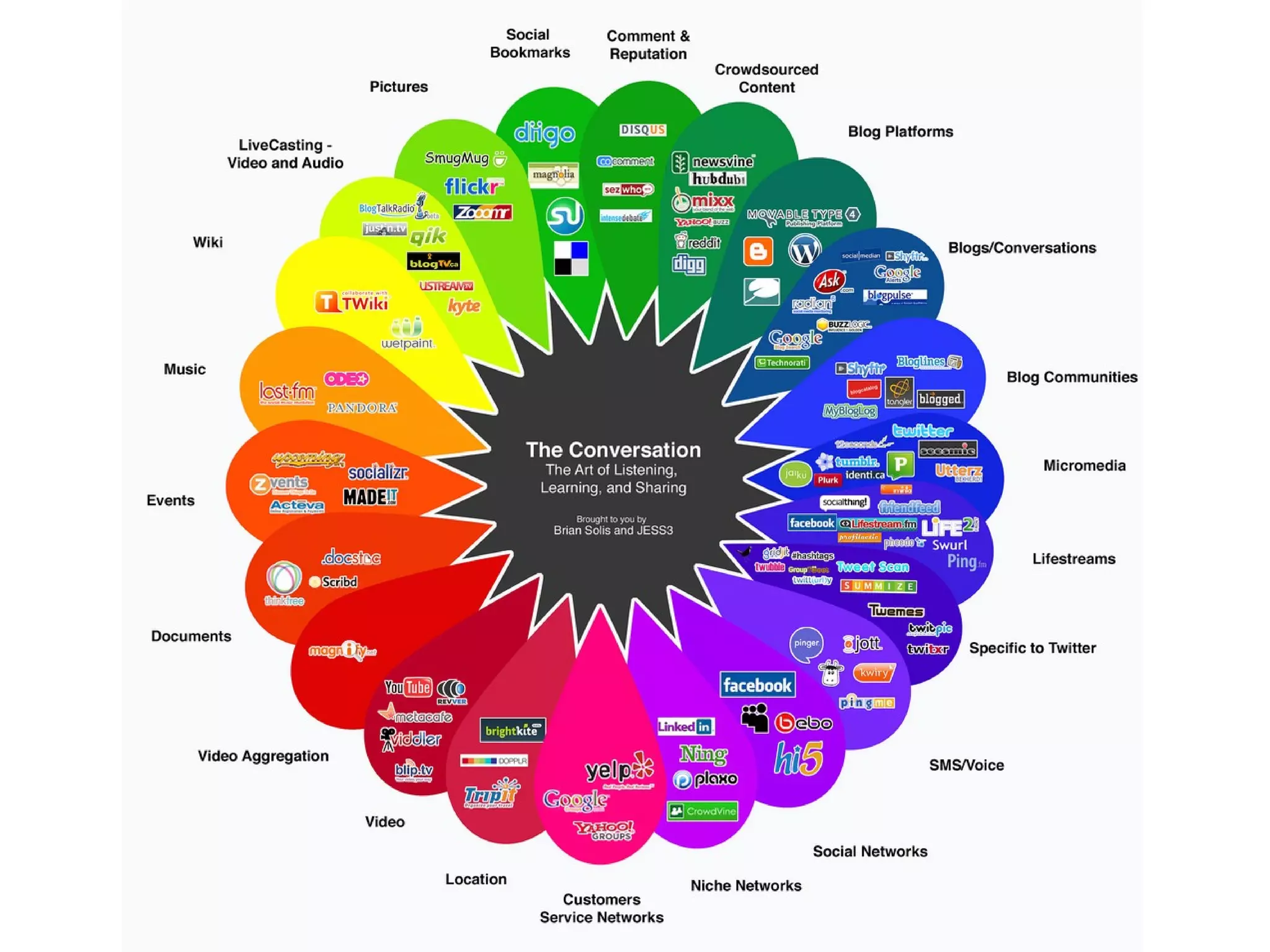
What is social media? Blogs, social networks, podcasts, message boards, micro-sharing, lifestreams, etc. People having conversations online A shift from broadcast to peer-to-peer Evolution of human communication Hundreds of new tools & technologies
 
SOCIAL MEDIA is
 “ Using the Internet to instantly collaborate, share information, and have a conversation about ideas and causes we care about.” Beth Kanter http://beth.typepad.com @kanter on twitter
 
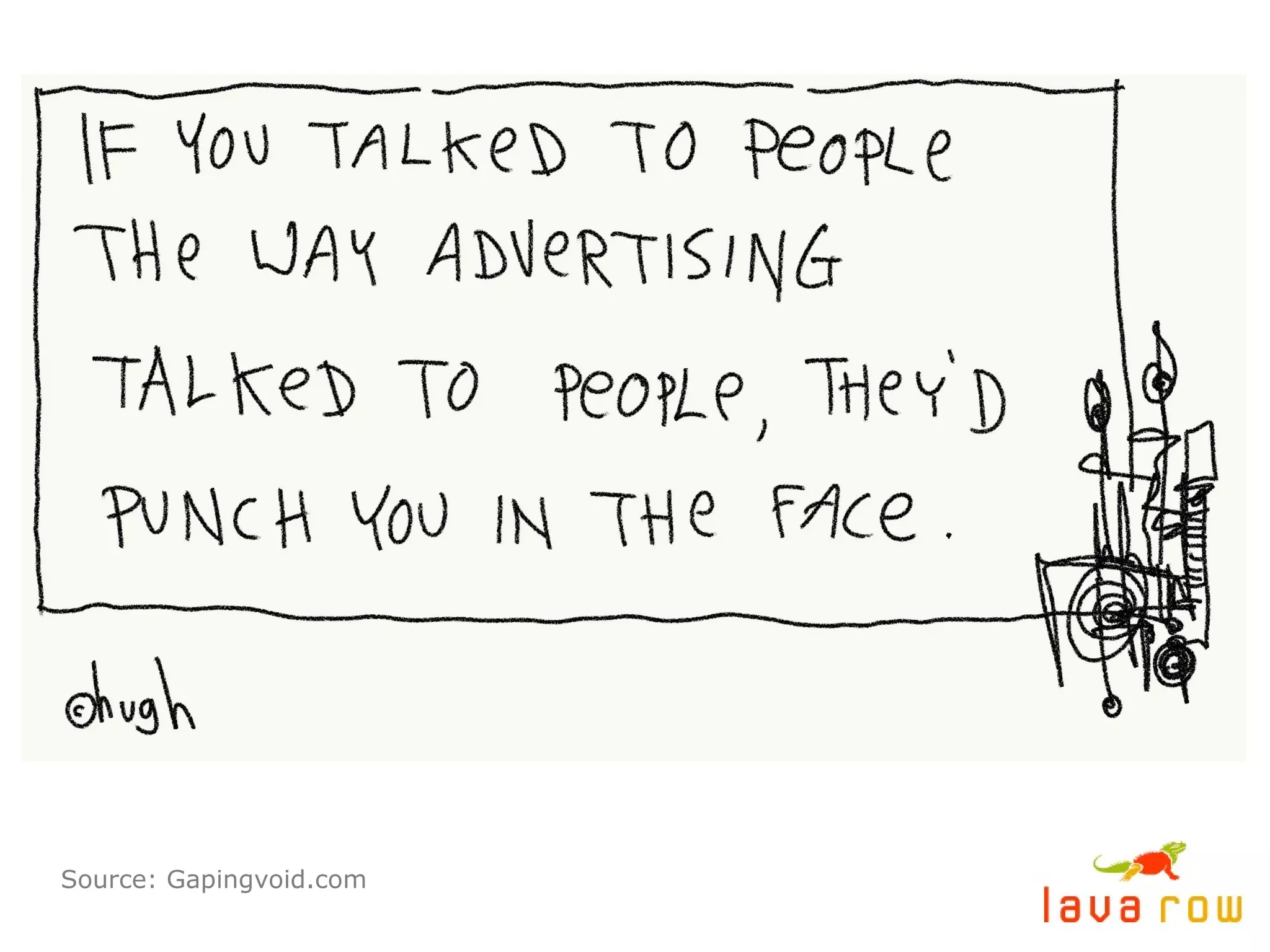
Source: Gapingvoid.com
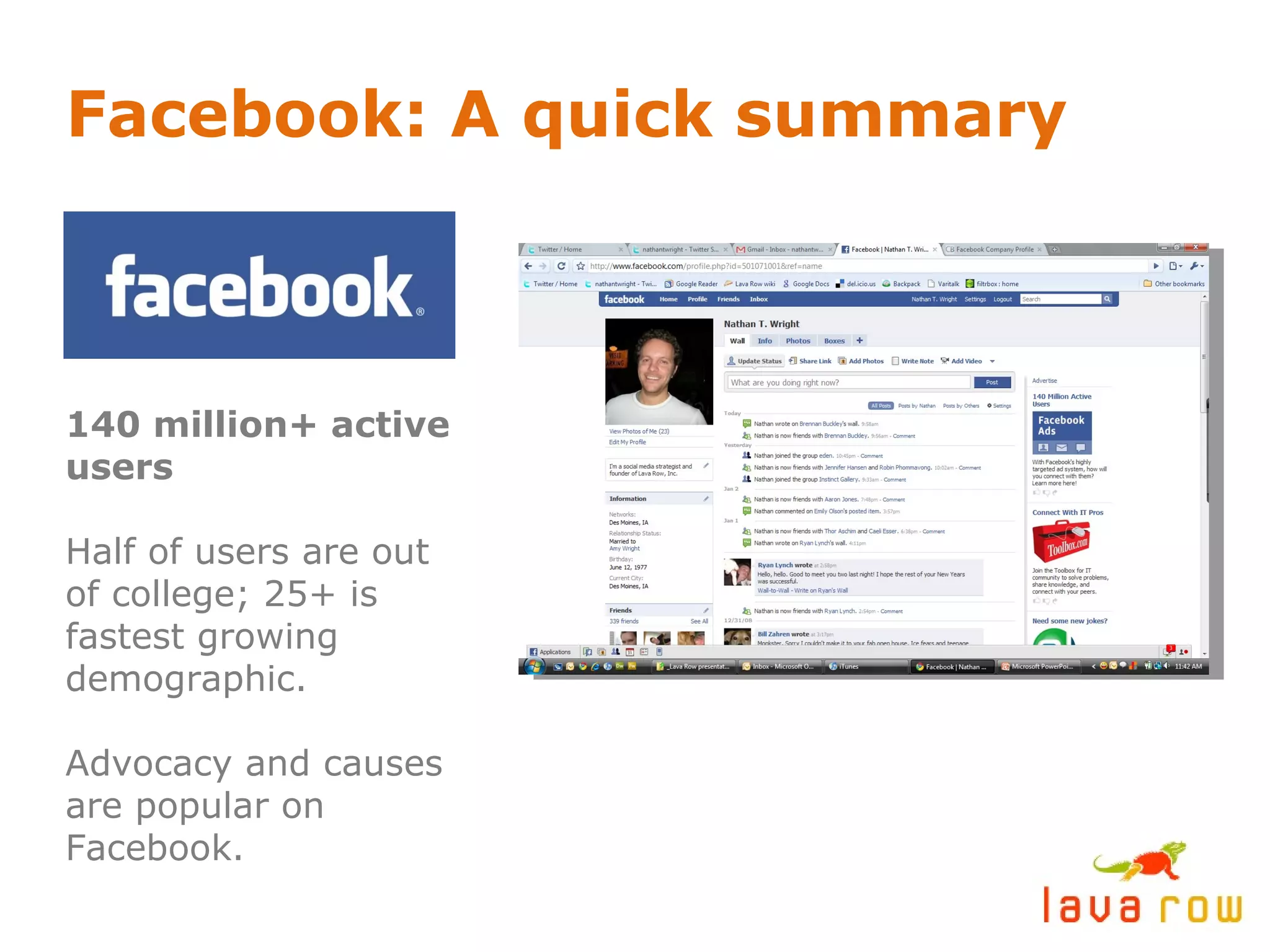
Facebook: A quick summary 140 million+ active users Half of users are out of college; 25+ is fastest growing demographic. Advocacy and causes are popular on Facebook.
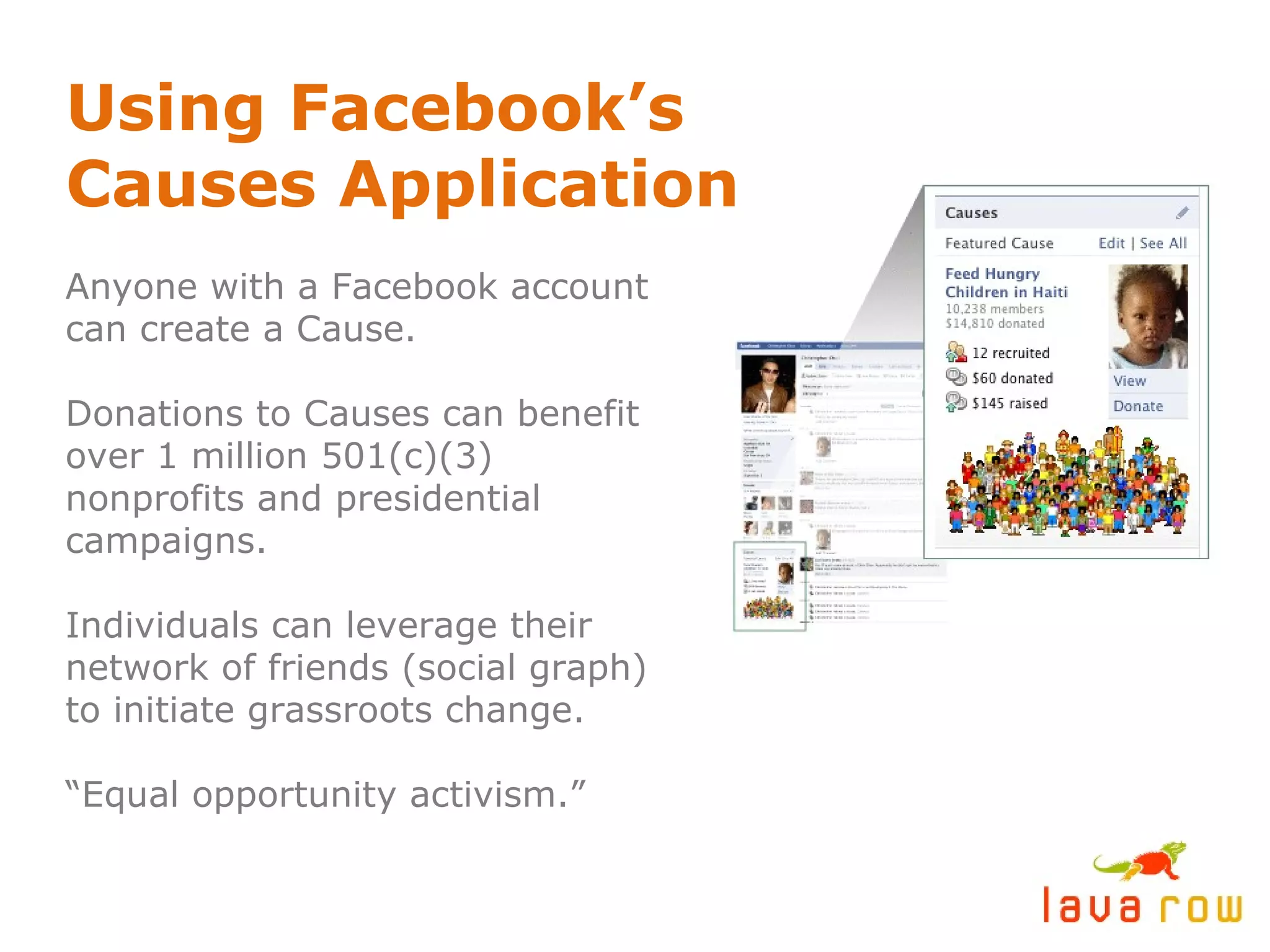
Using Facebook’s Causes Application Anyone with a Facebook account can create a Cause. Donations to Causes can benefit over 1 million 501(c)(3) nonprofits and presidential campaigns. Individuals can leverage their network of friends (social graph) to initiate grassroots change. “ Equal opportunity activism.”
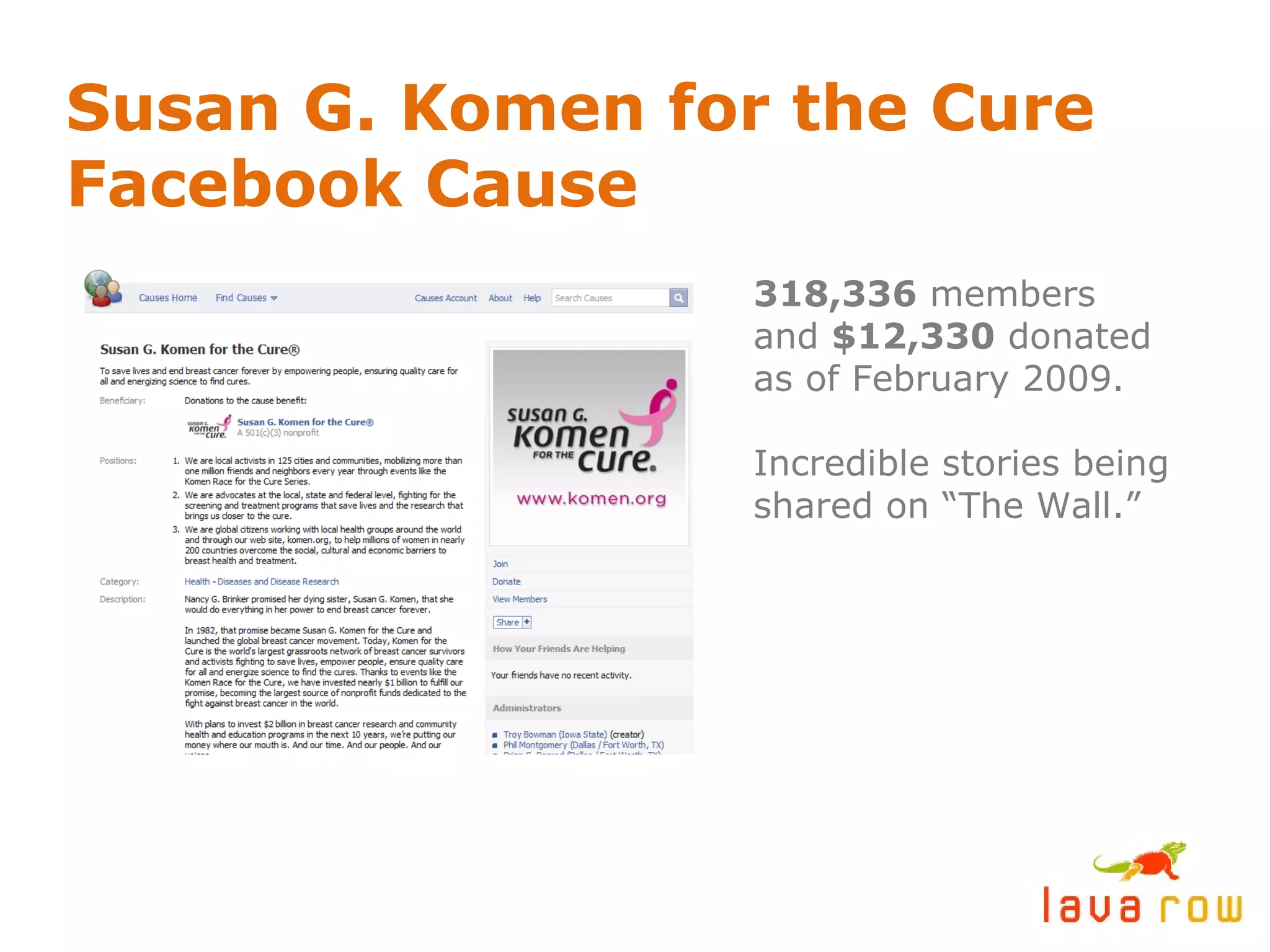
Susan G. Komen for the Cure Facebook Cause 318,336  members and  $12,330  donated as of February 2009. Incredible stories being shared on “The Wall.”
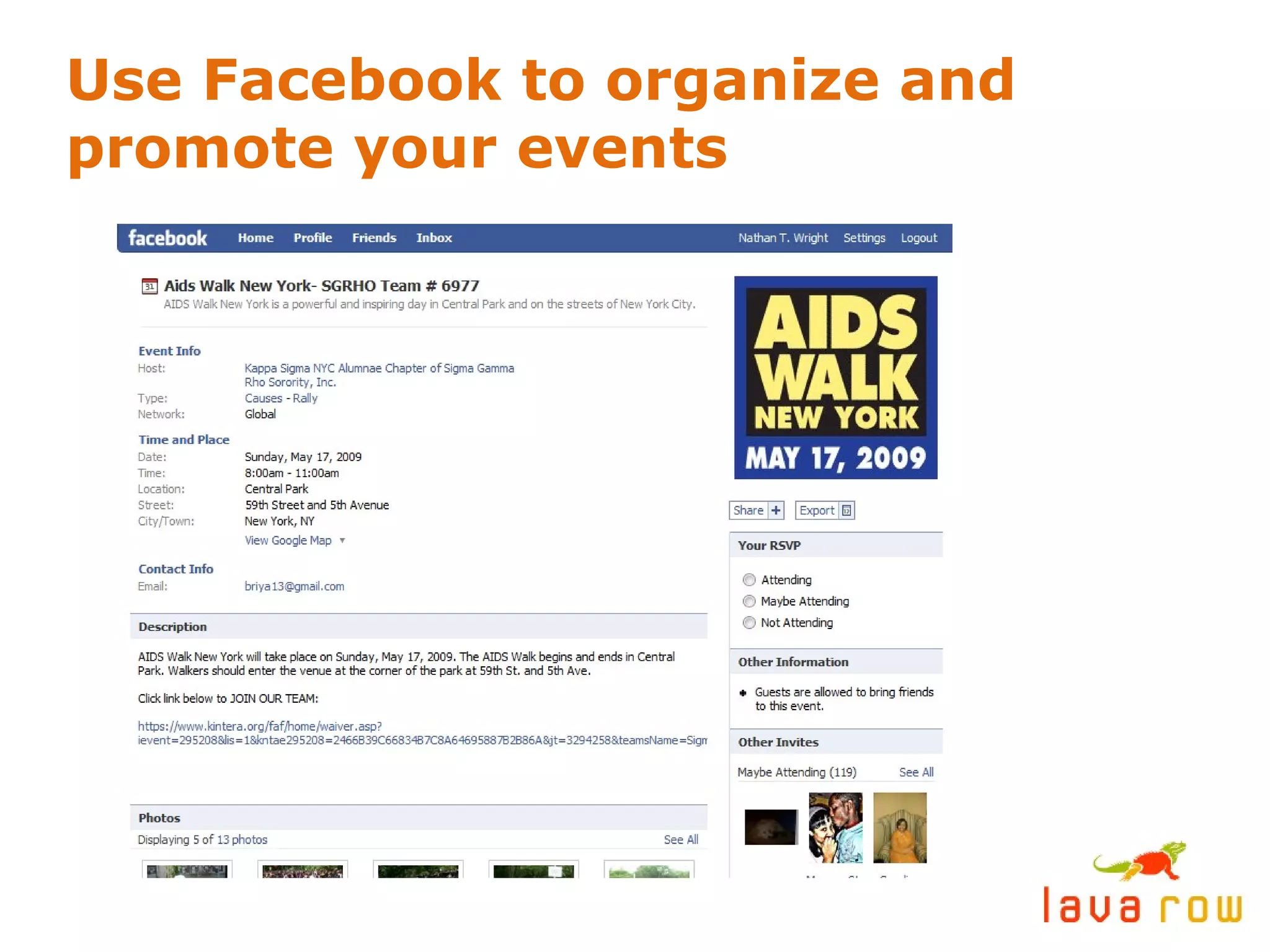
Use Facebook to organize and promote your events
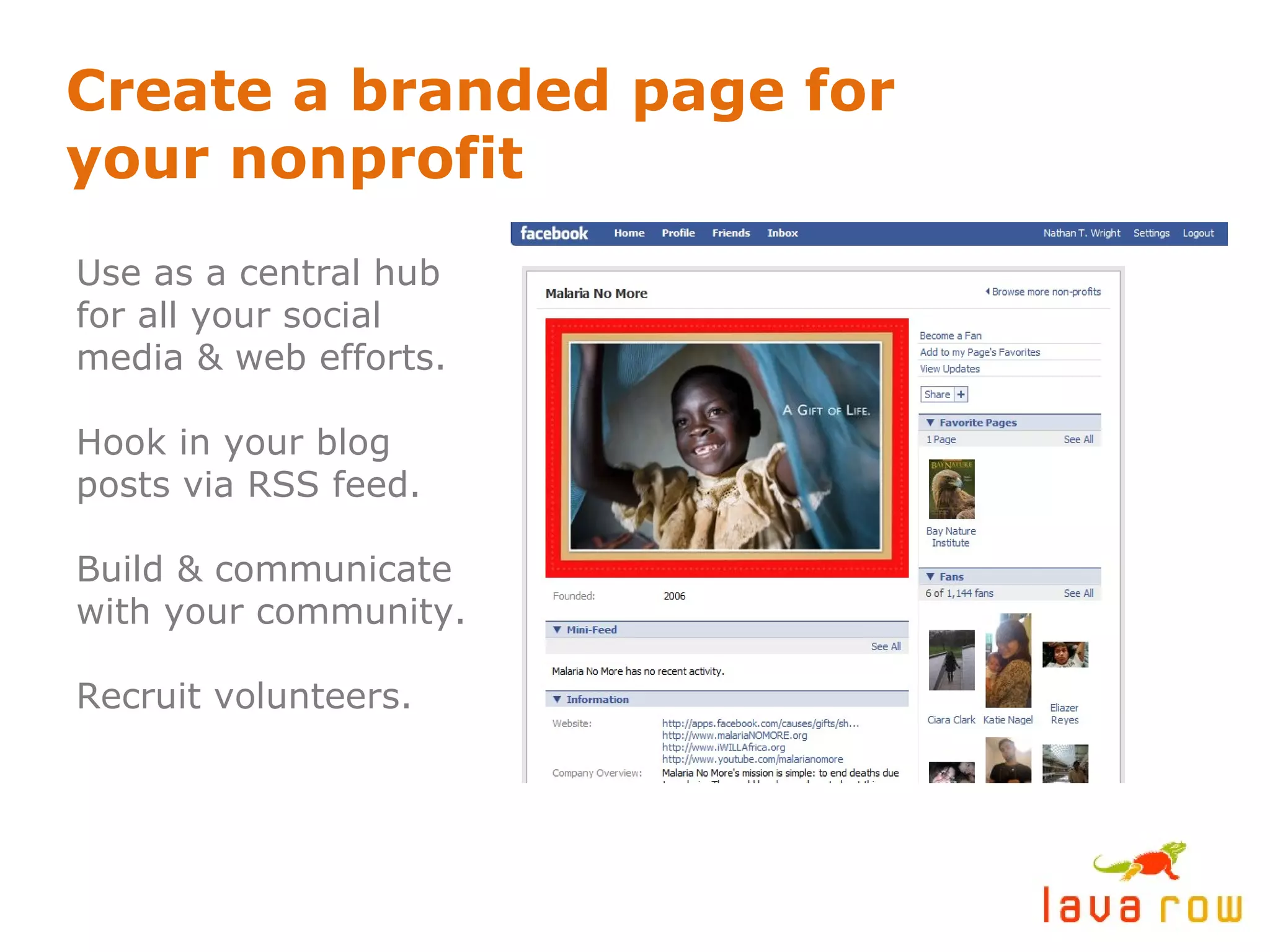
Create a branded page for your nonprofit Use as a central hub for all your social media & web efforts. Hook in your blog posts via RSS feed. Build & communicate with your community. Recruit volunteers.
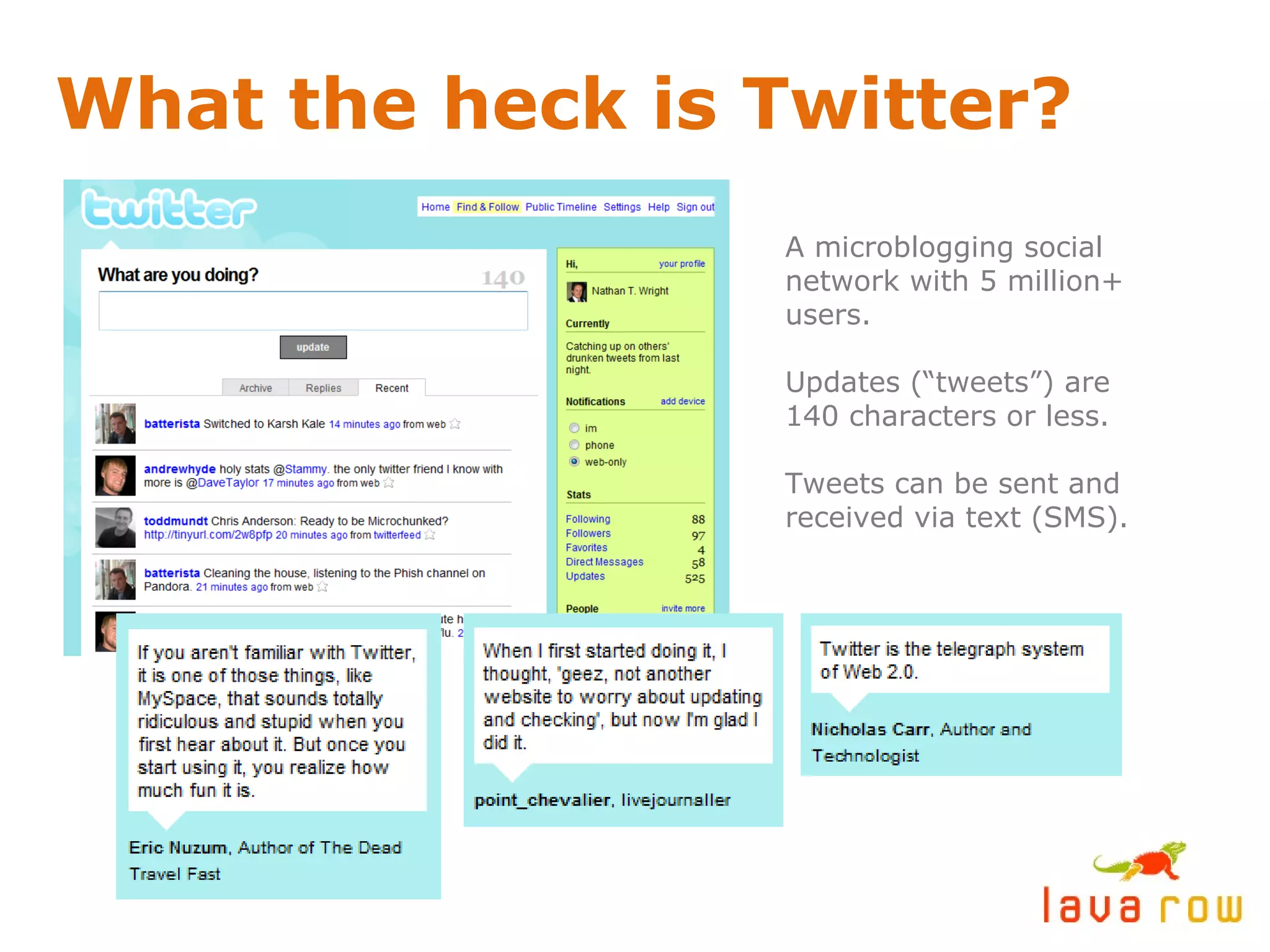
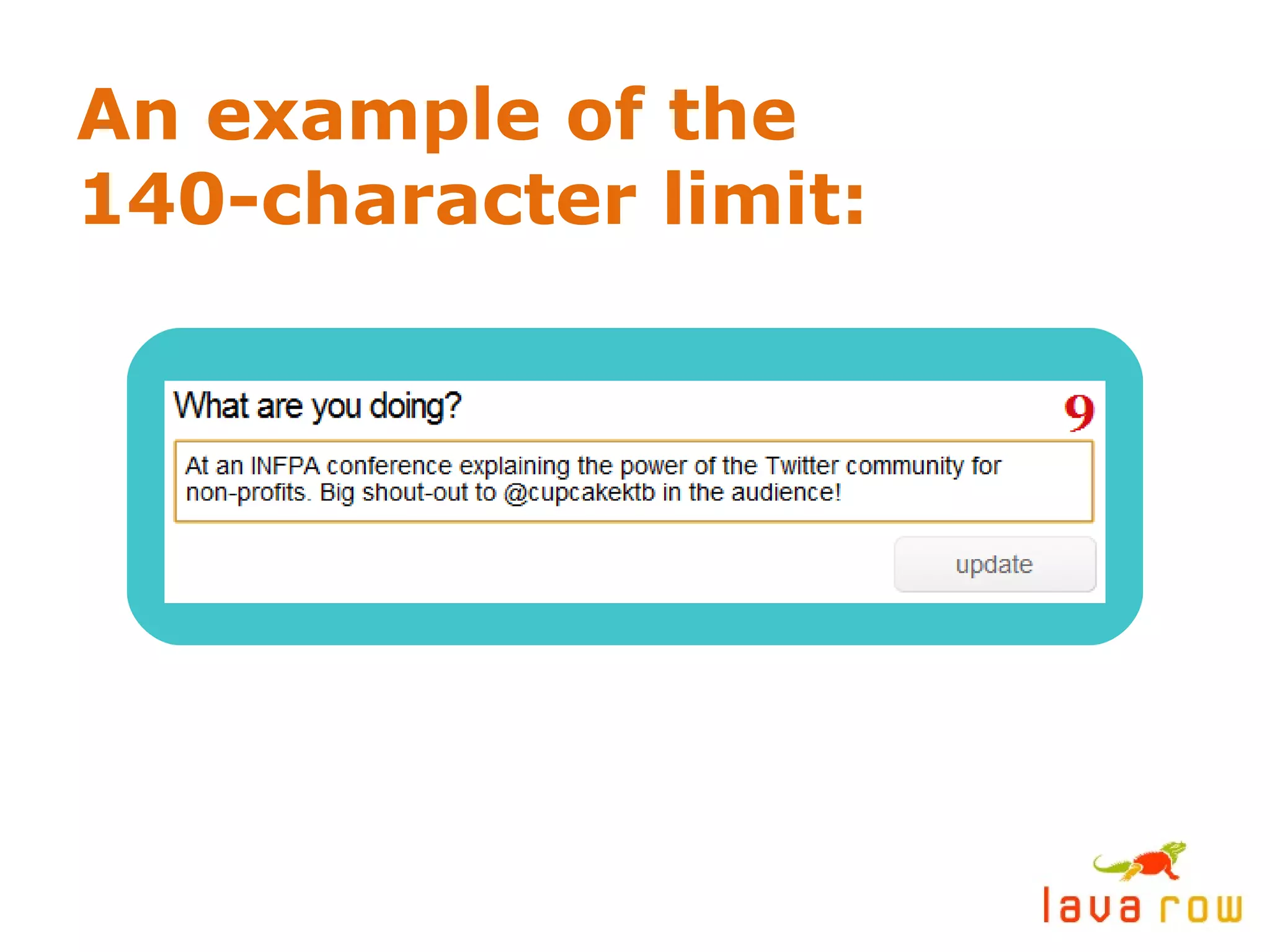
What the heck is Twitter? A microblogging social network with 5 million+ users. Updates (“tweets”) are 140 characters or less. Tweets can be sent and received via text (SMS).
An example of the 140-character limit:
Twitter Explained: Your consciousness, syndicated. An online, 24/7 cocktail party. Powerful in  hyperlocal  geographic pockets. Twitter users gather in real life – “ tweetups .” Great way to connect w/ local & nat’l media. Best  focus group  ever. Efficient  communication.
Getting started on Twitter: Subscribe to  relevant tweeps  - other nonprofits and like-minded individuals on Twitter. (Yes, it’s acceptable to “follow” someone on Twitter who you haven’t met yet.) Post  often  and be  responsive . Answer questions. You get out of it what you put into it. To reference other users in your updates, use the  @ symbol  in front of their username. (Example: @hillabean) Mingle, don’t shout. Behave like you would at a networking event or cocktail party. This builds your  social capital .
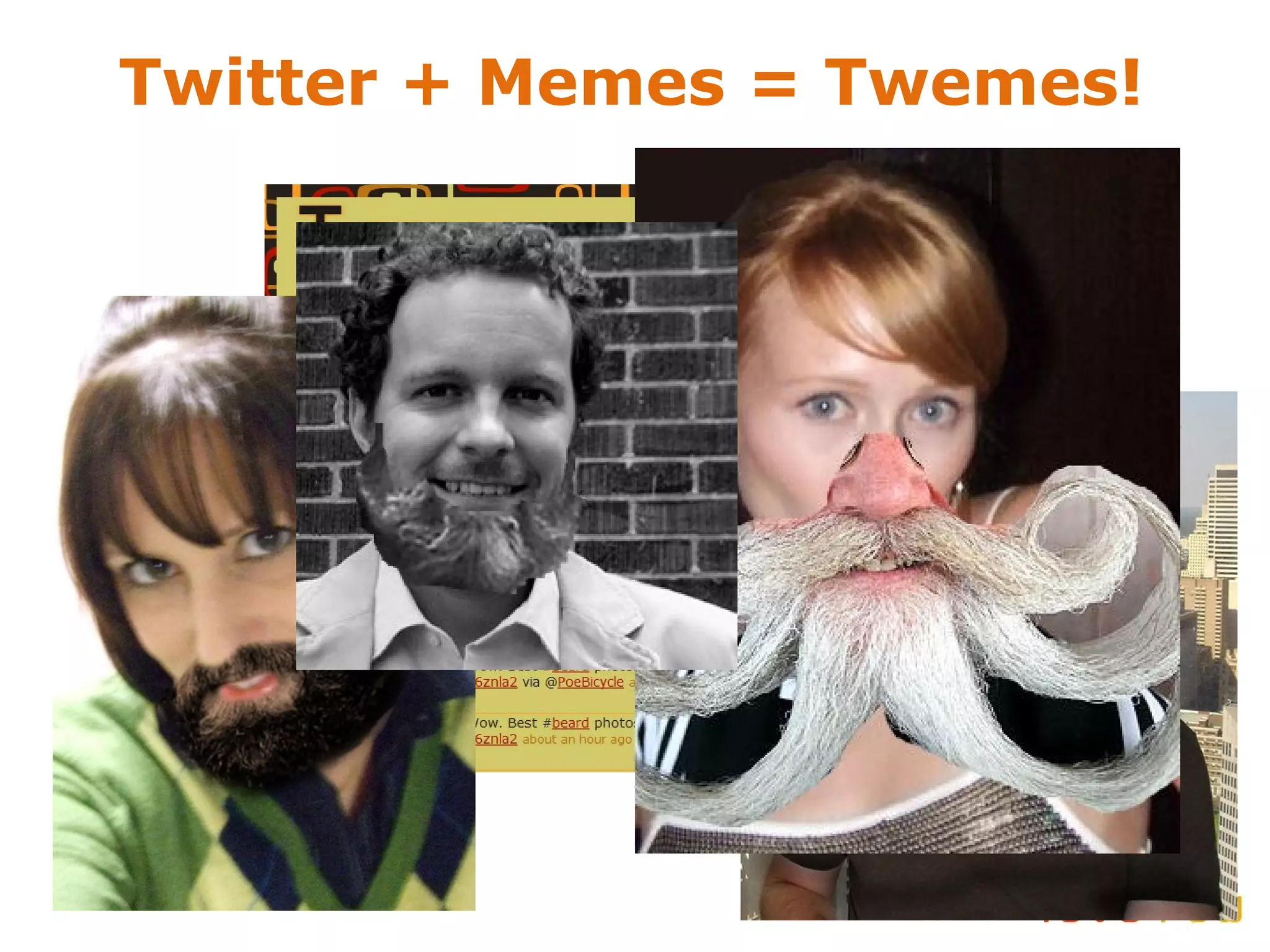
Twitter + Memes = Twemes!
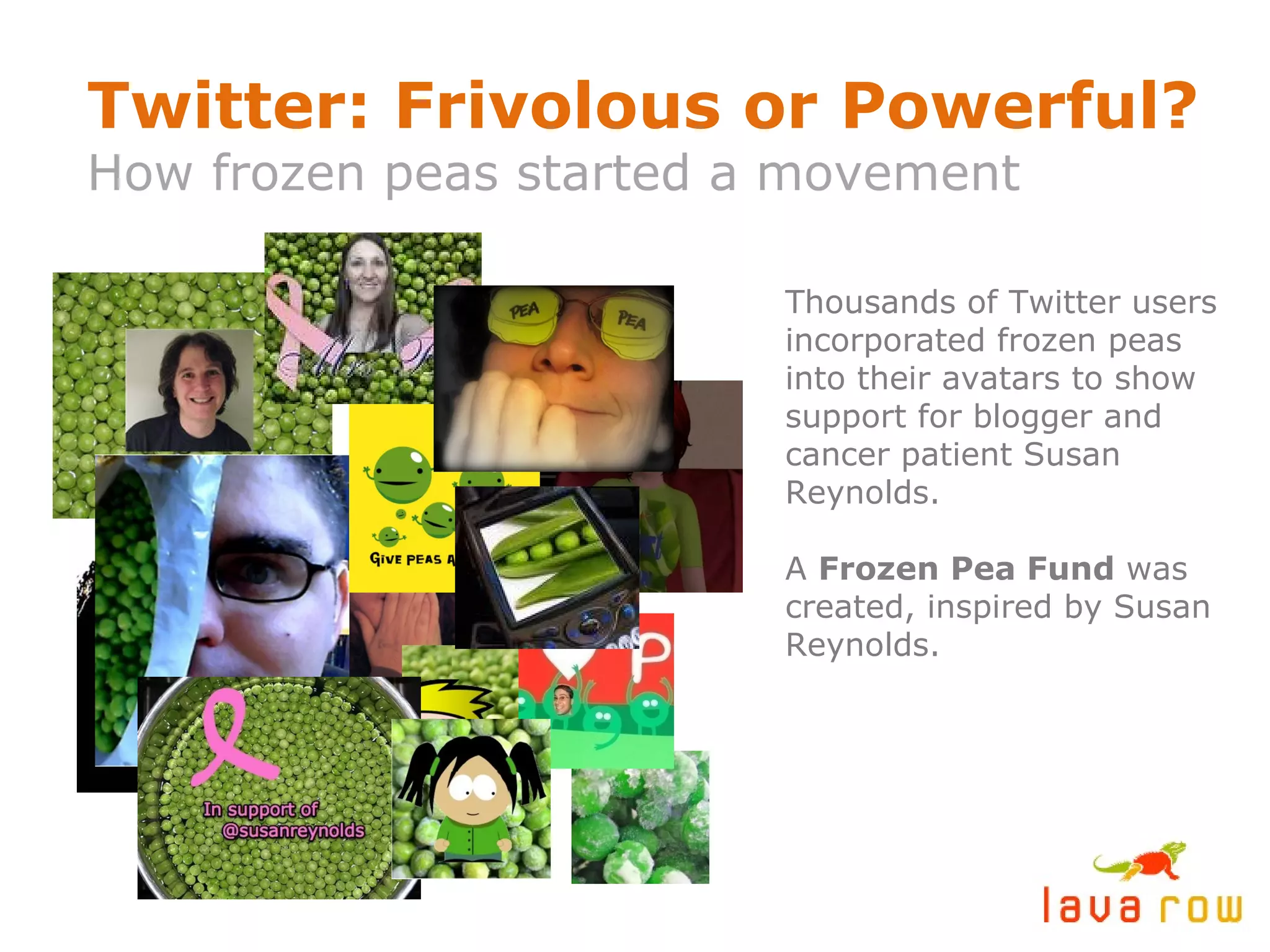
Twitter: Frivolous or Powerful? How frozen peas started a movement Thousands of Twitter users incorporated frozen peas into their avatars to show support for blogger and cancer patient Susan Reynolds. A  Frozen Pea Fund  was created, inspired by Susan Reynolds.
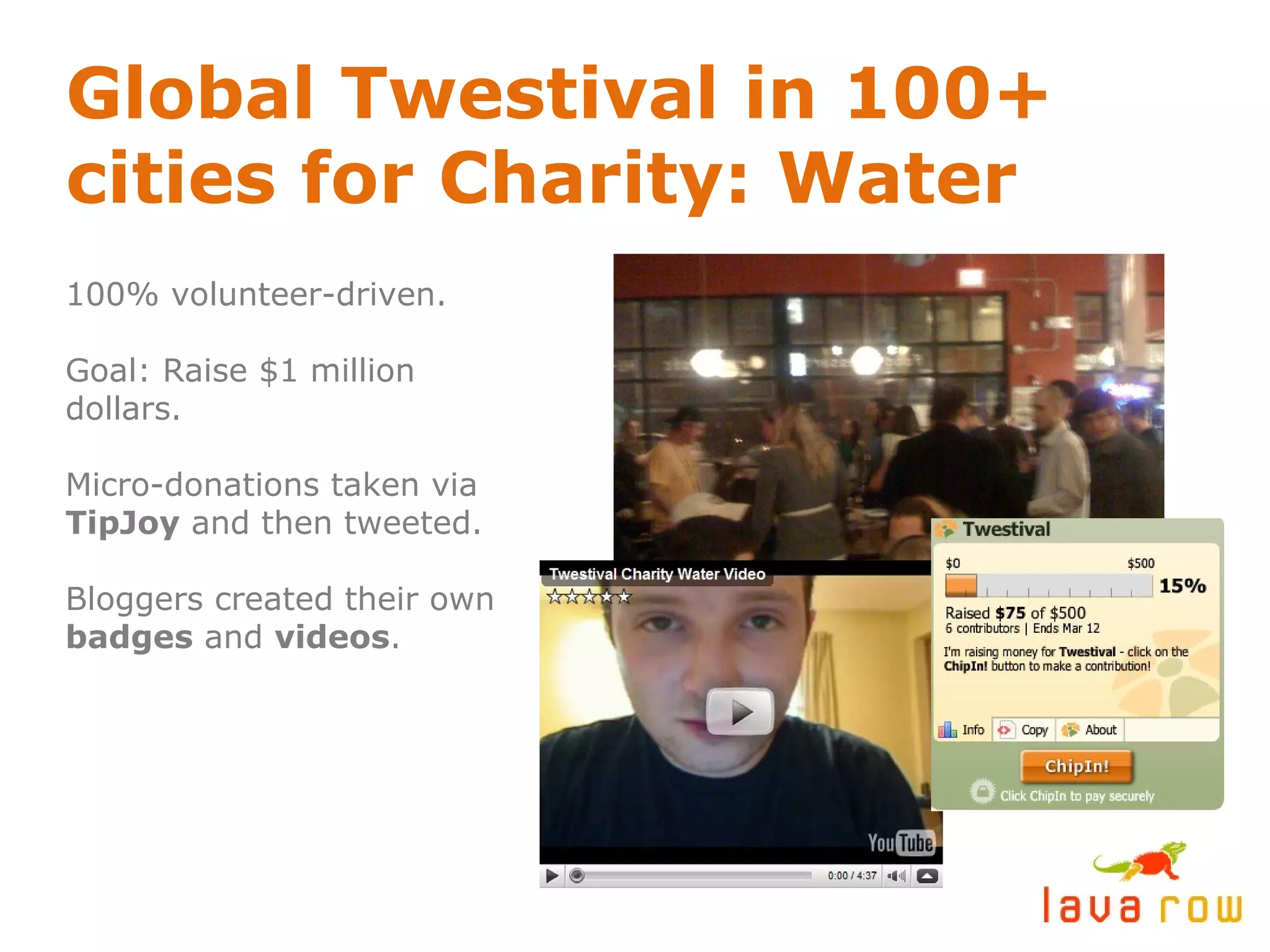
Global Twestival in 100+ cities for Charity: Water 100% volunteer-driven. Goal: Raise $1 million dollars. Micro-donations taken via  TipJoy  and then tweeted. Bloggers created their own  badges  and  videos .
Some resources for nonprofits: http://beth.typepad.com  (Beth Kanter’s blog) About.com: 12 tips for nonprofits on getting started with social media Chris Brogan’s blog posts about nonprofit use of social media Facebook Causes Case Study:  Twestival for Charity: Water
twitter:  @nathantwright 515-554-0502 [email_address] www.lavarow.com http://www.slideshare.net/nathantwright

An intro to Facebook and Twitter for nonprofits

  • 1.
    HOW NONPROFITS CANUSE FACEBOOK AND TWITTER Nathan T. Wright / Lava Row
  • 2.
    What is socialmedia? Blogs, social networks, podcasts, message boards, micro-sharing, lifestreams, etc. People having conversations online A shift from broadcast to peer-to-peer Evolution of human communication Hundreds of new tools & technologies
  • 3.
  • 4.
    SOCIAL MEDIA is
“ Using the Internet to instantly collaborate, share information, and have a conversation about ideas and causes we care about.” Beth Kanter http://beth.typepad.com @kanter on twitter
  • 5.
  • 6.
  • 7.
    Facebook: A quicksummary 140 million+ active users Half of users are out of college; 25+ is fastest growing demographic. Advocacy and causes are popular on Facebook.
  • 8.
    Using Facebook’s CausesApplication Anyone with a Facebook account can create a Cause. Donations to Causes can benefit over 1 million 501(c)(3) nonprofits and presidential campaigns. Individuals can leverage their network of friends (social graph) to initiate grassroots change. “ Equal opportunity activism.”
  • 9.
    Susan G. Komenfor the Cure Facebook Cause 318,336 members and $12,330 donated as of February 2009. Incredible stories being shared on “The Wall.”
  • 10.
    Use Facebook toorganize and promote your events
  • 11.
    Create a brandedpage for your nonprofit Use as a central hub for all your social media & web efforts. Hook in your blog posts via RSS feed. Build & communicate with your community. Recruit volunteers.
  • 12.
    What the heckis Twitter? A microblogging social network with 5 million+ users. Updates (“tweets”) are 140 characters or less. Tweets can be sent and received via text (SMS).
  • 13.
    An example ofthe 140-character limit:
  • 14.
    Twitter Explained: Yourconsciousness, syndicated. An online, 24/7 cocktail party. Powerful in hyperlocal geographic pockets. Twitter users gather in real life – “ tweetups .” Great way to connect w/ local & nat’l media. Best focus group ever. Efficient communication.
  • 15.
    Getting started onTwitter: Subscribe to relevant tweeps - other nonprofits and like-minded individuals on Twitter. (Yes, it’s acceptable to “follow” someone on Twitter who you haven’t met yet.) Post often and be responsive . Answer questions. You get out of it what you put into it. To reference other users in your updates, use the @ symbol in front of their username. (Example: @hillabean) Mingle, don’t shout. Behave like you would at a networking event or cocktail party. This builds your social capital .
  • 16.
    Twitter + Memes= Twemes!
  • 17.
    Twitter: Frivolous orPowerful? How frozen peas started a movement Thousands of Twitter users incorporated frozen peas into their avatars to show support for blogger and cancer patient Susan Reynolds. A Frozen Pea Fund was created, inspired by Susan Reynolds.
  • 18.
    Global Twestival in100+ cities for Charity: Water 100% volunteer-driven. Goal: Raise $1 million dollars. Micro-donations taken via TipJoy and then tweeted. Bloggers created their own badges and videos .
  • 19.
    Some resources fornonprofits: http://beth.typepad.com (Beth Kanter’s blog) About.com: 12 tips for nonprofits on getting started with social media Chris Brogan’s blog posts about nonprofit use of social media Facebook Causes Case Study: Twestival for Charity: Water
  • 20.
    twitter: @nathantwright515-554-0502 [email_address] www.lavarow.com http://www.slideshare.net/nathantwright