

Ellyssa Kroski
Emerging Technologies and Web Services Librarian
                         Barnard College Library
Take Aways
Take-Aways
• Discover what your online presence
  currently consists of
• Develop strategies for creating a
  successful online presence
• Ti f maintaining your online presence
  Tips for    i i i            li
Your Online Presence
• Personal “brand” established through:
  – Social media profiles
  – Personal Web pages
  – Blogs
  – Articles
  – Photos
  – Videos
      deos
  – Reviews
  – Comments
  – Forum postings, etc.
What Does Your Current
Online Presence Consist of?

           What I f
           Wh Information i Already
                       i is Al d
              Online About You?

What Kinds of Images Could a
 Potential Employer Find?
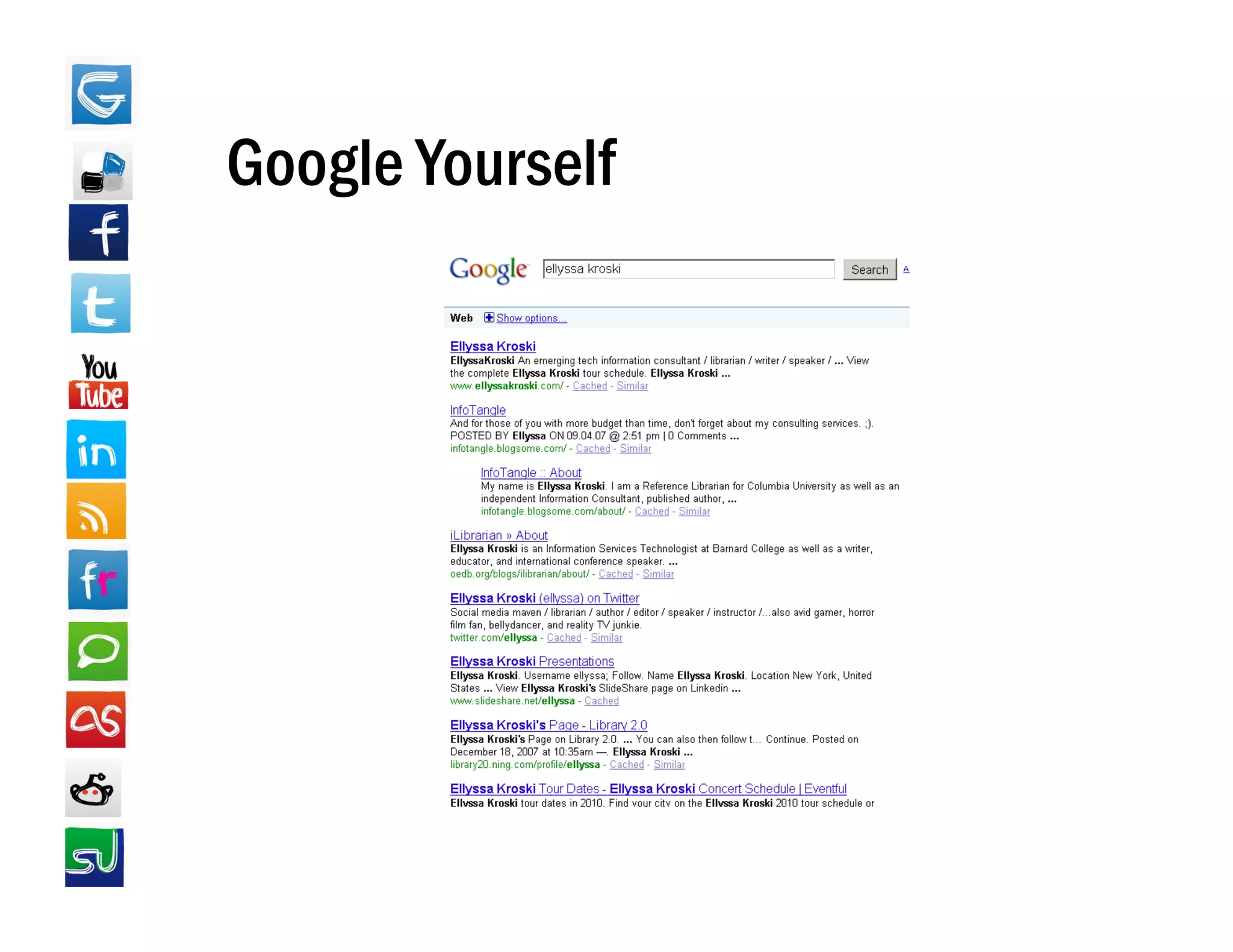
Vanity Searching
•   Google (google com)
            (google.com)
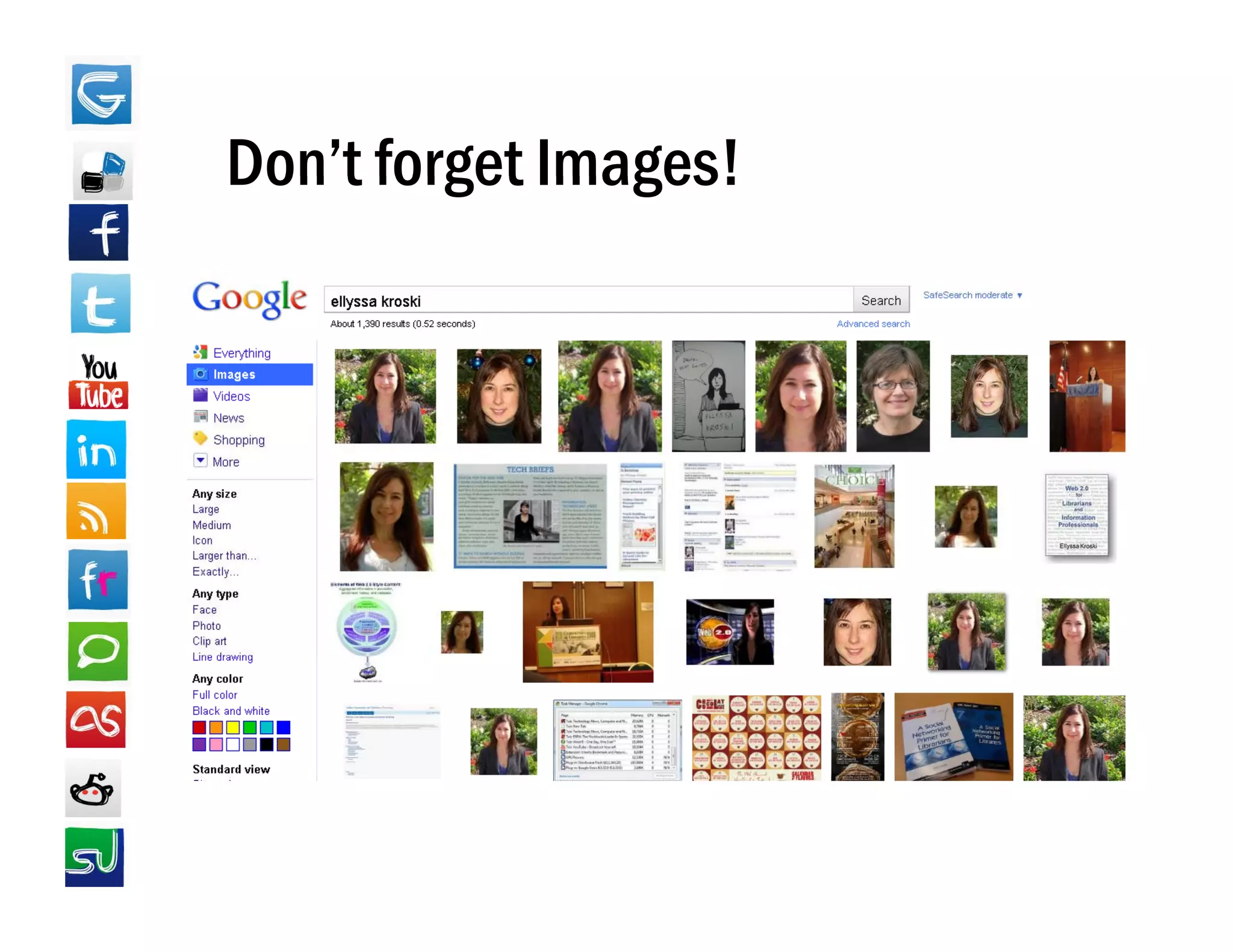
•   Google Images (images.google.com)
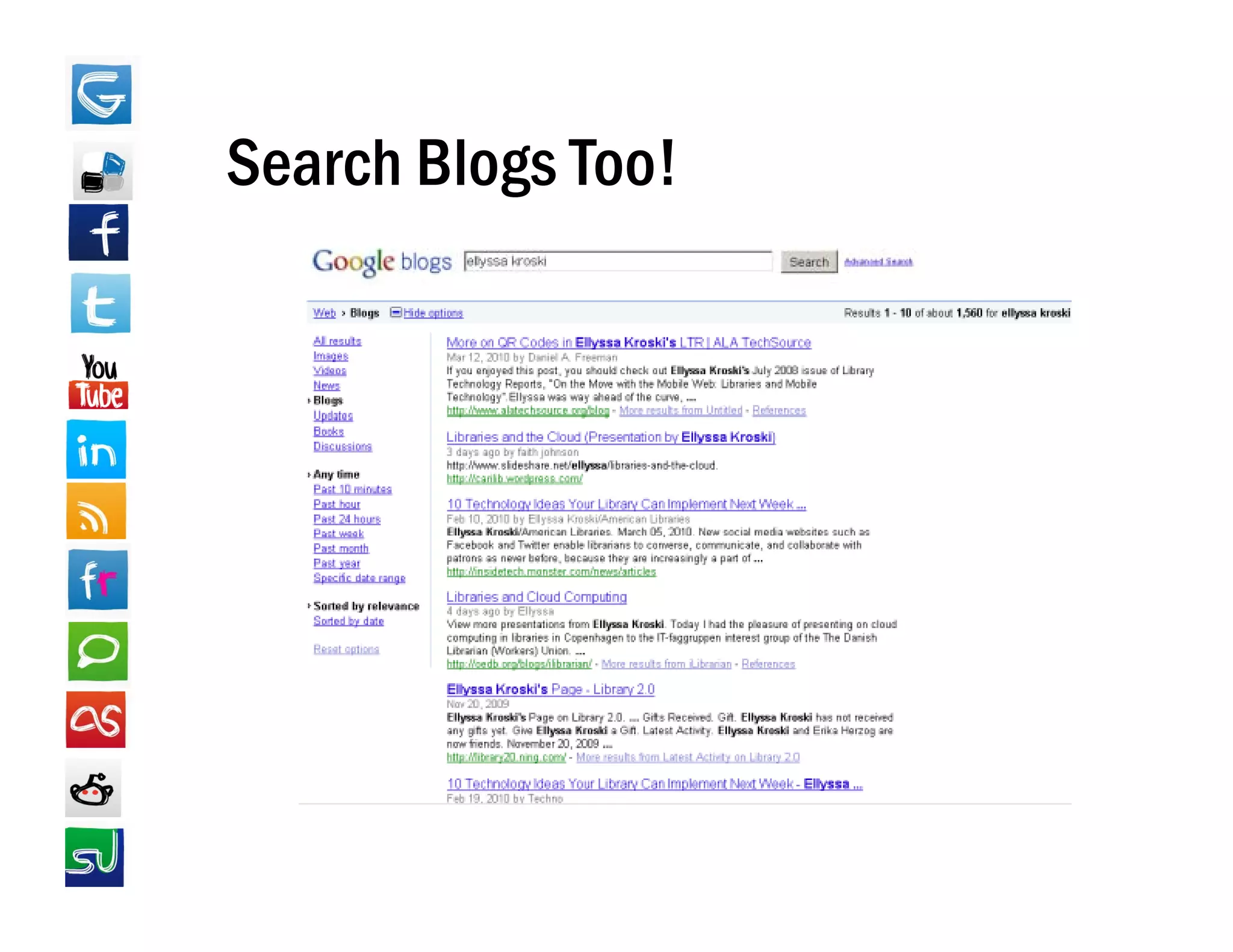
•   Google Blogs (blogsearch.google.com)
    G
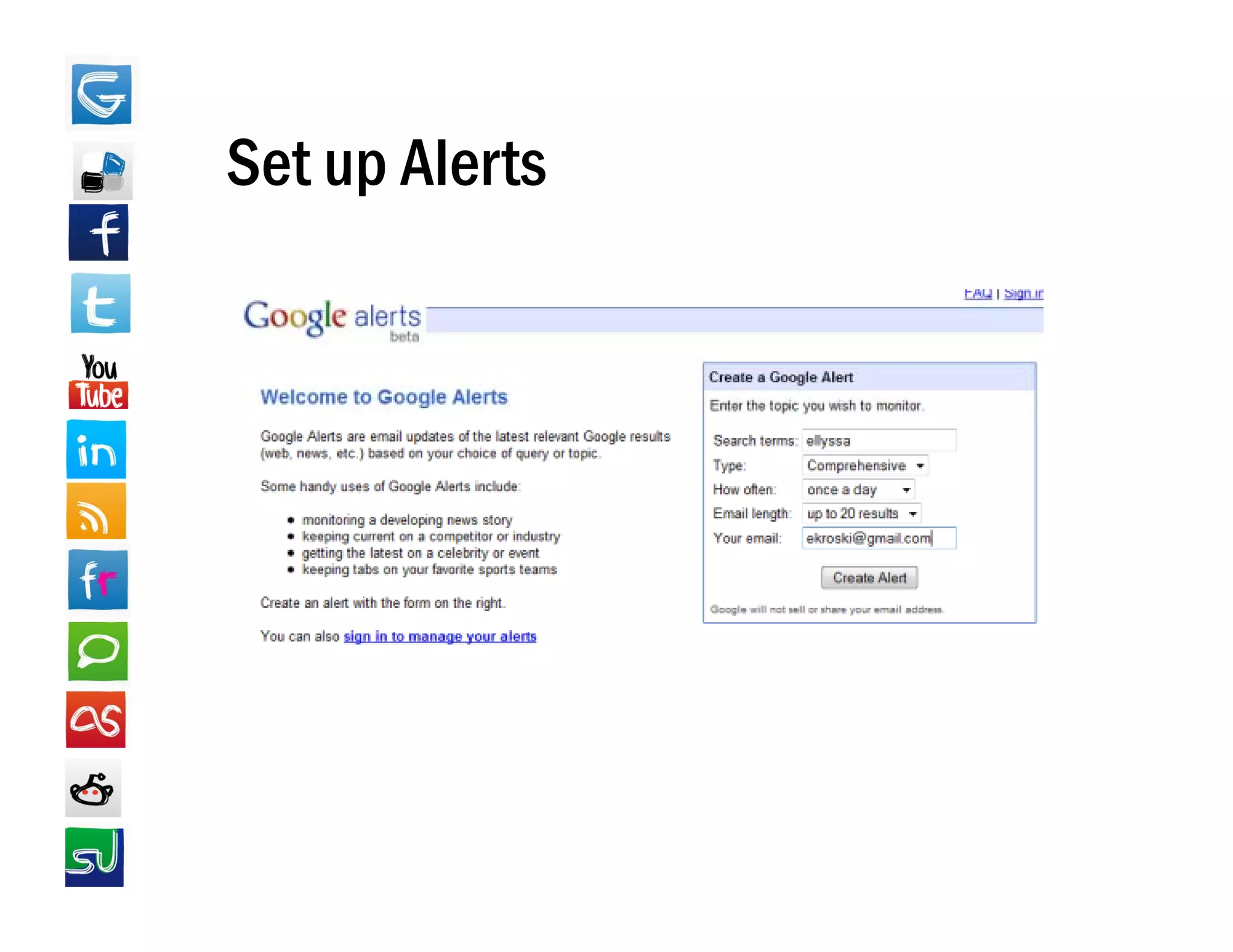
•   Google Alerts (google.com/alerts)
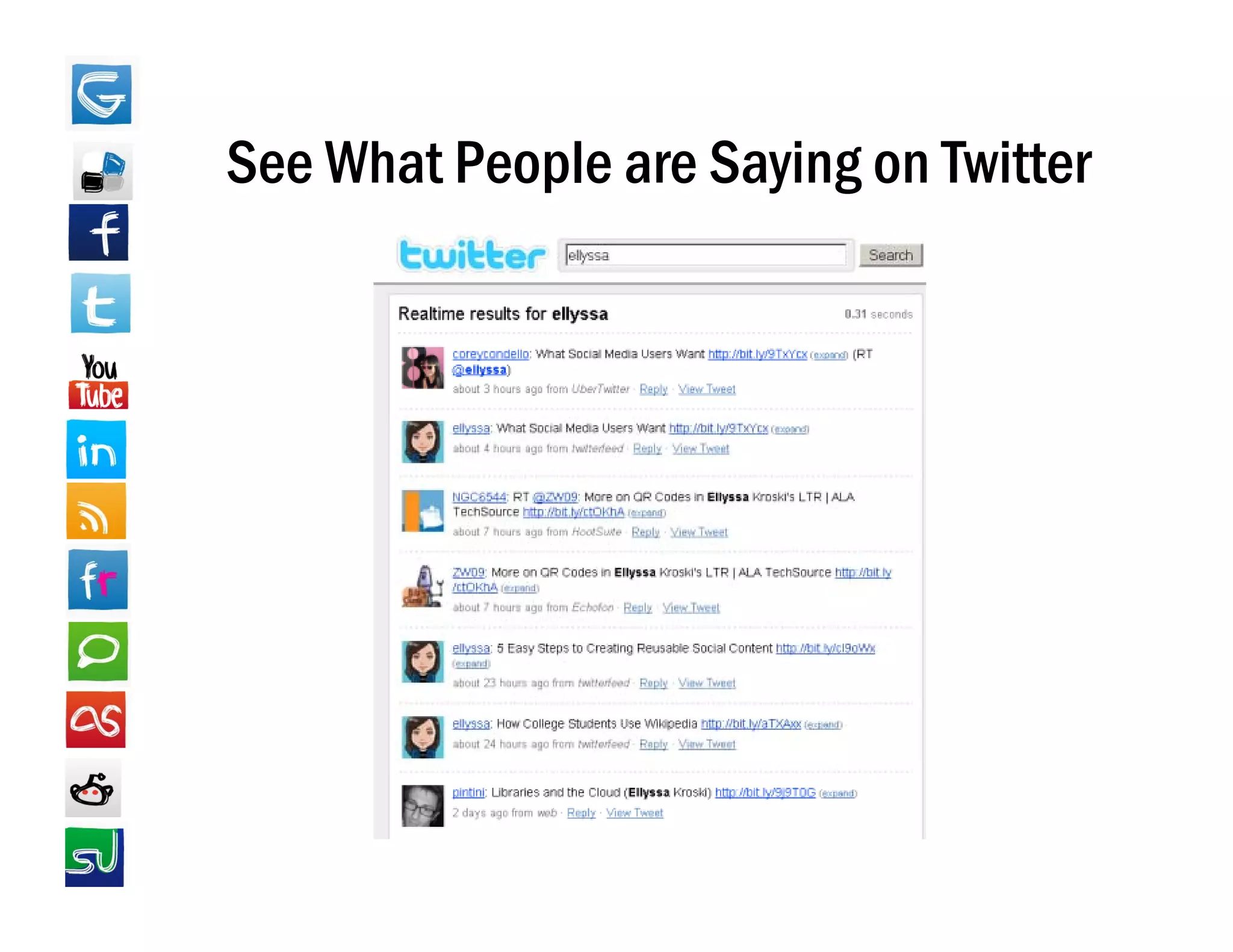
•   Twitter Search (search.twitter.com)
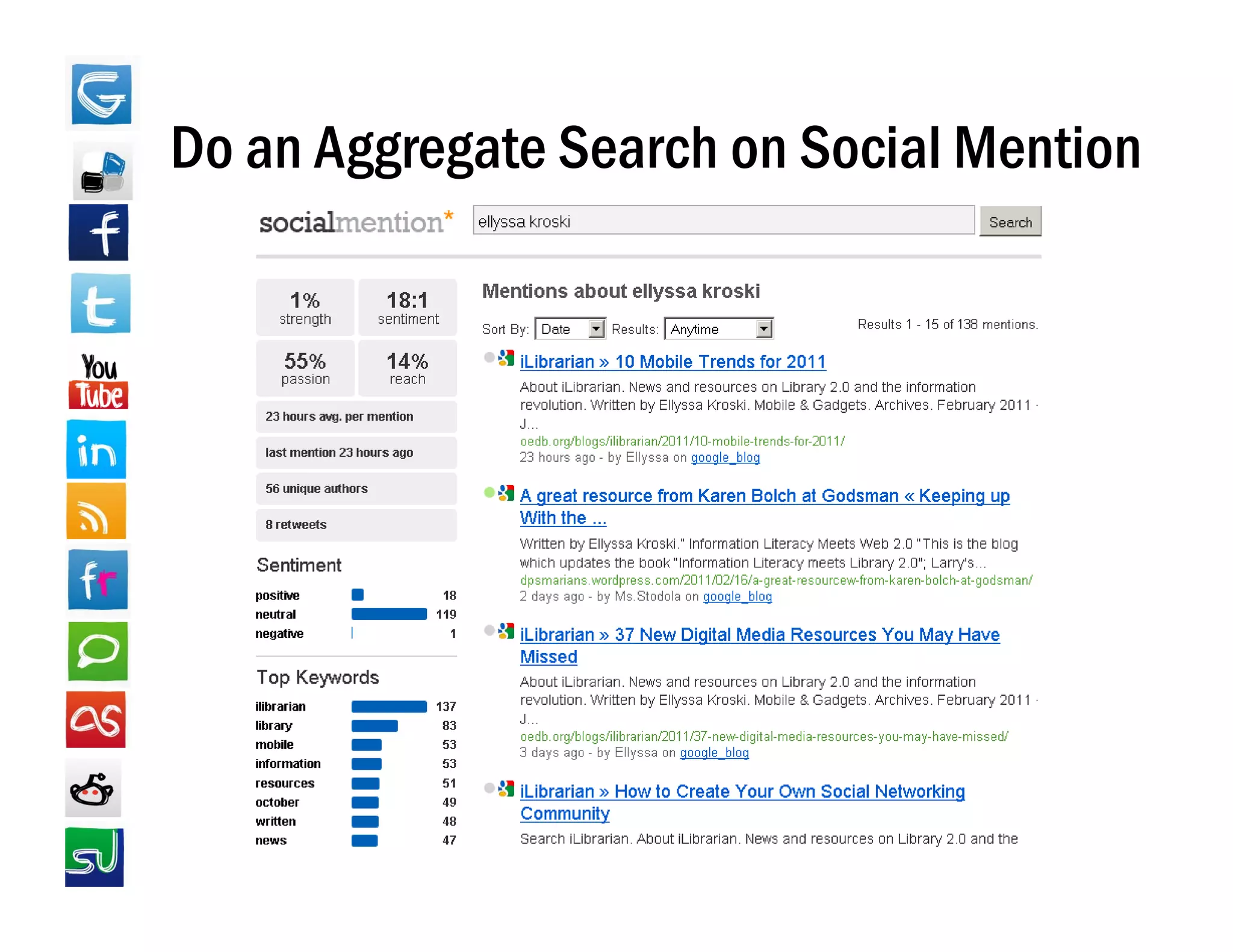
•   Social Mention (socialmention com)
                    (socialmention.com)
Google Yourself
Don t
Don’t forget Images!
Search Blogs Too!
Set up Alerts
See What People are Saying on Twitter
Do an Aggregate Search on Social Mention
       gg g
Online Reputation Management
• Discover it
• Clean it up
  –RRemove unflattering profile information
                fl tt i       fil i f    ti
  – Delete hastily written comments
  – Request unfavorable content on others’
    sites (photos, videos, etc.) be removed. (In a
    recent Pew Internet & American Life study 82% of people
                                        study,
    who requested content be removed were successful).

• Restrict it though privacy settings
Creating Your Online Presence
• Channels to Consider:
  – Professional Webpage
  – Blog
  – Facebook
  – T itt
    Twitter
  – LinkedIn
  –Y T b
    YouTube
  – Friendfeed
Strategy Tips
• Use domain names & vanity URLs
• Use the same username on all social media sites
• Use the same/similar bio on all sites
• Use th
  U the same avatar/profile image on all sites
                     t / fil i              ll it
• Cross-link your profiles across channels
• See which sites come up first in Google s search
                                    Google's
  results for you, be sure they look great!
• Have personality…but don’t overshare
        p          y
• Use privacy settings!!!
The Elevator Pitch
• "Master" bio statement
   Master
  – Brief paragraph describing current position,
    achievements,
    achievements or accolades
• “Blurb” based on bio statement
  – Quick one sentence self summary
    Quick, one-sentence self-summary
• Save both of these bios and use in profile
  descriptions across all social networks
  d    i ti            ll    i l t k
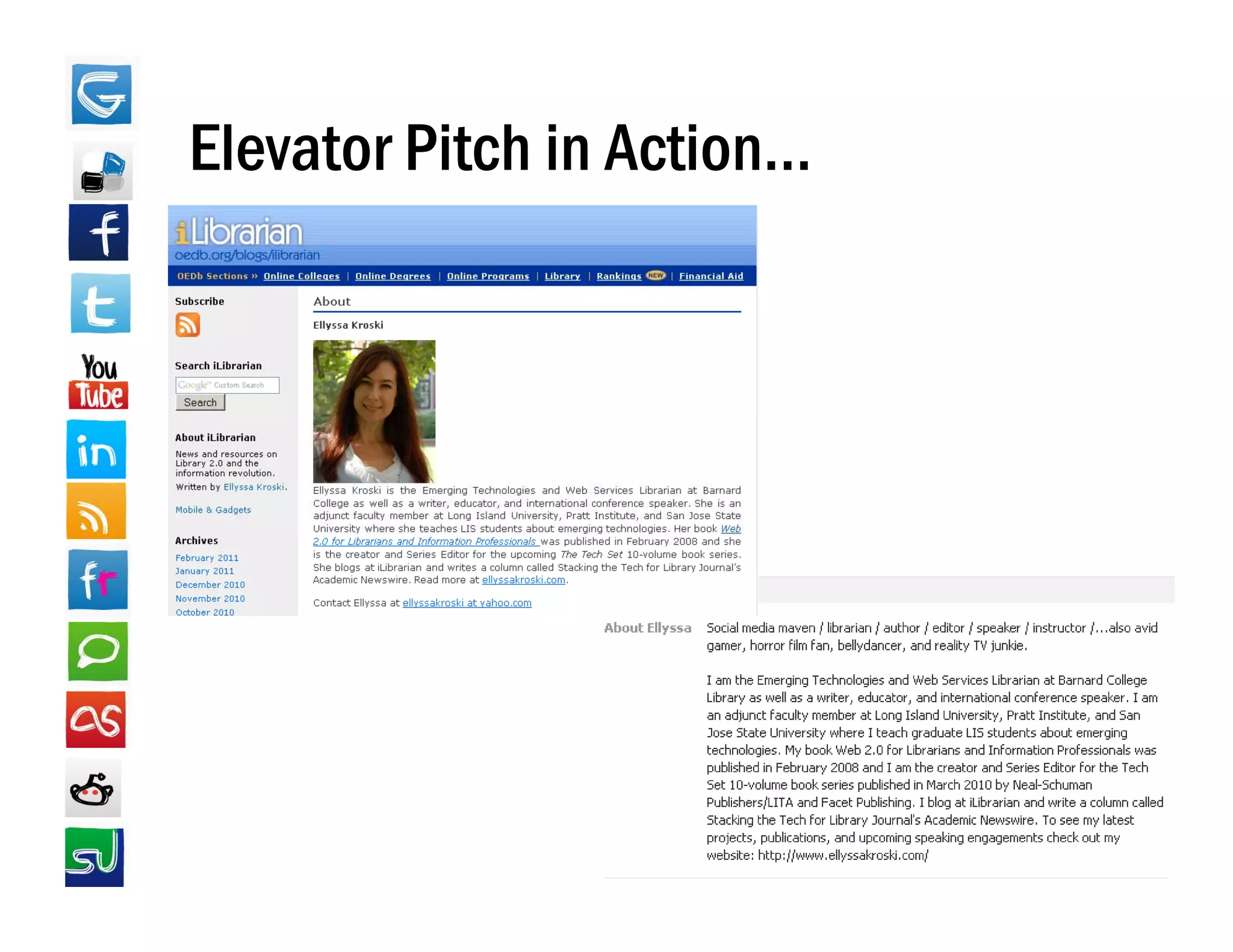
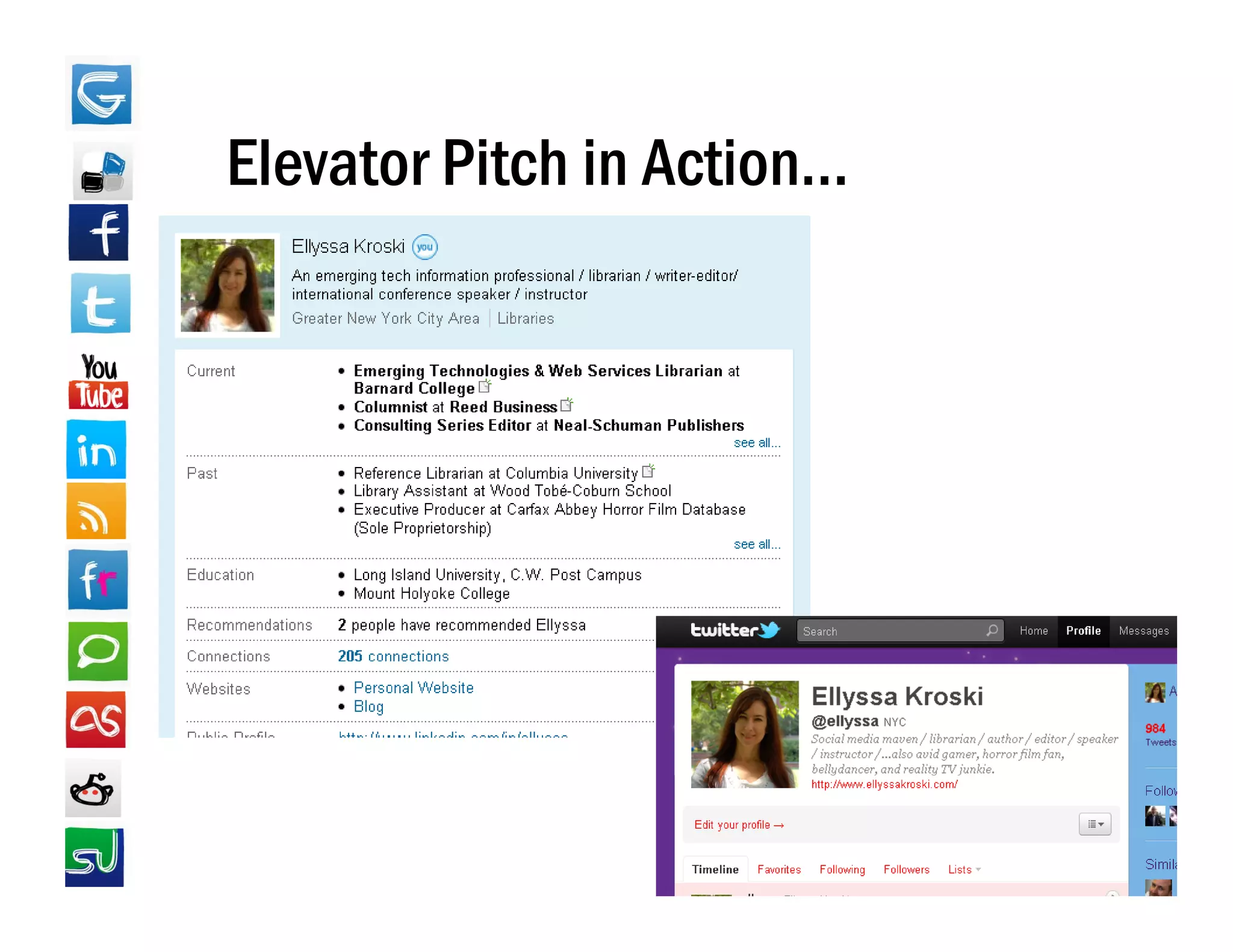
Elevator Pitch in Action…
Elevator Pitch in Action
                  Action…
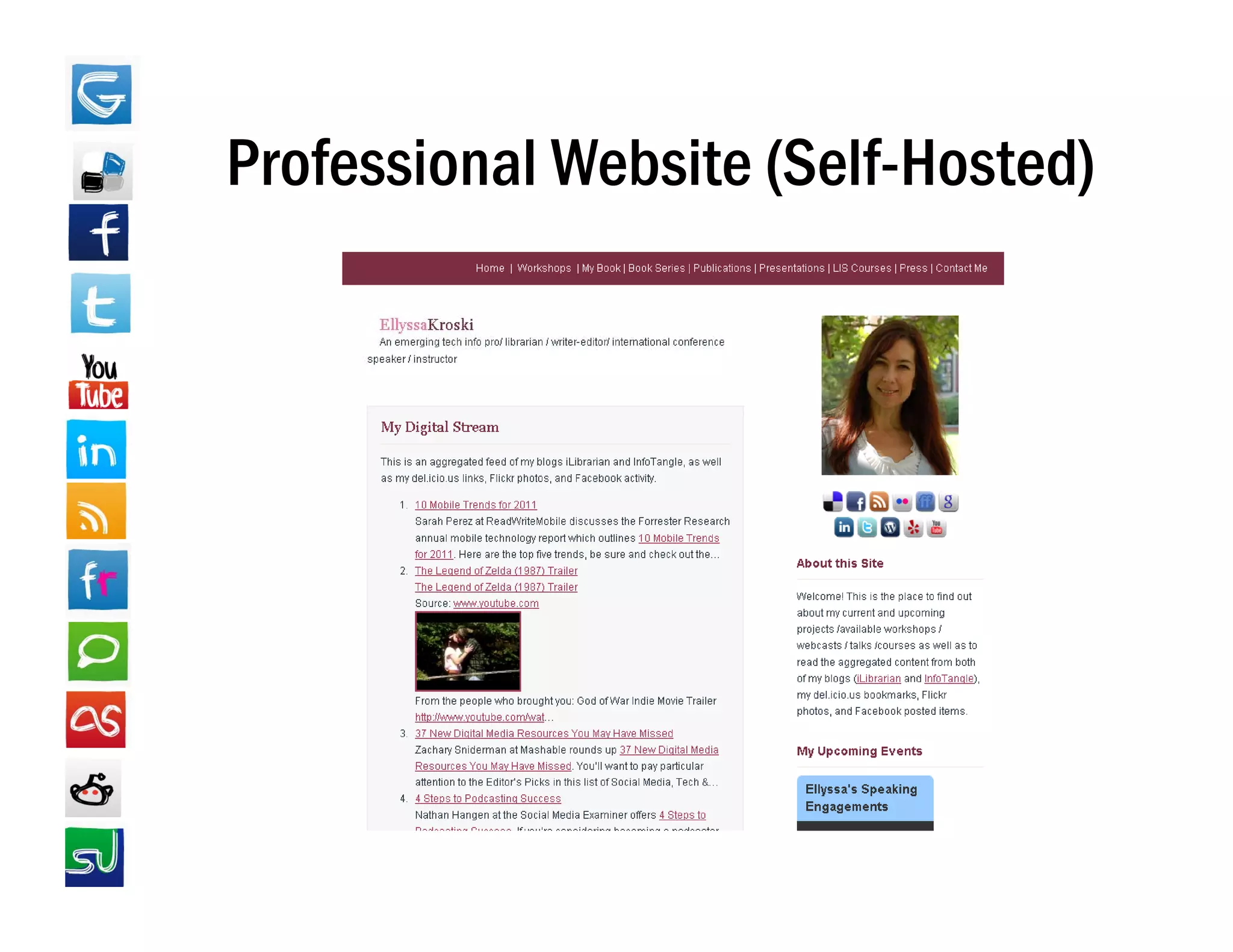
Professional Website (Self-Hosted)
                     (Self Hosted)
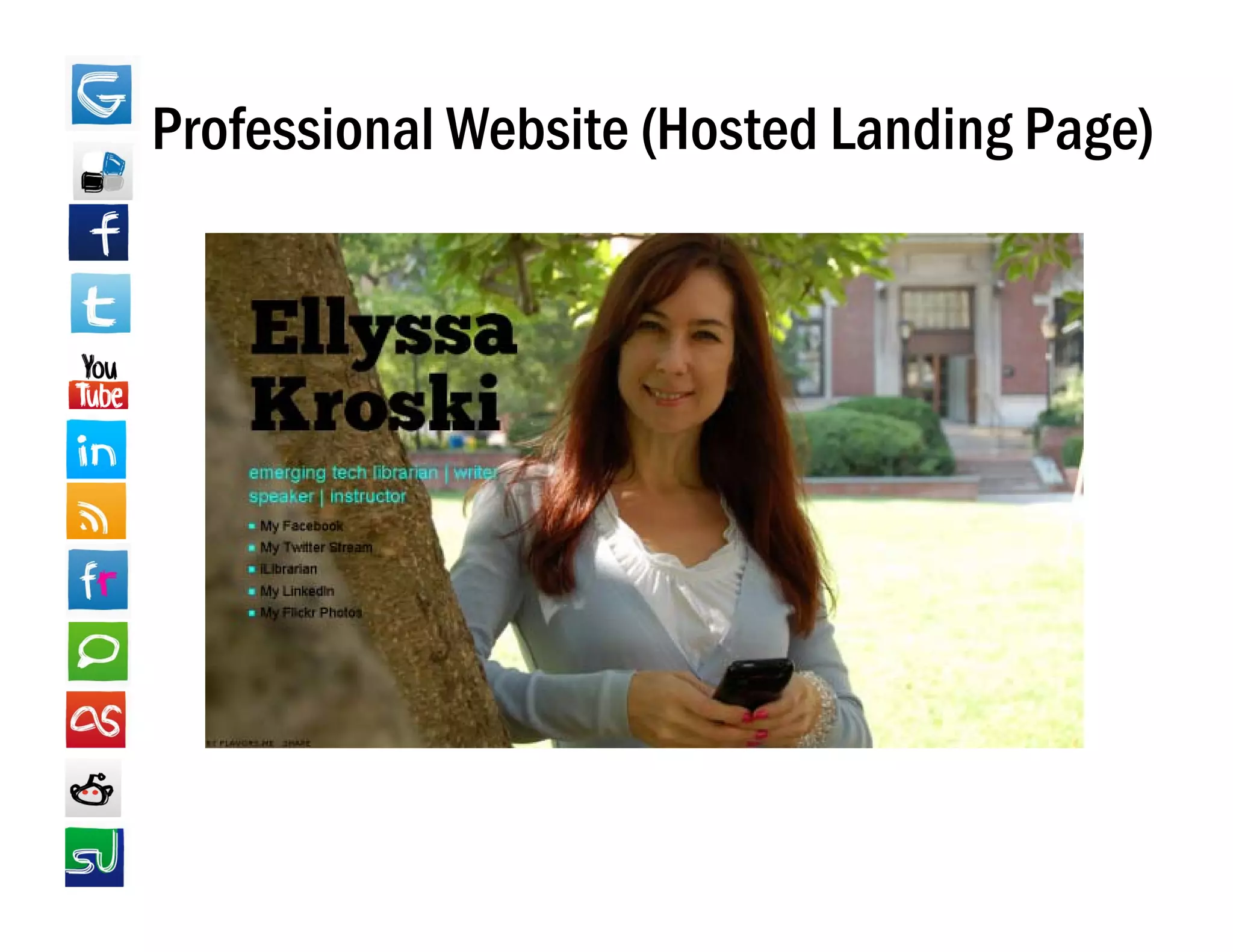
Professional Website (Hosted Landing Page)
Hosted Landing Pages
 • Flavors.me
   – http://flavors me
     http://flavors.me
 • About.me
   – https://about.me
 • Card.ly
   – http://card.ly
 • Chi.mp
   – http://chi.mp
 • Magnitize
   – http://magntize.com
 • CarbonMade
   – http://carbonmade.com
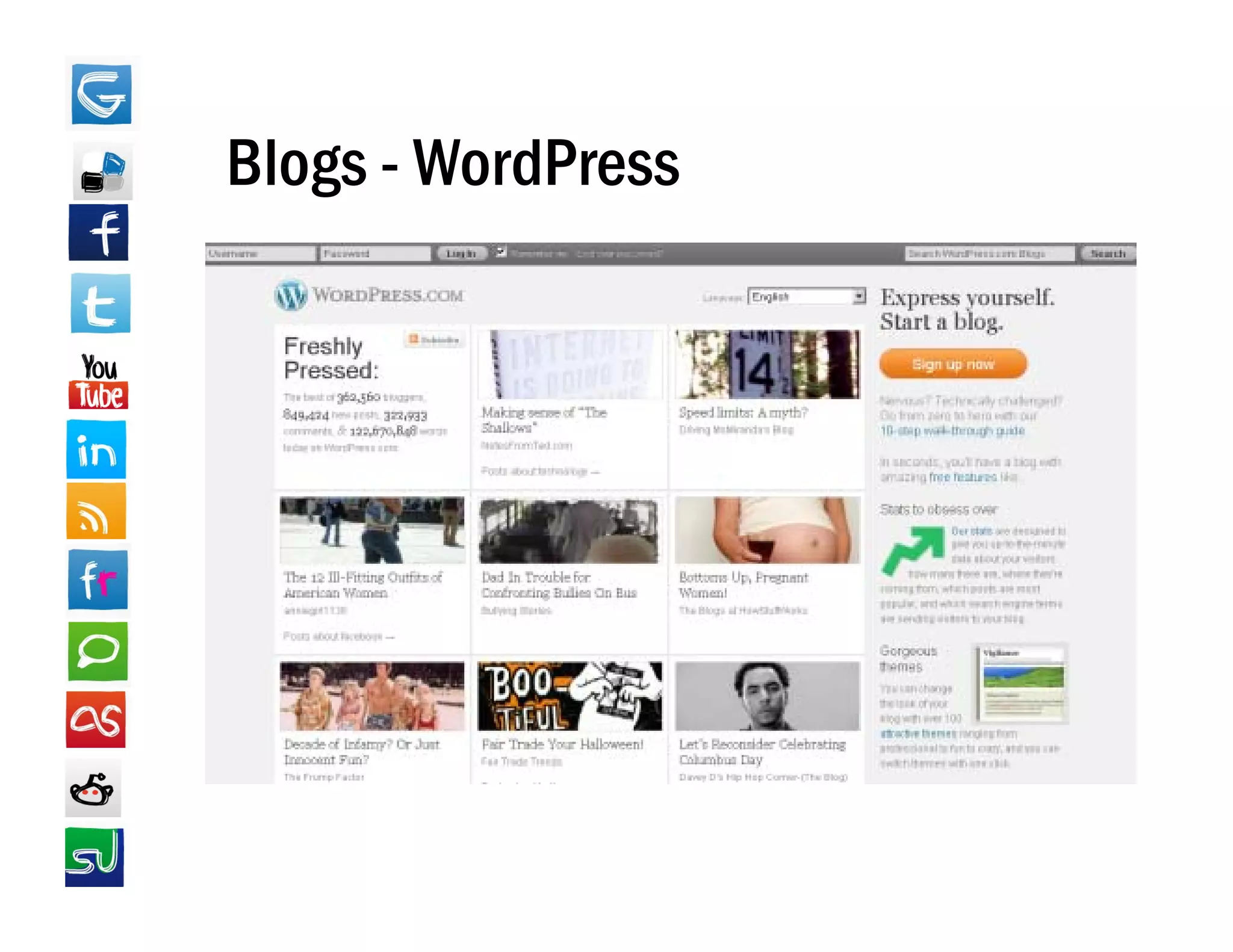
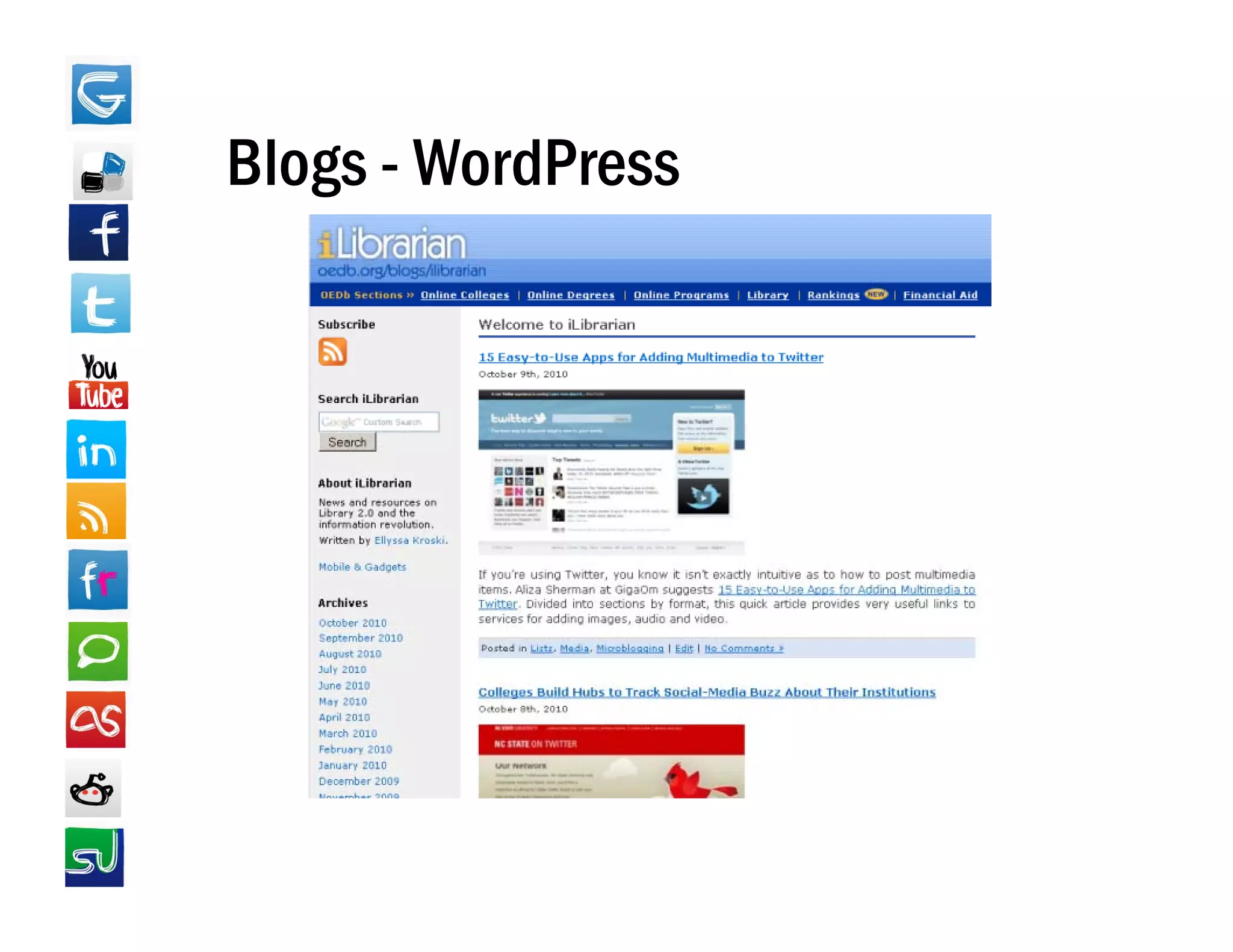
Blogs - WordPress
Blogs - WordPress
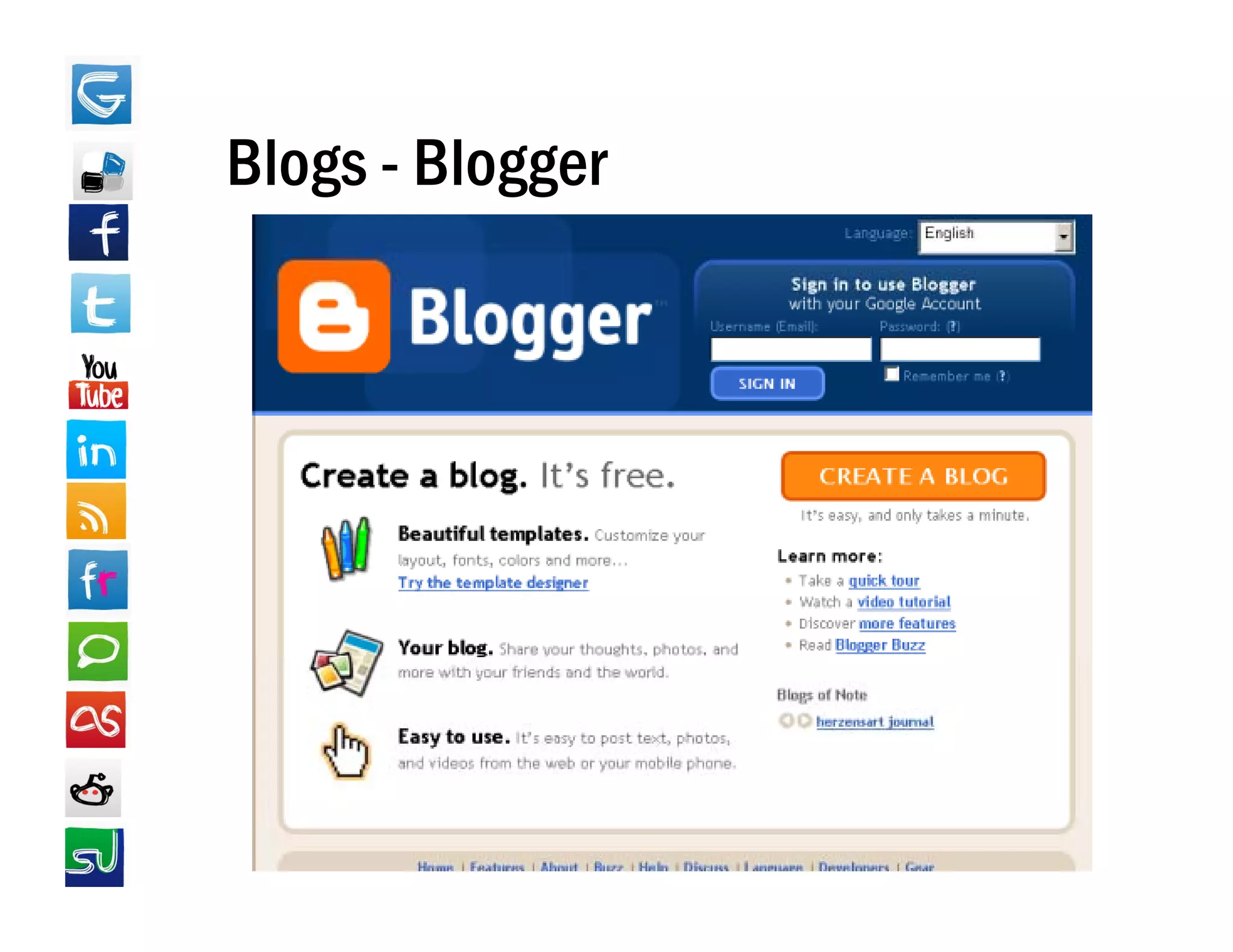
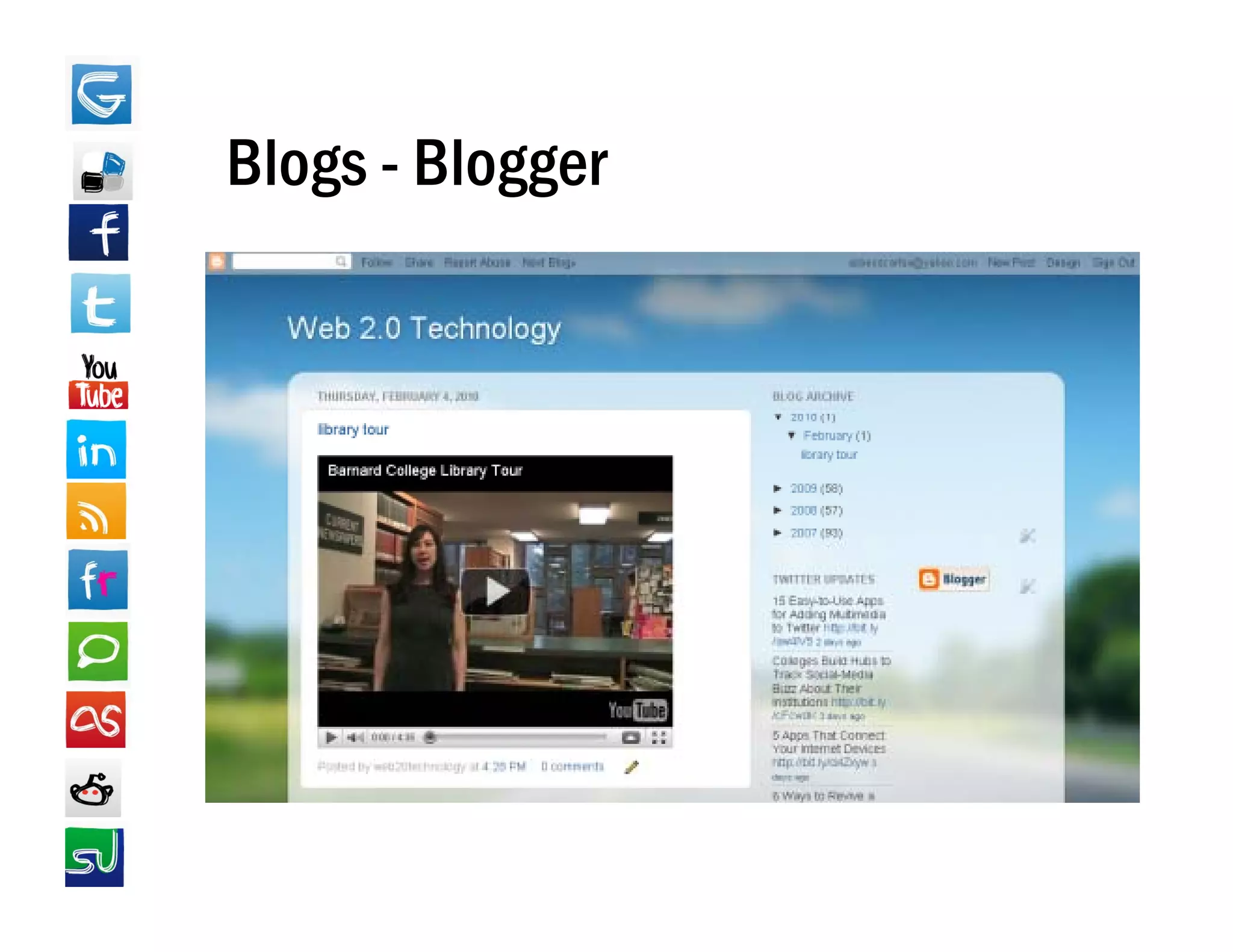
Blogs - Blogger
Blogs - Blogger
Facebook
• Profile Tips
            p
   – List your current and past positions so that
     others in your field can identify you.
   – Link to your blog, your website, your Twitter and
                  blog       website
     LinkedIn accounts, etc.
   – Use the same profile image for consistency
     across networks
             networks.
   – Have your profile reflect your personality, but
     we don't need to know everything!!
   – Claim your vanity URL
   – Balance the personal and the professional by
     using Friends Lists
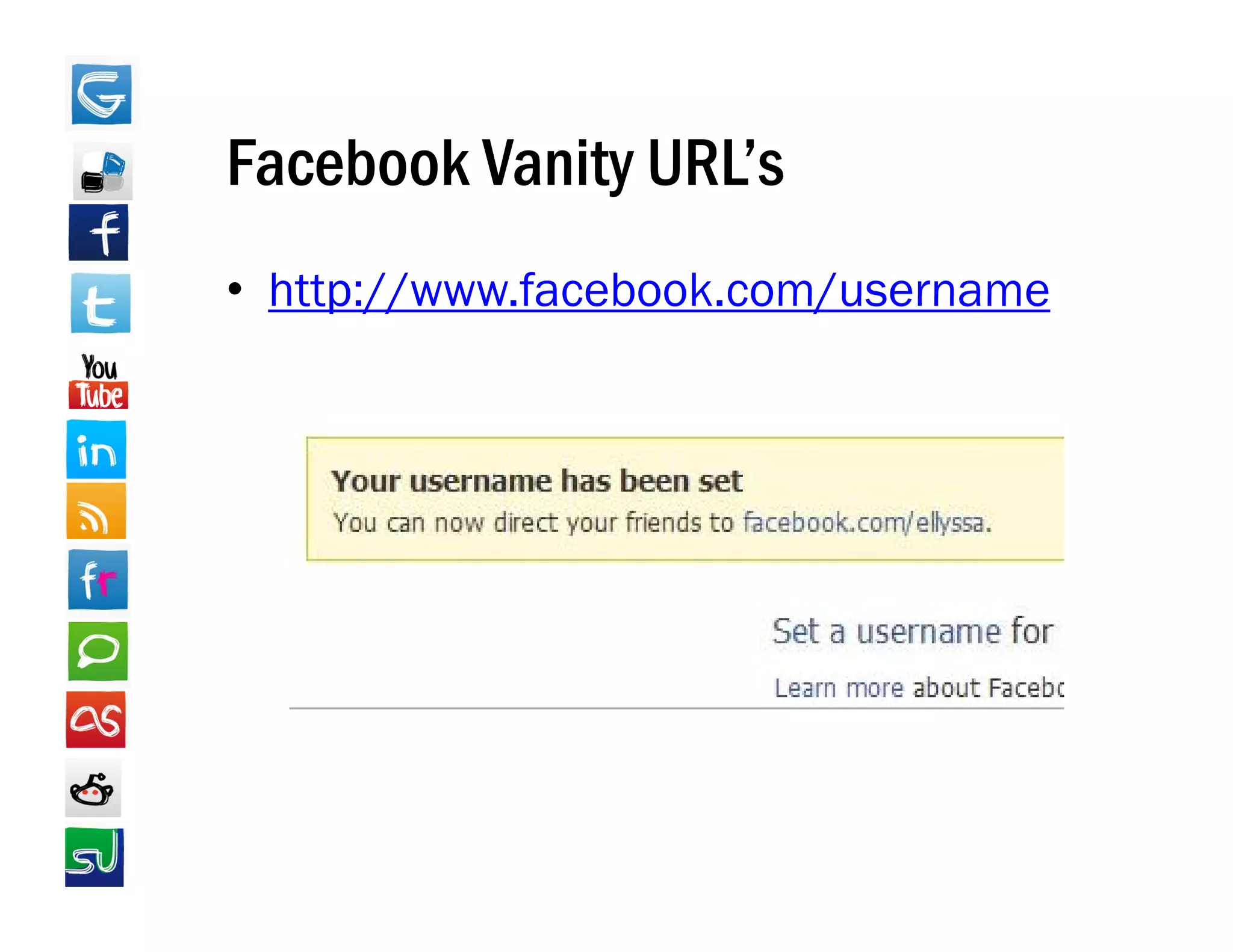
Facebook Vanity URL’s
                URL s
• http://www facebook com/username
  http://www.facebook.com/username
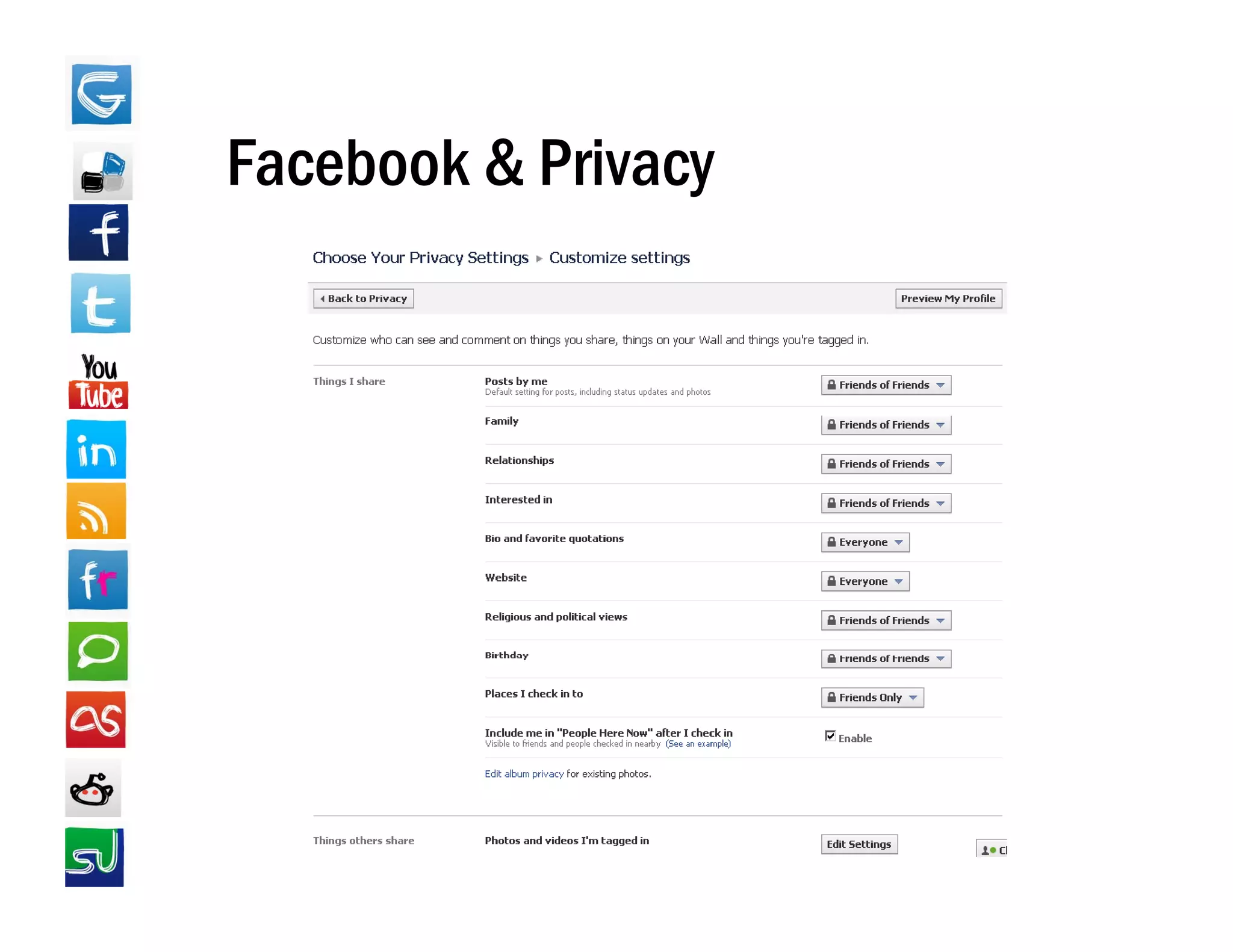
Facebook & Privacy
• Profile Information
   – Control who can see what profile information, including:
                                      information
      • If people see Tagged Photos/Videos of you
      • Who can post to your Wall
      • Who can comment on your Posts
   – The Profile Preview
• Contact Information
   – Who's allowed to see what contact info & email
     addresses
• Applications and Websites
   – What kinds of information other people can share about
     you on their websites
• Apps & Websites -> Public Search
   – Control whether your FB page appears in Google/Web
     searches
Facebook & Privacy
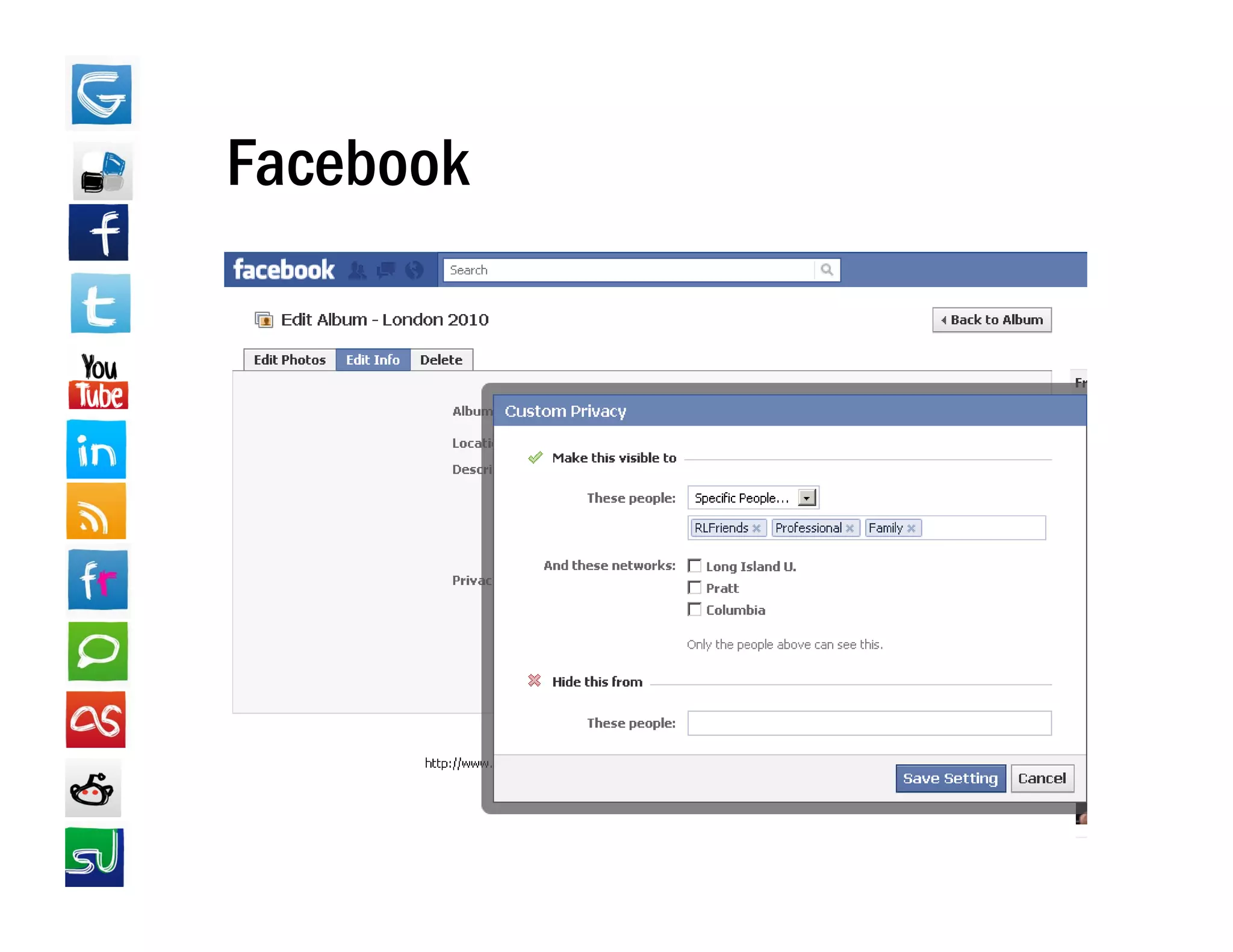
Facebook & Friends Lists
• Create lists of friends such as personal,
  professional, school, etc.
• Use those lists to control what status
  updates and photo albums, etc. people
  can see.
Facebook
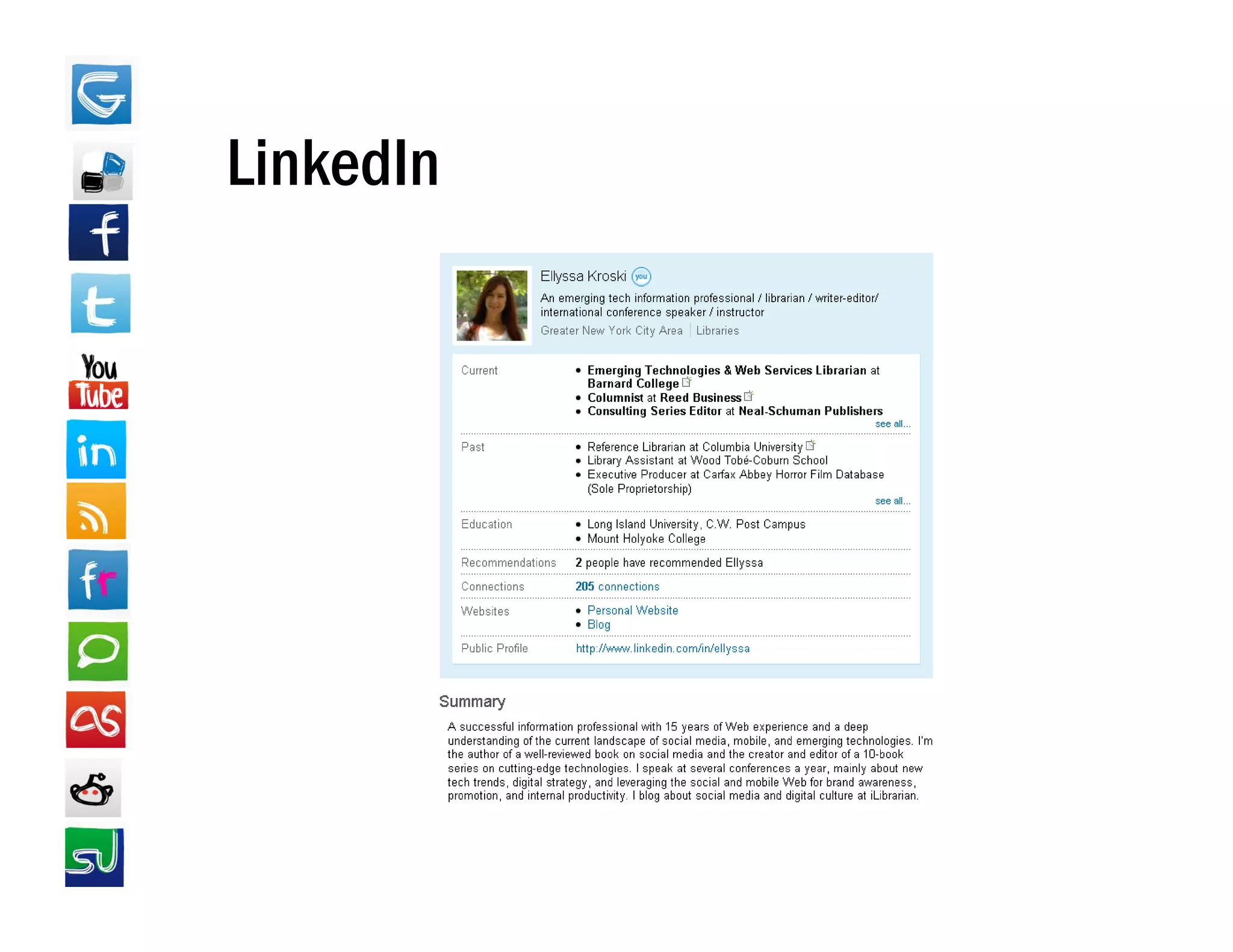
LinkedIn
• Find a job or just network with others in
  your field
• Potential employers may find you before
  you find them
• R
  Recommendations from previous
               d i     f        i
  employers
• Full control over how much of your profile
  you want displayed publicly
LinkedIn
LinkedIn Tips
• Import your current resume
• Pay attention to LinkedIn percentage system
• Link to all of your social media profiles,
  website, and blog in the "Websites" section
• Request recommendations!
     q
• Make periodic status updates & comments
  to stay visible in networks' streams
• Add widgets
• Join Groups
• Answer Questions
Managing Your Online Presence
• Keep active through status updates
• Monitor your brand through periodic
  vanity searching
• Update all profiles at once
• Network through comments,
  recommendations, answers, group
  activities, etc.
• Keep informed of changes to networks’
      p                   g
  privacy settings

How to Create & Manage Your Online Presence

  • 1.
    Ellyssa Kroski Emerging Technologiesand Web Services Librarian Barnard College Library
  • 2.
    Take Aways Take-Aways • Discoverwhat your online presence currently consists of • Develop strategies for creating a successful online presence • Ti f maintaining your online presence Tips for i i i li
  • 4.
    Your Online Presence •Personal “brand” established through: – Social media profiles – Personal Web pages – Blogs – Articles – Photos – Videos deos – Reviews – Comments – Forum postings, etc.
  • 5.
    What Does YourCurrent Online Presence Consist of? What I f Wh Information i Already i is Al d Online About You? What Kinds of Images Could a Potential Employer Find?
  • 6.
    Vanity Searching • Google (google com) (google.com) • Google Images (images.google.com) • Google Blogs (blogsearch.google.com) G • Google Alerts (google.com/alerts) • Twitter Search (search.twitter.com) • Social Mention (socialmention com) (socialmention.com)
  • 7.
  • 8.
  • 9.
  • 10.
  • 11.
    See What Peopleare Saying on Twitter
  • 12.
    Do an AggregateSearch on Social Mention gg g
  • 13.
    Online Reputation Management •Discover it • Clean it up –RRemove unflattering profile information fl tt i fil i f ti – Delete hastily written comments – Request unfavorable content on others’ sites (photos, videos, etc.) be removed. (In a recent Pew Internet & American Life study 82% of people study, who requested content be removed were successful). • Restrict it though privacy settings
  • 15.
    Creating Your OnlinePresence • Channels to Consider: – Professional Webpage – Blog – Facebook – T itt Twitter – LinkedIn –Y T b YouTube – Friendfeed
  • 16.
    Strategy Tips • Usedomain names & vanity URLs • Use the same username on all social media sites • Use the same/similar bio on all sites • Use th U the same avatar/profile image on all sites t / fil i ll it • Cross-link your profiles across channels • See which sites come up first in Google s search Google's results for you, be sure they look great! • Have personality…but don’t overshare p y • Use privacy settings!!!
  • 17.
    The Elevator Pitch •"Master" bio statement Master – Brief paragraph describing current position, achievements, achievements or accolades • “Blurb” based on bio statement – Quick one sentence self summary Quick, one-sentence self-summary • Save both of these bios and use in profile descriptions across all social networks d i ti ll i l t k
  • 18.
  • 19.
    Elevator Pitch inAction Action…
  • 20.
  • 21.
  • 22.
    Hosted Landing Pages • Flavors.me – http://flavors me http://flavors.me • About.me – https://about.me • Card.ly – http://card.ly • Chi.mp – http://chi.mp • Magnitize – http://magntize.com • CarbonMade – http://carbonmade.com
  • 23.
  • 24.
  • 25.
  • 26.
  • 27.
    Facebook • Profile Tips p – List your current and past positions so that others in your field can identify you. – Link to your blog, your website, your Twitter and blog website LinkedIn accounts, etc. – Use the same profile image for consistency across networks networks. – Have your profile reflect your personality, but we don't need to know everything!! – Claim your vanity URL – Balance the personal and the professional by using Friends Lists
  • 28.
    Facebook Vanity URL’s URL s • http://www facebook com/username http://www.facebook.com/username
  • 29.
    Facebook & Privacy •Profile Information – Control who can see what profile information, including: information • If people see Tagged Photos/Videos of you • Who can post to your Wall • Who can comment on your Posts – The Profile Preview • Contact Information – Who's allowed to see what contact info & email addresses • Applications and Websites – What kinds of information other people can share about you on their websites • Apps & Websites -> Public Search – Control whether your FB page appears in Google/Web searches
  • 30.
  • 31.
    Facebook & FriendsLists • Create lists of friends such as personal, professional, school, etc. • Use those lists to control what status updates and photo albums, etc. people can see.
  • 32.
  • 33.
    LinkedIn • Find ajob or just network with others in your field • Potential employers may find you before you find them • R Recommendations from previous d i f i employers • Full control over how much of your profile you want displayed publicly
  • 34.
  • 35.
    LinkedIn Tips • Importyour current resume • Pay attention to LinkedIn percentage system • Link to all of your social media profiles, website, and blog in the "Websites" section • Request recommendations! q • Make periodic status updates & comments to stay visible in networks' streams • Add widgets • Join Groups • Answer Questions
  • 37.
    Managing Your OnlinePresence • Keep active through status updates • Monitor your brand through periodic vanity searching • Update all profiles at once • Network through comments, recommendations, answers, group activities, etc. • Keep informed of changes to networks’ p g privacy settings