Introduction to Jenkins
Abe Diaz
@abe238
Who am I?
• Developer -> Evangelist -> Program/Product
• Mobile Program Manager @
• Jenkins Enthusiast
• Contact Info:
• Twitter: @abe238
• info@abediaz.com
What is Jenkins?
• Jenkins is an open source continuous integration tool
written in Java. The project was forked from Hudson after
a dispute with Oracle.
• Jenkins provides continuous integration services for
software development. It is a server-based system
running in a servlet container such as Apache Tomcat.
• Jenkins is an award-winning application that monitors
executions of repeated jobs, such as building a software
project or jobs run by cron.
And what is continuous integration?
• Continuous Integration (CI) is a development practice
that requires developers to integrate code into a shared
repository several times a day. Each check-in is then
verified by an automated build, allowing teams to detect
problems early.
And why do I need this again?
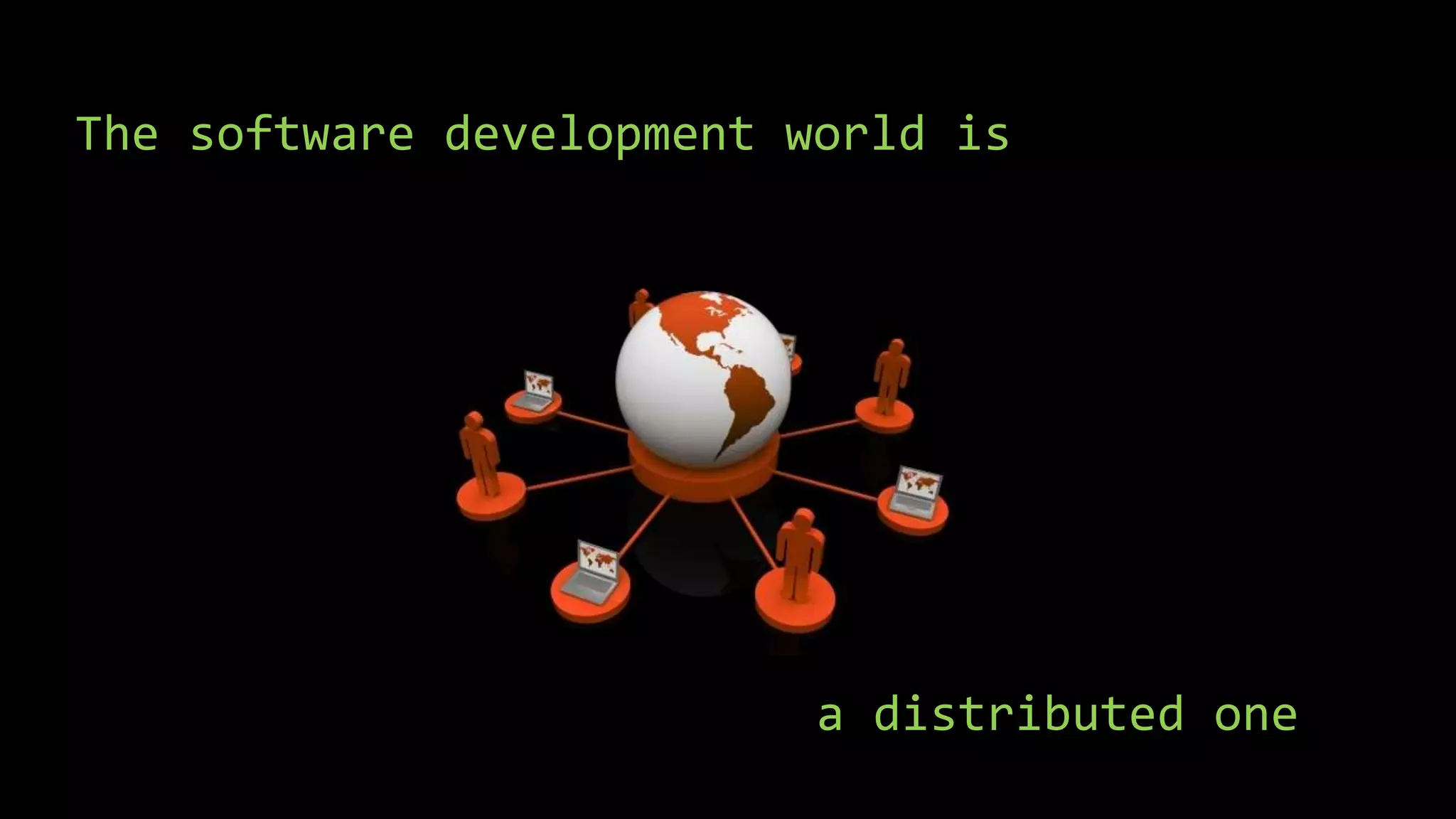
The software development world is
a distributed one
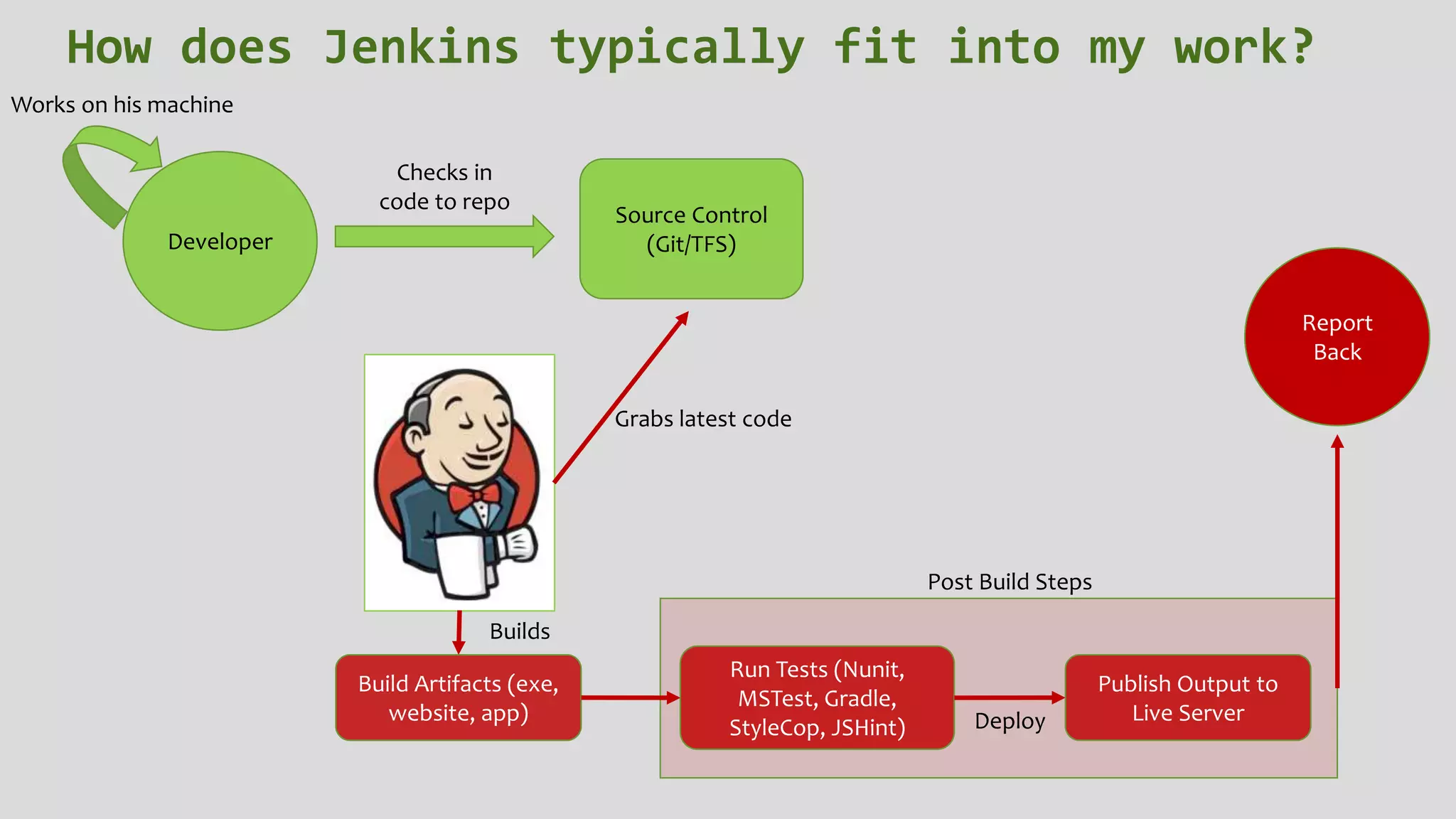
Developer
Works on his machine
Checks in
code to repo
Source Control
(Git/TFS)
Grabs latest code
Build Artifacts (exe,
website, app)
Builds
Run Tests (Nunit,
MSTest, Gradle,
StyleCop, JSHint)
Publish Output to
Live Server
Post Build Steps
Deploy
Report
Back
How does Jenkins typically fit into my work?
Before you start - Jenkins and SCM
• Jenkins and configuration management tools like Chef and Puppet go hand in
hand.
• The reason for it is to have consistent environments.
• You should script out your Jenkins install and configuration.
• Also useful when using nodes.
Installing Jenkins
• Jenkins-CI.org
• Chocolatey.org
• Prerequisites: JAVA
Demo
• Install Jenkins via Chocolatey
• Verify Jenkins is running
Job Types
• Freestyle
• External
• Multi-config
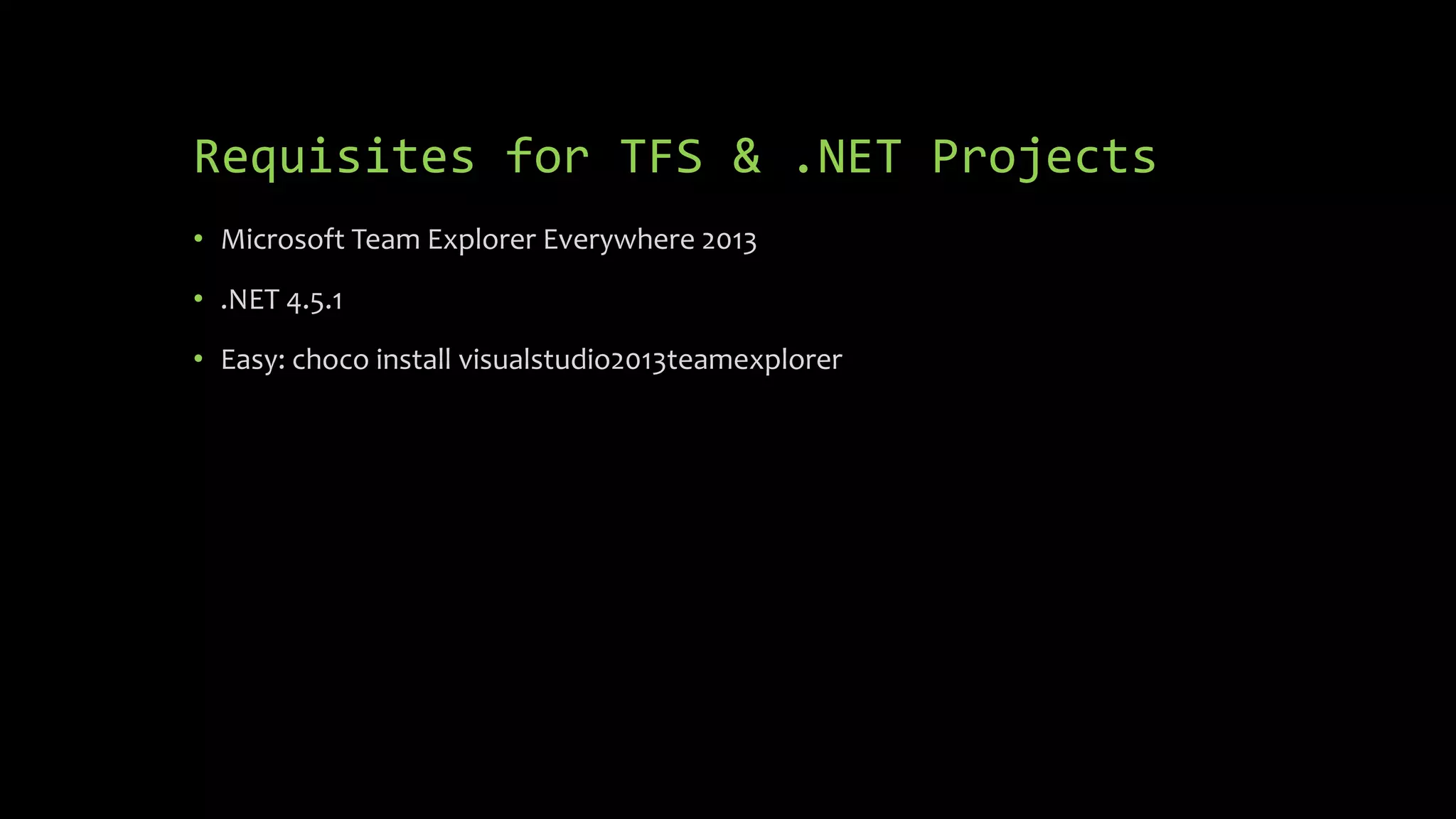
Requisites for TFS & .NET Projects
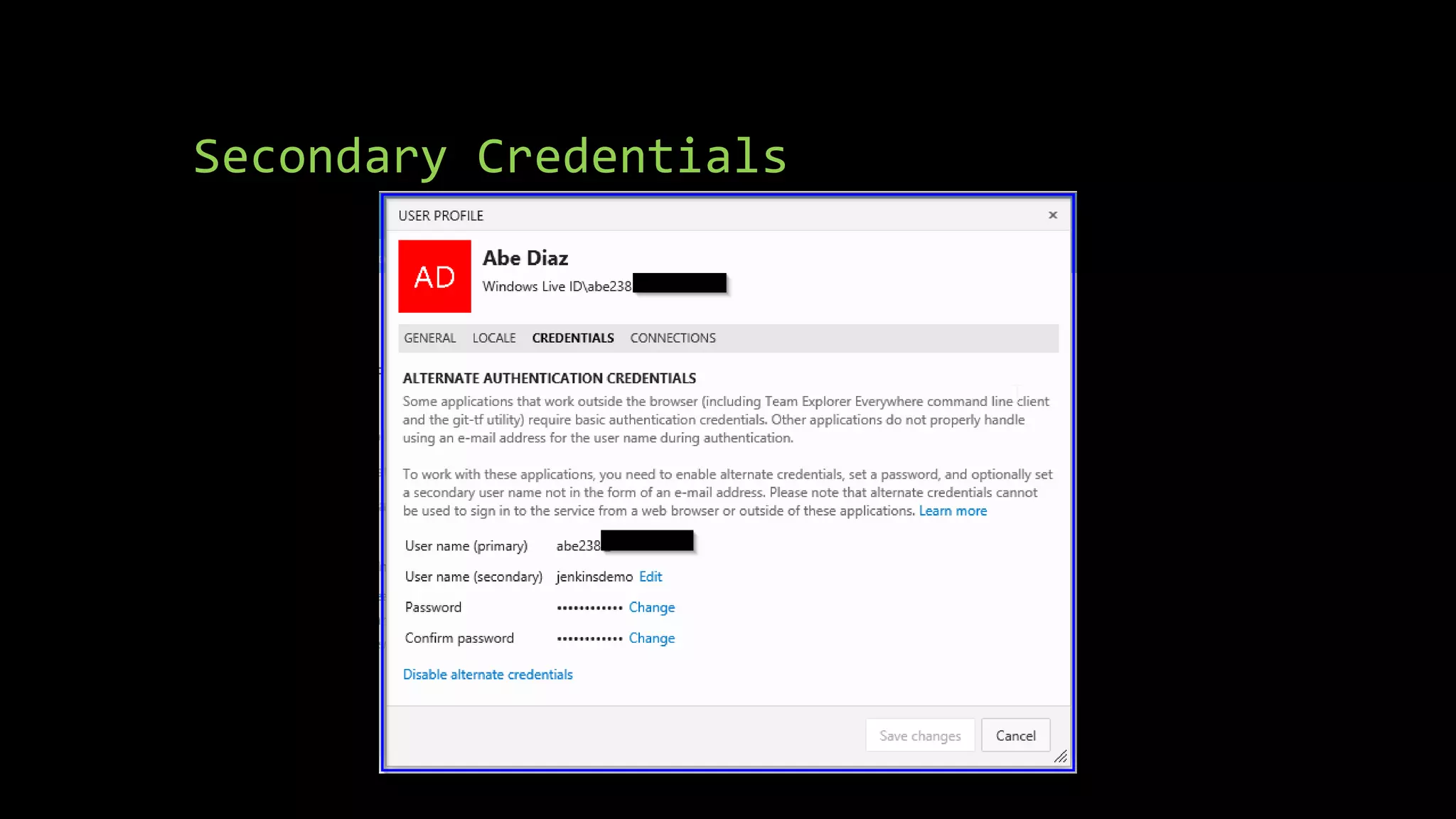
• Microsoft Team Explorer Everywhere 2013
• .NET 4.5.1
• Easy: choco install visualstudio2013teamexplorer
Secondary Credentials
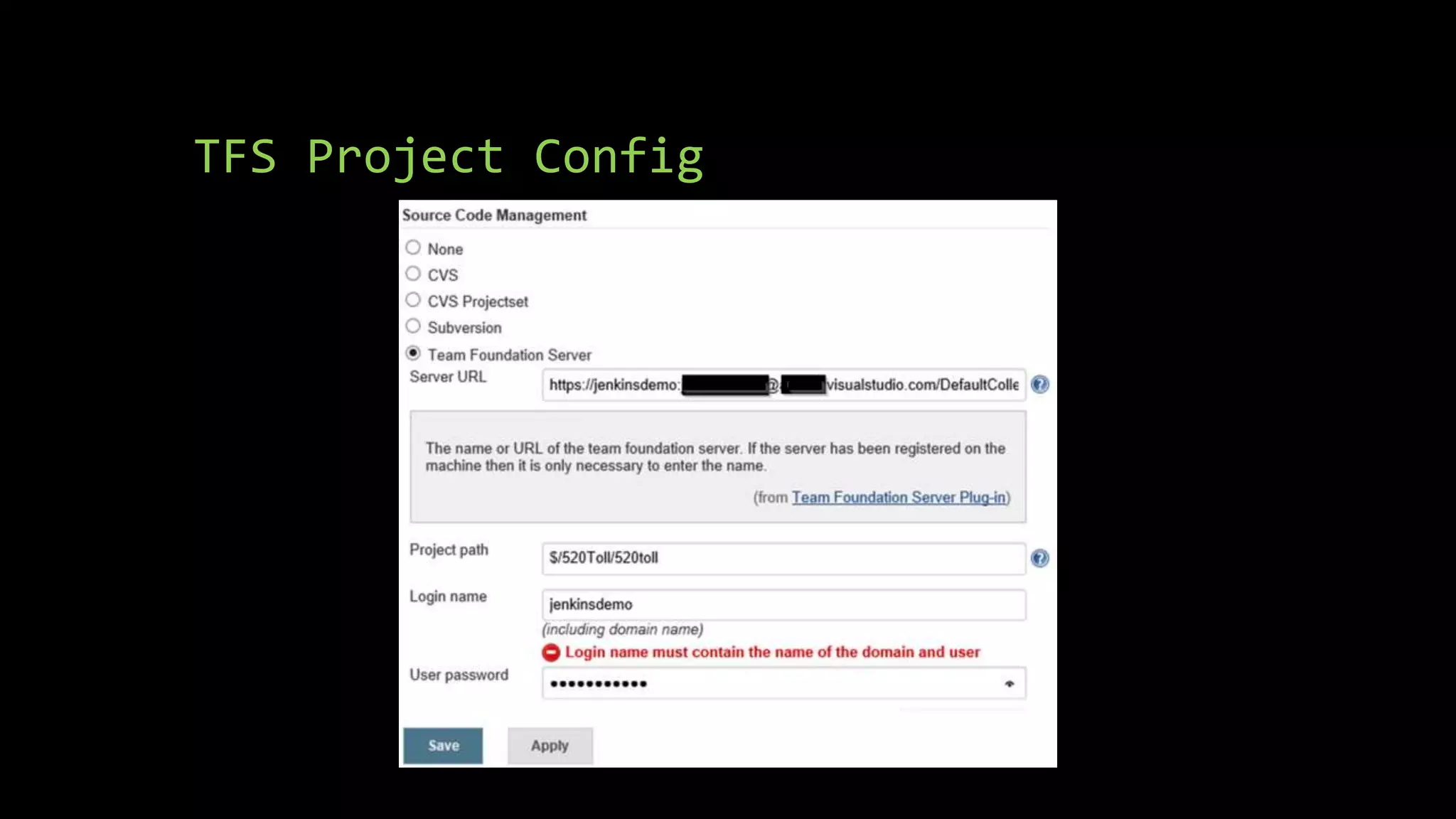
TFS Project Config
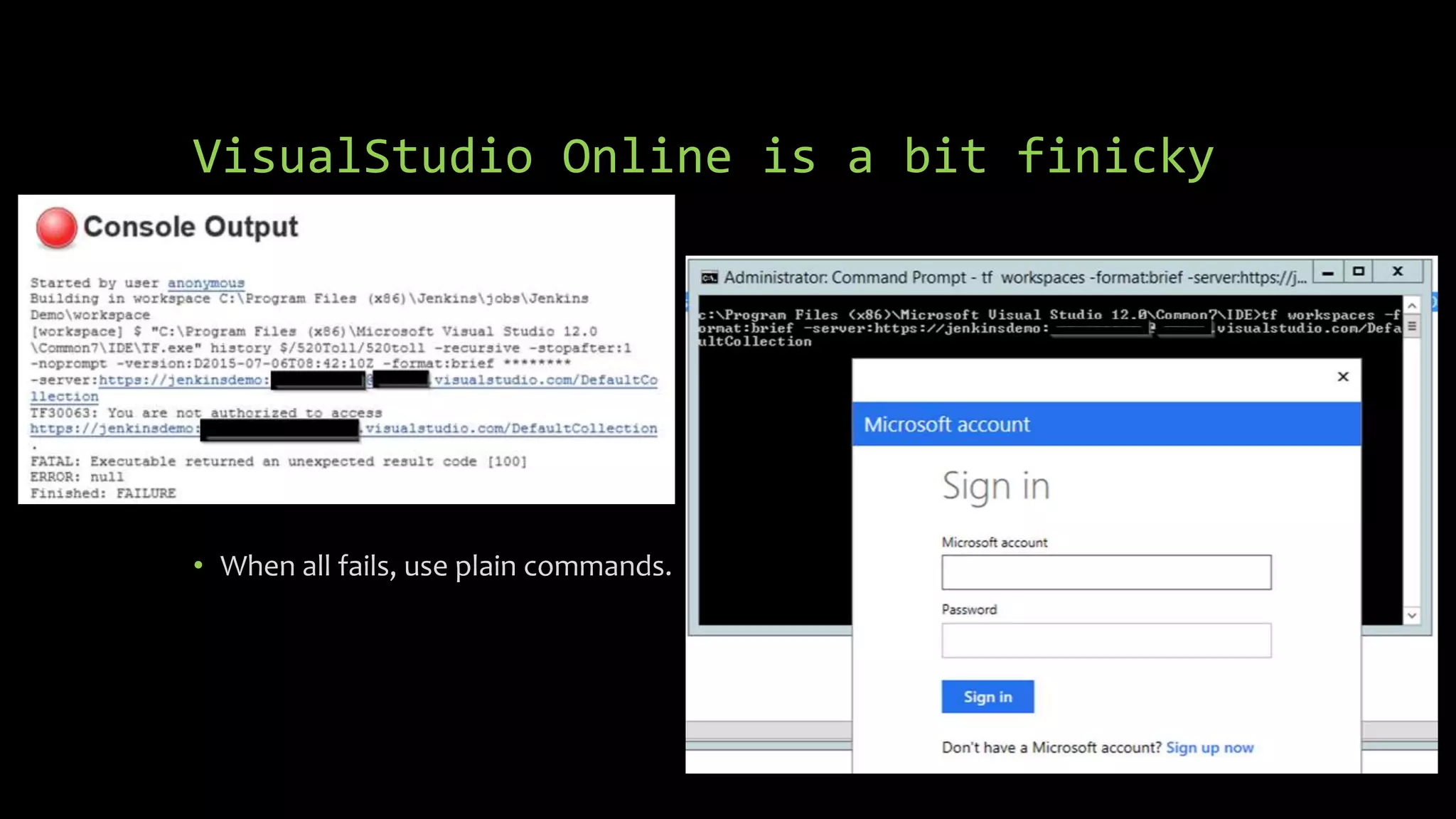
VisualStudio Online is a bit finicky
• When all fails, use plain commands.
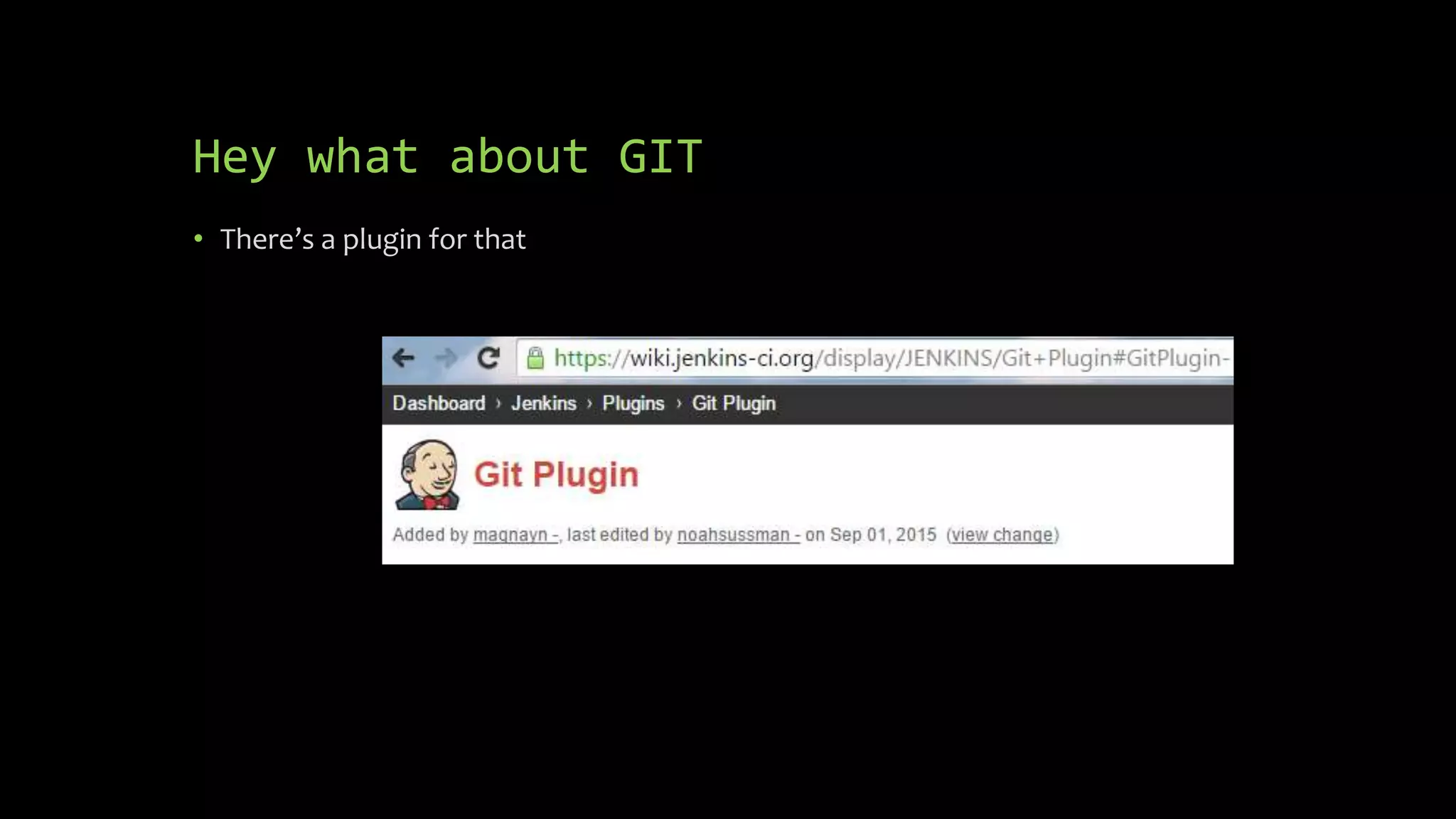
Hey what about GIT
• There’s a plugin for that
Caveat Emptor
• With plugins like GIT-Plugin YMMV
• There are scenarios where you will need to script things
out anyhow.
• E.g. Needing specific parameters when cloning repos
• Shallow clones “--depth 1”
Demo
• Create first project
• Show GIT Support
• Choco install git
• MSBuild Plugin
• choco install microsoft-build-tools
Pre build, build and post build steps
• Pre build steps are great for items such as: StyleCop and JS minimizers.
• Build steps are for grabbing code, compiling and running tests.
• Post build steps are for communication, archival and deployments.
How are we using Jenkins
• Transitioned from TFS to Git
• Trigger Builds upon code checkin
• Run tests
• Deploy to specific AWS machines
• Report via Slack
• Archive and upload files to AWS (S3)
Housekeeping
• Backup Jenkins (if possible to the cloud)
• Recom: thinBackup
• Secure your instance
• LDAP
• Custom users
• Monitor critical instances
• Runscope
• Daily builds
• Let Jenkins manage version numbers
• Always test plugins before installing in production (Same goes for Jenkins)
• Uninstall all plugins that are not being used.
Job Reuse
• As your number of jobs grow, consider splitting the tasks into reusable parts
• Multi-Job
• Parameterized Builds
• This can be very useful when running tests
• Parameterized Triggers
Using Jenkins for CD
• Promoted Builds
• Workflows
• Can integrate with external processes
• Auto test Pull Requests
• Recom: Pull request builder plugin
External Integration
• Auto Update GH issues or JIRA tickets
• Create Documentation on the fly
• Recom: Doxygen
• Call any external API (Custom)
Using Nodes
• Jenkins has a Master/Slave architecture
• You can add as many nodes as needed.
• These can be generic or environment specific
• These can be used also for testing as nodes could be on a different OS
Demo
• Adding a node
Questions?

Introduction to jenkins

  • 1.
  • 2.
    Who am I? •Developer -> Evangelist -> Program/Product • Mobile Program Manager @ • Jenkins Enthusiast • Contact Info: • Twitter: @abe238 • info@abediaz.com
  • 3.
    What is Jenkins? •Jenkins is an open source continuous integration tool written in Java. The project was forked from Hudson after a dispute with Oracle. • Jenkins provides continuous integration services for software development. It is a server-based system running in a servlet container such as Apache Tomcat. • Jenkins is an award-winning application that monitors executions of repeated jobs, such as building a software project or jobs run by cron.
  • 4.
    And what iscontinuous integration? • Continuous Integration (CI) is a development practice that requires developers to integrate code into a shared repository several times a day. Each check-in is then verified by an automated build, allowing teams to detect problems early.
  • 5.
    And why doI need this again?
  • 6.
    The software developmentworld is a distributed one
  • 7.
    Developer Works on hismachine Checks in code to repo Source Control (Git/TFS) Grabs latest code Build Artifacts (exe, website, app) Builds Run Tests (Nunit, MSTest, Gradle, StyleCop, JSHint) Publish Output to Live Server Post Build Steps Deploy Report Back How does Jenkins typically fit into my work?
  • 8.
    Before you start- Jenkins and SCM • Jenkins and configuration management tools like Chef and Puppet go hand in hand. • The reason for it is to have consistent environments. • You should script out your Jenkins install and configuration. • Also useful when using nodes.
  • 9.
    Installing Jenkins • Jenkins-CI.org •Chocolatey.org • Prerequisites: JAVA
  • 10.
    Demo • Install Jenkinsvia Chocolatey • Verify Jenkins is running
  • 11.
    Job Types • Freestyle •External • Multi-config
  • 12.
    Requisites for TFS& .NET Projects • Microsoft Team Explorer Everywhere 2013 • .NET 4.5.1 • Easy: choco install visualstudio2013teamexplorer
  • 13.
  • 14.
  • 15.
    VisualStudio Online isa bit finicky • When all fails, use plain commands.
  • 16.
    Hey what aboutGIT • There’s a plugin for that
  • 17.
    Caveat Emptor • Withplugins like GIT-Plugin YMMV • There are scenarios where you will need to script things out anyhow. • E.g. Needing specific parameters when cloning repos • Shallow clones “--depth 1”
  • 18.
    Demo • Create firstproject • Show GIT Support • Choco install git • MSBuild Plugin • choco install microsoft-build-tools
  • 19.
    Pre build, buildand post build steps • Pre build steps are great for items such as: StyleCop and JS minimizers. • Build steps are for grabbing code, compiling and running tests. • Post build steps are for communication, archival and deployments.
  • 20.
    How are weusing Jenkins • Transitioned from TFS to Git • Trigger Builds upon code checkin • Run tests • Deploy to specific AWS machines • Report via Slack • Archive and upload files to AWS (S3)
  • 21.
    Housekeeping • Backup Jenkins(if possible to the cloud) • Recom: thinBackup • Secure your instance • LDAP • Custom users • Monitor critical instances • Runscope • Daily builds • Let Jenkins manage version numbers • Always test plugins before installing in production (Same goes for Jenkins) • Uninstall all plugins that are not being used.
  • 22.
    Job Reuse • Asyour number of jobs grow, consider splitting the tasks into reusable parts • Multi-Job • Parameterized Builds • This can be very useful when running tests • Parameterized Triggers
  • 23.
    Using Jenkins forCD • Promoted Builds • Workflows • Can integrate with external processes • Auto test Pull Requests • Recom: Pull request builder plugin
  • 24.
    External Integration • AutoUpdate GH issues or JIRA tickets • Create Documentation on the fly • Recom: Doxygen • Call any external API (Custom)
  • 25.
    Using Nodes • Jenkinshas a Master/Slave architecture • You can add as many nodes as needed. • These can be generic or environment specific • These can be used also for testing as nodes could be on a different OS
  • 26.
  • 27.