OAuth 2: A Brief Overview
                  Aaron Parecki ‱ @aaronpk
         WebVisions ‱ New York, January 2012
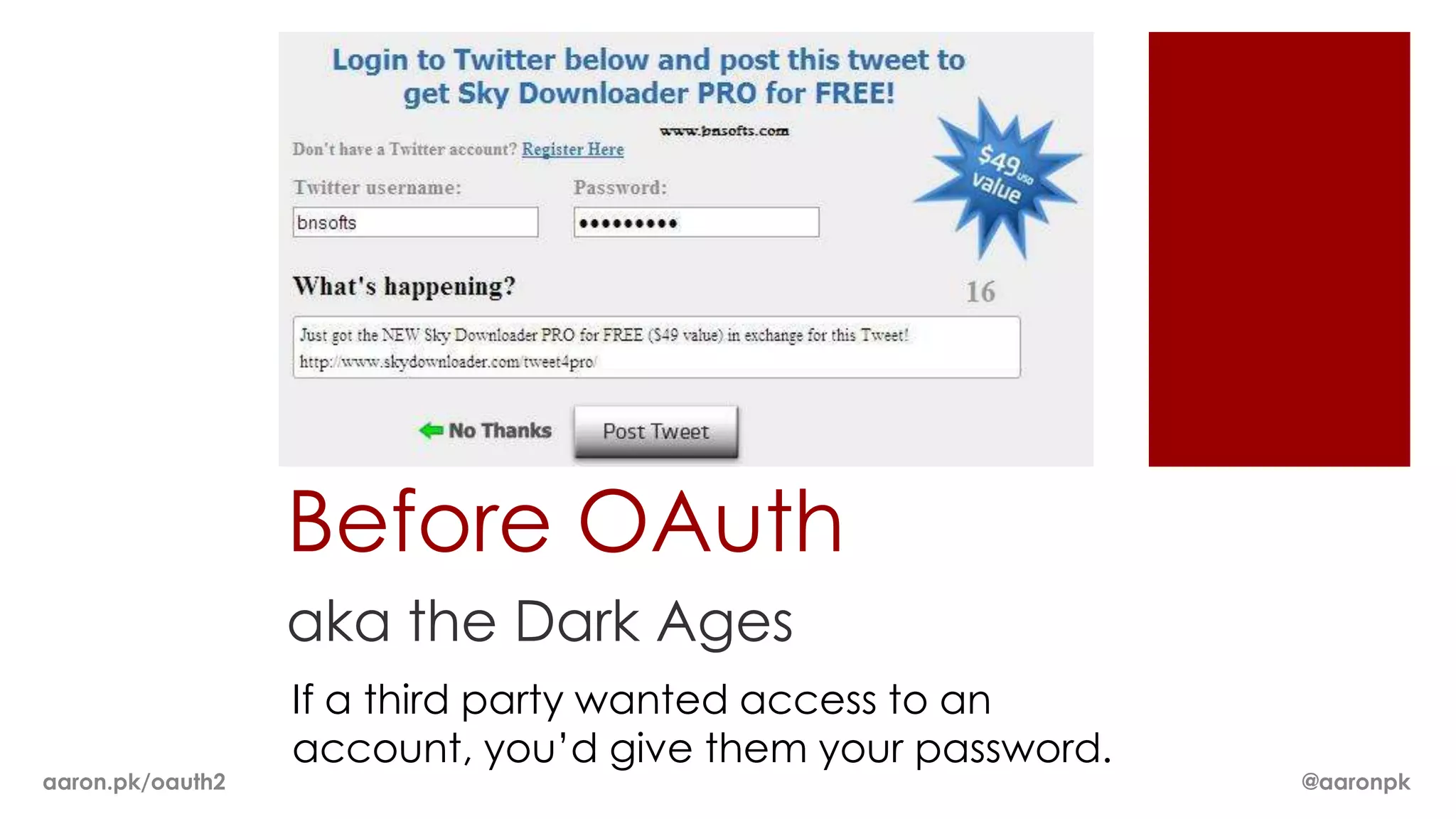
Before OAuth
                  aka the Dark Ages
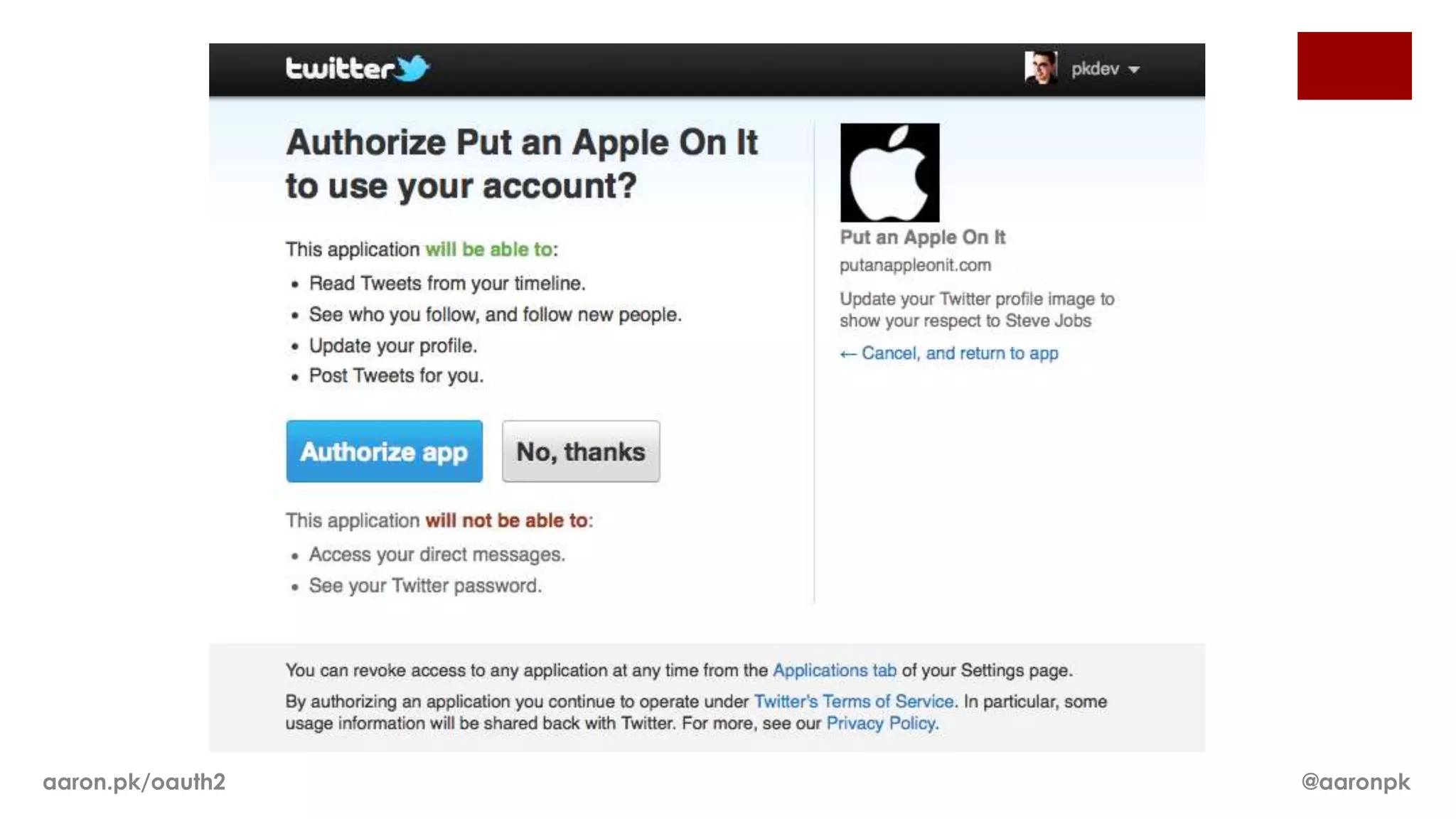
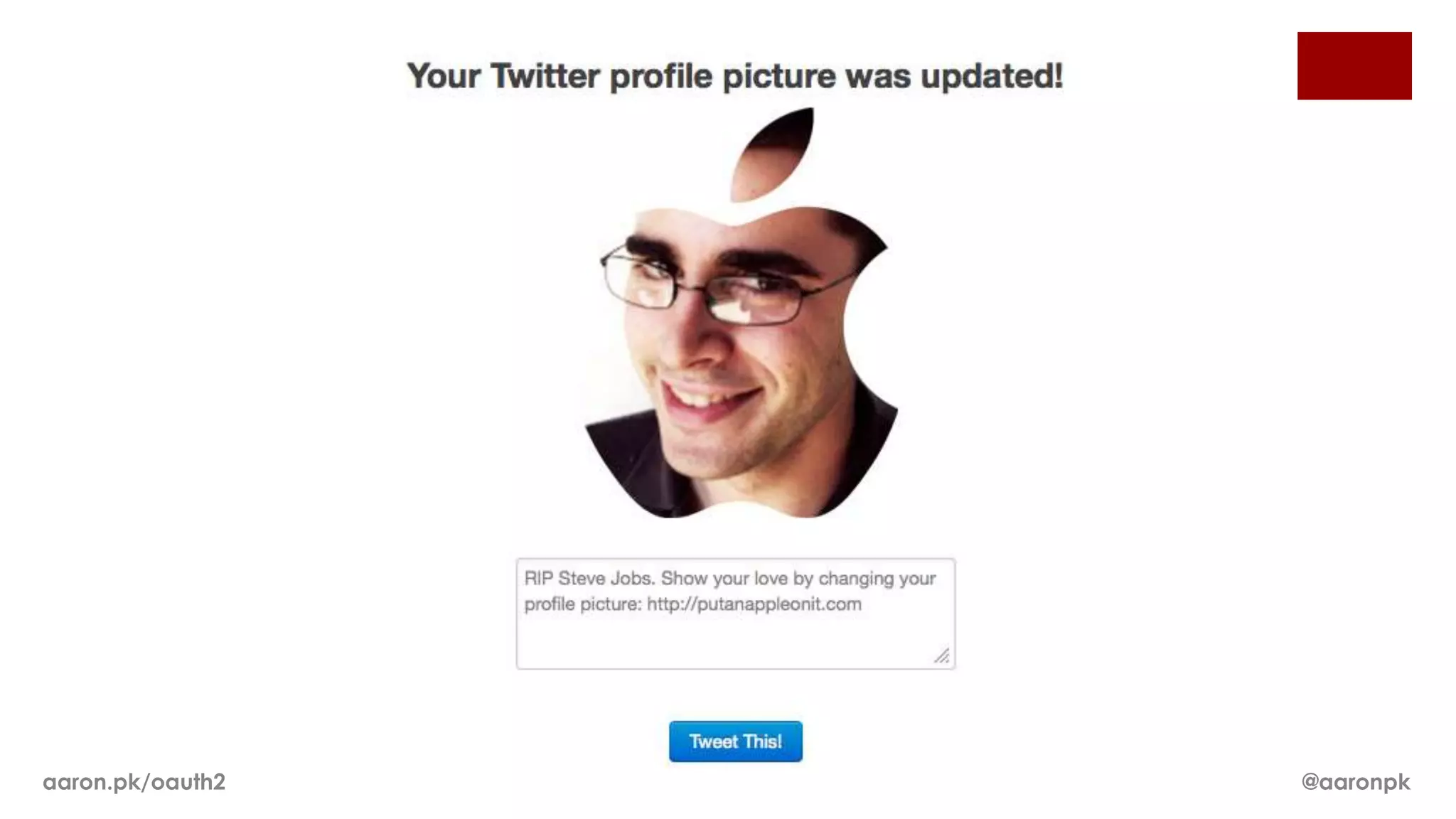
                  If a third party wanted access to an
                  account, you’d give them your password.
aaron.pk/oauth2                                             @aaronpk
Before OAuth 1.0
   Many sites implemented things similar to OAuth
   1.0, with slight differences between them.


   ï‚Ą Flickr: “FlickrAuth” frobs and tokens

   ï‚Ą Google: “AuthSub”

   ï‚Ą Facebook: requests signed with MD5 hashes

aaron.pk/oauth2                                     @aaronpk
aaron.pk/oauth2   @aaronpk
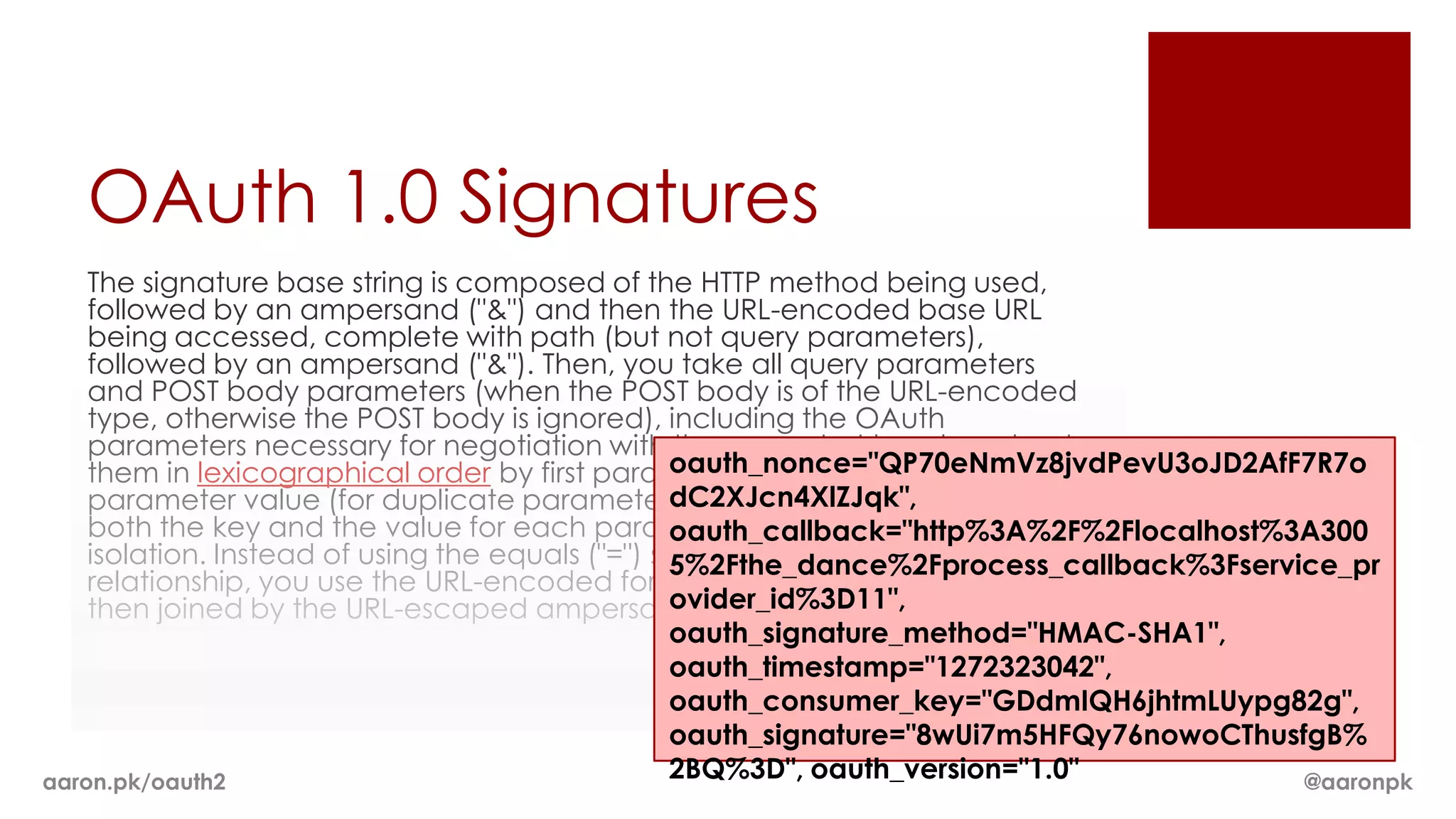
OAuth 1.0 Signatures
    The signature base string is composed of the HTTP method being used,
    followed by an ampersand ("&") and then the URL-encoded base URL
    being accessed, complete with path (but not query parameters),
    followed by an ampersand ("&"). Then, you take all query parameters
    and POST body parameters (when the POST body is of the URL-encoded
    type, otherwise the POST body is ignored), including the OAuth
    parameters necessary for negotiation with the request at hand, and sort
                                                   oauth_nonce="QP70eNmVz8jvdPevU3oJD2AfF7R7o
    them in lexicographical order by first parameter name and then
                                                   dC2XJcn4XlZJqk",
    parameter value (for duplicate parameters), all the while ensuring that
    both the key and the value for each parameter are URL encoded in
                                                   oauth_callback="http%3A%2F%2Flocalhost%3A300
    isolation. Instead of using the equals ("=") sign to mark the key/value
                                                   5%2Fthe_dance%2Fprocess_callback%3Fservice_pr
    relationship, you use the URL-encoded form of "%3D". Each parameter is
                                                   ovider_id%3D11",
    then joined by the URL-escaped ampersand sign, "%26".
                                                   oauth_signature_method="HMAC-SHA1",
                                                   oauth_timestamp="1272323042",
                                                   oauth_consumer_key="GDdmIQH6jhtmLUypg82g",
                                                   oauth_signature="8wUi7m5HFQy76nowoCThusfgB%
aaron.pk/oauth2                                    2BQ%3D", oauth_version="1.0"            @aaronpk
aaron.pk/oauth2   @aaronpk
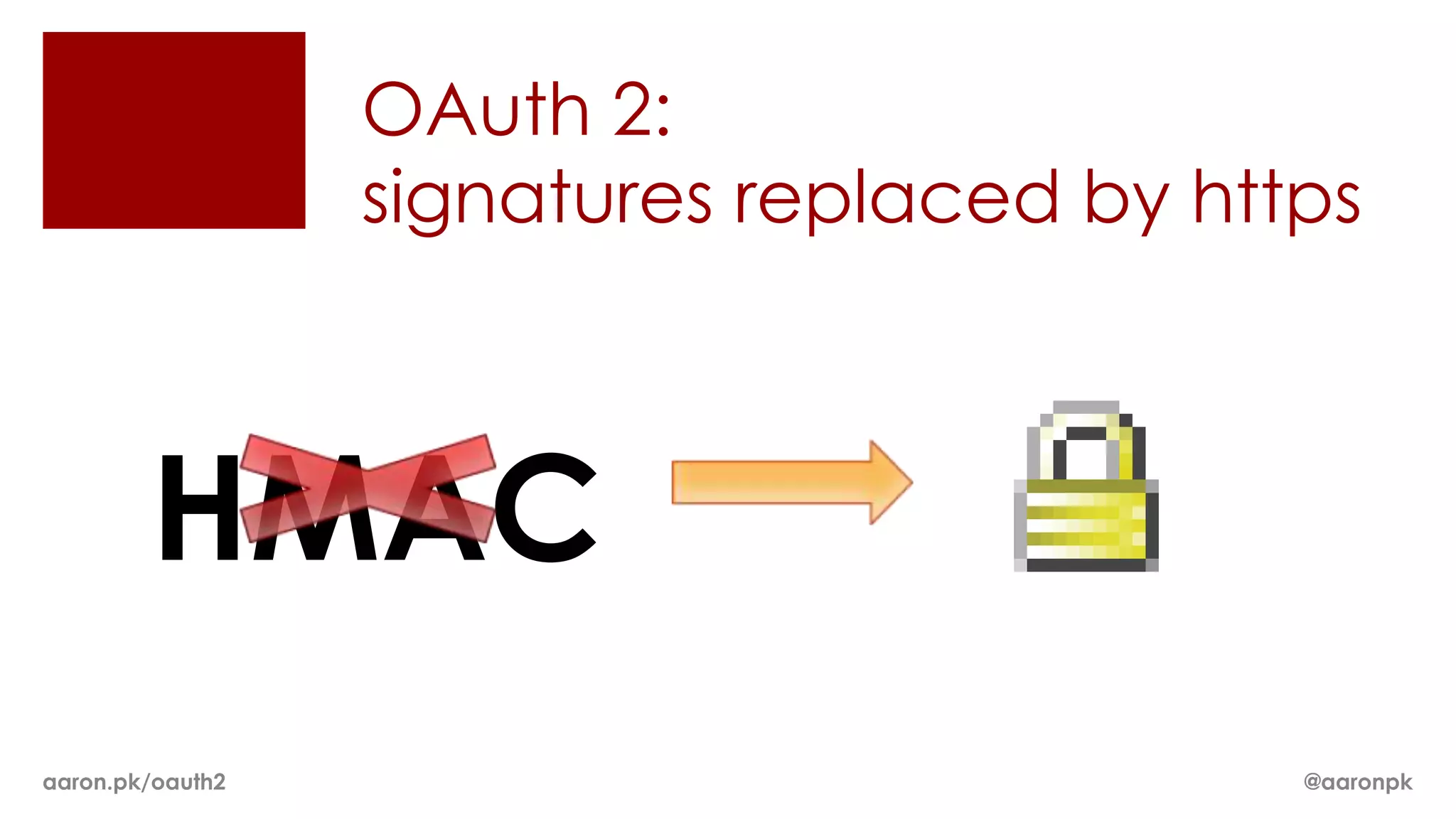
OAuth 2:
                  signatures replaced by https


        HMAC
aaron.pk/oauth2                             @aaronpk
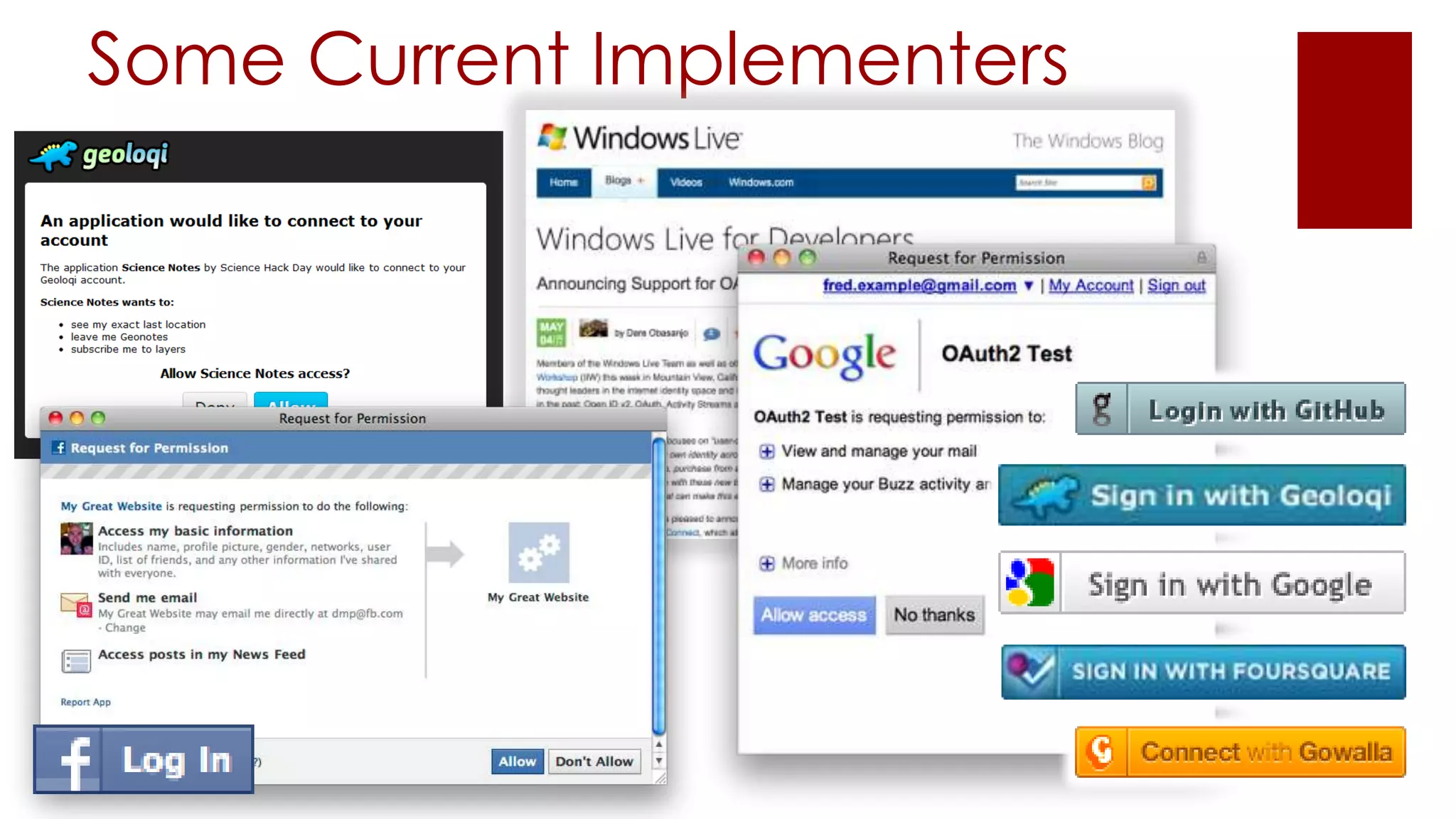
Some Current Implementers
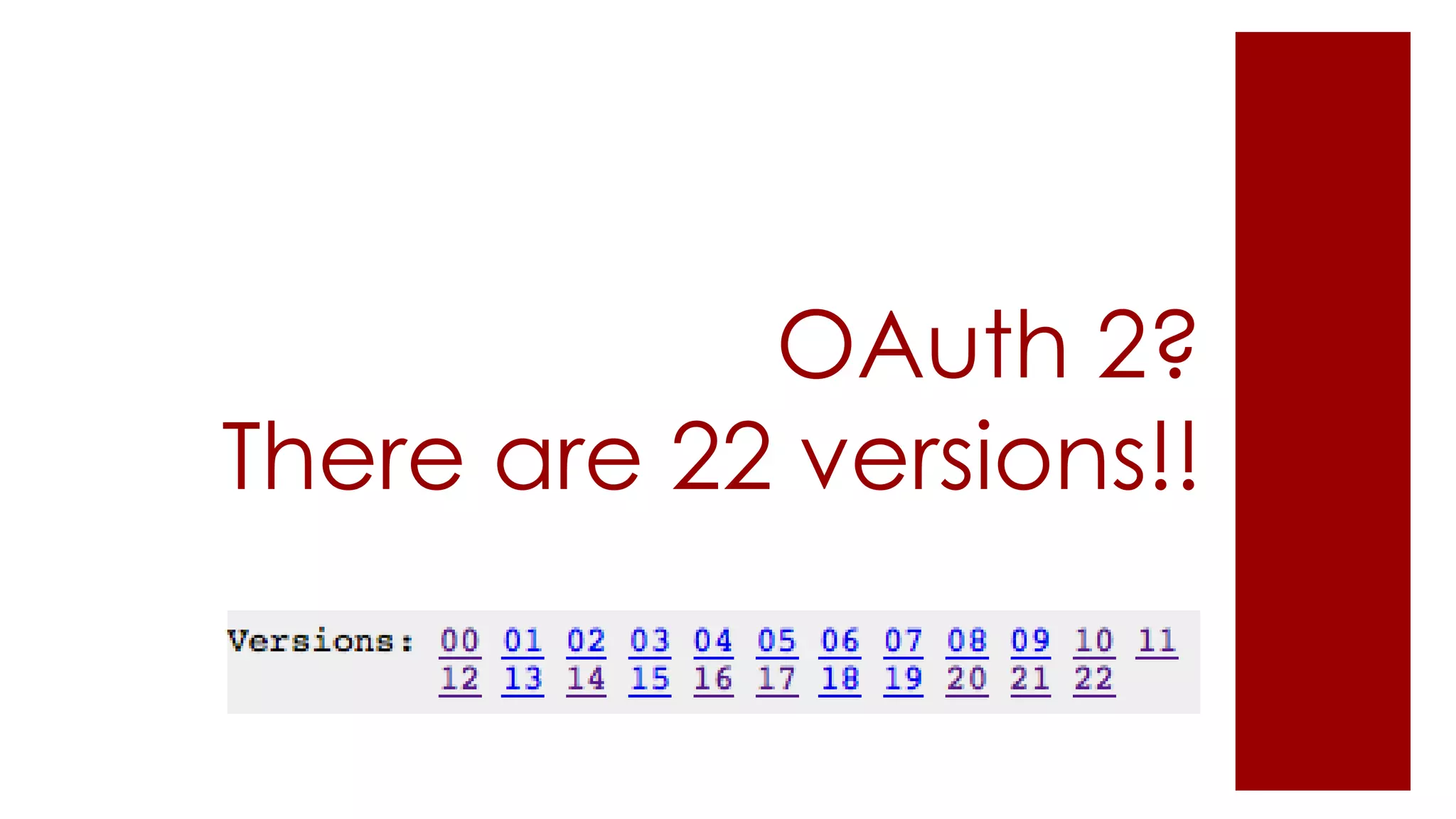
OAuth 2?
There are 22 versions!!
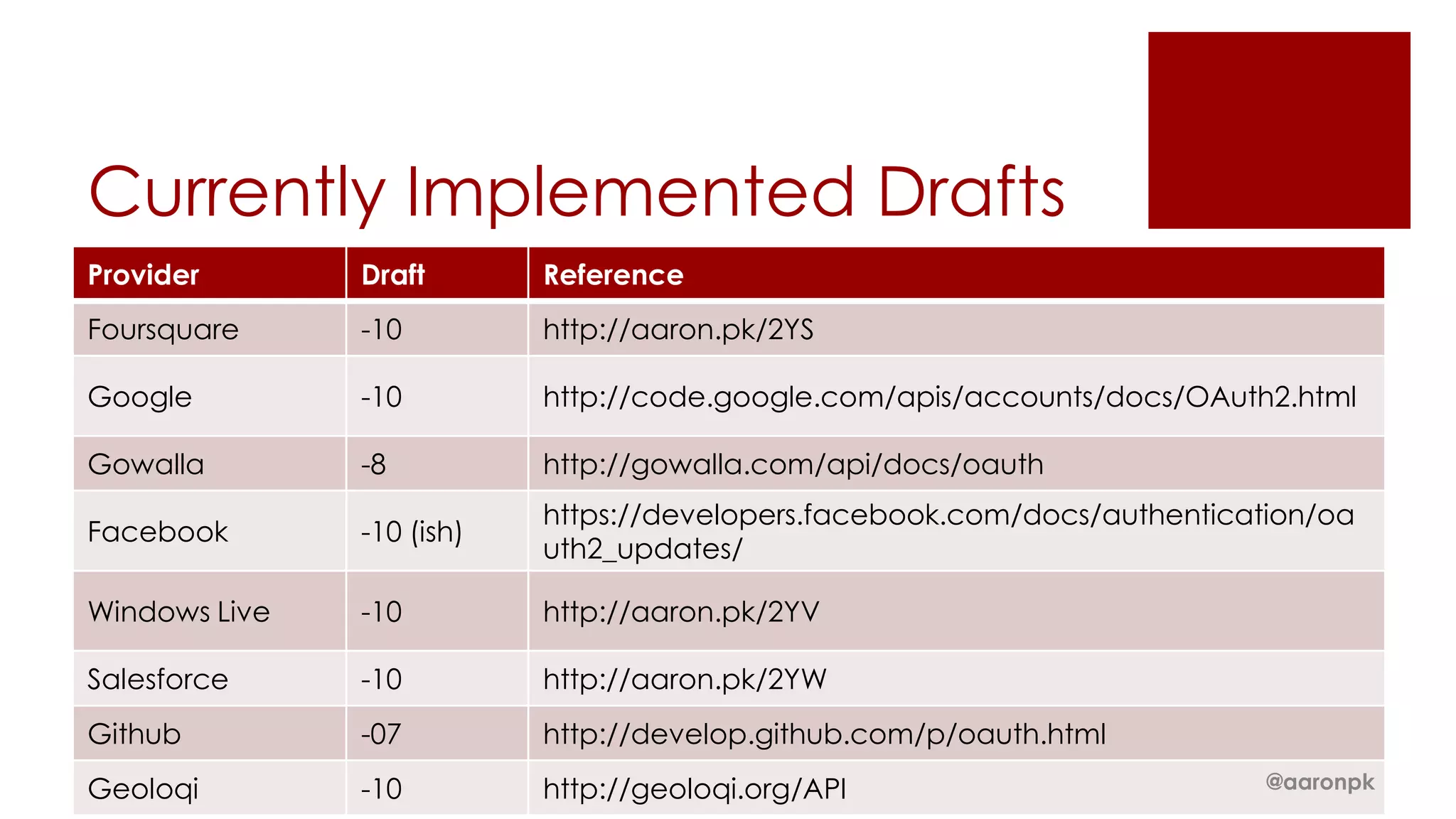
Currently Implemented Drafts
Provider       Draft       Reference
Foursquare     -10         http://aaron.pk/2YS

Google         -10         http://code.google.com/apis/accounts/docs/OAuth2.html

Gowalla        -8          http://gowalla.com/api/docs/oauth
                           https://developers.facebook.com/docs/authentication/oa
Facebook       -10 (ish)
                           uth2_updates/

Windows Live   -10         http://aaron.pk/2YV

Salesforce     -10         http://aaron.pk/2YW
Github         -07         http://develop.github.com/p/oauth.html
Geoloqi        -10         http://geoloqi.org/API                          @aaronpk
So how does it work?
aaron.pk/oauth2                   @aaronpk
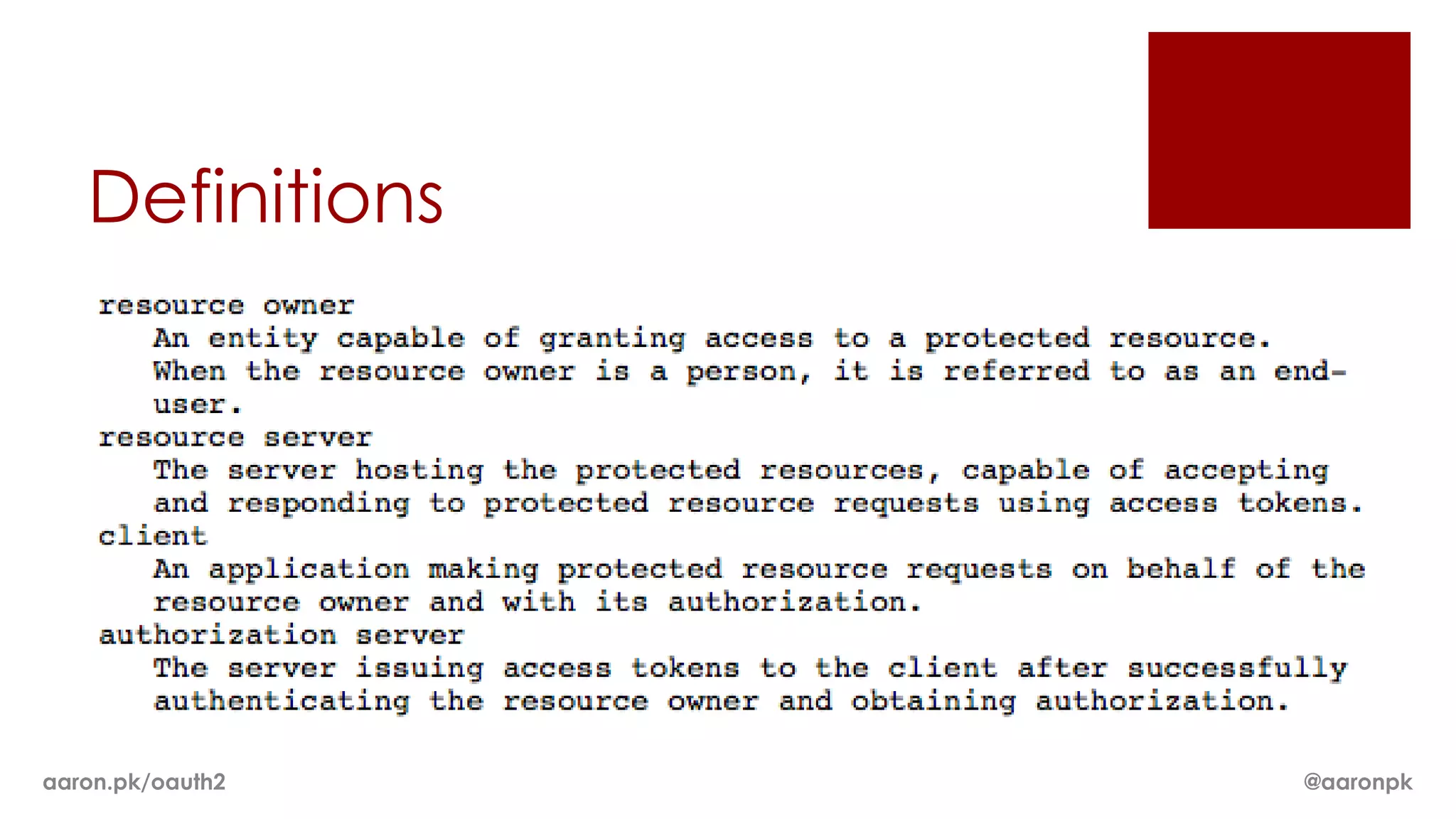
Definitions


aaron.pk/oauth2   @aaronpk
1. Authorization

aaron.pk/oauth2                @aaronpk
Create a “Log In” link
Link to:
https://geoloqi.com/oauth/authorize?response_
type=code&client_id=YOUR_CLIENT_ID&redirect_u
ri=REDIRECT_URI


aaron.pk/oauth2                         @aaronpk
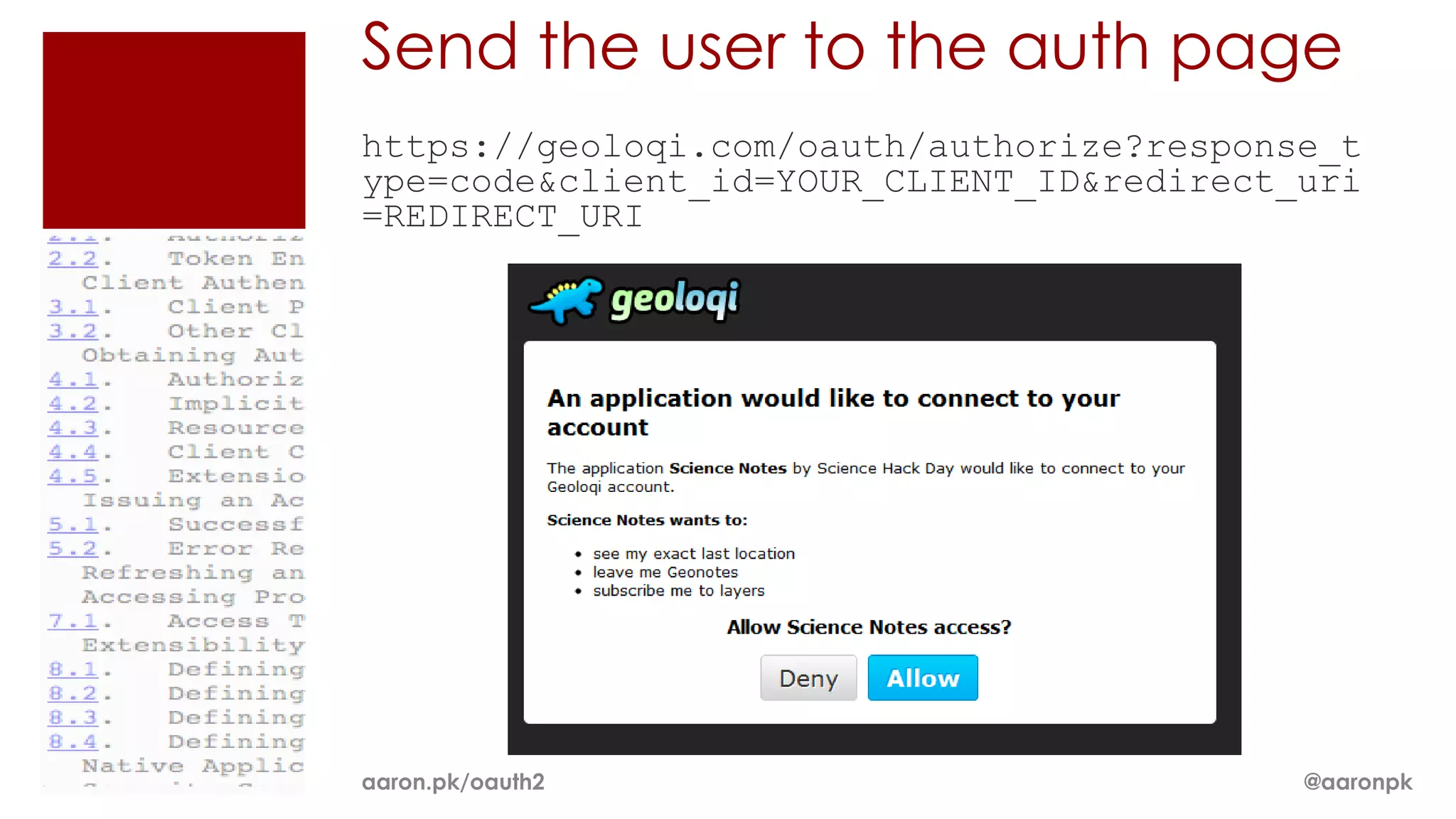
Send the user to the auth page
https://geoloqi.com/oauth/authorize?response_t
ype=code&client_id=YOUR_CLIENT_ID&redirect_uri
=REDIRECT_URI


aaron.pk/oauth2                            @aaronpk
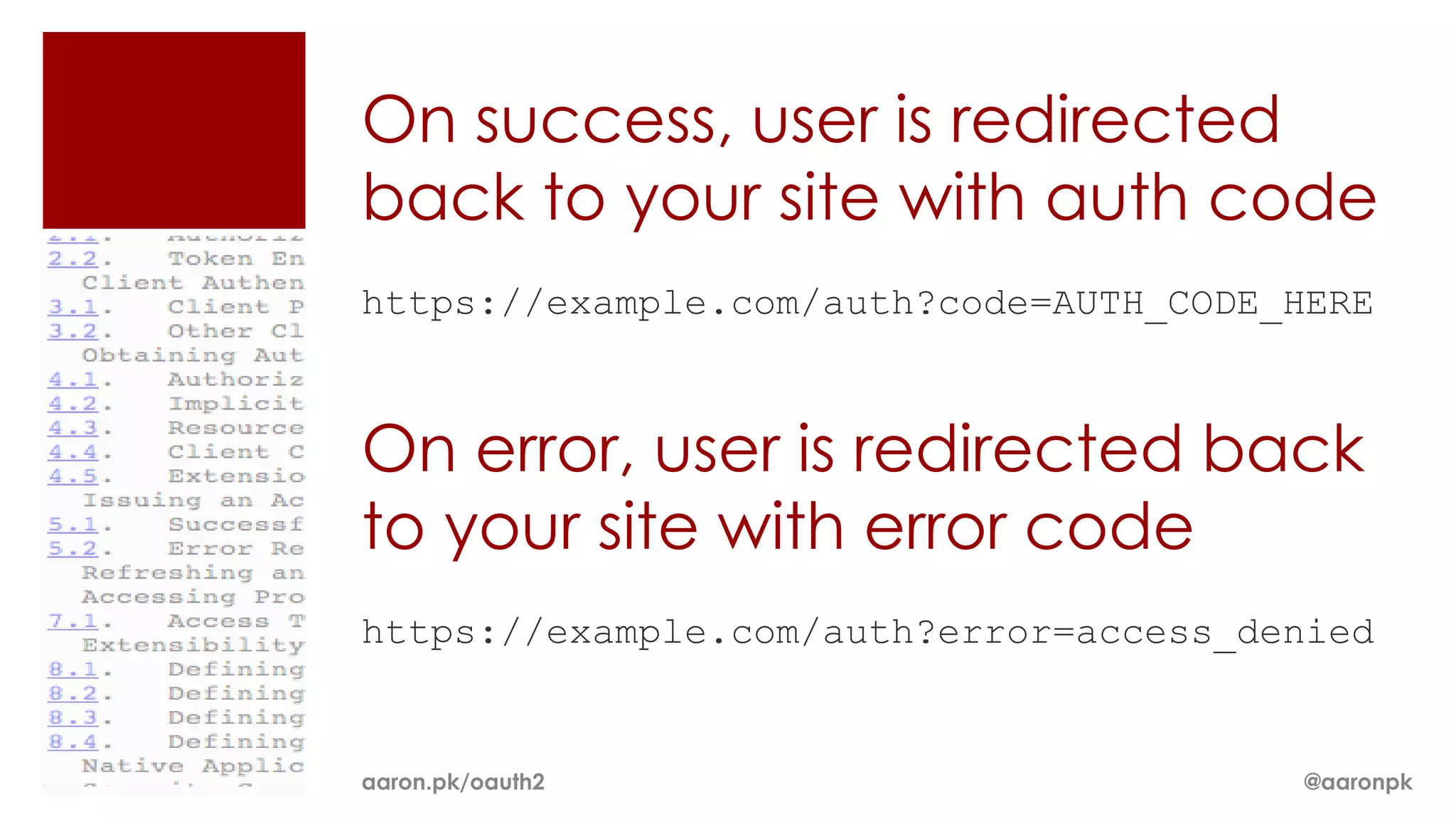
On success, user is redirected
back to your site with auth code
https://example.com/auth?code=AUTH_CODE_HERE


On error, user is redirected back
to your site with error code
https://example.com/auth?error=access_denied


aaron.pk/oauth2                         @aaronpk
Exchange auth code for an
access token
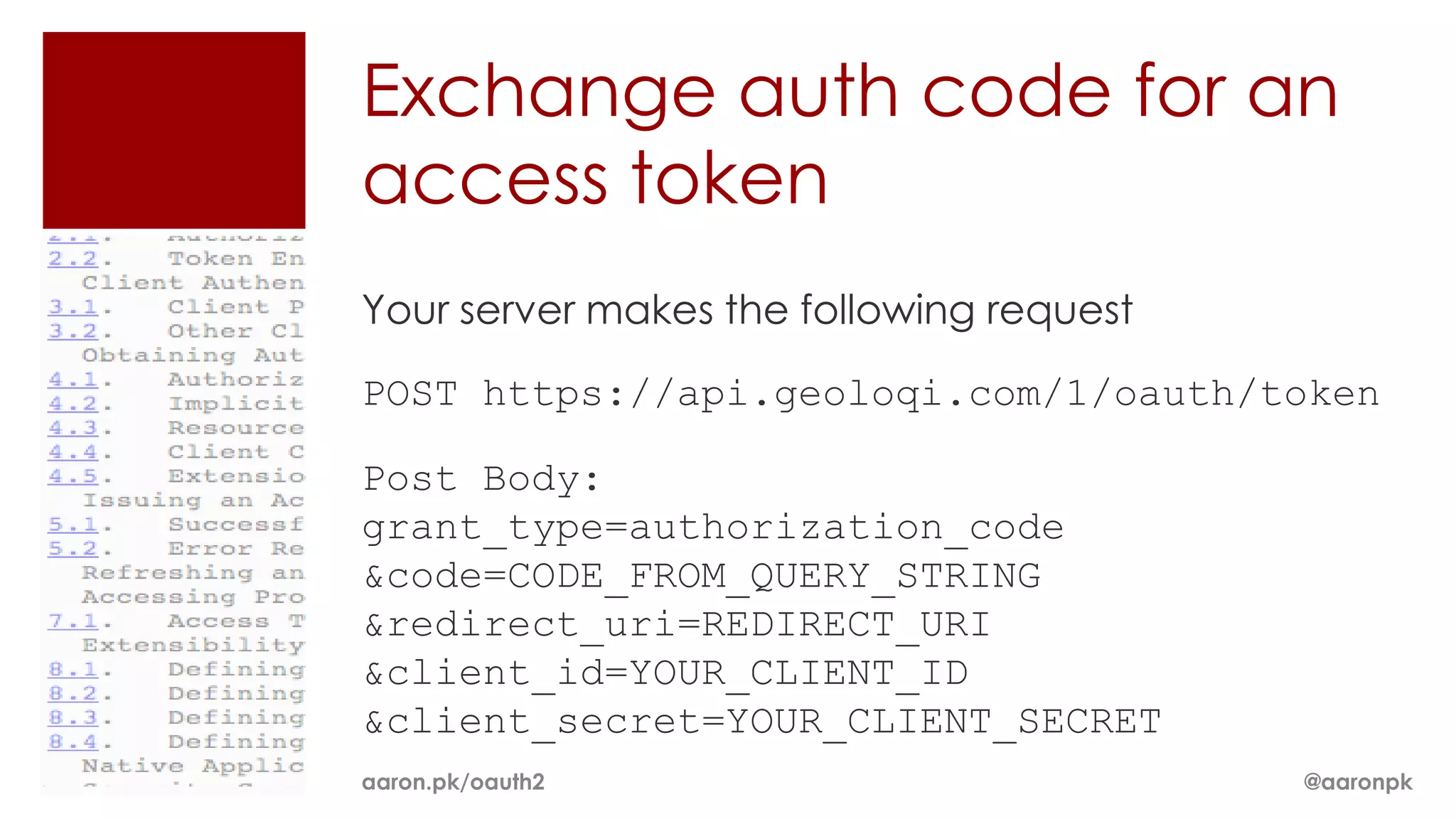
Your server makes the following request

POST https://api.geoloqi.com/1/oauth/token

Post Body:
grant_type=authorization_code
&code=CODE_FROM_QUERY_STRING
&redirect_uri=REDIRECT_URI
&client_id=YOUR_CLIENT_ID
&client_secret=YOUR_CLIENT_SECRET
aaron.pk/oauth2                           @aaronpk
Exchange auth code for an
access token (response)
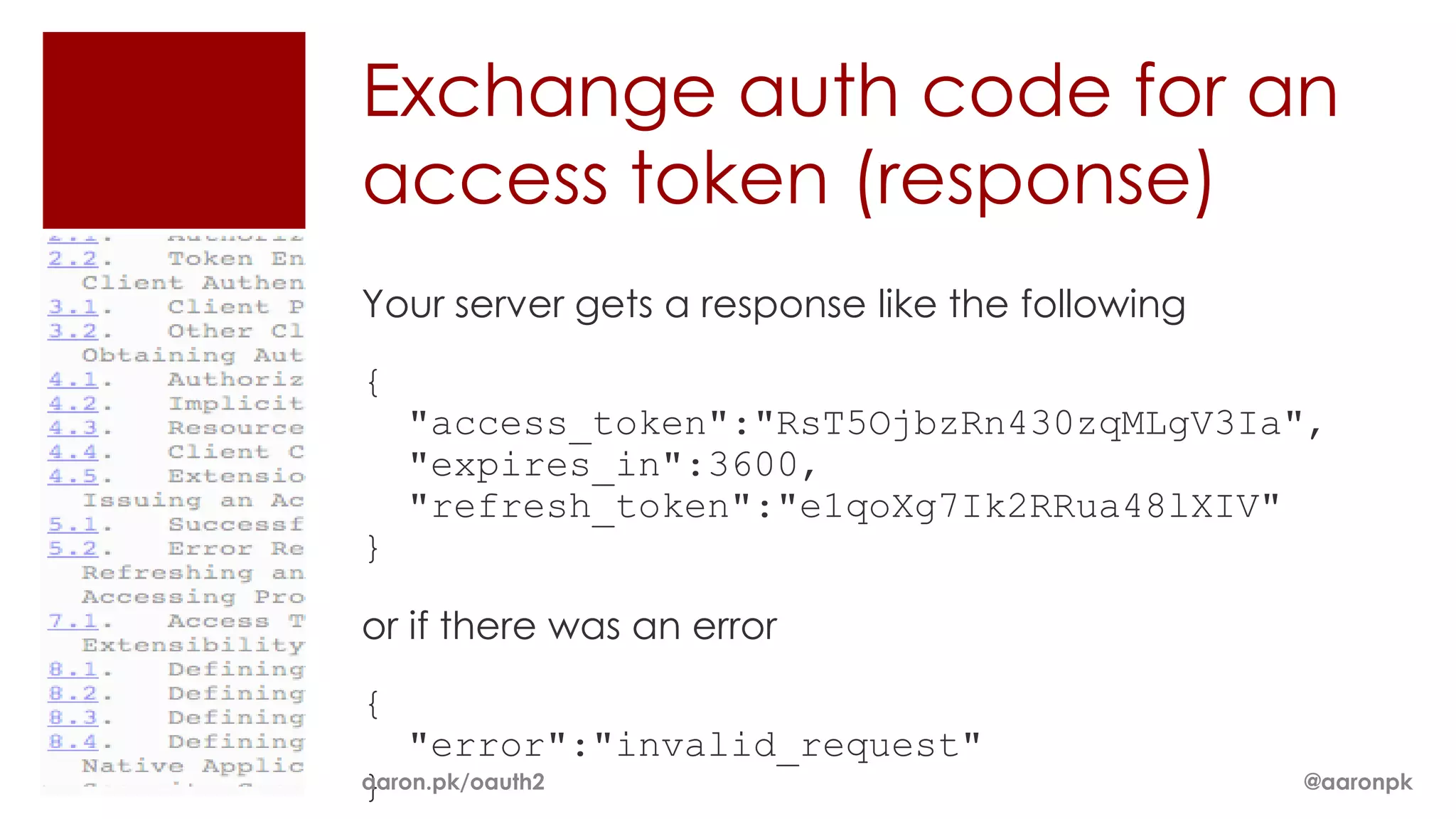
Your server gets a response like the following
{
    "access_token":"RsT5OjbzRn430zqMLgV3Ia",
    "expires_in":3600,
    "refresh_token":"e1qoXg7Ik2RRua48lXIV"
}

or if there was an error
{
    "error":"invalid_request"
}
aaron.pk/oauth2                                  @aaronpk
2. Accessing Resources

aaron.pk/oauth2         @aaronpk
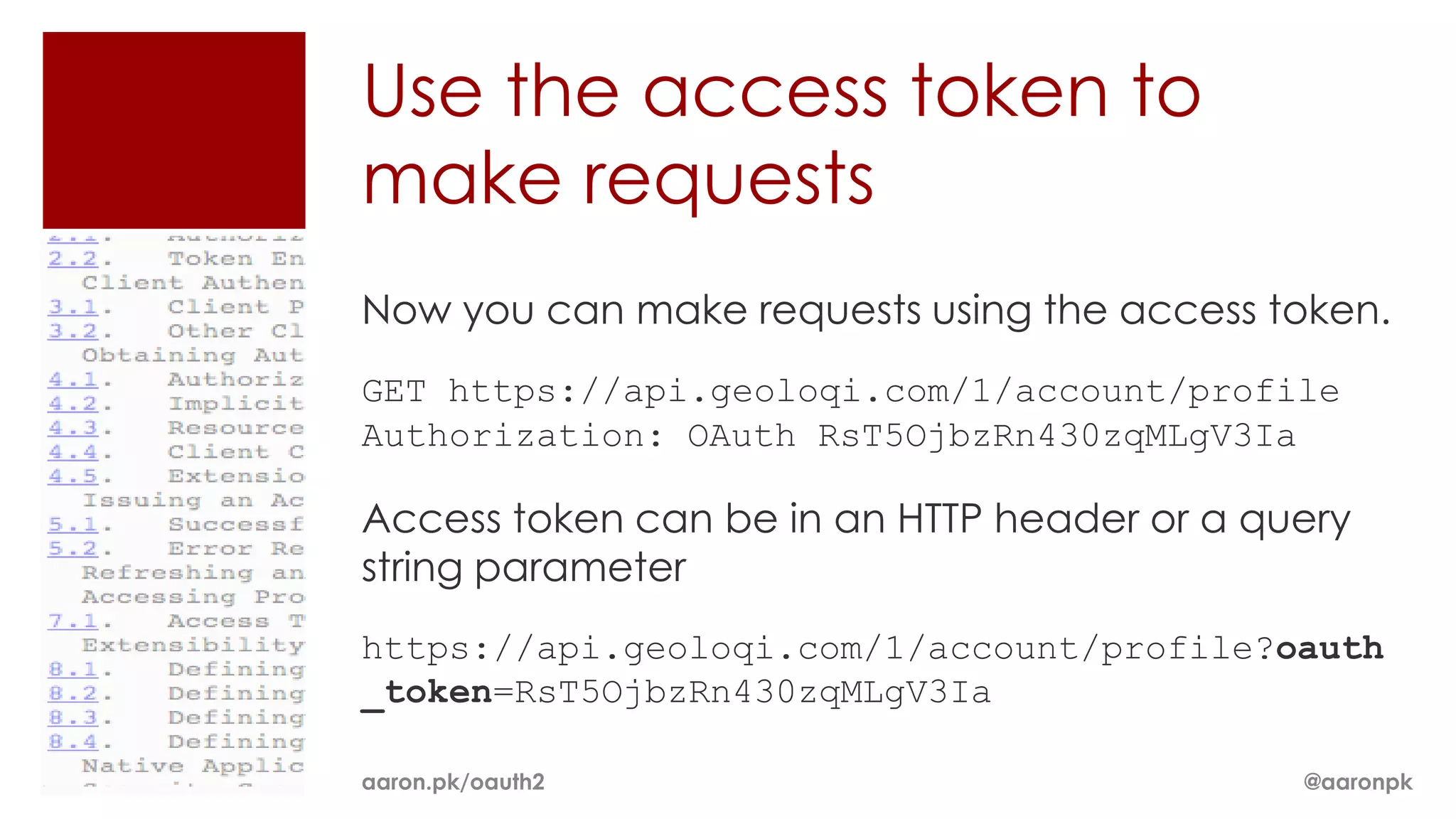
Use the access token to
make requests
Now you can make requests using the access token.
GET https://api.geoloqi.com/1/account/profile
Authorization: OAuth RsT5OjbzRn430zqMLgV3Ia

Access token can be in an HTTP header or a query
string parameter
https://api.geoloqi.com/1/account/profile?oauth
_token=RsT5OjbzRn430zqMLgV3Ia

aaron.pk/oauth2                              @aaronpk
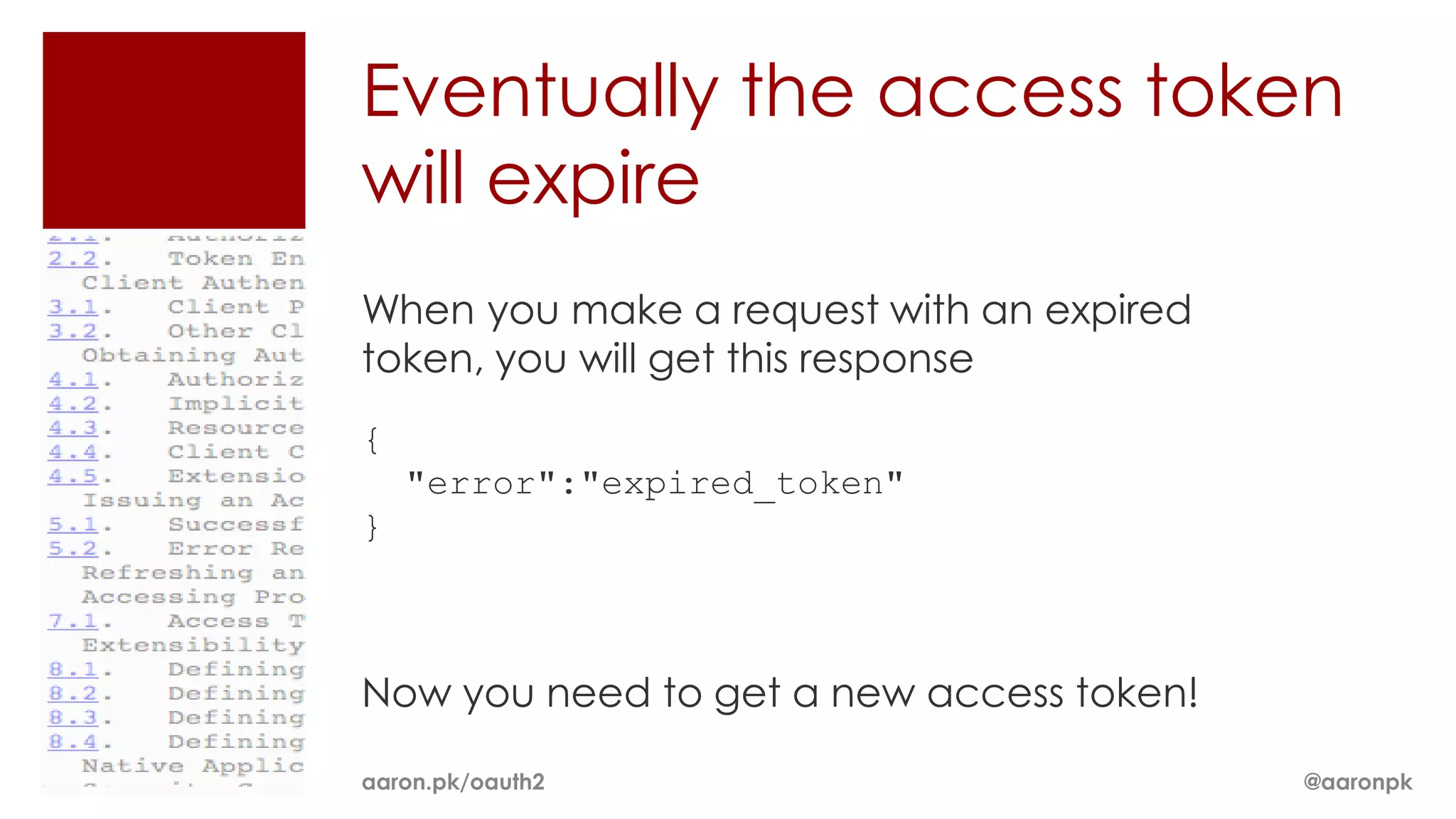
Eventually the access token
will expire
When you make a request with an expired
token, you will get this response
{
    "error":"expired_token"
}


Now you need to get a new access token!

aaron.pk/oauth2                           @aaronpk
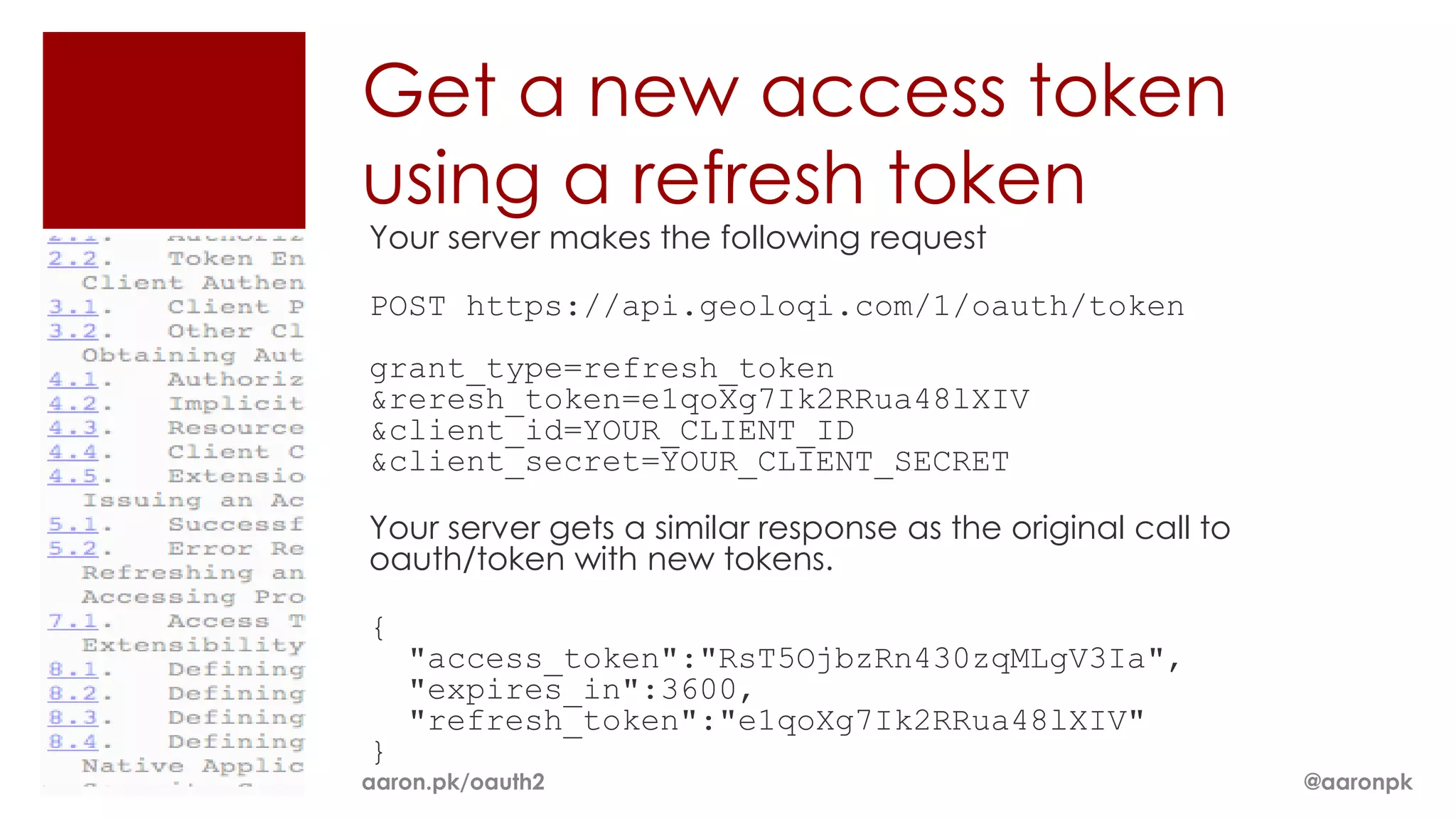
Get a new access token
using a refresh token
Your server makes the following request

POST https://api.geoloqi.com/1/oauth/token
grant_type=refresh_token
&reresh_token=e1qoXg7Ik2RRua48lXIV
&client_id=YOUR_CLIENT_ID
&client_secret=YOUR_CLIENT_SECRET

Your server gets a similar response as the original call to
oauth/token with new tokens.

{
    "access_token":"RsT5OjbzRn430zqMLgV3Ia",
    "expires_in":3600,
    "refresh_token":"e1qoXg7Ik2RRua48lXIV"
}
aaron.pk/oauth2                                               @aaronpk
OAuth 2 Clients
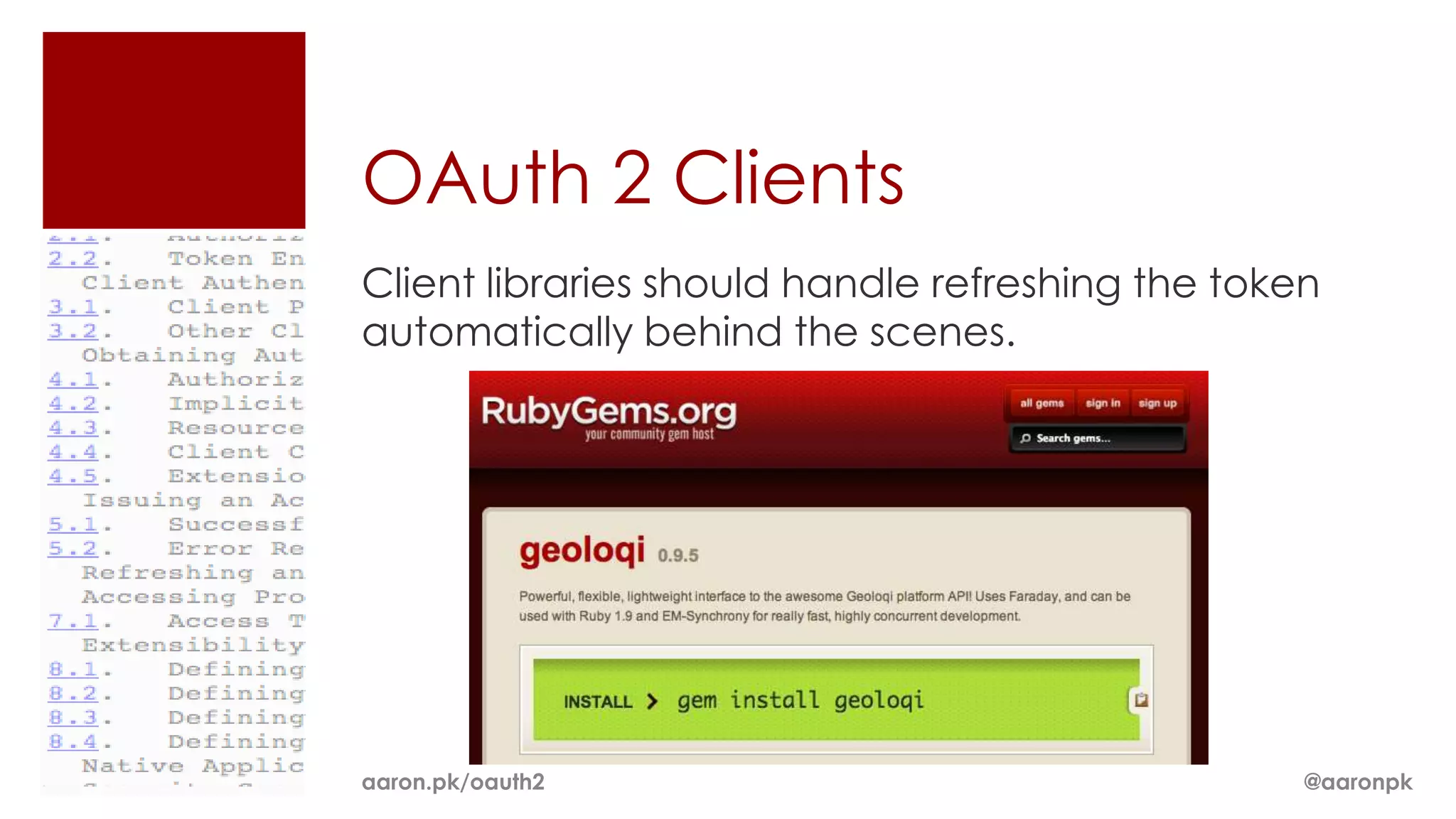
Client libraries should handle refreshing the token
automatically behind the scenes.


aaron.pk/oauth2                                   @aaronpk
Authorization Methods
ï‚Ą Auth Code

ï‚Ą Refresh Token

ï‚Ą Password


Draft 10 also has

ï‚Ą Assertion


Draft 22 also has

ï‚Ą Implicit (for browser-based apps)

ï‚Ą Extensions (for defining custom grant types)
aaron.pk/oauth2                                  @aaronpk
Password Grant Type
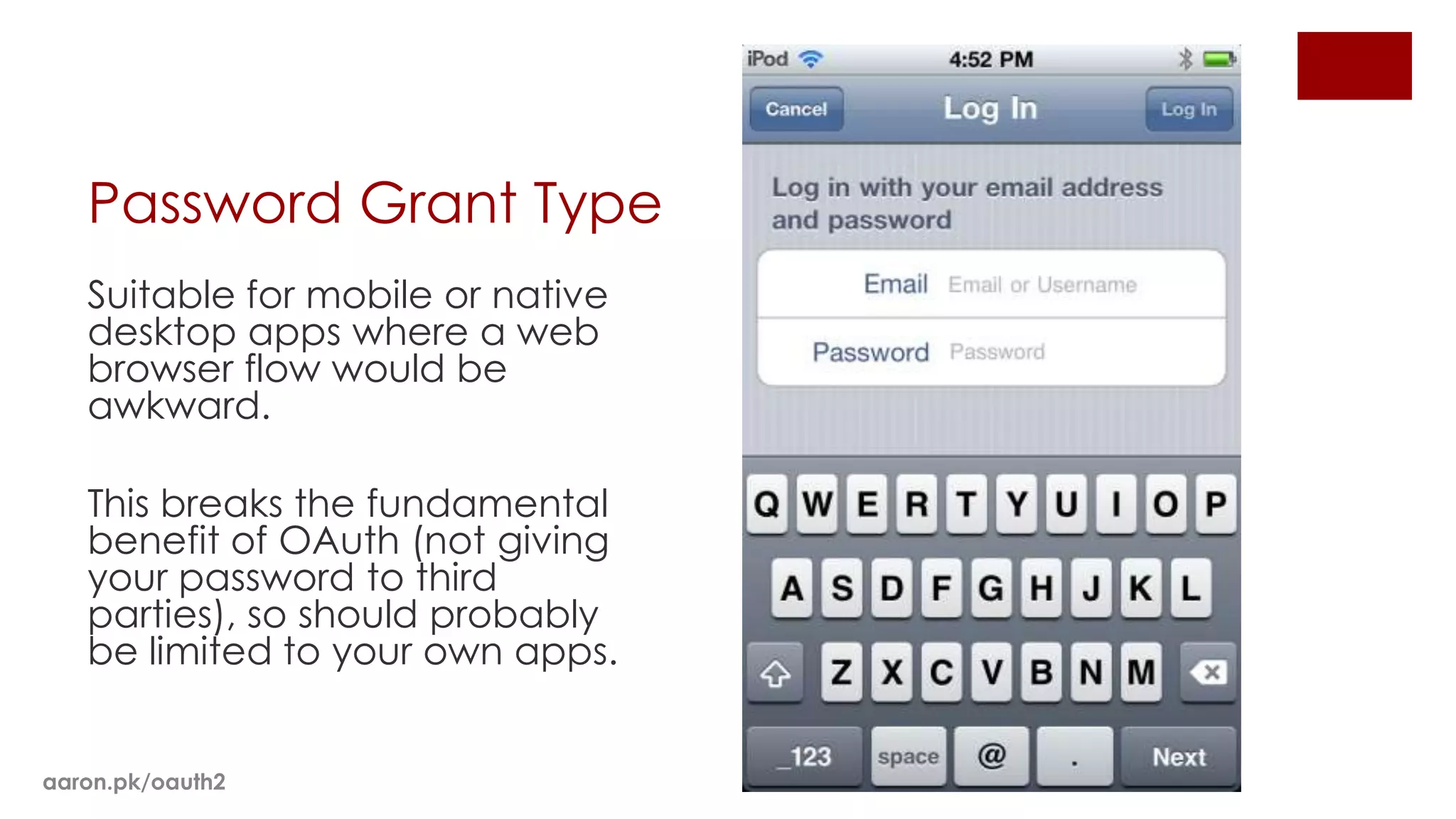
   Suitable for mobile or native
   desktop apps where a web
   browser flow would be
   awkward.

   This breaks the fundamental
   benefit of OAuth (not giving
   your password to third
   parties), so should probably
   be limited to your own apps.


aaron.pk/oauth2
Password Grant
Your server makes the following request

POST https://api.geoloqi.com/1/oauth/token
grant_type=password
&username=USERNAME
&password=PASSWORD
&client_id=YOUR_CLIENT_ID
&client_secret=YOUR_CLIENT_SECRET

Your server gets a similar response as the original call to oauth/token with
new tokens.

{
    "access_token":"RsT5OjbzRn430zqMLgV3Ia",
    "expires_in":3600,
    "refresh_token":"e1qoXg7Ik2RRua48lXIV"
}

aaron.pk/oauth2                                                        @aaronpk
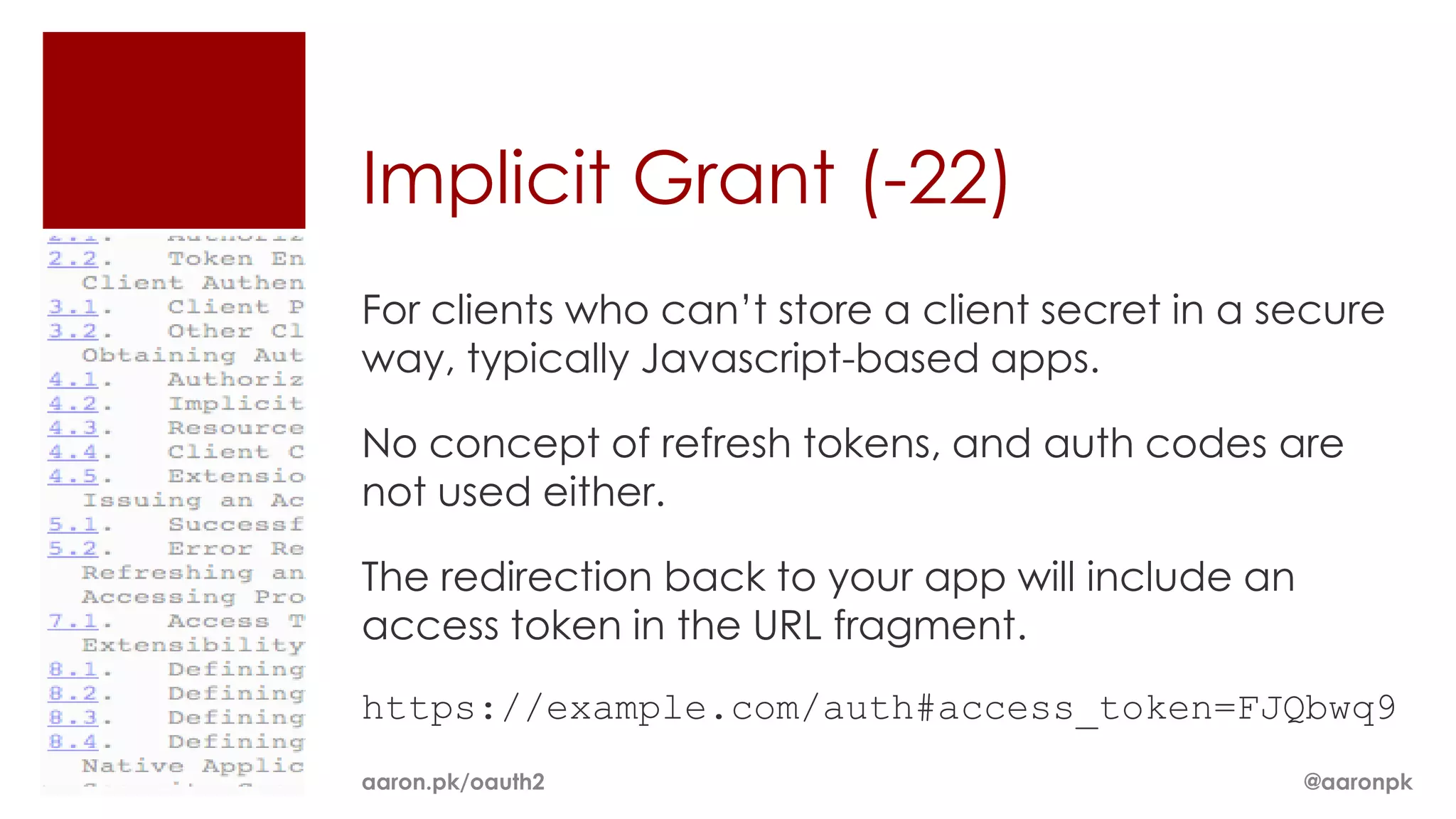
Implicit Grant (-22)
For clients who can’t store a client secret in a secure
way, typically Javascript-based apps.

No concept of refresh tokens, and auth codes are
not used either.

The redirection back to your app will include an
access token in the URL fragment.
https://example.com/auth#access_token=FJQbwq9
aaron.pk/oauth2                                    @aaronpk
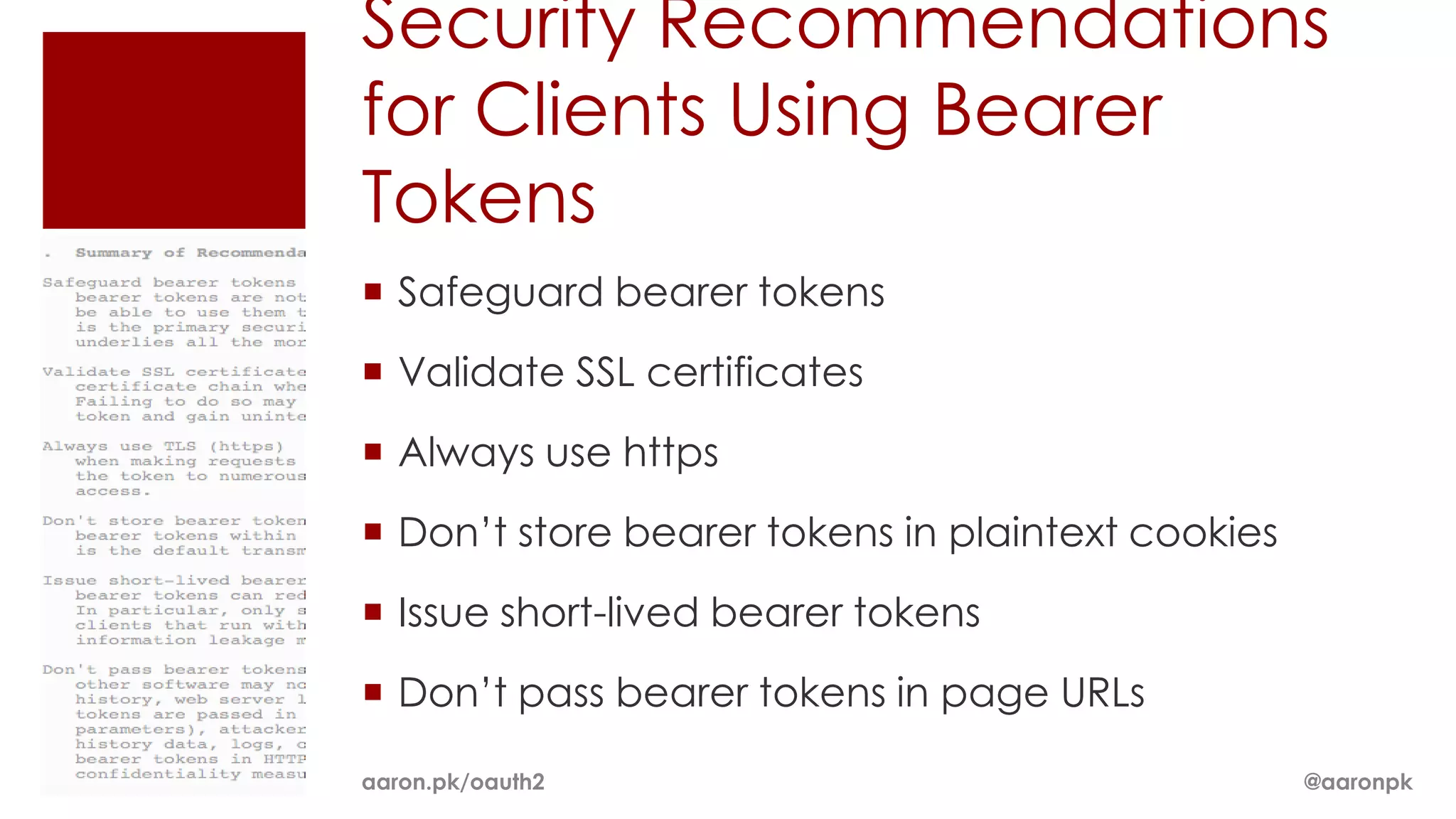
Security Recommendations
for Clients Using Bearer
Tokens
ï‚Ą Safeguard bearer tokens
ï‚Ą Validate SSL certificates
ï‚Ą Always use https
ï‚Ą Don’t store bearer tokens in plaintext cookies
ï‚Ą Issue short-lived bearer tokens
ï‚Ą Don’t pass bearer tokens in page URLs

aaron.pk/oauth2                                    @aaronpk
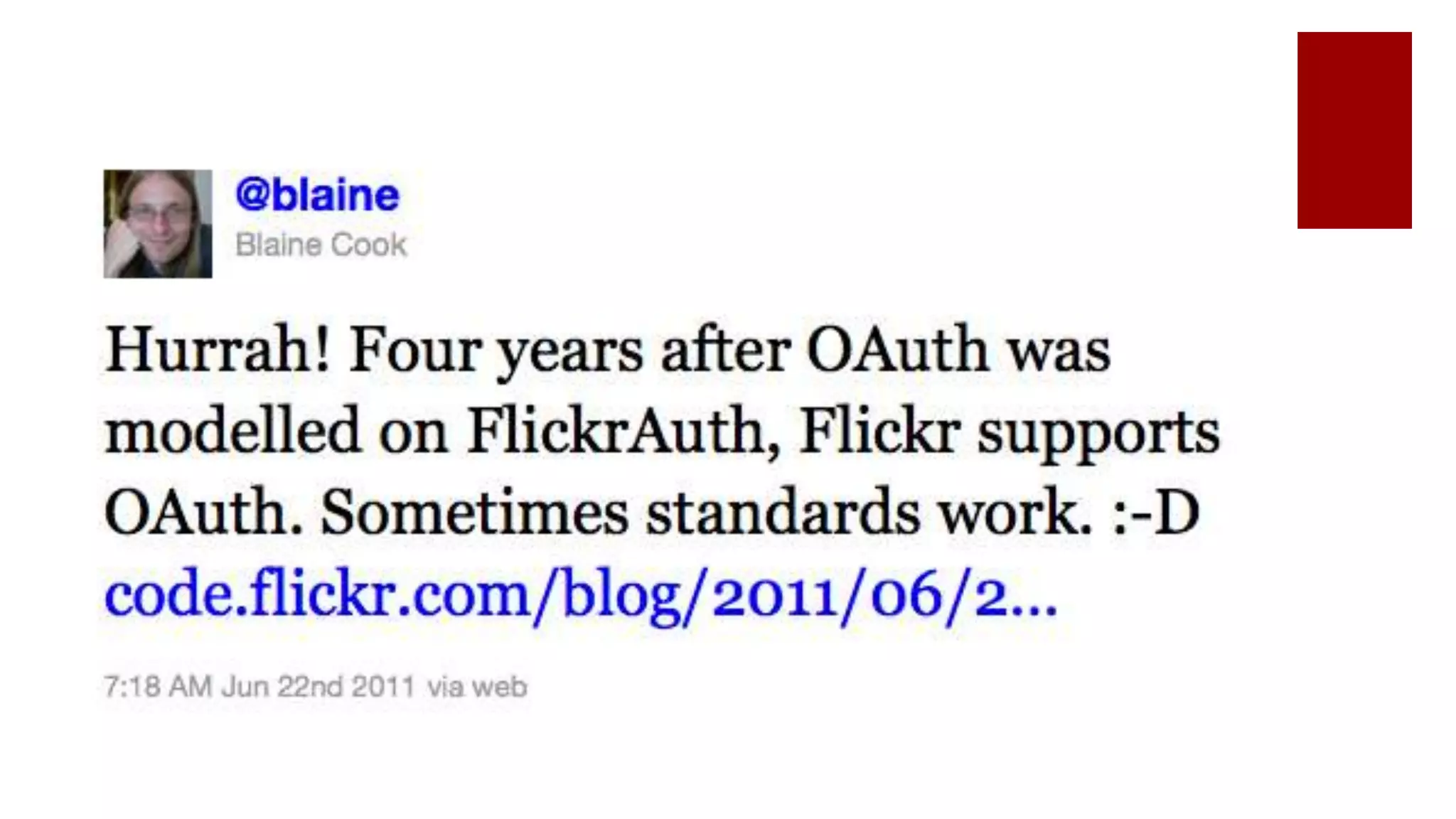
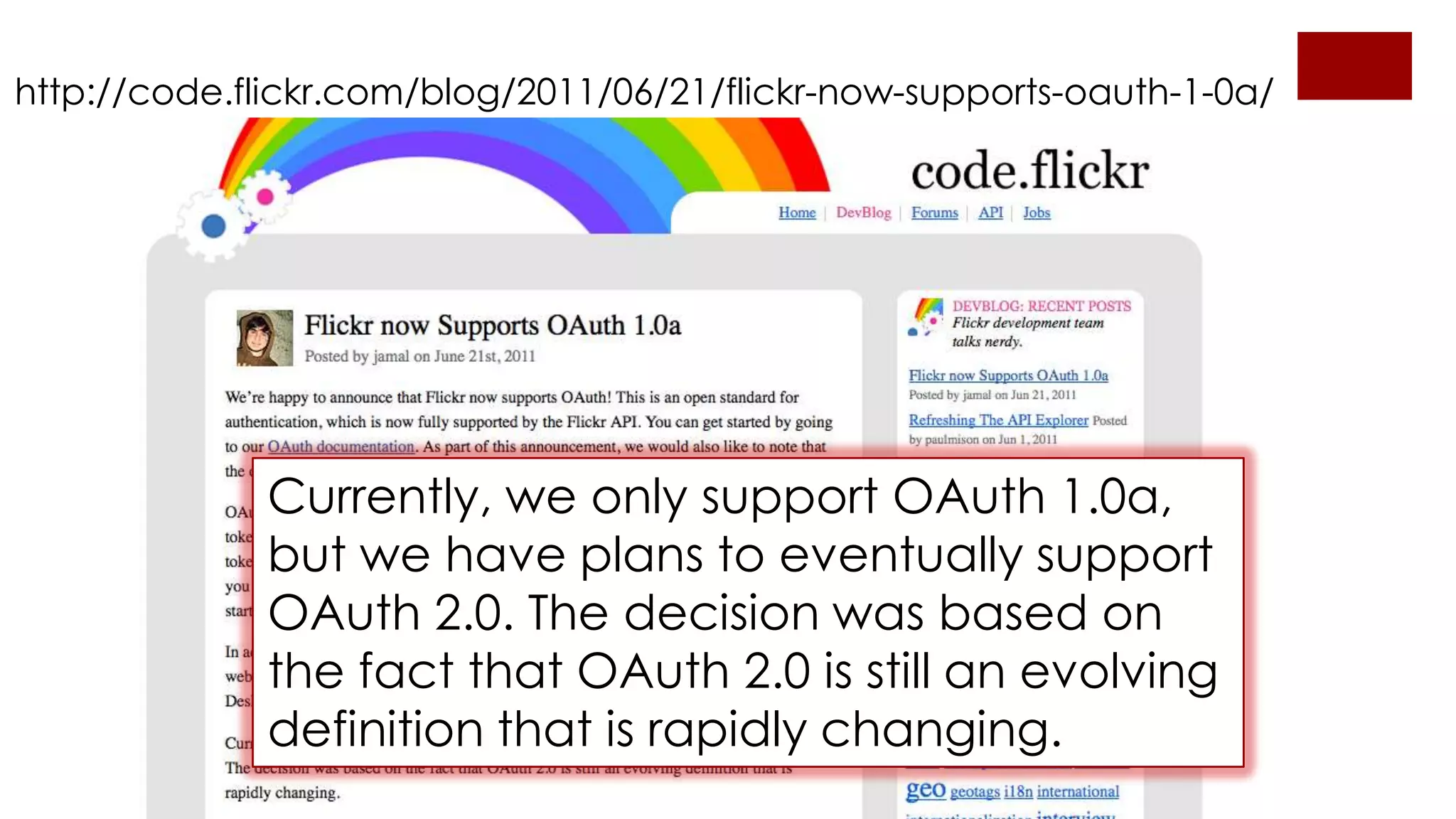
http://code.flickr.com/blog/2011/06/21/flickr-now-supports-oauth-1-0a/


              Currently, we only support OAuth 1.0a,
              but we have plans to eventually support
              OAuth 2.0. The decision was based on
              the fact that OAuth 2.0 is still an evolving
              definition that is rapidly changing.
More Info & Code Samples:
http://aaron.pk/oauth2


                                  Thanks.
                                 Aaron Parecki
                                     @aaronpk
                             aaronparecki.com
                            github.com/aaronpk

OAuth 2 at Webvisions

  • 1.
    OAuth 2: ABrief Overview Aaron Parecki ‱ @aaronpk WebVisions ‱ New York, January 2012
  • 2.
    Before OAuth aka the Dark Ages If a third party wanted access to an account, you’d give them your password. aaron.pk/oauth2 @aaronpk
  • 3.
    Before OAuth 1.0 Many sites implemented things similar to OAuth 1.0, with slight differences between them. ï‚Ą Flickr: “FlickrAuth” frobs and tokens ï‚Ą Google: “AuthSub” ï‚Ą Facebook: requests signed with MD5 hashes aaron.pk/oauth2 @aaronpk
  • 4.
  • 5.
  • 6.
  • 7.
    OAuth 1.0 Signatures The signature base string is composed of the HTTP method being used, followed by an ampersand ("&") and then the URL-encoded base URL being accessed, complete with path (but not query parameters), followed by an ampersand ("&"). Then, you take all query parameters and POST body parameters (when the POST body is of the URL-encoded type, otherwise the POST body is ignored), including the OAuth parameters necessary for negotiation with the request at hand, and sort oauth_nonce="QP70eNmVz8jvdPevU3oJD2AfF7R7o them in lexicographical order by first parameter name and then dC2XJcn4XlZJqk", parameter value (for duplicate parameters), all the while ensuring that both the key and the value for each parameter are URL encoded in oauth_callback="http%3A%2F%2Flocalhost%3A300 isolation. Instead of using the equals ("=") sign to mark the key/value 5%2Fthe_dance%2Fprocess_callback%3Fservice_pr relationship, you use the URL-encoded form of "%3D". Each parameter is ovider_id%3D11", then joined by the URL-escaped ampersand sign, "%26". oauth_signature_method="HMAC-SHA1", oauth_timestamp="1272323042", oauth_consumer_key="GDdmIQH6jhtmLUypg82g", oauth_signature="8wUi7m5HFQy76nowoCThusfgB% aaron.pk/oauth2 2BQ%3D", oauth_version="1.0" @aaronpk
  • 8.
  • 9.
    OAuth 2: signatures replaced by https HMAC aaron.pk/oauth2 @aaronpk
  • 10.
  • 11.
    OAuth 2? There are22 versions!!
  • 12.
    Currently Implemented Drafts Provider Draft Reference Foursquare -10 http://aaron.pk/2YS Google -10 http://code.google.com/apis/accounts/docs/OAuth2.html Gowalla -8 http://gowalla.com/api/docs/oauth https://developers.facebook.com/docs/authentication/oa Facebook -10 (ish) uth2_updates/ Windows Live -10 http://aaron.pk/2YV Salesforce -10 http://aaron.pk/2YW Github -07 http://develop.github.com/p/oauth.html Geoloqi -10 http://geoloqi.org/API @aaronpk
  • 13.
    So how doesit work? aaron.pk/oauth2 @aaronpk
  • 14.
  • 15.
  • 16.
    Create a “LogIn” link Link to: https://geoloqi.com/oauth/authorize?response_ type=code&client_id=YOUR_CLIENT_ID&redirect_u ri=REDIRECT_URI aaron.pk/oauth2 @aaronpk
  • 17.
    Send the userto the auth page https://geoloqi.com/oauth/authorize?response_t ype=code&client_id=YOUR_CLIENT_ID&redirect_uri =REDIRECT_URI aaron.pk/oauth2 @aaronpk
  • 18.
    On success, useris redirected back to your site with auth code https://example.com/auth?code=AUTH_CODE_HERE On error, user is redirected back to your site with error code https://example.com/auth?error=access_denied aaron.pk/oauth2 @aaronpk
  • 19.
    Exchange auth codefor an access token Your server makes the following request POST https://api.geoloqi.com/1/oauth/token Post Body: grant_type=authorization_code &code=CODE_FROM_QUERY_STRING &redirect_uri=REDIRECT_URI &client_id=YOUR_CLIENT_ID &client_secret=YOUR_CLIENT_SECRET aaron.pk/oauth2 @aaronpk
  • 20.
    Exchange auth codefor an access token (response) Your server gets a response like the following { "access_token":"RsT5OjbzRn430zqMLgV3Ia", "expires_in":3600, "refresh_token":"e1qoXg7Ik2RRua48lXIV" } or if there was an error { "error":"invalid_request" } aaron.pk/oauth2 @aaronpk
  • 21.
  • 22.
    Use the accesstoken to make requests Now you can make requests using the access token. GET https://api.geoloqi.com/1/account/profile Authorization: OAuth RsT5OjbzRn430zqMLgV3Ia Access token can be in an HTTP header or a query string parameter https://api.geoloqi.com/1/account/profile?oauth _token=RsT5OjbzRn430zqMLgV3Ia aaron.pk/oauth2 @aaronpk
  • 23.
    Eventually the accesstoken will expire When you make a request with an expired token, you will get this response { "error":"expired_token" } Now you need to get a new access token! aaron.pk/oauth2 @aaronpk
  • 24.
    Get a newaccess token using a refresh token Your server makes the following request POST https://api.geoloqi.com/1/oauth/token grant_type=refresh_token &reresh_token=e1qoXg7Ik2RRua48lXIV &client_id=YOUR_CLIENT_ID &client_secret=YOUR_CLIENT_SECRET Your server gets a similar response as the original call to oauth/token with new tokens. { "access_token":"RsT5OjbzRn430zqMLgV3Ia", "expires_in":3600, "refresh_token":"e1qoXg7Ik2RRua48lXIV" } aaron.pk/oauth2 @aaronpk
  • 25.
    OAuth 2 Clients Clientlibraries should handle refreshing the token automatically behind the scenes. aaron.pk/oauth2 @aaronpk
  • 26.
    Authorization Methods ï‚Ą AuthCode ï‚Ą Refresh Token ï‚Ą Password Draft 10 also has ï‚Ą Assertion Draft 22 also has ï‚Ą Implicit (for browser-based apps) ï‚Ą Extensions (for defining custom grant types) aaron.pk/oauth2 @aaronpk
  • 27.
    Password Grant Type Suitable for mobile or native desktop apps where a web browser flow would be awkward. This breaks the fundamental benefit of OAuth (not giving your password to third parties), so should probably be limited to your own apps. aaron.pk/oauth2
  • 28.
    Password Grant Your servermakes the following request POST https://api.geoloqi.com/1/oauth/token grant_type=password &username=USERNAME &password=PASSWORD &client_id=YOUR_CLIENT_ID &client_secret=YOUR_CLIENT_SECRET Your server gets a similar response as the original call to oauth/token with new tokens. { "access_token":"RsT5OjbzRn430zqMLgV3Ia", "expires_in":3600, "refresh_token":"e1qoXg7Ik2RRua48lXIV" } aaron.pk/oauth2 @aaronpk
  • 29.
    Implicit Grant (-22) Forclients who can’t store a client secret in a secure way, typically Javascript-based apps. No concept of refresh tokens, and auth codes are not used either. The redirection back to your app will include an access token in the URL fragment. https://example.com/auth#access_token=FJQbwq9 aaron.pk/oauth2 @aaronpk
  • 30.
    Security Recommendations for ClientsUsing Bearer Tokens ï‚Ą Safeguard bearer tokens ï‚Ą Validate SSL certificates ï‚Ą Always use https ï‚Ą Don’t store bearer tokens in plaintext cookies ï‚Ą Issue short-lived bearer tokens ï‚Ą Don’t pass bearer tokens in page URLs aaron.pk/oauth2 @aaronpk
  • 32.
    http://code.flickr.com/blog/2011/06/21/flickr-now-supports-oauth-1-0a/ Currently, we only support OAuth 1.0a, but we have plans to eventually support OAuth 2.0. The decision was based on the fact that OAuth 2.0 is still an evolving definition that is rapidly changing.
  • 33.
    More Info &Code Samples: http://aaron.pk/oauth2 Thanks. Aaron Parecki @aaronpk aaronparecki.com github.com/aaronpk

Editor's Notes

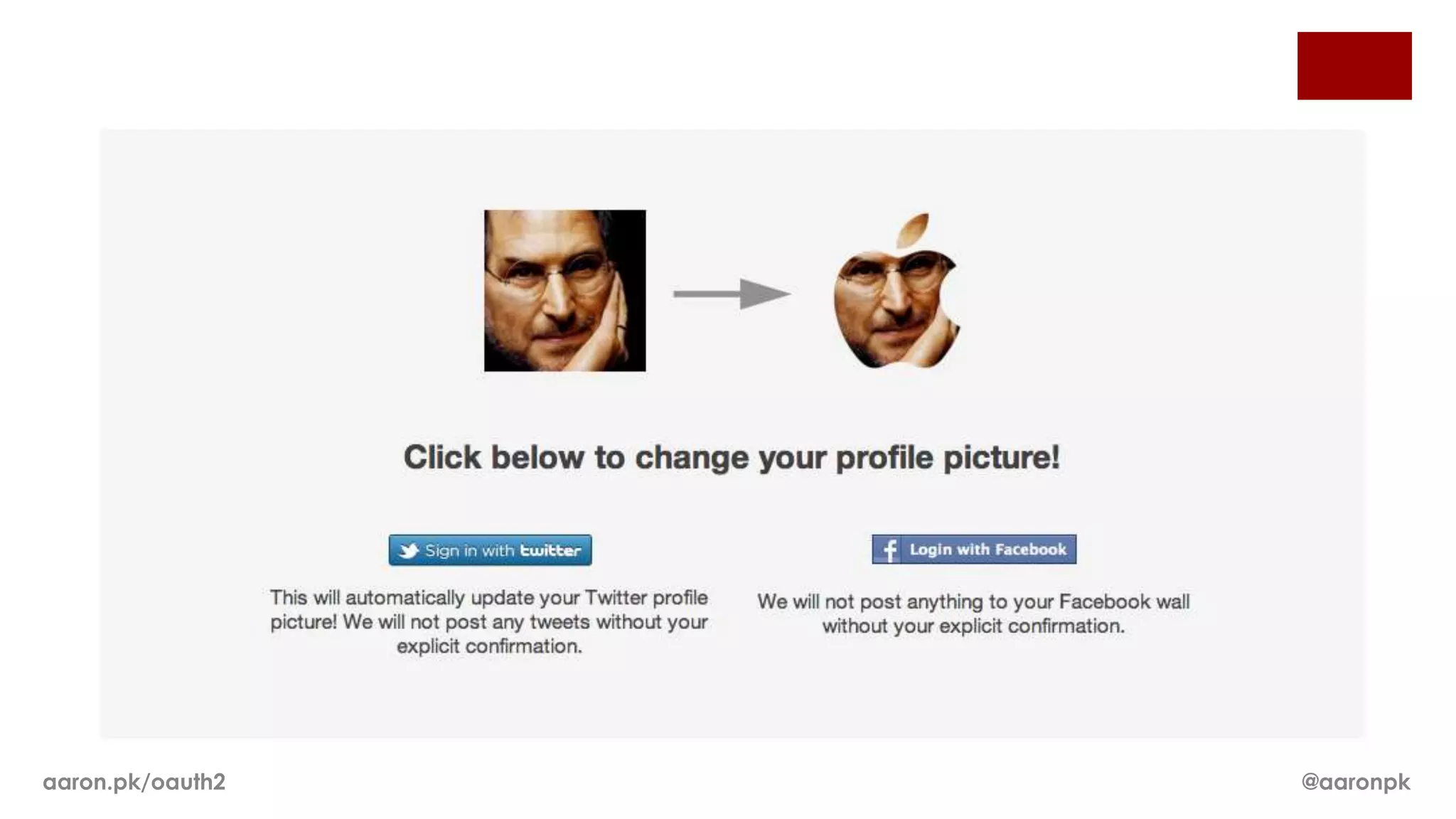
  • #3 It was common to see third party sites asking for your Twitter or Email passwords to log you in. Obviously you should be reluctant to hand over your login information to some other site.
  • #8 Problem is it’s really hard to get the signatures right as a third party, and you have to have a real solid understanding of it if you’re going to implement it on your server.
  • #9 Problem is it’s really hard to get the signatures right as a third party, and you have to have a real solid understanding of it if you’re going to implement it on your server.
  • #10 OAuth 2 recognizes the challenges of requiring signatures and nonces, and moves to a model where all data is transferred using the built-in encryption of HTTPS.
  • #11 Many sites are adopting the new OAuth 2 spec.http://windowsteamblog.com/windows_live/b/developer/archive/2011/05/04/announcing-support-for-oauth-2-0.aspxhttp://googlecode.blogspot.com/2011/03/making-auth-easier-oauth-20-for-google.html
  • #21 Make sure to keep the refresh token around
  • #27 ----- Meeting Notes (2012-01-19 13:22) -----I went through an access token using the "auth code" grant type. Since OAuth is designed for more than just web apps, there are other grant types available.----- Meeting Notes (2012-01-19 13:33) -----Ther'es more than one way to get an access token