OAUTH 2.0
Open Authorization 2.0


   Yasmine M. Gaber
     4 October 2012
Outline

    What is OAuth?

    History

    Terminology

    Why to use OAuth 2.0

    Authorization Flows

    What about Mobile Apps ?

    Tools and Libraries

    Demo

    Summary
Outline

    What is OAuth?

    History

    Terminology

    Why to use OAuth 2.0

    Authorization Flows

    What about Mobile Apps ?

    Tools and Libraries

    Demo

    Summary
What is OAuth

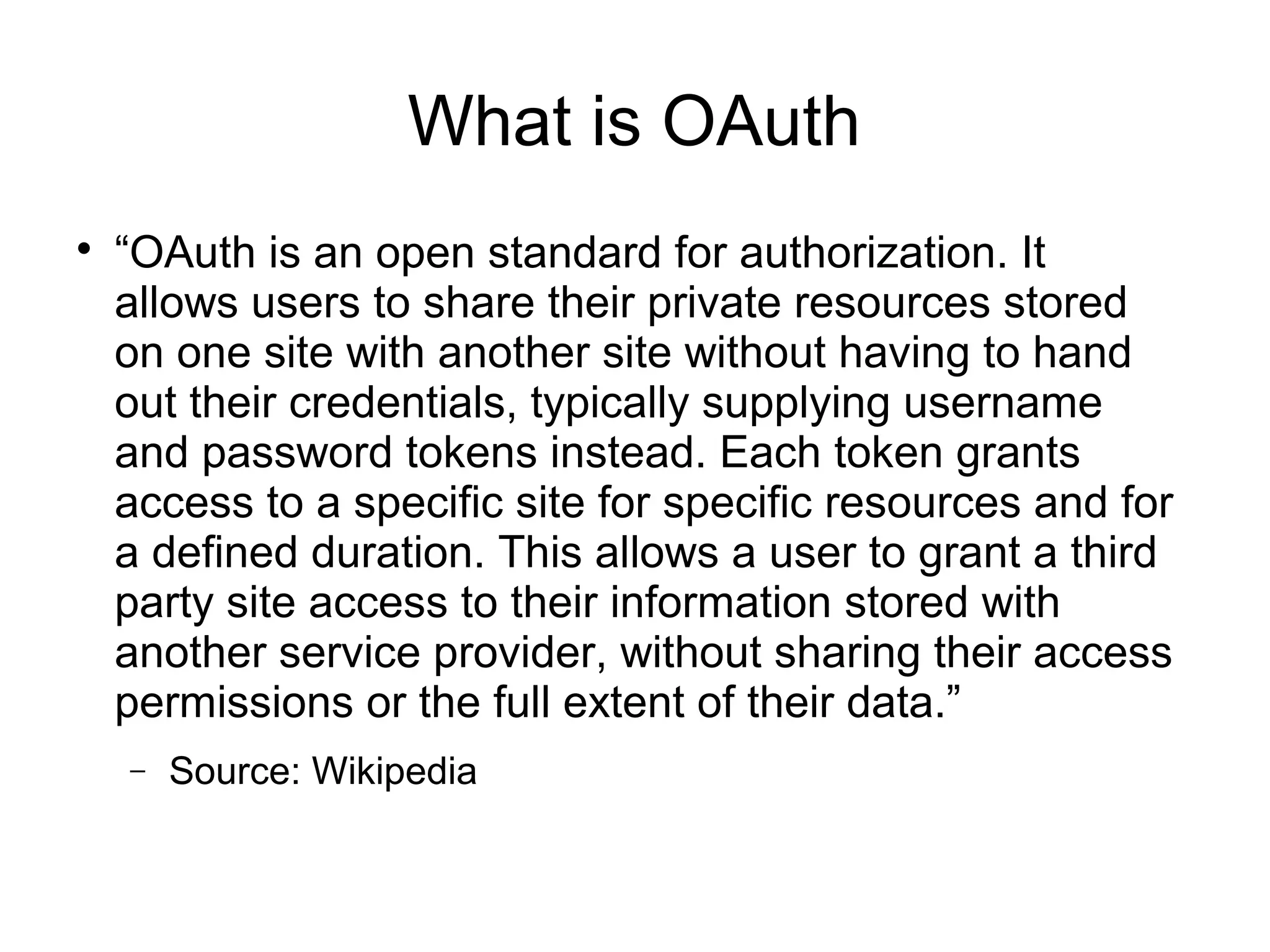
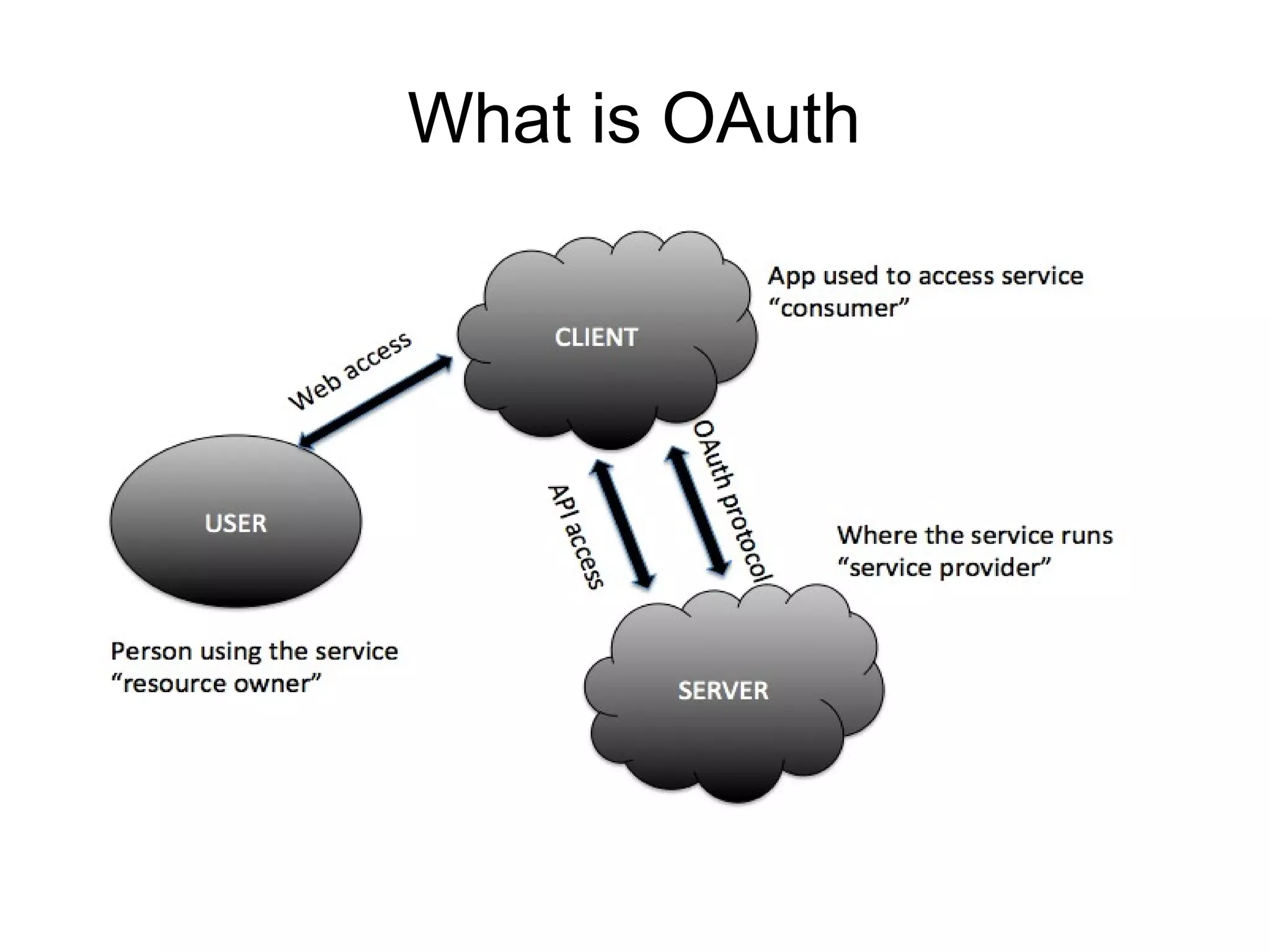
    “OAuth is an open standard for authorization. It
    allows users to share their private resources stored
    on one site with another site without having to hand
    out their credentials, typically supplying username
    and password tokens instead. Each token grants
    access to a specific site for specific resources and for
    a defined duration. This allows a user to grant a third
    party site access to their information stored with
    another service provider, without sharing their access
    permissions or the full extent of their data.”
    −   Source: Wikipedia
What is OAuth
Outline

    What is OAuth?

    History

    Terminology

    Why to use OAuth 2.0

    Authorization Flows

    What about Mobile Apps ?

    Tools and Libraries

    Demo

    Summary
History

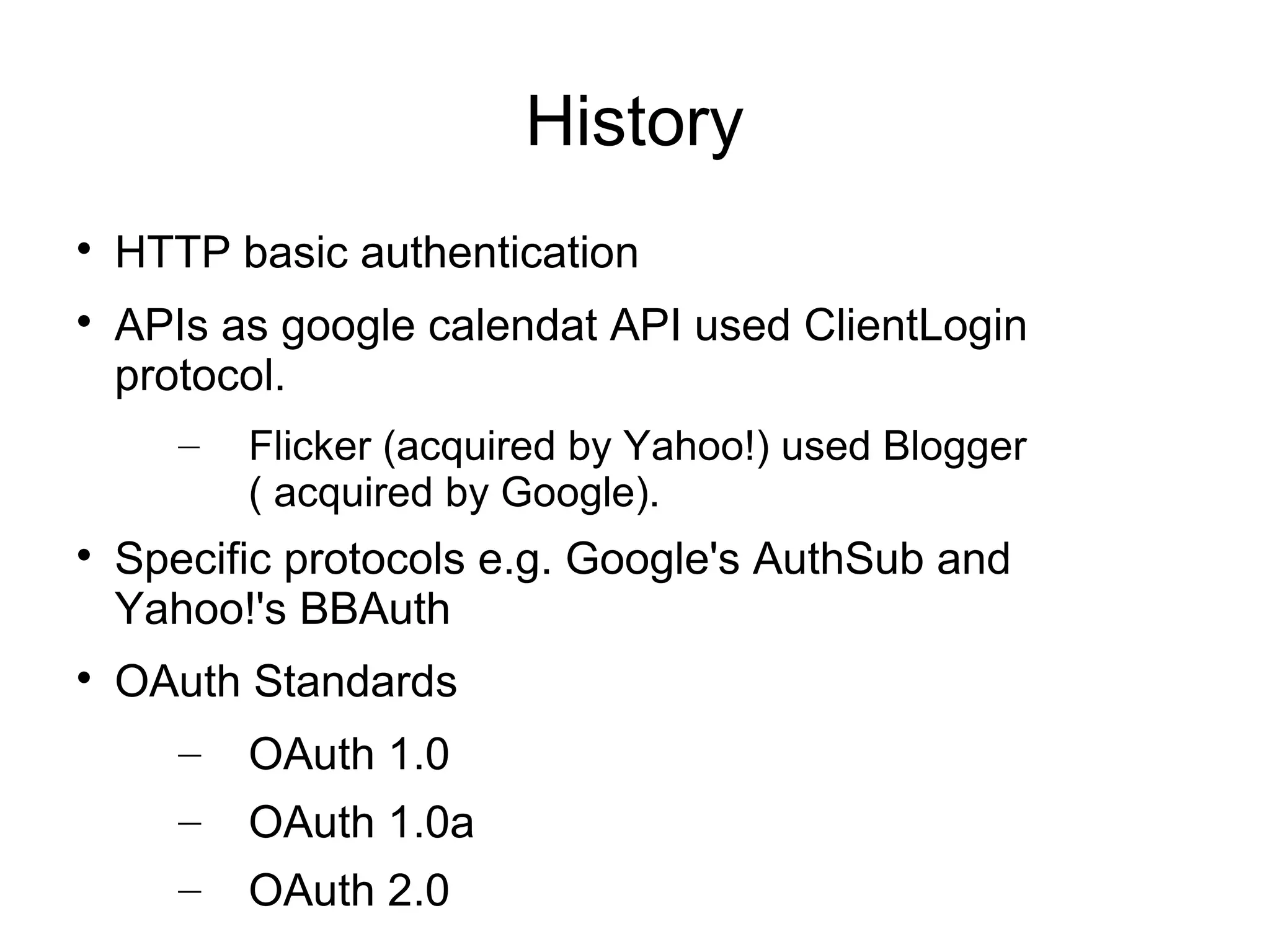
    HTTP basic authentication

    APIs as google calendat API used ClientLogin
    protocol.
       –   Flicker (acquired by Yahoo!) used Blogger
           ( acquired by Google).

    Specific protocols e.g. Google's AuthSub and
    Yahoo!'s BBAuth

    OAuth Standards
       –   OAuth 1.0
       –   OAuth 1.0a
       –   OAuth 2.0
Outline

    What is OAuth?

    History

    Terminology

    Why to use OAuth 2.0

    Authorization Flows

    What about Mobile Apps ?

    Tools and Libraries

    Demo

    Summary
Terminology

    Authentication

    Federated Authentication

    Authorization

    Delegated Authorization

    Roles
      –     Resource server (API provider)
      –     Resource owner (user of an application)
      –     Client
      –     Authorization server
Terminology

    Client Profiles
       –   Server-side web application
       –   Client-side application
       –   Native application

    Access Token
       –   Authorization Header
       –   Query parameter
Outline

    What is OAuth?

    History

    Terminology

    Why to use OAuth 2.0

    Authorization Flows

    What about Mobile Apps ?

    Tools and Libraries

    Demo

    Summary
Why to use OAuth 2.0

    Developer's point of view
      –   Many Functionality:
            •   Getting access to a user’s social graph
            •   Posting to user's Facebook wall or Twitter
                stream
            •   Store data in users' online filesystem of choice
                e.g. Google Docs or Dropbox account
      –   Integrating business applications to drive
          smarter decisions.
Why to use OAuth 2.0

    User's point of view
      –   Increase trust
      –   Decreased user sensitivity to phishing
      –   No more expanded access and risk
      –   No limited reliability
      –   Easy service revocation
      –   Passwords isn't required anymore
      –   Easier to implement stronger authentication
Outline

    What is OAuth?

    History

    Terminology

    Why to use OAuth 2.0

    Authorization Flows

    What about Mobile Apps ?

    Tools and Libraries

    Demo

    Summary
Authorization Flows

    Server-Side Web Application Flow

    Client-Side Web Applications Flow

    Resource Owner Password Flow

    Client Credentials Flow
Authorization Flows

    Server-Side Web Application Flow

    Client-Side Web Applications Flow

    Resource Owner Password Flow

    Client Credentials Flow
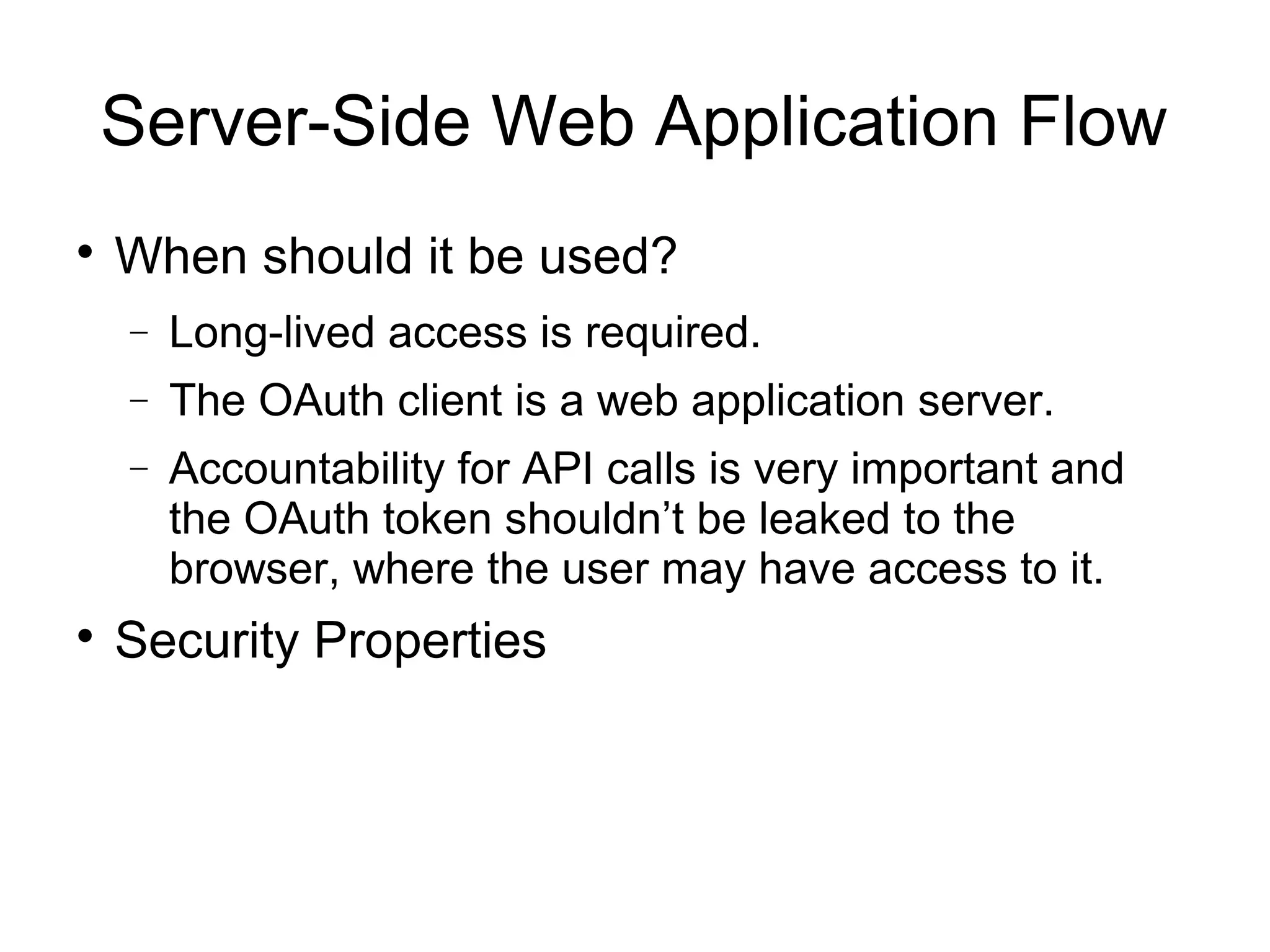
Server-Side Web Application Flow

    When should it be used?
    −   Long-lived access is required.
    −   The OAuth client is a web application server.
    −   Accountability for API calls is very important and
        the OAuth token shouldn’t be leaked to the
        browser, where the user may have access to it.

    Security Properties
Authorization Flows

    Server-Side Web Application Flow

    Client-Side Web Applications Flow

    Resource Owner Password Flow

    Client Credentials Flow
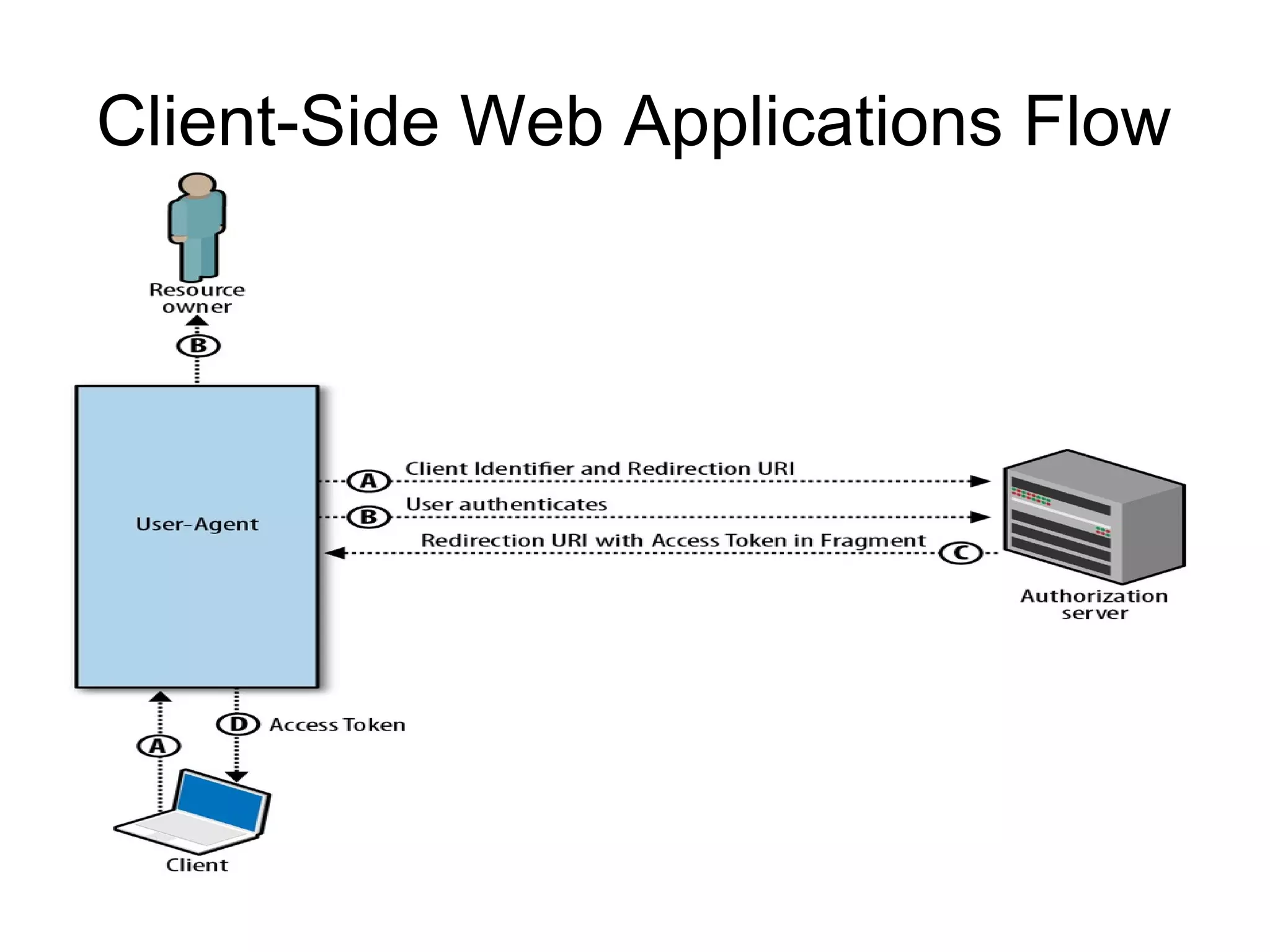
Client-Side Web Applications Flow

    When should it be used?
    −   Only temporary access to data is required.
    −   The user is regularly logged into the API provider.
    −   The OAuth client is running in the browser (using
        JavaScript, Flash, etc.).
    −   The browser is strongly trusted and there is limited
        concern that the access token will leak to
        untrusted users or applications.

    Security Properties
Authorization Flows

    Server-Side Web Application Flow

    Client-Side Web Applications Flow

    Resource Owner Password Flow

    Client Credentials Flow
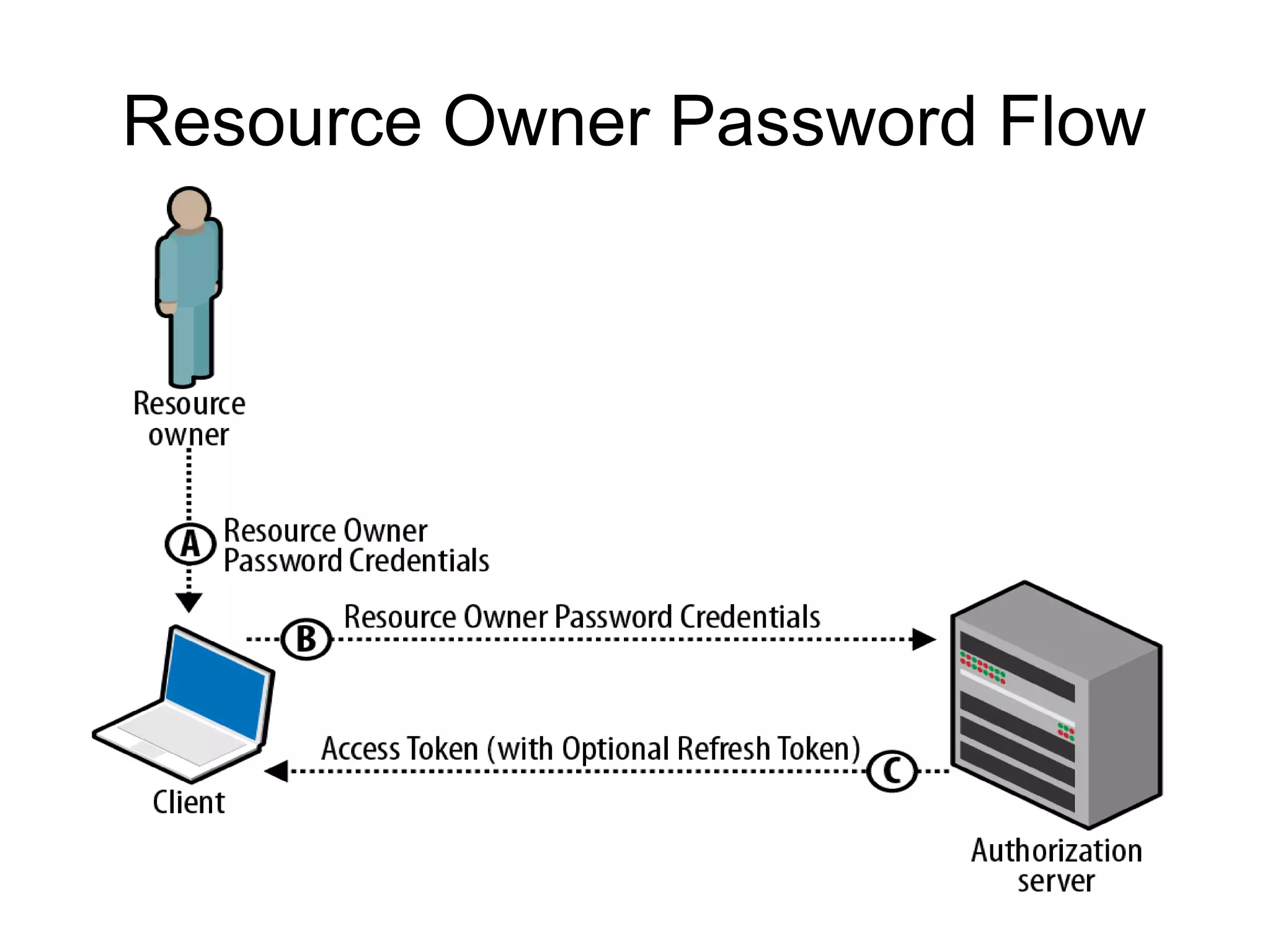
Resource Owner Password Flow

    When should it be used?
      –   Recommended only for first-party “official”
          applications released by the API provider, and
          not opened up to wider third-party developer
          communities.

    Security Properties
      –   Better than regular HTTP Authentication as
          the application only needs access to the user’s
          credentials once.
      –   When password changes, no need to reenter
          the password for every application that uses it.
Authorization Flows

    Server-Side Web Application Flow

    Client-Side Web Applications Flow

    Resource Owner Password Flow

    Client Credentials Flow
Client Credentials Flow

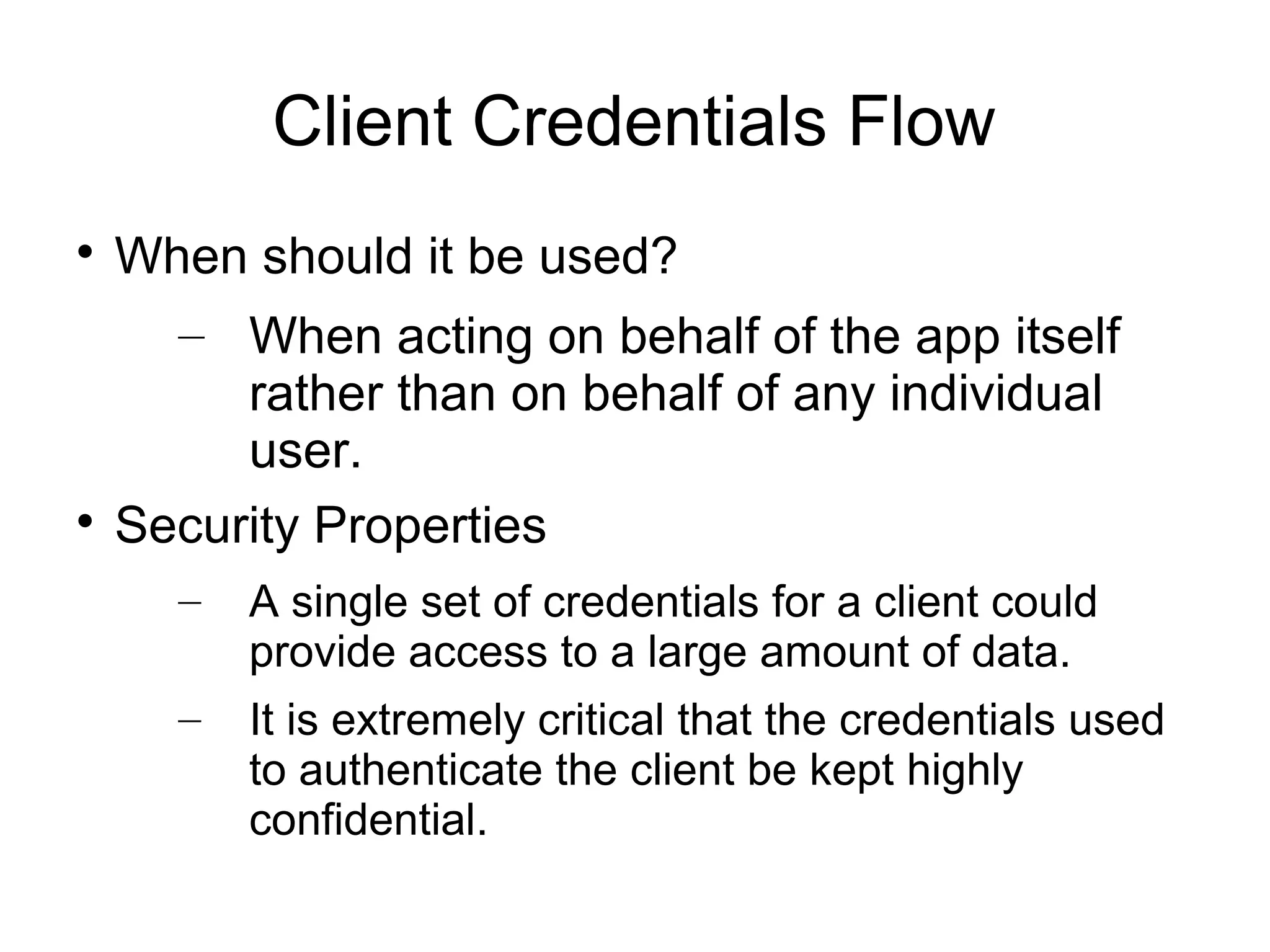
  When should it be used?
    – When acting on behalf of the app itself
       rather than on behalf of any individual
       user.

  Security Properties
    –   A single set of credentials for a client could
        provide access to a large amount of data.
    –   It is extremely critical that the credentials used
        to authenticate the client be kept highly
        confidential.
Outline

    What is OAuth?

    History

    Terminology

    Why to use OAuth 2.0

    Authorization Flows

    What about Mobile Apps ?

    Tools and Libraries

    Demo

    Summary
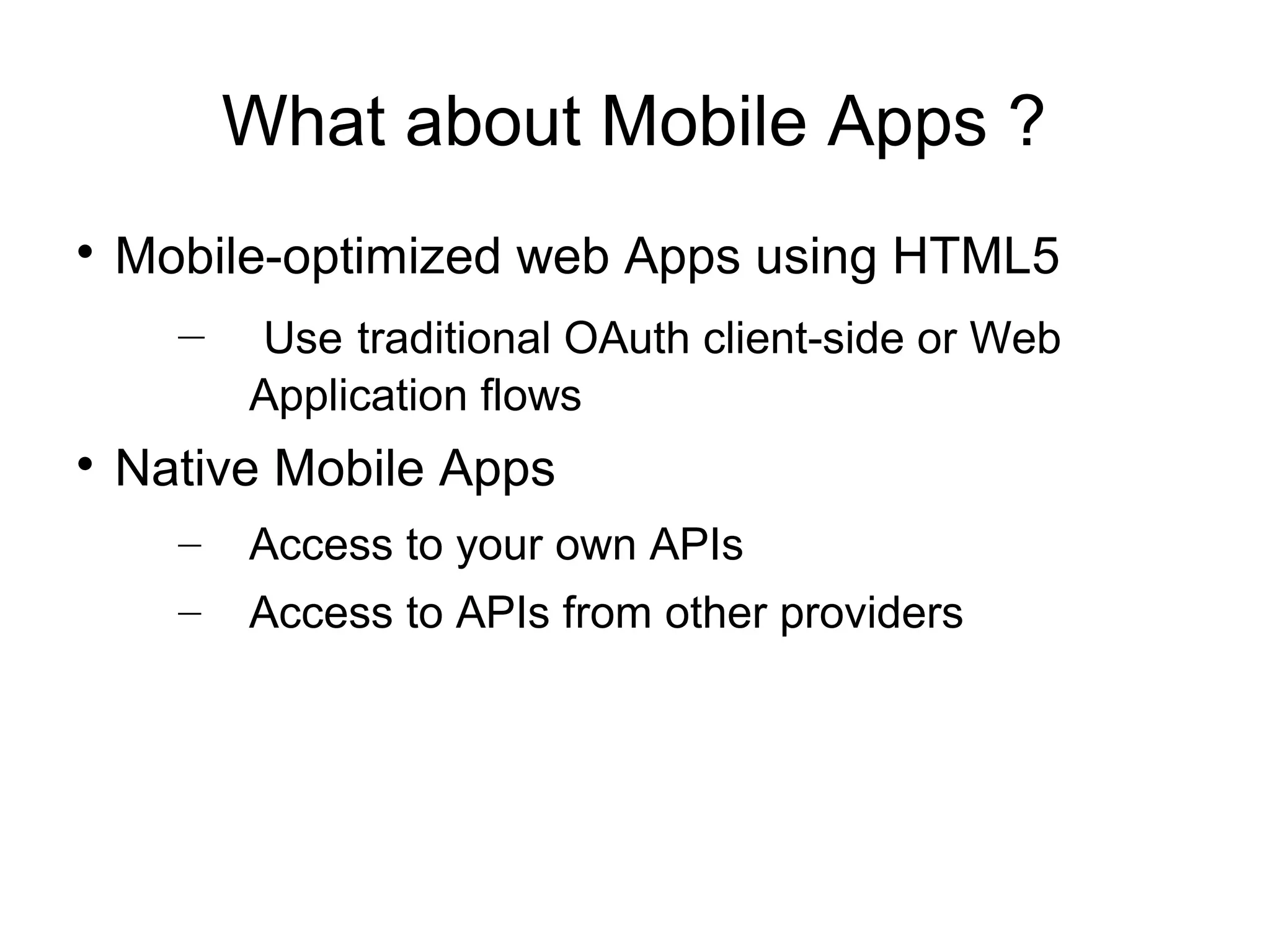
What about Mobile Apps ?

    Mobile-optimized web Apps using HTML5
      – Use traditional OAuth client-side or Web
          Application flows

    Native Mobile Apps
      –   Access to your own APIs
      –   Access to APIs from other providers
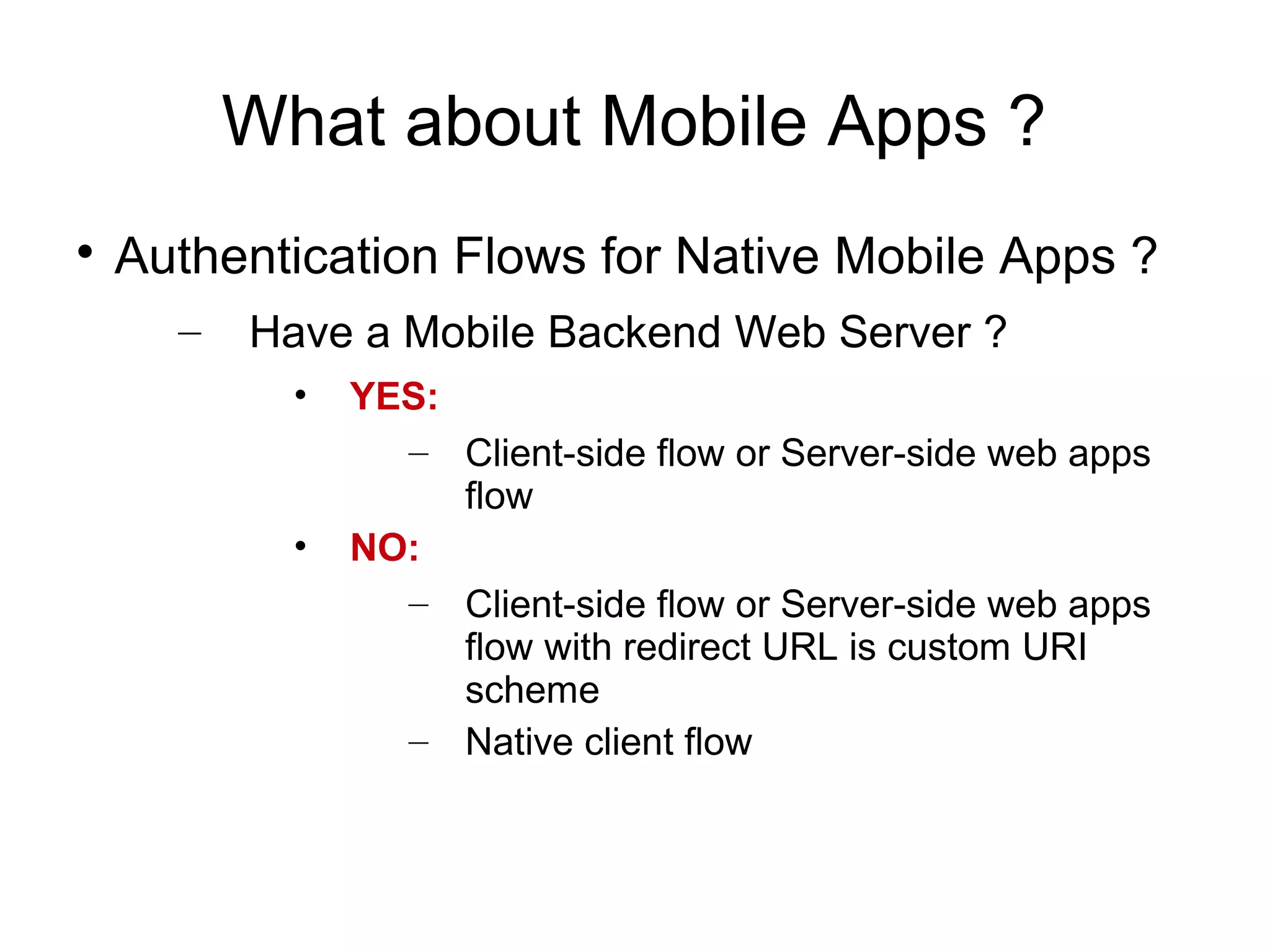
What about Mobile Apps ?

    Authentication Flows for Native Mobile Apps ?
      –   Have a Mobile Backend Web Server ?
            •   YES:
                  – Client-side flow or Server-side web apps
                     flow
            •   NO:
                  – Client-side flow or Server-side web apps
                     flow with redirect URL is custom URI
                     scheme
                  – Native client flow
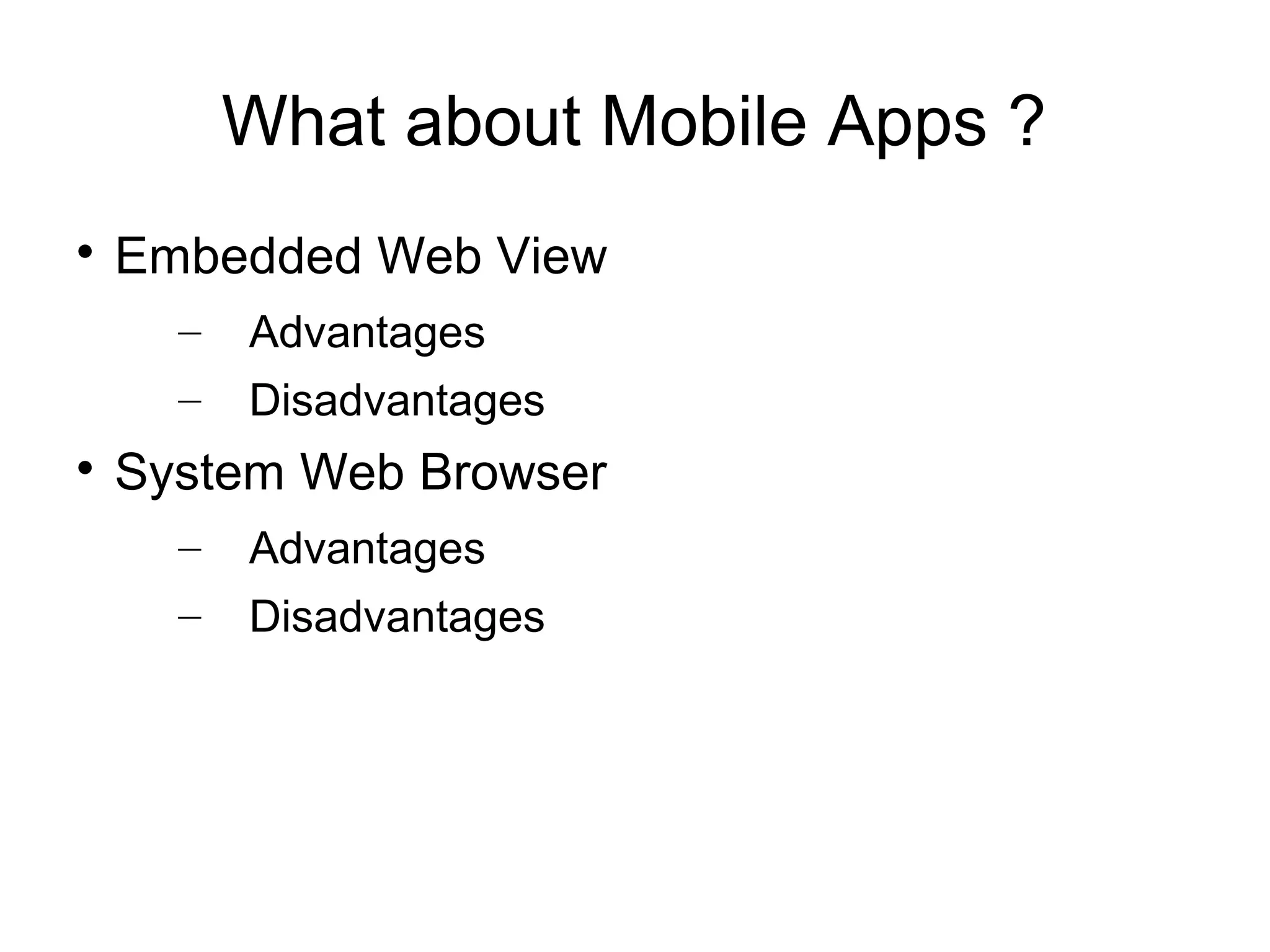
What about Mobile Apps ?

    Embedded Web View
      –   Advantages
      –   Disadvantages

    System Web Browser
      –   Advantages
      –   Disadvantages
Outline

    What is OAuth?

    History

    Terminology

    Why to use OAuth 2.0

    Authorization Flows

    What about Mobile Apps ?

    Tools and Libraries

    Demo

    Summary
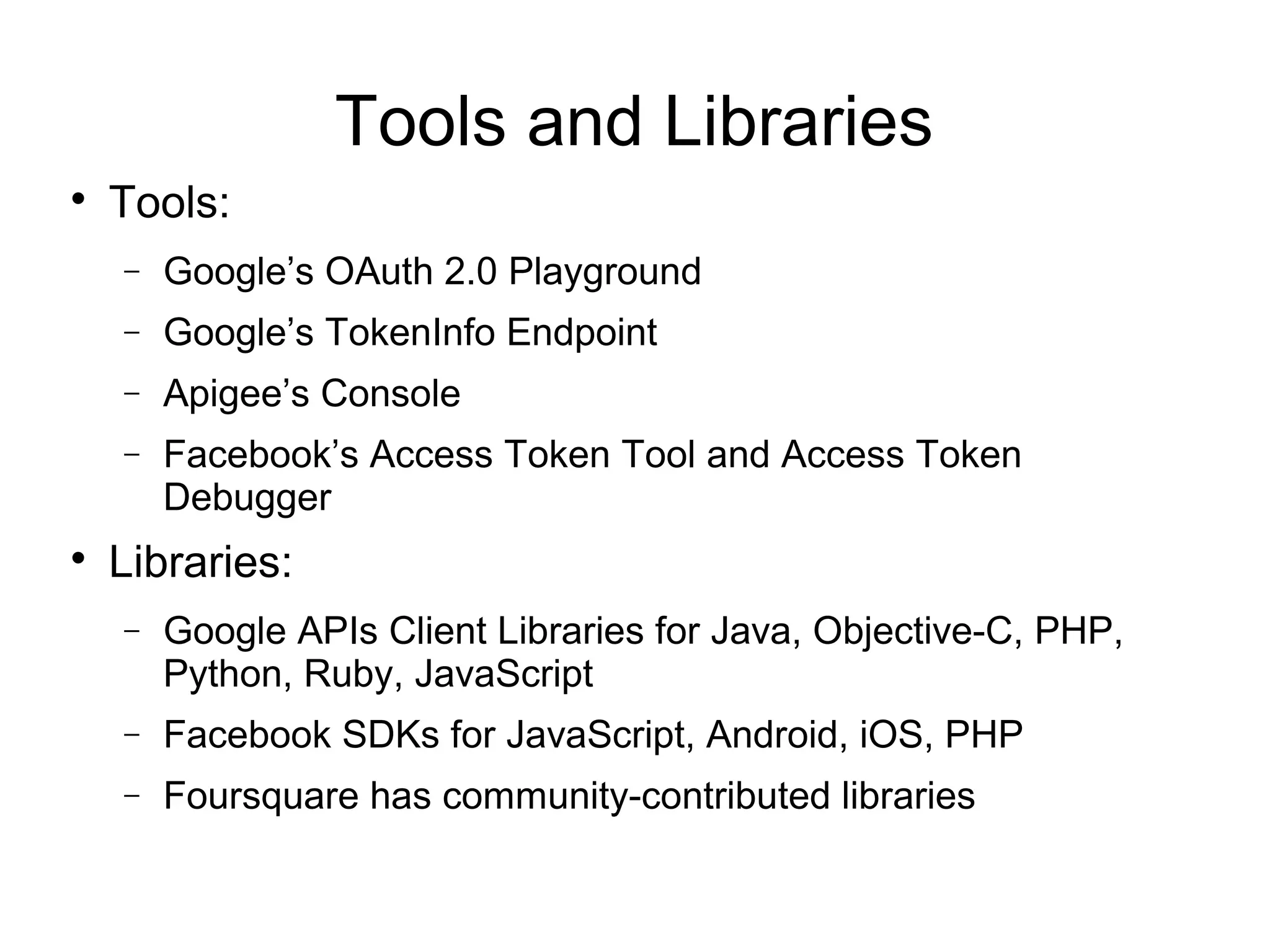
Tools and Libraries

    Tools:
    −   Google’s OAuth 2.0 Playground
    −   Google’s TokenInfo Endpoint
    −   Apigee’s Console
    −   Facebook’s Access Token Tool and Access Token
        Debugger

    Libraries:
    −   Google APIs Client Libraries for Java, Objective-C, PHP,
        Python, Ruby, JavaScript
    −   Facebook SDKs for JavaScript, Android, iOS, PHP
    −   Foursquare has community-contributed libraries
Outline

    What is OAuth?

    History

    Terminology

    Why to use OAuth 2.0

    Authorization Flows

    What about Mobile Apps ?

    Tools and Libraries

    Demo

    Summary
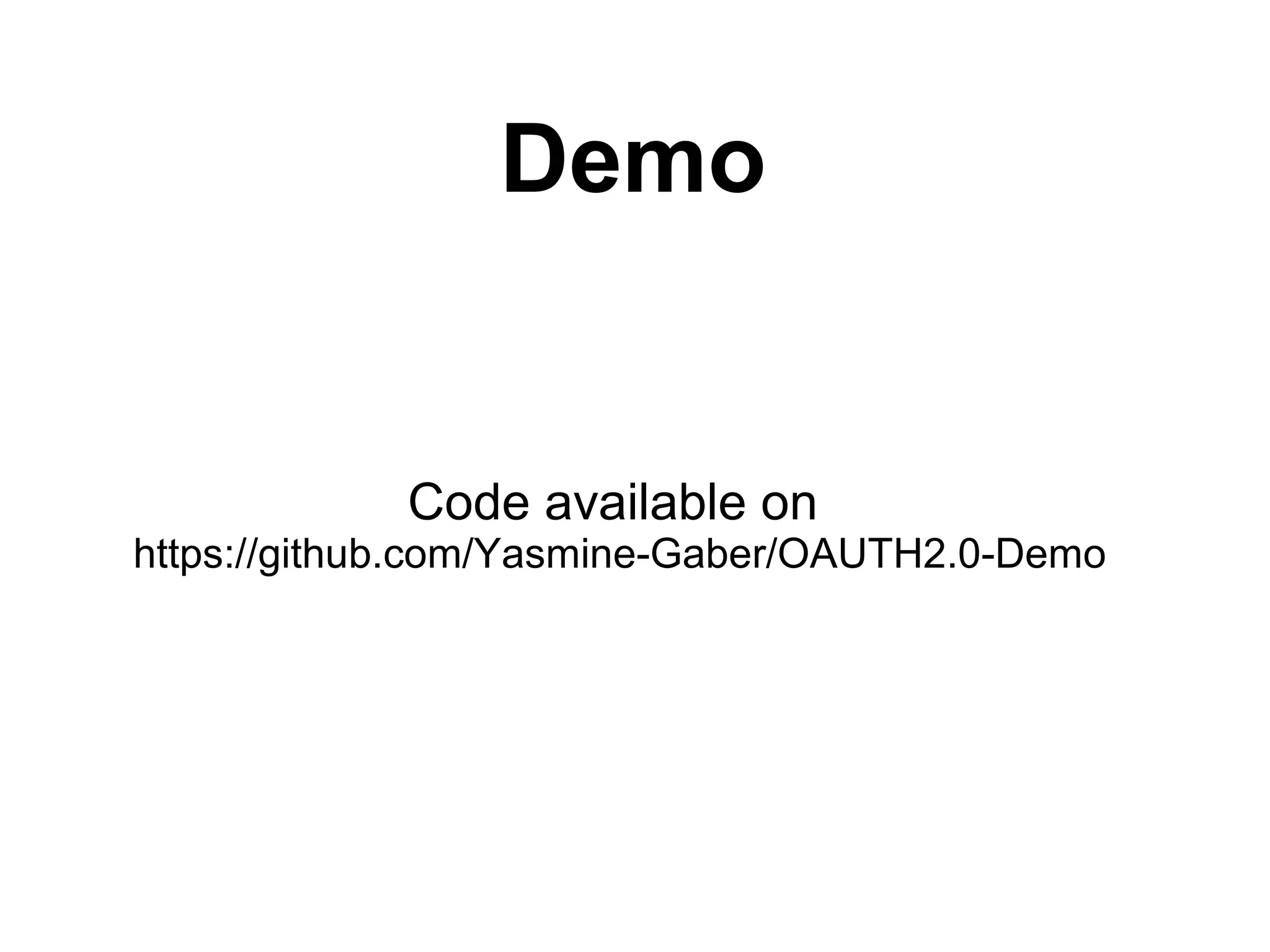
Demo


            Code available on
https://github.com/Yasmine-Gaber/OAUTH2.0-Demo
Outline

    What is OAuth?

    History

    Terminology

    Why to use OAuth 2.0

    Authorization Flows

    What about Mobile Apps ?

    Tools and Libraries

    Demo

    Summary
Resources

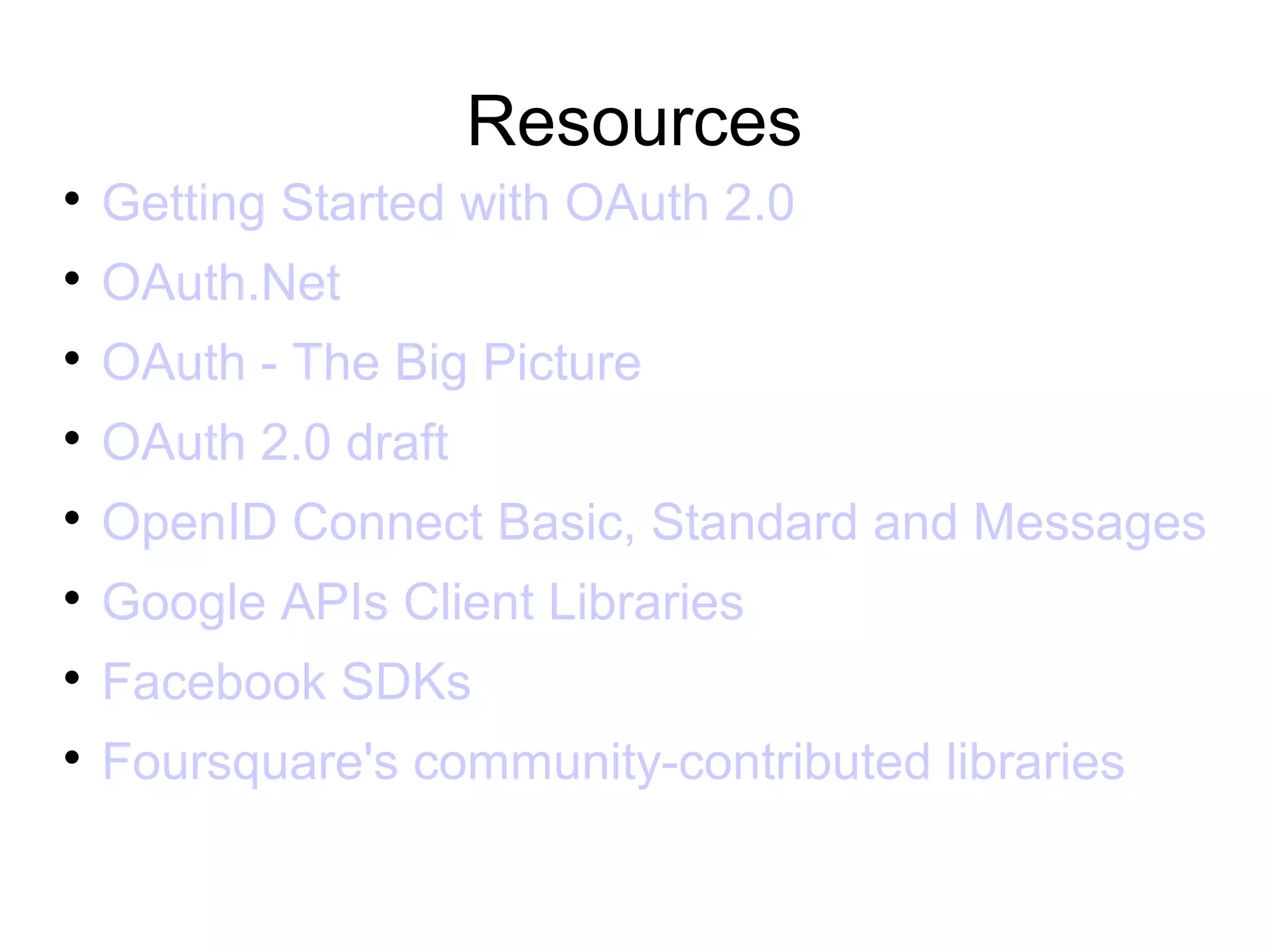
    Getting Started with OAuth 2.0

    OAuth.Net

    OAuth - The Big Picture

    OAuth 2.0 draft

    OpenID Connect Basic, Standard and Messages

    Google APIs Client Libraries

    Facebook SDKs

    Foursquare's community-contributed libraries
Questions ?
Thank You


               Contact at:
Email: Yasmine.Gaber@espace.com.eg
Twitter: Twitter.com/yasmine_mohamed

Oauth2.0

  • 1.
    OAUTH 2.0 Open Authorization2.0 Yasmine M. Gaber 4 October 2012
  • 2.
    Outline  What is OAuth?  History  Terminology  Why to use OAuth 2.0  Authorization Flows  What about Mobile Apps ?  Tools and Libraries  Demo  Summary
  • 3.
    Outline  What is OAuth?  History  Terminology  Why to use OAuth 2.0  Authorization Flows  What about Mobile Apps ?  Tools and Libraries  Demo  Summary
  • 4.
    What is OAuth  “OAuth is an open standard for authorization. It allows users to share their private resources stored on one site with another site without having to hand out their credentials, typically supplying username and password tokens instead. Each token grants access to a specific site for specific resources and for a defined duration. This allows a user to grant a third party site access to their information stored with another service provider, without sharing their access permissions or the full extent of their data.” − Source: Wikipedia
  • 5.
  • 6.
    Outline  What is OAuth?  History  Terminology  Why to use OAuth 2.0  Authorization Flows  What about Mobile Apps ?  Tools and Libraries  Demo  Summary
  • 7.
    History  HTTP basic authentication  APIs as google calendat API used ClientLogin protocol. – Flicker (acquired by Yahoo!) used Blogger ( acquired by Google).  Specific protocols e.g. Google's AuthSub and Yahoo!'s BBAuth  OAuth Standards – OAuth 1.0 – OAuth 1.0a – OAuth 2.0
  • 8.
    Outline  What is OAuth?  History  Terminology  Why to use OAuth 2.0  Authorization Flows  What about Mobile Apps ?  Tools and Libraries  Demo  Summary
  • 9.
    Terminology  Authentication  Federated Authentication  Authorization  Delegated Authorization  Roles – Resource server (API provider) – Resource owner (user of an application) – Client – Authorization server
  • 10.
    Terminology  Client Profiles – Server-side web application – Client-side application – Native application  Access Token – Authorization Header – Query parameter
  • 11.
    Outline  What is OAuth?  History  Terminology  Why to use OAuth 2.0  Authorization Flows  What about Mobile Apps ?  Tools and Libraries  Demo  Summary
  • 12.
    Why to useOAuth 2.0  Developer's point of view – Many Functionality: • Getting access to a user’s social graph • Posting to user's Facebook wall or Twitter stream • Store data in users' online filesystem of choice e.g. Google Docs or Dropbox account – Integrating business applications to drive smarter decisions.
  • 13.
    Why to useOAuth 2.0  User's point of view – Increase trust – Decreased user sensitivity to phishing – No more expanded access and risk – No limited reliability – Easy service revocation – Passwords isn't required anymore – Easier to implement stronger authentication
  • 14.
    Outline  What is OAuth?  History  Terminology  Why to use OAuth 2.0  Authorization Flows  What about Mobile Apps ?  Tools and Libraries  Demo  Summary
  • 15.
    Authorization Flows  Server-Side Web Application Flow  Client-Side Web Applications Flow  Resource Owner Password Flow  Client Credentials Flow
  • 16.
    Authorization Flows  Server-Side Web Application Flow  Client-Side Web Applications Flow  Resource Owner Password Flow  Client Credentials Flow
  • 17.
  • 18.
    Server-Side Web ApplicationFlow  When should it be used? − Long-lived access is required. − The OAuth client is a web application server. − Accountability for API calls is very important and the OAuth token shouldn’t be leaked to the browser, where the user may have access to it.  Security Properties
  • 19.
    Authorization Flows  Server-Side Web Application Flow  Client-Side Web Applications Flow  Resource Owner Password Flow  Client Credentials Flow
  • 20.
  • 21.
    Client-Side Web ApplicationsFlow  When should it be used? − Only temporary access to data is required. − The user is regularly logged into the API provider. − The OAuth client is running in the browser (using JavaScript, Flash, etc.). − The browser is strongly trusted and there is limited concern that the access token will leak to untrusted users or applications.  Security Properties
  • 22.
    Authorization Flows  Server-Side Web Application Flow  Client-Side Web Applications Flow  Resource Owner Password Flow  Client Credentials Flow
  • 23.
  • 24.
    Resource Owner PasswordFlow  When should it be used? – Recommended only for first-party “official” applications released by the API provider, and not opened up to wider third-party developer communities.  Security Properties – Better than regular HTTP Authentication as the application only needs access to the user’s credentials once. – When password changes, no need to reenter the password for every application that uses it.
  • 25.
    Authorization Flows  Server-Side Web Application Flow  Client-Side Web Applications Flow  Resource Owner Password Flow  Client Credentials Flow
  • 26.
  • 27.
    Client Credentials Flow  When should it be used? – When acting on behalf of the app itself rather than on behalf of any individual user.  Security Properties – A single set of credentials for a client could provide access to a large amount of data. – It is extremely critical that the credentials used to authenticate the client be kept highly confidential.
  • 28.
    Outline  What is OAuth?  History  Terminology  Why to use OAuth 2.0  Authorization Flows  What about Mobile Apps ?  Tools and Libraries  Demo  Summary
  • 29.
    What about MobileApps ?  Mobile-optimized web Apps using HTML5 – Use traditional OAuth client-side or Web Application flows  Native Mobile Apps – Access to your own APIs – Access to APIs from other providers
  • 30.
    What about MobileApps ?  Authentication Flows for Native Mobile Apps ? – Have a Mobile Backend Web Server ? • YES: – Client-side flow or Server-side web apps flow • NO: – Client-side flow or Server-side web apps flow with redirect URL is custom URI scheme – Native client flow
  • 31.
    What about MobileApps ?  Embedded Web View – Advantages – Disadvantages  System Web Browser – Advantages – Disadvantages
  • 32.
    Outline  What is OAuth?  History  Terminology  Why to use OAuth 2.0  Authorization Flows  What about Mobile Apps ?  Tools and Libraries  Demo  Summary
  • 33.
    Tools and Libraries  Tools: − Google’s OAuth 2.0 Playground − Google’s TokenInfo Endpoint − Apigee’s Console − Facebook’s Access Token Tool and Access Token Debugger  Libraries: − Google APIs Client Libraries for Java, Objective-C, PHP, Python, Ruby, JavaScript − Facebook SDKs for JavaScript, Android, iOS, PHP − Foursquare has community-contributed libraries
  • 34.
    Outline  What is OAuth?  History  Terminology  Why to use OAuth 2.0  Authorization Flows  What about Mobile Apps ?  Tools and Libraries  Demo  Summary
  • 35.
    Demo Code available on https://github.com/Yasmine-Gaber/OAUTH2.0-Demo
  • 36.
    Outline  What is OAuth?  History  Terminology  Why to use OAuth 2.0  Authorization Flows  What about Mobile Apps ?  Tools and Libraries  Demo  Summary
  • 37.
    Resources  Getting Started with OAuth 2.0  OAuth.Net  OAuth - The Big Picture  OAuth 2.0 draft  OpenID Connect Basic, Standard and Messages  Google APIs Client Libraries  Facebook SDKs  Foursquare's community-contributed libraries
  • 38.
  • 39.
    Thank You Contact at: Email: Yasmine.Gaber@espace.com.eg Twitter: Twitter.com/yasmine_mohamed