Demystifying Information Architecture Patrick Kennedy
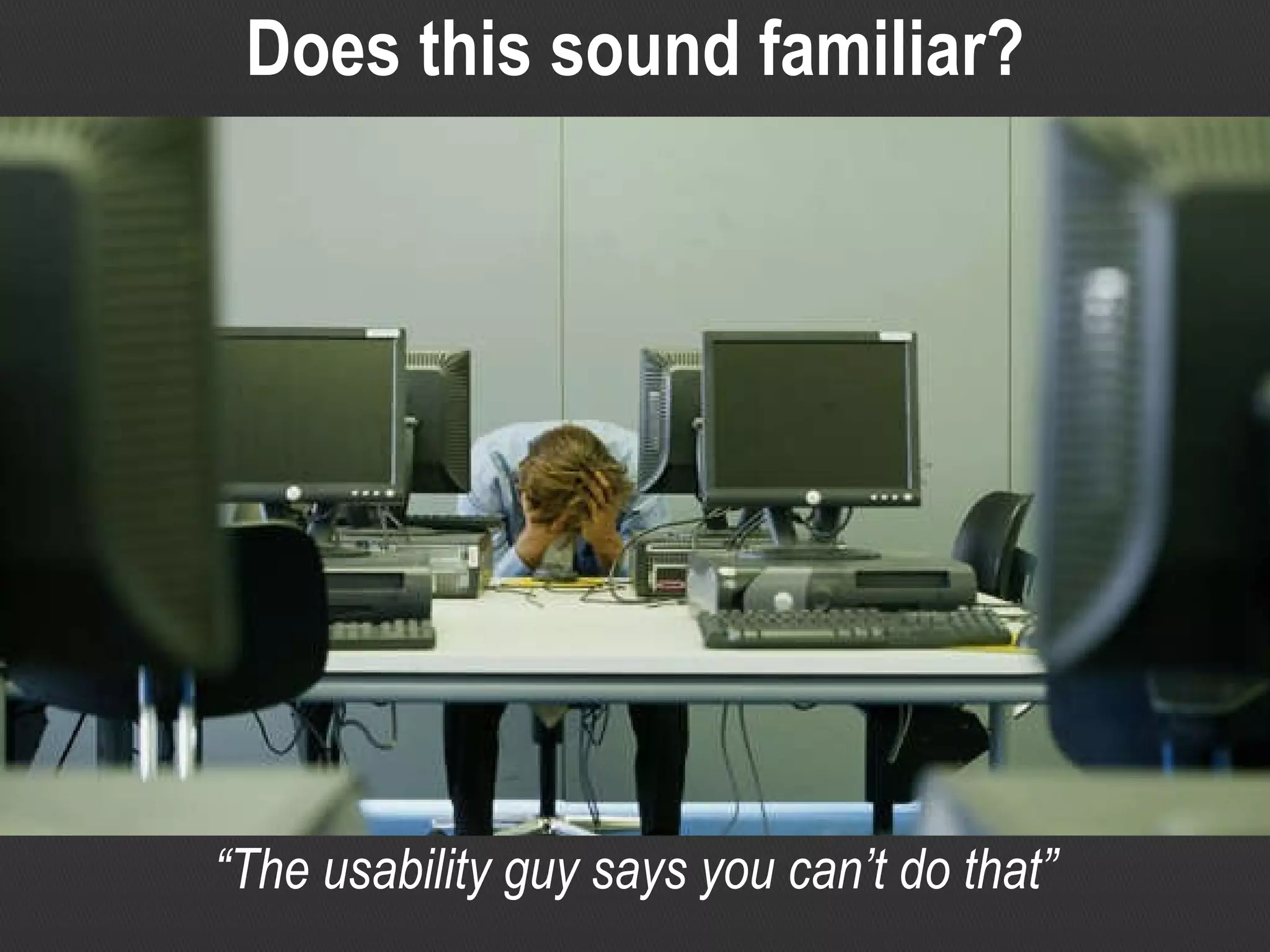
“ The usability guy says you can’t do that” Does this sound familiar?
“ You know what you can do with your heuristics?!” Or maybe it’s more like this?
Overview There is much  confusion  and ignorance regarding information architecture (IA) and it's place in web design. Many developers, like their design counterparts, are operating under  misconceptions ,  hearsay  and indeed  disinformation . Because of this, many feel  threatened  by the 'usability guy' telling them what to do. This presentation will  introduce  IA for websites--with the theory and techniques being equally applicable to intranets and RIAs--and explain the fundamental principles and some simple techniques. The aim is to give the audience a heads-up and point them in the right direction so they can  integrate  IA into their own work or just better  collaborate  with those IA and usability folks.
A bit about me Two-minute resume Electrical and Computer Systems Engineer Front and back-end web developer Team leader and ‘solutions architect’ Information Architect User Experience consultant Industry exposure IT and corporate Marketing, advertising and media
So you think you can IA? do “ I drew a site map, I’m doing IA!”
So you think you can IA? “ We wireframe everything!” do
So you think you can IA? “ Usability testing? Yep, we all think it works great.” do
So you think you can IA? “ We surveyed what our users want!” do
So you think you can IA? “ I installed Visio… I am an Information Architect!” do
What IA isn’t Information Architecture is not… Simply drawing up a sitemap Simply pumping out masses of ‘wireframes’ Designing for yourselves Just about navigation A frivolous expense for ‘Rolls Royce’ projects only A ‘nice to have’ item on a checklist Database design (at least not for this session!)
So what is IA? Information Architecture is… The practice of designing, for a website or intranet, the: Site structure Navigation Labelling Often a synonym for ‘usability’ or ‘User Centred Design’, which involves: Understanding users and their needs Designing with those needs in mind (balanced by business context and content) Validating design decisions with user involvement
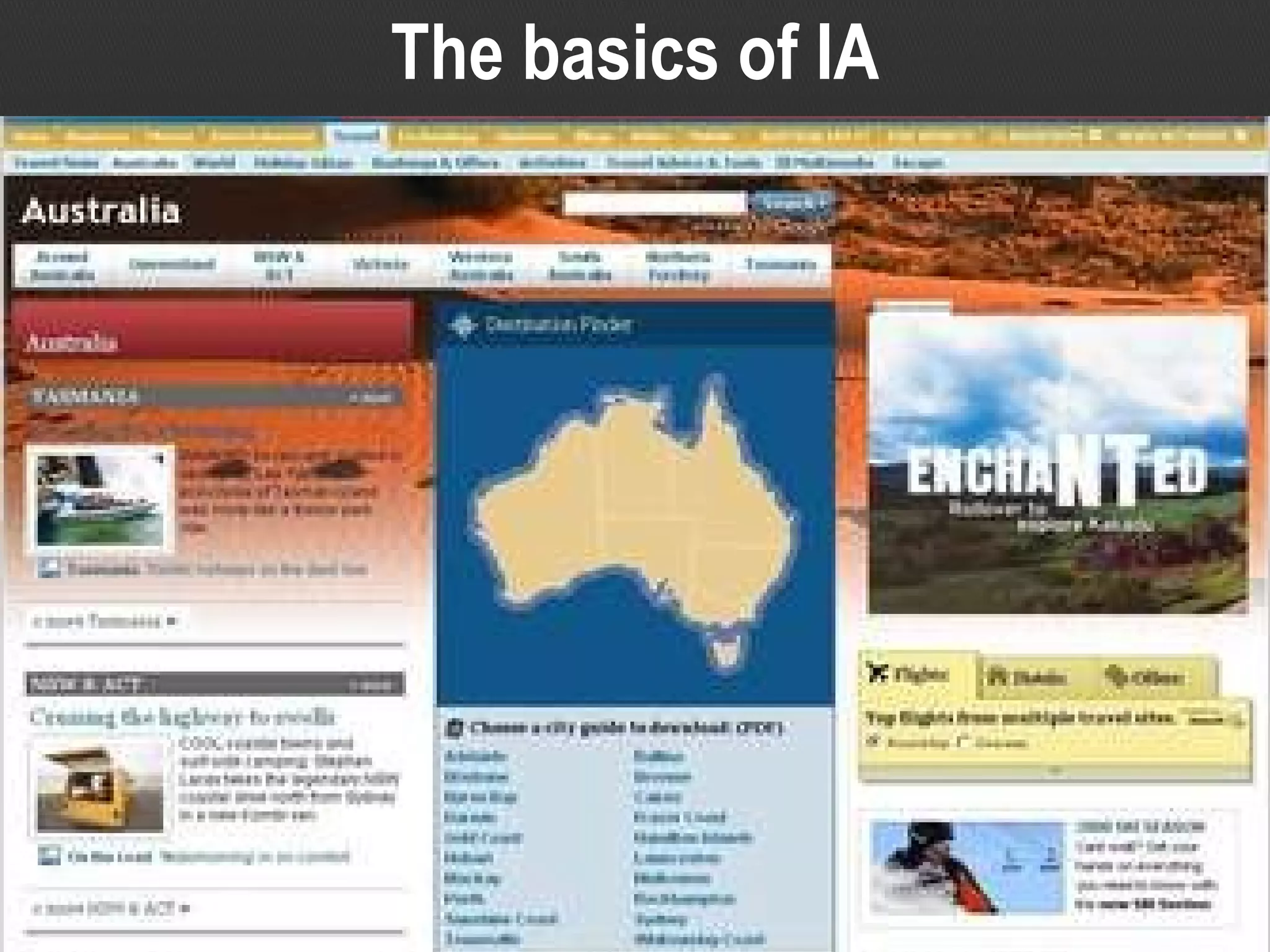
The basics of IA
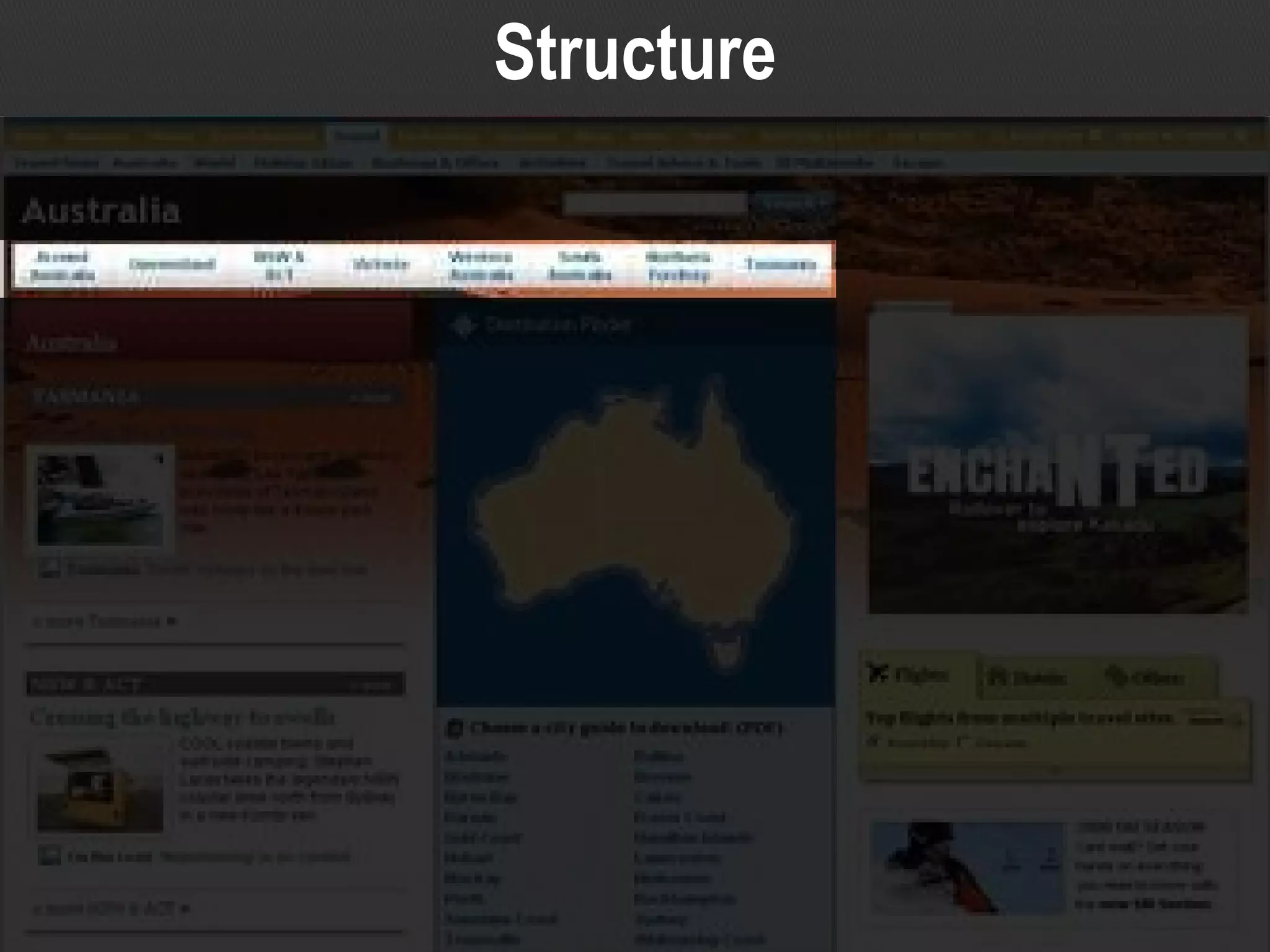
Structure
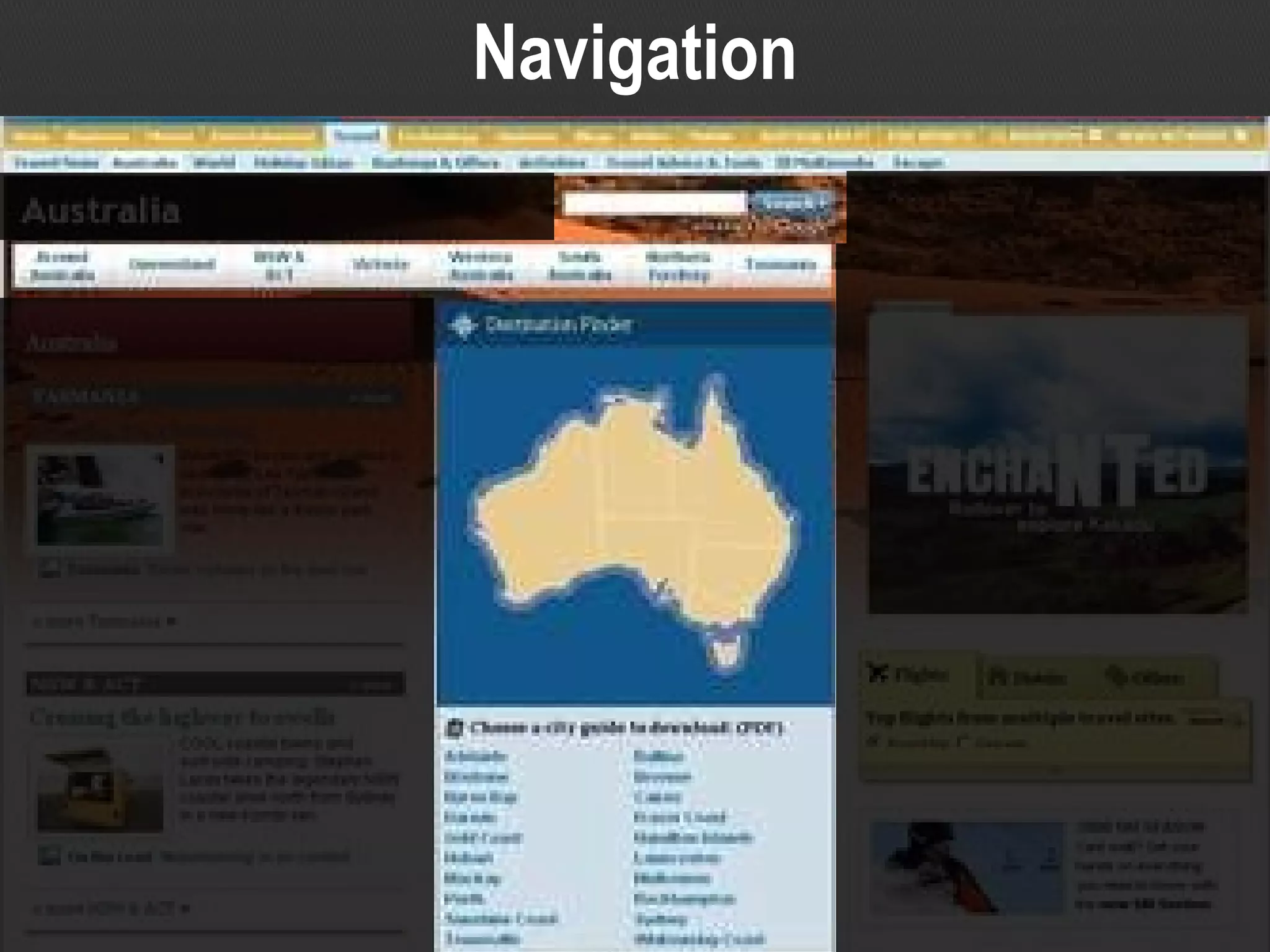
Navigation
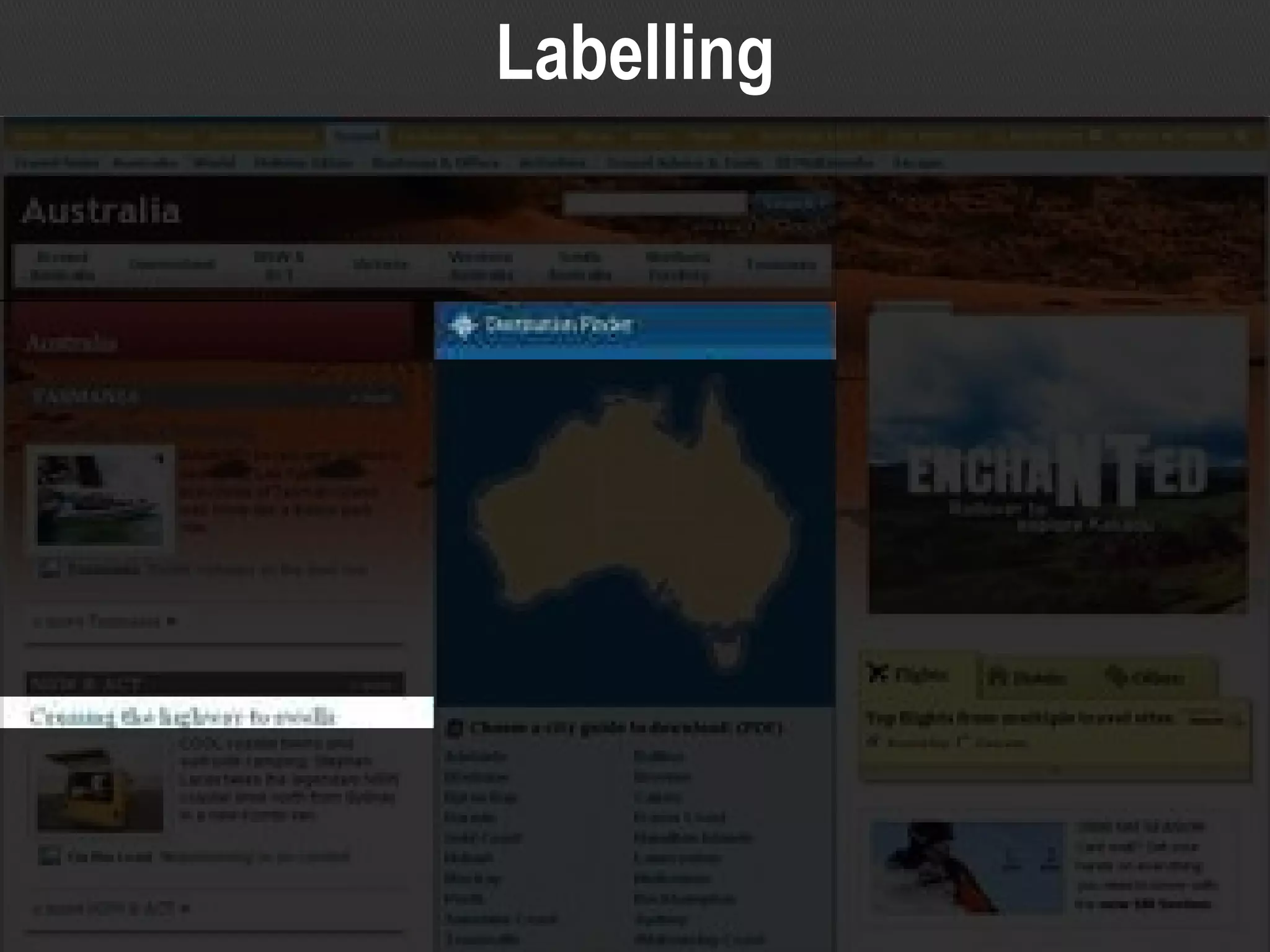
Labelling
The basics of IA The three interrelated pillars of IA Site structure – categorisation, classification, hierarchy Navigation – accessing the site structure, ‘findability’ Labelling – naming sections, links, navigation etc Image credits Travel destinations page for major news website Source:  www.news.com.au/travel/australia/0,26063,,00.html
More broadly… IA is User Centered Design (UCD) Which generally speaking, involves: Understanding  users and their needs (balanced by business context and available/necessary content) Designing  with those needs in mind Validating  design decisions with user involvement Other synonyms include ‘usability’ or ‘user experience’
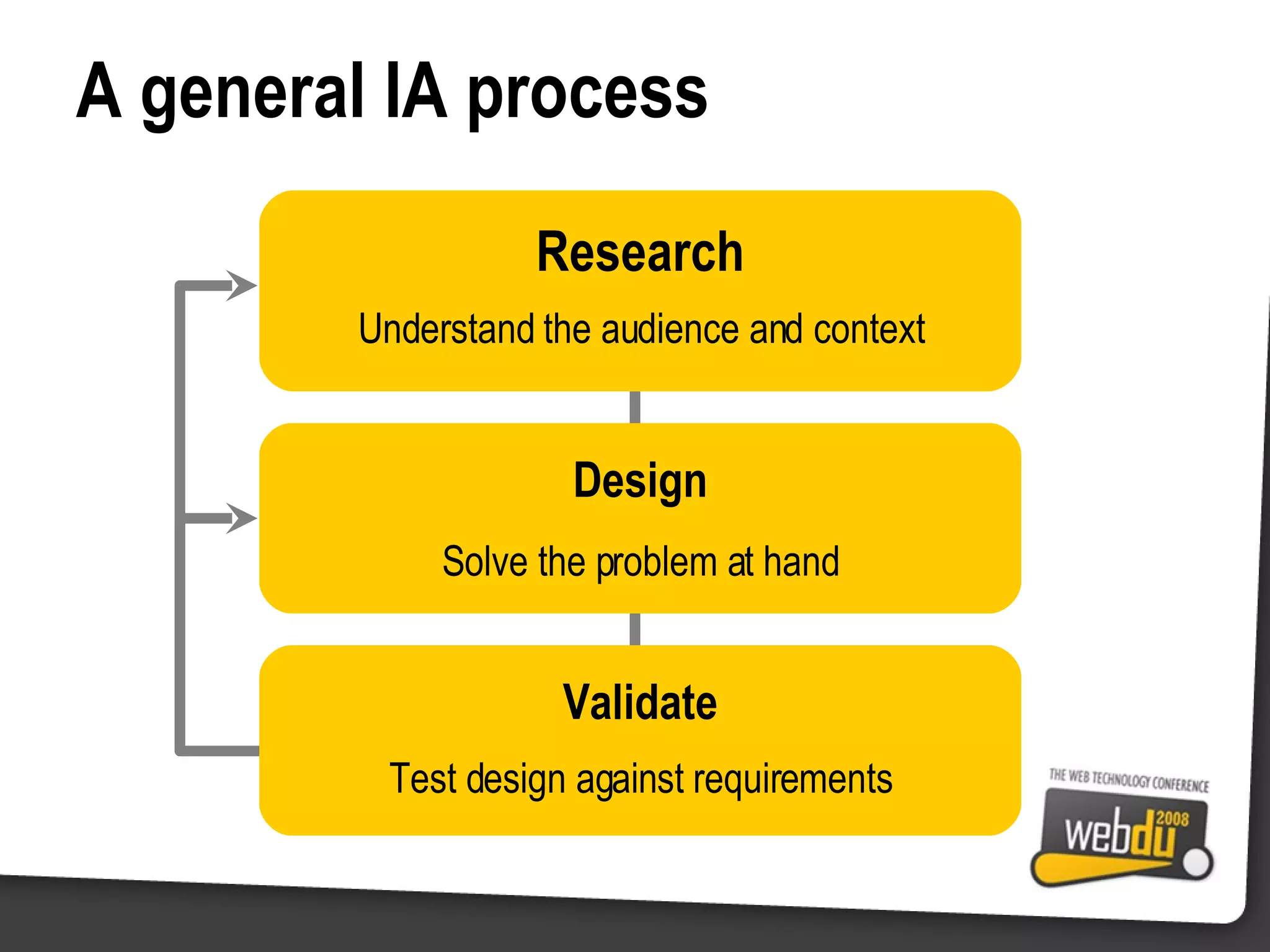
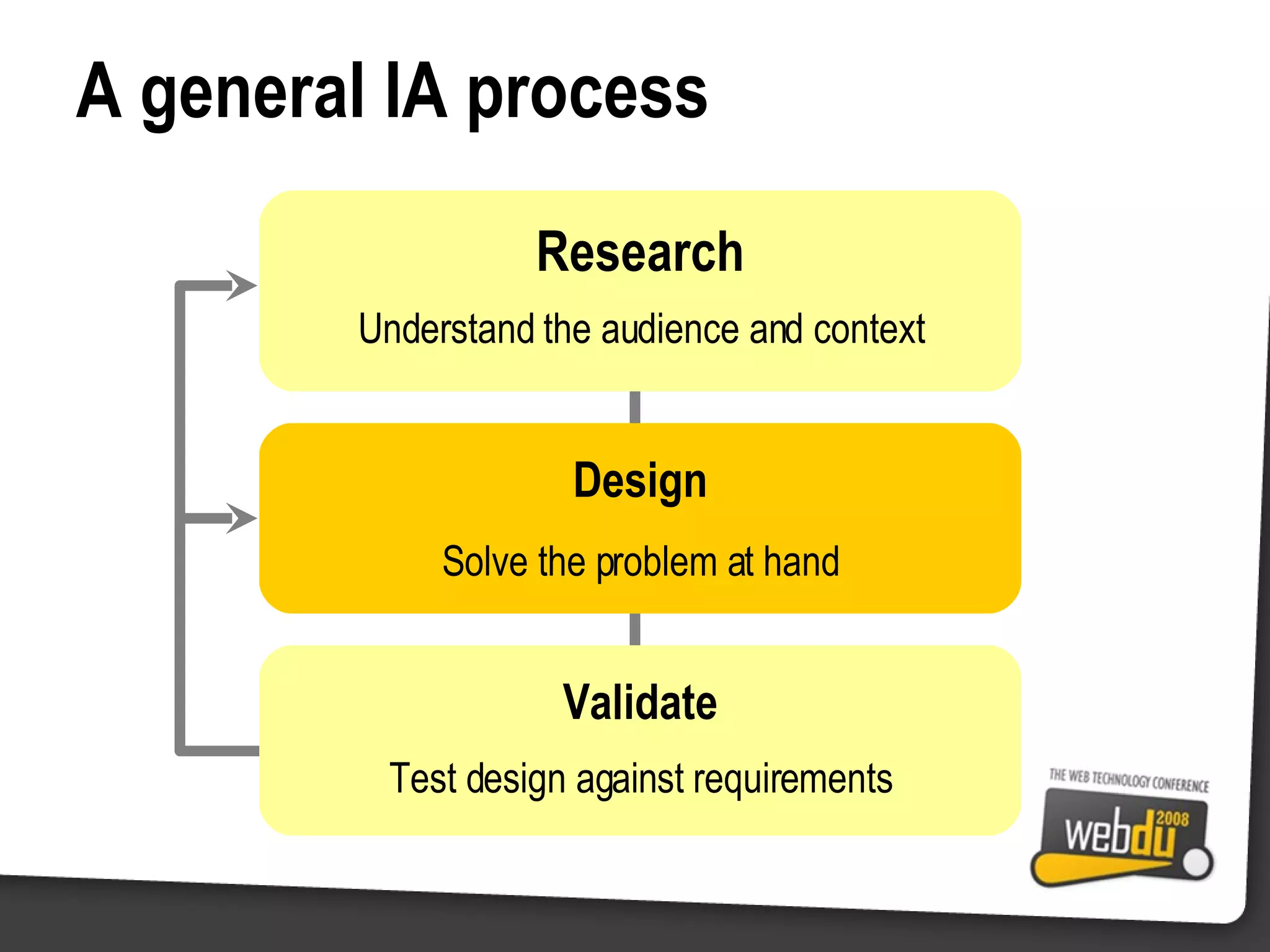
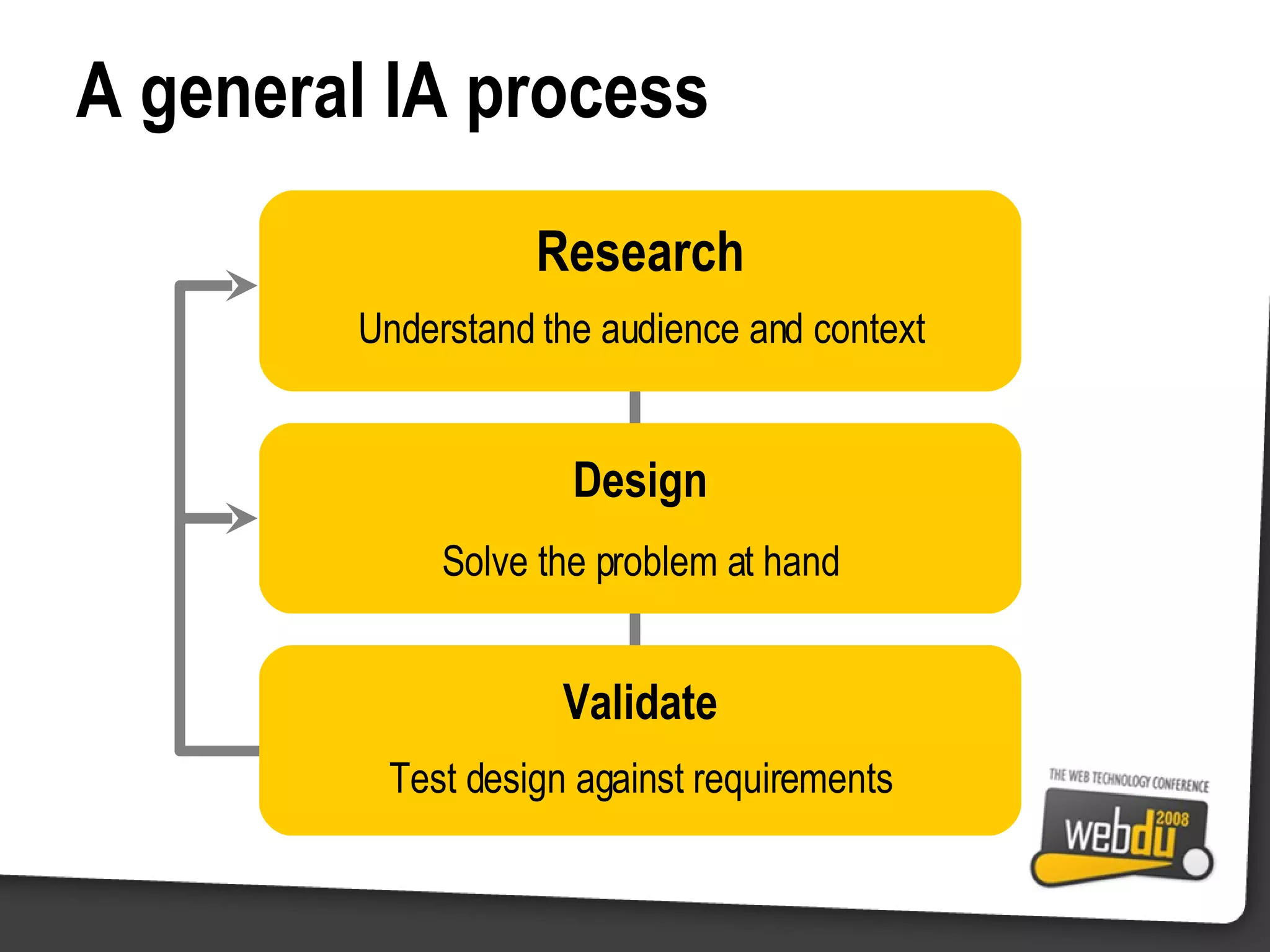
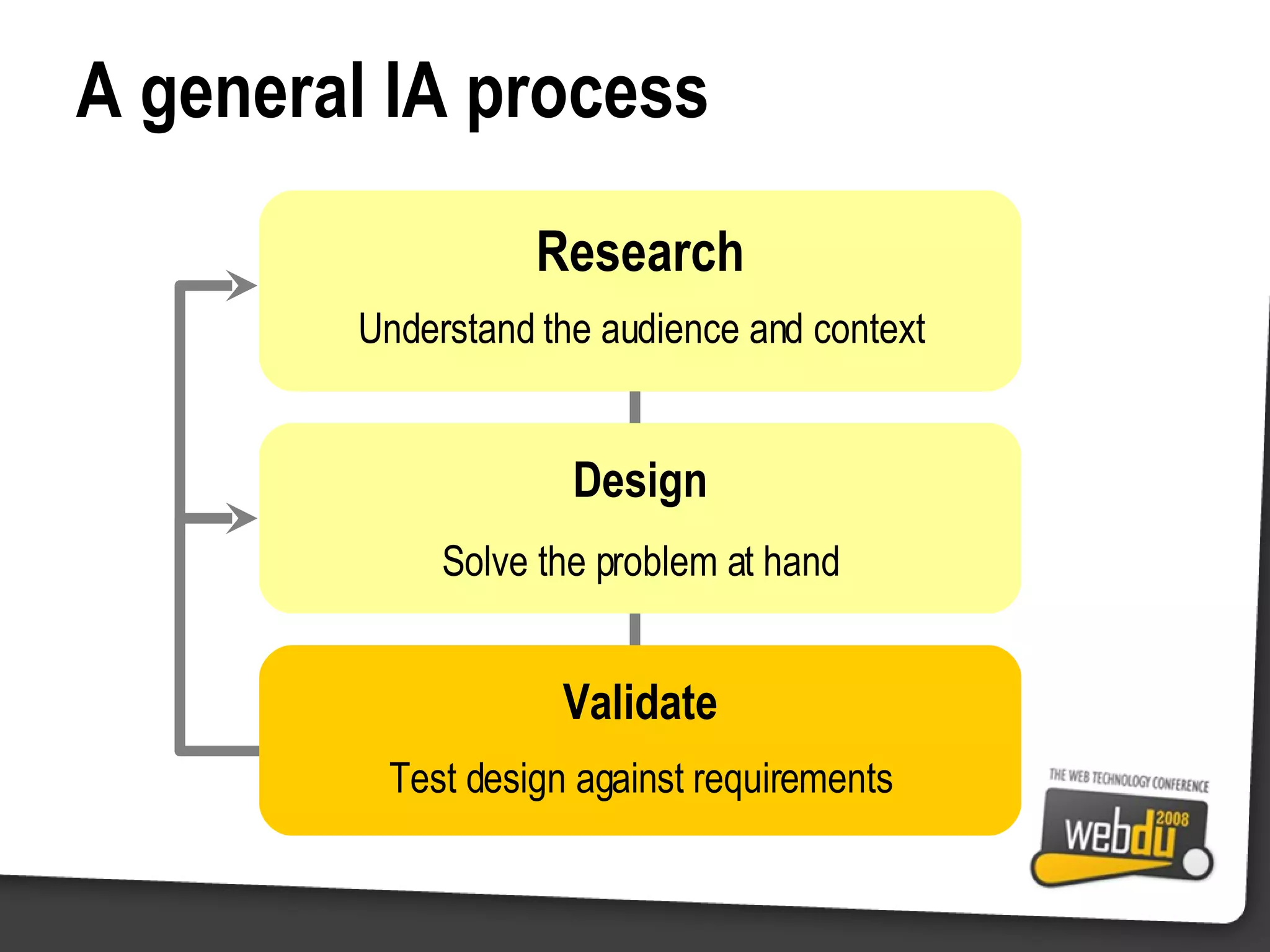
A general IA process Research Understand the audience and context Solve the problem at hand Design Test design against requirements Validate
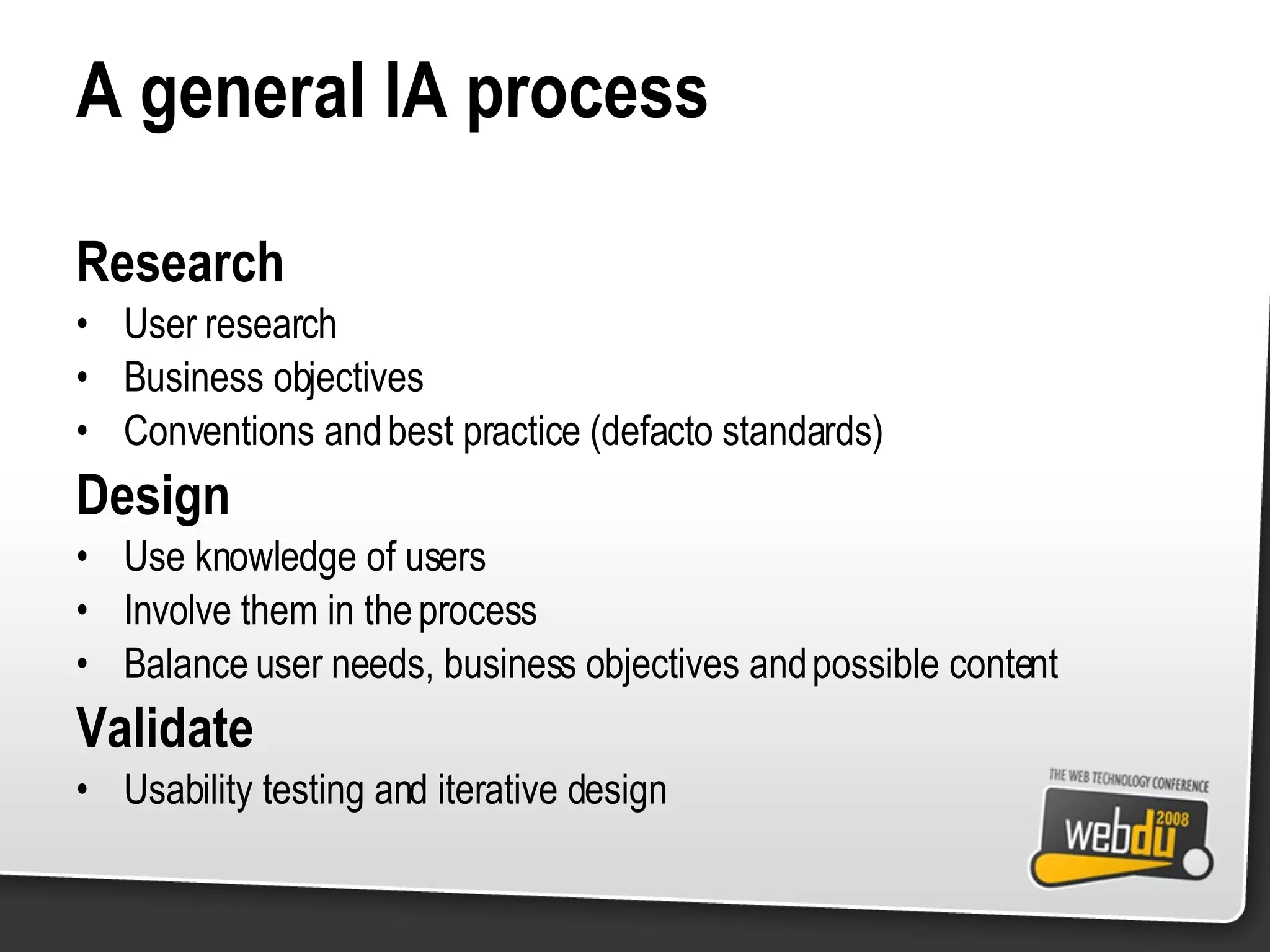
A general IA process Research User research Business objectives Conventions and best practice (defacto standards) Design Use knowledge of users Involve them in the process Balance user needs, business objectives and possible content Validate Usability testing and iterative design
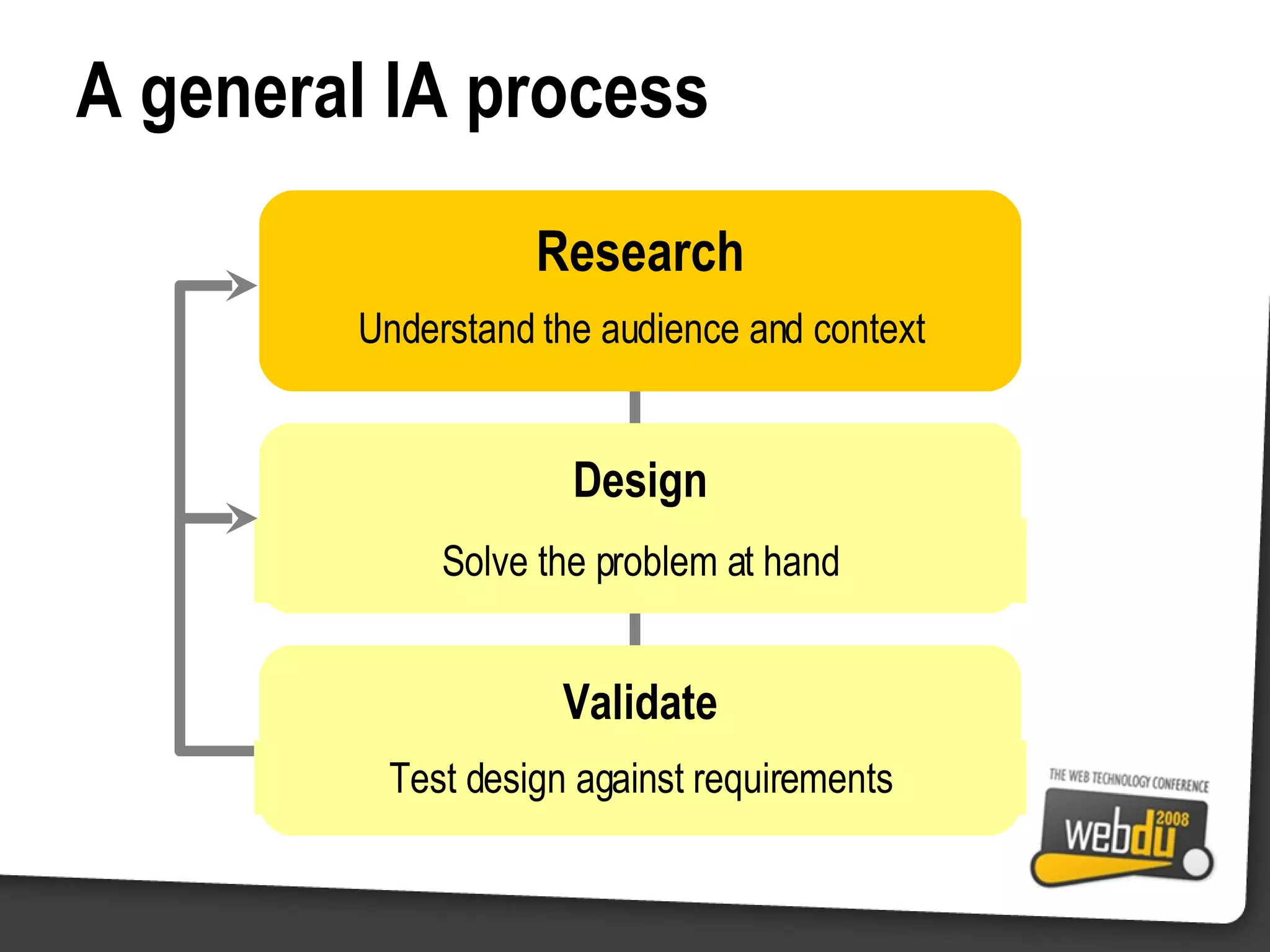
A general IA process Research Understand the audience and context Solve the problem at hand Design Test design against requirements Validate
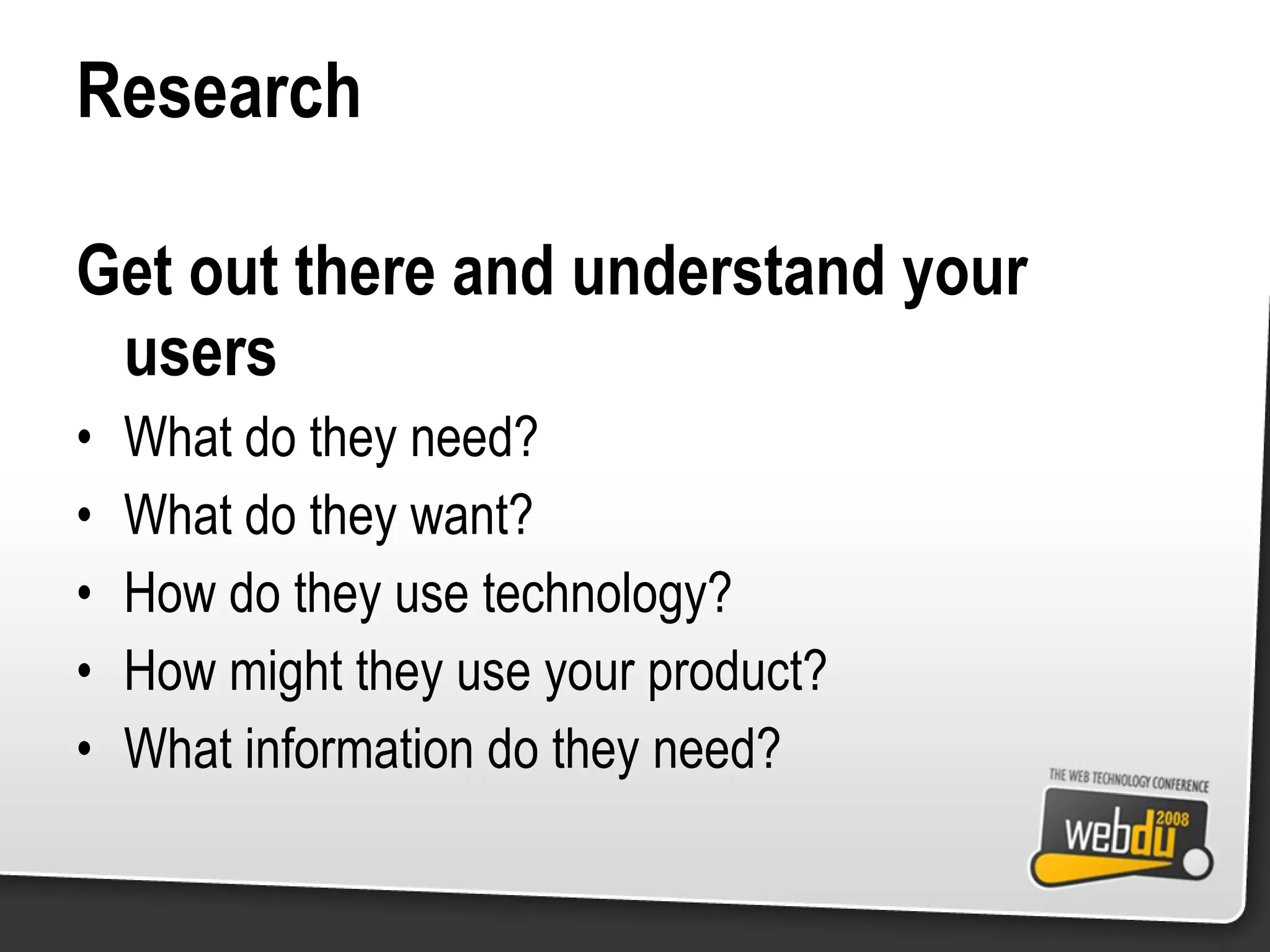
Research Get out there and understand your users What do they need? What do they want? How do they use technology? How might they use your product? What information do they need?
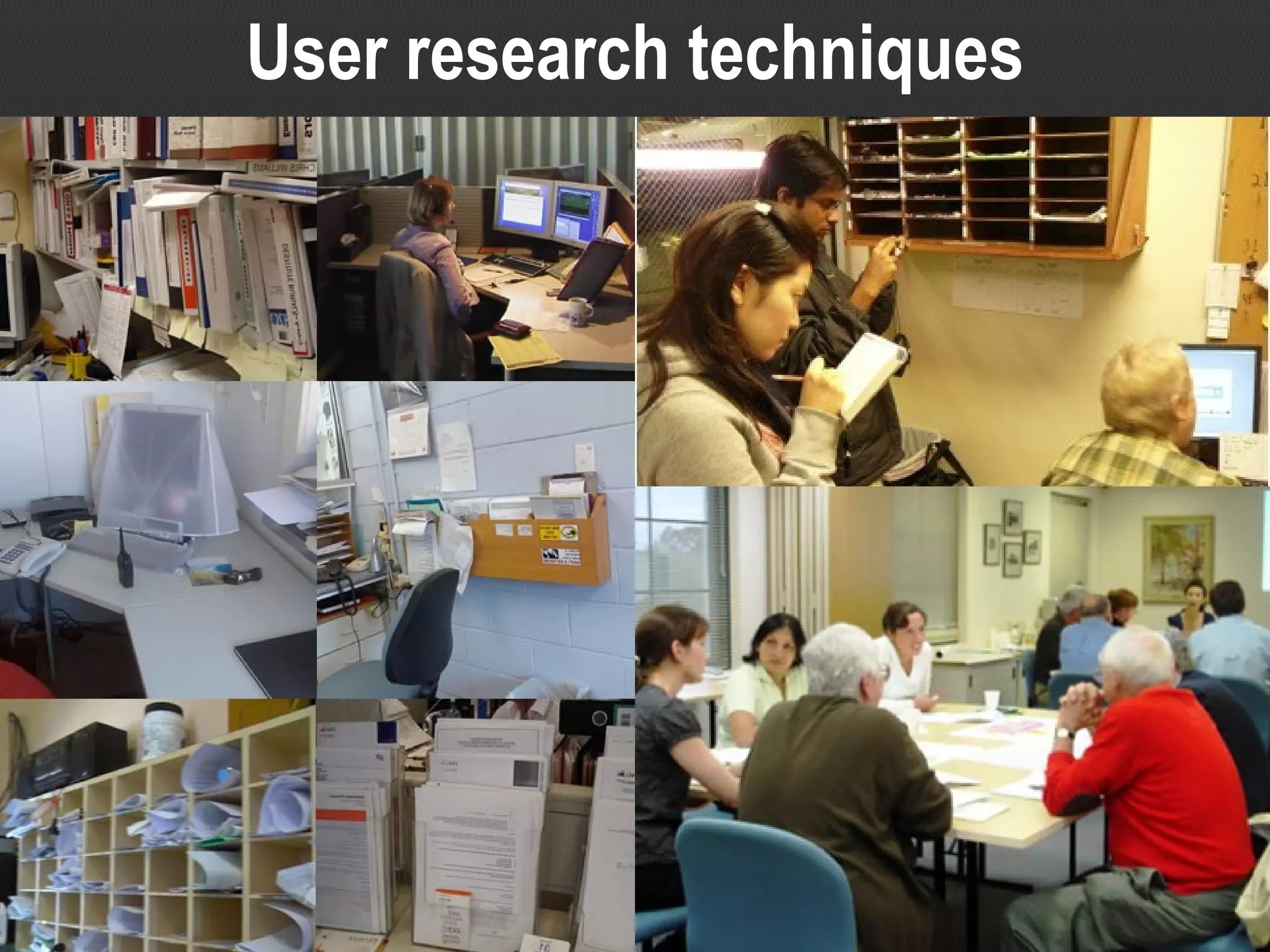
User research techniques
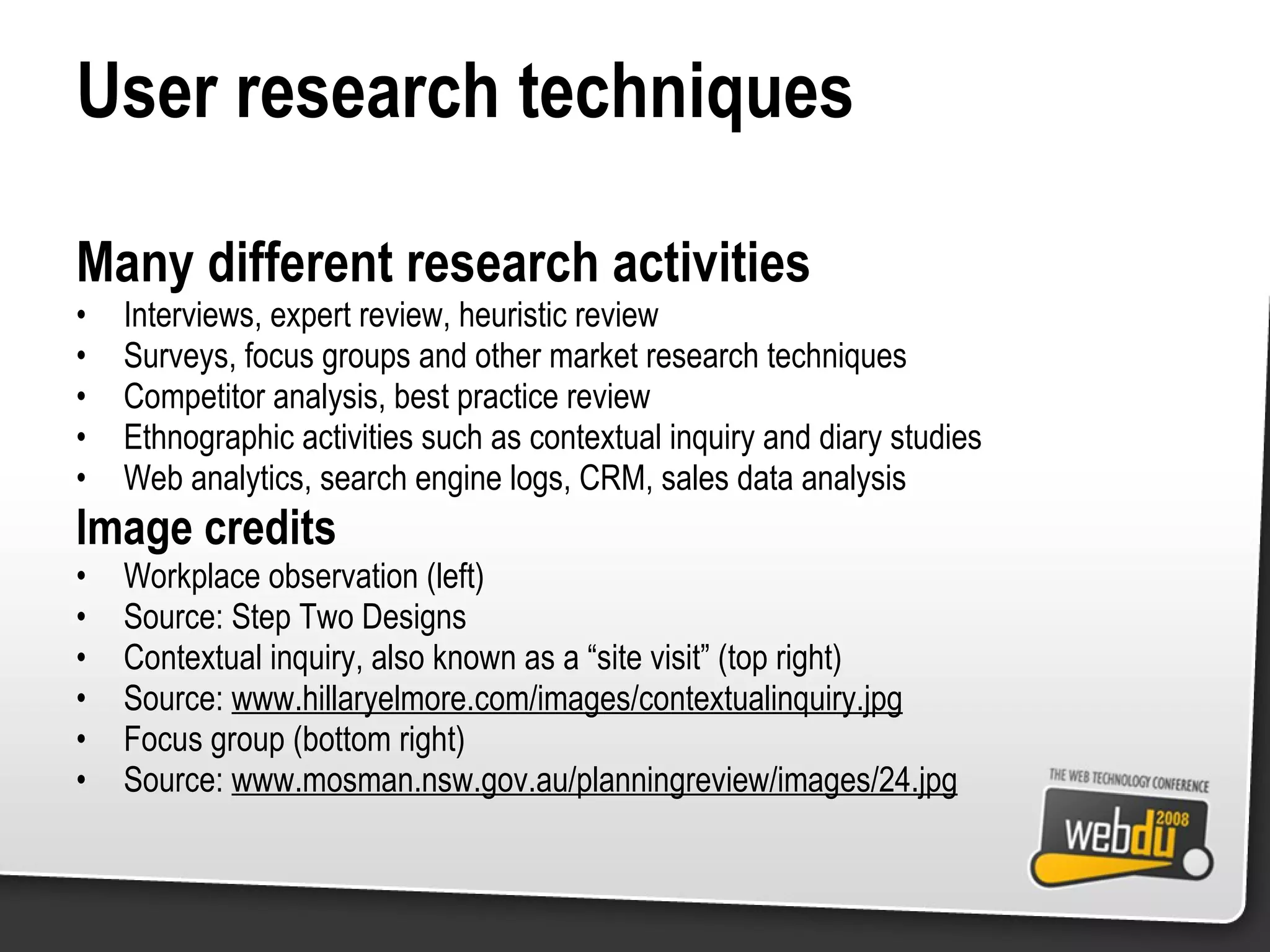
User research techniques Many different research activities Interviews, expert review, heuristic review Surveys, focus groups and other market research techniques Competitor analysis, best practice review Ethnographic activities such as contextual inquiry and diary studies Web analytics, search engine logs, CRM, sales data analysis Image credits Workplace observation (left) Source: Step Two Designs Contextual inquiry, also known as a “site visit” (top right) Source:  www.hillaryelmore.com/images/contextualinquiry.jpg Focus group (bottom right) Source:  www.mosman.nsw.gov.au/planningreview/images/24.jpg
There’s something about Mary “ I want to go on holiday, somewhere in Australia” “ But I’m not sure where to go…” “… or what each city has to offer”
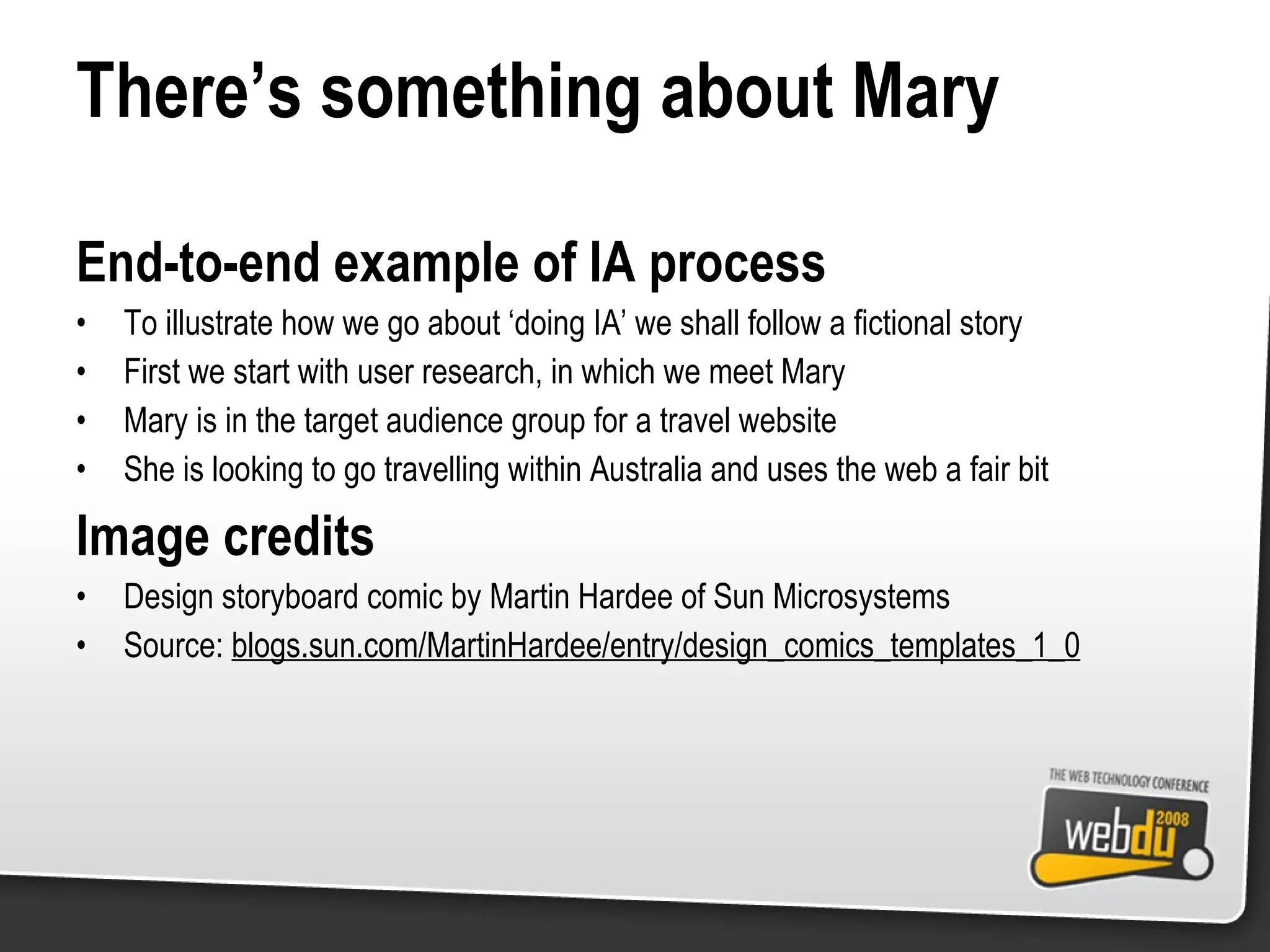
There’s something about Mary End-to-end example of IA process To illustrate how we go about ‘doing IA’ we shall follow a fictional story First we start with user research, in which we meet Mary Mary is in the target audience group for a travel website She is looking to go travelling within Australia and uses the web a fair bit Image credits Design storyboard comic by Martin Hardee of Sun Microsystems Source:  blogs.sun.com/MartinHardee/entry/design_comics_templates_1_0
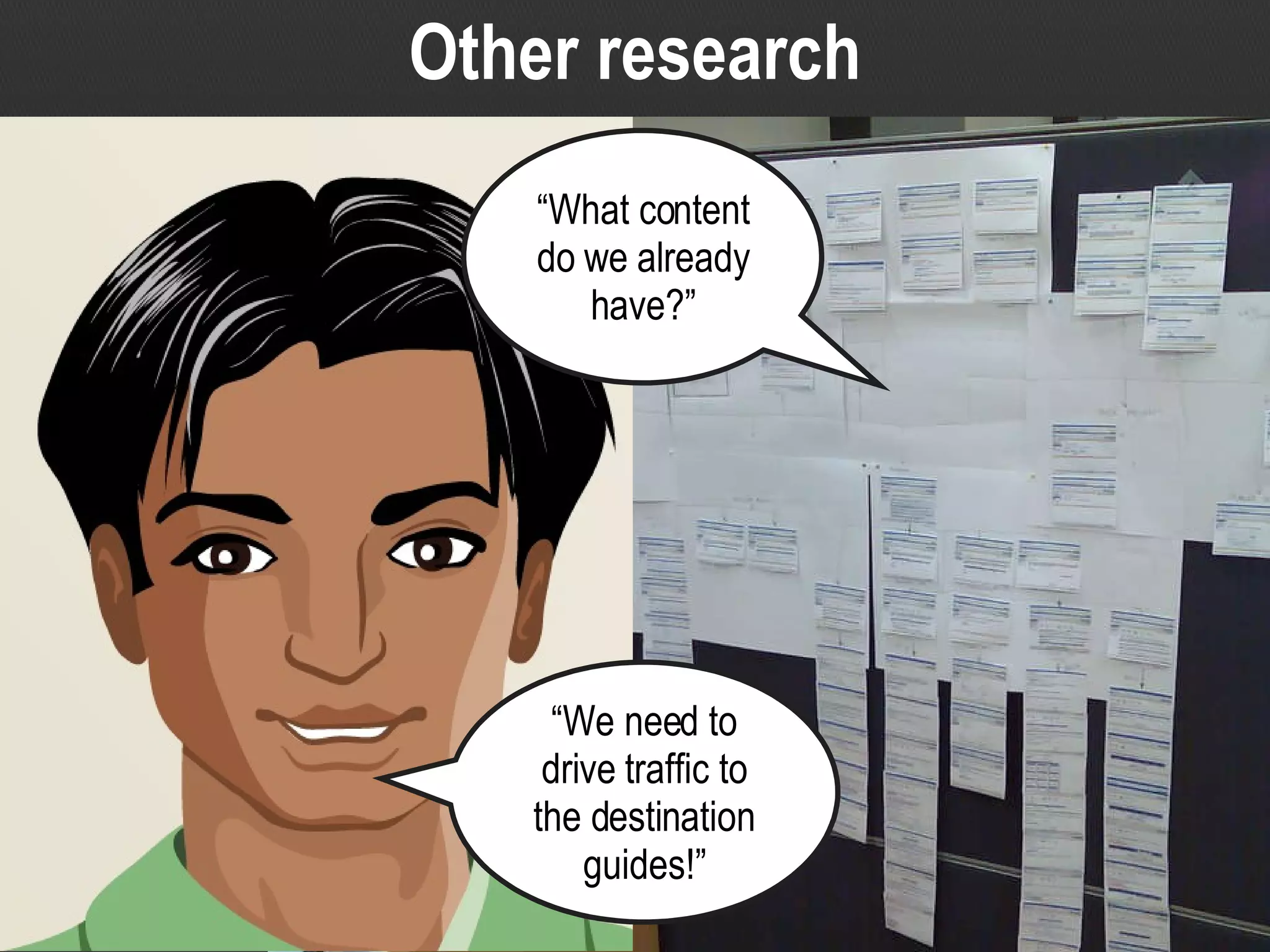
Other research “ We need to drive traffic to the destination guides!” “ What content do we already have?”
Other research Continuing our story… There is more than just user research we need to do Must also include business stakeholders (such as Pravin on the left) What are the business objectives? What should the website achieve? And the context we have to design in (might include content inventory) Image credits Design storyboard comic by Martin Hardee of Sun Microsystems Source:  blogs.sun.com/MartinHardee/entry/design_comics_templates_1_0 Site map of screenshots (right) Source: Step Two Designs
Research A general IA process Understand the audience and context Solve the problem at hand Design Test design against requirements Validate
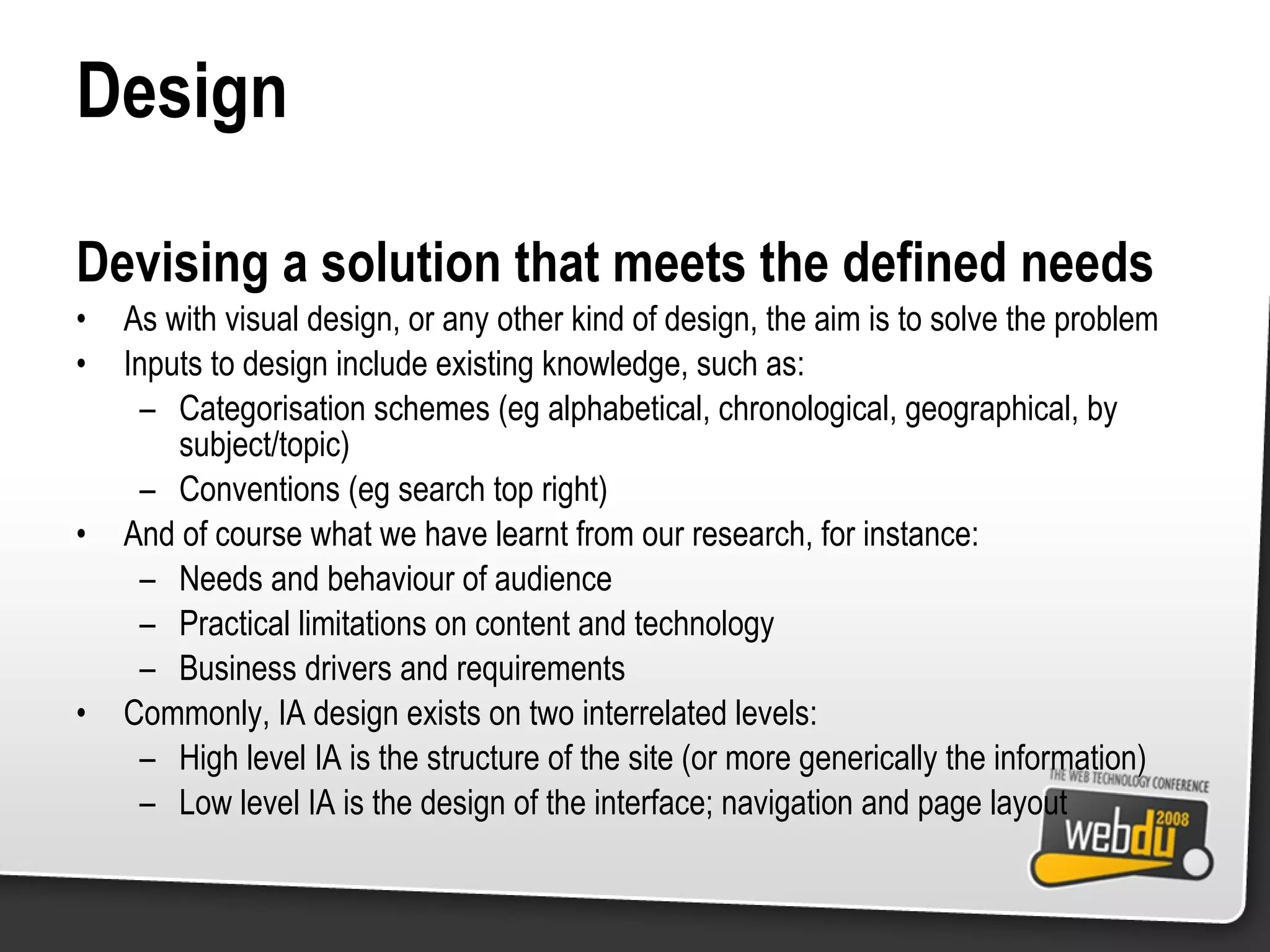
Design Devising a solution that meets the defined needs As with visual design, or any other kind of design, the aim is to solve the problem Inputs to design include existing knowledge, such as: Categorisation schemes (eg alphabetical, chronological, geographical, by subject/topic) Conventions (eg search top right) And of course what we have learnt from our research, for instance: Needs and behaviour of audience Practical limitations on content and technology Business drivers and requirements Commonly, IA design exists on two interrelated levels: High level IA is the structure of the site (or more generically the information) Low level IA is the design of the interface; navigation and page layout
High level design
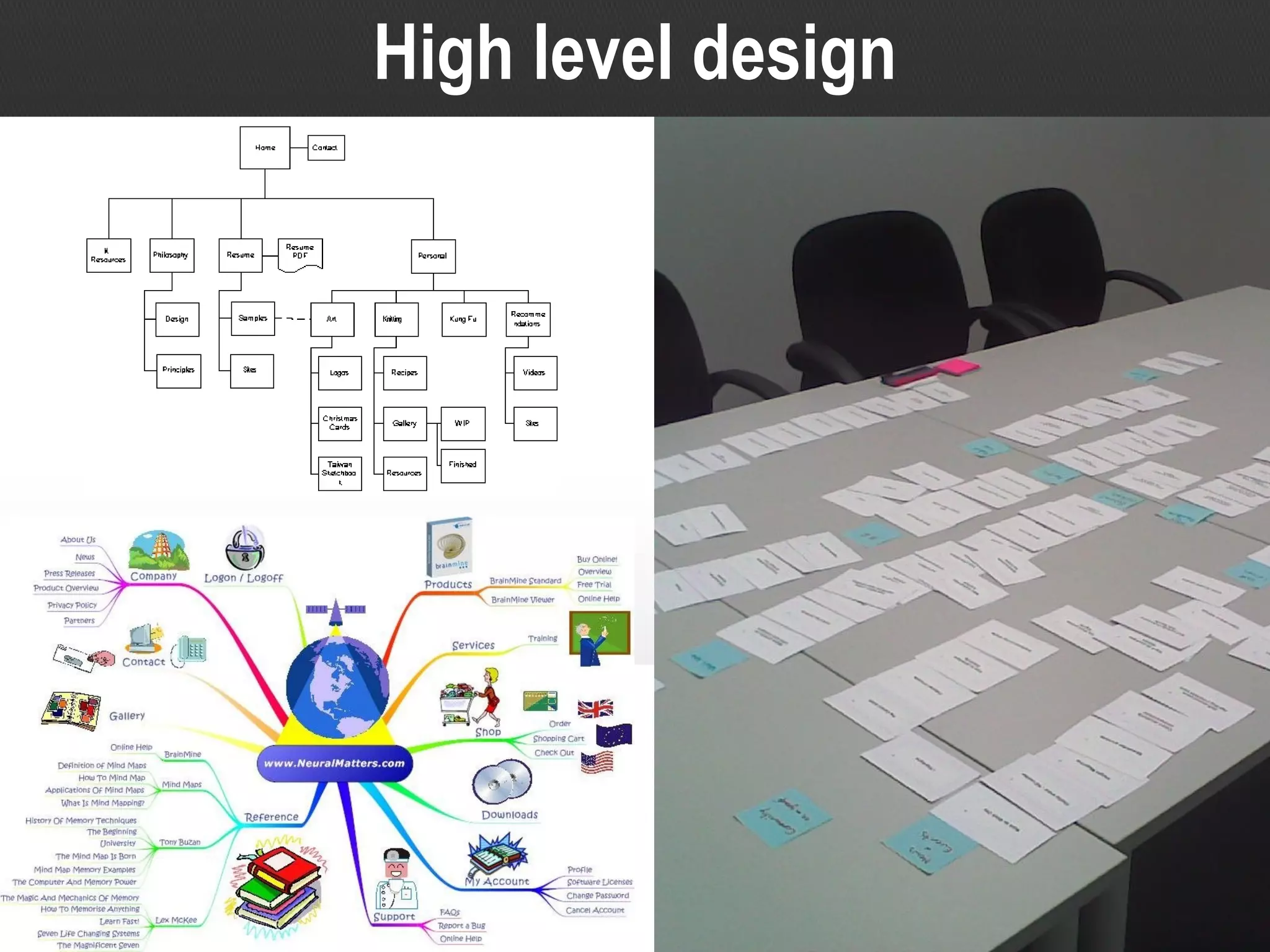
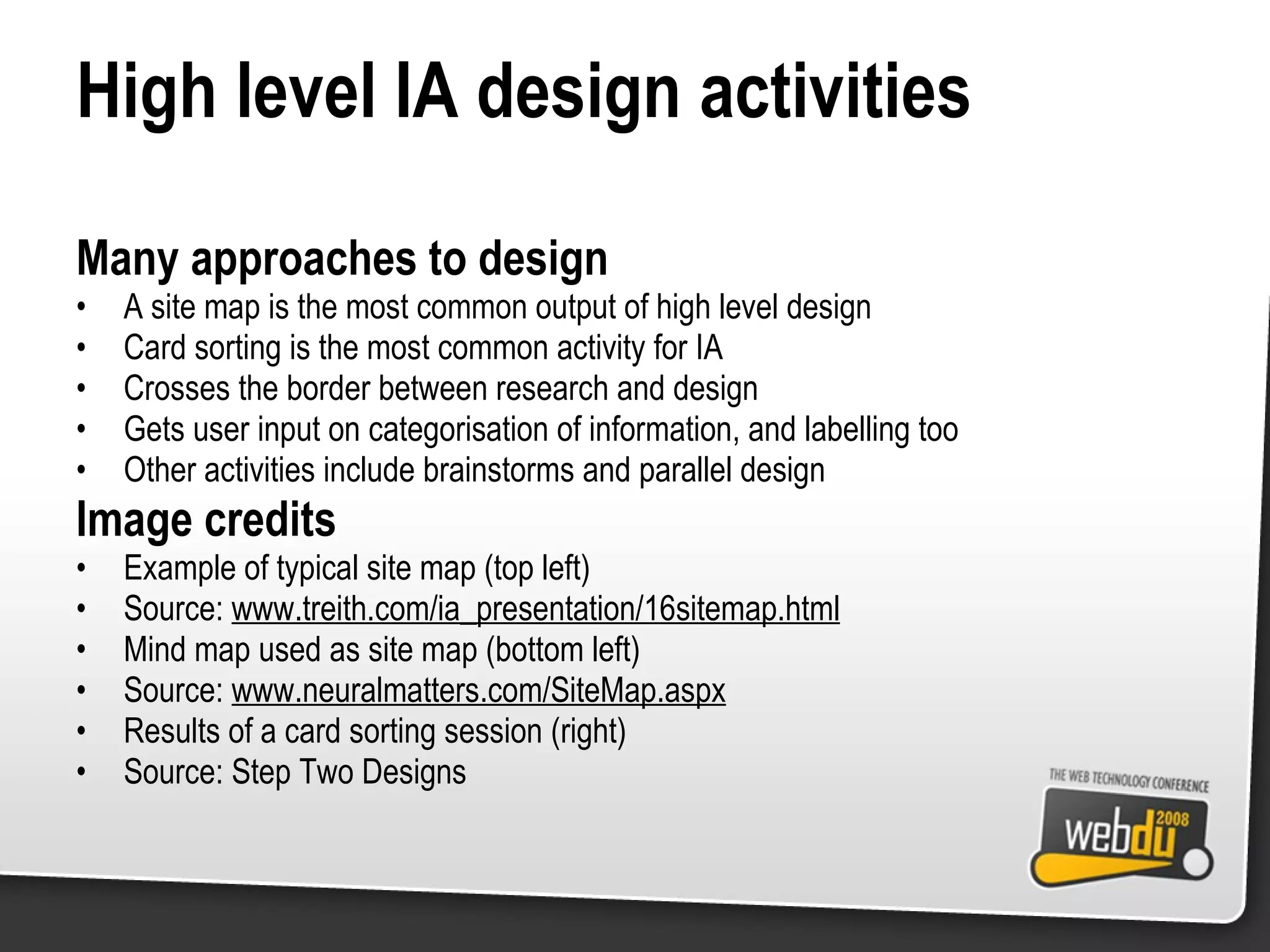
High level IA design activities Many approaches to design A site map is the most common output of high level design Card sorting is the most common activity for IA Crosses the border between research and design Gets user input on categorisation of information, and labelling too Other activities include brainstorms and parallel design Image credits Example of typical site map (top left) Source:  www.treith.com/ia_presentation/16sitemap.html Mind map used as site map (bottom left) Source:  www.neuralmatters.com/SiteMap.aspx Results of a card sorting session (right) Source: Step Two Designs
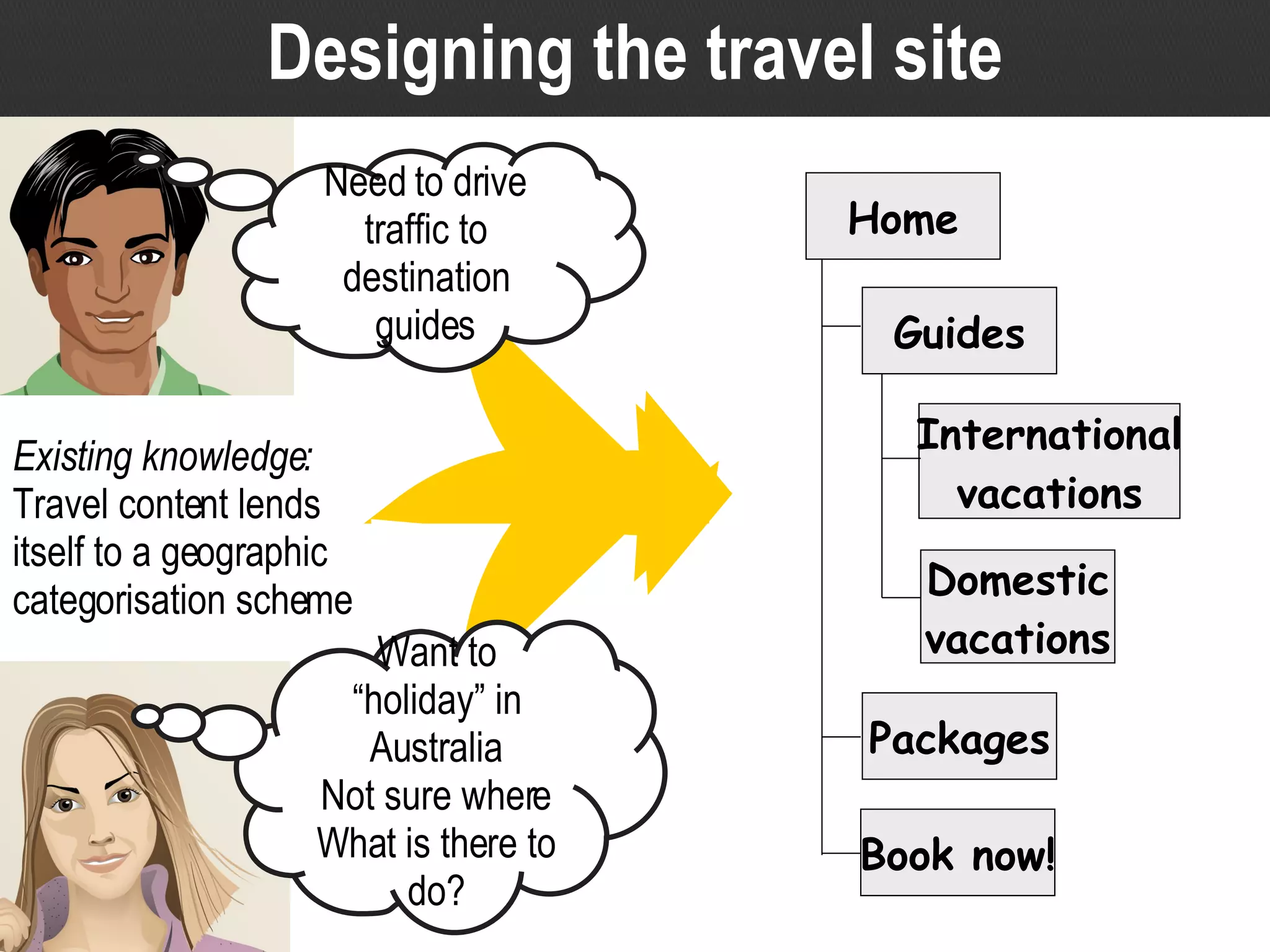
Designing the travel site Existing knowledge: Travel content lends itself to a geographic categorisation scheme Want to “holiday” in Australia Not sure where What is there to do? Need to drive traffic to destination guides Home International vacations Domestic vacations Guides Packages Book now!
Designing the travel site Existing knowledge Categorisation schemes (eg alphabetical, chronological, geographical, by subject/topic) Travel content lends itself to geographic organisation Input from research Needs and behaviour of target audience Results of card sorting activities Business objectives and political drivers Draft information architecture Combine all the available information to come up with a design solution Have we got it “right”? We’ll get our chance to find out, later
Low level design
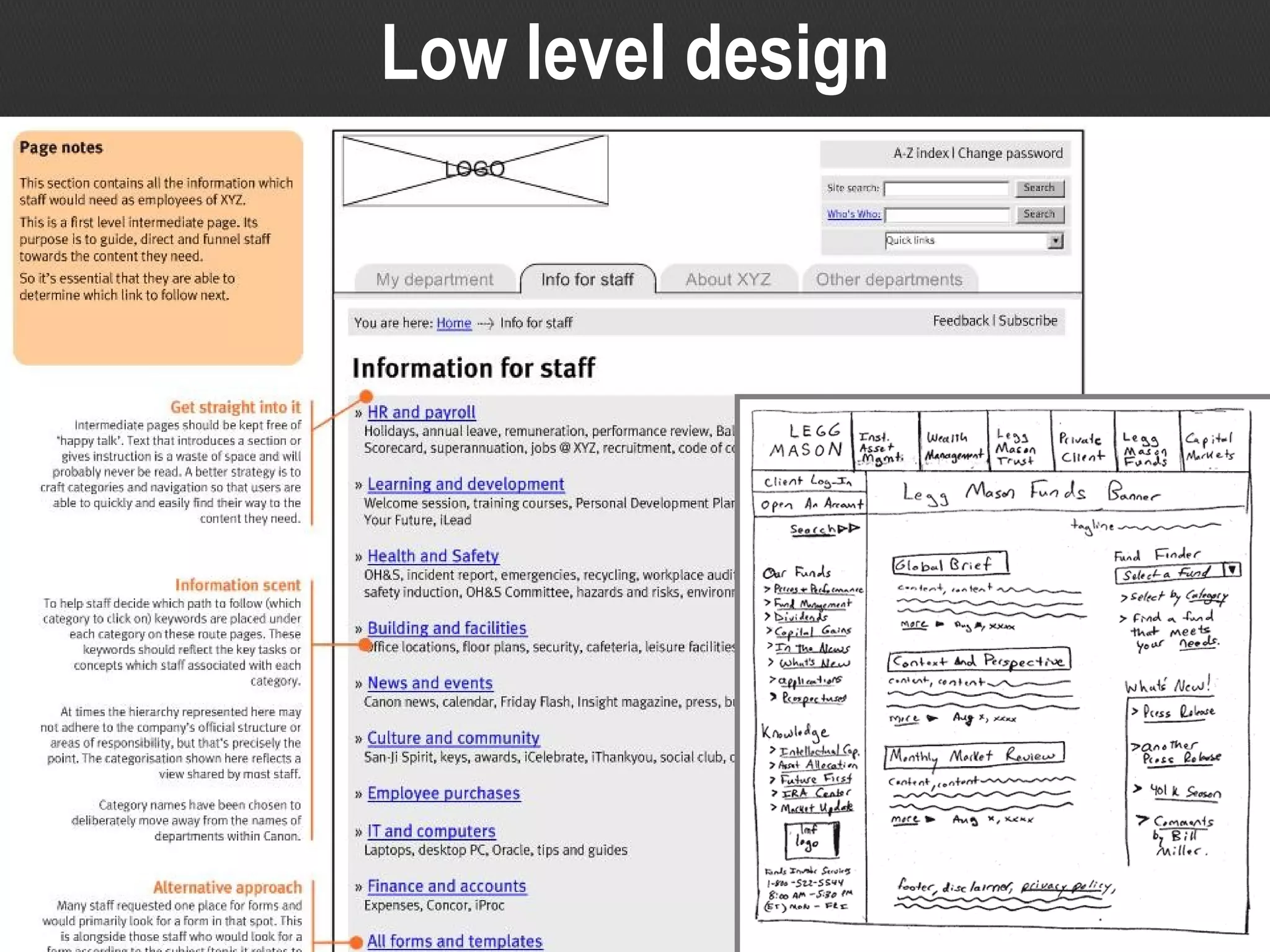
Low level IA design activities Many approaches to design Wireframes are the most common Conventions also influence strongly Design patterns may also be useful Image credits Example of an intranet wireframe (left) Source: Step Two Designs Hand drawn wireframe (right) Source:  www.gdoss.com/images/lmf_paper_prototype.gif
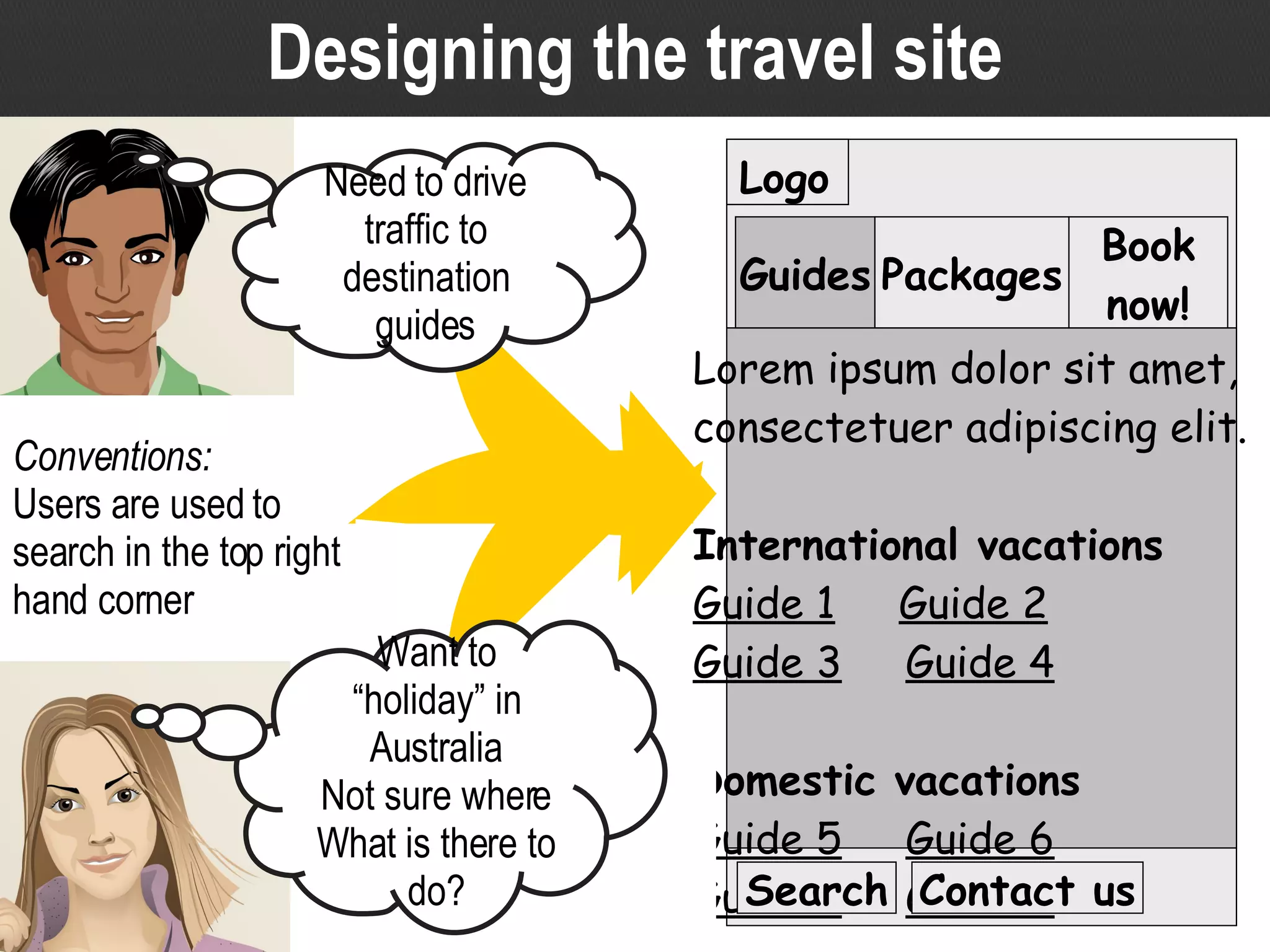
Designing the travel site Logo Lorem ipsum dolor sit amet, consectetuer adipiscing elit. International vacations Guide 1   Guide 2 Guide 3   Guide 4 Domestic vacations Guide 5   Guide 6 Guide 7   Guide 8 Guides Packages Book now! Conventions: Users are used to search in the top right hand corner Want to “holiday” in Australia Not sure where What is there to do? Search Contact us Need to drive traffic to destination guides
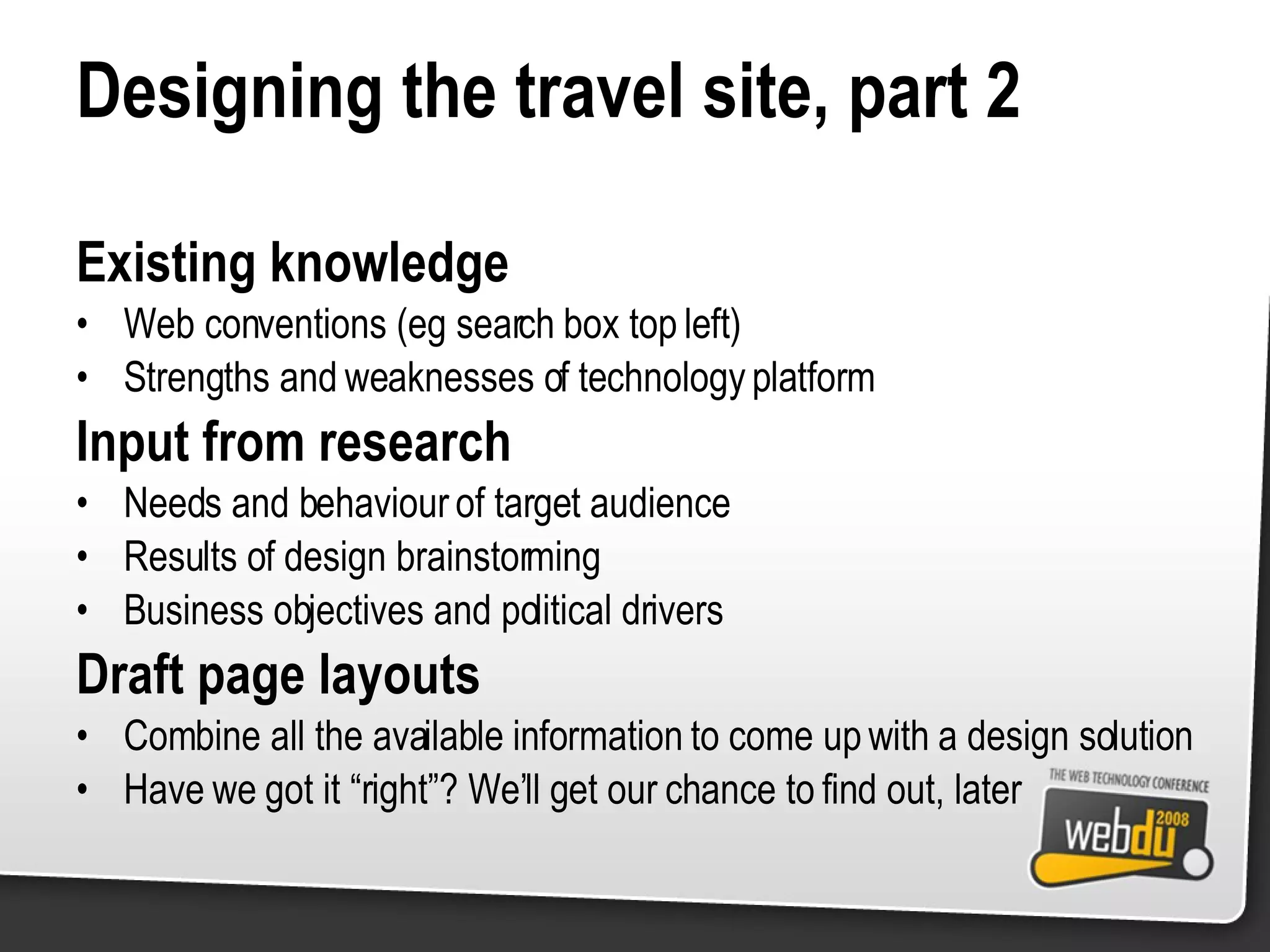
Designing the travel site, part 2 Existing knowledge Web conventions (eg search box top left) Strengths and weaknesses of technology platform Input from research Needs and behaviour of target audience Results of design brainstorming Business objectives and political drivers Draft page layouts Combine all the available information to come up with a design solution Have we got it “right”? We’ll get our chance to find out, later
Research A general IA process Understand the audience and context Solve the problem at hand Design Test design against requirements Validate
Validate Get feedback from users Put the design in some sort of form the user can see or interact with Use realistic tasks or scenarios to get them to ‘use’ the design This is where we find out if our design decisions are ‘right’ Revise and iterate Take on board the feedback you get and revise the design appropriately Go back and test again
Validation techniques
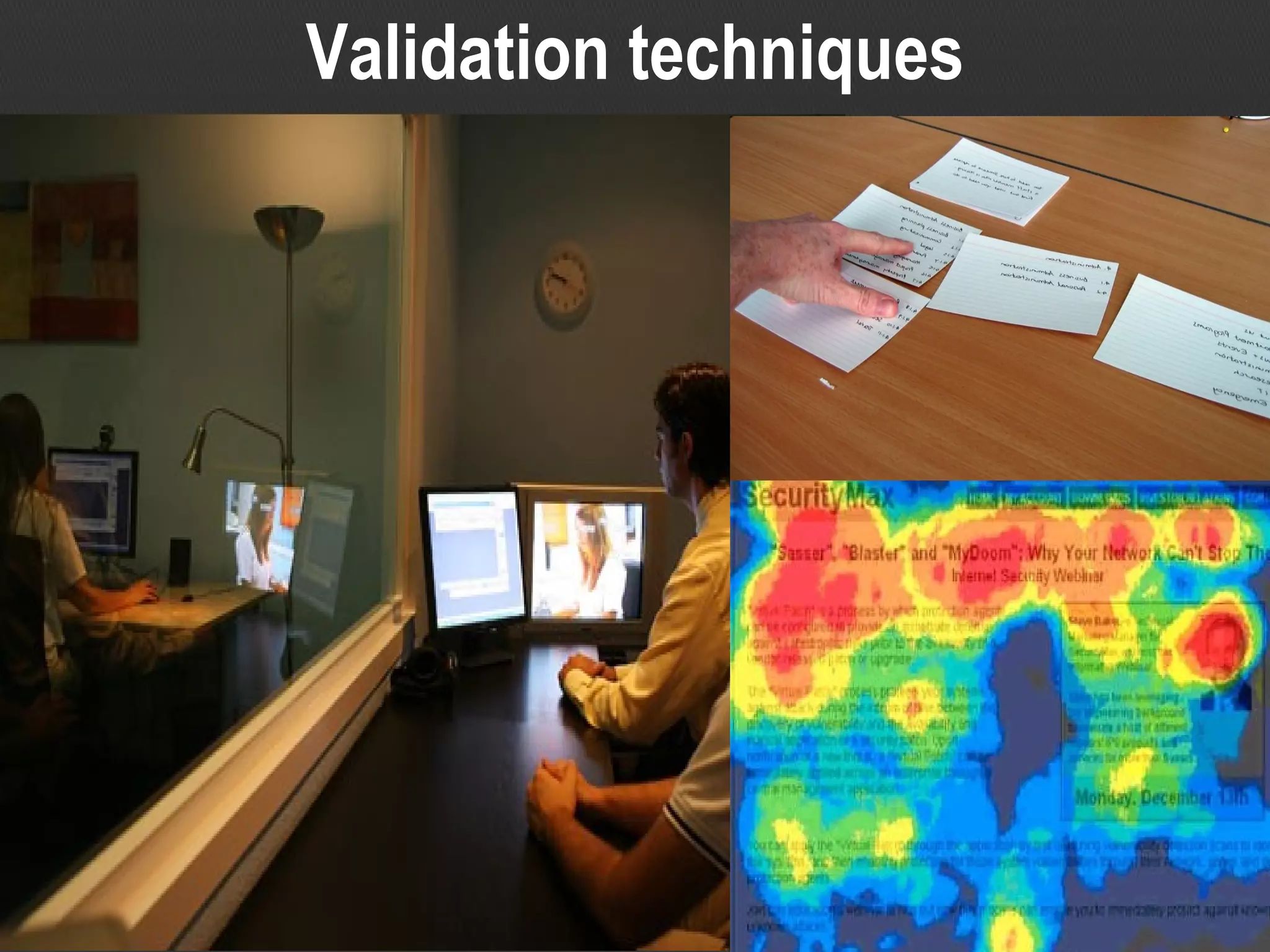
Validation techniques Usability testing comes in many forms It doesn’t have to be big, expensive testing in a lab The key is that users are involved in the validation And that realistic tasks are used for testing Image credits Typical lab-based usability testing (left) Source:  www.xperienceconsulting.com/eng/img/interior/labs-3.jpg Card based classification evaluation (top right) Source: Step Two Designs Heat map produced by eye tracking (bottom right) Source:  www.intranetjournal.com/articles/200503/Heatmap.jpg
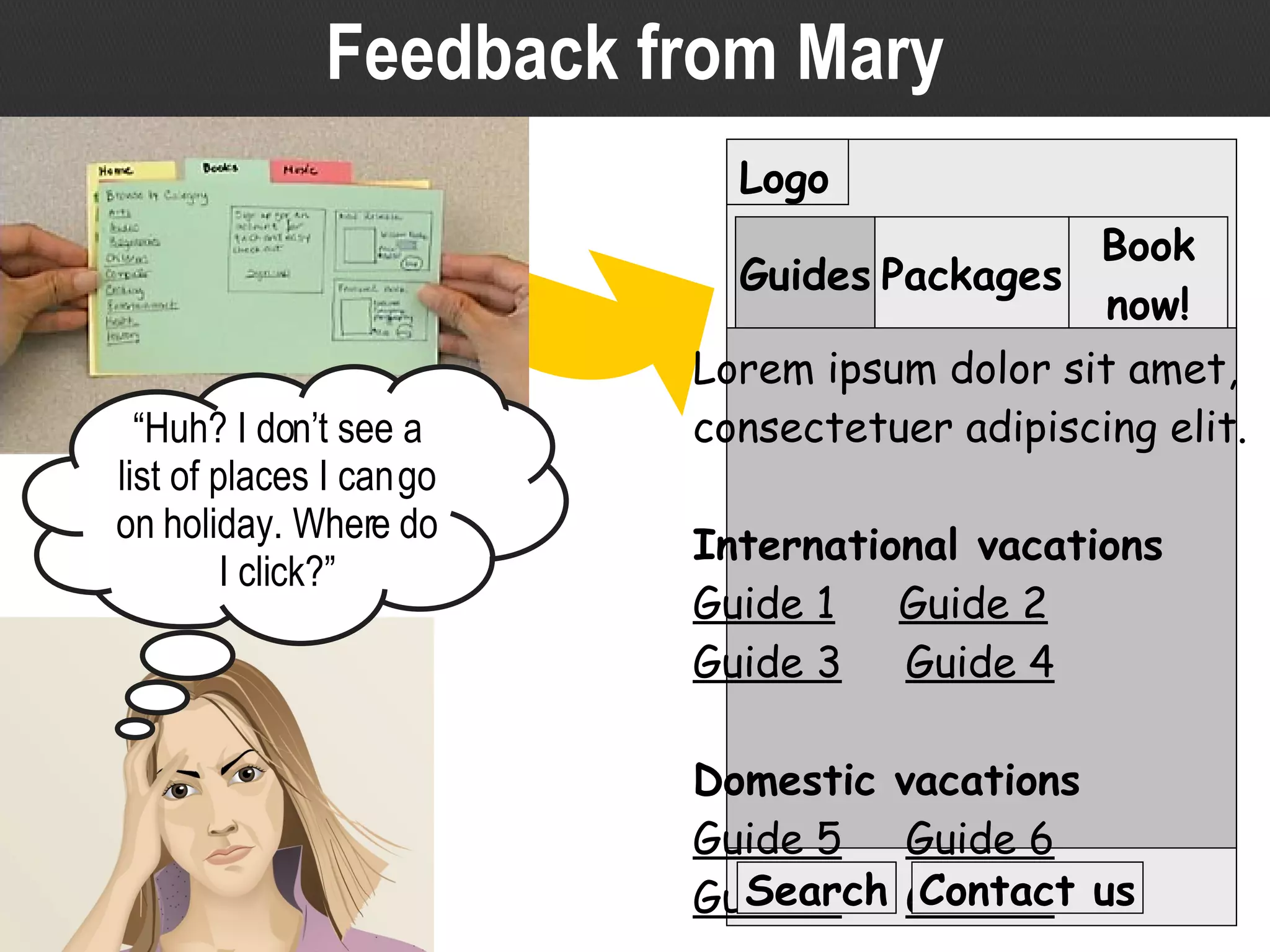
Logo Lorem ipsum dolor sit amet, consectetuer adipiscing elit. International vacations Guide 1   Guide 2 Guide 3   Guide 4 Domestic vacations Guide 5   Guide 6 Guide 7   Guide 8 Guides Packages Book now! Search Contact us Feedback from Mary “ Huh? I don’t see a list of places I can go on holiday. Where do I click?”
Feedback from Mary Paper prototyping early in the process Easily obtain feedback from users early in process Check the design decisions you are making Iterate and revise design if necessary Much easier than waiting until the end to find issues Image credits Paper prototyping for testing (left) Source:  www.nngroup.com/reports/prototyping/prototype_tabs.jpg
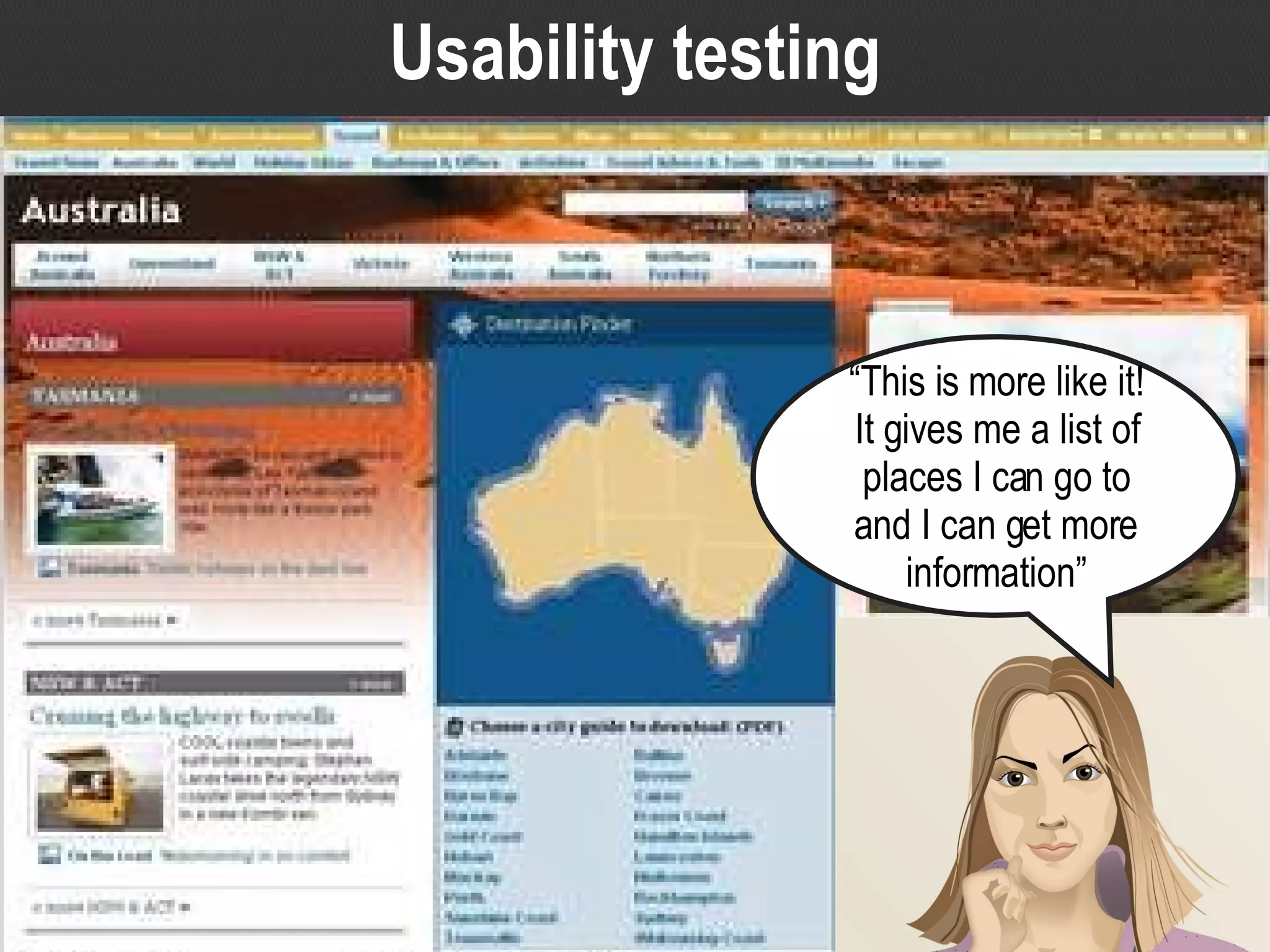
Usability testing “ This is more like it! It gives me a list of places I can go to and I can get more information”
Usability testing High-fidelity testing Test a working mock-up or live beta site Get user feedback on the whole design, including high and low level IA and graphic design Make use of realistic tasks or scenarios Image credits Completed travel website Source:  www.news.com.au/travel/australia/0,26063,,00.html
A general IA process Research Understand the audience and context Solve the problem at hand Design Test design against requirements Validate
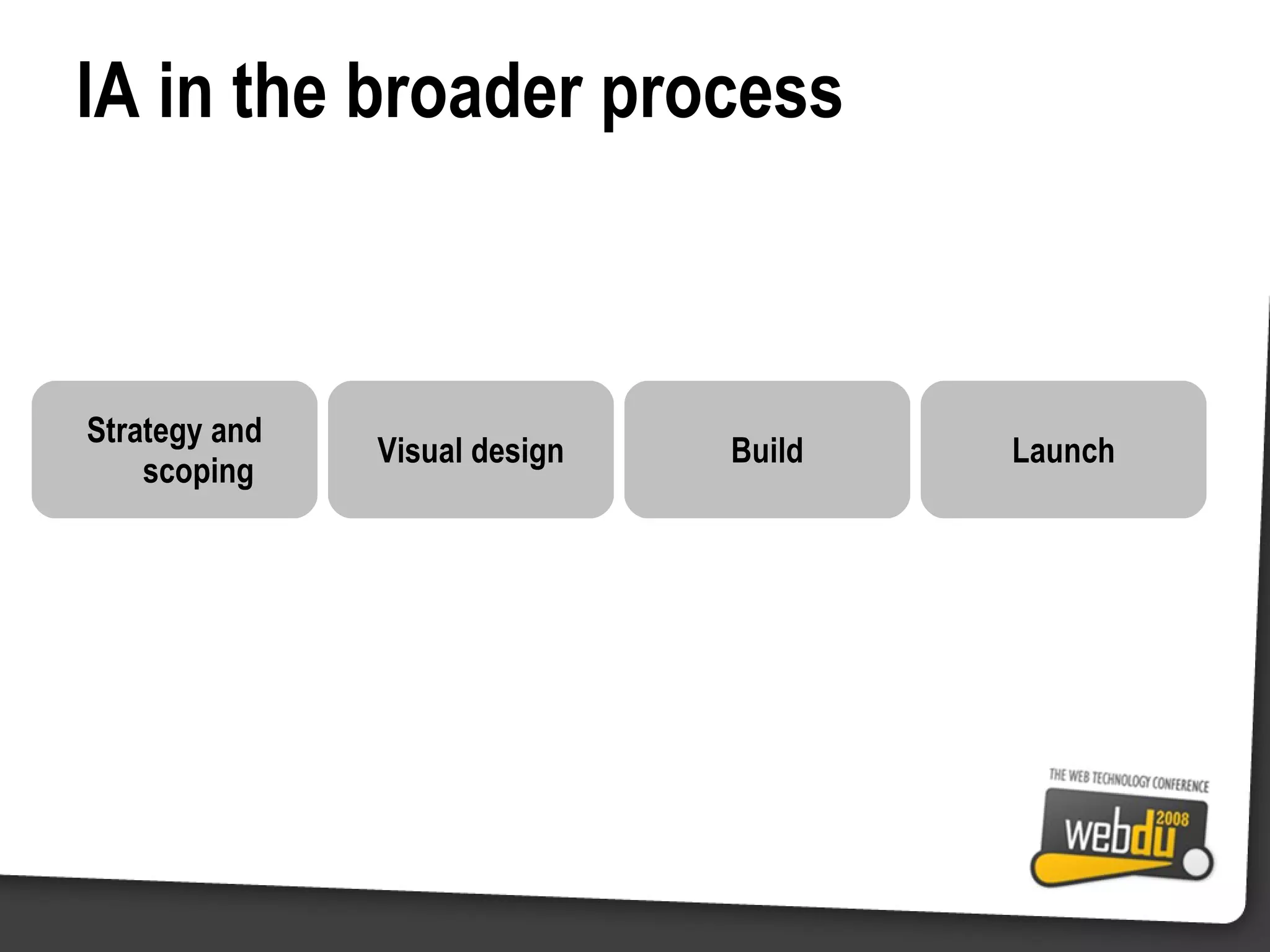
IA in the broader process Strategy and scoping Visual design Build Launch
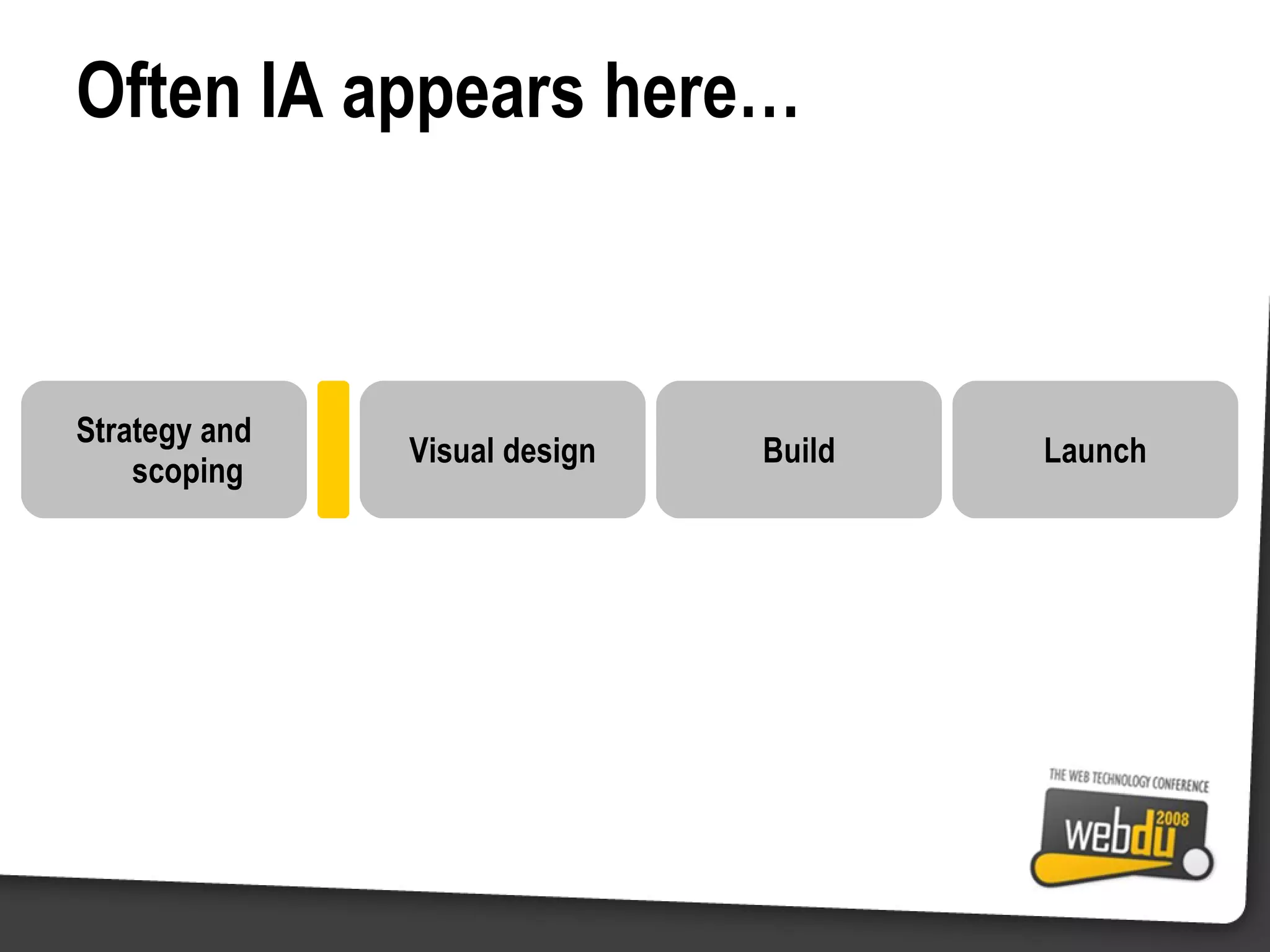
Often IA appears here… Strategy and scoping Visual design Build Launch
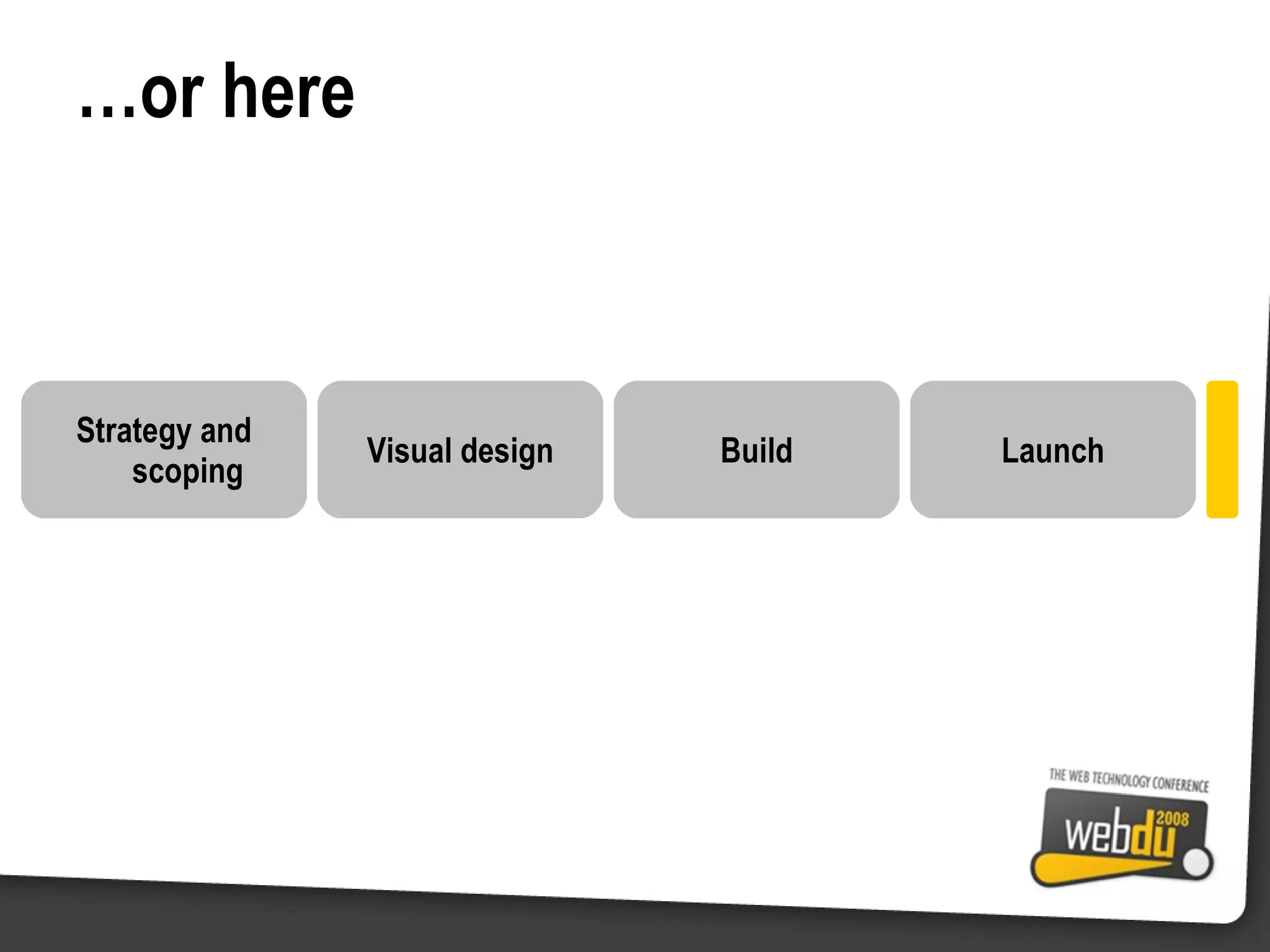
… or here Strategy and scoping Visual design Build Launch
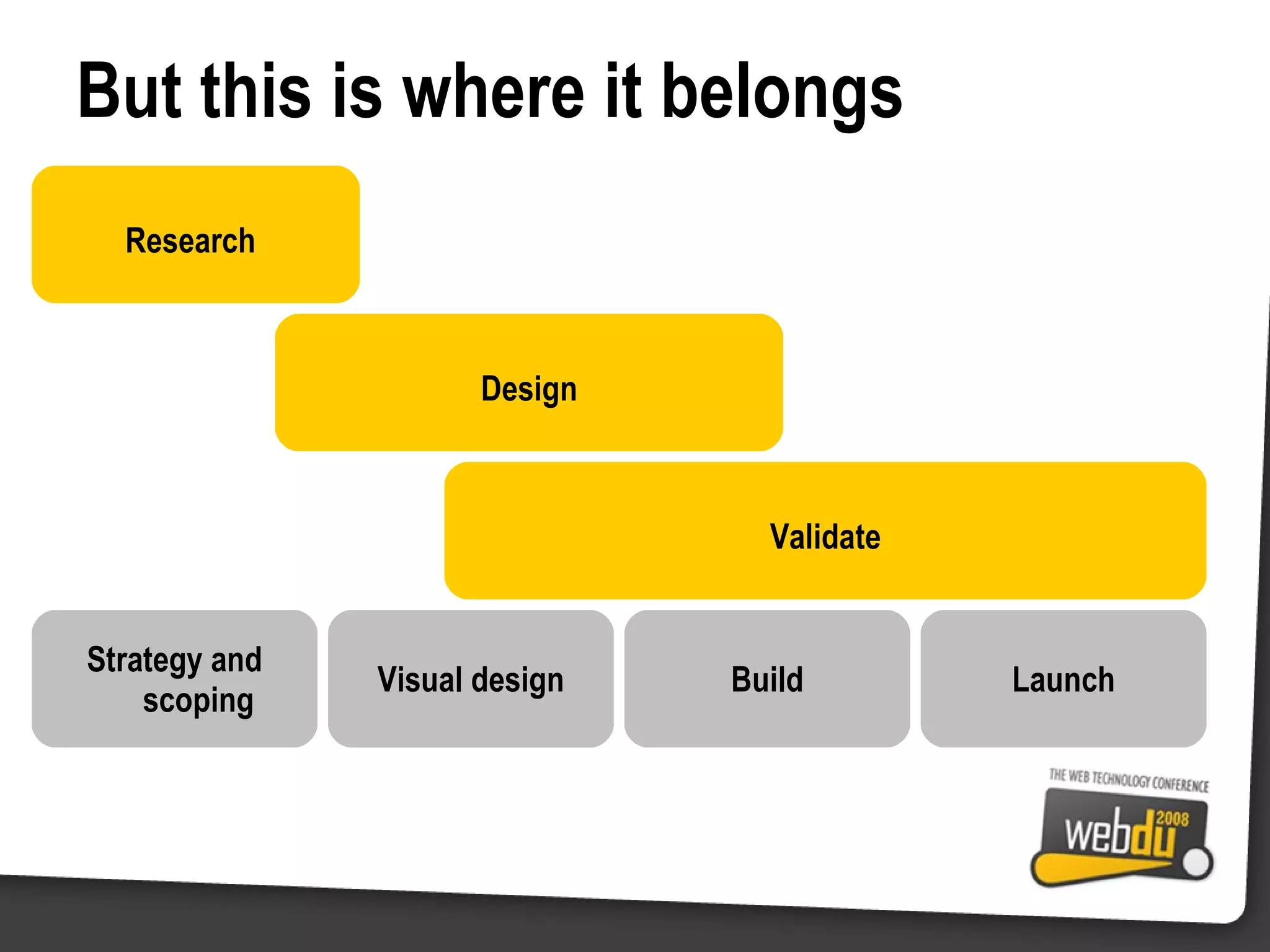
Research But this is where it belongs Strategy and scoping Visual design Build Launch Design Validate
IA in the broader process Scheduling IA activities Often IA is a fixed component at the start (or end) of a project IA should not be relegated to “usability testing” at the very end of the project; it’s too late then Nor should it be something theoretical done at the start (before the ‘real work’) and never heard of again Holistic IA IA activities are useful throughout the development cycle As user advocates, IA/UX expertise can assist with strategy and planning before thinking of a specific product Similarly, they can ensure design and build stick to the plan
IA and agile Agile development methodologies Design is shifted earlier in the project More iterative Taken the technical development world by storm Problems IA seen as rigid and pedantic And also costly and slow To fit into an agile environment IA needs to be: Flexible (both in terms of time and method) Quicker and less costly Better integrated into the process (and team) More guerrilla in approach; ad-hoc expertise when needed Leverage the iterative nature of agile development for more user contact/input
IA and the new web Web 2.0 and Rich Internet Applications (RIA) You will no doubt be familiar with these! Higher levels of interactivity Breaking away from the “page model” web Asynchronous communication with server Built using Flash, Flex, AJAX, Air, Silverlight, Java etc Difficulties for IA As with designers and developers, RIAs mean a big shift for IA Web IA finds this difficult More akin to software design than web design
Compare the IA for this…
IA for the page model Click a link go to a page This is the basic model of the web Typical of most websites, even in the age of Web 2.0 IA for this kind of interface is well understood Image credits Wikipedia page Source:  en.wikipedia.org/wiki/Rich_Internet_application
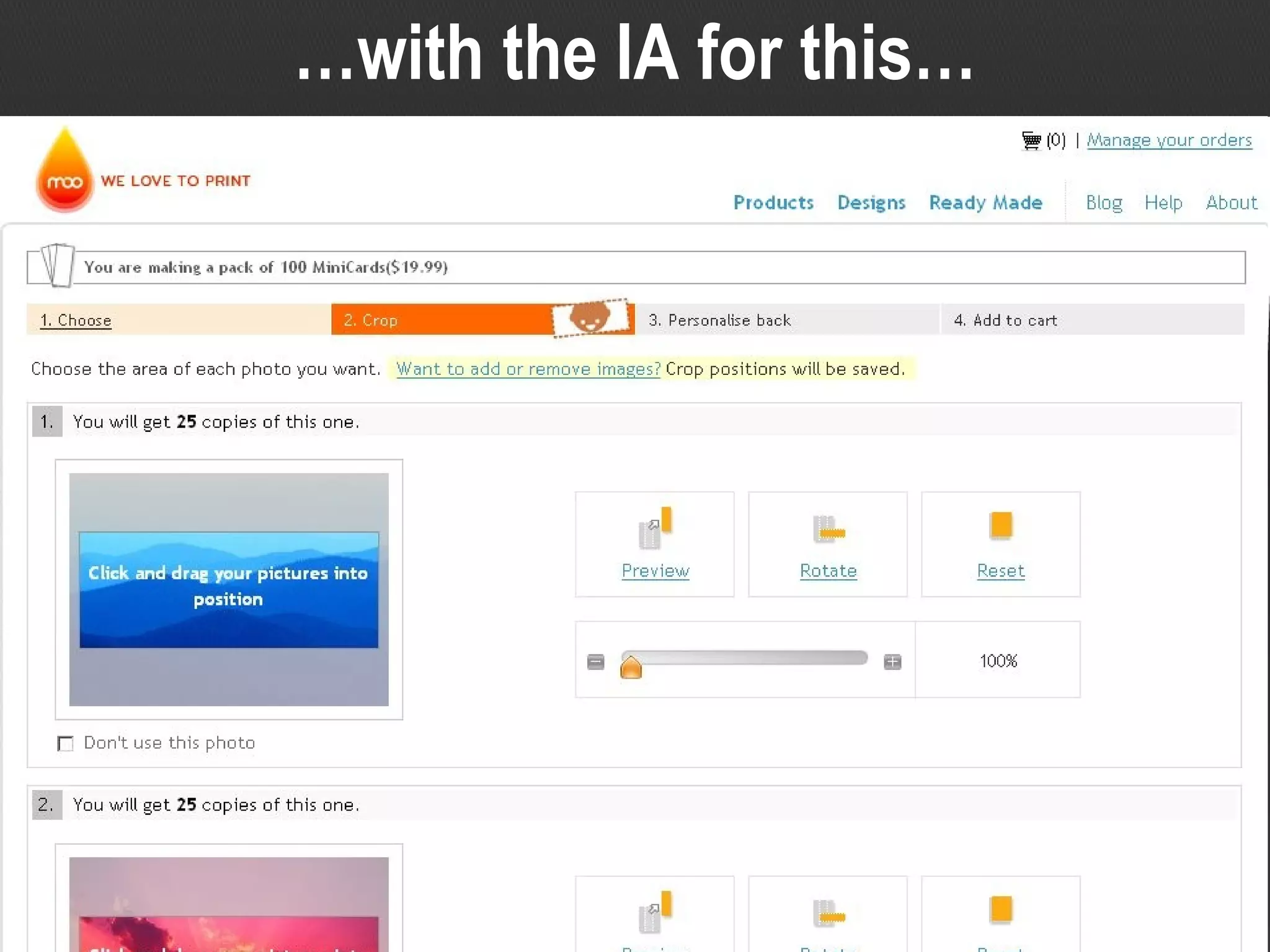
… with the IA for this…
IA for the interactive app More like a software application This is a new model of interaction Clickable, dragable, contextually aware UI controls IA for this kind of interface is  not yet  well understood And this is a relatively tame example Image credits Moo cards Source:  www.moo.com/products/minicards.php
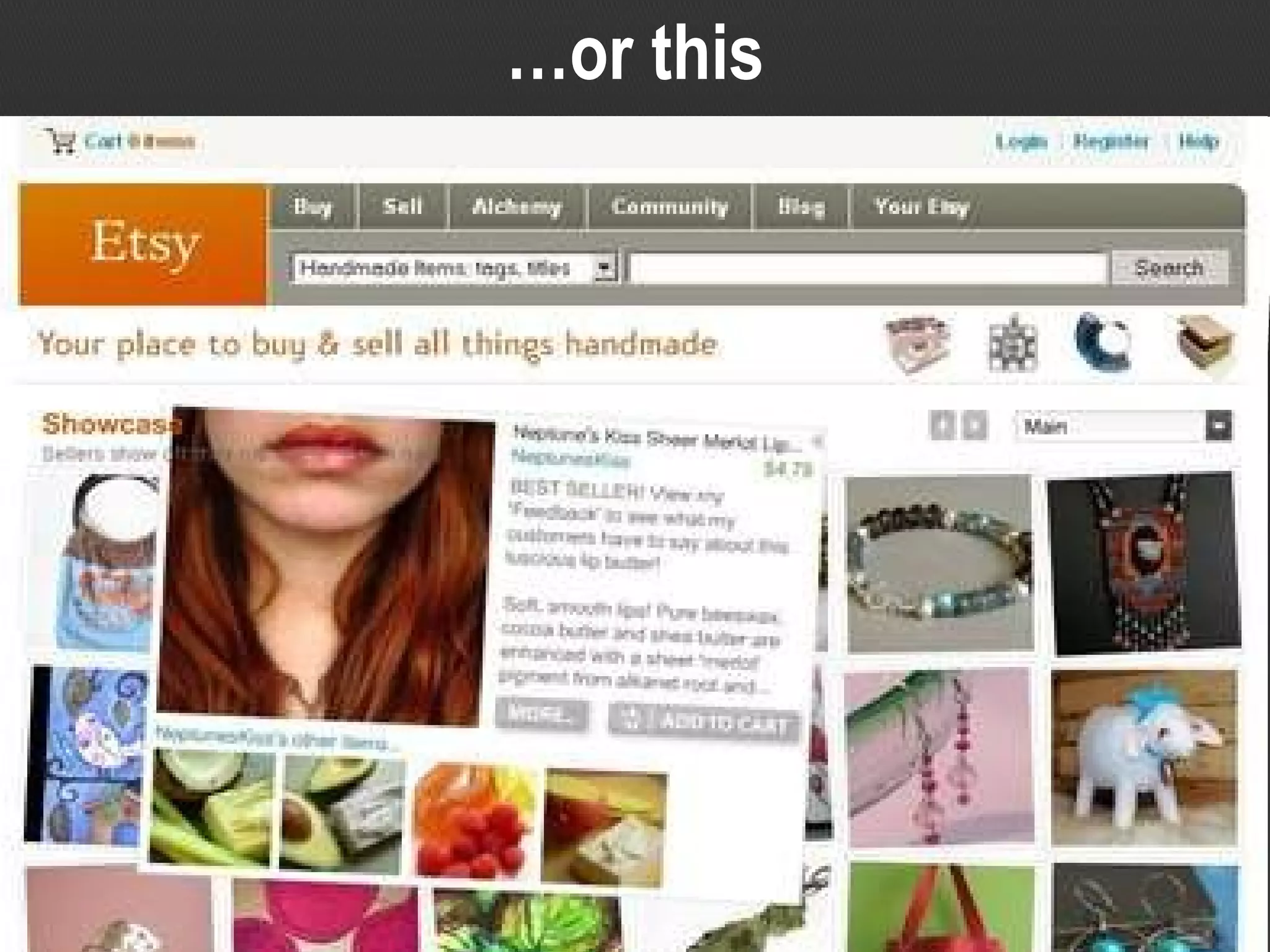
… or this
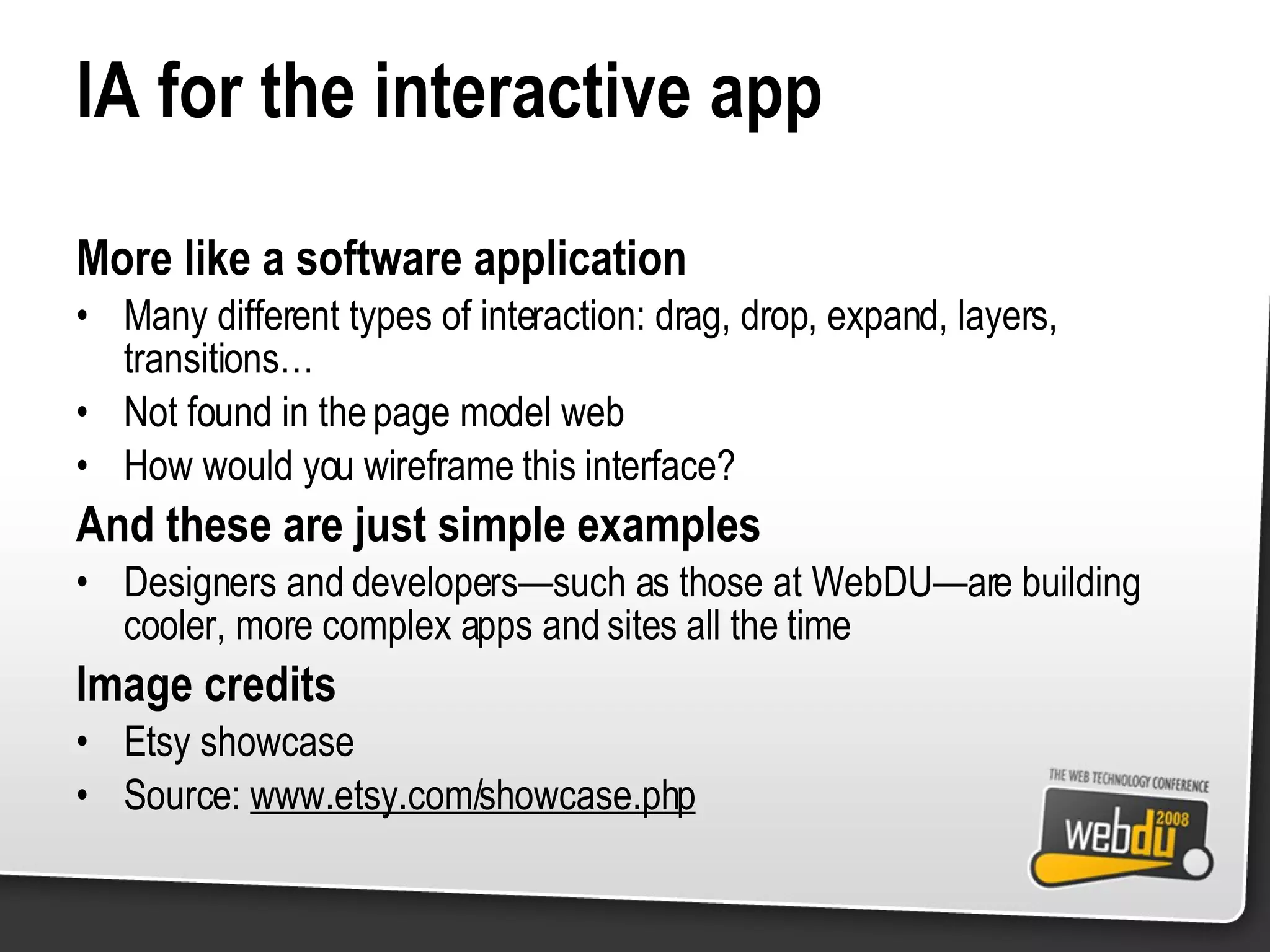
IA for the interactive app More like a software application Many different types of interaction: drag, drop, expand, layers, transitions… Not found in the page model web How would you wireframe this interface? And these are just simple examples Designers and developers—such as those at WebDU—are building cooler, more complex apps and sites all the time Image credits Etsy showcase Source:  www.etsy.com/showcase.php
IA for RIAs “ Traditional” techniques may not work Particularly in terms of documentation (eg site map and wireframes) New ways of documenting and communicating IA are needed Methodologies may need to change also (eg fit in with agile) Less about strict IA and more about interaction design New techniques to consider User task flows, storyboards, early working prototypes Rapid iterative prototyping; see it working then refine it ‘ Wireflows’ and other hybrid forms of documentation
IA practice is catching up
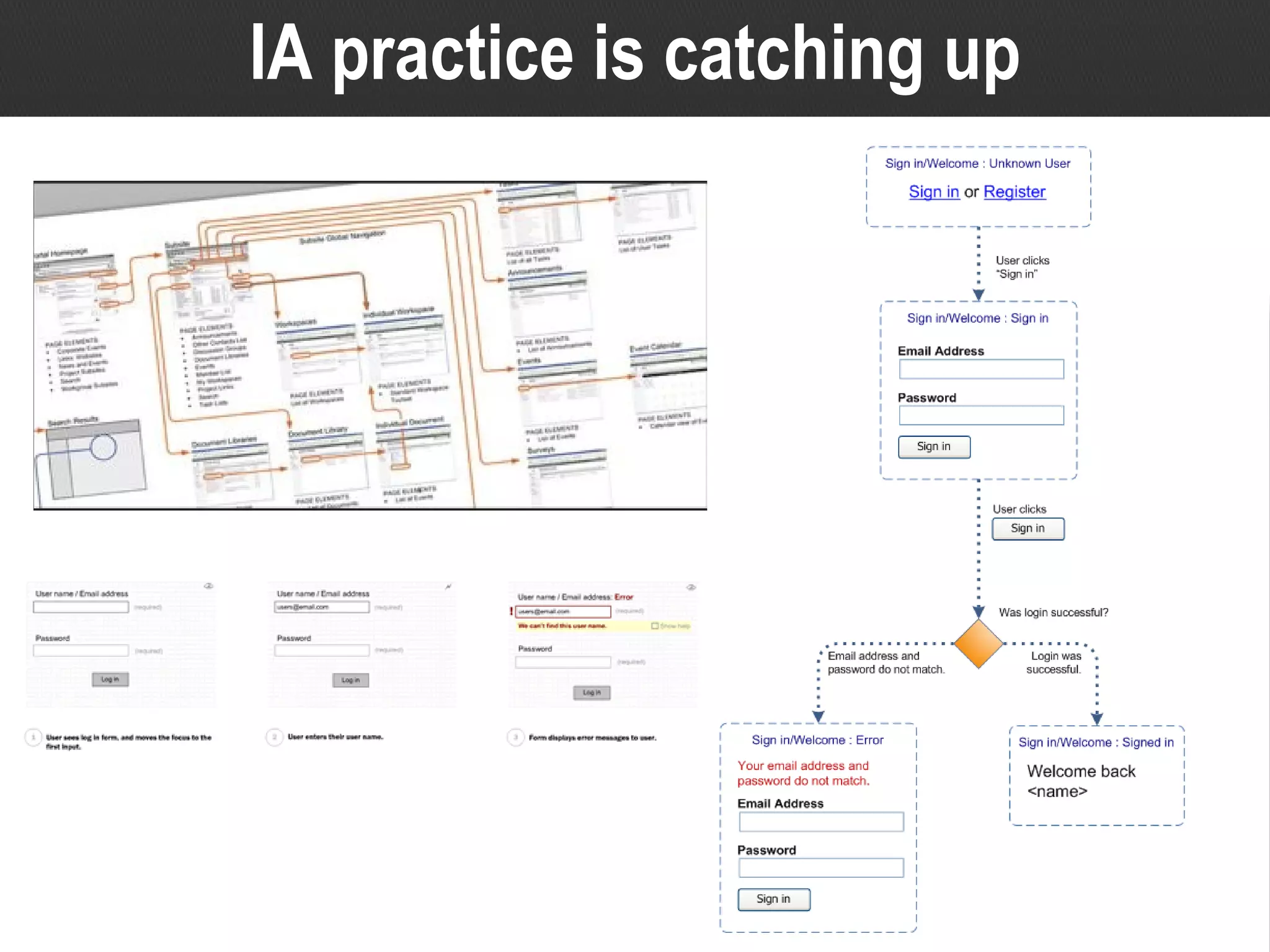
IA practice is catching up The RIA issue has consumed the IA community New documentation and methodology have surfaced and are entering the ‘mainstream’ There is a shift towards, or merger with, interaction design There are some great examples of usable, well thought out web 2.0 sites and web apps But there will be a lag IA (and its synonyms) are relatively young disciplines Many practitioners come from information science, or more ‘linear’ schools of thought Some are finding that the rules have changed whilst they’re still learning the game Still a lot of work out there that is web 1.0 The new breed of IA will need to be more ‘parallel’, more interactive Image credits Example of a wireflow from  UX methods trading cards  (top left) Source:  http://nform.ca/tradingcards/2008_19.jpg Wireframe storyboard (bottom left) Source:  http://thinkingandmaking.com/entries/art/36/wireframe-storyboard.gif Task flow for an Ajax login component (right) Source:  www.uxmatters.com/MT/archives/images/rias-figure%205.png
Different, yet still the same We’re still talking about UCD Whilst IA needs to ensure it keeps up with advances in technology and industry trends, the same basic principles apply Research, design, validate It’s just a new way of applying the principles Web 2.0 is not an excuse for a free-for-all We don’t want a repeat of lavish and unusable interfaces from early 90s Be careful of the “if we build it they will come” mentality; websites and applications still need to have purpose and meet a well defined audience need
What does this mean for you? Web developers and designers… Need to allow time for IA (and UCD in general) Can use IA to help improve what you create Should get involved in IA (or even start to specialise in it) Provide valuable input into IA; leverage your experience across many projects and scenarios Can be key drivers for IA in the development team Are well placed to set the standards and influence colleagues (as with web-standards) Should play well with others (IA and UX professionals :)
Tips For success in IA, remember… There are no simple answers, but there are simple techniques Solve each problem at the right stage of the project Designs should be useful, not just usable Iteratively sense-check your work with users Teamwork works best (little “d” design with a multidisciplinary team) Always use a ‘blended’ approach (aka triangulation)
Further reading For a good intro to all things IA related, try: Don’t Make Me Think  by Steve Krug ISBN: 0789723107 The Elements of User Experience  by Jesse James Garrett ISBN: 0735712026 The User Is Always Right  by Steve Mulder & Ziv Yaar ISBN: 0321434536 Information Architecture for the World Wide Web  by Louis Rosenfeld & Peter Morville ISBN: 0596000359 Boxes and Arrows  www.boxesandarrows.com User Interface Engineering (UIE)  www.uie.com
Further reading For wise thoughts on design documentation, try: Sketching User Experiences  by Bill Buxton ISBN: 0123740371 Communicating Design  by Dan Brown ISBN: 0321392353 For the latest in IA for RIAs, try: Documenting the Design of Rich Internet Applications: A Visual Language for State  by Richard F. Cecil www.uxmatters.com/MT/archives/000251.php The Guided Wireframe Narrative for Rich Internet Applications  by Andres Zapata www.boxesandarrows.com/view/the_guided_wire
In summary IA is not something to be scared of! Designers and developers can use IA to deliver better results In its most basic form IA is all about structure, navigation and labelling But more broadly it is UCD, consisting of Research, Design, Validation Ultimately IA will mean different things in different situations It’s not something frivolous or stuck at the end of a project IA is just as important for RIAs and Web 2.0 (perhaps more so)
Questions? Contact details Patrick Kennedy [email_address] www.gurtle.com/ppov/ All slides will be on SlideShare: www.slideshare.net/PatrickKennedy

Demystifying Information Architecture

  • 1.
  • 2.
    “ The usabilityguy says you can’t do that” Does this sound familiar?
  • 3.
    “ You knowwhat you can do with your heuristics?!” Or maybe it’s more like this?
  • 4.
    Overview There ismuch confusion and ignorance regarding information architecture (IA) and it's place in web design. Many developers, like their design counterparts, are operating under misconceptions , hearsay and indeed disinformation . Because of this, many feel threatened by the 'usability guy' telling them what to do. This presentation will introduce IA for websites--with the theory and techniques being equally applicable to intranets and RIAs--and explain the fundamental principles and some simple techniques. The aim is to give the audience a heads-up and point them in the right direction so they can integrate IA into their own work or just better collaborate with those IA and usability folks.
  • 5.
    A bit aboutme Two-minute resume Electrical and Computer Systems Engineer Front and back-end web developer Team leader and ‘solutions architect’ Information Architect User Experience consultant Industry exposure IT and corporate Marketing, advertising and media
  • 6.
    So you thinkyou can IA? do “ I drew a site map, I’m doing IA!”
  • 7.
    So you thinkyou can IA? “ We wireframe everything!” do
  • 8.
    So you thinkyou can IA? “ Usability testing? Yep, we all think it works great.” do
  • 9.
    So you thinkyou can IA? “ We surveyed what our users want!” do
  • 10.
    So you thinkyou can IA? “ I installed Visio… I am an Information Architect!” do
  • 11.
    What IA isn’tInformation Architecture is not… Simply drawing up a sitemap Simply pumping out masses of ‘wireframes’ Designing for yourselves Just about navigation A frivolous expense for ‘Rolls Royce’ projects only A ‘nice to have’ item on a checklist Database design (at least not for this session!)
  • 12.
    So what isIA? Information Architecture is… The practice of designing, for a website or intranet, the: Site structure Navigation Labelling Often a synonym for ‘usability’ or ‘User Centred Design’, which involves: Understanding users and their needs Designing with those needs in mind (balanced by business context and content) Validating design decisions with user involvement
  • 13.
  • 14.
  • 15.
  • 16.
  • 17.
    The basics ofIA The three interrelated pillars of IA Site structure – categorisation, classification, hierarchy Navigation – accessing the site structure, ‘findability’ Labelling – naming sections, links, navigation etc Image credits Travel destinations page for major news website Source: www.news.com.au/travel/australia/0,26063,,00.html
  • 18.
    More broadly… IAis User Centered Design (UCD) Which generally speaking, involves: Understanding users and their needs (balanced by business context and available/necessary content) Designing with those needs in mind Validating design decisions with user involvement Other synonyms include ‘usability’ or ‘user experience’
  • 19.
    A general IAprocess Research Understand the audience and context Solve the problem at hand Design Test design against requirements Validate
  • 20.
    A general IAprocess Research User research Business objectives Conventions and best practice (defacto standards) Design Use knowledge of users Involve them in the process Balance user needs, business objectives and possible content Validate Usability testing and iterative design
  • 21.
    A general IAprocess Research Understand the audience and context Solve the problem at hand Design Test design against requirements Validate
  • 22.
    Research Get outthere and understand your users What do they need? What do they want? How do they use technology? How might they use your product? What information do they need?
  • 23.
  • 24.
    User research techniquesMany different research activities Interviews, expert review, heuristic review Surveys, focus groups and other market research techniques Competitor analysis, best practice review Ethnographic activities such as contextual inquiry and diary studies Web analytics, search engine logs, CRM, sales data analysis Image credits Workplace observation (left) Source: Step Two Designs Contextual inquiry, also known as a “site visit” (top right) Source: www.hillaryelmore.com/images/contextualinquiry.jpg Focus group (bottom right) Source: www.mosman.nsw.gov.au/planningreview/images/24.jpg
  • 25.
    There’s something aboutMary “ I want to go on holiday, somewhere in Australia” “ But I’m not sure where to go…” “… or what each city has to offer”
  • 26.
    There’s something aboutMary End-to-end example of IA process To illustrate how we go about ‘doing IA’ we shall follow a fictional story First we start with user research, in which we meet Mary Mary is in the target audience group for a travel website She is looking to go travelling within Australia and uses the web a fair bit Image credits Design storyboard comic by Martin Hardee of Sun Microsystems Source: blogs.sun.com/MartinHardee/entry/design_comics_templates_1_0
  • 27.
    Other research “We need to drive traffic to the destination guides!” “ What content do we already have?”
  • 28.
    Other research Continuingour story… There is more than just user research we need to do Must also include business stakeholders (such as Pravin on the left) What are the business objectives? What should the website achieve? And the context we have to design in (might include content inventory) Image credits Design storyboard comic by Martin Hardee of Sun Microsystems Source: blogs.sun.com/MartinHardee/entry/design_comics_templates_1_0 Site map of screenshots (right) Source: Step Two Designs
  • 29.
    Research A generalIA process Understand the audience and context Solve the problem at hand Design Test design against requirements Validate
  • 30.
    Design Devising asolution that meets the defined needs As with visual design, or any other kind of design, the aim is to solve the problem Inputs to design include existing knowledge, such as: Categorisation schemes (eg alphabetical, chronological, geographical, by subject/topic) Conventions (eg search top right) And of course what we have learnt from our research, for instance: Needs and behaviour of audience Practical limitations on content and technology Business drivers and requirements Commonly, IA design exists on two interrelated levels: High level IA is the structure of the site (or more generically the information) Low level IA is the design of the interface; navigation and page layout
  • 31.
  • 32.
    High level IAdesign activities Many approaches to design A site map is the most common output of high level design Card sorting is the most common activity for IA Crosses the border between research and design Gets user input on categorisation of information, and labelling too Other activities include brainstorms and parallel design Image credits Example of typical site map (top left) Source: www.treith.com/ia_presentation/16sitemap.html Mind map used as site map (bottom left) Source: www.neuralmatters.com/SiteMap.aspx Results of a card sorting session (right) Source: Step Two Designs
  • 33.
    Designing the travelsite Existing knowledge: Travel content lends itself to a geographic categorisation scheme Want to “holiday” in Australia Not sure where What is there to do? Need to drive traffic to destination guides Home International vacations Domestic vacations Guides Packages Book now!
  • 34.
    Designing the travelsite Existing knowledge Categorisation schemes (eg alphabetical, chronological, geographical, by subject/topic) Travel content lends itself to geographic organisation Input from research Needs and behaviour of target audience Results of card sorting activities Business objectives and political drivers Draft information architecture Combine all the available information to come up with a design solution Have we got it “right”? We’ll get our chance to find out, later
  • 35.
  • 36.
    Low level IAdesign activities Many approaches to design Wireframes are the most common Conventions also influence strongly Design patterns may also be useful Image credits Example of an intranet wireframe (left) Source: Step Two Designs Hand drawn wireframe (right) Source: www.gdoss.com/images/lmf_paper_prototype.gif
  • 37.
    Designing the travelsite Logo Lorem ipsum dolor sit amet, consectetuer adipiscing elit. International vacations Guide 1 Guide 2 Guide 3 Guide 4 Domestic vacations Guide 5 Guide 6 Guide 7 Guide 8 Guides Packages Book now! Conventions: Users are used to search in the top right hand corner Want to “holiday” in Australia Not sure where What is there to do? Search Contact us Need to drive traffic to destination guides
  • 38.
    Designing the travelsite, part 2 Existing knowledge Web conventions (eg search box top left) Strengths and weaknesses of technology platform Input from research Needs and behaviour of target audience Results of design brainstorming Business objectives and political drivers Draft page layouts Combine all the available information to come up with a design solution Have we got it “right”? We’ll get our chance to find out, later
  • 39.
    Research A generalIA process Understand the audience and context Solve the problem at hand Design Test design against requirements Validate
  • 40.
    Validate Get feedbackfrom users Put the design in some sort of form the user can see or interact with Use realistic tasks or scenarios to get them to ‘use’ the design This is where we find out if our design decisions are ‘right’ Revise and iterate Take on board the feedback you get and revise the design appropriately Go back and test again
  • 41.
  • 42.
    Validation techniques Usabilitytesting comes in many forms It doesn’t have to be big, expensive testing in a lab The key is that users are involved in the validation And that realistic tasks are used for testing Image credits Typical lab-based usability testing (left) Source: www.xperienceconsulting.com/eng/img/interior/labs-3.jpg Card based classification evaluation (top right) Source: Step Two Designs Heat map produced by eye tracking (bottom right) Source: www.intranetjournal.com/articles/200503/Heatmap.jpg
  • 43.
    Logo Lorem ipsumdolor sit amet, consectetuer adipiscing elit. International vacations Guide 1 Guide 2 Guide 3 Guide 4 Domestic vacations Guide 5 Guide 6 Guide 7 Guide 8 Guides Packages Book now! Search Contact us Feedback from Mary “ Huh? I don’t see a list of places I can go on holiday. Where do I click?”
  • 44.
    Feedback from MaryPaper prototyping early in the process Easily obtain feedback from users early in process Check the design decisions you are making Iterate and revise design if necessary Much easier than waiting until the end to find issues Image credits Paper prototyping for testing (left) Source: www.nngroup.com/reports/prototyping/prototype_tabs.jpg
  • 45.
    Usability testing “This is more like it! It gives me a list of places I can go to and I can get more information”
  • 46.
    Usability testing High-fidelitytesting Test a working mock-up or live beta site Get user feedback on the whole design, including high and low level IA and graphic design Make use of realistic tasks or scenarios Image credits Completed travel website Source: www.news.com.au/travel/australia/0,26063,,00.html
  • 47.
    A general IAprocess Research Understand the audience and context Solve the problem at hand Design Test design against requirements Validate
  • 48.
    IA in thebroader process Strategy and scoping Visual design Build Launch
  • 49.
    Often IA appearshere… Strategy and scoping Visual design Build Launch
  • 50.
    … or hereStrategy and scoping Visual design Build Launch
  • 51.
    Research But thisis where it belongs Strategy and scoping Visual design Build Launch Design Validate
  • 52.
    IA in thebroader process Scheduling IA activities Often IA is a fixed component at the start (or end) of a project IA should not be relegated to “usability testing” at the very end of the project; it’s too late then Nor should it be something theoretical done at the start (before the ‘real work’) and never heard of again Holistic IA IA activities are useful throughout the development cycle As user advocates, IA/UX expertise can assist with strategy and planning before thinking of a specific product Similarly, they can ensure design and build stick to the plan
  • 53.
    IA and agileAgile development methodologies Design is shifted earlier in the project More iterative Taken the technical development world by storm Problems IA seen as rigid and pedantic And also costly and slow To fit into an agile environment IA needs to be: Flexible (both in terms of time and method) Quicker and less costly Better integrated into the process (and team) More guerrilla in approach; ad-hoc expertise when needed Leverage the iterative nature of agile development for more user contact/input
  • 54.
    IA and thenew web Web 2.0 and Rich Internet Applications (RIA) You will no doubt be familiar with these! Higher levels of interactivity Breaking away from the “page model” web Asynchronous communication with server Built using Flash, Flex, AJAX, Air, Silverlight, Java etc Difficulties for IA As with designers and developers, RIAs mean a big shift for IA Web IA finds this difficult More akin to software design than web design
  • 55.
    Compare the IAfor this…
  • 56.
    IA for thepage model Click a link go to a page This is the basic model of the web Typical of most websites, even in the age of Web 2.0 IA for this kind of interface is well understood Image credits Wikipedia page Source: en.wikipedia.org/wiki/Rich_Internet_application
  • 57.
    … with theIA for this…
  • 58.
    IA for theinteractive app More like a software application This is a new model of interaction Clickable, dragable, contextually aware UI controls IA for this kind of interface is not yet well understood And this is a relatively tame example Image credits Moo cards Source: www.moo.com/products/minicards.php
  • 59.
  • 60.
    IA for theinteractive app More like a software application Many different types of interaction: drag, drop, expand, layers, transitions… Not found in the page model web How would you wireframe this interface? And these are just simple examples Designers and developers—such as those at WebDU—are building cooler, more complex apps and sites all the time Image credits Etsy showcase Source: www.etsy.com/showcase.php
  • 61.
    IA for RIAs“ Traditional” techniques may not work Particularly in terms of documentation (eg site map and wireframes) New ways of documenting and communicating IA are needed Methodologies may need to change also (eg fit in with agile) Less about strict IA and more about interaction design New techniques to consider User task flows, storyboards, early working prototypes Rapid iterative prototyping; see it working then refine it ‘ Wireflows’ and other hybrid forms of documentation
  • 62.
    IA practice iscatching up
  • 63.
    IA practice iscatching up The RIA issue has consumed the IA community New documentation and methodology have surfaced and are entering the ‘mainstream’ There is a shift towards, or merger with, interaction design There are some great examples of usable, well thought out web 2.0 sites and web apps But there will be a lag IA (and its synonyms) are relatively young disciplines Many practitioners come from information science, or more ‘linear’ schools of thought Some are finding that the rules have changed whilst they’re still learning the game Still a lot of work out there that is web 1.0 The new breed of IA will need to be more ‘parallel’, more interactive Image credits Example of a wireflow from UX methods trading cards (top left) Source: http://nform.ca/tradingcards/2008_19.jpg Wireframe storyboard (bottom left) Source: http://thinkingandmaking.com/entries/art/36/wireframe-storyboard.gif Task flow for an Ajax login component (right) Source: www.uxmatters.com/MT/archives/images/rias-figure%205.png
  • 64.
    Different, yet stillthe same We’re still talking about UCD Whilst IA needs to ensure it keeps up with advances in technology and industry trends, the same basic principles apply Research, design, validate It’s just a new way of applying the principles Web 2.0 is not an excuse for a free-for-all We don’t want a repeat of lavish and unusable interfaces from early 90s Be careful of the “if we build it they will come” mentality; websites and applications still need to have purpose and meet a well defined audience need
  • 65.
    What does thismean for you? Web developers and designers… Need to allow time for IA (and UCD in general) Can use IA to help improve what you create Should get involved in IA (or even start to specialise in it) Provide valuable input into IA; leverage your experience across many projects and scenarios Can be key drivers for IA in the development team Are well placed to set the standards and influence colleagues (as with web-standards) Should play well with others (IA and UX professionals :)
  • 66.
    Tips For successin IA, remember… There are no simple answers, but there are simple techniques Solve each problem at the right stage of the project Designs should be useful, not just usable Iteratively sense-check your work with users Teamwork works best (little “d” design with a multidisciplinary team) Always use a ‘blended’ approach (aka triangulation)
  • 67.
    Further reading Fora good intro to all things IA related, try: Don’t Make Me Think by Steve Krug ISBN: 0789723107 The Elements of User Experience by Jesse James Garrett ISBN: 0735712026 The User Is Always Right by Steve Mulder & Ziv Yaar ISBN: 0321434536 Information Architecture for the World Wide Web by Louis Rosenfeld & Peter Morville ISBN: 0596000359 Boxes and Arrows www.boxesandarrows.com User Interface Engineering (UIE) www.uie.com
  • 68.
    Further reading Forwise thoughts on design documentation, try: Sketching User Experiences by Bill Buxton ISBN: 0123740371 Communicating Design by Dan Brown ISBN: 0321392353 For the latest in IA for RIAs, try: Documenting the Design of Rich Internet Applications: A Visual Language for State by Richard F. Cecil www.uxmatters.com/MT/archives/000251.php The Guided Wireframe Narrative for Rich Internet Applications by Andres Zapata www.boxesandarrows.com/view/the_guided_wire
  • 69.
    In summary IAis not something to be scared of! Designers and developers can use IA to deliver better results In its most basic form IA is all about structure, navigation and labelling But more broadly it is UCD, consisting of Research, Design, Validation Ultimately IA will mean different things in different situations It’s not something frivolous or stuck at the end of a project IA is just as important for RIAs and Web 2.0 (perhaps more so)
  • 70.
    Questions? Contact detailsPatrick Kennedy [email_address] www.gurtle.com/ppov/ All slides will be on SlideShare: www.slideshare.net/PatrickKennedy