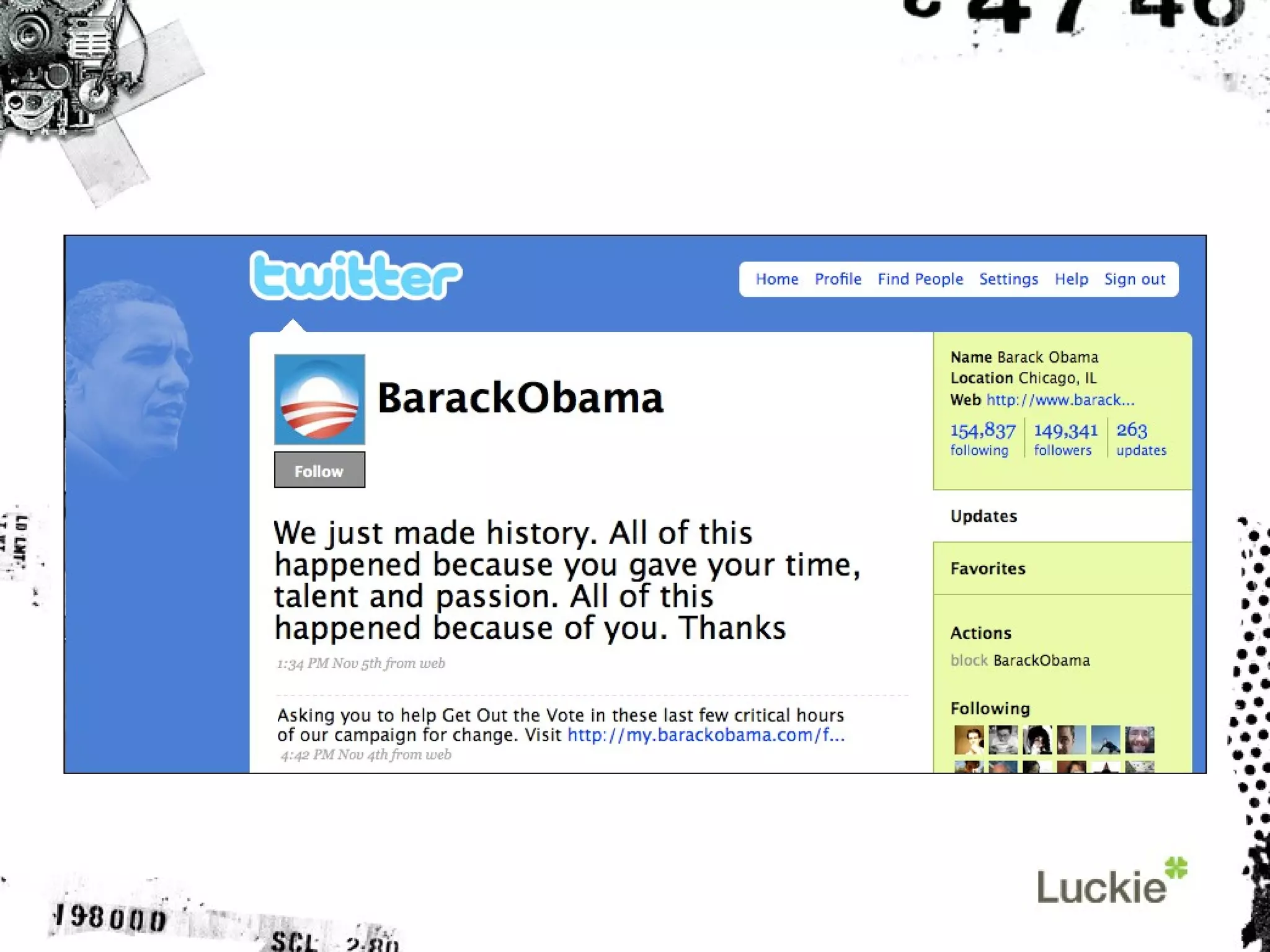
So what is Twitter?
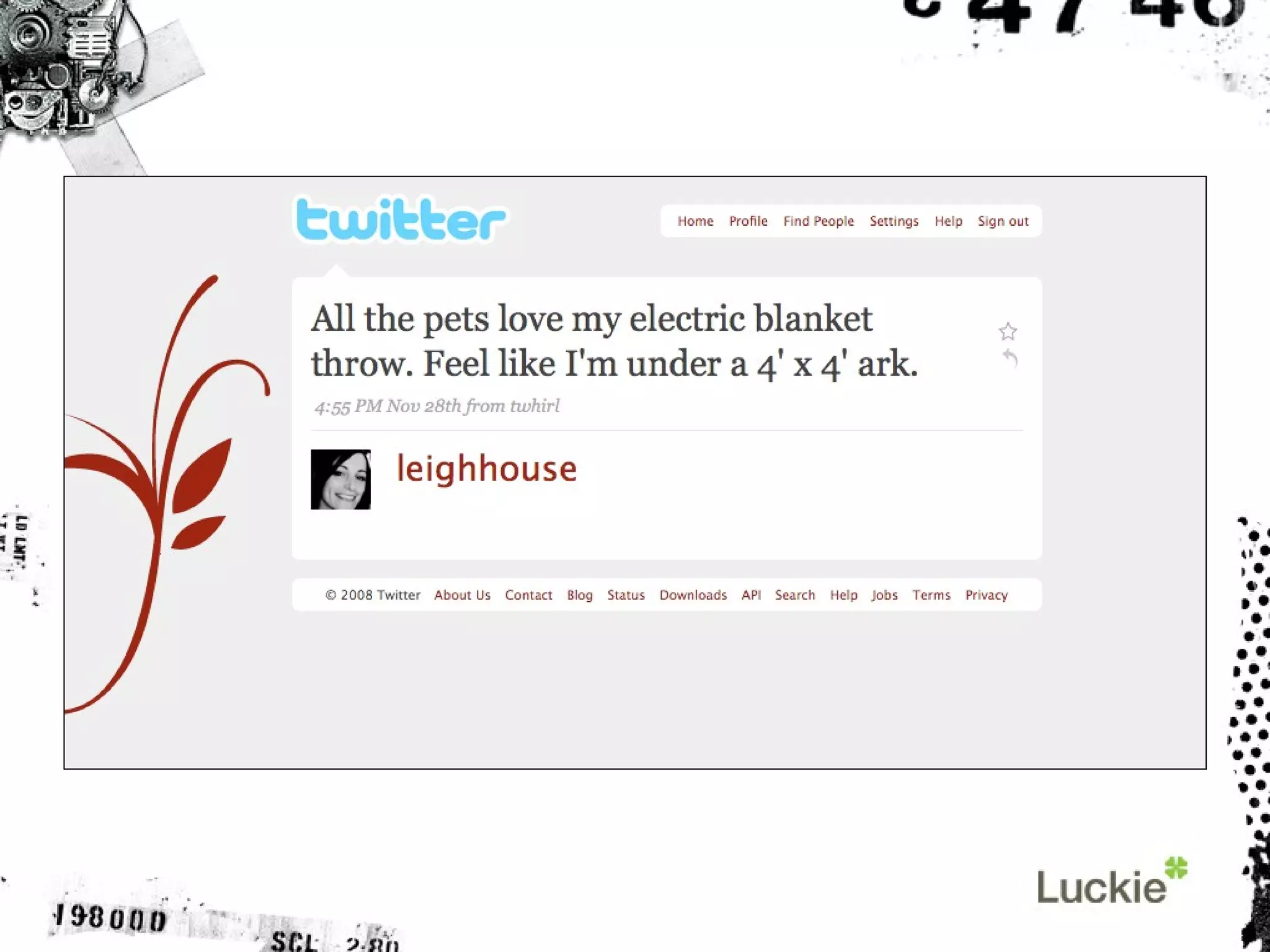
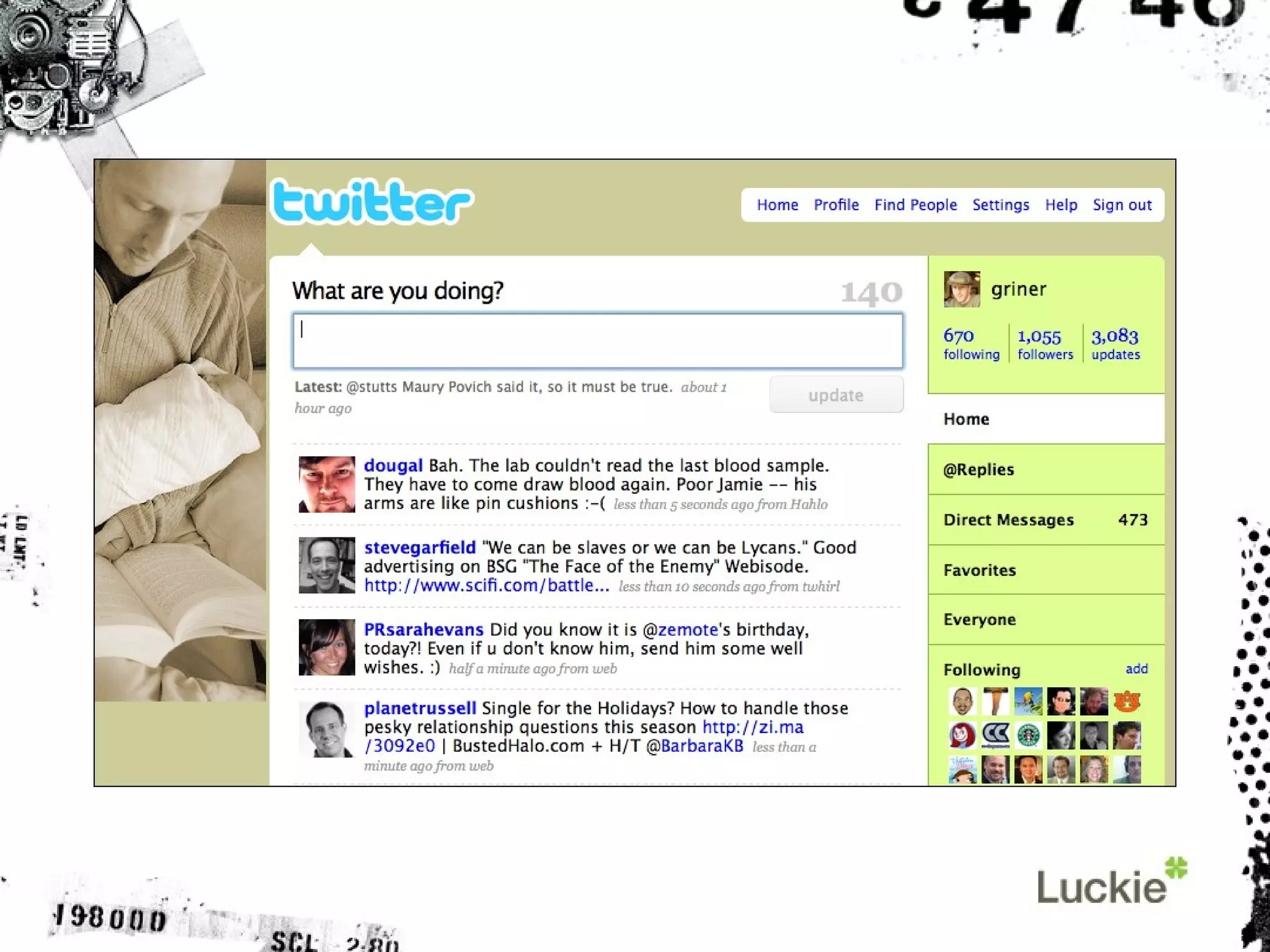
Twitter lets you post  brief items about  your opinions or your life,  shared with the world.
 
But more importantly…
Twitter is a social network Follow people’s updates They follow yours Find new (and old) connections
 
It’s a nice halfway point Less personal than Facebook More chatty than LinkedIn
Twitter is not unique, but it is dominant.
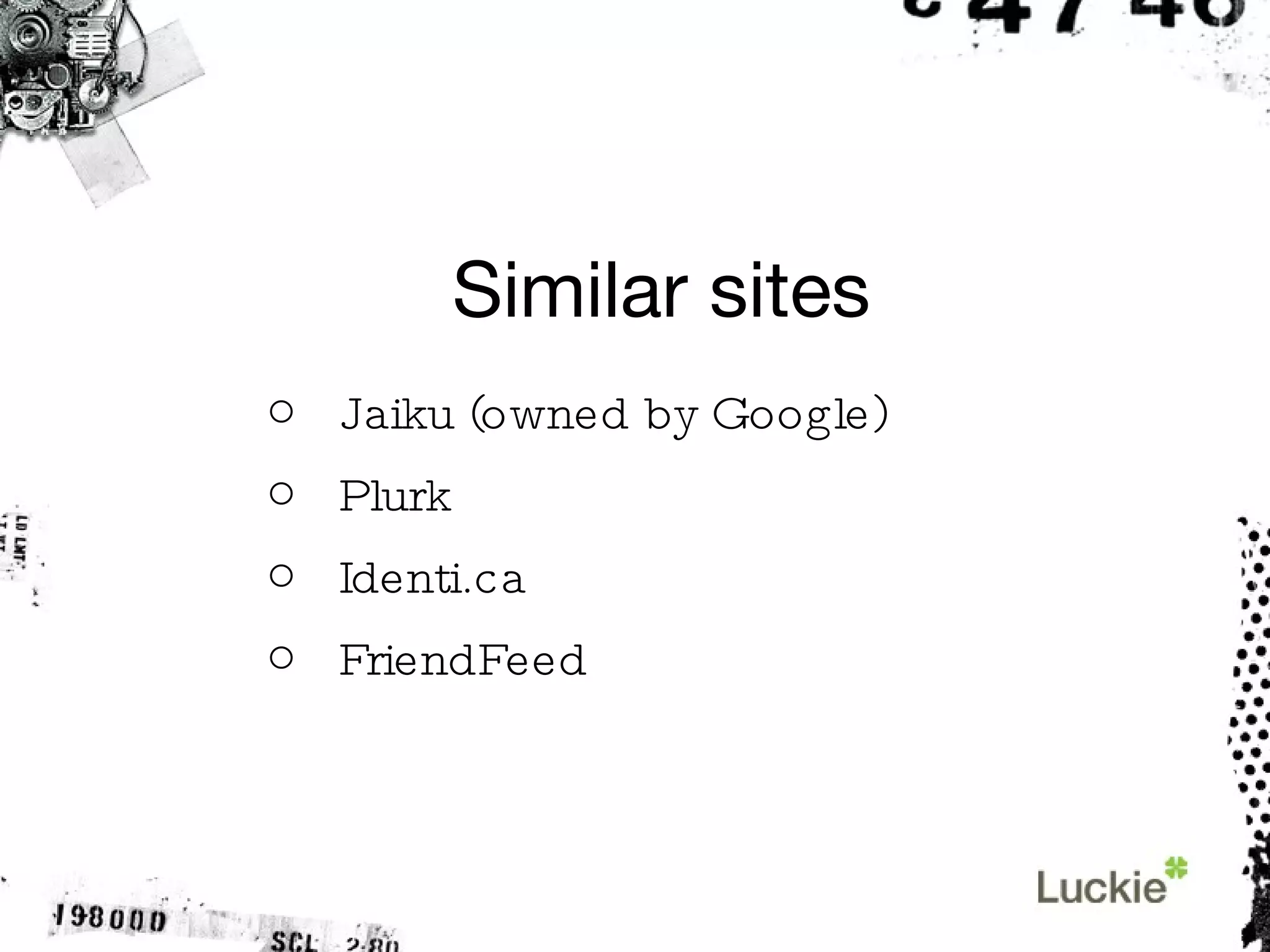
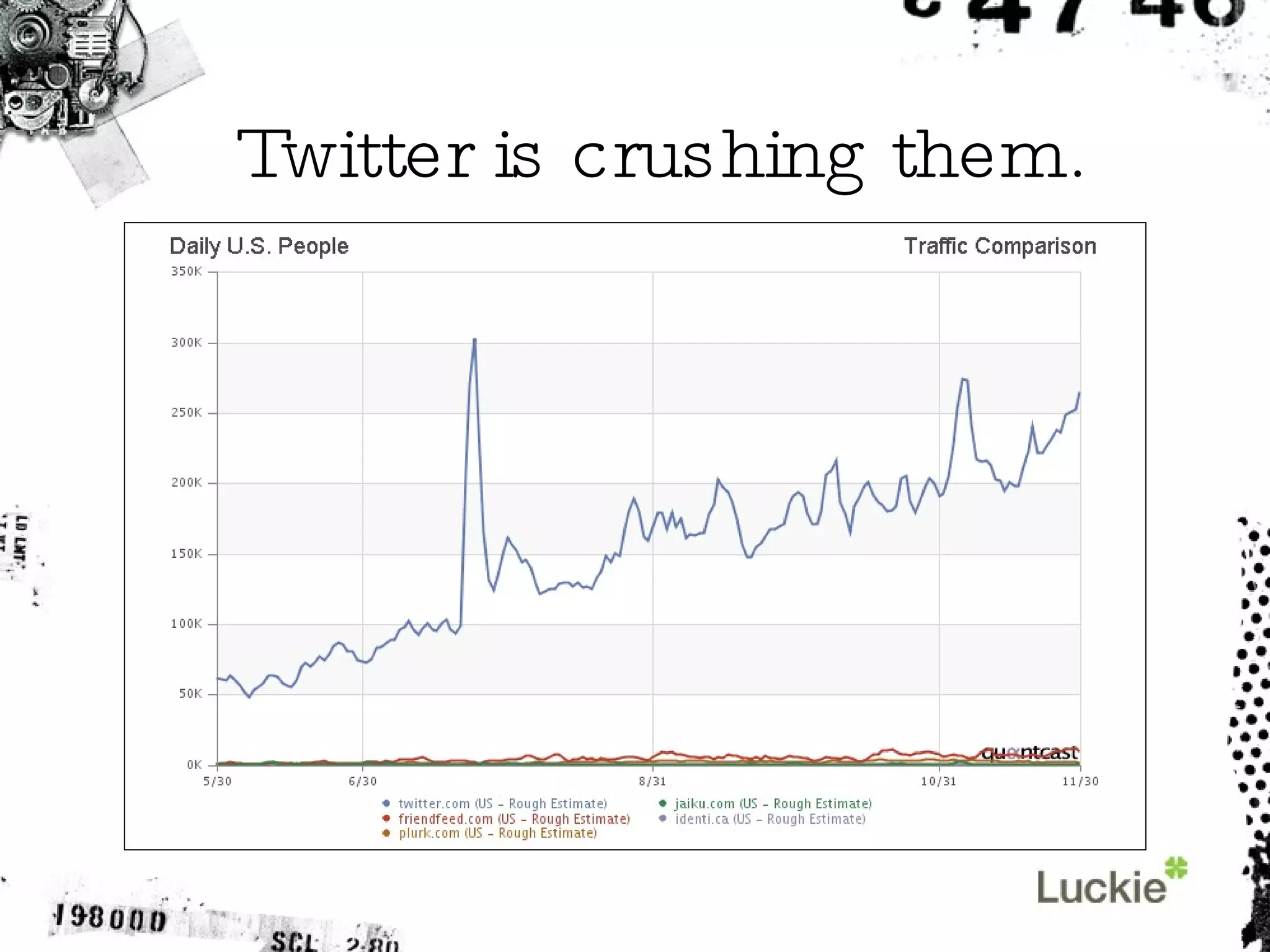
Similar sites Jaiku (owned by Google) Plurk Identi.ca FriendFeed
Twitter is crushing them.
How is Twitter  making money?
It’s not.
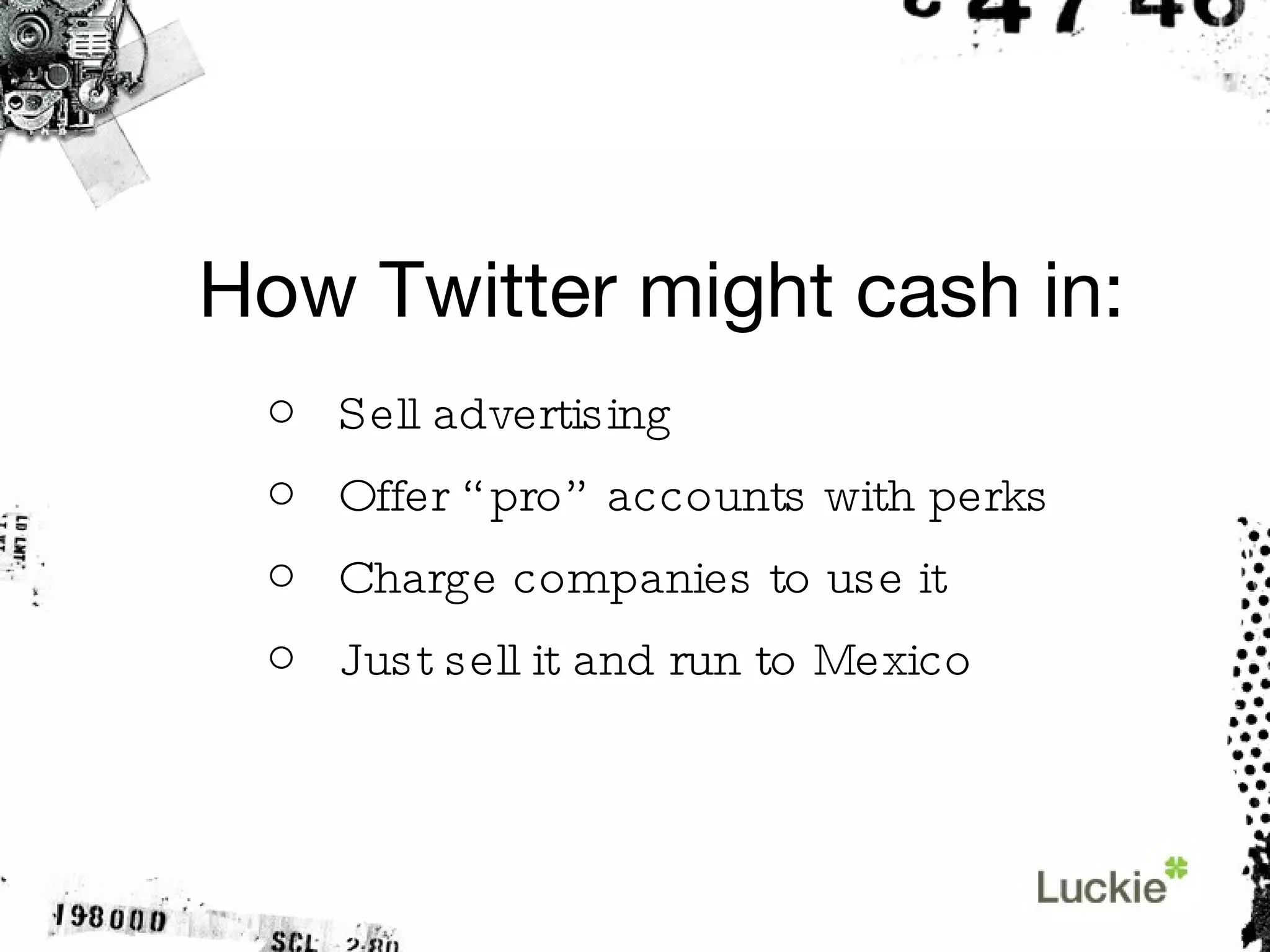
How Twitter might cash in: Sell advertising Offer “pro” accounts with perks Charge companies to use it Just sell it and run to Mexico
Why do people use Twitter?
It keeps you connected with: Your community Your industry Your friends Your world
How do people use Twitter?
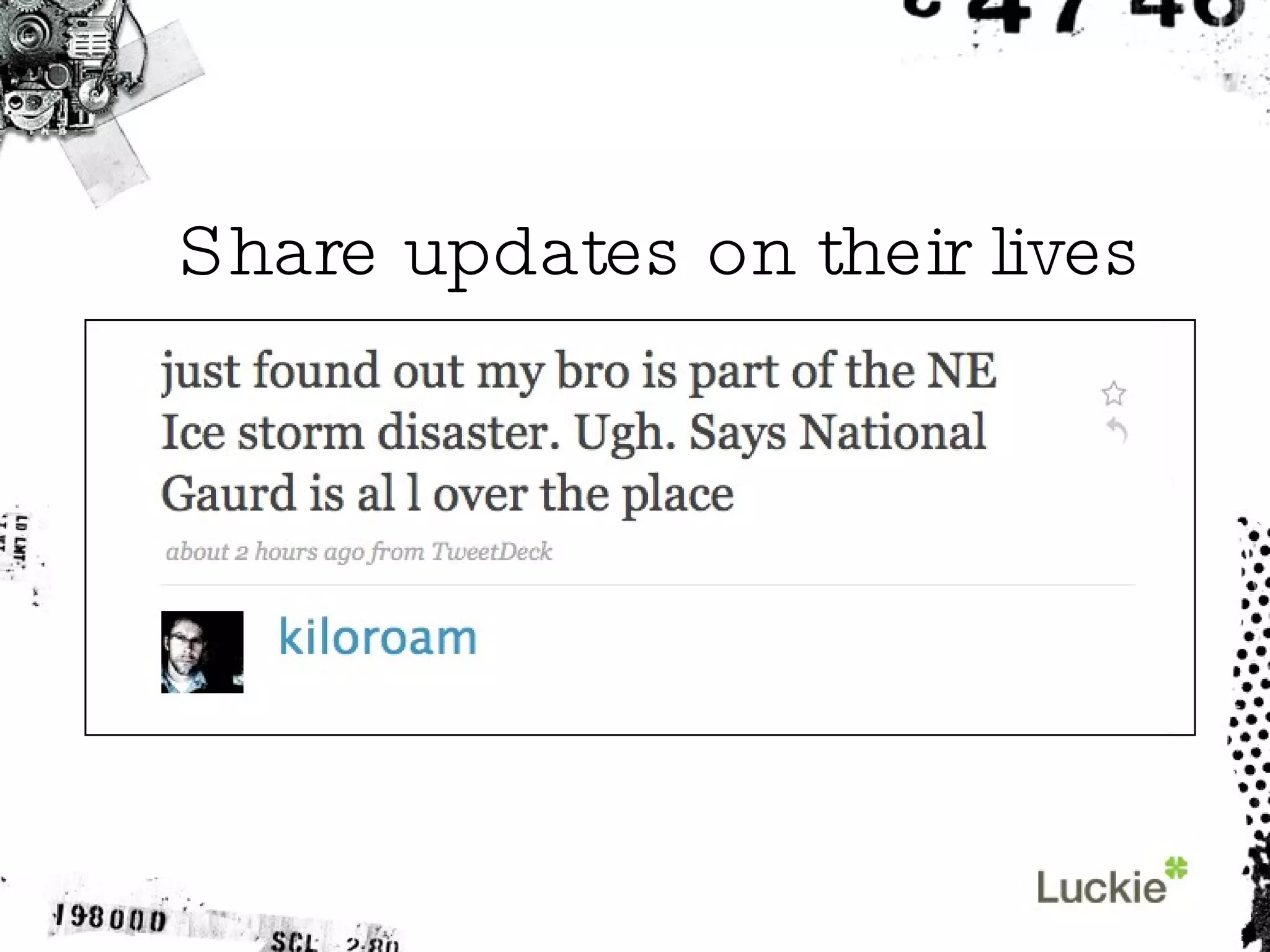
Share updates on their lives
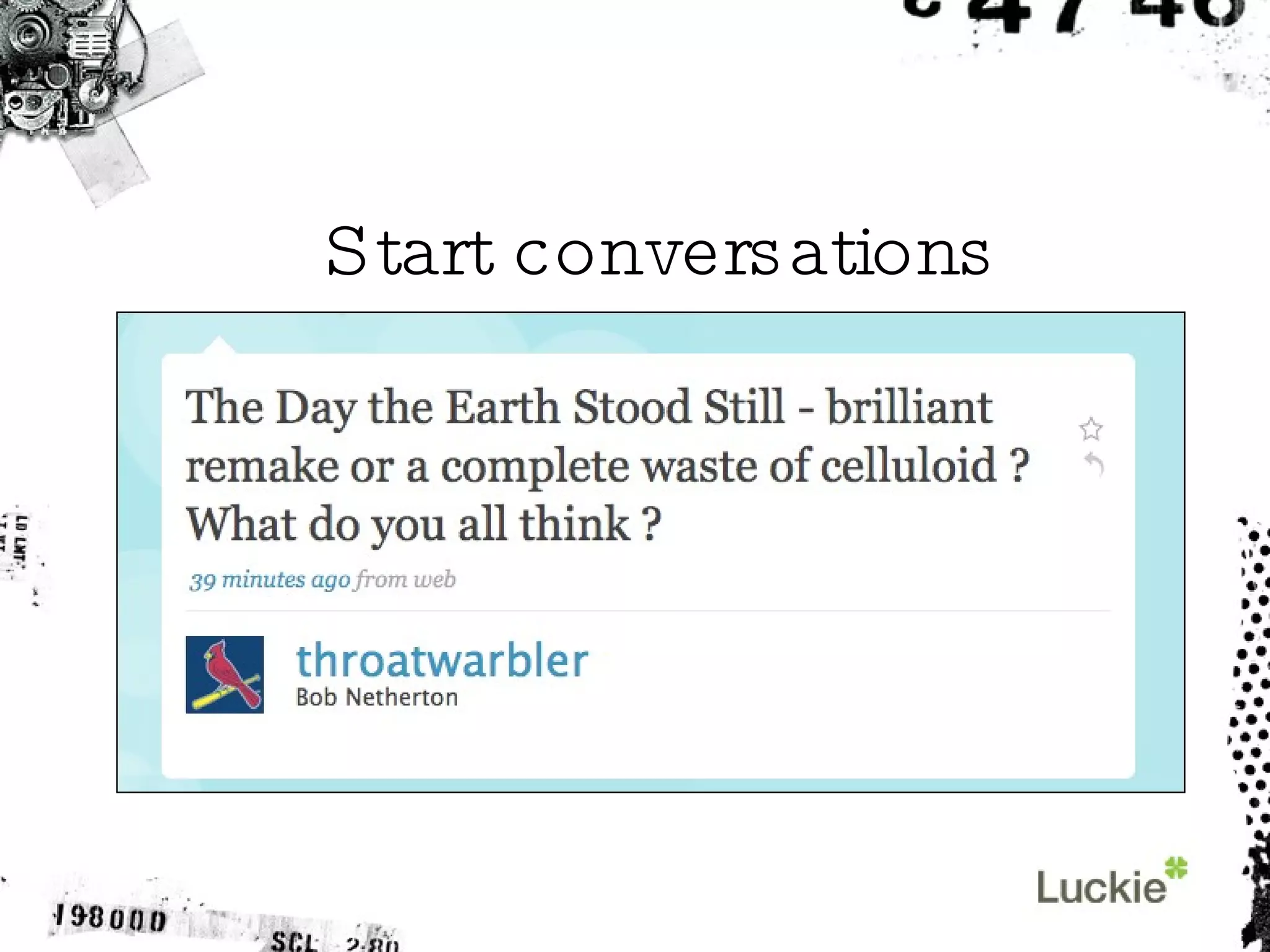
Start conversations
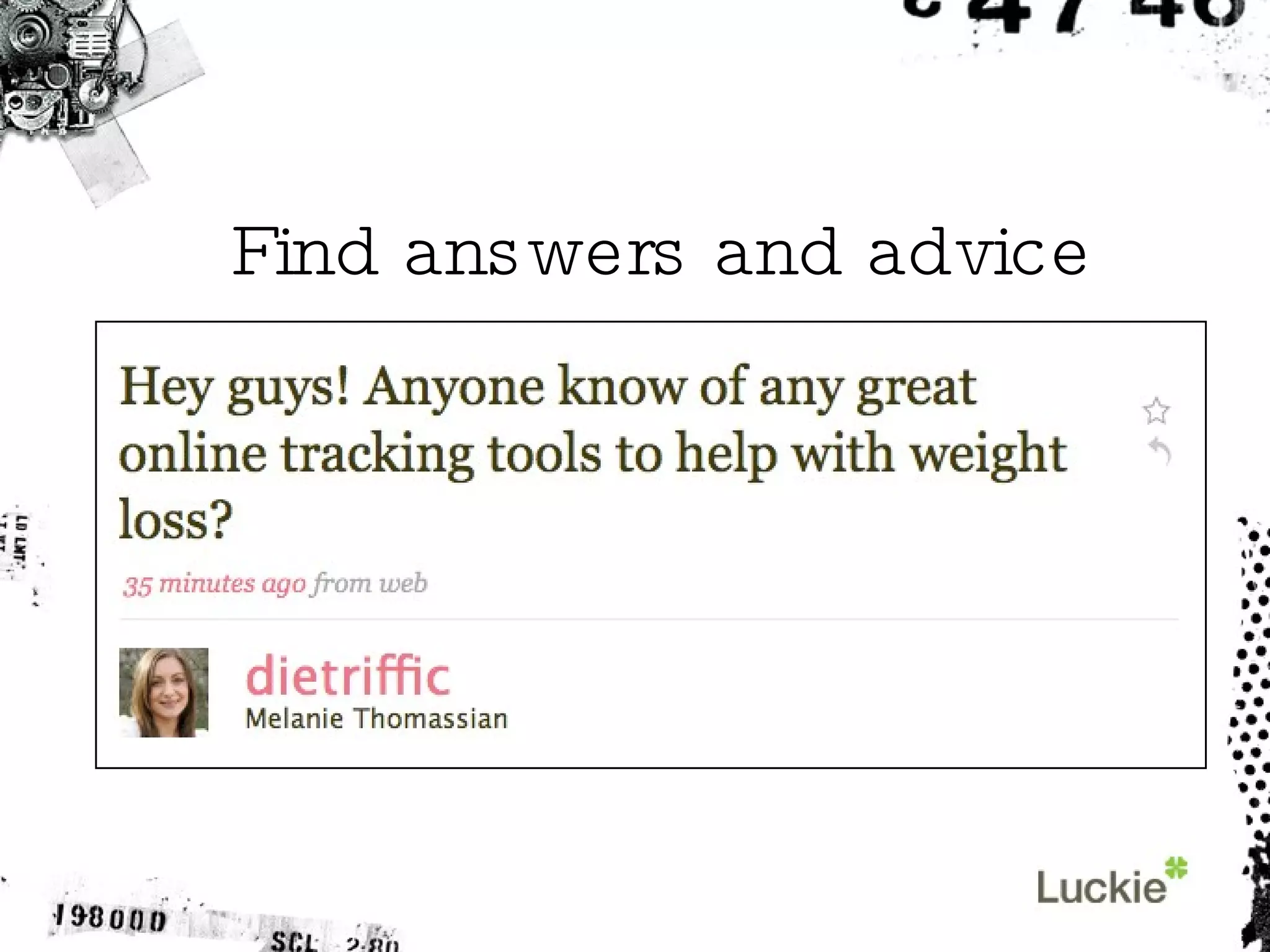
Find answers and advice
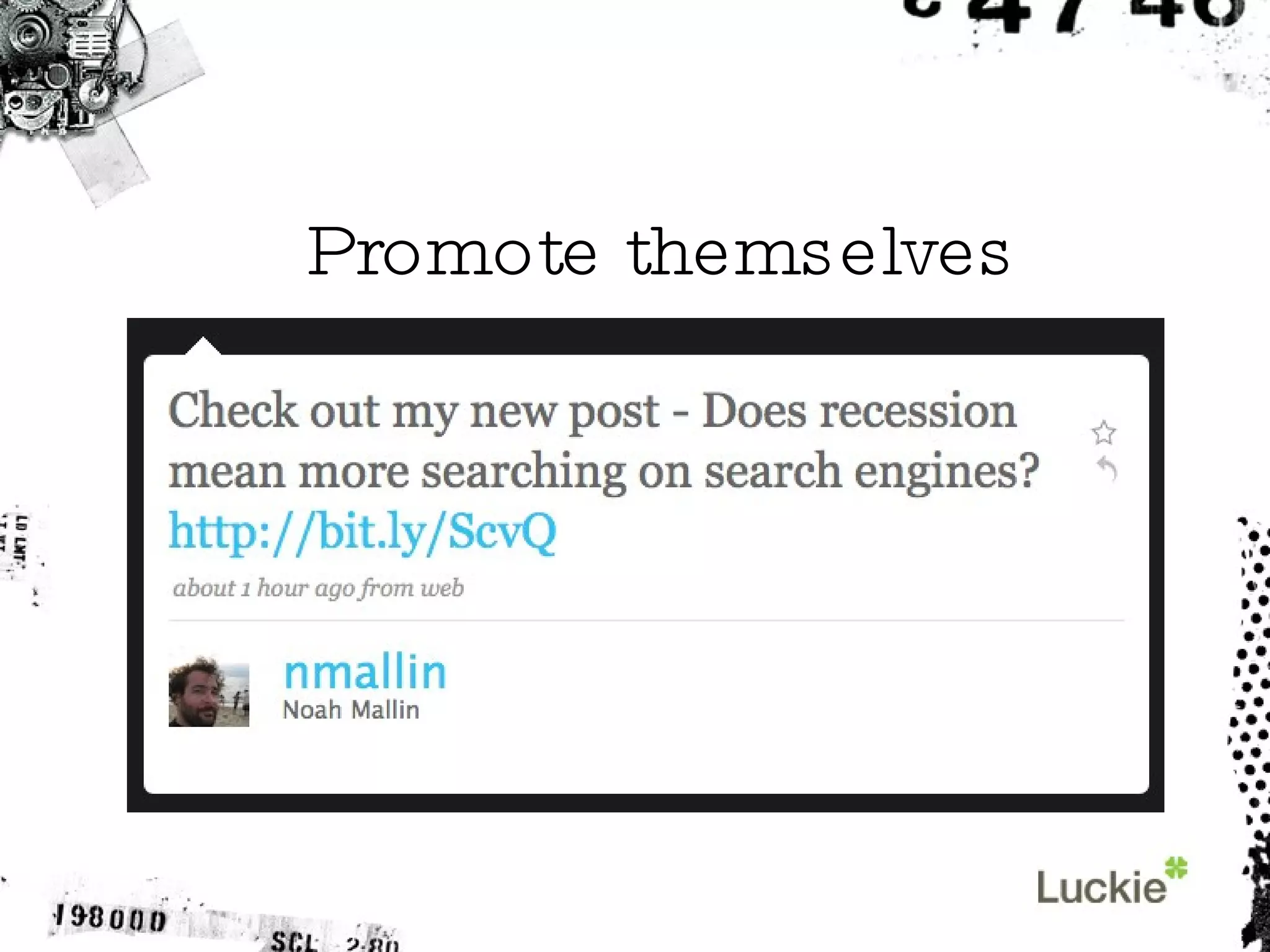
Promote themselves
How do businesses  use Twitter?
Twitter helps businesses: Raise awareness Offer proactive customer service Answer questions Promote events, products, services
Who’s on Twitter? Starbucks Southwest Airlines Dell Zappos Little Debbie
Businesses should: Be conversational Jump in the discussion Pay attention Pace themselves
Businesses should: Reward their followers Offer giveaways Host local “Tweetups”
Businesses should NOT: Be sales-oriented robots Be repetitive and dull Follow too many people at once
Deciphering a few  Twitter terms
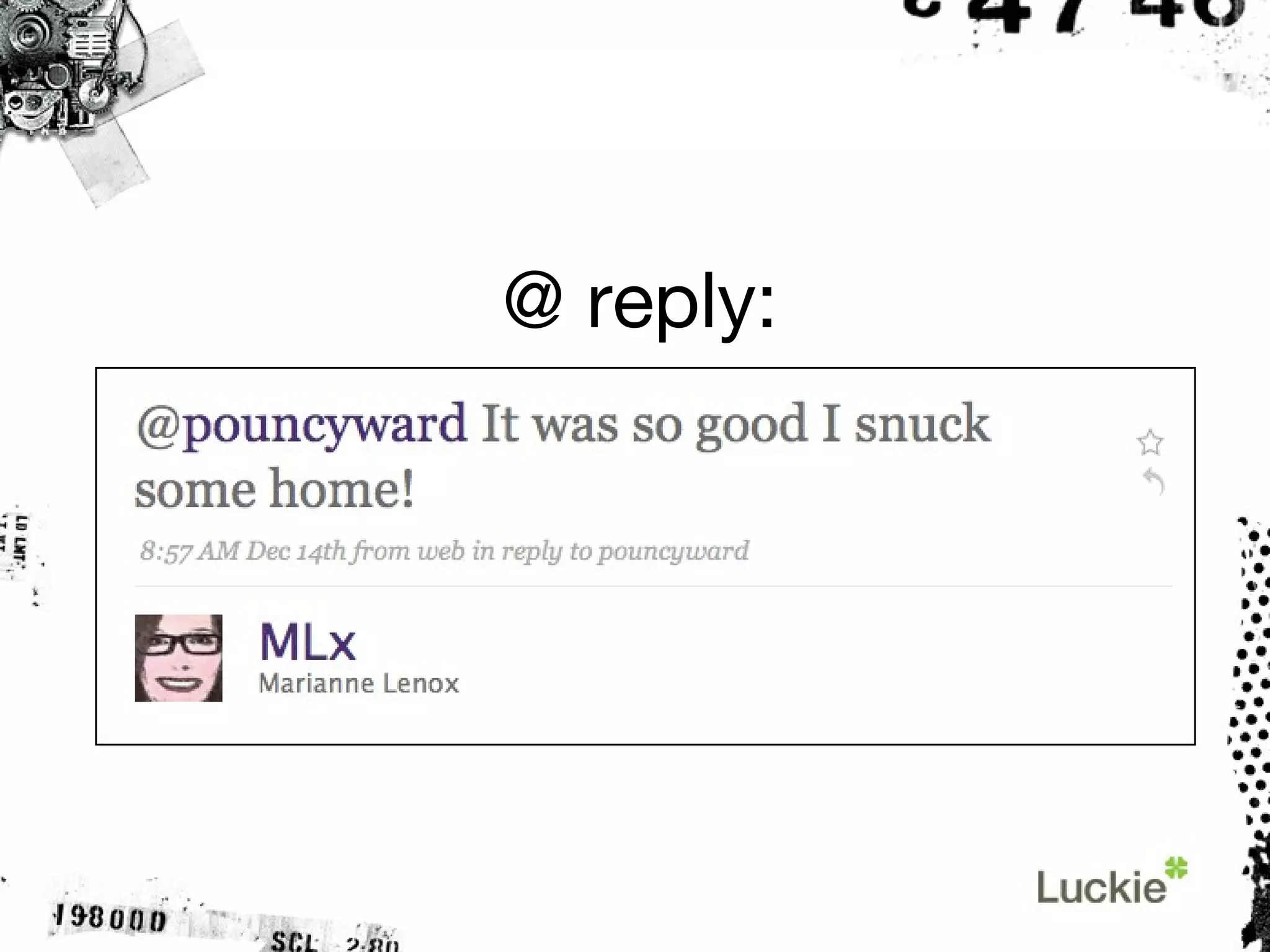
@ reply: A comment aimed at one user, but visible to the public.
@ reply:
DM: A direct message sent in private to another user.
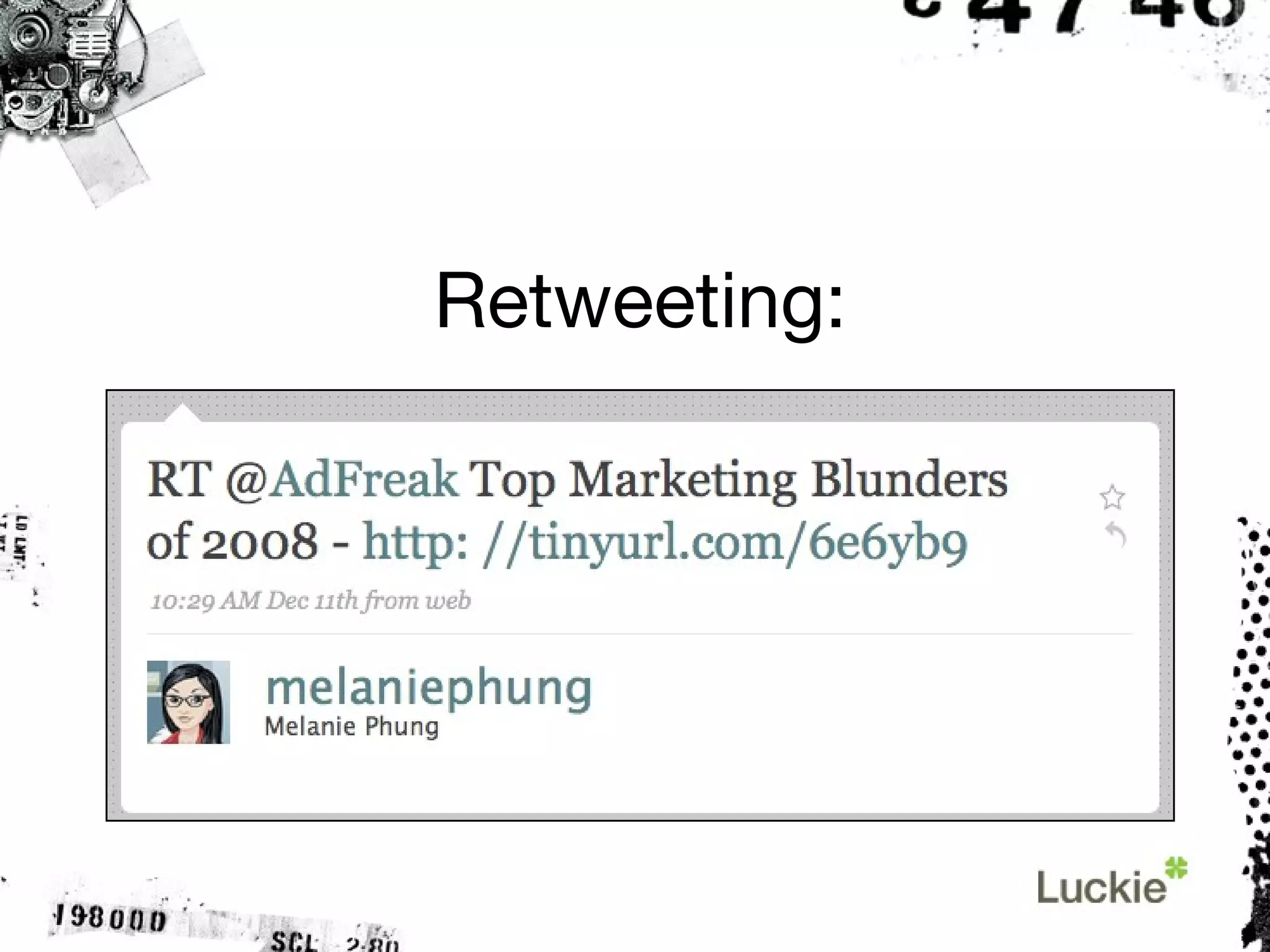
Retweeting: Sharing someone else’s post. Often abbreviated “RT.”
Retweeting:
Twitterati: The elite Twitter users with massive audiences.
Who has the most followers on Twitter?
 
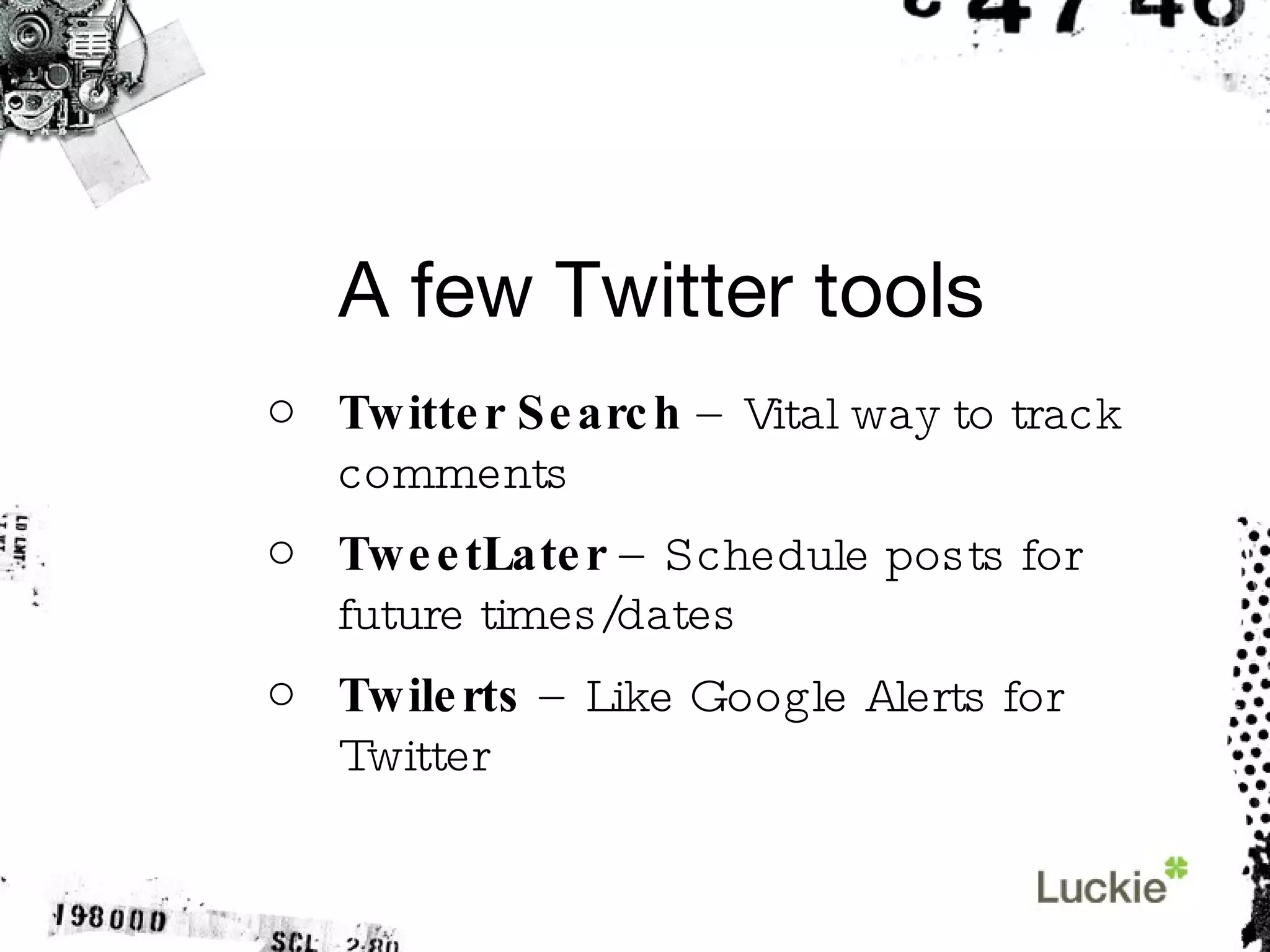
A few Twitter tools Twitter Search  – Vital way to track comments TweetLater  – Schedule posts for future times/dates Twilerts  – Like Google Alerts for Twitter
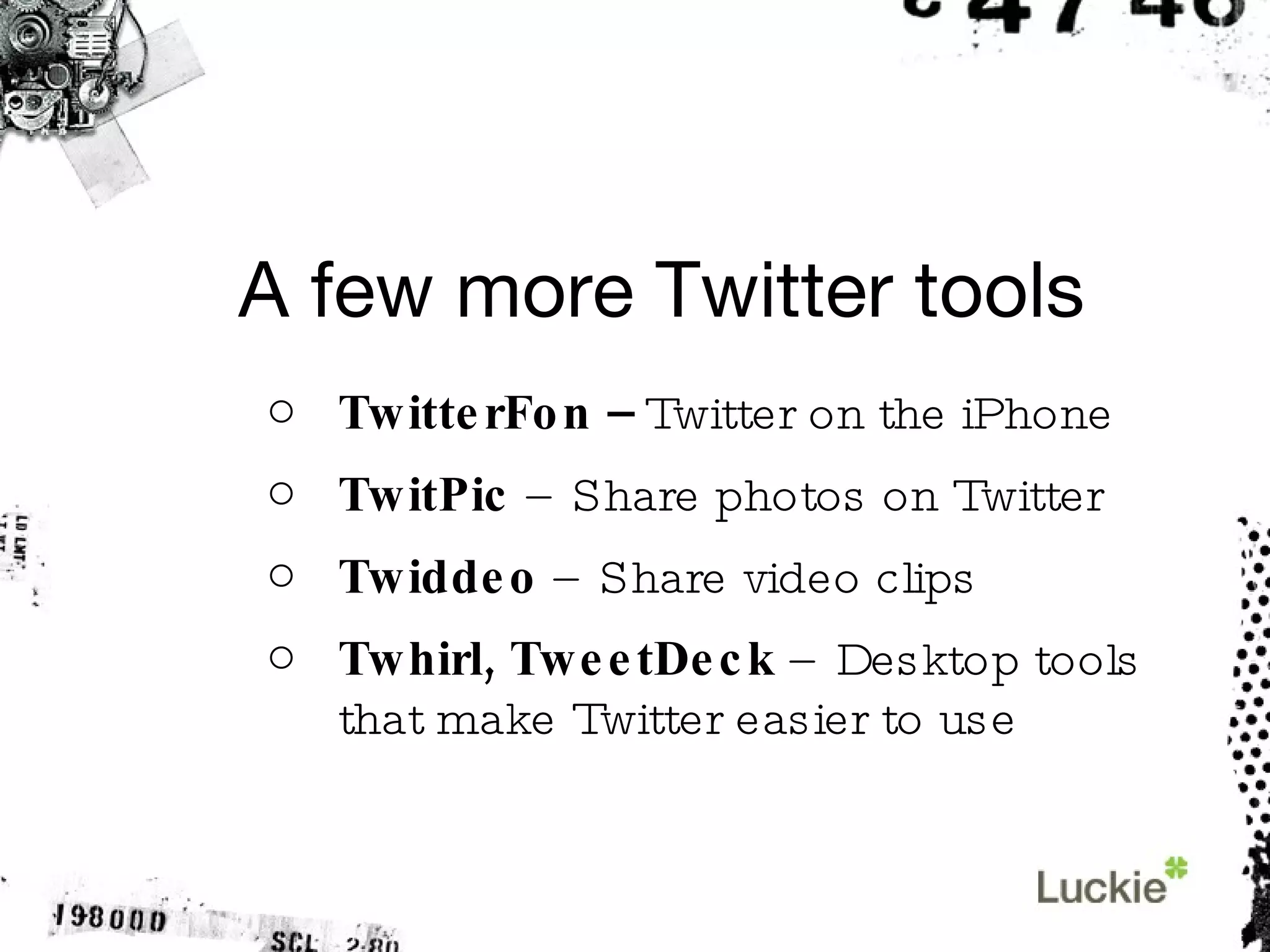
A few more Twitter tools TwitterFon –  Twitter on the iPhone TwitPic  – Share photos on Twitter Twiddeo  – Share video clips Twhirl, TweetDeck  – Desktop tools that make Twitter easier to use
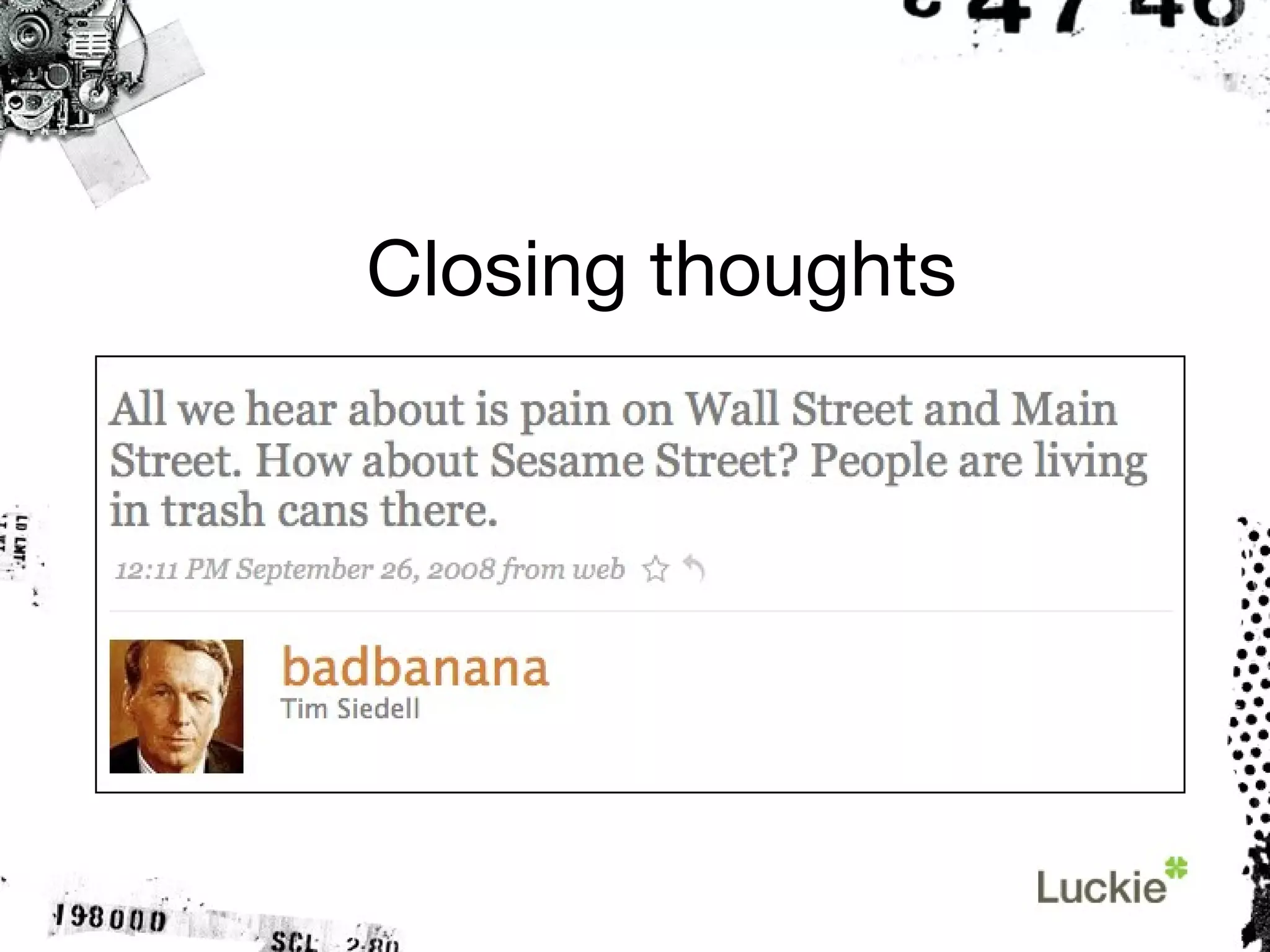
Closing thoughts
Thanks for your time. [email_address] Twitter.com/griner TheSocialPath.com

The Tao of Twitter: An intro guide