Your ONE SOURCE for
Promotional Products,
Printing, Document and
eCommerce Solutions
Kimble’s TweetSheet
                 HOW TO USE TWITTER FOR BUSINESS
                WITHOUT ANNOYING THOSE WHO DON’T

13 lessons over 13 weeks that can transform how companies use
Twitter to

•Grow their marketing exposure
•Increase their sales
•Solidify their customer loyalty


                                          Reward and Incentive Programs
Where are You in Your Twitter Evolution?
• “I don’t have a Twitter account”
• “I have a Twitter account” (sure, I JUST set it
  up cause I knew I would need one for this
  class…but I have one)
• “Twitter is a stupid application – no business
  gets done there.”
• “I use Twitter for business and have seen a
  direct increase in sales as a result”
What makes Kimble Qualified to Teach
This?
“This twitter stuff rocks – it accounted for 12.4% of
Proforma’s sales in 2010 and we have 7 new customers as
a direct result of Twitter efforts.”


…and that’s just the stuff we can measure!
The Twitter Basics
Twitter is a microblogging platform which allows you to publish short messages of mess than
140 characters using different mediums like IM, cellphones and the web. 1

It’s social elements: You can befriend and monitor each other’s messages and updates.
The experience: a fragmented experience of opinions, events, news, ideas, feedback.

Ambient Intimacy: being able to keep in touch with people with a level of regularity and
intimacy that you wouldn’t usually have access to, because time and space conspire to make
it impossible.

Who cares? Who wants this level of detail ? Isn’t this all just annoying noise? …There are
many people who find great value in the ongoing noise. It helps them get to know people
who would otherwise just be acquaintances.

It makes them feel closer to people they care for but in whose lives they’re not able to
participate as closely as they’d like. Knowing these details creates intimacy.
12)Twitter
13)Ambient intimacy: http://www.disambiguity.com/ambient-intimacy
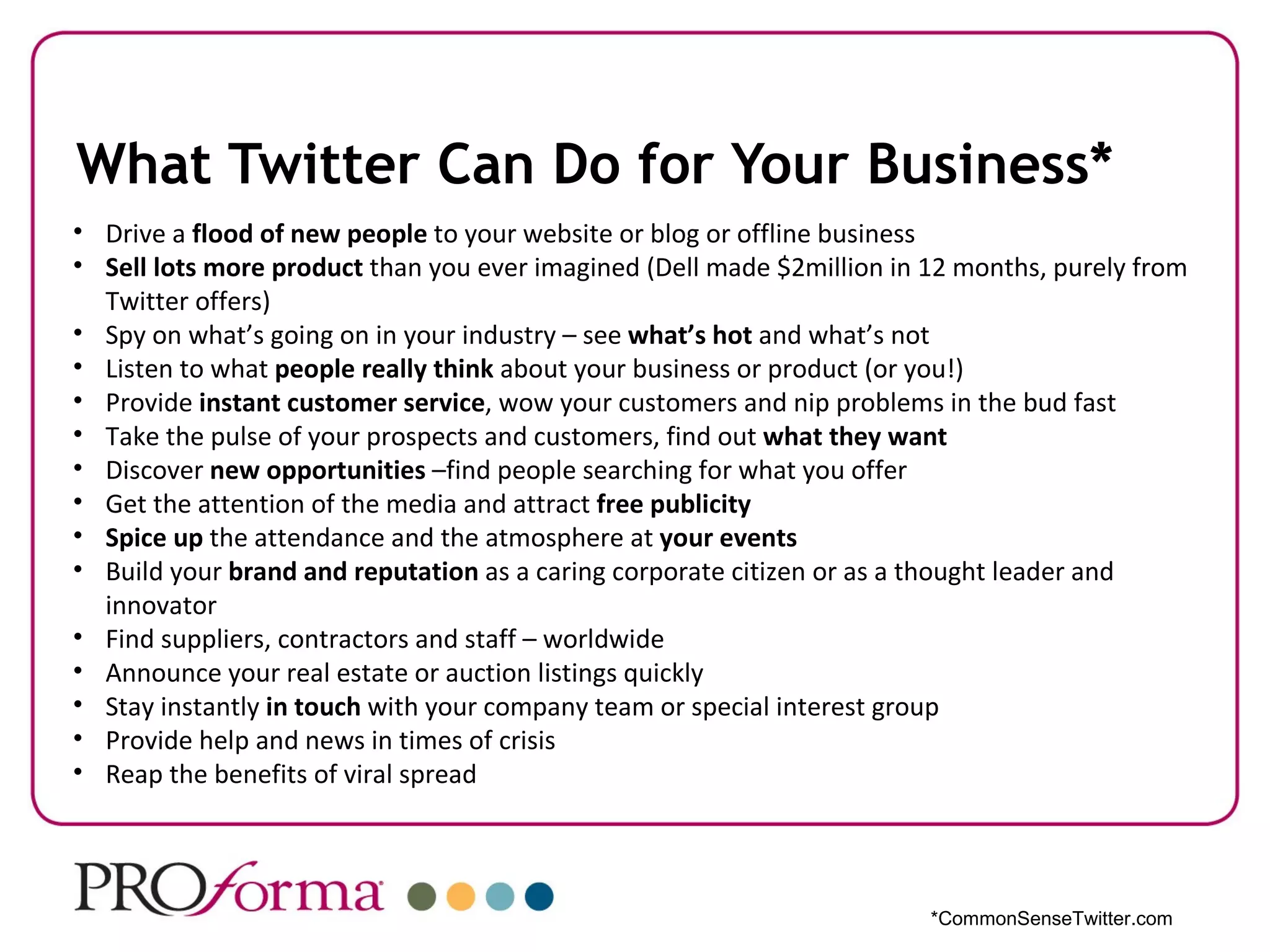
What Twitter Can Do for Your Business*
• Drive a flood of new people to your website or blog or offline business
• Sell lots more product than you ever imagined (Dell made $2million in 12 months, purely from
  Twitter offers)
• Spy on what’s going on in your industry – see what’s hot and what’s not
• Listen to what people really think about your business or product (or you!)
• Provide instant customer service, wow your customers and nip problems in the bud fast
• Take the pulse of your prospects and customers, find out what they want
• Discover new opportunities –find people searching for what you offer
• Get the attention of the media and attract free publicity
• Spice up the attendance and the atmosphere at your events
• Build your brand and reputation as a caring corporate citizen or as a thought leader and
  innovator
• Find suppliers, contractors and staff – worldwide
• Announce your real estate or auction listings quickly
• Stay instantly in touch with your company team or special interest group
• Provide help and news in times of crisis
• Reap the benefits of viral spread


                                                                        *CommonSenseTwitter.com
Ok, so maybe Twitter can help –
 but get to the point already.

      How can it help me?
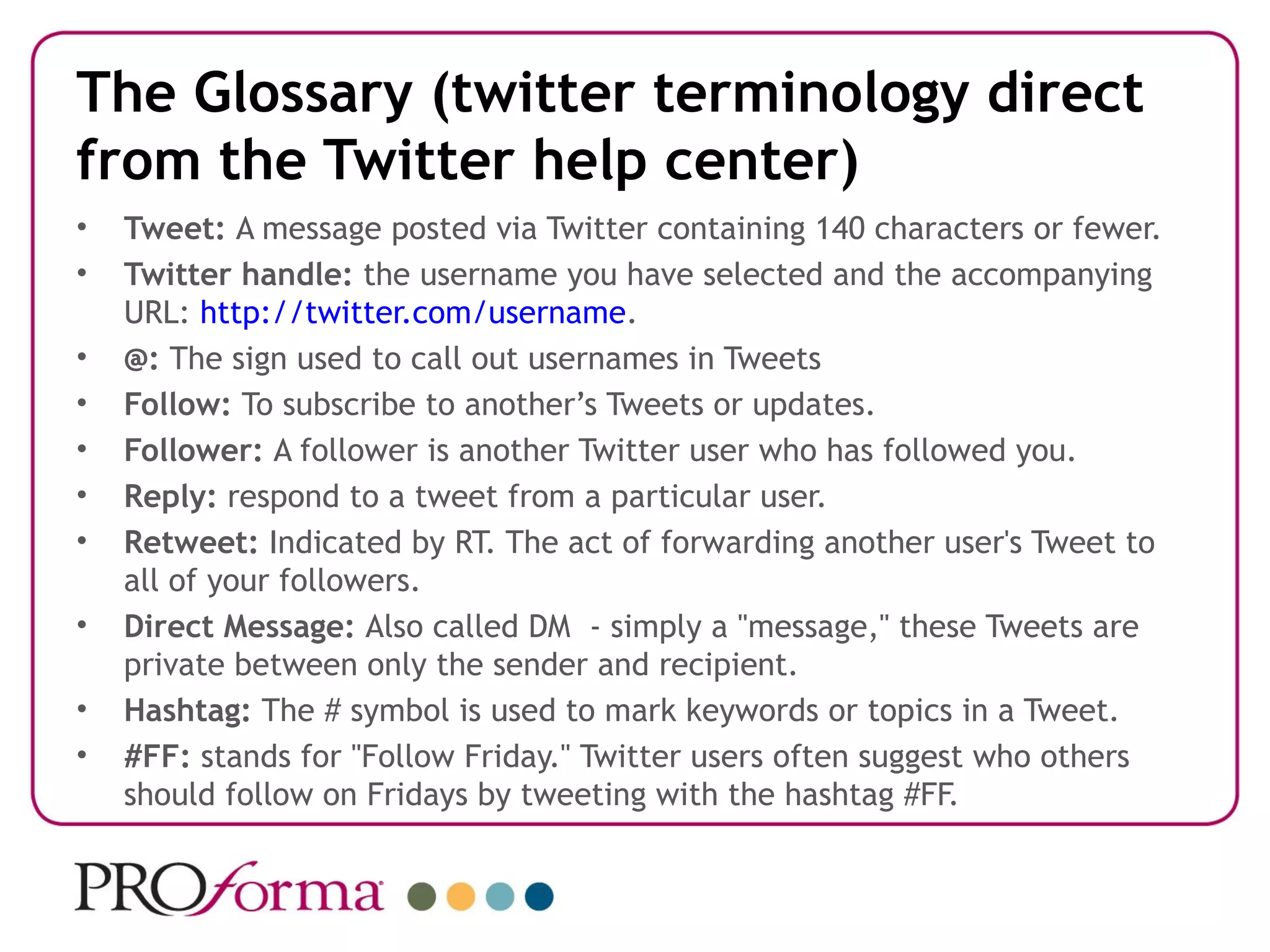
The Glossary (twitter terminology direct
from the Twitter help center)
•   Tweet: A message posted via Twitter containing 140 characters or fewer.
•   Twitter handle: the username you have selected and the accompanying
    URL: http://twitter.com/username.
•   @: The sign used to call out usernames in Tweets
•   Follow: To subscribe to another’s Tweets or updates.
•   Follower: A follower is another Twitter user who has followed you.
•   Reply: respond to a tweet from a particular user.
•   Retweet: Indicated by RT. The act of forwarding another user's Tweet to
    all of your followers.
•   Direct Message: Also called DM - simply a "message," these Tweets are
    private between only the sender and recipient.
•   Hashtag: The # symbol is used to mark keywords or topics in a Tweet.
•   #FF: stands for "Follow Friday." Twitter users often suggest who others
    should follow on Fridays by tweeting with the hashtag #FF.
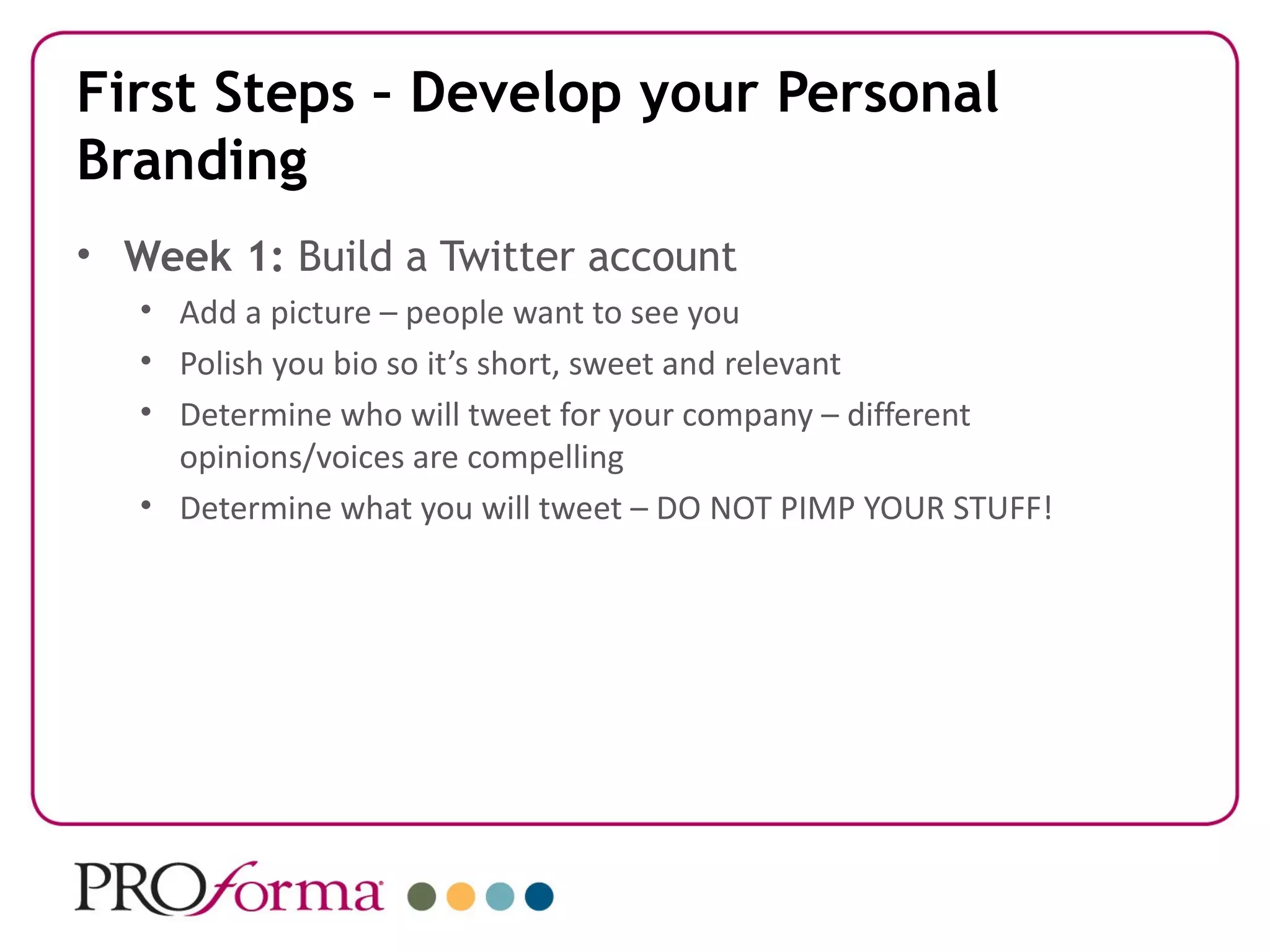
First Steps – Develop your Personal
Branding
• Week 1: Build a Twitter account
   • Add a picture – people want to see you
   • Polish you bio so it’s short, sweet and relevant
   • Determine who will tweet for your company – different
     opinions/voices are compelling
   • Determine what you will tweet – DO NOT PIMP YOUR STUFF!
The golden rule of all networking:
Be more Interested than Interesting
Week 2: Use twitter search to listen for
•Your name
•Your competitors’ names
•Words that relate to your ‘space’

Week 3: Search out things that interest you
•Follow
•Create lists
Time to Tweet!
• Week 4: Talk about other people - in your company
  (humanizes the company), who you do business with, who
  share interests.
• Week 5:Make new friends: Talk to people about their
  interests (conversations build trust. Trust = selling your stuff)
• Week 6: Direct traffic: Not always directly – if you get
  friends to tweet the message spreads further faster.
• Week 7: Hire people: Need services? Need people? Send out
  a message requesting recommendations.
• Week 8: Get feedback: Ask for perspective on how a website
  looks, the right course of action to take, advice on topics
  you’re interested in or business challenges.
WHAT (else) TO TWEET?
• Week 9: Be helpful – share tips about your business or
  industry. Share news.
• Week 10: Answer the question, “What has your
  attention?”
• Week 11: Notify your customers – Twitter feed
  customers can subscribe. Or one on one updates to
  customers.
• Week 12: Take Notes.
• Week 13. Tweetup.
WHAT (else) TO TWEET cont’d
Ongoing: Use twitter tools for timesaving:
   •   Monitoring accounts/searching: Tweetdeck, Twhirl
   •   Scheduling and more: HootSuite, Social Oomph
   •   TinyURL, bitly, ow.ly, for shortening links
   •   Pictures: TwitPic, Twitgoo, Twicli, ow.ly, yfrog,
   For experts:
   • SplitTweet, for managing mutliple accounts
   • TweeFree, Peep, Twitdroid, Twitter Mobile or others for cell phone
     tweeting
   • Twellow for finding people to follow
   • JustUnfollow, Friend or Follow, TwitterKarma – who’s following you?
So, who are some of those companies?


                           How Proforma Can Help
Proforma. One Source. Infinite
                  Resources.
Proforma Printlligence
Kimble Bosworth
1400 Rosa L Parks Blvd., Ste 430
Nashville, TN 37208

615.715.0545


kimble.bosworth@proforma.com
http://proforma.com/printelligence


    : @printelligence

    : facebook.com/kimble.bosworth

Kimbles tweet sheet

  • 1.
    Your ONE SOURCEfor Promotional Products, Printing, Document and eCommerce Solutions
  • 2.
    Kimble’s TweetSheet HOW TO USE TWITTER FOR BUSINESS WITHOUT ANNOYING THOSE WHO DON’T 13 lessons over 13 weeks that can transform how companies use Twitter to •Grow their marketing exposure •Increase their sales •Solidify their customer loyalty Reward and Incentive Programs
  • 3.
    Where are Youin Your Twitter Evolution? • “I don’t have a Twitter account” • “I have a Twitter account” (sure, I JUST set it up cause I knew I would need one for this class…but I have one) • “Twitter is a stupid application – no business gets done there.” • “I use Twitter for business and have seen a direct increase in sales as a result”
  • 4.
    What makes KimbleQualified to Teach This? “This twitter stuff rocks – it accounted for 12.4% of Proforma’s sales in 2010 and we have 7 new customers as a direct result of Twitter efforts.” …and that’s just the stuff we can measure!
  • 5.
    The Twitter Basics Twitteris a microblogging platform which allows you to publish short messages of mess than 140 characters using different mediums like IM, cellphones and the web. 1 It’s social elements: You can befriend and monitor each other’s messages and updates. The experience: a fragmented experience of opinions, events, news, ideas, feedback. Ambient Intimacy: being able to keep in touch with people with a level of regularity and intimacy that you wouldn’t usually have access to, because time and space conspire to make it impossible. Who cares? Who wants this level of detail ? Isn’t this all just annoying noise? …There are many people who find great value in the ongoing noise. It helps them get to know people who would otherwise just be acquaintances. It makes them feel closer to people they care for but in whose lives they’re not able to participate as closely as they’d like. Knowing these details creates intimacy. 12)Twitter 13)Ambient intimacy: http://www.disambiguity.com/ambient-intimacy
  • 6.
    What Twitter CanDo for Your Business* • Drive a flood of new people to your website or blog or offline business • Sell lots more product than you ever imagined (Dell made $2million in 12 months, purely from Twitter offers) • Spy on what’s going on in your industry – see what’s hot and what’s not • Listen to what people really think about your business or product (or you!) • Provide instant customer service, wow your customers and nip problems in the bud fast • Take the pulse of your prospects and customers, find out what they want • Discover new opportunities –find people searching for what you offer • Get the attention of the media and attract free publicity • Spice up the attendance and the atmosphere at your events • Build your brand and reputation as a caring corporate citizen or as a thought leader and innovator • Find suppliers, contractors and staff – worldwide • Announce your real estate or auction listings quickly • Stay instantly in touch with your company team or special interest group • Provide help and news in times of crisis • Reap the benefits of viral spread *CommonSenseTwitter.com
  • 7.
    Ok, so maybeTwitter can help – but get to the point already. How can it help me?
  • 8.
    The Glossary (twitterterminology direct from the Twitter help center) • Tweet: A message posted via Twitter containing 140 characters or fewer. • Twitter handle: the username you have selected and the accompanying URL: http://twitter.com/username. • @: The sign used to call out usernames in Tweets • Follow: To subscribe to another’s Tweets or updates. • Follower: A follower is another Twitter user who has followed you. • Reply: respond to a tweet from a particular user. • Retweet: Indicated by RT. The act of forwarding another user's Tweet to all of your followers. • Direct Message: Also called DM - simply a "message," these Tweets are private between only the sender and recipient. • Hashtag: The # symbol is used to mark keywords or topics in a Tweet. • #FF: stands for "Follow Friday." Twitter users often suggest who others should follow on Fridays by tweeting with the hashtag #FF.
  • 9.
    First Steps –Develop your Personal Branding • Week 1: Build a Twitter account • Add a picture – people want to see you • Polish you bio so it’s short, sweet and relevant • Determine who will tweet for your company – different opinions/voices are compelling • Determine what you will tweet – DO NOT PIMP YOUR STUFF!
  • 10.
    The golden ruleof all networking: Be more Interested than Interesting Week 2: Use twitter search to listen for •Your name •Your competitors’ names •Words that relate to your ‘space’ Week 3: Search out things that interest you •Follow •Create lists
  • 11.
    Time to Tweet! •Week 4: Talk about other people - in your company (humanizes the company), who you do business with, who share interests. • Week 5:Make new friends: Talk to people about their interests (conversations build trust. Trust = selling your stuff) • Week 6: Direct traffic: Not always directly – if you get friends to tweet the message spreads further faster. • Week 7: Hire people: Need services? Need people? Send out a message requesting recommendations. • Week 8: Get feedback: Ask for perspective on how a website looks, the right course of action to take, advice on topics you’re interested in or business challenges.
  • 12.
    WHAT (else) TOTWEET? • Week 9: Be helpful – share tips about your business or industry. Share news. • Week 10: Answer the question, “What has your attention?” • Week 11: Notify your customers – Twitter feed customers can subscribe. Or one on one updates to customers. • Week 12: Take Notes. • Week 13. Tweetup.
  • 13.
    WHAT (else) TOTWEET cont’d Ongoing: Use twitter tools for timesaving: • Monitoring accounts/searching: Tweetdeck, Twhirl • Scheduling and more: HootSuite, Social Oomph • TinyURL, bitly, ow.ly, for shortening links • Pictures: TwitPic, Twitgoo, Twicli, ow.ly, yfrog, For experts: • SplitTweet, for managing mutliple accounts • TweeFree, Peep, Twitdroid, Twitter Mobile or others for cell phone tweeting • Twellow for finding people to follow • JustUnfollow, Friend or Follow, TwitterKarma – who’s following you?
  • 14.
    So, who aresome of those companies? How Proforma Can Help
  • 15.
    Proforma. One Source.Infinite Resources. Proforma Printlligence Kimble Bosworth 1400 Rosa L Parks Blvd., Ste 430 Nashville, TN 37208 615.715.0545 kimble.bosworth@proforma.com http://proforma.com/printelligence : @printelligence : facebook.com/kimble.bosworth

Editor's Notes

  • #13 Kimble's TweetSheet