How to engage audiences using social media Social Media and Museum Learning The Round Foundry Media Centre, Leeds Friday 10 December 2010
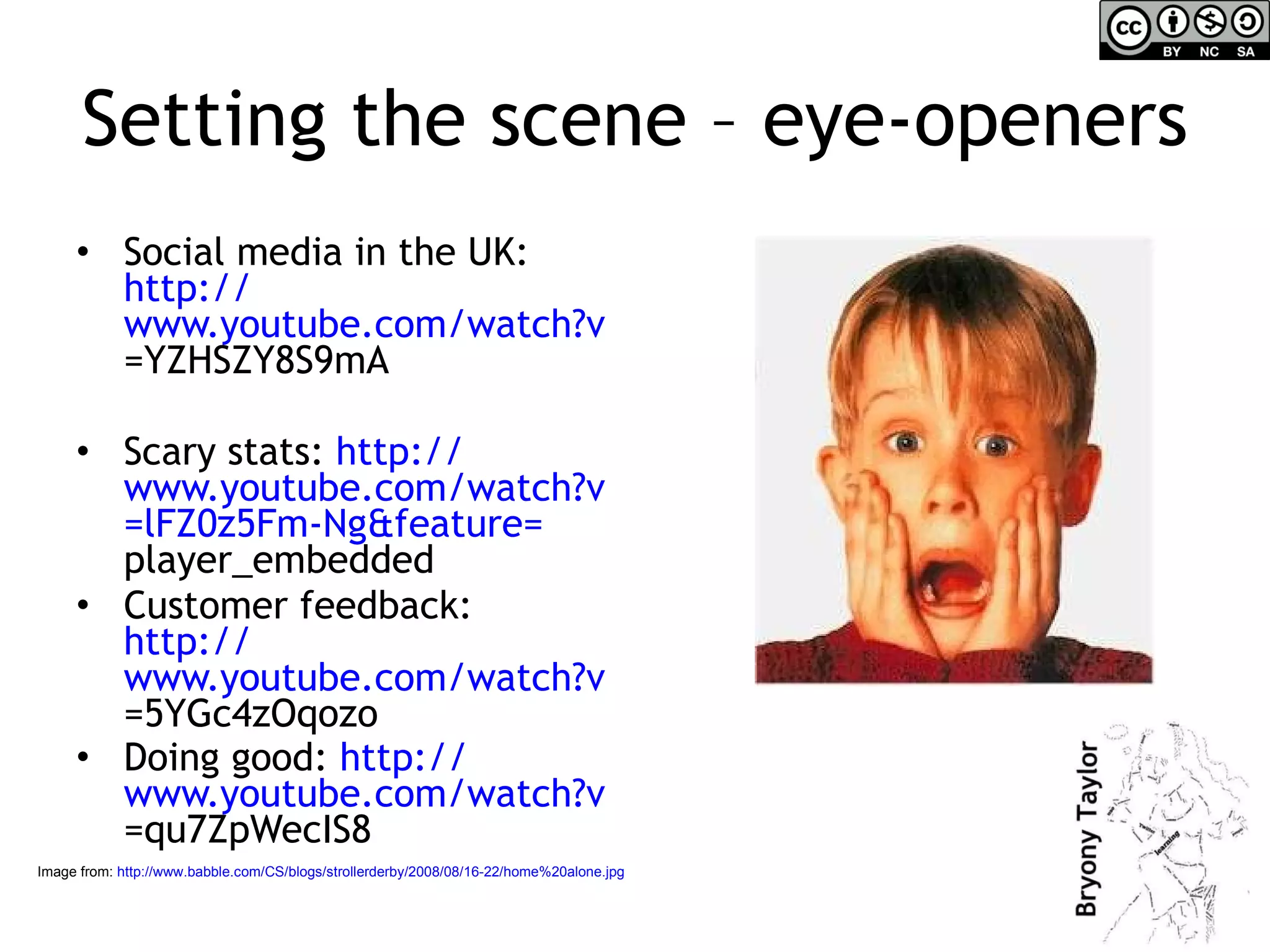
Setting the scene – eye-openers Social media in the UK:  http:// www.youtube.com/watch?v =YZHSZY8S9mA   Scary stats:  http:// www.youtube.com/watch?v =lFZ0z5Fm-Ng&feature= player_embedded   Customer feedback:  http:// www.youtube.com/watch?v =5YGc4zOqozo   Doing good:  http:// www.youtube.com/watch?v =qu7ZpWecIS8   Image from:  http://www.babble.com/CS/blogs/strollerderby/2008/08/16-22/home%20alone.jpg
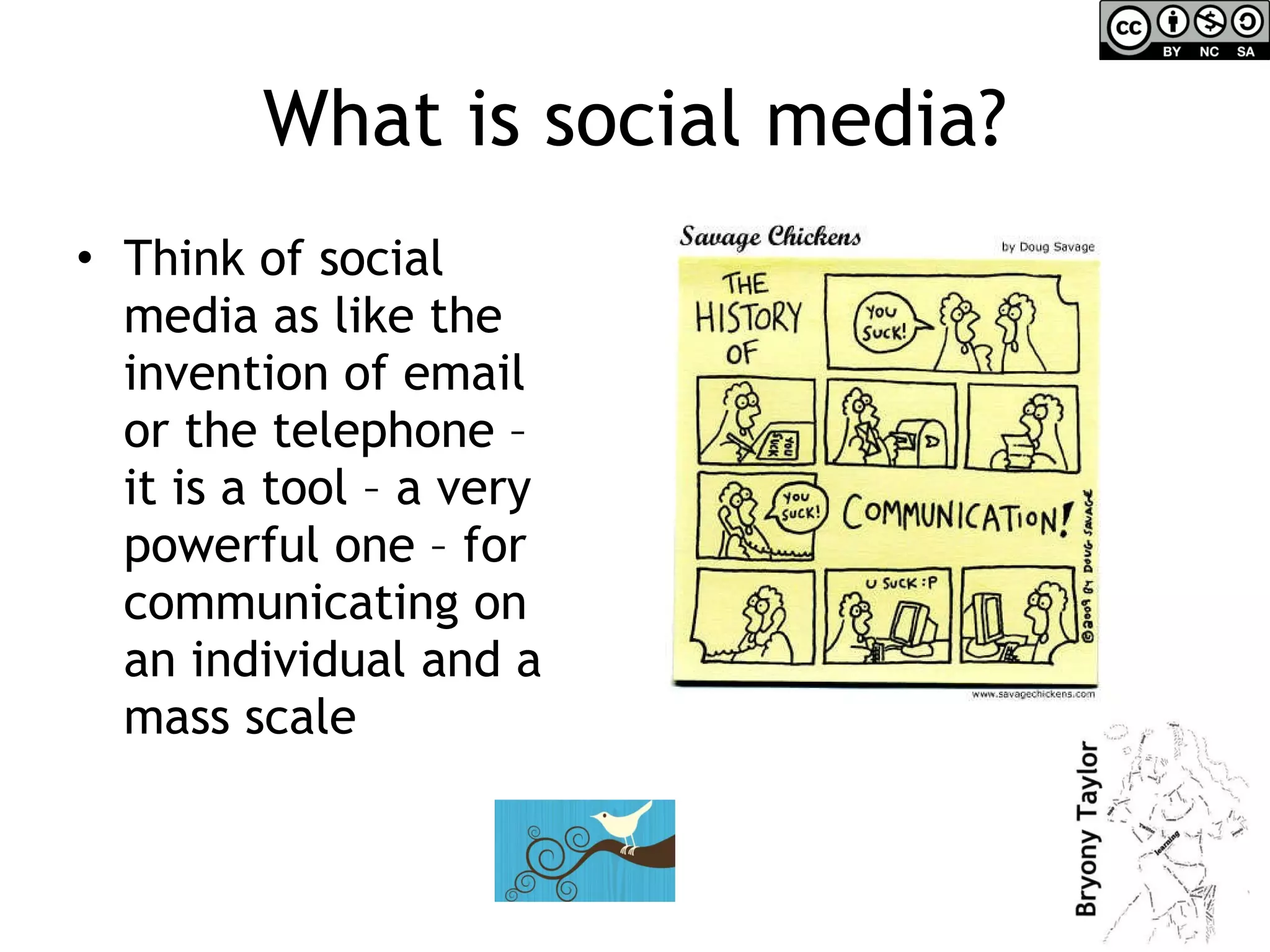
What is social media? Think of social media as like the invention of email or the telephone – it is a tool – a very powerful one – for communicating on an individual and a mass scale
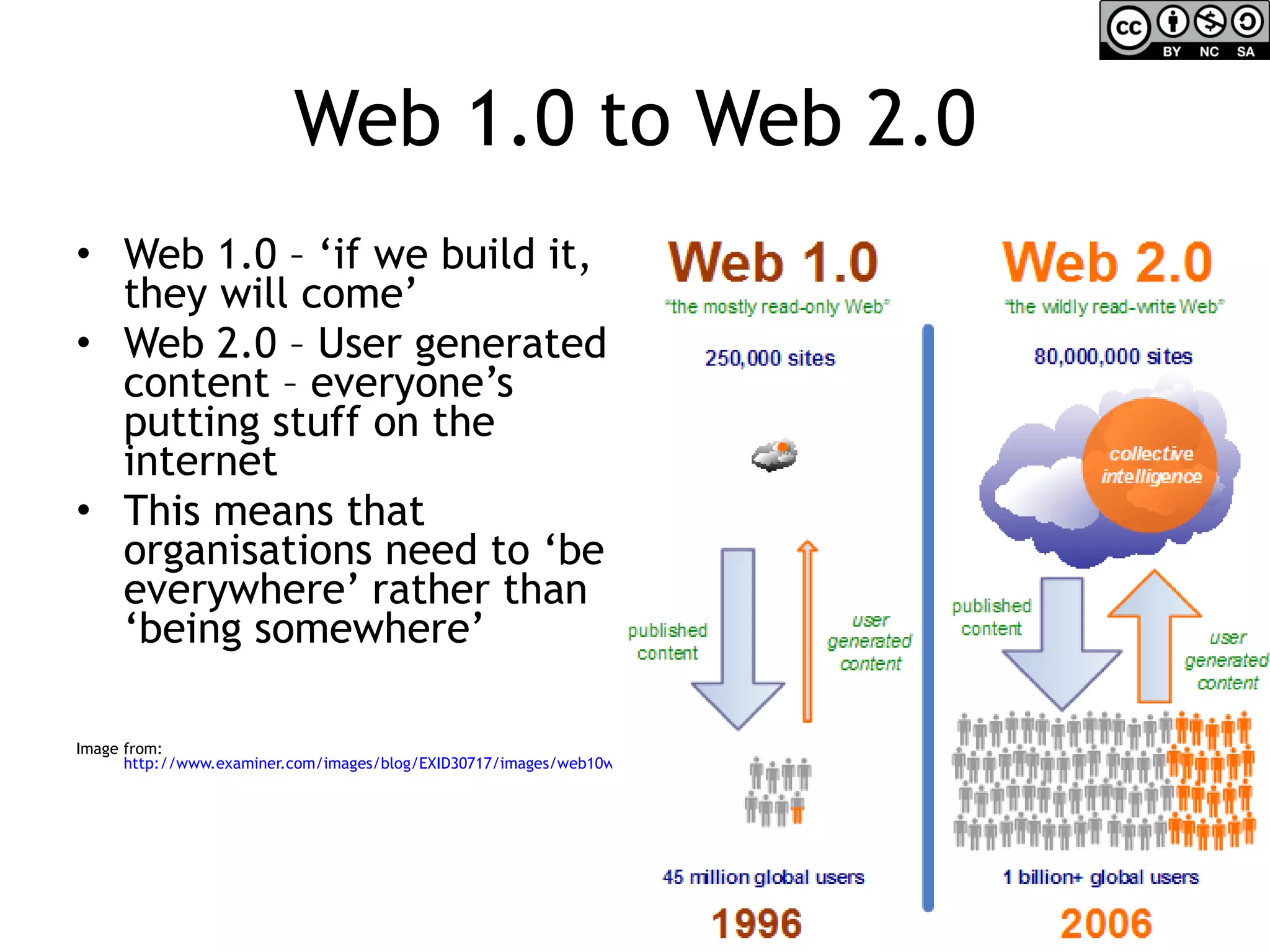
Web 1.0 to Web 2.0 Web 1.0 – ‘if we build it, they will come’ Web 2.0 – User generated content – everyone’s putting stuff on the internet This means that organisations need to ‘be everywhere’ rather than ‘being somewhere’ Image from:  http://www.examiner.com/images/blog/EXID30717/images/web10web20.jpg
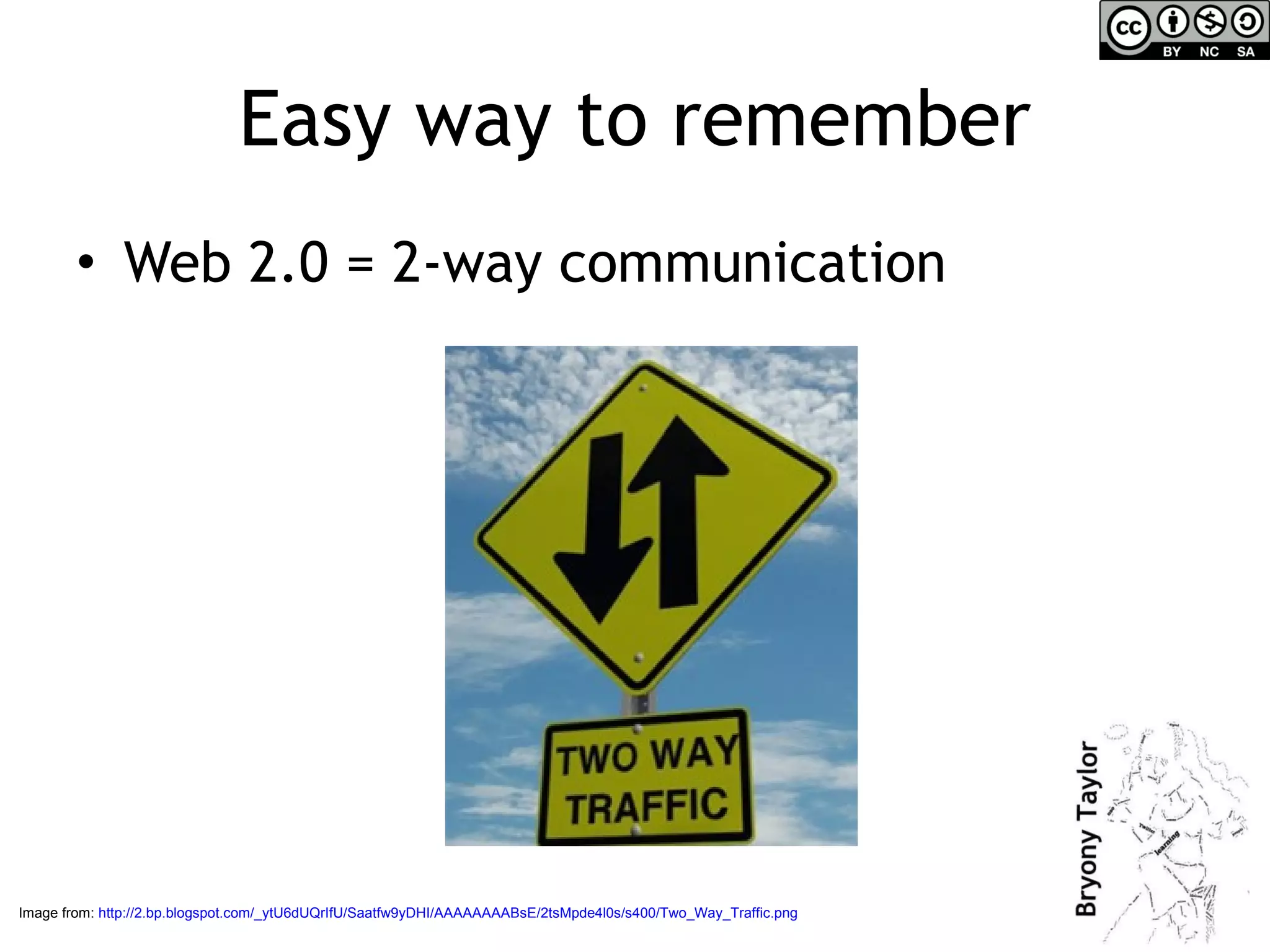
Easy way to remember Web 2.0 = 2-way communication Image from:  http://2.bp.blogspot.com/_ytU6dUQrIfU/Saatfw9yDHI/AAAAAAAABsE/2tsMpde4l0s/s400/Two_Way_Traffic.png
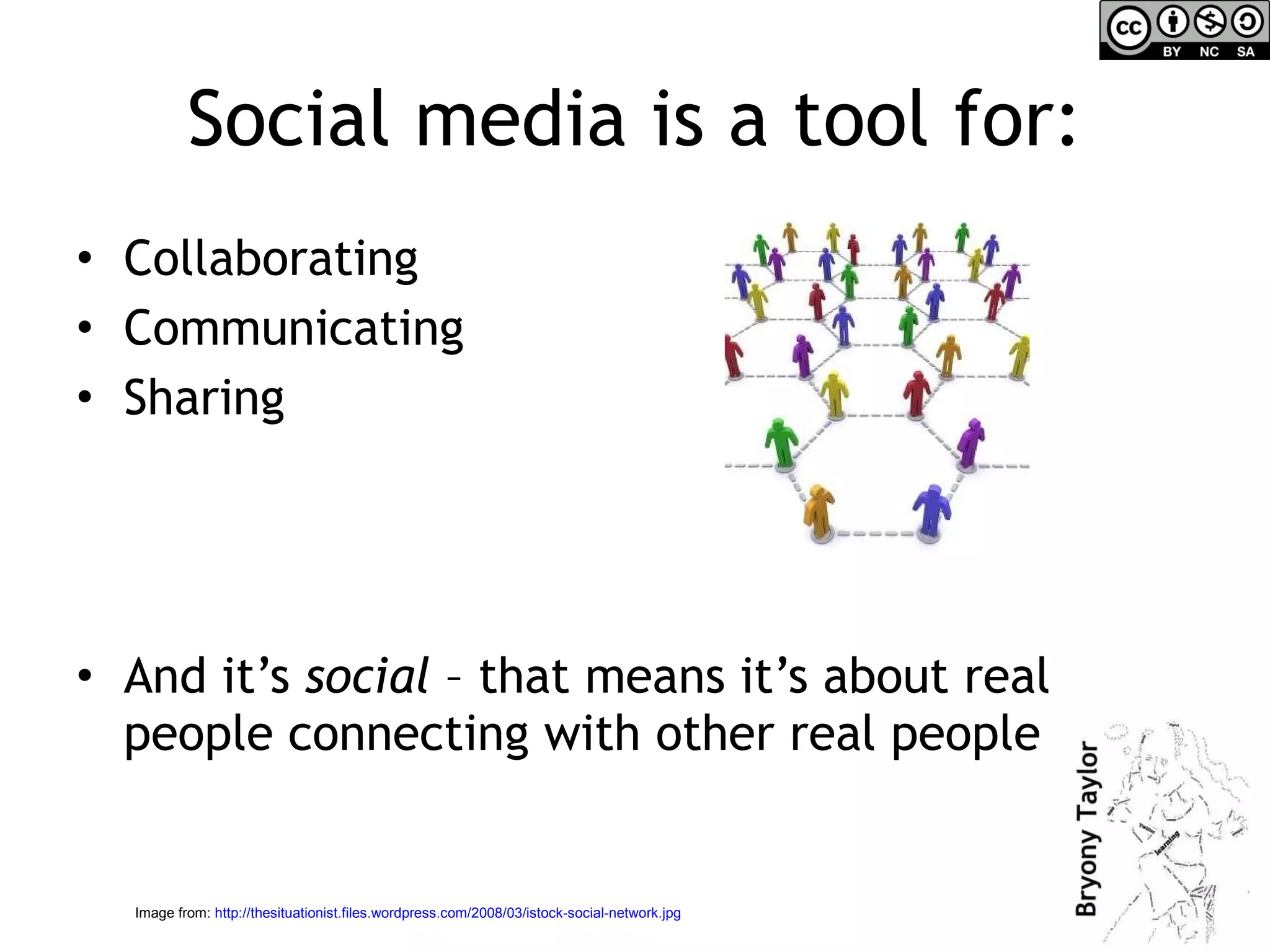
Social media is a tool for: Collaborating  Communicating  Sharing And it’s  social  – that means it’s about real people connecting with other real people Image from:  http://thesituationist.files.wordpress.com/2008/03/istock-social-network.jpg
Social media & engagement Which social media tools are good for connecting with audiences? http://twitter.com   http://facebook.com   http://flickr.com   http://youtube.com   Blogging platforms: http://wordpress.com http://blogspot.com   http://posterous.com
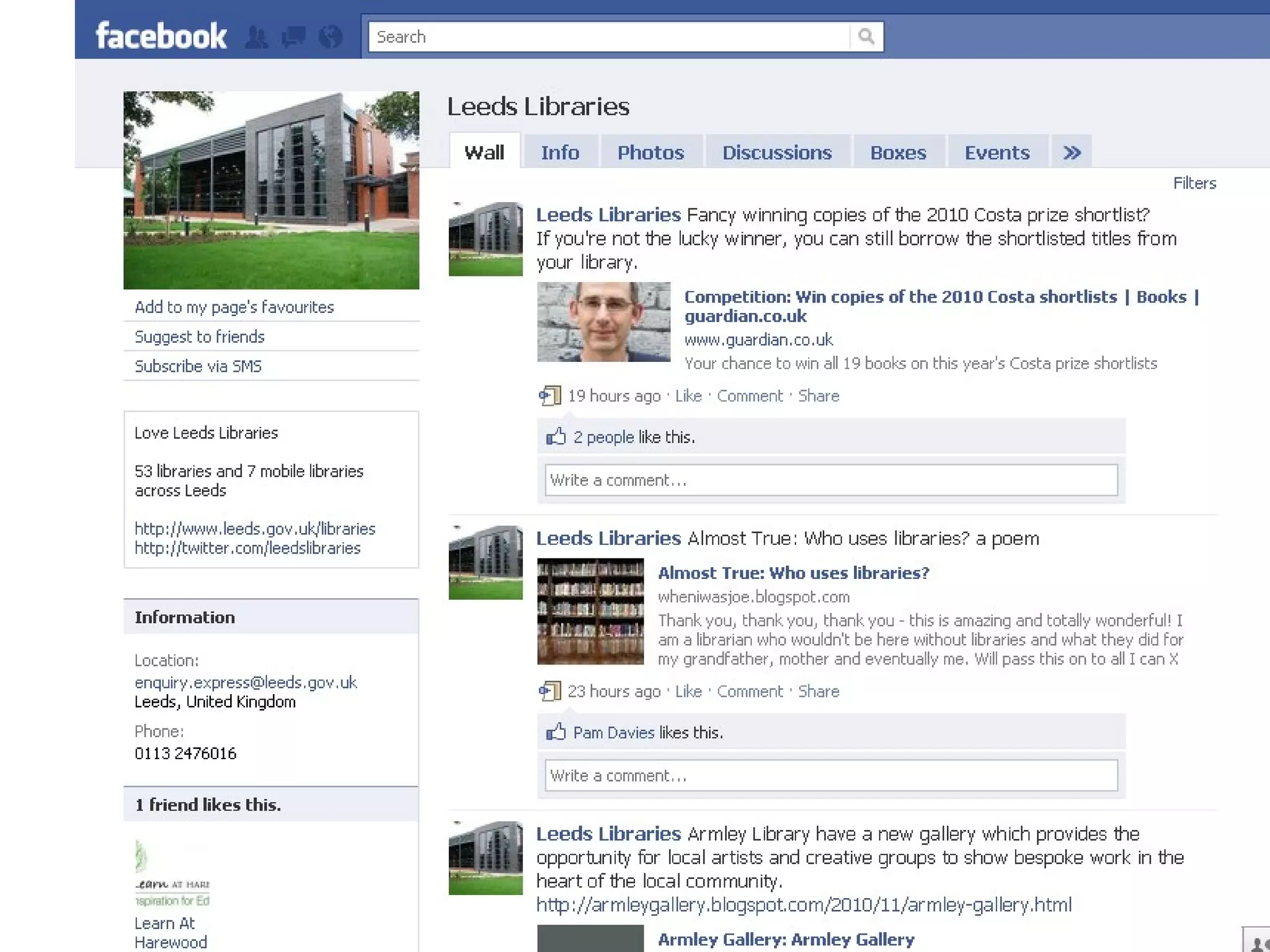
Using Facebook Create a ‘fan’ page This doesn’t connect to your personal Facebook profile Good for:  Advertising events & activities Enabling people to share information about what you’re doing Getting feedback and talking to users
 
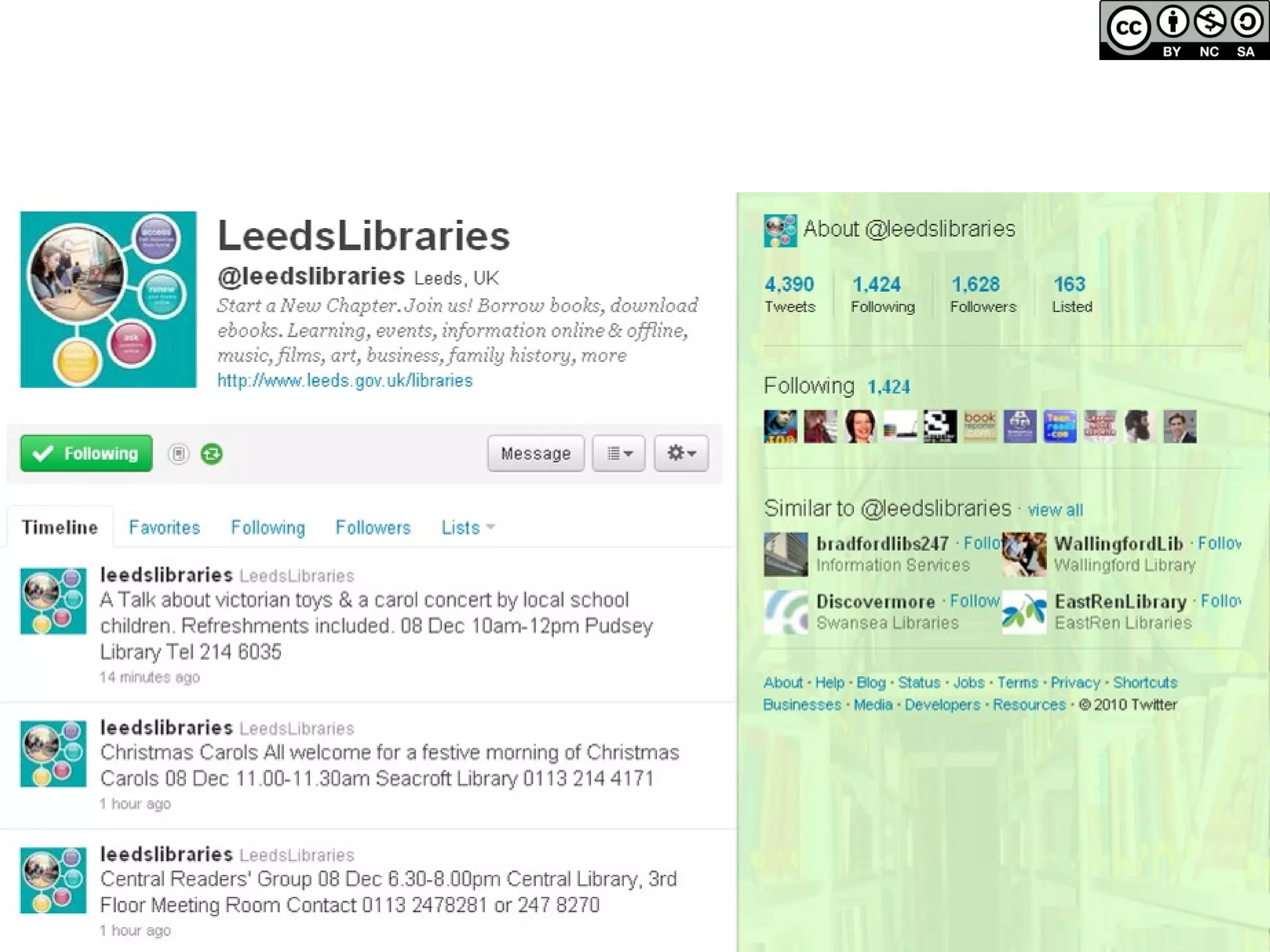
Twitter Set up an account for your service or use your personal account to talk about your work Can link this to your facebook page Good for: Building a network Short adverts for events/activities Linking to other places your organisation occupies online – like your website Getting feedback & encouraging people to recommend you Launching competitions
 
Getting started on Twitter  Not time today to go through how to use Twitter but do look at my 4 short presentations which give you a simple introduction: http:// sociallearningonline.wordpress.com/twitterguide /   Don’t forget to follow me!  @vahva
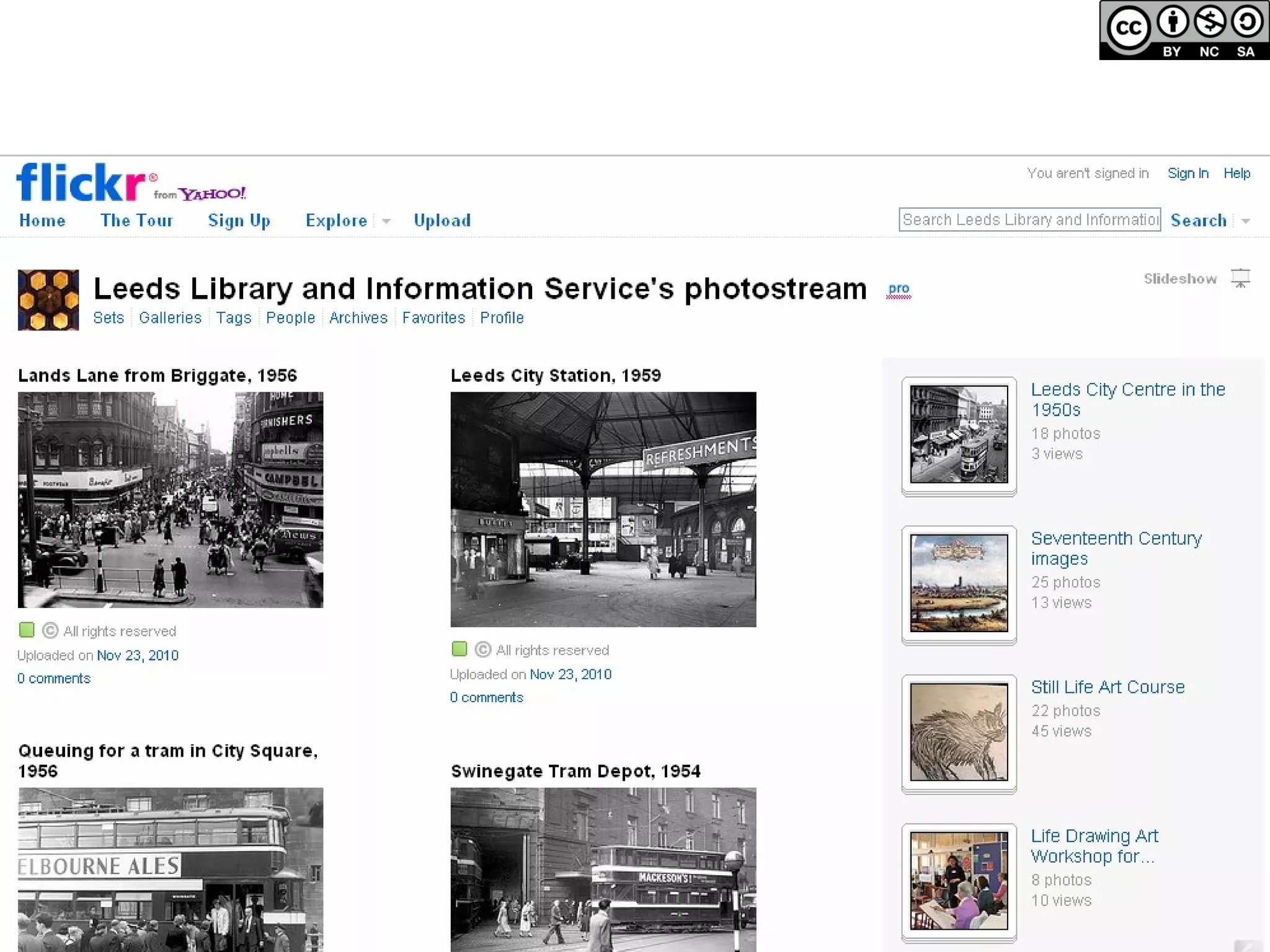
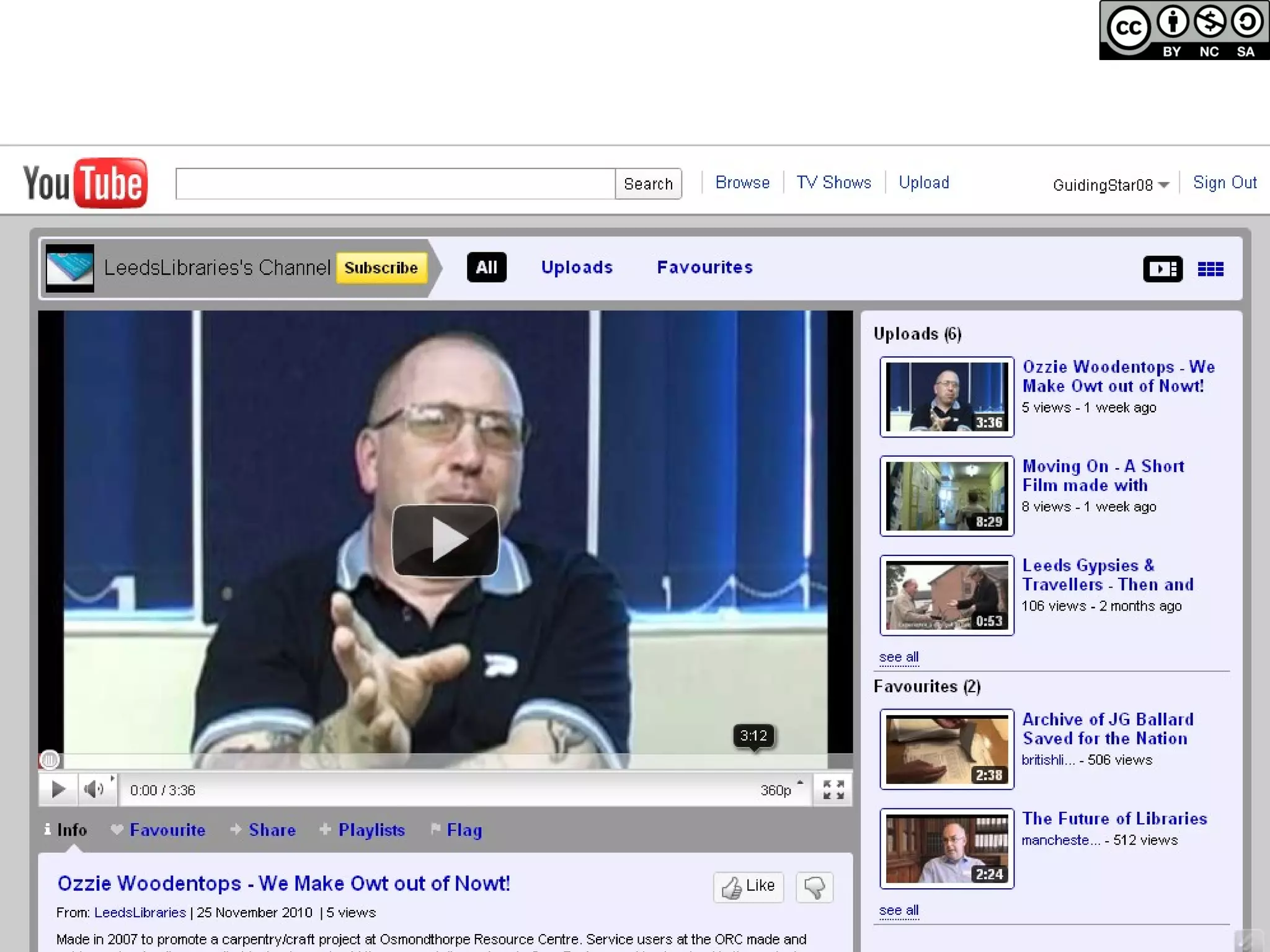
Flickr & Youtube Photo sharing site & video sharing site Showcase your organisation & collections Good for: Livening up the content of your website/blog with multimedia (you can embed photos and videos in your site whilst they are also on Flickr & Youtube – distributed content) Showcasing education work – children’s drawings etc.
 
 
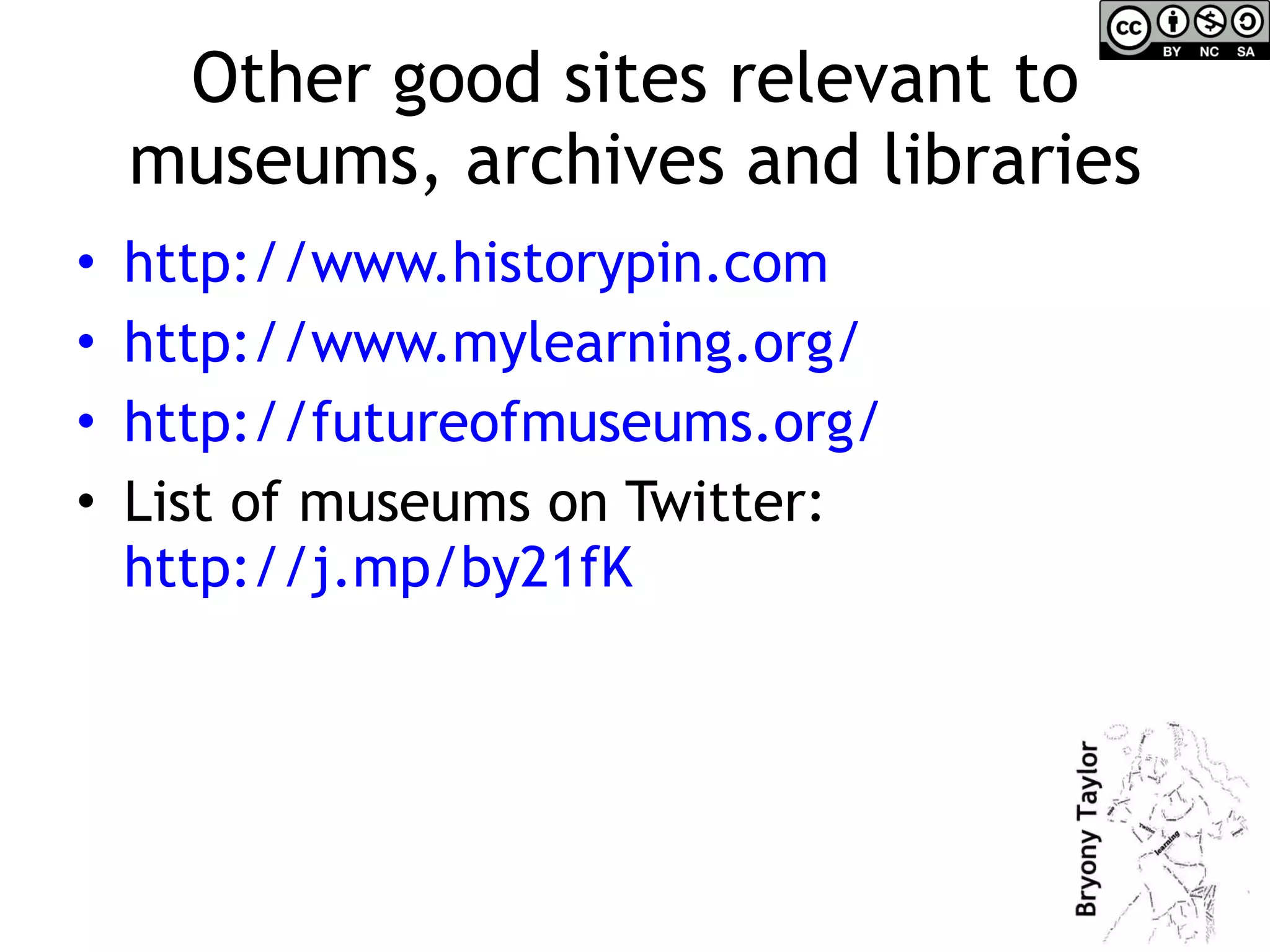
Other good sites relevant to museums, archives and libraries http:// www.historypin.com   http:// www.mylearning.org /   http:// futureofmuseums.org /   List of museums on Twitter:  http://j.mp/by21fK
Blogging http://wordpress.com  – free, easy to use blogging platform. Another is  http://blogspot.com  An example is here: http://spacehopleeds.blogspot.com/2010_07_01_archive.html   http://posterous.com  – very simple blogging platform. Fun example: http://100atticobjects.posterous.com/
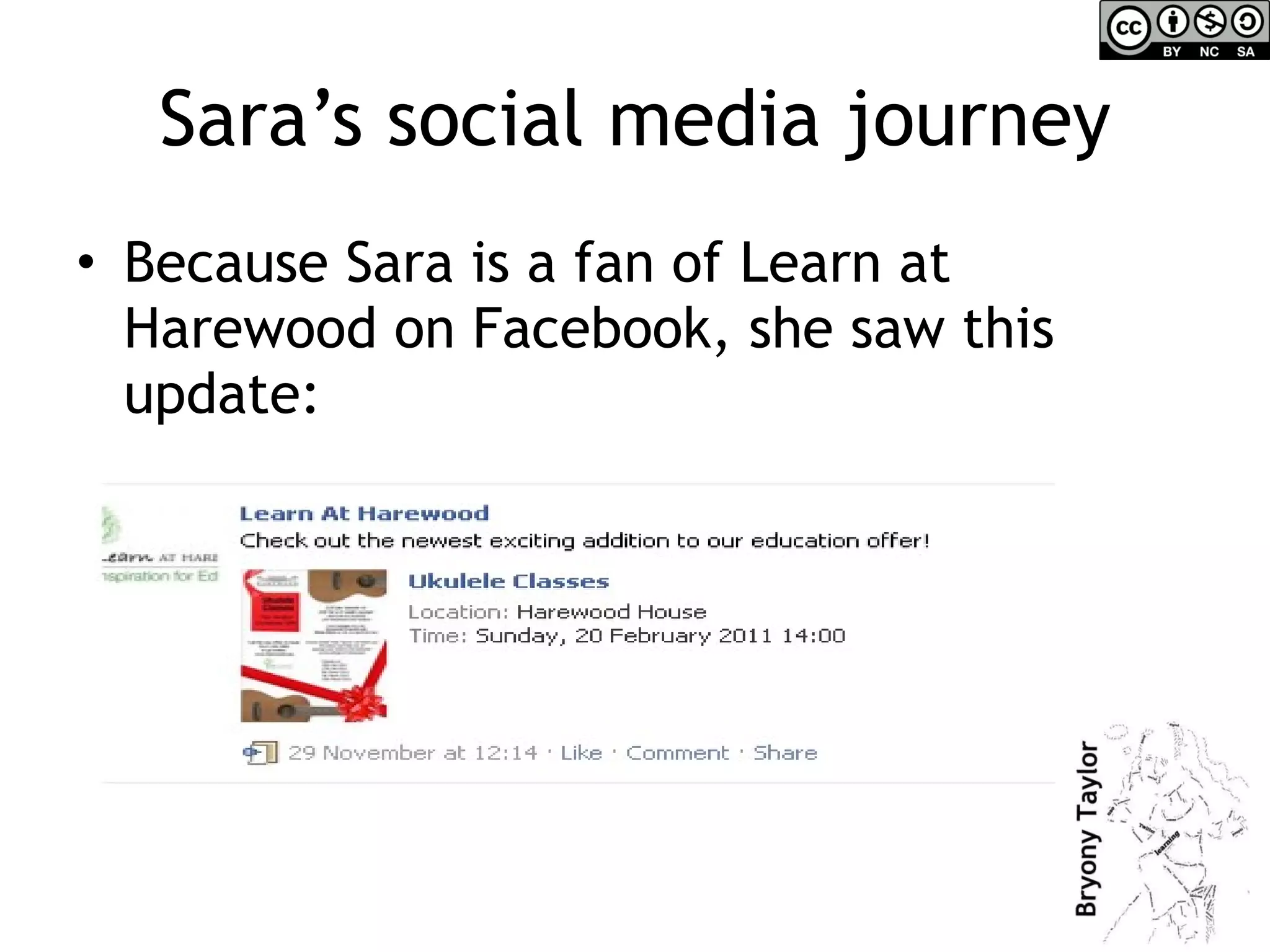
Sara’s social media journey Because Sara is a fan of Learn at Harewood on Facebook, she saw this update:
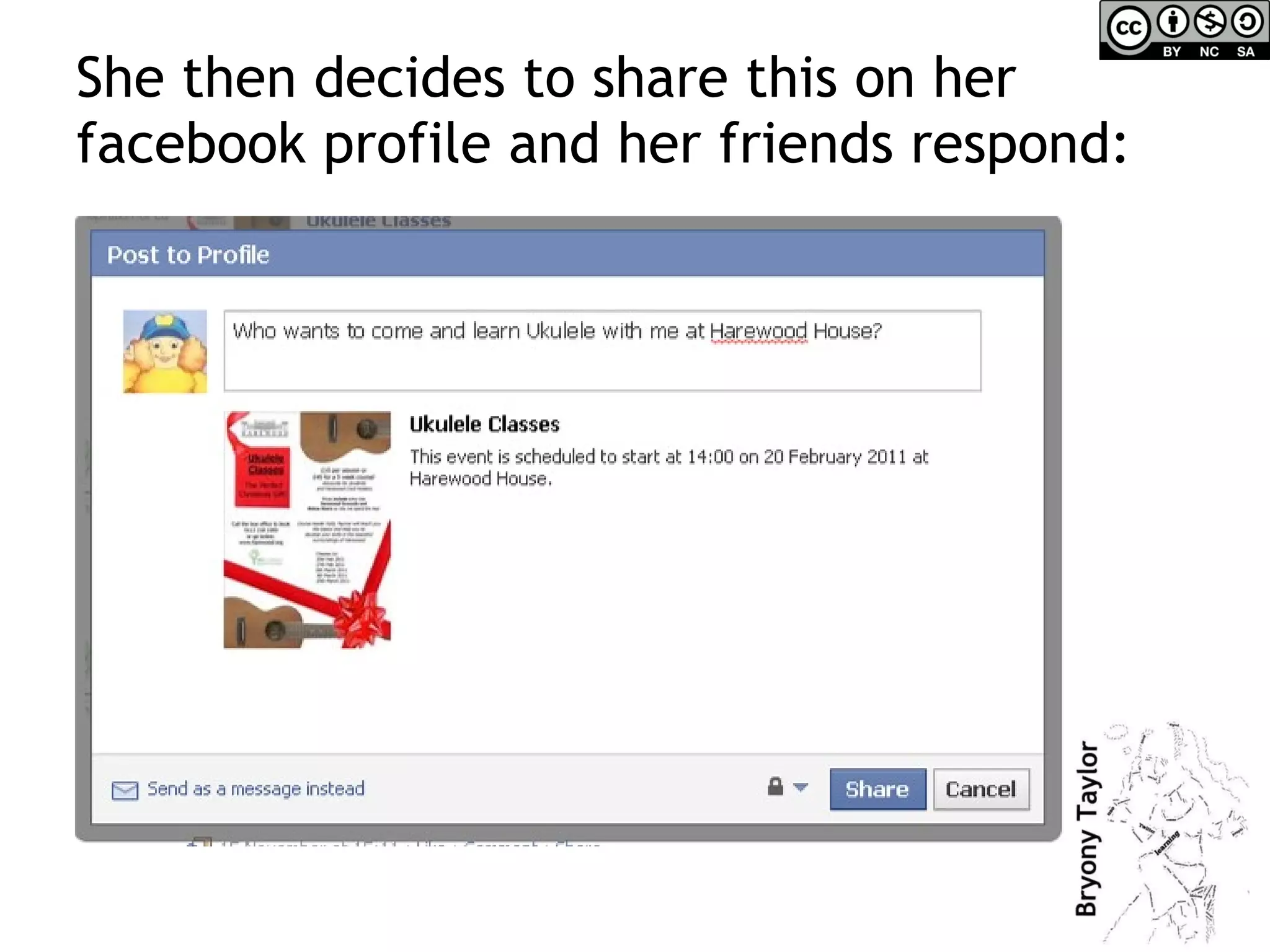
She then decides to share this on her facebook profile and her friends respond:
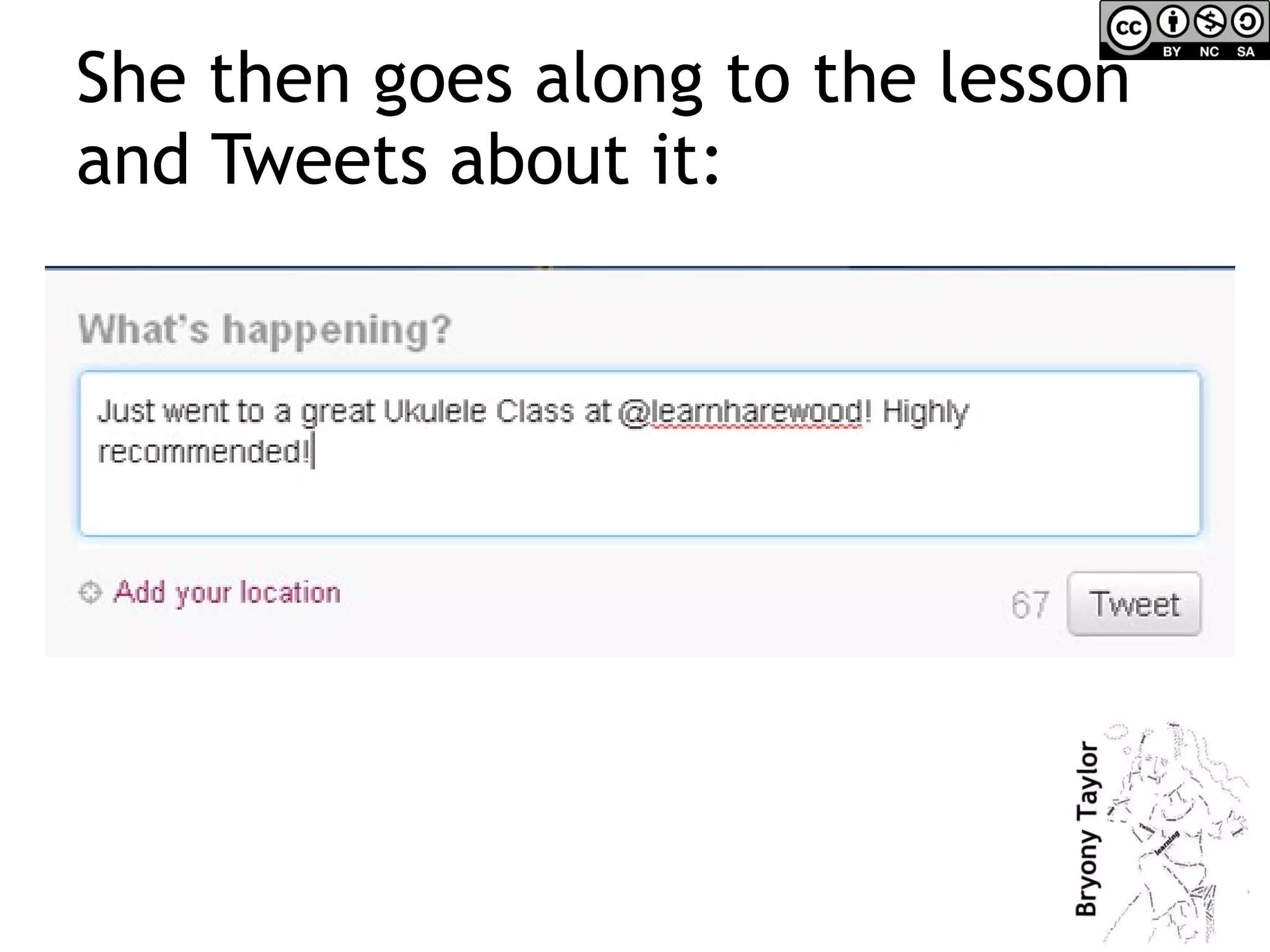
She then goes along to the lesson and Tweets about it:
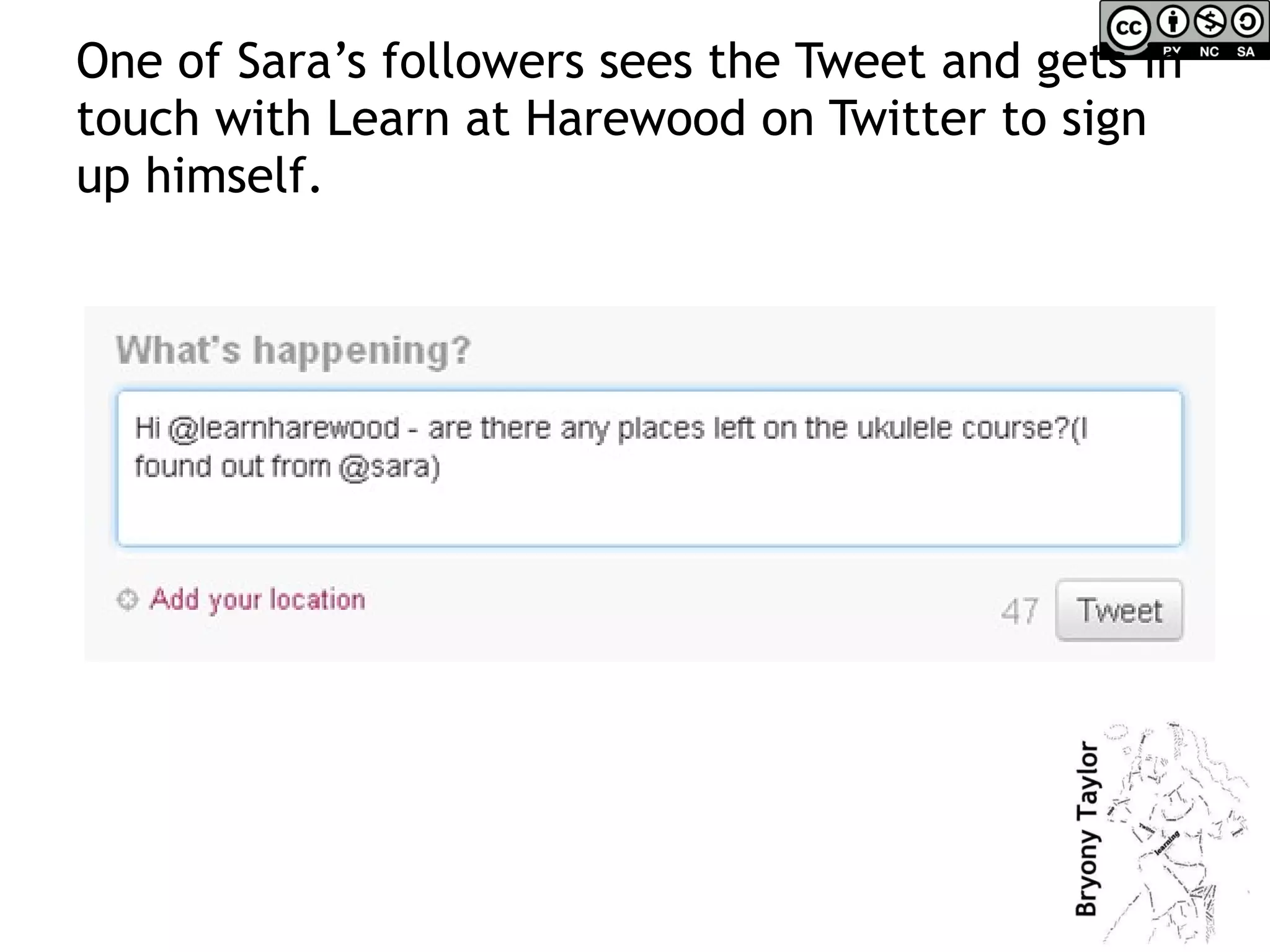
One of Sara’s followers sees the Tweet and gets in touch with Learn at Harewood on Twitter to sign up himself.
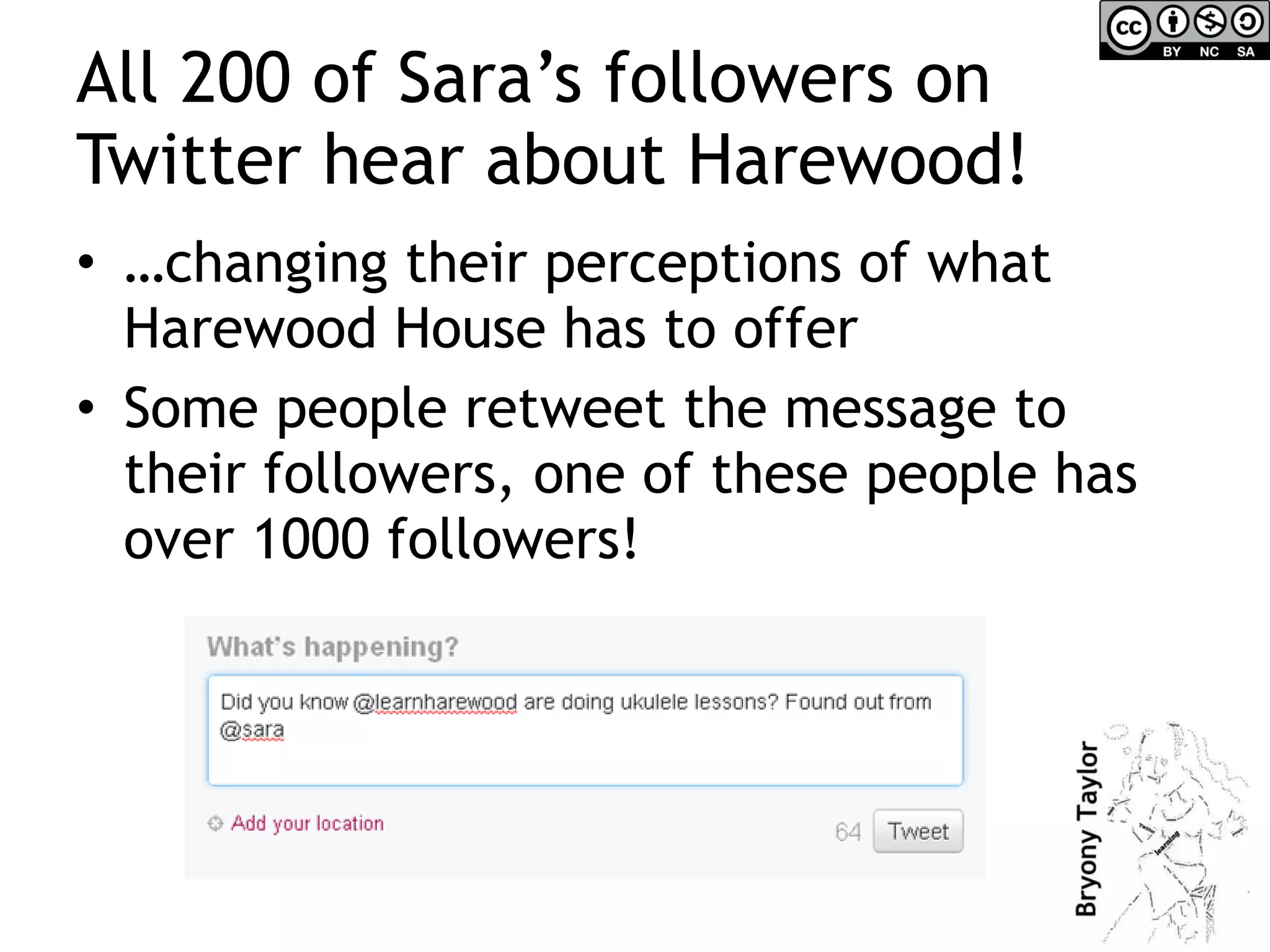
All 200 of Sara’s followers on Twitter hear about Harewood! … changing their perceptions of what Harewood House has to offer Some people retweet the message to their followers, one of these people has over 1000 followers!
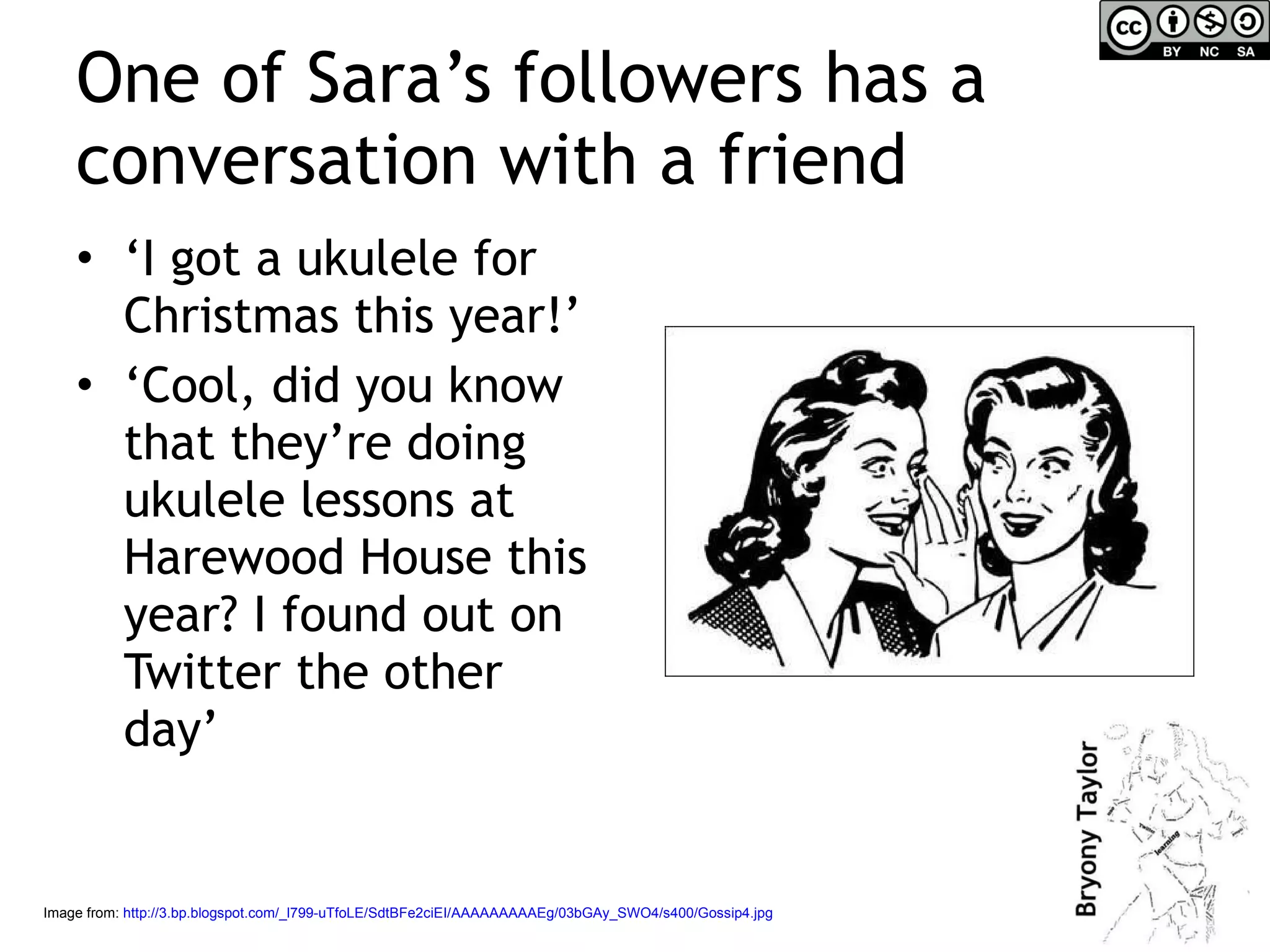
One of Sara’s followers has a conversation with a friend ‘ I got a ukulele for Christmas this year!’ ‘ Cool, did you know that they’re doing ukulele lessons at Harewood House this year? I found out on Twitter the other day’ Image from:  http://3.bp.blogspot.com/_l799-uTfoLE/SdtBFe2ciEI/AAAAAAAAAEg/03bGAy_SWO4/s400/Gossip4.jpg
What do you think happens next? What could Learn At Harewood do to respond to this? Speak to the person next to you & come up with 2 or 3 things they could do. Image source
Some ideas of what ‘Learn at Harewood’ could do Retweet (ie repeat/forward) any tweets from people mentioning the ukulele course and thank them Take photos at the session & with permission post them to Flickr & the website Tweet again about the lessons with a link to a picture from the first session … the possibilities are endless!
Getting started Who’s your audience? Look at other museums, libraries, archives like yours online to see how they do it See if your organisation is mentioned in social media – do a search on Twitter (you can search on Twitter without being a member) or Facebook - & respond if you can!
Principles to remember – for yourself and your role Social media is: Social  – you are interacting with people, not machines For sharing  – sharing ideas, information, learning For conversation  – with people interested in the same topics as you
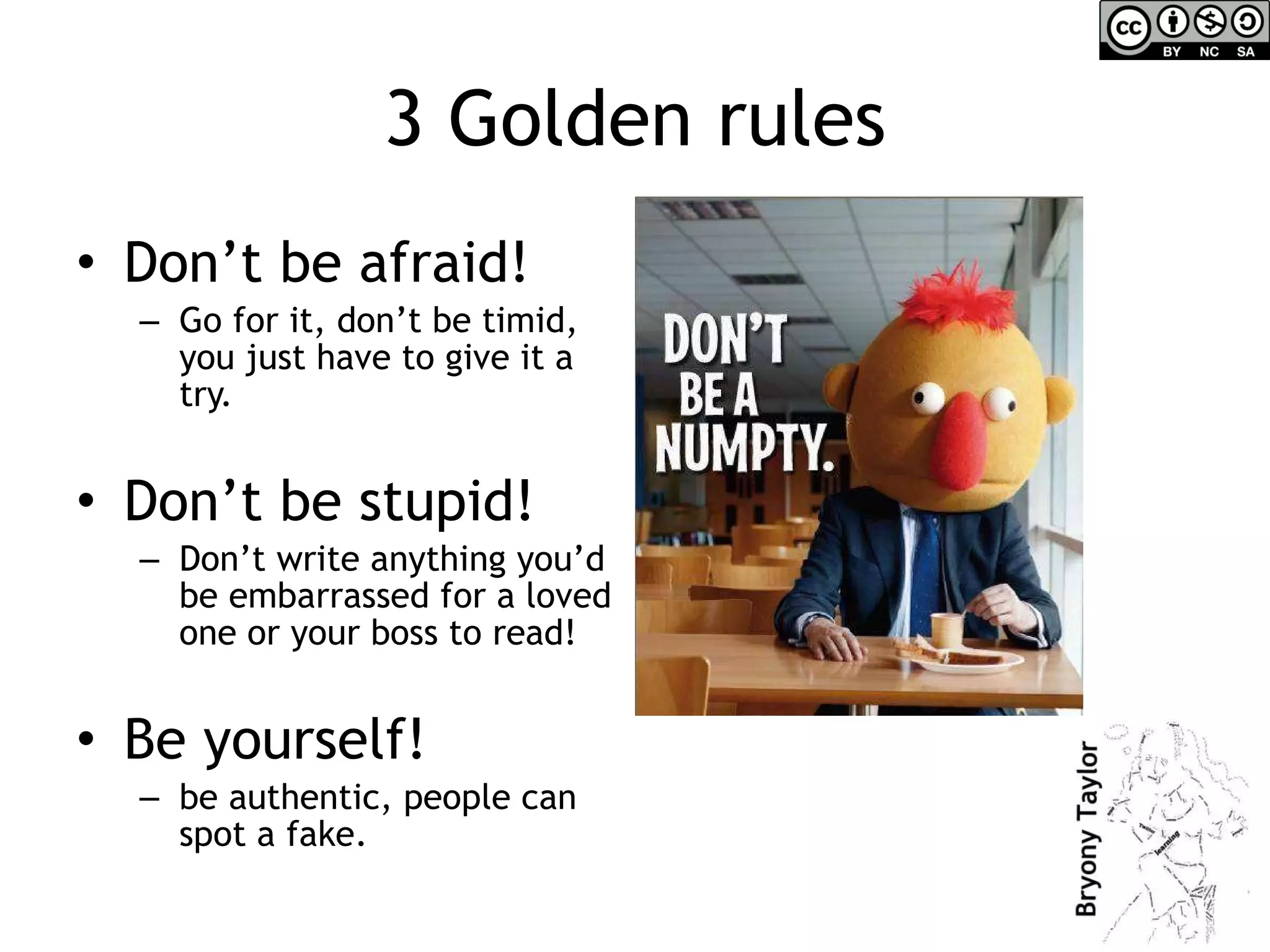
3 Golden rules Don’t be afraid! Go for it, don’t be timid, you just have to give it a try. Don’t be stupid! Don’t write anything you’d be embarrassed for a loved one or your boss to read! Be yourself!  be authentic, people can spot a fake.
What next? Write down now: 1 thing you’re going to do 1 thing you’re going to share with someone else 1 thing you’re going to learn more about

How to engage audiences using social media

  • 1.
    How to engageaudiences using social media Social Media and Museum Learning The Round Foundry Media Centre, Leeds Friday 10 December 2010
  • 2.
    Setting the scene– eye-openers Social media in the UK: http:// www.youtube.com/watch?v =YZHSZY8S9mA Scary stats: http:// www.youtube.com/watch?v =lFZ0z5Fm-Ng&feature= player_embedded Customer feedback: http:// www.youtube.com/watch?v =5YGc4zOqozo Doing good: http:// www.youtube.com/watch?v =qu7ZpWecIS8 Image from: http://www.babble.com/CS/blogs/strollerderby/2008/08/16-22/home%20alone.jpg
  • 3.
    What is socialmedia? Think of social media as like the invention of email or the telephone – it is a tool – a very powerful one – for communicating on an individual and a mass scale
  • 4.
    Web 1.0 toWeb 2.0 Web 1.0 – ‘if we build it, they will come’ Web 2.0 – User generated content – everyone’s putting stuff on the internet This means that organisations need to ‘be everywhere’ rather than ‘being somewhere’ Image from: http://www.examiner.com/images/blog/EXID30717/images/web10web20.jpg
  • 5.
    Easy way toremember Web 2.0 = 2-way communication Image from: http://2.bp.blogspot.com/_ytU6dUQrIfU/Saatfw9yDHI/AAAAAAAABsE/2tsMpde4l0s/s400/Two_Way_Traffic.png
  • 6.
    Social media isa tool for: Collaborating Communicating Sharing And it’s social – that means it’s about real people connecting with other real people Image from: http://thesituationist.files.wordpress.com/2008/03/istock-social-network.jpg
  • 7.
    Social media &engagement Which social media tools are good for connecting with audiences? http://twitter.com http://facebook.com http://flickr.com http://youtube.com Blogging platforms: http://wordpress.com http://blogspot.com http://posterous.com
  • 8.
    Using Facebook Createa ‘fan’ page This doesn’t connect to your personal Facebook profile Good for: Advertising events & activities Enabling people to share information about what you’re doing Getting feedback and talking to users
  • 9.
  • 10.
    Twitter Set upan account for your service or use your personal account to talk about your work Can link this to your facebook page Good for: Building a network Short adverts for events/activities Linking to other places your organisation occupies online – like your website Getting feedback & encouraging people to recommend you Launching competitions
  • 11.
  • 12.
    Getting started onTwitter Not time today to go through how to use Twitter but do look at my 4 short presentations which give you a simple introduction: http:// sociallearningonline.wordpress.com/twitterguide / Don’t forget to follow me! @vahva
  • 13.
    Flickr & YoutubePhoto sharing site & video sharing site Showcase your organisation & collections Good for: Livening up the content of your website/blog with multimedia (you can embed photos and videos in your site whilst they are also on Flickr & Youtube – distributed content) Showcasing education work – children’s drawings etc.
  • 14.
  • 15.
  • 16.
    Other good sitesrelevant to museums, archives and libraries http:// www.historypin.com http:// www.mylearning.org / http:// futureofmuseums.org / List of museums on Twitter: http://j.mp/by21fK
  • 17.
    Blogging http://wordpress.com – free, easy to use blogging platform. Another is http://blogspot.com An example is here: http://spacehopleeds.blogspot.com/2010_07_01_archive.html http://posterous.com – very simple blogging platform. Fun example: http://100atticobjects.posterous.com/
  • 18.
    Sara’s social mediajourney Because Sara is a fan of Learn at Harewood on Facebook, she saw this update:
  • 19.
    She then decidesto share this on her facebook profile and her friends respond:
  • 20.
    She then goesalong to the lesson and Tweets about it:
  • 21.
    One of Sara’sfollowers sees the Tweet and gets in touch with Learn at Harewood on Twitter to sign up himself.
  • 22.
    All 200 ofSara’s followers on Twitter hear about Harewood! … changing their perceptions of what Harewood House has to offer Some people retweet the message to their followers, one of these people has over 1000 followers!
  • 23.
    One of Sara’sfollowers has a conversation with a friend ‘ I got a ukulele for Christmas this year!’ ‘ Cool, did you know that they’re doing ukulele lessons at Harewood House this year? I found out on Twitter the other day’ Image from: http://3.bp.blogspot.com/_l799-uTfoLE/SdtBFe2ciEI/AAAAAAAAAEg/03bGAy_SWO4/s400/Gossip4.jpg
  • 24.
    What do youthink happens next? What could Learn At Harewood do to respond to this? Speak to the person next to you & come up with 2 or 3 things they could do. Image source
  • 25.
    Some ideas ofwhat ‘Learn at Harewood’ could do Retweet (ie repeat/forward) any tweets from people mentioning the ukulele course and thank them Take photos at the session & with permission post them to Flickr & the website Tweet again about the lessons with a link to a picture from the first session … the possibilities are endless!
  • 26.
    Getting started Who’syour audience? Look at other museums, libraries, archives like yours online to see how they do it See if your organisation is mentioned in social media – do a search on Twitter (you can search on Twitter without being a member) or Facebook - & respond if you can!
  • 27.
    Principles to remember– for yourself and your role Social media is: Social – you are interacting with people, not machines For sharing – sharing ideas, information, learning For conversation – with people interested in the same topics as you
  • 28.
    3 Golden rulesDon’t be afraid! Go for it, don’t be timid, you just have to give it a try. Don’t be stupid! Don’t write anything you’d be embarrassed for a loved one or your boss to read! Be yourself! be authentic, people can spot a fake.
  • 29.
    What next? Writedown now: 1 thing you’re going to do 1 thing you’re going to share with someone else 1 thing you’re going to learn more about

Editor's Notes

  • #2 Intros – name and what they would ask Jim for if they could go on Jim’ll fix it now. Give short outline of course