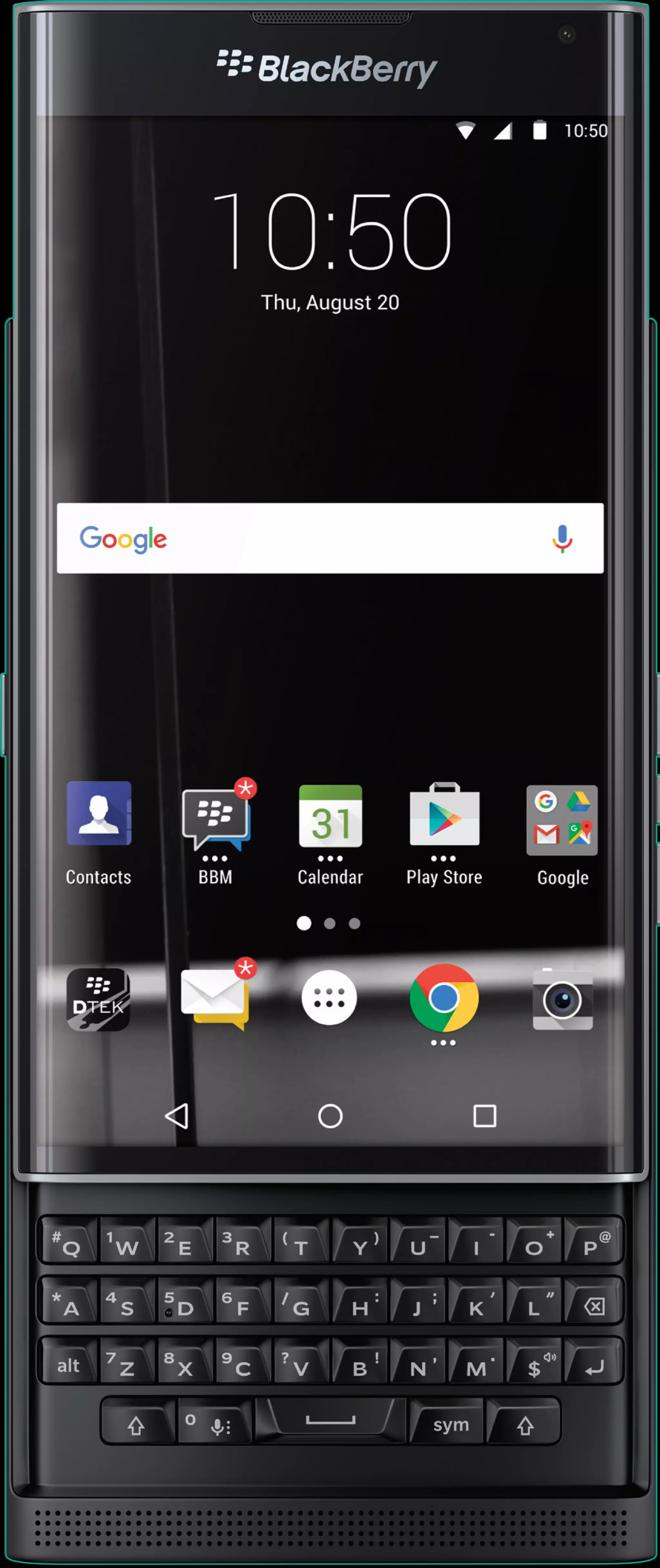
Screen images simulated.
© 2015 BlackBerry. Trademarks, including but not limited to BlackBerry
and EMBLEM Design, PRIV and EMBLEM Design and DTEK are the
trademarks or registered trademarks of BlackBerry Limited, its subsidiaries
and/or affiliates, the exclusive rights to which are expressly reserved.
All other trademarks are the property of their respective owners.
The Power
of BlackBerry
is Now on Android.
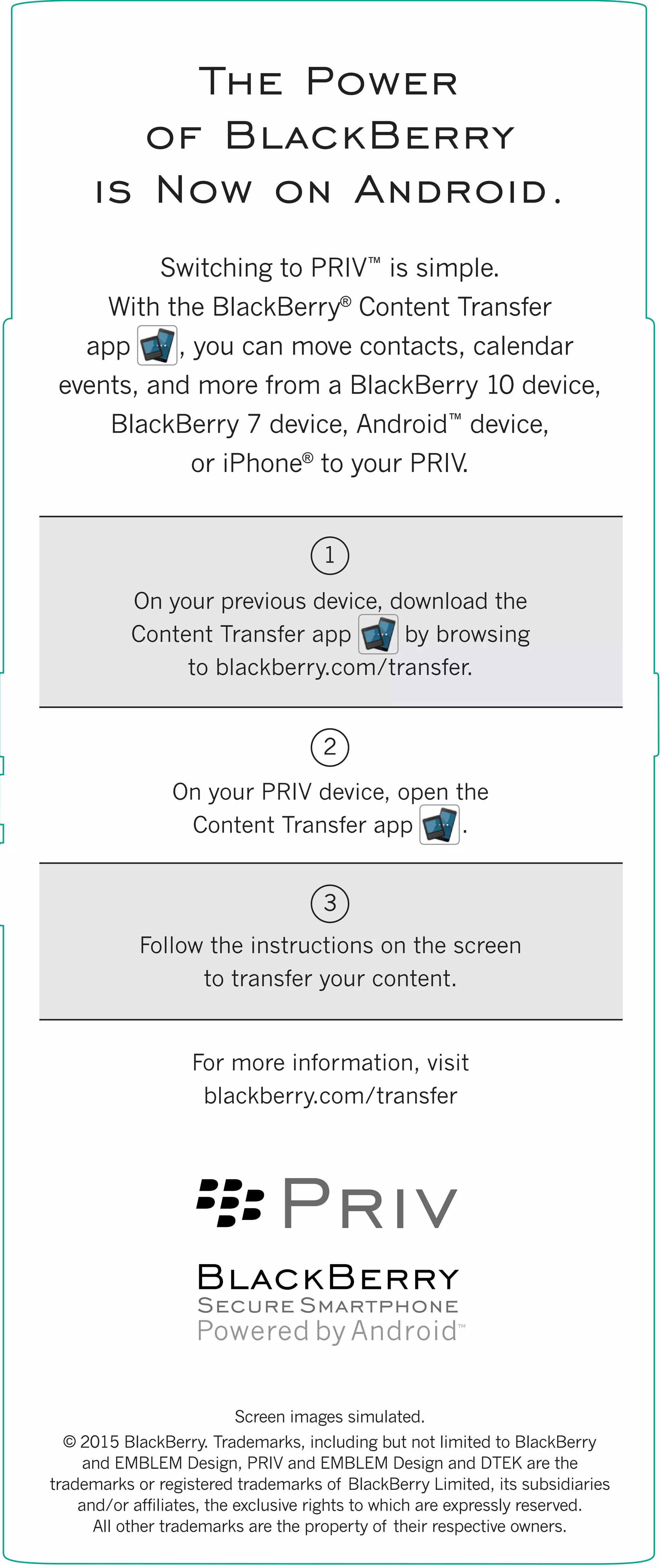
Switching to PRIV™
is simple.
With the BlackBerry®
Content Transfer
app , you can move contacts, calendar
events, and more from a BlackBerry 10 device,
BlackBerry 7 device, Android™
device,
or iPhone®
to your PRIV.
On your previous device, download the
Content Transfer app by browsing
to blackberry.com/transfer.
On your PRIV device, open the
Content Transfer app .
Follow the instructions on the screen
to transfer your content.
For more information, visit
blackberry.com/transfer
1
2
3

PRIV Content Transfer App: How To

  • 2.
    Screen images simulated. ©2015 BlackBerry. Trademarks, including but not limited to BlackBerry and EMBLEM Design, PRIV and EMBLEM Design and DTEK are the trademarks or registered trademarks of BlackBerry Limited, its subsidiaries and/or affiliates, the exclusive rights to which are expressly reserved. All other trademarks are the property of their respective owners. The Power of BlackBerry is Now on Android. Switching to PRIV™ is simple. With the BlackBerry® Content Transfer app , you can move contacts, calendar events, and more from a BlackBerry 10 device, BlackBerry 7 device, Android™ device, or iPhone® to your PRIV. On your previous device, download the Content Transfer app by browsing to blackberry.com/transfer. On your PRIV device, open the Content Transfer app . Follow the instructions on the screen to transfer your content. For more information, visit blackberry.com/transfer 1 2 3