BE PART OF M365 FRIDAY
CALIFORNIA 2020!
JOIN US, JANUARY 22ND
Sponsors
Sponsors
Building a Microsoft Teams
Provisioning Process using Power
Apps & Power Automate
M365 Friday California 2021
Thomas Daly
Photo
Thomas Daly
• Collaboration Director @ SoHo Dragon - NYC
• Microsoft 365 Developer
• Started w/ SharePoint Portal Server 2003
• Office Apps and Services Most Valuable
Professional – 4x
• Community Involvement
• Speaker / Event Organizer
• NJ SharePoint User Group Organizer
• M365 / O365 / NYC Organizer
• NJ, PA & NYC Global M365 Dev Bootcamp
• NJ Azure Bootcamp Organizer
• SPS NJ Organizer [2013-2014]
• My SharePoint Blog
• Git Hub [corp directory controls / o365 sticky
footer / bootstrap navigation, global
navigation]
Before We Start
Audience – 200+, low
code solution stretching
up
Ask questions any time
in the chat
Will have slides / videos
on my blog –
thomasdaly.net
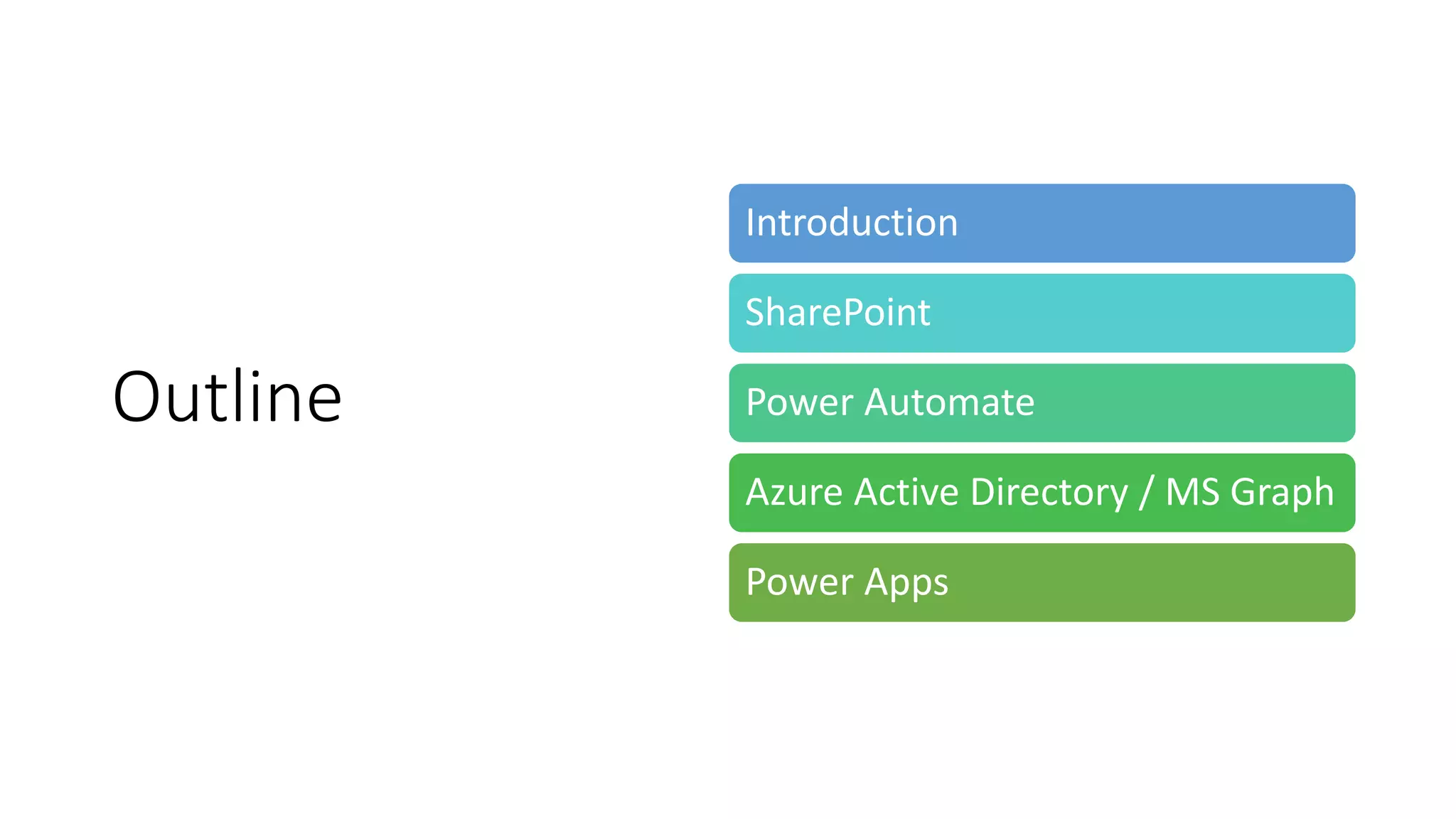
Outline
Introduction
SharePoint
Power Automate
Azure Active Directory / MS Graph
Power Apps
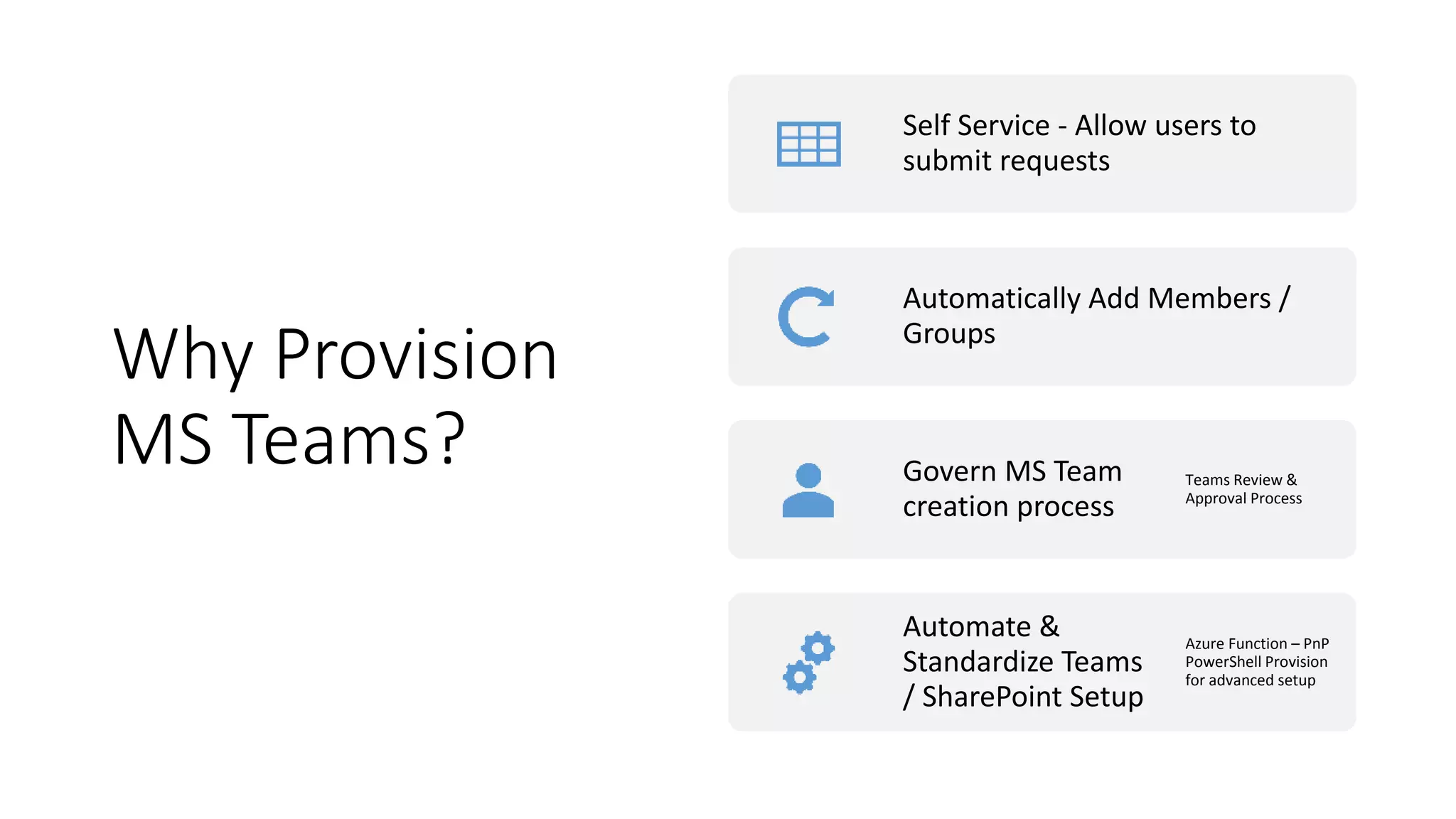
Why Provision
MS Teams?
Self Service - Allow users to
submit requests
Automatically Add Members /
Groups
Govern MS Team
creation process
Teams Review &
Approval Process
Automate &
Standardize Teams
/ SharePoint Setup
Azure Function – PnP
PowerShell Provision
for advanced setup
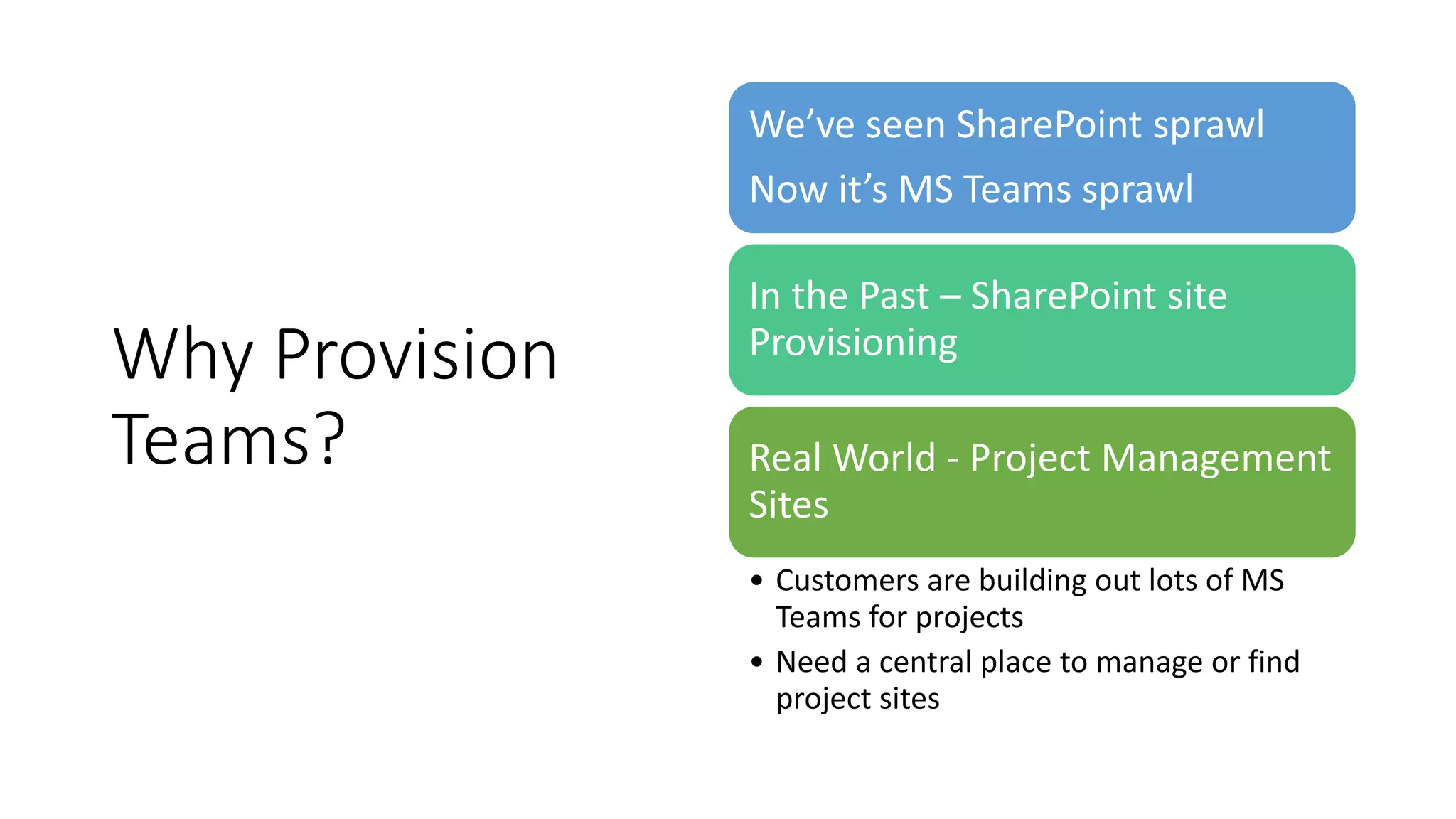
Why Provision
Teams?
We’ve seen SharePoint sprawl
Now it’s MS Teams sprawl
In the Past – SharePoint site
Provisioning
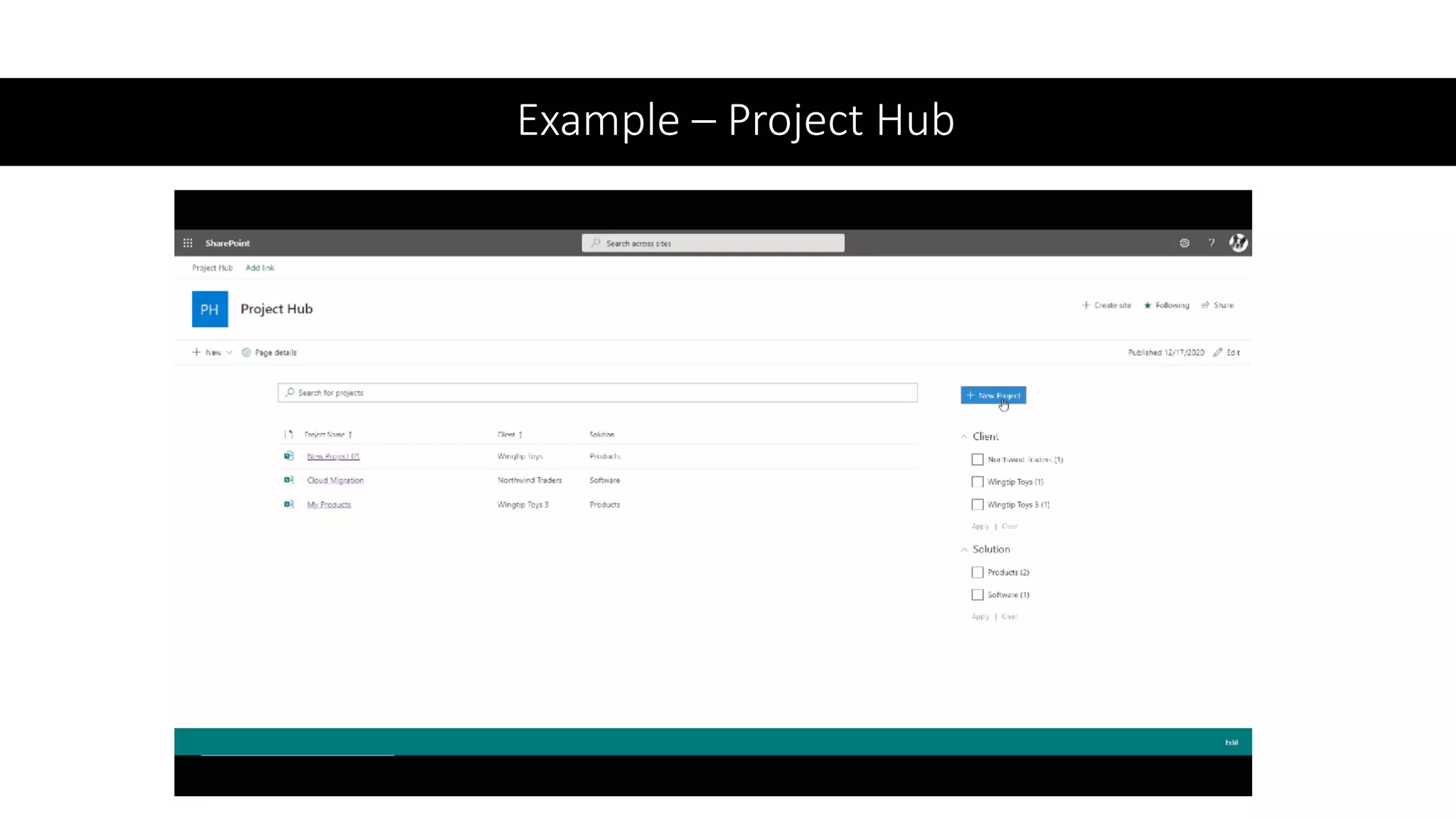
Real World - Project Management
Sites
• Customers are building out lots of MS
Teams for projects
• Need a central place to manage or find
project sites
Example – Project Hub
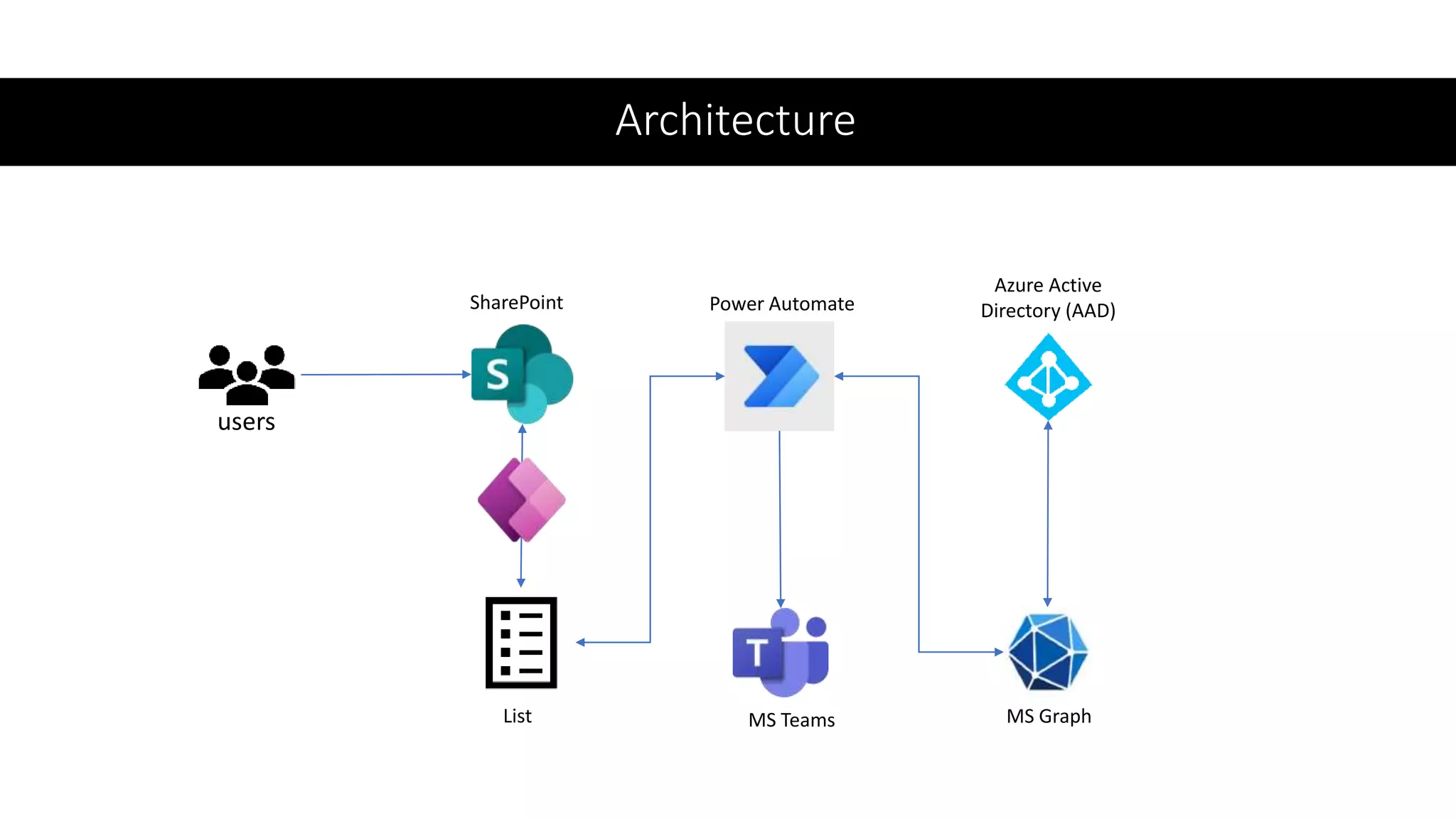
Architecture
users
SharePoint
List
Power Automate
Azure Active
Directory (AAD)
MS Teams MS Graph
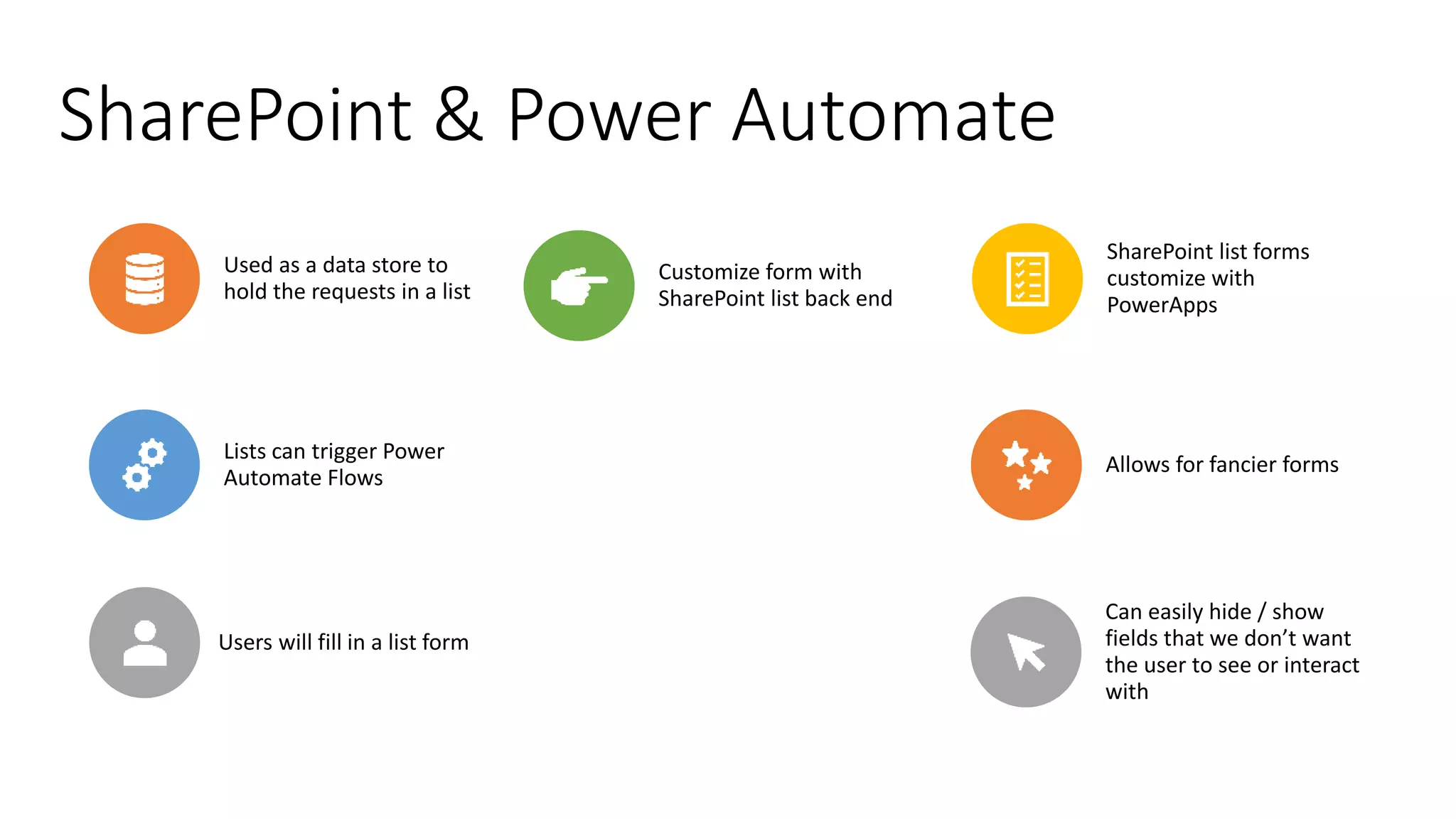
SharePoint & Power Automate
Used as a data store to
hold the requests in a list
Users will fill in a list form
SharePoint list forms
customize with
PowerApps
Lists can trigger Power
Automate Flows
Customize form with
SharePoint list back end
Allows for fancier forms
Can easily hide / show
fields that we don’t want
the user to see or interact
with
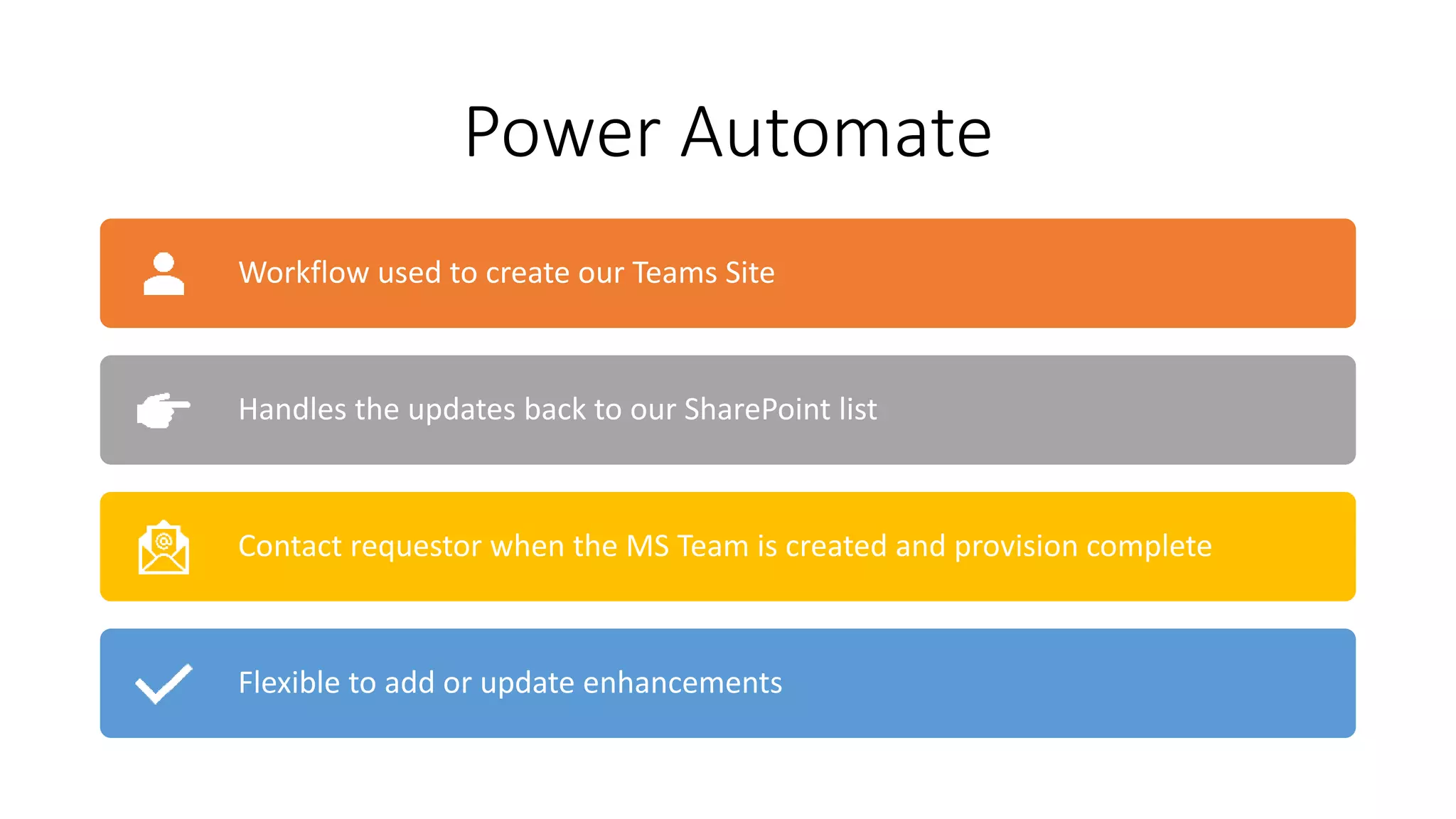
Power Automate
Workflow used to create our Teams Site
Handles the updates back to our SharePoint list
Contact requestor when the MS Team is created and provision complete
Flexible to add or update enhancements
Azure Active Directory (AAD) & MS Graph
Used to take the MS Teams ID and get the MS Teams Site URL
Must create AAD App Registration
to query MS Graph
Permissions – What the app can query
Credentials – Client ID / Client Secret
This information will be added to our Power Automate Flow
Demo
Let’s build it!
THANK YOU!
• Linked In: https://www.linkedin.com/in/thomas-m-daly/
• Twitter: @_tomdaly_
• Email: thomasd@sohodragon.com
• Blog: thomasdaly.net
Questions, Comments, Connect

Building a Microsoft Teams Provisioning Process using Power Apps & Power Automate

  • 1.
    BE PART OFM365 FRIDAY CALIFORNIA 2020! JOIN US, JANUARY 22ND
  • 2.
  • 3.
    Building a MicrosoftTeams Provisioning Process using Power Apps & Power Automate M365 Friday California 2021 Thomas Daly
  • 4.
    Photo Thomas Daly • CollaborationDirector @ SoHo Dragon - NYC • Microsoft 365 Developer • Started w/ SharePoint Portal Server 2003 • Office Apps and Services Most Valuable Professional – 4x • Community Involvement • Speaker / Event Organizer • NJ SharePoint User Group Organizer • M365 / O365 / NYC Organizer • NJ, PA & NYC Global M365 Dev Bootcamp • NJ Azure Bootcamp Organizer • SPS NJ Organizer [2013-2014] • My SharePoint Blog • Git Hub [corp directory controls / o365 sticky footer / bootstrap navigation, global navigation]
  • 5.
    Before We Start Audience– 200+, low code solution stretching up Ask questions any time in the chat Will have slides / videos on my blog – thomasdaly.net
  • 6.
  • 7.
    Why Provision MS Teams? SelfService - Allow users to submit requests Automatically Add Members / Groups Govern MS Team creation process Teams Review & Approval Process Automate & Standardize Teams / SharePoint Setup Azure Function – PnP PowerShell Provision for advanced setup
  • 8.
    Why Provision Teams? We’ve seenSharePoint sprawl Now it’s MS Teams sprawl In the Past – SharePoint site Provisioning Real World - Project Management Sites • Customers are building out lots of MS Teams for projects • Need a central place to manage or find project sites
  • 9.
  • 10.
  • 11.
    SharePoint & PowerAutomate Used as a data store to hold the requests in a list Users will fill in a list form SharePoint list forms customize with PowerApps Lists can trigger Power Automate Flows Customize form with SharePoint list back end Allows for fancier forms Can easily hide / show fields that we don’t want the user to see or interact with
  • 12.
    Power Automate Workflow usedto create our Teams Site Handles the updates back to our SharePoint list Contact requestor when the MS Team is created and provision complete Flexible to add or update enhancements
  • 13.
    Azure Active Directory(AAD) & MS Graph Used to take the MS Teams ID and get the MS Teams Site URL Must create AAD App Registration to query MS Graph Permissions – What the app can query Credentials – Client ID / Client Secret This information will be added to our Power Automate Flow
  • 14.
  • 15.
    THANK YOU! • LinkedIn: https://www.linkedin.com/in/thomas-m-daly/ • Twitter: @_tomdaly_ • Email: thomasd@sohodragon.com • Blog: thomasdaly.net Questions, Comments, Connect