1 | P a g e
Microsoft word
1. Home
Font
 Bullet
 Italic Ie word
 Underline Ie paragraph
 Strike through Ie paragraph
 Sub script Ie H2O
 Super script Ie y2
 Sentence case Ie paragraph is blank
 Lower case Ie paragraph is blank
 Upper case Ie PARAGRAPH IS BLANK
 Capitalize each word Ie Paragraph Is Blank
 Toggle case Ie PARAGRAPH IS BLANK
 Text effect
 Text highlight paragraph is left
Paragraph
 Decrease indent
 Decrease indent
 Show/ hide
 Left alignment
Paragraph is left behind
paragraph is left
 Right alignment
2 | P a g e
Paragraph is left behind
Paragraph is blank
 Centre alignment
Paragraph is left behind
Paragraph is blank
 Justify
Paragraph is left behind
Paragraph is blank
 Line and paragraph spacing
Shading
Paragraph is left behind
Paragraph is blank
2. insert
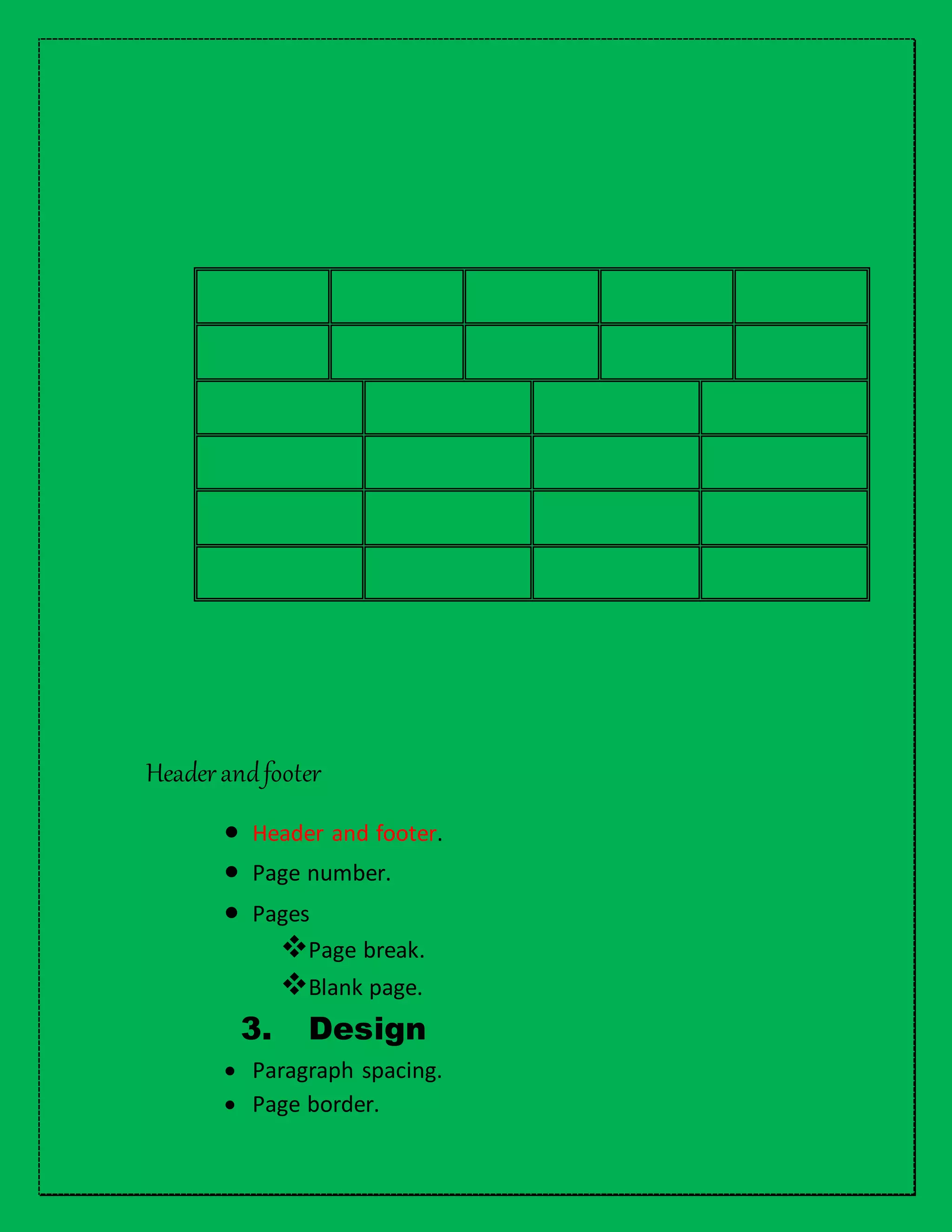
Table
 Draw table.
 Split cell.
 Insert a column.
 Insert a row.
 Insert a cell
 Distribute
column evenly.
 Distribute row
evenly.
 Delete a
column.
 Coloring border.
Headerandfooter
 Header and footer.
 Page number.
 Pages
Page break.
Blank page.
3. Design
 Paragraph spacing.
 Page border.
1 | P a g e
4. Page layout
Pagesetup
 Page Margin.
Normal
Narrow
Moderate
Wide
Mirrored
Office 2003 Default
Custom margins
Margins
Gutter
Layout
 Column
One.
Two.
Three.
Left.
Right.
2 | P a g e
Orientation
 Portrait
 Landscape
Paragraph
 Indent left
This page is left
intentionally.
This page is left
intentionally.
 Right indent
This page is left intentionally.
 Spacing before and spacing after.
This page is left intentionally.
3 | P a g e
T
h
e
e
n
d
4 | P a g e
5 | P a g e
6 | P a g e
7 | P a g e
8 | P a g e
9 | P a g e

Zulkaif

  • 2.
    1 | Pa g e Microsoft word 1. Home Font  Bullet  Italic Ie word  Underline Ie paragraph  Strike through Ie paragraph  Sub script Ie H2O  Super script Ie y2  Sentence case Ie paragraph is blank  Lower case Ie paragraph is blank  Upper case Ie PARAGRAPH IS BLANK  Capitalize each word Ie Paragraph Is Blank  Toggle case Ie PARAGRAPH IS BLANK  Text effect  Text highlight paragraph is left Paragraph  Decrease indent  Decrease indent  Show/ hide  Left alignment Paragraph is left behind paragraph is left  Right alignment
  • 3.
    2 | Pa g e Paragraph is left behind Paragraph is blank  Centre alignment Paragraph is left behind Paragraph is blank  Justify Paragraph is left behind Paragraph is blank  Line and paragraph spacing Shading Paragraph is left behind Paragraph is blank 2. insert Table  Draw table.  Split cell.  Insert a column.  Insert a row.  Insert a cell  Distribute column evenly.  Distribute row evenly.  Delete a column.  Coloring border.
  • 4.
    Headerandfooter  Header andfooter.  Page number.  Pages Page break. Blank page. 3. Design  Paragraph spacing.  Page border.
  • 5.
    1 | Pa g e 4. Page layout Pagesetup  Page Margin. Normal Narrow Moderate Wide Mirrored Office 2003 Default Custom margins Margins Gutter Layout  Column One. Two. Three. Left. Right.
  • 6.
    2 | Pa g e Orientation  Portrait  Landscape Paragraph  Indent left This page is left intentionally. This page is left intentionally.  Right indent This page is left intentionally. This page is left intentionally.  Spacing before and spacing after. This page is left intentionally. This page is left intentionally. This page is left intentionally. This page is left intentionally.
  • 7.
    3 | Pa g e T h e e n d
  • 8.
    4 | Pa g e
  • 9.
    5 | Pa g e
  • 10.
    6 | Pa g e
  • 11.
    7 | Pa g e
  • 12.
    8 | Pa g e
  • 13.
    9 | Pa g e