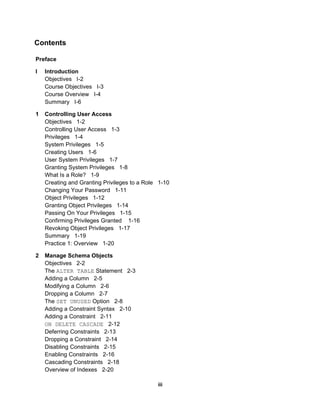
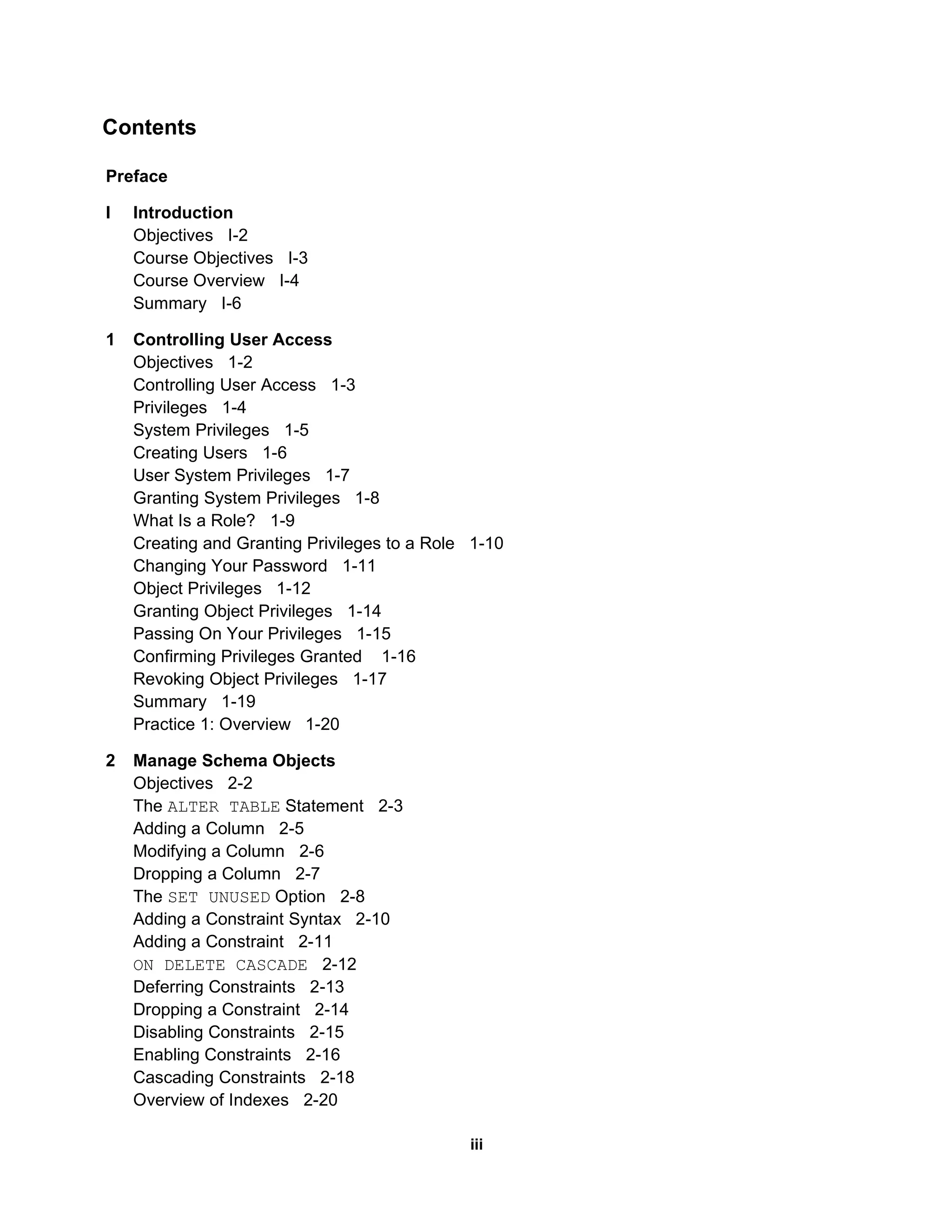
Preface I Introduction Objectives  I-2 Course Objectives  I-3 Course Overview  I-4 Summary  I-6 1 Controlling User Access Objectives  1-2 Controlling User Access  1-3 Privileges  1-4 System Privileges  1-5 Creating Users  1-6 User System Privileges  1-7 Granting System Privileges  1-8 What Is a Role?  1-9 Creating and Granting Privileges to a Role  1-10 Changing Your Password  1-11 Object Privileges  1-12 Granting Object Privileges  1-14 Passing On Your Privileges  1-15 Confirming Privileges Granted  1-16 Revoking Object Privileges  1-17 Summary  1-19 Practice 1: Overview  1-20 2 Manage Schema Objects Objectives  2-2 The  ALTER TABLE  Statement  2-3 Adding a Column  2-5 Modifying a Column  2-6 Dropping a Column  2-7 The  SET UNUSED  Option  2-8 Adding a Constraint Syntax  2-10 Adding a Constraint  2-11 ON DELETE CASCADE   2-12 Deferring Constraints  2-13 Dropping a Constraint  2-14 Disabling Constraints  2-15 Enabling Constraints  2-16 Cascading Constraints  2-18 Overview of Indexes  2-20 Contents iii
CREATE INDEX  with  CREATE TABLE  Statement  2-21 Function-Based Indexes  2-23 Removing an Index  2-25 DROP TABLE ... PURGE   2-26 The  FLASHBACK TABLE  Statement  2-27 External Tables  2-29 Creating a Directory for the External Table  2-31 Creating an External Table  2-33 Creating an External Table Using  ORACLE_LOADER   2-35 Querying External Tables  2-37 Summary  2-38 Practice 2: Overview  2-39 3 Manipulating Large Data Sets Objectives  3-2 Using Subqueries to Manipulate Data  3-3 Copying Rows from Another Table  3-4 Inserting Using a Subquery as a Target  3-5 Retrieving Data with a Subquery as Source  3-7 Updating Two Columns with a Subquery  3-8 Updating Rows Based on Another Table  3-9 Deleting Rows Based on Another Table  3-10 Using the  WITH CHECK OPTION  Keyword on DML Statements  3-11 Overview of the Explicit Default Feature  3-12 Using Explicit Default Values  3-13 Overview of Multitable  INSERT  Statements  3-14 Types of Multitable  INSERT  Statements  3-16 Multitable  INSERT  Statements  3-17 Unconditional  INSERT ALL   3-19 Conditional  INSERT ALL   3-20 Conditional  INSERT FIRST   3-22 Pivoting  INSERT   3-24 The  MERGE  Statement  3-27 The  MERGE  Statement Syntax  3-28 Merging Rows  3-29 Tracking Changes in Data  3-31 Example of the Flashback Version Query  3-32 The  VERSIONS BETWEEN  Clause  3-34 Summary  3-35 Practice 3: Overview  3-36 4 Generating Reports by Grouping Related Data Objectives  4-2 Review of Group Functions  4-3 iv
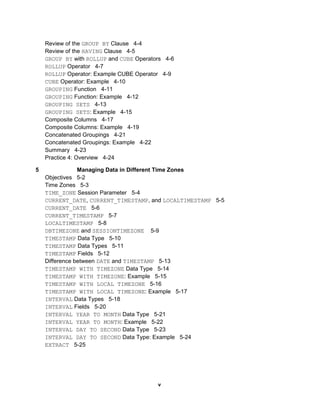
Review of the  GROUP BY  Clause  4-4 Review of the  HAVING  Clause  4-5 GROUP BY  with  ROLLUP  and  CUBE  Operators  4-6 ROLLUP  Operator  4-7 ROLLUP  Operator: Example CUBE Operator  4-9 CUBE  Operator: Example  4-10 GROUPING  Function  4-11 GROUPING  Function: Example  4-12 GROUPING SETS   4-13 GROUPING SETS : Example  4-15 Composite Columns  4-17 Composite Columns: Example  4-19 Concatenated Groupings  4-21 Concatenated Groupings: Example  4-22 Summary  4-23 Practice 4: Overview  4-24 5 Managing Data in Different Time Zones Objectives  5-2 Time Zones  5-3 TIME_ZONE  Session Parameter  5-4 CURRENT_DATE ,  CURRENT_TIMESTAMP , and  LOCALTIMESTAMP   5-5 CURRENT_DATE   5-6 CURRENT_TIMESTAMP   5-7 LOCALTIMESTAMP   5-8 DBTIMEZONE  and  SESSIONTIMEZONE   5-9 TIMESTAMP  Data Type  5-10 TIMESTAMP  Data Types  5-11 TIMESTAMP  Fields  5-12 Difference between  DATE  and  TIMESTAMP   5-13 TIMESTAMP WITH TIMEZONE  Data Type  5-14 TIMESTAMP WITH TIMEZONE : Example  5-15 TIMESTAMP WITH LOCAL TIMEZONE   5-16 TIMESTAMP WITH LOCAL TIMEZONE : Example  5-17 INTERVAL  Data Types  5-18 INTERVAL  Fields  5-20 INTERVAL YEAR TO MONTH  Data Type  5-21 INTERVAL YEAR TO MONTH : Example  5-22 INTERVAL DAY TO SECOND  Data Type  5-23 INTERVAL DAY TO SECOND  Data Type: Example  5-24 EXTRACT   5-25 v
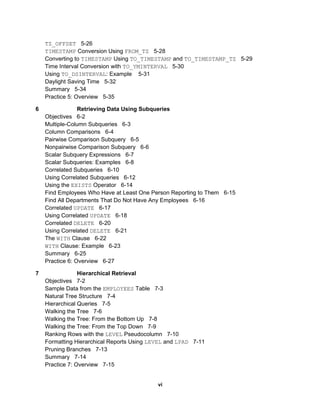
TZ_OFFSET   5-26 TIMESTAMP  Conversion Using  FROM_TZ   5-28 Converting to  TIMESTAMP  Using  TO_TIMESTAMP  and  TO_TIMESTAMP_TZ   5-29 Time Interval Conversion with  TO_YMINTERVAL   5-30 Using  TO_DSINTERVAL : Example  5-31 Daylight Saving Time  5-32 Summary  5-34 Practice 5: Overview  5-35 6 Retrieving Data Using Subqueries Objectives  6-2 Multiple-Column Subqueries  6-3 Column Comparisons  6-4 Pairwise Comparison Subquery  6-5 Nonpairwise Comparison Subquery  6-6 Scalar Subquery Expressions  6-7 Scalar Subqueries: Examples  6-8 Correlated Subqueries  6-10 Using Correlated Subqueries  6-12 Using the  EXISTS  Operator  6-14 Find Employees Who Have at Least One Person Reporting to Them  6-15 Find All Departments That Do Not Have Any Employees  6-16 Correlated  UPDATE   6-17 Using Correlated  UPDATE   6-18 Correlated  DELETE   6-20 Using Correlated  DELETE   6-21 The  WITH  Clause  6-22 WITH  Clause: Example  6-23 Summary  6-25 Practice 6: Overview  6-27 7 Hierarchical Retrieval Objectives  7-2 Sample Data from the  EMPLOYEES  Table  7-3 Natural Tree Structure  7-4 Hierarchical Queries  7-5 Walking the Tree  7-6 Walking the Tree: From the Bottom Up  7-8 Walking the Tree: From the Top Down  7-9 Ranking Rows with the  LEVEL  Pseudocolumn  7-10 Formatting Hierarchical Reports Using  LEVEL  and  LPAD   7-11 Pruning Branches  7-13 Summary  7-14 Practice 7: Overview  7-15 vi
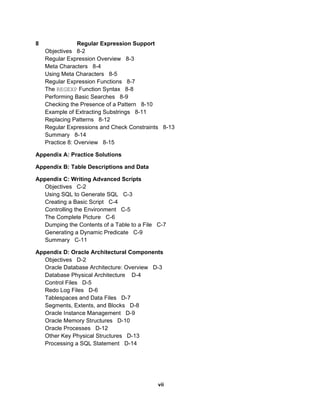
8 Regular Expression Support Objectives  8-2 Regular Expression Overview  8-3 Meta Characters  8-4 Using Meta Characters  8-5 Regular Expression Functions  8-7 The  REGEXP  Function Syntax  8-8 Performing Basic Searches  8-9 Checking the Presence of a Pattern  8-10 Example of Extracting Substrings  8-11 Replacing Patterns  8-12 Regular Expressions and Check Constraints  8-13 Summary  8-14 Practice 8: Overview  8-15 Appendix A: Practice Solutions Appendix B: Table Descriptions and Data Appendix C: Writing Advanced Scripts Objectives  C-2 Using SQL to Generate SQL  C-3 Creating a Basic Script  C-4 Controlling the Environment  C-5 The Complete Picture  C-6 Dumping the Contents of a Table to a File  C-7 Generating a Dynamic Predicate  C-9 Summary  C-11 Appendix D: Oracle Architectural Components Objectives  D-2 Oracle Database Architecture: Overview  D-3 Database Physical Architecture  D-4 Control Files  D-5 Redo Log Files  D-6 Tablespaces and Data Files  D-7 Segments, Extents, and Blocks  D-8 Oracle Instance Management  D-9 Oracle Memory Structures  D-10 Oracle Processes  D-12 Other Key Physical Structures  D-13 Processing a SQL Statement  D-14 vii
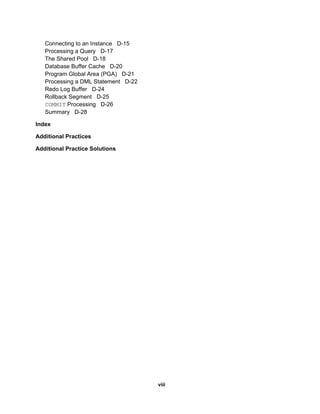
Connecting to an Instance  D-15 Processing a Query  D-17 The Shared Pool  D-18 Database Buffer Cache  D-20 Program Global Area (PGA)  D-21 Processing a DML Statement  D-22 Redo Log Buffer  D-24 Rollback Segment  D-25 COMMIT  Processing  D-26 Summary  D-28 Index Additional Practices Additional Practice Solutions viii

Toc Sg

  • 1.
    Preface I IntroductionObjectives I-2 Course Objectives I-3 Course Overview I-4 Summary I-6 1 Controlling User Access Objectives 1-2 Controlling User Access 1-3 Privileges 1-4 System Privileges 1-5 Creating Users 1-6 User System Privileges 1-7 Granting System Privileges 1-8 What Is a Role? 1-9 Creating and Granting Privileges to a Role 1-10 Changing Your Password 1-11 Object Privileges 1-12 Granting Object Privileges 1-14 Passing On Your Privileges 1-15 Confirming Privileges Granted 1-16 Revoking Object Privileges 1-17 Summary 1-19 Practice 1: Overview 1-20 2 Manage Schema Objects Objectives 2-2 The ALTER TABLE Statement 2-3 Adding a Column 2-5 Modifying a Column 2-6 Dropping a Column 2-7 The SET UNUSED Option 2-8 Adding a Constraint Syntax 2-10 Adding a Constraint 2-11 ON DELETE CASCADE 2-12 Deferring Constraints 2-13 Dropping a Constraint 2-14 Disabling Constraints 2-15 Enabling Constraints 2-16 Cascading Constraints 2-18 Overview of Indexes 2-20 Contents iii
  • 2.
    CREATE INDEX with CREATE TABLE Statement 2-21 Function-Based Indexes 2-23 Removing an Index 2-25 DROP TABLE ... PURGE 2-26 The FLASHBACK TABLE Statement 2-27 External Tables 2-29 Creating a Directory for the External Table 2-31 Creating an External Table 2-33 Creating an External Table Using ORACLE_LOADER 2-35 Querying External Tables 2-37 Summary 2-38 Practice 2: Overview 2-39 3 Manipulating Large Data Sets Objectives 3-2 Using Subqueries to Manipulate Data 3-3 Copying Rows from Another Table 3-4 Inserting Using a Subquery as a Target 3-5 Retrieving Data with a Subquery as Source 3-7 Updating Two Columns with a Subquery 3-8 Updating Rows Based on Another Table 3-9 Deleting Rows Based on Another Table 3-10 Using the WITH CHECK OPTION Keyword on DML Statements 3-11 Overview of the Explicit Default Feature 3-12 Using Explicit Default Values 3-13 Overview of Multitable INSERT Statements 3-14 Types of Multitable INSERT Statements 3-16 Multitable INSERT Statements 3-17 Unconditional INSERT ALL 3-19 Conditional INSERT ALL 3-20 Conditional INSERT FIRST 3-22 Pivoting INSERT 3-24 The MERGE Statement 3-27 The MERGE Statement Syntax 3-28 Merging Rows 3-29 Tracking Changes in Data 3-31 Example of the Flashback Version Query 3-32 The VERSIONS BETWEEN Clause 3-34 Summary 3-35 Practice 3: Overview 3-36 4 Generating Reports by Grouping Related Data Objectives 4-2 Review of Group Functions 4-3 iv
  • 3.
    Review of the GROUP BY Clause 4-4 Review of the HAVING Clause 4-5 GROUP BY with ROLLUP and CUBE Operators 4-6 ROLLUP Operator 4-7 ROLLUP Operator: Example CUBE Operator 4-9 CUBE Operator: Example 4-10 GROUPING Function 4-11 GROUPING Function: Example 4-12 GROUPING SETS 4-13 GROUPING SETS : Example 4-15 Composite Columns 4-17 Composite Columns: Example 4-19 Concatenated Groupings 4-21 Concatenated Groupings: Example 4-22 Summary 4-23 Practice 4: Overview 4-24 5 Managing Data in Different Time Zones Objectives 5-2 Time Zones 5-3 TIME_ZONE Session Parameter 5-4 CURRENT_DATE , CURRENT_TIMESTAMP , and LOCALTIMESTAMP 5-5 CURRENT_DATE 5-6 CURRENT_TIMESTAMP 5-7 LOCALTIMESTAMP 5-8 DBTIMEZONE and SESSIONTIMEZONE 5-9 TIMESTAMP Data Type 5-10 TIMESTAMP Data Types 5-11 TIMESTAMP Fields 5-12 Difference between DATE and TIMESTAMP 5-13 TIMESTAMP WITH TIMEZONE Data Type 5-14 TIMESTAMP WITH TIMEZONE : Example 5-15 TIMESTAMP WITH LOCAL TIMEZONE 5-16 TIMESTAMP WITH LOCAL TIMEZONE : Example 5-17 INTERVAL Data Types 5-18 INTERVAL Fields 5-20 INTERVAL YEAR TO MONTH Data Type 5-21 INTERVAL YEAR TO MONTH : Example 5-22 INTERVAL DAY TO SECOND Data Type 5-23 INTERVAL DAY TO SECOND Data Type: Example 5-24 EXTRACT 5-25 v
  • 4.
    TZ_OFFSET 5-26 TIMESTAMP Conversion Using FROM_TZ 5-28 Converting to TIMESTAMP Using TO_TIMESTAMP and TO_TIMESTAMP_TZ 5-29 Time Interval Conversion with TO_YMINTERVAL 5-30 Using TO_DSINTERVAL : Example 5-31 Daylight Saving Time 5-32 Summary 5-34 Practice 5: Overview 5-35 6 Retrieving Data Using Subqueries Objectives 6-2 Multiple-Column Subqueries 6-3 Column Comparisons 6-4 Pairwise Comparison Subquery 6-5 Nonpairwise Comparison Subquery 6-6 Scalar Subquery Expressions 6-7 Scalar Subqueries: Examples 6-8 Correlated Subqueries 6-10 Using Correlated Subqueries 6-12 Using the EXISTS Operator 6-14 Find Employees Who Have at Least One Person Reporting to Them 6-15 Find All Departments That Do Not Have Any Employees 6-16 Correlated UPDATE 6-17 Using Correlated UPDATE 6-18 Correlated DELETE 6-20 Using Correlated DELETE 6-21 The WITH Clause 6-22 WITH Clause: Example 6-23 Summary 6-25 Practice 6: Overview 6-27 7 Hierarchical Retrieval Objectives 7-2 Sample Data from the EMPLOYEES Table 7-3 Natural Tree Structure 7-4 Hierarchical Queries 7-5 Walking the Tree 7-6 Walking the Tree: From the Bottom Up 7-8 Walking the Tree: From the Top Down 7-9 Ranking Rows with the LEVEL Pseudocolumn 7-10 Formatting Hierarchical Reports Using LEVEL and LPAD 7-11 Pruning Branches 7-13 Summary 7-14 Practice 7: Overview 7-15 vi
  • 5.
    8 Regular ExpressionSupport Objectives 8-2 Regular Expression Overview 8-3 Meta Characters 8-4 Using Meta Characters 8-5 Regular Expression Functions 8-7 The REGEXP Function Syntax 8-8 Performing Basic Searches 8-9 Checking the Presence of a Pattern 8-10 Example of Extracting Substrings 8-11 Replacing Patterns 8-12 Regular Expressions and Check Constraints 8-13 Summary 8-14 Practice 8: Overview 8-15 Appendix A: Practice Solutions Appendix B: Table Descriptions and Data Appendix C: Writing Advanced Scripts Objectives C-2 Using SQL to Generate SQL C-3 Creating a Basic Script C-4 Controlling the Environment C-5 The Complete Picture C-6 Dumping the Contents of a Table to a File C-7 Generating a Dynamic Predicate C-9 Summary C-11 Appendix D: Oracle Architectural Components Objectives D-2 Oracle Database Architecture: Overview D-3 Database Physical Architecture D-4 Control Files D-5 Redo Log Files D-6 Tablespaces and Data Files D-7 Segments, Extents, and Blocks D-8 Oracle Instance Management D-9 Oracle Memory Structures D-10 Oracle Processes D-12 Other Key Physical Structures D-13 Processing a SQL Statement D-14 vii
  • 6.
    Connecting to anInstance D-15 Processing a Query D-17 The Shared Pool D-18 Database Buffer Cache D-20 Program Global Area (PGA) D-21 Processing a DML Statement D-22 Redo Log Buffer D-24 Rollback Segment D-25 COMMIT Processing D-26 Summary D-28 Index Additional Practices Additional Practice Solutions viii