






Five Workflow Project Mistakes
and Five Ways to Avoid Them
Mike Fitzmaurice
VP – Workflow Technology, Nintex
mikefitz@nintex.com
@mikefitz
Introduction
 There are more than five
 These are extra top-of-mind
 Based on real-world projects
 Advice applies to any workflow product
 Warning: no demos
Mistake 1:
Overusing SharePoint Workflow
Instead:
Don’t Always Use
SharePoint Workflow
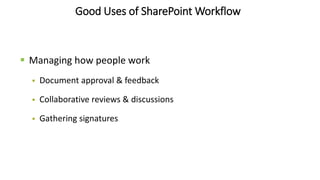
Good Uses of SharePoint Workflow
 Managing how people work
 Document approval & feedback
 Collaborative reviews & discussions
 Gathering signatures
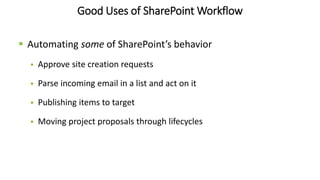
Good Uses of SharePoint Workflow
 Automating some of SharePoint’s behavior
 Approve site creation requests
 Parse incoming email in a list and act on it
 Publishing items to target
 Moving project proposals through lifecycles
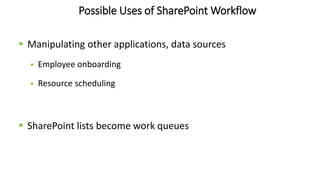
Possible Uses of SharePoint Workflow
 Manipulating other applications, data sources
 Employee onboarding
 Resource scheduling
 SharePoint lists become work queues
Bad Uses of SharePoint Workflow
 Transaction-oriented processes
 Blocking or modifying activity
 Aggressive data transformations
 Calculation-intensive processes
Mistake 2:
Trying Too Hard
Consensus Probably Doesn’t Exist
 Get 3 employees and 1 manager together
 Talk about a process
 Little agreement
 Documentation disagreement, too
The Process Will Change
Exceptions Will Be Ignored
Instead:
Plan to Fail the First Time
Initial Failure as a Winning Strategy
 Create an initial workflow just to show how awful (or
incomplete) a process is.
 Only then can you change it.
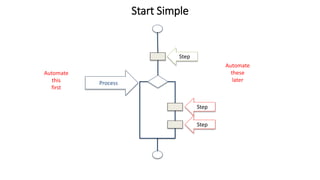
Process
Step
Step
Step
Start Simple
Automate
this
first
Automate
these
later
Mistake 3:
Starting with High-Profile Processes
Instead:
Focus on Everyday Processes
“Policy is the abdication of thought.”
-Nathan Myrvold
“Process is the reuse of thought.”
-Mike Fitzmaurice
Everyday Processes
 Steal time
 Get in the way
 Annoy users
 Attract mistakes
Everyday Processes
 Have few stakeholders (even if many participants)
 Are easier to automate
 Free up time to focus
 Teach users how to think
Everyday Processes
 Are best designed following a screw-up
Mistake 4:
Thinking in Straight Lines
Instead:
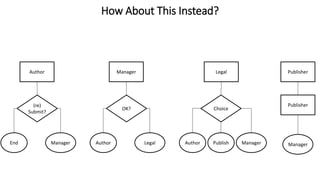
Use Stages
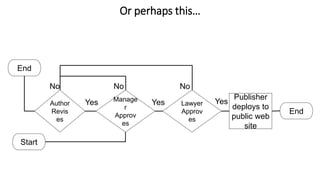
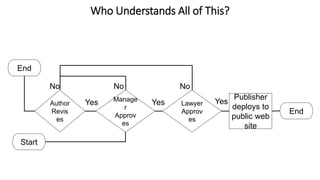
Sequential workflows get messy – quickly
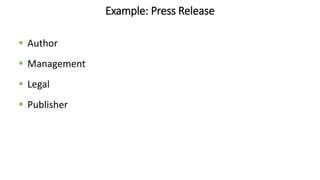
Example: Press Release
 Author
 Management
 Legal
 Publisher
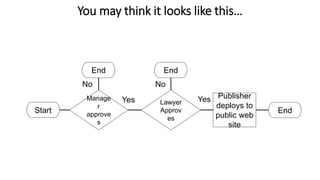
You may think it looks like this…
Start
Publisher
deploys to
public web
site
End
End End
Manage
r
approve
s
Yes
No
Lawyer
Approv
es
Yes
No
Or perhaps this…
Start
Publisher
deploys to
public web
site
End
End
Author
Revis
es
Yes
No
Manage
r
Approv
es
Yes
No
Lawyer
Approv
es
Yes
No
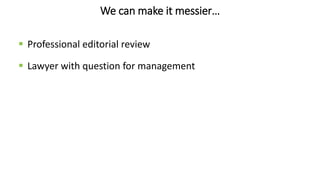
We can make it messier…
 Professional editorial review
 Lawyer with question for management
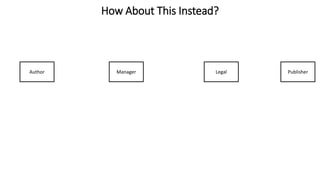
How About This Instead?
Author Manager Legal Publisher
How About This Instead?
(re)
Submit?
Author
End Manager
OK?
Manager
Author Legal
Choice
Legal
Author ManagerPublish
Publisher
Manager
Publisher
Easy User Participation
Who Understands All of This?
Start
Publisher
deploys to
public web
site
End
End
Author
Revis
es
Yes
No
Manage
r
Approv
es
Yes
No
Lawyer
Approv
es
Yes
No
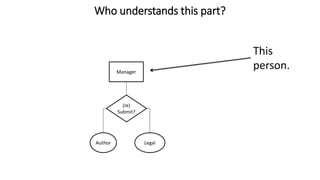
Who understands this part?
This
person.
(re)
Submit?
Manager
Author Legal
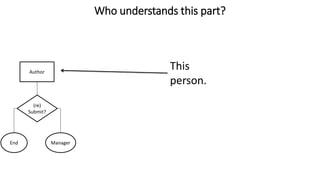
Who understands this part?
This
person.
(re)
Submit?
Author
End Manager
Easy User Participation
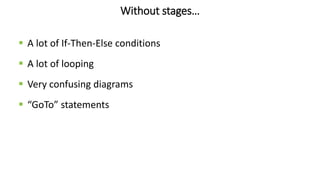
 Any user understands his/her part
 Few people understand everything
 Process = sum of stages
Easy to adjust
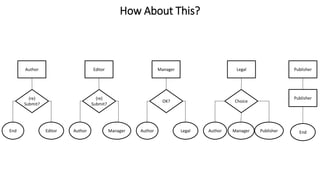
How About This?
(re)
Submit?
Author
End Editor
OK?
Manager
Author Legal
Choice
Legal
Author PublisherManager
Publisher
End
Publisher(re)
Submit?
Editor
Author Manager
Without stages…
 A lot of If-Then-Else conditions
 A lot of looping
 Very confusing diagrams
 “GoTo” statements
Mistake 5:
Making Forms Do Too Much
Instead:
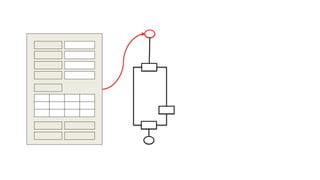
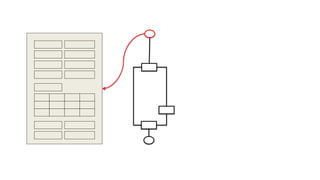
Use Forms and Workflow Together
Rethink the Problem
Worst Example:
Form-Only App
If (x and y) then
do this
do that
End if
If (user is Bob) then
do this and that and the other thing
undo that
End if
If (x and y) then
do this
do that
End if
If (x and y) then
do this
do that
End if
If (user is Bob) then
do this and that and the other thing
undo that
End if
If (x and y) then
do this
do that
End if
If (x and y) then
do this
do that
End if
If (user is Bob) then
do this and that and the other thing
undo that
End if
If (x and y) then
do this
do that
End if
If (x and y) then
do this
do that
End if
If (user is Bob) then
do this and that and the other thing
undo that
End if
If (x and y) then
do this
do that
End if
If (x and y) then
do this
do that
End if
If (user is Bob) then
do this and that and the other thing
undo that
End if
If (x and y) then
do this
do that
End if
If (x and y) then
do this
do that
End if
If (user is Bob) then
do this and that and the other thing
undo that
End if
If (x and y) then
do this
do that
End if
If (x and y) then
do this
do that
End if
If (user is Bob) then
do this and that and the other thing
undo that
End if
If (x and y) then
do this
do that
End if
If (x and y) then
do this
do that
End if
If (user is Bob) then
do this and that and the other thing
undo that
End if
If (x and y) then
do this
do that
End if
Form-Only App Problems
 Logic either hidden or disconnected
 Security
 Complexity without code
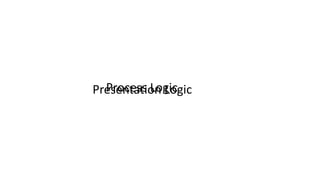
Process LogicPresentation Logic
Three-Tier Solutions
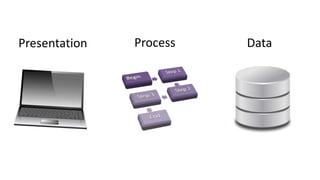
Presentation Process Data
All forms have processes
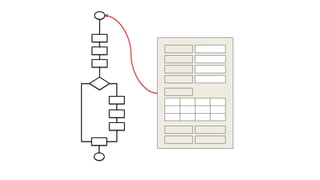
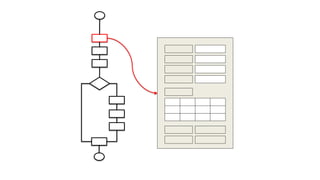
Better Example:
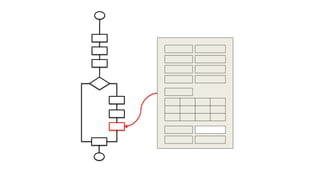
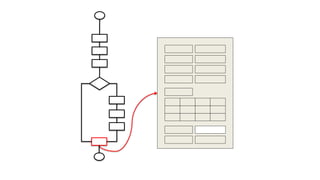
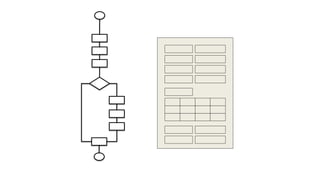
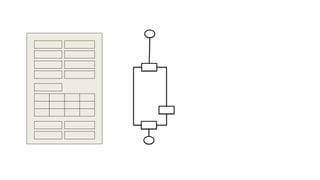
Workflow on a Form
Problems That Remain
 Form rules still needed
 Form & workflow must be kept in sync
 Workflow has many extra steps
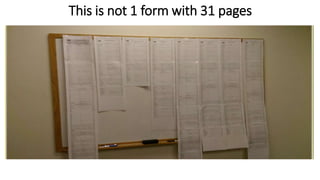
This is not 1 form with 31 pages
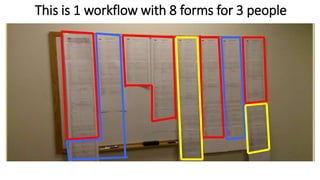
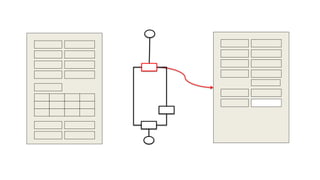
This is 1 workflow with 8 forms for 3 people
Best Example:
Workflow with Multiple Forms
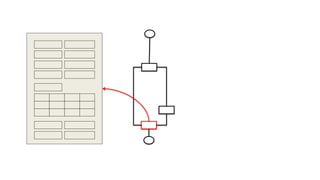
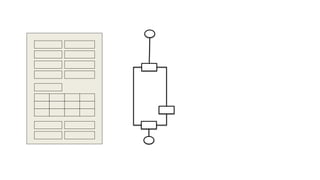
One Form Per Step
 Content Submit (list item or form library)
 Workflow Start (manually-executed workflows only)
 Workflow Task
Why this is good
 Forms stay simple
 Forms are specific to tasks
 Workflow is simpler
 Data can live anywhere
 Easier to secure
 It doesn’t fight the platform
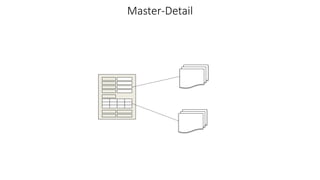
Master/Detail Forms
Master-Detail
Problems with Master-Detail
 No two-phase commit
 No set integrity
Presentation
Logic
Data Access
Logic
Process
Logic
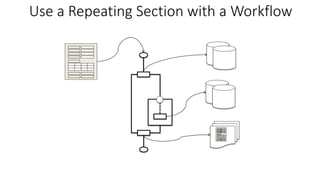
Use a Repeating Section with a Workflow
Summary
 Use SharePoint Workflow when it fits the use case
 Fail quickly and fix it
 Focus on everyday processes
 Embrace stages
 Use forms and workflow together
Thank You

Workflow best practices

Editor's Notes

  • #2 .
  • #15 Rarely is this considered in advance Rarely does everyone agree Ignored exceptions lead to bypass