3D Game Workflow
In this task we were told to use the unity engine to create a 3D
environment, there should be a variety of textures and assets as well as
some landmarks.
I have decided that i want a variety of environments including a beach,
mountains, forests and plains. I would like to add rock formations and man
made structures to act as landmarks for the player to look for.
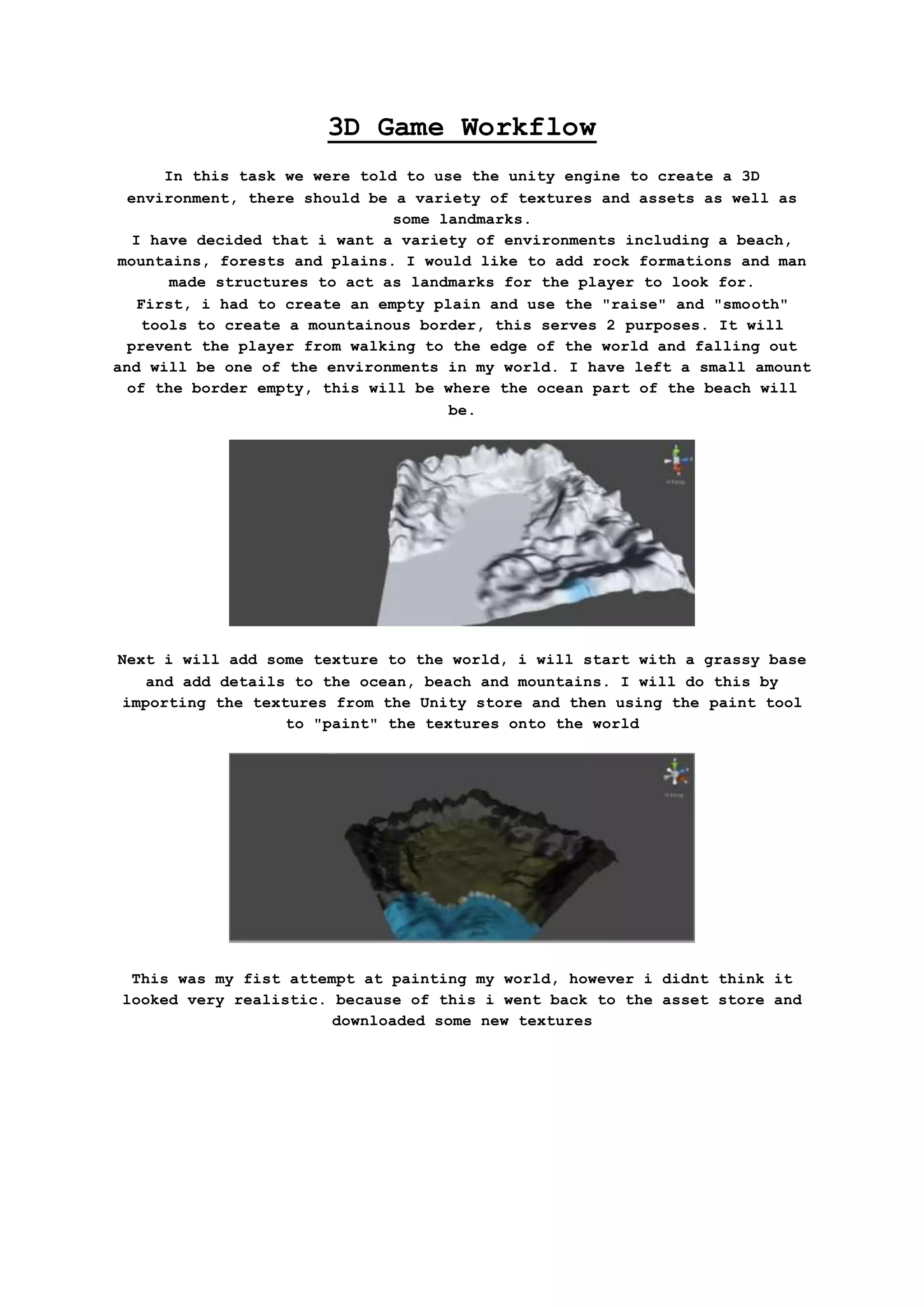
First, i had to create an empty plain and use the "raise" and "smooth"
tools to create a mountainous border, this serves 2 purposes. It will
prevent the player from walking to the edge of the world and falling out
and will be one of the environments in my world. I have left a small amount
of the border empty, this will be where the ocean part of the beach will
be.
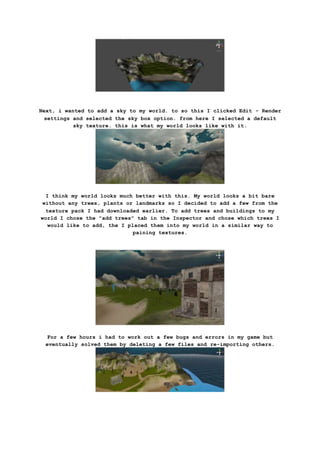
Next i will add some texture to the world, i will start with a grassy base
and add details to the ocean, beach and mountains. I will do this by
importing the textures from the Unity store and then using the paint tool
to "paint" the textures onto the world
This was my fist attempt at painting my world, however i didnt think it
looked very realistic. because of this i went back to the asset store and
downloaded some new textures
Next, i wanted to add a sky to my world. to so this I clicked Edit - Render
settings and selected the sky box option. from here I selected a default
sky texture. this is what my world looks like with it.
I think my world looks much better with this. My world looks a bit bare
without any trees, plants or landmarks so I decided to add a few from the
texture pack I had downloaded earlier. To add trees and buildings to my
world I chose the "add trees" tab in the Inspector and chose which trees I
would like to add, the I placed them into my world in a similar way to
paining textures.
For a few hours i had to work out a few bugs and errors in my game but
eventually solved them by deleting a few files and re-importing others.
After solving them i added some new objects and buildings to make my world
more detailed. I want to add a few more to fill in empty spaces in my map.
I have created a shanty town on the beach as well as a road running through
the map. There is also a abandoned construction site to the edge.
I added this little detail to act as a landmark in the middle of a large
field between the town and the waterfall. I did this by importing a
helicopter that i was originally going to use as a way of navigating the
map quickly and adding in a water jet from the propellers and a smoky
effect around it.
I found the cliffs below the starting area to be a bit plain and
unrealistic so i put a few rocks around the bottom and a few wooden boats
along the beach.
I wanted to do something more with all the destroyed skyscrapers and came
up with the idea to turn it into a construction site using some of the
assets i had imported earlier. I also turned the muddy, grassy dirt into
sand to closer resemble a construction site.
Ive updated the Shanty town slightly to look a little more realistic, the
building which was mostly clipping into the ground is now falling into a
sinkhole.
now that im satisfied with the main play area, i am adding objects around
the edges of he map to act as scenery. For now the game is complete but it
still may be edited.

Workflow

  • 1.
    3D Game Workflow Inthis task we were told to use the unity engine to create a 3D environment, there should be a variety of textures and assets as well as some landmarks. I have decided that i want a variety of environments including a beach, mountains, forests and plains. I would like to add rock formations and man made structures to act as landmarks for the player to look for. First, i had to create an empty plain and use the "raise" and "smooth" tools to create a mountainous border, this serves 2 purposes. It will prevent the player from walking to the edge of the world and falling out and will be one of the environments in my world. I have left a small amount of the border empty, this will be where the ocean part of the beach will be. Next i will add some texture to the world, i will start with a grassy base and add details to the ocean, beach and mountains. I will do this by importing the textures from the Unity store and then using the paint tool to "paint" the textures onto the world This was my fist attempt at painting my world, however i didnt think it looked very realistic. because of this i went back to the asset store and downloaded some new textures
  • 2.
    Next, i wantedto add a sky to my world. to so this I clicked Edit - Render settings and selected the sky box option. from here I selected a default sky texture. this is what my world looks like with it. I think my world looks much better with this. My world looks a bit bare without any trees, plants or landmarks so I decided to add a few from the texture pack I had downloaded earlier. To add trees and buildings to my world I chose the "add trees" tab in the Inspector and chose which trees I would like to add, the I placed them into my world in a similar way to paining textures. For a few hours i had to work out a few bugs and errors in my game but eventually solved them by deleting a few files and re-importing others.
  • 3.
    After solving themi added some new objects and buildings to make my world more detailed. I want to add a few more to fill in empty spaces in my map. I have created a shanty town on the beach as well as a road running through the map. There is also a abandoned construction site to the edge. I added this little detail to act as a landmark in the middle of a large field between the town and the waterfall. I did this by importing a helicopter that i was originally going to use as a way of navigating the map quickly and adding in a water jet from the propellers and a smoky effect around it. I found the cliffs below the starting area to be a bit plain and unrealistic so i put a few rocks around the bottom and a few wooden boats along the beach. I wanted to do something more with all the destroyed skyscrapers and came up with the idea to turn it into a construction site using some of the assets i had imported earlier. I also turned the muddy, grassy dirt into sand to closer resemble a construction site.
  • 4.
    Ive updated theShanty town slightly to look a little more realistic, the building which was mostly clipping into the ground is now falling into a sinkhole. now that im satisfied with the main play area, i am adding objects around the edges of he map to act as scenery. For now the game is complete but it still may be edited.