Workflow - 2D
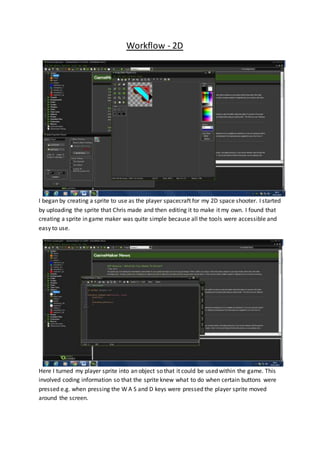
I began by creating a sprite to use as the player spacecraft for my 2D space shooter. I started
by uploading the sprite that Chris made and then editing it to make it my own. I found that
creating a sprite in game maker was quite simple because all the tools were accessible and
easy to use.
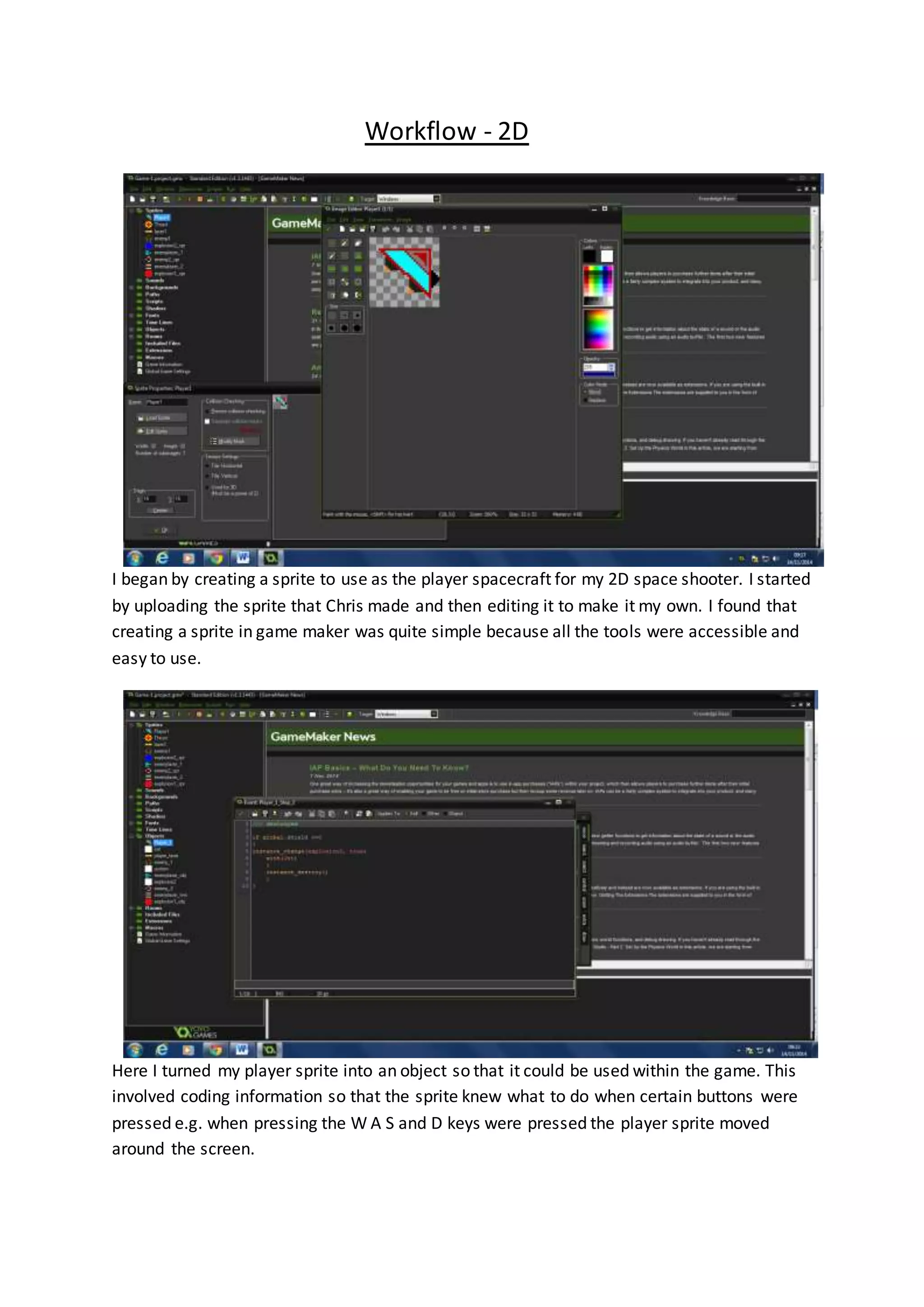
Here I turned my player sprite into an object so that it could be used within the game. This
involved coding information so that the sprite knew what to do when certain buttons were
pressed e.g. when pressing the W A S and D keys were pressed the player sprite moved
around the screen.
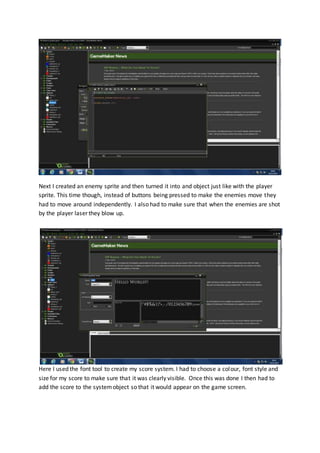
Next I created an enemy sprite and then turned it into and object just like with the player
sprite. This time though, instead of buttons being pressed to make the enemies move they
had to move around independently. I also had to make sure that when the enemies are shot
by the player laser they blow up.
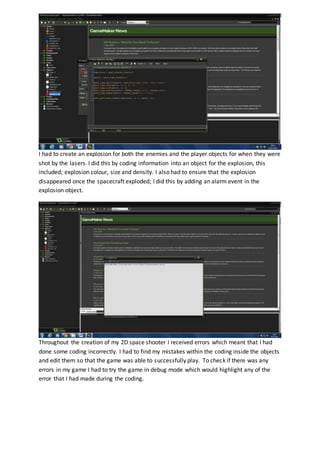
Here I used the font tool to create my score system. I had to choose a colour, font style and
size for my score to make sure that it was clearly visible. Once this was done I then had to
add the score to the systemobject so that it would appear on the game screen.
I had to create an explosion for both the enemies and the player objects for when they were
shot by the lasers. I did this by coding information into an object for the explosion, this
included; explosion colour, size and density. I also had to ensure that the explosion
disappeared once the spacecraft exploded; I did this by adding an alarm event in the
explosion object.
Throughout the creation of my 2D space shooter I received errors which meant that I had
done some coding incorrectly. I had to find my mistakes within the coding inside the objects
and edit them so that the game was able to successfully play. To check if there was any
errors in my game I had to try the game in debug mode which would highlight any of the
error that I had made during the coding.
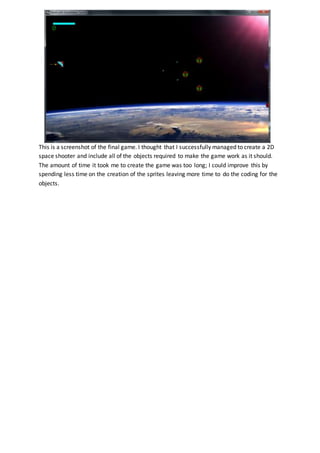
This is a screenshot of the final game. I thought that I successfully managed to create a 2D
space shooter and include all of the objects required to make the game work as it should.
The amount of time it took me to create the game was too long; I could improve this by
spending less time on the creation of the sprites leaving more time to do the coding for the
objects.

Workflow

  • 1.
    Workflow - 2D Ibegan by creating a sprite to use as the player spacecraft for my 2D space shooter. I started by uploading the sprite that Chris made and then editing it to make it my own. I found that creating a sprite in game maker was quite simple because all the tools were accessible and easy to use. Here I turned my player sprite into an object so that it could be used within the game. This involved coding information so that the sprite knew what to do when certain buttons were pressed e.g. when pressing the W A S and D keys were pressed the player sprite moved around the screen.
  • 2.
    Next I createdan enemy sprite and then turned it into and object just like with the player sprite. This time though, instead of buttons being pressed to make the enemies move they had to move around independently. I also had to make sure that when the enemies are shot by the player laser they blow up. Here I used the font tool to create my score system. I had to choose a colour, font style and size for my score to make sure that it was clearly visible. Once this was done I then had to add the score to the systemobject so that it would appear on the game screen.
  • 3.
    I had tocreate an explosion for both the enemies and the player objects for when they were shot by the lasers. I did this by coding information into an object for the explosion, this included; explosion colour, size and density. I also had to ensure that the explosion disappeared once the spacecraft exploded; I did this by adding an alarm event in the explosion object. Throughout the creation of my 2D space shooter I received errors which meant that I had done some coding incorrectly. I had to find my mistakes within the coding inside the objects and edit them so that the game was able to successfully play. To check if there was any errors in my game I had to try the game in debug mode which would highlight any of the error that I had made during the coding.
  • 4.
    This is ascreenshot of the final game. I thought that I successfully managed to create a 2D space shooter and include all of the objects required to make the game work as it should. The amount of time it took me to create the game was too long; I could improve this by spending less time on the creation of the sprites leaving more time to do the coding for the objects.