2d game 
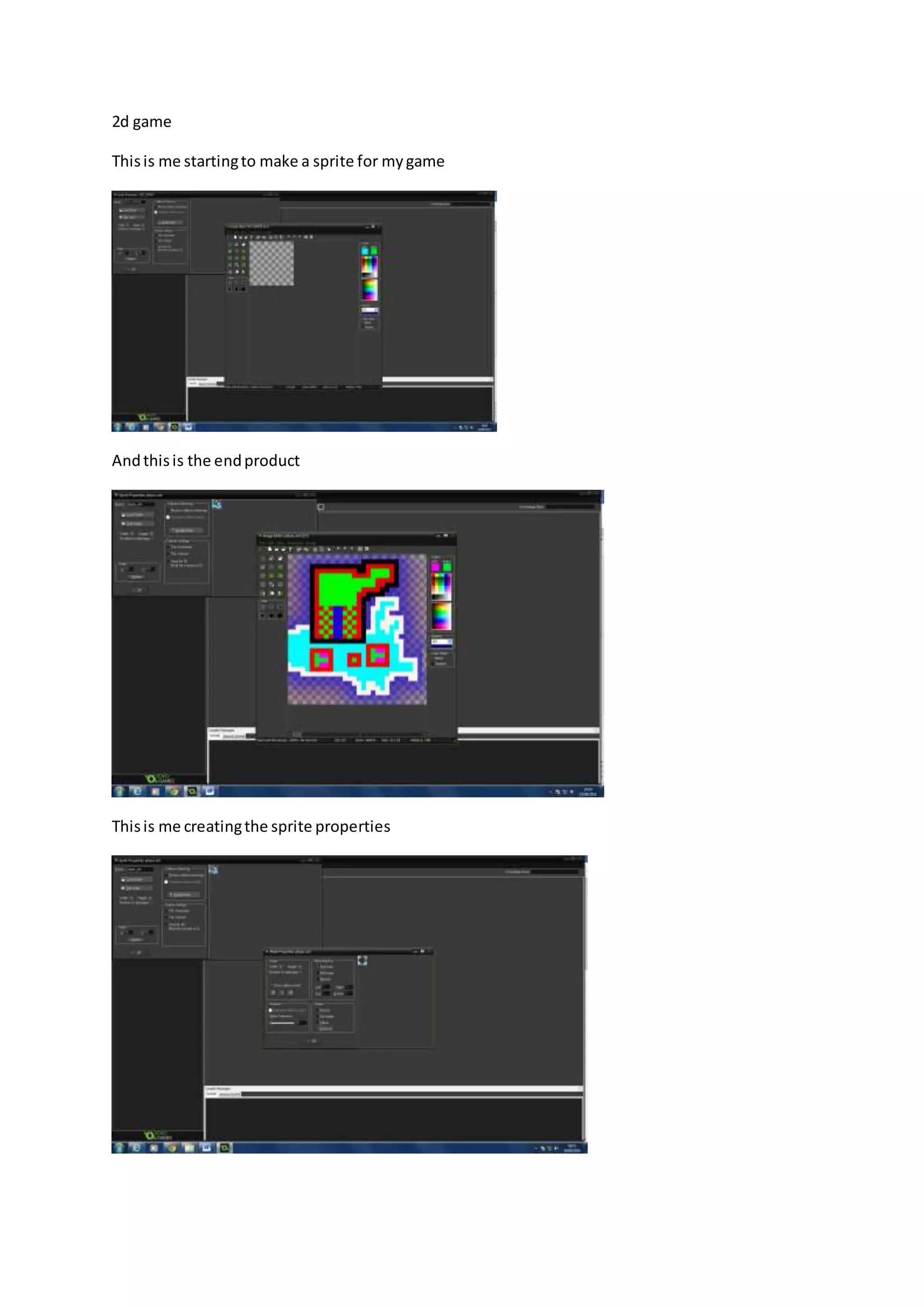
This is me starting to make a sprite for my game 
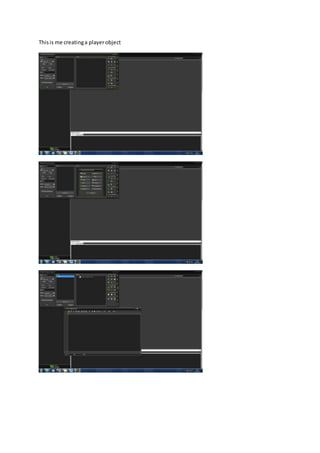
And this is the end product 
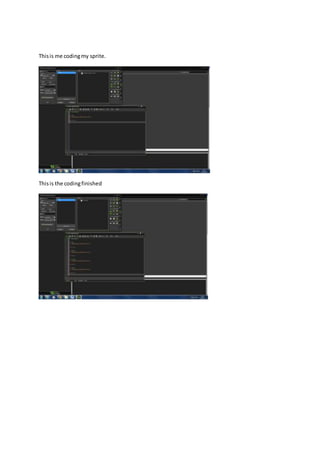
This is me creating the sprite properties
This is me creating a player object
This is me coding my sprite. 
This is the coding finished
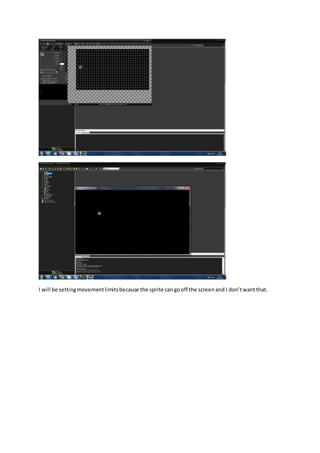
This is me creating a level to test my sprite
I will be setting movement limits because the sprite can go off the screen and I don’t want that.
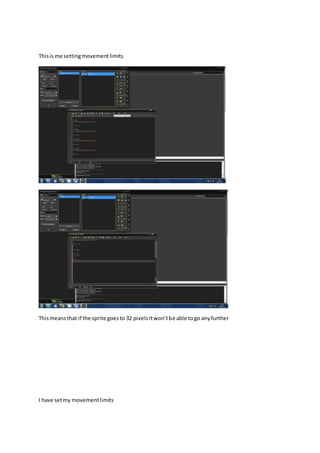
This is me setting movement limits 
This means that if the sprite goes to 32 pixels it won’t be able to go any further 
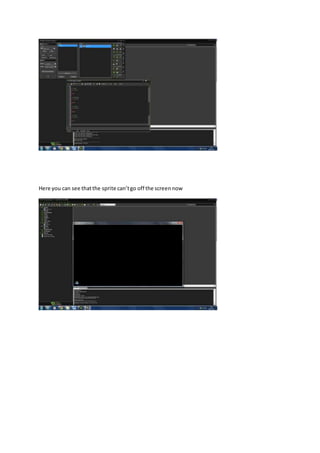
I have set my movement limits
Here you can see that the sprite can’t go off the screen now
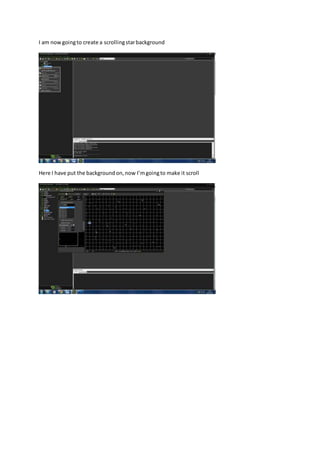
I am now going to create a scrolling star background 
Here I have put the background on, now I’m going to make it scroll
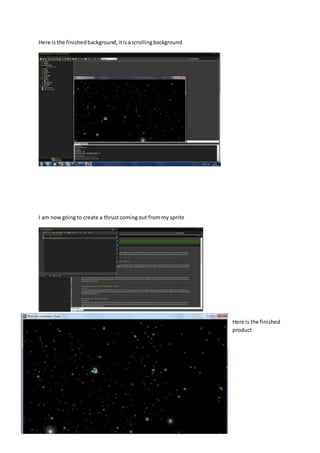
Here is the finished background, it is a scrolling background 
I am now going to create a thrust coming out from my sprite 
Here is the finished 
product
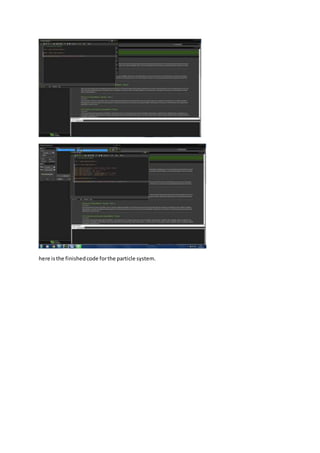
here is the finished code for the particle system.
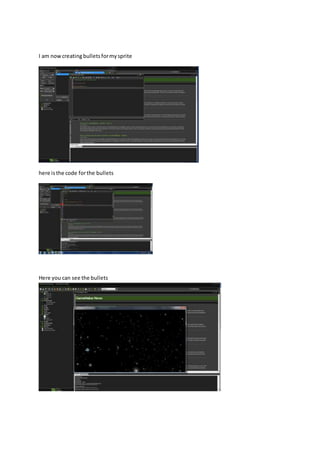
I am now creating bullets for my sprite 
here is the code for the bullets 
Here you can see the bullets
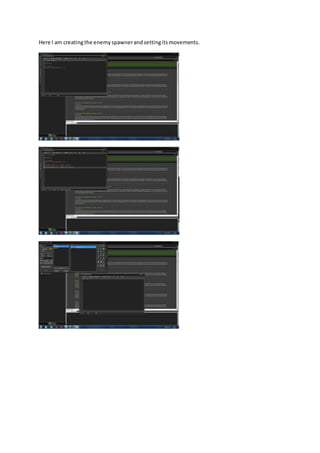
Here I am creating the enemy spawner and setting its movements.
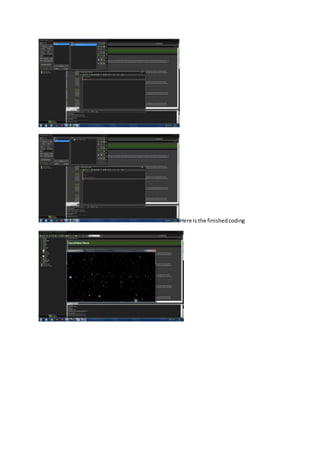
Here is the finished coding
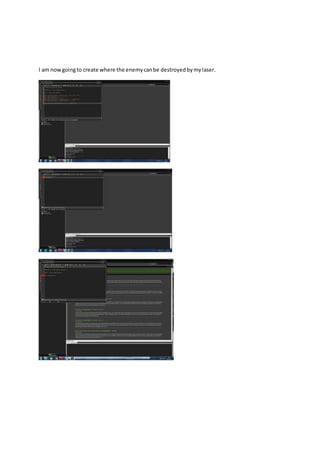
I am now going to create where the enemy can be destroyed by my laser.
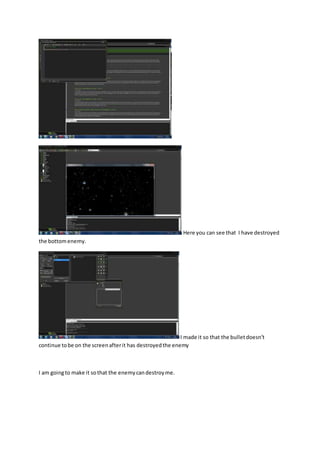
Here you can see that I have destroyed 
the bottom enemy. 
I made it so that the bullet doesn’t 
continue to be on the screen after it has destroyed the enemy 
I am going to make it so that the enemy can destroy me.
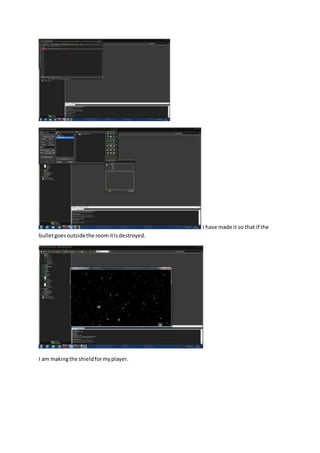
I have made it so that if the 
bullet goes outside the room it is destroyed. 
I am making the shield for my player.
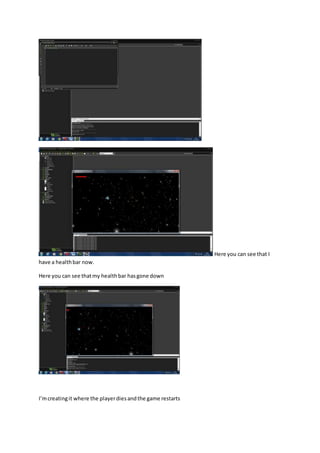
Here you can see that I 
have a health bar now. 
Here you can see that my health bar has gone down 
I’m creating it where the player dies and the game restarts
2d game anthony newman brother

2d game anthony newman brother

  • 1.
    2d game Thisis me starting to make a sprite for my game And this is the end product This is me creating the sprite properties
  • 2.
    This is mecreating a player object
  • 3.
    This is mecoding my sprite. This is the coding finished
  • 4.
    This is mecreating a level to test my sprite
  • 5.
    I will besetting movement limits because the sprite can go off the screen and I don’t want that.
  • 6.
    This is mesetting movement limits This means that if the sprite goes to 32 pixels it won’t be able to go any further I have set my movement limits
  • 7.
    Here you cansee that the sprite can’t go off the screen now
  • 8.
    I am nowgoing to create a scrolling star background Here I have put the background on, now I’m going to make it scroll
  • 9.
    Here is thefinished background, it is a scrolling background I am now going to create a thrust coming out from my sprite Here is the finished product
  • 10.
    here is thefinished code for the particle system.
  • 11.
    I am nowcreating bullets for my sprite here is the code for the bullets Here you can see the bullets
  • 12.
    Here I amcreating the enemy spawner and setting its movements.
  • 13.
    Here is thefinished coding
  • 14.
    I am nowgoing to create where the enemy can be destroyed by my laser.
  • 16.
    Here you cansee that I have destroyed the bottom enemy. I made it so that the bullet doesn’t continue to be on the screen after it has destroyed the enemy I am going to make it so that the enemy can destroy me.
  • 17.
    I have madeit so that if the bullet goes outside the room it is destroyed. I am making the shield for my player.
  • 18.
    Here you cansee that I have a health bar now. Here you can see that my health bar has gone down I’m creating it where the player dies and the game restarts