WORDPRESS SECURITY
Jen Riehle McFarland, NC State University
WHY ME??
Stéfan
Flickr
NEFARIOUS PURPOSES…
▸ Improve SEO for their own sites or advertisements
▸ To distribute malicious software
▸ Help attack/hack other sites
▸ As an “in” to hack the server, then use that in any number
of ways, most commonly for widespread spamming
IS WORDPRESS SECURE?
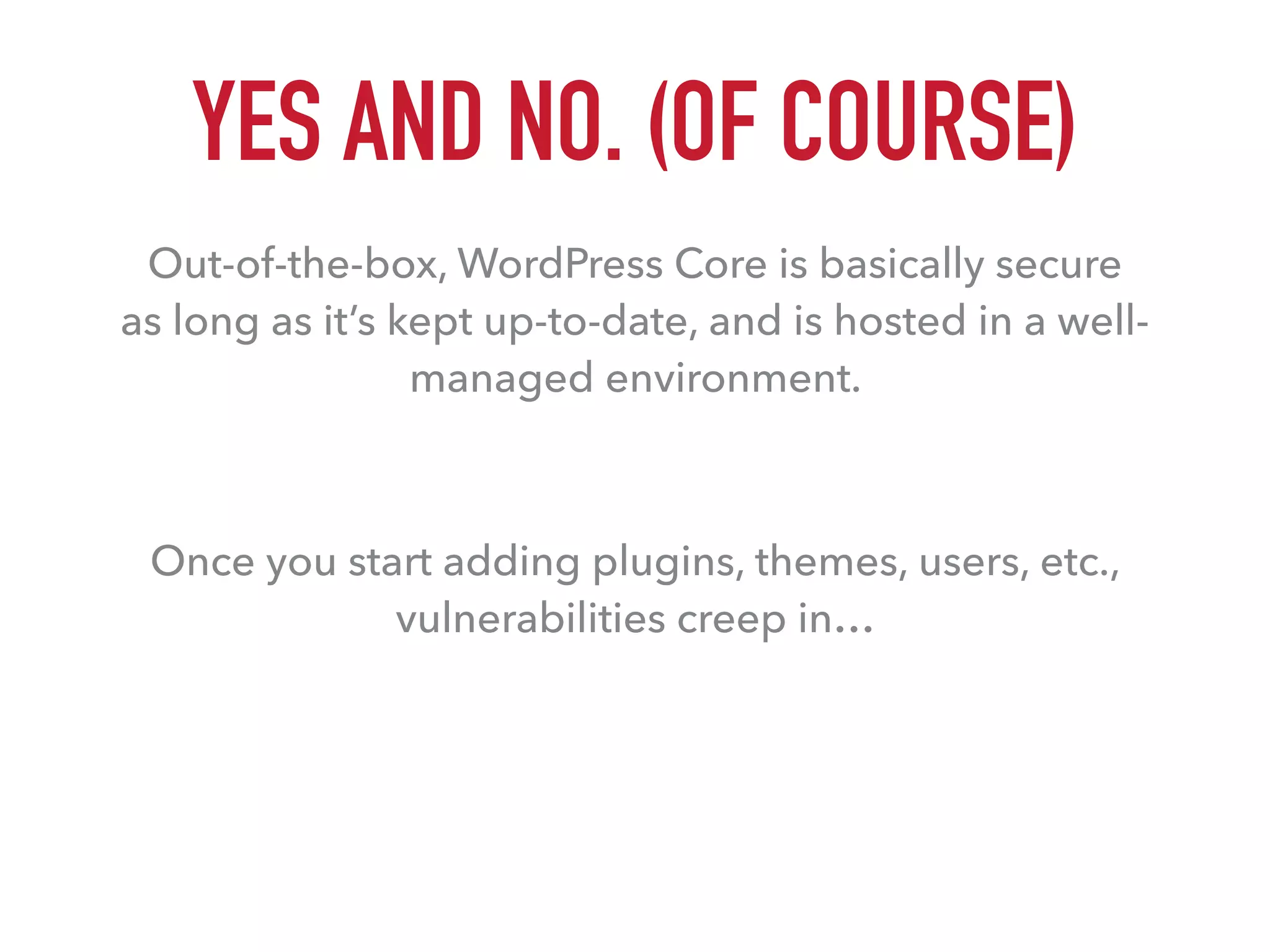
YES AND NO. (OF COURSE)
Out-of-the-box, WordPress Core is basically secure 

as long as it’s kept up-to-date, and is hosted in a well-
managed environment.
Once you start adding plugins, themes, users, etc.,
vulnerabilities creep in…
POTENTIAL
VULNERABILITIES
Stéfan
Flickr
8%
22%
29%
41%
HOW WE GET HACKED
Weak user password
Hosting vulnerability
WordPress theme vulnerability
WordPress plugin vulnerability
WORDPRESS VULNERABILITIES (51%)
▸ Wordpress Themes (29%)
▸ WordPress Plugins (22%)
▸ WordPress Core
CAUSES:
▸ WP Core, themes, plugins out-of-date
▸ Poorly-written (or maliciously-written) themes or plugins
▸ Popularity and consistency of the software
HOSTING VULNERABILITIES (41%)
▸ SQL injections
▸ Poor server security
▸ Lack of understanding of WordPress
CHECK FOR:
▸ Recent versions of PHP and MySQL
▸ Malware scanning and other security tools present
▸ Account isolation
▸ WordPress experience
USER VULNERABILITIES (8%)
▸ Bad habits
▸ Minimal default password requirements
COMMON PROBLEMS:
▸ The “admin” username
▸ The crummy passwords (12345)
▸ User access levels
HOW TO 

DEFEND
Stéfan
Flickr
THE BASICS: START SMART
▸ Pick a solid hosting company
▸ Evaluate your themes and plugins carefully
▸ Go with those that have been vetted by WordPress
▸ Choose only those that are actively developed and/or
supported
▸ Only install what you NEED
▸ Be thoughtful about who/how many should get admin-
level access
THE BASICS: BACKUPS
▸ Backup all the things
▸ Your site (or sites with multisite)
▸ Your settings (what themes and plugins you’re using)
▸ Your files
▸ Your database
▸ And then back them up again somewhere off your main
server
▸ Aim to save at least 6 months back
UPDATES ARE VERY
EASY TO DO 

AND RARELY CAUSE
PROBLEMS IN A 

WELL-MAINTAINED
SITE, 

YET THE MAJORITY OF
WORDPRESS SITES ARE
OUT OF DATE.
Stéfan
Flickr
THE BASICS: UPDATES
▸ WordPress can be set to do updates automatically
▸ Added after version 3.7
▸ Can be set for core, theme, plugin, and translation updates
▸ Core updates can be applied by update “types”
▸ Configure auto updates with wp-config
THE BASICS: MAINTENANCE
▸ Routine review of environments every 6-12 months:
▸ Themes and plugins not in use
▸ Anything that hasn’t been updated in the last 18-24 months (or
more!)
▸ Sites (in a multisite environment) that are no longer active
▸ Checking your backups
▸ Reviewing the configuration of security plugins
THE TOOLS: SERVER/HOSTING
▸ Well-managed hosting
▸ Malware scanners
▸ ModSecurity setup
▸ htaccess limitations
▸ File permissions
▸ Account separation
▸ Server logs
▸ Good communication and working relationship
THE TOOLS: WORDPRESS
▸ wp-config options
▸ disable PHP error reporting
▸ disallow file editing
▸ disallow updating/installing themes and plugins
▸ remove commenting functionality
▸ Many other configuration options that can “harden” your
installation of WordPress
THE TOOLS: WORDPRESS
▸ Security Plugins: iThemes Security, Sucuri ($),
Wordfence
▸ Scanning tools: AntiVirus, WP Antivirus Site Protection
▸ Logging and tracking tools: CodeGuard ($),
wp_debug_log in wp-config
▸ Theme and plugin evaluators: Theme-Check, Plugin-
Check
[WORDPRESS USERS]
HAVE A TENDENCY TO
BE THE SORT OF PEOPLE
THAT, WITHOUT
REALIZING IT, LEAVE
THAT BACK DOOR WIDE
OPEN WITH A SIGN
SAYING “WELCOME,
HACKERS” AND A PLATE
OF BISCUITS.
Stéfan
Flickr
THE TOOLS: USERS
▸ Plugins to improve default password requirements
▸ Two-step authentication
▸ Forced password standards
▸ Limit logins (attempts, locations)
▸ Don’t display usernames on the front-end
▸ Hide backend login page
▸ Use stronger password encryption
THE TOOLS: USERS
▸ Give users the minimum access level they need to get
things done
▸ May need to edit user roles to achieve appropriate access
levels
▸ Encourage (or force) logins from secure locations only
▸ Encourage security on local machines
THE TOOLS: USERS
▸ Use outside authentication integration: Google,
OpenID, OAuth, Shibboleth
▸ Essentially outsourcing authentication to a service
▸ Allows users to re-use an id/password combination that
should aid in retention
AFTER THE 

HACK
Stéfan
Flickr
MANY PEOPLE DON’T REALIZE
THEY’VE BEEN HACKED.
Stéfan
Flickr
AFTER THE HACK…
1. Stay calm.
2. Get your site back.
3. Clean up the hack.
4. Identify the source of the hack.
5. Address all three points of vulnerability: 

hosting, WordPress, and users.
STAY

CALM
Stéfan
Flickr
GET YOUR SITE BACK
▸ If you can’t get into your site you may need to try a
password reset or database edit
▸ Take a backup of what’s there - files, database, uploads - for
later
▸ Lock out the hackers
▸ Remove unknown users and reset all passwords
▸ Change your keys and salts in wp-config
▸ Restore to a known good version of the site (if you have
one)
CLEAN UP THE HACK
▸ Review your files and database for suspicious elements
▸ When in doubt, reinstall.
▸ New directory, WP install, reinstall all themes and
plugins
▸ User accounts with new passwords
▸ Import the content from a clean backup
▸ Check your hosting for other potential damage
IDENTIFY THE SOURCE
▸ Go back through your backup after the hack
▸ Use version control to compare file changes
▸ Get help from your hosting
▸ Check logs
▸ Scan your hosting environment for malware
▸ Scan your personal machine(s) for viruses and malware
ADDRESS VULNERABILITIES
▸ Change your password again. All of them, including
hosting account passwords.
▸ Start over and review all elements of the site for potential
security weaknesses
▸ Scan the new site
▸ Use this experience to plan for the next hack
IT’S THE
END OF
THE
WORLD
Stéfan
Flickr
TWO CHOICES
1. Start over
▸ Copy and paste your old content wherever you can
get it
2. Clean it up manually
▸ Where to look…
▸ Probably won’t be in WordPress core files
▸ Will probably be named innocently
▸ Will probably be your database content
THE
BLACKLISTS
Stéfan
Flickr
AVOID COMMON MISTAKES
▸ Not updating
▸ Not cleaning out old themes and plugins
▸ Using popular plugins because they’re popular
▸ Using “admin” accounts
▸ Weak passwords
▸ Bad hosting
▸ Assuming you will never be hacked
TIPS
▸ Try to keep informed of WP Core and other updates
▸ Schedule reminders to review sites on a routine basis
▸ Check on your hosting company, especially if you’ve had
them awhile
▸ Get help! Share security tips with others who edit or
manage your site
▸ Consider outsourcing some of your security/support
MAKE SURE YOU HAVE BACKUPS!
Stéfan
Flickr
THANK YOU!
QUESTIONS?
RESOURCES
HTTPS://BLOG.SUCURI.NET/
HTTPS://CODEX.WORDPRESS.ORG/CONFIGURING_AUTOMATIC_BACKGROUND_UPDATES
HTTPS://CODEX.WORDPRESS.ORG/FAQ_MY_SITE_WAS_HACKED
HTTPS://PREMIUM.WPMUDEV.ORG/BLOG/KEEPING-WORDPRESS-SECURE-THE-ULTIMATE-GUIDE/
HTTP://Z9.IO/2008/06/08/DID-YOUR-WORDPRESS-SITE-GET-HACKED/
HTTP://WWW.CLEANPAGEDESIGN.CO.UK/IS-YOUR-WORDPRESS-WEBSITE-SAFE-FROM-HACKERS/
HTTPS://WPSMACKDOWN.COM/WORDPRESS-SECURITY-USER-ACCOUNTS-PASSWORDS/
HTTP://SMACKDOWN.BLOGSBLOGSBLOGS.COM/2008/06/24/HOW-TO-COMPLETELY-CLEAN-YOUR-HACKED-WORDPRESS-INSTALLATION/
HTTPS://HOWFREELANCE.COM/BLOG/2016/02/PREVENT-WORDPRESS-HACKING
HTTPS://PREMIUM.WPMUDEV.ORG/BLOG/GET-OFF-GOOGLES-BLACKLIST/
AND PHOTO CREDIT AND GRATITUDE GO TO
HTTPS://WWW.FLICKR.COM/PHOTOS/ST3F4N/

WordPress Security