CARISSA TOMLINSON, MLIS EMERGING TECHNOLOGIES LIBRARIAN Wikis and Blogs in Education
Agenda Introductions Blogs vs. Wikis Wikis and Blogs in the classroom Lots of examples Some problems to watch out for Things to consider Which wiki / blog software? Hands on with WetPaint wikis
Blogs and Wikis Both allow for easy web publishing capabilities without the need for programming skills Both allow for some level of author/reader interactivity through comments Both can be hosted on the web through 3 rd  parties or can be installed on a server and run solely in-house.
Blog versus Wiki Blogs generally have one author and editor Blogs generally have one page where all information is placed What is written on a blog appears in reverse chronological order- little control over main content on page Blogs are time sensitive- new information will be more visible Blogs are used for one person to highlight news and other date sensitive material while allowing the readers to make comments on that news. Wikis tend to have multiple authors and editors Wikis generally have multiple pages  Material on a wiki can be easily manipulated and moved around the site Wikis aren’t date arranged, not time sensitive. Wikis allow multiple people to collaboratively create and edit a comment enabled webpage
  Great tools for many different classroom needs Course Management wiki Post links to assignments, exercises, announcements, etc- similar to using Blackboard. Easily integrate multimedia Video Photos RSS feeds from relevant journals, blogs, news sources Class calendar Make it interactive Chat widget could be used for online office hours Post reading questions- require students to answer in the comments of the wiki (students can then learn from one another) Make a poll or a quiz that students can answer directly on the wiki
Class wiki examples East Carolina University -English 1200 http://eng1200.wetpaint.com/ Marty Roberge –Towson- Department of Geography GEOG 672 -  http://mroberge.wiki.zoho.com/Mill-Ponds.html
Course Management Blog Could be used very similarly to wiki, but must be created in a time conscious way (as class progresses) Can not easily be reused http://millersenglish10.blogspot.com/
Discussion Blogs A place for questions to be posed and students to discuss in a virtual environment. http://blog.lib.umn.edu/wind0061/hist3152/
Reflective Learning Blog Students are asked to reflect or “journal” on a particular topic every week.  http://danielkiely.wordpress.com/
Student Group Project Wiki Keep all work in one spot- don’t worry about exchanging emails Keep research/bibliographic information in one spot Share a project calendar Brainstorming area – especially useful for web based classes or classes without much group time Document tracking makes it easy to write a rough draft and turn it into the final  Keep all contact info accessible online Cheryl Wood - Department of Educational Technology ISTC 201 -  http://201summercampus.wikispaces.com/ ISTC 702 -  http://istc702summer08.wikispaces.com/  
Other ideas… Blogs for communication with students/ parents Wikis for test preparation Faculty collaboration  Department/ University outreach
Wikis in the Classroom Difficulties mentioned by Dr. Roberge “ students having technological difficulties” “ students not 'trusting the process': they worry that their contributions won't be noticed by me, and their wiki work won't be recognized.  Even though I can quickly call up a screen showing what everyone has written and edited.” “ students worrying that their work will be erased, or that if they edit someone else's work, that person will get angry.” “ students feeling directionless because the wiki has no inherent structure”
Wikis and Blogs for education? Allows for active learning through the interactive capabilities between students and/or students and teacher Easy to use technology – easy way to get something on the web. “ Classroom” available anytime from anywhere Useful not only in the classroom but for staff projects, training, committees, outreach and numerous other ways
Wikis/Blogs- Things to Consider Need to be carefully constructed Plan an outline  What is the purpose? Blog vs. wiki Make sure that it is easy to navigate Decide what features are important  Decide who has access to what sections Wikis and blogs can be either hosted on an in-house server or hosted online by a 3 rd  party.
Things to Consider- In-House Server Blog/Wiki Pros Much more control over content Can be easier to manipulate for specific purposes Design Access / Security No ads Cons Requires server access Implementation requires additional technological expertise Does not always use easy WYSIWYG editing
Things to Consider- Web Hosted Blog/Wiki Pros Requires little technological knowledge WYSIWYG (easy to edit/create)  No server access required Many do not have ads if used for educational purposes Cons No control of what happens to the content (wiki farm shuts down, wiki could be gone forever) Not always as flexible Additional flexibility can cost $$
Wiki Software  Server Based Mediawiki PmWiki Twiki MoinMoin XWiki Web Based WetPaint PBWiki SeedWiki Wikispaces Zoho Wikis Wiki Matrix:  http://www.wikimatrix.org/ Wikipedia:  http://en.wikipedia.org/wiki/Comparison_of_wiki_software
Blog Software Server Based Wordpress.org Movable Type Web Based Wordpress.com Blogger Livejournal TypePad Wikipedia:  http://en.wikipedia.org/wiki/Weblog_software
WetPaint Wikis –  www.wetpaint.com Easy to create and update pages Use your own logo Use your own domain Variety of permissions settings- possible to assign roles to each user/ creator Ability to back up wiki by exporting content to html document Easy to navigate design Ads will be removed when wikis are used for educational purposes
Additional Resources on Wikis Brad Hemminger Cradle Talk: Wikis in Education http://www.youtube.com/watch?v=ITqvFKb9BbA Intro to Class Wikis with Wikispaces http://www.youtube.com/watch?v=6NRbbskf3cA PBwiki educator videos http://www.youtube.com/watch?v=6NRbbskf3cA Creating a Classroom Wiki using Wetpaint Creating a wiki in Wetpaint http://www.youtube.com/watch?v=EgqSfSPRLqQ Basic Editing of Wetpaint wikis http://www.youtube.com/watch?v=6wDuj-jH-Zw Getting ads removed from Wetpaint wikis http://www.youtube.com/watch?v=fbh-bHhYpB0
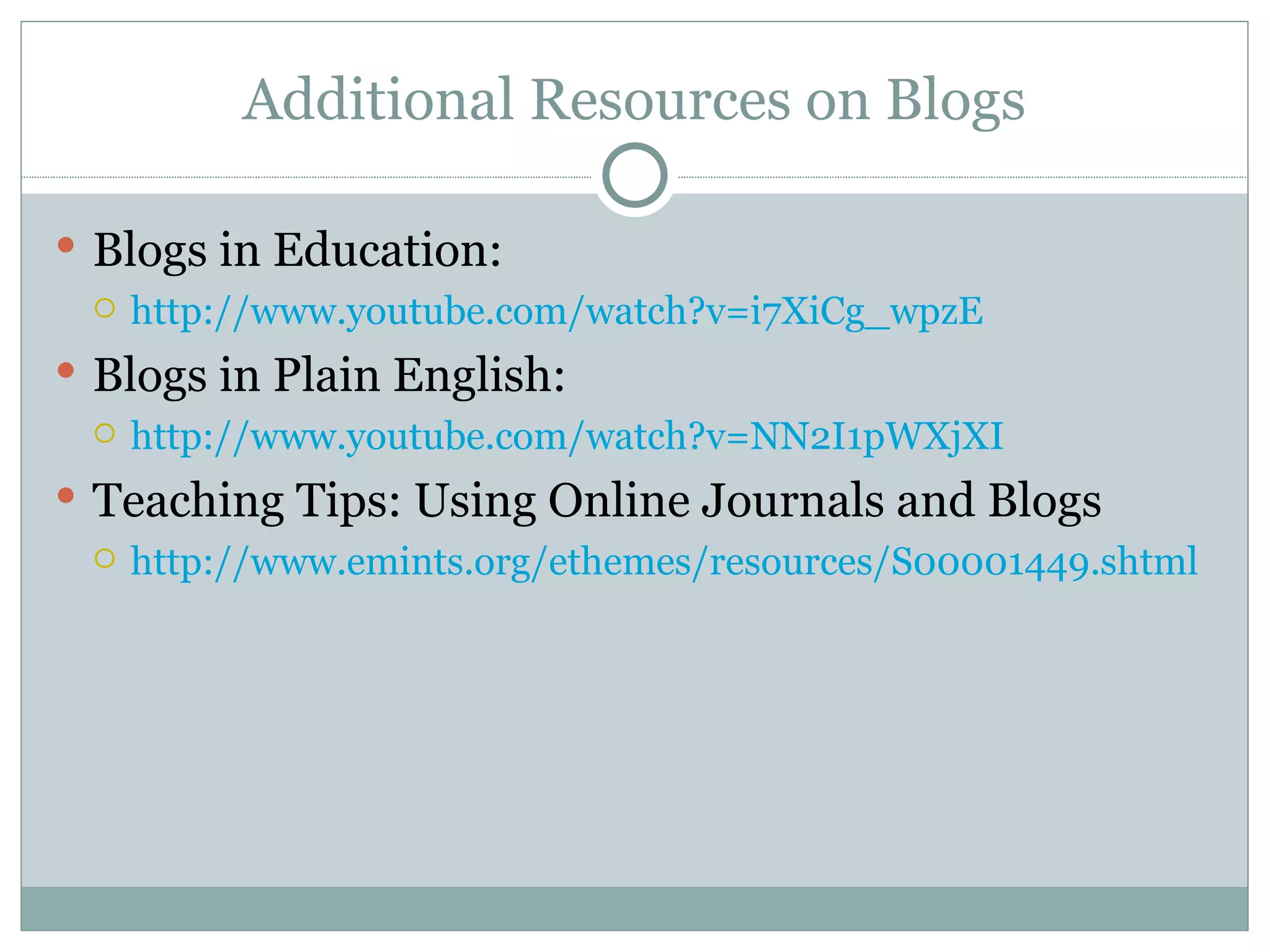
Additional Resources on Blogs Blogs in Education: http://www.youtube.com/watch?v=i7XiCg_wpzE Blogs in Plain English: http://www.youtube.com/watch?v=NN2I1pWXjXI Teaching Tips: Using Online Journals and Blogs http://www.emints.org/ethemes/resources/S00001449.shtml
Additional Resources Carissa Tomlinson Reference Librarian 410-704-3359 [email_address]   Marty Roberge  Geography Department 410-704-5011 [email_address] Cheryl Wood Educational Technology Department 410-704-2687 [email_address]

Wikis Blogs COE

  • 1.
    CARISSA TOMLINSON, MLISEMERGING TECHNOLOGIES LIBRARIAN Wikis and Blogs in Education
  • 2.
    Agenda Introductions Blogsvs. Wikis Wikis and Blogs in the classroom Lots of examples Some problems to watch out for Things to consider Which wiki / blog software? Hands on with WetPaint wikis
  • 3.
    Blogs and WikisBoth allow for easy web publishing capabilities without the need for programming skills Both allow for some level of author/reader interactivity through comments Both can be hosted on the web through 3 rd parties or can be installed on a server and run solely in-house.
  • 4.
    Blog versus WikiBlogs generally have one author and editor Blogs generally have one page where all information is placed What is written on a blog appears in reverse chronological order- little control over main content on page Blogs are time sensitive- new information will be more visible Blogs are used for one person to highlight news and other date sensitive material while allowing the readers to make comments on that news. Wikis tend to have multiple authors and editors Wikis generally have multiple pages Material on a wiki can be easily manipulated and moved around the site Wikis aren’t date arranged, not time sensitive. Wikis allow multiple people to collaboratively create and edit a comment enabled webpage
  • 5.
    Greattools for many different classroom needs Course Management wiki Post links to assignments, exercises, announcements, etc- similar to using Blackboard. Easily integrate multimedia Video Photos RSS feeds from relevant journals, blogs, news sources Class calendar Make it interactive Chat widget could be used for online office hours Post reading questions- require students to answer in the comments of the wiki (students can then learn from one another) Make a poll or a quiz that students can answer directly on the wiki
  • 6.
    Class wiki examplesEast Carolina University -English 1200 http://eng1200.wetpaint.com/ Marty Roberge –Towson- Department of Geography GEOG 672 - http://mroberge.wiki.zoho.com/Mill-Ponds.html
  • 7.
    Course Management BlogCould be used very similarly to wiki, but must be created in a time conscious way (as class progresses) Can not easily be reused http://millersenglish10.blogspot.com/
  • 8.
    Discussion Blogs Aplace for questions to be posed and students to discuss in a virtual environment. http://blog.lib.umn.edu/wind0061/hist3152/
  • 9.
    Reflective Learning BlogStudents are asked to reflect or “journal” on a particular topic every week. http://danielkiely.wordpress.com/
  • 10.
    Student Group ProjectWiki Keep all work in one spot- don’t worry about exchanging emails Keep research/bibliographic information in one spot Share a project calendar Brainstorming area – especially useful for web based classes or classes without much group time Document tracking makes it easy to write a rough draft and turn it into the final Keep all contact info accessible online Cheryl Wood - Department of Educational Technology ISTC 201 - http://201summercampus.wikispaces.com/ ISTC 702 - http://istc702summer08.wikispaces.com/  
  • 11.
    Other ideas… Blogsfor communication with students/ parents Wikis for test preparation Faculty collaboration Department/ University outreach
  • 12.
    Wikis in theClassroom Difficulties mentioned by Dr. Roberge “ students having technological difficulties” “ students not 'trusting the process': they worry that their contributions won't be noticed by me, and their wiki work won't be recognized. Even though I can quickly call up a screen showing what everyone has written and edited.” “ students worrying that their work will be erased, or that if they edit someone else's work, that person will get angry.” “ students feeling directionless because the wiki has no inherent structure”
  • 13.
    Wikis and Blogsfor education? Allows for active learning through the interactive capabilities between students and/or students and teacher Easy to use technology – easy way to get something on the web. “ Classroom” available anytime from anywhere Useful not only in the classroom but for staff projects, training, committees, outreach and numerous other ways
  • 14.
    Wikis/Blogs- Things toConsider Need to be carefully constructed Plan an outline What is the purpose? Blog vs. wiki Make sure that it is easy to navigate Decide what features are important Decide who has access to what sections Wikis and blogs can be either hosted on an in-house server or hosted online by a 3 rd party.
  • 15.
    Things to Consider-In-House Server Blog/Wiki Pros Much more control over content Can be easier to manipulate for specific purposes Design Access / Security No ads Cons Requires server access Implementation requires additional technological expertise Does not always use easy WYSIWYG editing
  • 16.
    Things to Consider-Web Hosted Blog/Wiki Pros Requires little technological knowledge WYSIWYG (easy to edit/create) No server access required Many do not have ads if used for educational purposes Cons No control of what happens to the content (wiki farm shuts down, wiki could be gone forever) Not always as flexible Additional flexibility can cost $$
  • 17.
    Wiki Software Server Based Mediawiki PmWiki Twiki MoinMoin XWiki Web Based WetPaint PBWiki SeedWiki Wikispaces Zoho Wikis Wiki Matrix: http://www.wikimatrix.org/ Wikipedia: http://en.wikipedia.org/wiki/Comparison_of_wiki_software
  • 18.
    Blog Software ServerBased Wordpress.org Movable Type Web Based Wordpress.com Blogger Livejournal TypePad Wikipedia: http://en.wikipedia.org/wiki/Weblog_software
  • 19.
    WetPaint Wikis – www.wetpaint.com Easy to create and update pages Use your own logo Use your own domain Variety of permissions settings- possible to assign roles to each user/ creator Ability to back up wiki by exporting content to html document Easy to navigate design Ads will be removed when wikis are used for educational purposes
  • 20.
    Additional Resources onWikis Brad Hemminger Cradle Talk: Wikis in Education http://www.youtube.com/watch?v=ITqvFKb9BbA Intro to Class Wikis with Wikispaces http://www.youtube.com/watch?v=6NRbbskf3cA PBwiki educator videos http://www.youtube.com/watch?v=6NRbbskf3cA Creating a Classroom Wiki using Wetpaint Creating a wiki in Wetpaint http://www.youtube.com/watch?v=EgqSfSPRLqQ Basic Editing of Wetpaint wikis http://www.youtube.com/watch?v=6wDuj-jH-Zw Getting ads removed from Wetpaint wikis http://www.youtube.com/watch?v=fbh-bHhYpB0
  • 21.
    Additional Resources onBlogs Blogs in Education: http://www.youtube.com/watch?v=i7XiCg_wpzE Blogs in Plain English: http://www.youtube.com/watch?v=NN2I1pWXjXI Teaching Tips: Using Online Journals and Blogs http://www.emints.org/ethemes/resources/S00001449.shtml
  • 22.
    Additional Resources CarissaTomlinson Reference Librarian 410-704-3359 [email_address] Marty Roberge Geography Department 410-704-5011 [email_address] Cheryl Wood Educational Technology Department 410-704-2687 [email_address]