INTRODUCTION TO CHEF
Mamun Rashid @mamunr07
5.2017
DEVOPS PIECES
 Continuous Integration
 Continuous Deployment
 Configuration Management  Chef fits here
 Automated Testing
 Automated Monitoring with Metrics
INFRASTRUCTURE AS CODE ~
CONFIGURATION MANAGEMENT
FULL STACK WITH
VERSION CONTROL &
FULL TEAM REAL-TIME COLLABORATION
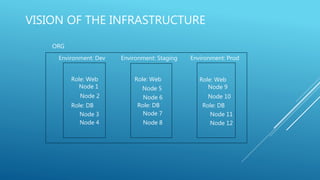
VISION OF THE INFRASTRUCTURE
ORG
Environment: Dev Environment: Staging Environment: Prod
Role: Web Role: Web Role: Web
Role: DB Role: DB Role: DB
Node 5
Node 6
Node 7
Node 8
Node 10
Node 9
Node 11
Node 12
Node 1
Node 2
Node 3
Node 4
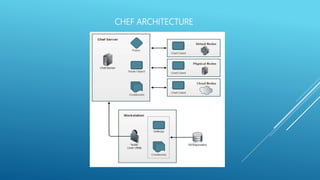
CHEF ARCHITECTURE
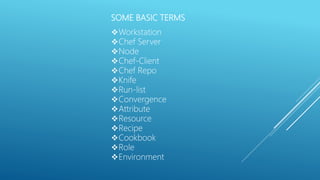
SOME BASIC TERMS
Workstation
Chef Server
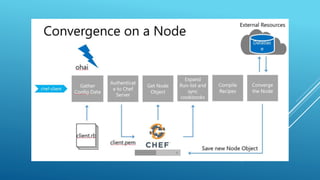
Node
Chef-Client
Chef Repo
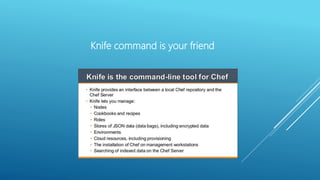
Knife
Run-list
Convergence
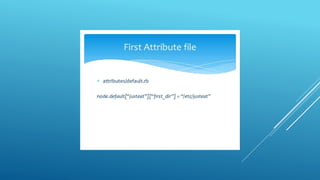
Attribute
Resource
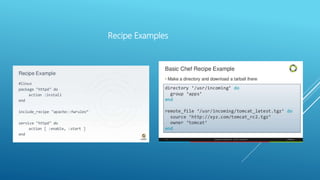
Recipe
Cookbook
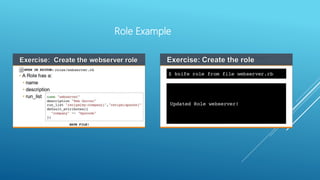
Role
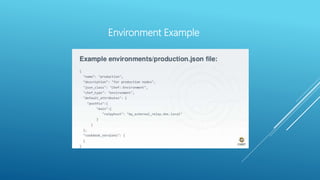
Environment
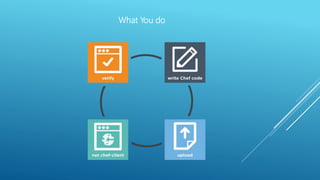
What You do
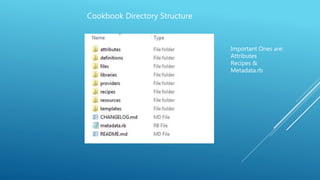
Cookbook Directory Structure
Important Ones are:
Attributes
Recipes &
Metadata.rb
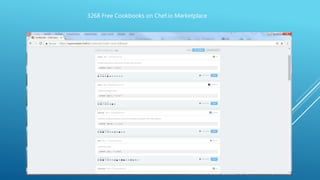
3268 Free Cookbooks on Chef.io Marketplace
MYTH!
You need to know Ruby well to
write Chef Cookbooks
Recipe Examples
Role Example
Environment Example
Knife command is your friend
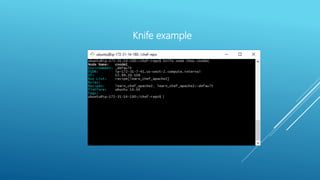
Knife example
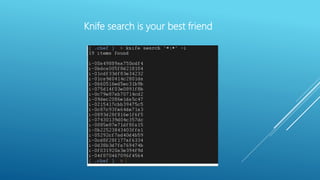
Knife search is your best friend
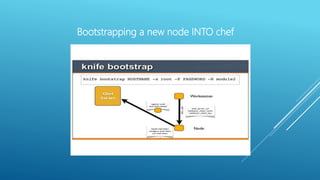
Bootstrapping a new node INTO chef
That’s all great,
but what happens in real life?
Where do I start?
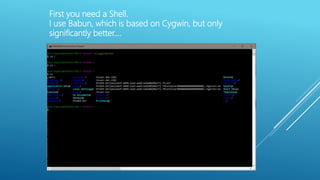
First you need a Shell.
I use Babun, which is based on Cygwin, but only
significantly better….
Install Chef-dk for Windows
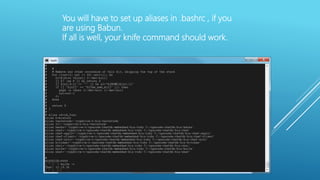
You will have to set up aliases in .bashrc , if you
are using Babun.
If all is well, your knife command should work.
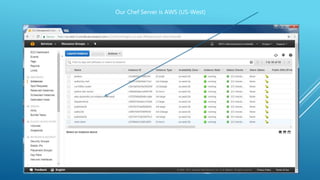
Our Chef Server is AWS (US-West)
To connect up to the Chef Server from your PC so that you can use knife
commands to do things, you need:
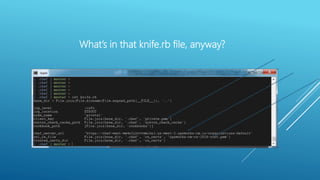
Knife.rb file (This tells knife where to go and more)
Certificate File (.pem) (This tells the Chef server that you are legit)
What’s in that knife.rb file, anyway?
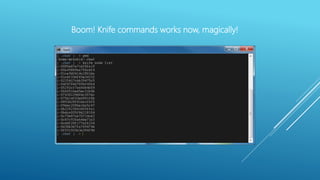
Boom! Knife commands works now, magically!
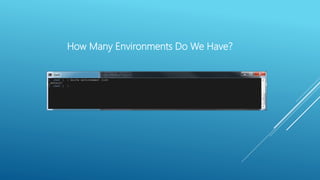
How Many Environments Do We Have?
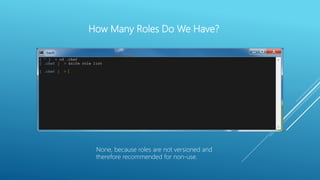
How Many Roles Do We Have?
None, because roles are not versioned and
therefore recommended for non-use.
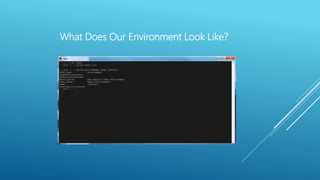
What Does Our Environment Look Like?
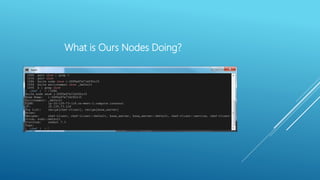
What is Ours Nodes Doing?
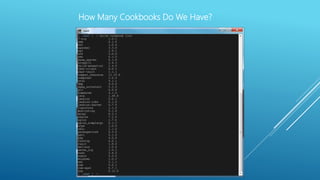
How Many Cookbooks Do We Have?
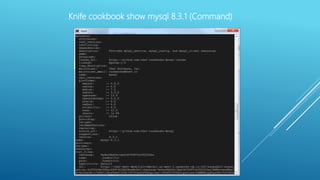
Knife cookbook show mysql 8.3.1 (Command)
Managing Cookbooks and their
dependencies become a nightmare very
quickly……
Why not manage cookbooks like we
manages packages (like gem, yum, apt or
pact in Babun)?
Answer: Berkshelf
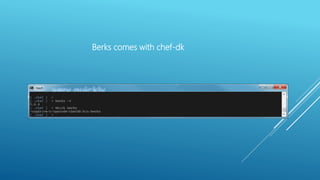
Berks comes with chef-dk
The idea is that, you add dependencies in the metadata file of
YOUR cookbook, make your cookbook and upload.
Next time that cookbook is used by you or someone else, it will
remember the dependencies and get the dependencies for the
executor.
This way, each author only needs to worry about their addition to
the cookbook, (i.e. re-use code!)
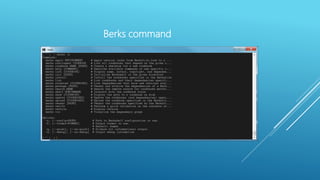
Berks command
From: http://www.tothenew.com/blog/introduction-to-berkshelf/
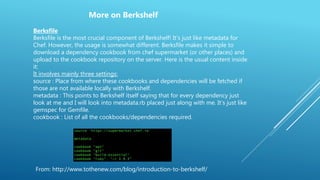
Berksfile
Berksfile is the most crucial component of Berkshelf! It’s just like metadata for
Chef. However, the usage is somewhat different. Berksfile makes it simple to
download a dependency cookbook from chef supermarket (or other places) and
upload to the cookbook repository on the server. Here is the usual content inside
it:
It involves mainly three settings:
source : Place from where these cookbooks and dependencies will be fetched if
those are not available locally with Berkshelf.
metadata : This points to Berkshelf itself saying that for every dependency just
look at me and I will look into metadata.rb placed just along with me. It’s just like
gemspec for Gemfile.
cookbook : List of all the cookbooks/dependencies required.
More on Berkshelf
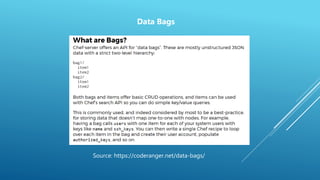
Source: https://coderanger.net/data-bags/
Data Bags
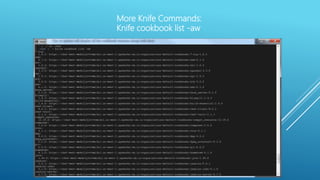
More Knife Commands:
Knife cookbook list -aw
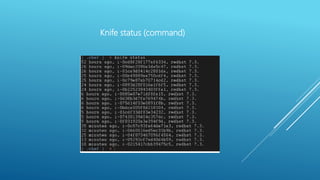
Knife status (command)
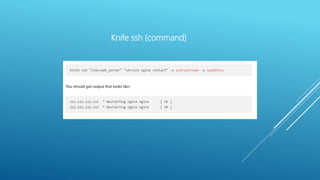
Knife ssh (command)
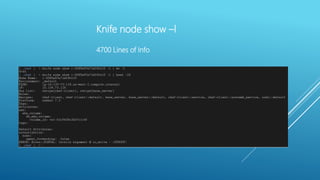
Knife node show –l
4700 Lines of Info

Chef Tutorial for DEVOPS Newbies