IEC 4037 - TECHNOLOGY TO
SUPPORT LEARNING
Course Instructors:
Asst/Prof Rhoda Myra Garces-Bacsal, PhD
A/P Wong Meng Ee
Dr Elizabeth Ow Yeong
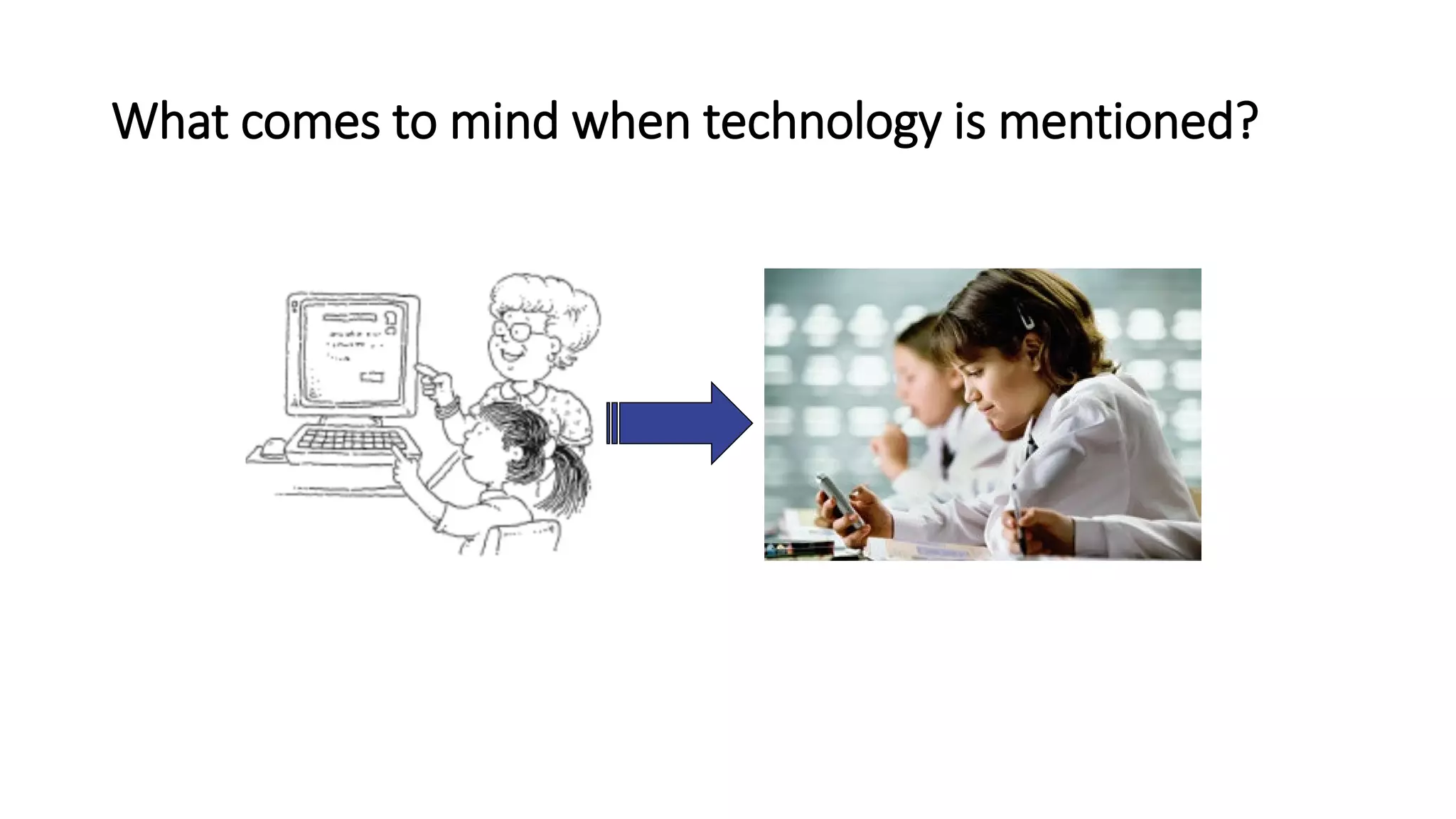
What comes to mind when technology is mentioned?
Video
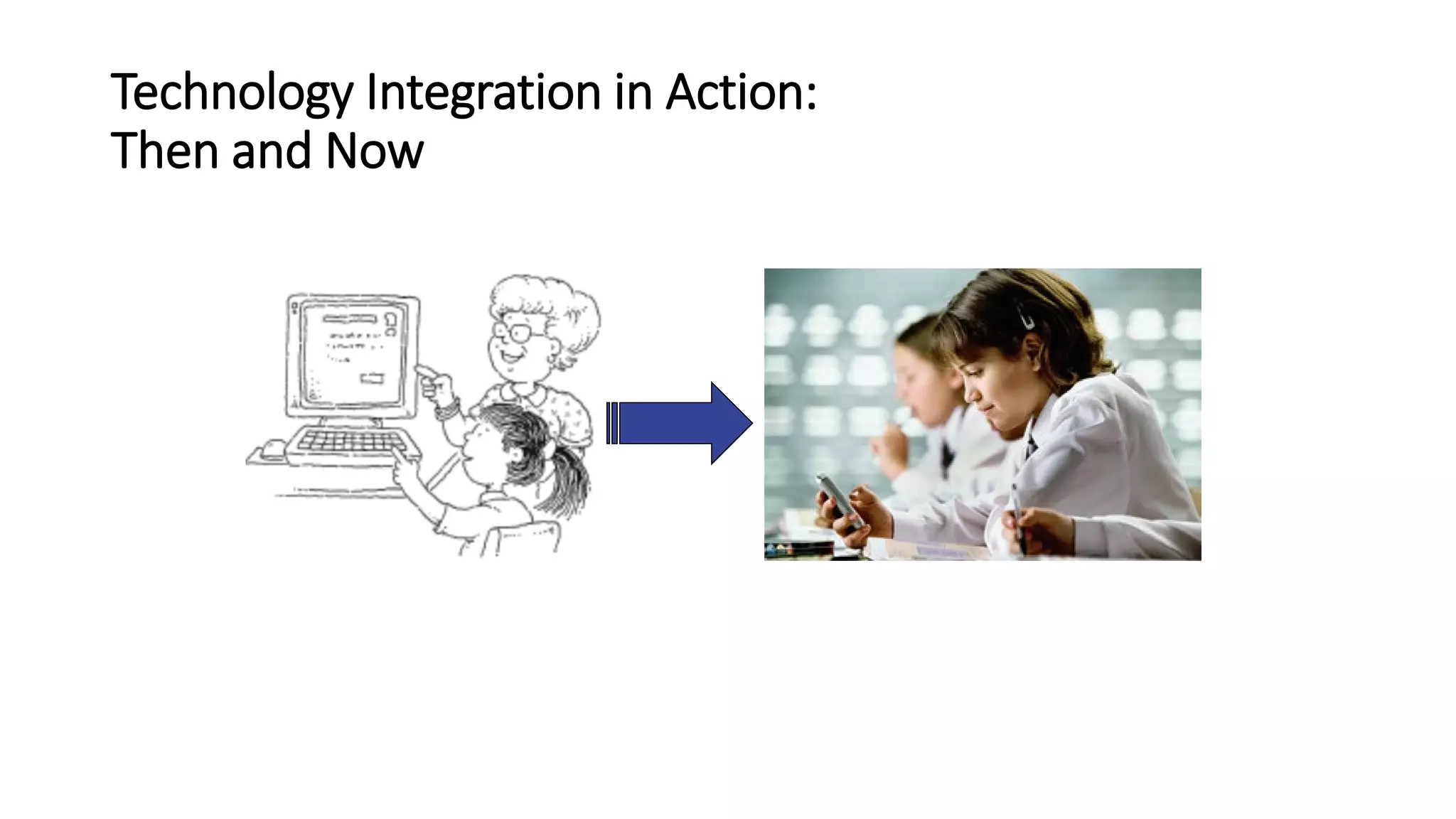
Technology Integration in Action:
Then and Now
 Learn key terminology
 Reflect on the past to shape the future
 Consider currently available resources and how to
use them
 Look ahead to emerging trends
Perspectives on Technology Uses:
Why we need the “big picture”
What will the future be like?
Educational and Instructional Technology
• Earliest references to the term “educational technology” were by
radio instruction pioneer W. W. Charters in 1948, and instructional
technology was first used by audiovisual expert James Finn in 1963
(Saettler, 1990).
More Than Processes and Tools
• 1970 Commission on Instructional Technology defined
educational technology as both
• “the media born of the communication revolution which can be
used for instructional purposes” (p. 6) and “a systematic way of
designing, carrying out, and evaluating the total process of
learning and teaching” (p. 6).
• As the 1970 commission concluded, a broader definition of
educational technology that encompasses both tools and
processes “belongs to the future” (Saettler, 1990, p. 6).
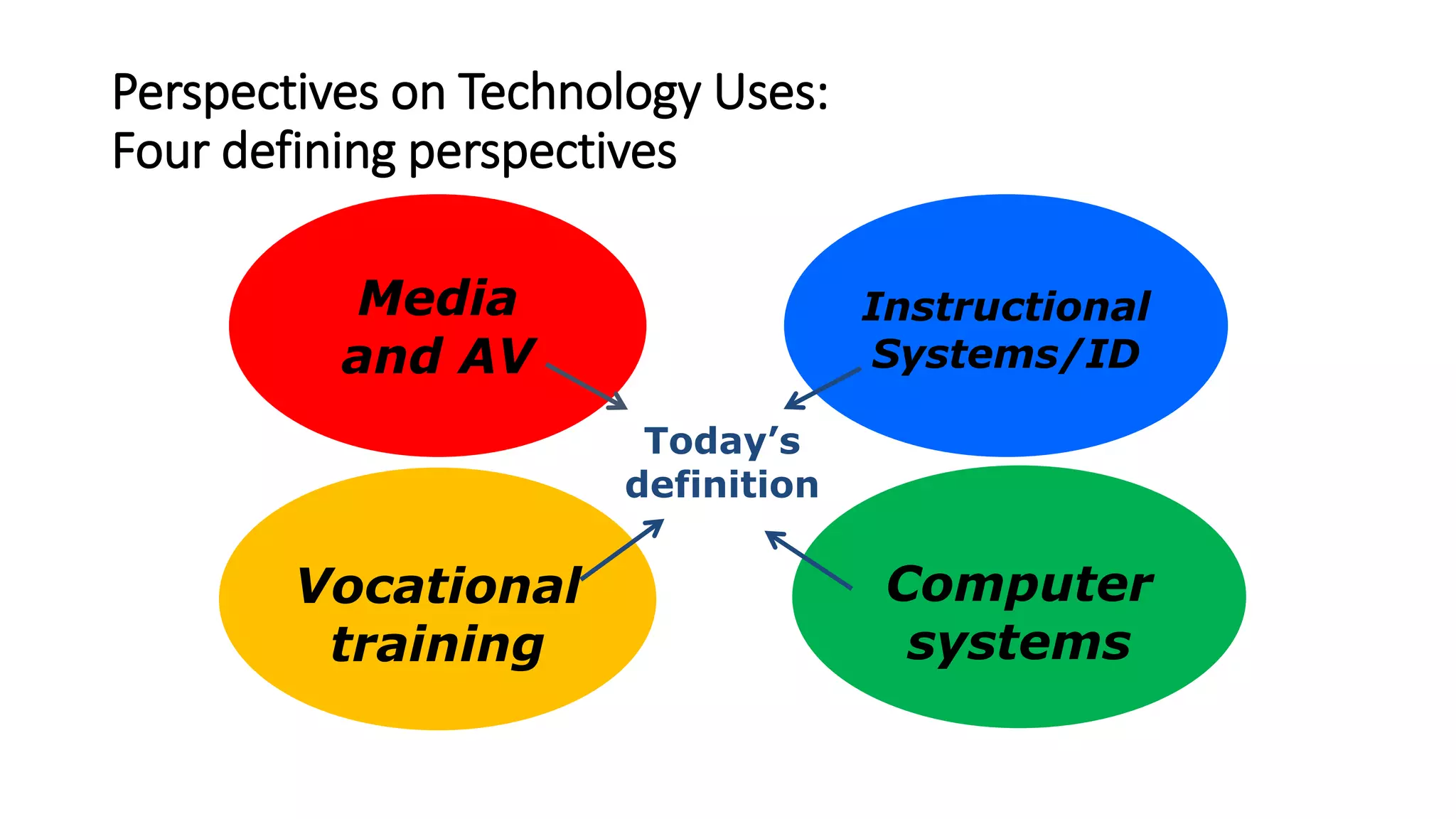
Perspectives on Technology Uses:
Four defining perspectives
Media
and AV
Instructional
Systems/ID
Vocational
training
Computer
systems
Today’s
definition
Association for Educational Communications and
Technology (AECT)
• Initial focus: Audio-​visual (AV) devices and media
• Now: Using any resources to improve teaching and learning
• Definition: Educational technology is facilitating learning and
improving performance by creating and using technological processes
and resources.
International Technology and Engineering Educators
Association (ITEEA)
• Initial focus: Manufacturing and materials skills
• Now: STEM education and careers
• Definition: Technology education is problem-based learning using
STEM principles.
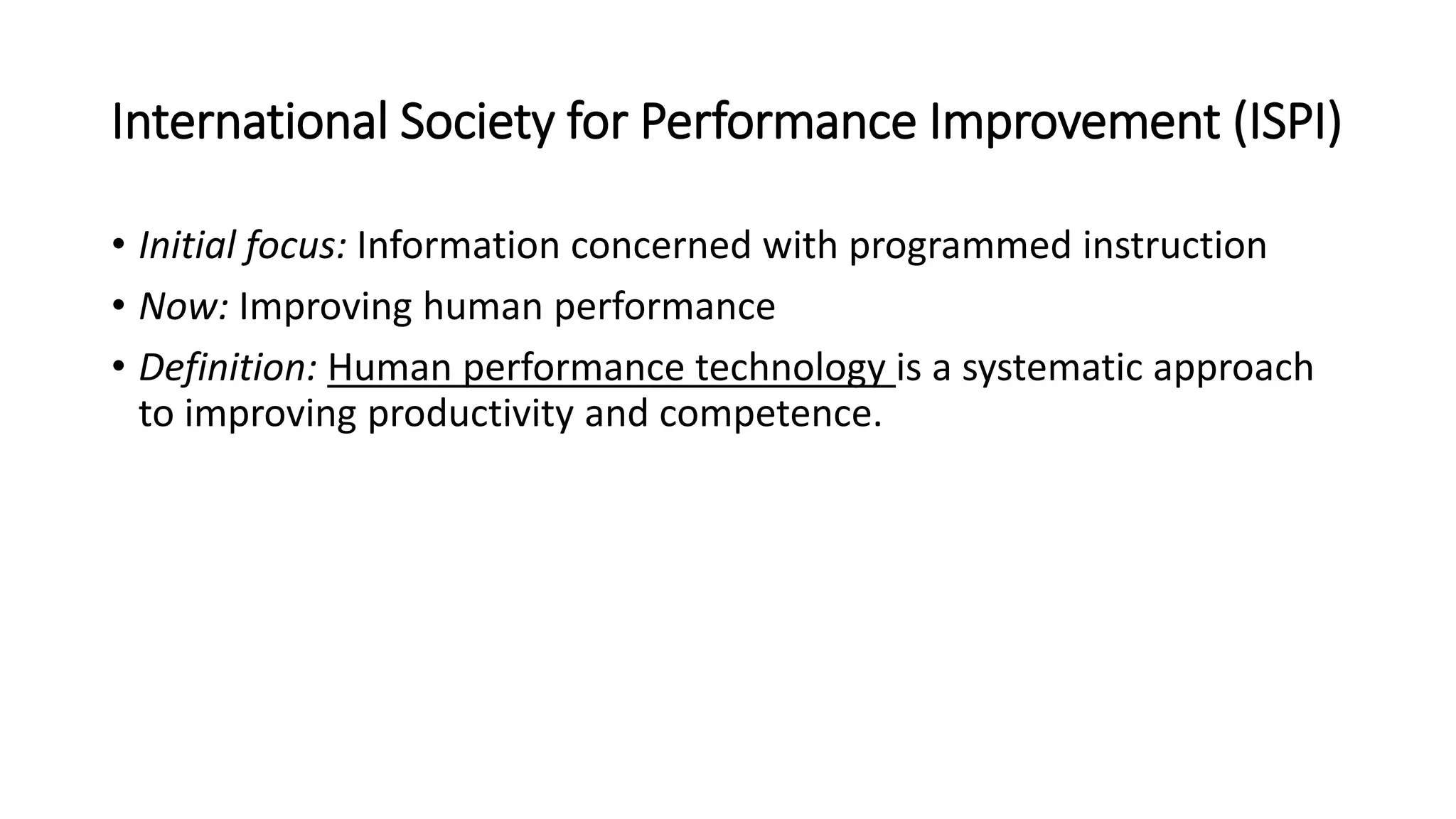
International Society for Performance Improvement (ISPI)
• Initial focus: Information concerned with programmed instruction
• Now: Improving human performance
• Definition: Human performance technology is a systematic approach
to improving productivity and competence.
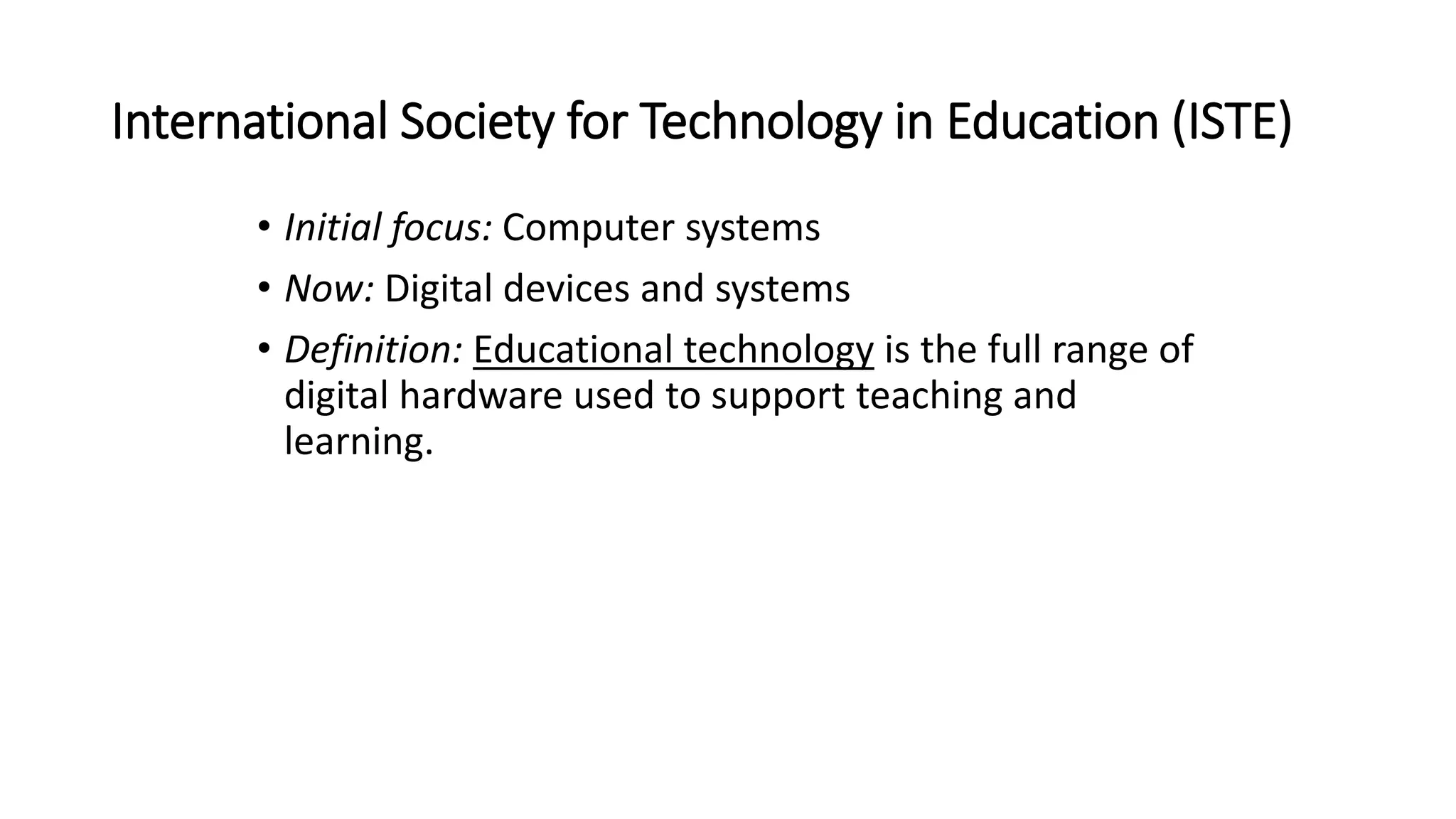
International Society for Technology in Education (ISTE)
• Initial focus: Computer systems
• Now: Digital devices and systems
• Definition: Educational technology is the full range of
digital hardware used to support teaching and
learning.
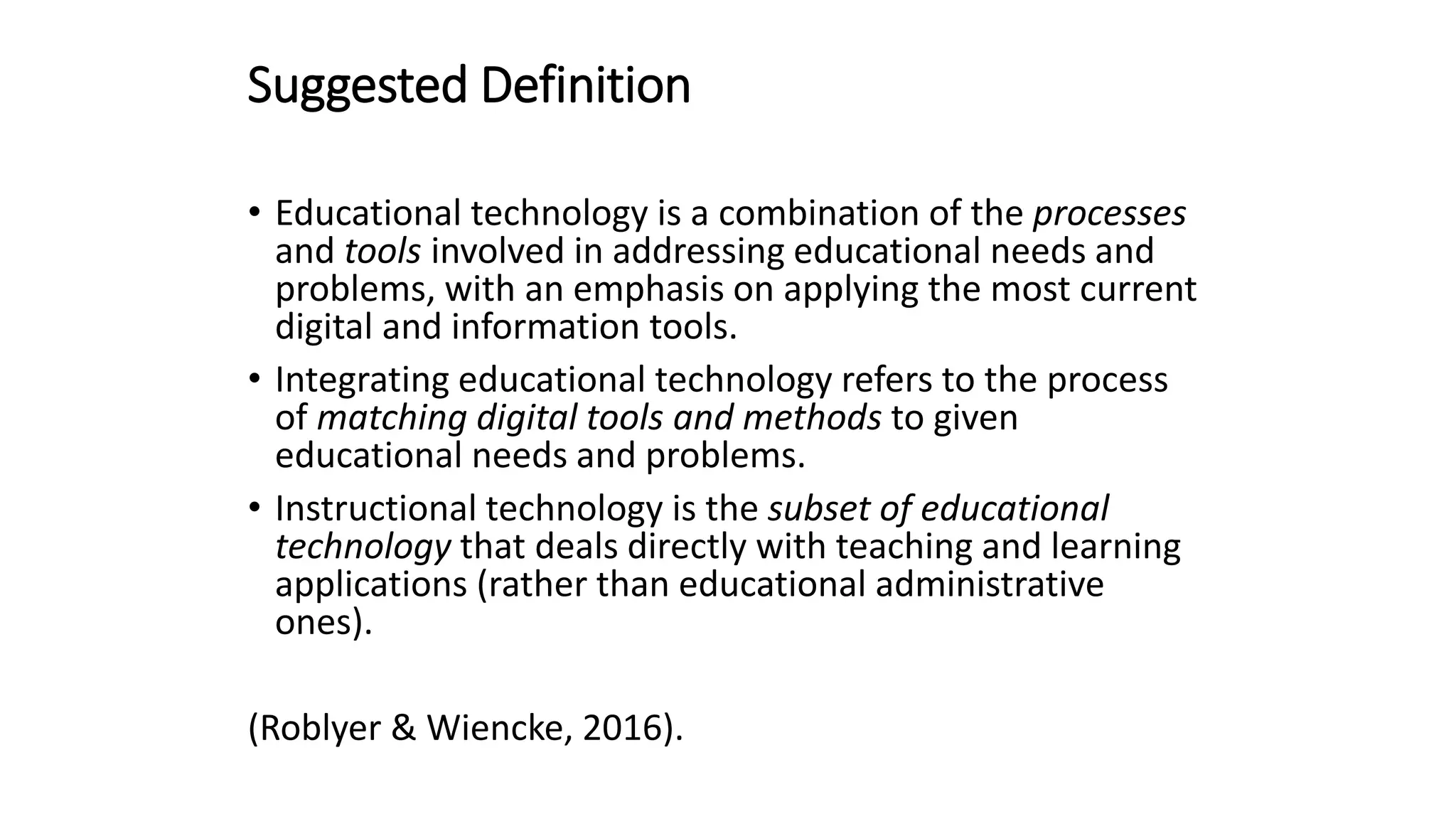
Suggested Definition
• Educational technology is a combination of the processes
and tools involved in addressing educational needs and
problems, with an emphasis on applying the most current
digital and information tools.
• Integrating educational technology refers to the process
of matching digital tools and methods to given
educational needs and problems.
• Instructional technology is the subset of educational
technology that deals directly with teaching and learning
applications (rather than educational administrative
ones).
(Roblyer & Wiencke, 2016).
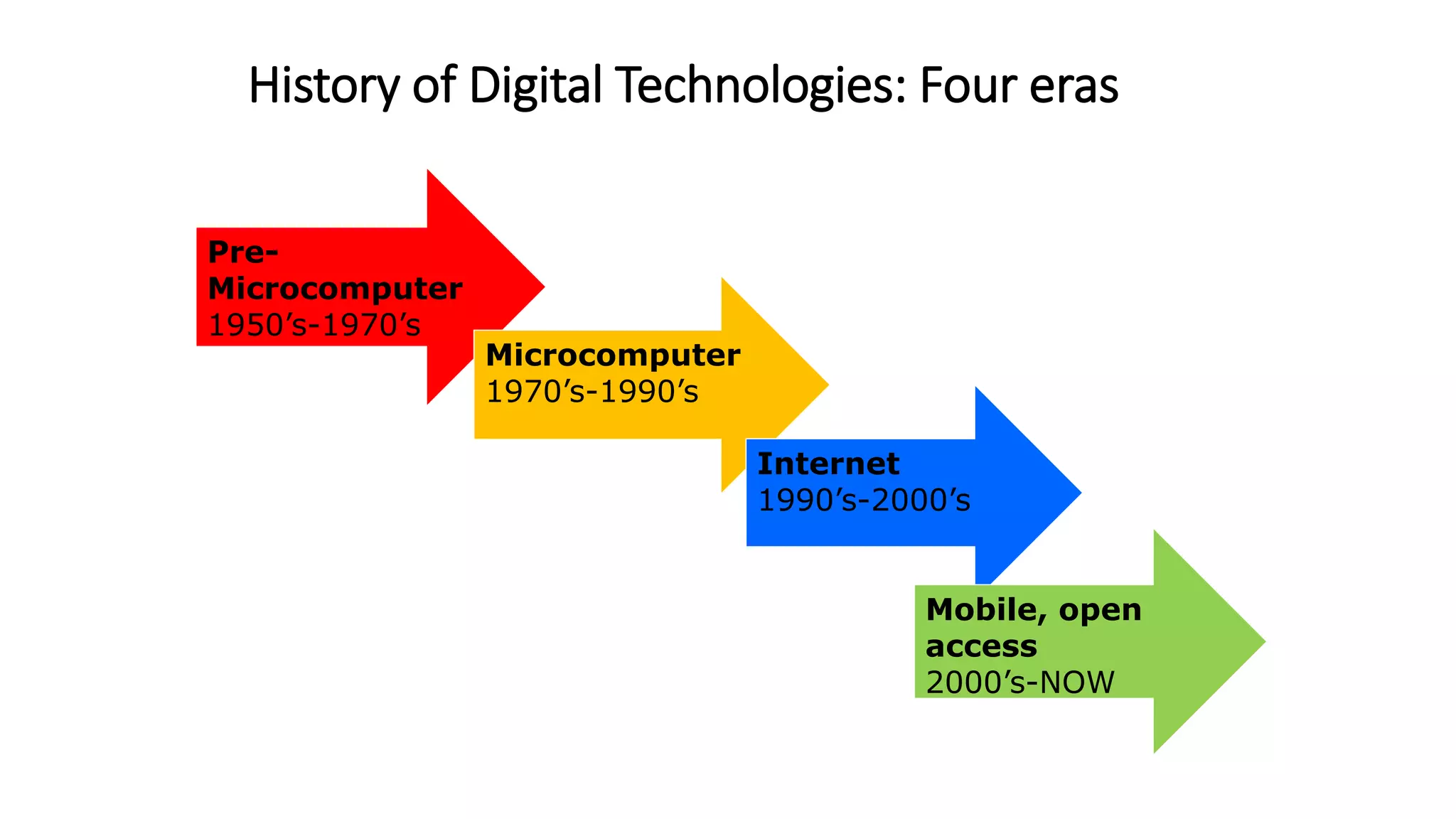
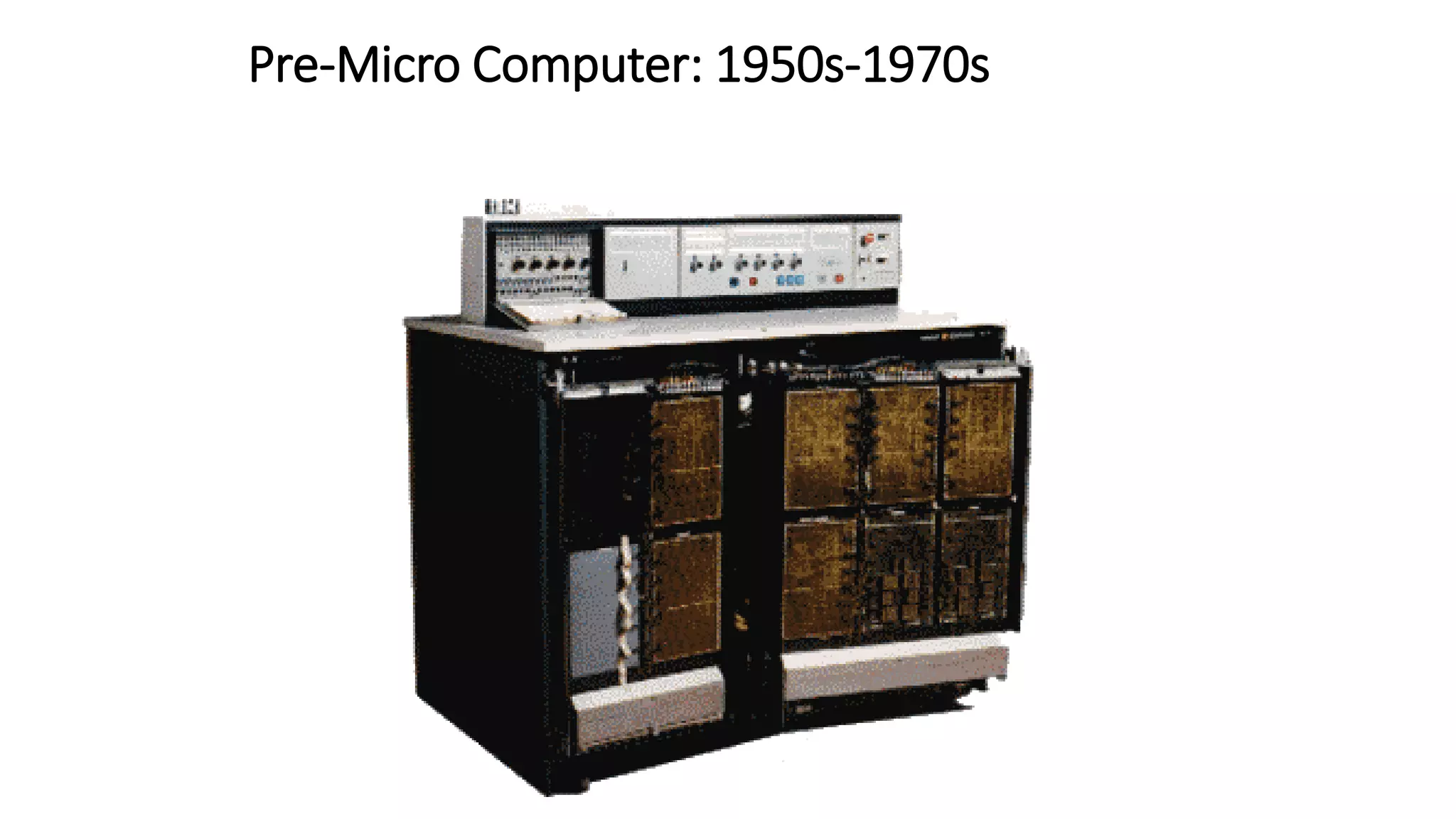
History of Digital Technologies: Four eras
Pre-
Microcomputer
1950’s-1970’s
Microcomputer
1970’s-1990’s
Internet
1990’s-2000’s
Mobile, open
access
2000’s-NOW
Pre-Micro Computer: 1950s-1970s
Video
Video
History of Digital Technologies: What we learned from
the past
 Technology is no panacea.
 Teachers are not developers.
 Possible does not equal desirable, feasible, or
inevitable.
 Technologies change faster than teachers can keep up.
 Older technologies can be useful.
 Teachers are most important.
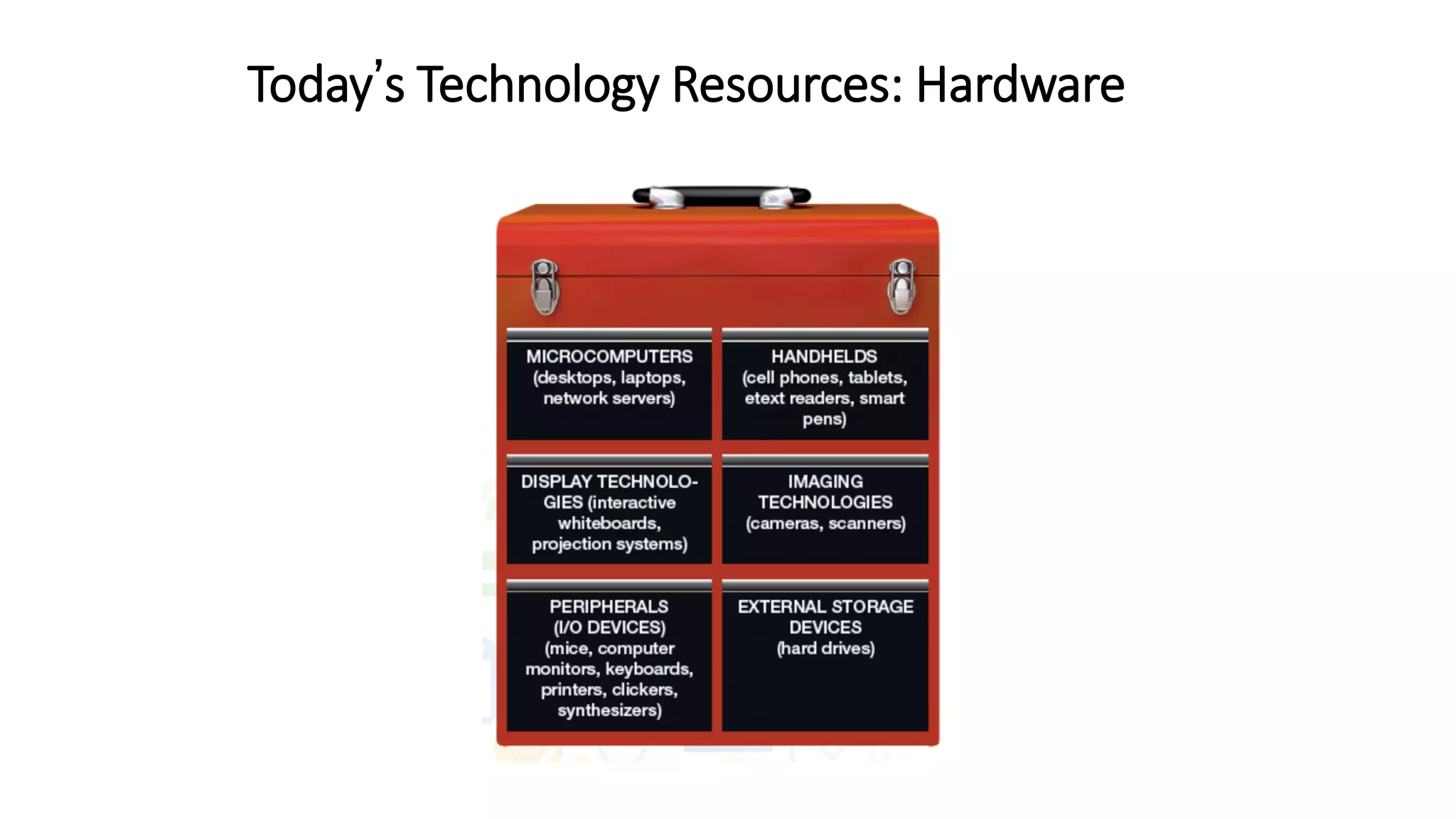
Today’s Technology Resources: Hardware
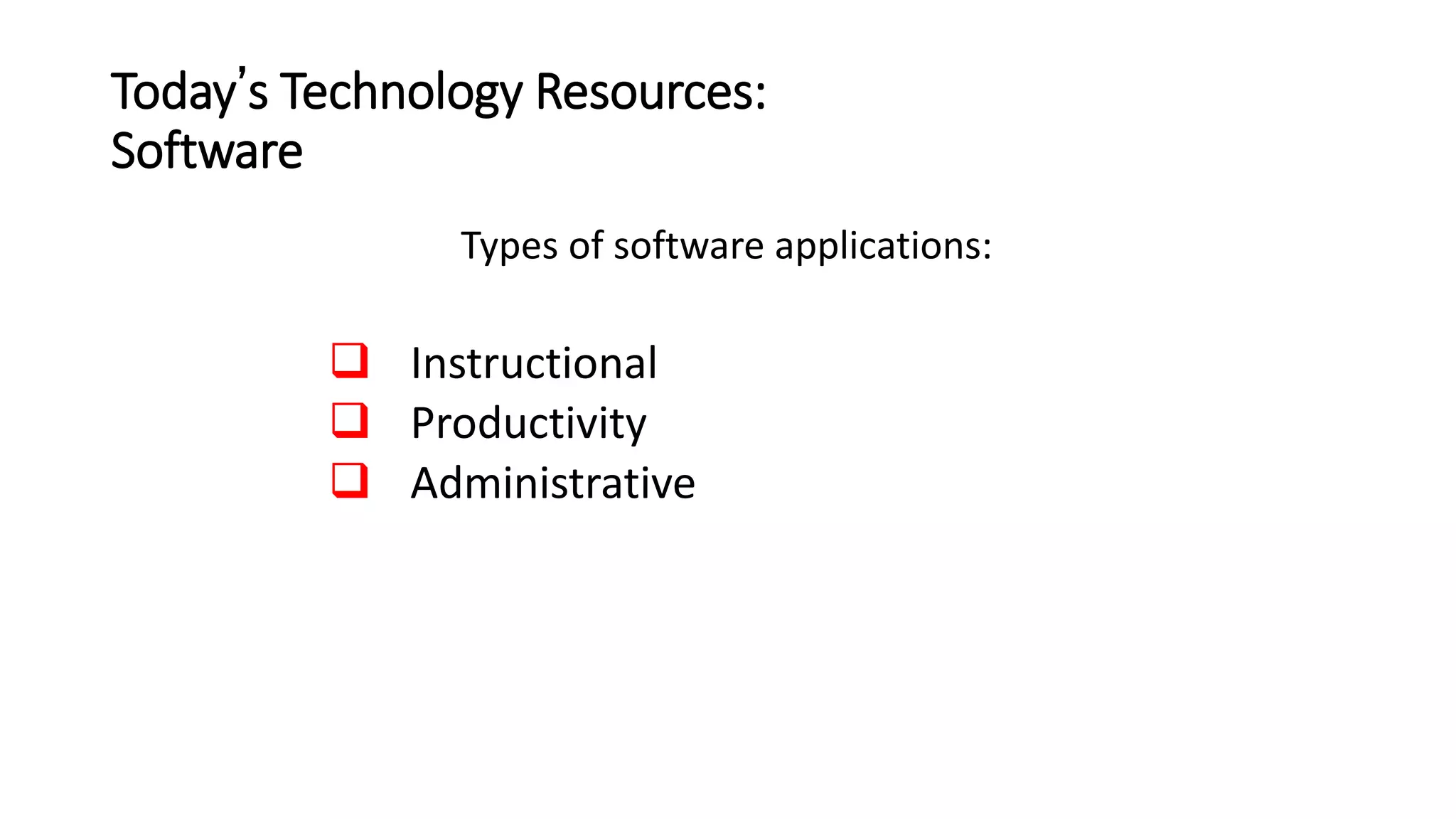
Today’s Technology Resources:
Software
Types of software applications:
 Instructional
 Productivity
 Administrative
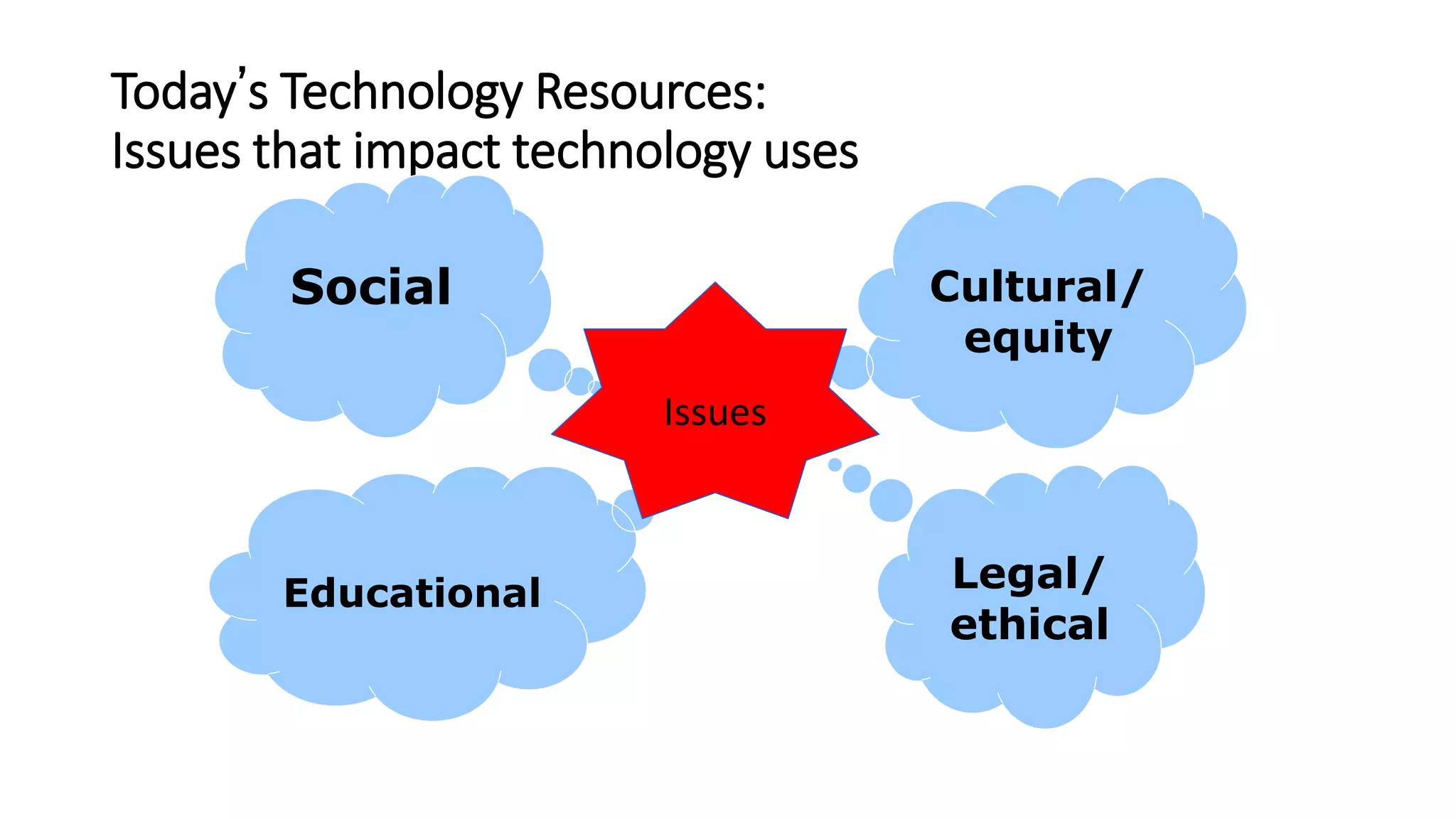
Today’s Technology Resources:
Issues that impact technology uses
Cultural/
equity
Legal/
ethical
Social
Educational
Issues
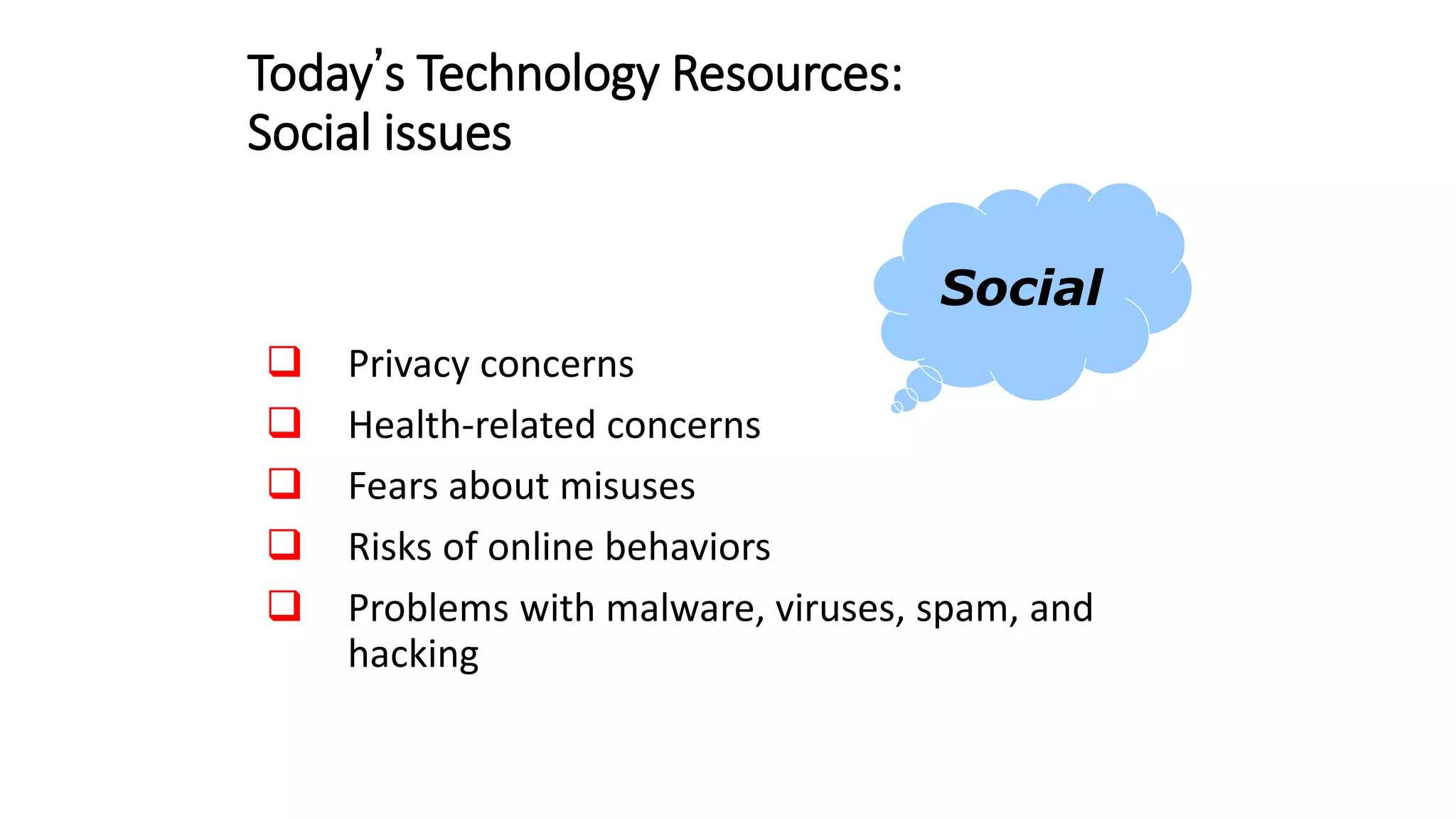
Today’s Technology Resources:
Social issues
 Privacy concerns
 Health-related concerns
 Fears about misuses
 Risks of online behaviors
 Problems with malware, viruses, spam, and
hacking
Social
Video
Video
Today’s Technology Resources:
Educational issues
 Lack of funding
 Teacher/student accountability
 Digital literacy/digital citizenship
 Debates on best practices
 Reliance on online learning
Educational
Video
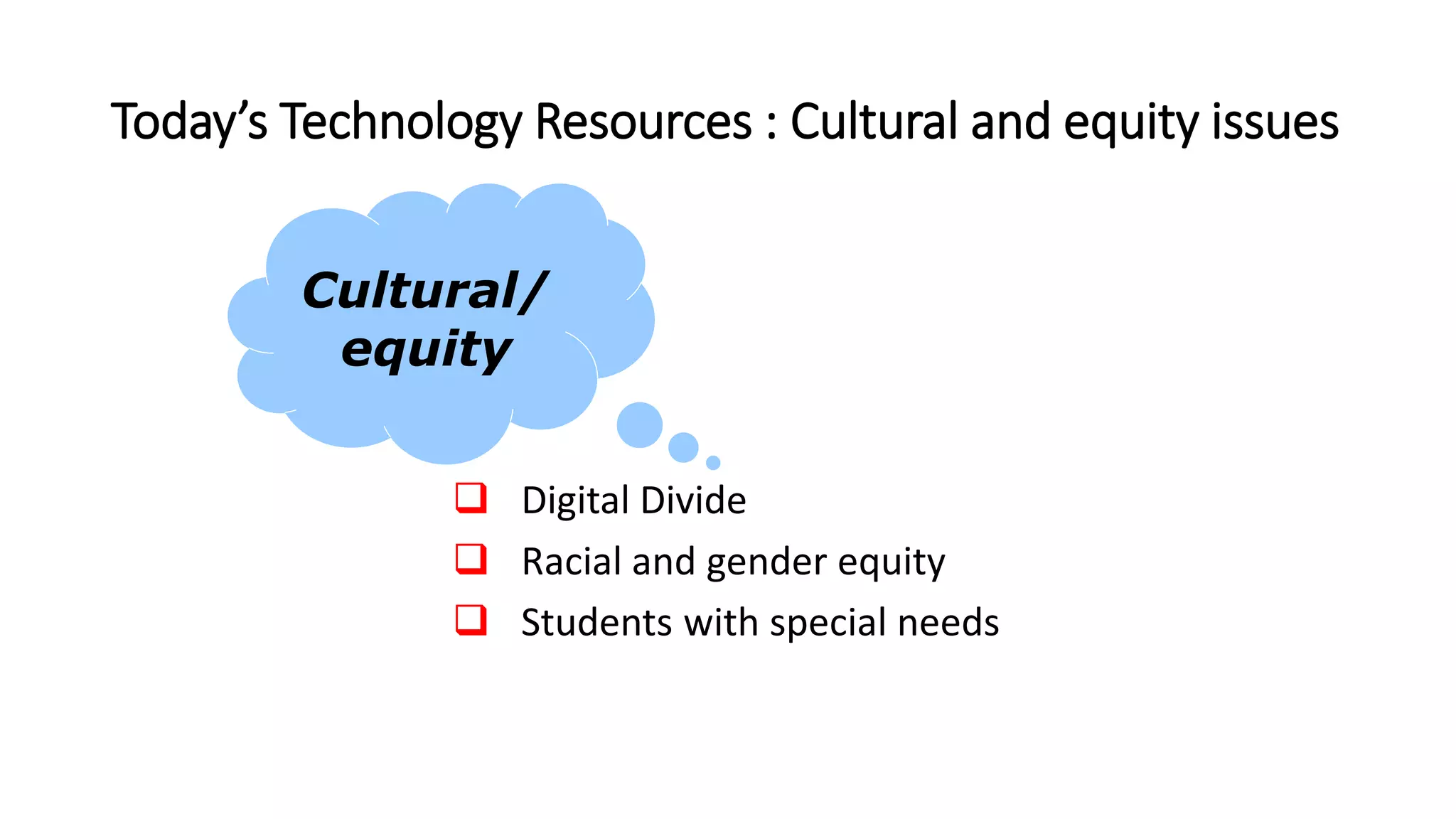
Today’s Technology Resources : Cultural and equity issues
 Digital Divide
 Racial and gender equity
 Students with special needs
Cultural/
equity
Video
Video
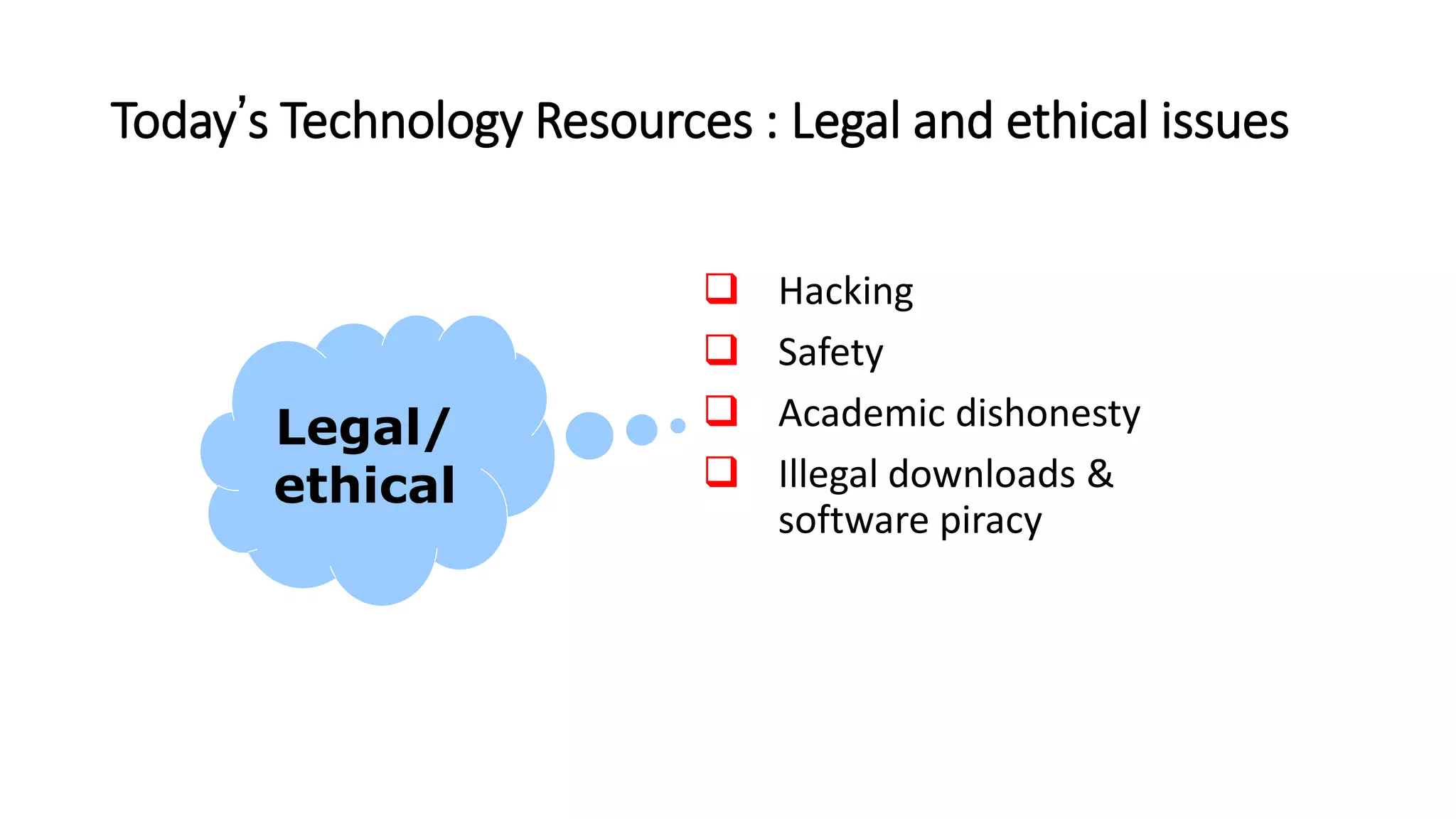
Today’s Technology Resources : Legal and ethical issues
 Hacking
 Safety
 Academic dishonesty
 Illegal downloads &
software piracy
Legal/
ethical
Technology Literacy Skills:
Four sets of skills/standards
 The Common Core State Standards (CCSS)
 ISTE Standards
 Partnership for 21st Century Skills (P21)
competencies
 The information and communication technology
(ICT) framework
Video
Background
• Singapore government is committed to transforming
Singapore into a global city that leverages on
ubiquitous computing
• To enrich the diverse learning experiences of the
individuals
• To expand the nation’s technological capacity.
ICT Masterplans
• The Ministry of Education is intimately involved
 with contributing to these milestones
through four ICT
 Masterplans from 1997-2020,
 undergoing long term effort to embed ICT in
the use of and delivery of education.
ICT Masterplans
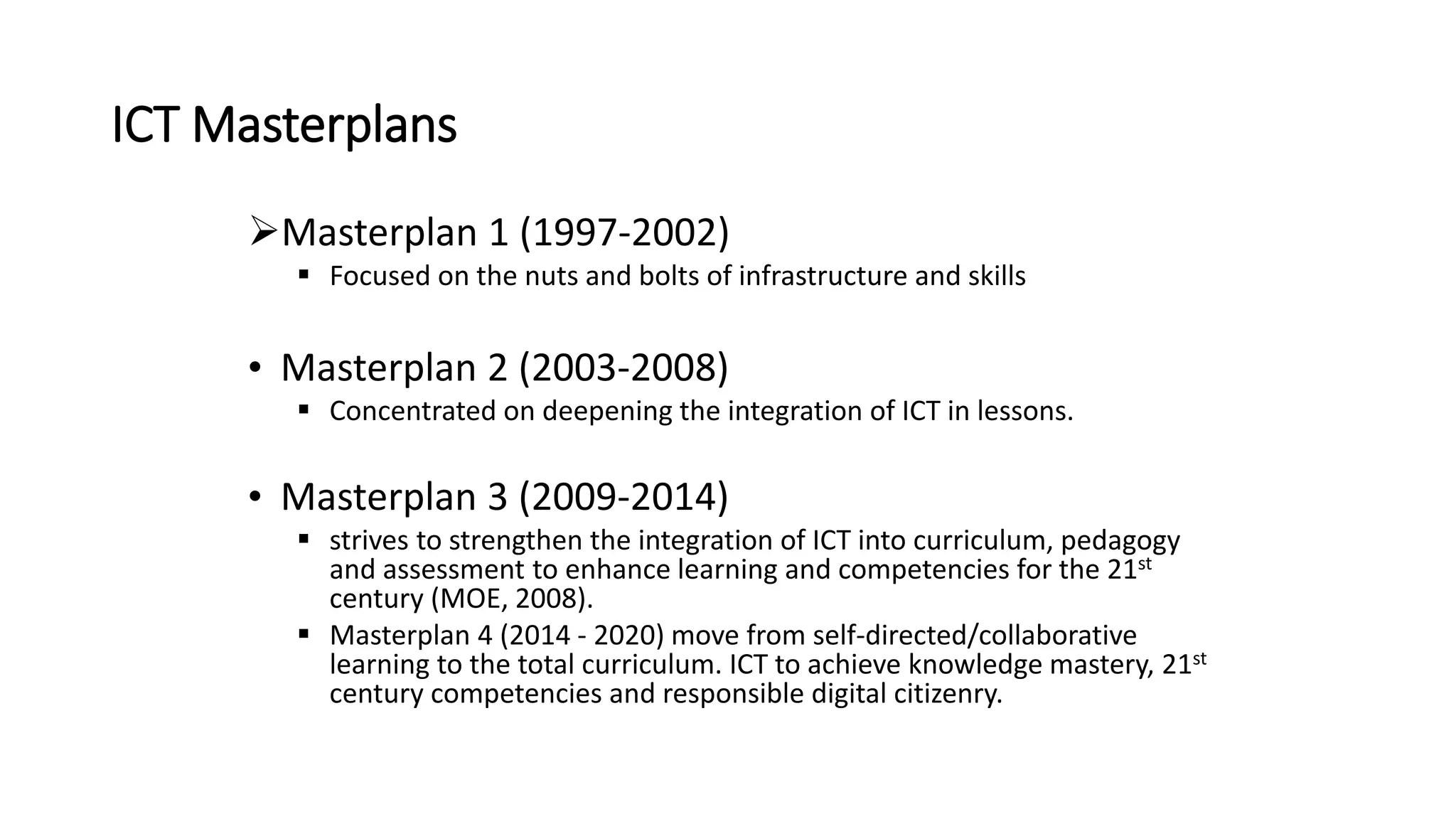
Masterplan 1 (1997-2002)
 Focused on the nuts and bolts of infrastructure and skills
• Masterplan 2 (2003-2008)
 Concentrated on deepening the integration of ICT in lessons.
• Masterplan 3 (2009-2014)
 strives to strengthen the integration of ICT into curriculum, pedagogy
and assessment to enhance learning and competencies for the 21st
century (MOE, 2008).
 Masterplan 4 (2014 - 2020) move from self-directed/collaborative
learning to the total curriculum. ICT to achieve knowledge mastery, 21st
century competencies and responsible digital citizenry.
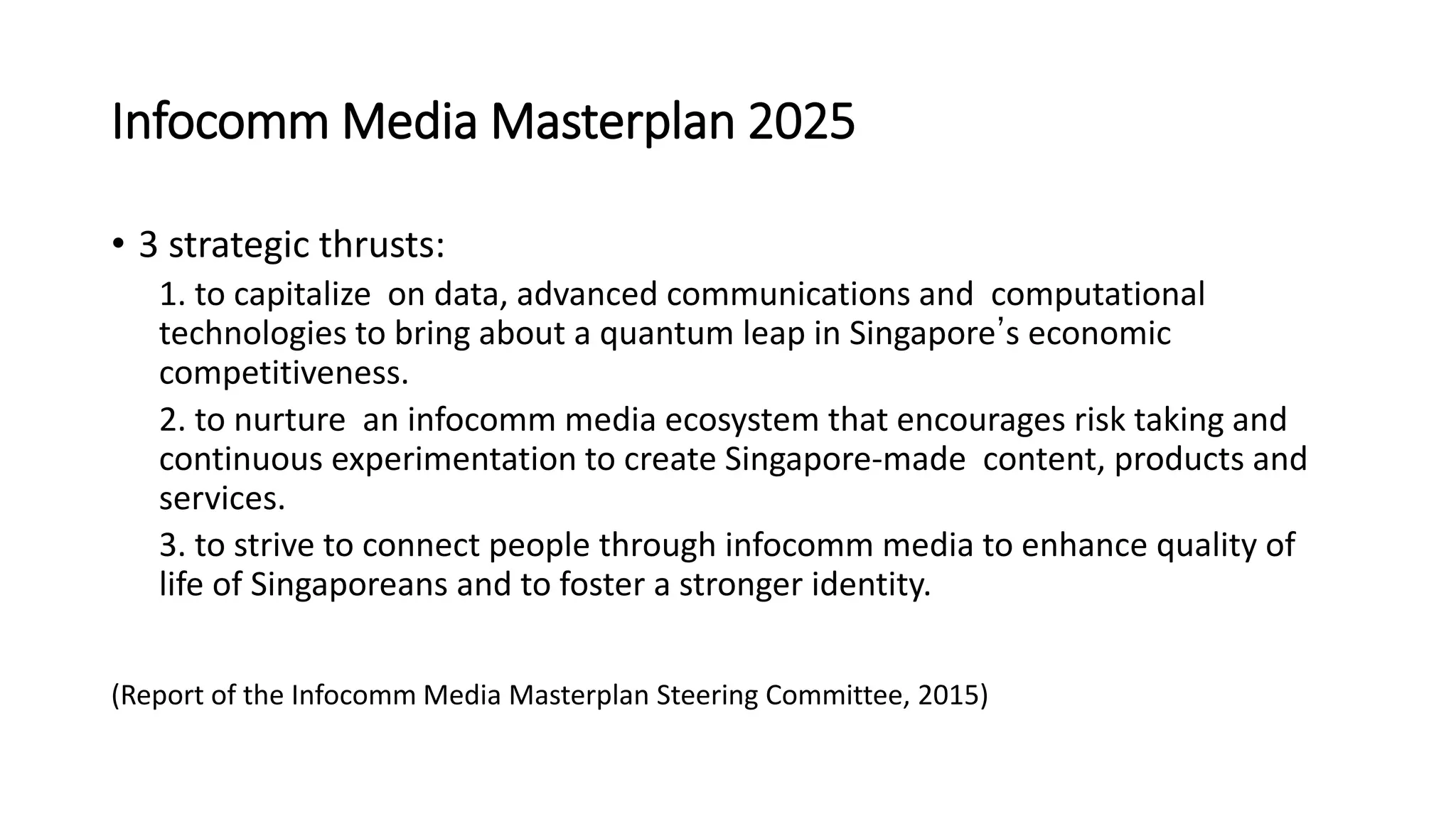
Infocomm Media Masterplan 2025
• 3 strategic thrusts:
1. to capitalize on data, advanced communications and computational
technologies to bring about a quantum leap in Singapore’s economic
competitiveness.
2. to nurture an infocomm media ecosystem that encourages risk taking and
continuous experimentation to create Singapore-made content, products and
services.
3. to strive to connect people through infocomm media to enhance quality of
life of Singaporeans and to foster a stronger identity.
(Report of the Infocomm Media Masterplan Steering Committee, 2015)
Technology Skills:
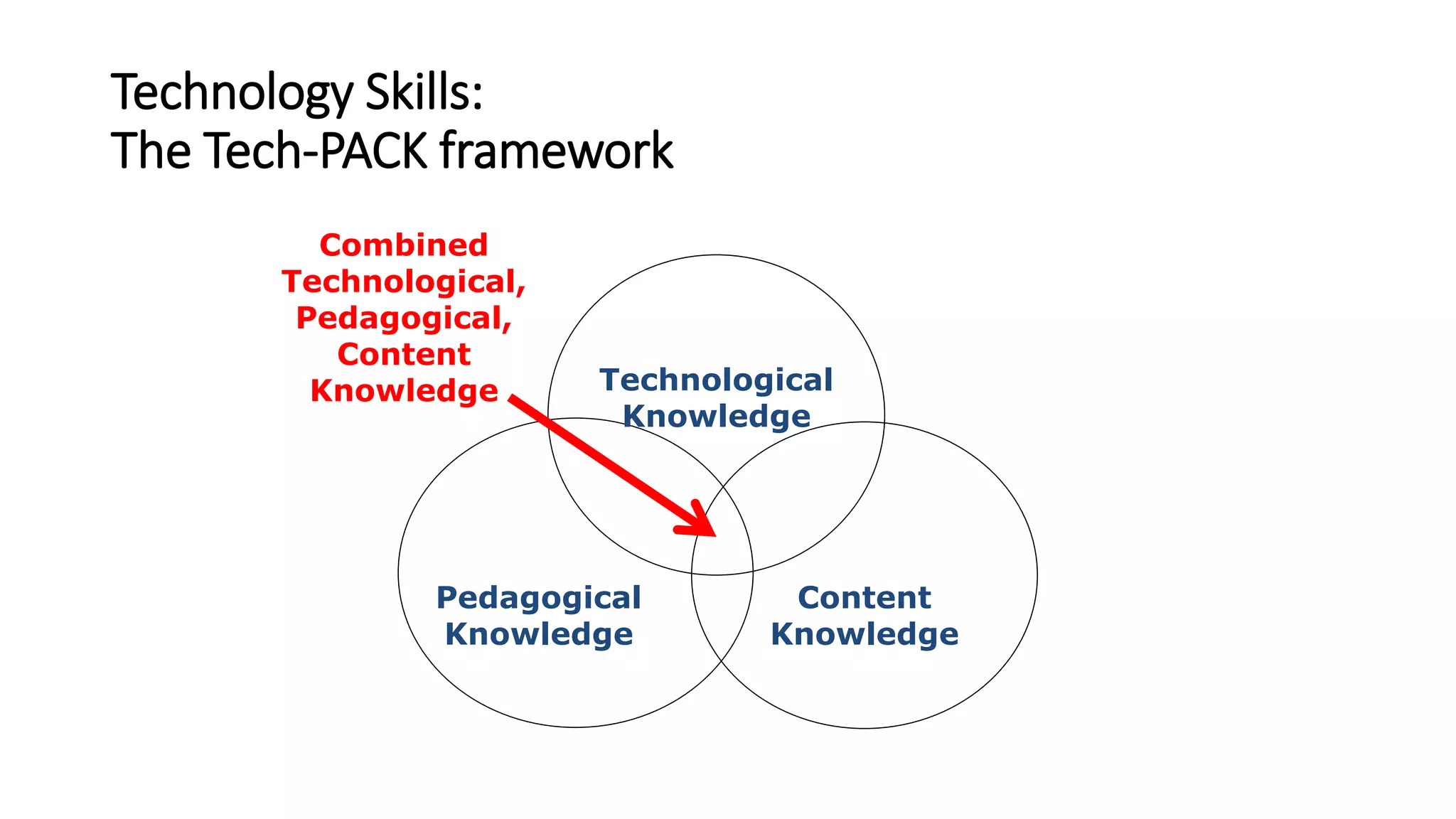
The Tech-PACK framework
Technological
Knowledge
Pedagogical
Knowledge
Content
Knowledge
Combined
Technological,
Pedagogical,
Content
Knowledge
Technology Skills:
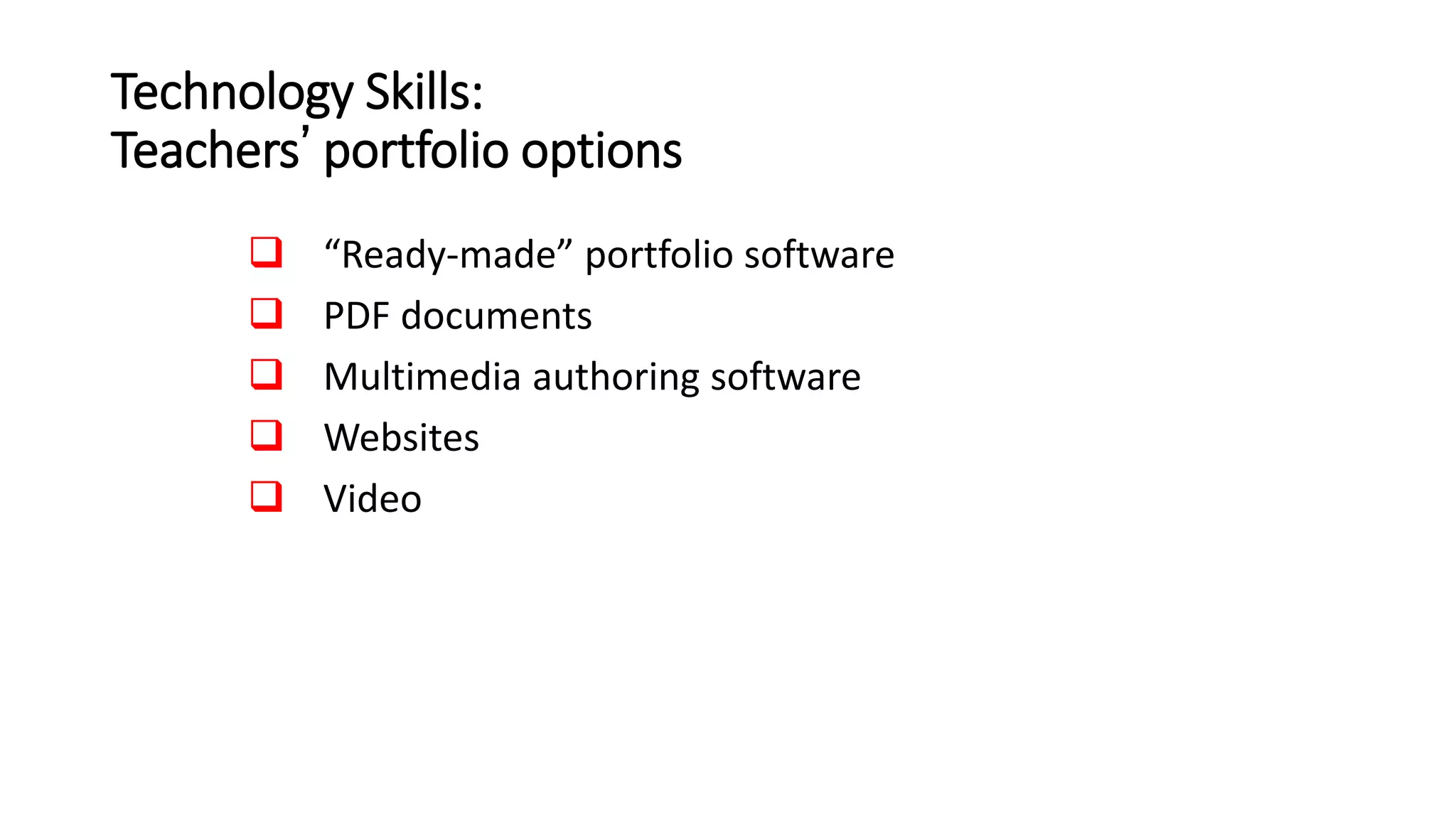
Teachers’ portfolio options
 “Ready-made” portfolio software
 PDF documents
 Multimedia authoring software
 Websites
 Video
Video
Technology Skills:
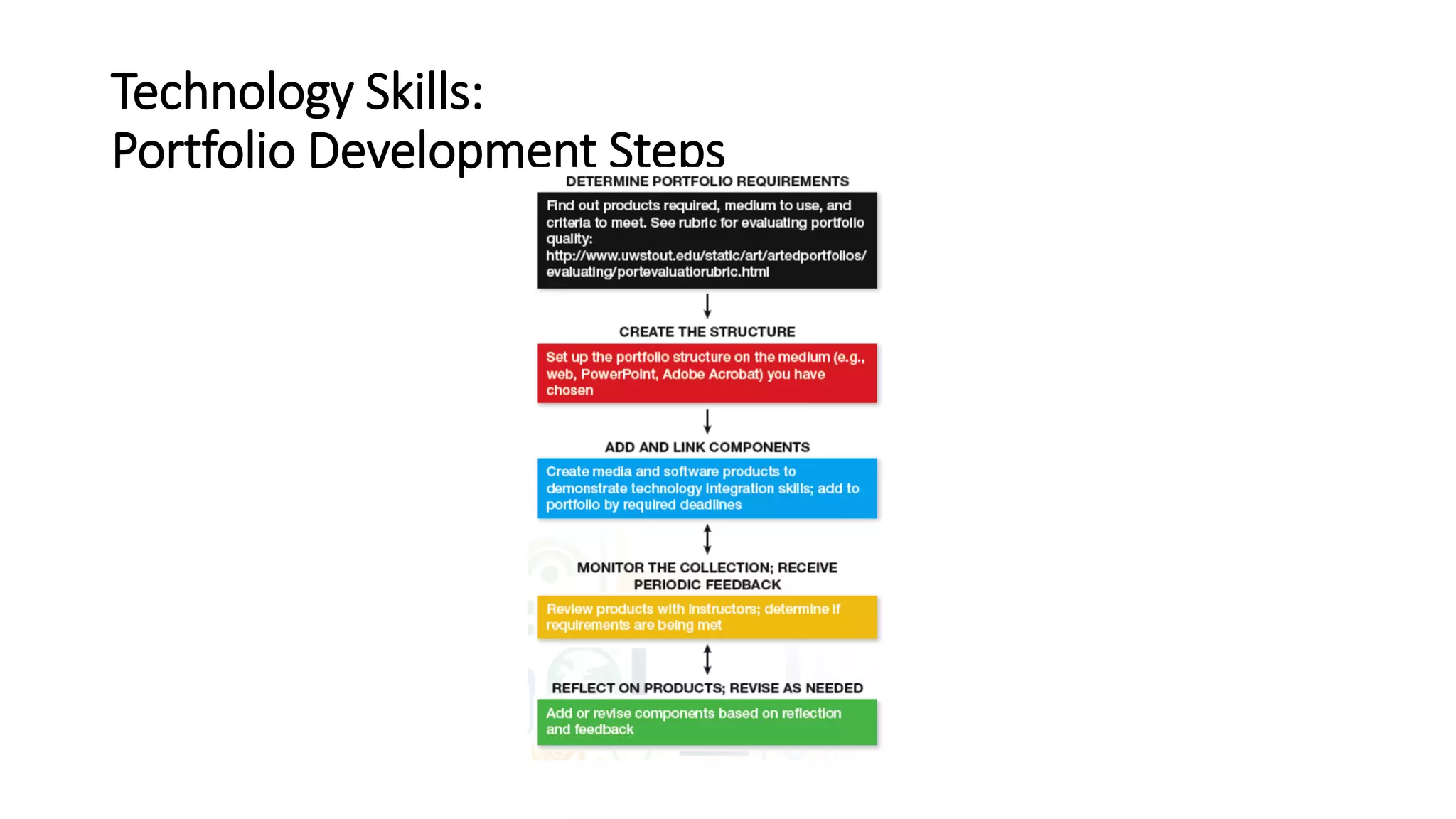
Portfolio Development Steps
Developing a Sound Rationale for Technology Use:
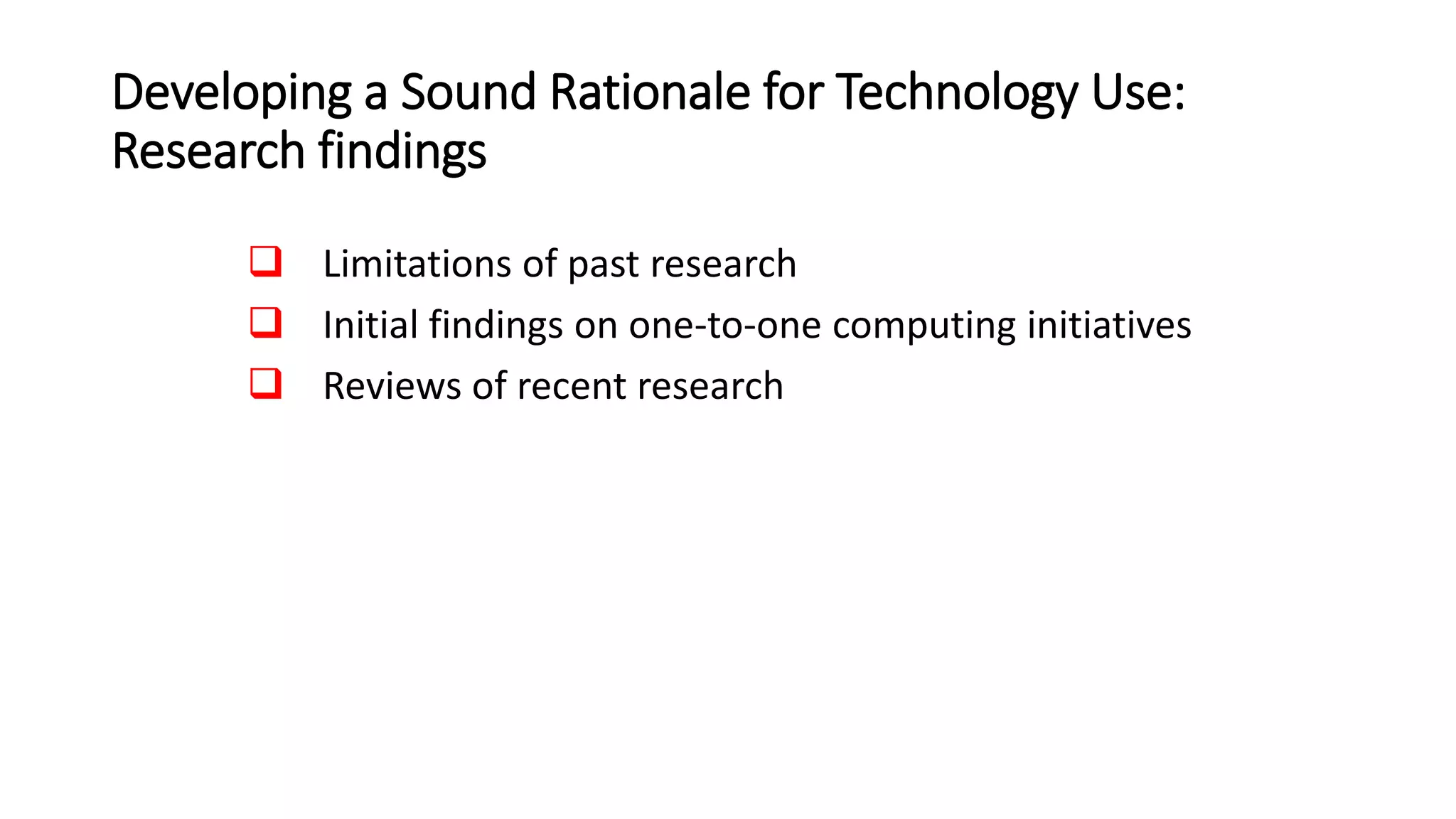
Research findings
 Limitations of past research
 Initial findings on one-to-one computing initiatives
 Reviews of recent research
Developing a Sound Rationale for Technology Use:
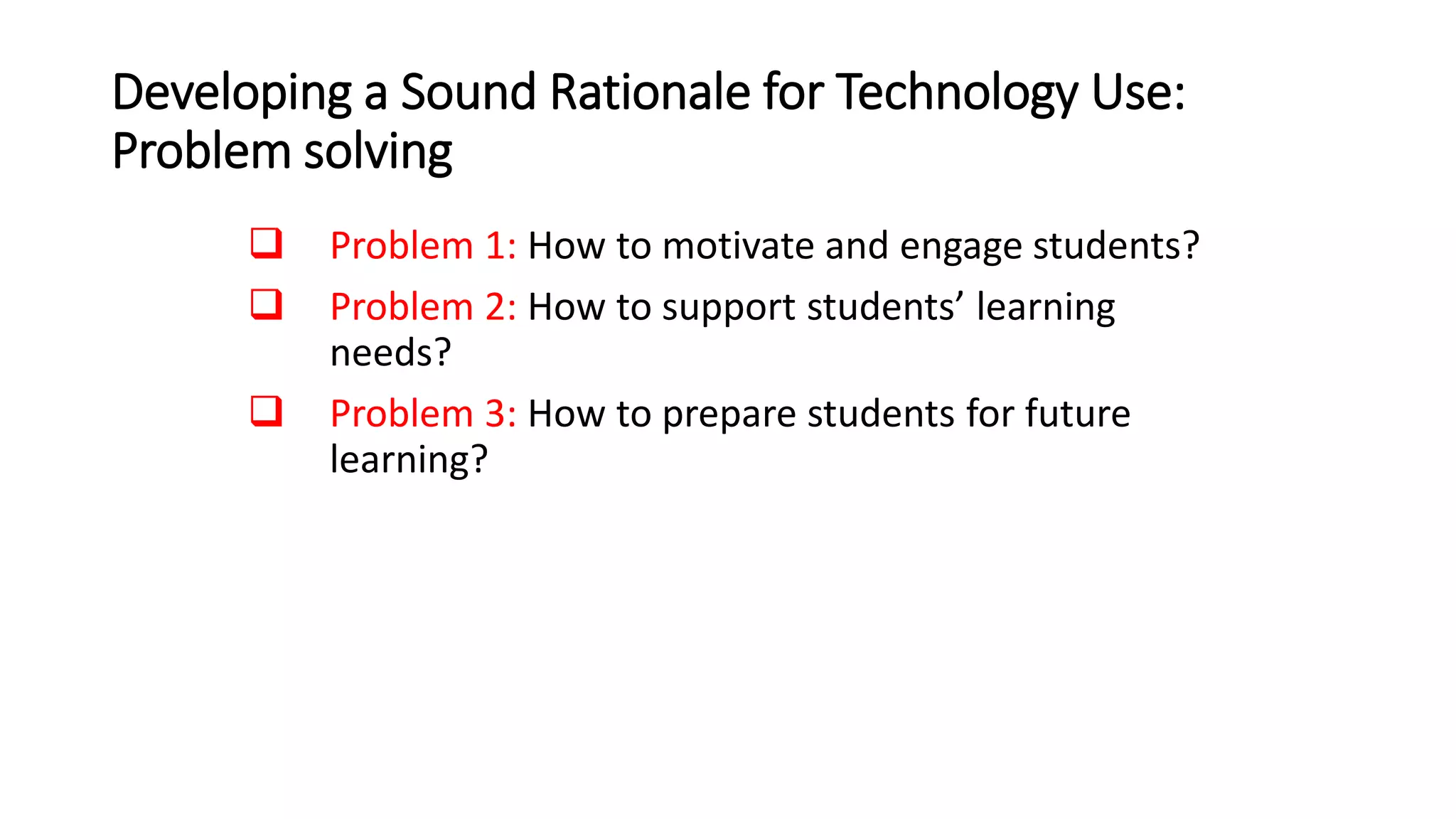
Problem solving
 Problem 1: How to motivate and engage students?
 Problem 2: How to support students’ learning
needs?
 Problem 3: How to prepare students for future
learning?
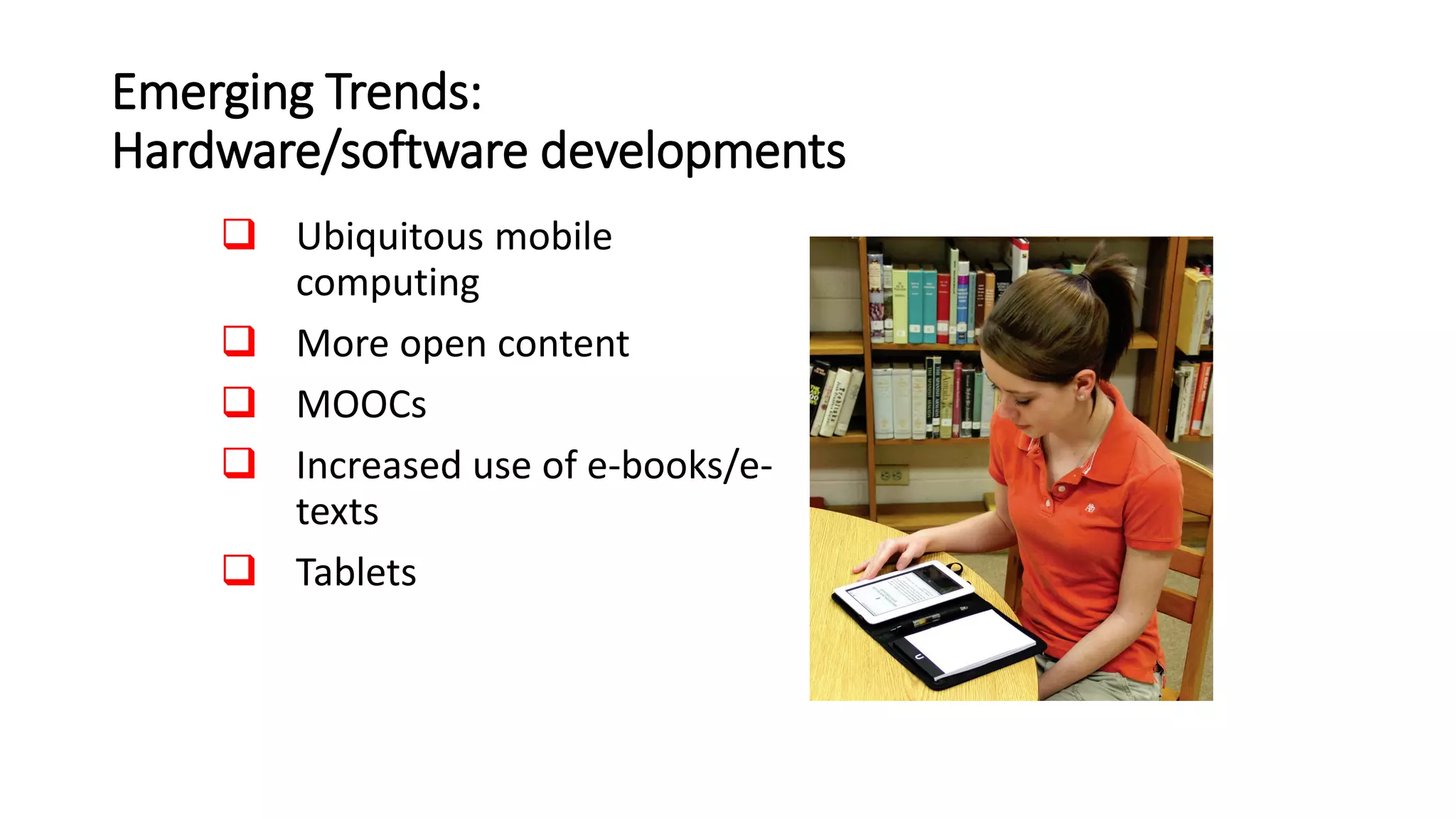
Emerging Trends:
Hardware/software developments
 Ubiquitous mobile
computing
 More open content
 MOOCs
 Increased use of e-books/e-
texts
 Tablets
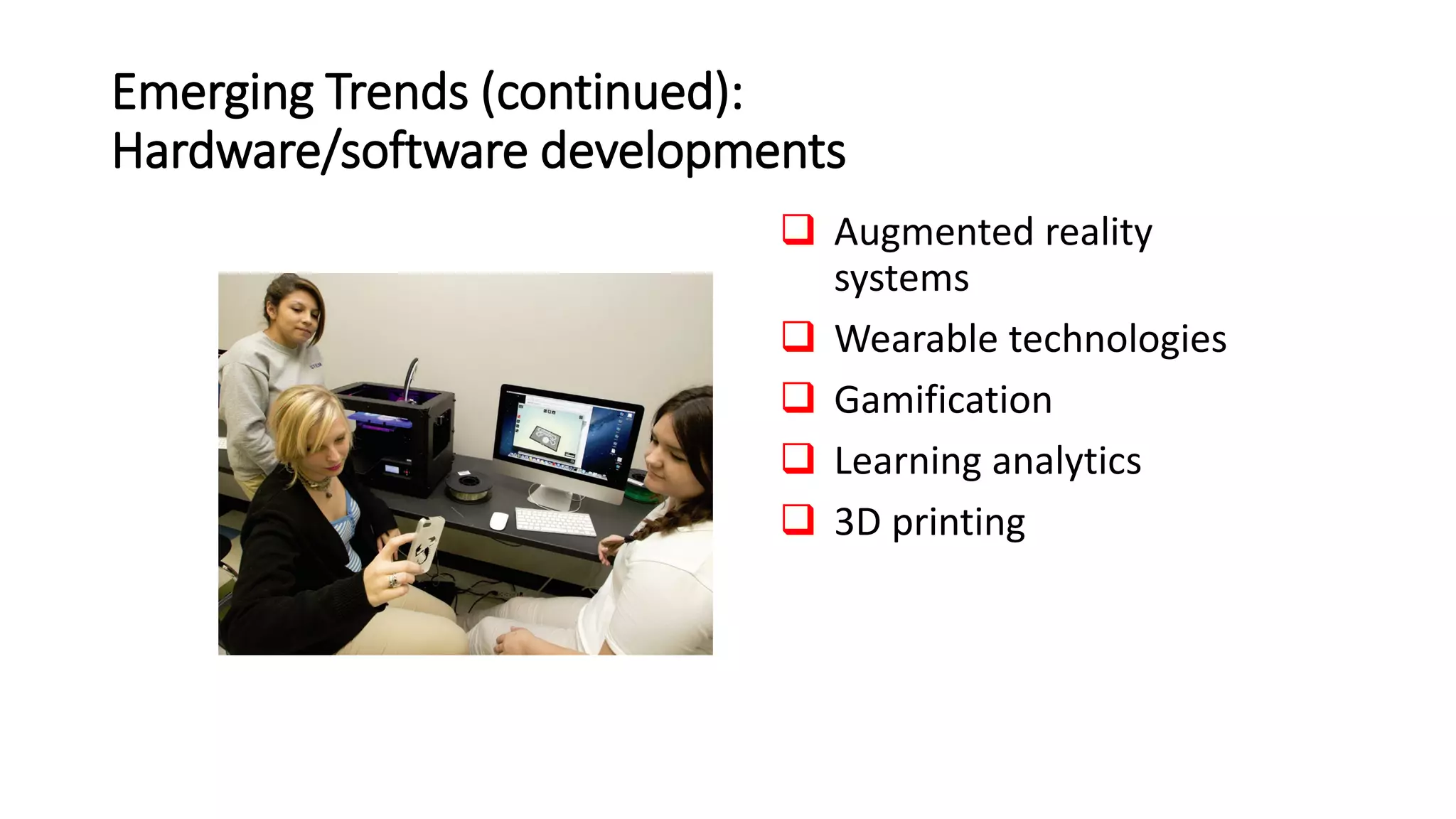
Emerging Trends (continued):
Hardware/software developments
 Augmented reality
systems
 Wearable technologies
 Gamification
 Learning analytics
 3D printing
Emerging Trends:
Educational applications
 Flexible learning environments
 Personalized learning
 New models for instruction
 Reliance on distance learning
 More options for students with disabilities
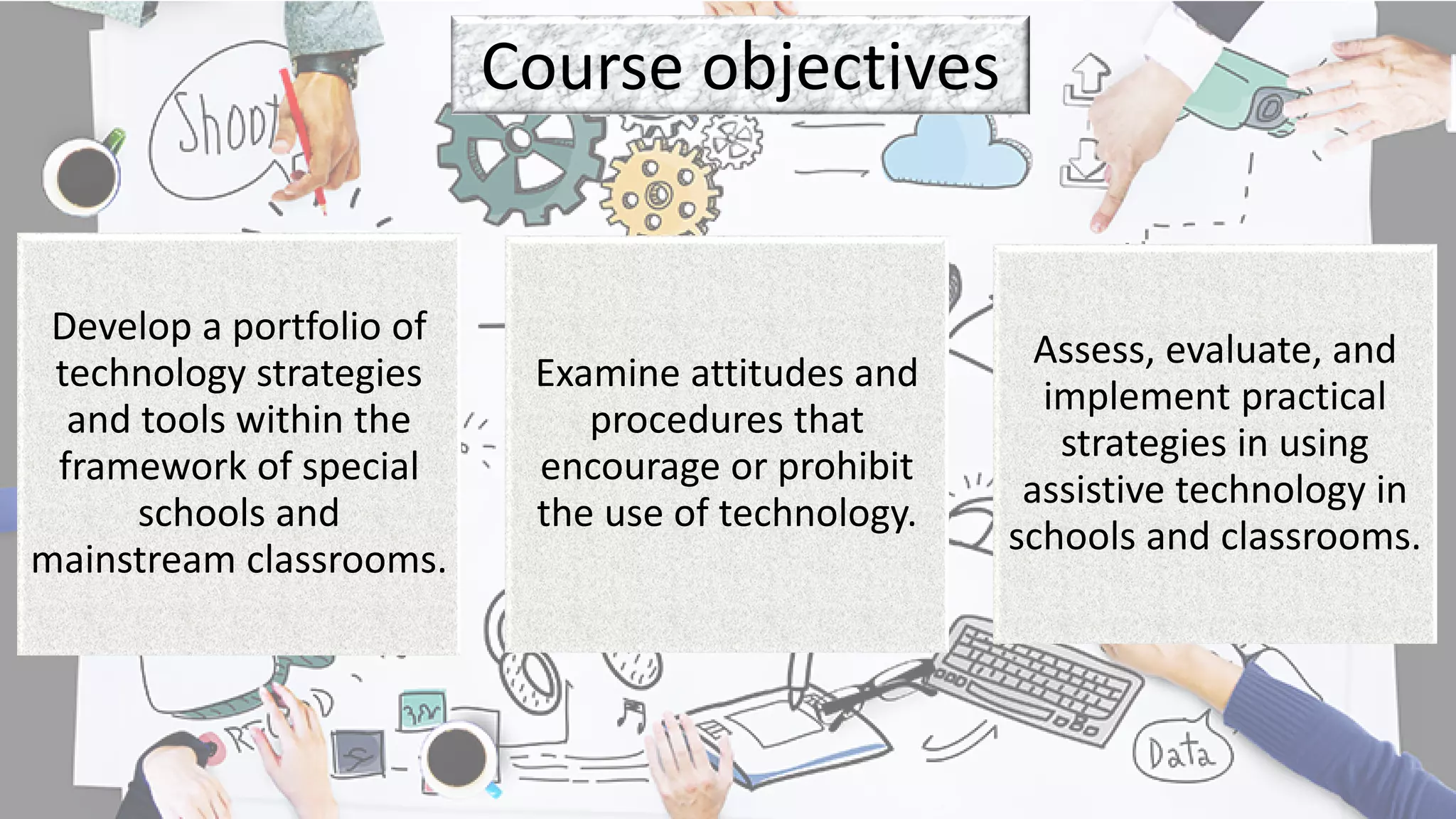
Course objectives
Develop a portfolio of
technology strategies
and tools within the
framework of special
schools and
mainstream classrooms.
Examine attitudes and
procedures that
encourage or prohibit
the use of technology.
Assess, evaluate, and
implement practical
strategies in using
assistive technology in
schools and classrooms.
3 rs
Relationship Relevance
Rigour
What to expect
Practice-
based
Interactive
Hands-on
workshops
The Learning is in
the Doing
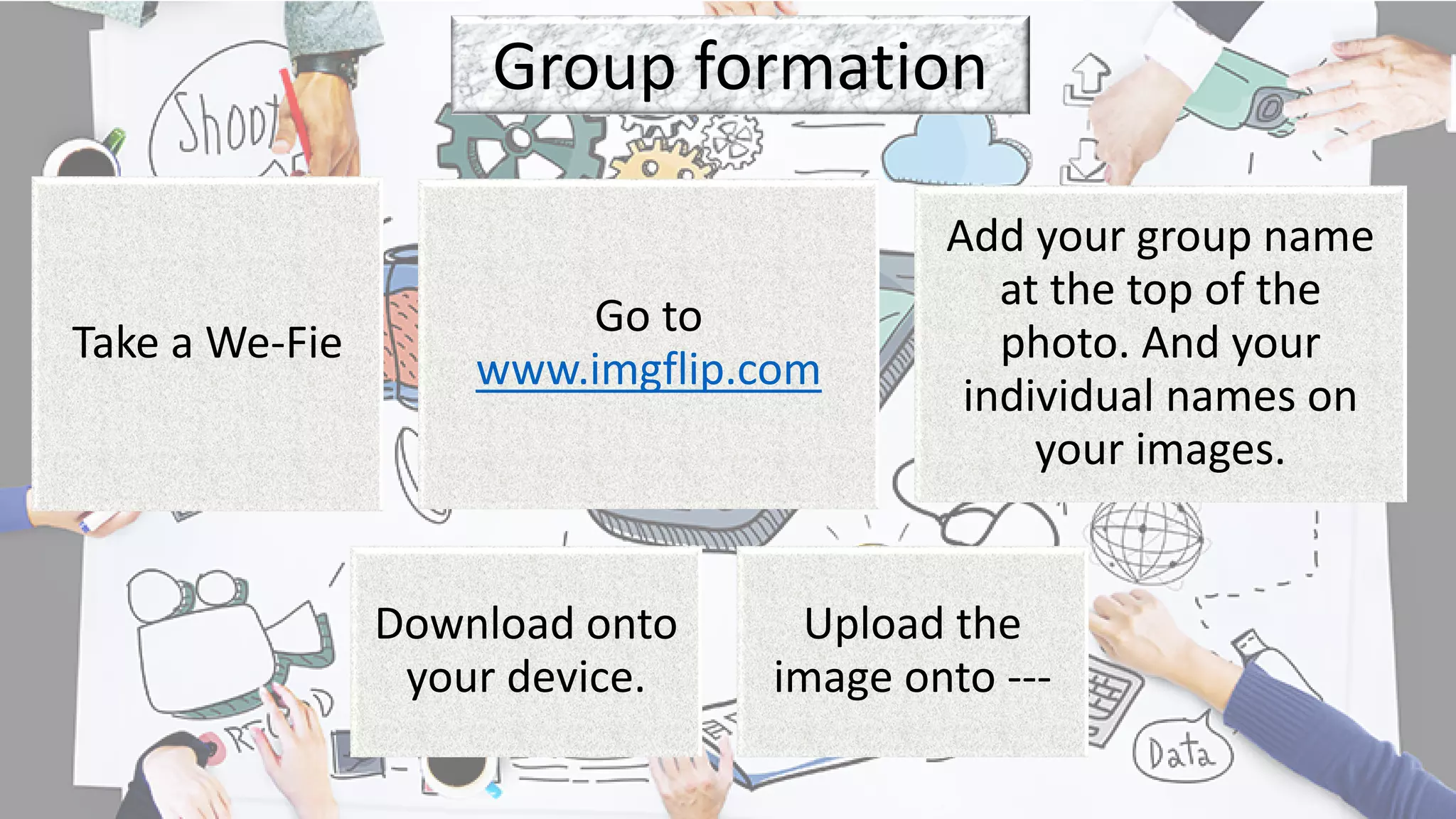
Group formation
Take a We-Fie
Go to
www.imgflip.com
Add your group name
at the top of the
photo. And your
individual names on
your images.
Download onto
your device.
Upload the
image onto ---
Group discussion
How do you use
technology for in-
class support or
withdrawal sessions
with your students?
How do you use
technology for
creating your IEP or
API?
How will this course
help you in
becoming better
allied educators?
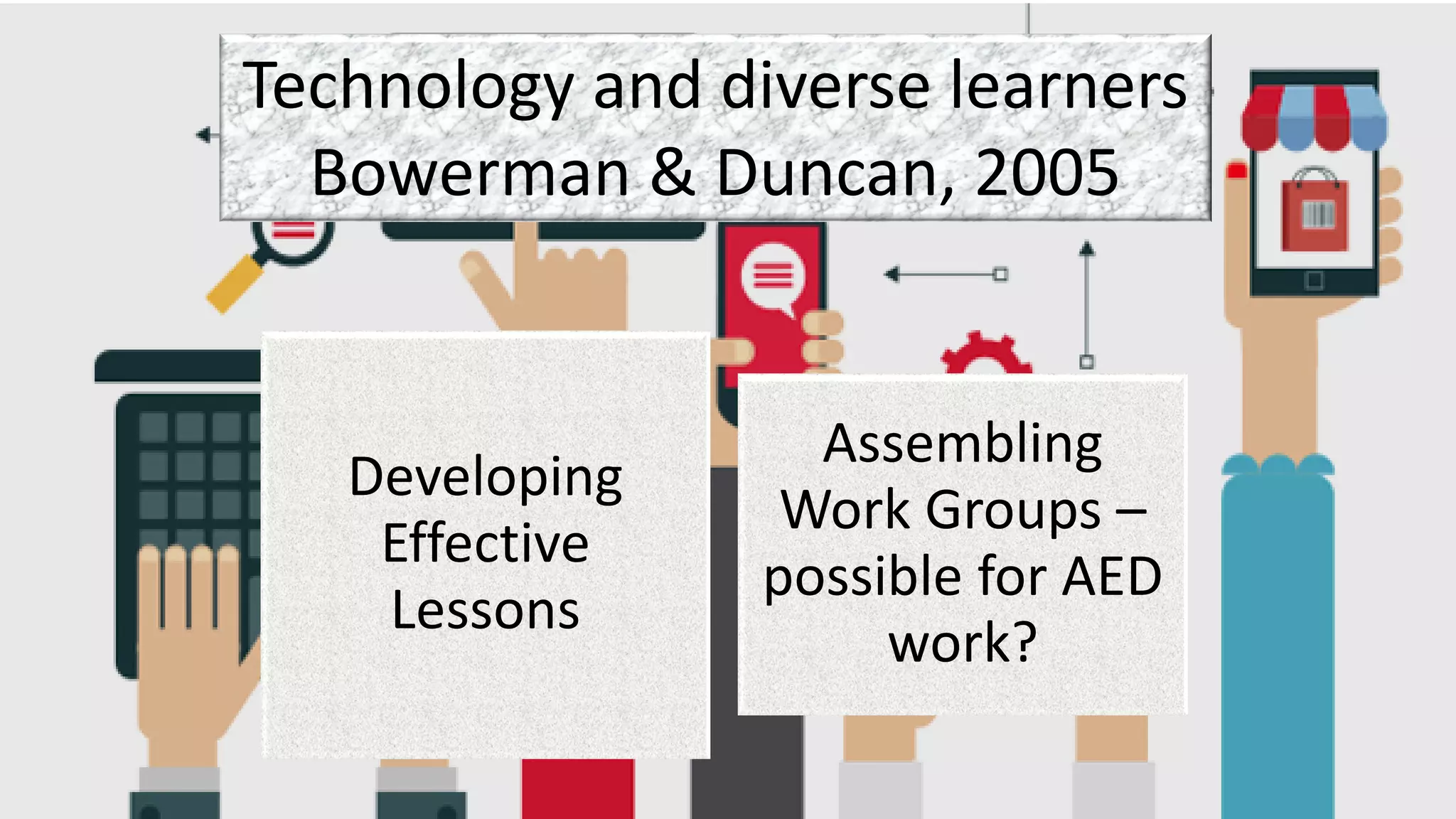
Technology and diverse learners
Bowerman & Duncan, 2005
Developing
Effective
Lessons
Assembling
Work Groups –
possible for AED
work?
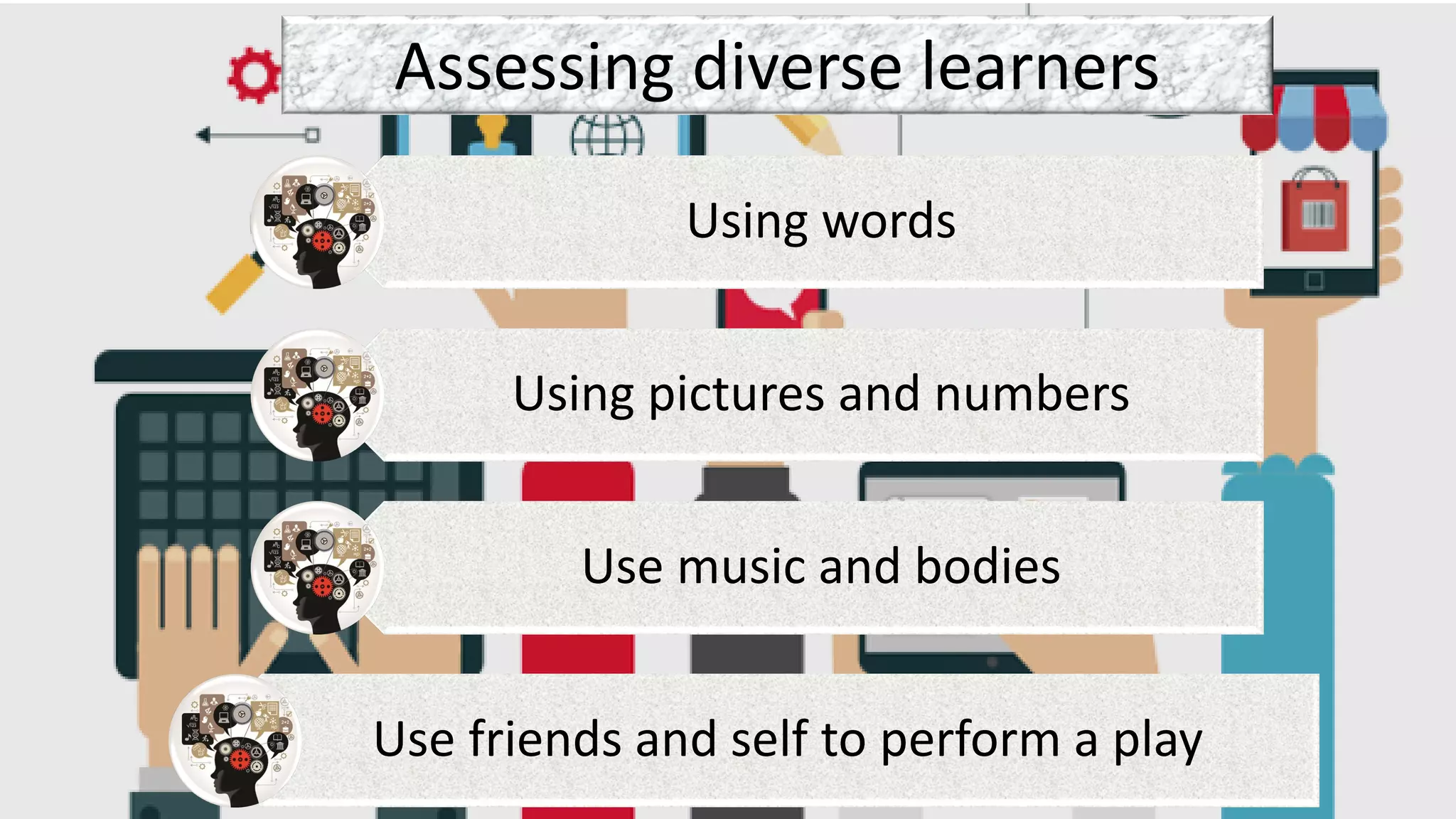
Assessing diverse learners
Using words
Using pictures and numbers
Use music and bodies
Use friends and self to perform a play
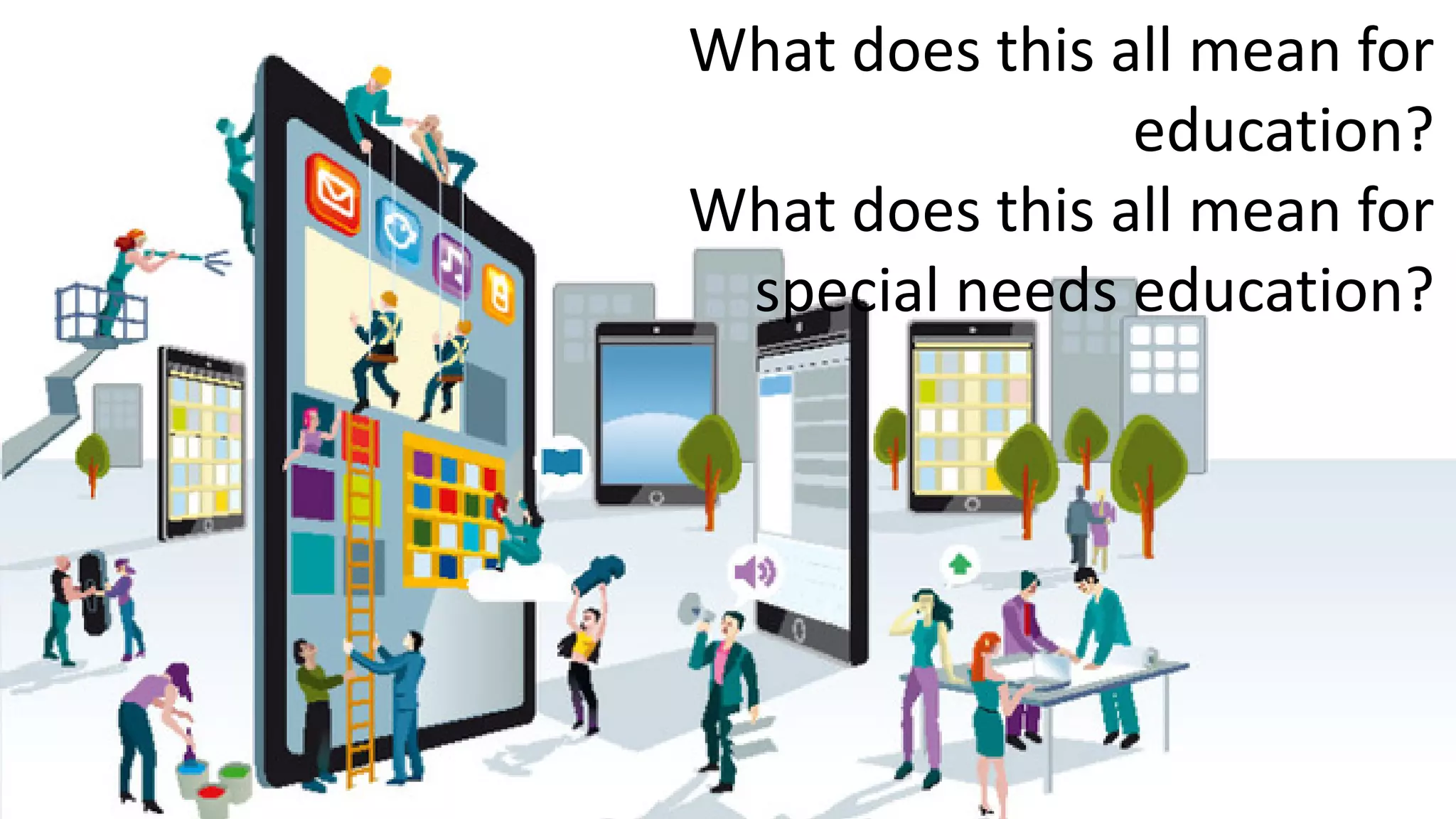
What does this all mean for
education?
What does this all mean for
special needs education?
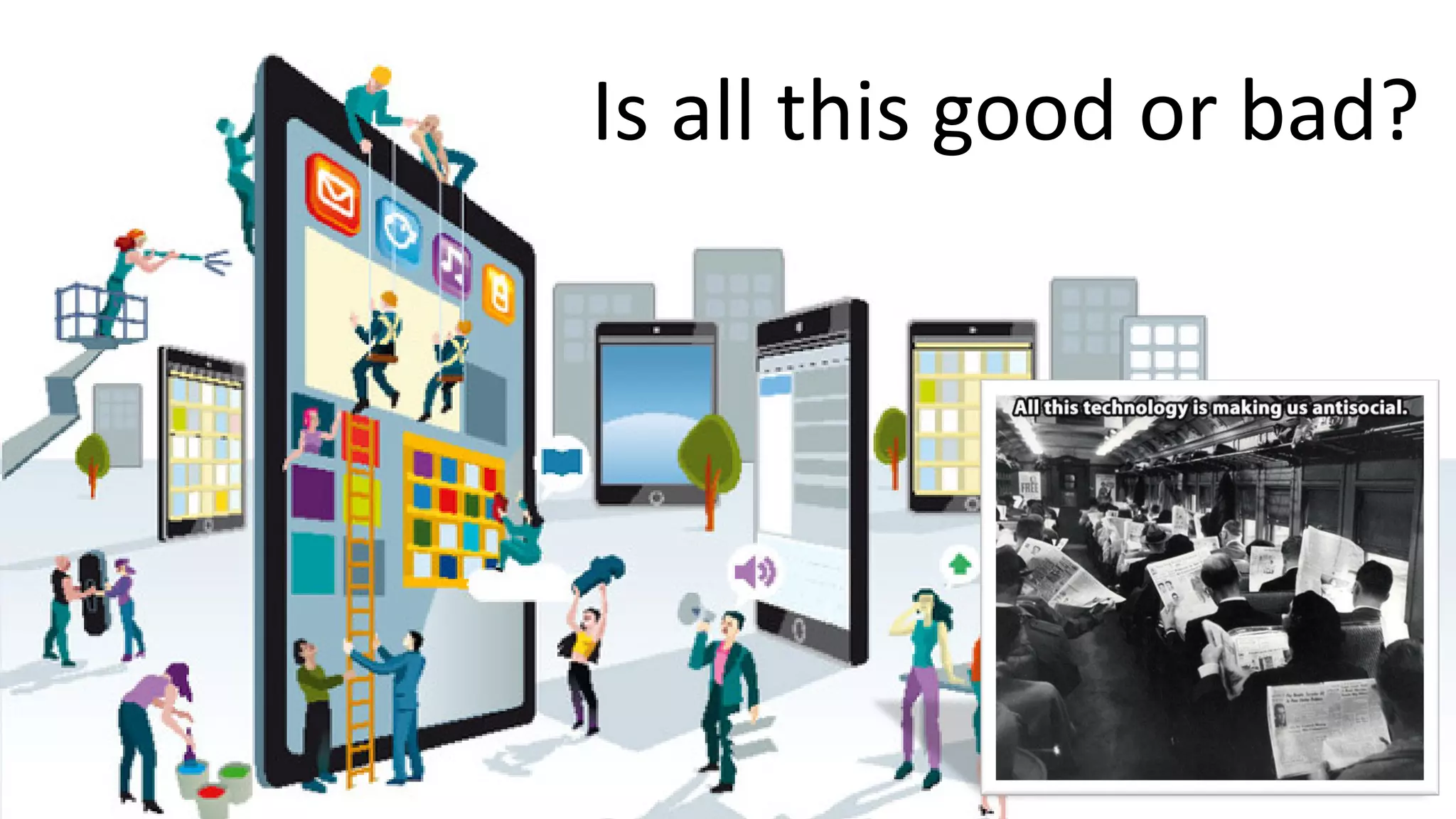
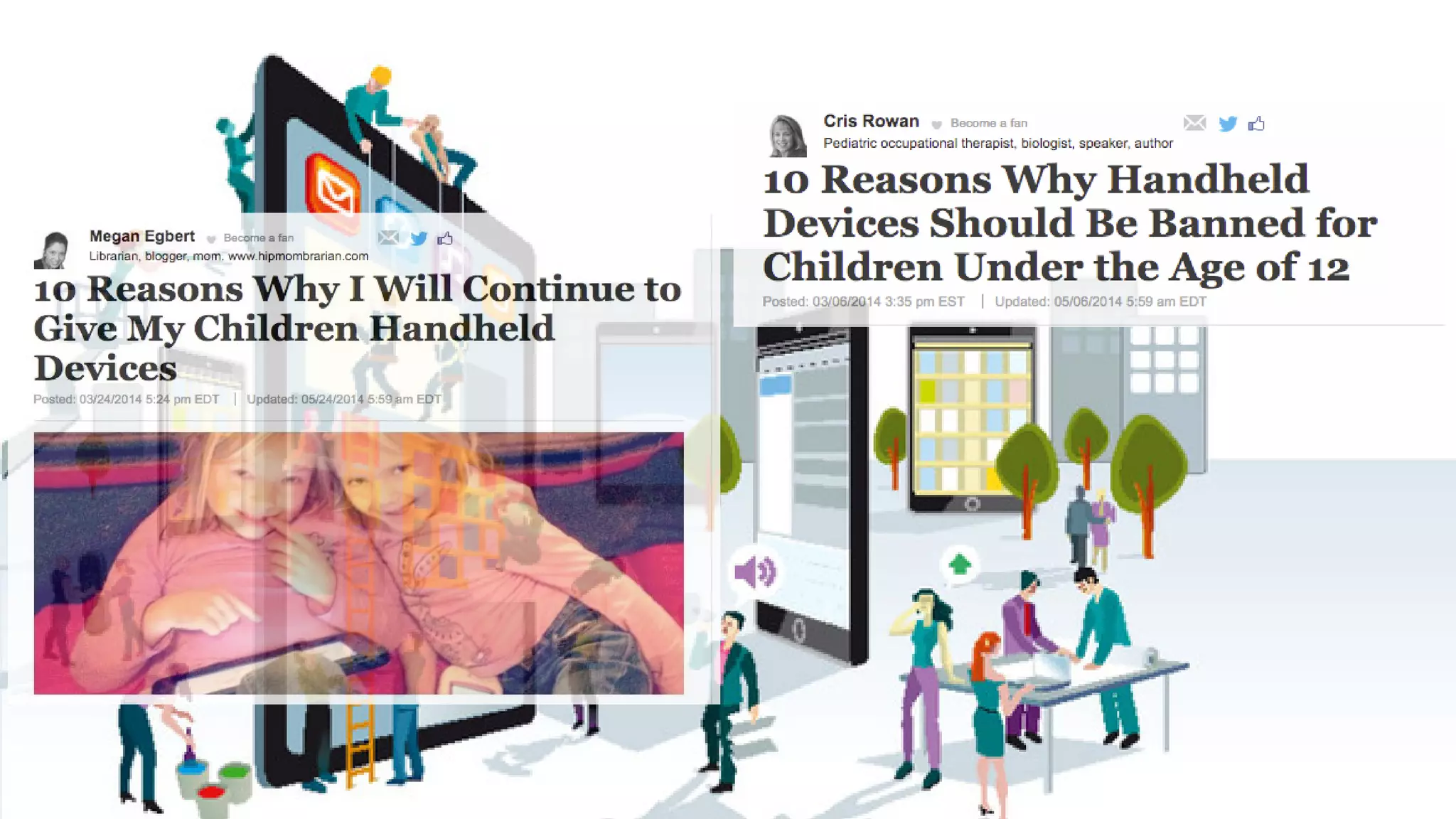
Is all this good or bad?
https://giphy.com/gifs/3o85xnZEfTJRIOOR9K
HOW TO INSERT GIF?
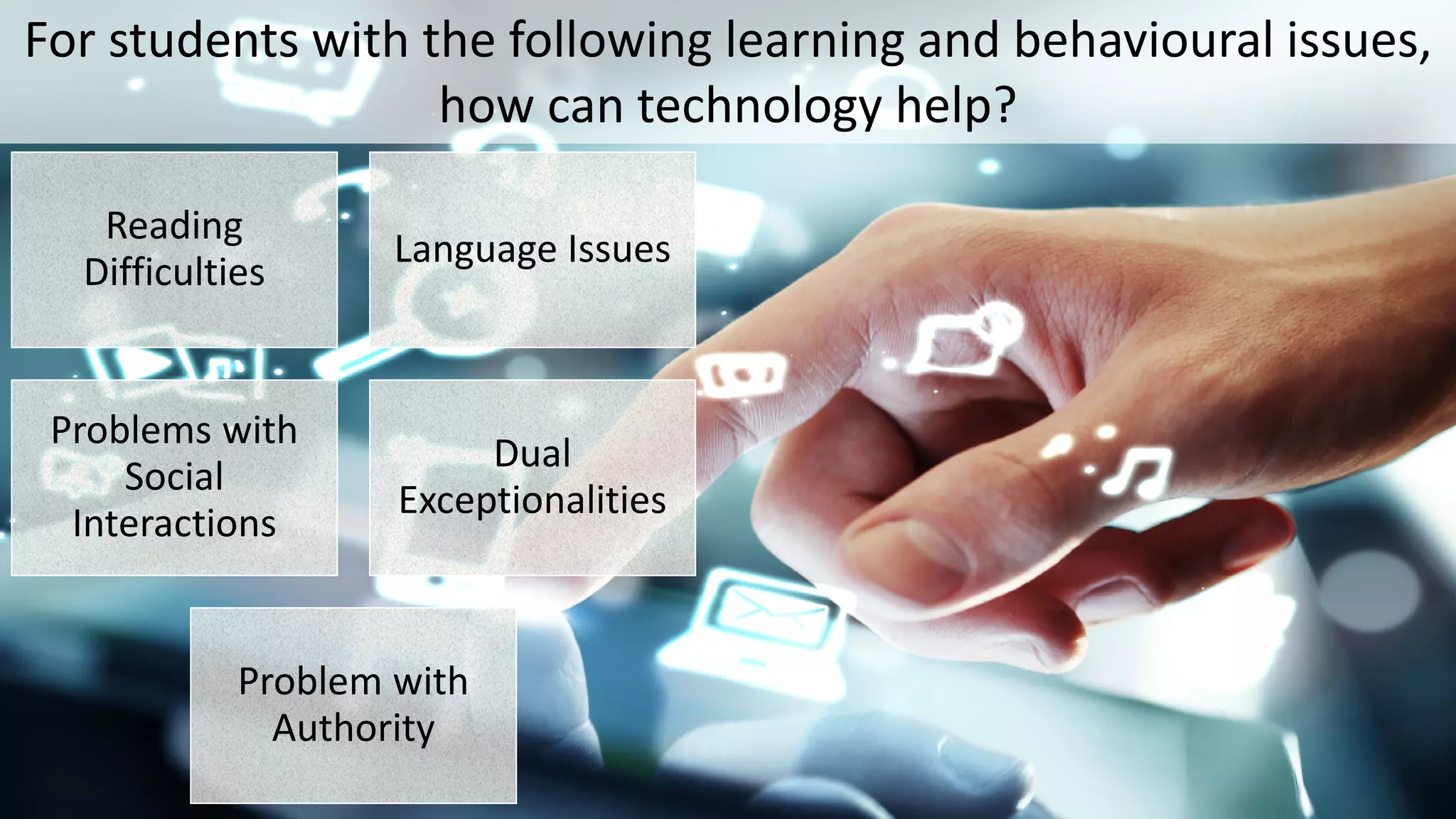
For students with the following learning and behavioural issues,
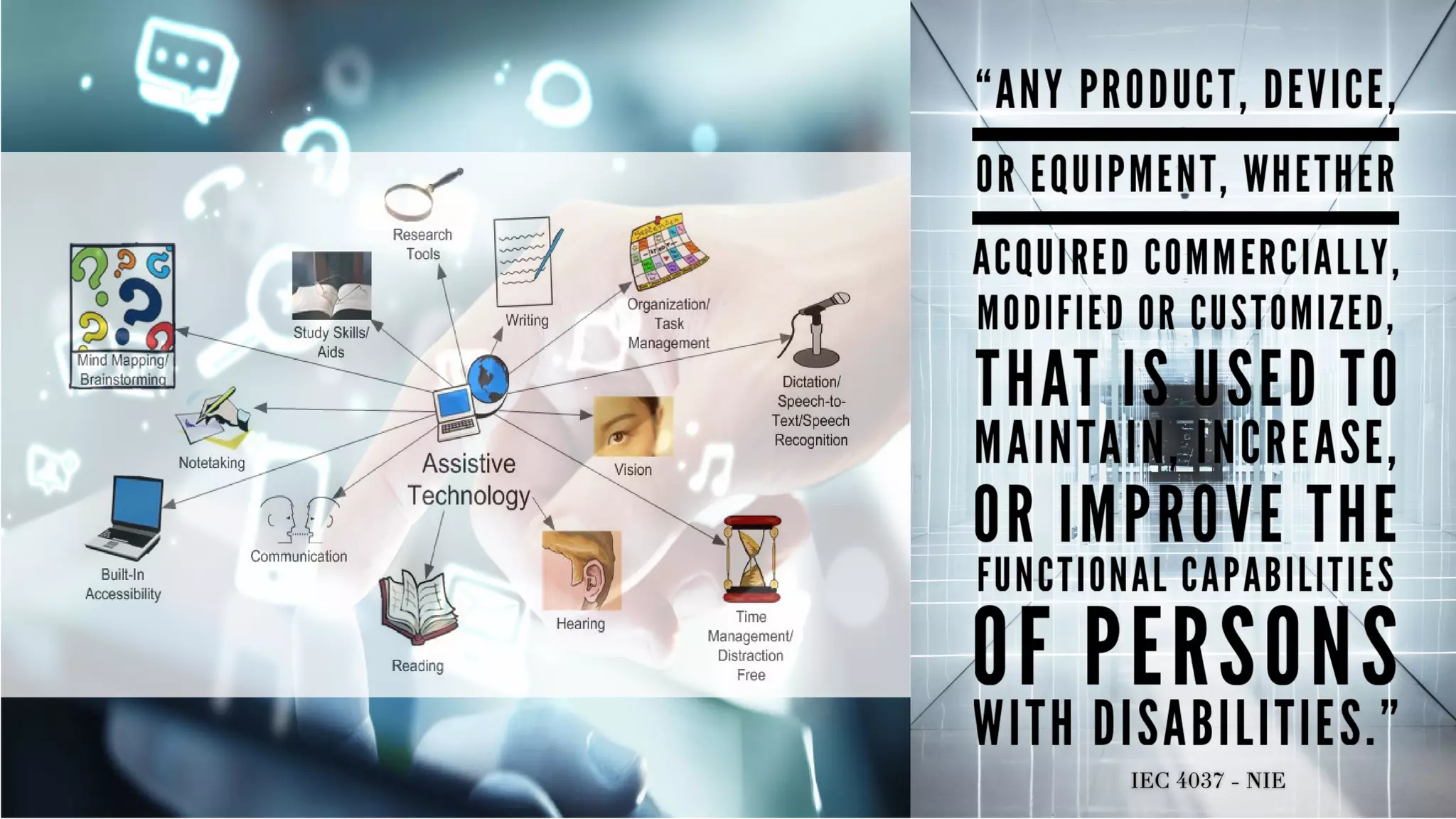
how can technology help?
Reading
Difficulties
Language Issues
Problems with
Social
Interactions
Dual
Exceptionalities
Problem with
Authority
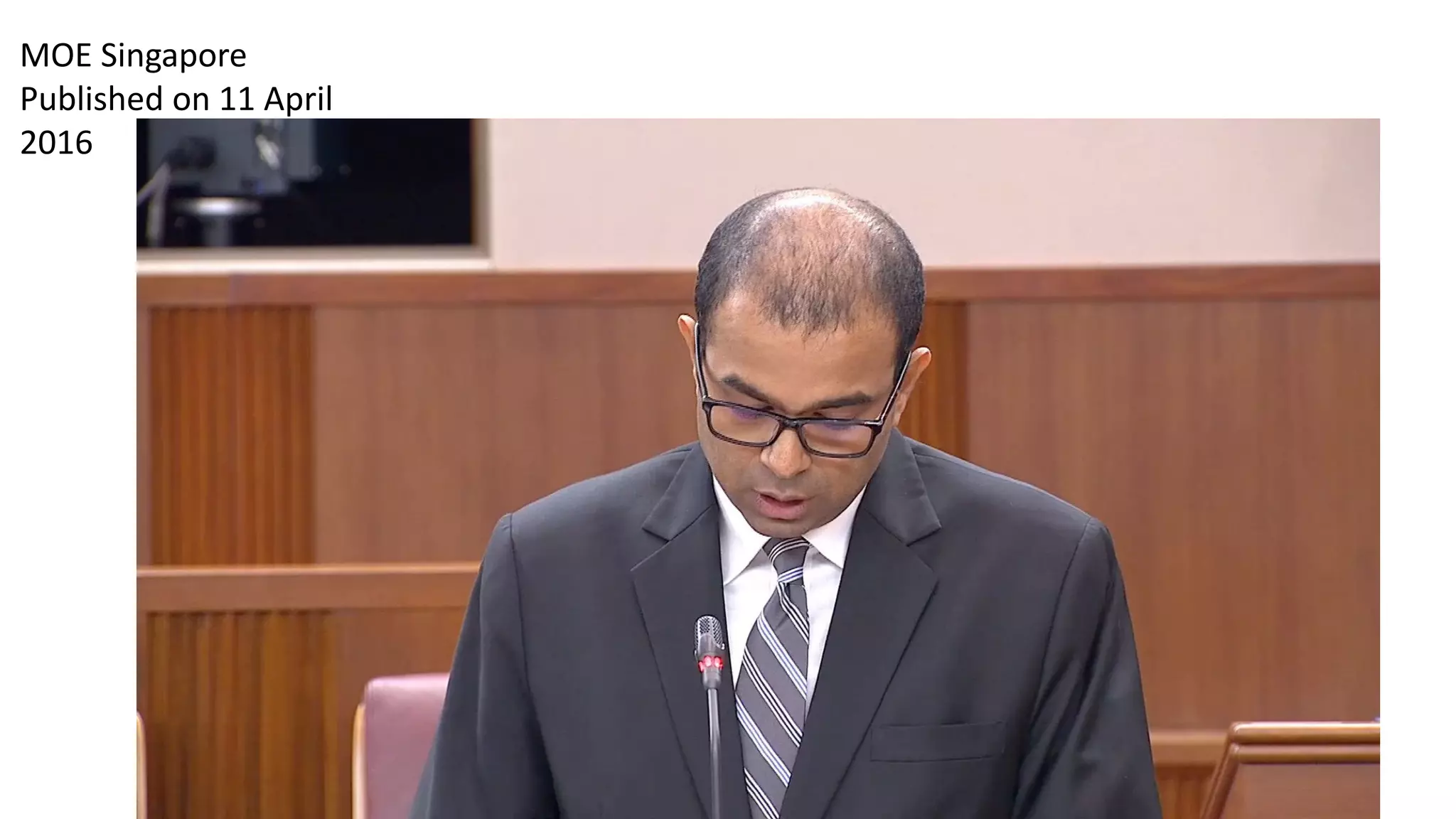
MOE Singapore
Published on 11 April
2016
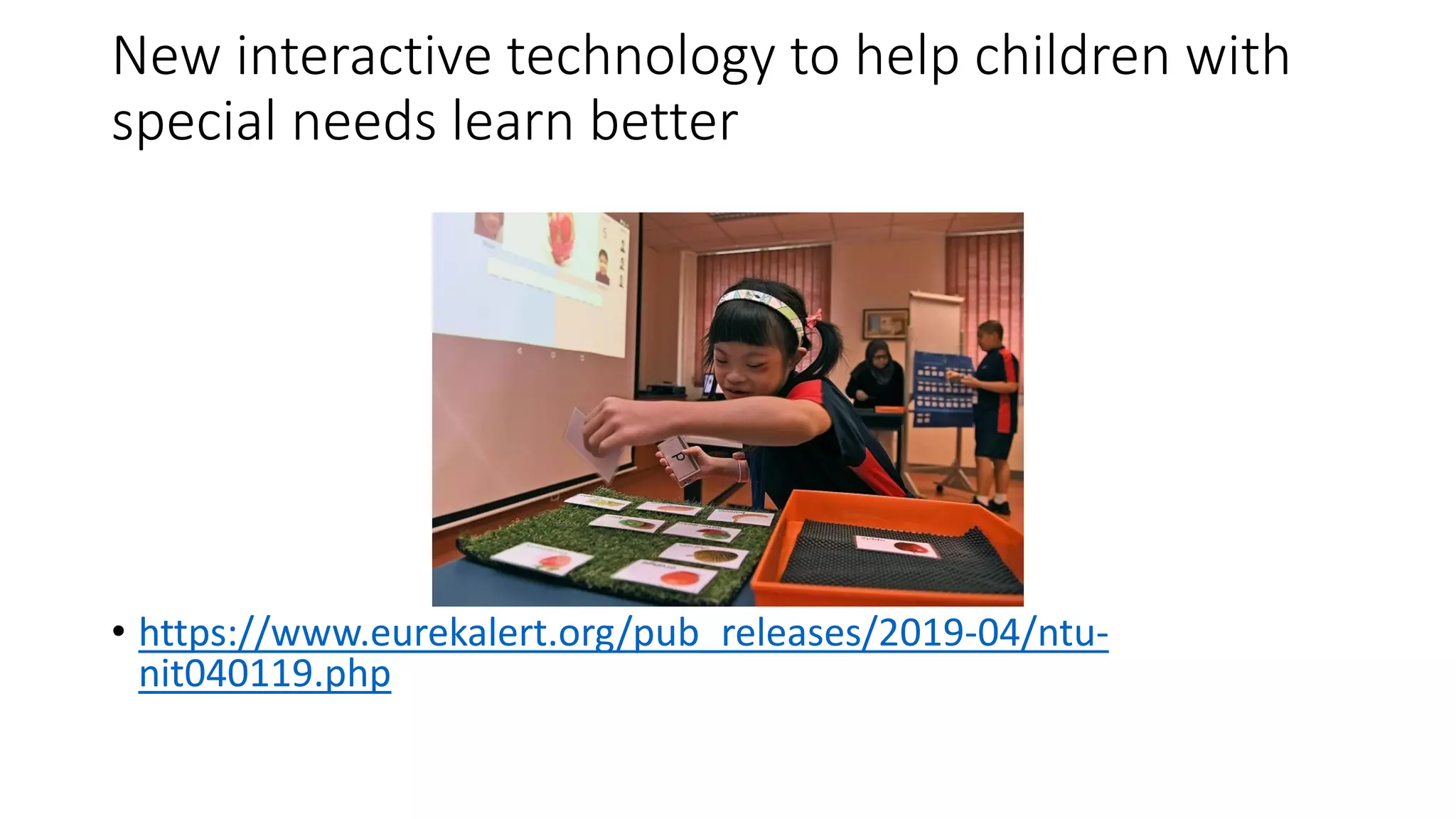
New interactive technology to help children with
special needs learn better
• https://www.eurekalert.org/pub_releases/2019-04/ntu-
nit040119.php
What does this mean for us as educators for
students with special needs?
Reviewing our Understanding of our Course
Structure and Deliverables

Week 2 - Introduction to the use of technology in supporting learning

  • 1.
    IEC 4037 -TECHNOLOGY TO SUPPORT LEARNING Course Instructors: Asst/Prof Rhoda Myra Garces-Bacsal, PhD A/P Wong Meng Ee Dr Elizabeth Ow Yeong
  • 2.
    What comes tomind when technology is mentioned?
  • 4.
  • 9.
    Technology Integration inAction: Then and Now
  • 10.
     Learn keyterminology  Reflect on the past to shape the future  Consider currently available resources and how to use them  Look ahead to emerging trends Perspectives on Technology Uses: Why we need the “big picture”
  • 11.
    What will thefuture be like?
  • 12.
    Educational and InstructionalTechnology • Earliest references to the term “educational technology” were by radio instruction pioneer W. W. Charters in 1948, and instructional technology was first used by audiovisual expert James Finn in 1963 (Saettler, 1990).
  • 13.
    More Than Processesand Tools • 1970 Commission on Instructional Technology defined educational technology as both • “the media born of the communication revolution which can be used for instructional purposes” (p. 6) and “a systematic way of designing, carrying out, and evaluating the total process of learning and teaching” (p. 6). • As the 1970 commission concluded, a broader definition of educational technology that encompasses both tools and processes “belongs to the future” (Saettler, 1990, p. 6).
  • 14.
    Perspectives on TechnologyUses: Four defining perspectives Media and AV Instructional Systems/ID Vocational training Computer systems Today’s definition
  • 15.
    Association for EducationalCommunications and Technology (AECT) • Initial focus: Audio-​visual (AV) devices and media • Now: Using any resources to improve teaching and learning • Definition: Educational technology is facilitating learning and improving performance by creating and using technological processes and resources.
  • 16.
    International Technology andEngineering Educators Association (ITEEA) • Initial focus: Manufacturing and materials skills • Now: STEM education and careers • Definition: Technology education is problem-based learning using STEM principles.
  • 17.
    International Society forPerformance Improvement (ISPI) • Initial focus: Information concerned with programmed instruction • Now: Improving human performance • Definition: Human performance technology is a systematic approach to improving productivity and competence.
  • 18.
    International Society forTechnology in Education (ISTE) • Initial focus: Computer systems • Now: Digital devices and systems • Definition: Educational technology is the full range of digital hardware used to support teaching and learning.
  • 19.
    Suggested Definition • Educationaltechnology is a combination of the processes and tools involved in addressing educational needs and problems, with an emphasis on applying the most current digital and information tools. • Integrating educational technology refers to the process of matching digital tools and methods to given educational needs and problems. • Instructional technology is the subset of educational technology that deals directly with teaching and learning applications (rather than educational administrative ones). (Roblyer & Wiencke, 2016).
  • 20.
    History of DigitalTechnologies: Four eras Pre- Microcomputer 1950’s-1970’s Microcomputer 1970’s-1990’s Internet 1990’s-2000’s Mobile, open access 2000’s-NOW
  • 21.
  • 22.
  • 23.
  • 24.
    History of DigitalTechnologies: What we learned from the past  Technology is no panacea.  Teachers are not developers.  Possible does not equal desirable, feasible, or inevitable.  Technologies change faster than teachers can keep up.  Older technologies can be useful.  Teachers are most important.
  • 25.
  • 26.
    Today’s Technology Resources: Software Typesof software applications:  Instructional  Productivity  Administrative
  • 27.
    Today’s Technology Resources: Issuesthat impact technology uses Cultural/ equity Legal/ ethical Social Educational Issues
  • 28.
    Today’s Technology Resources: Socialissues  Privacy concerns  Health-related concerns  Fears about misuses  Risks of online behaviors  Problems with malware, viruses, spam, and hacking Social
  • 29.
  • 30.
  • 31.
    Today’s Technology Resources: Educationalissues  Lack of funding  Teacher/student accountability  Digital literacy/digital citizenship  Debates on best practices  Reliance on online learning Educational
  • 32.
  • 33.
    Today’s Technology Resources: Cultural and equity issues  Digital Divide  Racial and gender equity  Students with special needs Cultural/ equity
  • 34.
  • 35.
  • 36.
    Today’s Technology Resources: Legal and ethical issues  Hacking  Safety  Academic dishonesty  Illegal downloads & software piracy Legal/ ethical
  • 37.
    Technology Literacy Skills: Foursets of skills/standards  The Common Core State Standards (CCSS)  ISTE Standards  Partnership for 21st Century Skills (P21) competencies  The information and communication technology (ICT) framework
  • 38.
  • 39.
    Background • Singapore governmentis committed to transforming Singapore into a global city that leverages on ubiquitous computing • To enrich the diverse learning experiences of the individuals • To expand the nation’s technological capacity.
  • 40.
    ICT Masterplans • TheMinistry of Education is intimately involved  with contributing to these milestones through four ICT  Masterplans from 1997-2020,  undergoing long term effort to embed ICT in the use of and delivery of education.
  • 41.
    ICT Masterplans Masterplan 1(1997-2002)  Focused on the nuts and bolts of infrastructure and skills • Masterplan 2 (2003-2008)  Concentrated on deepening the integration of ICT in lessons. • Masterplan 3 (2009-2014)  strives to strengthen the integration of ICT into curriculum, pedagogy and assessment to enhance learning and competencies for the 21st century (MOE, 2008).  Masterplan 4 (2014 - 2020) move from self-directed/collaborative learning to the total curriculum. ICT to achieve knowledge mastery, 21st century competencies and responsible digital citizenry.
  • 42.
    Infocomm Media Masterplan2025 • 3 strategic thrusts: 1. to capitalize on data, advanced communications and computational technologies to bring about a quantum leap in Singapore’s economic competitiveness. 2. to nurture an infocomm media ecosystem that encourages risk taking and continuous experimentation to create Singapore-made content, products and services. 3. to strive to connect people through infocomm media to enhance quality of life of Singaporeans and to foster a stronger identity. (Report of the Infocomm Media Masterplan Steering Committee, 2015)
  • 43.
    Technology Skills: The Tech-PACKframework Technological Knowledge Pedagogical Knowledge Content Knowledge Combined Technological, Pedagogical, Content Knowledge
  • 44.
    Technology Skills: Teachers’ portfoliooptions  “Ready-made” portfolio software  PDF documents  Multimedia authoring software  Websites  Video
  • 45.
  • 46.
  • 47.
    Developing a SoundRationale for Technology Use: Research findings  Limitations of past research  Initial findings on one-to-one computing initiatives  Reviews of recent research
  • 48.
    Developing a SoundRationale for Technology Use: Problem solving  Problem 1: How to motivate and engage students?  Problem 2: How to support students’ learning needs?  Problem 3: How to prepare students for future learning?
  • 49.
    Emerging Trends: Hardware/software developments Ubiquitous mobile computing  More open content  MOOCs  Increased use of e-books/e- texts  Tablets
  • 50.
    Emerging Trends (continued): Hardware/softwaredevelopments  Augmented reality systems  Wearable technologies  Gamification  Learning analytics  3D printing
  • 51.
    Emerging Trends: Educational applications Flexible learning environments  Personalized learning  New models for instruction  Reliance on distance learning  More options for students with disabilities
  • 52.
    Course objectives Develop aportfolio of technology strategies and tools within the framework of special schools and mainstream classrooms. Examine attitudes and procedures that encourage or prohibit the use of technology. Assess, evaluate, and implement practical strategies in using assistive technology in schools and classrooms.
  • 53.
  • 54.
  • 55.
    Group formation Take aWe-Fie Go to www.imgflip.com Add your group name at the top of the photo. And your individual names on your images. Download onto your device. Upload the image onto ---
  • 56.
    Group discussion How doyou use technology for in- class support or withdrawal sessions with your students? How do you use technology for creating your IEP or API? How will this course help you in becoming better allied educators?
  • 57.
    Technology and diverselearners Bowerman & Duncan, 2005 Developing Effective Lessons Assembling Work Groups – possible for AED work?
  • 58.
    Assessing diverse learners Usingwords Using pictures and numbers Use music and bodies Use friends and self to perform a play
  • 68.
    What does thisall mean for education? What does this all mean for special needs education?
  • 69.
    Is all thisgood or bad?
  • 71.
  • 78.
    For students withthe following learning and behavioural issues, how can technology help? Reading Difficulties Language Issues Problems with Social Interactions Dual Exceptionalities Problem with Authority
  • 79.
  • 80.
    New interactive technologyto help children with special needs learn better • https://www.eurekalert.org/pub_releases/2019-04/ntu- nit040119.php
  • 81.
    What does thismean for us as educators for students with special needs?
  • 82.
    Reviewing our Understandingof our Course Structure and Deliverables