ABDUL JASHEER JAYASEELAN
jasheer@gmail.com
IPG KAMPUS PULAU PINANG 1
CONTENTS
 Technology Trends
 Advantages of ICT in T&L
 TPACK
 Teaching Models for ICT Integration
 ICT Tools for Instructional Activities
 21st Century Learning
2
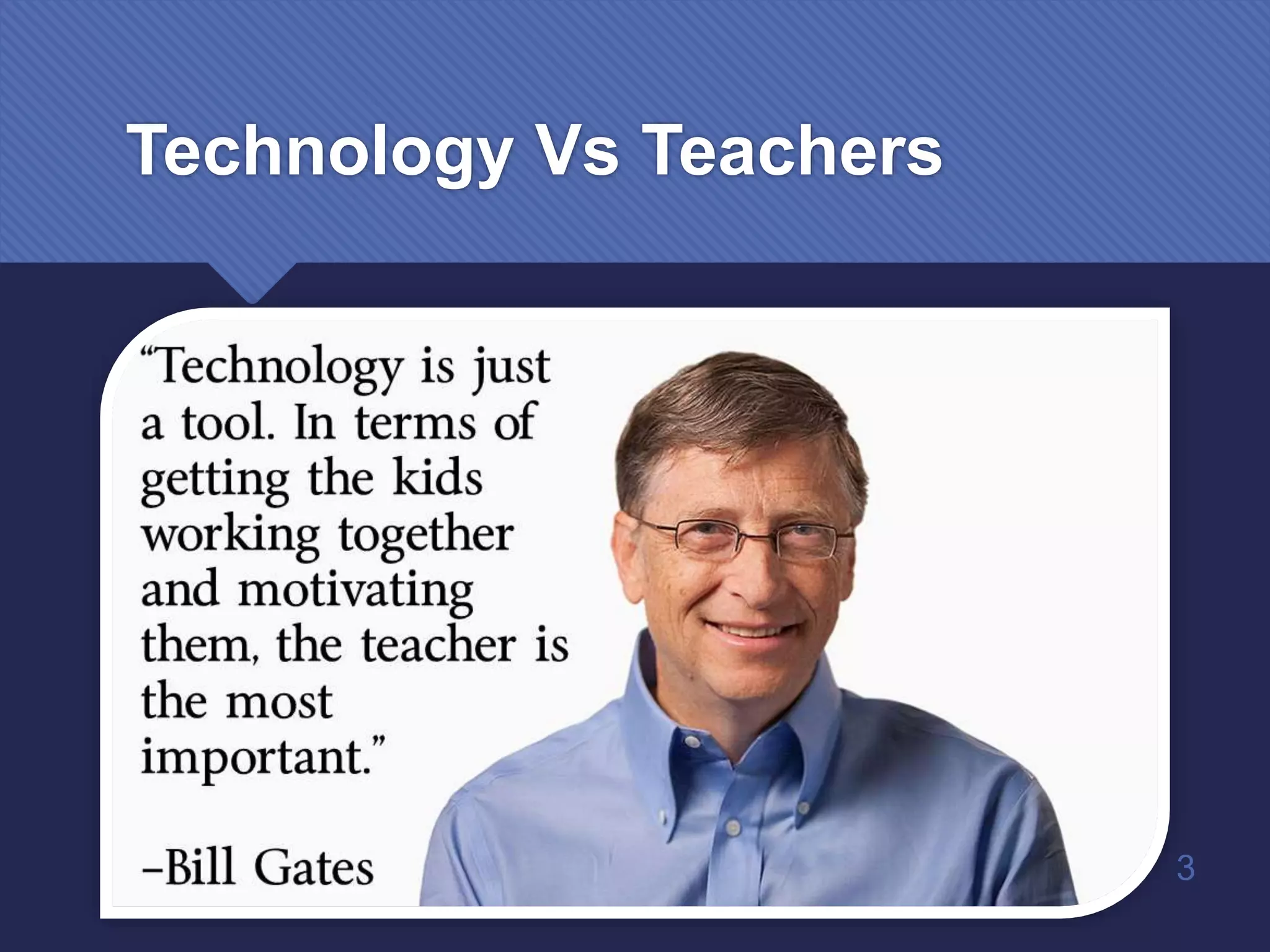
Technology Vs Teachers
3
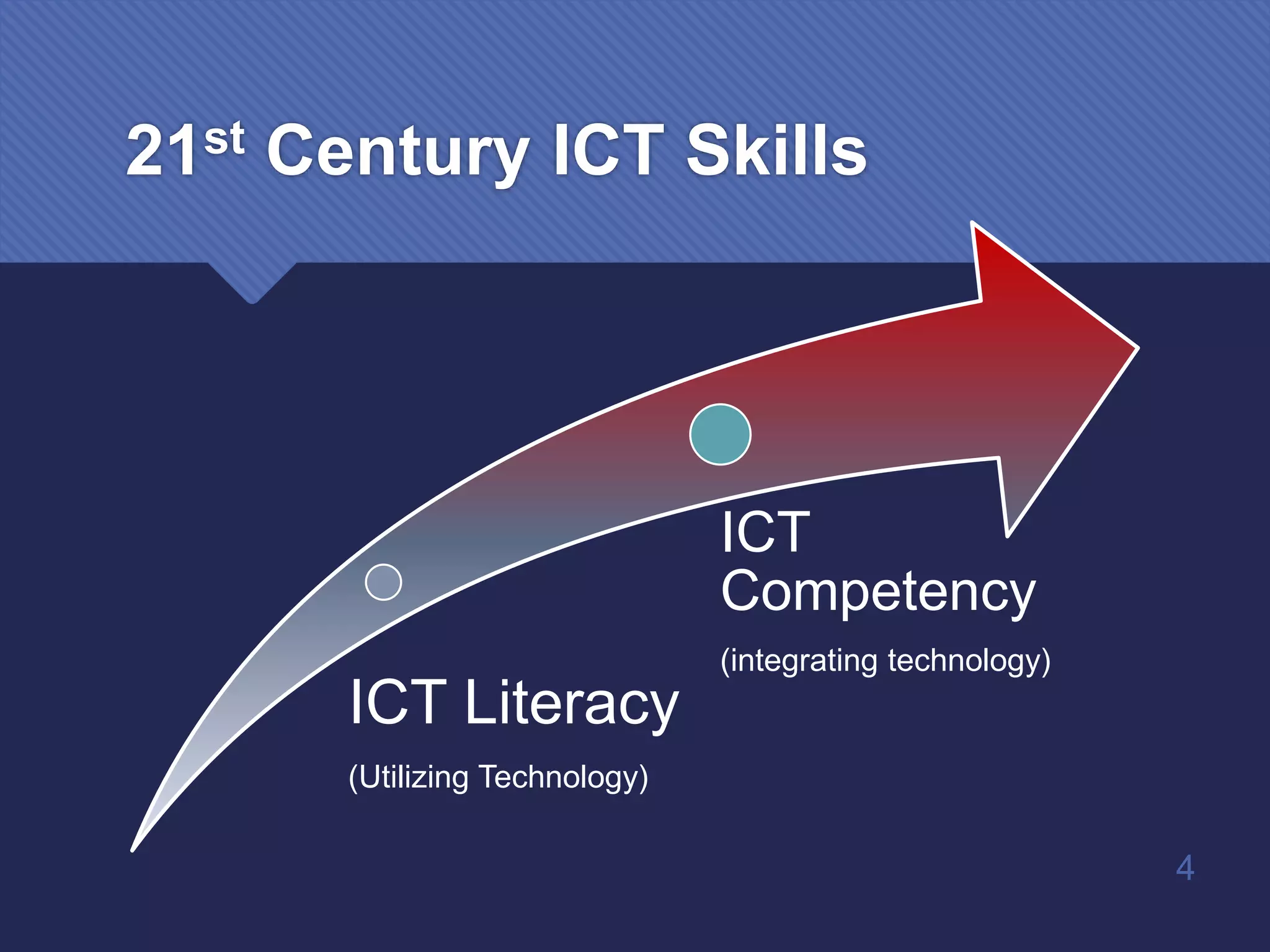
21st Century ICT Skills
ICT Literacy
(Utilizing Technology)
ICT
Competency
(integrating technology)
4
5
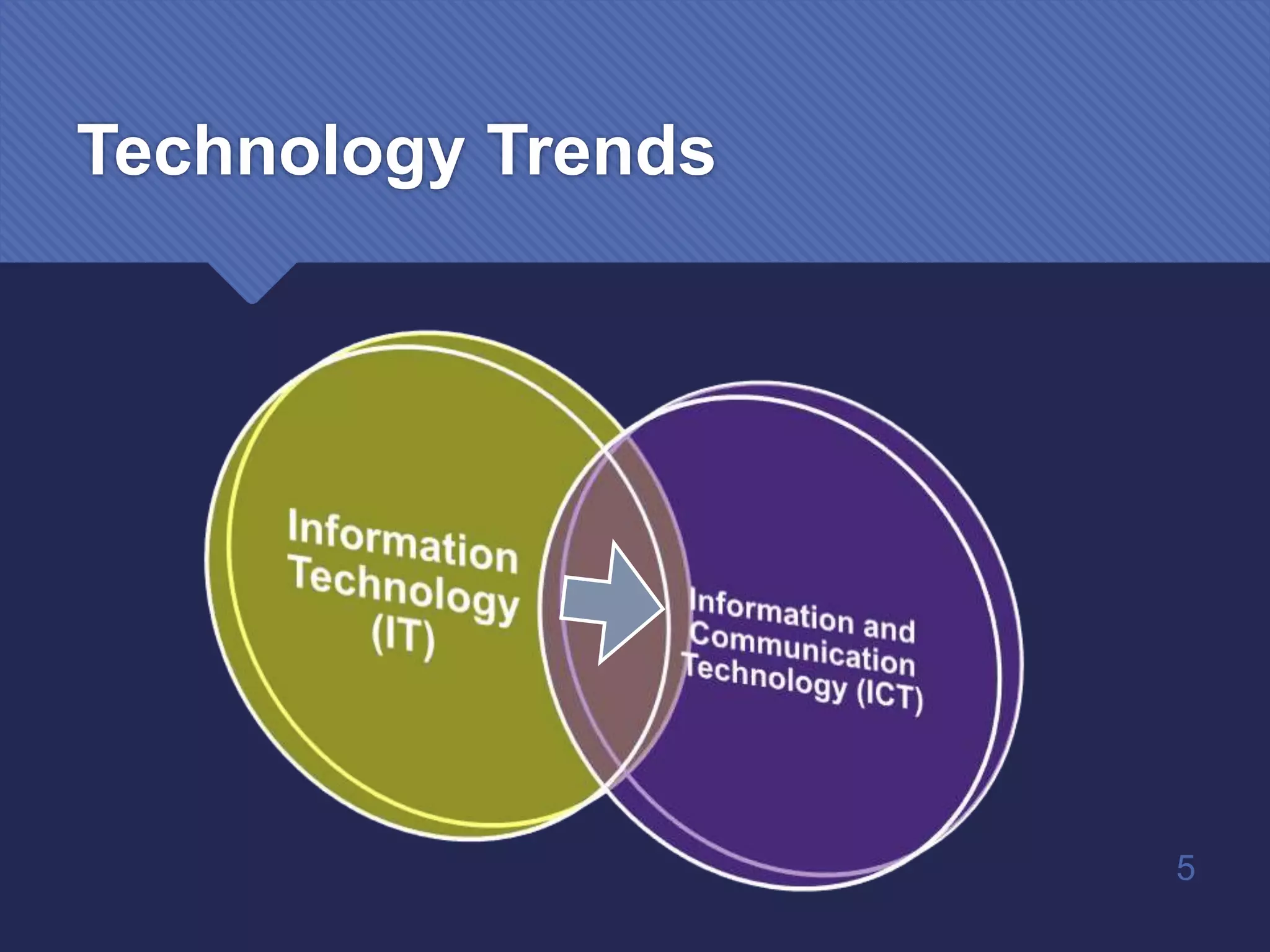
Technology Trends
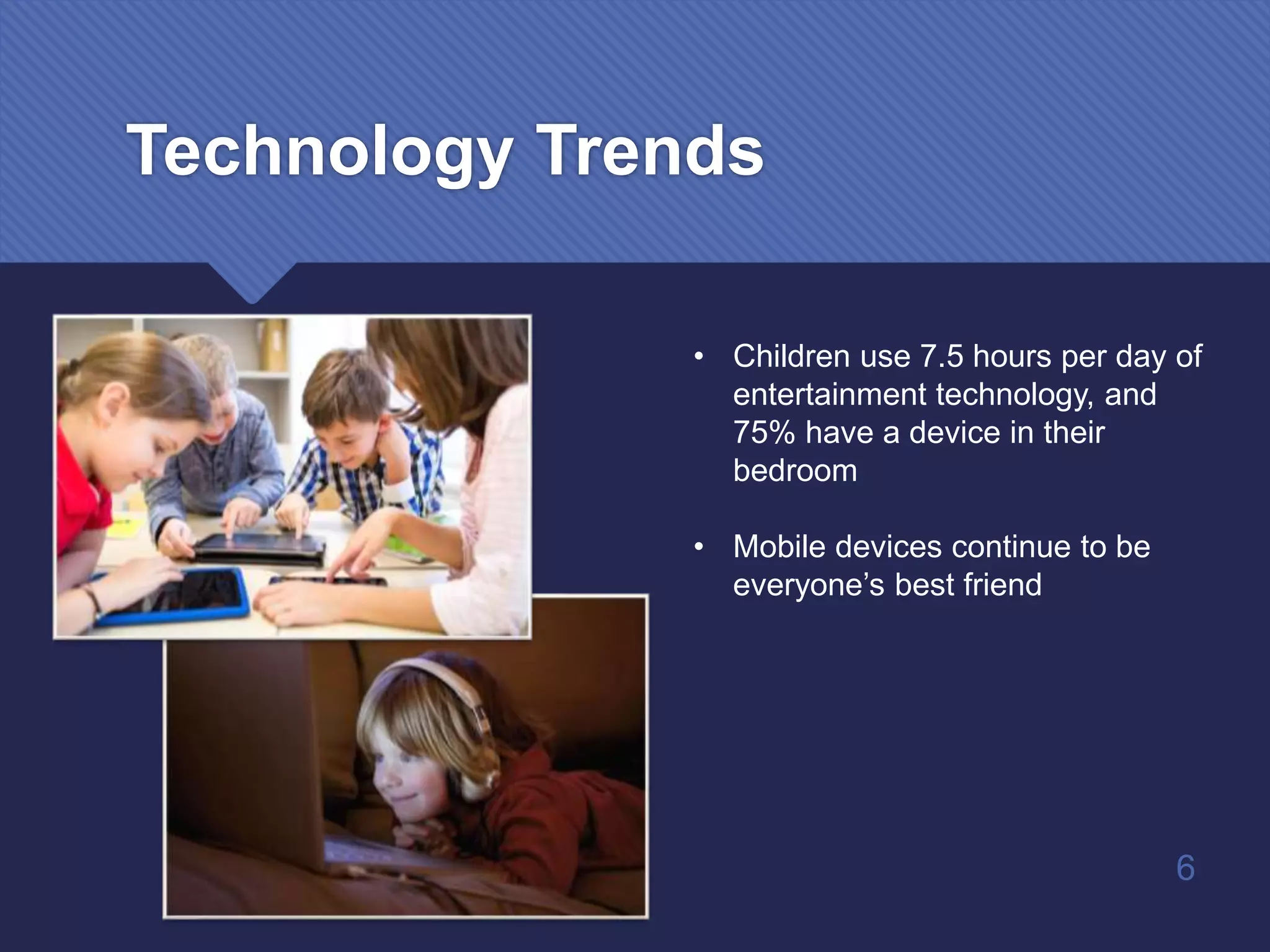
Technology Trends
• Children use 7.5 hours per day of
entertainment technology, and
75% have a device in their
bedroom
• Mobile devices continue to be
everyone’s best friend
6
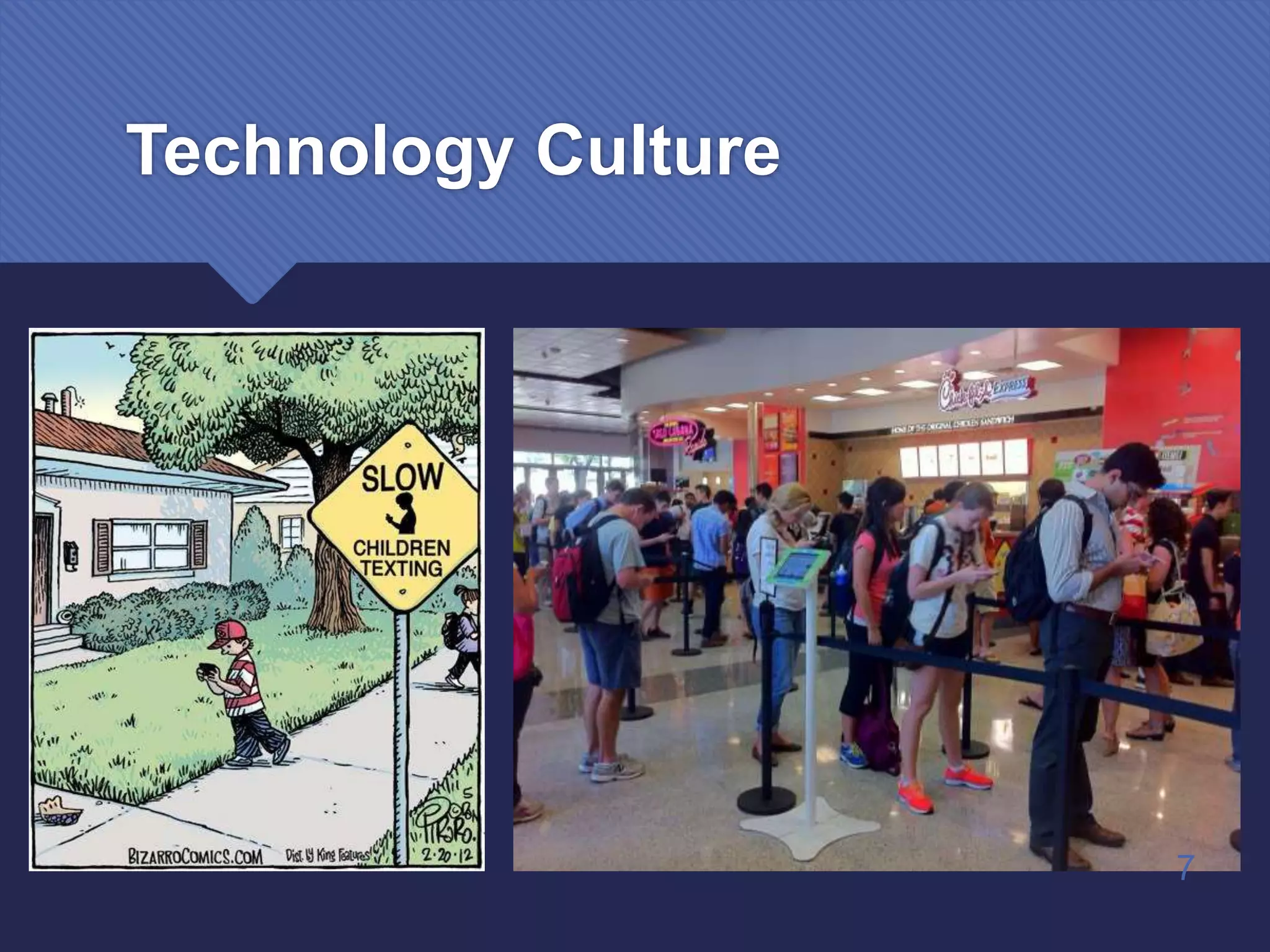
Technology Culture
7
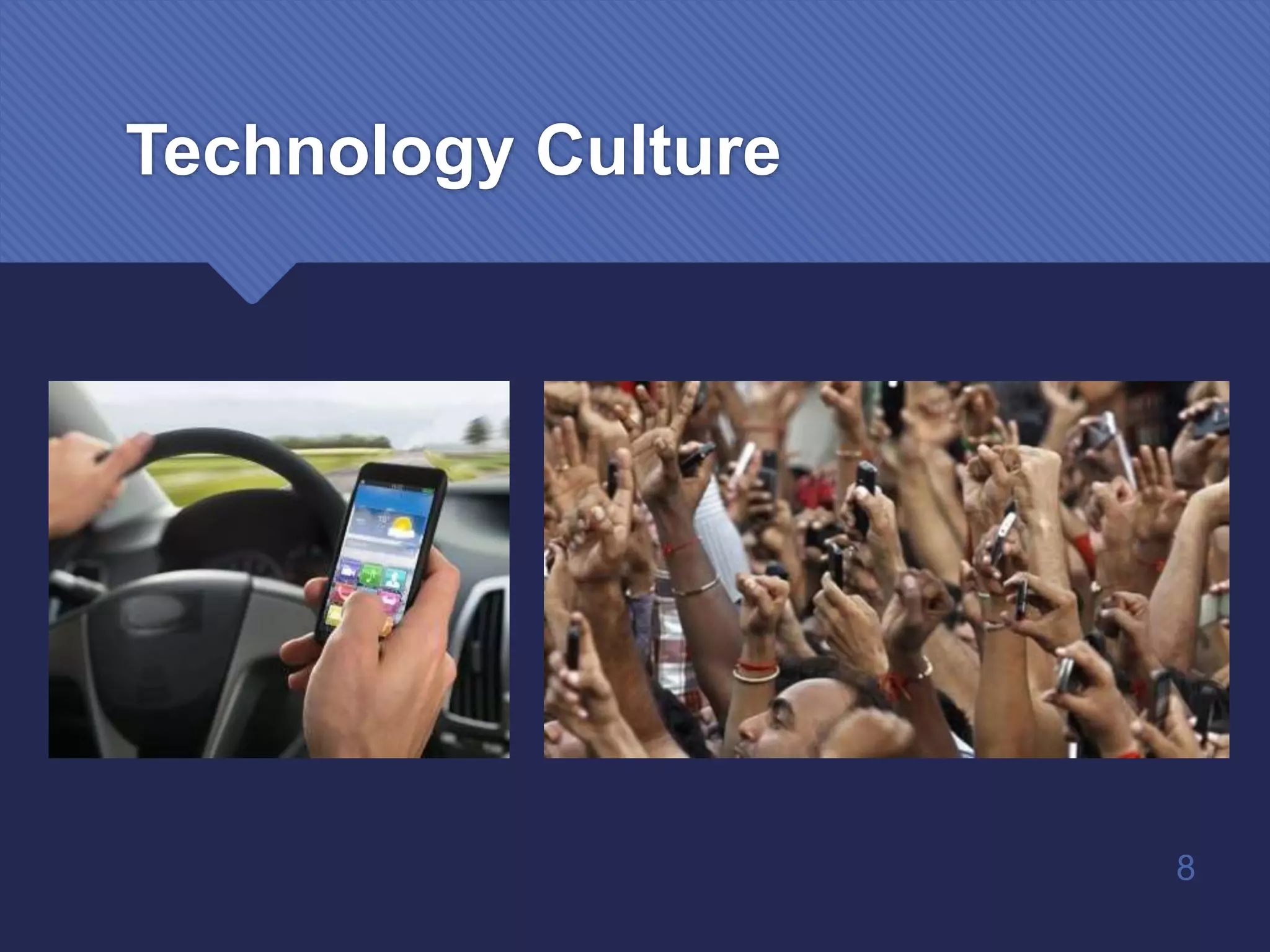
Technology Culture
8
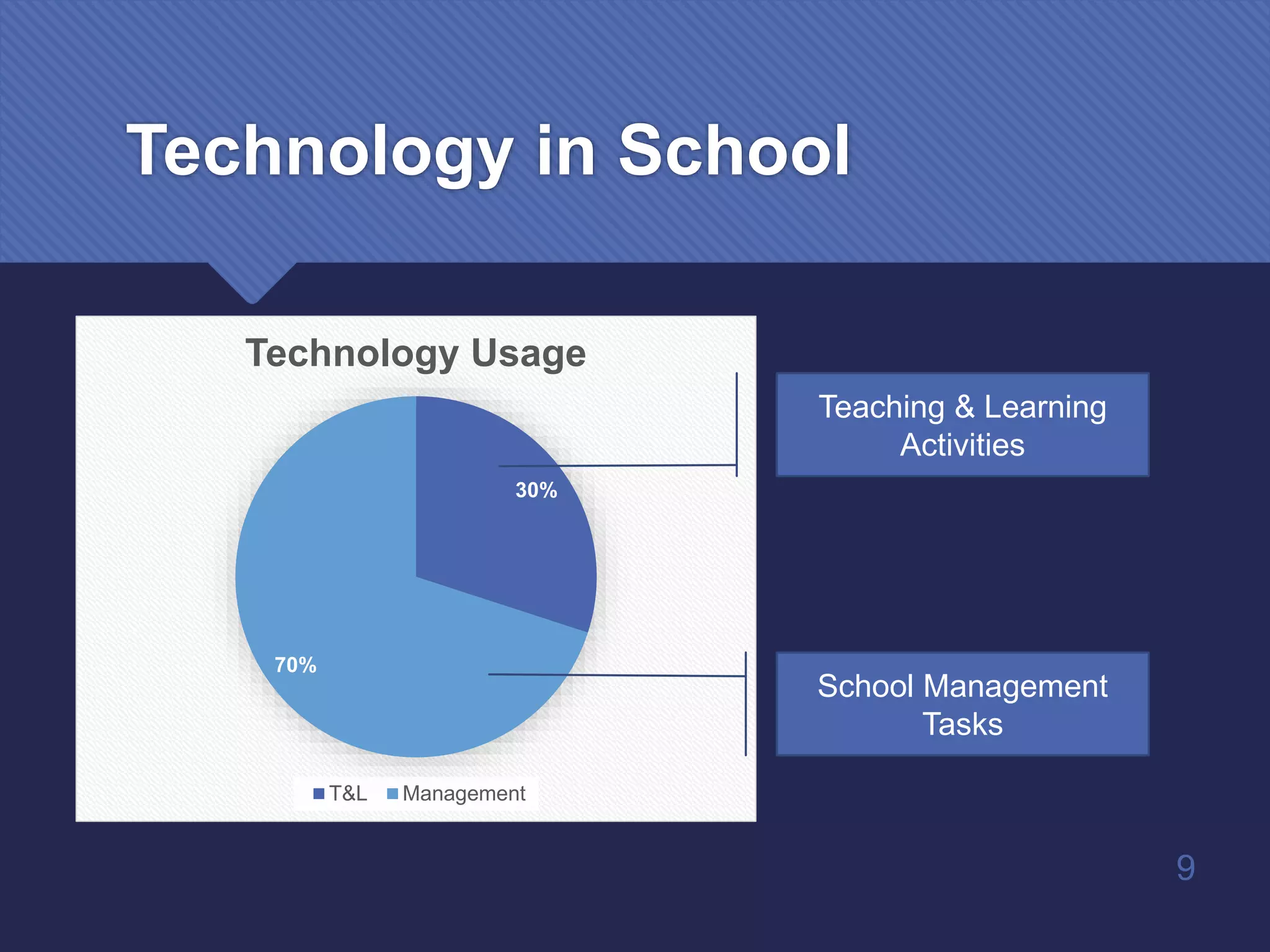
Technology in School
30%
70%
Technology Usage
T&L Management
9
Teaching & Learning
Activities
School Management
Tasks
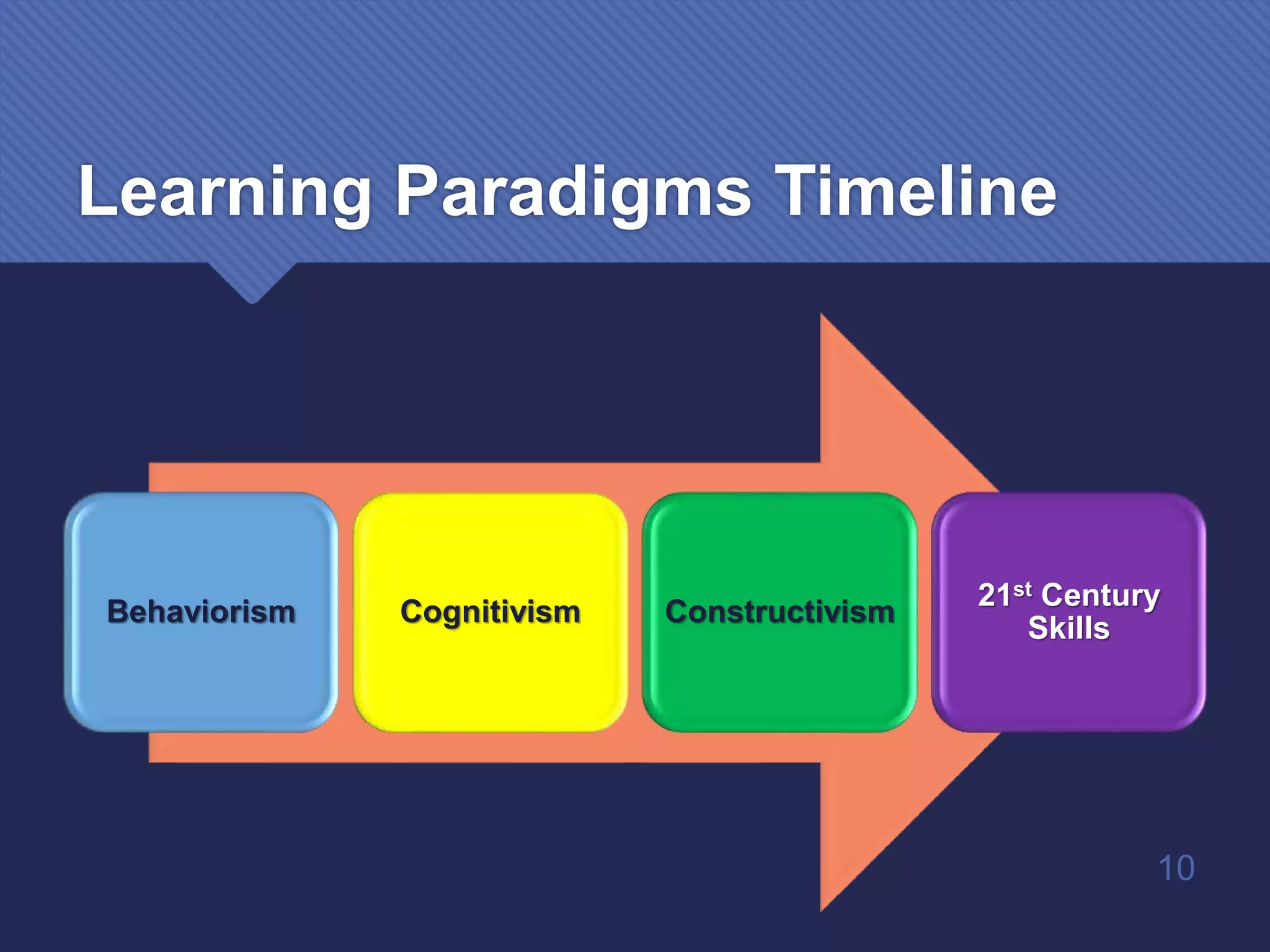
Learning Paradigms Timeline
Behaviorism Cognitivism Constructivism
21st Century
Skills
10
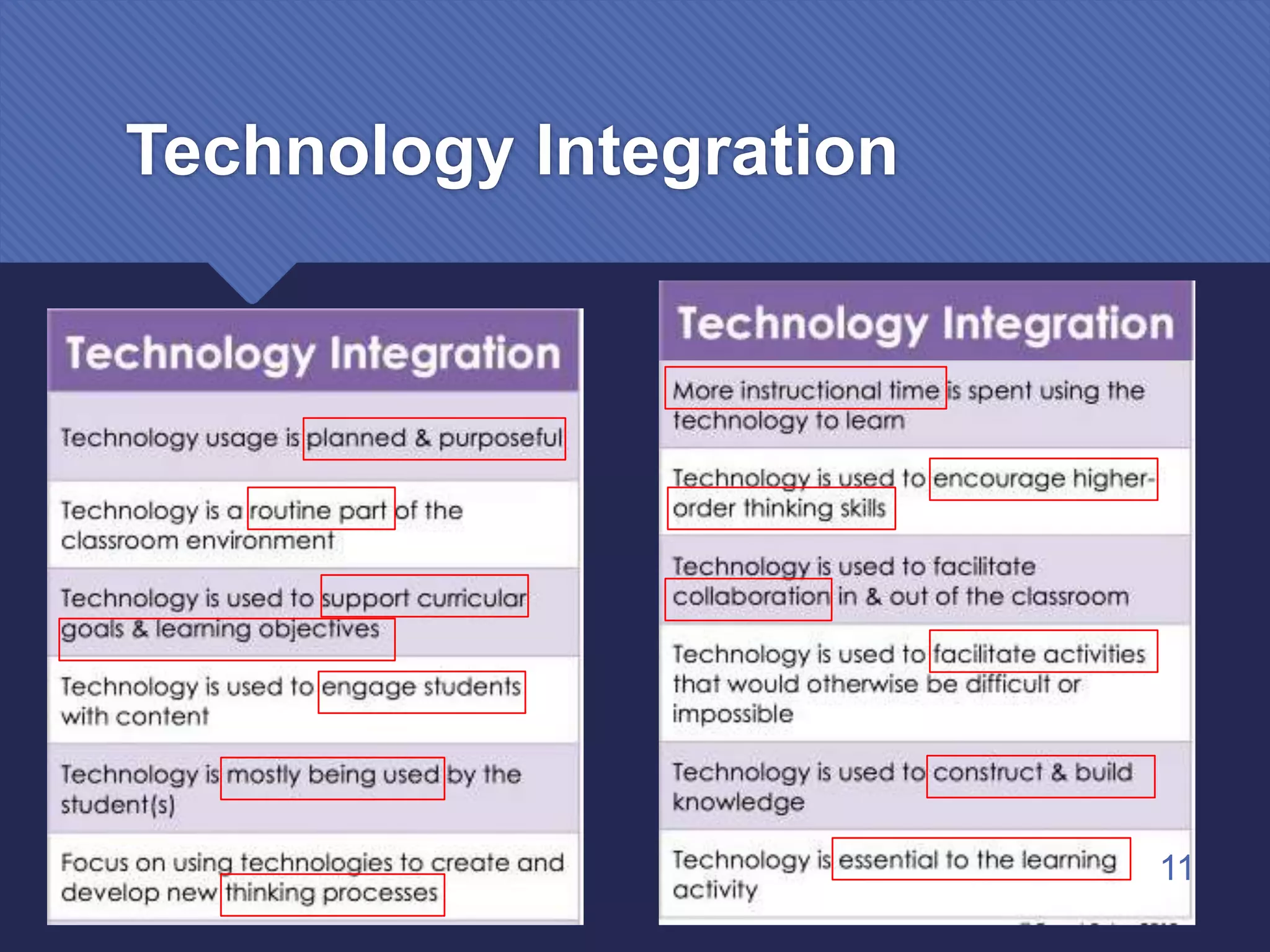
Technology Integration
11
12
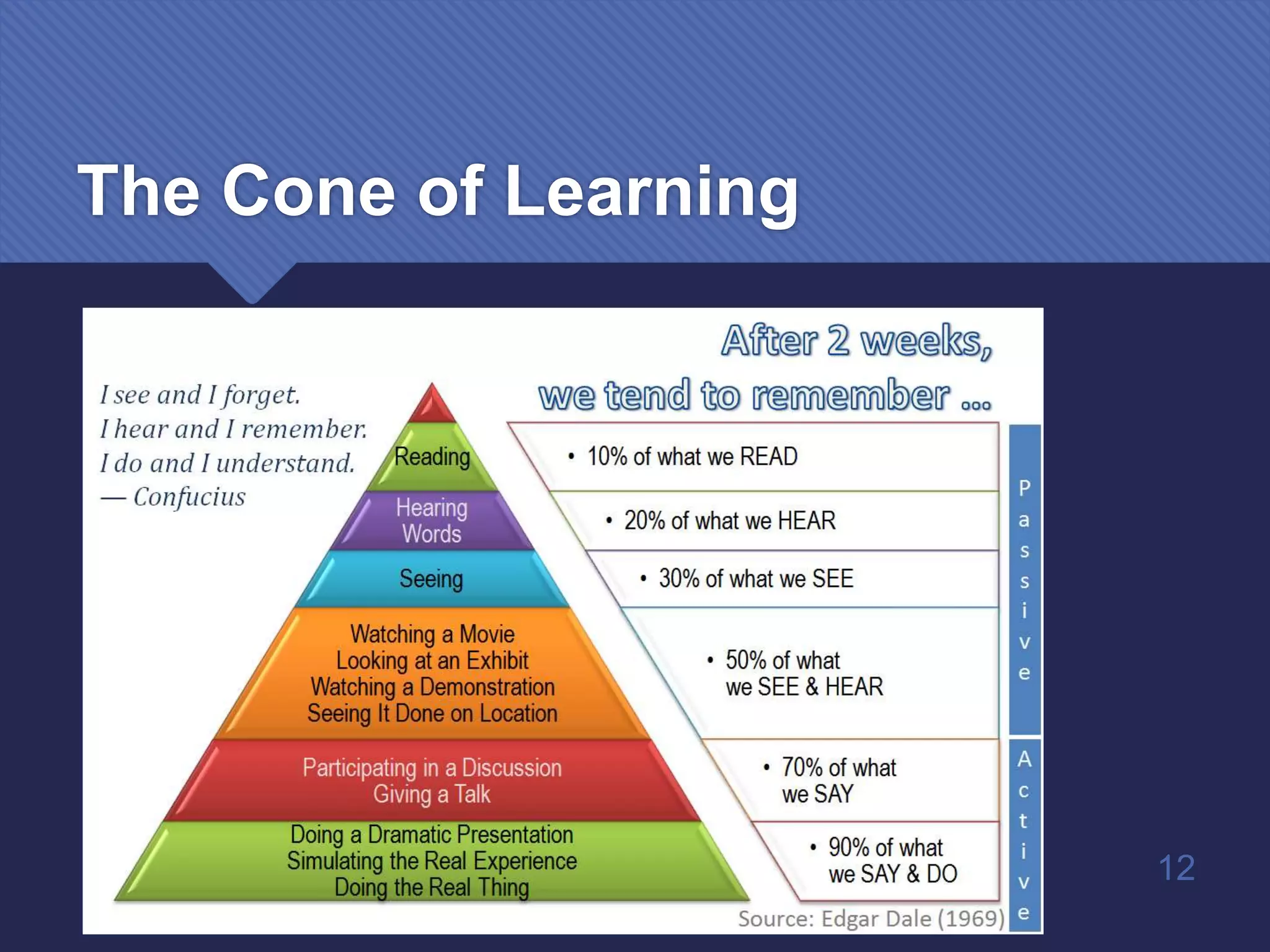
The Cone of Learning
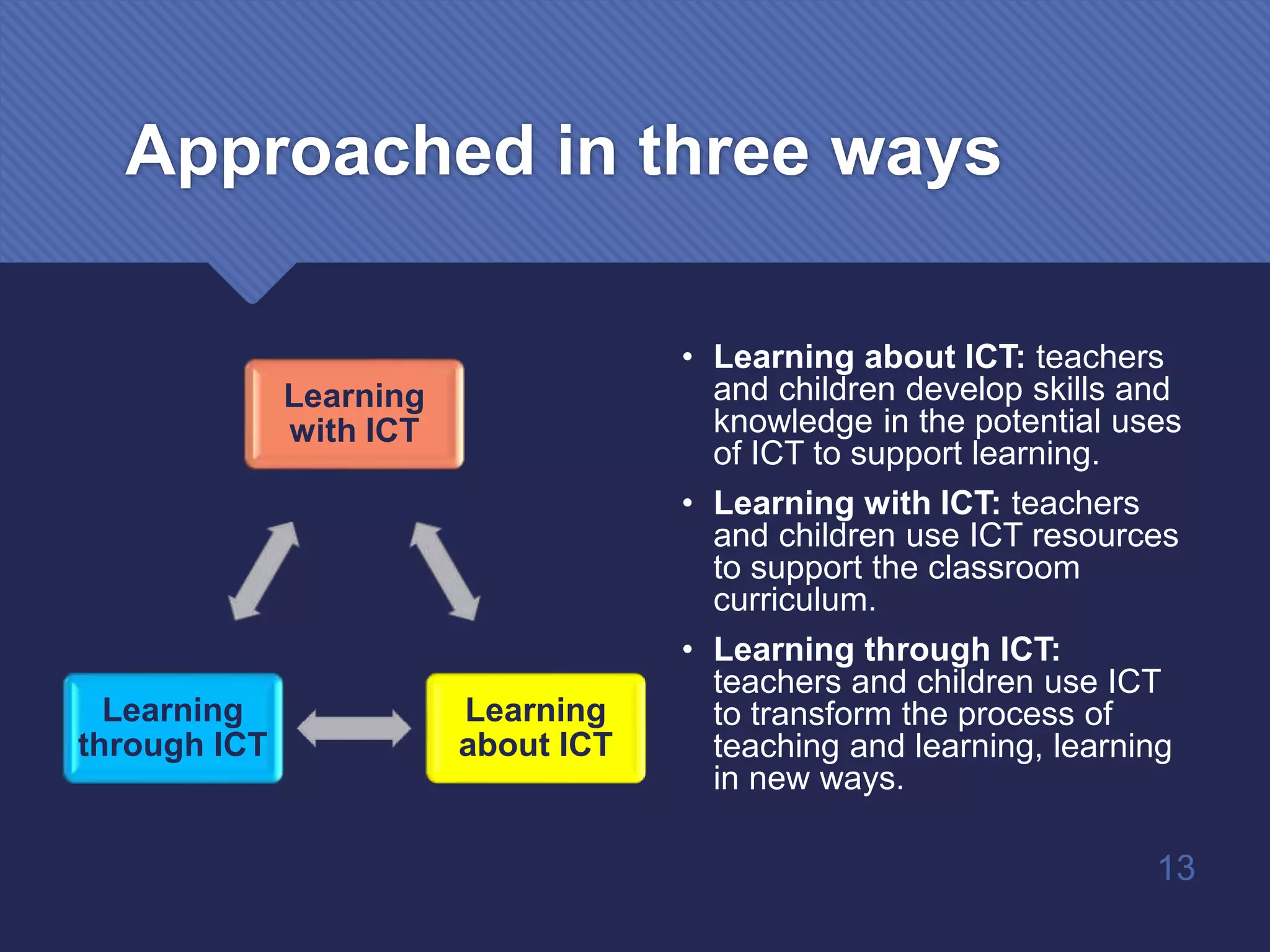
Approached in three ways
Learning
with ICT
Learning
about ICT
Learning
through ICT
• Learning about ICT: teachers
and children develop skills and
knowledge in the potential uses
of ICT to support learning.
• Learning with ICT: teachers
and children use ICT resources
to support the classroom
curriculum.
• Learning through ICT:
teachers and children use ICT
to transform the process of
teaching and learning, learning
in new ways.
13
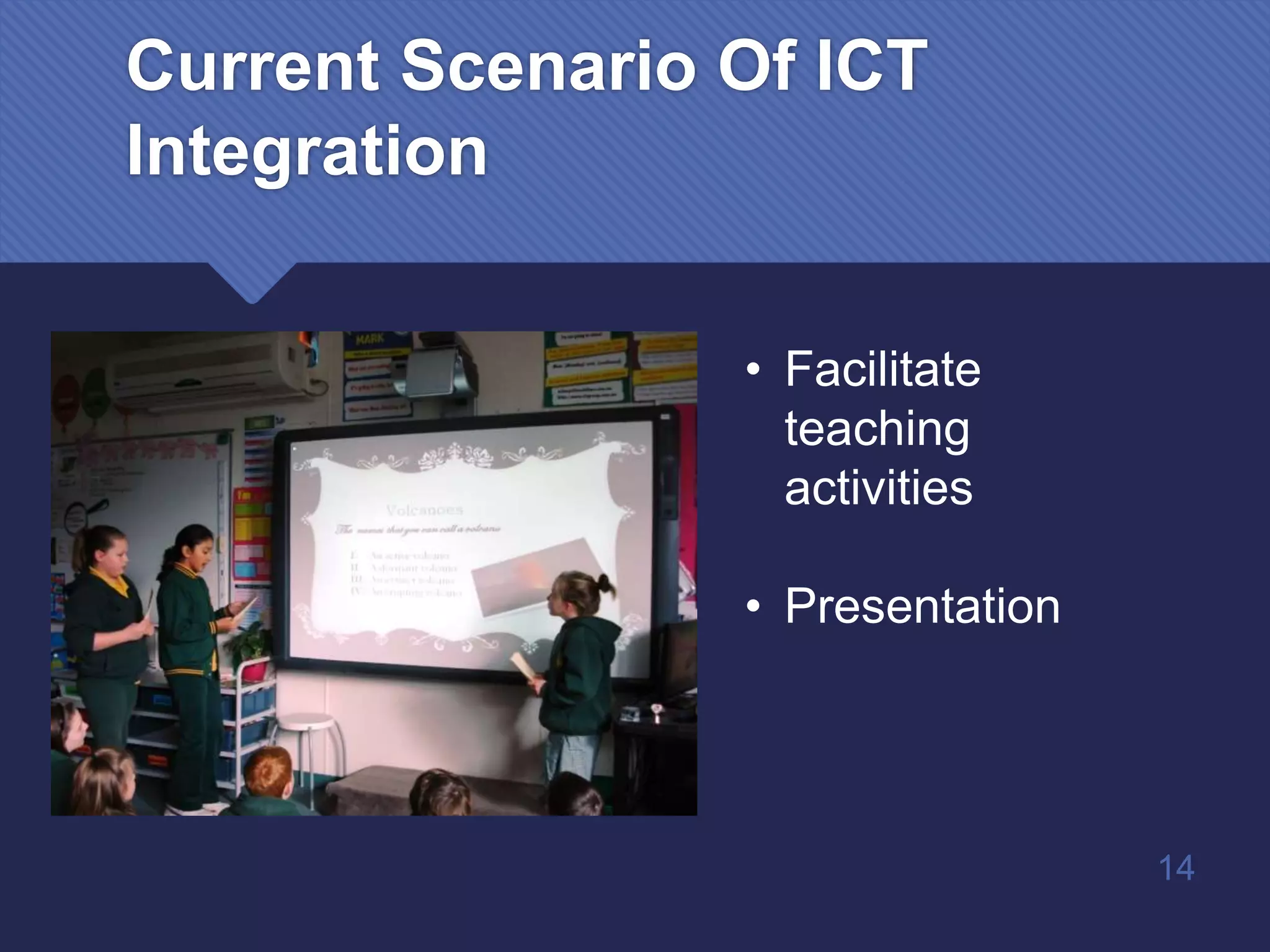
Current Scenario Of ICT
Integration
• Facilitate
teaching
activities
• Presentation
14
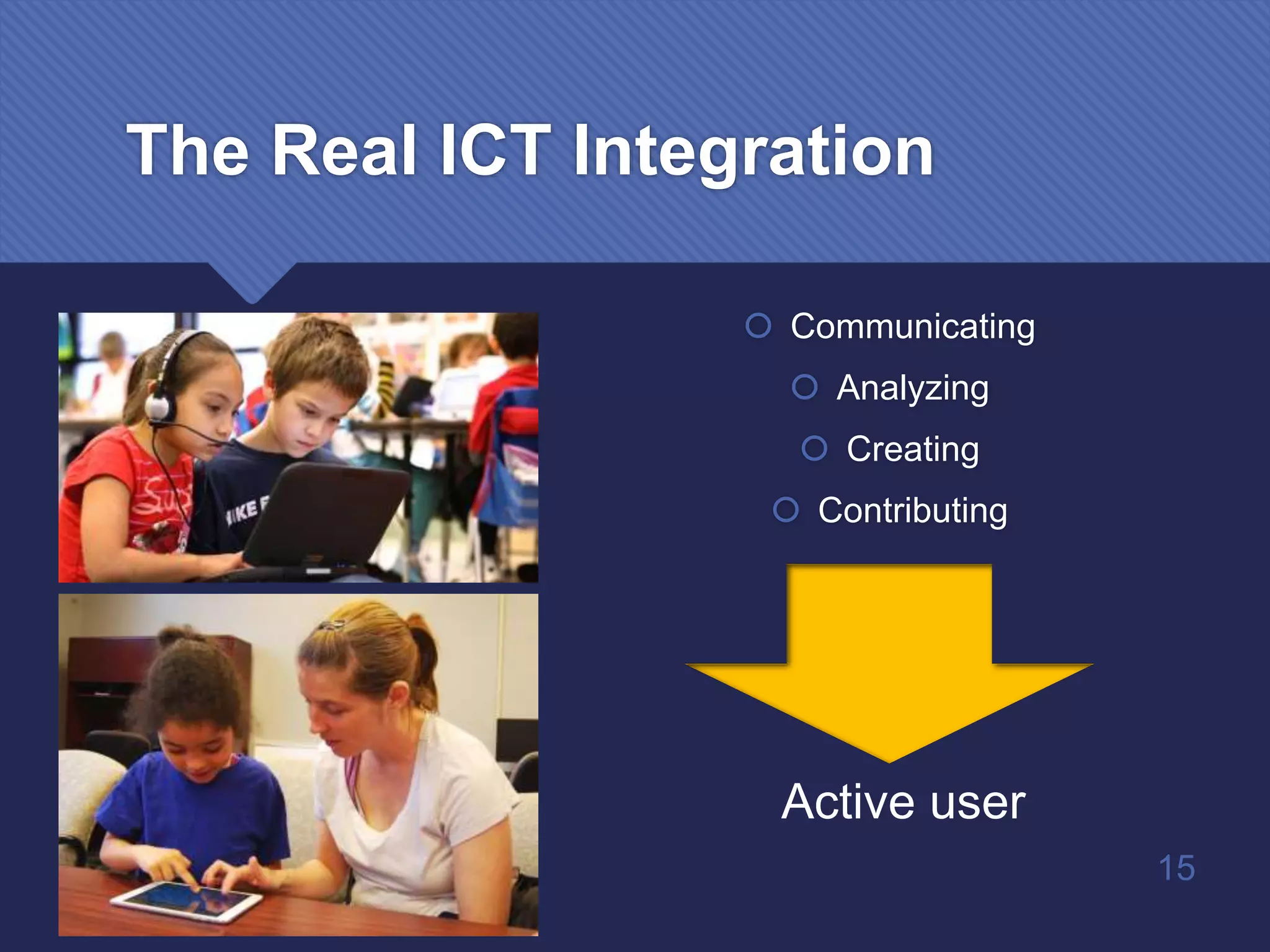
The Real ICT Integration
 Communicating
 Analyzing
 Creating
 Contributing
Active user
15
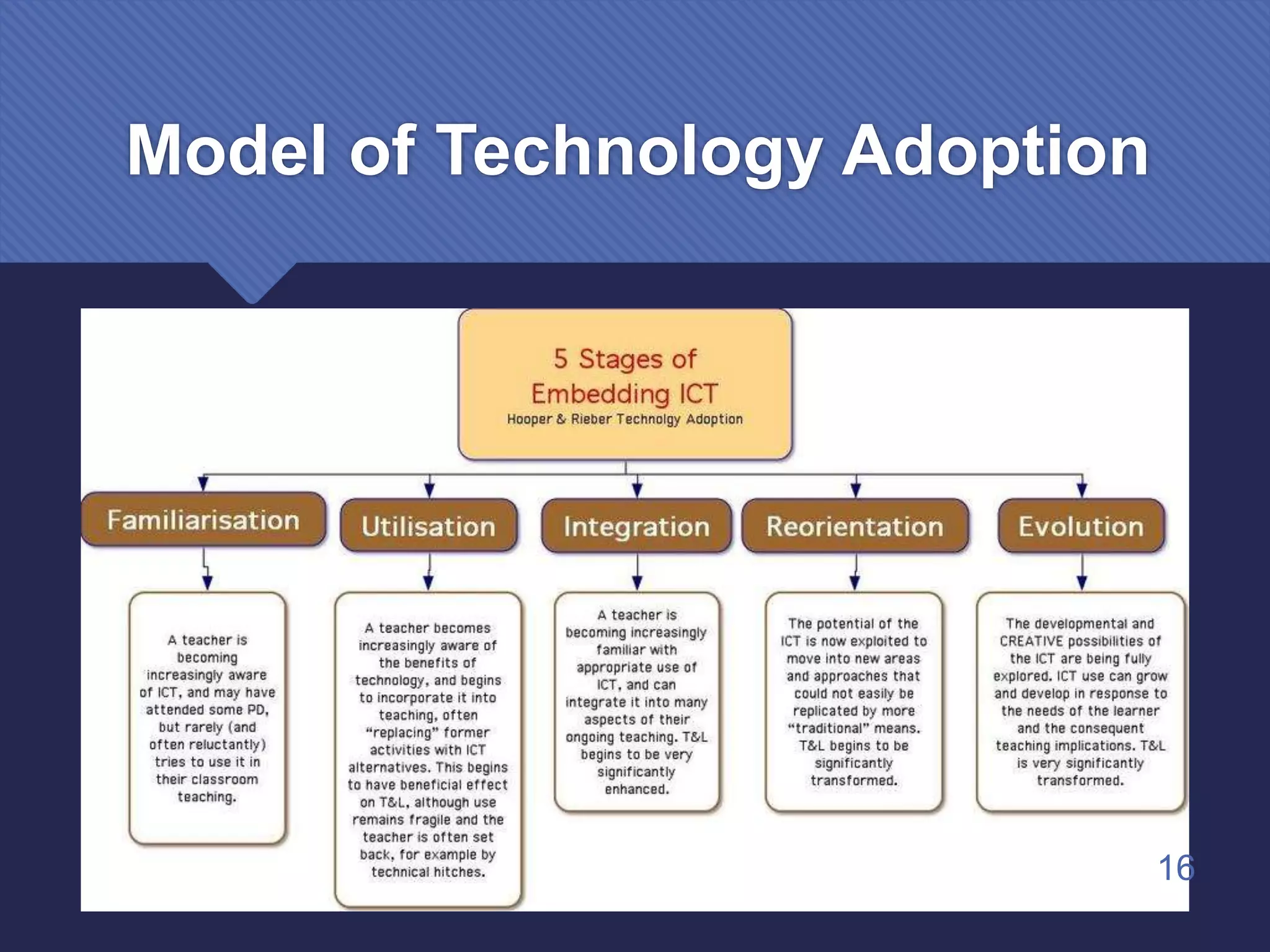
Model of Technology Adoption
16
Familiarisation
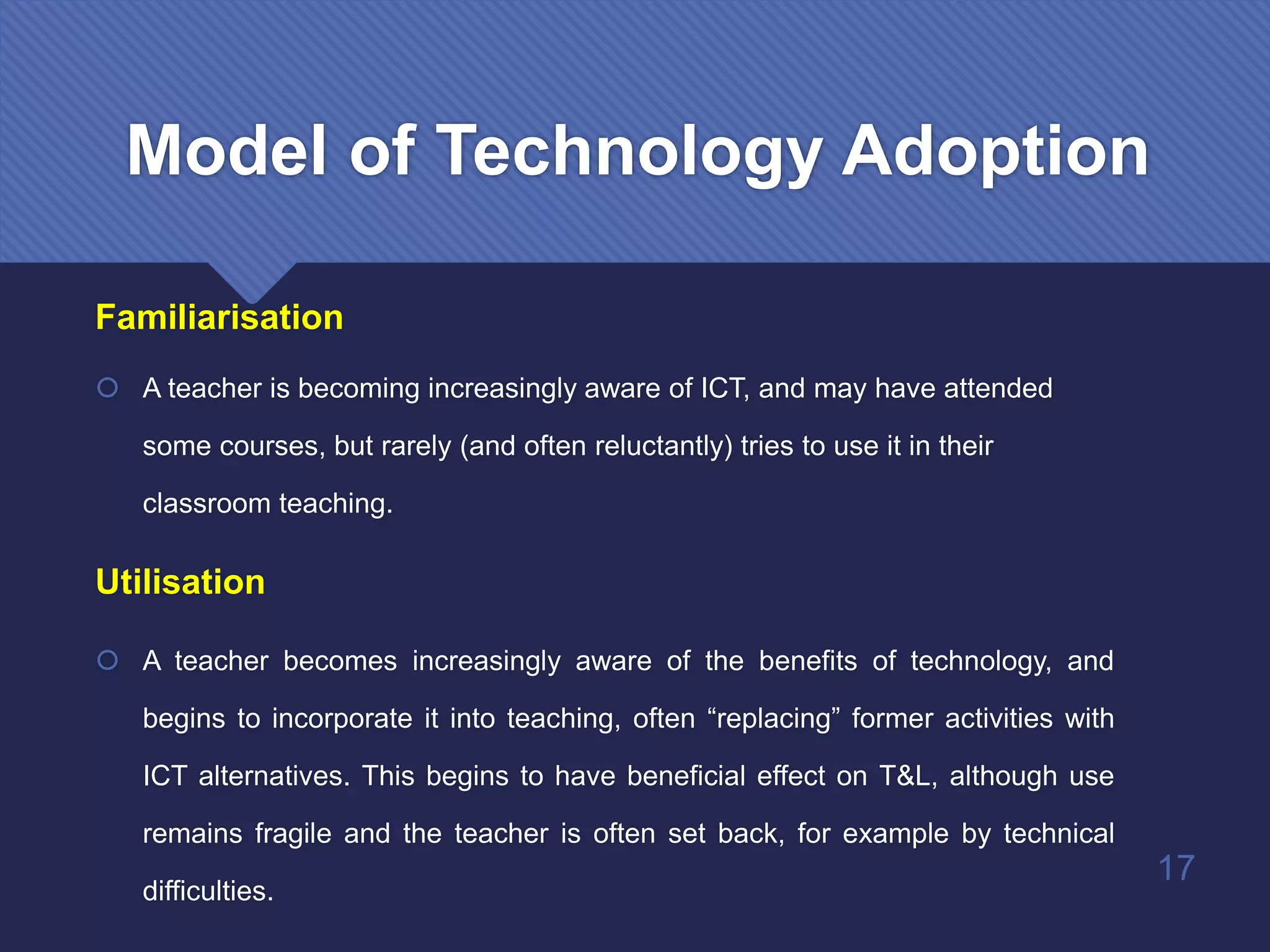
 A teacher is becoming increasingly aware of ICT, and may have attended
some courses, but rarely (and often reluctantly) tries to use it in their
classroom teaching.
Utilisation
 A teacher becomes increasingly aware of the benefits of technology, and
begins to incorporate it into teaching, often “replacing” former activities with
ICT alternatives. This begins to have beneficial effect on T&L, although use
remains fragile and the teacher is often set back, for example by technical
difficulties.
17
Model of Technology Adoption
Integration
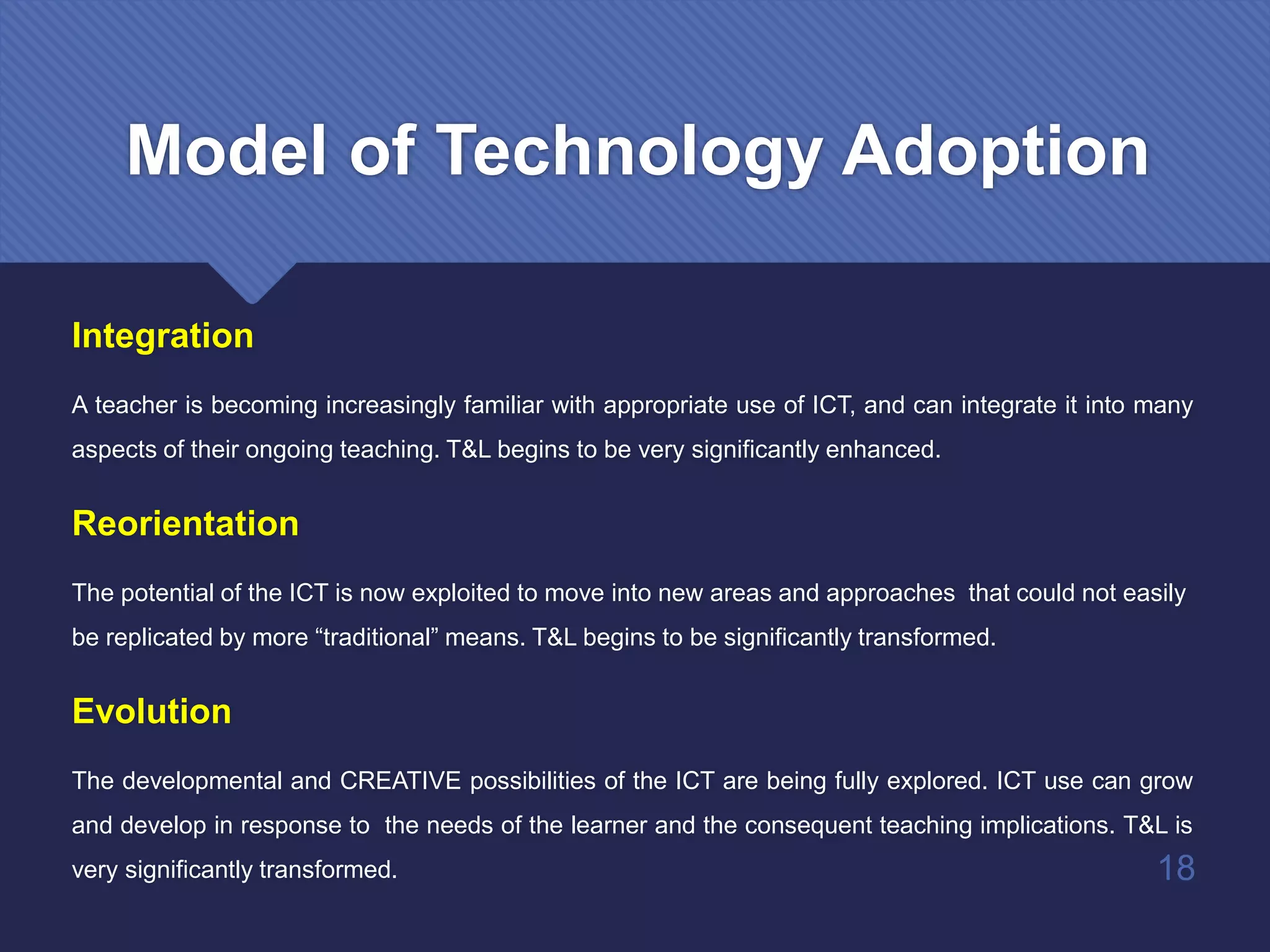
A teacher is becoming increasingly familiar with appropriate use of ICT, and can integrate it into many
aspects of their ongoing teaching. T&L begins to be very significantly enhanced.
Reorientation
The potential of the ICT is now exploited to move into new areas and approaches that could not easily
be replicated by more “traditional” means. T&L begins to be significantly transformed.
Evolution
The developmental and CREATIVE possibilities of the ICT are being fully explored. ICT use can grow
and develop in response to the needs of the learner and the consequent teaching implications. T&L is
very significantly transformed. 18
Model of Technology Adoption
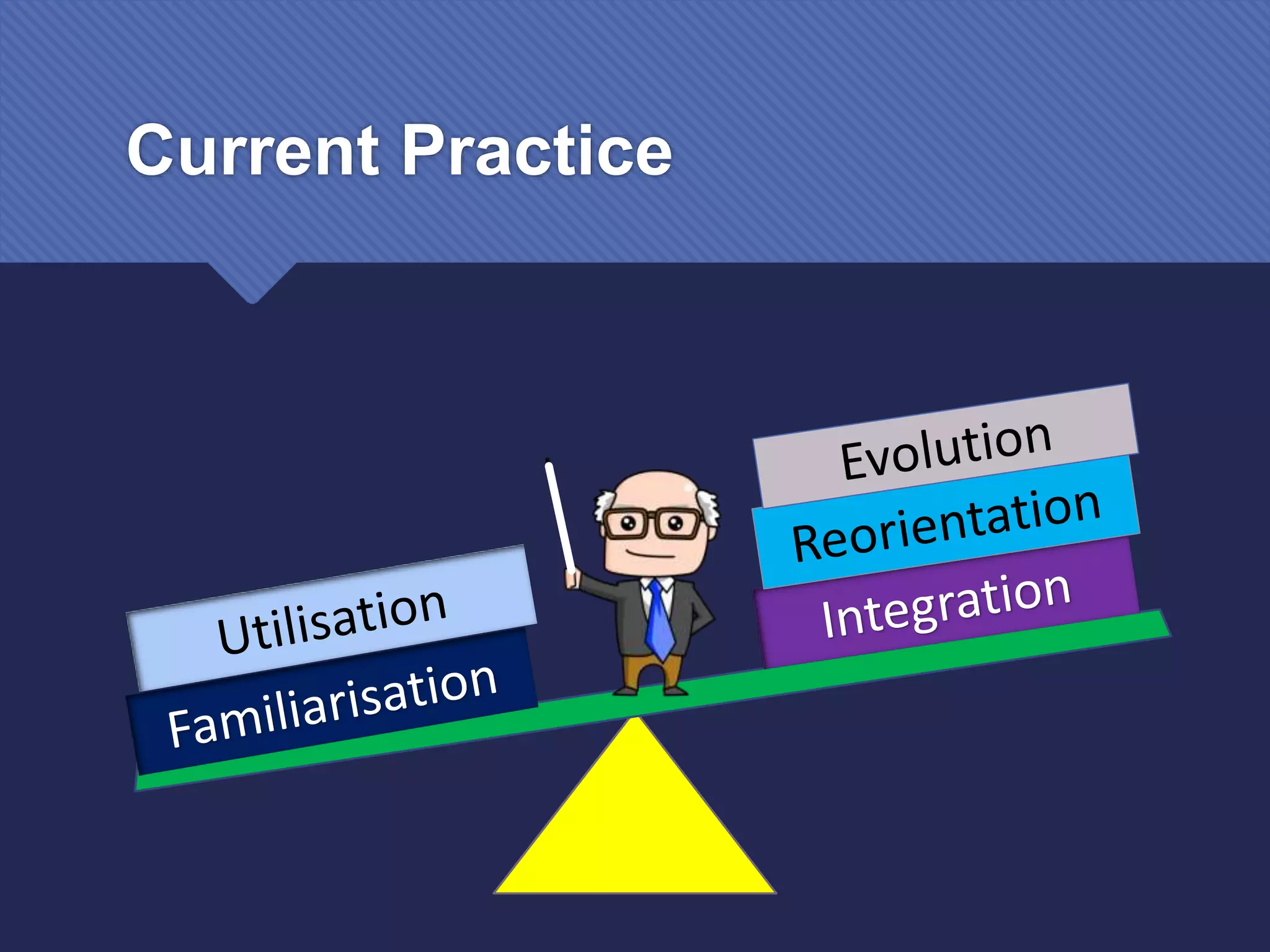
Current Practice
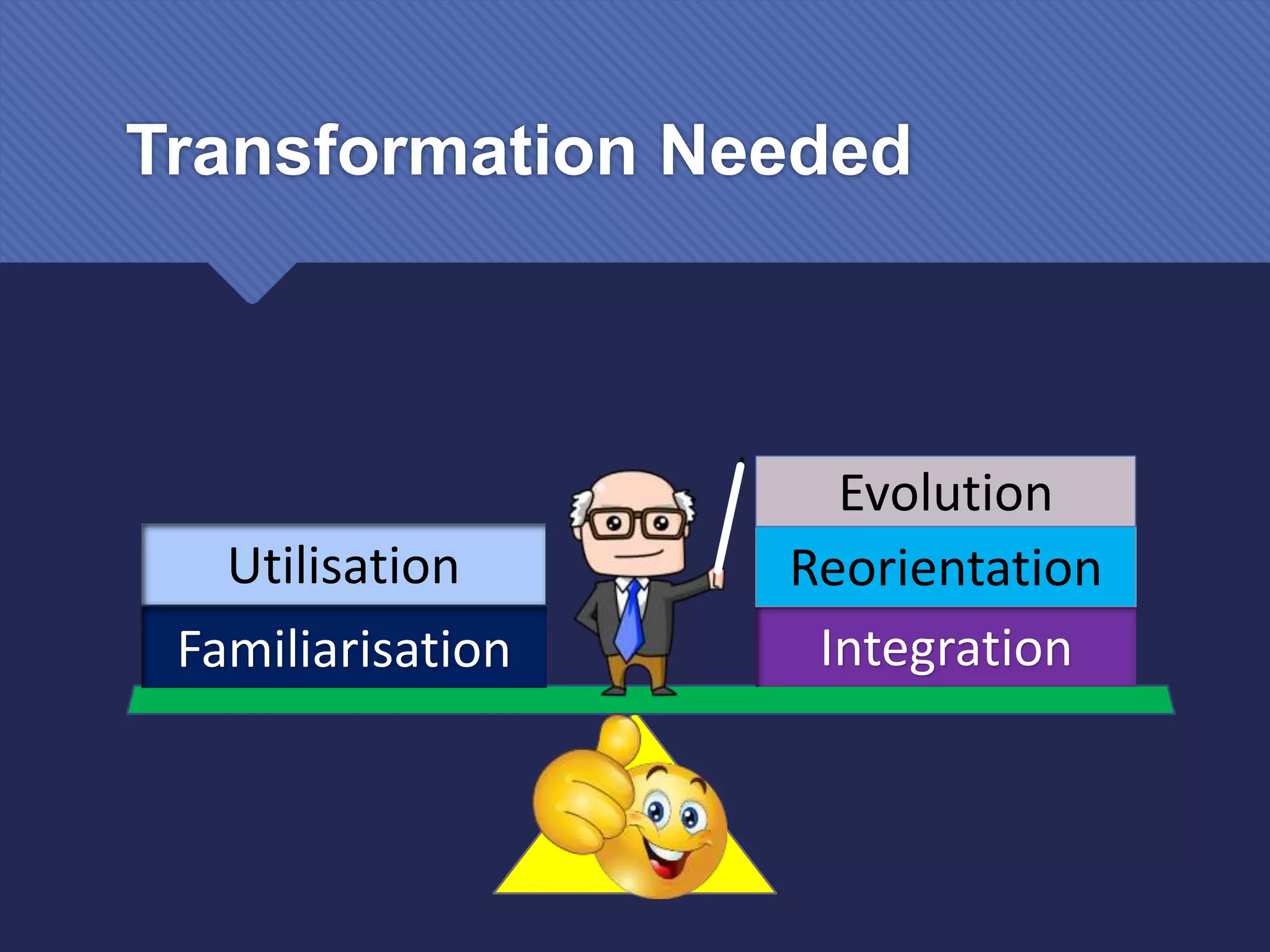
Transformation Needed
Integration
Reorientation
Evolution
Familiarisation
Utilisation
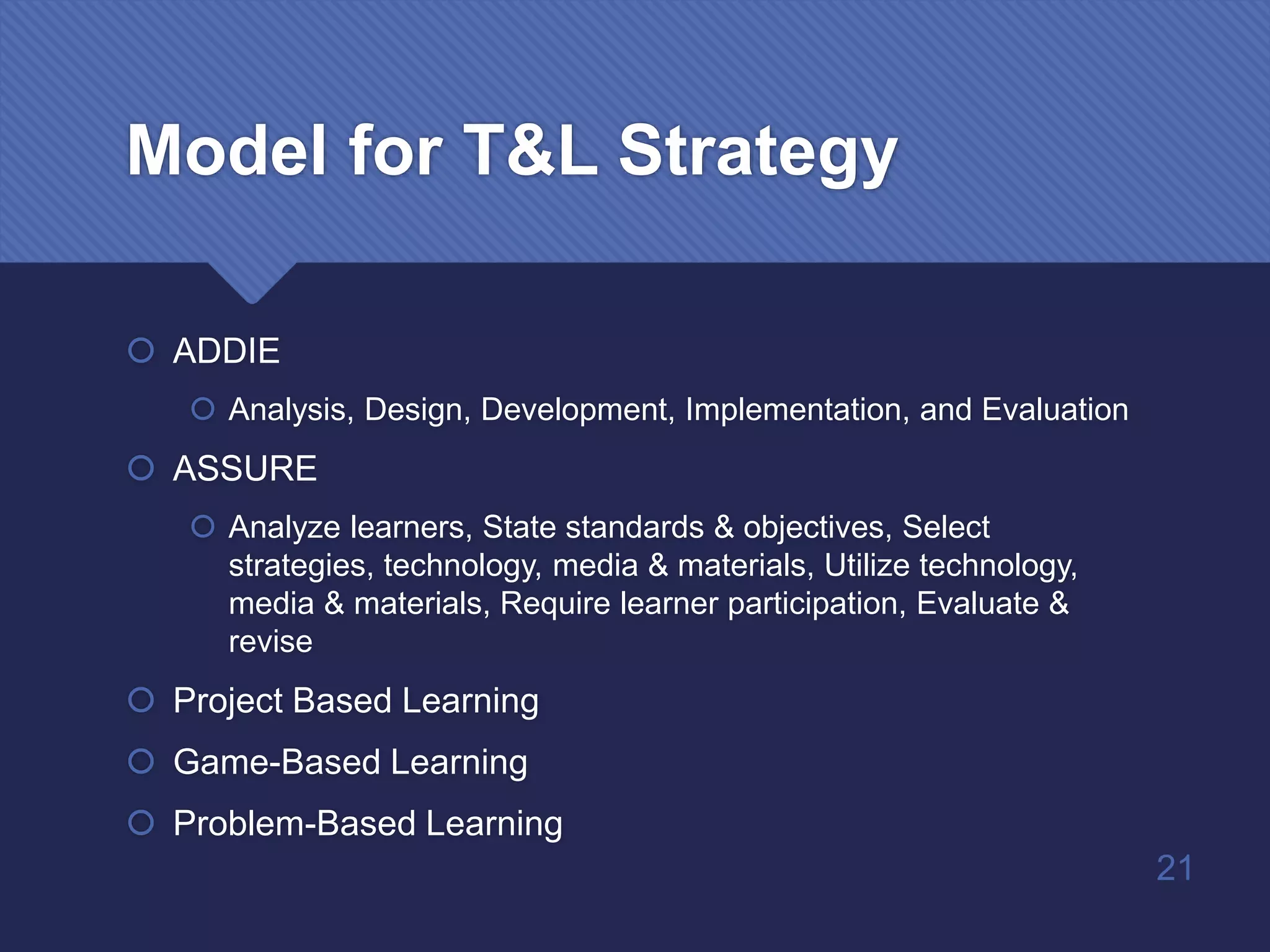
Model for T&L Strategy
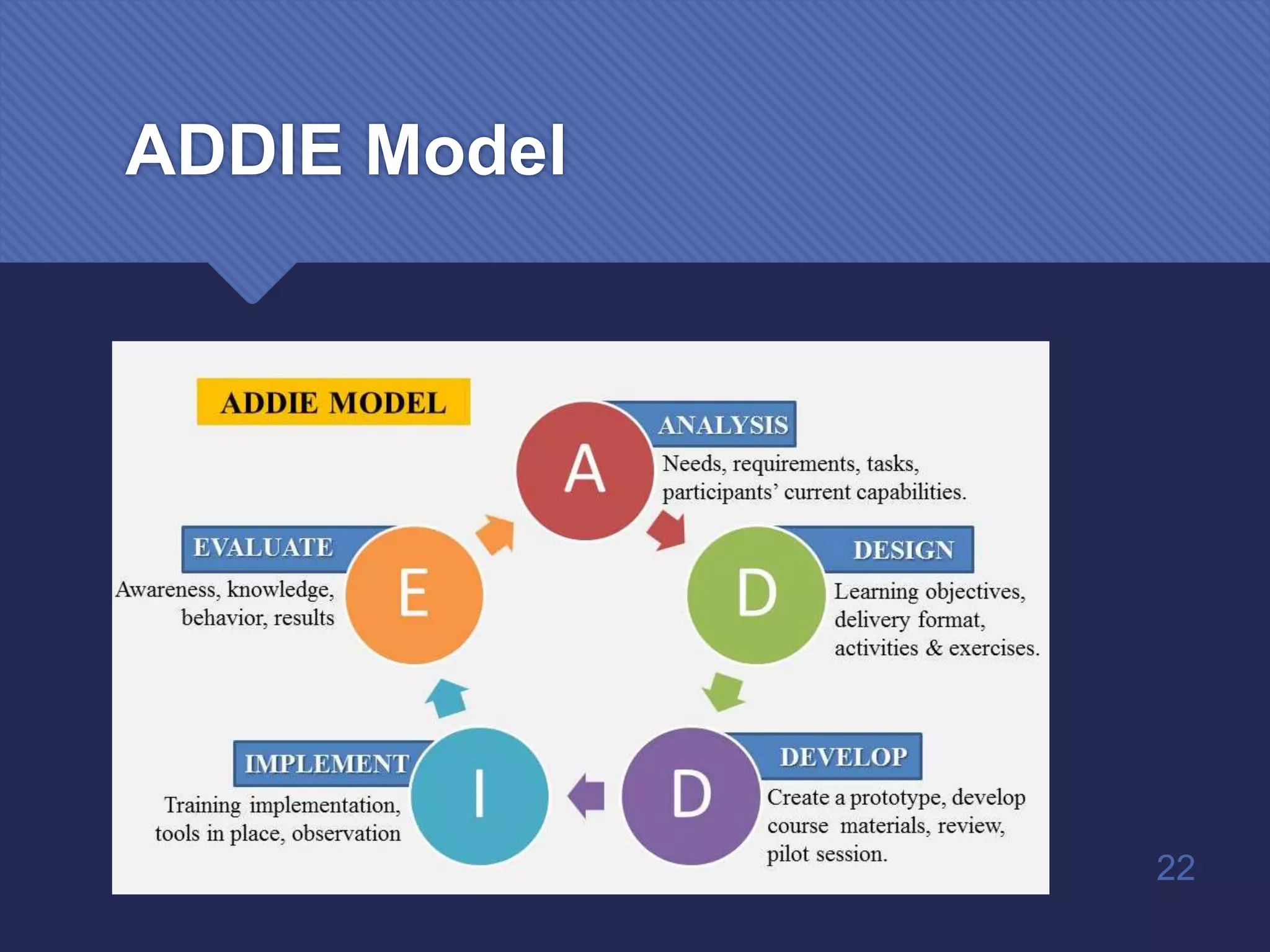
 ADDIE
 Analysis, Design, Development, Implementation, and Evaluation
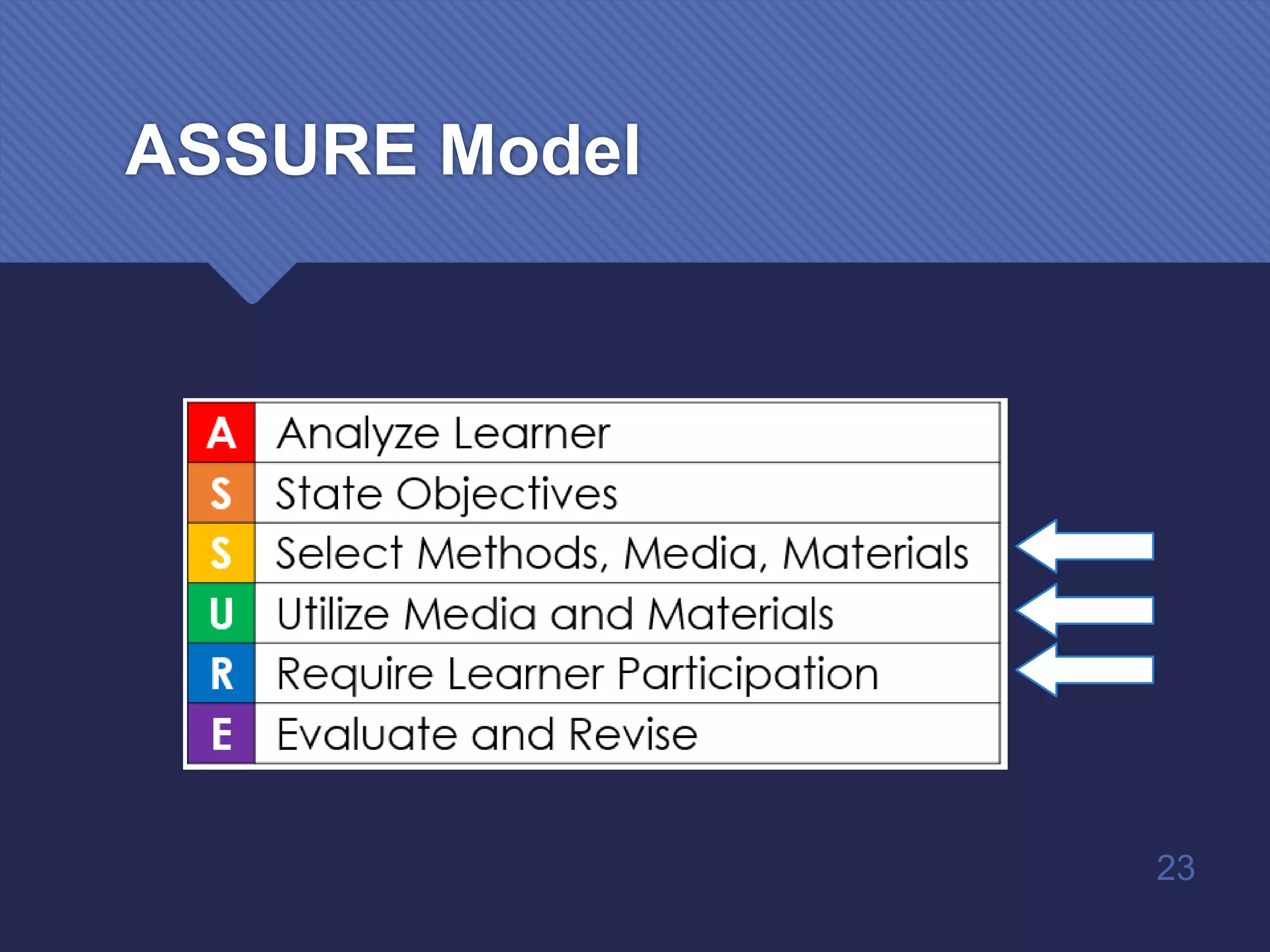
 ASSURE
 Analyze learners, State standards & objectives, Select
strategies, technology, media & materials, Utilize technology,
media & materials, Require learner participation, Evaluate &
revise
 Project Based Learning
 Game-Based Learning
 Problem-Based Learning
21
ADDIE Model
22
ASSURE Model
23
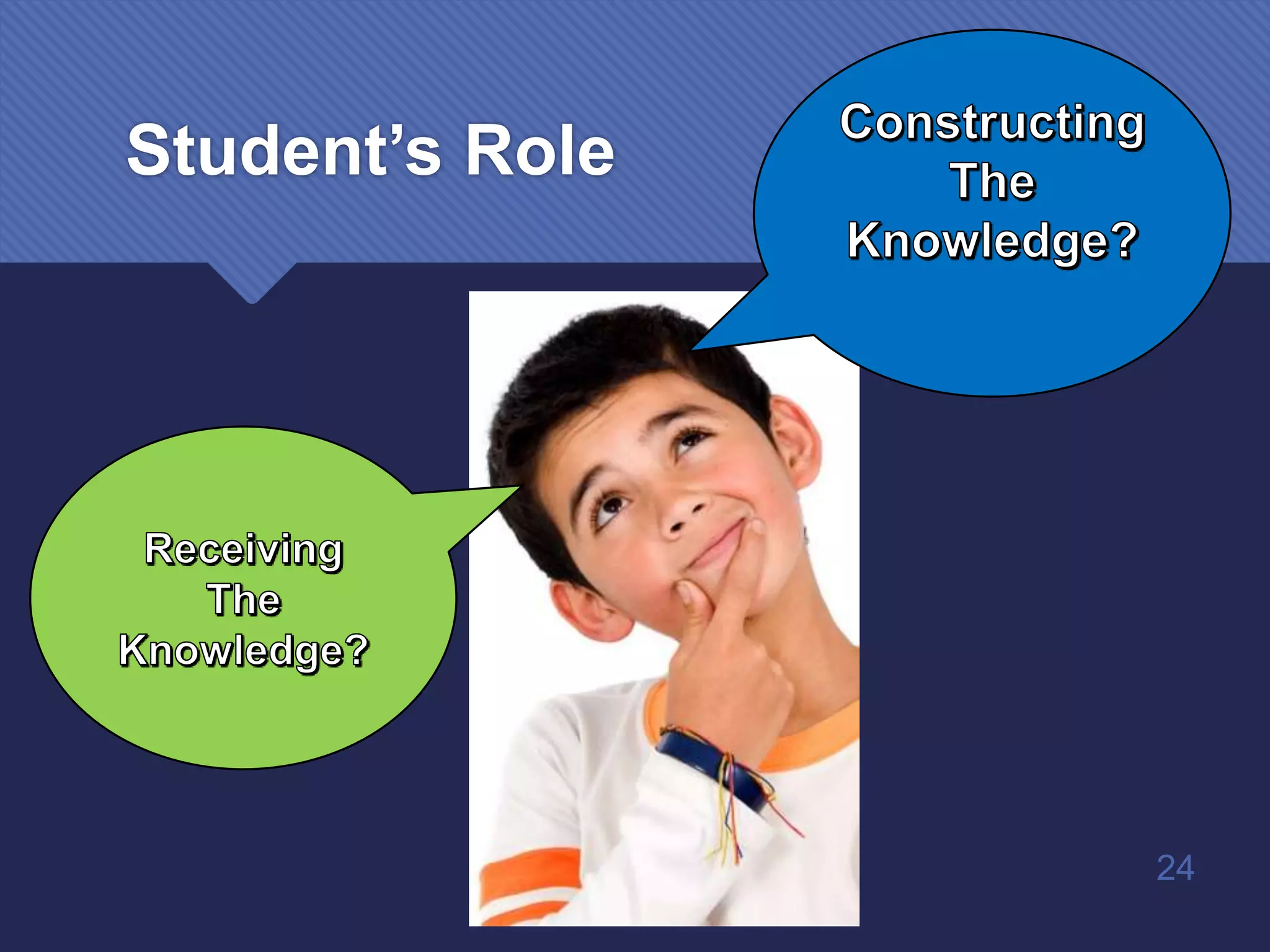
24
Student’s Role
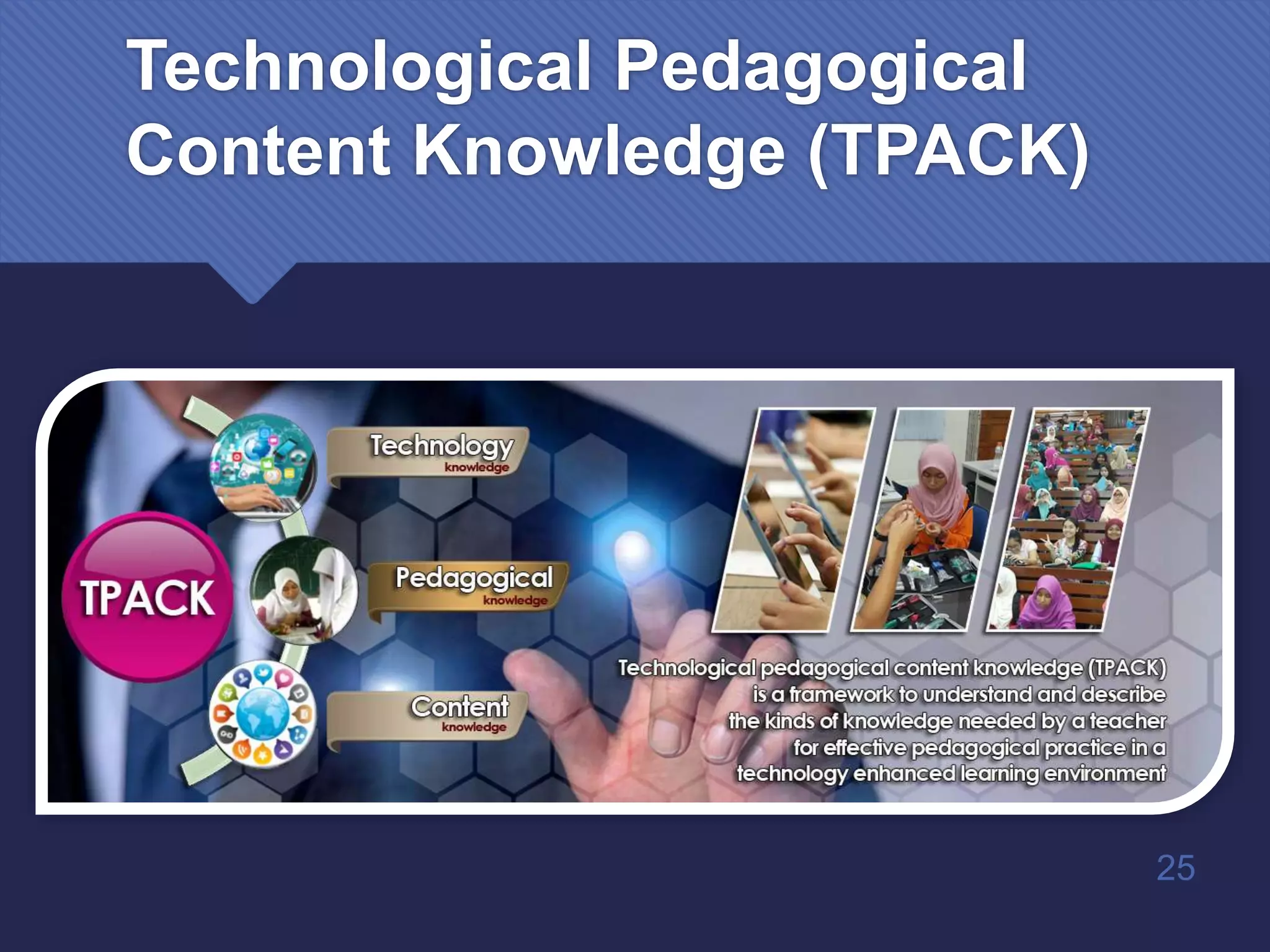
Technological Pedagogical
Content Knowledge (TPACK)
25
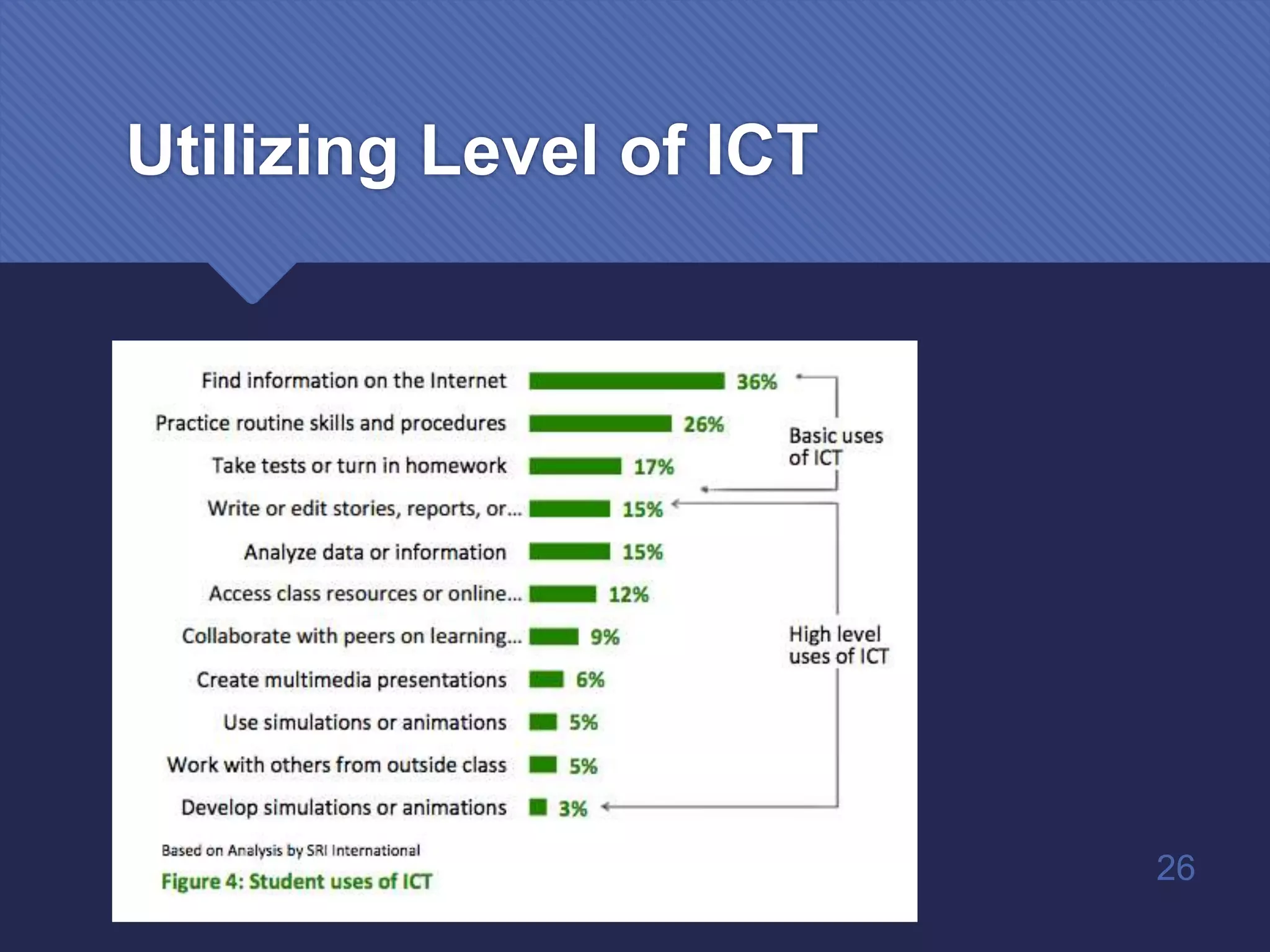
Utilizing Level of ICT
26
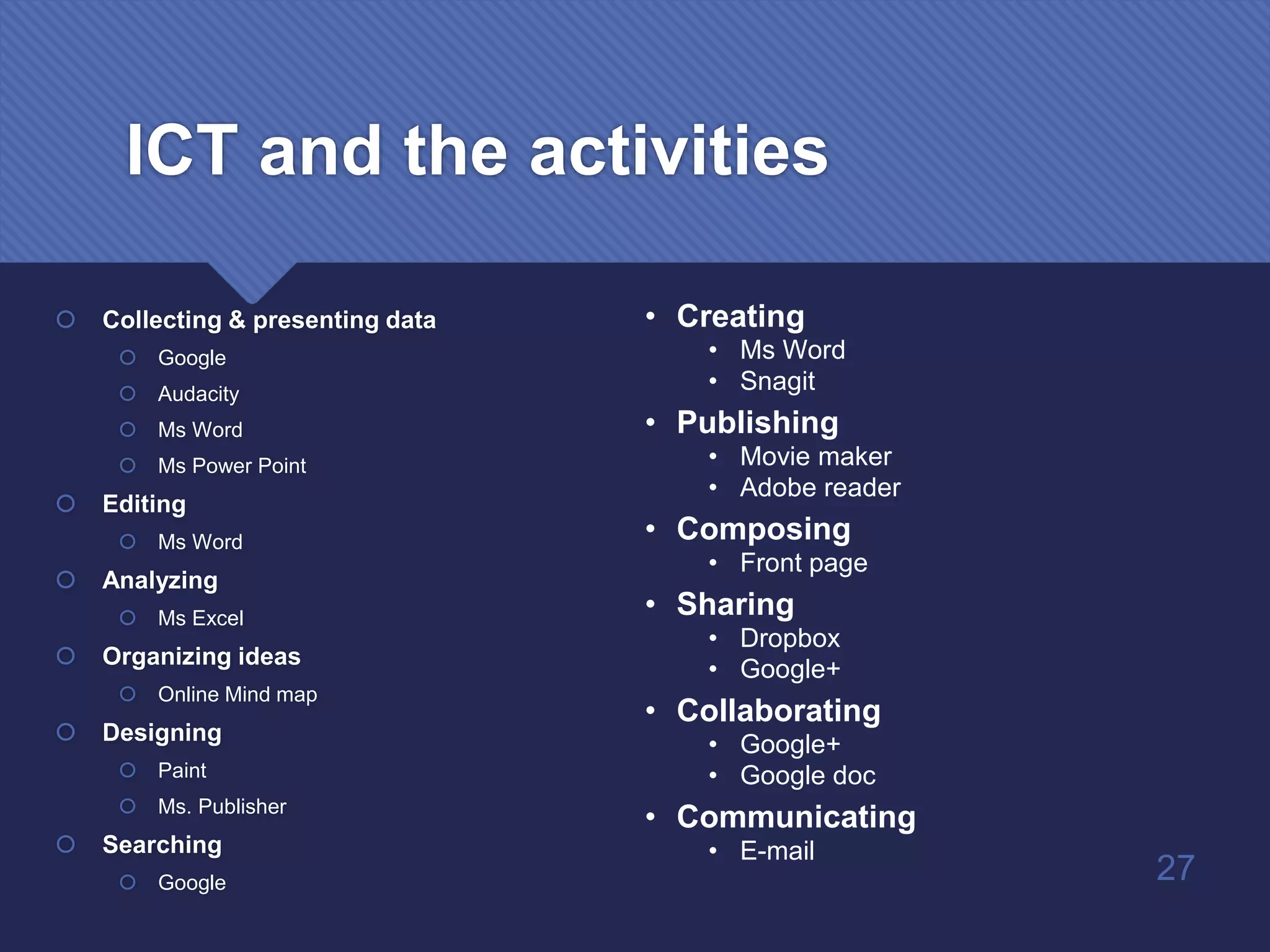
ICT and the activities
 Collecting & presenting data
 Google
 Audacity
 Ms Word
 Ms Power Point
 Editing
 Ms Word
 Analyzing
 Ms Excel
 Organizing ideas
 Online Mind map
 Designing
 Paint
 Ms. Publisher
 Searching
 Google
• Creating
• Ms Word
• Snagit
• Publishing
• Movie maker
• Adobe reader
• Composing
• Front page
• Sharing
• Dropbox
• Google+
• Collaborating
• Google+
• Google doc
• Communicating
• E-mail
27
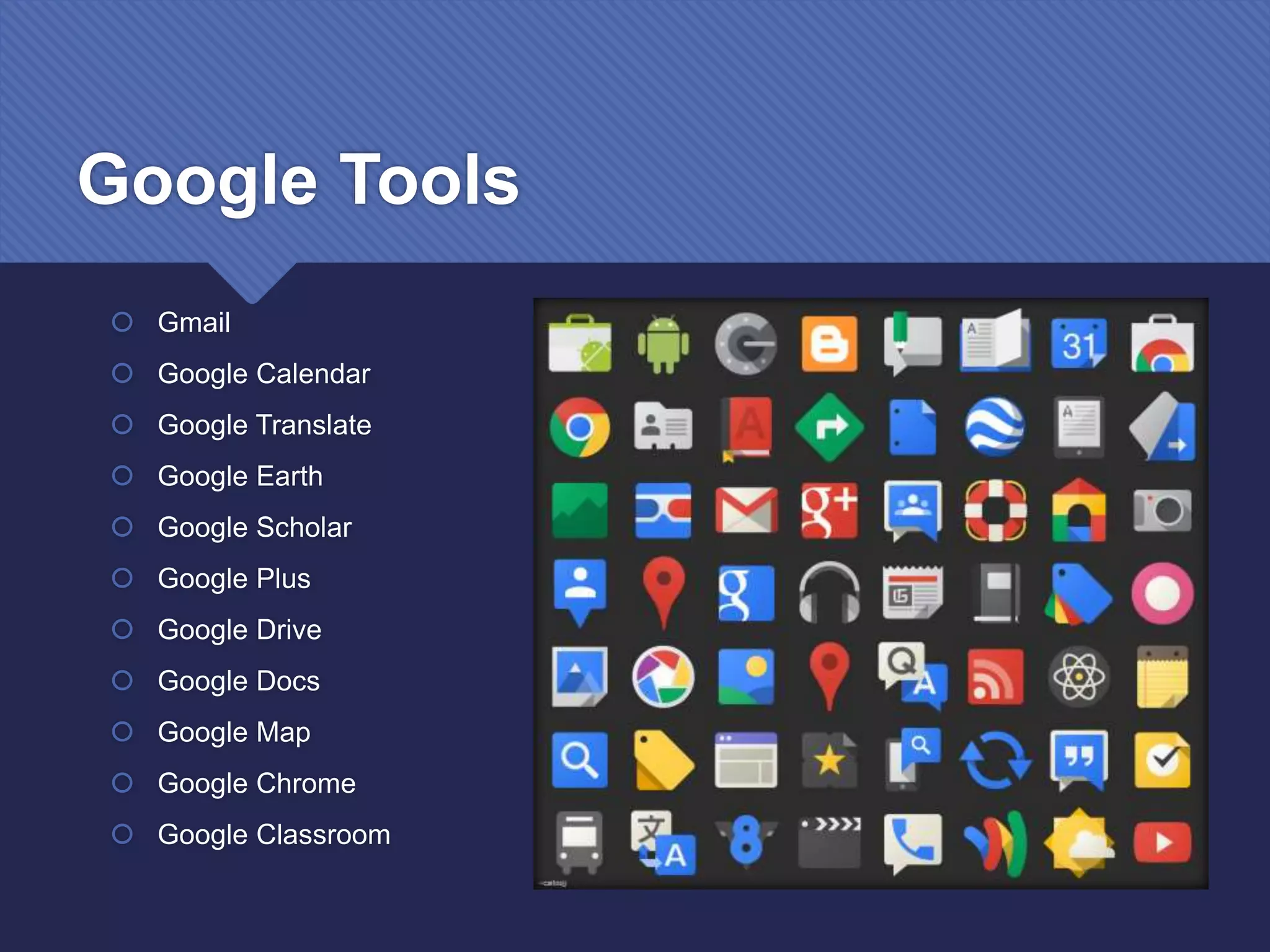
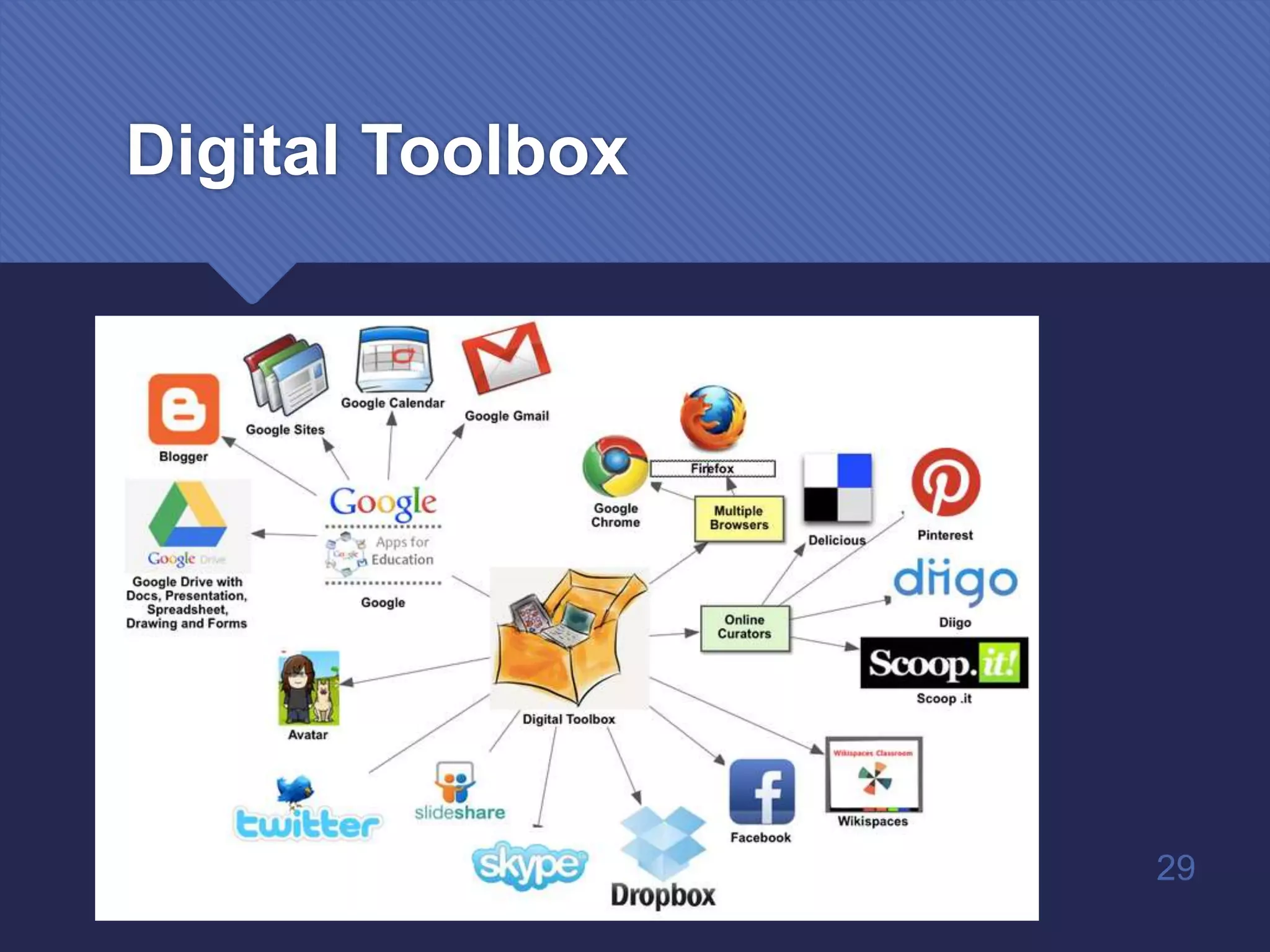
Google Tools
 Gmail
 Google Calendar
 Google Translate
 Google Earth
 Google Scholar
 Google Plus
 Google Drive
 Google Docs
 Google Map
 Google Chrome
 Google Classroom
28
Digital Toolbox
29
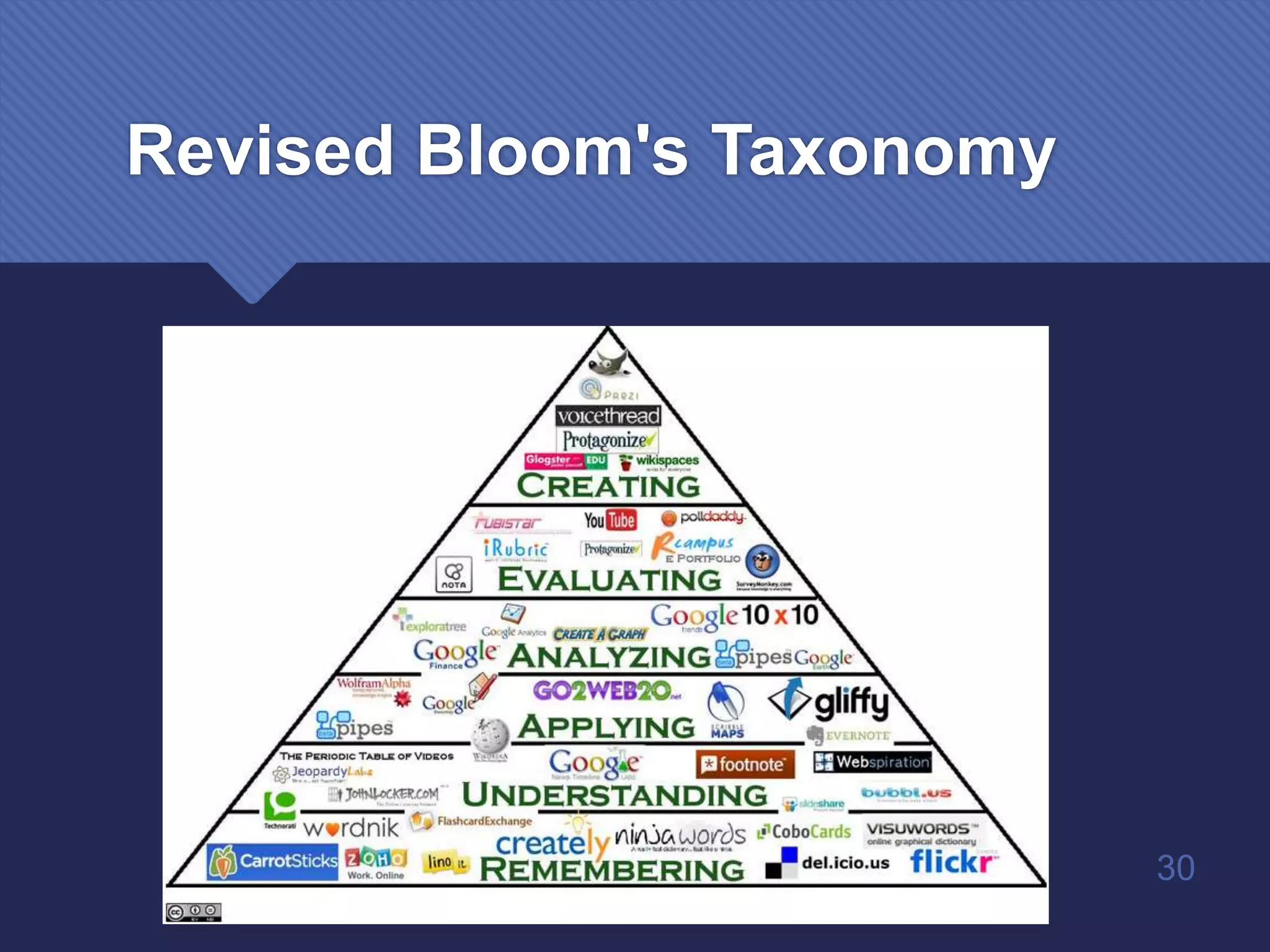
Revised Bloom's Taxonomy
30
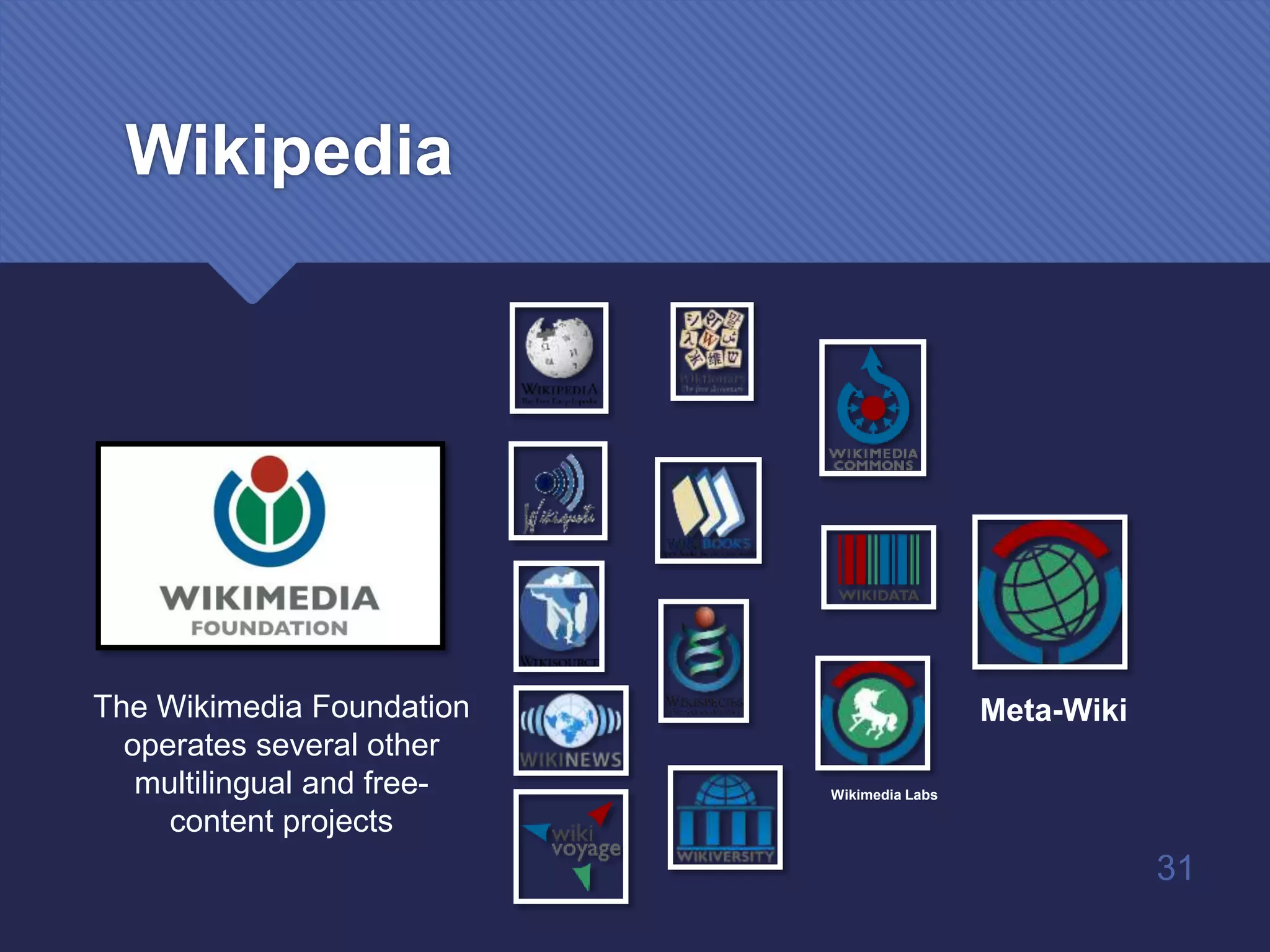
Wikimedia Labs
The Wikimedia Foundation
operates several other
multilingual and free-
content projects
Meta-Wiki
31
Wikipedia
Internet Recourses
32
Other Online Tools
 Online conversion tools
 Doc to pdf / pdf to doc
 Wav to mp3
 Online generators
 Text
 Image editing
 Animation
 Online backup
 Dropbox
 Cloud
33
https://www.mindmup.com/
34
http://classtools.net/
35
• Random Name Picker!
• Crossword Generator!
• Jigsaw
• Timeline
www.youtube.com
 Playlist
 Live broadcasting
 Music
 Movie
 Documentary
 Games
 360 Video
36
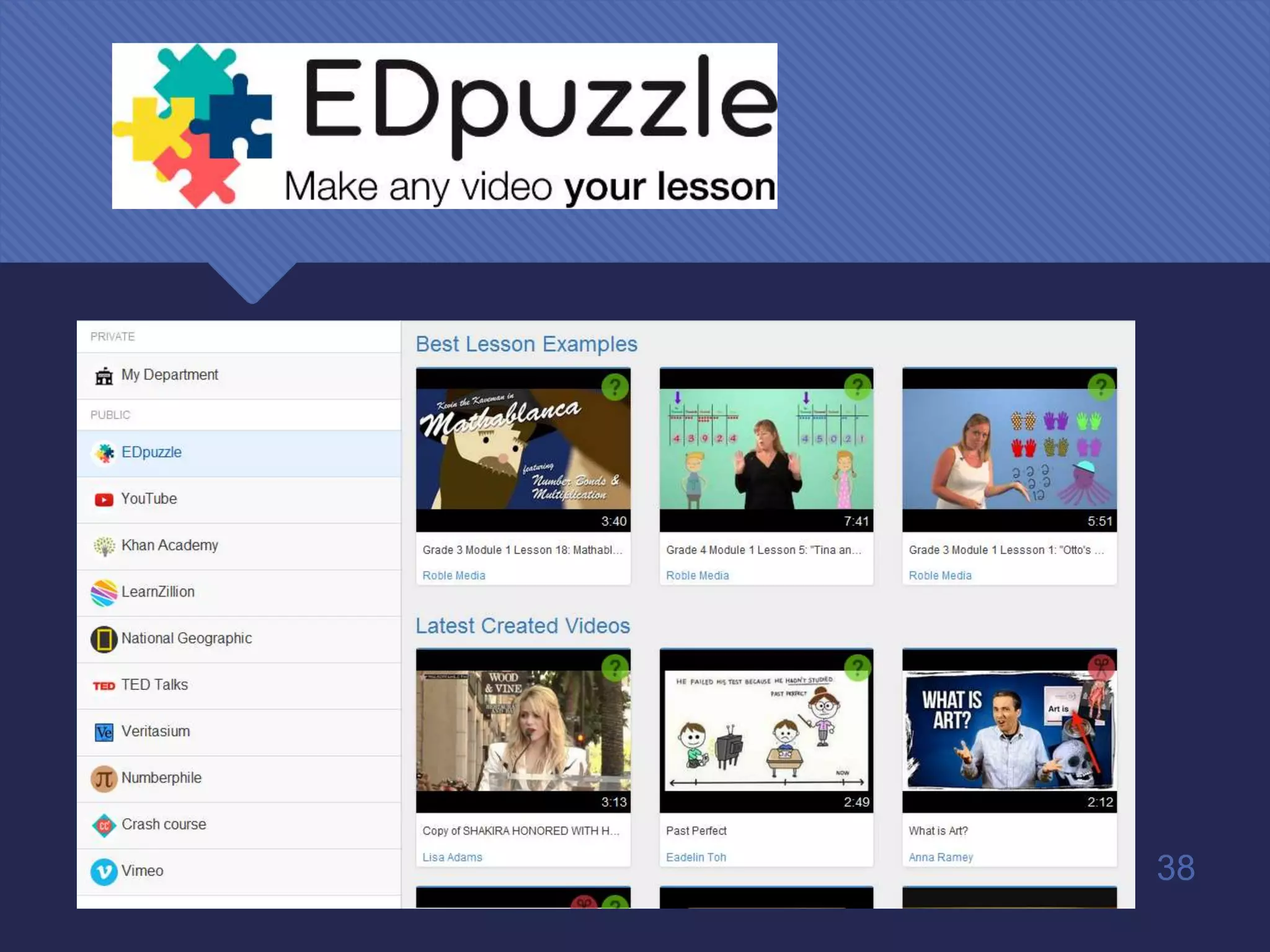
YouTube Advantages
 1. Bring in videos that show students a more fun side of the lesson.
 2. Create YouTube playlists as student assignments or as
recommended extra resources.
 3. Record class lessons or lectures and save them for future viewing.
37
38
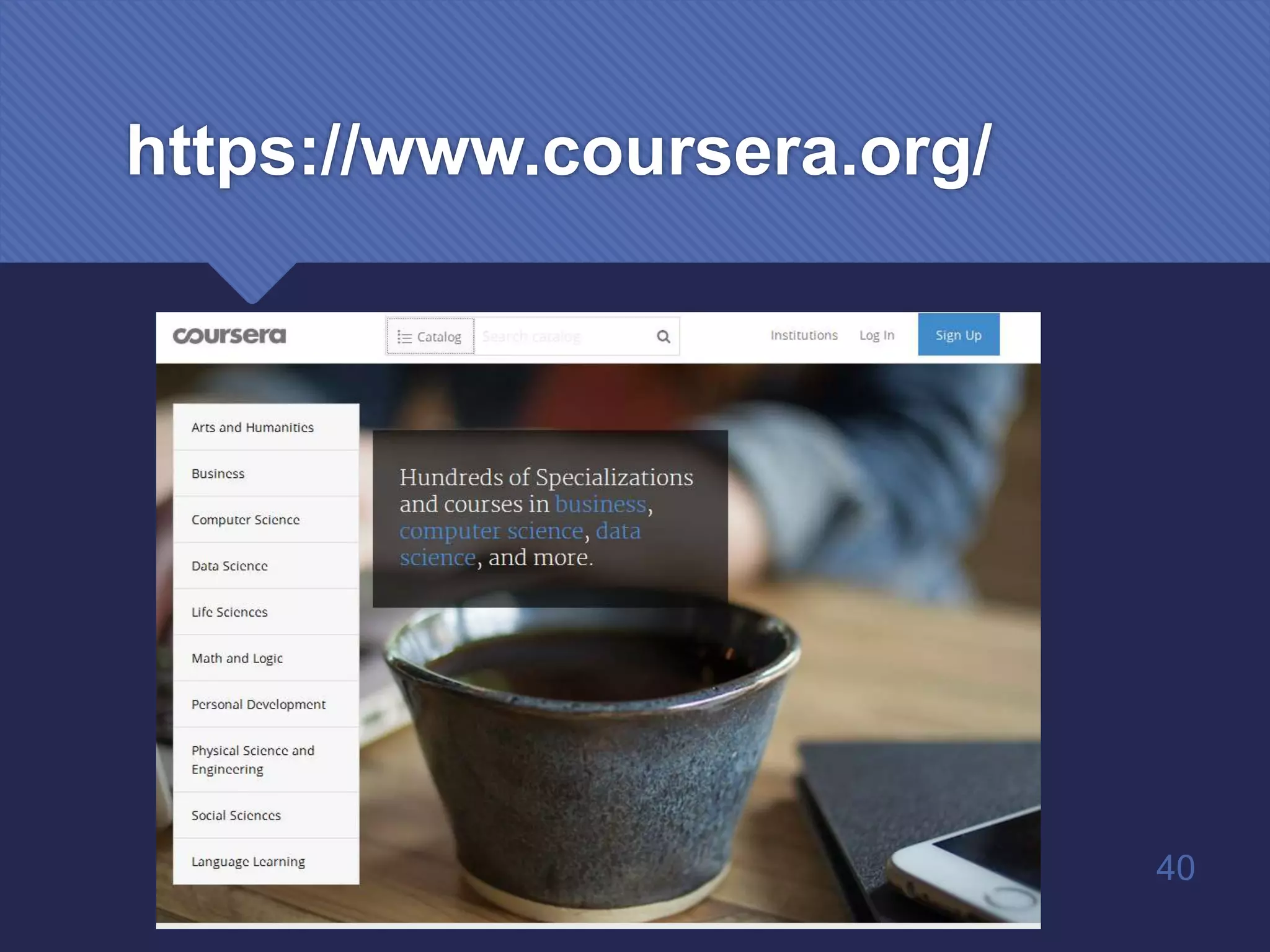
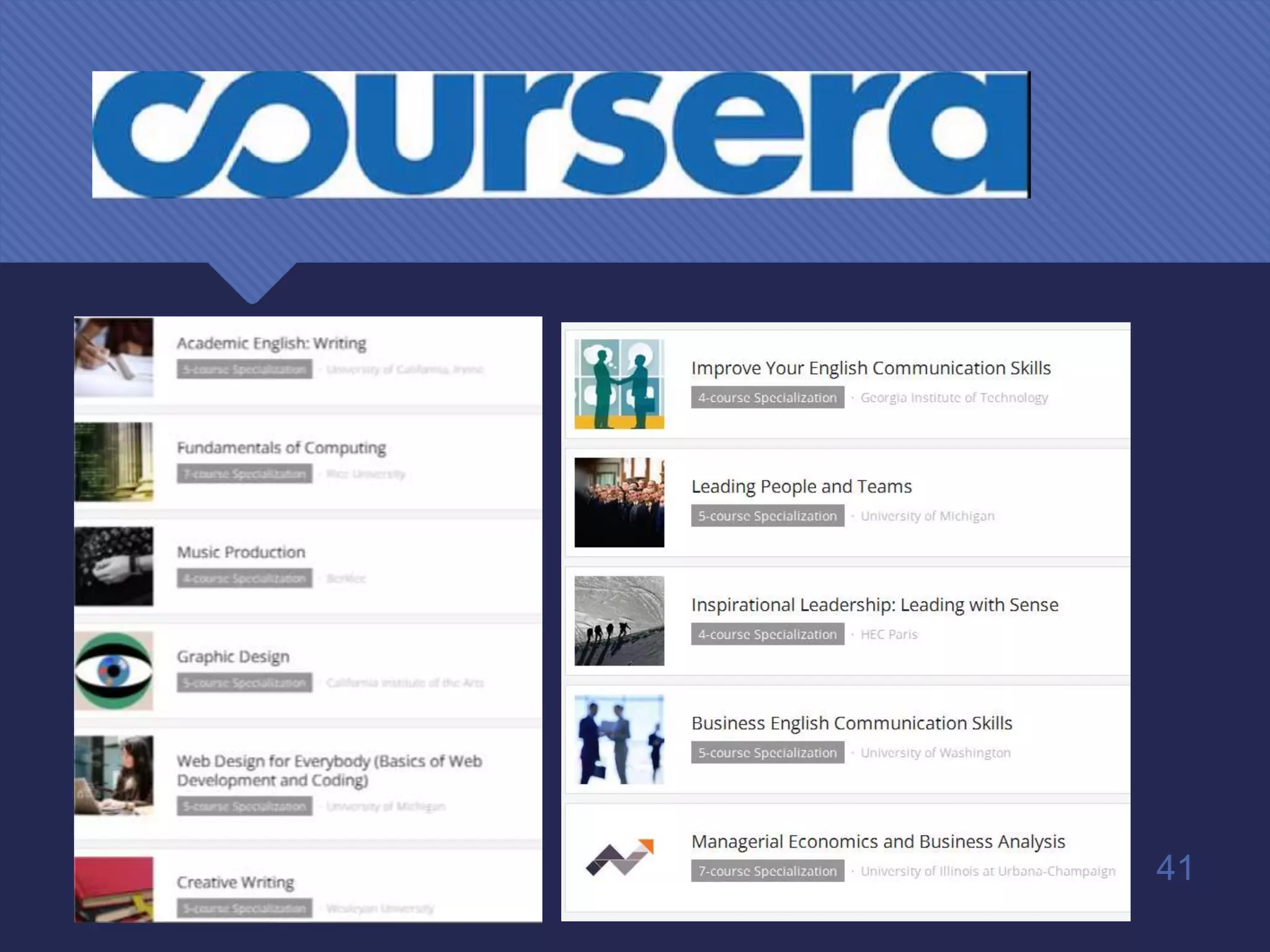
https://www.coursera.org/
 Free online classes from 140+ top universities and educational
organizations
39
https://www.coursera.org/
40
41
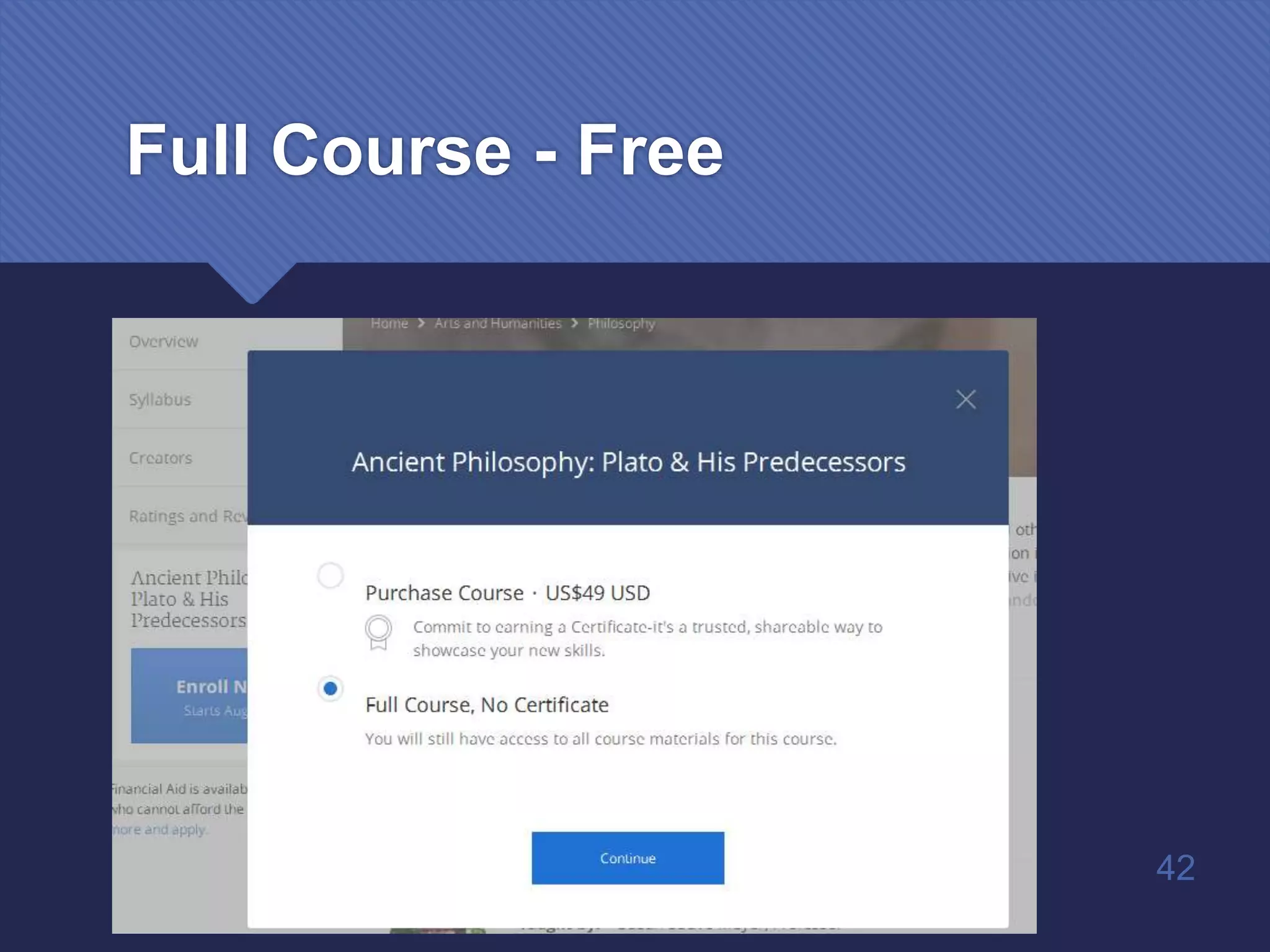
Full Course - Free
42
Live Statistics
 http://www.internetlivestats.com/
43
44
45
jasheer@gmail.com

ICT in Teaching and Learning