What is a Website?
• A website is a collection of web pages (documents that are
accessed through the Internet), which contains specific
information about a person or a product or a company.
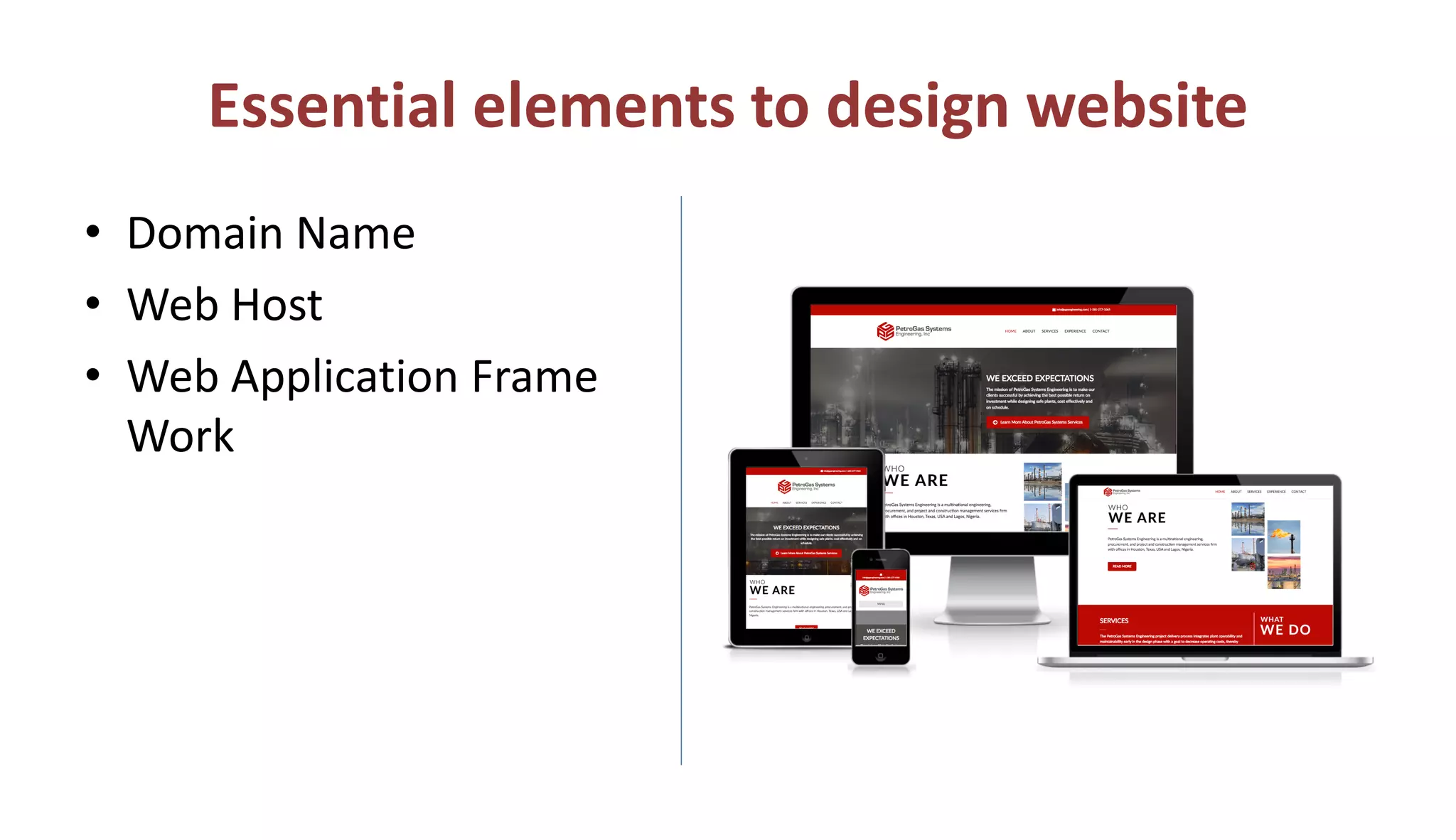
Essential elements to design website
• Domain Name
• Web Host
• Web Application Frame
Work
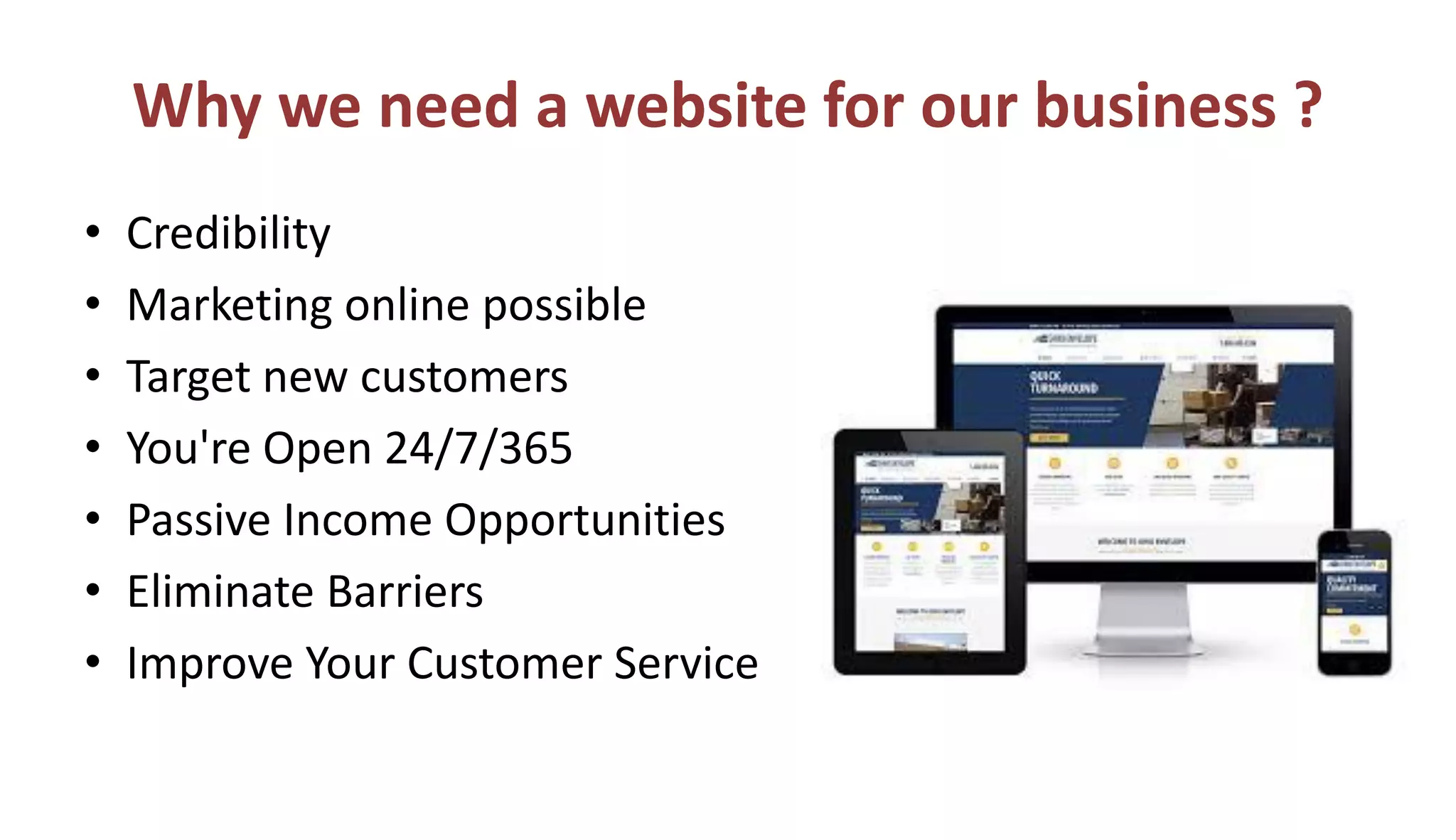
Why we need a website for our business ?
• Credibility
• Marketing online possible
• Target new customers
• You're Open 24/7/365
• Passive Income Opportunities
• Eliminate Barriers
• Improve Your Customer Service
Worried About Coding ???
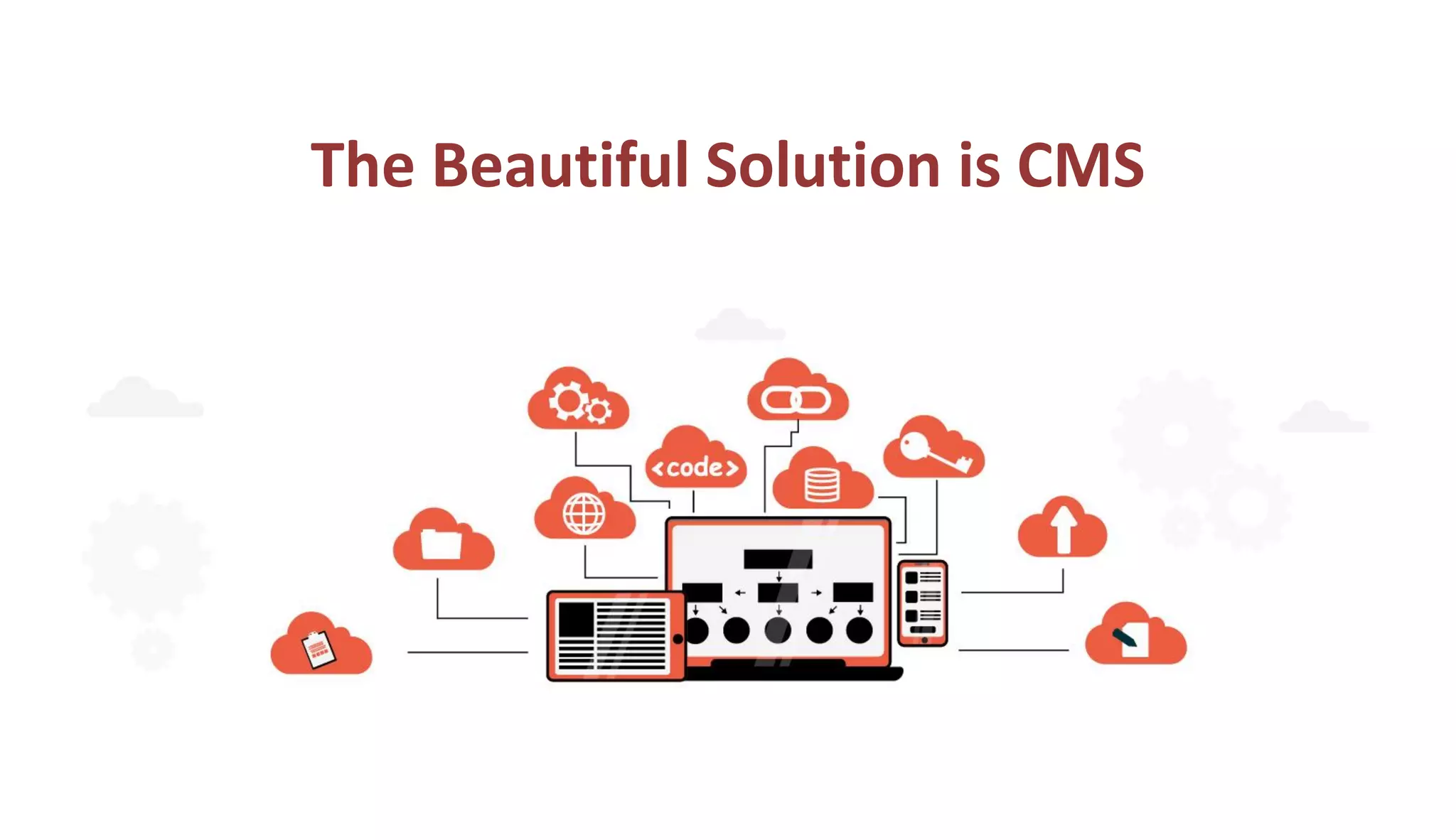
The Beautiful Solution is CMS
What is CMS ?
• Content Management System is a Web application that
provides capabilities For multiple users with different
permission levels to manage web pages without coding
knowledge. A CMS provides the following web page editing
capabilities.
• Create | Edit | publish | Archive web pages, articles, press
releases.
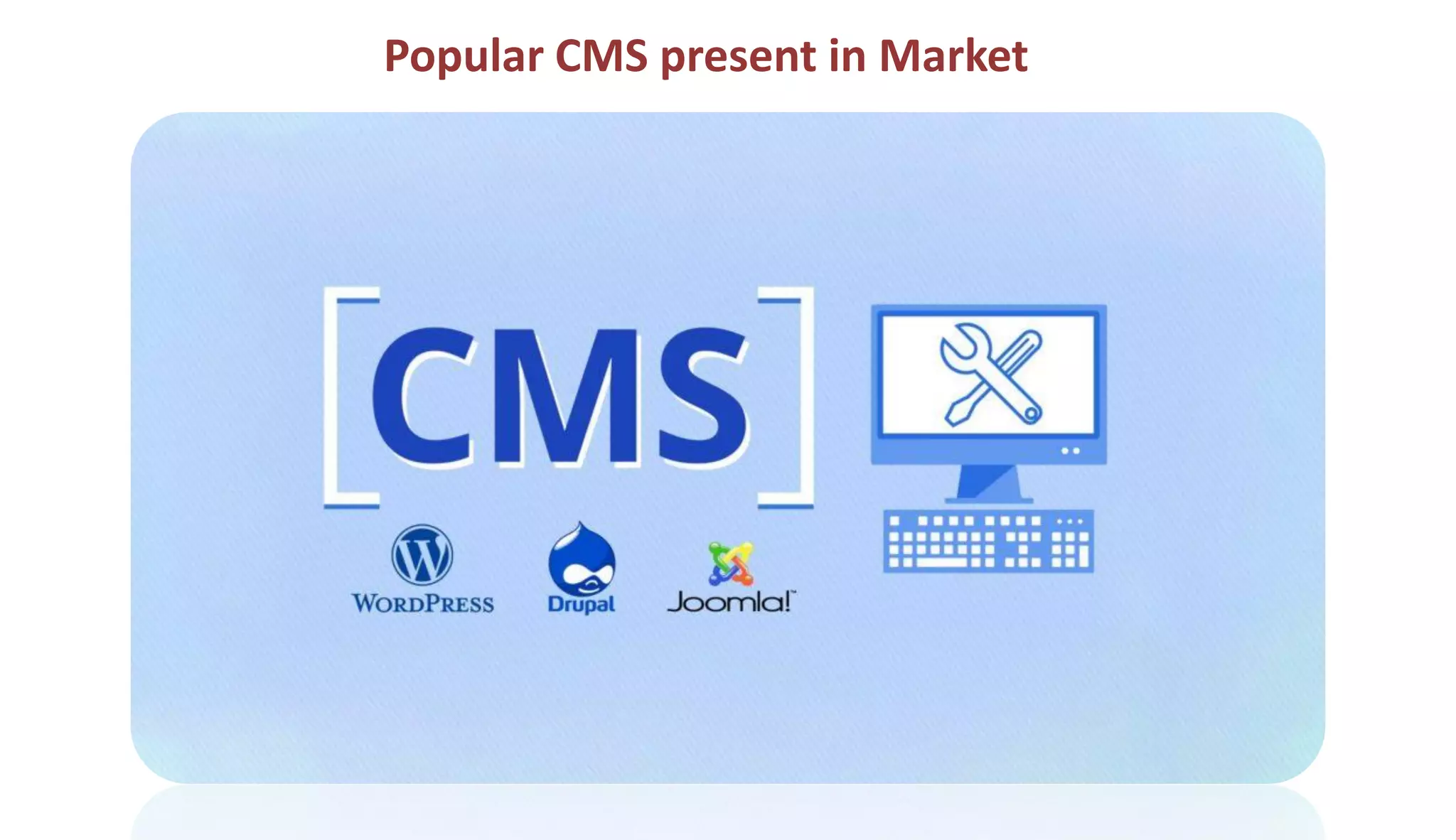
Popular CMS present in Market
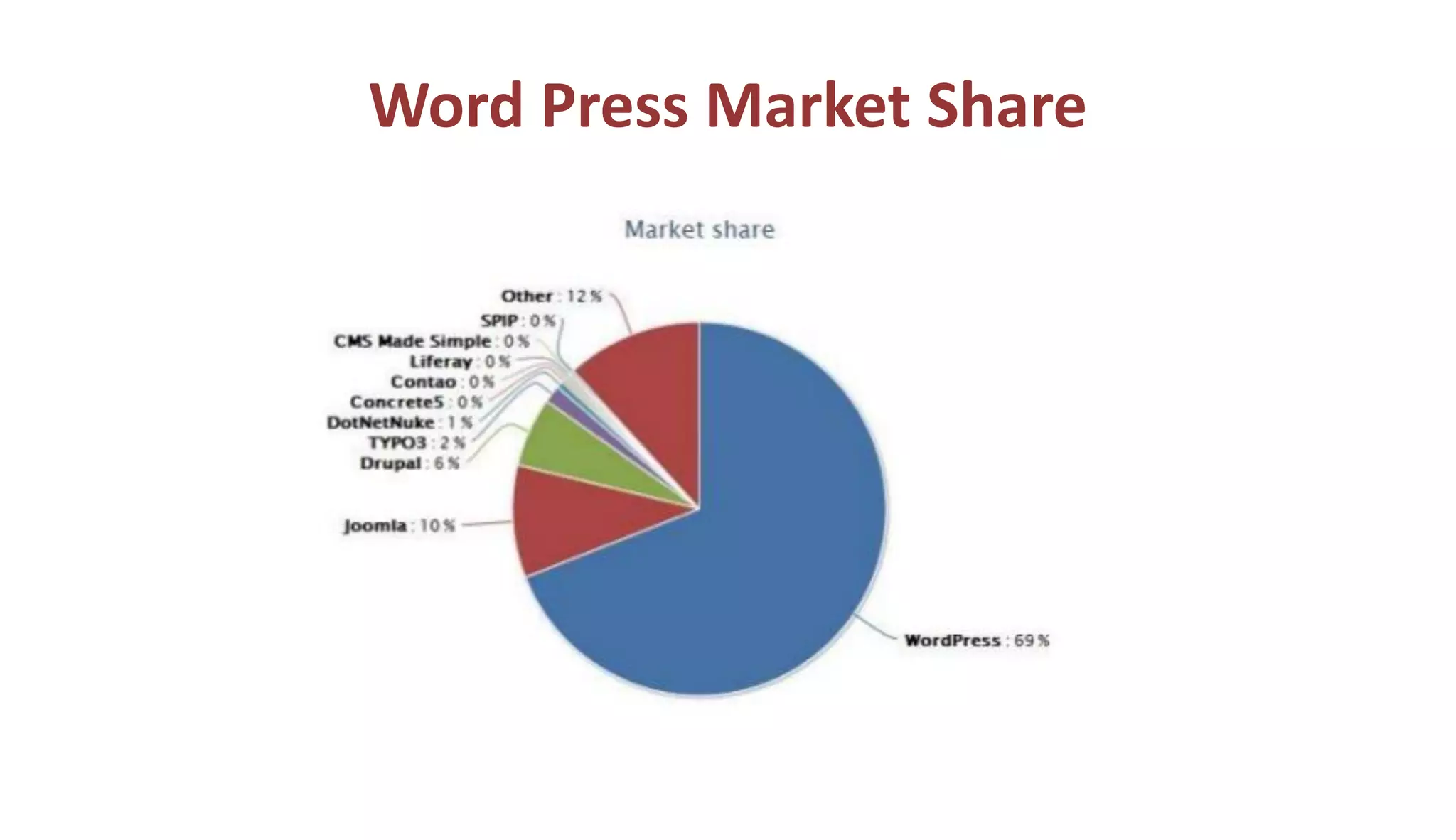
Word Press Market Share
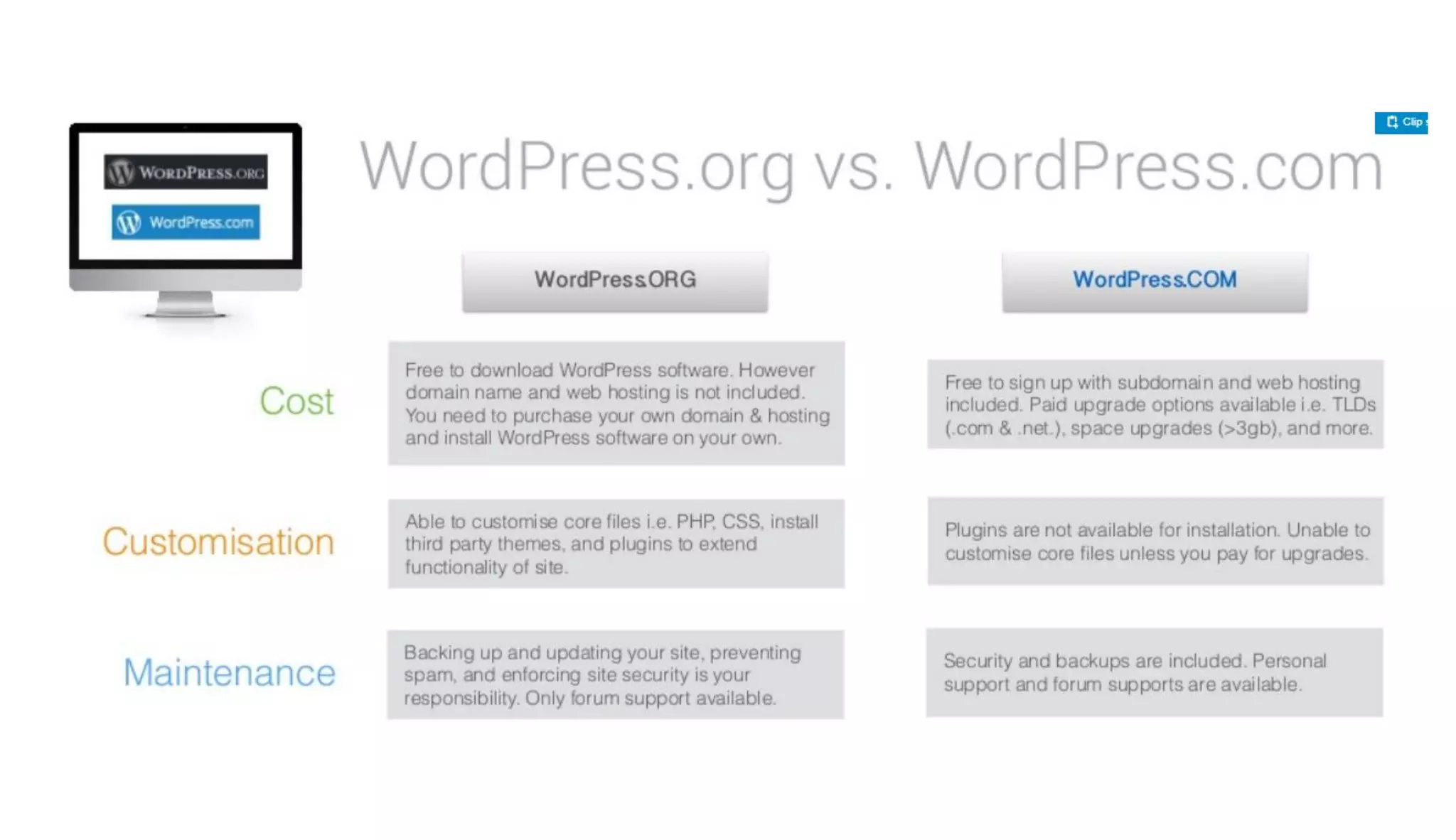
Difference between wordpress.com and
wordpress.org
pros and cons of WordPress.com.
• It’s free for up to 3GB of space. After that you will have to switch to a paid plan
for more space. (Personal plan $48 /year gives you 6GB, Premium plan
$96/year gives you 13GB storage, or Business plan for $300/year for 200 GB
storage).
• You will not have to worry about updates or backups. WordPress.com will take
care of that.
Disadvantages of Wordpress.com
• They place ads on all free websites. Your users see those ads, and you
don’t make money from it. If you don’t want your users to see their ads,
then you can upgrade to a paid plan (starting from $48 per year).
• You are NOT allowed to sell ads on your website, which severely limits
ways to monetize your site. If you run a high traffic site, then you can
apply for their advertising program called WordAds where you share
revenue with them. Premium and Business plan users can use WordAds
right away.
• You cannot upload plugins. Free plan users get built-in Jetpack features
pre-activated. Business plan users can install from a selection of
compatible plugins ($300 / year). WordPress.com VIP program lets you
install plugins, and it starts from $5000 per month.
• You cannot upload custom themes. Free plan users can only install from
the limited free themes collection. Premium and business plan users can
also select premium themes. There are limited customization options for
the free version. Premium and Business plan users can use custom CSS.
• You are restricted to their stats. You cannot add Google Analytics or
install any other powerful tracking platform. Business plan users can
install Google Analytics.
• Free WordPress.com websites come with a WordPress.com branded
domain (e.g. https://yourwebsite.wordpress.com). You’ll need a paid
plan to get a custom domain name (e.g https://www.yourwebsite.com).
• They can delete your site at any time if they think that it violates their
terms of service.
WordPress.com
• WordPress.com is a hosting service created by the co-founder
of WordPress, Matt Mullenweg. Because of the same
founder, often users confuse WordPress.com with the
popular WordPress.org software.
The WordPress.com hosting service has 5 plans:
• Free – Very limited.
• Personal – $48 per year
• Premium – $96 per year
• Business – $300 per year
• Ecommerce – $540 per year
• VIP – starting at $5000 per month
WordPress.org Benefits
• The WordPress software is free, open-source, and super easy to use.
(See why is Word Press free?)
• You own your website and all its data. Your site will NOT be turned off
because someone decides that it is against their terms of service (as long
as you are not doing something illegal). You are in full control.
• You can add free, paid, and custom Word Press plugins / apps to your
website.
• You can use customize your website design as needed. You can add
any free or premium Word Press theme that you want. You can also
create completely custom designs or modify anything that you want.
• You can actually make money from your Word Press site by
running your own ads without sharing revenue with anyone.
• You can use powerful tools like Google Analytics for custom
analytics and tracking.
• You can use self-hosted WordPress to create an online store to
sell digital or physical products, accept credit card payments, and
deliver / ship the goods directly from your website.
• You can also create membership sites and sell memberships for
premium content, courses, etc and build an online community
around your website.
WordPress.org Cons
• Like all websites, you will need web hosting. This is where your
website files are stored on the internet. Initially, the cost is
around $3-$10 per month. However as your website grows and
gets more traffic, the web hosting costs will increase as expected,
but then you would be making enough money to cover the costs.
• You are responsible for updates. You can easily update your
WordPress site by simply clicking on the update button (1-click),
so it’s not too much work.
• You are responsible for backups. Thankfully, there are tons
of WordPress backup plugins that let you setup automatic
backups.
Which works for what ?
• WordPress: Best choice for beginners because of it’s ease-of-
use, it works especially well for small to medium sized
websites, blogs and smaller e-commerce stores.
• Joomla: Great for e-commerce or social networking websites,
but requires a basic understanding of technical skills.
• Drupal: The most difficult, but also the most powerful. It
requires a familiar understanding of HTML, CSS and PHP.
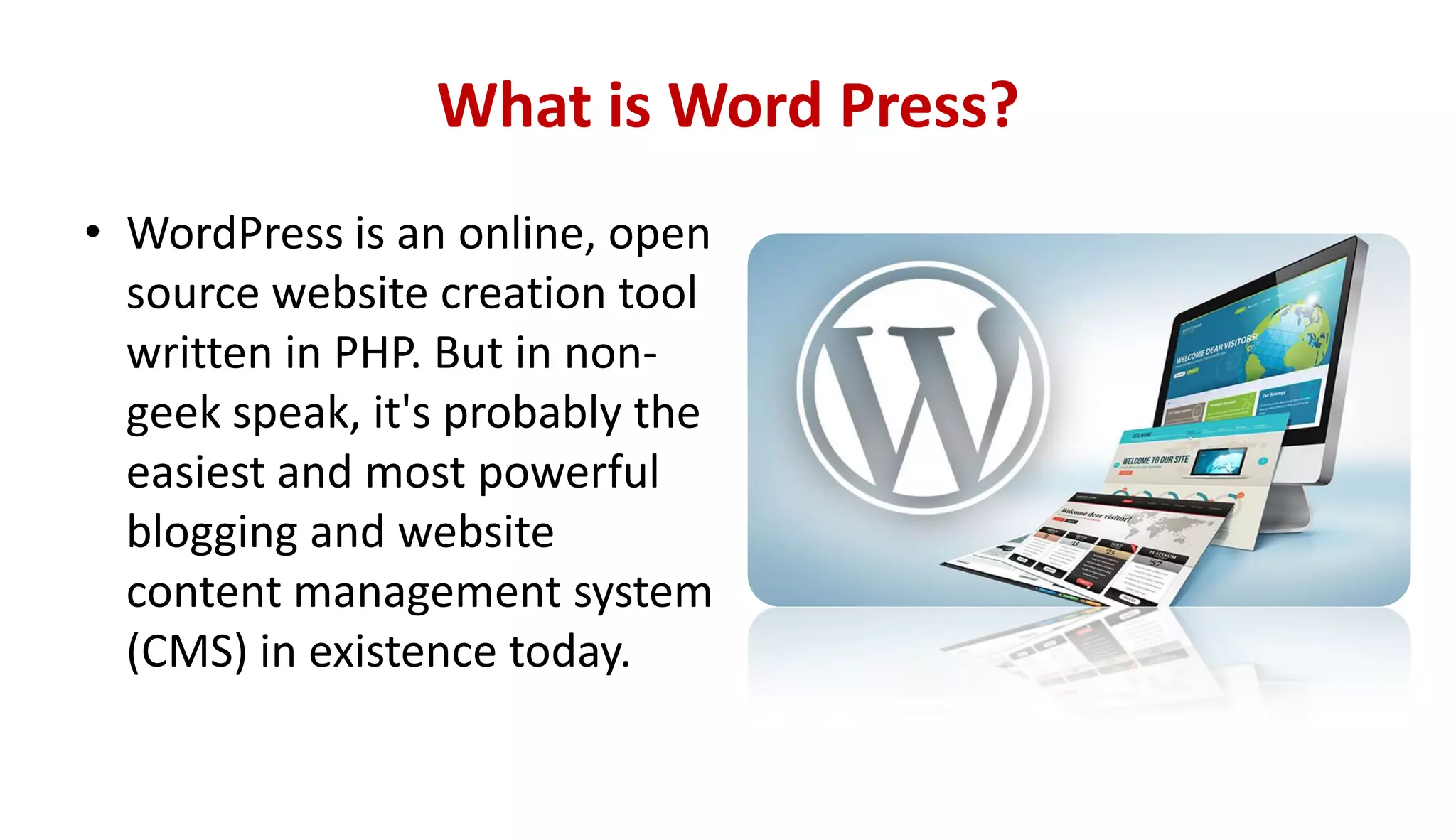
What is Word Press?
• WordPress is an online, open
source website creation tool
written in PHP. But in non-
geek speak, it's probably the
easiest and most powerful
blogging and website
content management system
(CMS) in existence today.
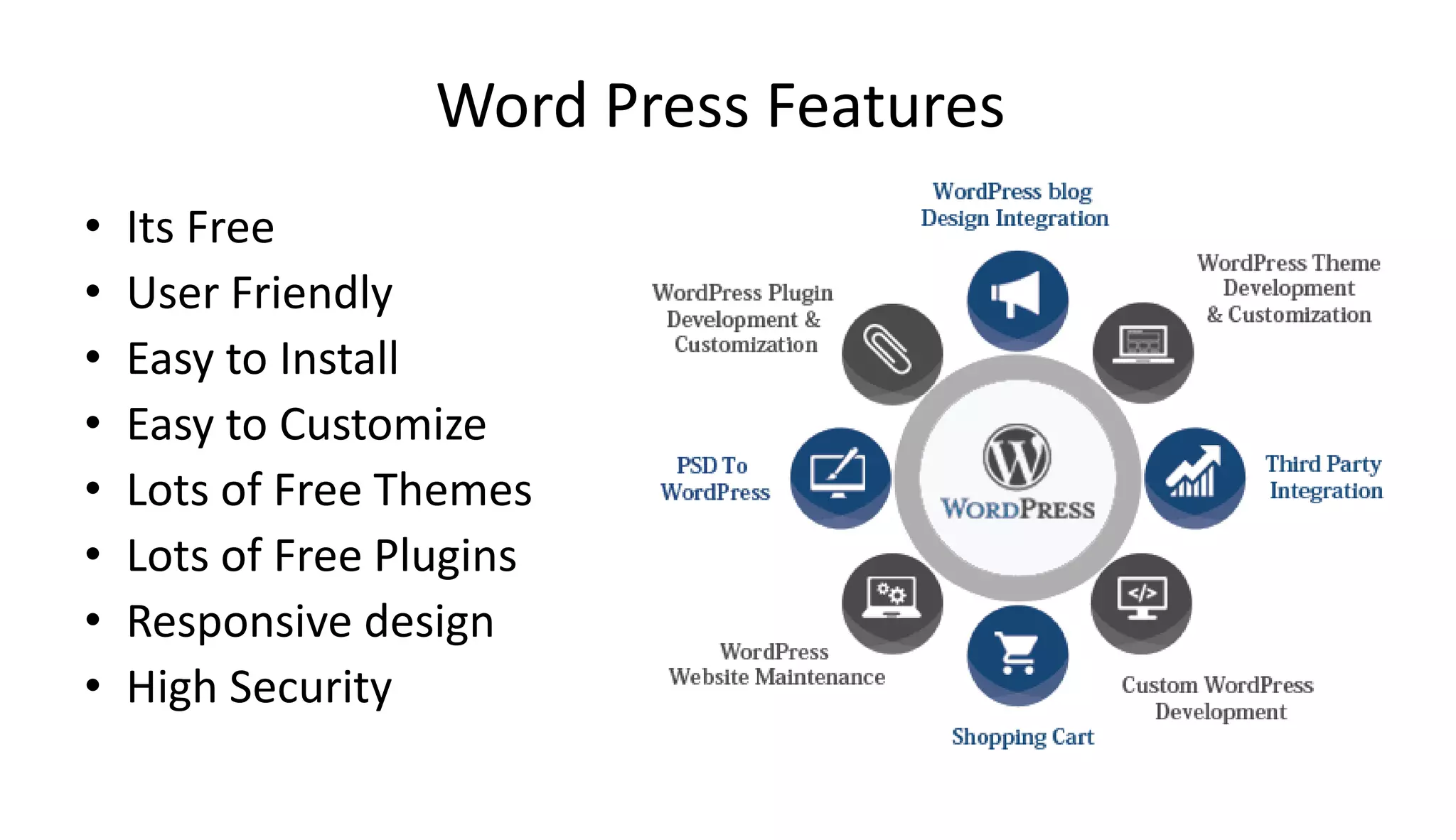
Word Press Features
• Its Free
• User Friendly
• Easy to Install
• Easy to Customize
• Lots of Free Themes
• Lots of Free Plugins
• Responsive design
• High Security
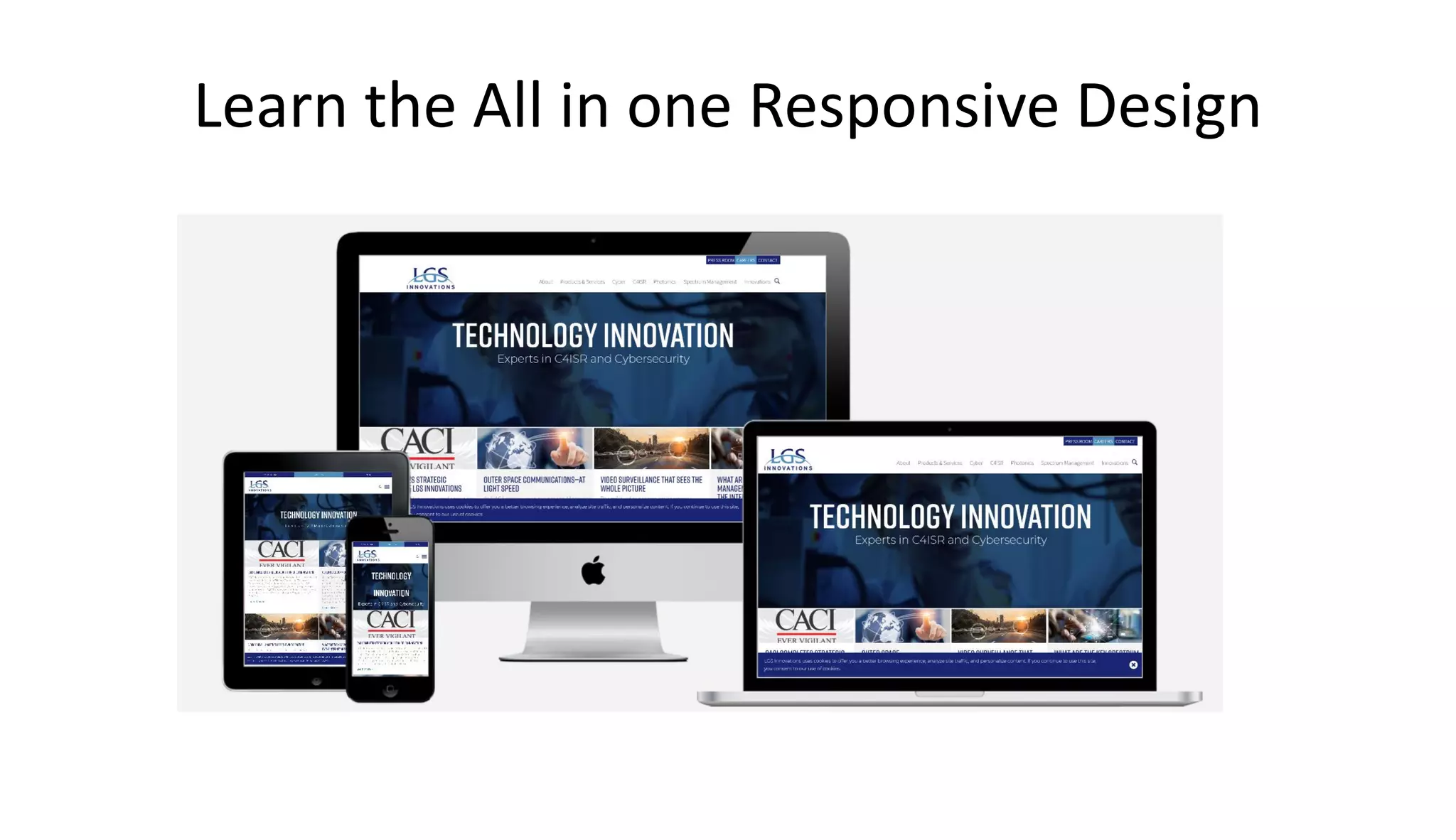
Learn the All in one Responsive Design
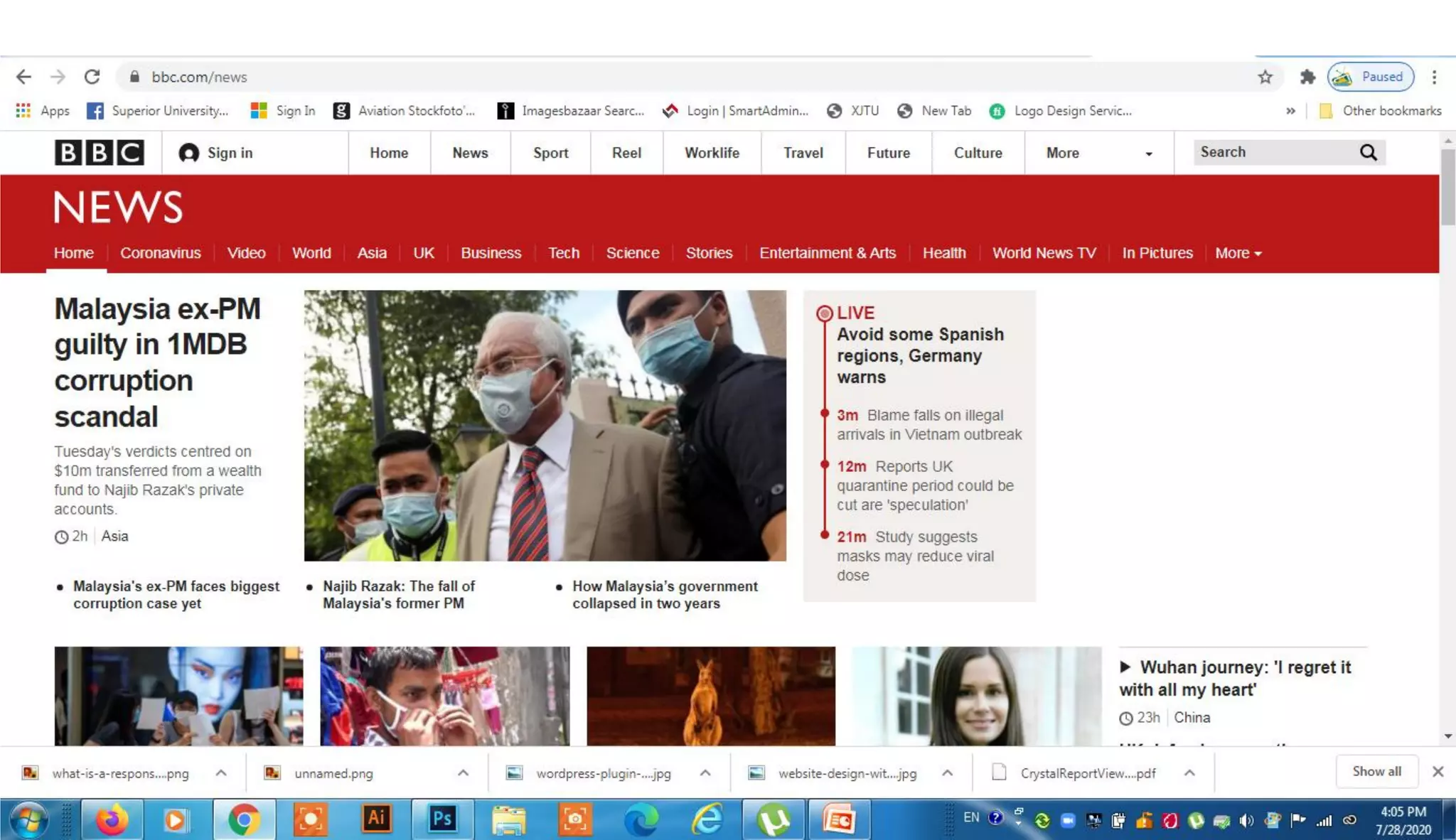
More than 2000 top brands from World Wide
using Word Press
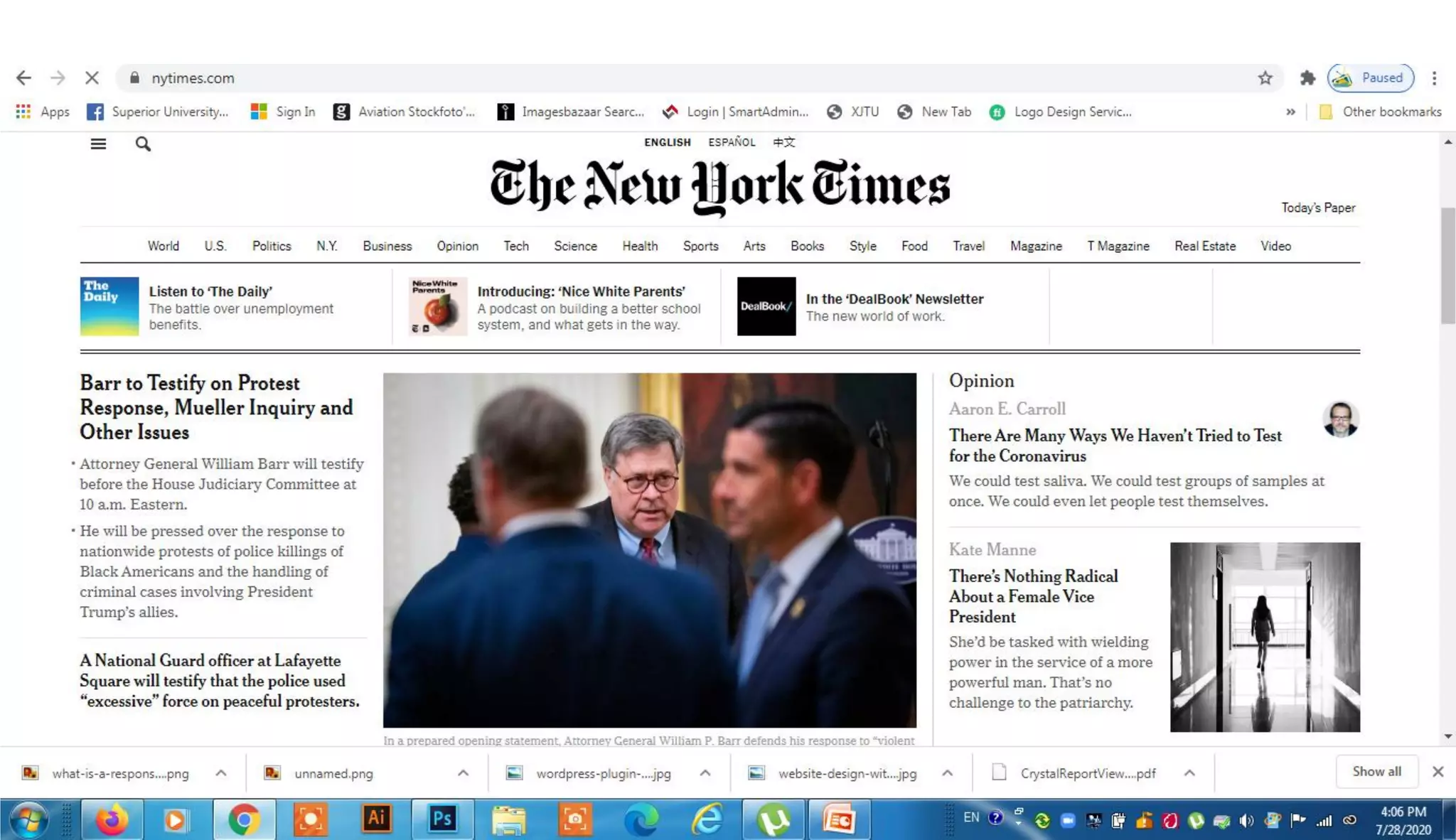
• BBC America | Sony Music | MTV News |Bata |Ebay |Ford |
Fortune |New York Times |CNN |Mozilla |Samsung |Yahoo |
Forbes…etc
How to get Google AdSense approval for your
websites
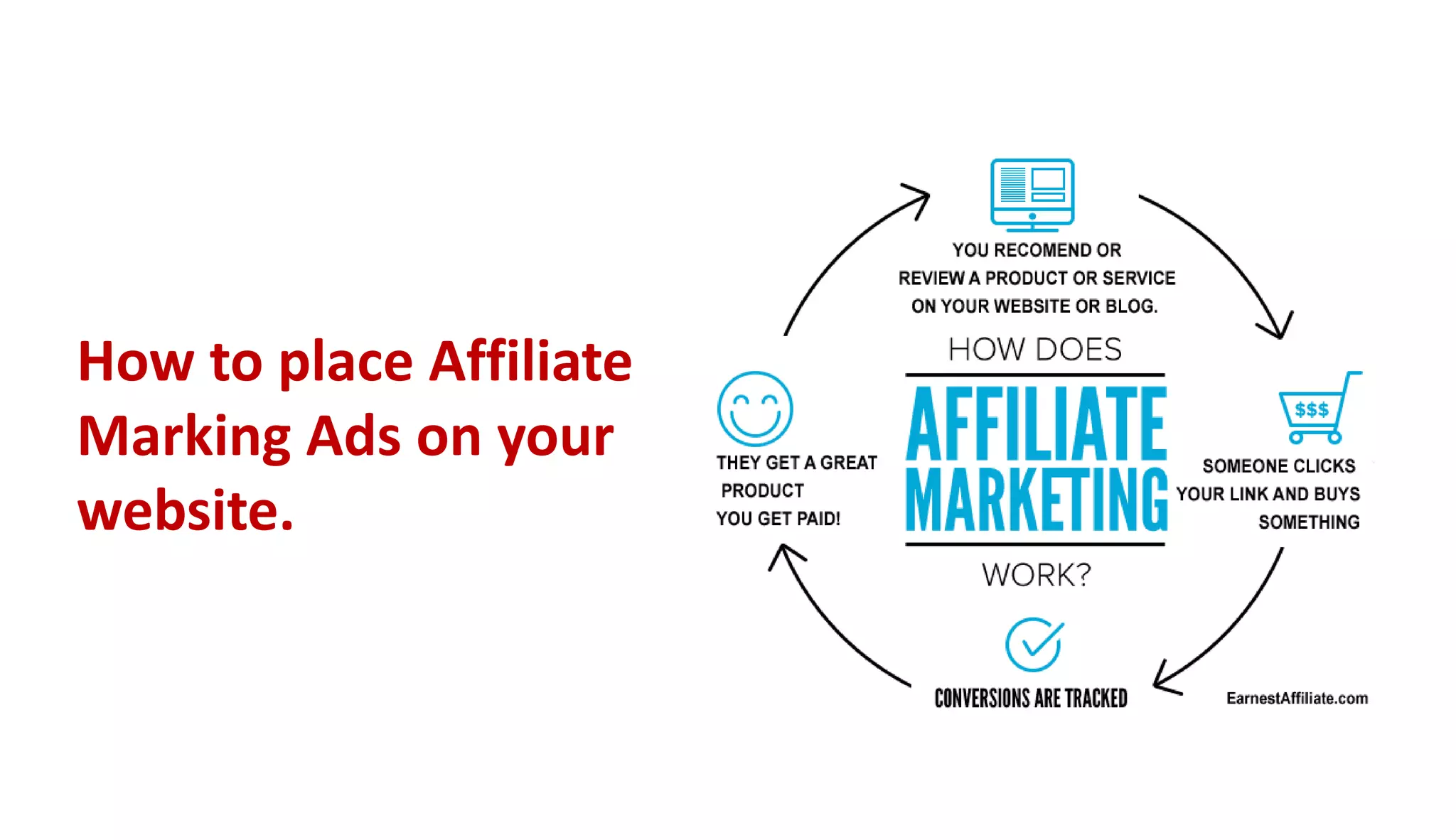
How to place Affiliate
Marking Ads on your
website.
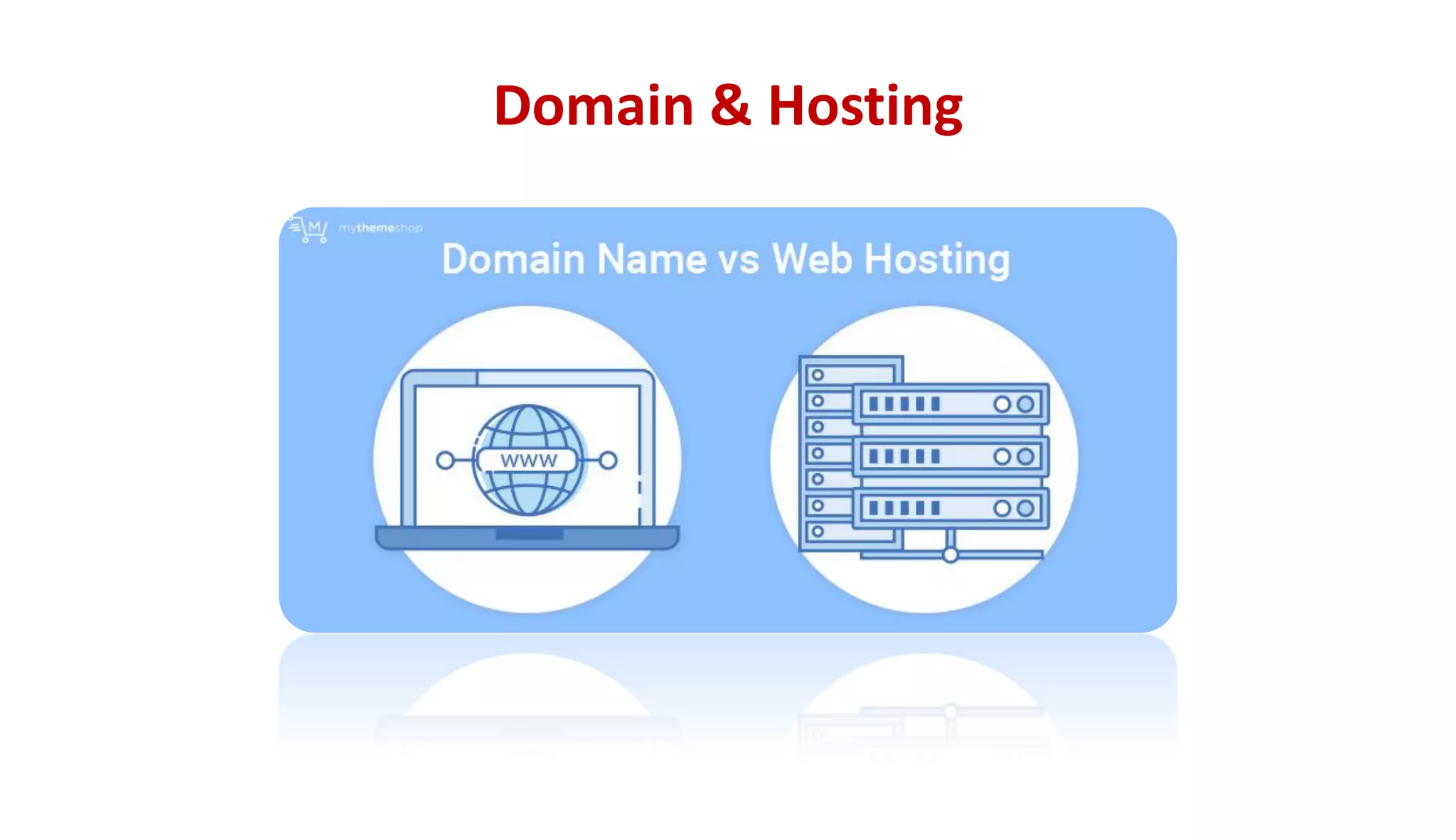
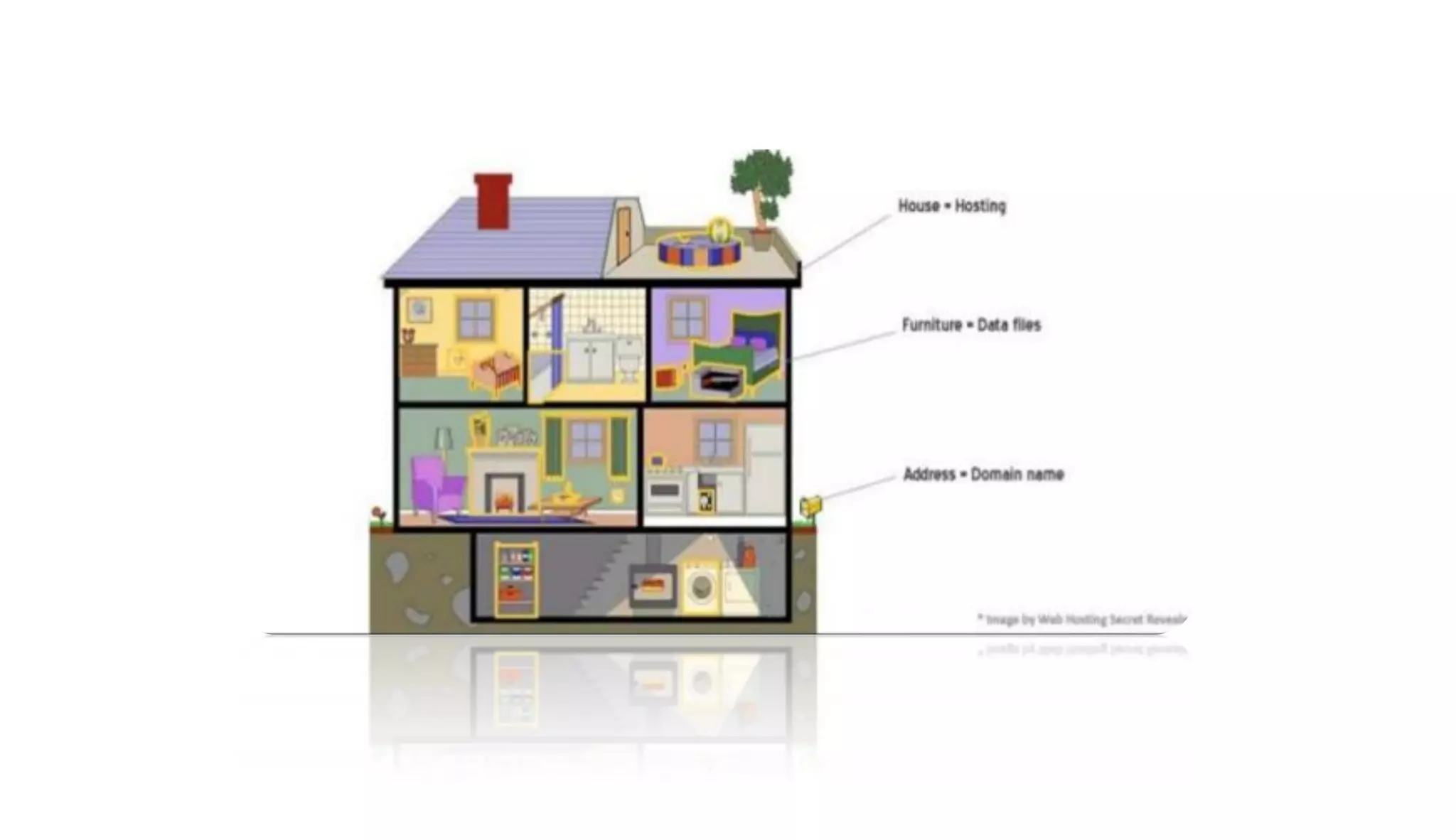
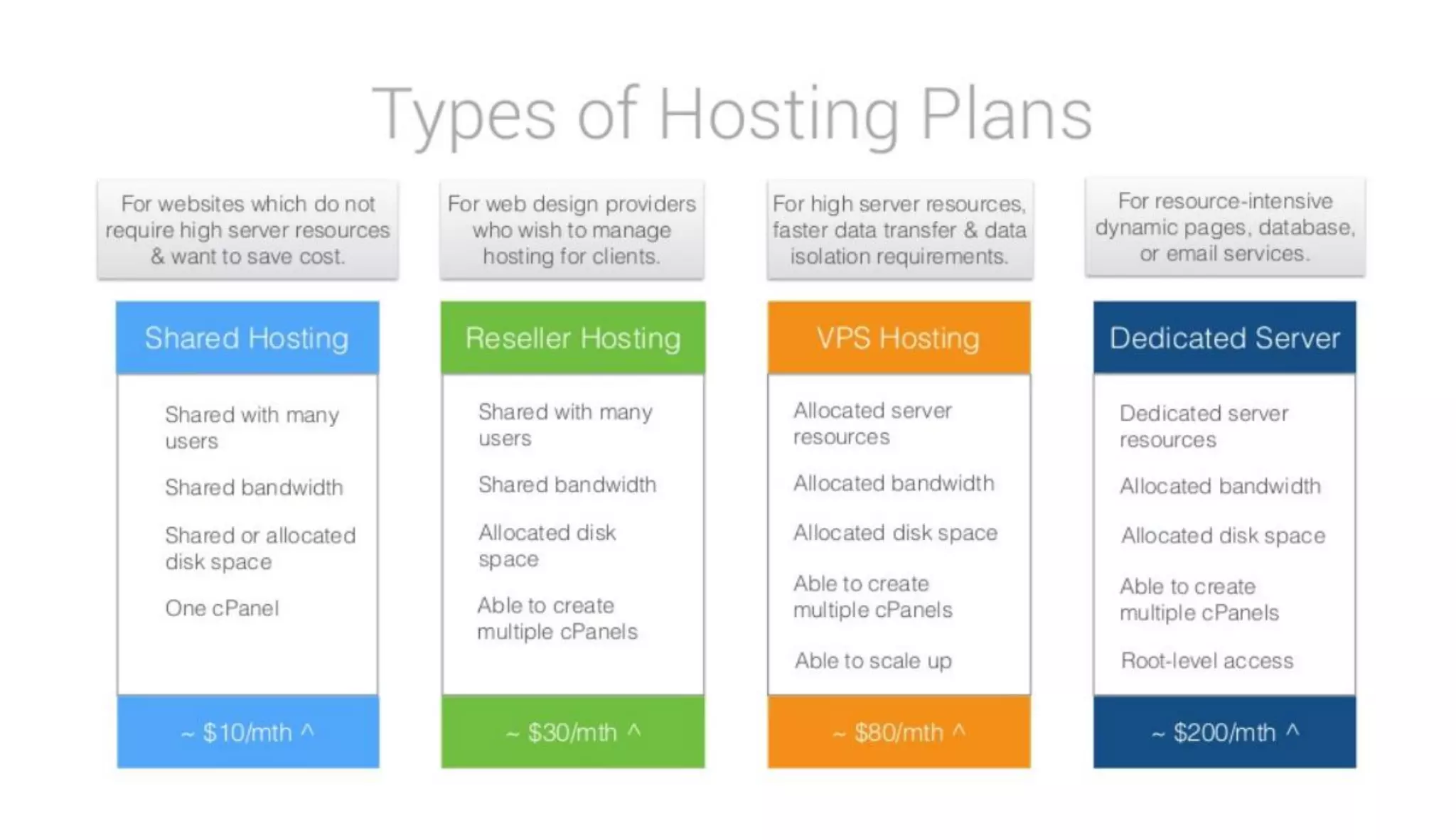
Domain & Hosting
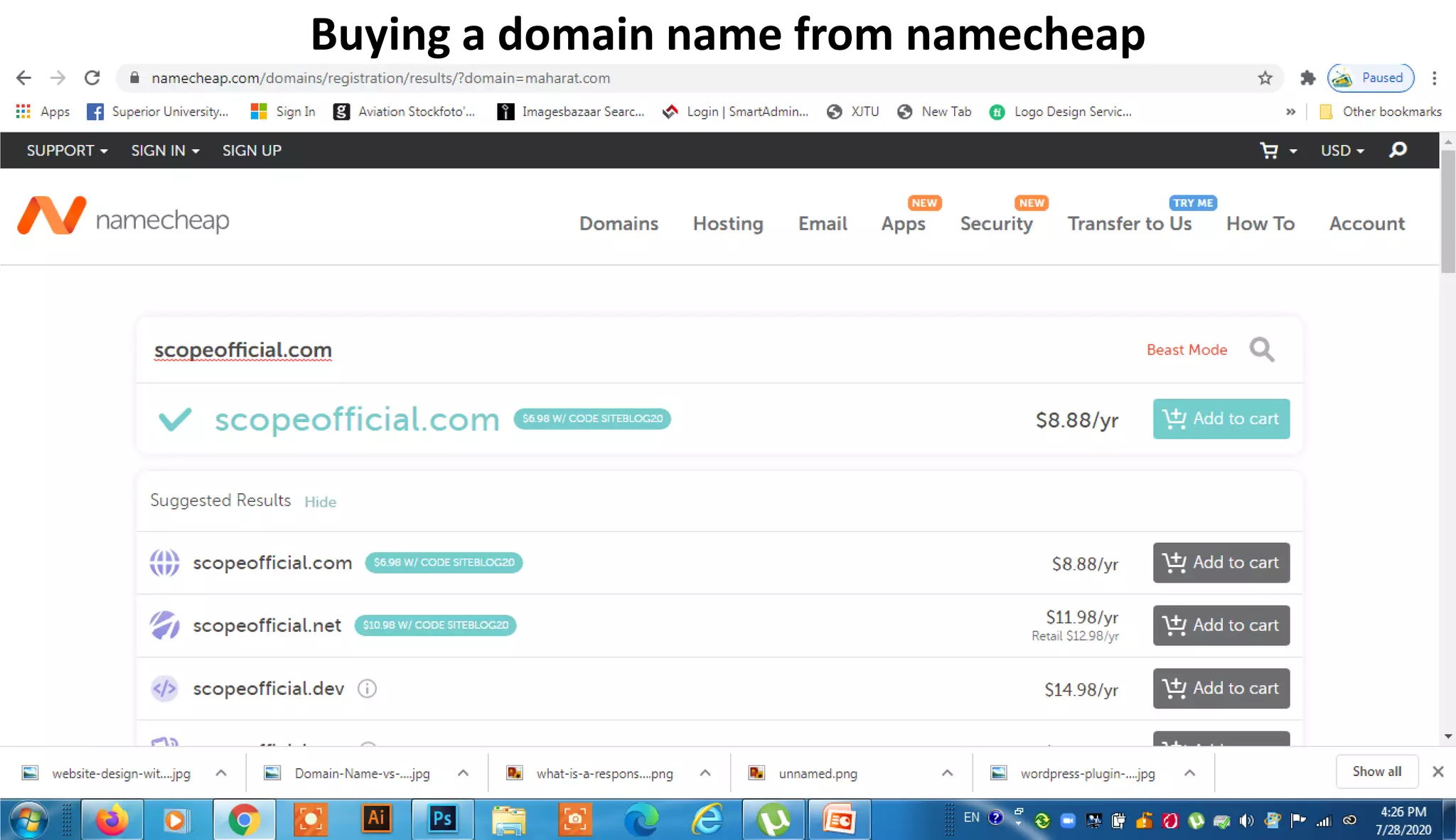
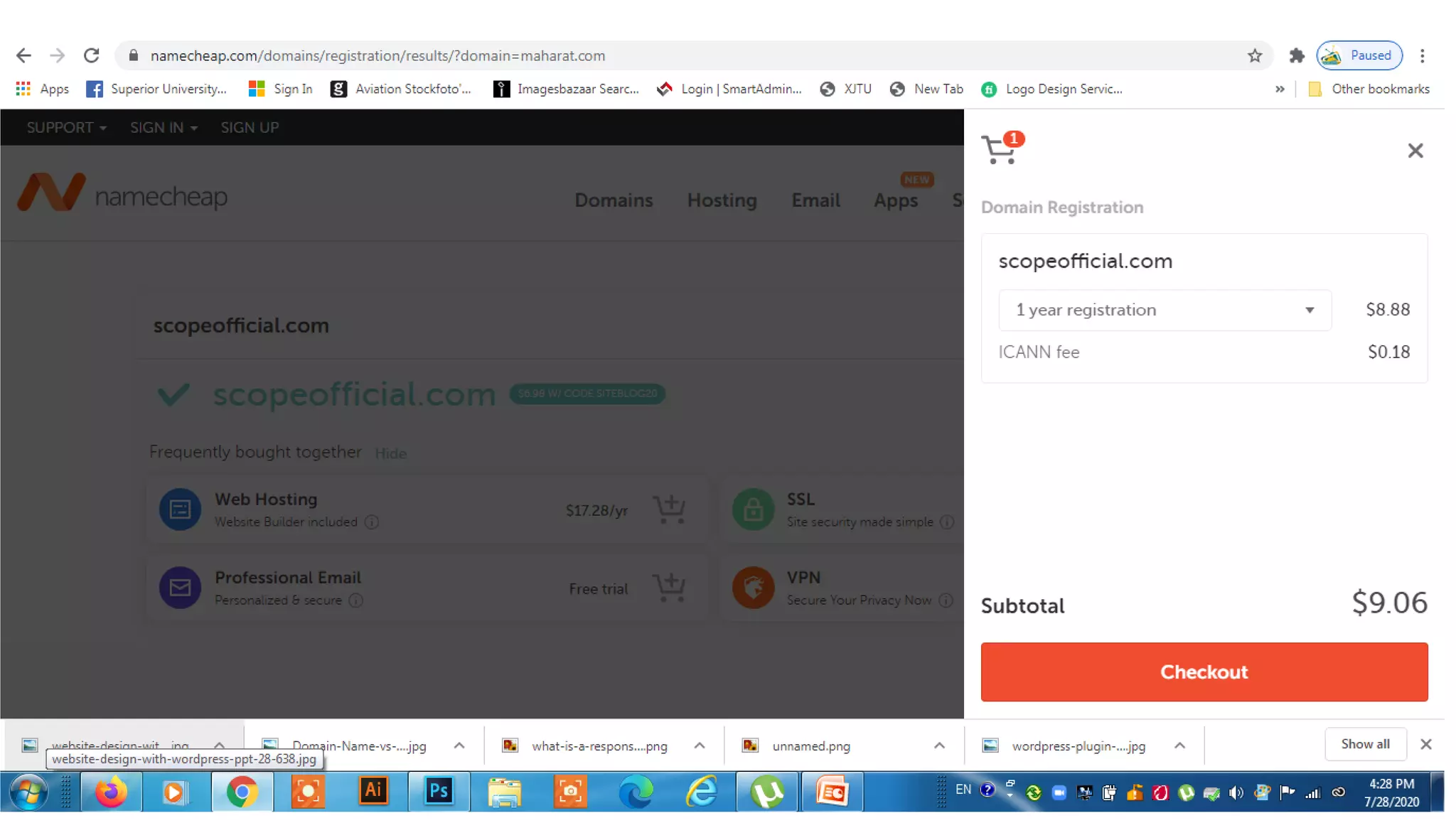
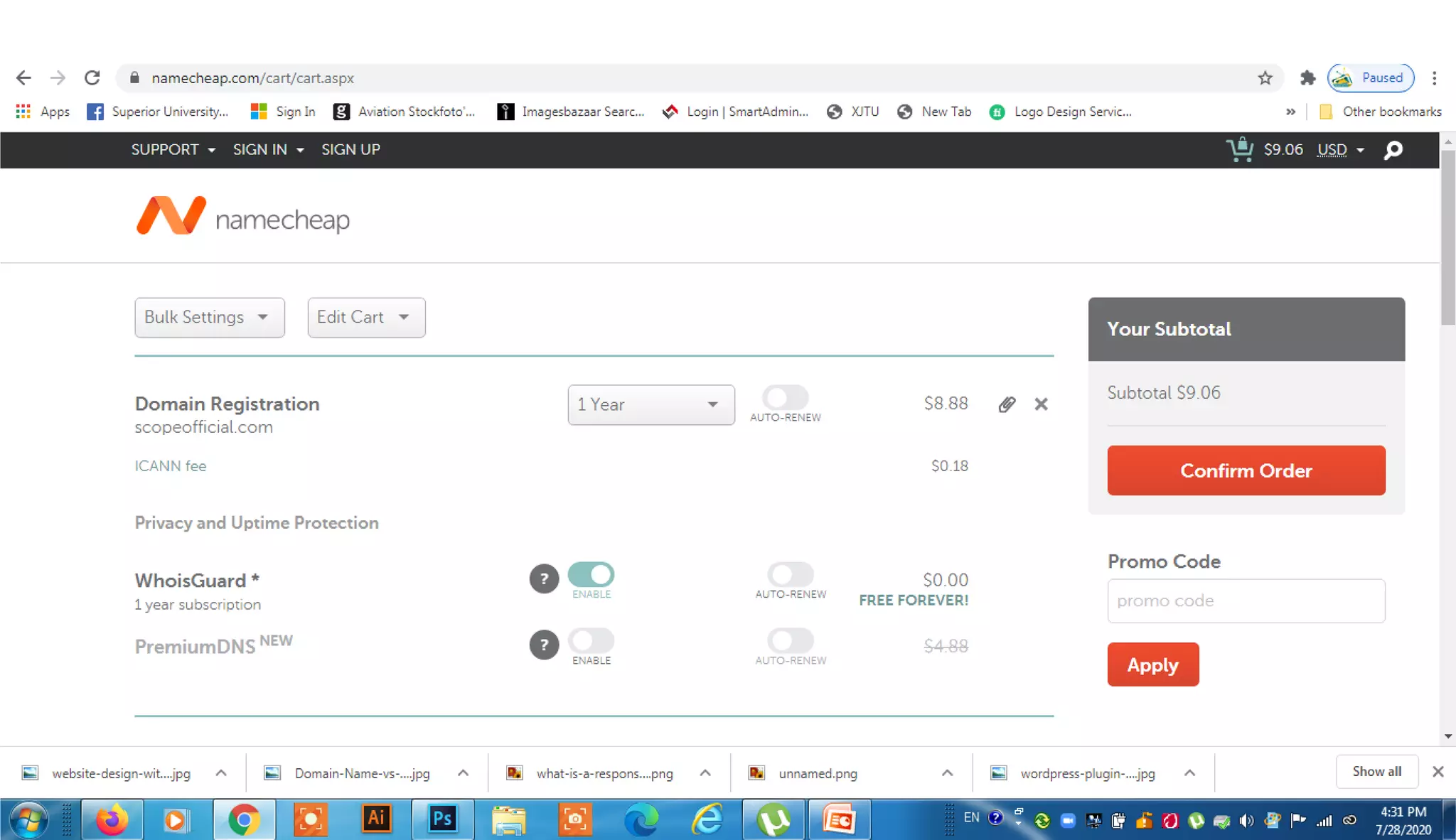
Buying a domain name from namecheap
Thanks

Website design by using CMS _M.Mujeeb Riaz

  • 2.
    What is aWebsite? • A website is a collection of web pages (documents that are accessed through the Internet), which contains specific information about a person or a product or a company.
  • 3.
    Essential elements todesign website • Domain Name • Web Host • Web Application Frame Work
  • 4.
    Why we needa website for our business ? • Credibility • Marketing online possible • Target new customers • You're Open 24/7/365 • Passive Income Opportunities • Eliminate Barriers • Improve Your Customer Service
  • 5.
  • 6.
  • 7.
    What is CMS? • Content Management System is a Web application that provides capabilities For multiple users with different permission levels to manage web pages without coding knowledge. A CMS provides the following web page editing capabilities. • Create | Edit | publish | Archive web pages, articles, press releases.
  • 8.
  • 9.
  • 10.
  • 11.
    pros and consof WordPress.com. • It’s free for up to 3GB of space. After that you will have to switch to a paid plan for more space. (Personal plan $48 /year gives you 6GB, Premium plan $96/year gives you 13GB storage, or Business plan for $300/year for 200 GB storage). • You will not have to worry about updates or backups. WordPress.com will take care of that.
  • 12.
    Disadvantages of Wordpress.com •They place ads on all free websites. Your users see those ads, and you don’t make money from it. If you don’t want your users to see their ads, then you can upgrade to a paid plan (starting from $48 per year). • You are NOT allowed to sell ads on your website, which severely limits ways to monetize your site. If you run a high traffic site, then you can apply for their advertising program called WordAds where you share revenue with them. Premium and Business plan users can use WordAds right away. • You cannot upload plugins. Free plan users get built-in Jetpack features pre-activated. Business plan users can install from a selection of compatible plugins ($300 / year). WordPress.com VIP program lets you install plugins, and it starts from $5000 per month.
  • 13.
    • You cannotupload custom themes. Free plan users can only install from the limited free themes collection. Premium and business plan users can also select premium themes. There are limited customization options for the free version. Premium and Business plan users can use custom CSS. • You are restricted to their stats. You cannot add Google Analytics or install any other powerful tracking platform. Business plan users can install Google Analytics. • Free WordPress.com websites come with a WordPress.com branded domain (e.g. https://yourwebsite.wordpress.com). You’ll need a paid plan to get a custom domain name (e.g https://www.yourwebsite.com). • They can delete your site at any time if they think that it violates their terms of service.
  • 14.
    WordPress.com • WordPress.com isa hosting service created by the co-founder of WordPress, Matt Mullenweg. Because of the same founder, often users confuse WordPress.com with the popular WordPress.org software.
  • 15.
    The WordPress.com hostingservice has 5 plans: • Free – Very limited. • Personal – $48 per year • Premium – $96 per year • Business – $300 per year • Ecommerce – $540 per year • VIP – starting at $5000 per month
  • 16.
    WordPress.org Benefits • TheWordPress software is free, open-source, and super easy to use. (See why is Word Press free?) • You own your website and all its data. Your site will NOT be turned off because someone decides that it is against their terms of service (as long as you are not doing something illegal). You are in full control. • You can add free, paid, and custom Word Press plugins / apps to your website. • You can use customize your website design as needed. You can add any free or premium Word Press theme that you want. You can also create completely custom designs or modify anything that you want.
  • 17.
    • You canactually make money from your Word Press site by running your own ads without sharing revenue with anyone. • You can use powerful tools like Google Analytics for custom analytics and tracking. • You can use self-hosted WordPress to create an online store to sell digital or physical products, accept credit card payments, and deliver / ship the goods directly from your website. • You can also create membership sites and sell memberships for premium content, courses, etc and build an online community around your website.
  • 18.
    WordPress.org Cons • Likeall websites, you will need web hosting. This is where your website files are stored on the internet. Initially, the cost is around $3-$10 per month. However as your website grows and gets more traffic, the web hosting costs will increase as expected, but then you would be making enough money to cover the costs. • You are responsible for updates. You can easily update your WordPress site by simply clicking on the update button (1-click), so it’s not too much work. • You are responsible for backups. Thankfully, there are tons of WordPress backup plugins that let you setup automatic backups.
  • 20.
    Which works forwhat ? • WordPress: Best choice for beginners because of it’s ease-of- use, it works especially well for small to medium sized websites, blogs and smaller e-commerce stores. • Joomla: Great for e-commerce or social networking websites, but requires a basic understanding of technical skills. • Drupal: The most difficult, but also the most powerful. It requires a familiar understanding of HTML, CSS and PHP.
  • 21.
    What is WordPress? • WordPress is an online, open source website creation tool written in PHP. But in non- geek speak, it's probably the easiest and most powerful blogging and website content management system (CMS) in existence today.
  • 22.
    Word Press Features •Its Free • User Friendly • Easy to Install • Easy to Customize • Lots of Free Themes • Lots of Free Plugins • Responsive design • High Security
  • 23.
    Learn the Allin one Responsive Design
  • 24.
    More than 2000top brands from World Wide using Word Press • BBC America | Sony Music | MTV News |Bata |Ebay |Ford | Fortune |New York Times |CNN |Mozilla |Samsung |Yahoo | Forbes…etc
  • 27.
    How to getGoogle AdSense approval for your websites
  • 28.
    How to placeAffiliate Marking Ads on your website.
  • 29.
  • 31.
    Buying a domainname from namecheap
  • 36.