CYBERSECURITY AWARENESS
MONTH 2023
HOW TO STAY SAFE ONLINE
October is
Cybersecurity
Awareness Month
Topic: CYBERSECURITY IS A SHARED RESPONSIBILITY
In today's interconnected world, protecting ourselves
from cyber threats is no longer an individual
responsibility. It's a shared duty that requires
collaboration and awareness.
What is Cybersecurity?
▪ Defined as "the protection of computer systems and
networks from attacks by malicious actors that may
result in unauthorized information disclosure, theft
of, or damage to hardware, software, or data..."
▪ Wherever there is technology, there needs to be
cybersecurity.
Why is it Important?
▪ Implementing cybersecurity best practices is important
for individuals as well as organizations of all sizes to
protect personal, financial and sensitive information.
▪ For both government and private entities, developing
and implementing tailored cybersecurity plans and
processes is key to protecting and maintaining
business operations.
Feelings Toward Cybersecurity
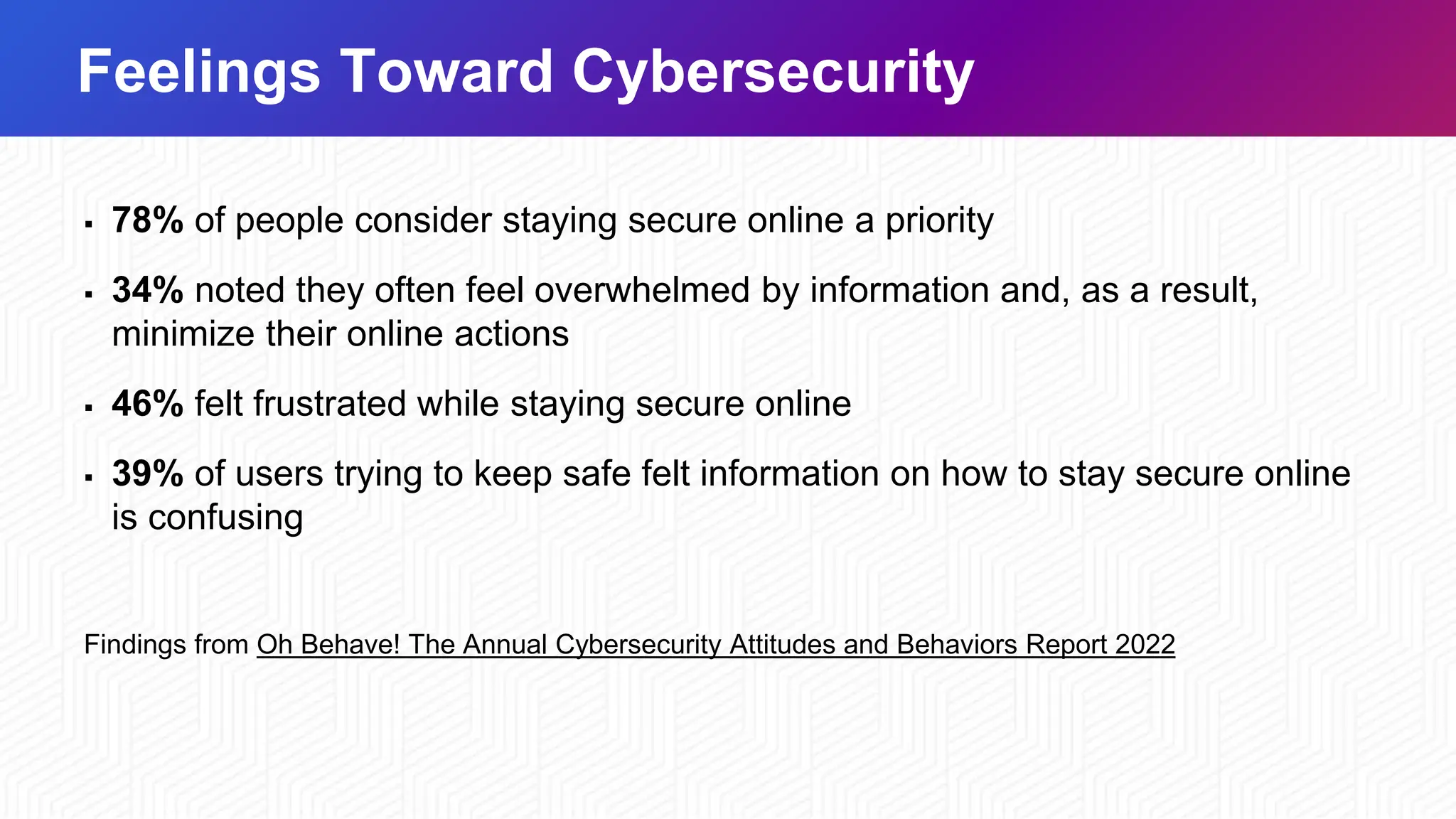
▪ 78% of people consider staying secure online a priority
▪ 34% noted they often feel overwhelmed by information and, as a result,
minimize their online actions
▪ 46% felt frustrated while staying secure online
▪ 39% of users trying to keep safe felt information on how to stay secure online
is confusing
Findings from Oh Behave! The Annual Cybersecurity Attitudes and Behaviors Report 2022
Our Online Behaviors
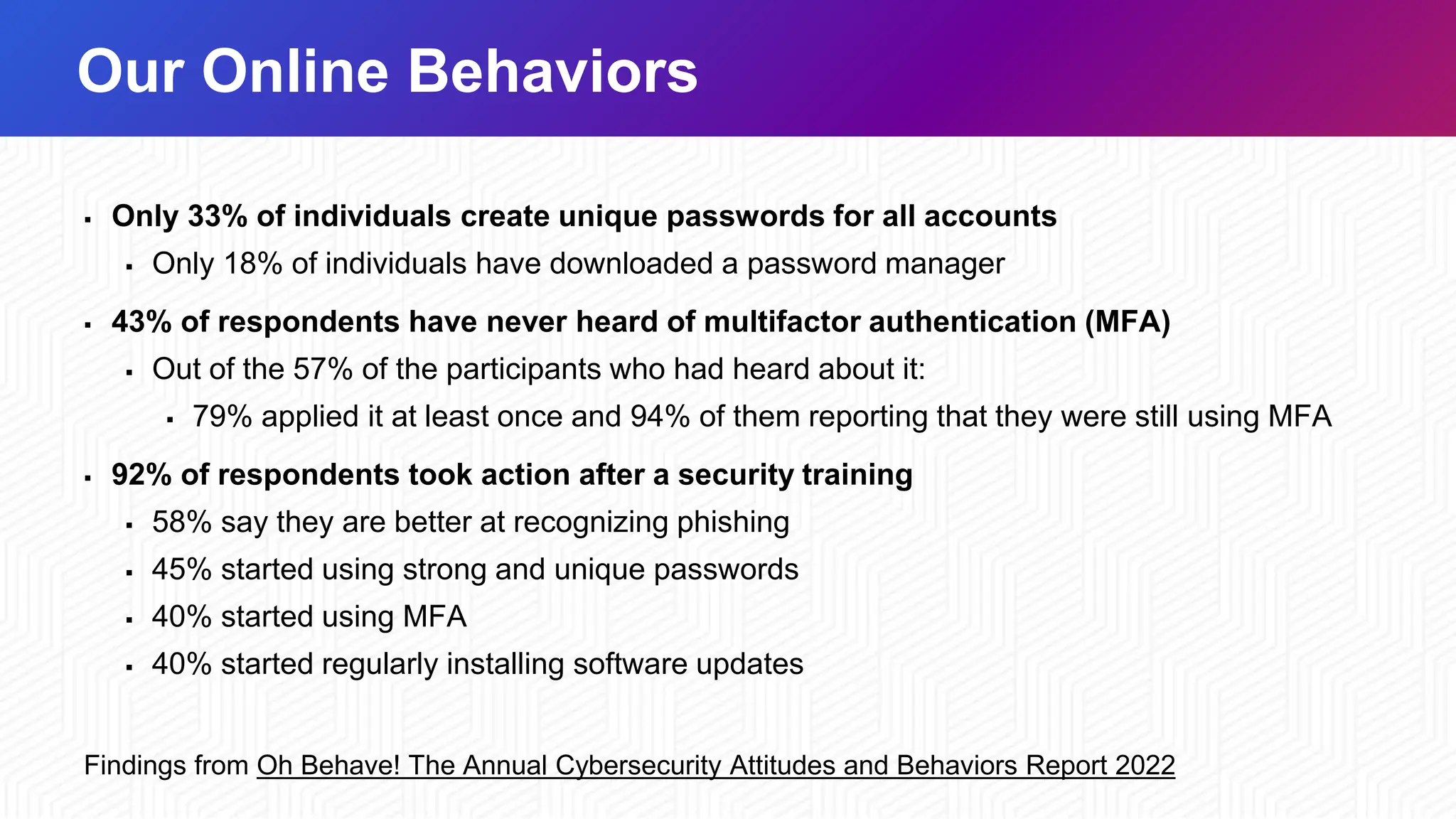
▪ Only 33% of individuals create unique passwords for all accounts
▪ Only 18% of individuals have downloaded a password manager
▪ 43% of respondents have never heard of multifactor authentication (MFA)
▪ Out of the 57% of the participants who had heard about it:
▪ 79% applied it at least once and 94% of them reporting that they were still using MFA
▪ 92% of respondents took action after a security training
▪ 58% say they are better at recognizing phishing
▪ 45% started using strong and unique passwords
▪ 40% started using MFA
▪ 40% started regularly installing software updates
Findings from Oh Behave! The Annual Cybersecurity Attitudes and Behaviors Report 2022
4 Easy Ways to Stay Safe Online
Use Strong Passwords and a Password Manager
Turn on Multifactor Authentication
Recognize and Report Phishing Attacks​
Update Your Software​
Use Strong Passwords
CREATE STRONG PASSWORDS: • Long
• At least 16 characters
• Unique
• NEVER reuse passwords
• Complex
• Upper- and lower-case letters
• Numbers
• Special characters
• Spaces
Use a Password Manager
WHY USE A PASSWORD MANAGER?
• Stores your passwords
• Alerts you of duplicate passwords
• Generates strong new passwords
• Some automatically fill your login credentials
into website to make sign-in easy
Encryption ensures that password managers
never "know" what your passwords are,
keeping them safe from cyber attacks.
Turn on Multifactor Authentication
WHAT IS IT?
• A code sent to your phone or email
• An authenticator app
• A security key
• Biometrics
Fingerprint
Facial recognition
Turn on Multifactor Authentication
WHERE SHOULD YOU USE MFA?
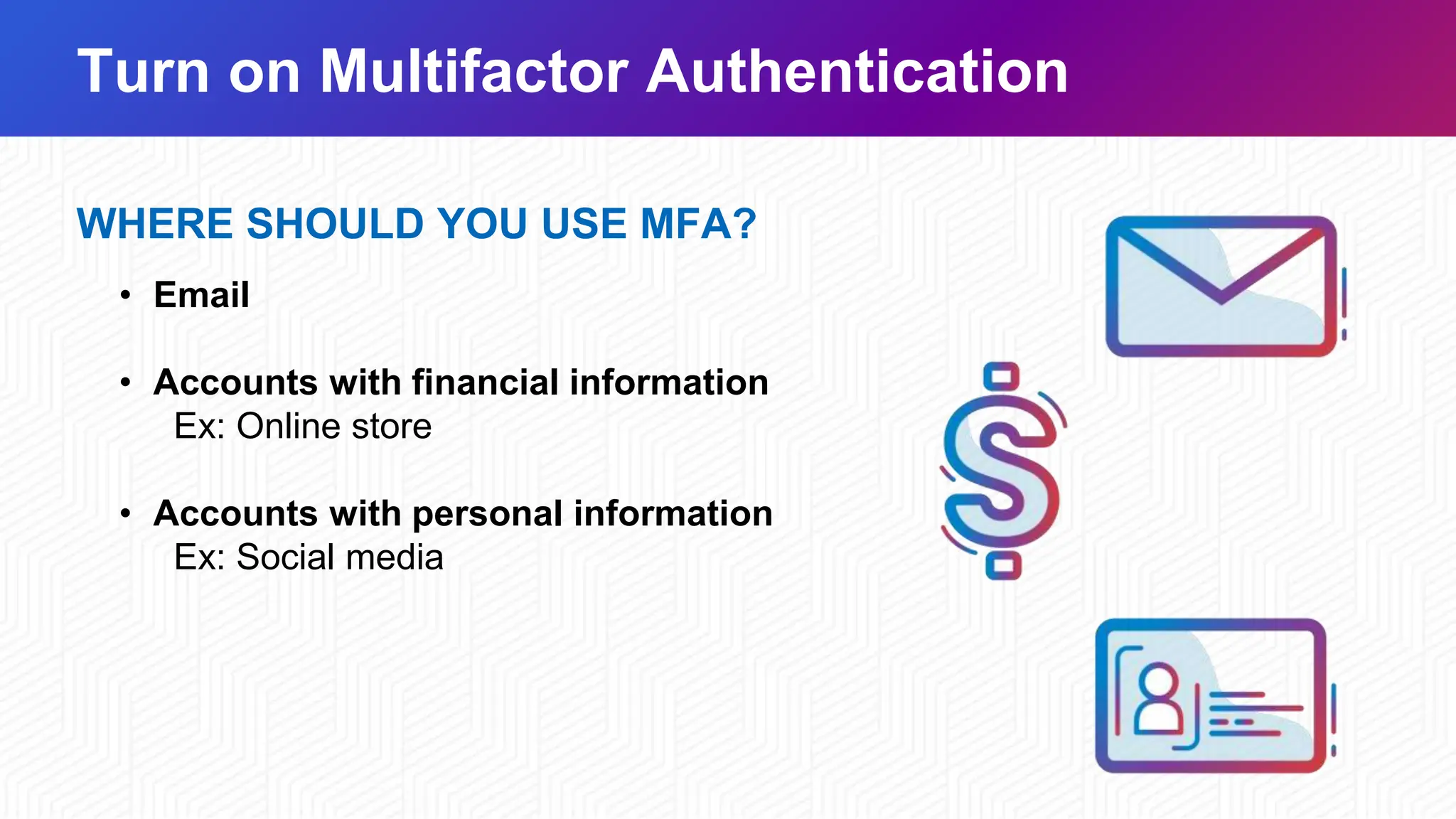
• Email
• Accounts with financial information
Ex: Online store
• Accounts with personal information
Ex: Social media
Recognize and Report Phishing
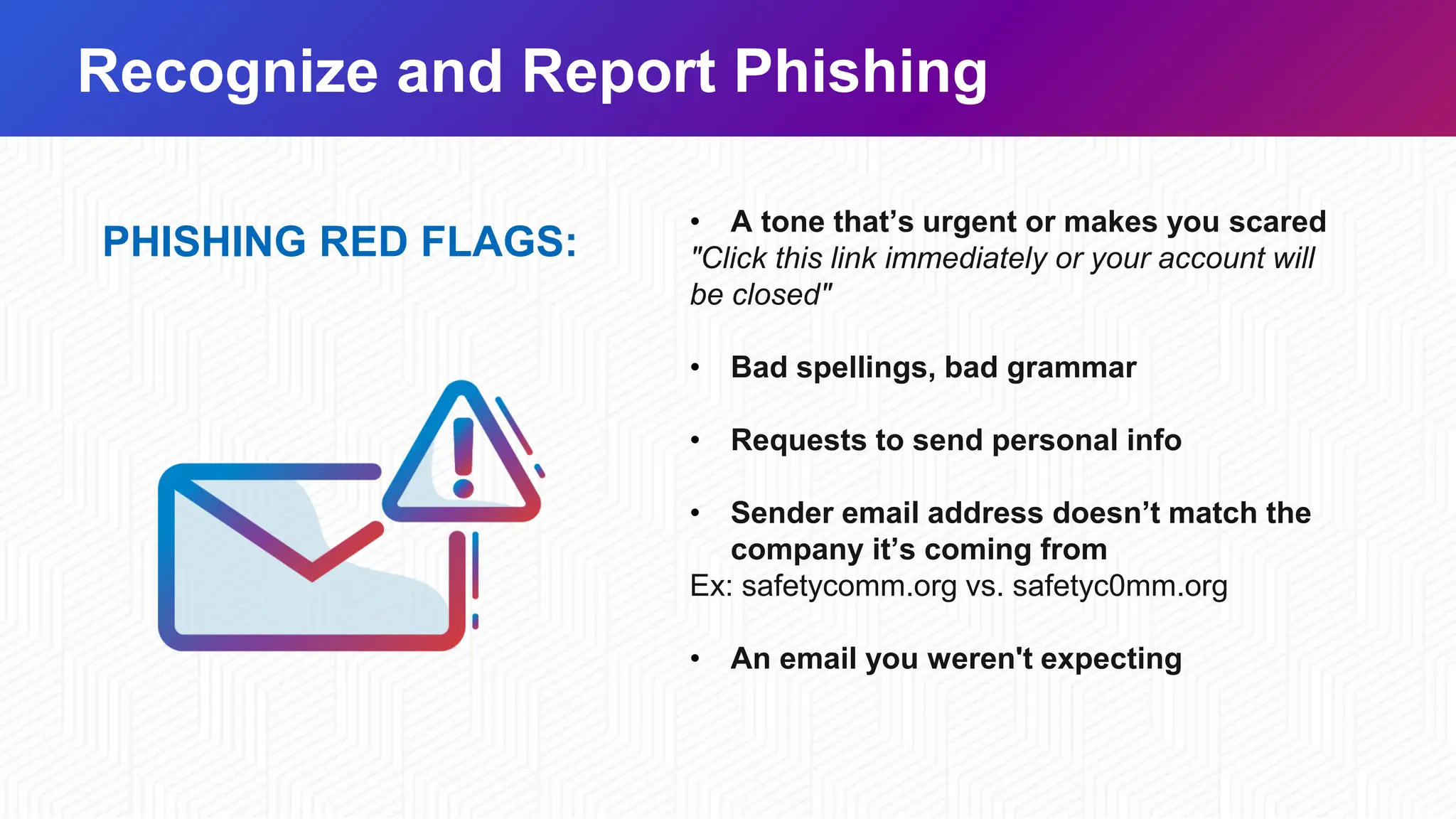
PHISHING RED FLAGS:
• A tone that’s urgent or makes you scared
"Click this link immediately or your account will
be closed"
• Bad spellings, bad grammar
• Requests to send personal info
• Sender email address doesn’t match the
company it’s coming from
Ex: safetycomm.org vs. safetyc0mm.org
• An email you weren't expecting
Recognize and Report Phishing
WHAT TO DO
Do NOT
• Don't click any links
• Don't click any attachments
• Don't send personal info
Do
• Verify
• Contact that person directly if it's
someone you know
• Report it to your IT department
• DELETE IT
Update Your Software
WHY?
• Updates ensure your devices and
apps are protected from the latest
threats
• Don't click "remind me later", it could
leave you vulnerable to cyber threats
• Automatic updates are the easiest
way to stay secure
Update Your Software
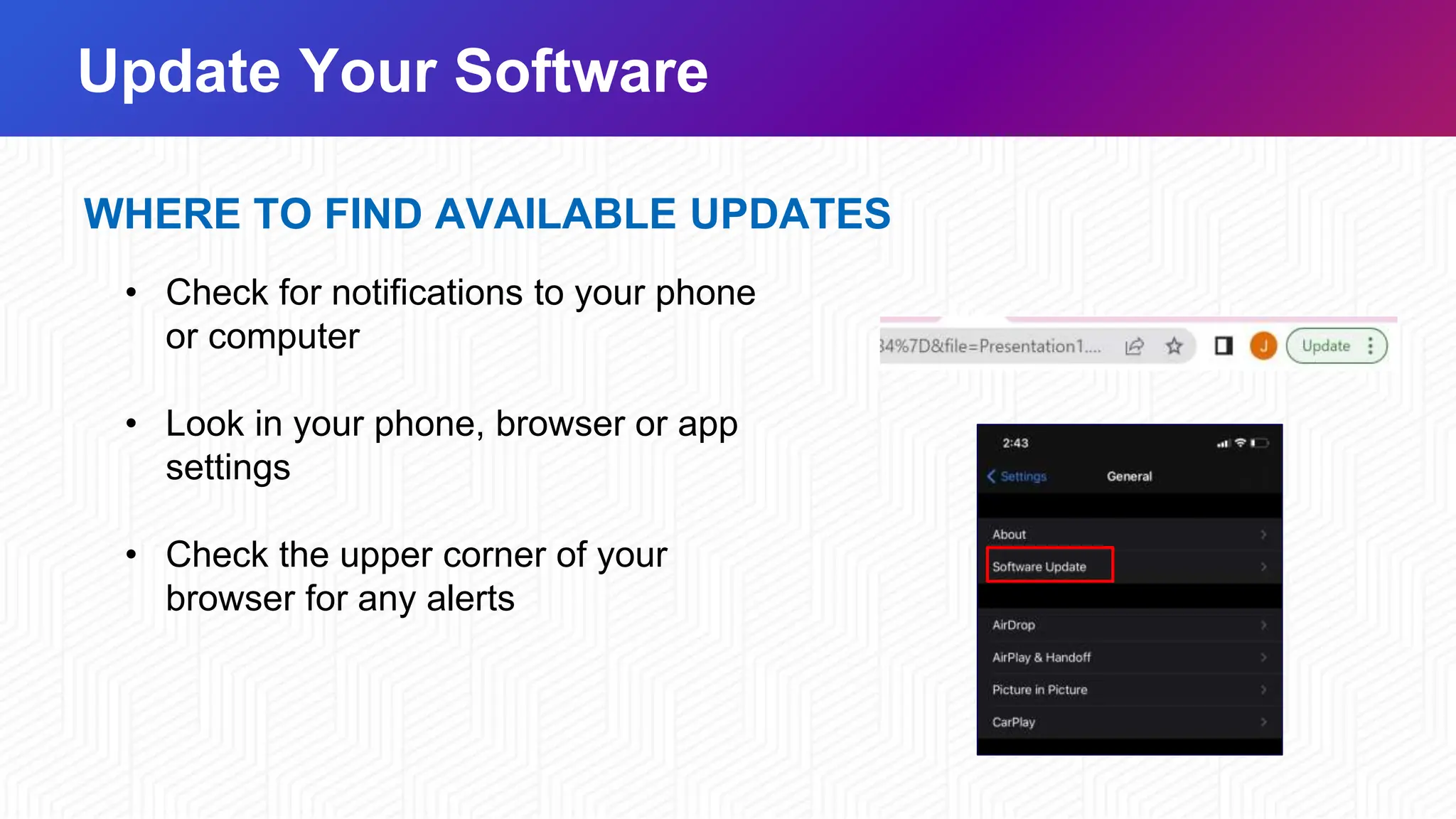
WHERE TO FIND AVAILABLE UPDATES
• Check for notifications to your phone
or computer
• Look in your phone, browser or app
settings
• Check the upper corner of your
browser for any alerts
Ways to Get Involved
AT WORK
▪ Publicize resources and activities
▪ Intranet
▪ Website
▪ Emails to employees/customers
▪ Promotions
▪ Discounts
▪ Giveaways
▪ Hold a contest
▪ Phishing simulation
▪ Poster contest
AT HOME
▪ Share helpful tips and resources
▪ Kids
▪ Parents
▪ Friends
▪ Hold a family “tech talk”
▪ Discuss how each family member
can protect their devices, accounts,
and personal information.
▪ Create a culture of security in your
family
Ways to Get Involved Cont.
IN YOUR COMMUNITY
▪ Volunteer to teach others in your
community
▪ Reach out to
▪ Your kid's school
▪ Community center
▪ Senior center
▪ Place of worship
ONLINE
▪ Join on the conversation
on social media using
▪ #CybersecurityAwarenessMonth
▪ #SecureOurWorld
Building a Strong Cybersecurity Culture
▪ Use basic cybersecurity training. This helps familiarize staff with cybersecurity
concepts and activities associated with implementing cybersecurity best practices.
▪ Identify available cybersecurity training resources. Cybersecurity training
resources—on topics like phishing and good email practices—are available through
professional association, educational institutions, as well as private sector and
government sources.
▪ Stay current on cybersecurity events and incidents. This helps identify lessons
learned and helps to maintain vigilance and agility to cybersecurity trends.
▪ Encourage employees to make good choices online and learn about risks like
phishing and business email compromise.
THE END
Thank you

Webinar_Cybersecurity is a shared responsibility presentation

  • 1.
  • 2.
  • 3.
    Topic: CYBERSECURITY ISA SHARED RESPONSIBILITY In today's interconnected world, protecting ourselves from cyber threats is no longer an individual responsibility. It's a shared duty that requires collaboration and awareness.
  • 4.
    What is Cybersecurity? ▪Defined as "the protection of computer systems and networks from attacks by malicious actors that may result in unauthorized information disclosure, theft of, or damage to hardware, software, or data..." ▪ Wherever there is technology, there needs to be cybersecurity.
  • 5.
    Why is itImportant? ▪ Implementing cybersecurity best practices is important for individuals as well as organizations of all sizes to protect personal, financial and sensitive information. ▪ For both government and private entities, developing and implementing tailored cybersecurity plans and processes is key to protecting and maintaining business operations.
  • 6.
    Feelings Toward Cybersecurity ▪78% of people consider staying secure online a priority ▪ 34% noted they often feel overwhelmed by information and, as a result, minimize their online actions ▪ 46% felt frustrated while staying secure online ▪ 39% of users trying to keep safe felt information on how to stay secure online is confusing Findings from Oh Behave! The Annual Cybersecurity Attitudes and Behaviors Report 2022
  • 7.
    Our Online Behaviors ▪Only 33% of individuals create unique passwords for all accounts ▪ Only 18% of individuals have downloaded a password manager ▪ 43% of respondents have never heard of multifactor authentication (MFA) ▪ Out of the 57% of the participants who had heard about it: ▪ 79% applied it at least once and 94% of them reporting that they were still using MFA ▪ 92% of respondents took action after a security training ▪ 58% say they are better at recognizing phishing ▪ 45% started using strong and unique passwords ▪ 40% started using MFA ▪ 40% started regularly installing software updates Findings from Oh Behave! The Annual Cybersecurity Attitudes and Behaviors Report 2022
  • 8.
    4 Easy Waysto Stay Safe Online Use Strong Passwords and a Password Manager Turn on Multifactor Authentication Recognize and Report Phishing Attacks​ Update Your Software​
  • 9.
    Use Strong Passwords CREATESTRONG PASSWORDS: • Long • At least 16 characters • Unique • NEVER reuse passwords • Complex • Upper- and lower-case letters • Numbers • Special characters • Spaces
  • 10.
    Use a PasswordManager WHY USE A PASSWORD MANAGER? • Stores your passwords • Alerts you of duplicate passwords • Generates strong new passwords • Some automatically fill your login credentials into website to make sign-in easy Encryption ensures that password managers never "know" what your passwords are, keeping them safe from cyber attacks.
  • 11.
    Turn on MultifactorAuthentication WHAT IS IT? • A code sent to your phone or email • An authenticator app • A security key • Biometrics Fingerprint Facial recognition
  • 12.
    Turn on MultifactorAuthentication WHERE SHOULD YOU USE MFA? • Email • Accounts with financial information Ex: Online store • Accounts with personal information Ex: Social media
  • 13.
    Recognize and ReportPhishing PHISHING RED FLAGS: • A tone that’s urgent or makes you scared "Click this link immediately or your account will be closed" • Bad spellings, bad grammar • Requests to send personal info • Sender email address doesn’t match the company it’s coming from Ex: safetycomm.org vs. safetyc0mm.org • An email you weren't expecting
  • 14.
    Recognize and ReportPhishing WHAT TO DO Do NOT • Don't click any links • Don't click any attachments • Don't send personal info Do • Verify • Contact that person directly if it's someone you know • Report it to your IT department • DELETE IT
  • 15.
    Update Your Software WHY? •Updates ensure your devices and apps are protected from the latest threats • Don't click "remind me later", it could leave you vulnerable to cyber threats • Automatic updates are the easiest way to stay secure
  • 16.
    Update Your Software WHERETO FIND AVAILABLE UPDATES • Check for notifications to your phone or computer • Look in your phone, browser or app settings • Check the upper corner of your browser for any alerts
  • 17.
    Ways to GetInvolved AT WORK ▪ Publicize resources and activities ▪ Intranet ▪ Website ▪ Emails to employees/customers ▪ Promotions ▪ Discounts ▪ Giveaways ▪ Hold a contest ▪ Phishing simulation ▪ Poster contest AT HOME ▪ Share helpful tips and resources ▪ Kids ▪ Parents ▪ Friends ▪ Hold a family “tech talk” ▪ Discuss how each family member can protect their devices, accounts, and personal information. ▪ Create a culture of security in your family
  • 18.
    Ways to GetInvolved Cont. IN YOUR COMMUNITY ▪ Volunteer to teach others in your community ▪ Reach out to ▪ Your kid's school ▪ Community center ▪ Senior center ▪ Place of worship ONLINE ▪ Join on the conversation on social media using ▪ #CybersecurityAwarenessMonth ▪ #SecureOurWorld
  • 19.
    Building a StrongCybersecurity Culture ▪ Use basic cybersecurity training. This helps familiarize staff with cybersecurity concepts and activities associated with implementing cybersecurity best practices. ▪ Identify available cybersecurity training resources. Cybersecurity training resources—on topics like phishing and good email practices—are available through professional association, educational institutions, as well as private sector and government sources. ▪ Stay current on cybersecurity events and incidents. This helps identify lessons learned and helps to maintain vigilance and agility to cybersecurity trends. ▪ Encourage employees to make good choices online and learn about risks like phishing and business email compromise.
  • 20.