Wed 2.0
Presentation
Shelly Auman, Shalanda Campbell,
Donna Harmon, Marianne Horstmann
July 28, 2014
AET/531
Mr. Gregory Thomas
1
Introduction
 I WILL ADD THIS TONIGHT
2
Animoto
3
 Developed in 2005 with the intention to of inspiring
people to share their lives through video technology.
 Users are afforded the opportunity to make fun and
easy video clips using their own pictures, music, and
words.
 Users install Animoto for various occasions such as
birthday parties, anniversaries, school events, and
weddings.
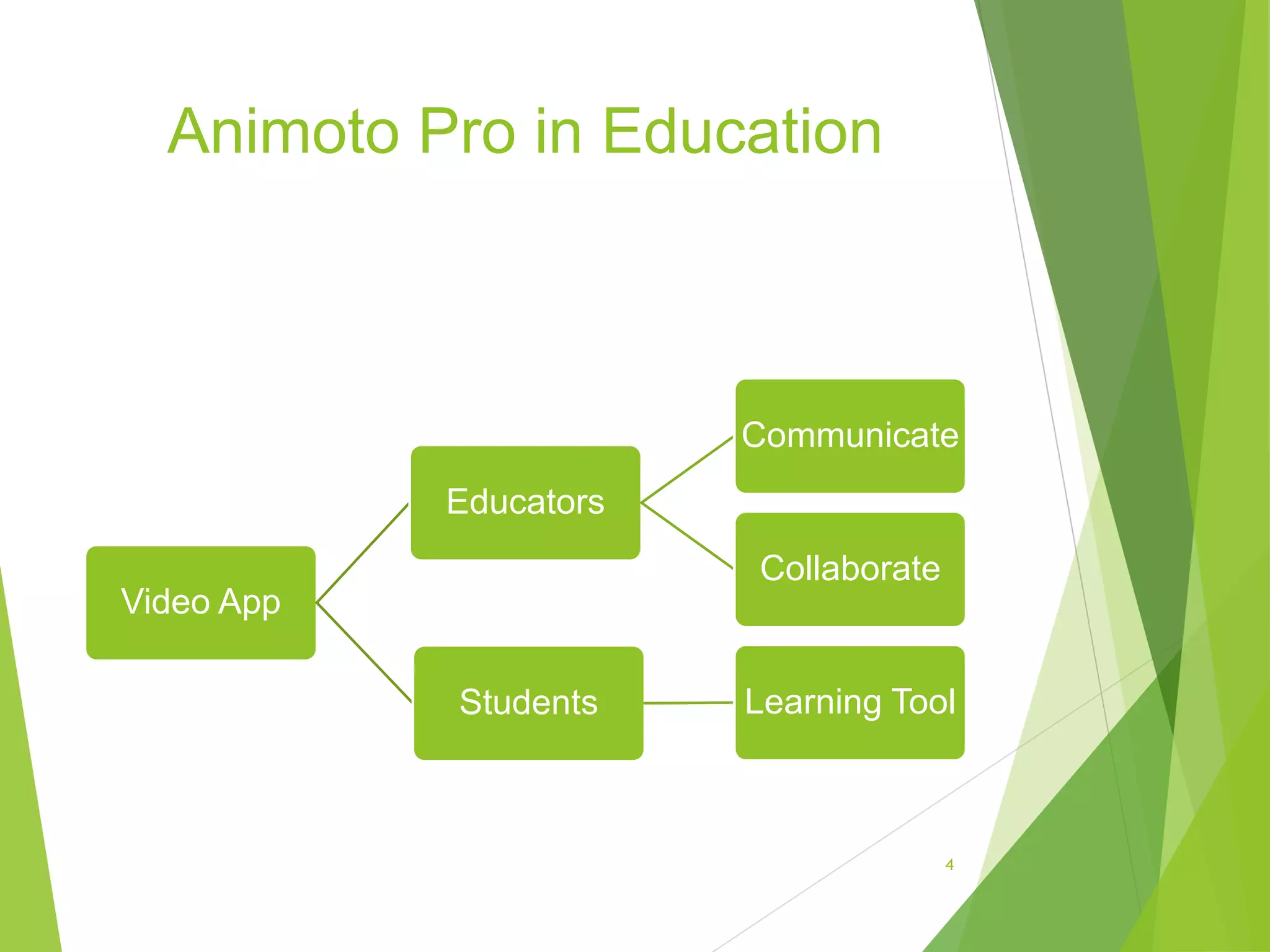
Animoto Pro in Education
Video App
Educators
Communicate
Collaborate
Students Learning Tool
4
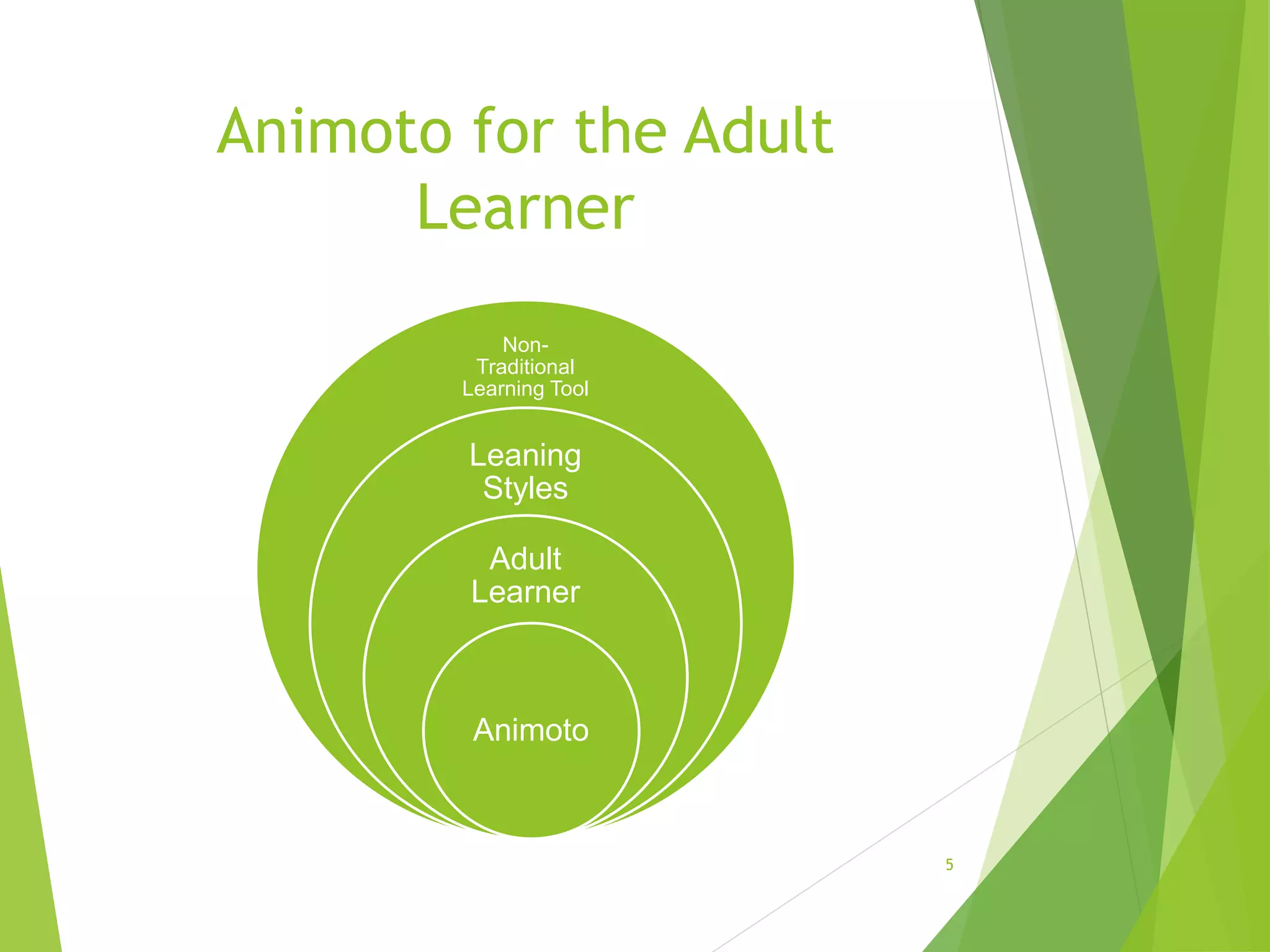
Animoto for the Adult
Learner
Non-
Traditional
Learning Tool
Leaning
Styles
Adult
Learner
Animoto
5
Edutopix
Our Mission
“We are dedicated to improving the K-12 learning
process through innovative, replicable, and evidence-
based strategies that prepare students to thrive in their
studies, careers, and adult lives.”
6
Vision of Edutopix
 Three Fundamental Skills:
 how to find information
 how to assess the quality of information
 how to creatively and effectively use information
to accomplish a goal
7
Effective Tools
 Core Strategies
 Comprehensive Assessment
 Integrated Studies
 Project-Based Learning
 Social and Emotional Learning
 Teacher Development
 Technology Integration
8
Khan Academy
 A free world class education for anyone.
 Students
 Teachers
 Home-Schooler
 Principal
 Adult Learners
 Anyone!
9
Khan Academy Student Tools
 Adaptive Assessment Environment
 Library of Content
 Your Learning Statistics
 Badges
10
Khan Academy Teacher Tools
 Classroom Data
 Coach Report
11
Slide Share
 “SlideShare began with a simple goal: To share
knowledge online. Since then, SlideShare has grown to
become the world’s largest community for sharing
presentations and other professional content.”
12
Slide Share as an educational
tool
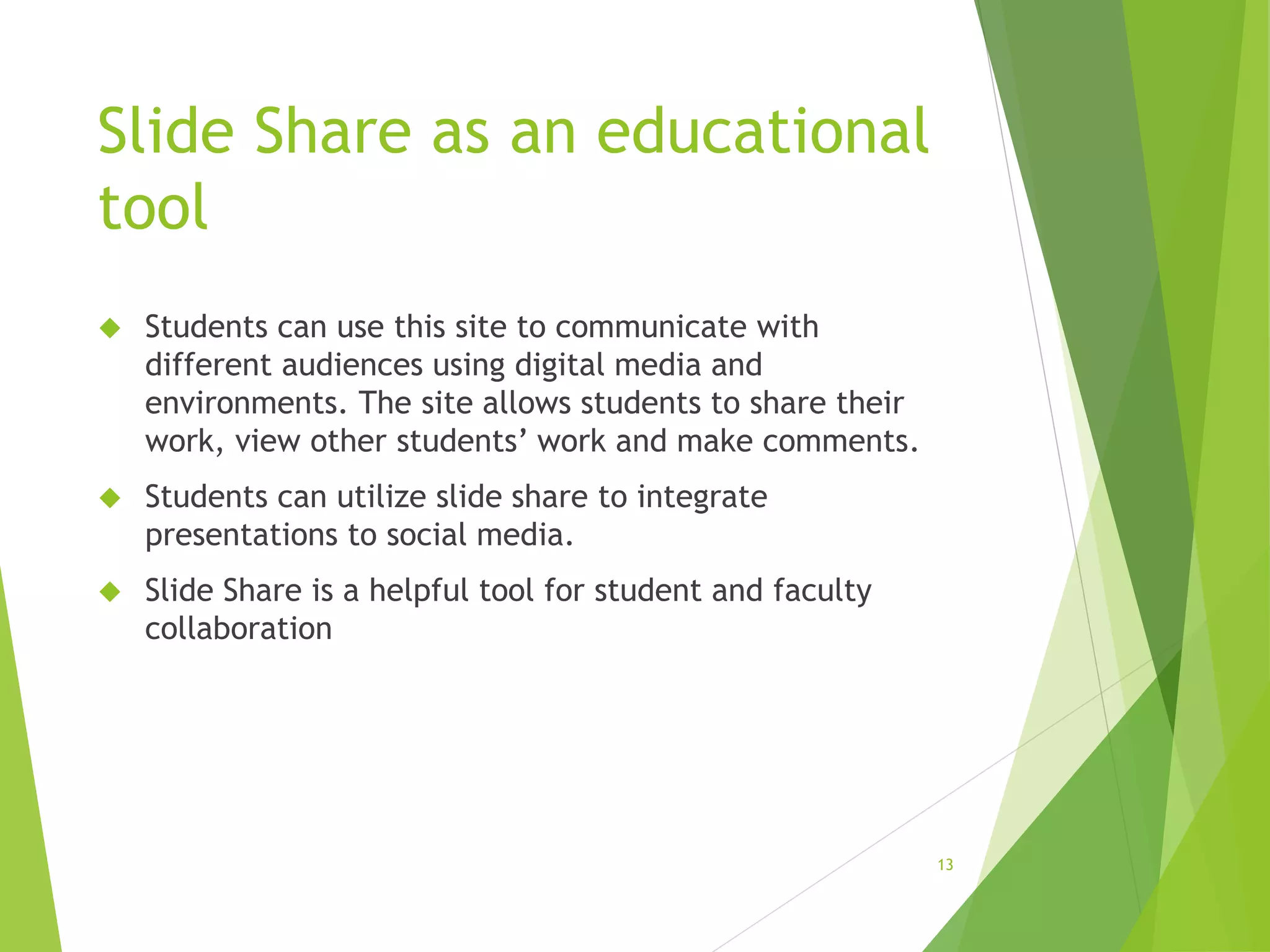
 Students can use this site to communicate with
different audiences using digital media and
environments. The site allows students to share their
work, view other students’ work and make comments.
 Students can utilize slide share to integrate
presentations to social media.
 Slide Share is a helpful tool for student and faculty
collaboration
13
14
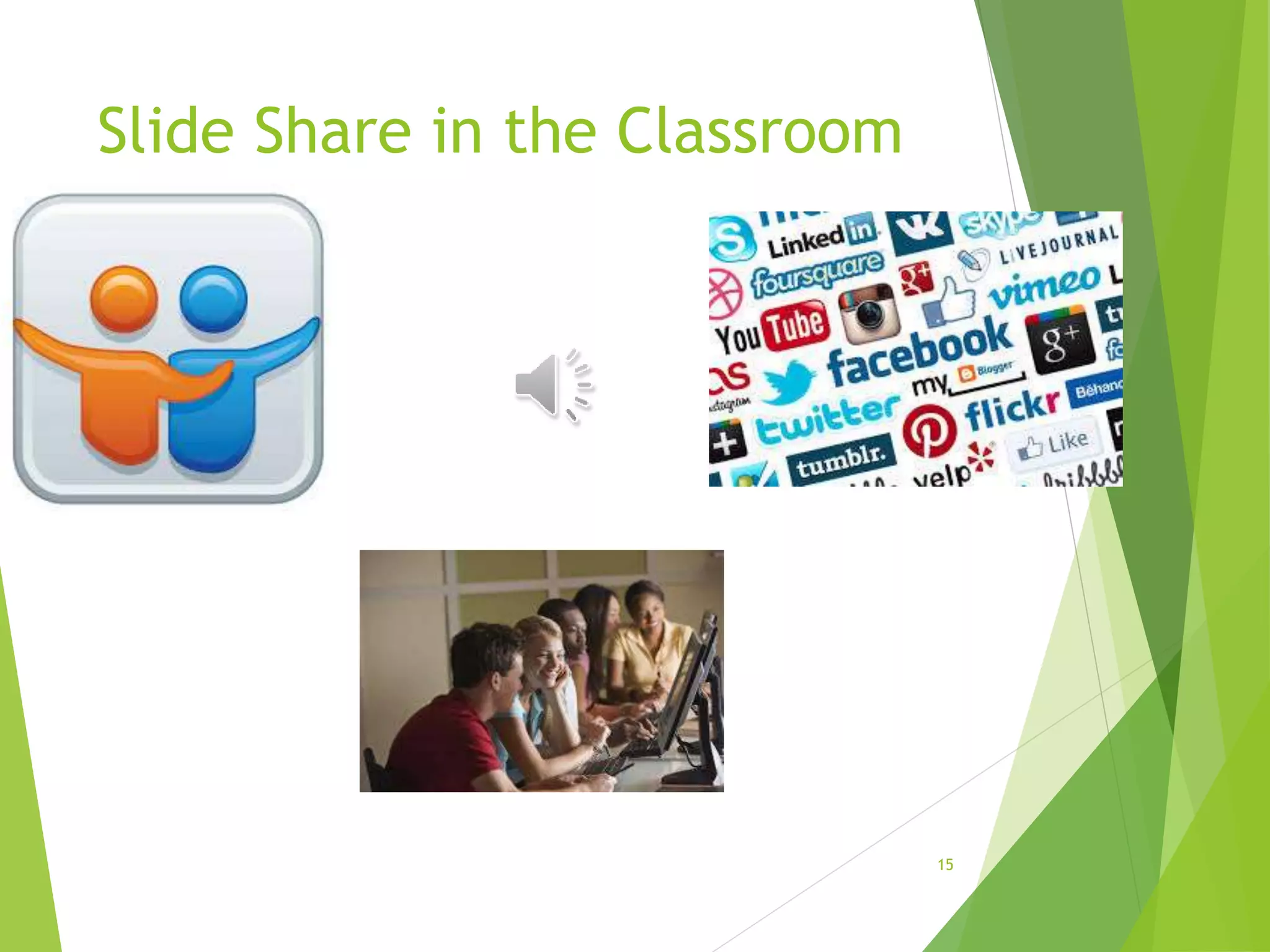
Slide Share in the Classroom
15
Conclusion
 I WILL ADD THIS TONIGHT
16
References
About Khan Academy. (2014). Retrieved from https://www.khanacademy.org/about
Animoto. (2014). Company. Retrieved from http://animoto.com/pro/education
Animoto. (2014). Retrieved from http://animoto.com/education/classroom
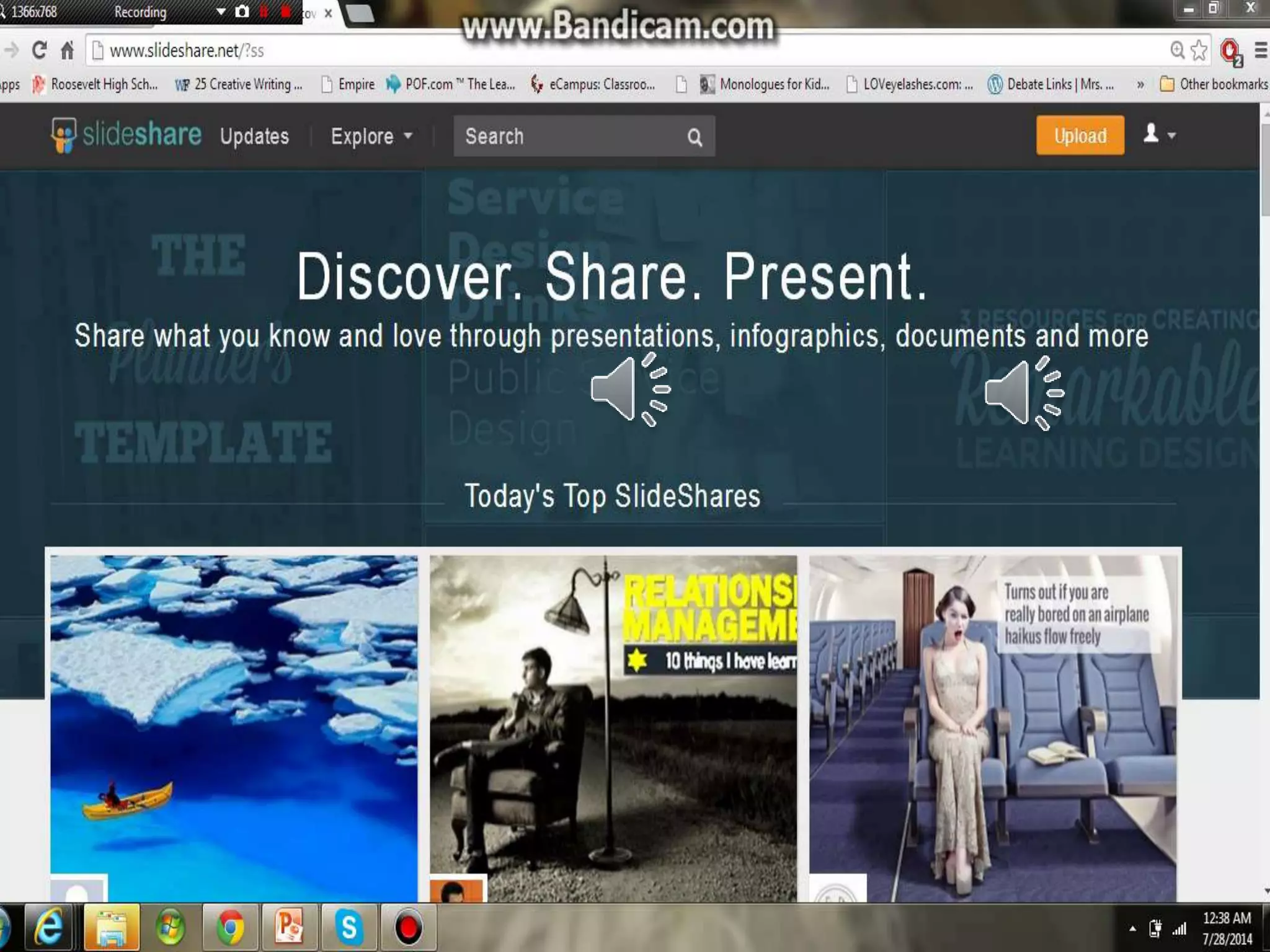
Slideshare.net. (n.d.). www.slideshare.net. Retrieved July 28, 2014, from
http://www.slideshare.net/?ss
https://ecampus.phoenix.edu/secure/aapd/COE/COEresrc/tech-resources.asp
http://www.edutopia.org/
17

Web 2.0 presentation

  • 1.
    Wed 2.0 Presentation Shelly Auman,Shalanda Campbell, Donna Harmon, Marianne Horstmann July 28, 2014 AET/531 Mr. Gregory Thomas 1
  • 2.
    Introduction  I WILLADD THIS TONIGHT 2
  • 3.
    Animoto 3  Developed in2005 with the intention to of inspiring people to share their lives through video technology.  Users are afforded the opportunity to make fun and easy video clips using their own pictures, music, and words.  Users install Animoto for various occasions such as birthday parties, anniversaries, school events, and weddings.
  • 4.
    Animoto Pro inEducation Video App Educators Communicate Collaborate Students Learning Tool 4
  • 5.
    Animoto for theAdult Learner Non- Traditional Learning Tool Leaning Styles Adult Learner Animoto 5
  • 6.
    Edutopix Our Mission “We arededicated to improving the K-12 learning process through innovative, replicable, and evidence- based strategies that prepare students to thrive in their studies, careers, and adult lives.” 6
  • 7.
    Vision of Edutopix Three Fundamental Skills:  how to find information  how to assess the quality of information  how to creatively and effectively use information to accomplish a goal 7
  • 8.
    Effective Tools  CoreStrategies  Comprehensive Assessment  Integrated Studies  Project-Based Learning  Social and Emotional Learning  Teacher Development  Technology Integration 8
  • 9.
    Khan Academy  Afree world class education for anyone.  Students  Teachers  Home-Schooler  Principal  Adult Learners  Anyone! 9
  • 10.
    Khan Academy StudentTools  Adaptive Assessment Environment  Library of Content  Your Learning Statistics  Badges 10
  • 11.
    Khan Academy TeacherTools  Classroom Data  Coach Report 11
  • 12.
    Slide Share  “SlideSharebegan with a simple goal: To share knowledge online. Since then, SlideShare has grown to become the world’s largest community for sharing presentations and other professional content.” 12
  • 13.
    Slide Share asan educational tool  Students can use this site to communicate with different audiences using digital media and environments. The site allows students to share their work, view other students’ work and make comments.  Students can utilize slide share to integrate presentations to social media.  Slide Share is a helpful tool for student and faculty collaboration 13
  • 14.
  • 15.
    Slide Share inthe Classroom 15
  • 16.
    Conclusion  I WILLADD THIS TONIGHT 16
  • 17.
    References About Khan Academy.(2014). Retrieved from https://www.khanacademy.org/about Animoto. (2014). Company. Retrieved from http://animoto.com/pro/education Animoto. (2014). Retrieved from http://animoto.com/education/classroom Slideshare.net. (n.d.). www.slideshare.net. Retrieved July 28, 2014, from http://www.slideshare.net/?ss https://ecampus.phoenix.edu/secure/aapd/COE/COEresrc/tech-resources.asp http://www.edutopia.org/ 17