

1
2
Video marketing is incorporating videos into your marketing campaigns
whether to promote your company, product or service.
3
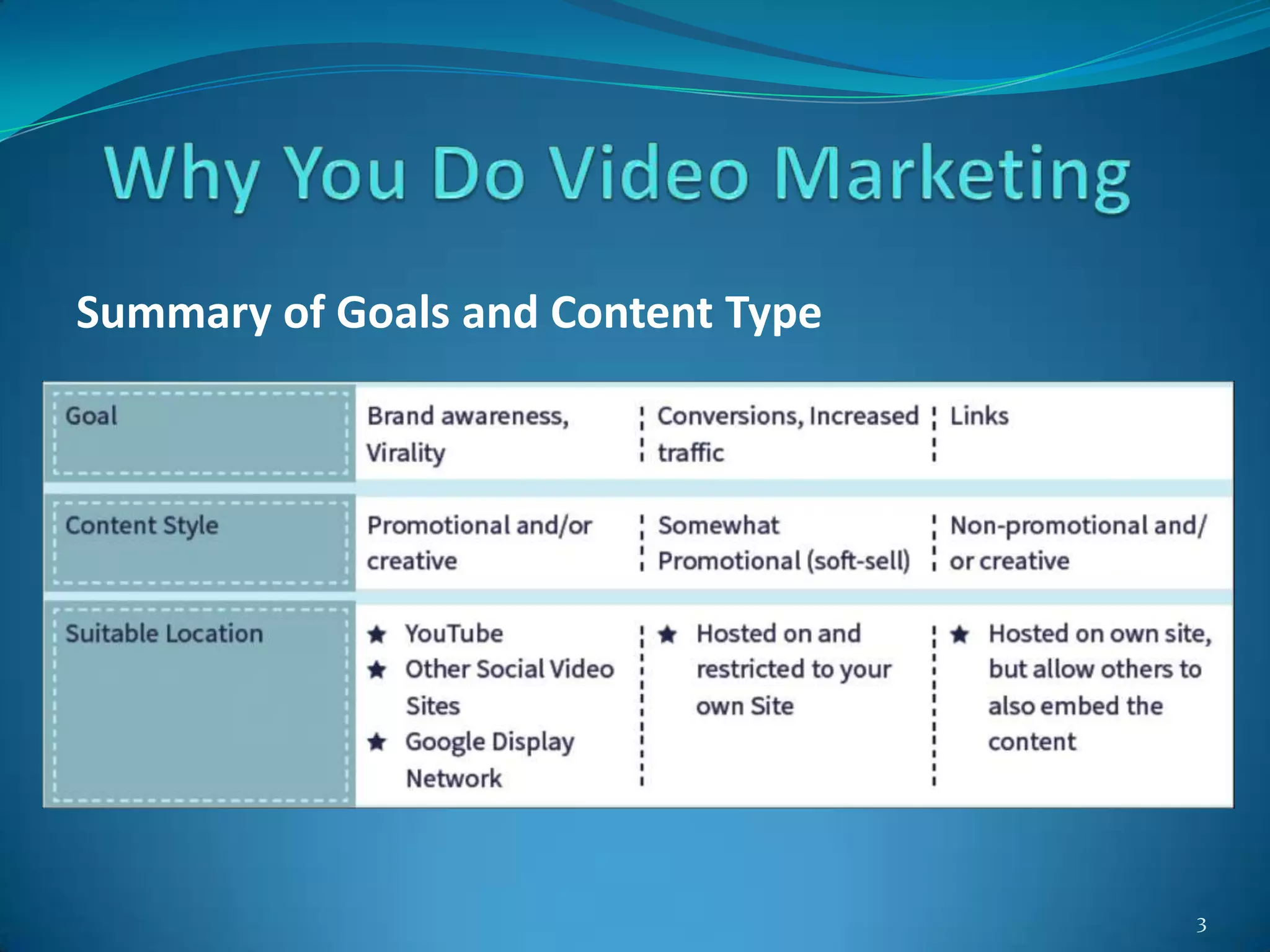
Summary of Goals and Content Type
4
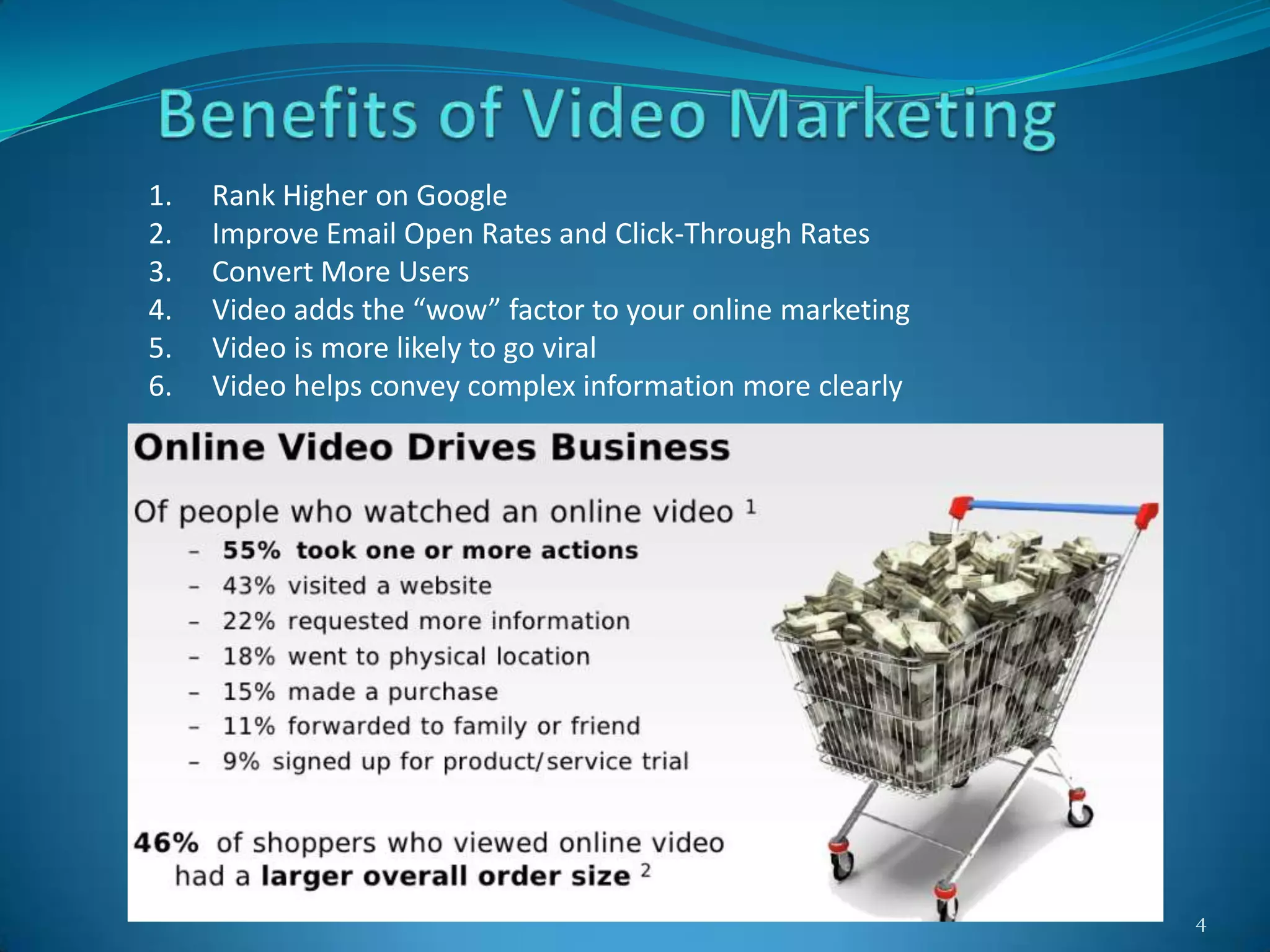
1. Rank Higher on Google
2. Improve Email Open Rates and Click-Through Rates
3. Convert More Users
4. Video adds the “wow” factor to your online marketing
5. Video is more likely to go viral
6. Video helps convey complex information more clearly
5
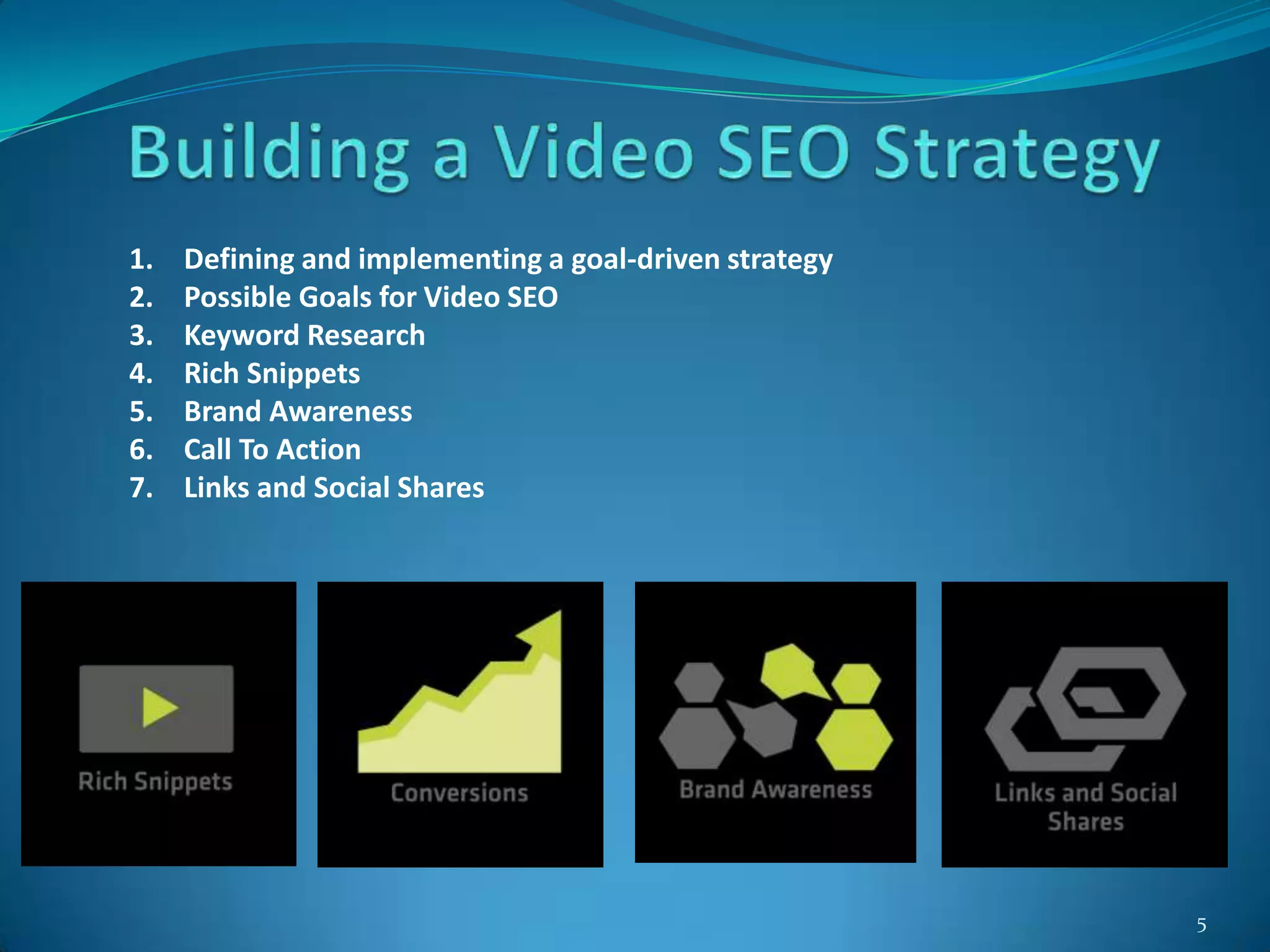
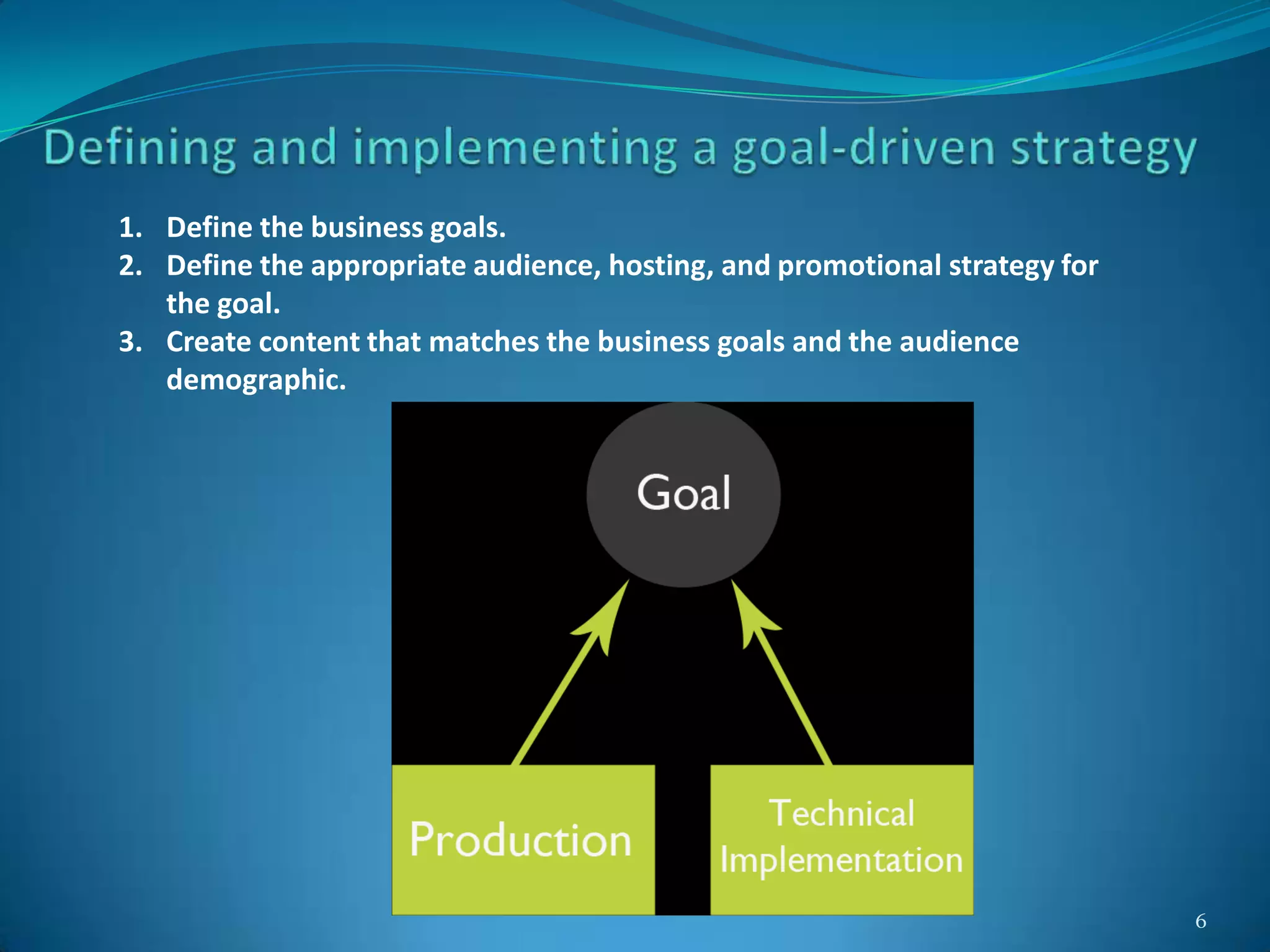
1. Defining and implementing a goal-driven strategy
2. Possible Goals for Video SEO
3. Keyword Research
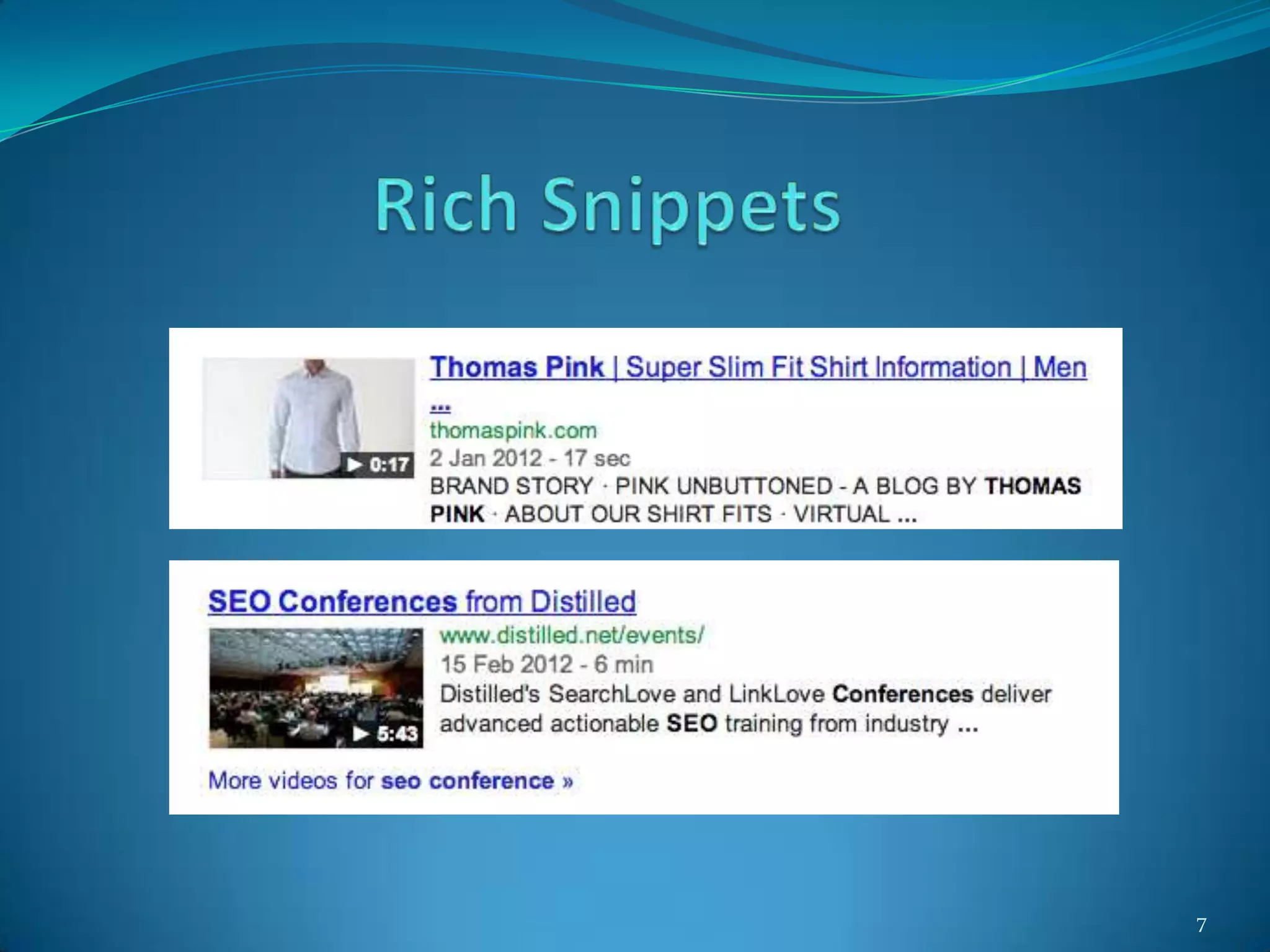
4. Rich Snippets
5. Brand Awareness
6. Call To Action
7. Links and Social Shares
6
1. Define the business goals.
2. Define the appropriate audience, hosting, and promotional strategy for
the goal.
3. Create content that matches the business goals and the audience
demographic.
7
8
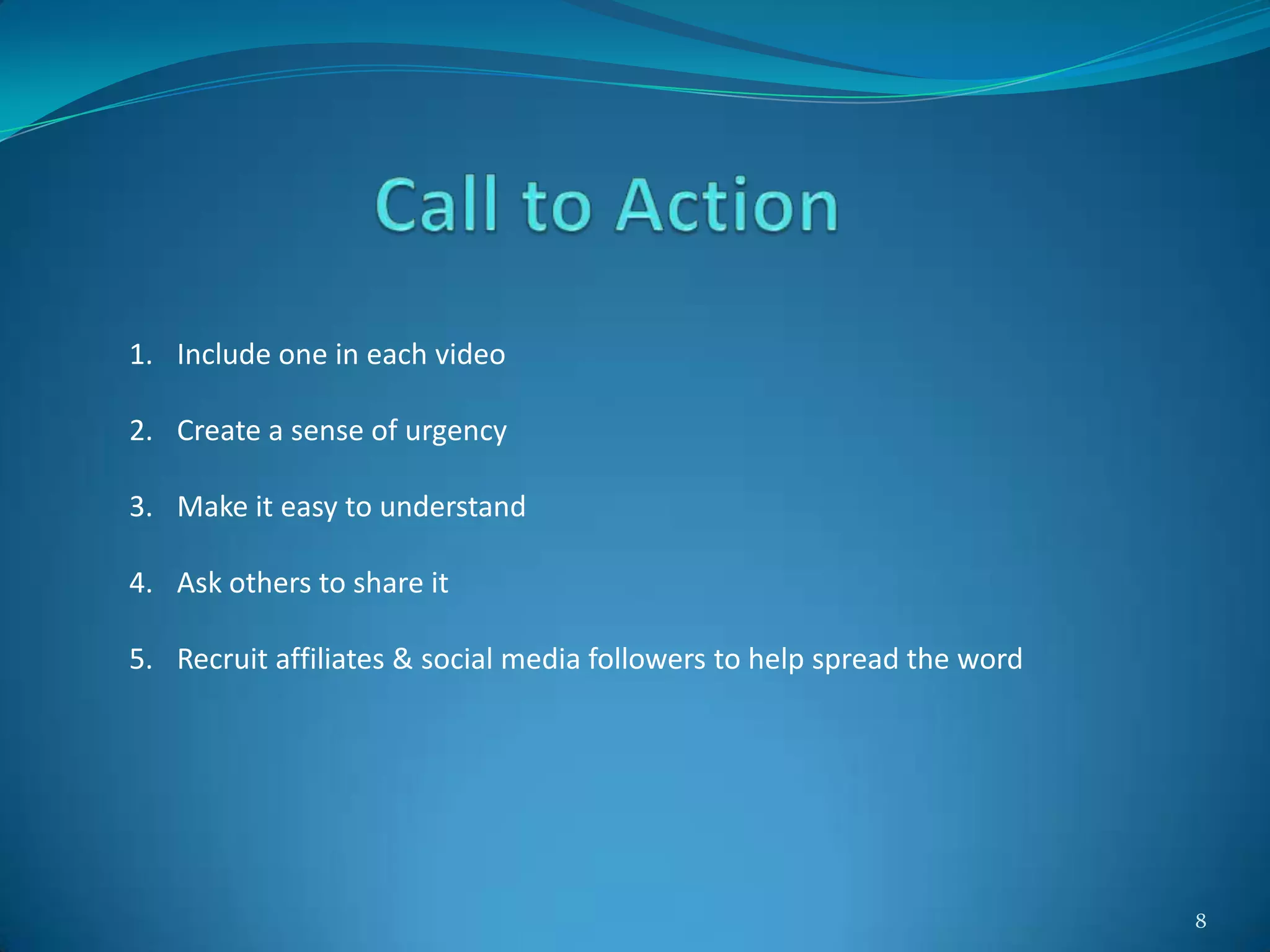
1. Include one in each video
2. Create a sense of urgency
3. Make it easy to understand
4. Ask others to share it
5. Recruit affiliates & social media followers to help spread the word
9
The application of SEO best practices in order to ensure that video
content achieves maximum discoverability across search engines &
ultimately, visibility amongst your target audience.
10
1. Helping search engines more easily “understand” video content
2. To be used in conjunction with overall best practices for general SEO
3. Something to play an important role in an overall video strategy
4. A method to drive valuable traffic to your video content
11
Hosted -
Optimization of video content that is on your website
Posted -
Optimization of video content uploaded to video sharing sites
12
Hosted -
Optimization of video content that is on your website
Posted -
Optimization of video content uploaded to video sharing sites
- YouTube
- Vimeo
- Daily Motion
13
YouTube is a video-sharing website, created by three former PayPal employees
in February 2005 and owned by Google since late 2006.
1. Steve Chen
2. Chad Hurley
3. Jawed Karim
December 2008 – World’s second largest search engine
YouTube is the most popular video platform for video engagement in the
blogosphere with 81.9% of total embedded and linked videos; followed by
Vimeo (8.8%), Daily Motion (4%) and MySpace (1.1%)
14
1. Title
2. Description
3. Tags
4. Views
5. Ratings
6. Playlist Additions
7. Shares
8. Comments
9. Age of video
10. Channel Views
11. Subscribers
12. Embeds and inbound Links
15
1. Metadata
2. Call to Action
3. Thumbnail Optimization
4. Annotations
5. Channel Optimization
6. Captions
7. YouTube Analytics
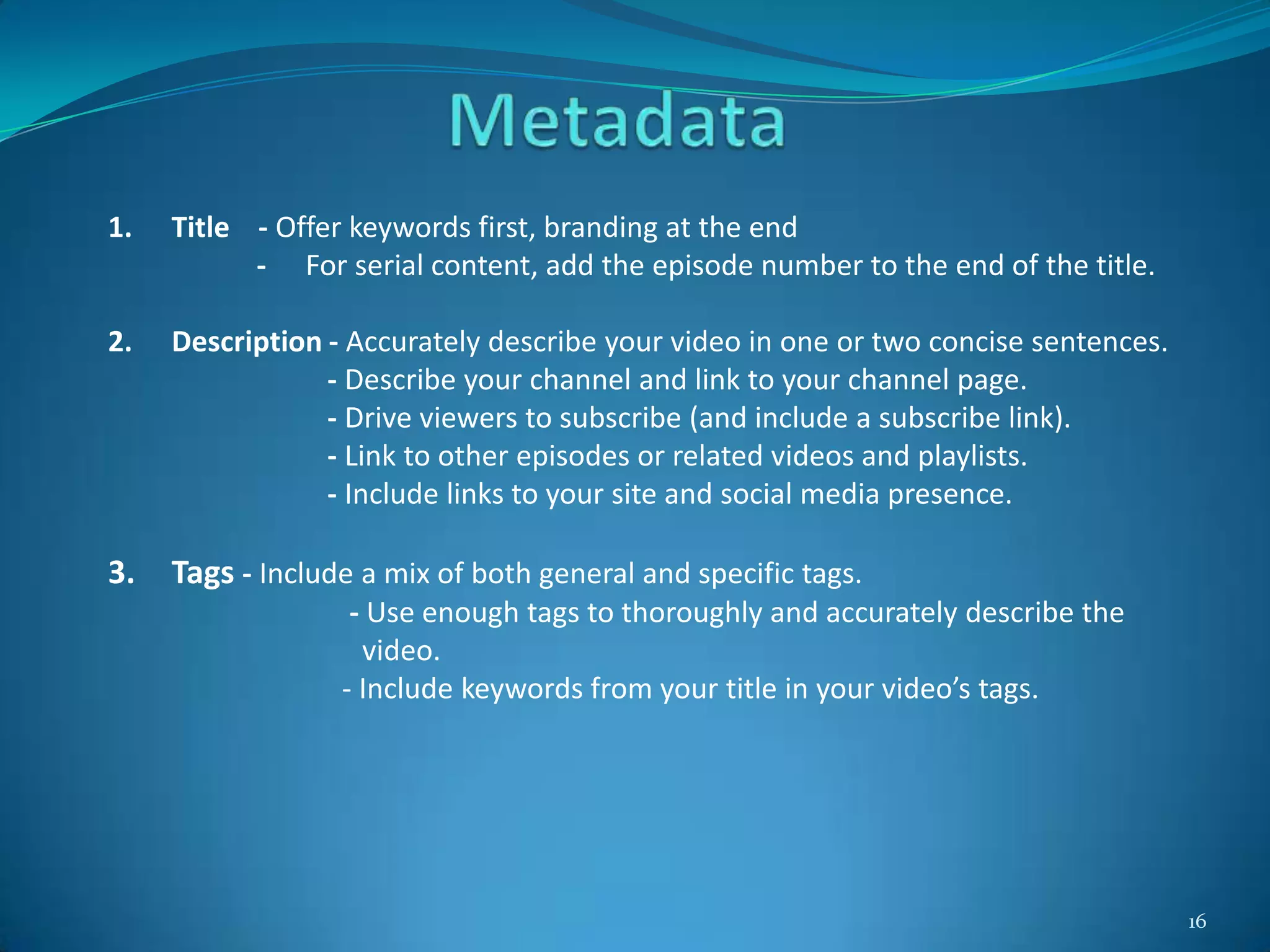
16
1. Title - Offer keywords first, branding at the end
- For serial content, add the episode number to the end of the title.
2. Description - Accurately describe your video in one or two concise sentences.
- Describe your channel and link to your channel page.
- Drive viewers to subscribe (and include a subscribe link).
- Link to other episodes or related videos and playlists.
- Include links to your site and social media presence.
3. Tags - Include a mix of both general and specific tags.
- Use enough tags to thoroughly and accurately describe the
video.
- Include keywords from your title in your video’s tags.
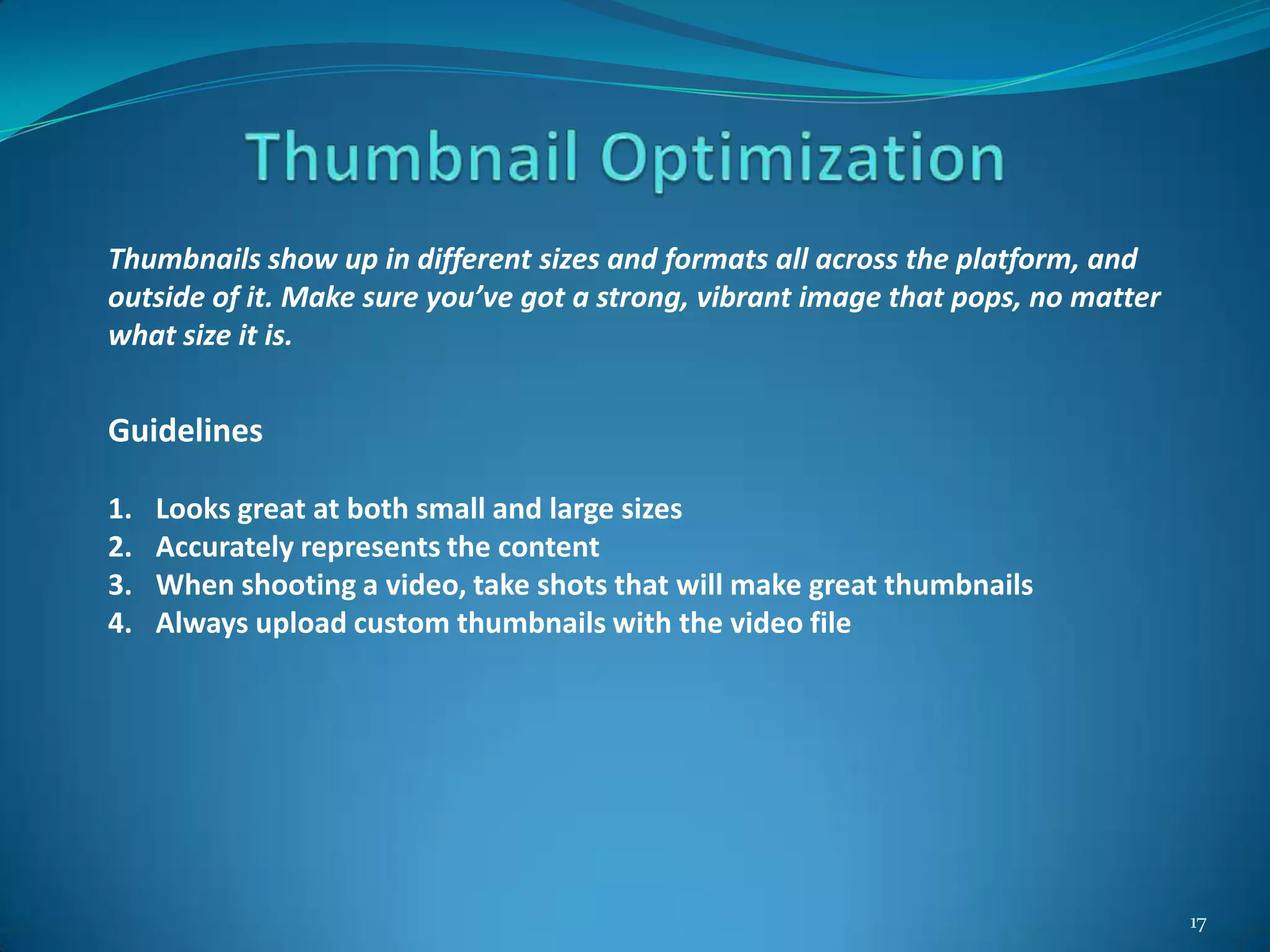
17
Thumbnails show up in different sizes and formats all across the platform, and
outside of it. Make sure you’ve got a strong, vibrant image that pops, no matter
what size it is.
Guidelines
1. Looks great at both small and large sizes
2. Accurately represents the content
3. When shooting a video, take shots that will make great thumbnails
4. Always upload custom thumbnails with the video file
18
Annotations are clickable text overlays on YouTube videos. Annotations are used to
boost engagement, give more information, and aid in navigation. Be inventive!
Producers are consistently finding new, creative uses for annotations.
Common Uses
1. Ask viewers to like, favorite or share a video.
2. Ask a specific question to enhance viewer engagement.
3. Make it easy for viewers to subscribe right from your videos.
4. Create a table of contents for long-form videos.
5. Link to related videos or content you reference in the video.
6. Link to other videos in the series.
7. Link to other videos, playlists, channels or full versions of shorter video clips.
8. Make areas of your video clickable and interactive.
9. Highlight your dot com or merchandise store. Link to your social media
presence.
10. Direct viewers of older videos to newly uploaded content.
11. Add text clarification to a specific part of the video.
19
Channel Name
1. Name will appear across the site in search, suggested channel and channel
browser placements.
2. Name can be edited from the channel page.
3. Pick a channel name that is short, memorable
Channel Description
1. Accurately describe your channel.
2. Use relevant keywords in the description.
3. Don’t forget to add keywords.
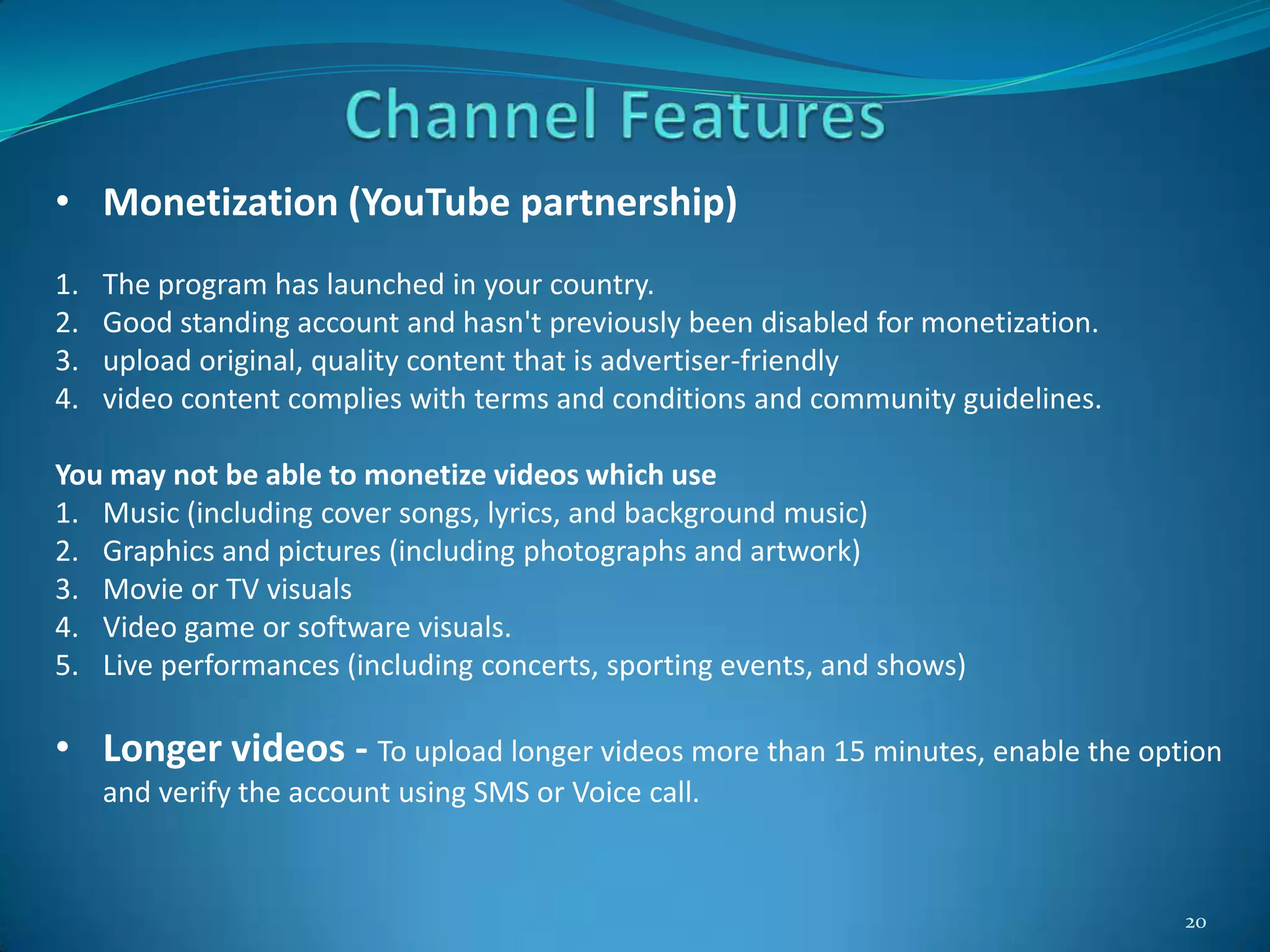
20
• Monetization (YouTube partnership)
1. The program has launched in your country.
2. Good standing account and hasn't previously been disabled for monetization.
3. upload original, quality content that is advertiser-friendly
4. video content complies with terms and conditions and community guidelines.
You may not be able to monetize videos which use
1. Music (including cover songs, lyrics, and background music)
2. Graphics and pictures (including photographs and artwork)
3. Movie or TV visuals
4. Video game or software visuals.
5. Live performances (including concerts, sporting events, and shows)
• Longer videos - To upload longer videos more than 15 minutes, enable the option
and verify the account using SMS or Voice call.
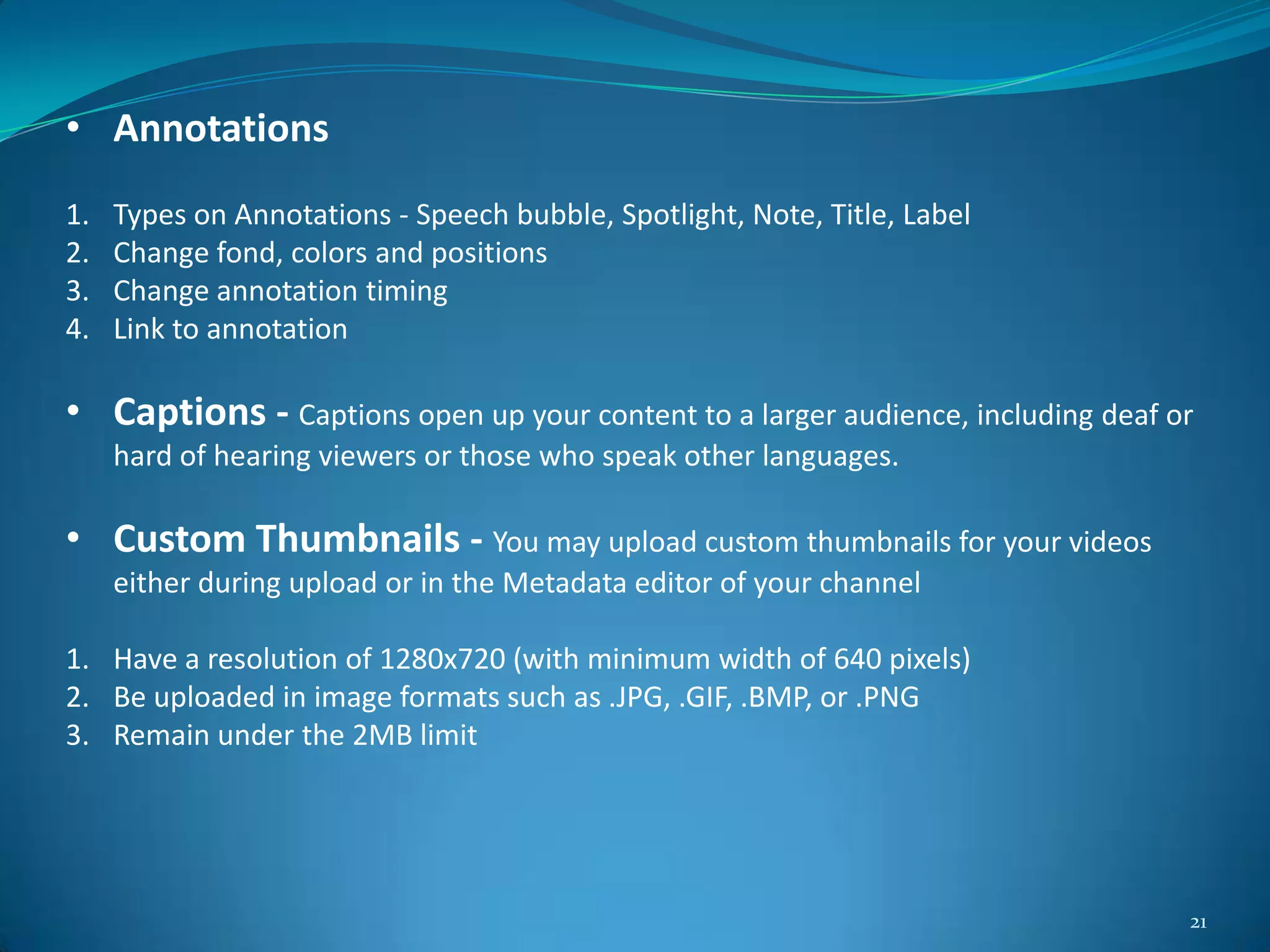
21
• Annotations
1. Types on Annotations - Speech bubble, Spotlight, Note, Title, Label
2. Change fond, colors and positions
3. Change annotation timing
4. Link to annotation
• Captions - Captions open up your content to a larger audience, including deaf or
hard of hearing viewers or those who speak other languages.
• Custom Thumbnails - You may upload custom thumbnails for your videos
either during upload or in the Metadata editor of your channel
1. Have a resolution of 1280x720 (with minimum width of 640 pixels)
2. Be uploaded in image formats such as .JPG, .GIF, .BMP, or .PNG
3. Remain under the 2MB limit
22
• YouTube Analytics (YTA) is your channel's pulse. Use YouTube Analytics regularly to
assess your channel’s performance and investigate changes or trends across key
metrics.
• Know Who Your Viewers Are – Which Content they like and current age, gender, and
location of your viewers match up with your ideal target audience?
1. Demographics - Provides directional insights into audience age and gender
2. Geography - Shows which countries your viewers are from.
• Know Where Viewers Are Finding Your Videos
1. Shows YouTube pages and embedding sites where viewers watch your videos.
2. Shows external sites and YouTube features linking viewers to your videos.
• Know How Fans Interact With Your Videos
1. Likes & Dislikes - Shows how many viewers give your videos a thumbs up or down.
2. Comments - Shows how many comments are left on your videos.
3. Sharing - Shows how many times viewers share your videos and where.
4. Subscribers
5. Favorites
23
1. Short is Sweet
2. Focus On first 15 seconds
3. Camera Shy ? Try Screen Recording
4. Be a well-oiled, consistent, video content machine
5. Add Strong Call to Action
6. Take video optimization and YouTube channel architecture seriously
7. Apply branding consistently
8. Adding more content is more important than adding more channels
9. Engage your community with social media
10. Don’t forget to create and upload video sitemap and to add it in
robots.txt file
24
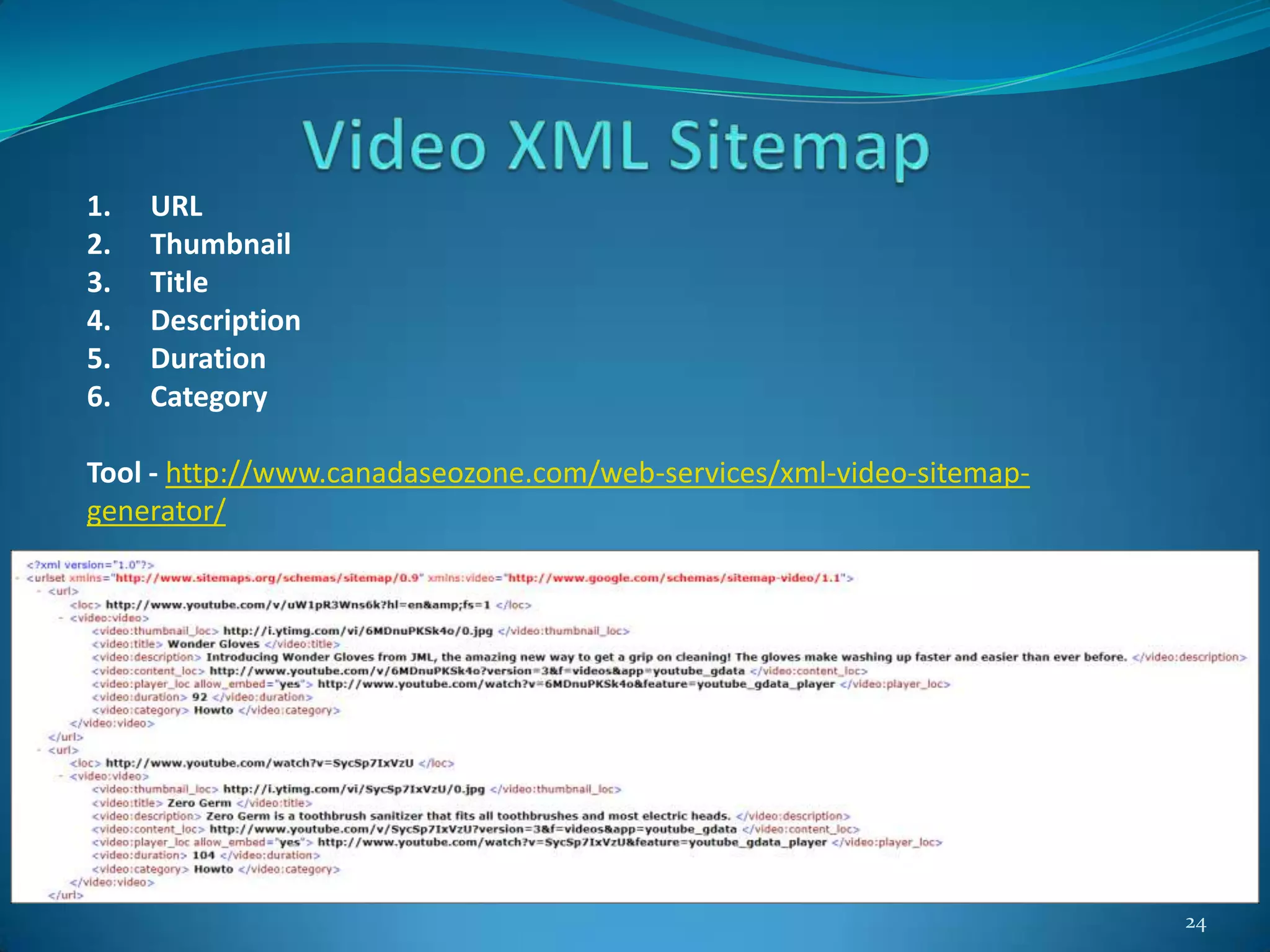
1. URL
2. Thumbnail
3. Title
4. Description
5. Duration
6. Category
Tool - http://www.canadaseozone.com/web-services/xml-video-sitemap-
generator/
25
Get as much as you can out of your videos
1. News releases
2. Embed the videos in the company blog
3. Embed the videos on the company website
4. Share video in other video sharing sites
5. E-newsletters (B to B and B to C)
6. Blog posts
7. Tweets
8. Friends
26

Video marketing and Optimisation

  • 1.
  • 2.
    2 Video marketing isincorporating videos into your marketing campaigns whether to promote your company, product or service.
  • 3.
    3 Summary of Goalsand Content Type
  • 4.
    4 1. Rank Higheron Google 2. Improve Email Open Rates and Click-Through Rates 3. Convert More Users 4. Video adds the “wow” factor to your online marketing 5. Video is more likely to go viral 6. Video helps convey complex information more clearly
  • 5.
    5 1. Defining andimplementing a goal-driven strategy 2. Possible Goals for Video SEO 3. Keyword Research 4. Rich Snippets 5. Brand Awareness 6. Call To Action 7. Links and Social Shares
  • 6.
    6 1. Define thebusiness goals. 2. Define the appropriate audience, hosting, and promotional strategy for the goal. 3. Create content that matches the business goals and the audience demographic.
  • 7.
  • 8.
    8 1. Include onein each video 2. Create a sense of urgency 3. Make it easy to understand 4. Ask others to share it 5. Recruit affiliates & social media followers to help spread the word
  • 9.
    9 The application ofSEO best practices in order to ensure that video content achieves maximum discoverability across search engines & ultimately, visibility amongst your target audience.
  • 10.
    10 1. Helping searchengines more easily “understand” video content 2. To be used in conjunction with overall best practices for general SEO 3. Something to play an important role in an overall video strategy 4. A method to drive valuable traffic to your video content
  • 11.
    11 Hosted - Optimization ofvideo content that is on your website Posted - Optimization of video content uploaded to video sharing sites
  • 12.
    12 Hosted - Optimization ofvideo content that is on your website Posted - Optimization of video content uploaded to video sharing sites - YouTube - Vimeo - Daily Motion
  • 13.
    13 YouTube is avideo-sharing website, created by three former PayPal employees in February 2005 and owned by Google since late 2006. 1. Steve Chen 2. Chad Hurley 3. Jawed Karim December 2008 – World’s second largest search engine YouTube is the most popular video platform for video engagement in the blogosphere with 81.9% of total embedded and linked videos; followed by Vimeo (8.8%), Daily Motion (4%) and MySpace (1.1%)
  • 14.
    14 1. Title 2. Description 3.Tags 4. Views 5. Ratings 6. Playlist Additions 7. Shares 8. Comments 9. Age of video 10. Channel Views 11. Subscribers 12. Embeds and inbound Links
  • 15.
    15 1. Metadata 2. Callto Action 3. Thumbnail Optimization 4. Annotations 5. Channel Optimization 6. Captions 7. YouTube Analytics
  • 16.
    16 1. Title -Offer keywords first, branding at the end - For serial content, add the episode number to the end of the title. 2. Description - Accurately describe your video in one or two concise sentences. - Describe your channel and link to your channel page. - Drive viewers to subscribe (and include a subscribe link). - Link to other episodes or related videos and playlists. - Include links to your site and social media presence. 3. Tags - Include a mix of both general and specific tags. - Use enough tags to thoroughly and accurately describe the video. - Include keywords from your title in your video’s tags.
  • 17.
    17 Thumbnails show upin different sizes and formats all across the platform, and outside of it. Make sure you’ve got a strong, vibrant image that pops, no matter what size it is. Guidelines 1. Looks great at both small and large sizes 2. Accurately represents the content 3. When shooting a video, take shots that will make great thumbnails 4. Always upload custom thumbnails with the video file
  • 18.
    18 Annotations are clickabletext overlays on YouTube videos. Annotations are used to boost engagement, give more information, and aid in navigation. Be inventive! Producers are consistently finding new, creative uses for annotations. Common Uses 1. Ask viewers to like, favorite or share a video. 2. Ask a specific question to enhance viewer engagement. 3. Make it easy for viewers to subscribe right from your videos. 4. Create a table of contents for long-form videos. 5. Link to related videos or content you reference in the video. 6. Link to other videos in the series. 7. Link to other videos, playlists, channels or full versions of shorter video clips. 8. Make areas of your video clickable and interactive. 9. Highlight your dot com or merchandise store. Link to your social media presence. 10. Direct viewers of older videos to newly uploaded content. 11. Add text clarification to a specific part of the video.
  • 19.
    19 Channel Name 1. Namewill appear across the site in search, suggested channel and channel browser placements. 2. Name can be edited from the channel page. 3. Pick a channel name that is short, memorable Channel Description 1. Accurately describe your channel. 2. Use relevant keywords in the description. 3. Don’t forget to add keywords.
  • 20.
    20 • Monetization (YouTubepartnership) 1. The program has launched in your country. 2. Good standing account and hasn't previously been disabled for monetization. 3. upload original, quality content that is advertiser-friendly 4. video content complies with terms and conditions and community guidelines. You may not be able to monetize videos which use 1. Music (including cover songs, lyrics, and background music) 2. Graphics and pictures (including photographs and artwork) 3. Movie or TV visuals 4. Video game or software visuals. 5. Live performances (including concerts, sporting events, and shows) • Longer videos - To upload longer videos more than 15 minutes, enable the option and verify the account using SMS or Voice call.
  • 21.
    21 • Annotations 1. Typeson Annotations - Speech bubble, Spotlight, Note, Title, Label 2. Change fond, colors and positions 3. Change annotation timing 4. Link to annotation • Captions - Captions open up your content to a larger audience, including deaf or hard of hearing viewers or those who speak other languages. • Custom Thumbnails - You may upload custom thumbnails for your videos either during upload or in the Metadata editor of your channel 1. Have a resolution of 1280x720 (with minimum width of 640 pixels) 2. Be uploaded in image formats such as .JPG, .GIF, .BMP, or .PNG 3. Remain under the 2MB limit
  • 22.
    22 • YouTube Analytics(YTA) is your channel's pulse. Use YouTube Analytics regularly to assess your channel’s performance and investigate changes or trends across key metrics. • Know Who Your Viewers Are – Which Content they like and current age, gender, and location of your viewers match up with your ideal target audience? 1. Demographics - Provides directional insights into audience age and gender 2. Geography - Shows which countries your viewers are from. • Know Where Viewers Are Finding Your Videos 1. Shows YouTube pages and embedding sites where viewers watch your videos. 2. Shows external sites and YouTube features linking viewers to your videos. • Know How Fans Interact With Your Videos 1. Likes & Dislikes - Shows how many viewers give your videos a thumbs up or down. 2. Comments - Shows how many comments are left on your videos. 3. Sharing - Shows how many times viewers share your videos and where. 4. Subscribers 5. Favorites
  • 23.
    23 1. Short isSweet 2. Focus On first 15 seconds 3. Camera Shy ? Try Screen Recording 4. Be a well-oiled, consistent, video content machine 5. Add Strong Call to Action 6. Take video optimization and YouTube channel architecture seriously 7. Apply branding consistently 8. Adding more content is more important than adding more channels 9. Engage your community with social media 10. Don’t forget to create and upload video sitemap and to add it in robots.txt file
  • 24.
    24 1. URL 2. Thumbnail 3.Title 4. Description 5. Duration 6. Category Tool - http://www.canadaseozone.com/web-services/xml-video-sitemap- generator/
  • 25.
    25 Get as muchas you can out of your videos 1. News releases 2. Embed the videos in the company blog 3. Embed the videos on the company website 4. Share video in other video sharing sites 5. E-newsletters (B to B and B to C) 6. Blog posts 7. Tweets 8. Friends
  • 26.