Varnish
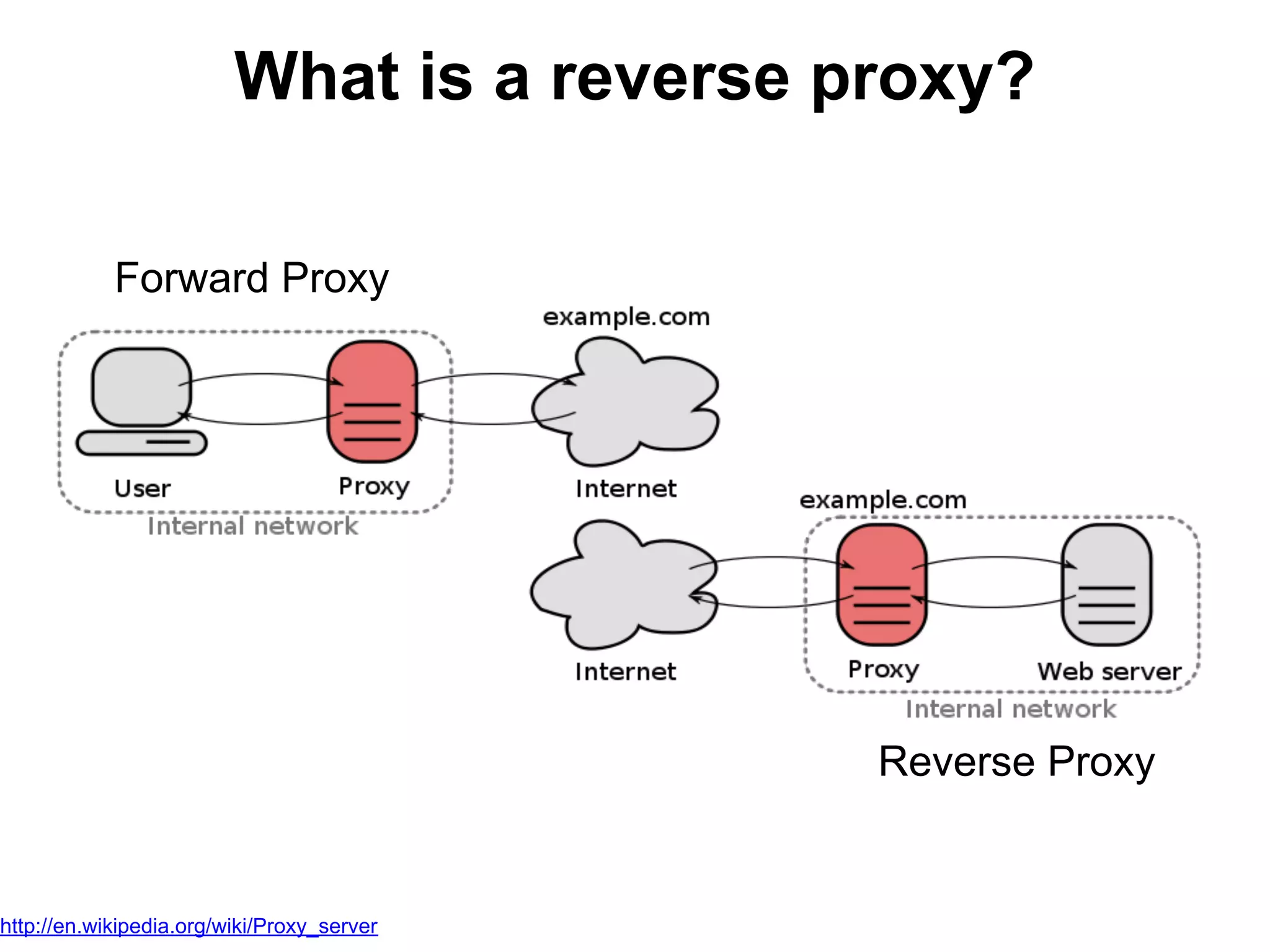
What is a reverse proxy?

            Forward Proxy


                                            Reverse Proxy


http://en.wikipedia.org/wiki/Proxy_server
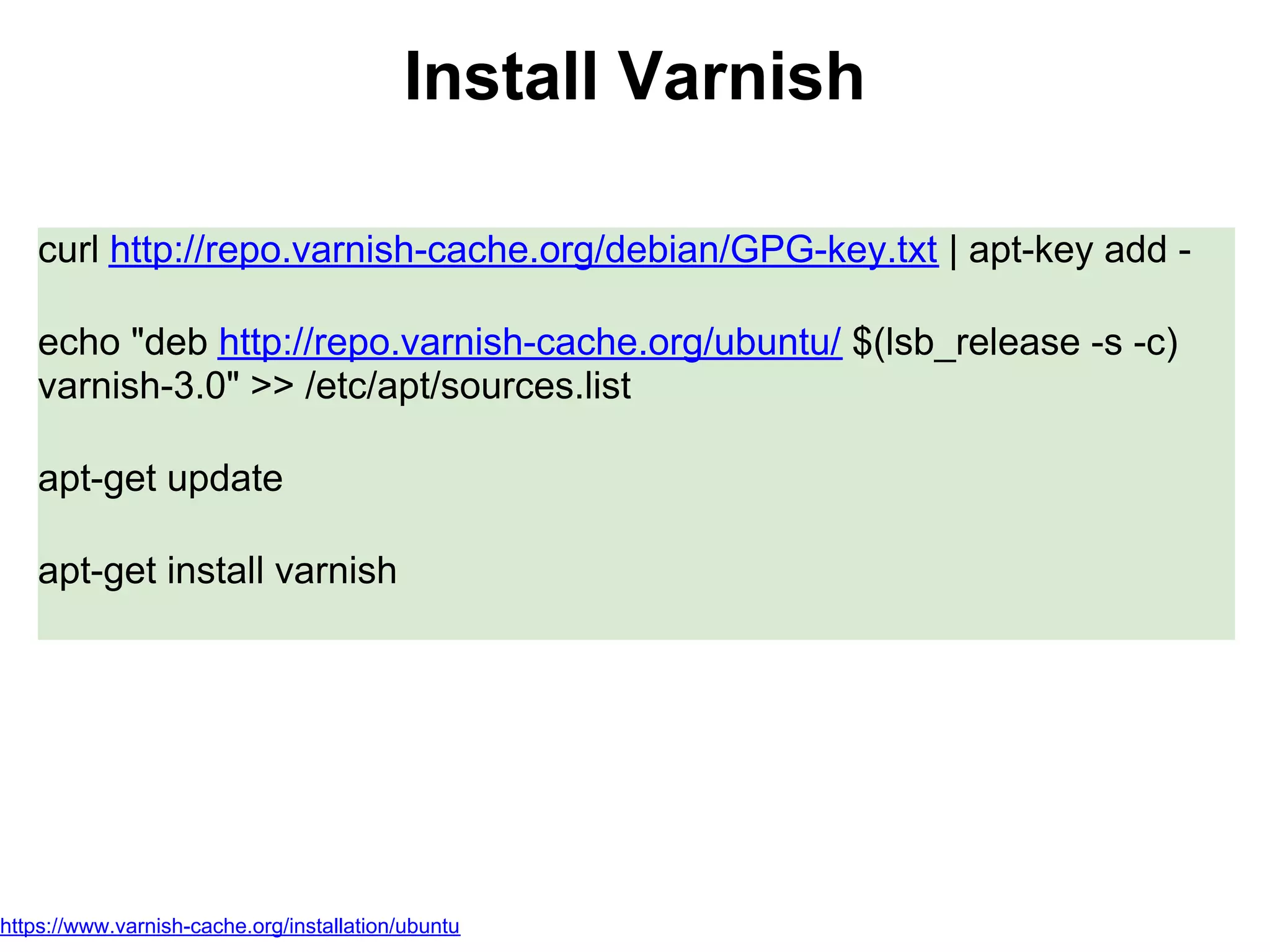
Install Varnish

    curl http://repo.varnish-cache.org/debian/GPG-key.txt | apt-key add -

    echo "deb http://repo.varnish-cache.org/ubuntu/ $(lsb_release -s -c)
    varnish-3.0" >> /etc/apt/sources.list

    apt-get update

    apt-get install varnish


https://www.varnish-cache.org/installation/ubuntu
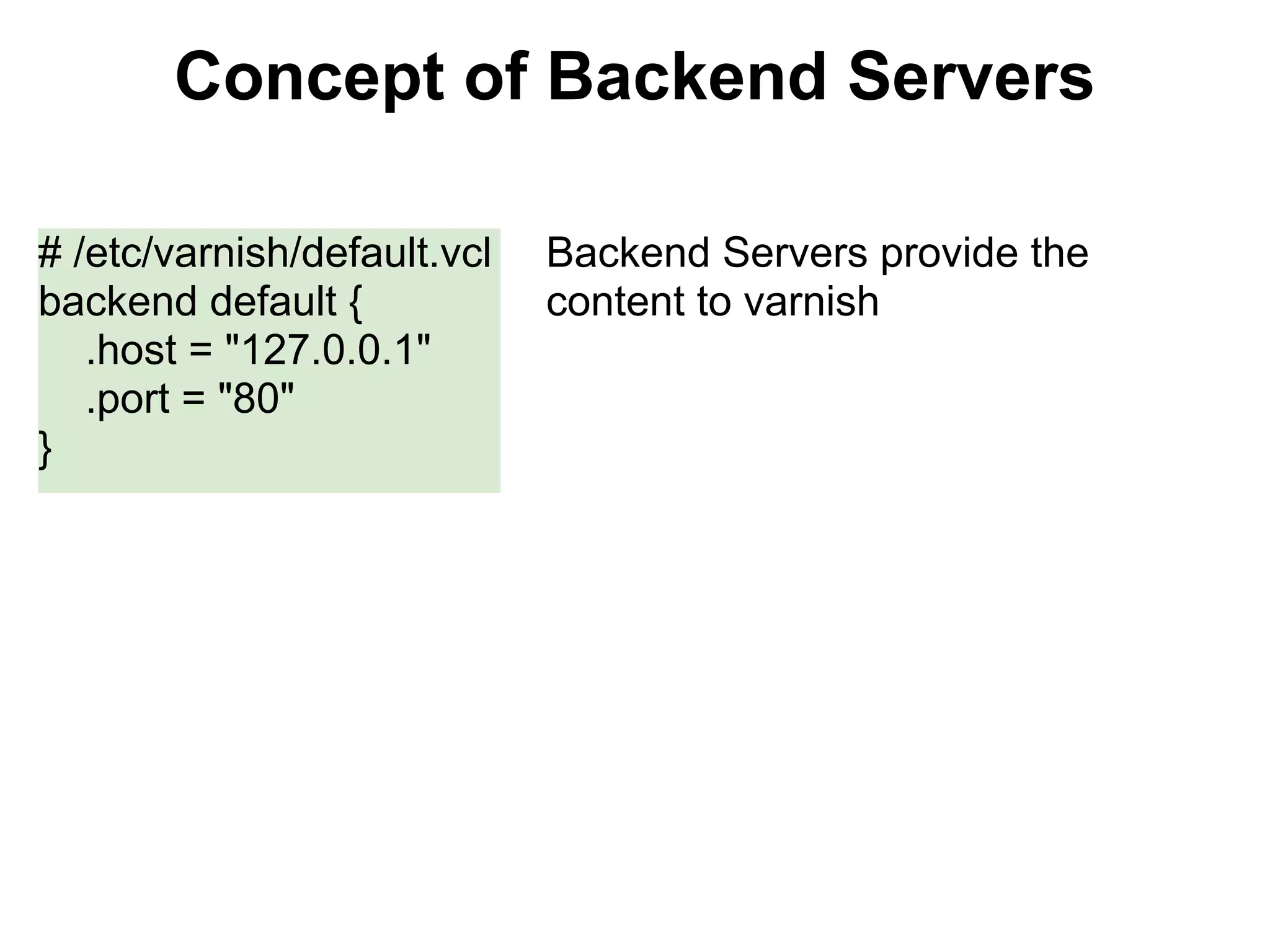
Concept of Backend Servers

# /etc/varnish/default.vcl   Backend Servers provide the
backend default {            content to varnish
   .host = "127.0.0.1"
   .port = "80"
}
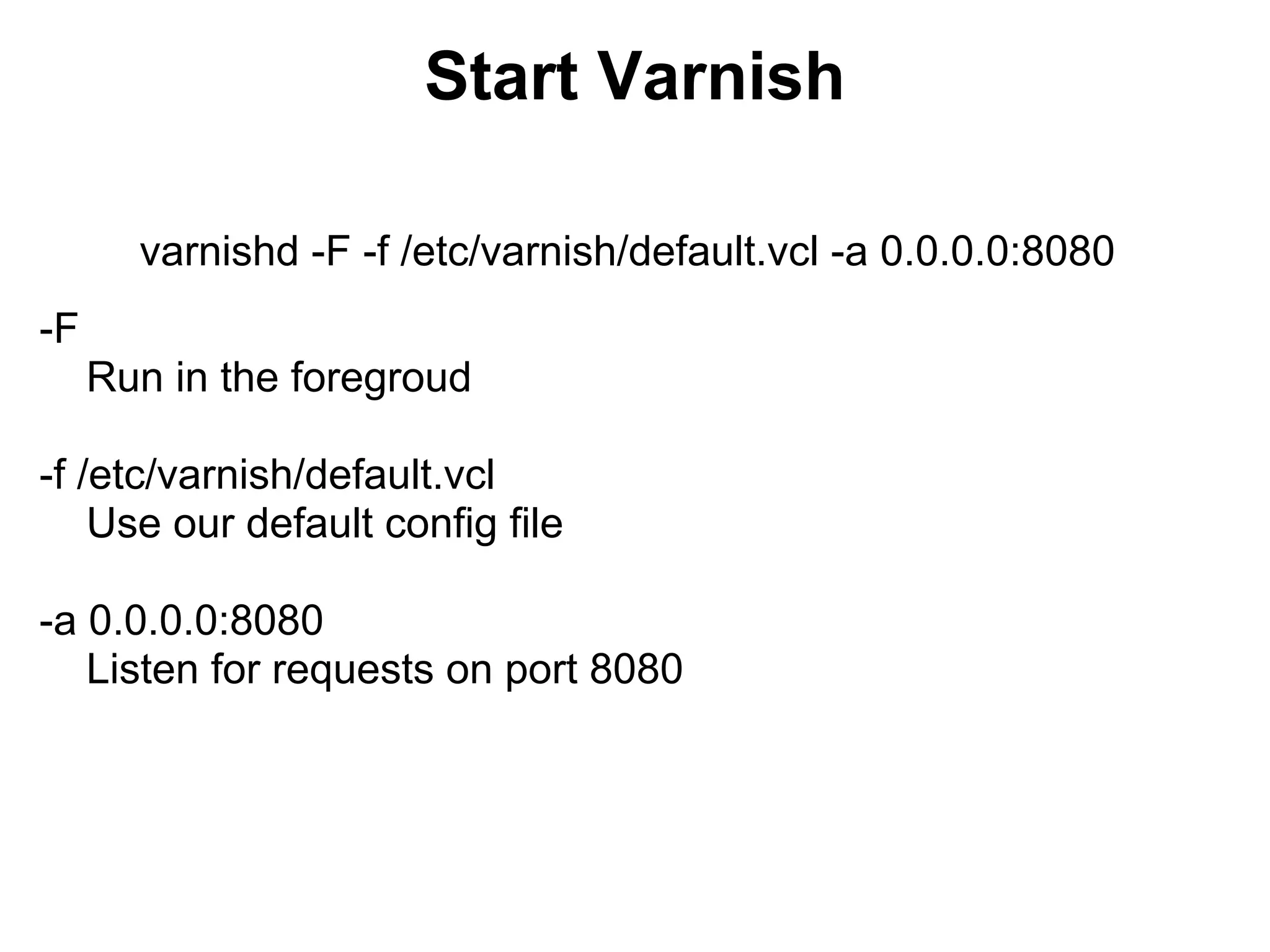
Start Varnish

       varnishd -F -f /etc/varnish/default.vcl -a 0.0.0.0:8080
-F
     Run in the foregroud

-f /etc/varnish/default.vcl
    Use our default config file

-a 0.0.0.0:8080
   Listen for requests on port 8080
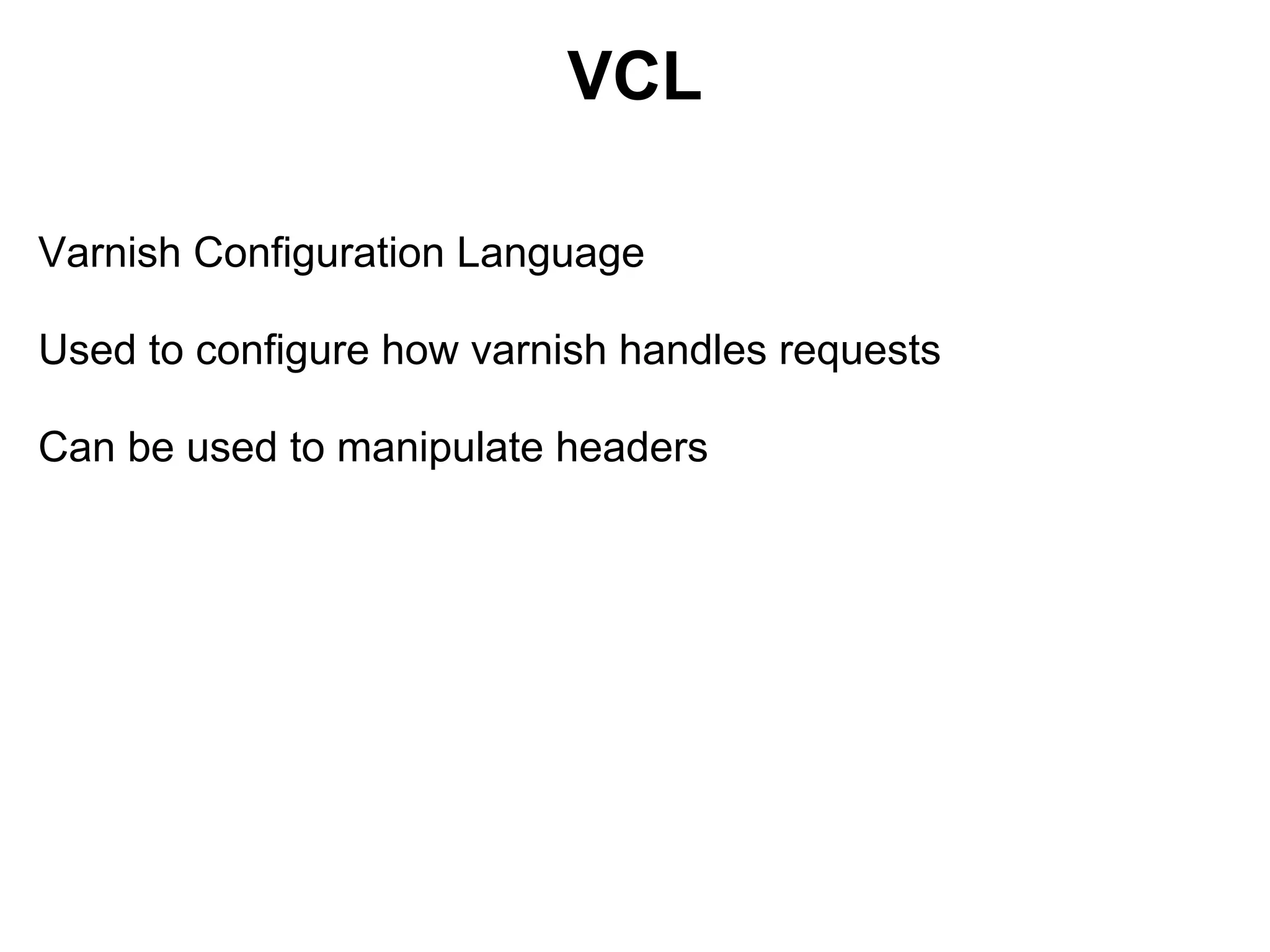
VCL

Varnish Configuration Language

Used to configure how varnish handles requests

Can be used to manipulate headers
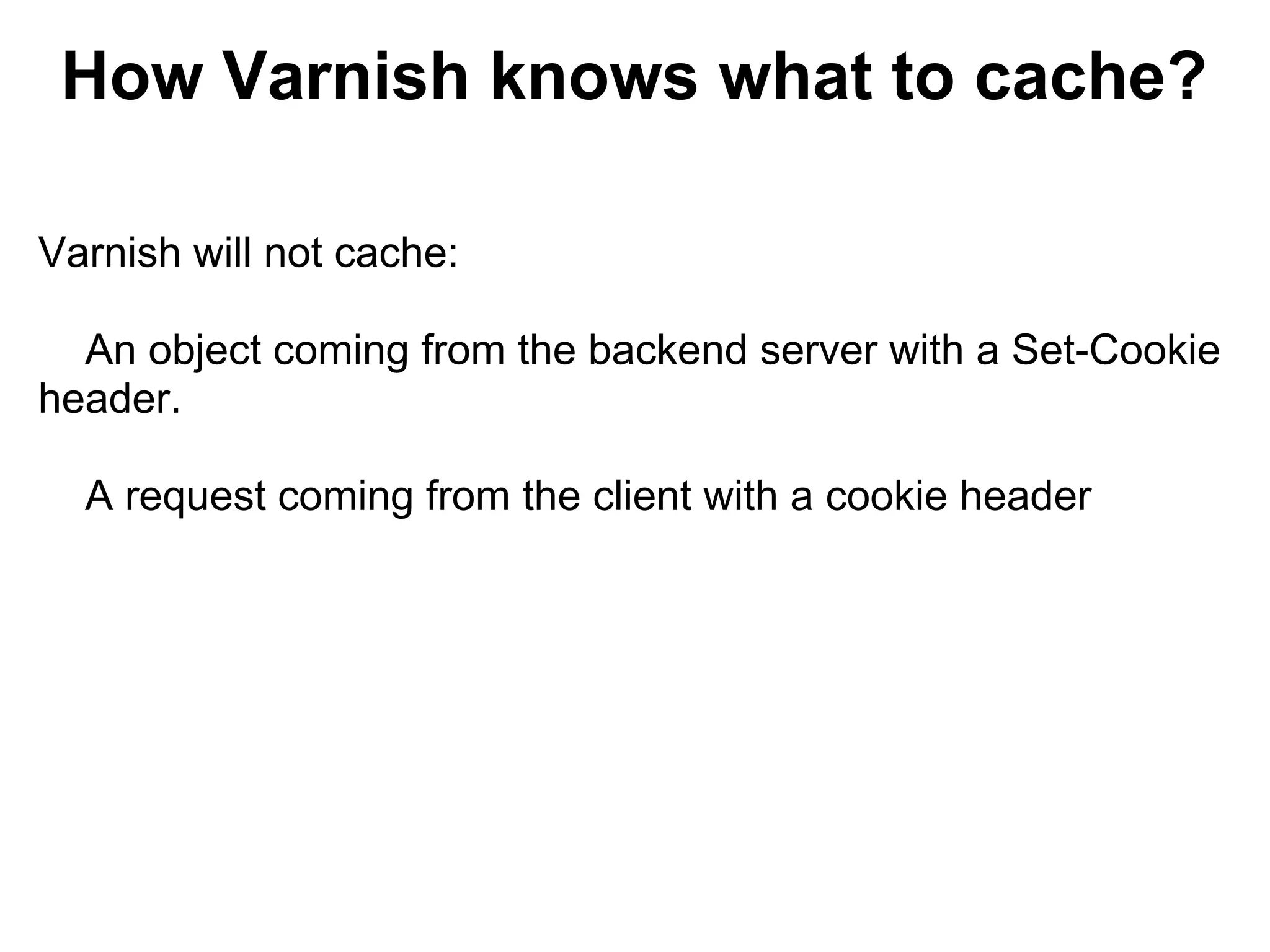
How Varnish knows what to cache?

Varnish will not cache:

  An object coming from the backend server with a Set-Cookie
header.

  A request coming from the client with a cookie header
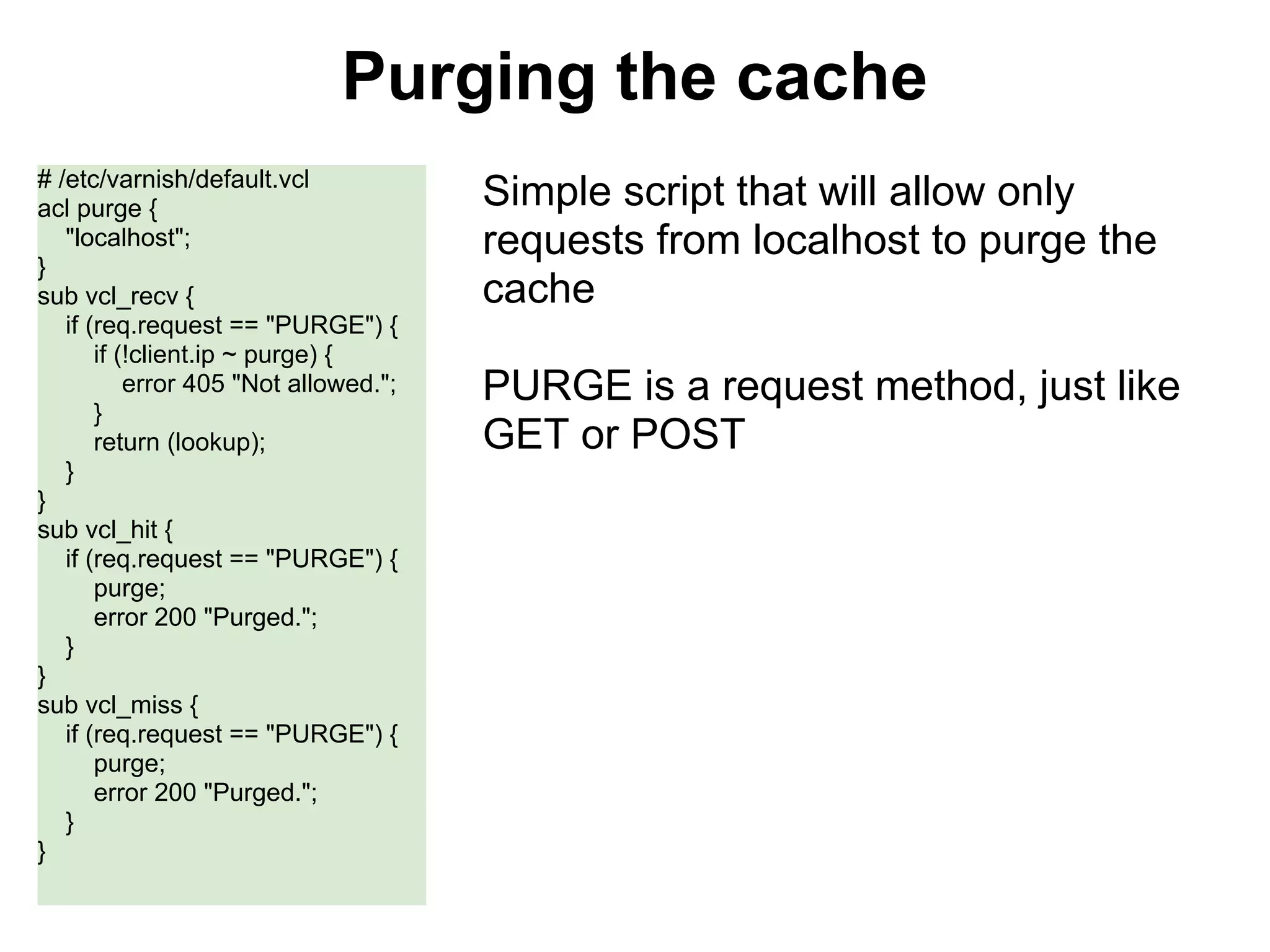
Purging the cache
# /etc/varnish/default.vcl
acl purge {                            Simple script that will allow only
   "localhost";                        requests from localhost to purge the
}
sub vcl_recv {                         cache
   if (req.request == "PURGE") {
       if (!client.ip ~ purge) {
           error 405 "Not allowed.";   PURGE is a request method, just like
       }
       return (lookup);                GET or POST
   }
}
sub vcl_hit {
   if (req.request == "PURGE") {
       purge;
       error 200 "Purged.";
   }
}
sub vcl_miss {
   if (req.request == "PURGE") {
       purge;
       error 200 "Purged.";
   }
}
Not just a HTTP Accelerator

  Varnish can be setup as a load balancer to distribute the
requests across multiple servers
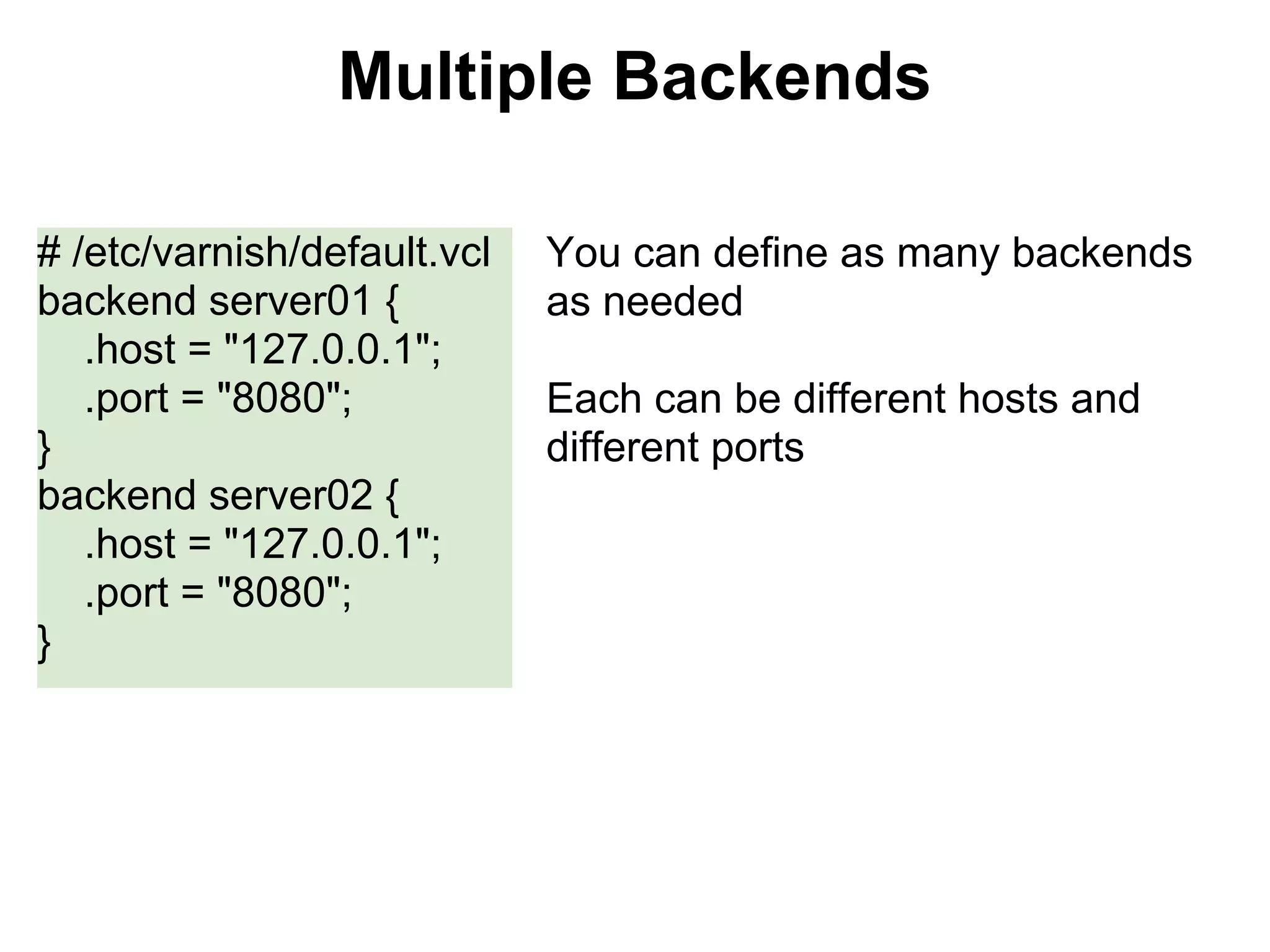
Multiple Backends

# /etc/varnish/default.vcl   You can define as many backends
backend server01 {           as needed
   .host = "127.0.0.1";
   .port = "8080";           Each can be different hosts and
}                            different ports
backend server02 {
   .host = "127.0.0.1";
   .port = "8080";
}
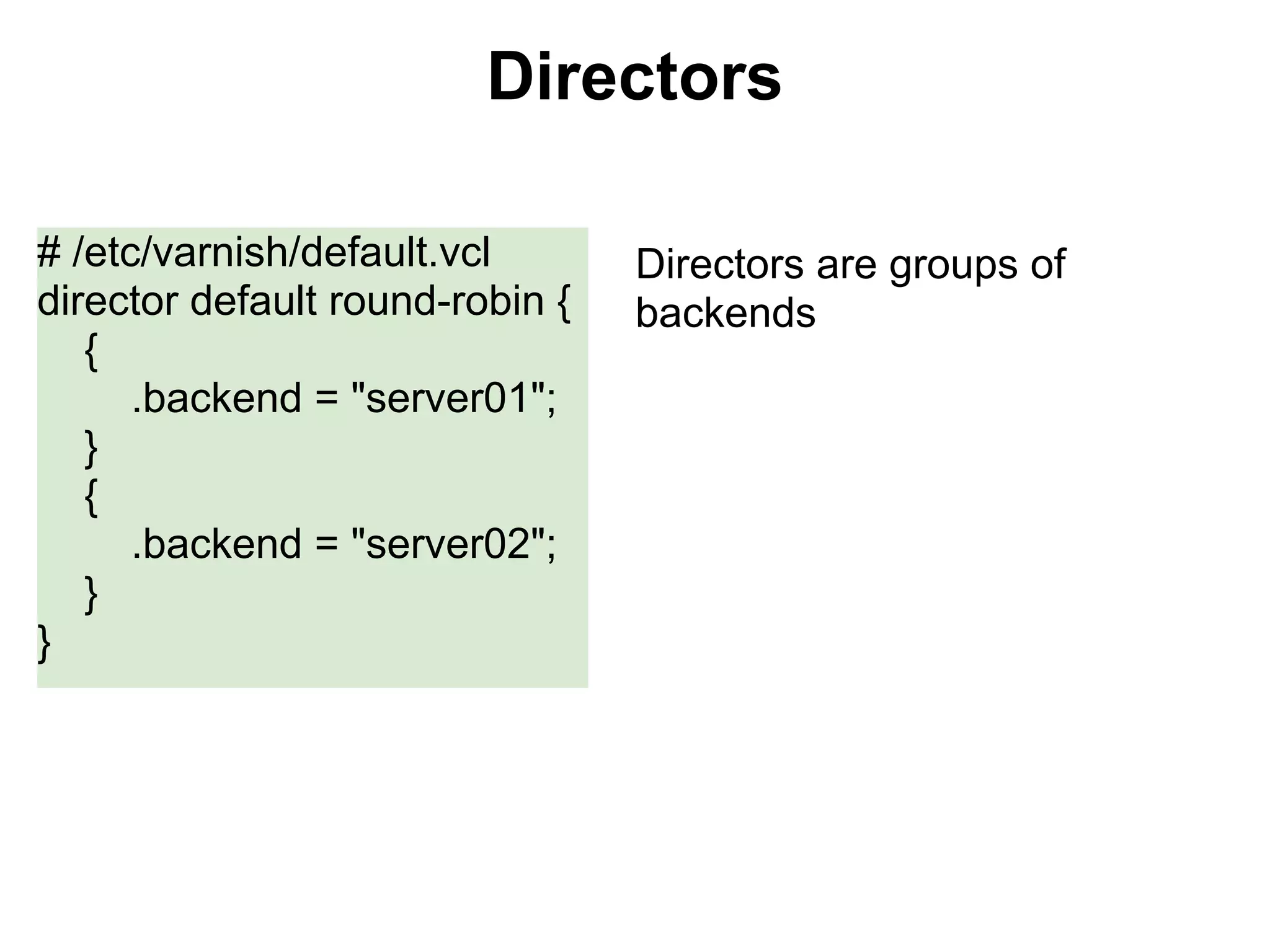
Directors

# /etc/varnish/default.vcl       Directors are groups of
director default round-robin {   backends
   {
      .backend = "server01";
   }
   {
      .backend = "server02";
   }
}
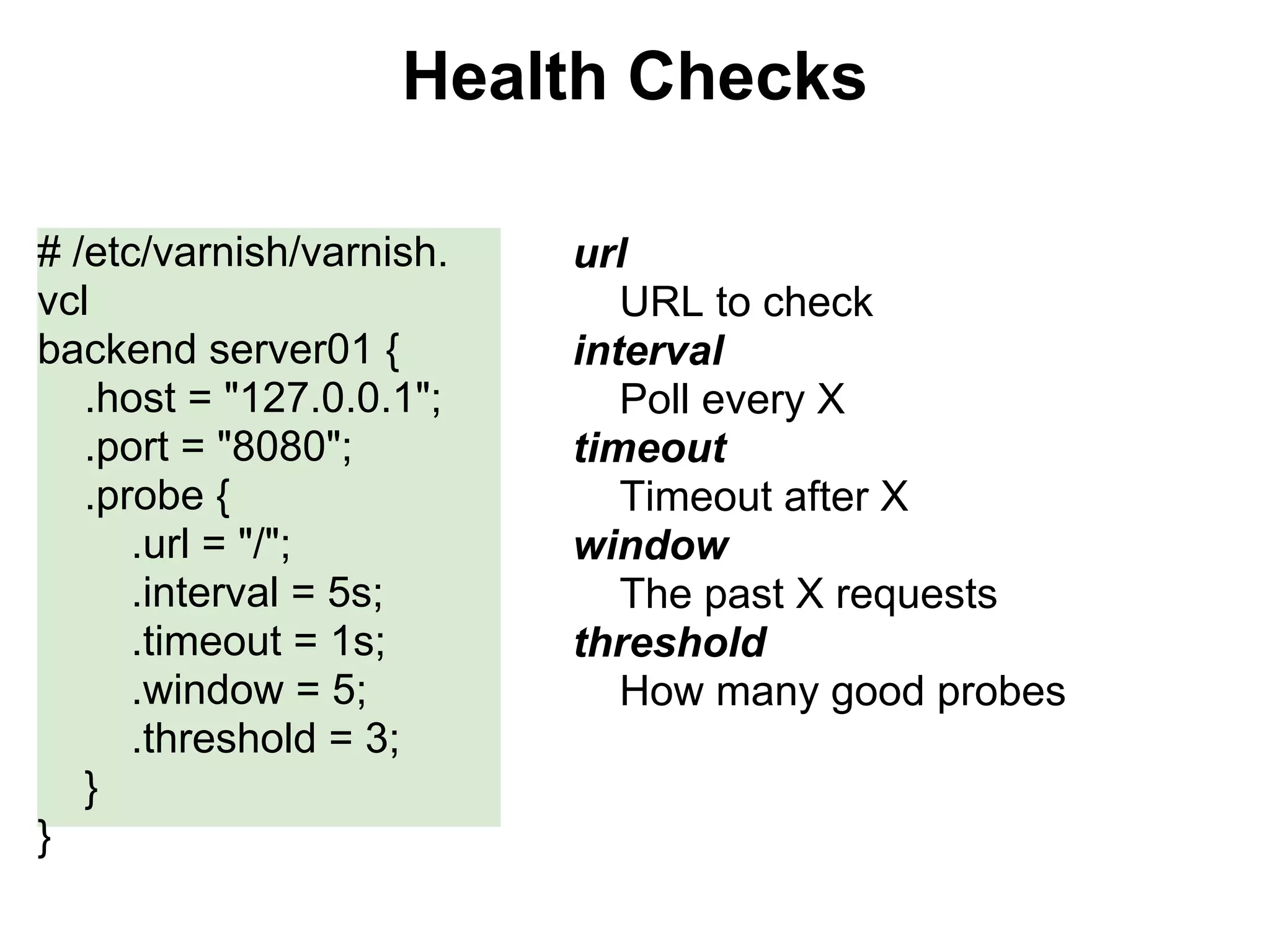
Health Checks

# /etc/varnish/varnish.   url
vcl                          URL to check
backend server01 {        interval
   .host = "127.0.0.1";      Poll every X
   .port = "8080";        timeout
   .probe {                  Timeout after X
      .url = "/";         window
      .interval = 5s;        The past X requests
      .timeout = 1s;      threshold
      .window = 5;           How many good probes
      .threshold = 3;
   }
}
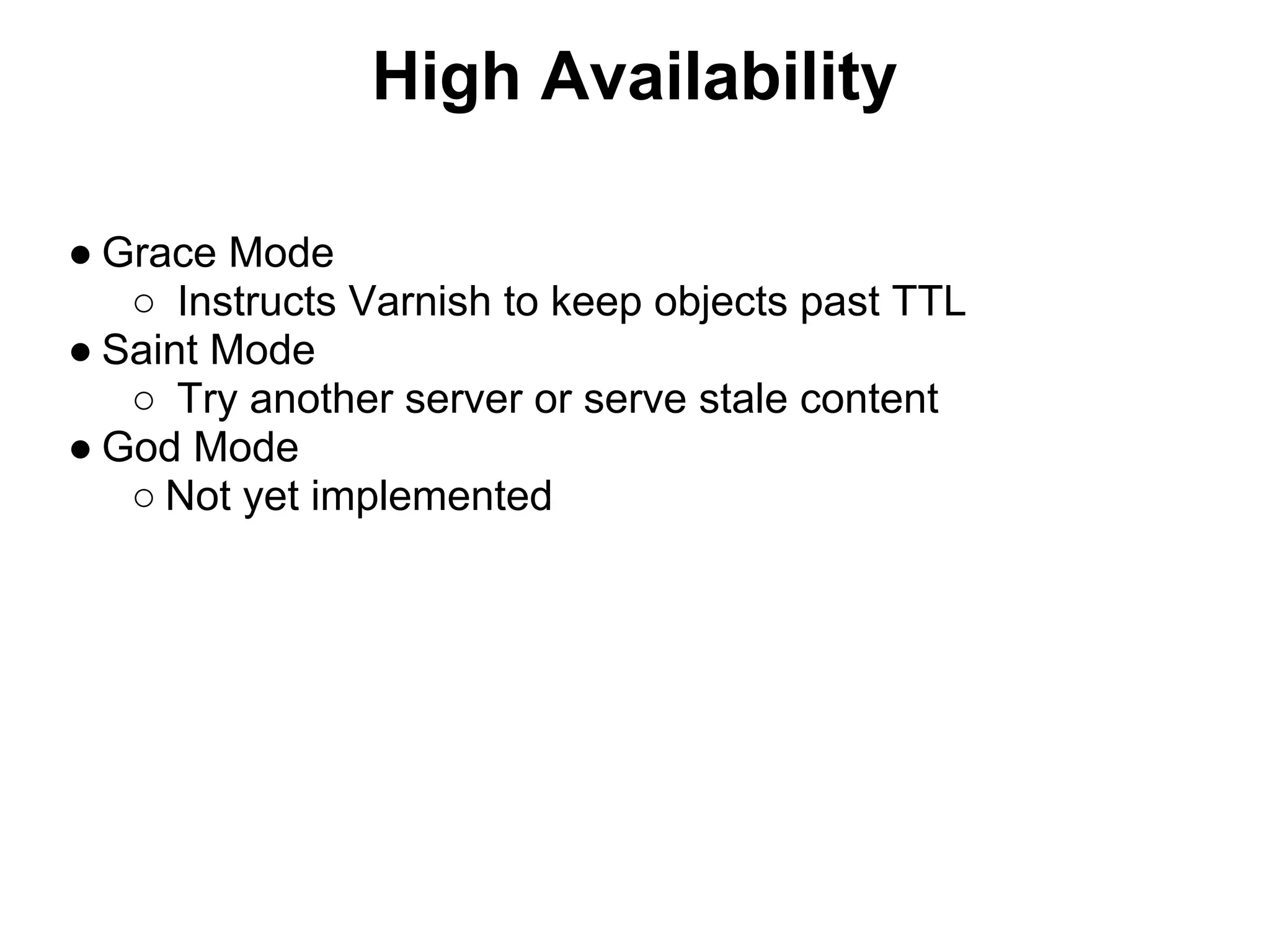
High Availability

● Grace Mode
   ○ Instructs Varnish to keep objects past TTL
● Saint Mode
   ○ Try another server or serve stale content
● God Mode
   ○ Not yet implemented
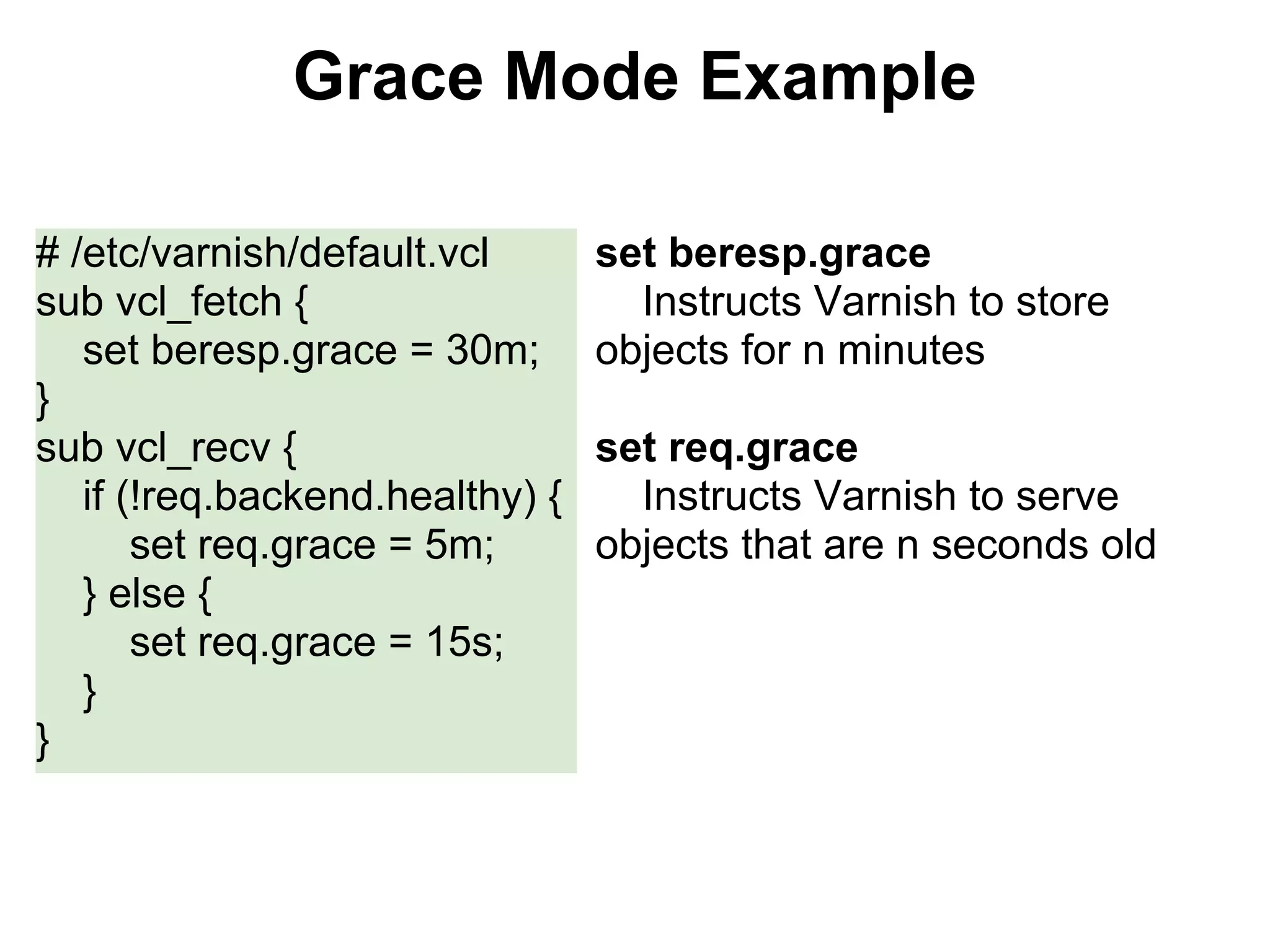
Grace Mode Example

# /etc/varnish/default.vcl       set beresp.grace
sub vcl_fetch {                    Instructs Varnish to store
   set beresp.grace = 30m;       objects for n minutes
}
sub vcl_recv {                   set req.grace
   if (!req.backend.healthy) {     Instructs Varnish to serve
       set req.grace = 5m;       objects that are n seconds old
   } else {
       set req.grace = 15s;
   }
}
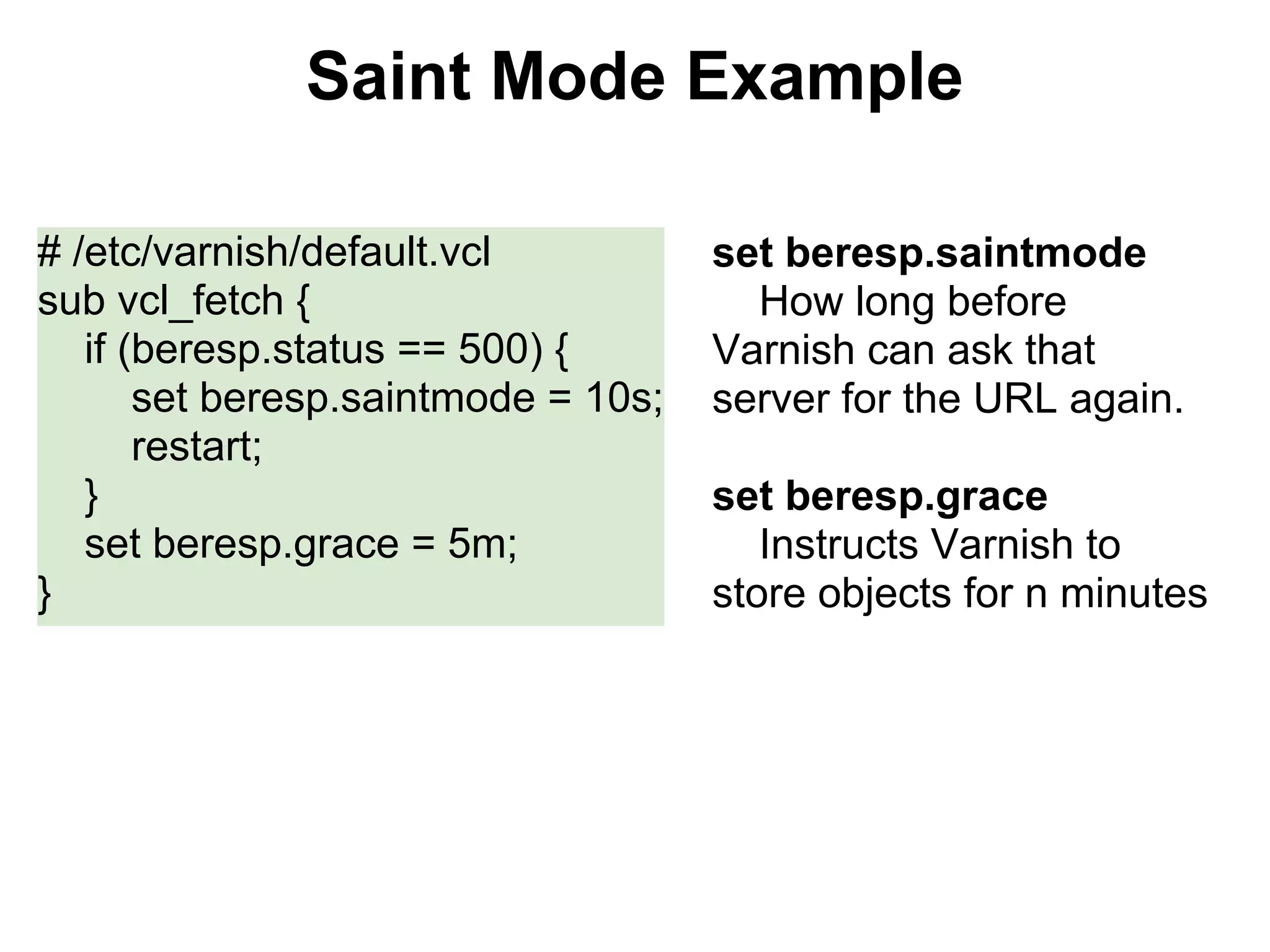
Saint Mode Example

# /etc/varnish/default.vcl           set beresp.saintmode
sub vcl_fetch {                        How long before
   if (beresp.status == 500) {       Varnish can ask that
       set beresp.saintmode = 10s;   server for the URL again.
       restart;
   }                                 set beresp.grace
   set beresp.grace = 5m;               Instructs Varnish to
}                                    store objects for n minutes
Questions?

Documentation TOC
https://www.varnish-cache.org/docs/3.0/index.html

Reference Manual
https://www.varnish-cache.org/docs/3.0/reference/index.html

Random Outbursts
https://www.varnish-cache.org/docs/3.0/phk/index.html

Varnish

  • 1.
  • 2.
    What is areverse proxy? Forward Proxy Reverse Proxy http://en.wikipedia.org/wiki/Proxy_server
  • 3.
    Install Varnish curl http://repo.varnish-cache.org/debian/GPG-key.txt | apt-key add - echo "deb http://repo.varnish-cache.org/ubuntu/ $(lsb_release -s -c) varnish-3.0" >> /etc/apt/sources.list apt-get update apt-get install varnish https://www.varnish-cache.org/installation/ubuntu
  • 4.
    Concept of BackendServers # /etc/varnish/default.vcl Backend Servers provide the backend default { content to varnish .host = "127.0.0.1" .port = "80" }
  • 5.
    Start Varnish varnishd -F -f /etc/varnish/default.vcl -a 0.0.0.0:8080 -F Run in the foregroud -f /etc/varnish/default.vcl Use our default config file -a 0.0.0.0:8080 Listen for requests on port 8080
  • 6.
    VCL Varnish Configuration Language Usedto configure how varnish handles requests Can be used to manipulate headers
  • 7.
    How Varnish knowswhat to cache? Varnish will not cache: An object coming from the backend server with a Set-Cookie header. A request coming from the client with a cookie header
  • 8.
    Purging the cache #/etc/varnish/default.vcl acl purge { Simple script that will allow only "localhost"; requests from localhost to purge the } sub vcl_recv { cache if (req.request == "PURGE") { if (!client.ip ~ purge) { error 405 "Not allowed."; PURGE is a request method, just like } return (lookup); GET or POST } } sub vcl_hit { if (req.request == "PURGE") { purge; error 200 "Purged."; } } sub vcl_miss { if (req.request == "PURGE") { purge; error 200 "Purged."; } }
  • 9.
    Not just aHTTP Accelerator Varnish can be setup as a load balancer to distribute the requests across multiple servers
  • 10.
    Multiple Backends # /etc/varnish/default.vcl You can define as many backends backend server01 { as needed .host = "127.0.0.1"; .port = "8080"; Each can be different hosts and } different ports backend server02 { .host = "127.0.0.1"; .port = "8080"; }
  • 11.
    Directors # /etc/varnish/default.vcl Directors are groups of director default round-robin { backends { .backend = "server01"; } { .backend = "server02"; } }
  • 12.
    Health Checks # /etc/varnish/varnish. url vcl URL to check backend server01 { interval .host = "127.0.0.1"; Poll every X .port = "8080"; timeout .probe { Timeout after X .url = "/"; window .interval = 5s; The past X requests .timeout = 1s; threshold .window = 5; How many good probes .threshold = 3; } }
  • 13.
    High Availability ● GraceMode ○ Instructs Varnish to keep objects past TTL ● Saint Mode ○ Try another server or serve stale content ● God Mode ○ Not yet implemented
  • 14.
    Grace Mode Example #/etc/varnish/default.vcl set beresp.grace sub vcl_fetch { Instructs Varnish to store set beresp.grace = 30m; objects for n minutes } sub vcl_recv { set req.grace if (!req.backend.healthy) { Instructs Varnish to serve set req.grace = 5m; objects that are n seconds old } else { set req.grace = 15s; } }
  • 15.
    Saint Mode Example #/etc/varnish/default.vcl set beresp.saintmode sub vcl_fetch { How long before if (beresp.status == 500) { Varnish can ask that set beresp.saintmode = 10s; server for the URL again. restart; } set beresp.grace set beresp.grace = 5m; Instructs Varnish to } store objects for n minutes
  • 16.