Part One:
Class introductions and overview
Choosing the right social media tools for your clientele and library staff
Developing your social media presence – examples and best practices
Class discussion of experiences with and present uses of social media
Comparison of social media sites
BREAK (15 min.)
Part Two:
Overview and discussion of tools and techniques for engaging your
users
Participants will develop a marketing plan for a new library service,
event, etc. that includes use of social media.
Presentations and conclusion.
3.
Questions:
What would youlike to get out of this workshop?
How will you use social media in your library?
What’s your biggest challenge or obstacle?
5.
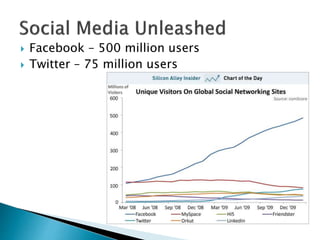
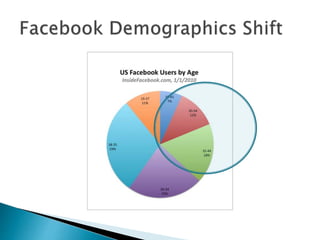
Facebook –500 million users
Twitter – 75 million users
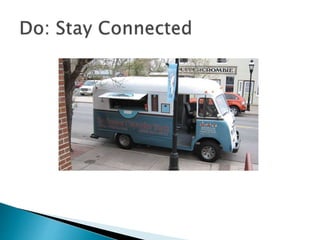
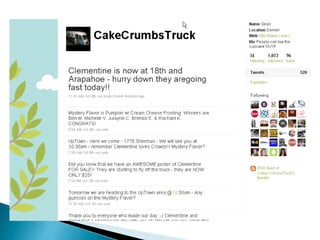
Staying connectedwith Patrons
Delivering quality information
Building community
Marketing library services
Professional development
9.
OPACs –To Nextgen or not?
Privacy concerns
Digital divide
Permanence?
Personal nature of the medium
Firewall issues
10.
Why doit?
Choosing your social media niche
Assess usage: Is it being used and by whom?
Barriers, physical and otherwise!
How do we get support/buy-in from
colleagues/administration?
11.
New wayto reach out to our community
(especially online users)
Services delivered faster and more
conveniently
Improve responsiveness to patron needs
13.
Read/Subscribe toBlogs & Websites:
Mashable (iPhone app), LifeHacker, ProfHacker, Librarian
bloggers: Sarah Houghton Jan, David Lee King, Meredith
Farkas, etc.
Twitter
You don’t have to tweet that much, just “follow” a few social
media savvy people. Search Hashtags (#) for topics
(#followalibrarian).
Bubbleroom blog at LJ.com (Library
Marketing)
Create a custom newsfeed to find information
on a social media trend or application
14.
Take advantage offree services to
provide excellent, proactive customer
service!
socialmention.com
Tweetscan
Yahoo pipes mashups
Google alerts
18.
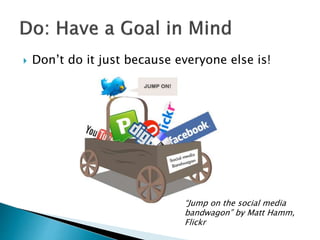
Don’t doit just because everyone else is!
“Jump on the social media
bandwagon” by Matt Hamm,
Flickr
19.
Advice: Youcan’t be everywhere.
Find out where your patrons hang out online
(Flickr, Facebook, LinkedIn, etc.) and their
level of participation.
Short surveys – use LibGuides,
http://www.4qsurvey.com/
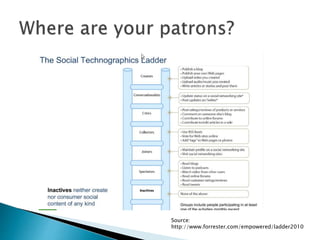
Demographics – Forrester Social
Technographics Ladder
Be insync with events that are going on in
your hospital, community, college, etc.
Get to know the culture of your community!
(good Mashable article)
Don’t forget about “traditional media” and
physical gathering places.
22.
Provide aneasy way for patrons to
communicate with you and be part of the
community
Bask in the compliments, but be prepared to
handle the criticism
23.
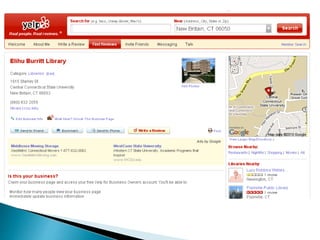
Search YourLibrary in Google Maps/Places.
Caveat: You can edit, but so can everyone
else, so make a claim!
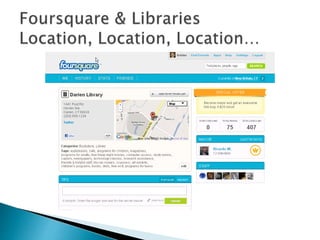
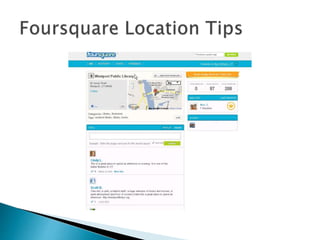
Foursquare for Business: Create Mayor or
Check-in specials
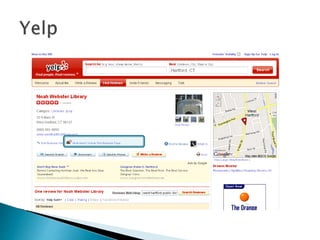
Yelp – Create an owner account and unlock
the business page. No entry? That’s ok–
Create one!
28.
Crowdsourcing is theact of outsourcing tasks,
traditionally performed by an employee or
contractor, to a large group of people or
community (a crowd), through an open call.
Tools:
getsatisfaction.com (Create an online
community to generate ideas)
Twitter hashtags
Social bookmarking:Create custom reading
lists or pathfinders with Delicious
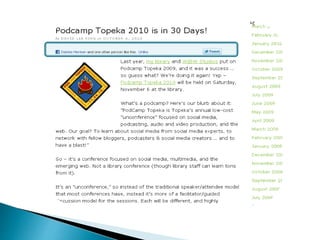
Add a sharing widget to blog posts, etc.
Add a Facebook “Like” button
ShareThis
AddThis.com
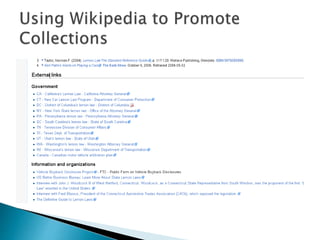
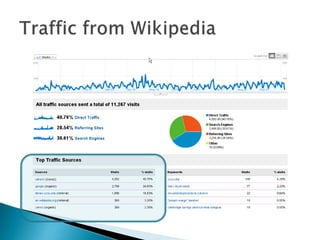
Promote your collections by adding links in
Wikipedia
43.
Web analytics(Google analytics)
Number of followers/fans
Level of participation (comments/ “likes”)
Number of views
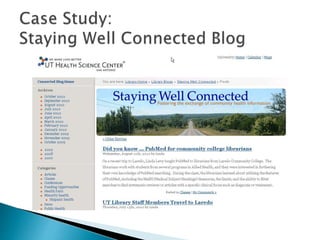
Community Outreach= Good Will
Creators had a defined purpose and audience
Use of Twitterfeed to promote new posts
Purpose
“to foster the exchange of community health
information in South Texas and U.S.-Mexico Border
Communities.”
Audience
“postings … are targeted to public health and
social services personnel.”
A socialmedia presence is merely an
extension of the relationships already built!
Don’t be afraid to experiment with new tools.
Start with a marketing/outreach goal and
then choose the right tool(s) to support it.
Use RSS and microblogging to keep current
and save your sanity!
#8 As Librarians we love to collaborate and share with each other and with our users
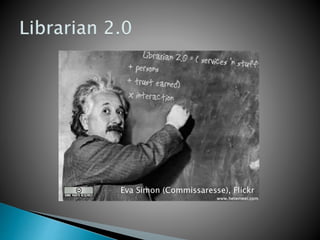
Librarians seem to have natural affinity for the latest generation of web tools and have really embraced them
Although some critics have suggested that librarians hop on the bandwagon for every new technology that comes along, what these tools allow librarians to do really reflects so many of our core values of openness, access, and fostering conversations, so are a natural fit
#9 Talk given a few times over the last couple of years. Devoted at least a couple of slides comparing 1st gen web technology to 2nd gen or 2.0 technologies. Don’t think I need to do that anymore. 2.0 technologies are the web as we know it today.
Major characteristic is tools taken power away from the traditional gatekeepers, newspapers, governments, corporations, libraries and put very sophisticated communication tools in the hand of average web user. There’s a downside to this of course (decline of civility, fragmentation), but a net gain for society as a whole.
#10 But there’s also a clash or conflict between traditional curatorial values and this new openness. Opening up and letting go has been a challenge for some.
OPACs – some concern that user-contributed content, ratings, reviews, etc. might undermine the integrity of the OPAC
Librarians zealously guard their patron’s privacy. Since so many of these tools require users to reveal a little something about themselves, and considering that people do this willingly, and in many cases unwittingly, where does this leave us?
Digital have-nots. Entrance to just about all the tools we’ll talk about today require at a minimum of a high-speed internet connection. Access to the internet is essential to an informed citizenry. Who’s being left out of the conversation? According to the Pew Internet in American Life Survey, broadband access has increased substantially- but only 63% of adult Americans have broadband access as of April 2009.
Fear that tools may become obsolete or irrelevant (Second Life?). Understandable fear of jumping in too soon or betting on the wrong horse.
Firewall issues – some IT depts. block Facebook and YouTube.
#13 Social Media Marketing Talk:
http://hstalks.com/lib.php?t=HST97.2448_1_3&c=250
#15 “Amateur's Digest” (a cactus magazine)
Search on “library ccsu” revealed Twitter complaint about library hours
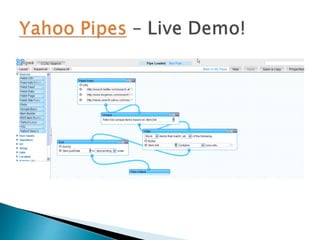
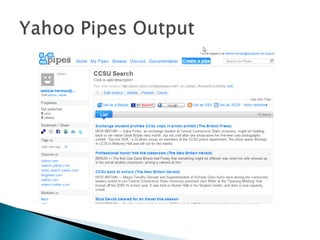
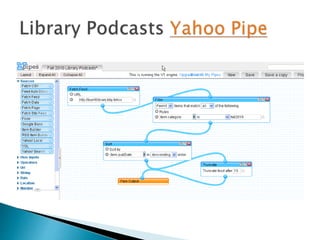
#16 You can also search, aggregate and disseminate RSS news using a tool like Yahoo pipes, which let you create to pretty sophisticated mashups w/out programming skill. Uses: reputation monitoring, gathering and disseminating topical information.
So, it’s back to school for CCSU so I thought I would create this feed with news items about CCSU
#17 You can see that I can do a whole lot of sharing of this pipe… via Facebook, Twitter and social bookmarking tools like delicious. I can add to my RSS reader or embed in my blog or webpage.
If you have RSS feeds from your library catalog, you can create pipe to search for certain keywords.
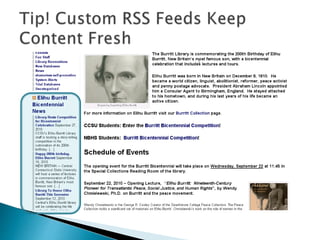
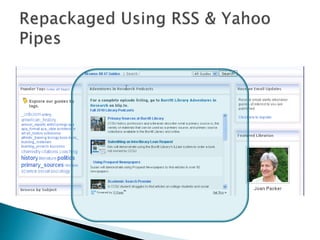
#18 Beware of inaccuracies that are beyond your control in aggregated content: note misspelling of Burritt and the we’re hosting a storytelling competition (we’re not, it’s an award for best paper or creative work).
#19 To increase awareness of collections, services, promote events
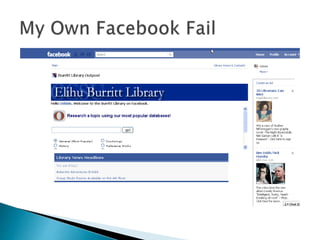
#24 Venue claims can be dicey! My library’s main number is an answering machine with options.
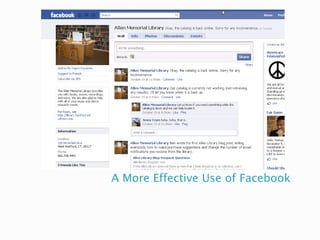
#30 Find a way to let your patrons know what’s going on in the library and give them convenient ways to interact with you.
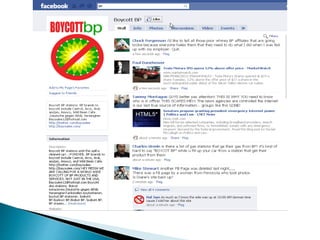
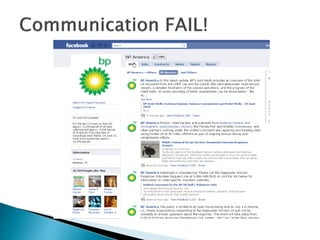
#35 Last summer, if you googled BP and facebook you were more likely to find “Boycott BP” page than the official BP Facebook page!
#36 Problems: Lack of urgency, control of the message (all postings from BP). One-way communication.
Consequence of keep too tight a hold of the message.
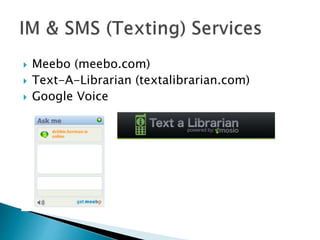
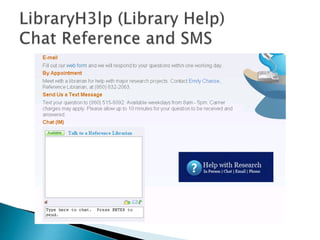
#37 Meebo – web-based IM client – consolidate your IM accounts and access anywhere. Chat widget embed in web pages and blogs
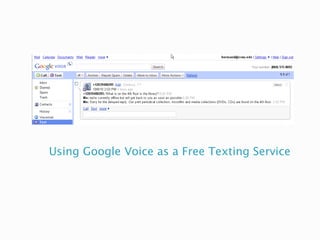
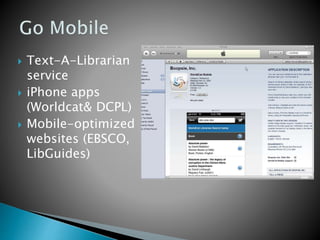
Texting services – 1) buy and phone and plan or 2) go with web-based service like Mosio’s TAL. Since most people (rich and poor alike) have cell phones and pervasiveness of texting, this would appear to be a logical medium for developing library services.
#40 Wikipedia examples:
Lemon Law entry
Elihu Burritt entry
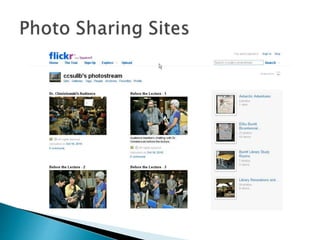
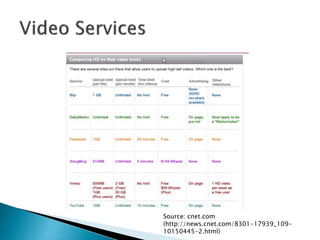
#47 The Free Account includes 20 MB monthly upload limit, three photosets, photo stream views limited to the 200 most recent images and storage of smaller (resized) images.
The Pro Account includes two GB monthly upload limit, unlimited storage, unlimited bandwidth, unlimited photosets, permanent archiving of high–resolution original images, the ability to replace a photo and ad–free browsing and sharing.
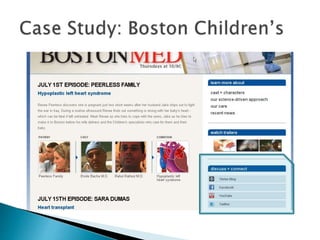
#58 Leveraged the success of the Boston Med Reality Show on ABC to market the hospital via the social networks. The hospital has over 400,000K Facebook fans.
#63 OCLC app uses geolocation to map you to the nearest library. Both apps are a free download.