ING PREMIERE PRO
POST-PRODUCTION
Figure {1} shows
the empty
basket within
the top left
hand corner of
the Premiere Pro
cache without
any video clips
imported. To
import our clips
followed File-
Import-Videos
and this allowed
me to collect all
of the video
clips I wanted to
use and import
To the right figure {2} the clips have been imported into
the empty cache and are now at hand when wanting to
edit them to the perfect length etc. From this cache, I then
dragged across the appropriate clips to the empty tray at
the bottom of the Premiere Pro screen.
Figure 1 Figure 2
Figure 3
Within this screen shot, there
have been two clips entered into
the empty tray and this is where
the editing can begin. After I
transferred the footage I then
started to watch videos that
would help with the editing of the
clips which can increase the
professional feel to it. The video
link is left below:
https://www.youtube.com/watch?
v=Hls3Tp7JS8E
Figure {4} shows the tabs that have all of
the features to edit and change the clips
with. This includes effects to change the
colour of the video and also change the
audio through fades and swipes. It also
includes sound effects for other videos that
have no audio. We have managed to use a
lot of these filters including an exponential
fade, cut to black, black and white filter
and a change in the colour/saturation of
our colourful clips.Figure {5} shows the area on the screen
that has lots of tools. These tools are to
help edit the clips and include the eraser
tool and lengthening tool. These have both
been used within my A2 main task to
emphasise the professional feel of the
music video. The eraser tool has helped
me to make sure that the clips stop and
start at the correct point, with some areas
of a clip being out of focus it is useful to
know the eraser tool is effective and will
help to join the good clips together by
duplicating. I have also used the
lengthening tool to increase and decrease
Figure {6} This viewing
window is where are clips
were shown to us when being
edited and where we could
watch the final music video
before exporting the content.
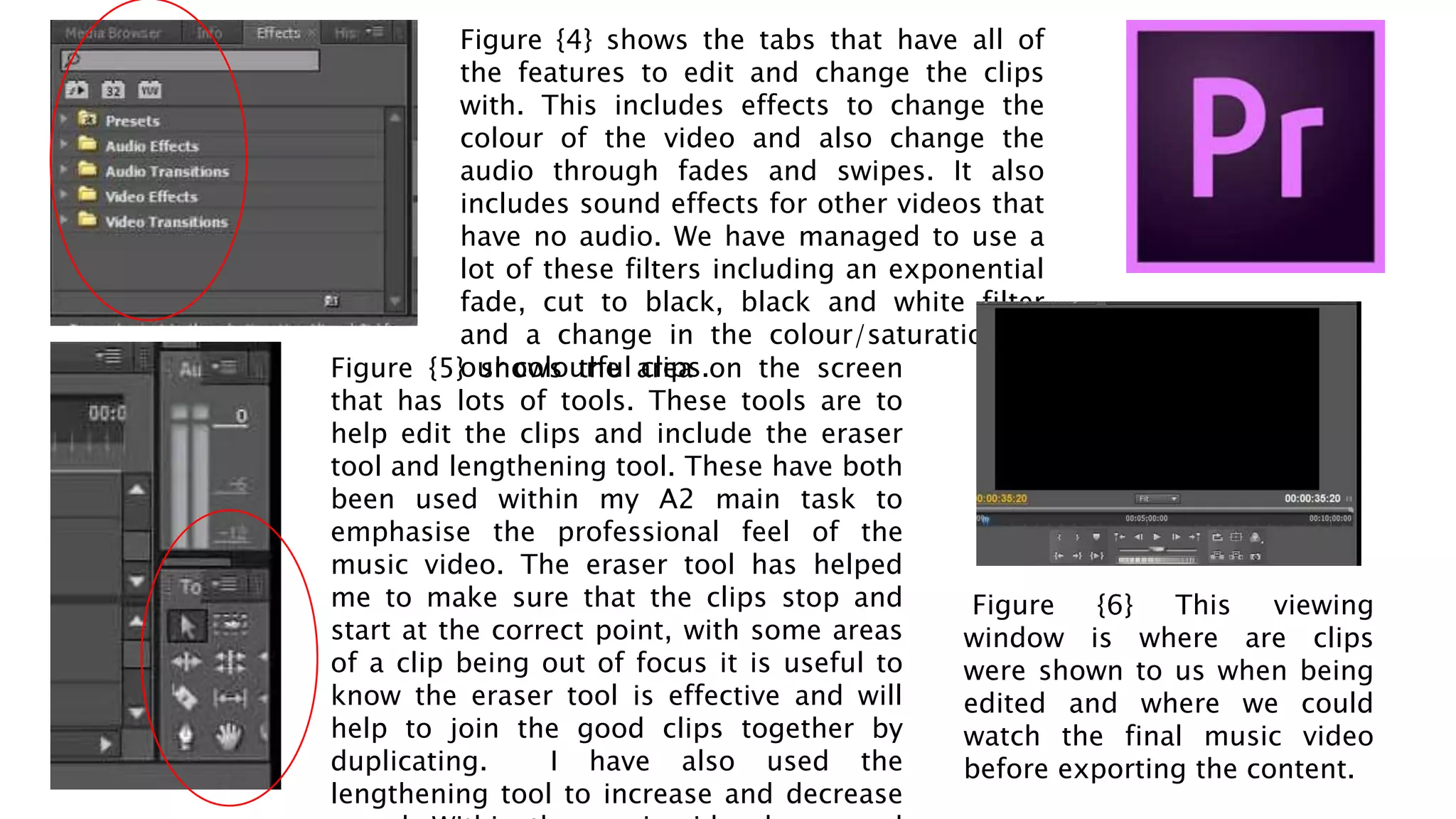
Within figure {7} it shows how the media is then exported to
become a video format file and then be posted on sites such
as YouTube and Vimeo. I decided to post the video on
YouTube as it is more popular and more people will be likely
to watch the music video. Here are a large amount of drop
town tabs that include information about the format of the
file, before exporting it is vital to check that these are correct
otherwise when uploading to a specific site, the size and
shape of the video that is being uploaded will be incorrect.
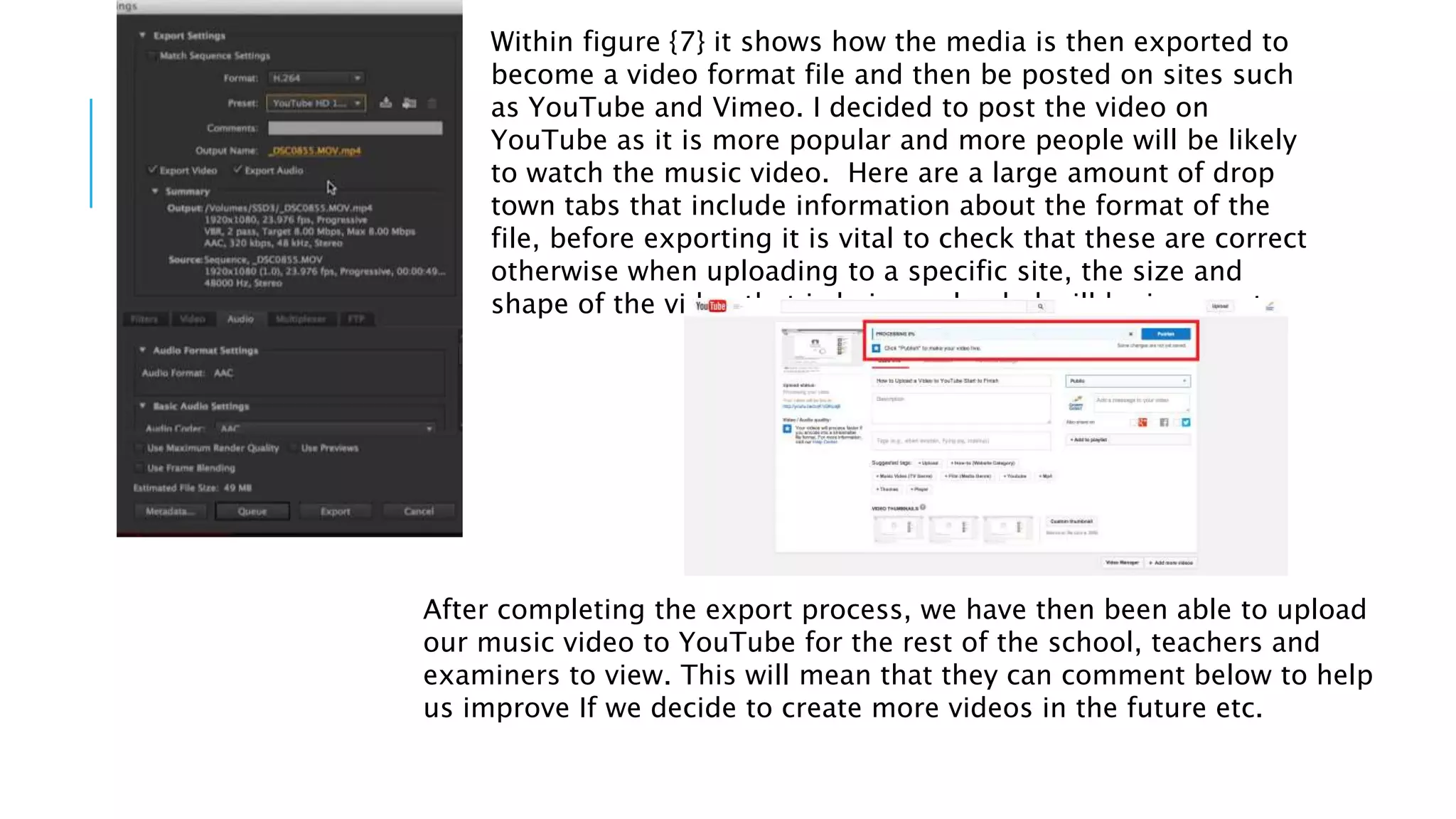
After completing the export process, we have then been able to upload
our music video to YouTube for the rest of the school, teachers and
examiners to view. This will mean that they can comment below to help
us improve If we decide to create more videos in the future etc.

Using premiere pro

  • 1.
  • 2.
    POST-PRODUCTION Figure {1} shows theempty basket within the top left hand corner of the Premiere Pro cache without any video clips imported. To import our clips followed File- Import-Videos and this allowed me to collect all of the video clips I wanted to use and import To the right figure {2} the clips have been imported into the empty cache and are now at hand when wanting to edit them to the perfect length etc. From this cache, I then dragged across the appropriate clips to the empty tray at the bottom of the Premiere Pro screen. Figure 1 Figure 2 Figure 3 Within this screen shot, there have been two clips entered into the empty tray and this is where the editing can begin. After I transferred the footage I then started to watch videos that would help with the editing of the clips which can increase the professional feel to it. The video link is left below: https://www.youtube.com/watch? v=Hls3Tp7JS8E
  • 3.
    Figure {4} showsthe tabs that have all of the features to edit and change the clips with. This includes effects to change the colour of the video and also change the audio through fades and swipes. It also includes sound effects for other videos that have no audio. We have managed to use a lot of these filters including an exponential fade, cut to black, black and white filter and a change in the colour/saturation of our colourful clips.Figure {5} shows the area on the screen that has lots of tools. These tools are to help edit the clips and include the eraser tool and lengthening tool. These have both been used within my A2 main task to emphasise the professional feel of the music video. The eraser tool has helped me to make sure that the clips stop and start at the correct point, with some areas of a clip being out of focus it is useful to know the eraser tool is effective and will help to join the good clips together by duplicating. I have also used the lengthening tool to increase and decrease Figure {6} This viewing window is where are clips were shown to us when being edited and where we could watch the final music video before exporting the content.
  • 4.
    Within figure {7}it shows how the media is then exported to become a video format file and then be posted on sites such as YouTube and Vimeo. I decided to post the video on YouTube as it is more popular and more people will be likely to watch the music video. Here are a large amount of drop town tabs that include information about the format of the file, before exporting it is vital to check that these are correct otherwise when uploading to a specific site, the size and shape of the video that is being uploaded will be incorrect. After completing the export process, we have then been able to upload our music video to YouTube for the rest of the school, teachers and examiners to view. This will mean that they can comment below to help us improve If we decide to create more videos in the future etc.