UNVEILING FME 2018
With Don Murray and Dale Lutz
Today: FME 2018.0 Betas available
Mid February: FME 2018.0 Release Candidate
March: FME 2018.0 Official Release
Connect & Transform
More format support and transformation power
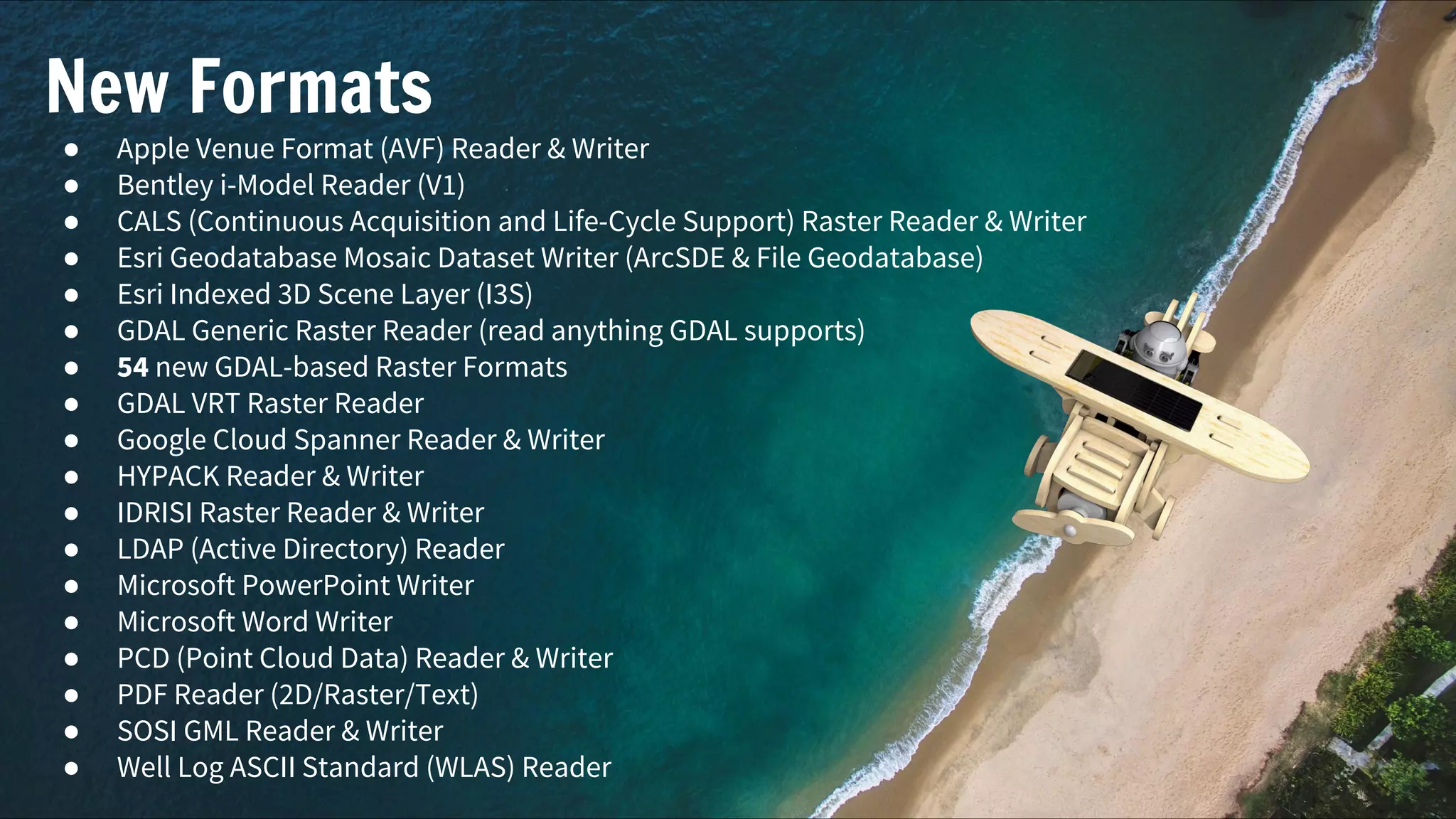
New Formats
● Apple Venue Format (AVF) Reader & Writer
● Bentley i-Model Reader (V1)
● CALS (Continuous Acquisition and Life-Cycle Support) Raster Reader & Writer
● Esri Geodatabase Mosaic Dataset Writer (ArcSDE & File Geodatabase)
● Esri Indexed 3D Scene Layer (I3S)
● GDAL Generic Raster Reader (read anything GDAL supports)
● 54 new GDAL-based Raster Formats
● GDAL VRT Raster Reader
● Google Cloud Spanner Reader & Writer
● HYPACK Reader & Writer
● IDRISI Raster Reader & Writer
● LDAP (Active Directory) Reader
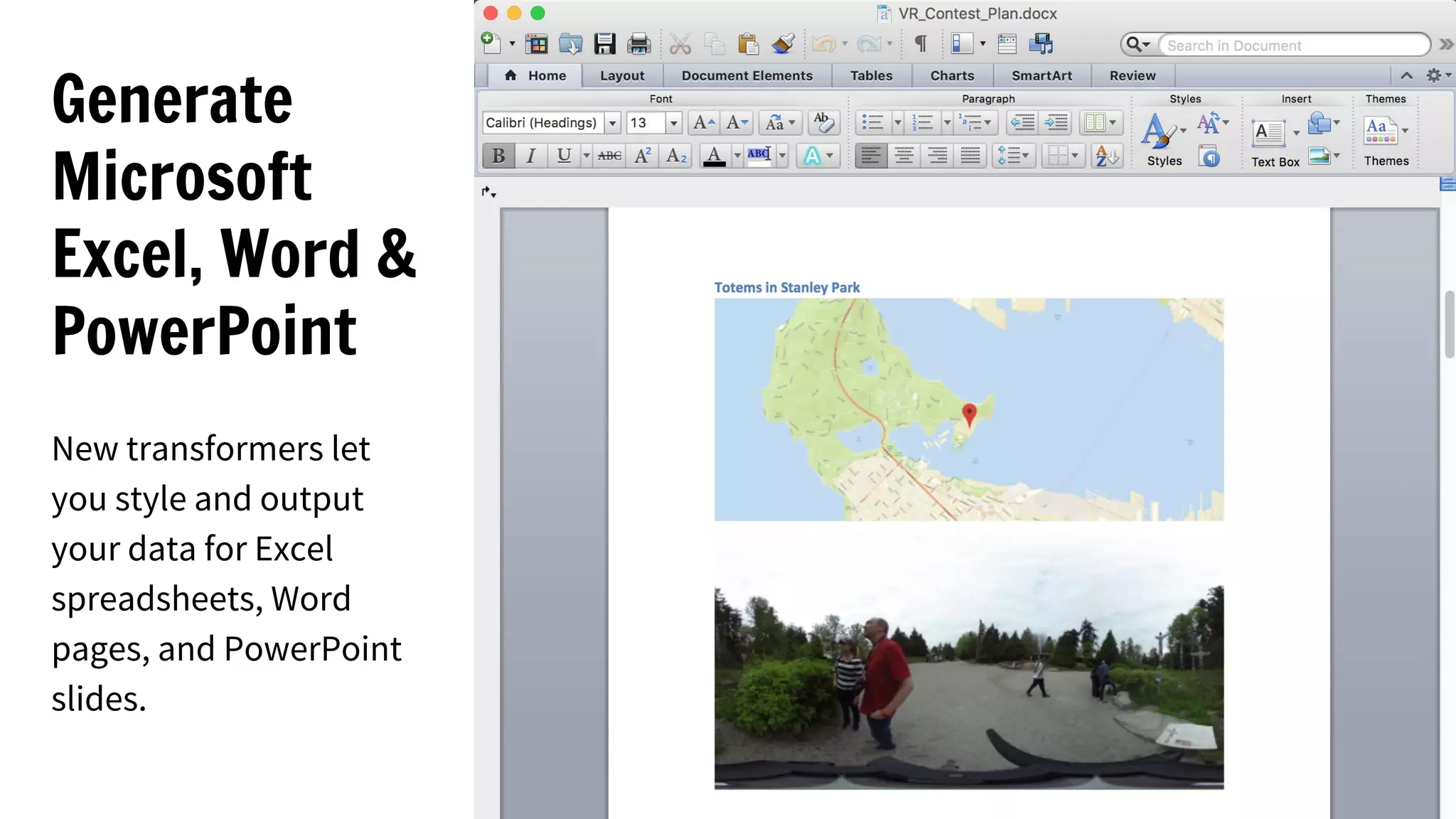
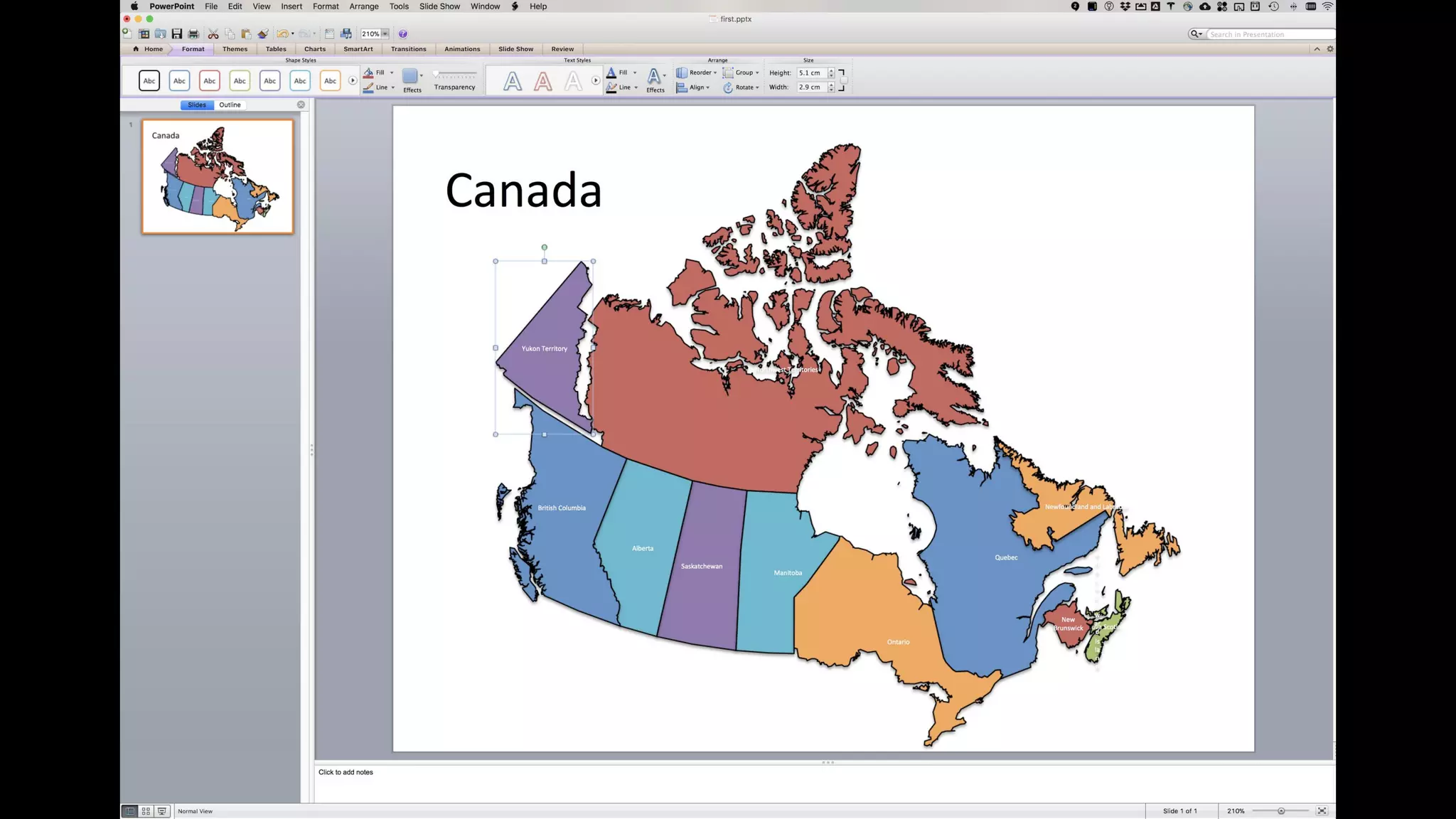
● Microsoft PowerPoint Writer
● Microsoft Word Writer
● PCD (Point Cloud Data) Reader & Writer
● PDF Reader (2D/Raster/Text)
● SOSI GML Reader & Writer
● Well Log ASCII Standard (WLAS) Reader
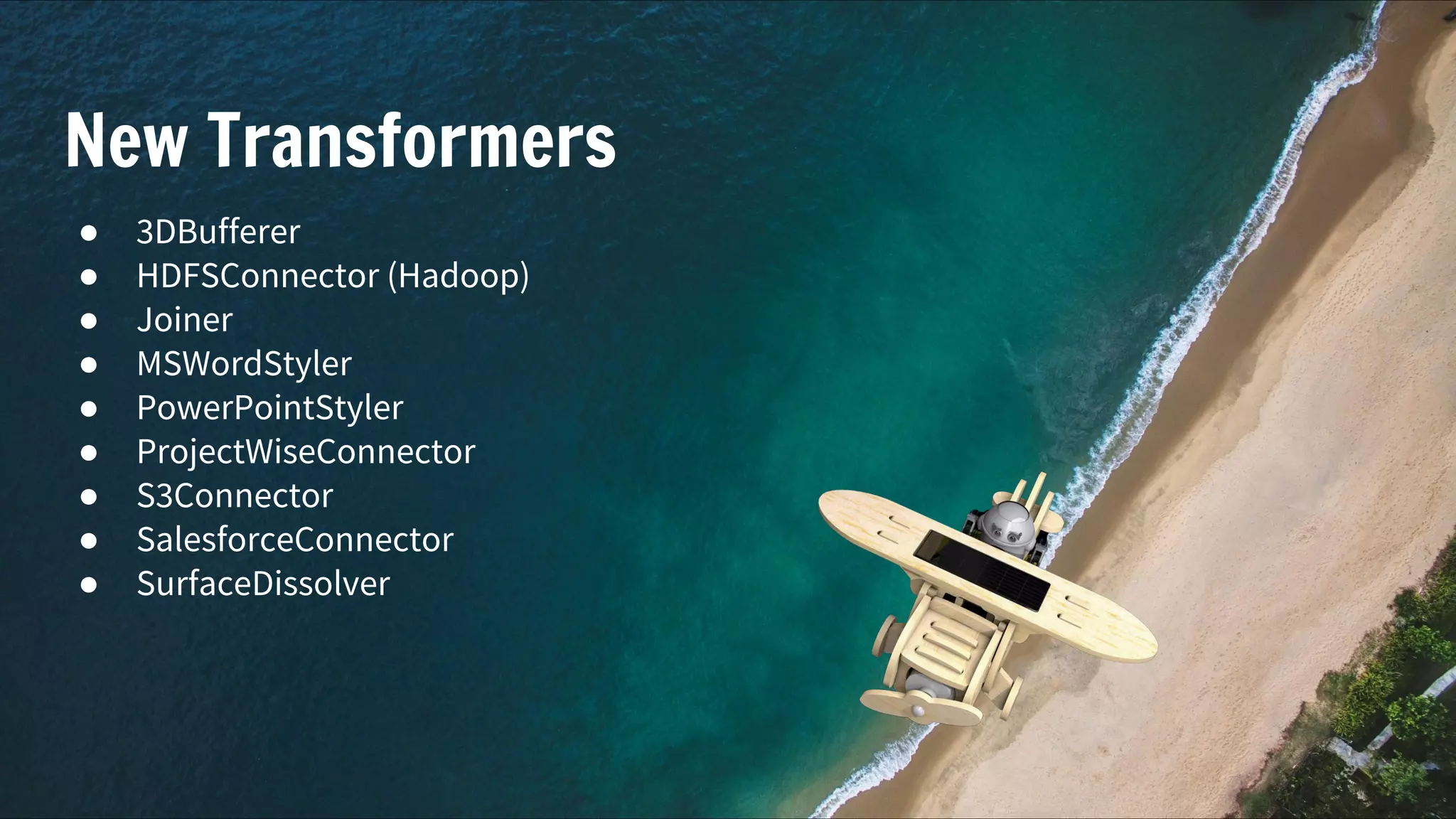
New Transformers
● 3DBufferer
● HDFSConnector (Hadoop)
● Joiner
● MSWordStyler
● PowerPointStyler
● ProjectWiseConnector
● S3Connector
● SalesforceConnector
● SurfaceDissolver
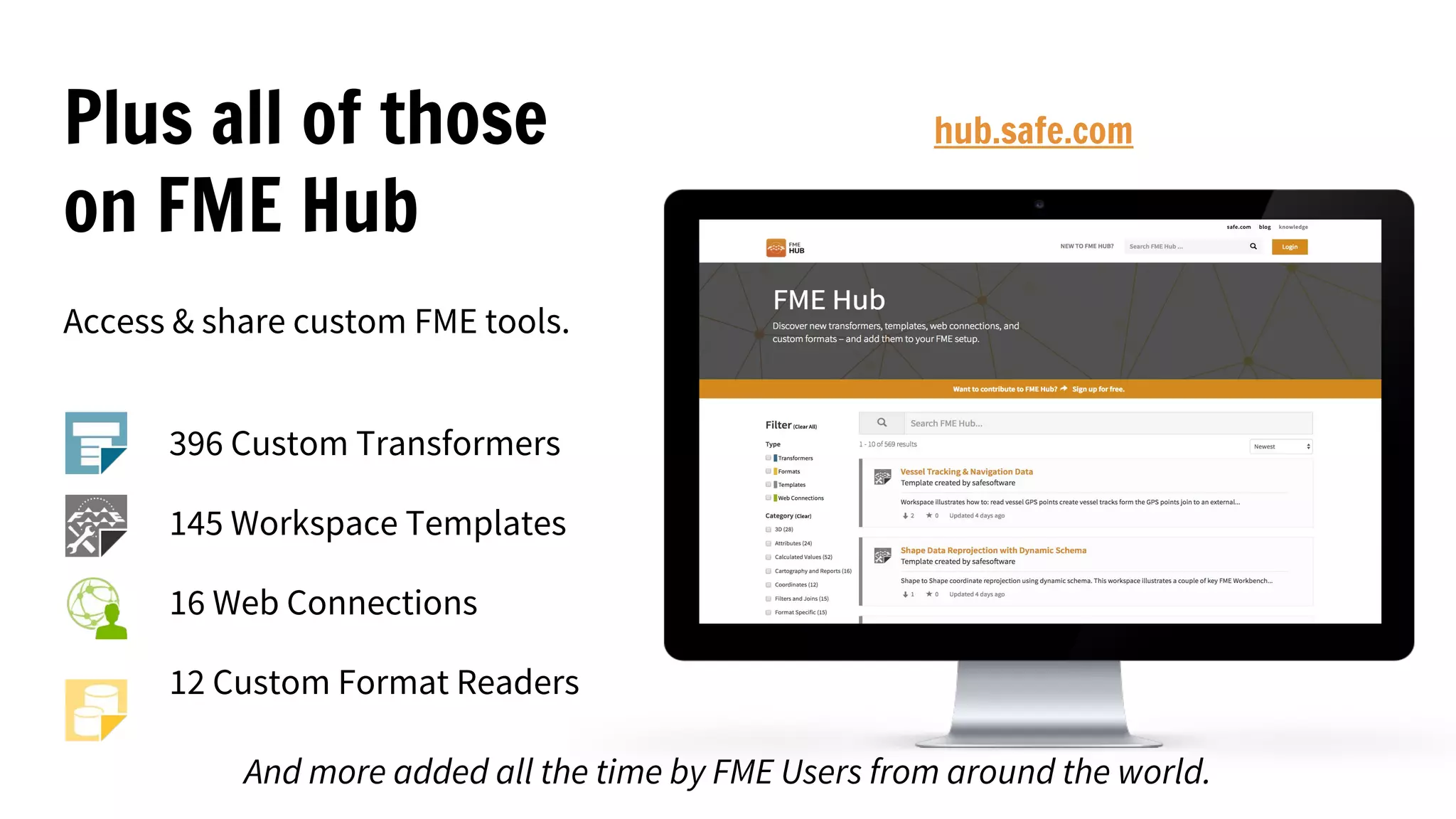
Plus all of those
on FME Hub
Access & share custom FME tools.
396 Custom Transformers
145 Workspace Templates
16 Web Connections
12 Custom Format Readers
hub.safe.com
And more added all the time by FME Users from around the world.
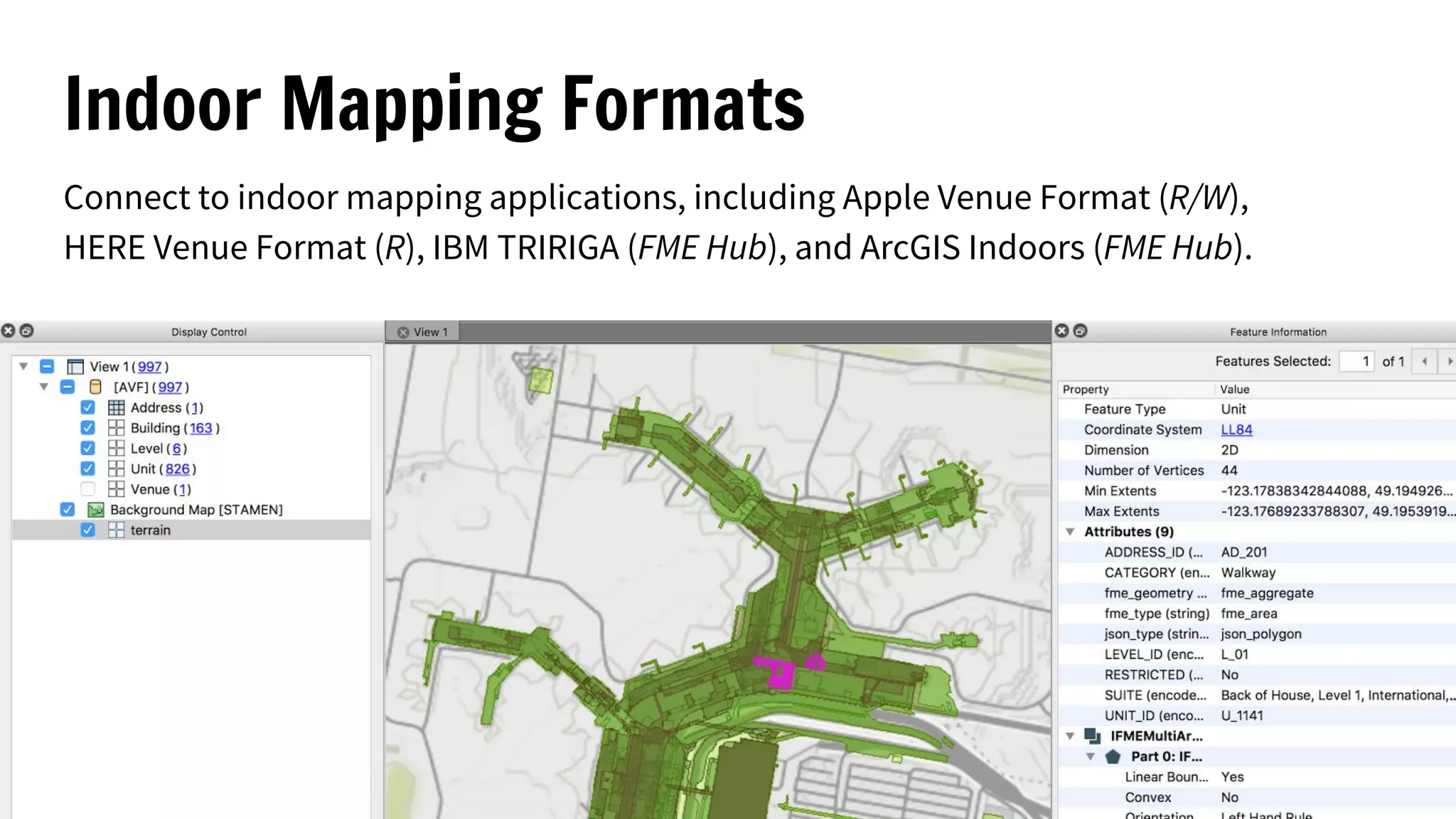
Indoor Mapping Formats
Connect to indoor mapping applications, including Apple Venue Format (R/W),
HERE Venue Format (R), IBM TRIRIGA (FME Hub), and ArcGIS Indoors (FME Hub).
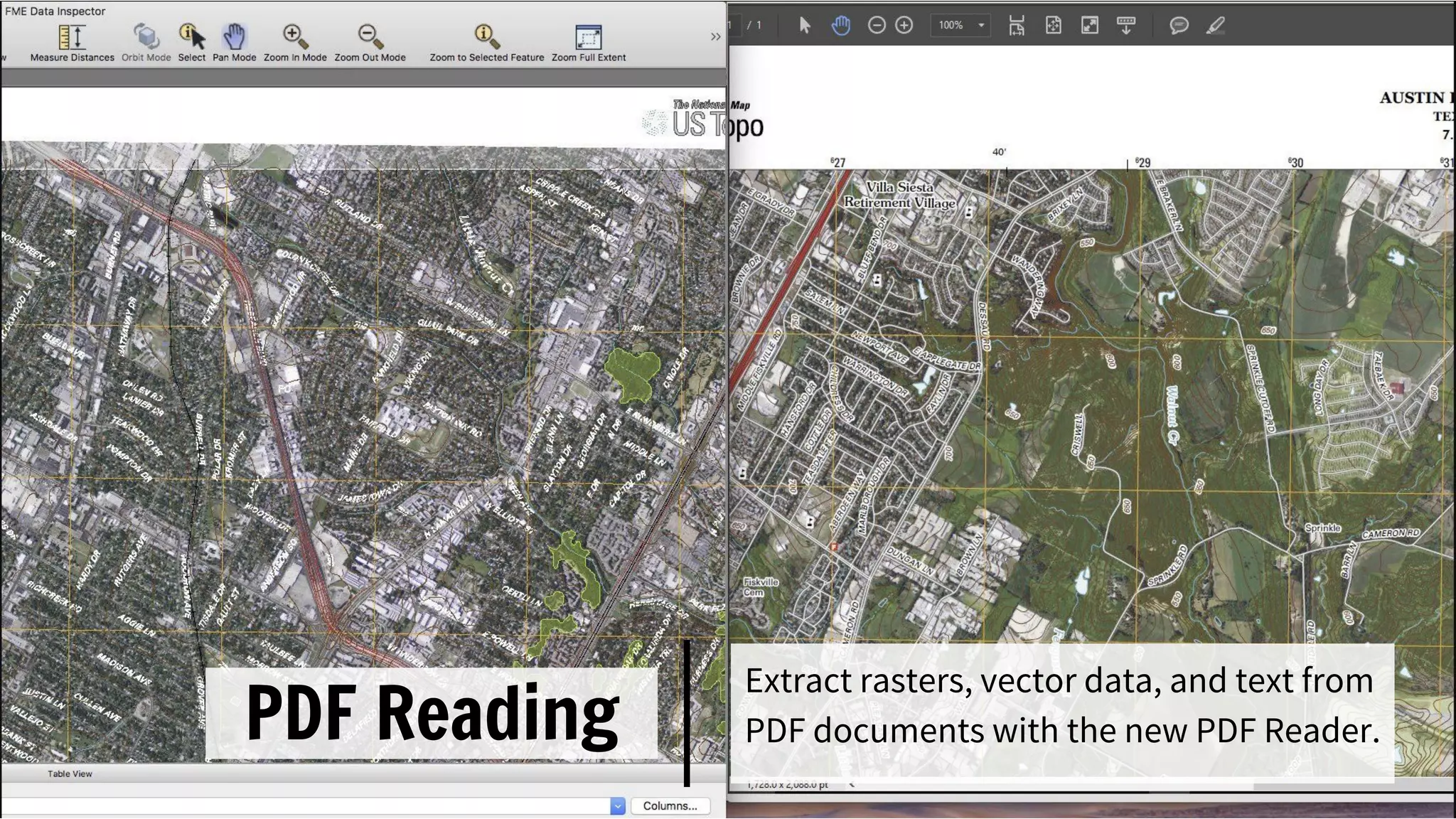
PDF Reading
Extract rasters, vector data, and text from
PDF documents with the new PDF Reader.
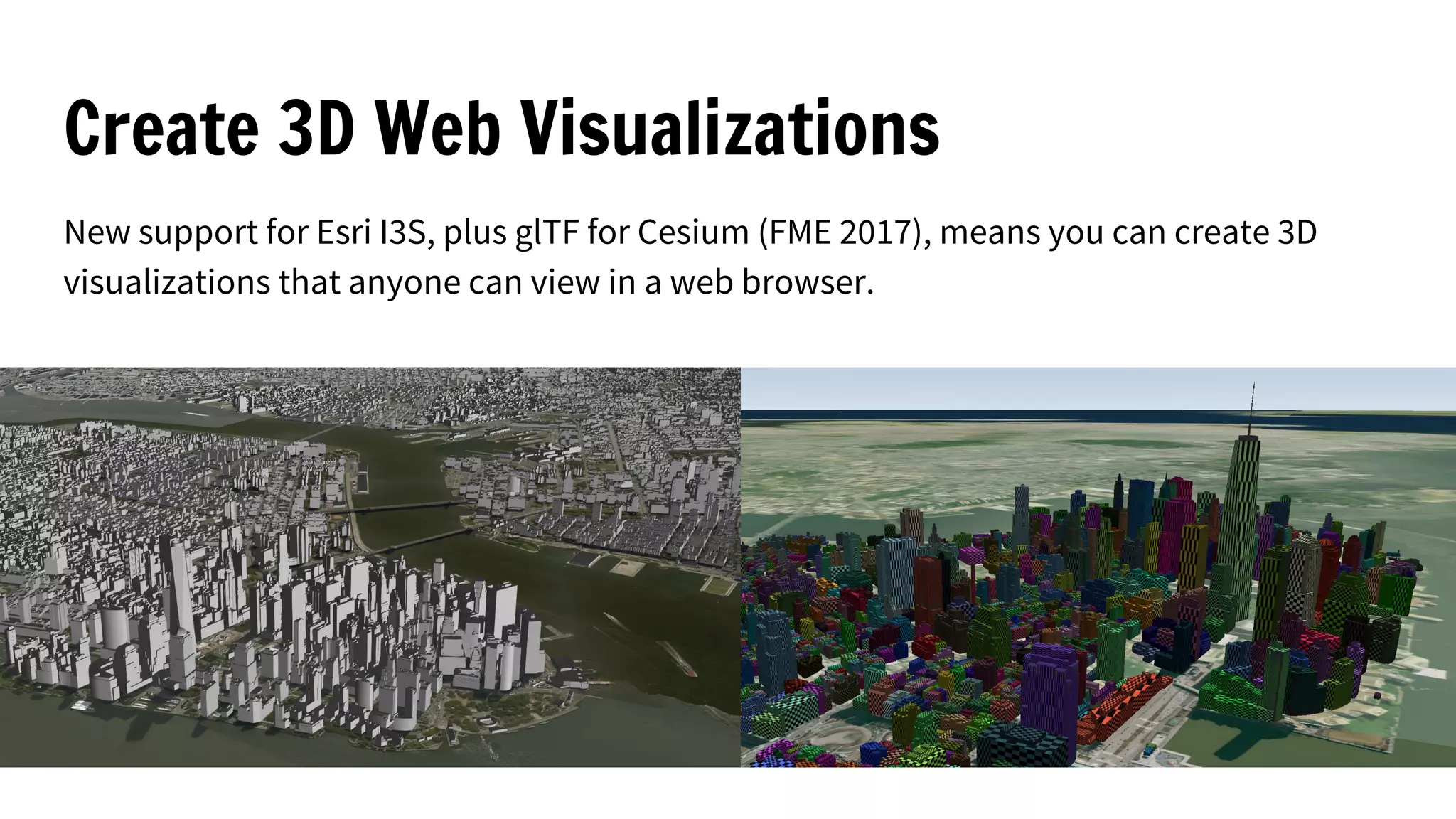
Create 3D Web Visualizations
New support for Esri I3S, plus glTF for Cesium (FME 2017), means you can create 3D
visualizations that anyone can view in a web browser.
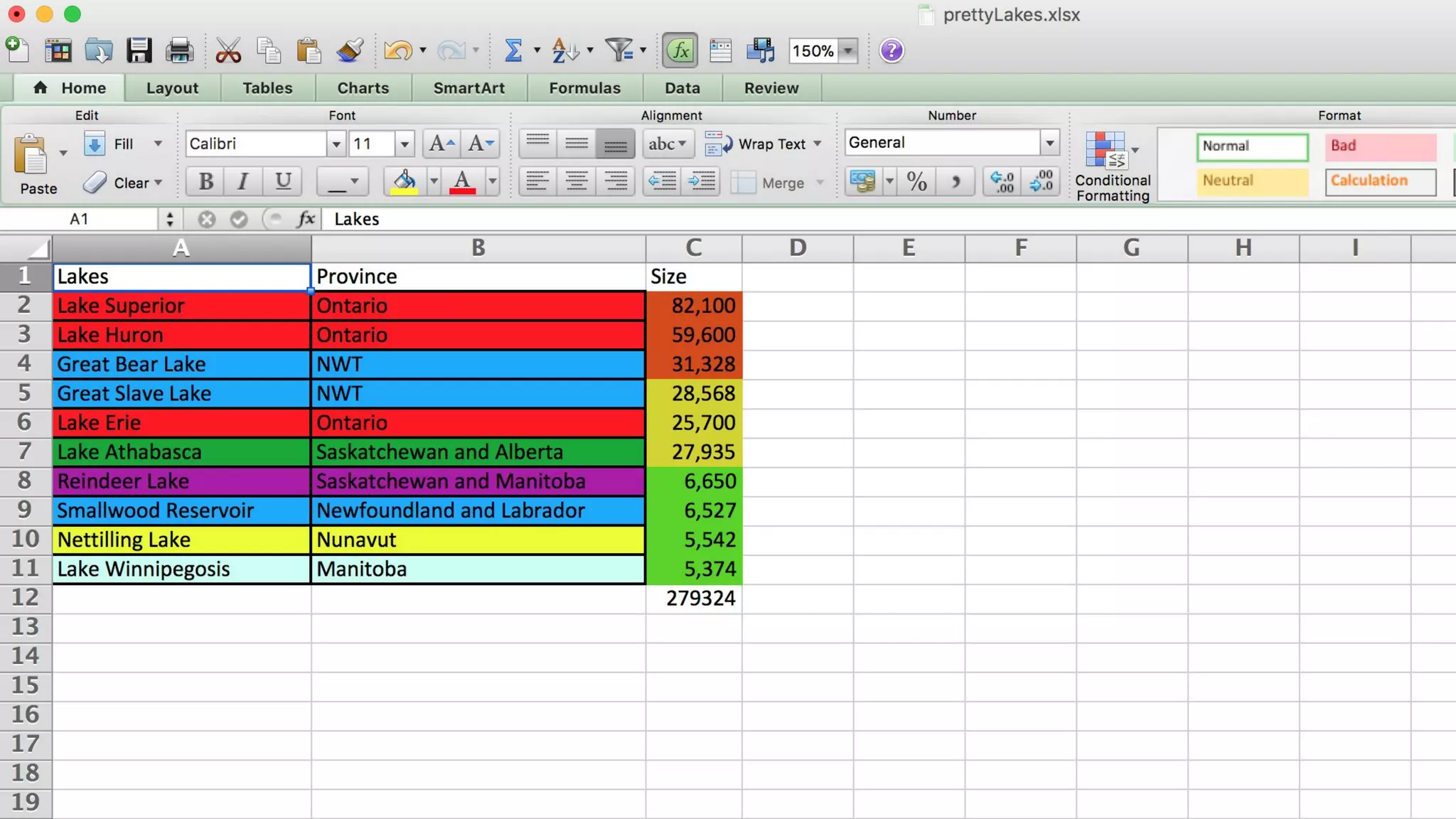
Generate
Microsoft
Excel, Word &
PowerPoint
New transformers let
you style and output
your data for Excel
spreadsheets, Word
pages, and PowerPoint
slides.
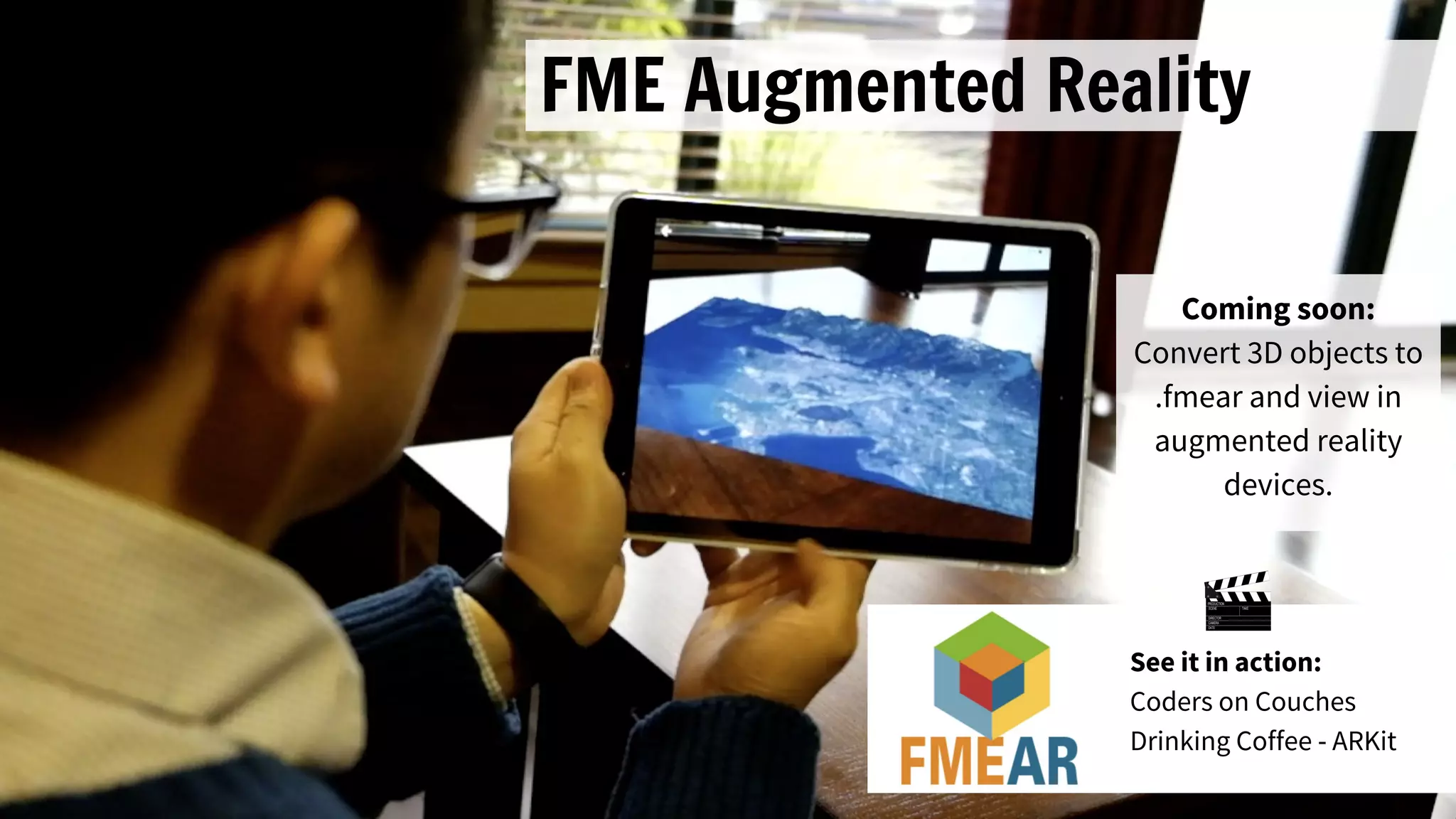
FME Augmented Reality
Coming soon:
Convert 3D objects to
.fmear and view in
augmented reality
devices.
See it in action:
Coders on Couches
Drinking Coffee - ARKit
Work Play more efficiently
FME Workbench enhancements
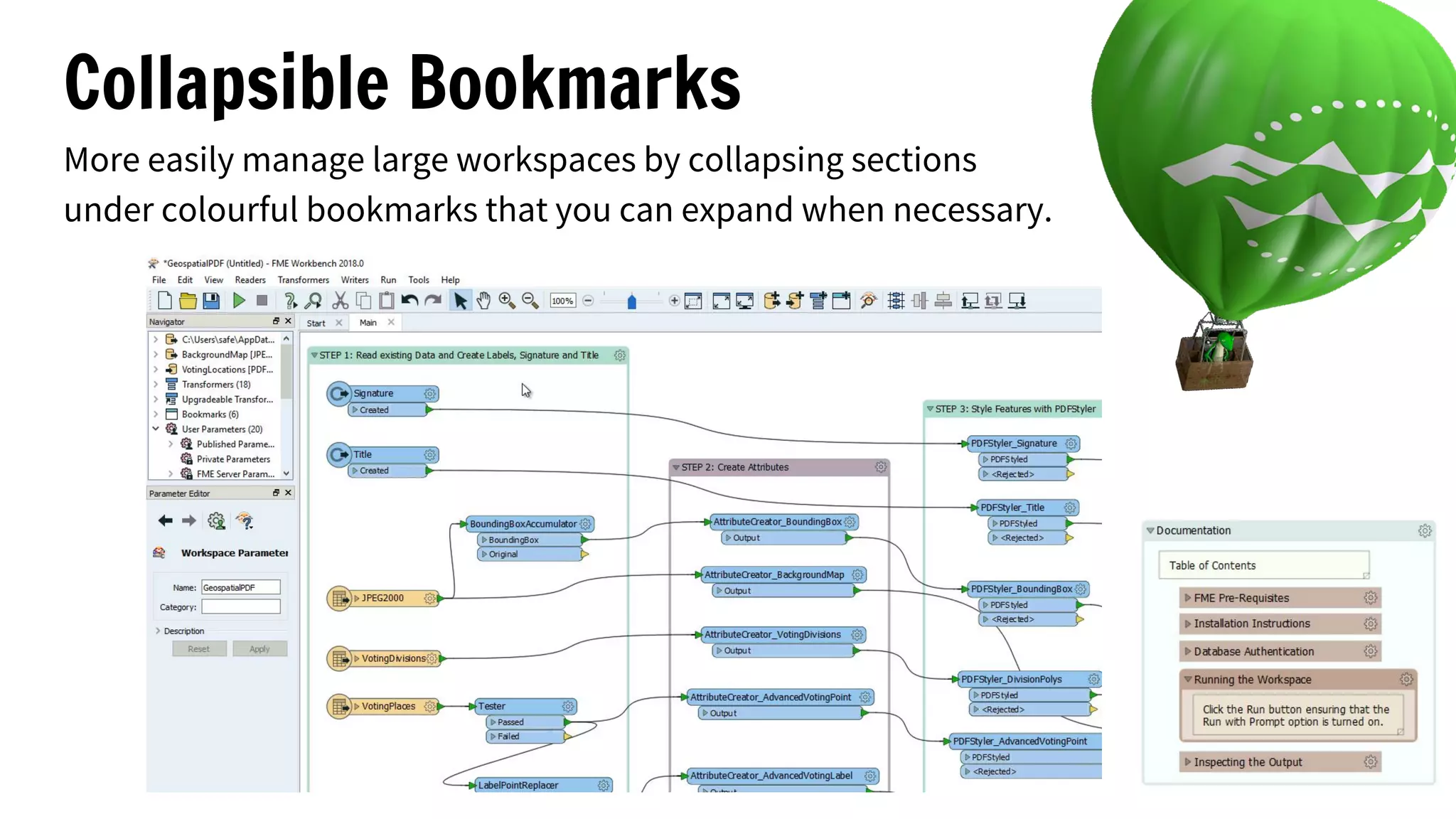
Collapsible Bookmarks
More easily manage large workspaces by collapsing sections
under colourful bookmarks that you can expand when necessary.
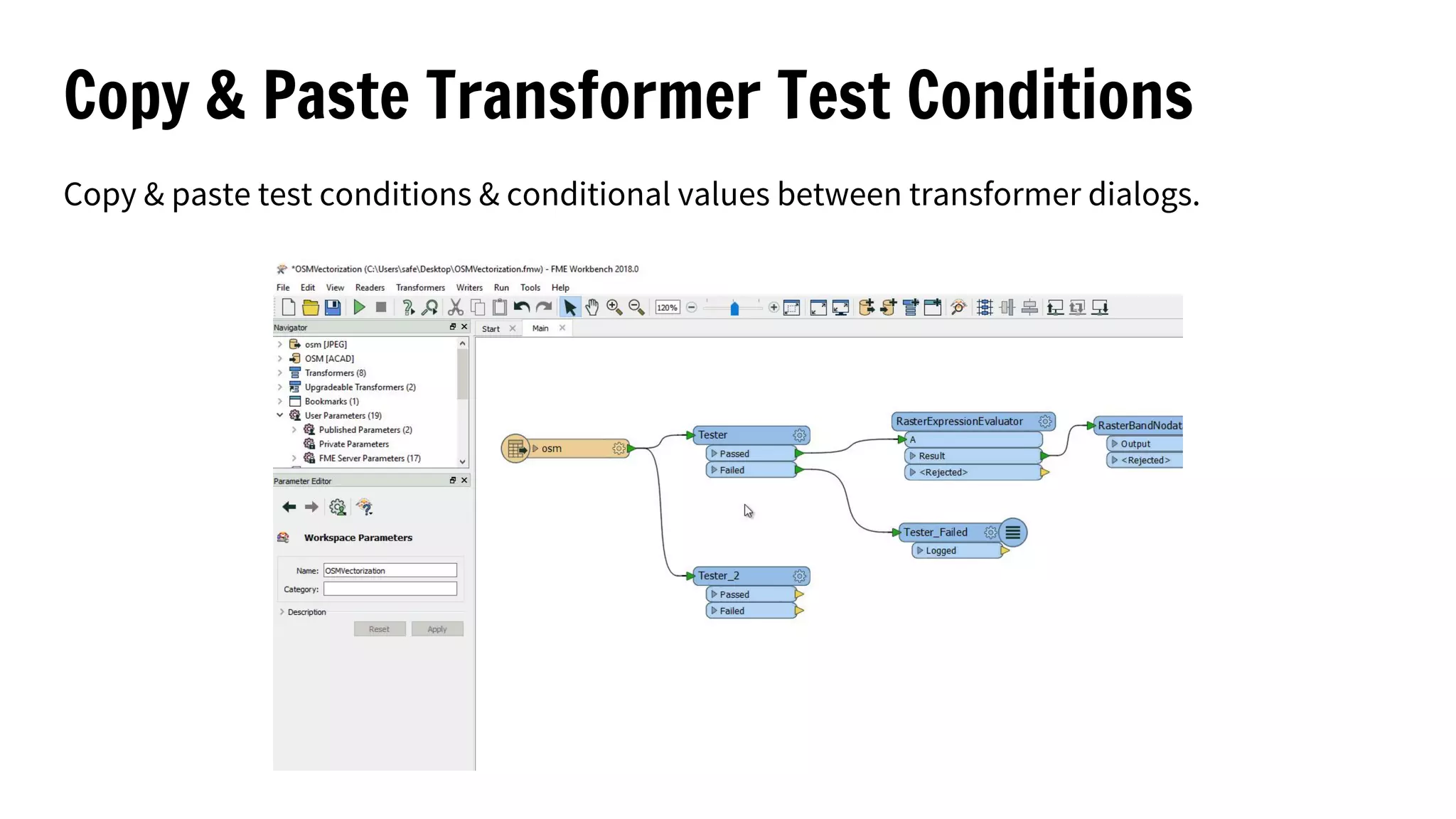
Copy & Paste Transformer Test Conditions
Copy & paste test conditions & conditional values between transformer dialogs.
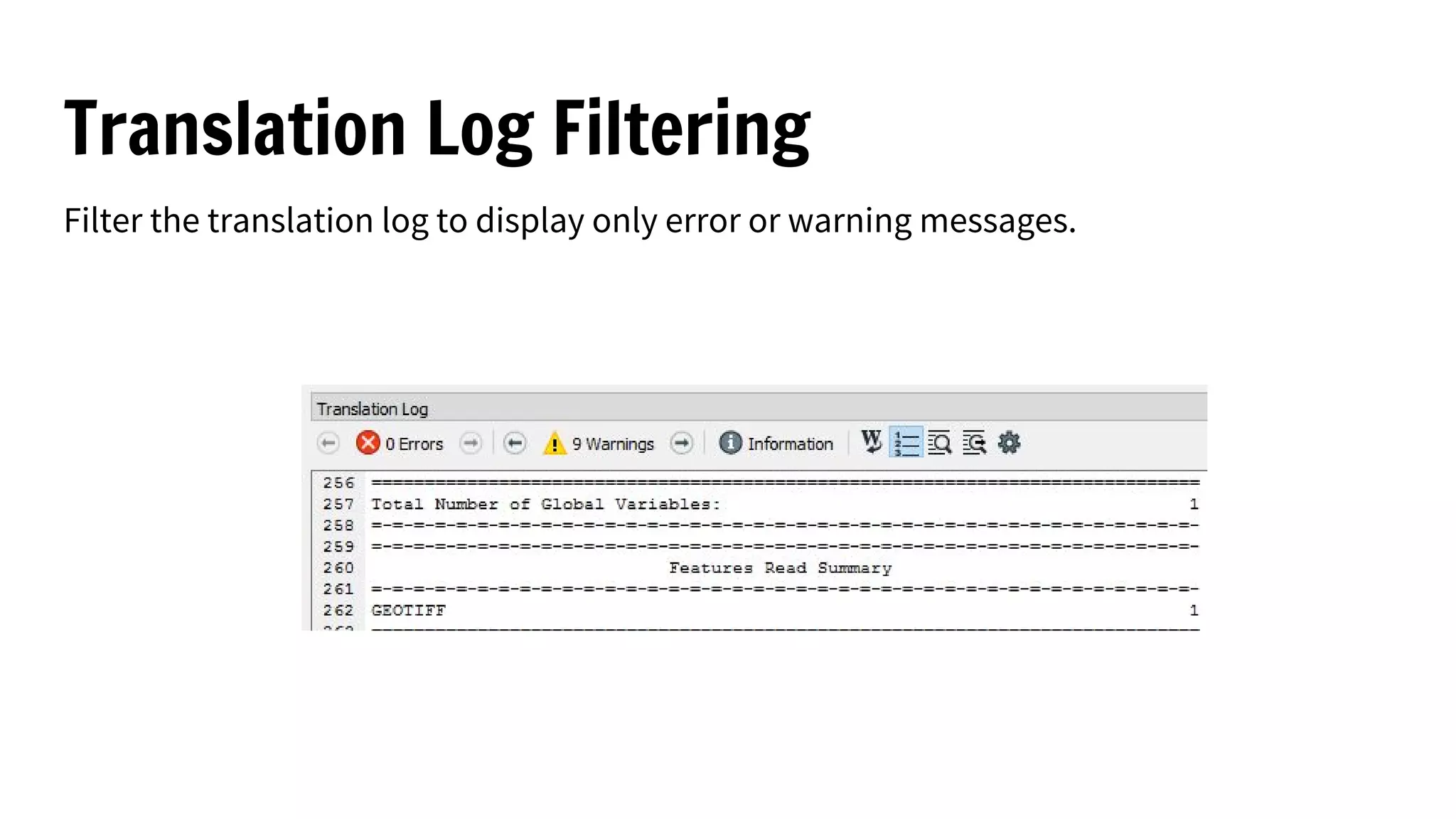
Translation Log Filtering
Filter the translation log to display only error or warning messages.
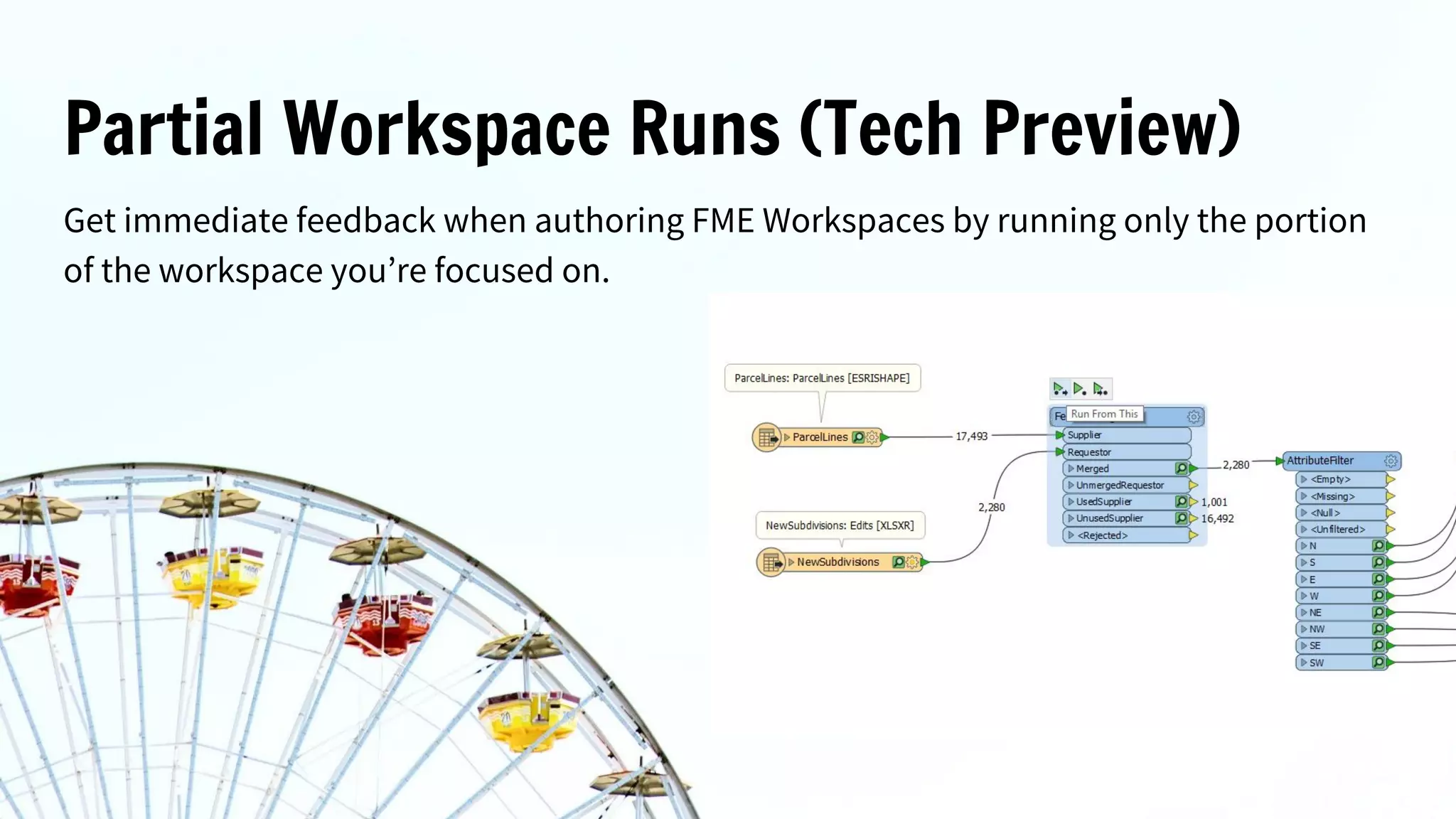
Partial Workspace Runs (Tech Preview)
Get immediate feedback when authoring FME Workspaces by running only the portion
of the workspace you’re focused on.
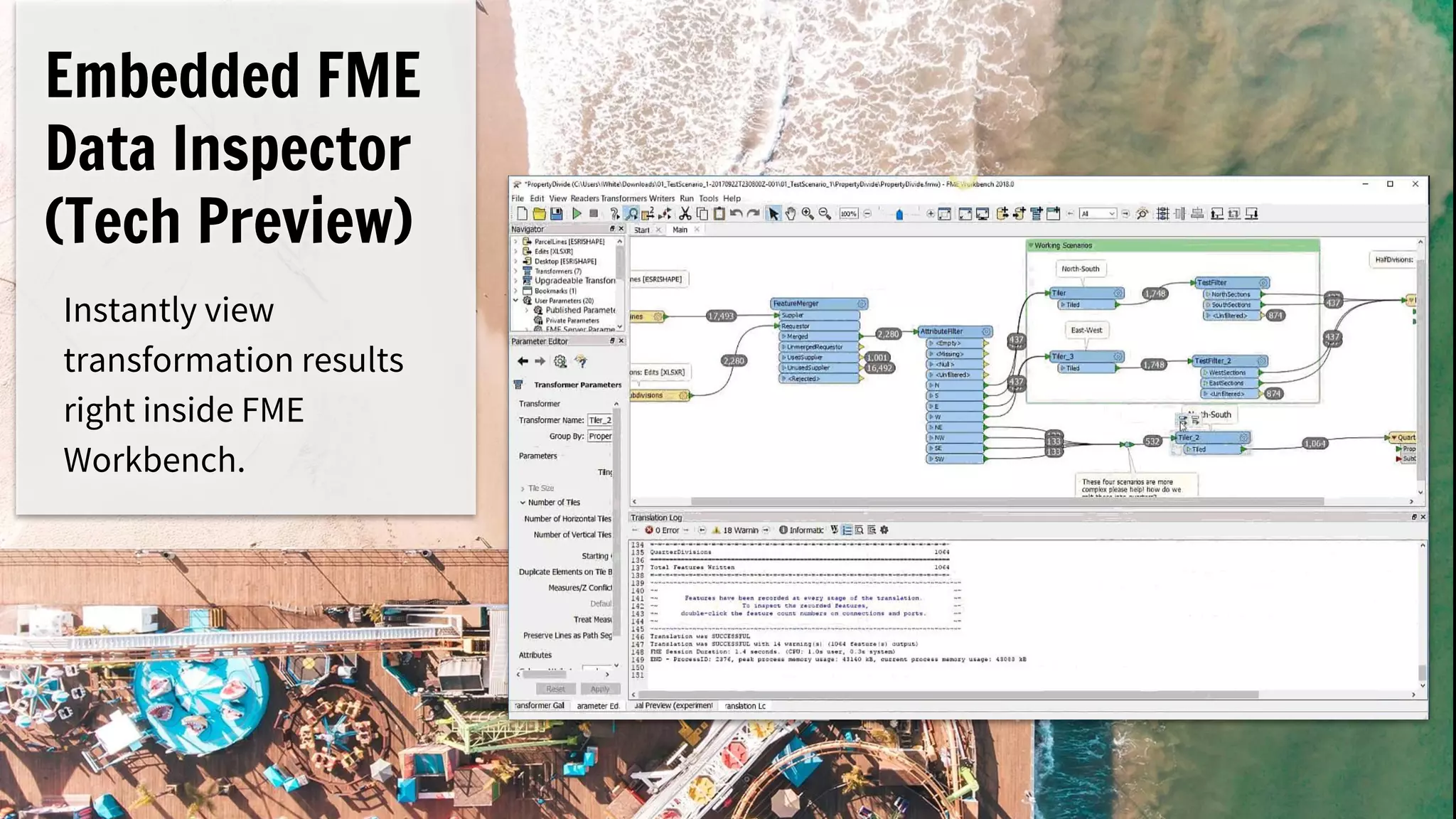
Embedded FME
Data Inspector
(Tech Preview)
Instantly view
transformation results
right inside FME
Workbench.
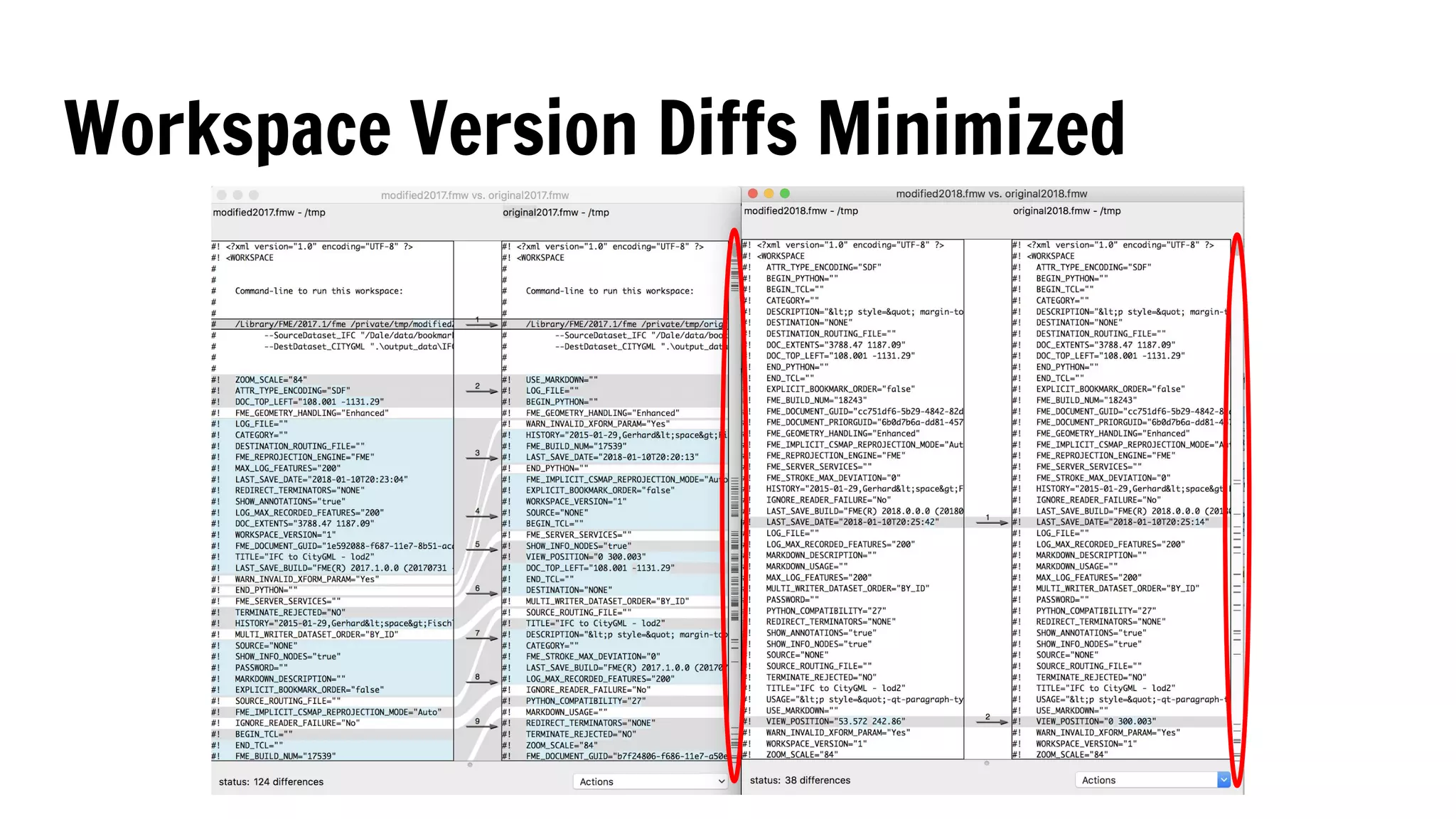
Workspace Version Diffs Minimized
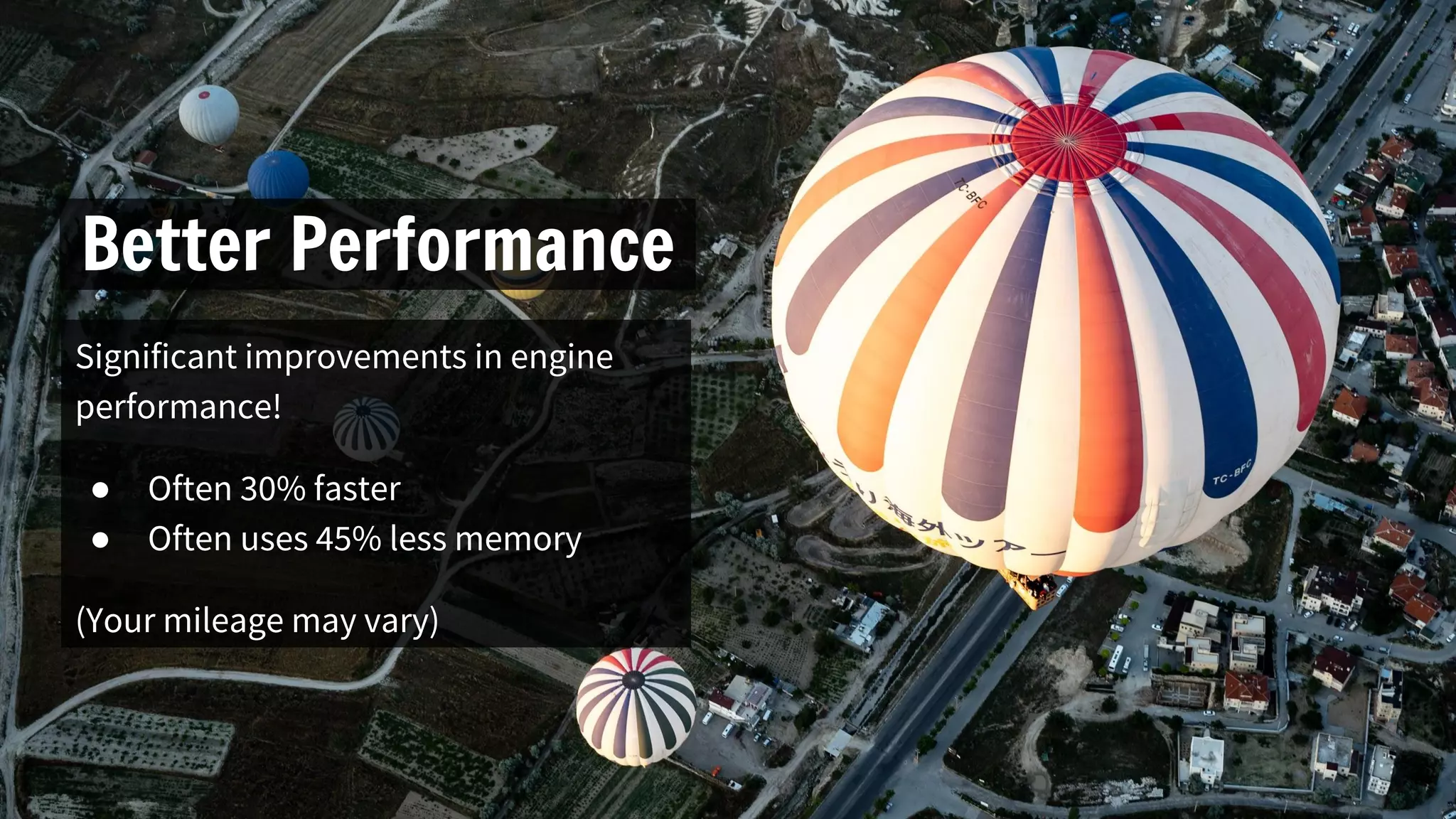
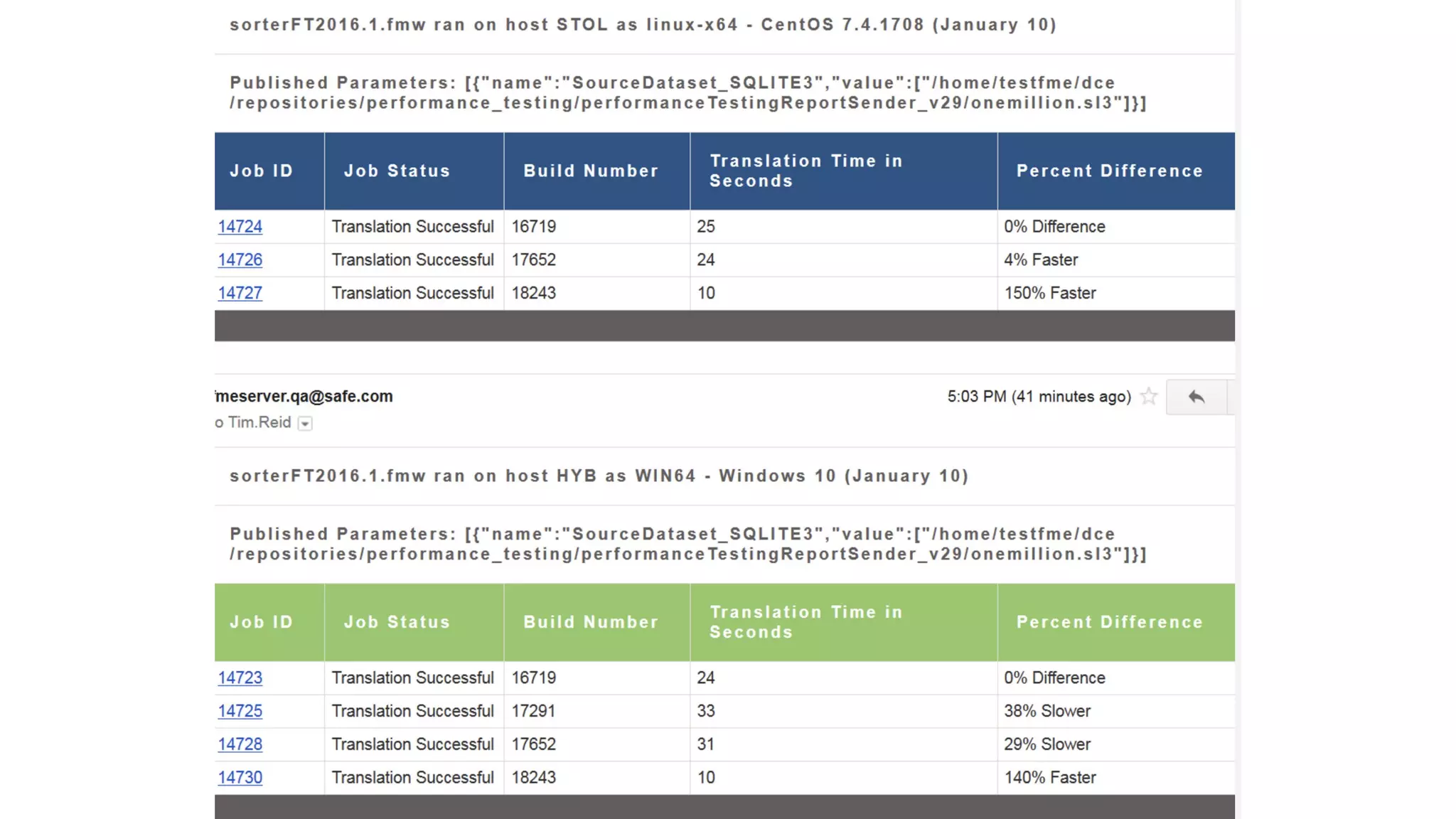
Better Performance
Significant improvements in engine
performance!
● Often 30% faster
● Often uses 45% less memory
(Your mileage may vary)
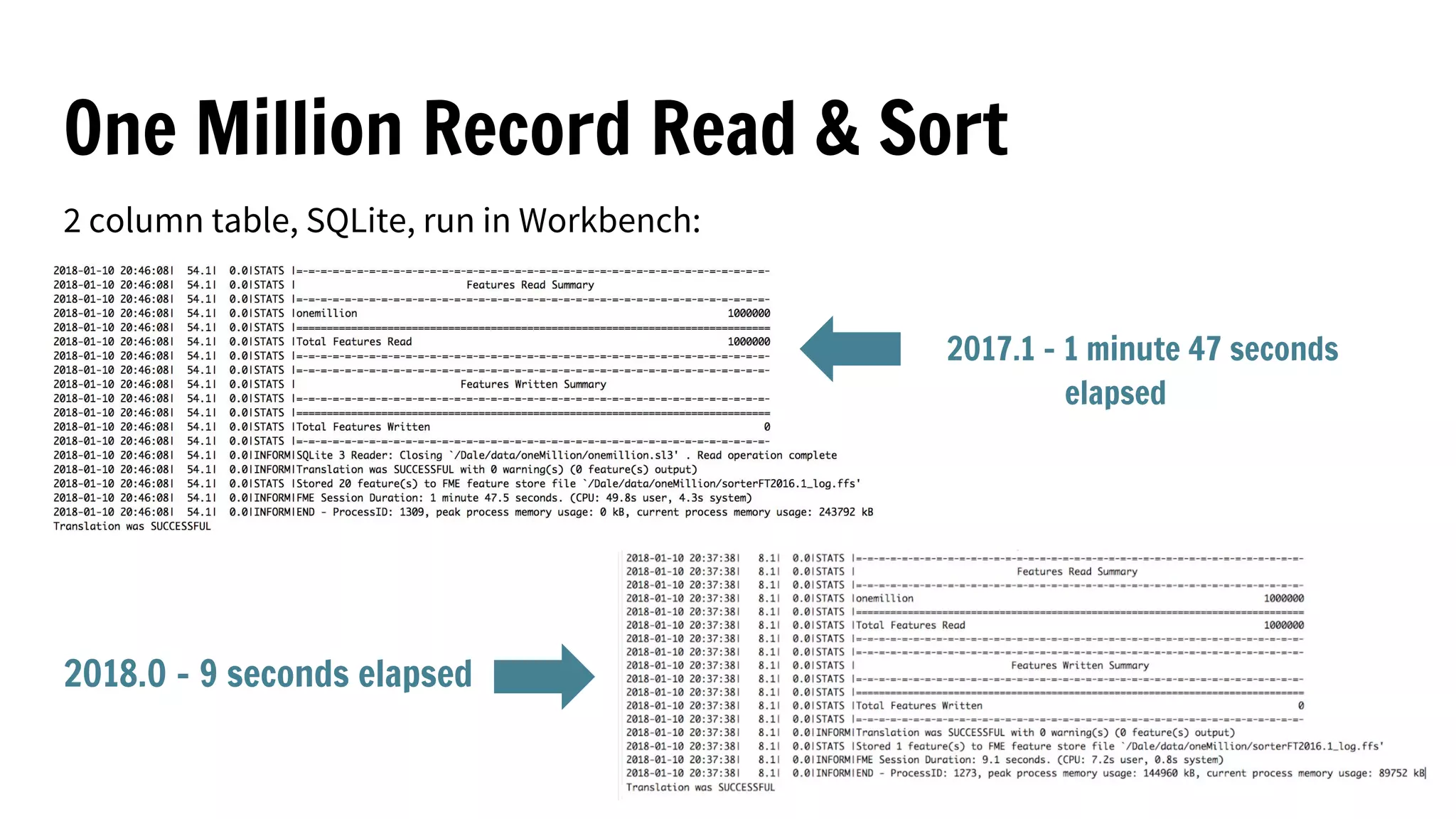
One Million Record Read & Sort
2 column table, SQLite, run in Workbench:
2017.1 - 1 minute 47 seconds
elapsed
2018.0 - 9 seconds elapsed
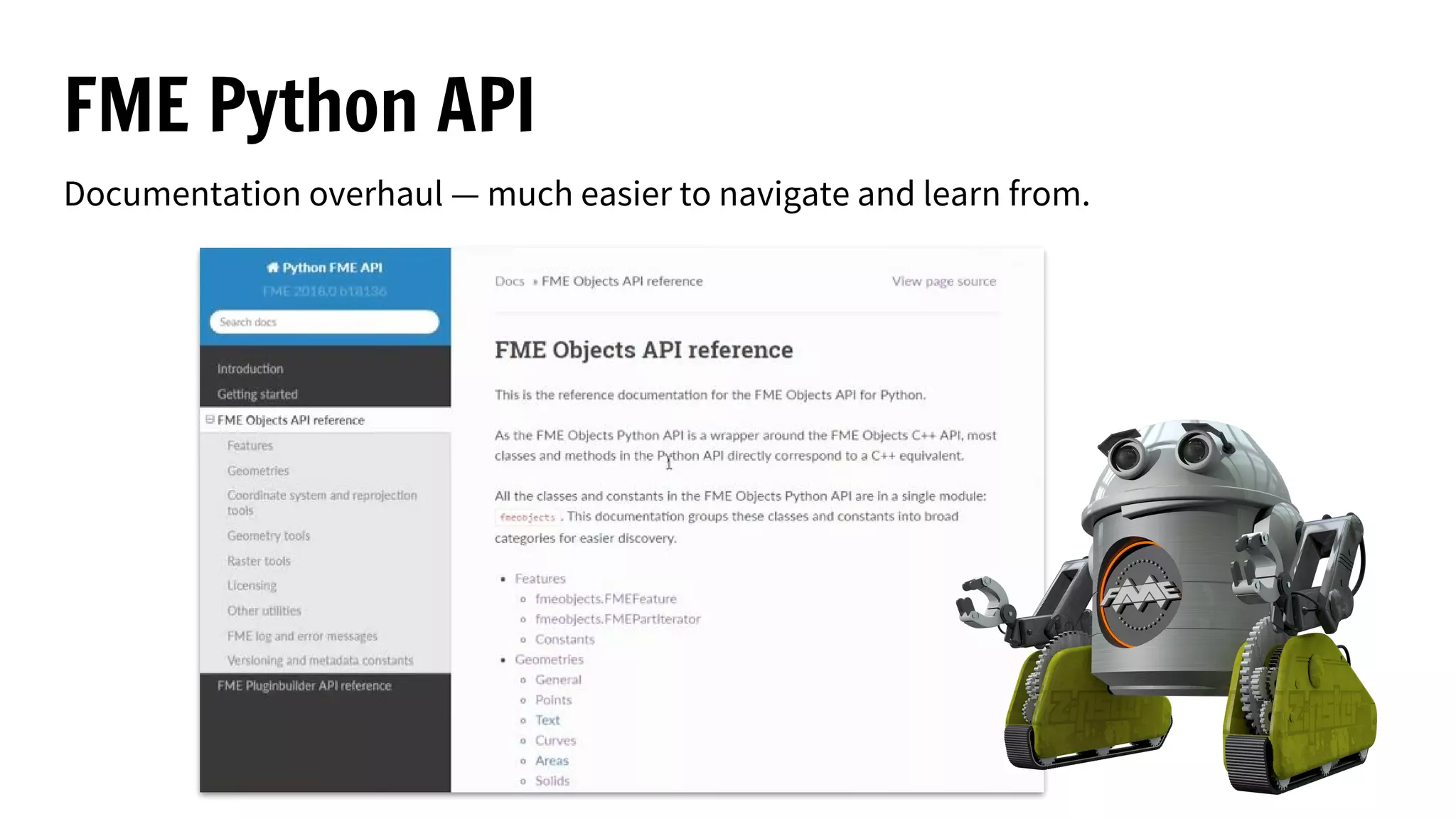
FME Python API
Documentation overhaul — much easier to navigate and learn from.
FeatureWriter output ports
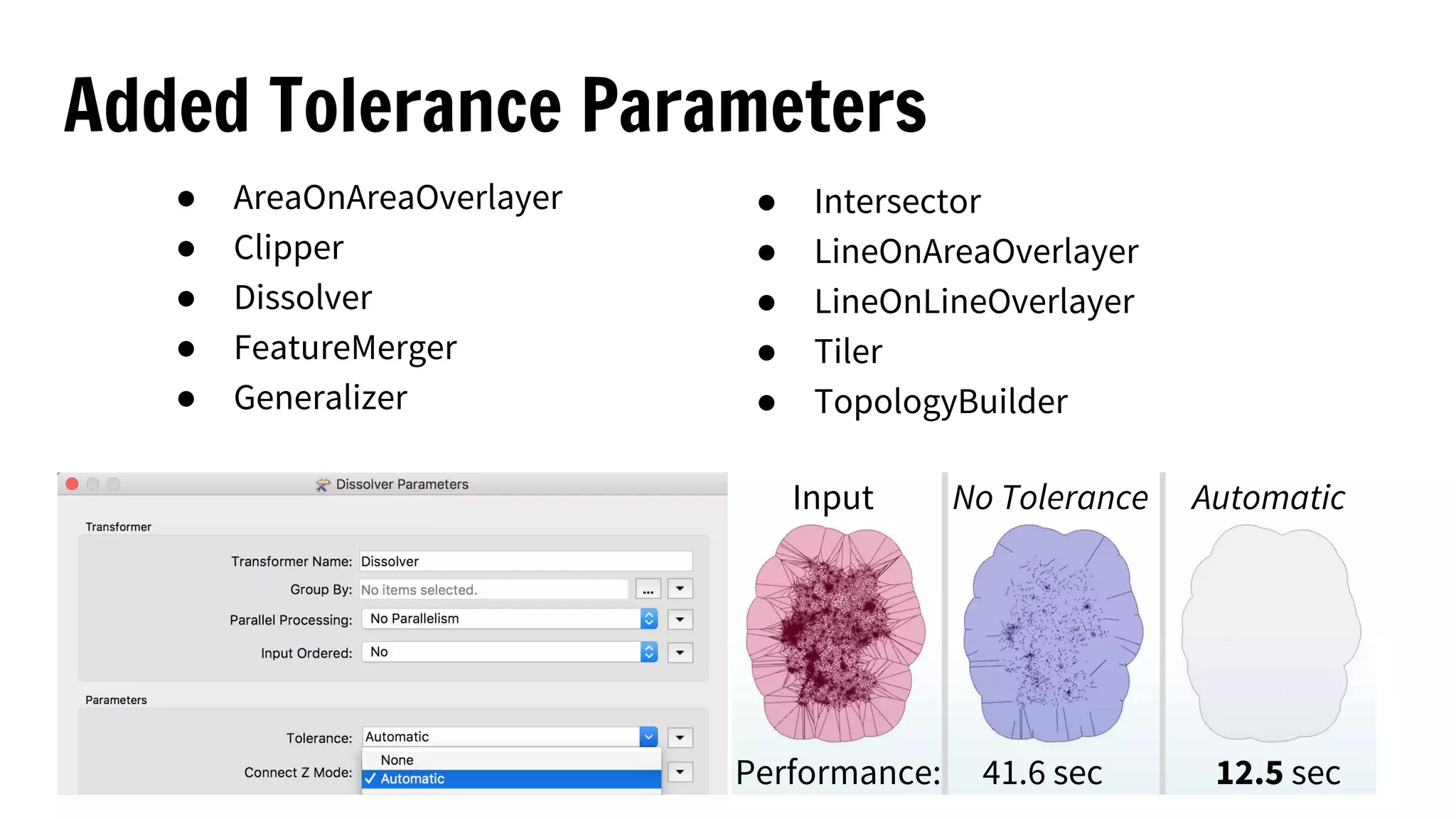
Added Tolerance Parameters
● AreaOnAreaOverlayer
● Clipper
● Dissolver
● FeatureMerger
● Generalizer
● Intersector
● LineOnAreaOverlayer
● LineOnLineOverlayer
● Tiler
● TopologyBuilder
Performance: 41.6 sec 12.5 sec
Input No Tolerance Automatic
Format and Transformer Improvements
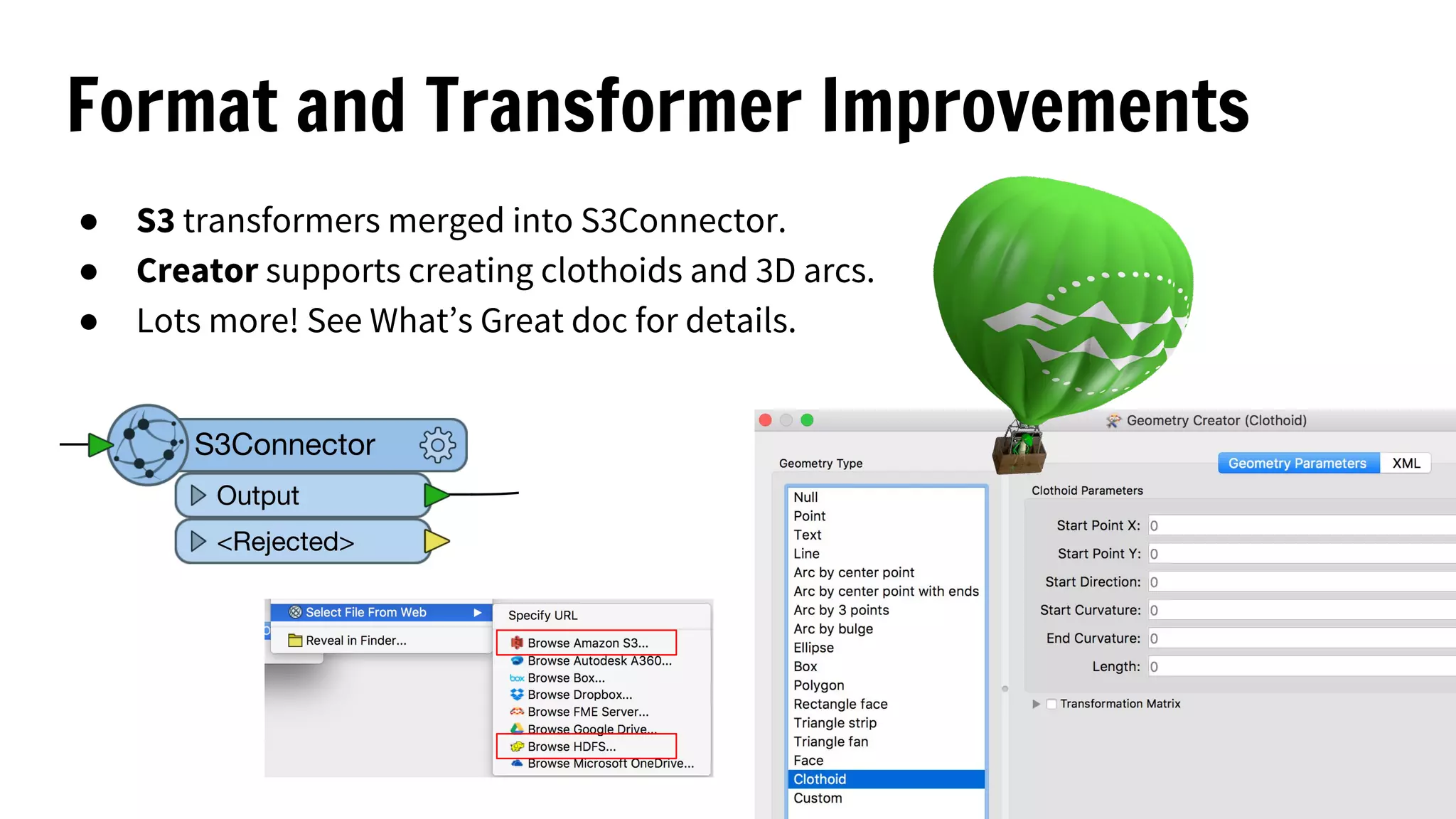
● S3 transformers merged into S3Connector.
● Creator supports creating clothoids and 3D arcs.
● Lots more! See What’s Great doc for details.
Coordinate System Updates
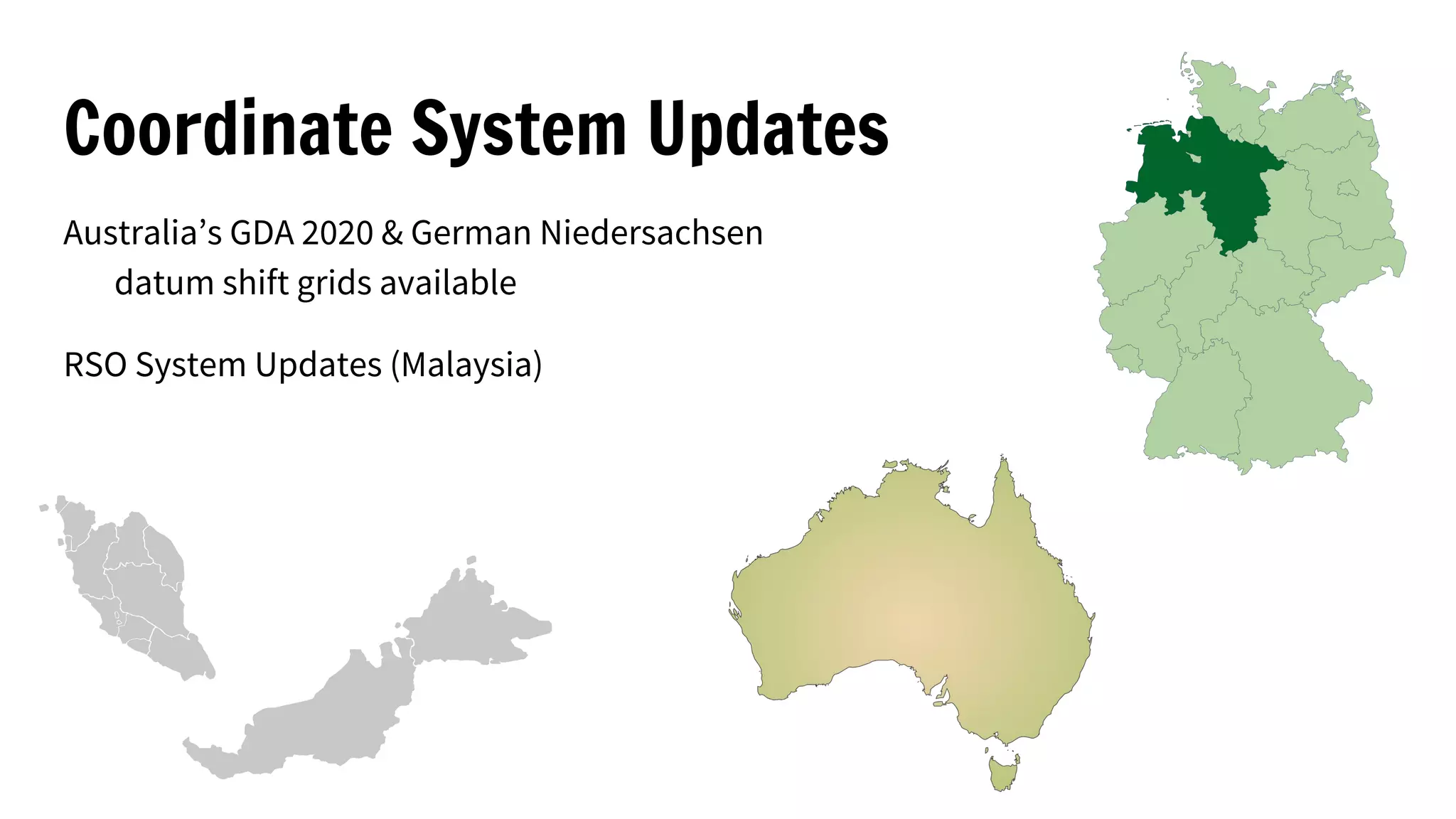
Australia’s GDA 2020 & German Niedersachsen
datum shift grids available
RSO System Updates (Malaysia)
Automate Anything
FME Server To New Heights
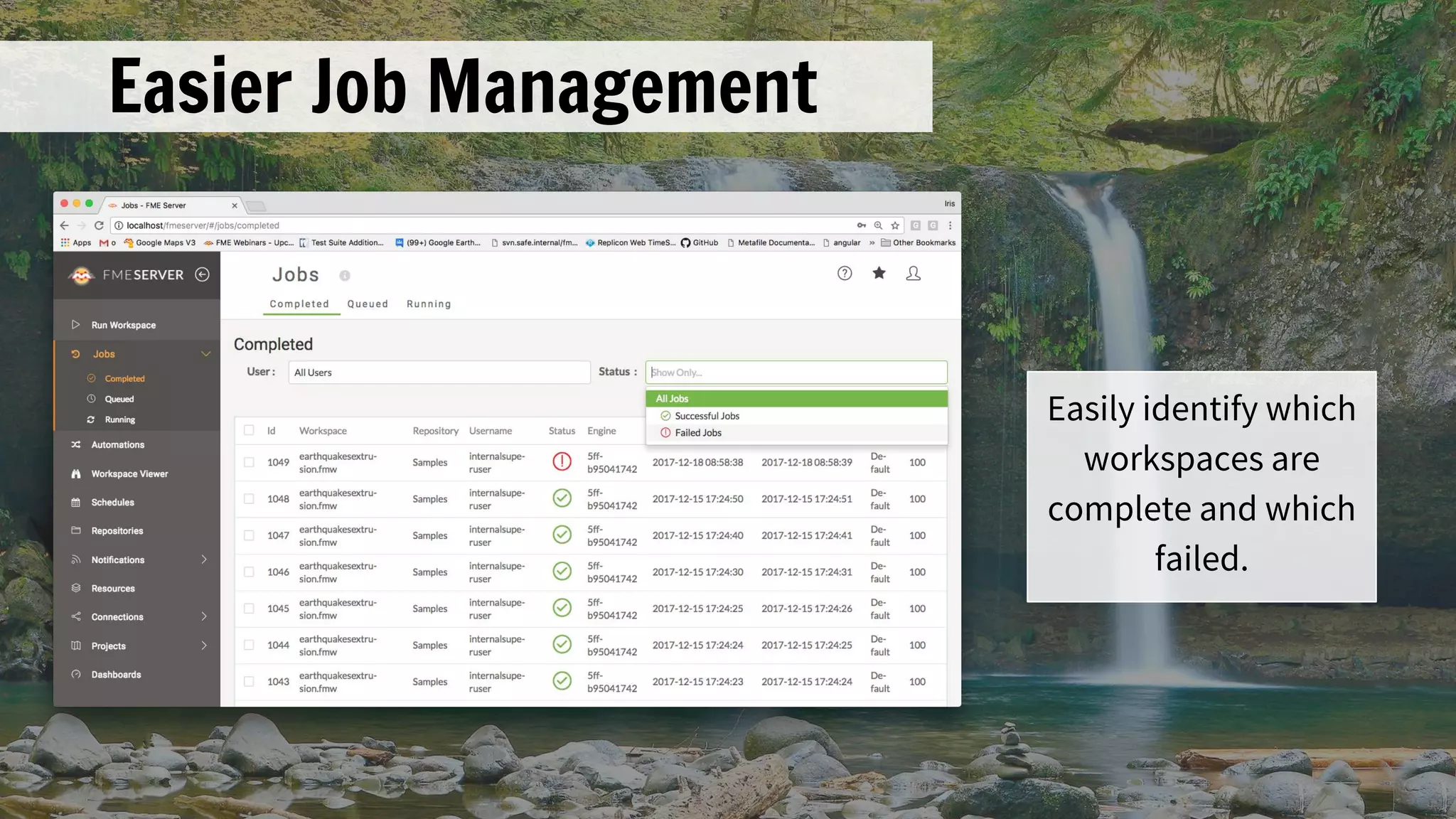
Easier Job Management
Easily identify which
workspaces are
complete and which
failed.
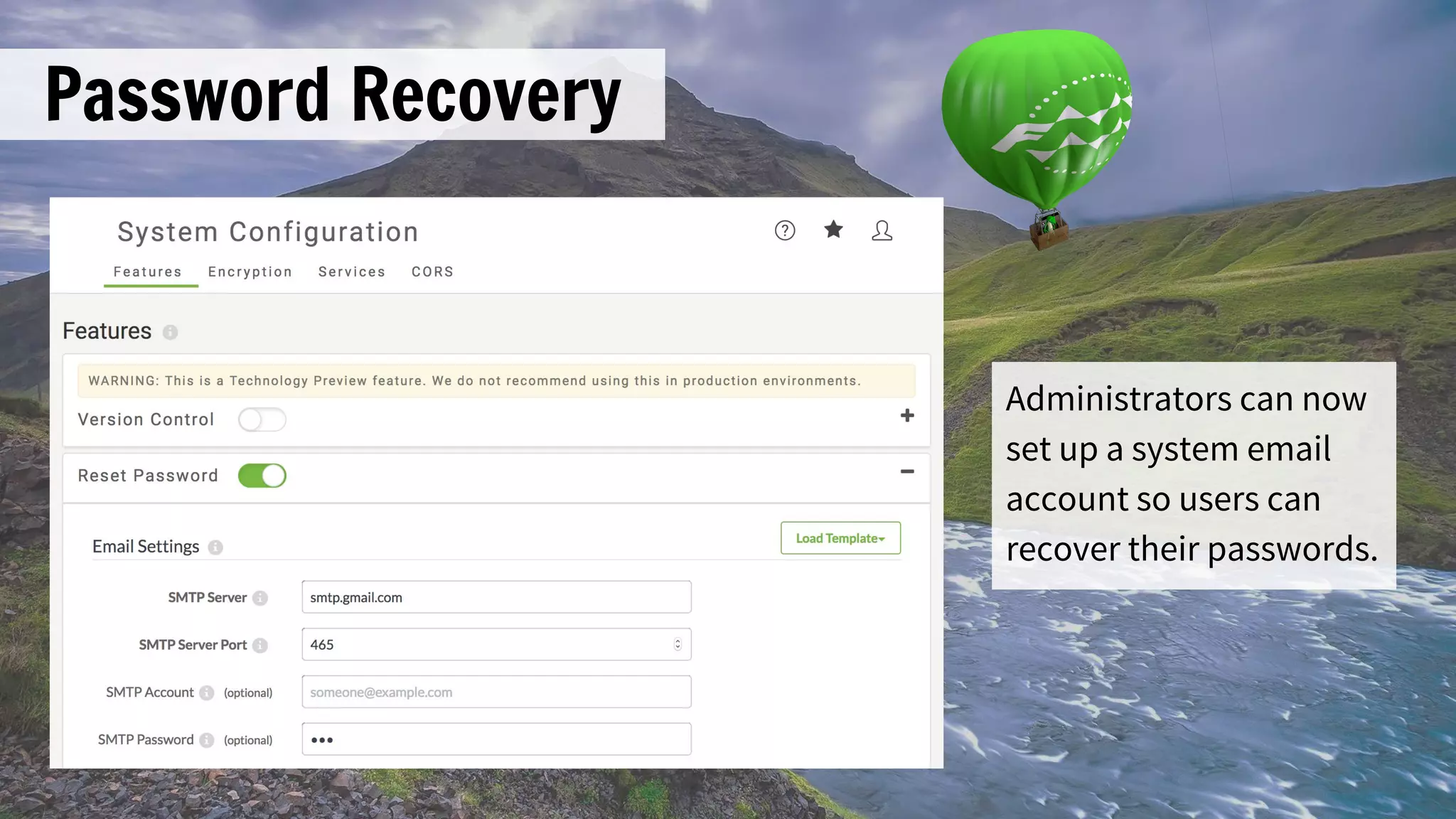
Password Recovery
Administrators can now
set up a system email
account so users can
recover their passwords.
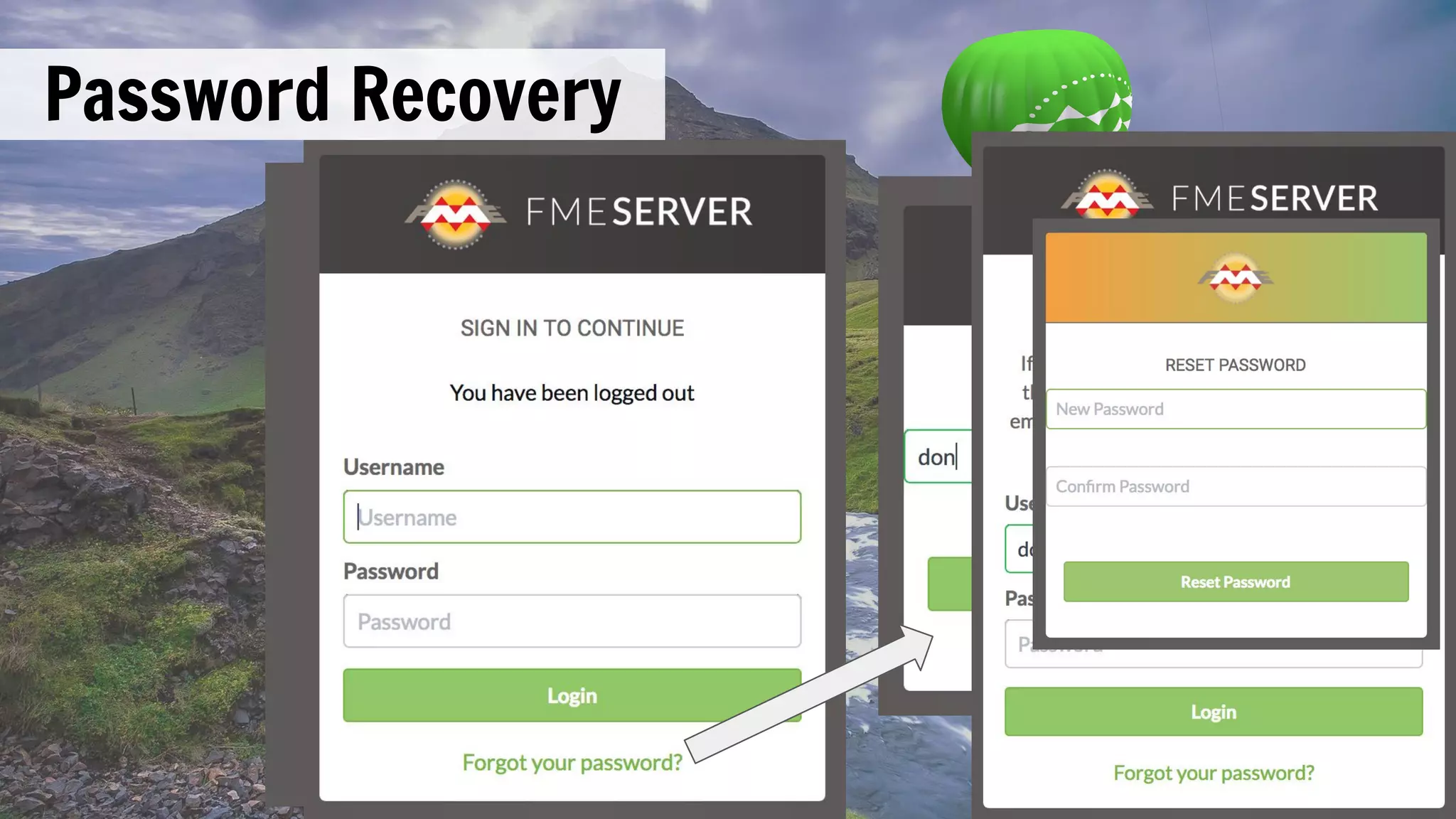
Password Recovery
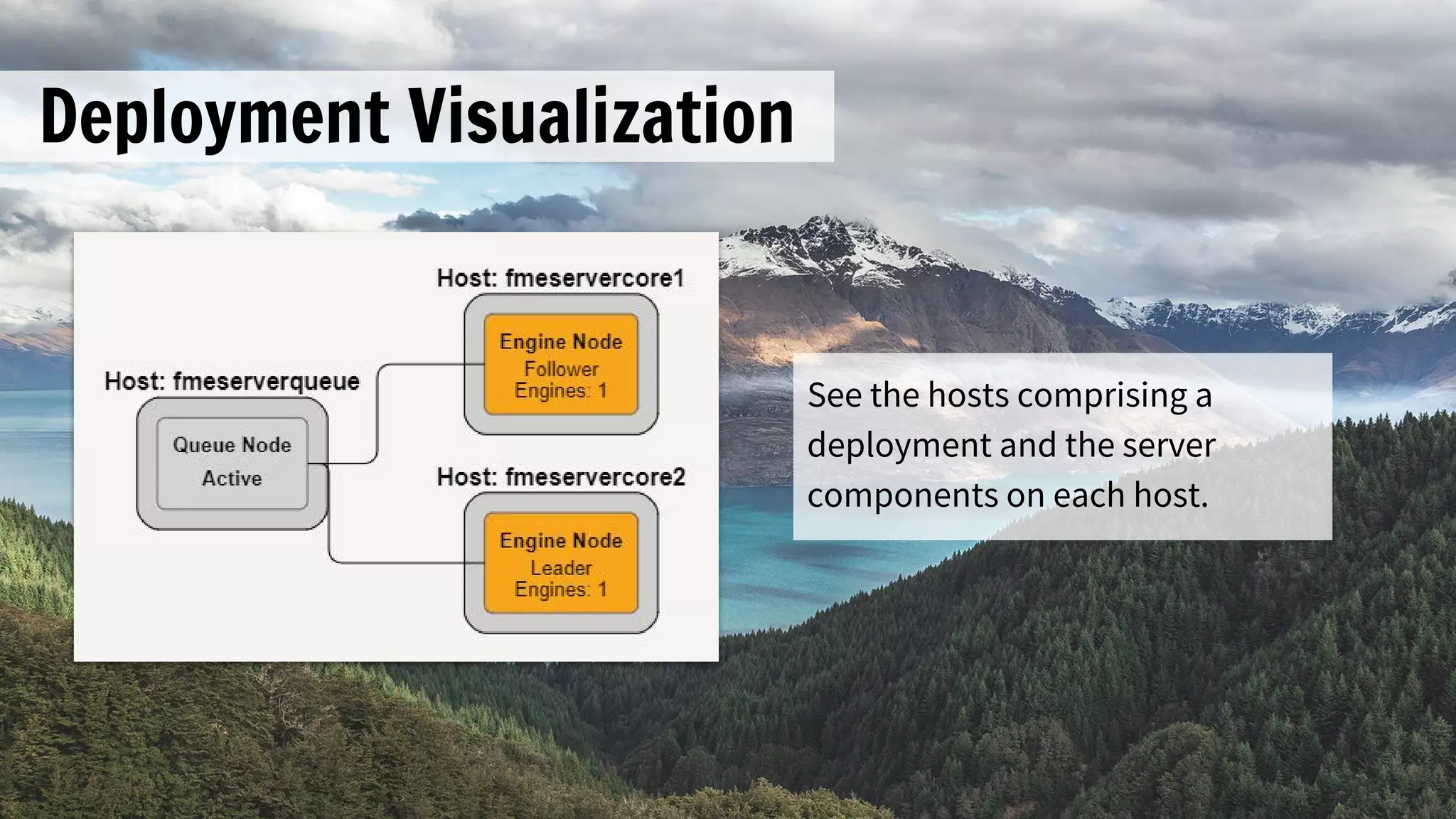
Deployment Visualization
See the hosts comprising a
deployment and the server
components on each host.
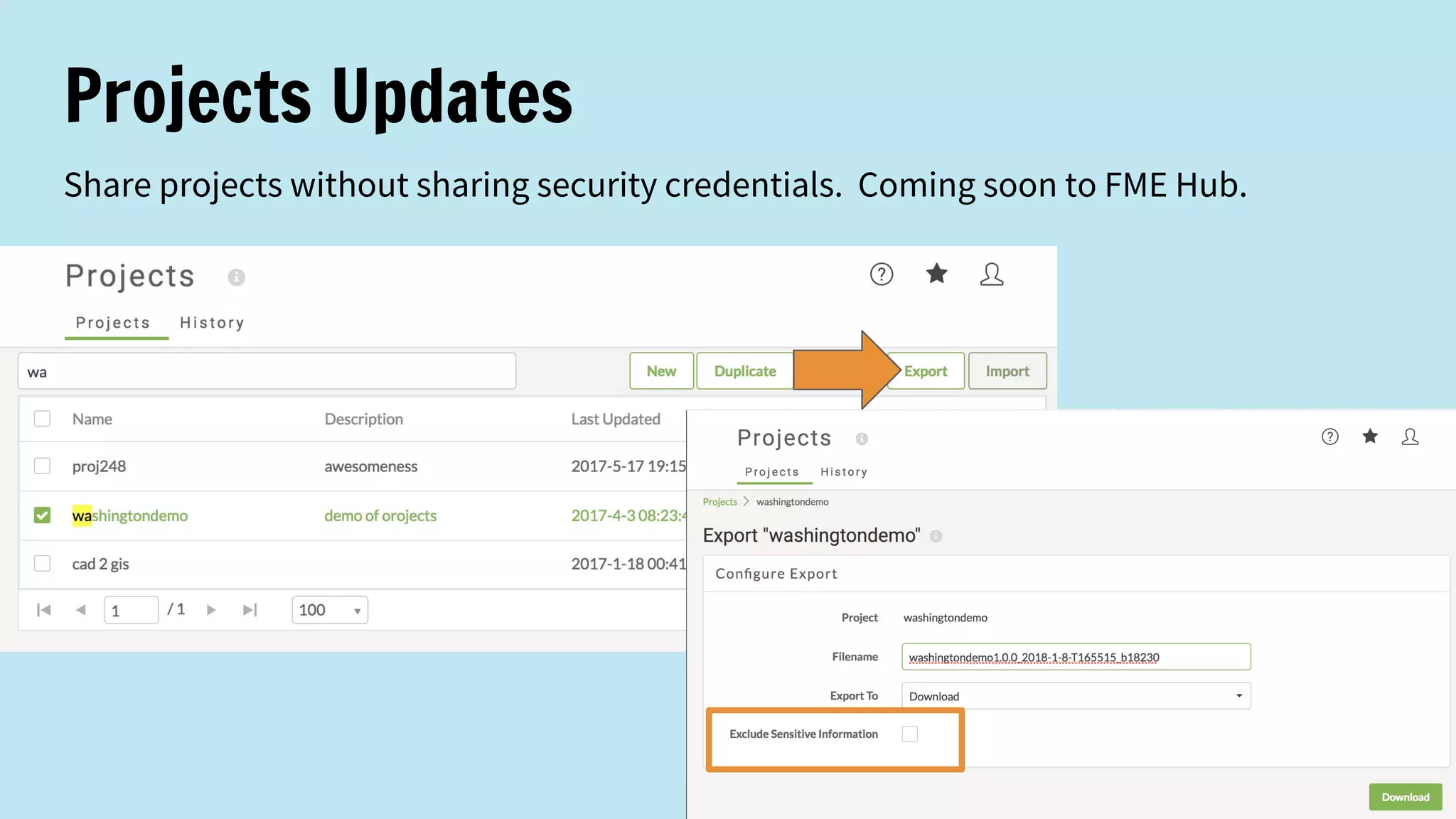
Projects Updates
Share projects without sharing security credentials. Coming soon to FME Hub.
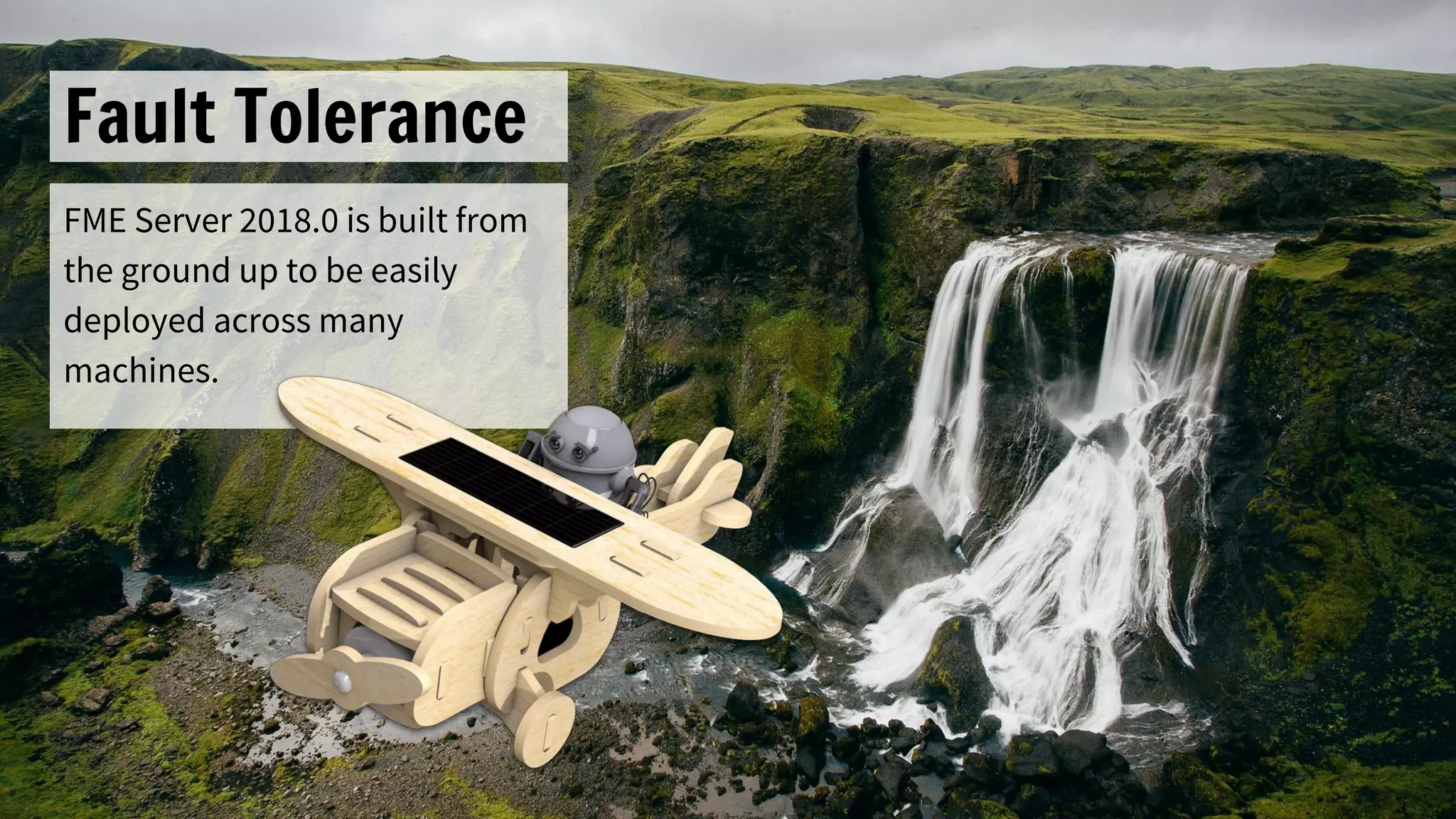
Fault Tolerance
FME Server 2018.0 is built from
the ground up to be easily
deployed across many
machines.
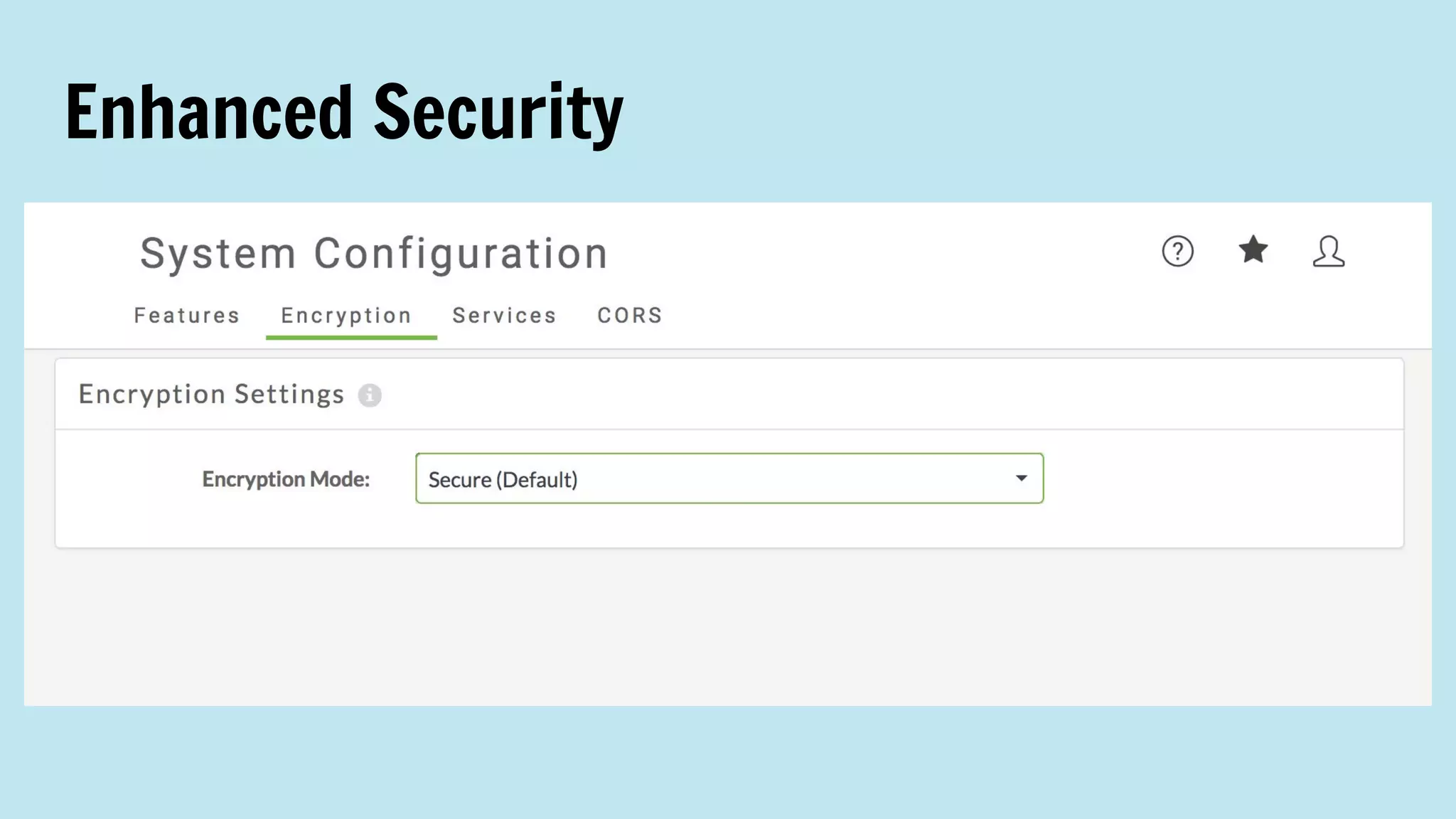
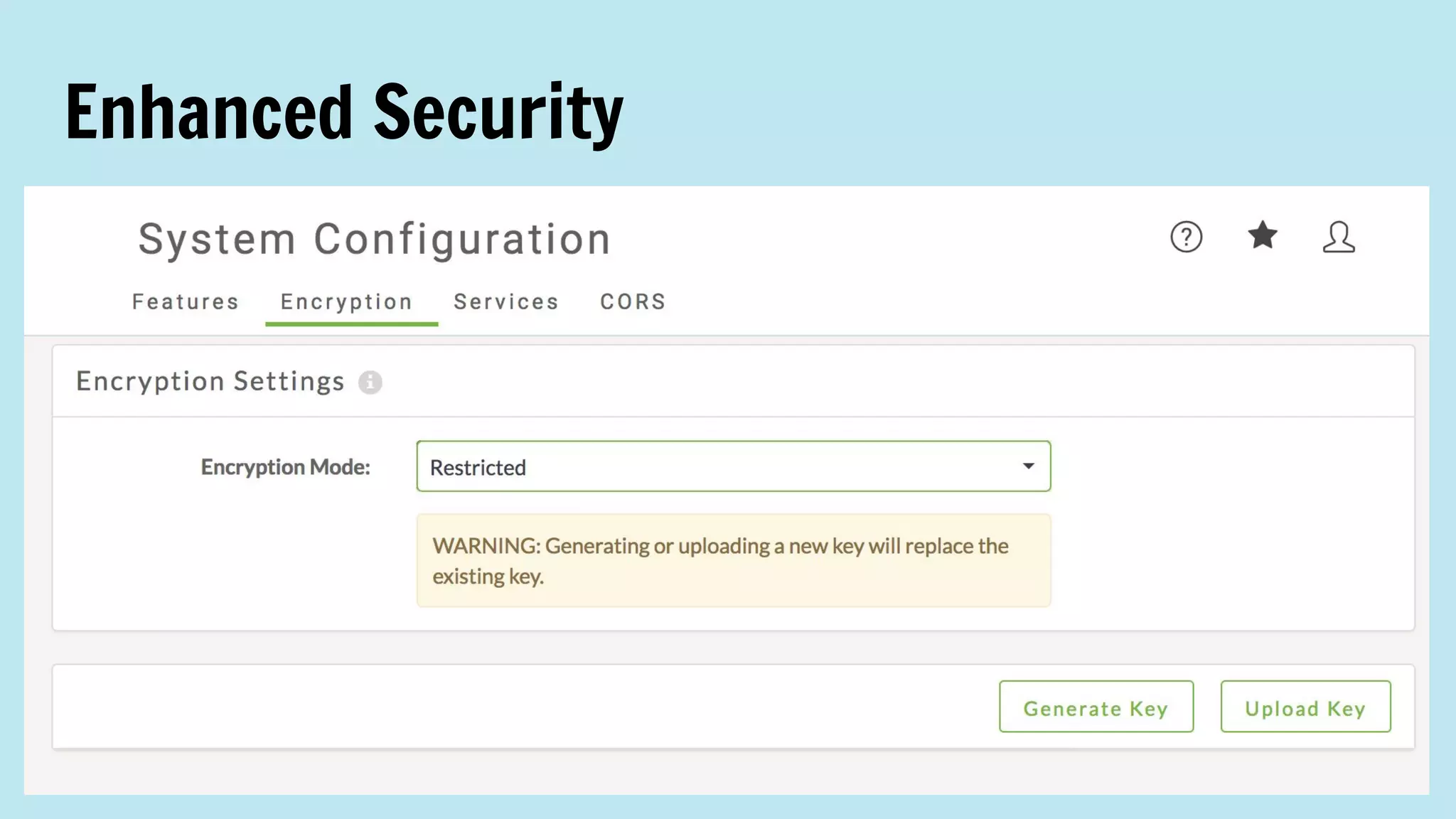
Enhanced Security
Enhanced Security
FME Server on Docker
Out of tech preview! Quickly deploy FME Server on any platform that supports Docker.
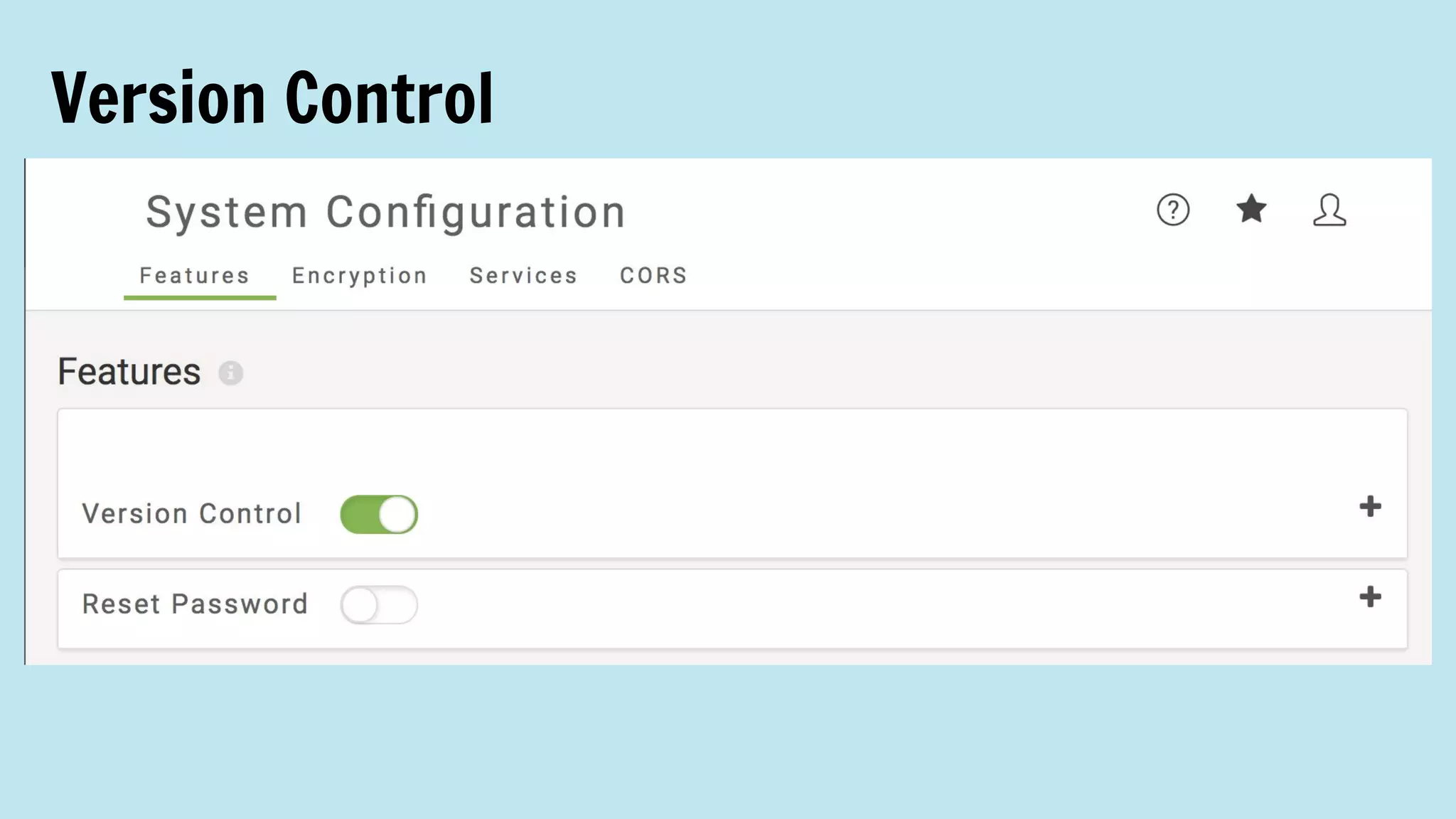
Version Control
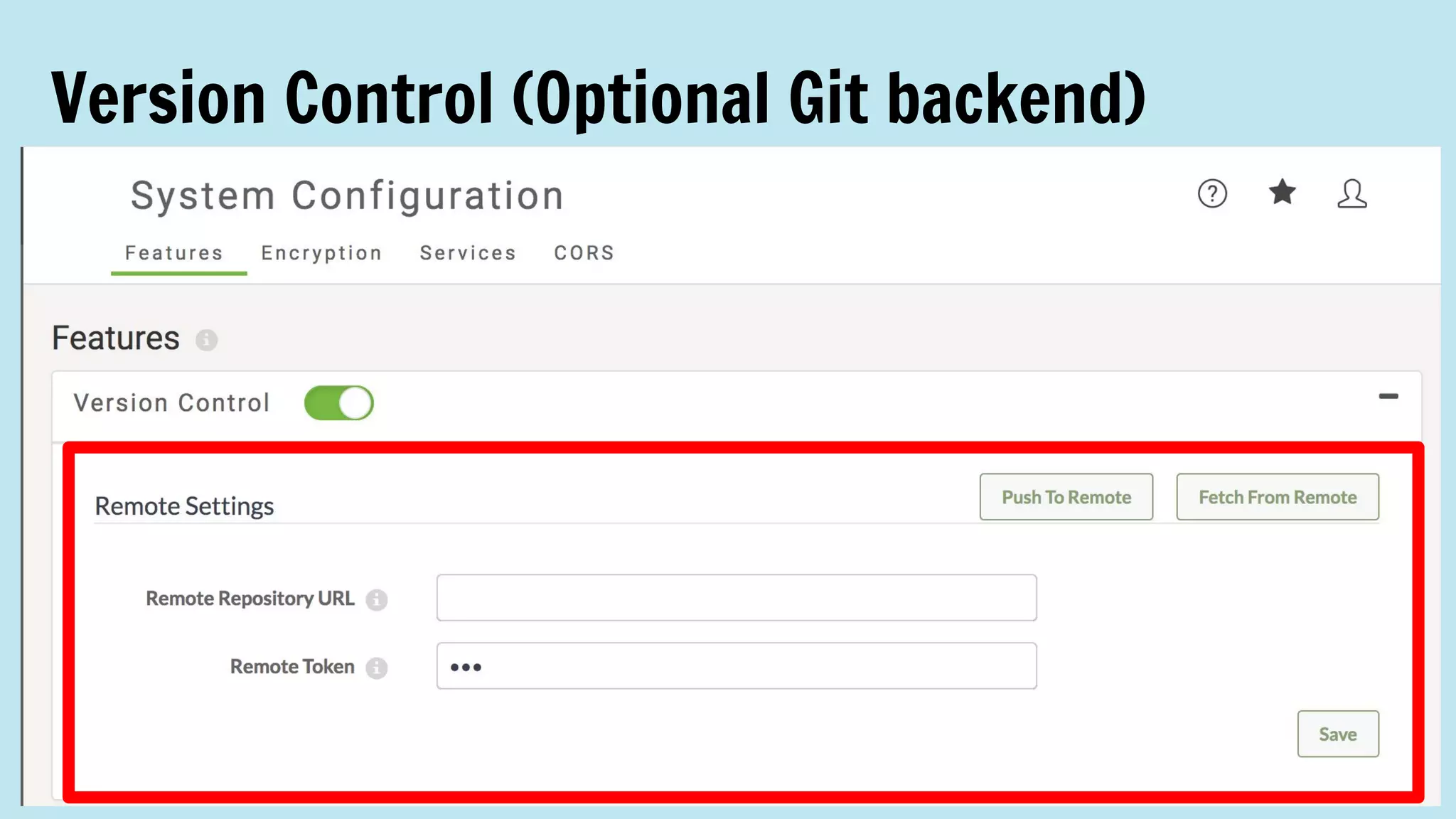
Version Control (Optional Git backend)
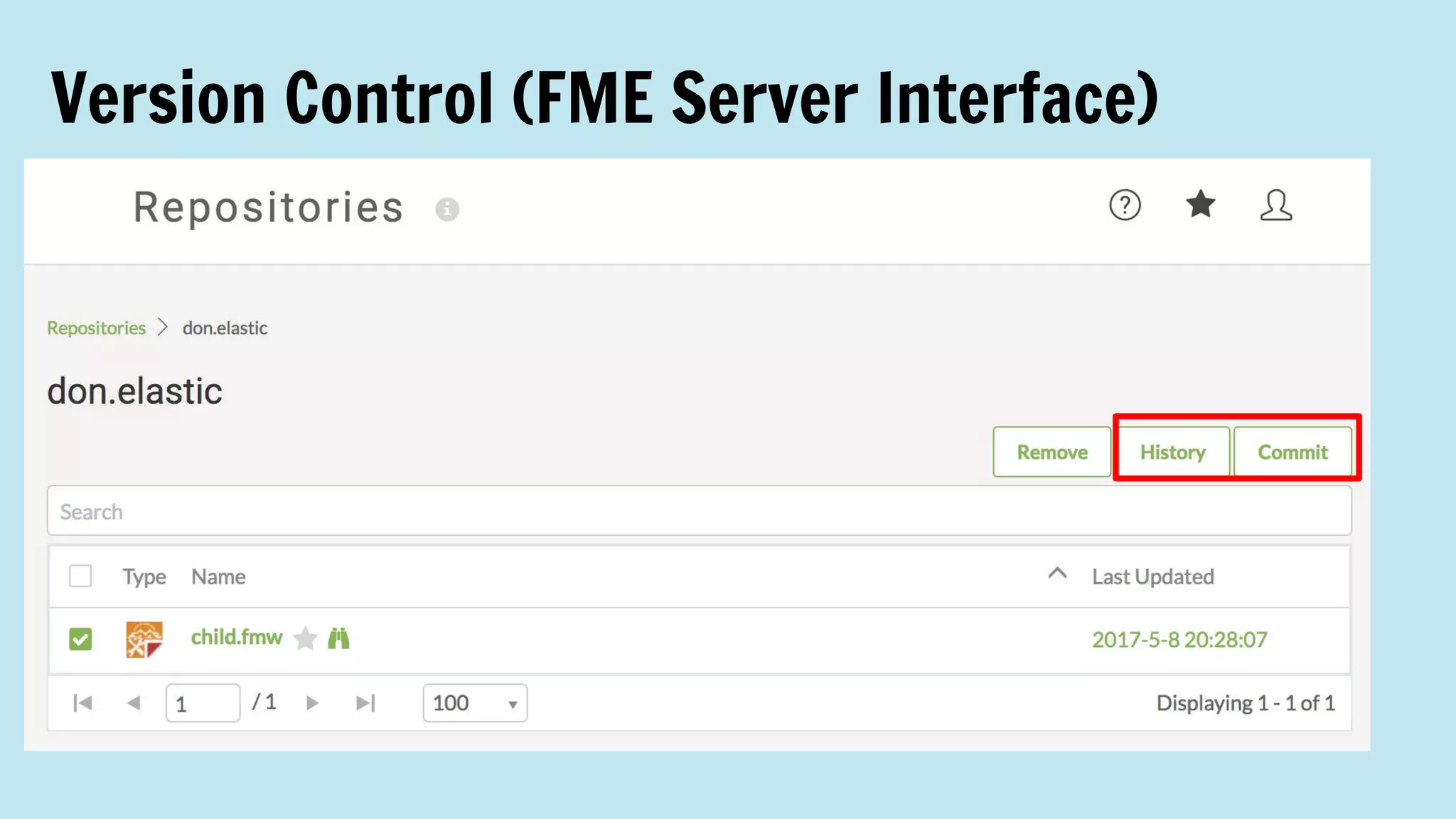
Version Control (FME Server Interface)
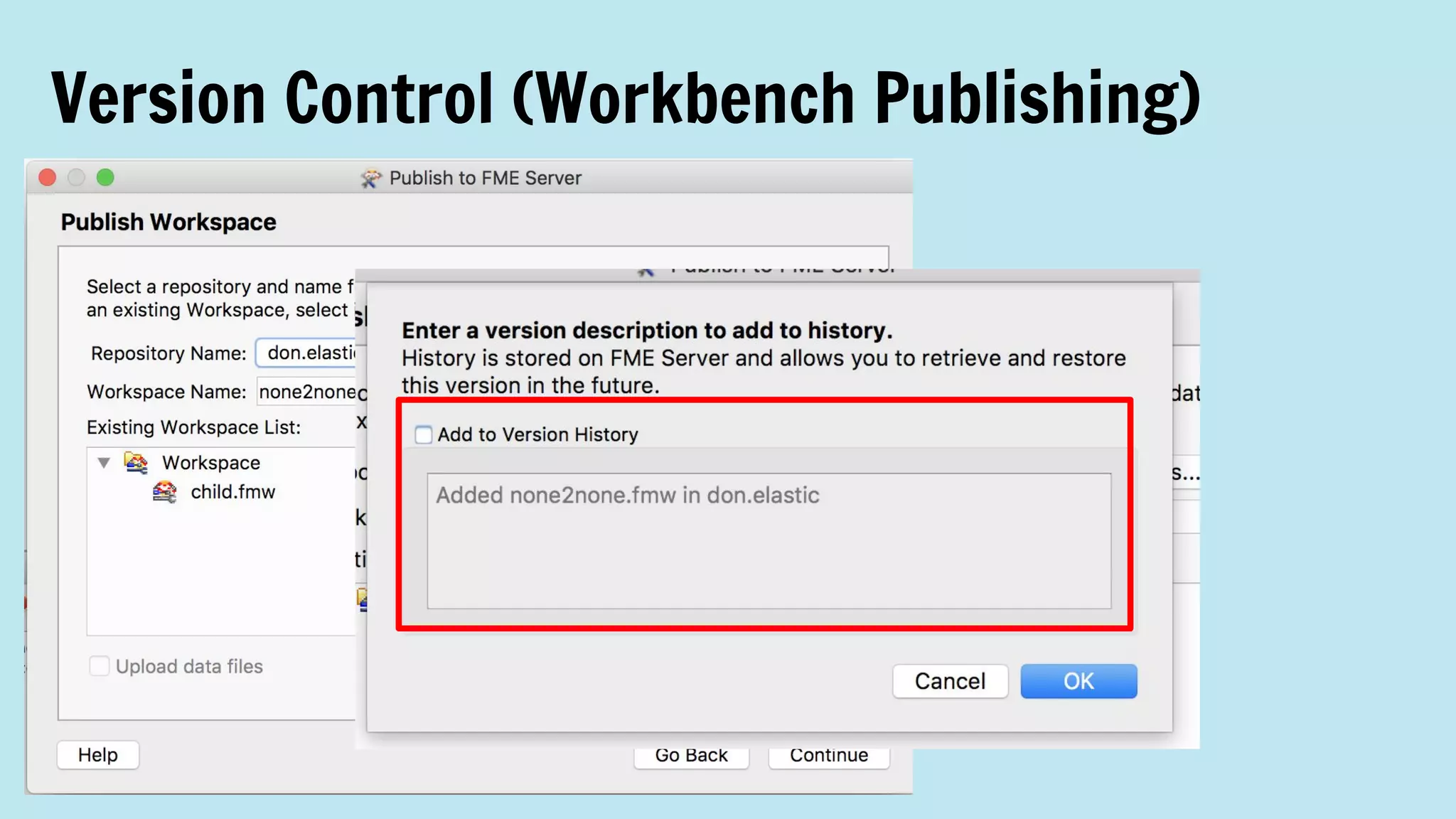
Version Control (Workbench Publishing)
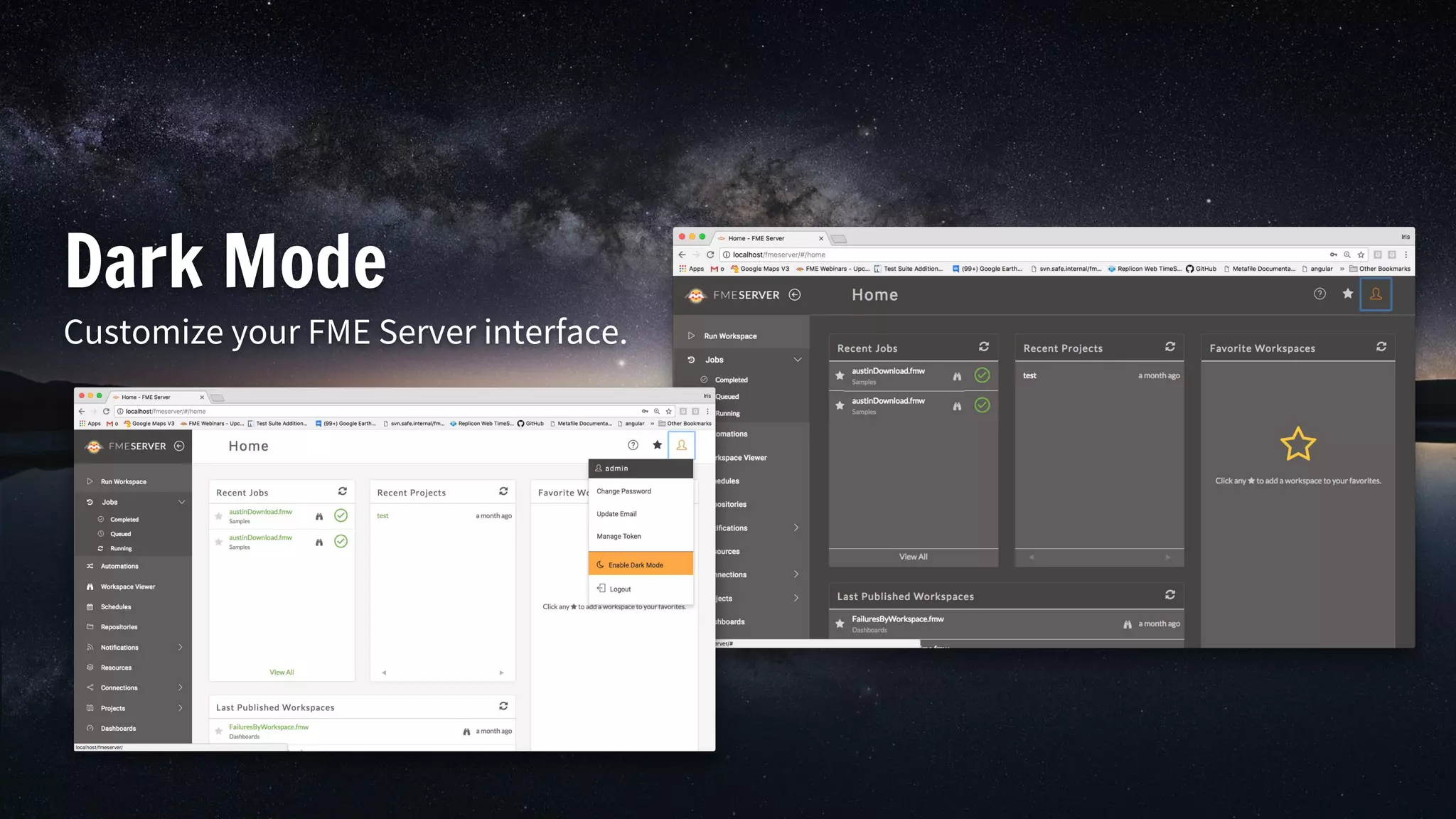
Dark Mode
Customize your FME Server interface.
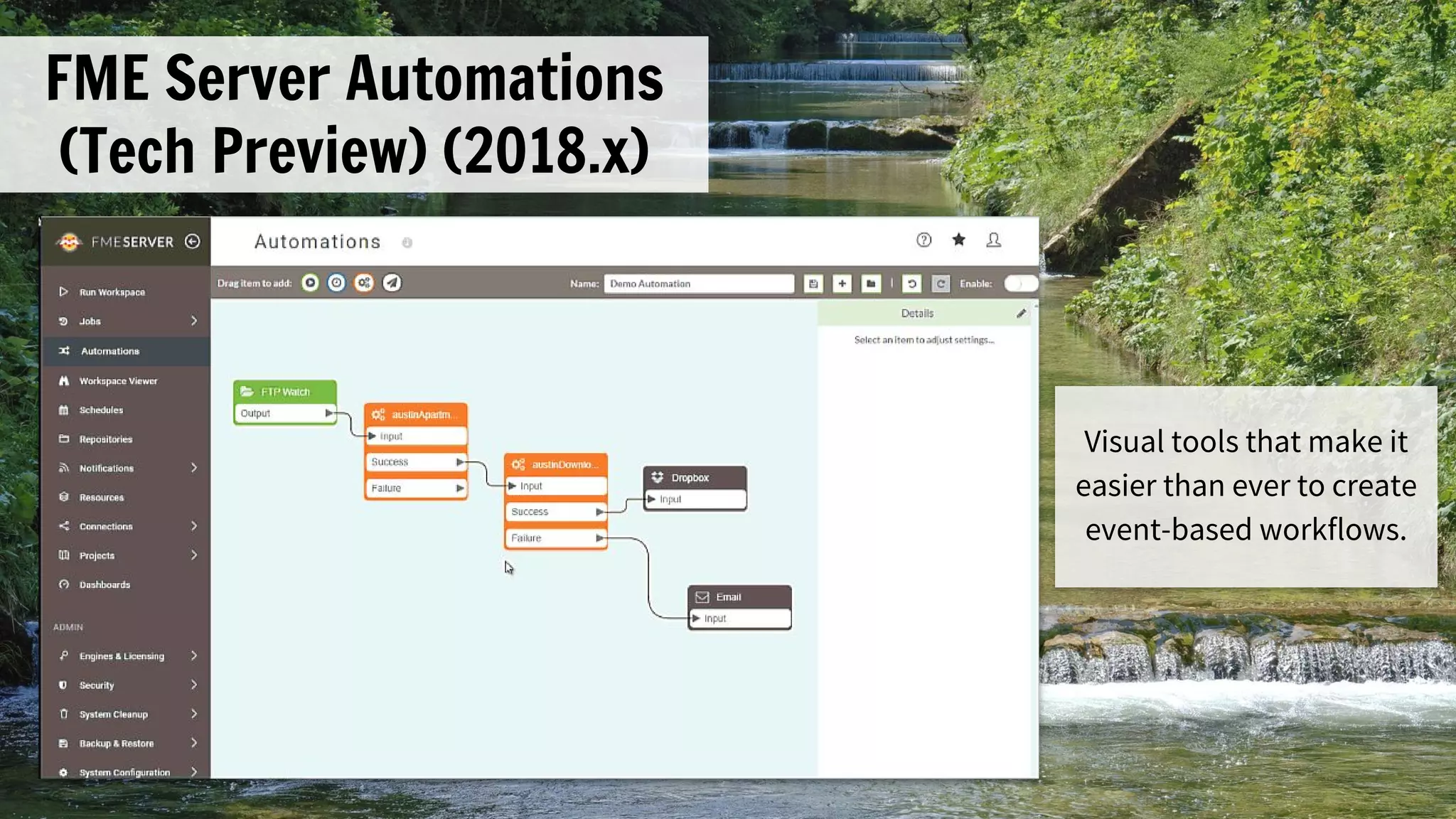
FME Server Automations
(Tech Preview) (2018.x)
Visual tools that make it
easier than ever to create
event-based workflows.
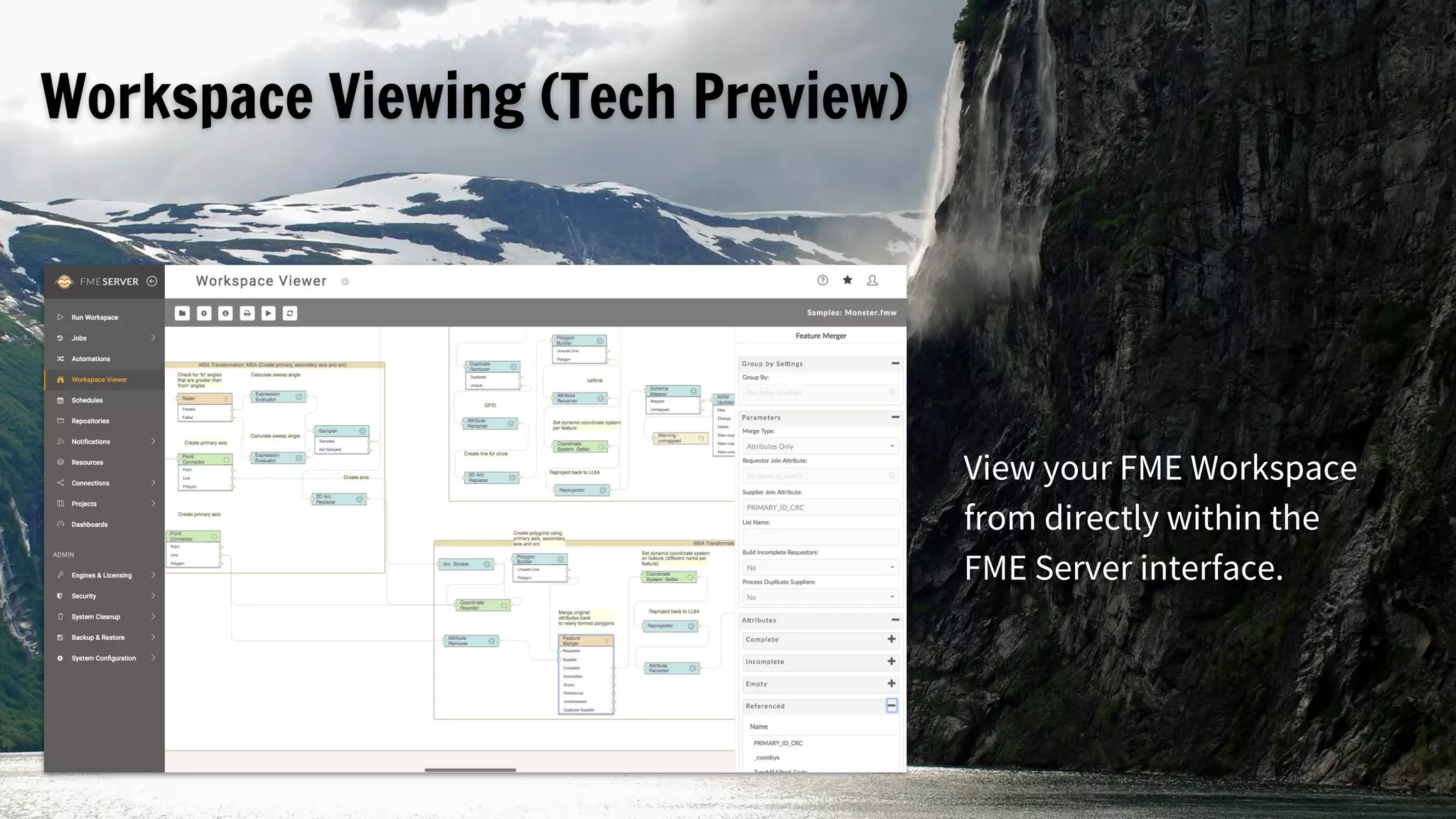
Workspace Viewing (Tech Preview)
View your FME Workspace
from directly within the
FME Server interface.
Sign up for an FME
user meeting in one
of 70+ cities
worldwide, between
March - June 2018.
safe.com/worldtour
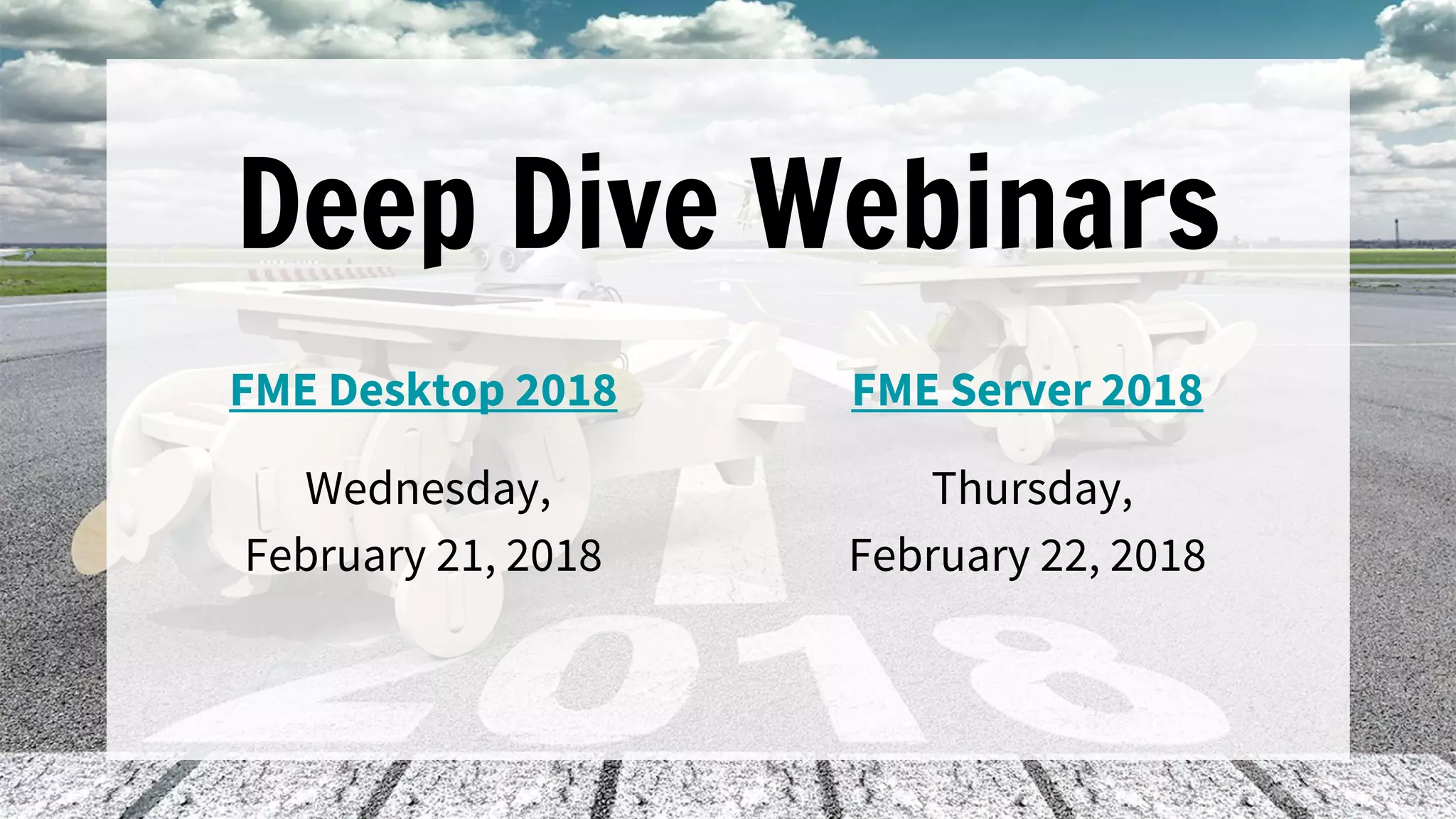
Deep Dive Webinars
FME Desktop 2018
Wednesday,
February 21, 2018
FME Server 2018
Thursday,
February 22, 2018
Q&A
Download FME 2018 at safe.com/beta
and watch for the official release in early March.

Unveiling FME 2018