
Taste of FME 2011 & Beyond
New FME Branding! Achieve Total Spatial Data Mastery Cooking
Branding
Branding
Focus of Branding Make you the master chefs!
What’s Coming out of the  Big Oven in Surrey? FME Workbench
Presentation is important to the sophisticated palete!
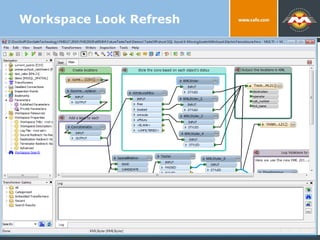
Workspace Look Refresh
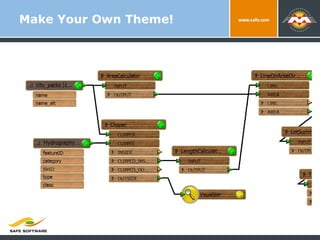
Make Your Own Theme!
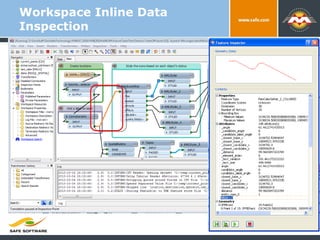
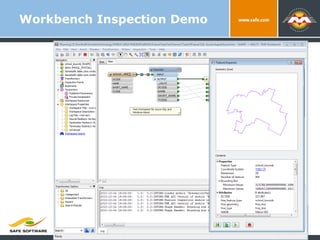
Identify Problems Faster
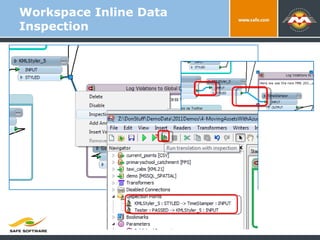
Workspace Inline Data Inspection
Workbench Inspection Demo Trends and Directions in Spatial Data Exchange
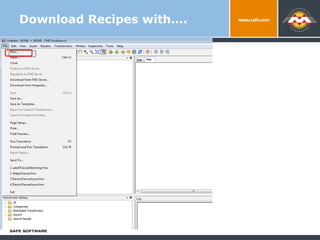
Download Recipes with…. Trends and Directions in Spatial Data Exchange
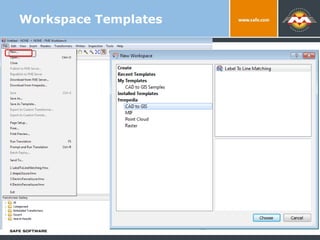
Workspace Templates Trends and Directions in Spatial Data Exchange
What’s coming out of the Big Oven in Surrey?
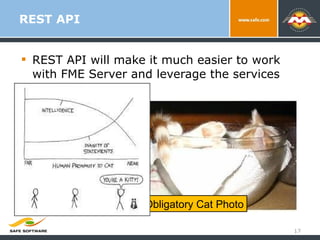
REST API REST API will make it much easier to work with FME Server and leverage the services that it provides. Obligatory Cat Photo
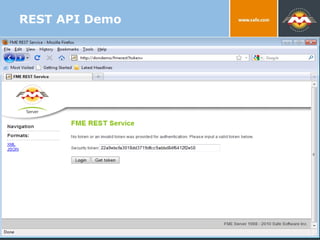
REST API Demo
FME Server Security continues Currently security is server wide.  Repository Level Security Define Repositories that users can access Define type of access that they have.
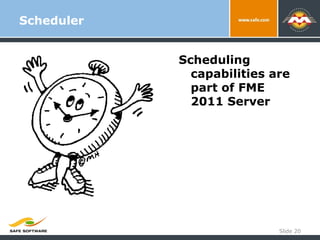
Scheduler Slide  Scheduling capabilities are part of FME 2011 Server
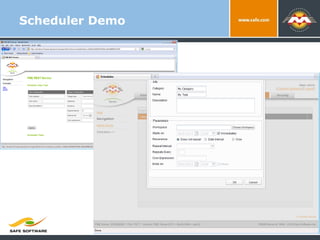
Scheduler Demo Slide
What’s Coming out of the  Big Oven in Surrey? Platform
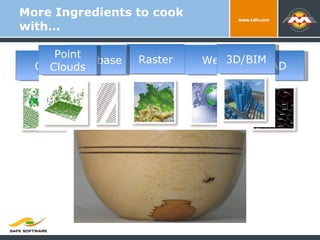
More Ingredients to cook with… GIS CAD Raster Database Web 3D/BIM Point Clouds
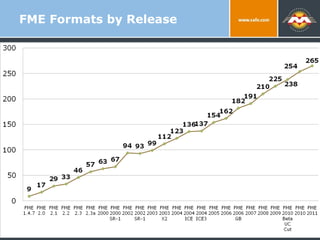
FME Formats by Release 9/2/10 Trends and Directions in Spatial Data Exchange
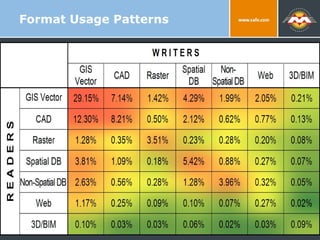
Format Usage Patterns 9/2/10
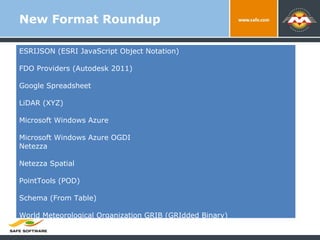
New Format Roundup ESRIJSON (ESRI JavaScript Object Notation) FDO Providers (Autodesk 2011) Google Spreadsheet LiDAR (XYZ) Microsoft Windows Azure Microsoft Windows Azure OGDI Netezza Netezza Spatial PointTools (POD) Schema (From Table) World Meteorological Organization GRIB (GRIdded Binary)
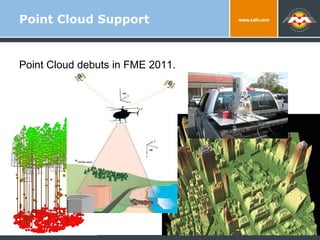
Point Cloud Support Point Cloud debuts in FME 2011.
Point Cloud Support What can you do with Point Clouds?
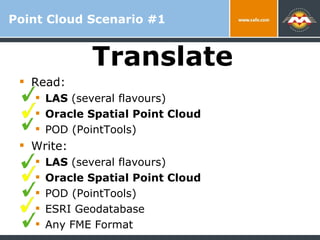
Point Cloud Scenario #1 Read: LAS  (several flavours) Oracle Spatial Point Cloud POD (PointTools) Write: LAS  (several flavours) Oracle Spatial Point Cloud POD (PointTools) ESRI Geodatabase Any FME Format Translate
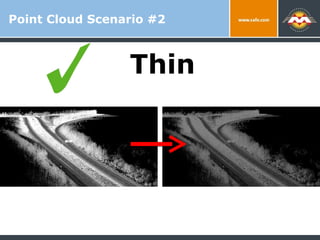
Point Cloud Scenario #2 Thin
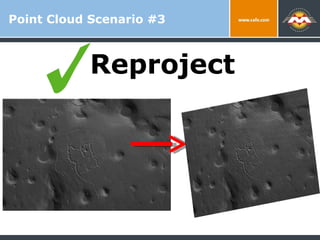
Point Cloud Scenario #3 Reproject
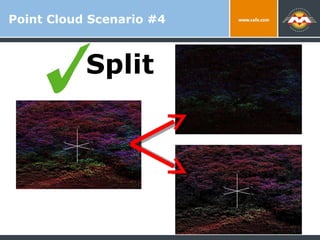
Point Cloud Scenario #4 Split
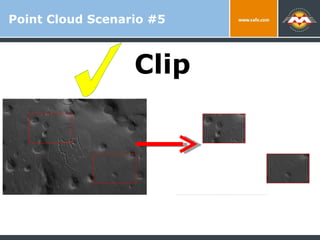
Point Cloud Scenario #5 Clip
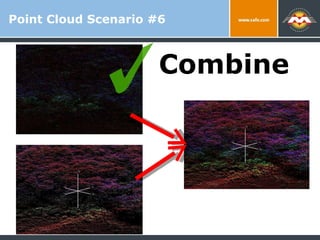
Point Cloud Scenario #6 Combine
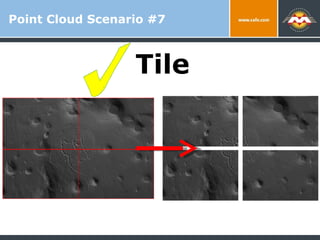
Point Cloud Scenario #7 Tile
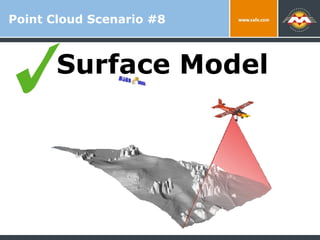
Point Cloud Scenario #8 Surface Model
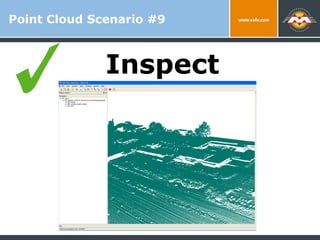
Point Cloud Scenario #9 Inspect
Point Cloud Scenario #10 Chip
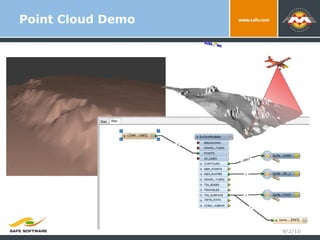
Point Cloud Demo 9/2/10
Light and Fluffy Engine
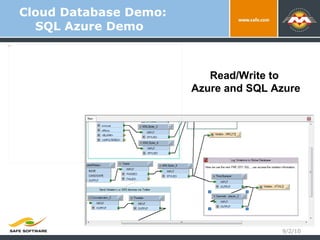
Cloud Database Demo: SQL Azure Demo 9/2/10 Read/Write to  Azure and SQL Azure
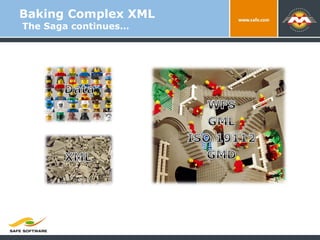
Baking Complex XML  The Saga continues…
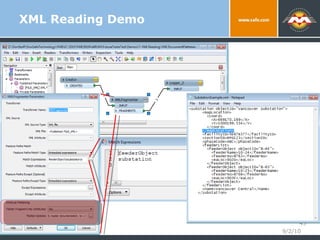
XML Reading Demo 9/2/10
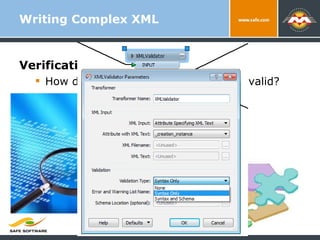
Verification? How do we know the XML we write is valid? Writing Complex XML
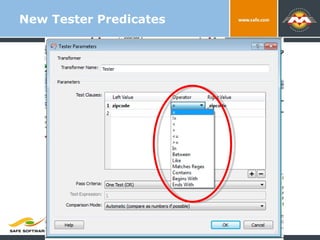
New Tester Predicates
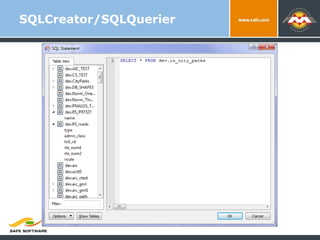
SQLCreator/SQLQuerier
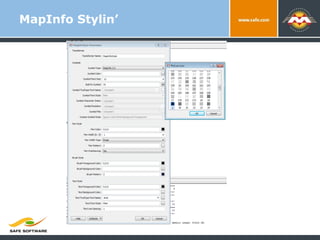
MapInfo Stylin’
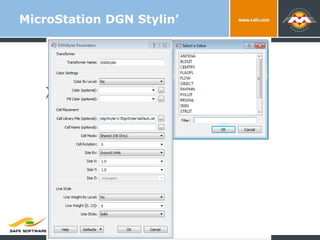
MicroStation DGN Stylin’
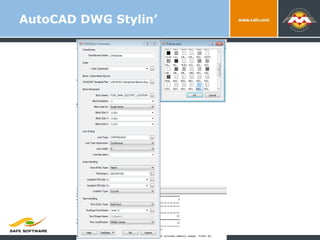
AutoCAD DWG Stylin’
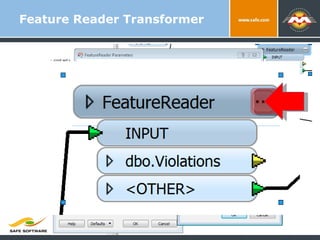
Feature Reader Transformer
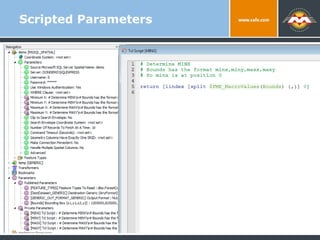
Scripted Parameters
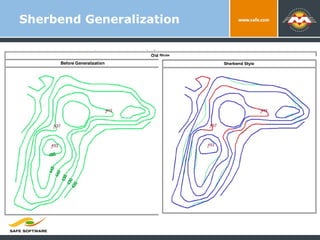
Sherbend Generalization
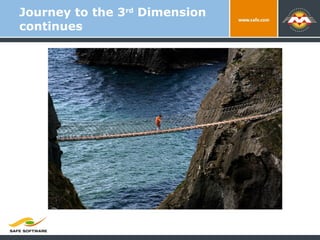
Journey to the 3 rd  Dimension continues
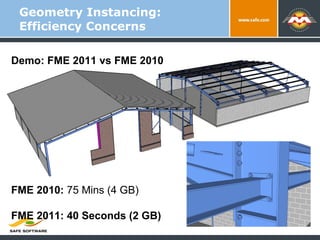
Geometry Instancing: Efficiency Concerns Demo: FME 2011 vs FME 2010 FME 2010:  75 Mins (4 GB) FME 2011: 40 Seconds (2 GB)
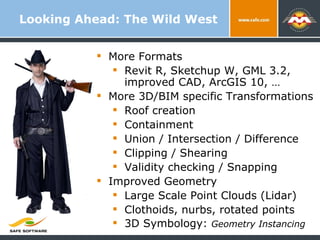
Looking Ahead: The Wild West More Formats Revit R, Sketchup W, GML 3.2, improved CAD, ArcGIS 10, … More 3D/BIM specific Transformations Roof creation Containment Union / Intersection / Difference Clipping / Shearing Validity checking / Snapping Improved Geometry Large Scale Point Clouds (Lidar) Clothoids, nurbs, rotated points 3D Symbology:  Geometry Instancing
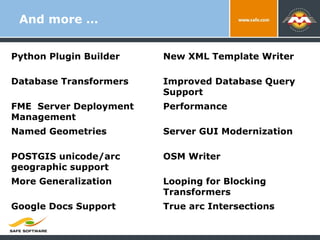
And more … Python Plugin Builder New XML Template Writer Database Transformers Improved Database Query Support FME  Server Deployment Management Performance Named Geometries Server GUI Modernization POSTGIS unicode/arc geographic support OSM Writer More Generalization Looping for Blocking Transformers Google Docs Support True arc Intersections
Thank You! Don’t hesitate to drop us suggestions, comments, ideas, opportunities, etc: Email:  [email_address] @DonAtSafe http://fmepedia.com http://www.safe.com http://blog.safe.com
Thank You! Questions? For more information: Enter name and email address Enter company name Enter other resources

Taste Test: FME 2011 & Beyond

Editor's Notes

  • #8 D&D: Show: Dale’s Sydney Harbor Bridge KML tour, PDF with links: http://www.fmepedia.com/index.php/PDF_Mapping, Before and after of Tom’s XML workspaces
  • #9 D&D: Show: Dale’s Sydney Harbor Bridge KML tour, PDF with links: http://www.fmepedia.com/index.php/PDF_Mapping, Before and after of Tom’s XML workspaces
  • #10 D&D: Show: Dale’s Sydney Harbor Bridge KML tour, PDF with links: http://www.fmepedia.com/index.php/PDF_Mapping, Before and after of Tom’s XML workspaces
  • #11 D&D: Show: Dale’s Sydney Harbor Bridge KML tour, PDF with links: http://www.fmepedia.com/index.php/PDF_Mapping, Before and after of Tom’s XML workspaces
  • #12 D&D: Show: Dale’s Sydney Harbor Bridge KML tour, PDF with links: http://www.fmepedia.com/index.php/PDF_Mapping, Before and after of Tom’s XML workspaces
  • #13 D&D: Show: Dale’s Sydney Harbor Bridge KML tour, PDF with links: http://www.fmepedia.com/index.php/PDF_Mapping, Before and after of Tom’s XML workspaces
  • #17 Yesterday we talked about how with FME 2008, we’re taking spatial ETL to new dimensions. Today, we’ll focus on how FME Server helps raise the bar in how you leverage the power of spatial ETL across the enterprise and beyond.  
  • #42 Show how easy it is to go to both Azure and SQL Azure. (Azure is not spatial) Also show the inspector here.
  • #43 Problem Lots of user data is stored in relational databases or files with flat table structures, and increasingly there are requirements to generate difficult/complex XML from this data are on the increase (OGC, INSPIRE, etc). State of Montana’s desire to convert their Spatial Names Database from ESRI Personal Geodatabase into the ISO 19112 XML standard ( Spatial referencing by geographic identifiers). Previous attempts at XML writing with FME have required specialized knowledge of an additional XML language (XSLT, XFMAP, XQUERY). Solution XMLTemplater allows us to use the power of xQuery but hide a lot of the complexity using a ‘Hierarchical Template Representation’ methodology. How it works Start with complete XML document representing your desired output. Determine which pieces of the document will change and make XML templates. In this case, need to turn features into iso19112:SI_LocationInstance XML elements. The iso19112:SI_LocationInstance XML template specifies which attributes will be used to generate the XML. All of the iso19112:SI_LocationInstance XML snippets will then be inserted into the complete wfs:FeatureCollection XML template. The workflow in FME is: read the geodatabase table, read a XML template and use attributes from each feature to generate XML, Logger: see the attributes values from the feature are present in the XML, read another XML template and use the XML from the previous XMLTemplater to generate the final XML, write it out with the text file writer. Pitfalls Easy to generate invalid XML (no validation) Hasn’t been tested with very complicated source data and XML output.
  • #44 Idea here is to explain that when FME 2011 ships you will be able to specify the “tags” that are the feature type and also the name of the “Feature Type”. Currently this is done by a custom transformer. You could show it to just drive home that they will not need to know this or not.
  • #57 D&D: Show: Dale’s Sydney Harbor Bridge KML tour, PDF with links: http://www.fmepedia.com/index.php/PDF_Mapping, Before and after of Tom’s XML workspaces